Using Blended Learning Technologies in the ESL ClassroomBy: Sandra Costa
 Context  IT teacher giving support to ESL teachers in Elementary
 Students aged 7 - 10
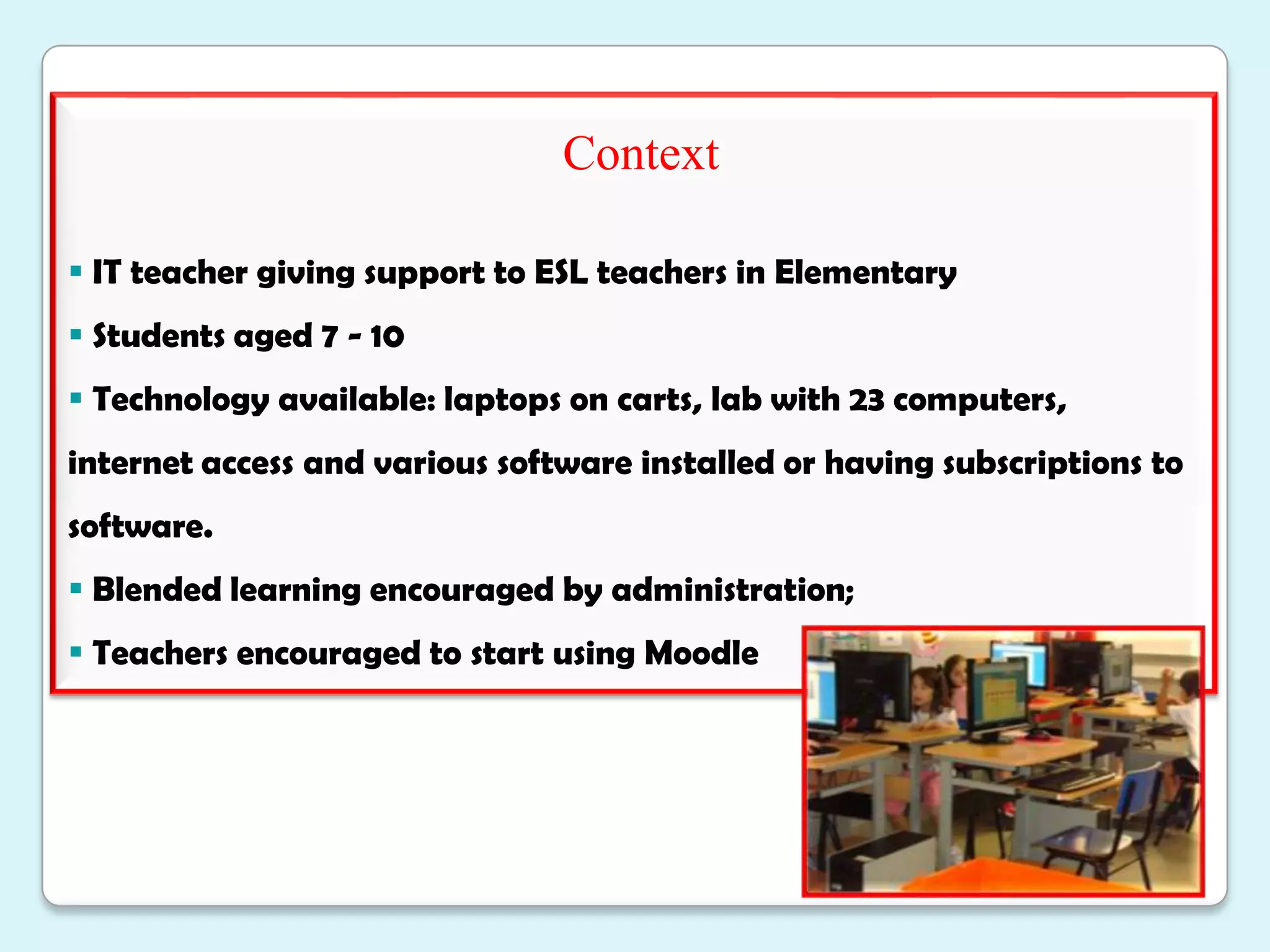
 Technology available: laptops on carts, lab with 23 computers,  internet access and various software installed or having subscriptions to software.
 Blended learning encouraged by administration;
 Teachers encouraged to start using MoodleIssue/Need Teachers not comfortable with using new technology
There is a need for collaborative, inquiry-based, task-based learning method.(McLoughlin and Lee, 2007:669)
 Teachers constraints (lack of time/student limited time);  teacher-student method of teaching (Warschauer and Healy , 1998:59)
 Teachers need to be made aware of new technologies, to enhance their teaching as well as challenge students. (Brandl, 2002)
Need to introduce pedagogies that feature collaboration and use of web 2.0 toolsTeacher Challenges: blending Office with other e-tools and e-resources with e-activities (Littlejohn and Pegler, 2009: 71-5)

Blended learning Technologies in ESL Classroom

  • 1.
    Using Blended LearningTechnologies in the ESL ClassroomBy: Sandra Costa
  • 2.
    Context IT teacher giving support to ESL teachers in Elementary
  • 3.
  • 4.
    Technology available:laptops on carts, lab with 23 computers, internet access and various software installed or having subscriptions to software.
  • 5.
    Blended learningencouraged by administration;
  • 6.
    Teachers encouragedto start using MoodleIssue/Need Teachers not comfortable with using new technology
  • 7.
    There is aneed for collaborative, inquiry-based, task-based learning method.(McLoughlin and Lee, 2007:669)
  • 8.
    Teachers constraints(lack of time/student limited time); teacher-student method of teaching (Warschauer and Healy , 1998:59)
  • 9.
    Teachers needto be made aware of new technologies, to enhance their teaching as well as challenge students. (Brandl, 2002)
  • 10.
    Need to introducepedagogies that feature collaboration and use of web 2.0 toolsTeacher Challenges: blending Office with other e-tools and e-resources with e-activities (Littlejohn and Pegler, 2009: 71-5)
  • 11.
    Ensure successfulblending considering the dynamics that may affect blending and the way in which each blend will impact upon the others (Littlejohn and Pegler, 2009: 71-5):
  • 12.
    purpose ofthe learning
  • 13.
  • 14.
    approaches toteaching & learning
  • 15.
    Giving students choicewithin a supportive environment
  • 16.
    Fostering asense of community
  • 17.
    Learn howto embed into Wiki
  • 18.
    Track studentfeedback and assessing online activityProposalPresent a group project-based idea with various activities to include blended learning technologies (McLoughlin and Lee, 2007:66+6)
  • 19.
    Proposal foruse of Wiki (its affordances for group project-based assignments) + include Web 2.0 tools (research + presentation)
  • 20.
    Present Web2.0 tools (Warschauer and Healy , 1998:60-1)
  • 21.
  • 22.
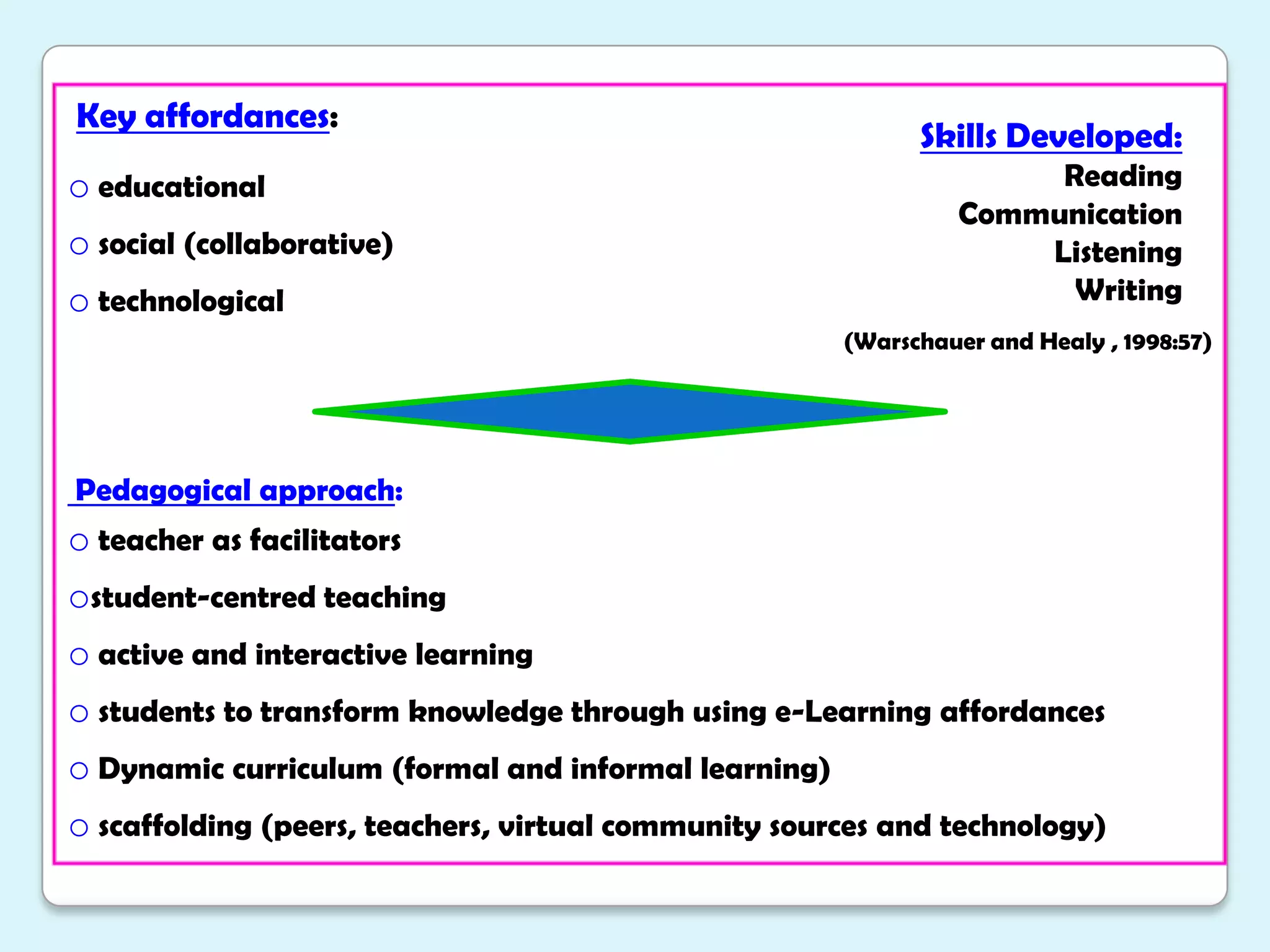
    Introduce teachersto synchronous and asynchronous tools (blended learning)Key affordances: educational
  • 23.
  • 24.
    technological (Warschauerand Healy , 1998:57) Pedagogical approach: teacher as facilitators
  • 25.
  • 26.
    active andinteractive learning
  • 27.
    students totransform knowledge through using e-Learning affordances
  • 28.
    Dynamic curriculum (formaland informal learning)
  • 29.
    scaffolding (peers, teachers,virtual community sources and technology)Skills Developed:ReadingCommunicationListeningWriting
  • 30.
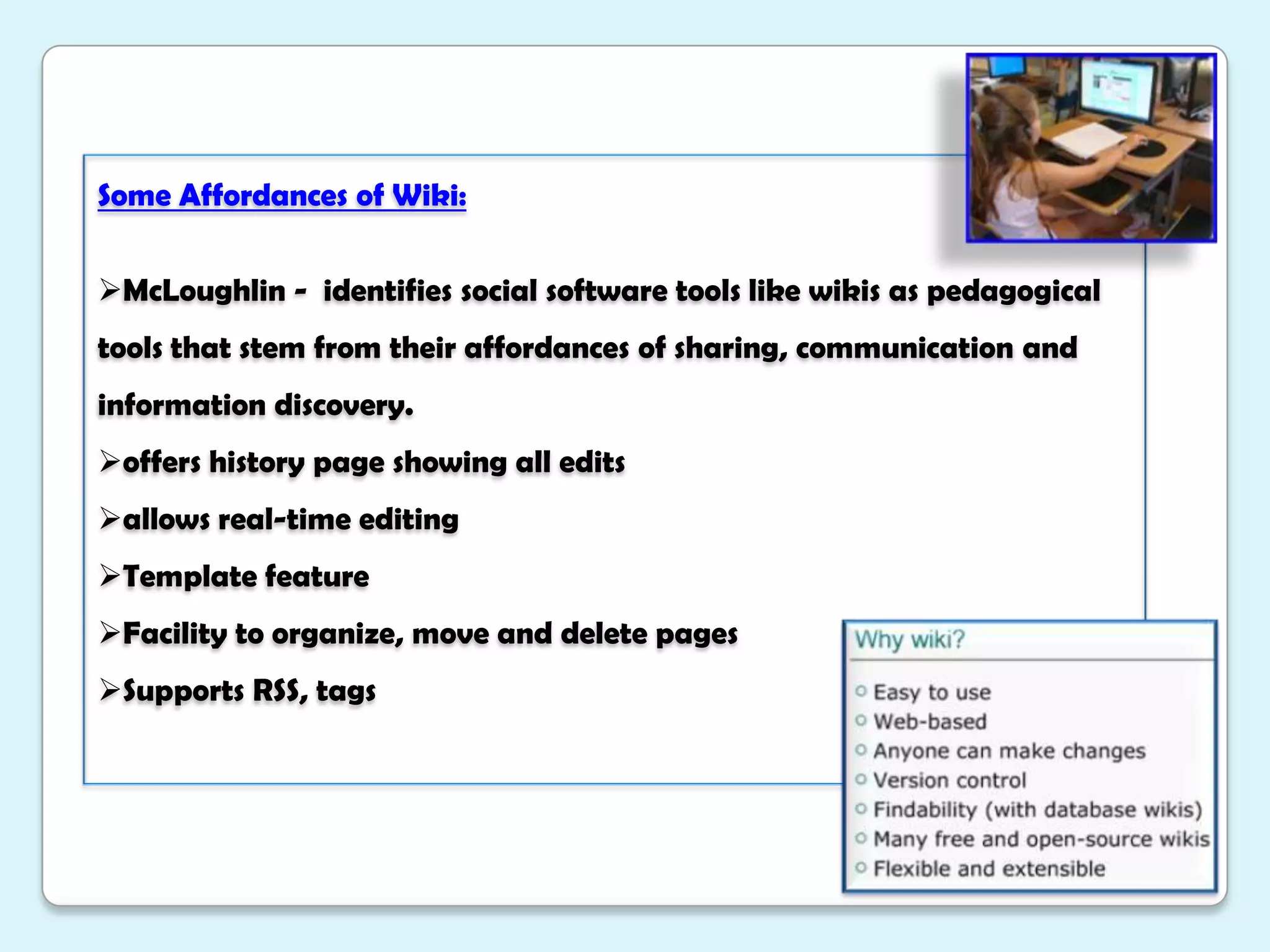
    Some Affordances ofWiki:McLoughlin - identifies social software tools like wikis as pedagogical tools that stem from their affordances of sharing, communication and information discovery.
  • 31.
    offers history pageshowing all edits
  • 32.
  • 33.
  • 34.
    Facility to organize,move and delete pages
  • 35.
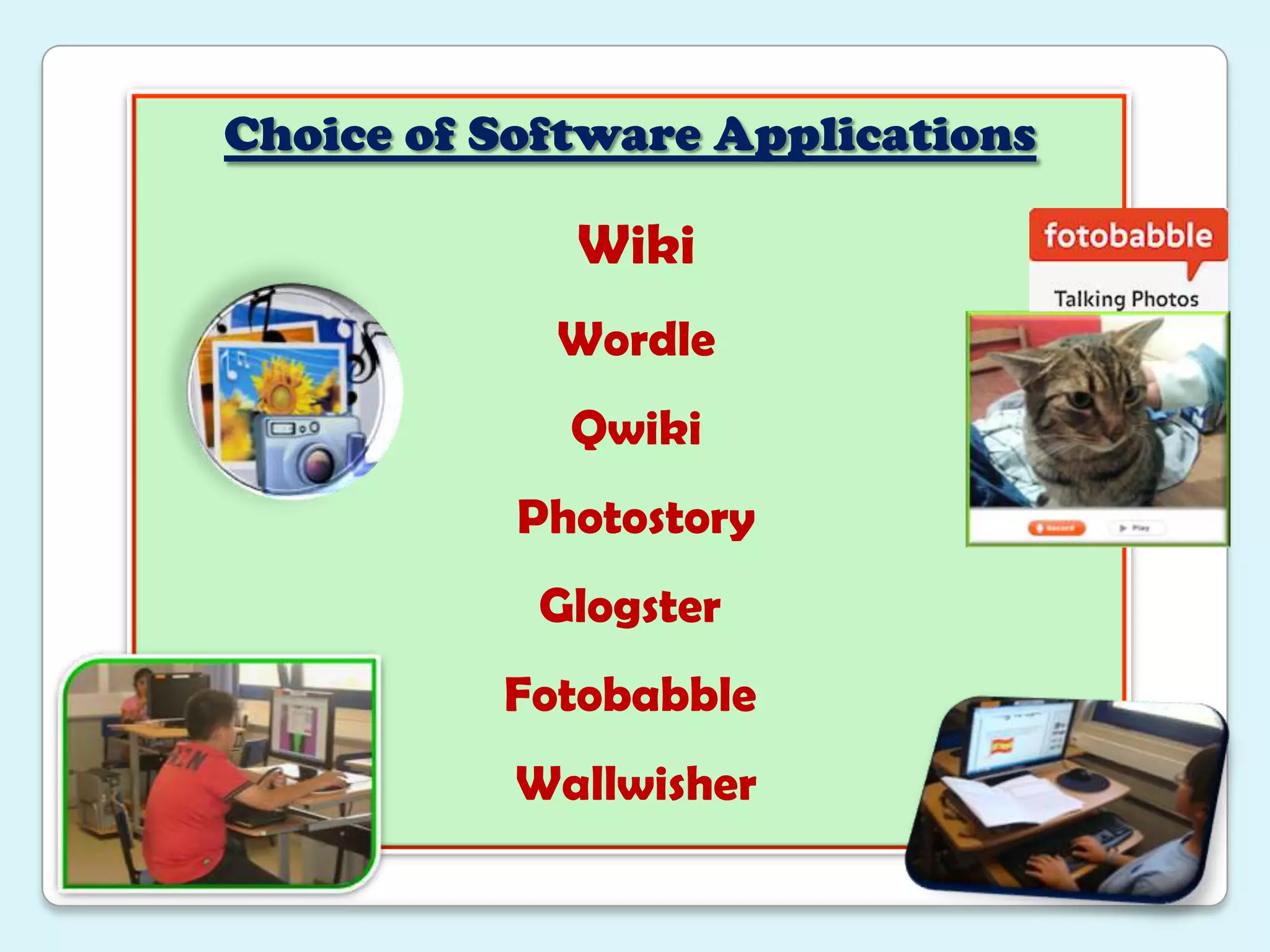
    Supports RSS, tagsChoiceof Software ApplicationsWikiWordleQwiki PhotostoryGlogsterFotobabble Wallwisher
  • 36.
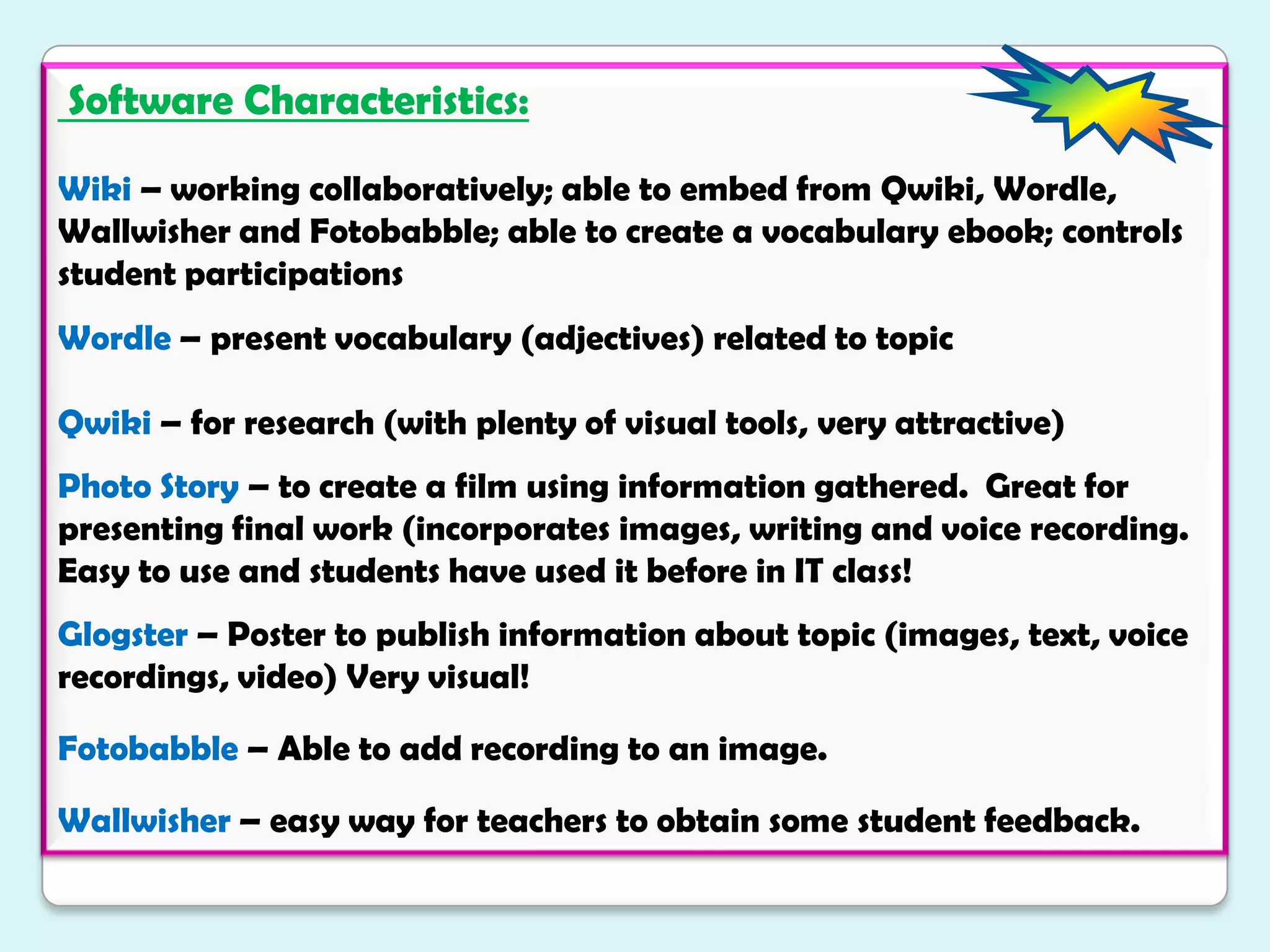
    Software Characteristics:Wiki– working collaboratively; able to embed from Qwiki, Wordle, Wallwisher and Fotobabble; able to create a vocabulary ebook; controls student participationsWordle– present vocabulary (adjectives) related to topicQwiki – for research (with plenty of visual tools, very attractive)Photo Story – to create a film using information gathered. Great for presenting final work (incorporates images, writing and voice recording. Easy to use and students have used it before in IT class!Glogster– Poster to publish information about topic (images, text, voice recordings, video) Very visual!Fotobabble – Able to add recording to an image. Wallwisher– easy way for teachers to obtain some student feedback.
  • 37.
    ReferencesKessler, G. (2009)Student-Initiated Attention to Form in Wiki-based Collaborative Writing. “Language Learning and Technology” pg 79-95. Online.McLoughlin, C. and Lee M. (2007) Social Software and Participatory Learning: Pedagogical Choices with Technology Affordances in the Web 2.0 era. “Proceedings ascilite 2007” 664-672.Augar, N. et al. (2004) “Teaching and learning online with wikis”. Ascilite 2004. Online.Brandl, Klaus. 2002. Integrating Internet Based Reading Materials into the Foreign Language Curriculum: From Teacher-To Student-Centered Approaches” Language Learning and Technology, 6(3) 87-107. Littlejohn, A. and Pegler, C. “Preparing for Blended e-learning”. London: Routledge, 2009.McNaught, C. And Lam, P. (2010) “Using Wordle as a Supplementary Research Tool” “The Qualitative Report” 15(3): 630-43.Wheeler, S. Yeomans and Wheeler D. (2008) “The good, the bad and the wiki: evaluating student-generated content for collaborative learning”. “British Journal of Educational Technology” 39(6): 987-95.