Download as PDF, PPTX
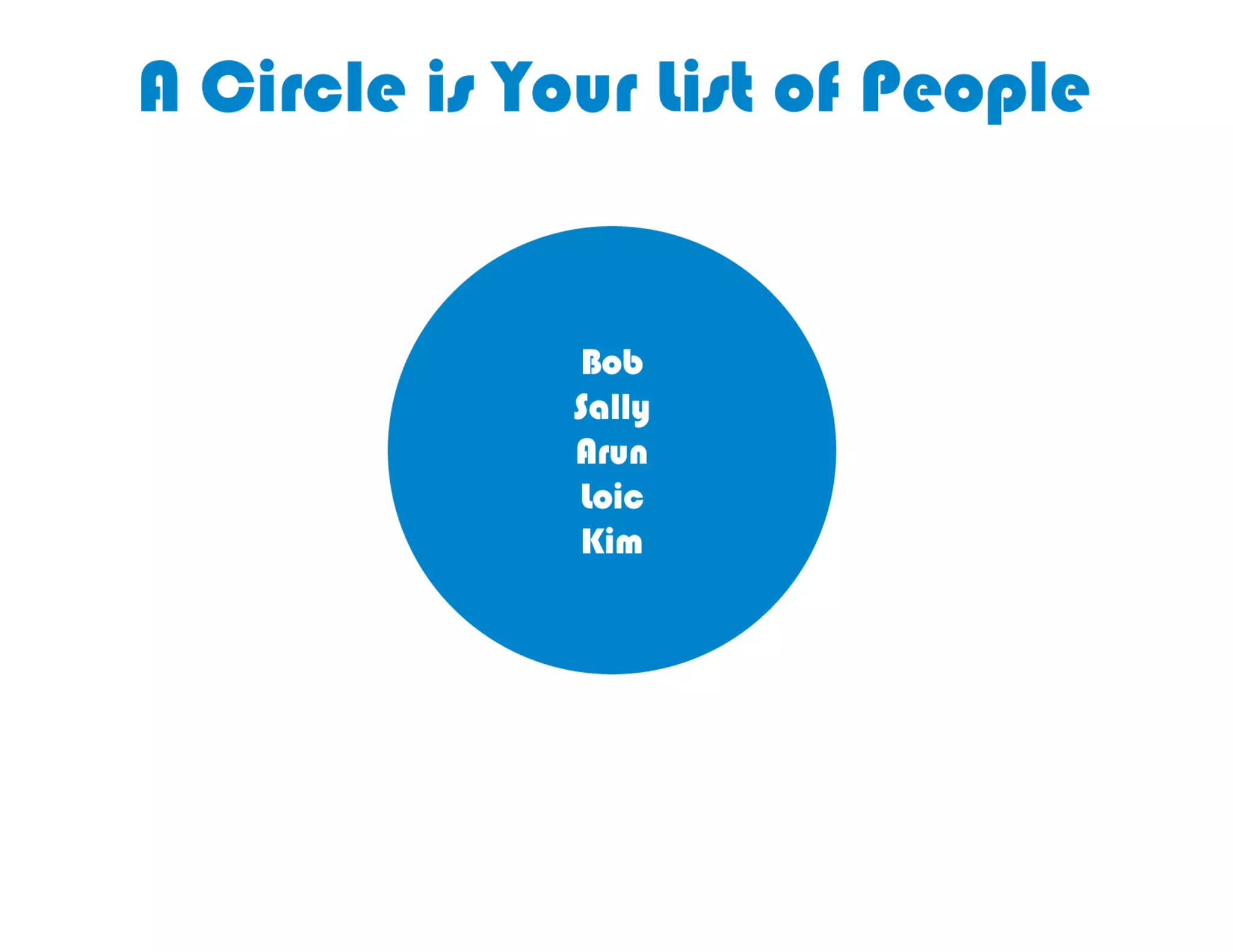
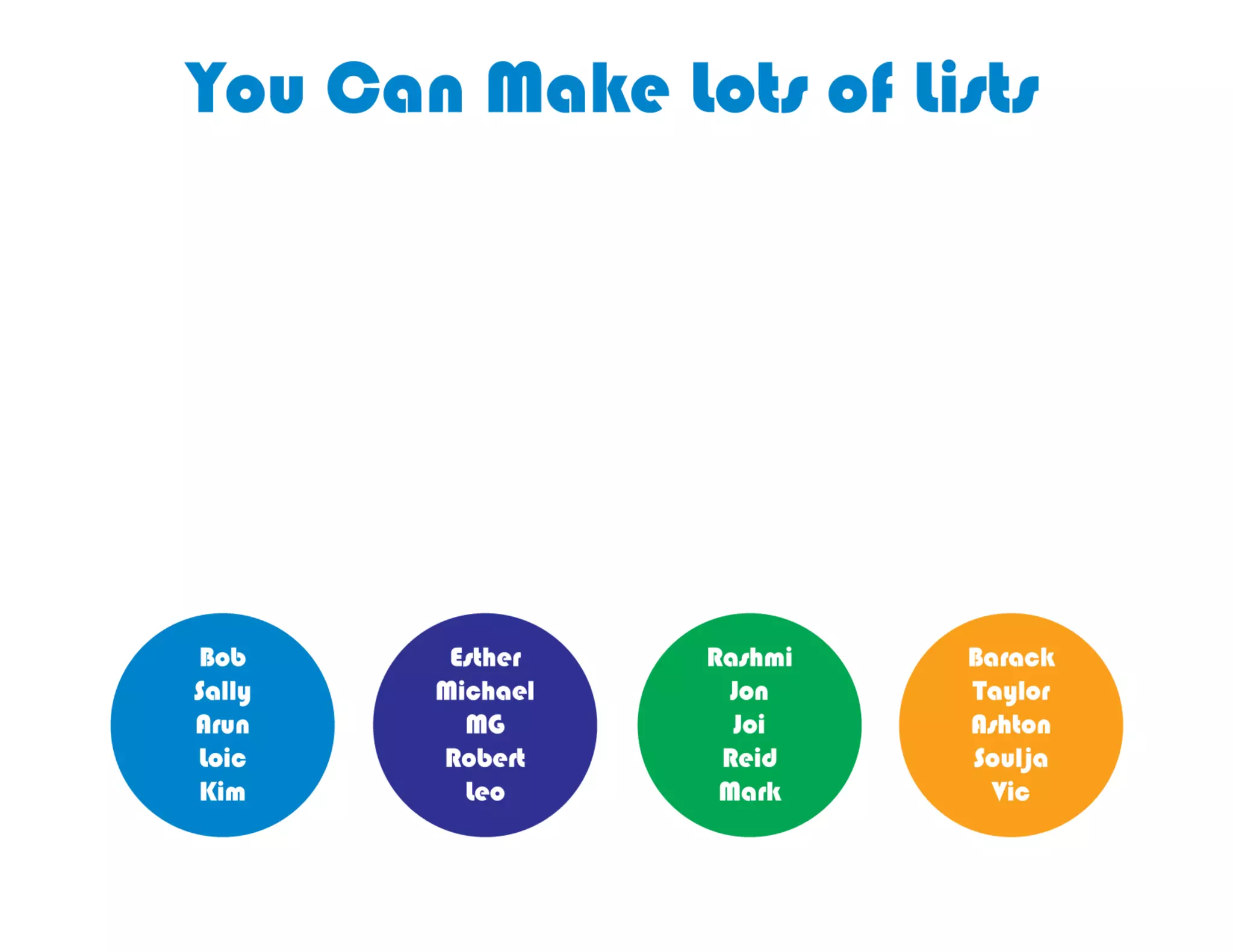
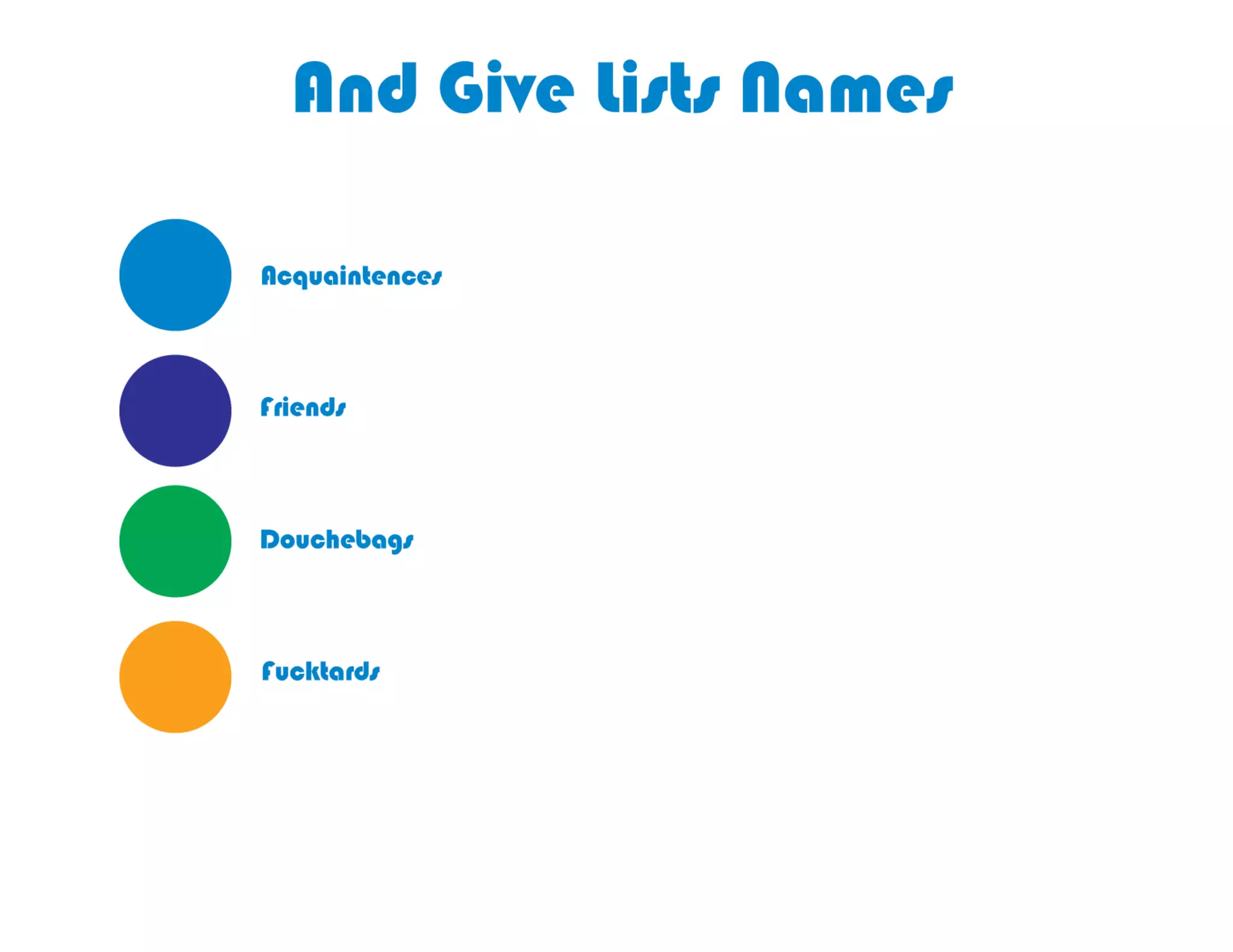
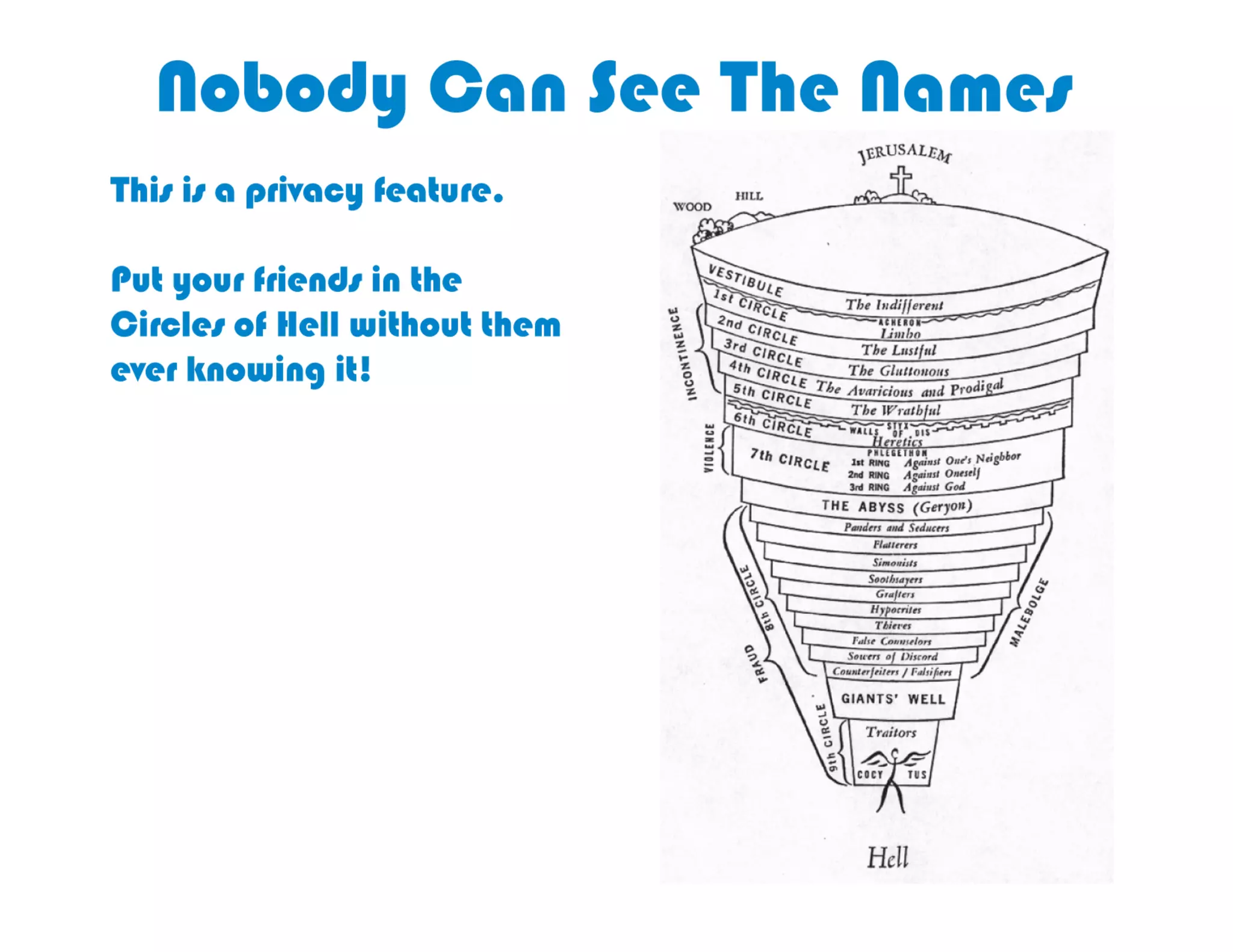
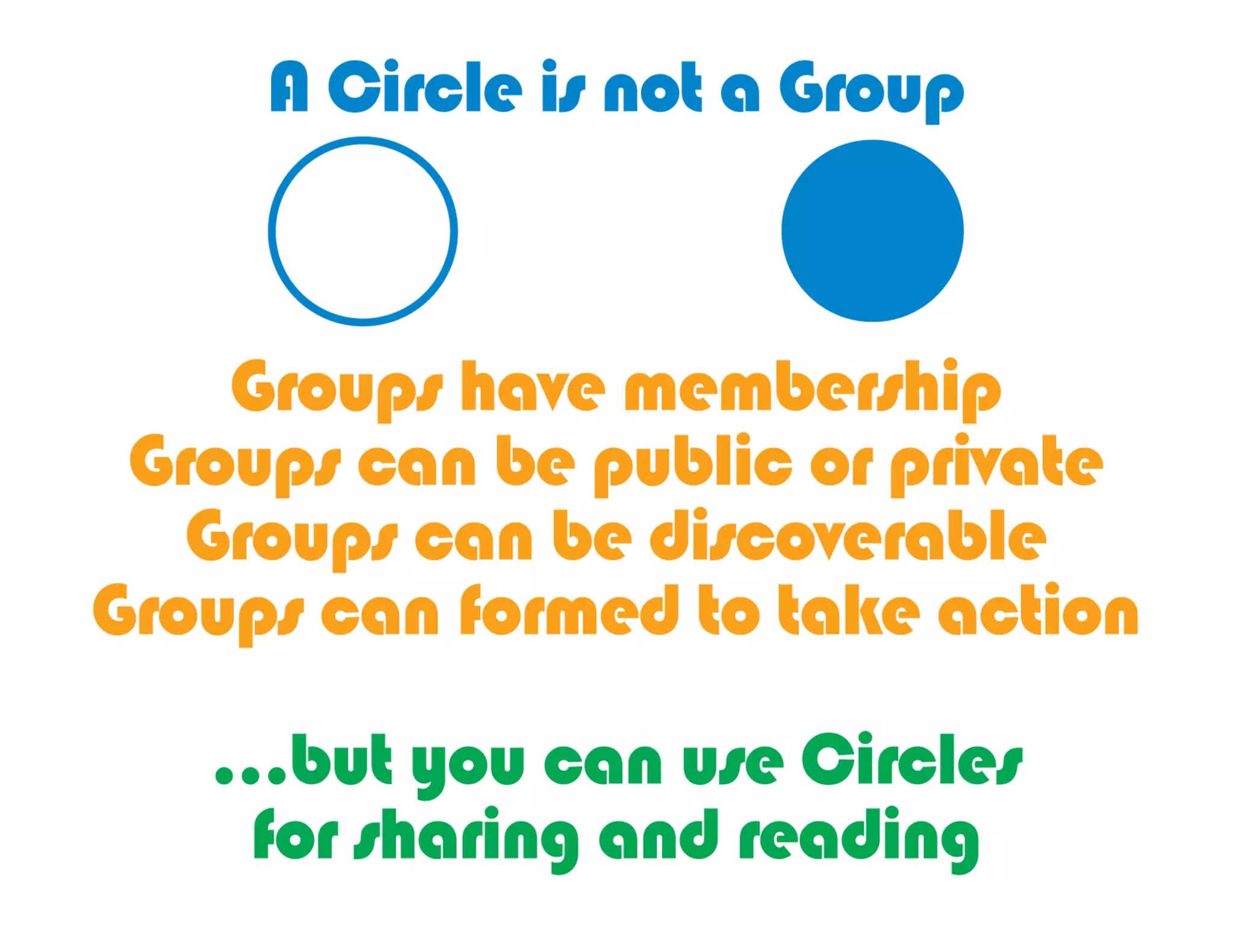
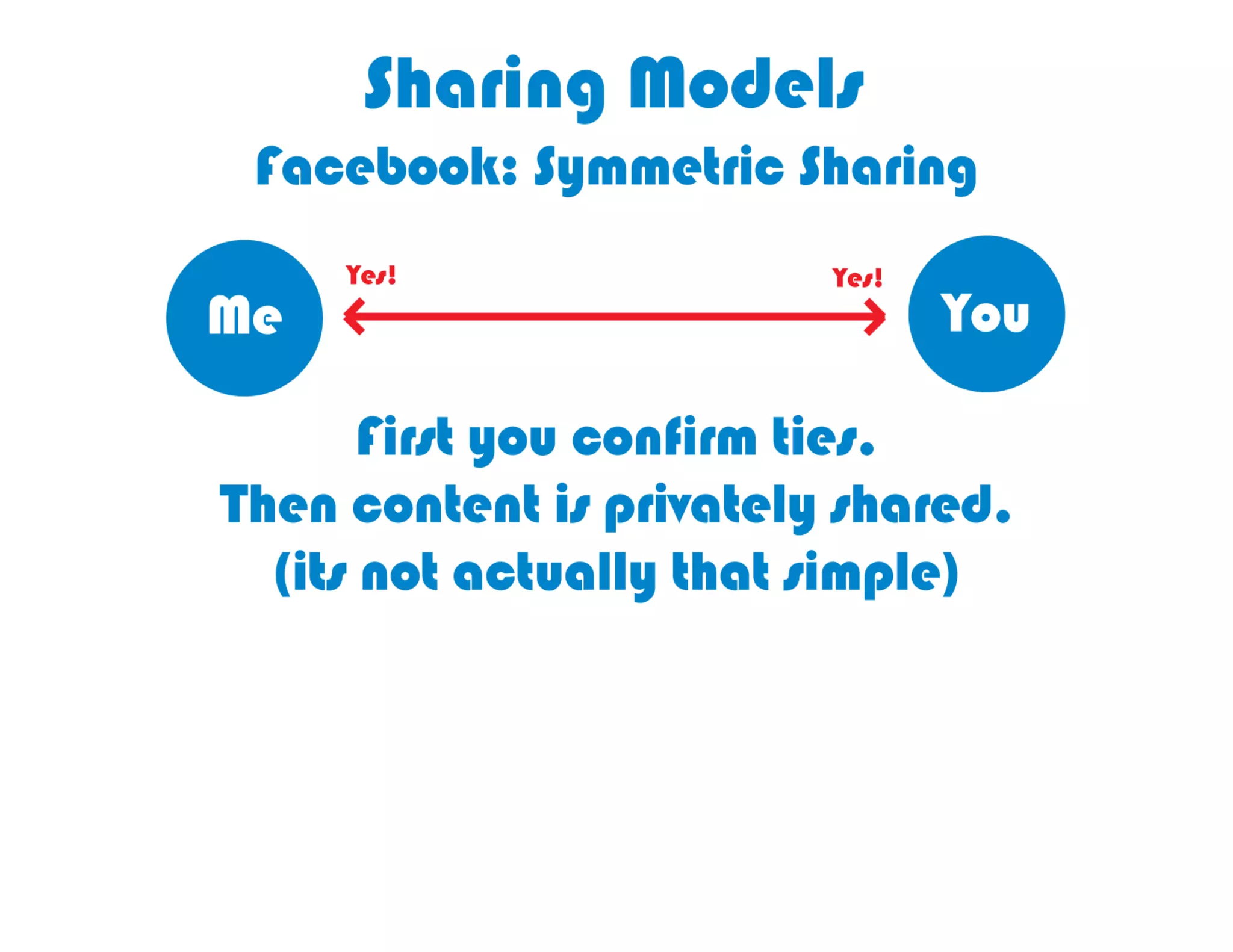
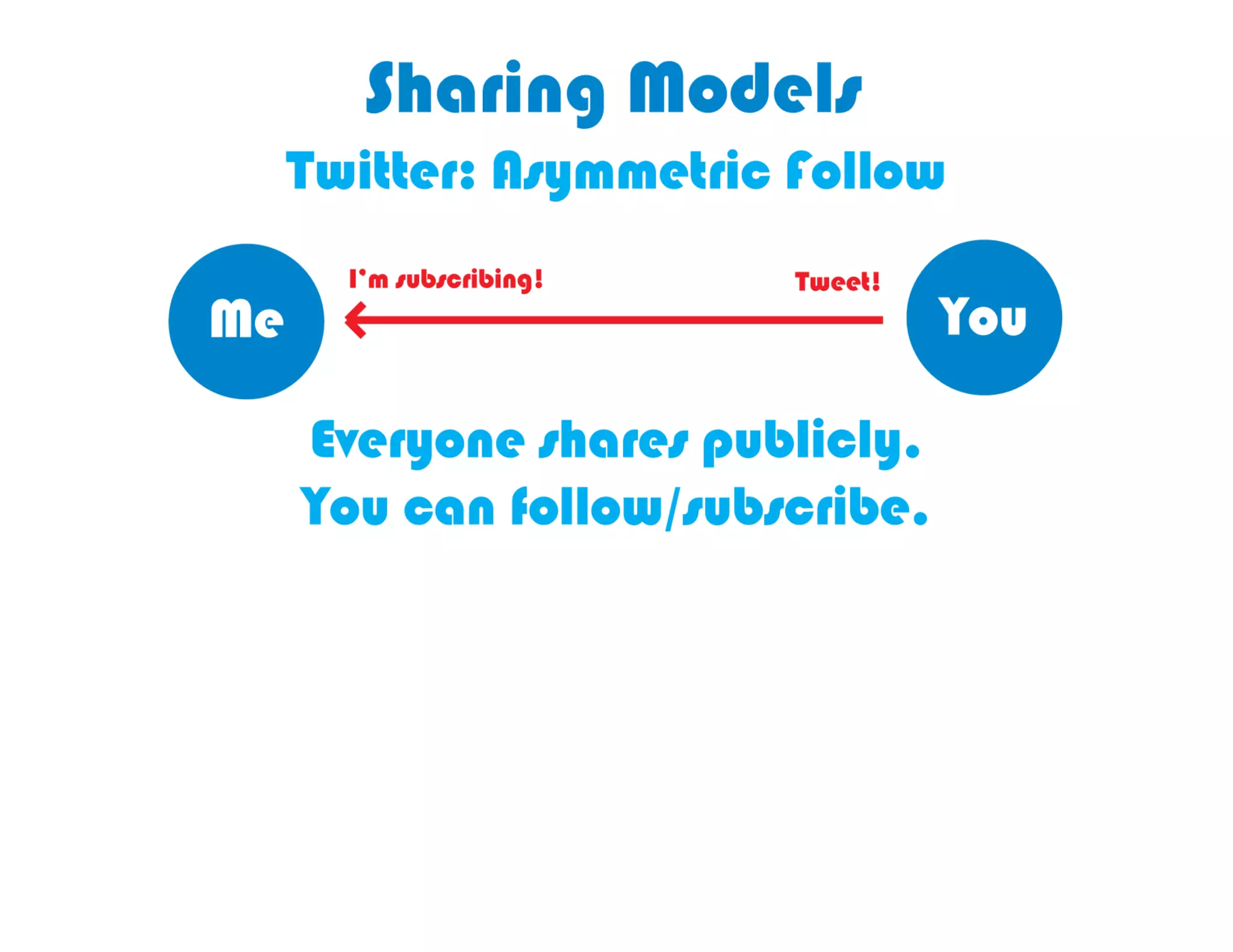
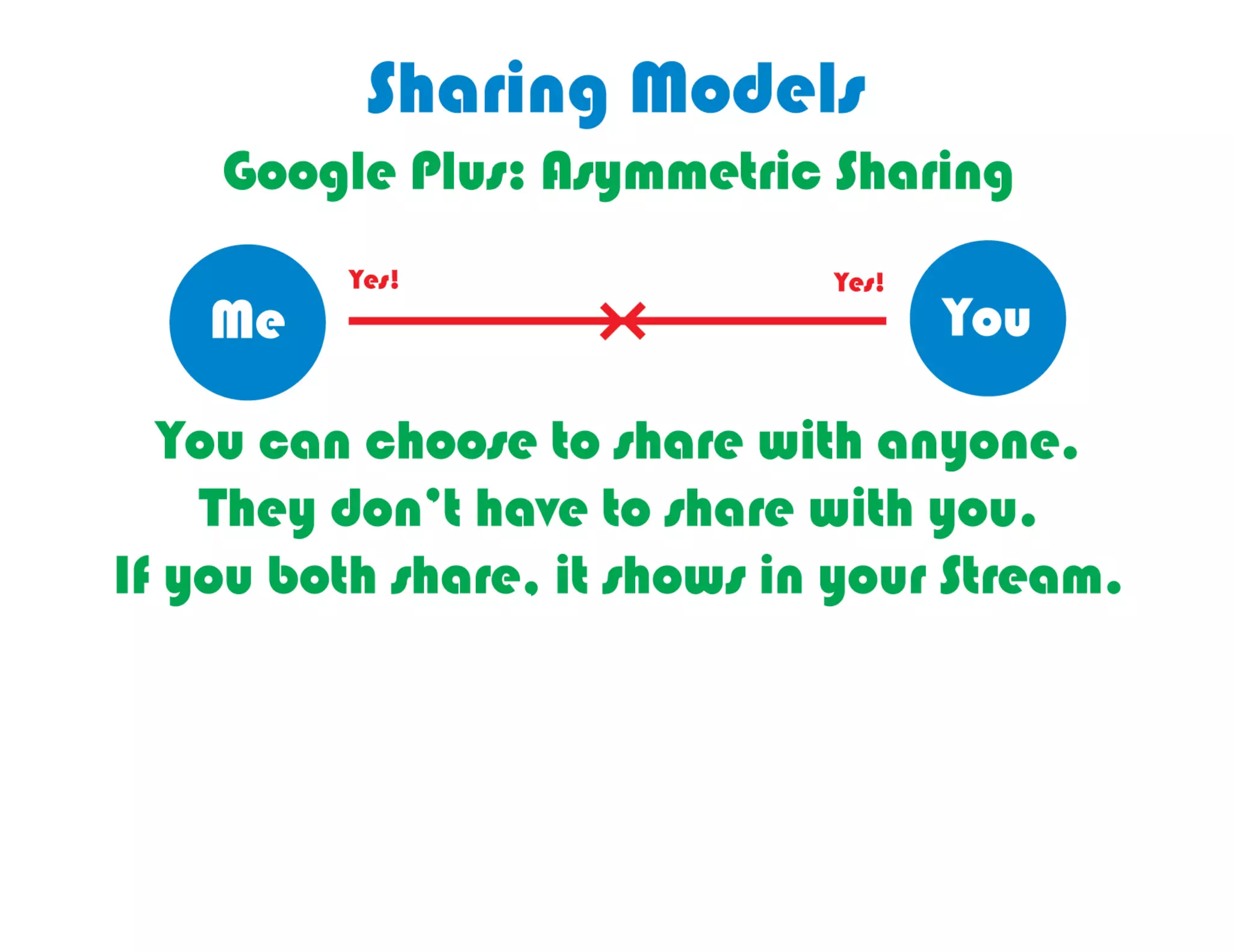
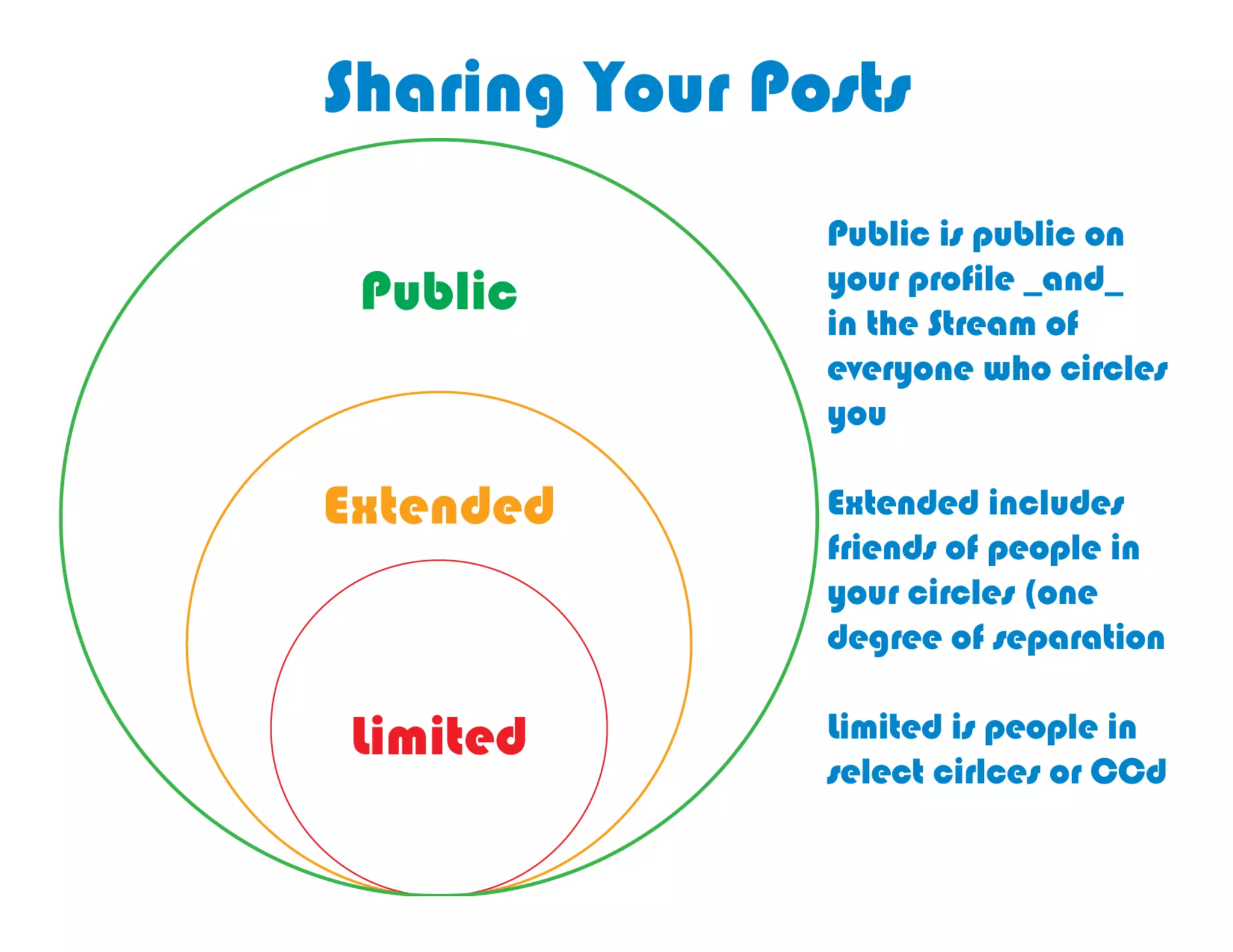
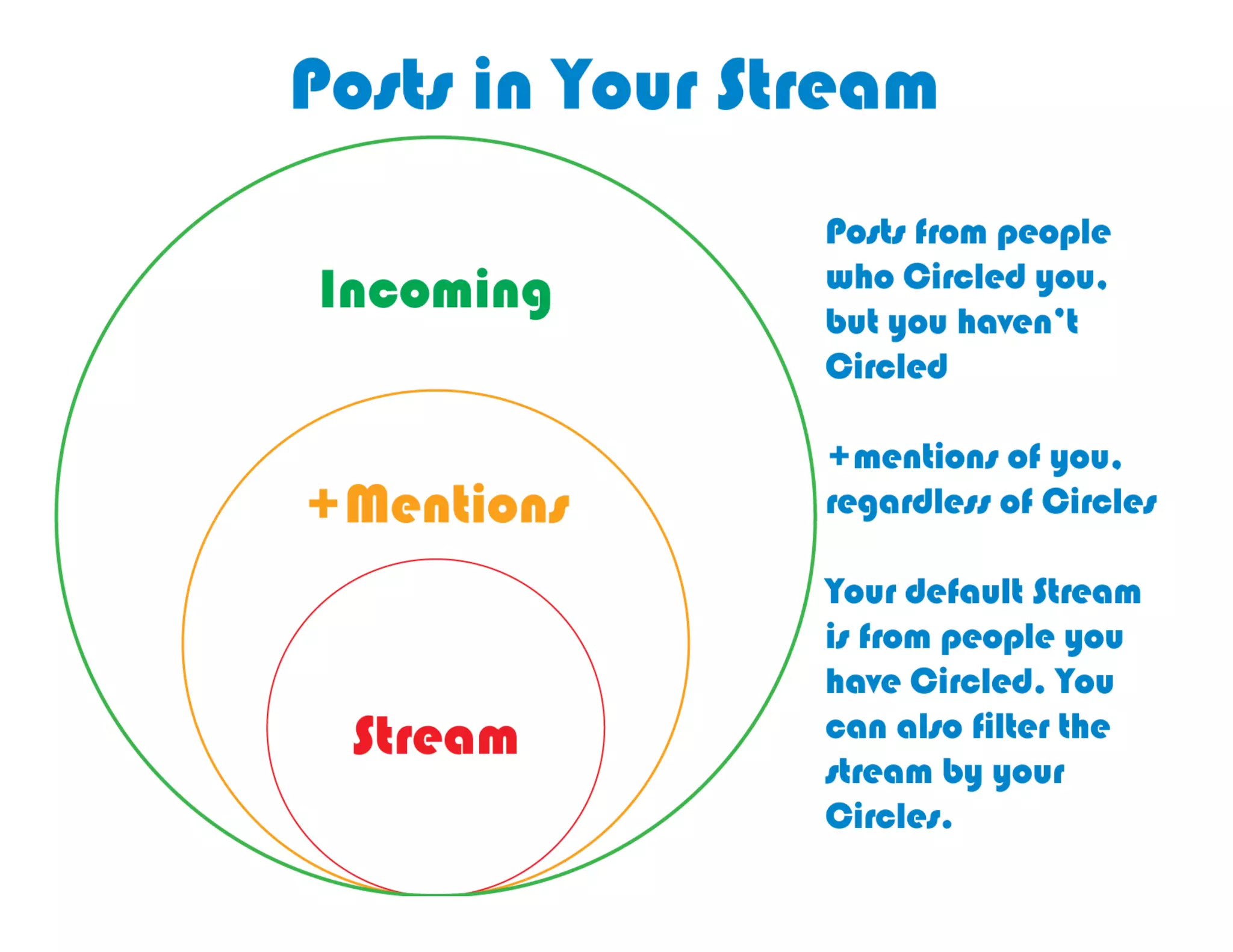
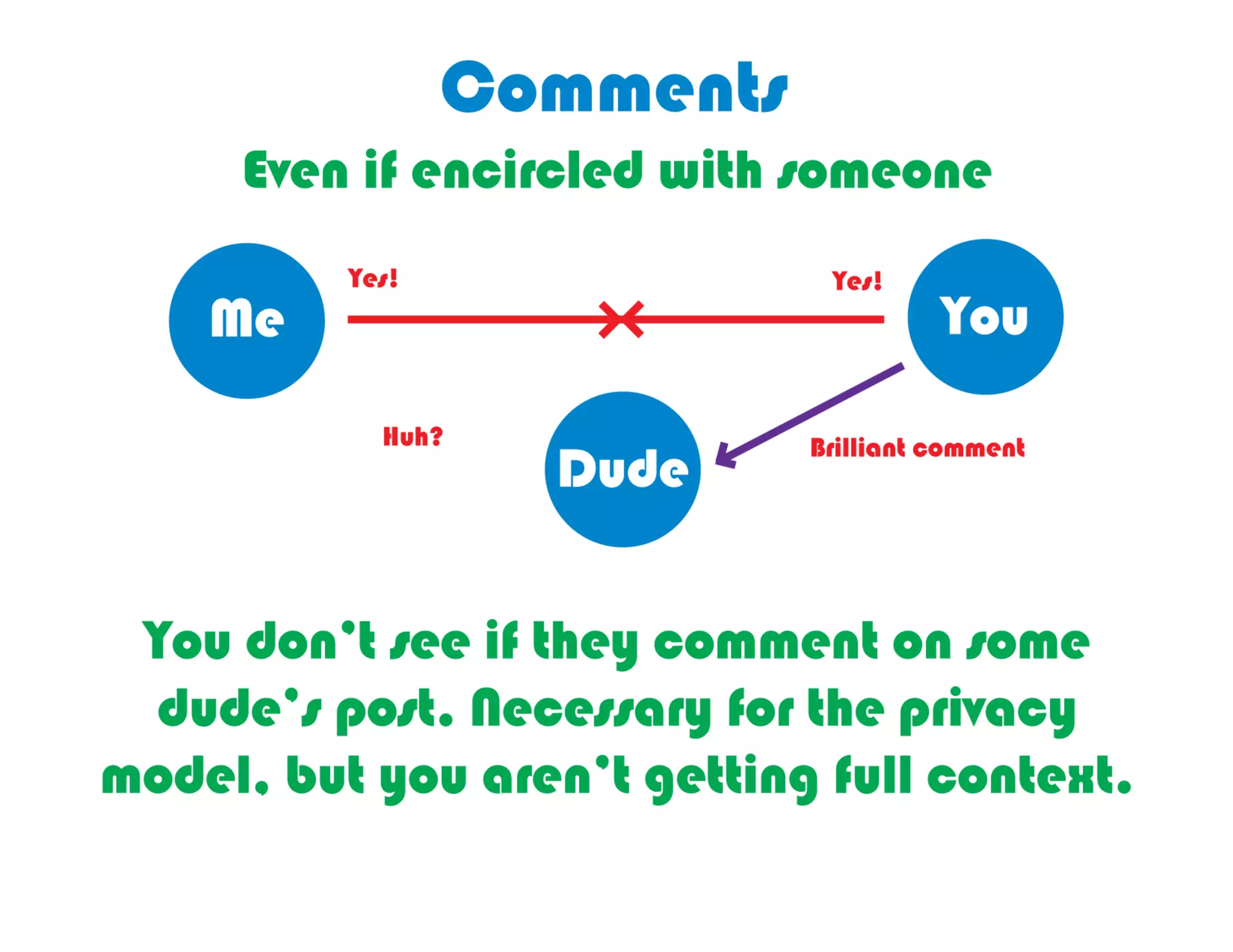
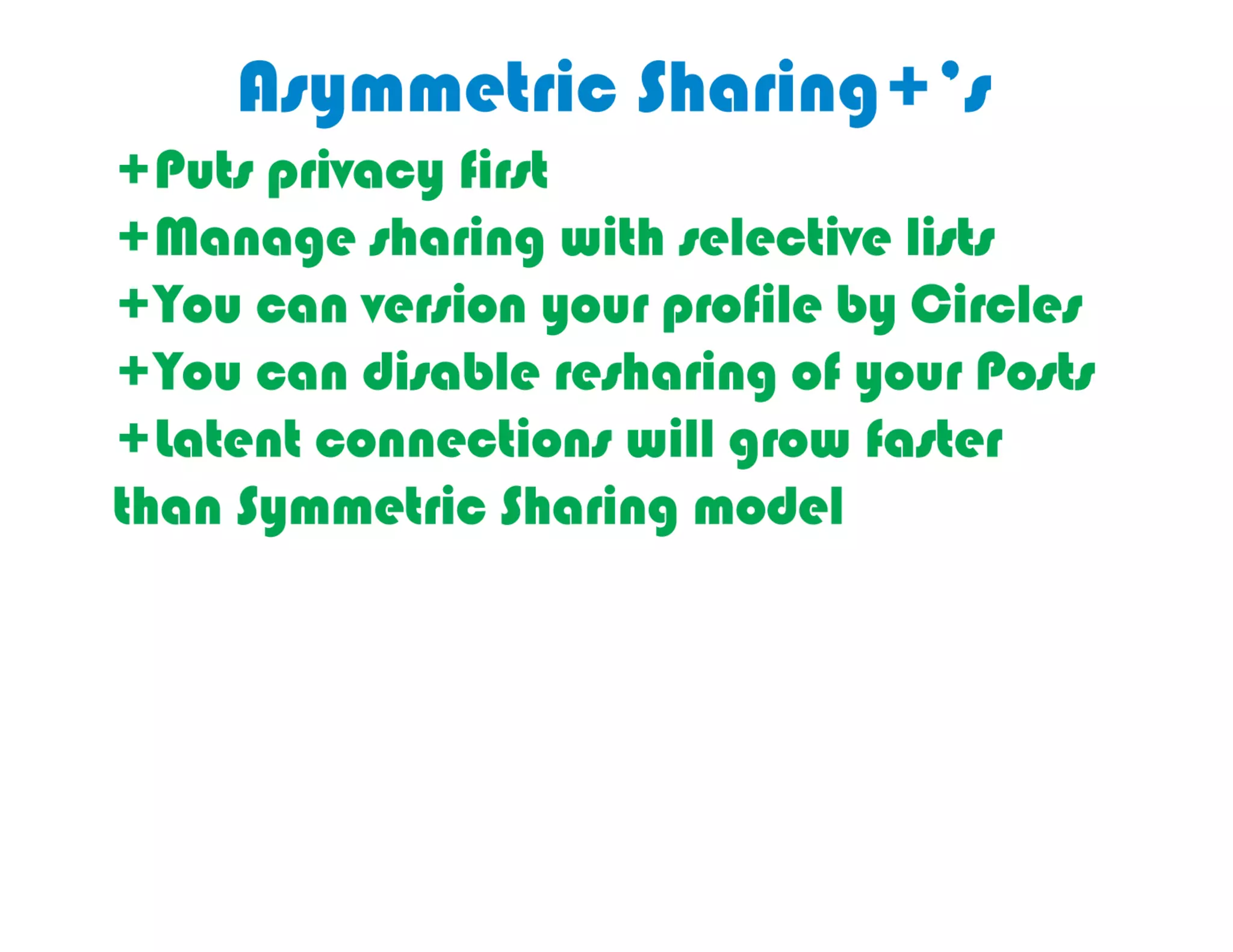
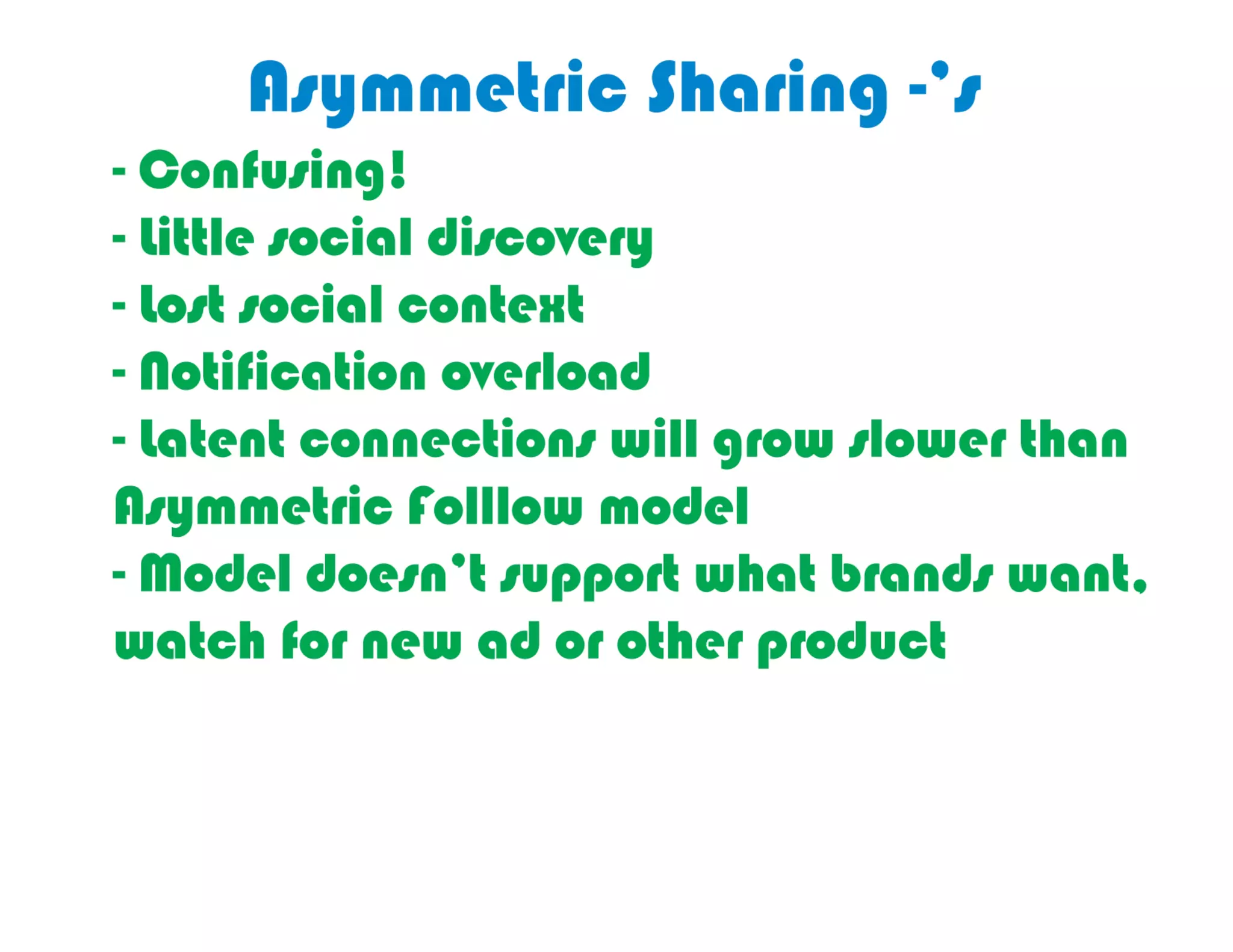


Google+ circles allow users to categorize people into private lists for customized sharing, distinguishing them from public groups. This asymmetric sharing model enables privacy and control over who sees content, as opposed to platforms like Facebook, which operate on symmetric sharing. The document highlights the benefits and drawbacks of this system, emphasizing user management and connection options.


![[Updated 8/11/11] Google Plus for Marketers: Summary, Review, Implications an...](https://cdn.slidesharecdn.com/ss_thumbnails/googleplusformarketingexecsgage-110721103550-phpapp02-thumbnail.jpg?width=640&height=640&fit=bounds)


![Vibe Coding vs. Spec-Driven Development [Free Meetup]](https://cdn.slidesharecdn.com/ss_thumbnails/vibecodingvsspecdrivendevelopment-251209105622-43f455e7-thumbnail.jpg?width=640&height=640&fit=bounds)