The Top Free  Tools for Learning Jane Hart Centre for Learning & Performance Technologies www.C4LPT.co.uk
 
What is “free” Freeware offered free of charge.   might have an End User Licence each license will be particular to the software, but generally you can't re-sell it although you might be able to redistribute it.   Open source tightens up sometimes loose freeware arrangements.   made available as source code under a copyright license which allows users to copy, use and modify it provided that you agree to provide the source to others.   a number of open source licences, e.g. the GNU Public License.   Liteware free version of commercial software.   often doesn’t offer full functionality, or will display ads, or will only support a small number of users or pieces of content.   Trialware free software that expires within a period of time or watermarks the content until the full software is purchased.
Availability Download Install on personal computers or servers Online  Web-based tools or services
 
Top Tools for Learning “What are your 10 favourite tools for your personal learning/working or for creating learning for others?”
 
 
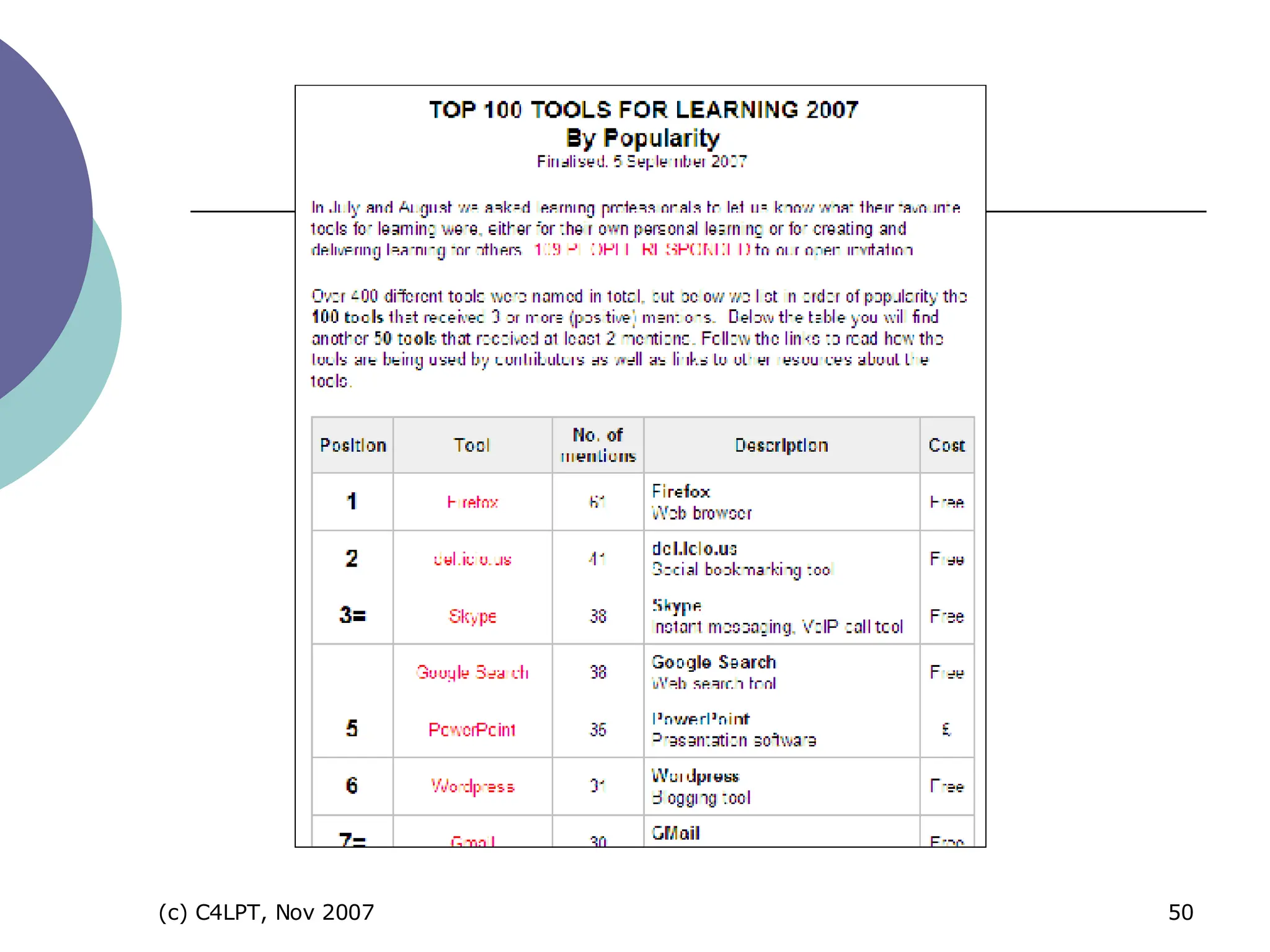
Results 109 respondents from academic and corporate training worlds Over 400 tools mentioned 100 tools mentioned 3 or more times 50 mentioned twice Not all “dedicated” learning tools – many are multi-purpose tools Over 75% of tools are FREE
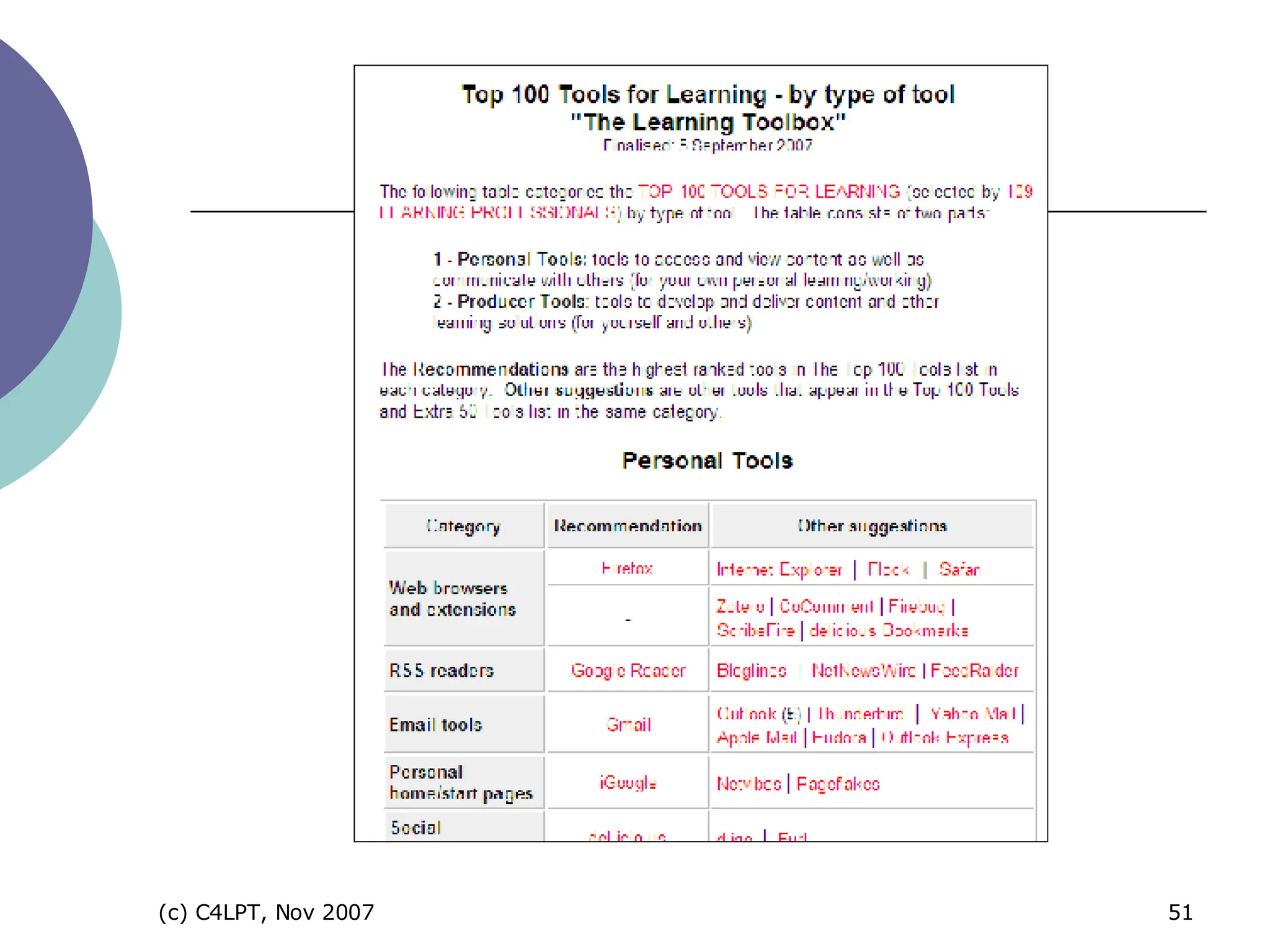
Top 100 Tools Personal Tools tools for managing your own learning Producer Tools tools for creating and delivering informational, instructional,  collaborative and performance support solutions
Personal Tools Free tools for managing your own learning
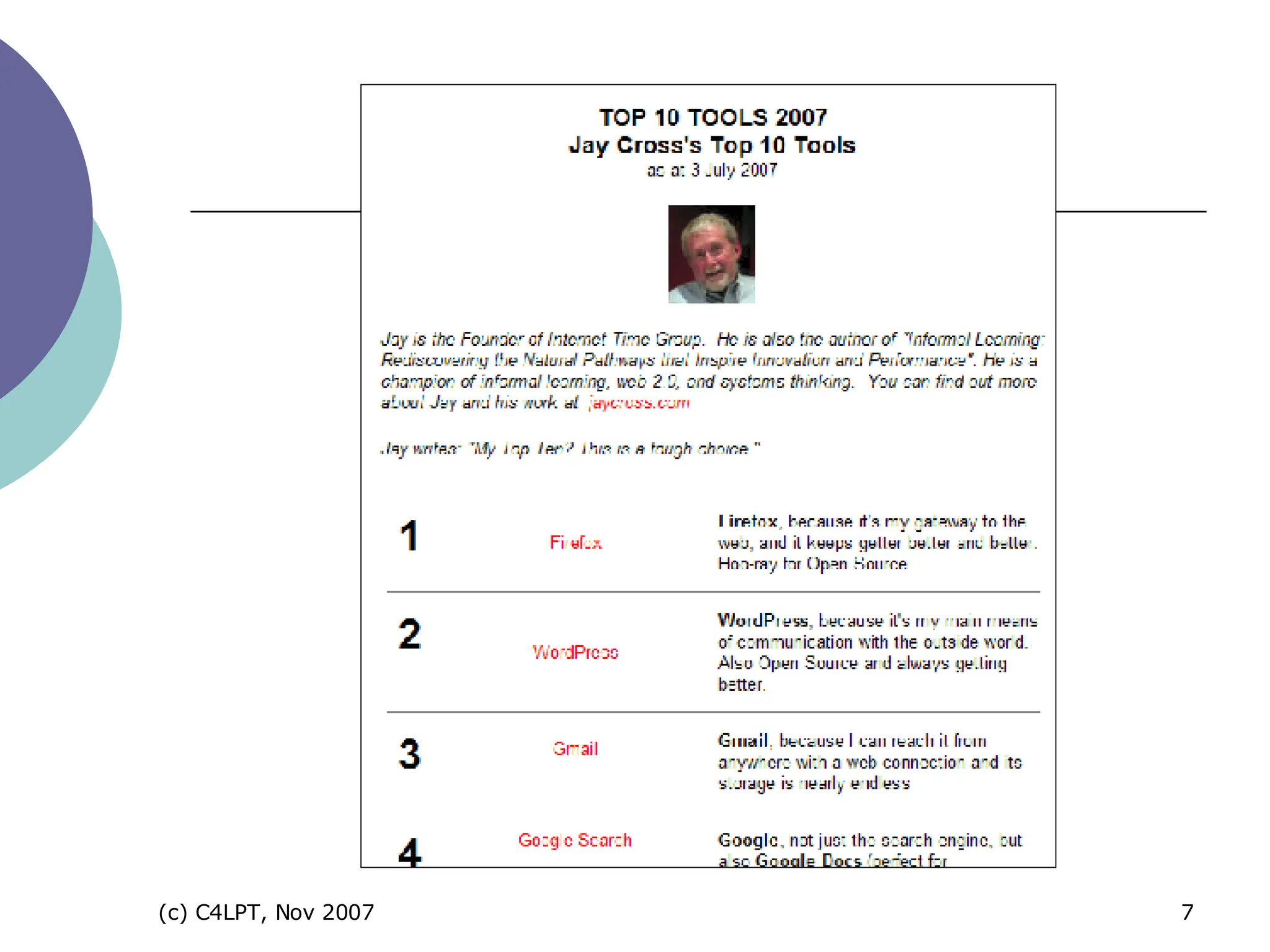
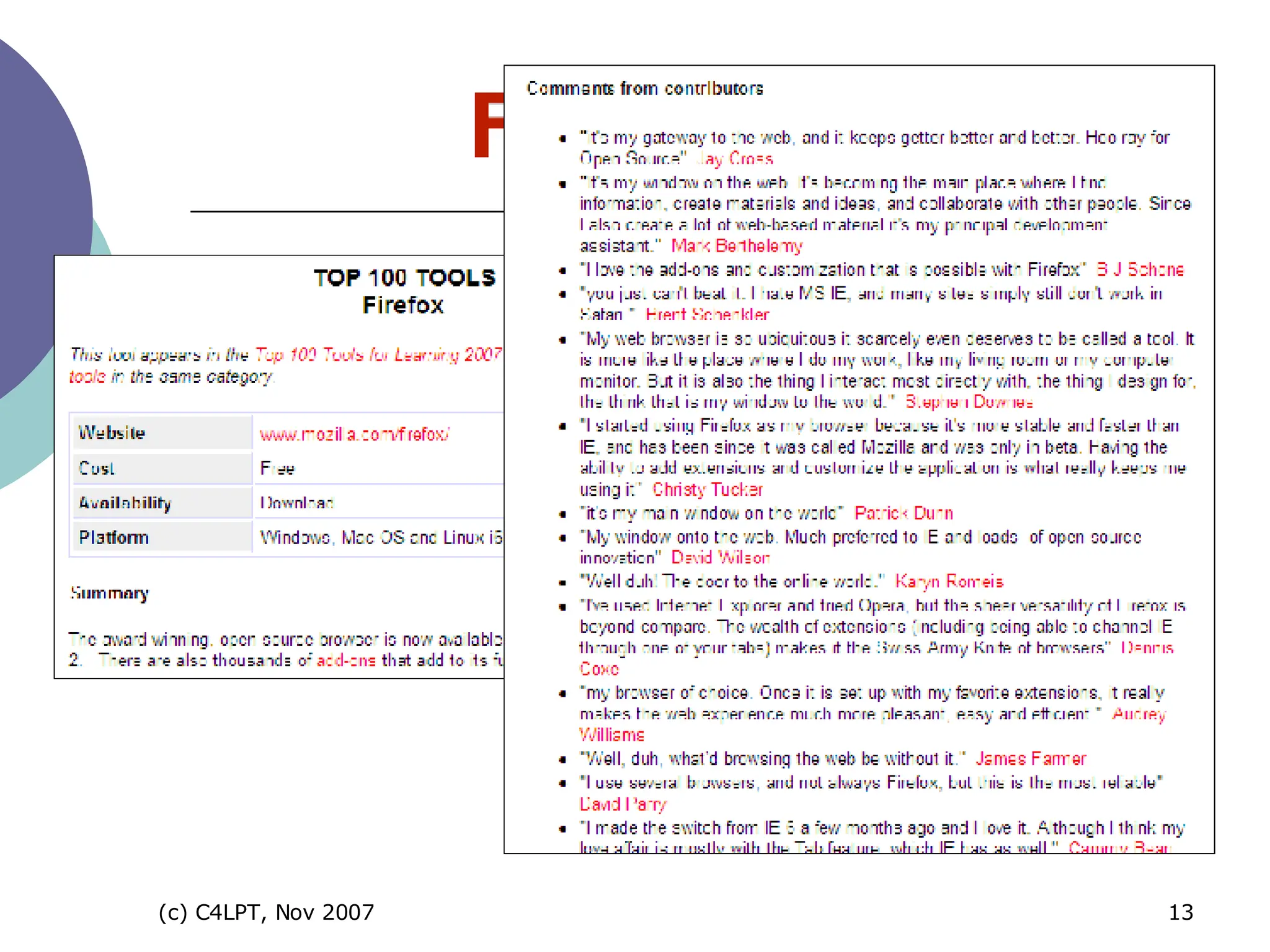
1 “ window into the Web” “ ease of use”, “functionality” “ hundreds of add-ons”, e.g. Zotero, ScribeFire, FireBug Firefox 3 very soon!
 
online social bookmarking tool “ store, tag and share bookmarks” “ search for and find bookmarks” “ find out about new things” 2
instant messaging tool to download “ VoIP and low-cost calls to landlines” “ useful for collaboration”  “ third-party add-ons extend its functionality” 3=
invaluable search engine  “ Googling” is essential “ ultimate e-learning tool”  for some “represents the whole Google brand” 3=
 
most popular e-mail tool web-based (although now IMAP)  “search”, “tagging”, “threaded conversations” “large amount of storage space” 7=
open source cross-platform email client from Mozilla (as Firefox) “ stable”, “easy to use”, “easy on memory”, “reads RSS” “ growing range of add-ons” 22=
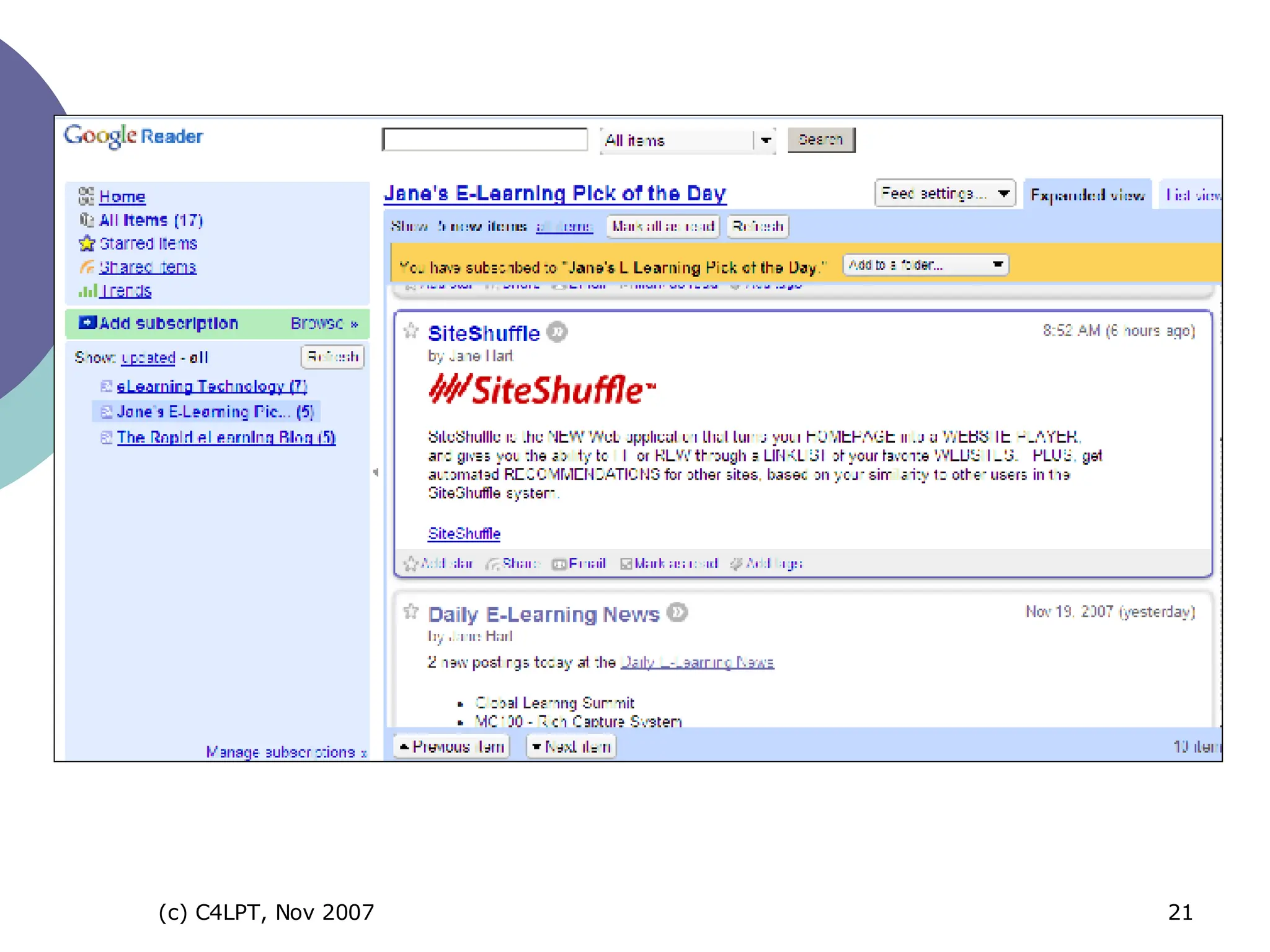
7= web-based RSS/feed reader “ to read blog postings and other news” “ to learn from others”
 
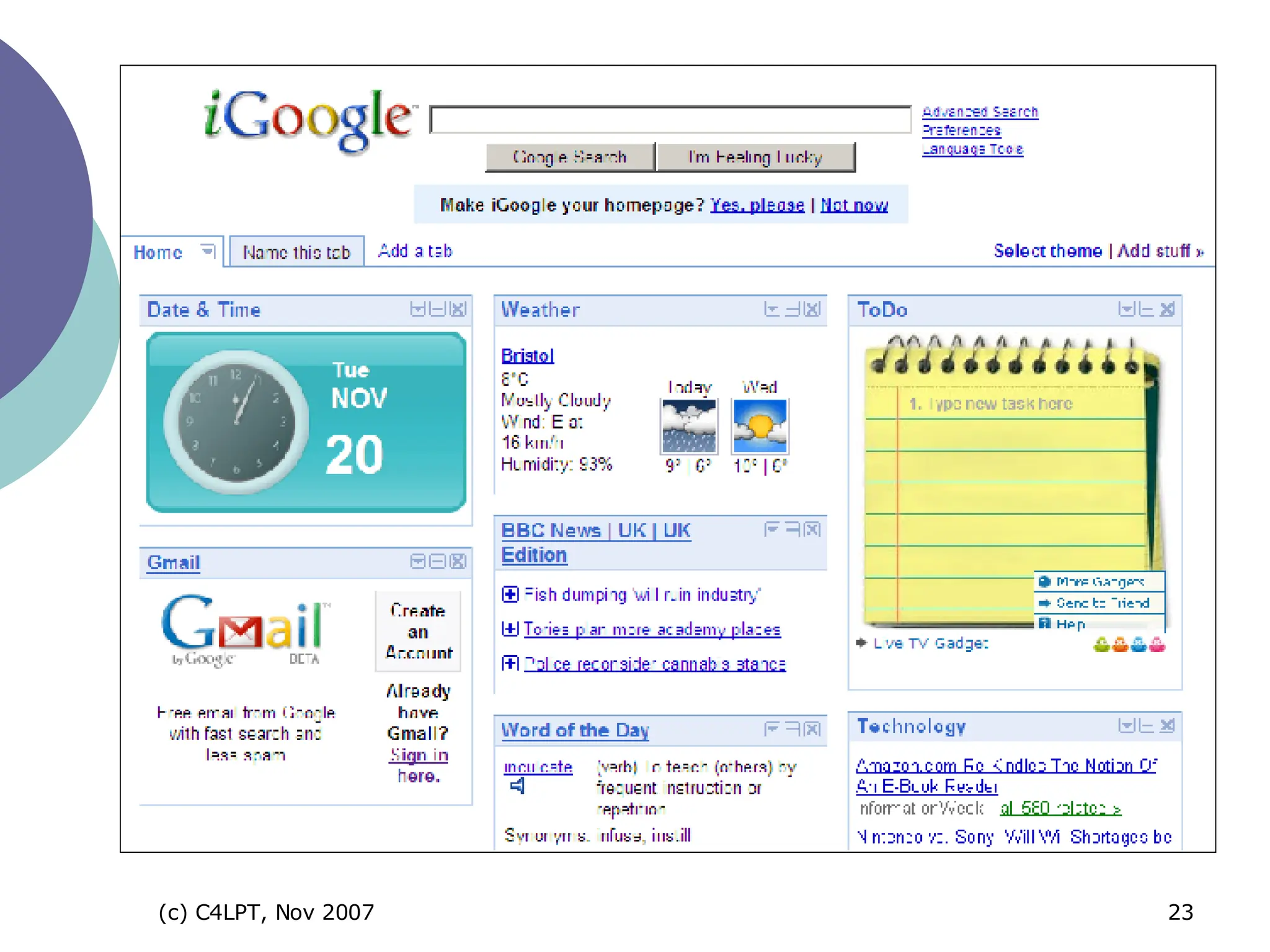
web-based start page tool “ to aggregate all the Google resources on your desktop” – gMail, Google Calendar and productivity apps “ personalised desktop” 17=
 
Producer Tools  Free tools for creating and delivering informational, instructional,  collaborative and performance support solutions
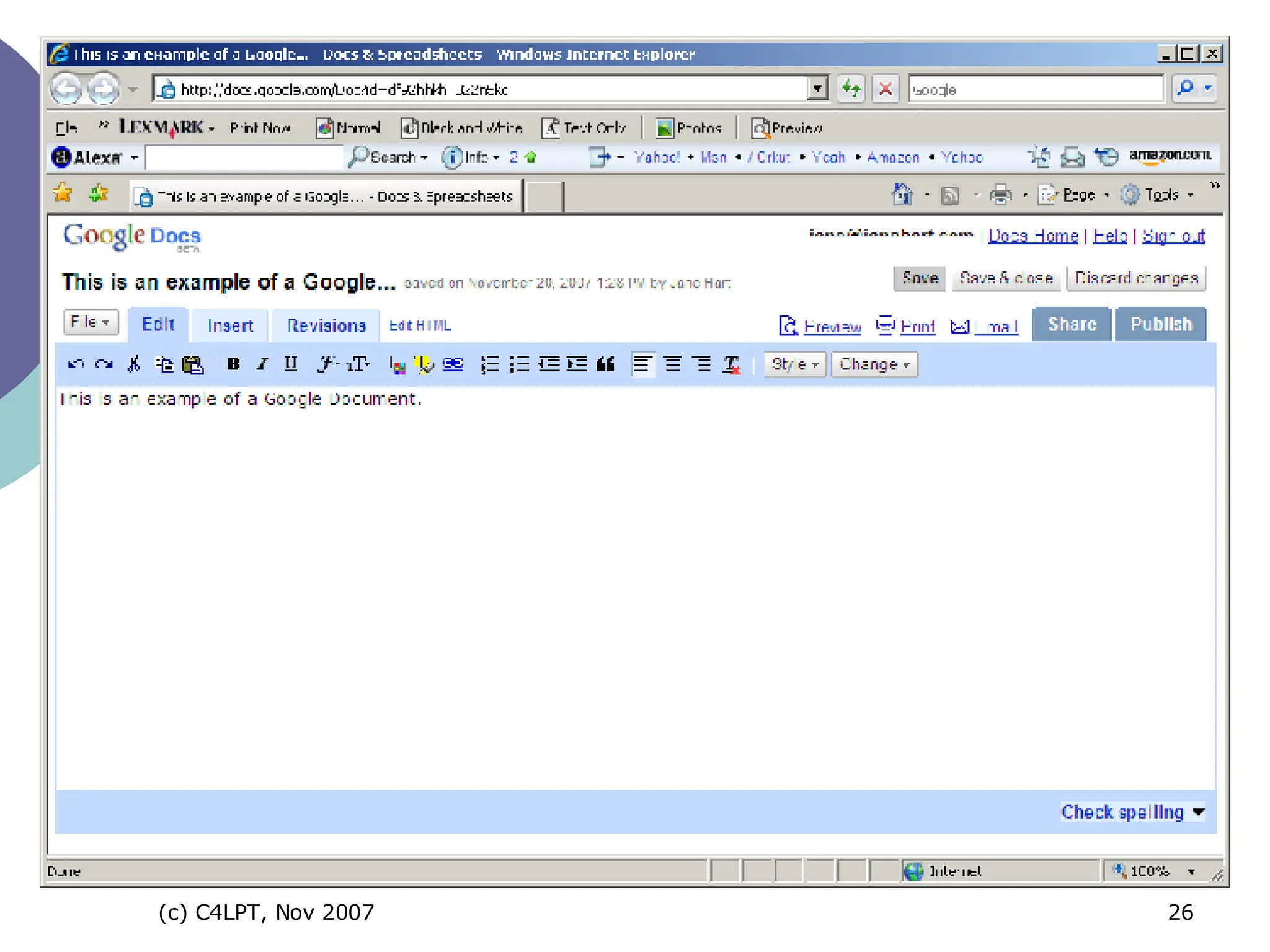
web-based document creation  “ create, store and share documents and spreadsheets “(now also presentations) “ work on your own or collaboratively” publicly or privately viewable on the web import docs from MS Word or OpenOffice 14
 
Open source office suite to download Documents, spreadsheets, presentations Convert materials to PDF, and presentations to SWF 26=
 
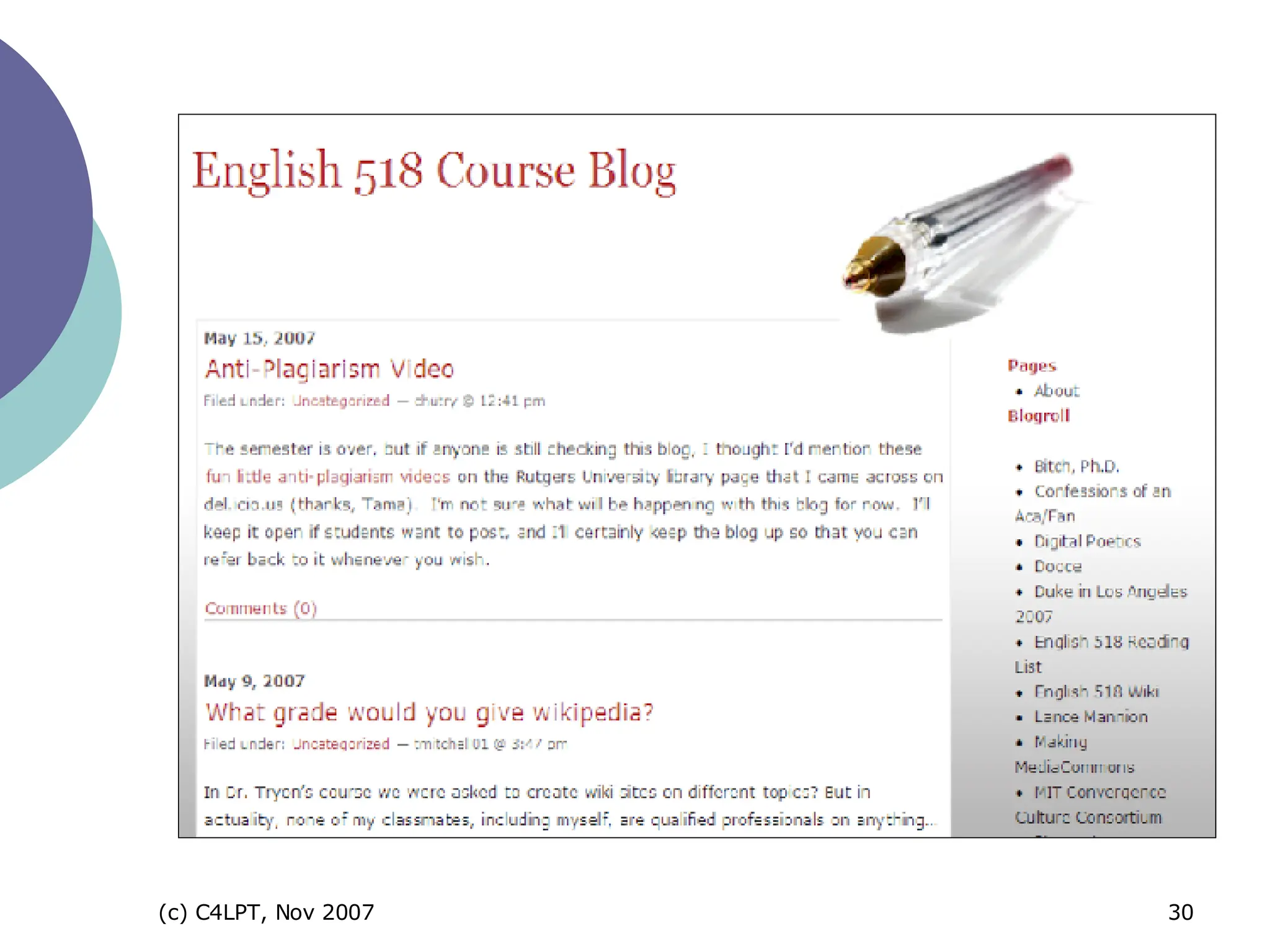
popular hosted blogging tool (1m+ blogs) easy to use, attractive themes, useful widgets, stats reporting “ for personal and professional blogging and networking”, “helping others learn via blog” 6
 
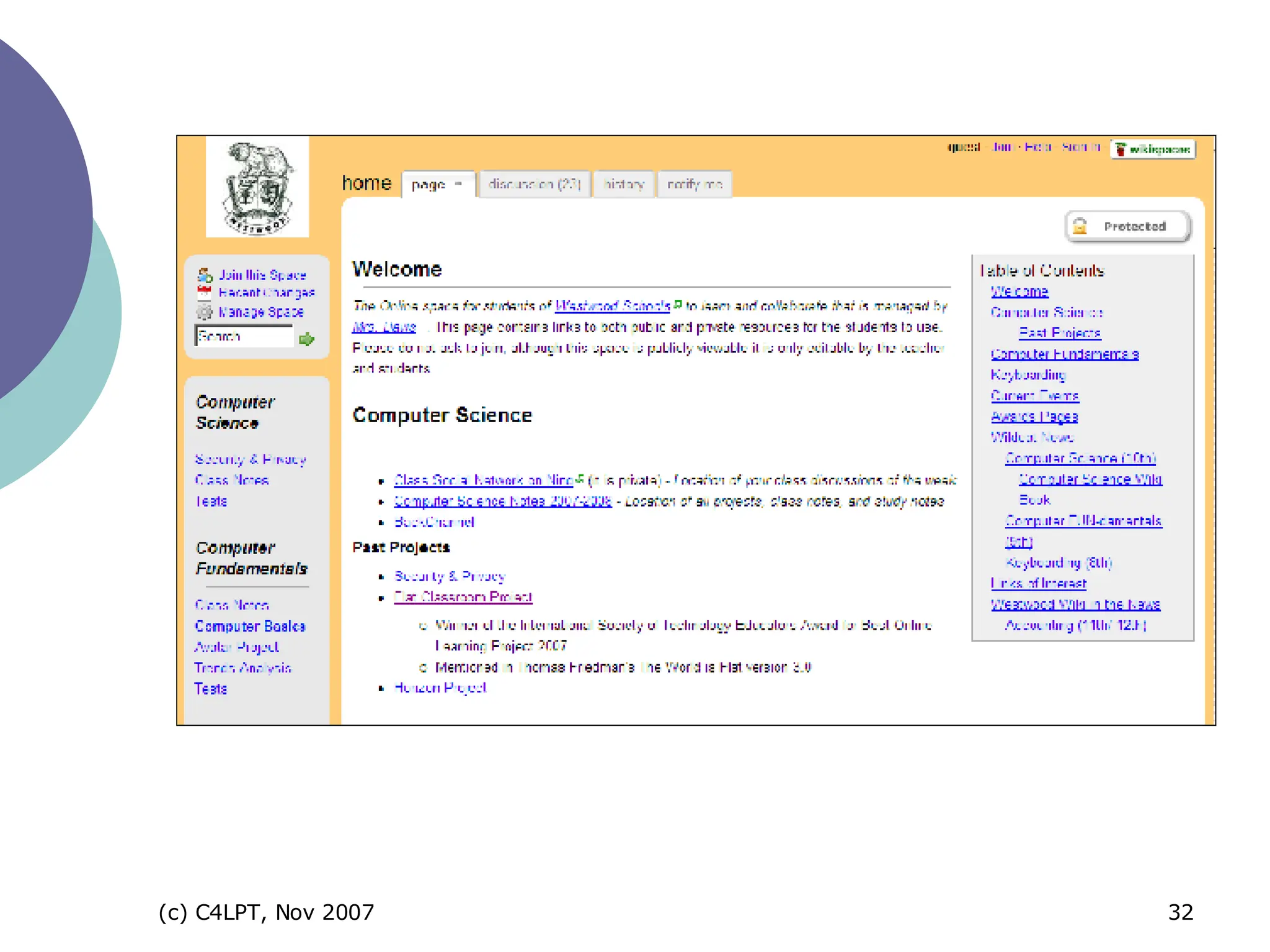
online wiki tool for “collaborative working and learning” for “collaborative documentation” for “brainstorming”, “formal class websites”, “discussions”, etc 15
 
online tool for hosting and sharing presentations (public or private) created in PPT, OO or Keynote link or embed synchronise with MP3 file for slidecasting for screencasting too 26=
26=
upload and share videos (public or private) public videos = useful resource  link to or embed videos (web and blog pages and PPT) for company & product briefings, screencasting, etc 22=
 
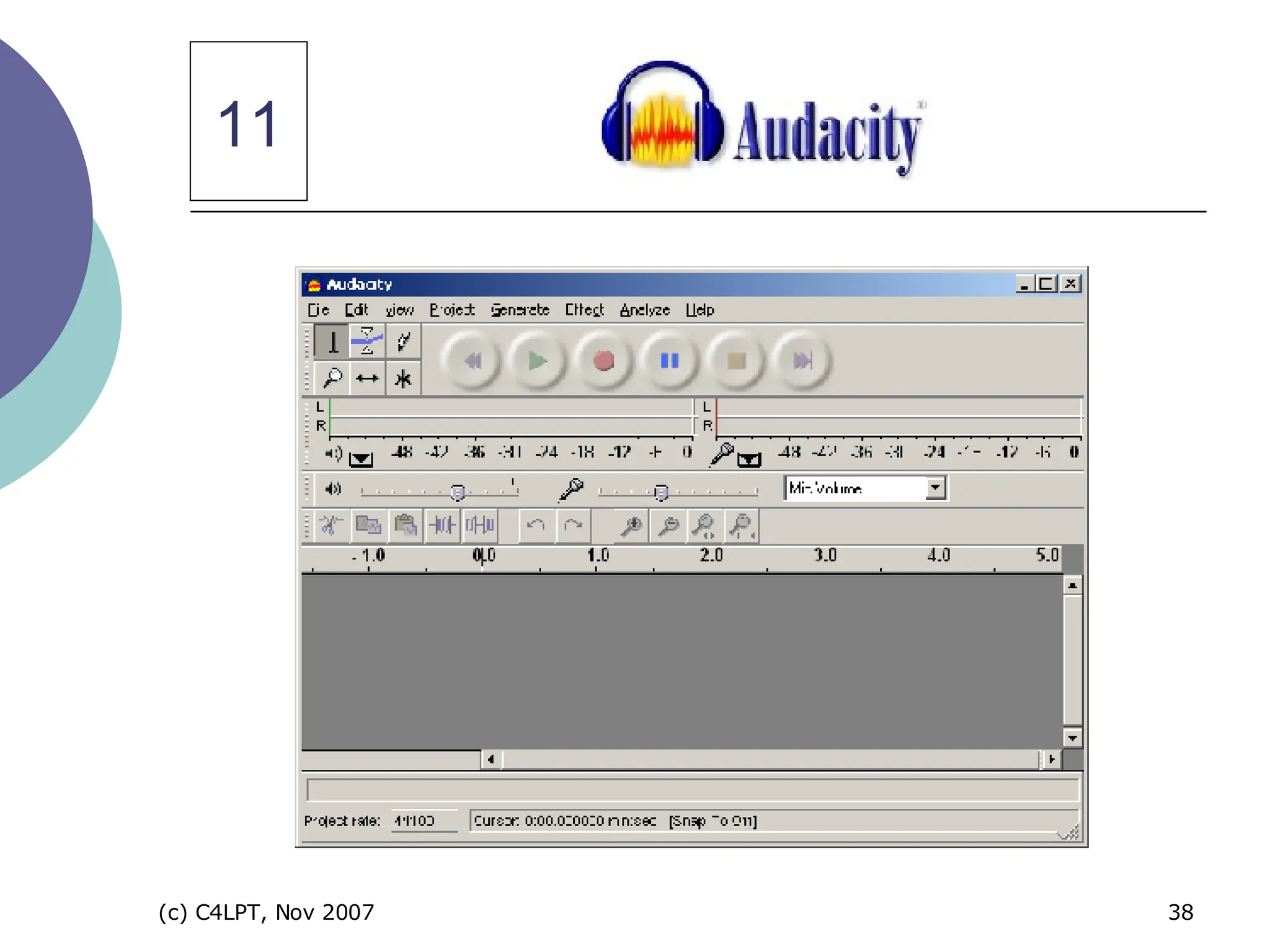
cross-platform open source sound editor and recorder to download “ easy to record and edit” “ for recording audio files and podcasts” 11
11
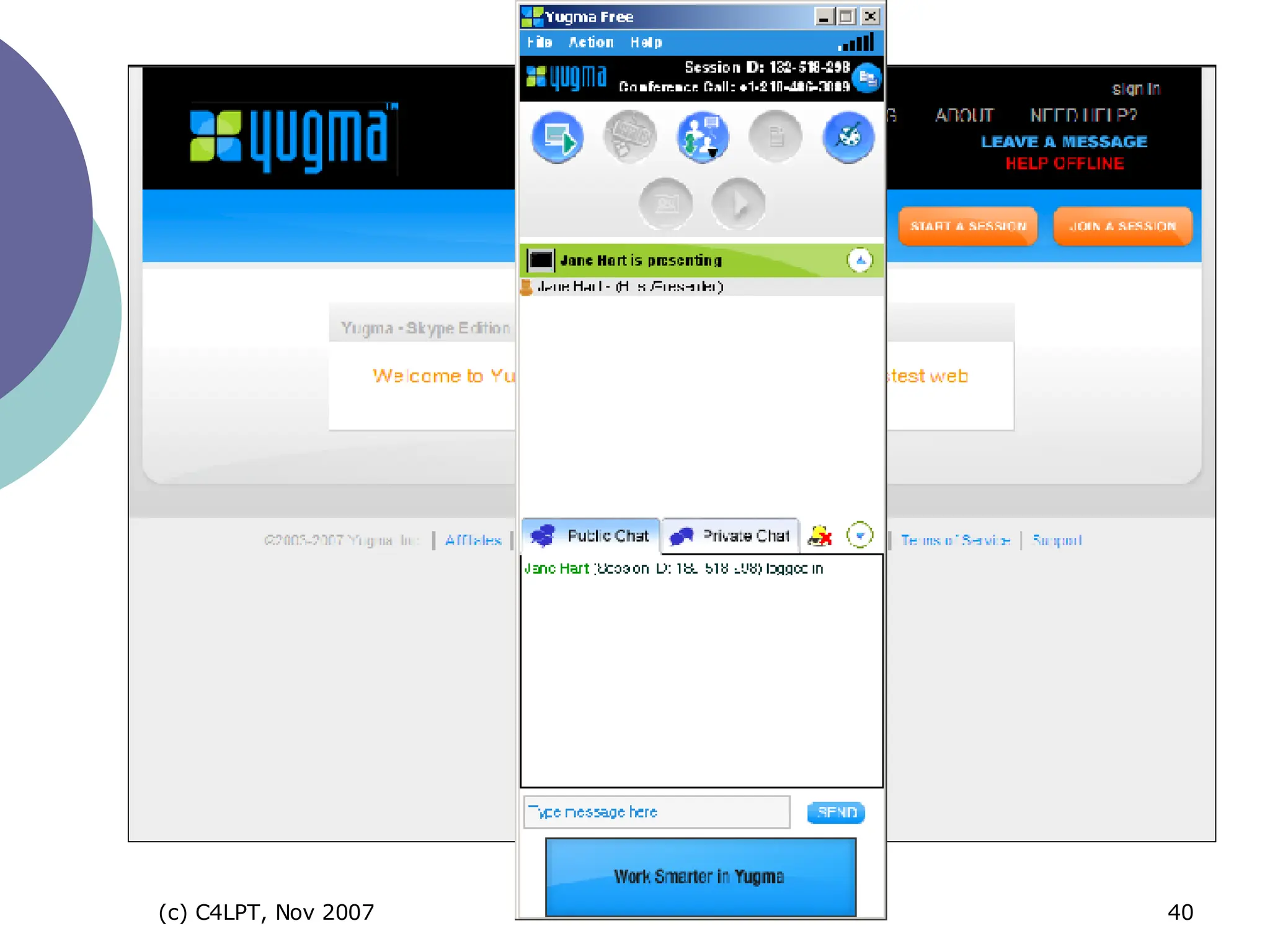
instant real-time desktop sharing  “ virtual meetings and web conferencing “ “ whiteboard, annotate and share files”  invite up to 10 people for free  Skype plug-in now available liteware 72=
 
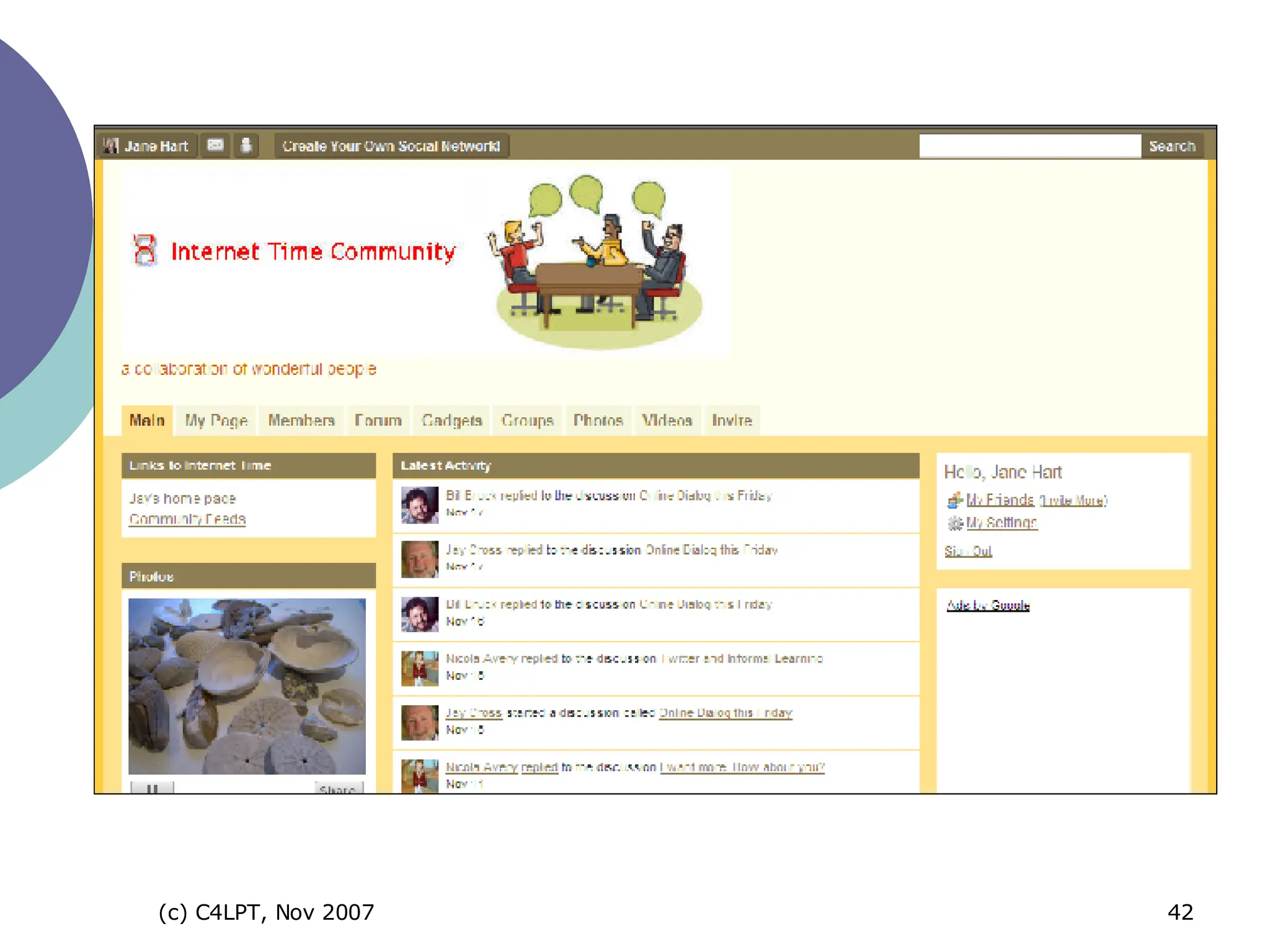
tool to create and customise your own social network / community for “sharing information”, “discussion”, “blogging”, etc  26= Ning
 
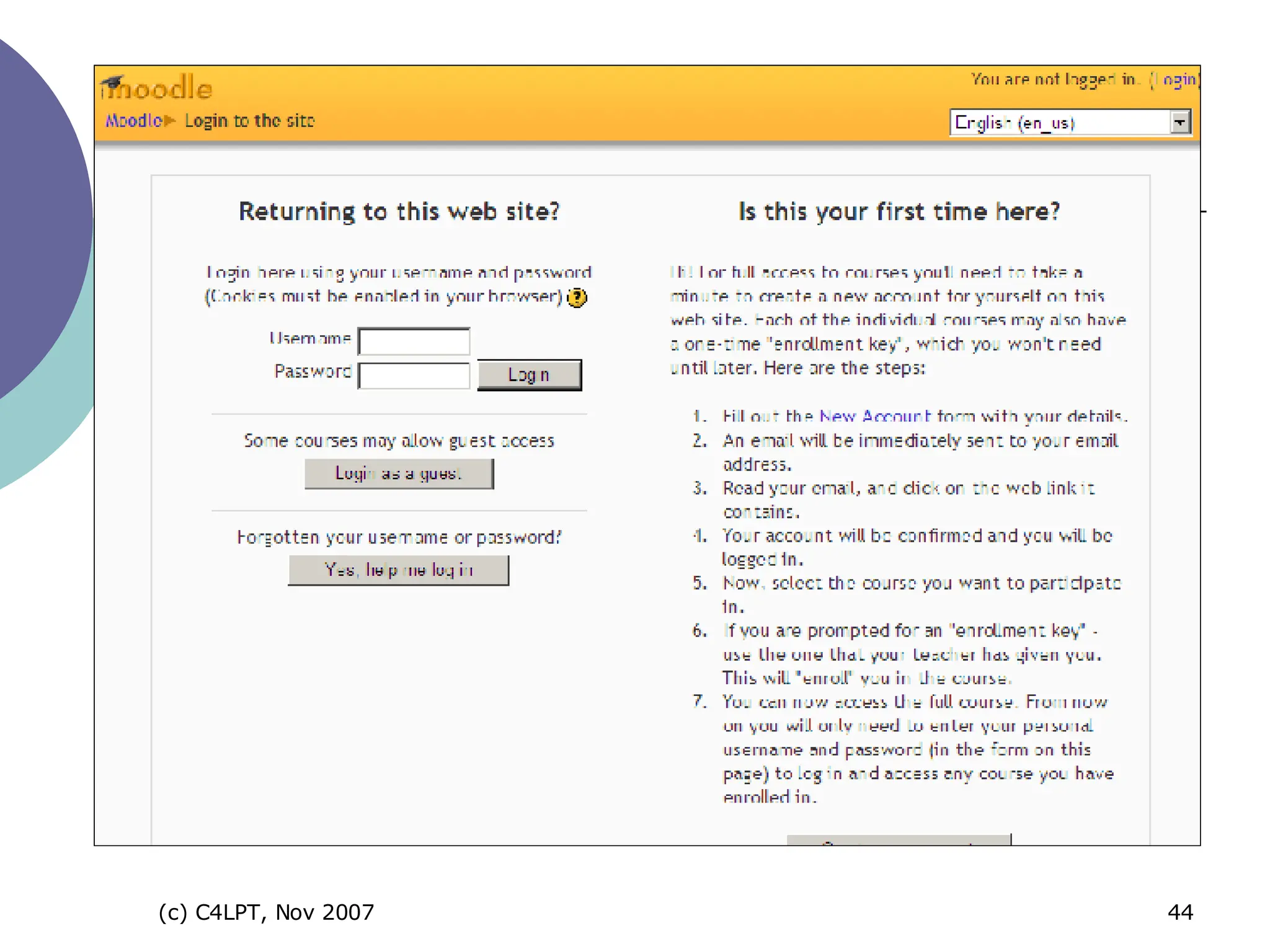
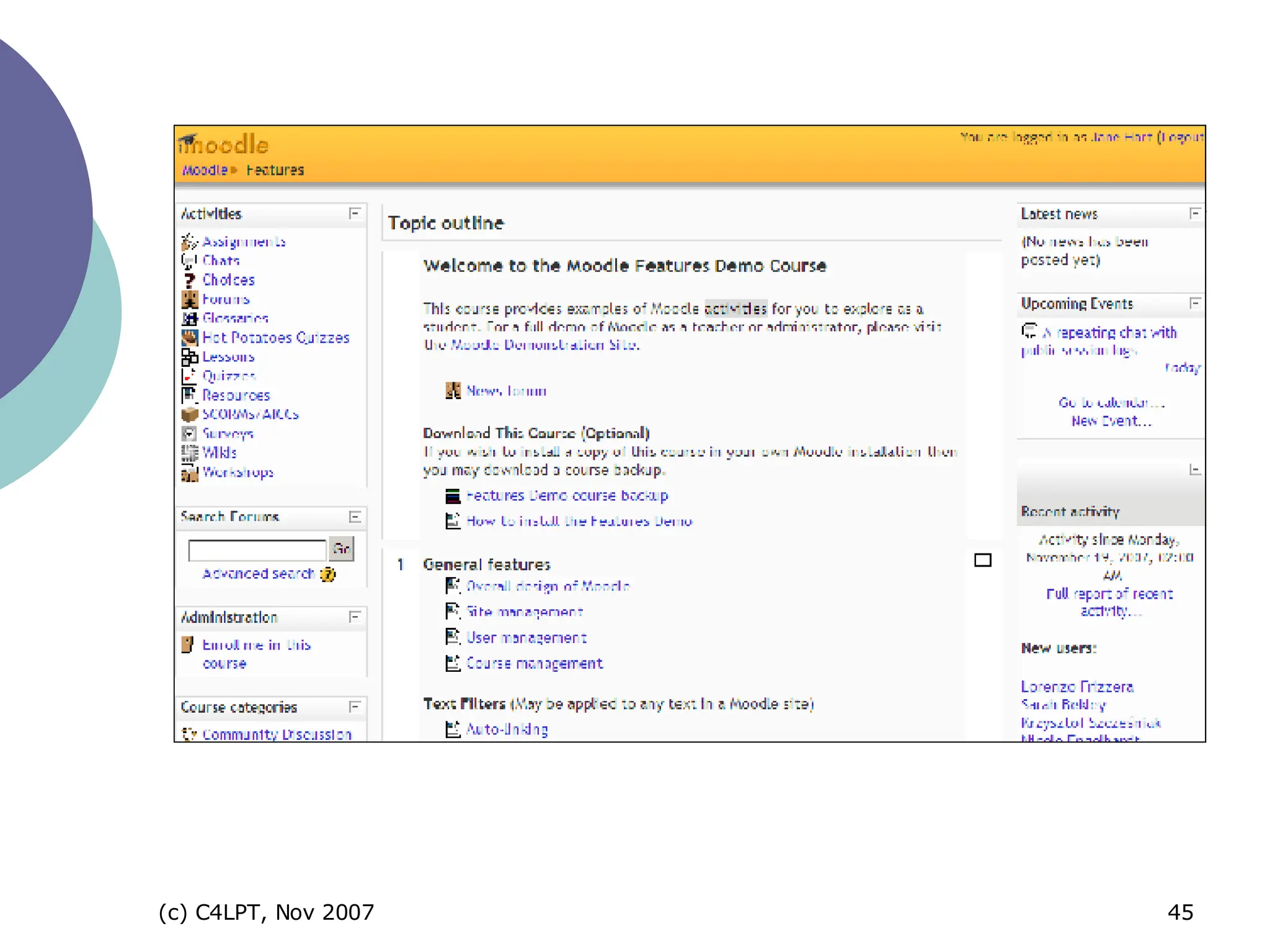
open source course management system  to download and install on server provides sophisticated functionality of an educational CMS and more  easy to use 12=
 
 
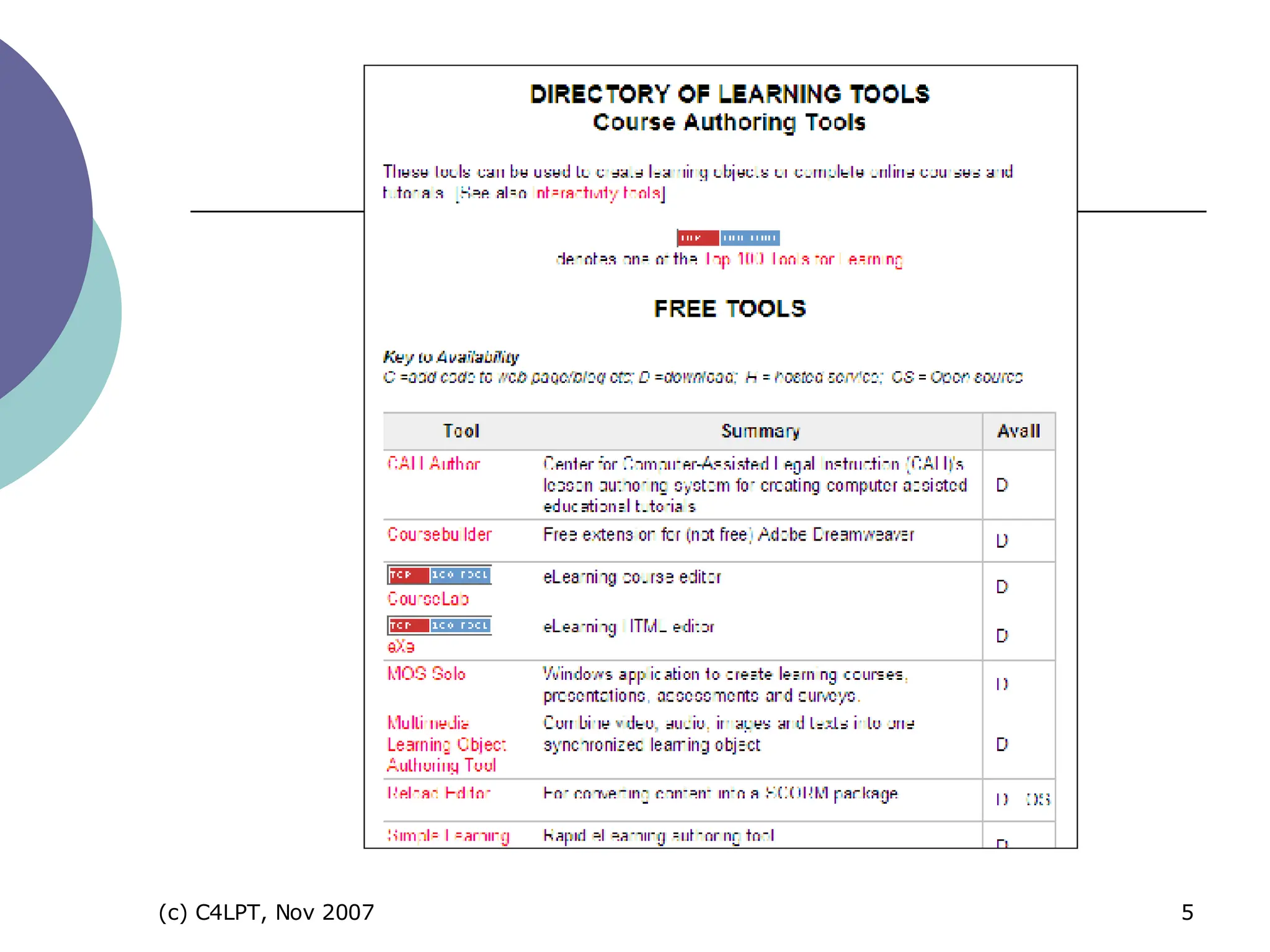
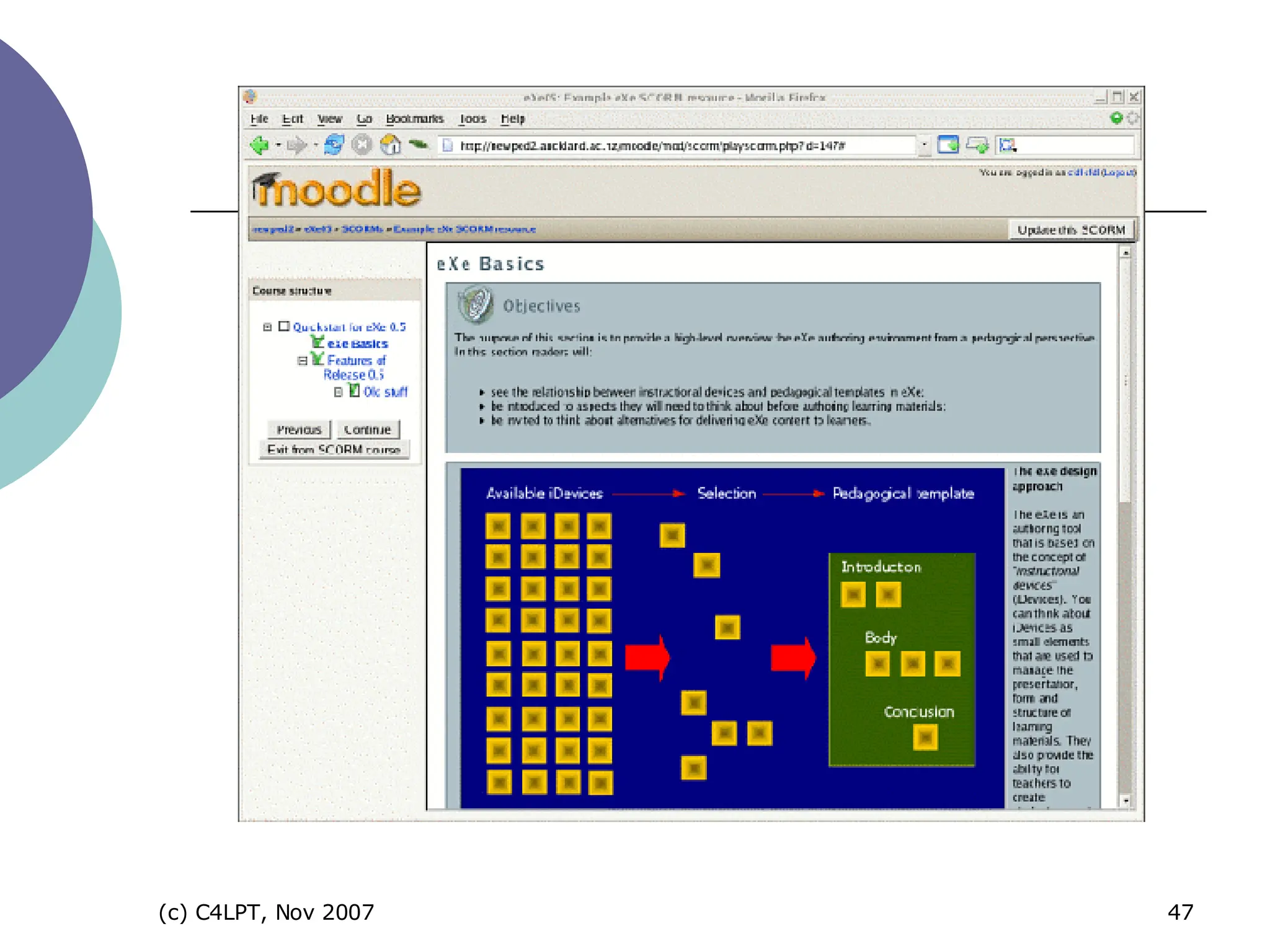
open source authoring tool to develop web pages for e-learning aimed at teachers at academics can export as web pages (for a webserver) or SCORM compliant content (for a CMS) 72=
 
course authoring tool + course templates WYSIWYG environment – PowerPoint-like interface courses can include narration can be published to web, LMS or CD 101=


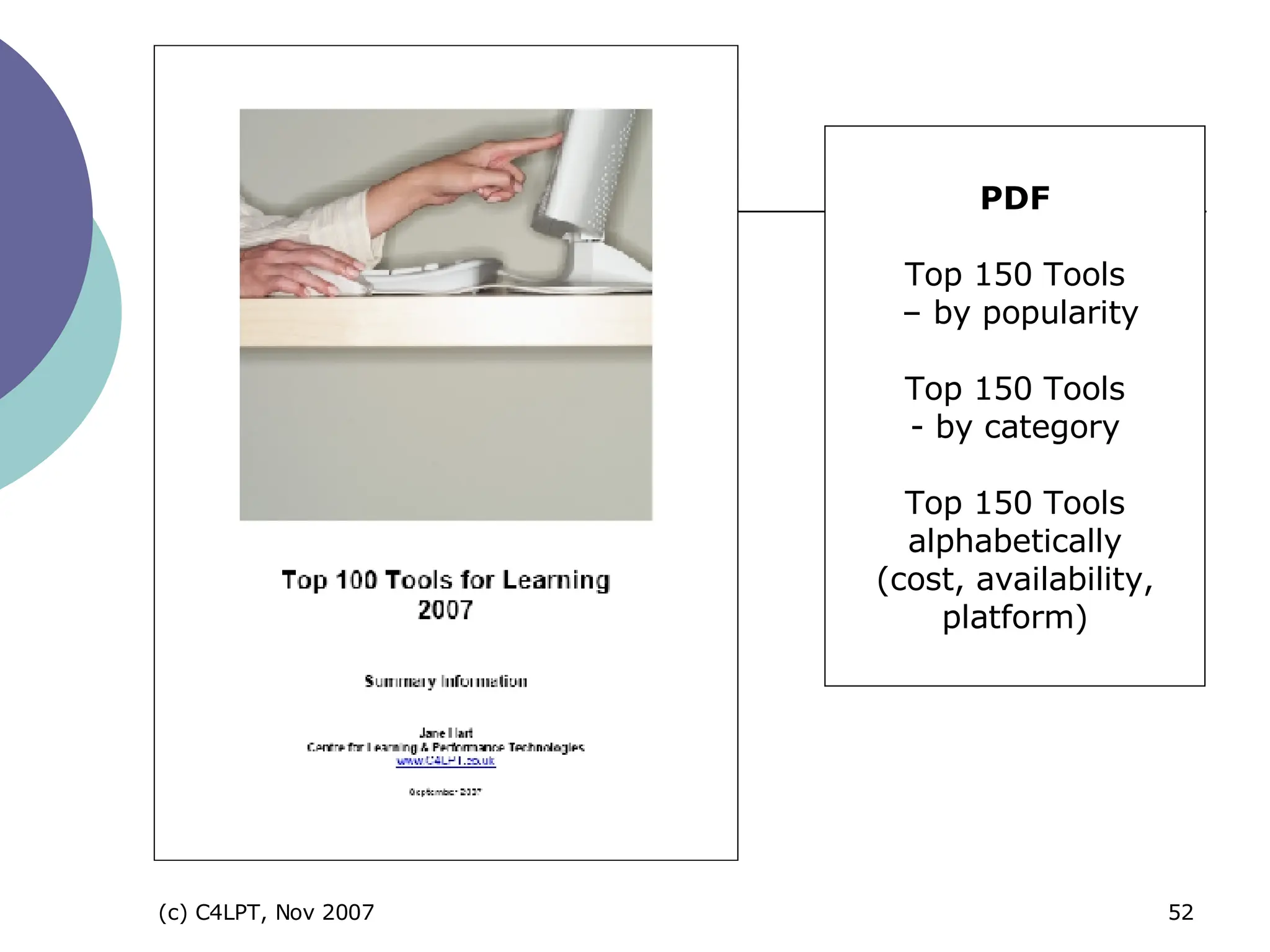
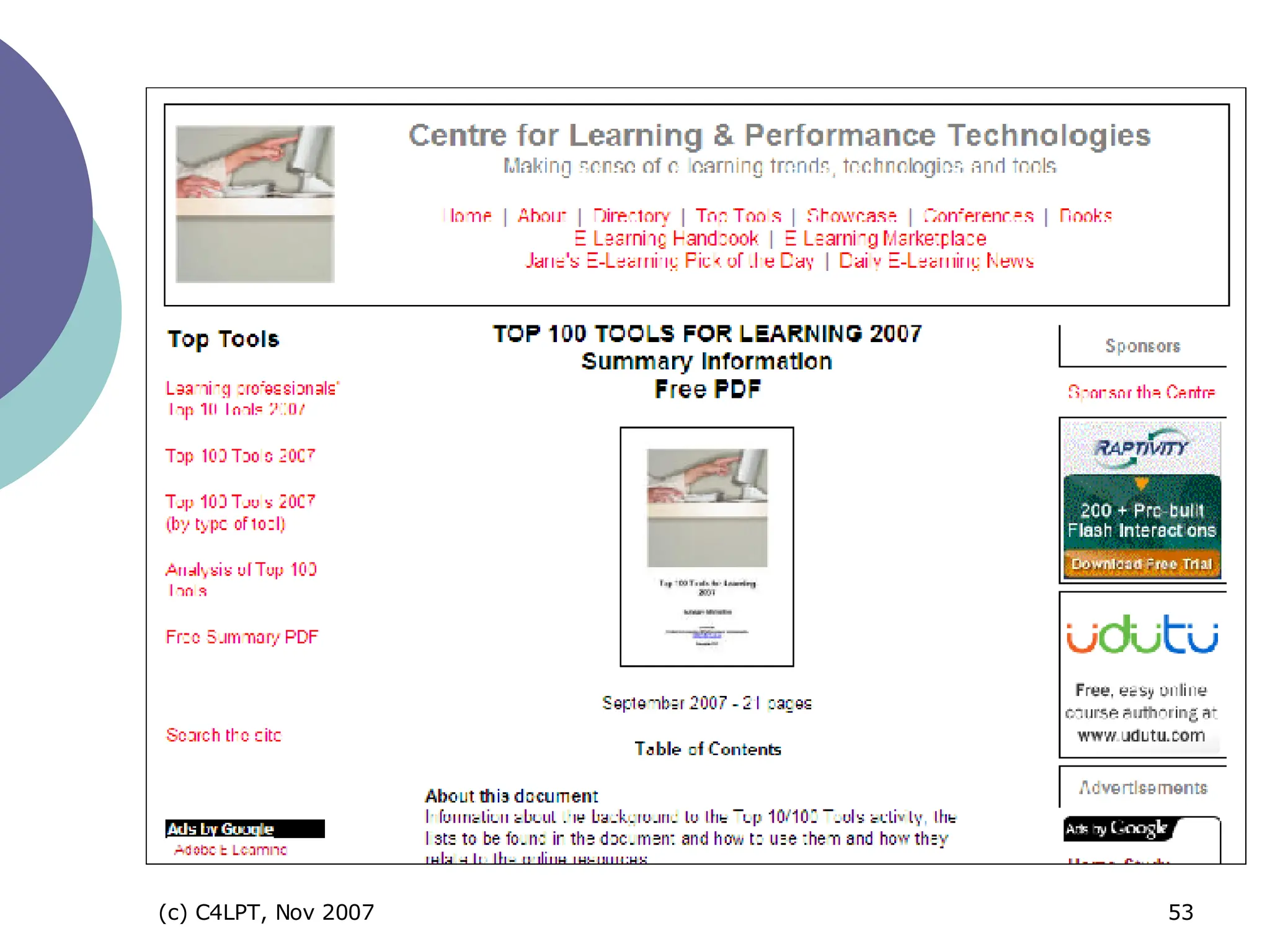
PDF Top 150 Tools  – by popularity Top 150 Tools - by category Top 150 Tools alphabetically (cost, availability, platform)

 
Top Tools 2008
www.C4LPT.co.uk

Top Free Tools for Learning

  • 1.
    The Top Free Tools for Learning Jane Hart Centre for Learning & Performance Technologies www.C4LPT.co.uk
  • 2.
  • 3.
    What is “free”Freeware offered free of charge.  might have an End User Licence each license will be particular to the software, but generally you can't re-sell it although you might be able to redistribute it.  Open source tightens up sometimes loose freeware arrangements.  made available as source code under a copyright license which allows users to copy, use and modify it provided that you agree to provide the source to others.  a number of open source licences, e.g. the GNU Public License.  Liteware free version of commercial software.  often doesn’t offer full functionality, or will display ads, or will only support a small number of users or pieces of content.  Trialware free software that expires within a period of time or watermarks the content until the full software is purchased.
  • 4.
    Availability Download Installon personal computers or servers Online Web-based tools or services
  • 5.
  • 6.
    Top Tools forLearning “What are your 10 favourite tools for your personal learning/working or for creating learning for others?”
  • 7.
  • 8.
  • 9.
    Results 109 respondentsfrom academic and corporate training worlds Over 400 tools mentioned 100 tools mentioned 3 or more times 50 mentioned twice Not all “dedicated” learning tools – many are multi-purpose tools Over 75% of tools are FREE
  • 10.
    Top 100 ToolsPersonal Tools tools for managing your own learning Producer Tools tools for creating and delivering informational, instructional, collaborative and performance support solutions
  • 11.
    Personal Tools Freetools for managing your own learning
  • 12.
    1 “ windowinto the Web” “ ease of use”, “functionality” “ hundreds of add-ons”, e.g. Zotero, ScribeFire, FireBug Firefox 3 very soon!
  • 13.
  • 14.
    online social bookmarkingtool “ store, tag and share bookmarks” “ search for and find bookmarks” “ find out about new things” 2
  • 15.
    instant messaging toolto download “ VoIP and low-cost calls to landlines” “ useful for collaboration” “ third-party add-ons extend its functionality” 3=
  • 16.
    invaluable search engine “ Googling” is essential “ ultimate e-learning tool” for some “represents the whole Google brand” 3=
  • 17.
  • 18.
    most popular e-mailtool web-based (although now IMAP) “search”, “tagging”, “threaded conversations” “large amount of storage space” 7=
  • 19.
    open source cross-platformemail client from Mozilla (as Firefox) “ stable”, “easy to use”, “easy on memory”, “reads RSS” “ growing range of add-ons” 22=
  • 20.
    7= web-based RSS/feedreader “ to read blog postings and other news” “ to learn from others”
  • 21.
  • 22.
    web-based start pagetool “ to aggregate all the Google resources on your desktop” – gMail, Google Calendar and productivity apps “ personalised desktop” 17=
  • 23.
  • 24.
    Producer Tools Free tools for creating and delivering informational, instructional, collaborative and performance support solutions
  • 25.
    web-based document creation “ create, store and share documents and spreadsheets “(now also presentations) “ work on your own or collaboratively” publicly or privately viewable on the web import docs from MS Word or OpenOffice 14
  • 26.
  • 27.
    Open source officesuite to download Documents, spreadsheets, presentations Convert materials to PDF, and presentations to SWF 26=
  • 28.
  • 29.
    popular hosted bloggingtool (1m+ blogs) easy to use, attractive themes, useful widgets, stats reporting “ for personal and professional blogging and networking”, “helping others learn via blog” 6
  • 30.
  • 31.
    online wiki toolfor “collaborative working and learning” for “collaborative documentation” for “brainstorming”, “formal class websites”, “discussions”, etc 15
  • 32.
  • 33.
    online tool forhosting and sharing presentations (public or private) created in PPT, OO or Keynote link or embed synchronise with MP3 file for slidecasting for screencasting too 26=
  • 34.
  • 35.
    upload and sharevideos (public or private) public videos = useful resource link to or embed videos (web and blog pages and PPT) for company & product briefings, screencasting, etc 22=
  • 36.
  • 37.
    cross-platform open sourcesound editor and recorder to download “ easy to record and edit” “ for recording audio files and podcasts” 11
  • 38.
  • 39.
    instant real-time desktopsharing “ virtual meetings and web conferencing “ “ whiteboard, annotate and share files” invite up to 10 people for free Skype plug-in now available liteware 72=
  • 40.
  • 41.
    tool to createand customise your own social network / community for “sharing information”, “discussion”, “blogging”, etc 26= Ning
  • 42.
  • 43.
    open source coursemanagement system to download and install on server provides sophisticated functionality of an educational CMS and more easy to use 12=
  • 44.
  • 45.
  • 46.
    open source authoringtool to develop web pages for e-learning aimed at teachers at academics can export as web pages (for a webserver) or SCORM compliant content (for a CMS) 72=
  • 47.
  • 48.
    course authoring tool+ course templates WYSIWYG environment – PowerPoint-like interface courses can include narration can be published to web, LMS or CD 101=
  • 49.
  • 50.
  • 51.
  • 52.
    PDF Top 150Tools – by popularity Top 150 Tools - by category Top 150 Tools alphabetically (cost, availability, platform)
  • 53.
  • 54.
  • 55.