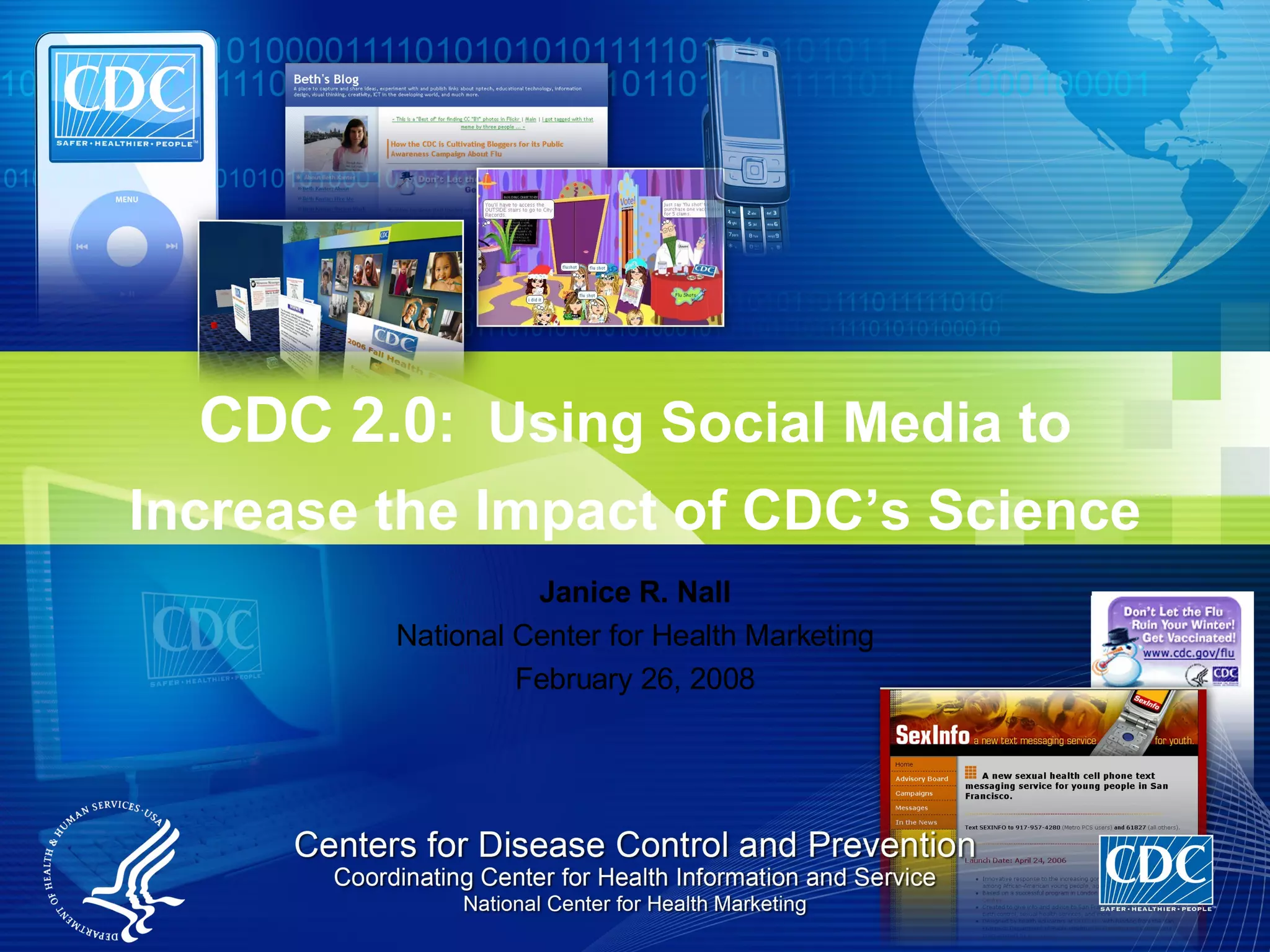
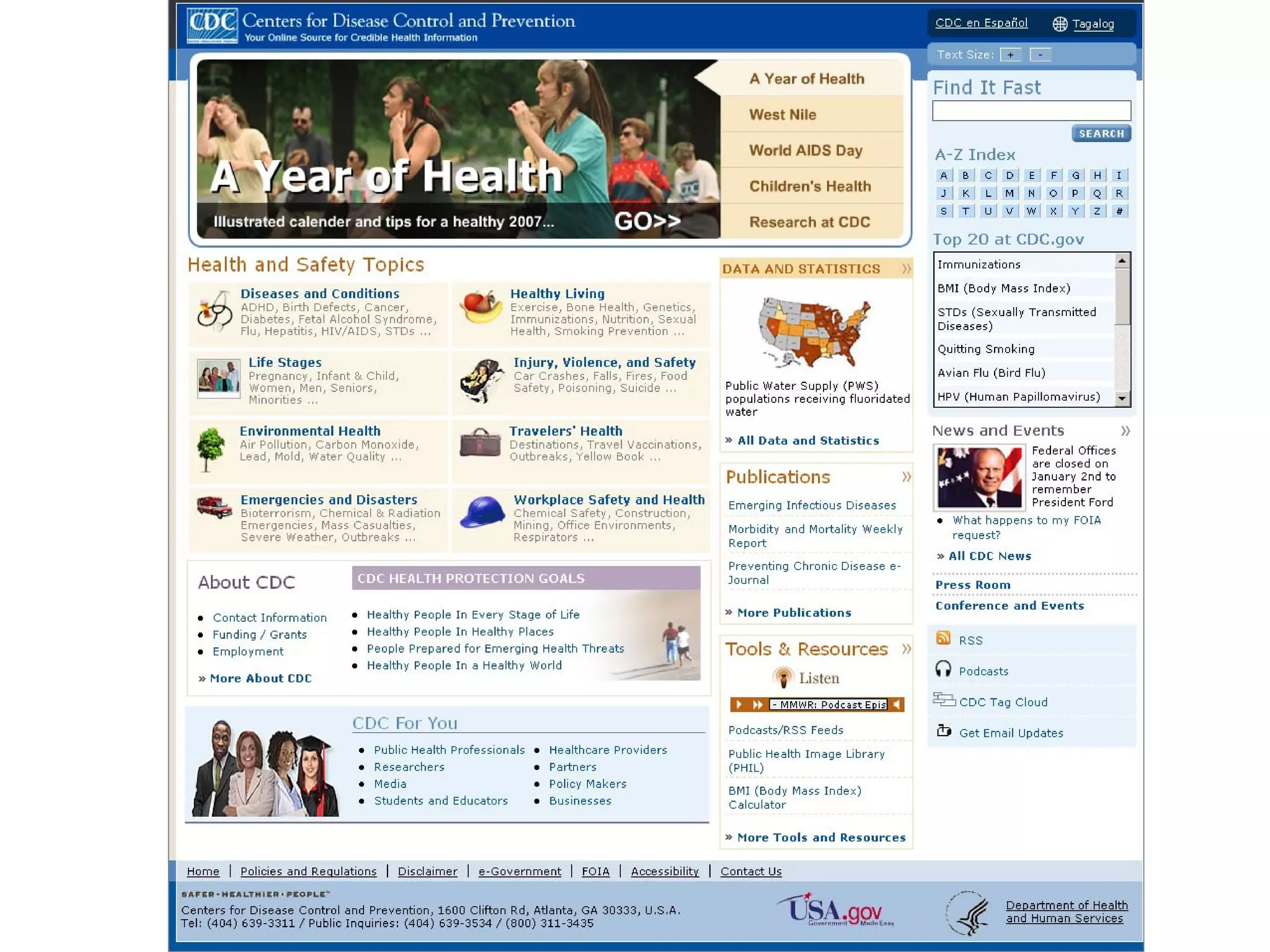
Janice R. Nall National Center for Health Marketing February 26, 2008 CDC 2.0 :  Using Social Media to Increase the Impact of CDC’s Science
Web Executive Seminars Social Sites for Social Good February 26, 2008 National Press Club Washington, DC Learn more: www.forumone.com/wes
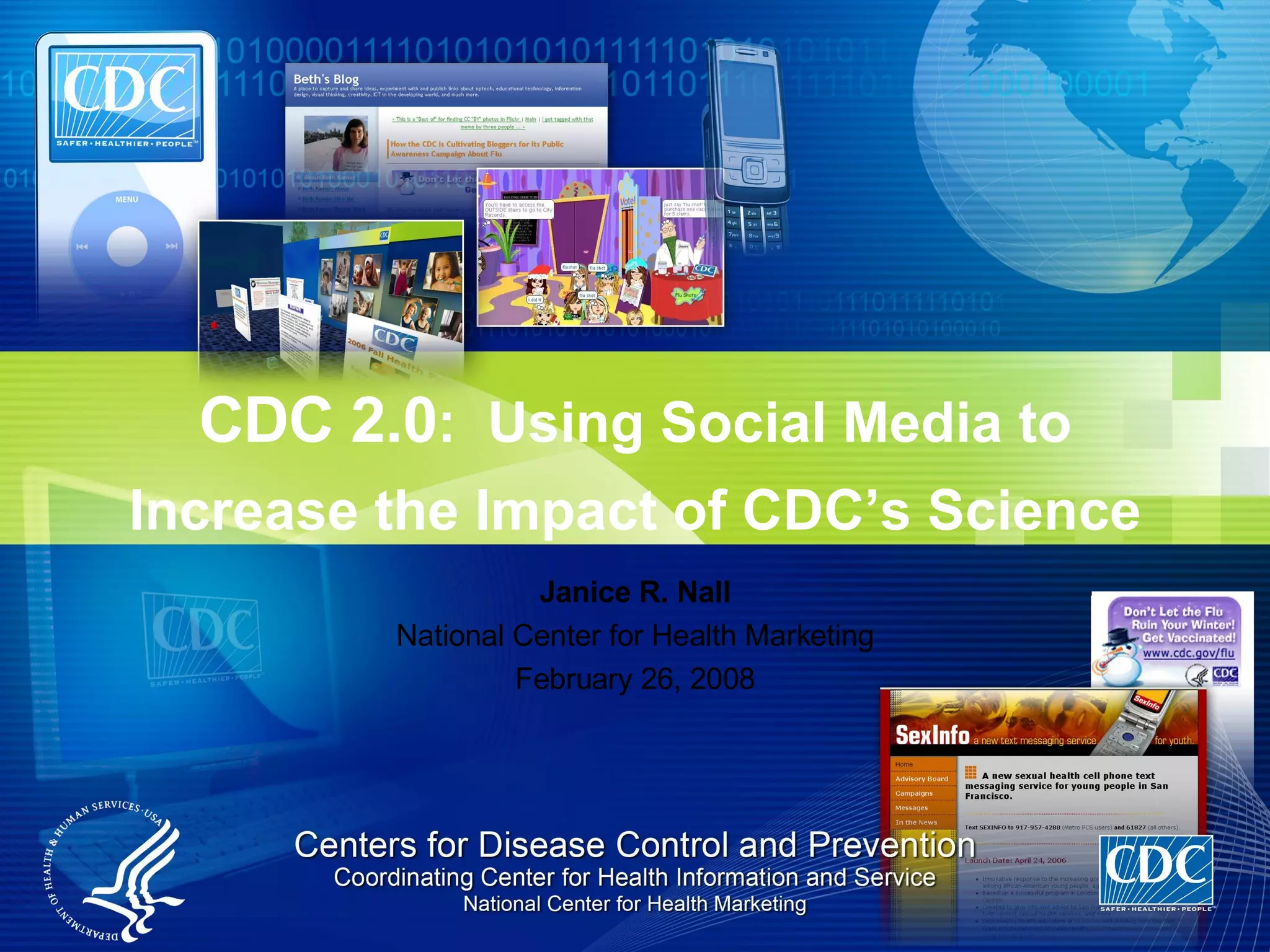
Janice R. Nall National Center for Health Marketing February 26, 2008 CDC 2.0 :  Using Social Media to Increase the Impact of CDC’s Science
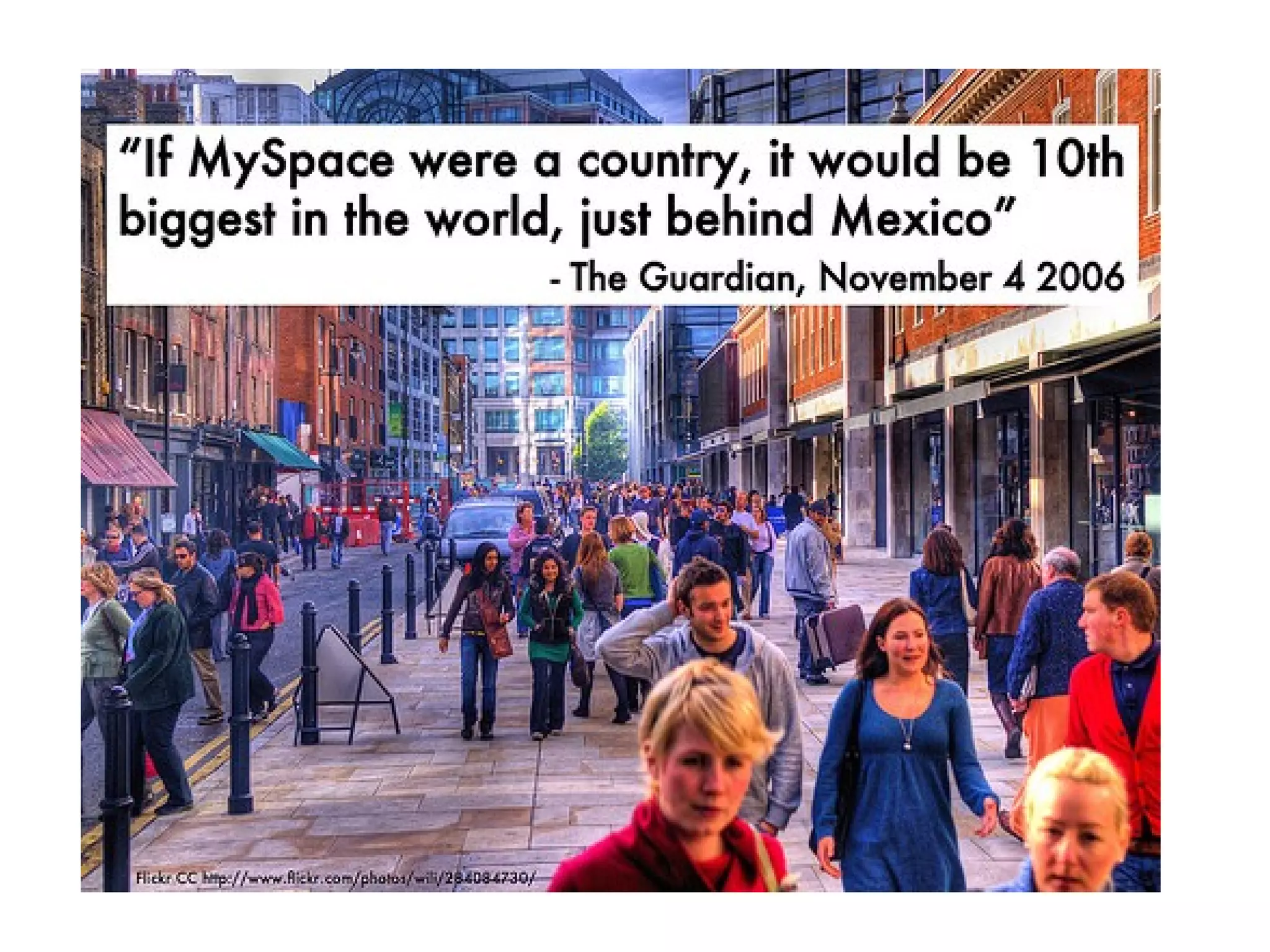
Why does CDC care about Web 2.0? CDC should be  ( must be )  where people are Increases the dissemination and potential impact of CDC’s science Leverages unique characteristics of emerging channels Reaches diverse audiences Facilitates interactive communication and community Our goal:  To make CDC content, tools, and services available when, where, and how users want them – to improve the health and safety of people around the world
 
 
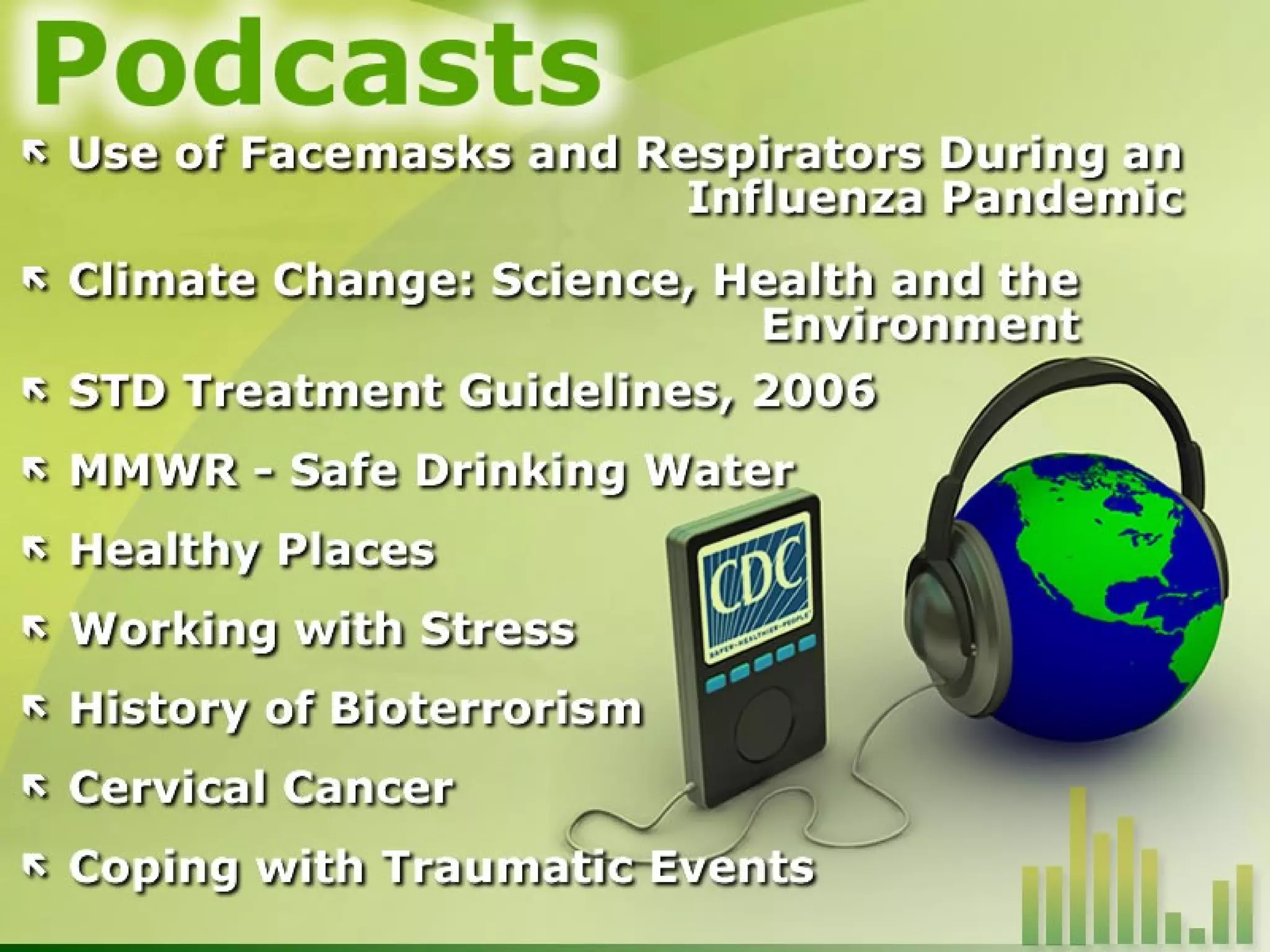
CDC 2.0 eHealth Efforts Email updates Podcasts/RSS eCards Mobile applications Social networks User-generated content  Social bookmarking  (digg, other tagging, etc.)   Blogs/bloginars Wikis eGames Viral videos Virtual worlds Widgets GIS applications Other open-sourced tools
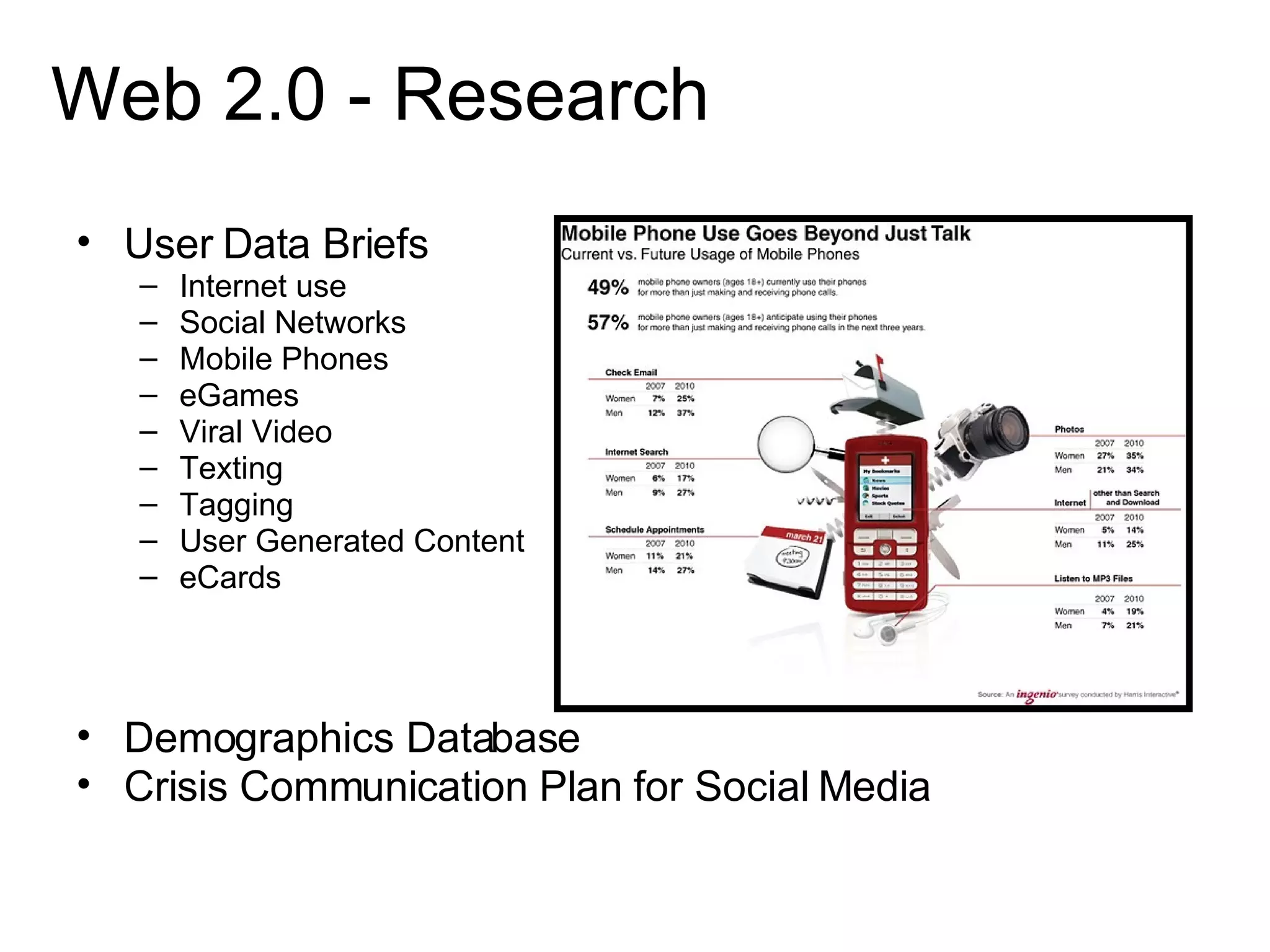
Web 2.0 - Research User Data Briefs Internet use Social Networks Mobile Phones eGames Viral Video Texting Tagging User Generated Content eCards Demographics Database Crisis Communication Plan for Social Media
 
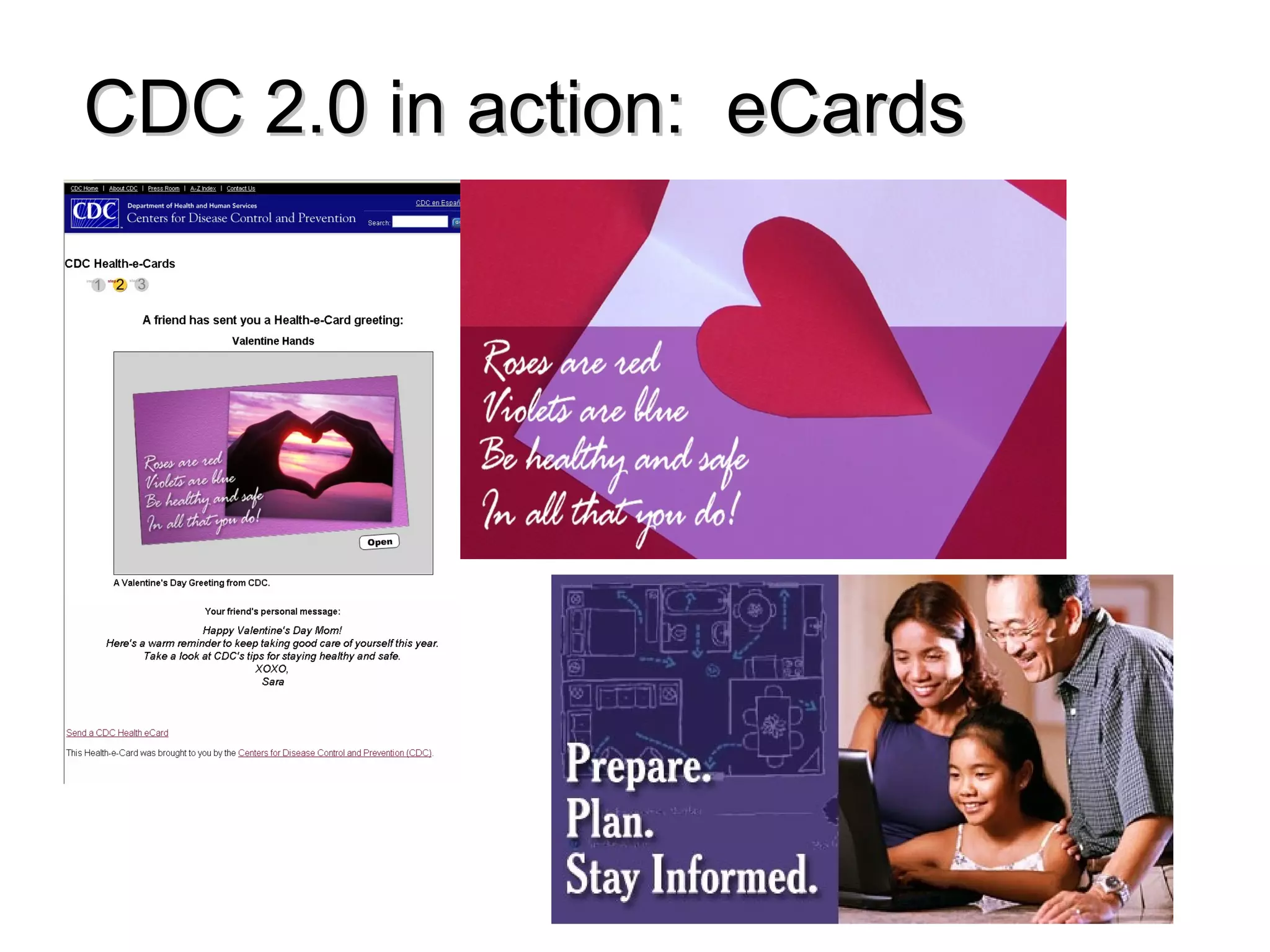
CDC 2.0 in action:  eCards
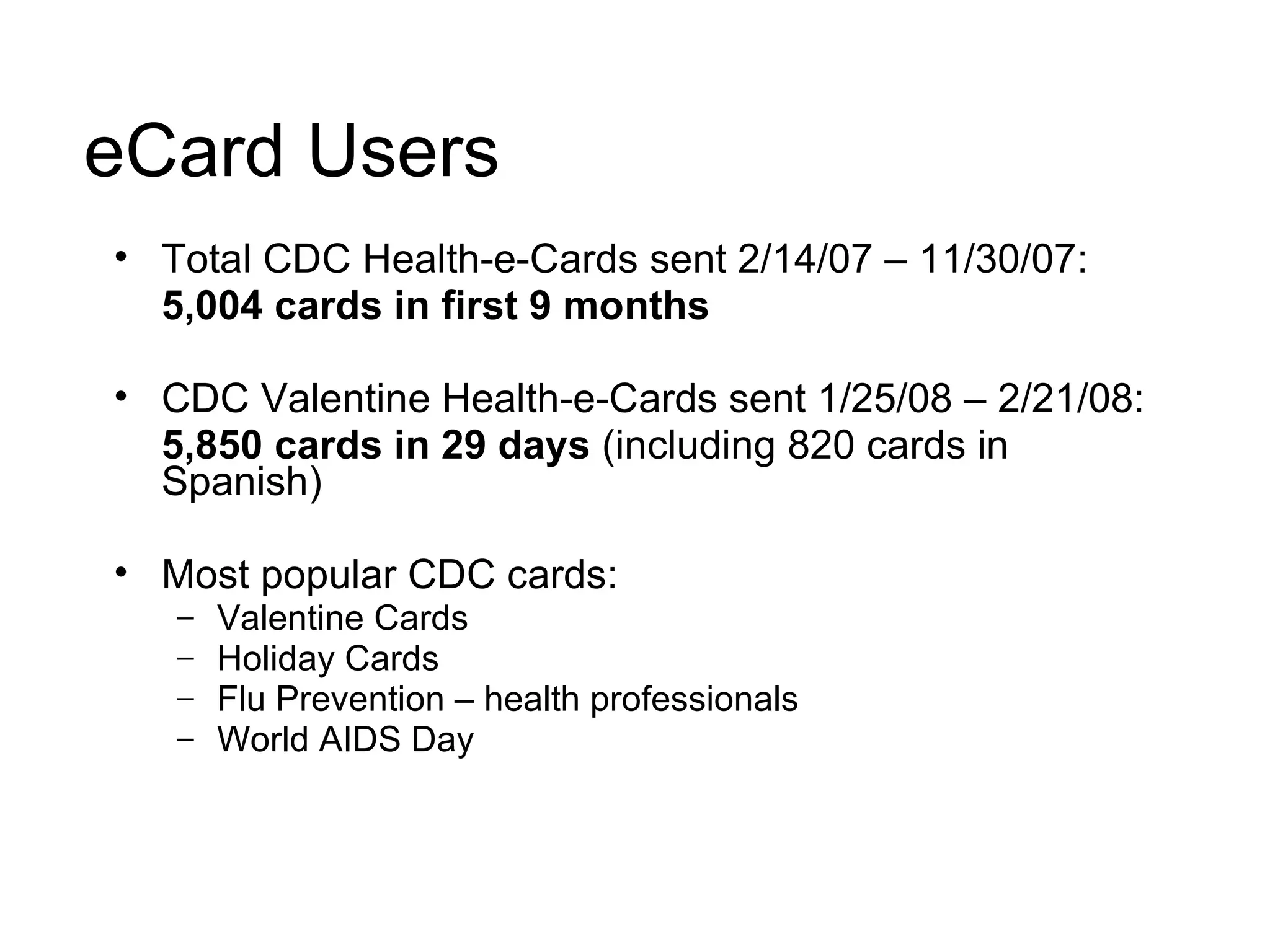
eCard Users Total CDC Health-e-Cards sent 2/14/07 – 11/30/07:  5,004 cards in first 9 months CDC Valentine Health-e-Cards sent 1/25/08 – 2/21/08:  5,850 cards in 29 days  (including 820 cards in Spanish) Most popular CDC cards: Valentine Cards Holiday Cards  Flu Prevention – health professionals World AIDS Day
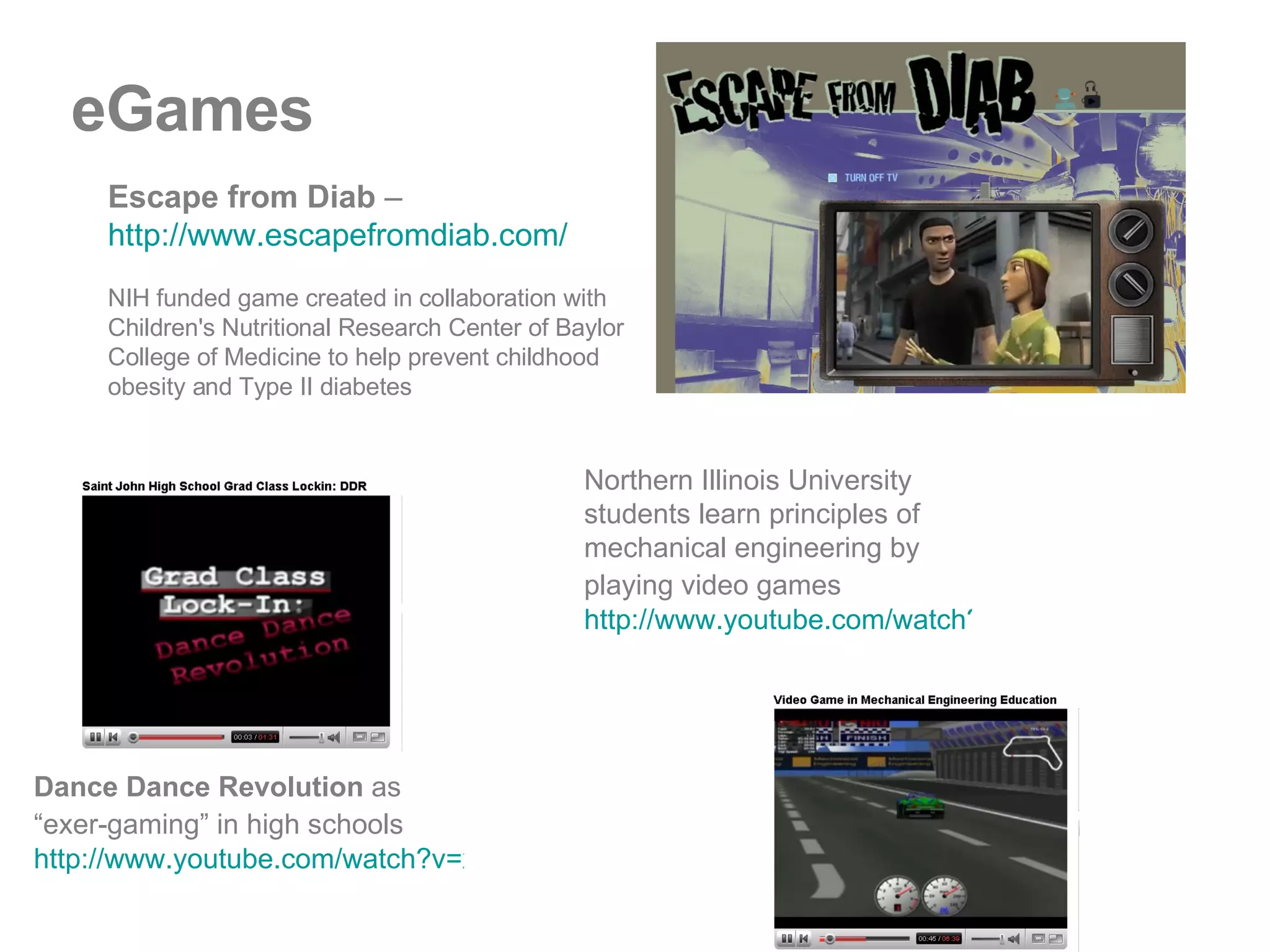
Escape from Diab  –   http://www.escapefromdiab.com/   NIH funded game created in collaboration with Children's Nutritional Research Center of Baylor College of Medicine to help prevent childhood obesity and Type II diabetes  Dance Dance Revolution  as “exer-gaming” in high schools   http://www.youtube.com/watch?v=x5YROvohvvI   Northern Illinois University students learn principles of mechanical engineering by playing video games   http://www.youtube.com/watch?v=LYGwaI-haOM eGames
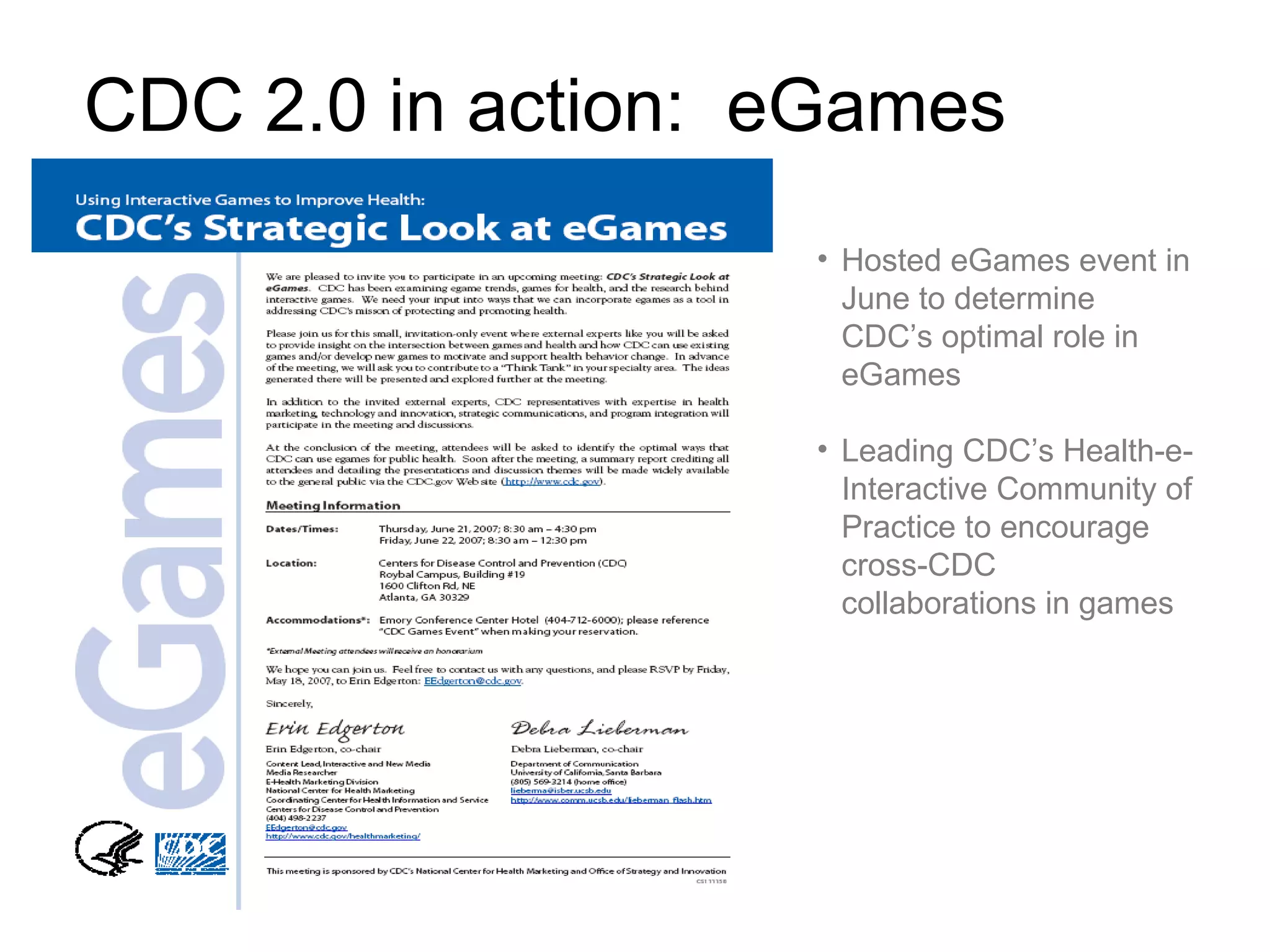
CDC 2.0 in action:  eGames Hosted eGames event in June to determine CDC’s optimal role in eGames Leading CDC’s Health-e-Interactive Community of Practice to encourage cross-CDC collaborations in games
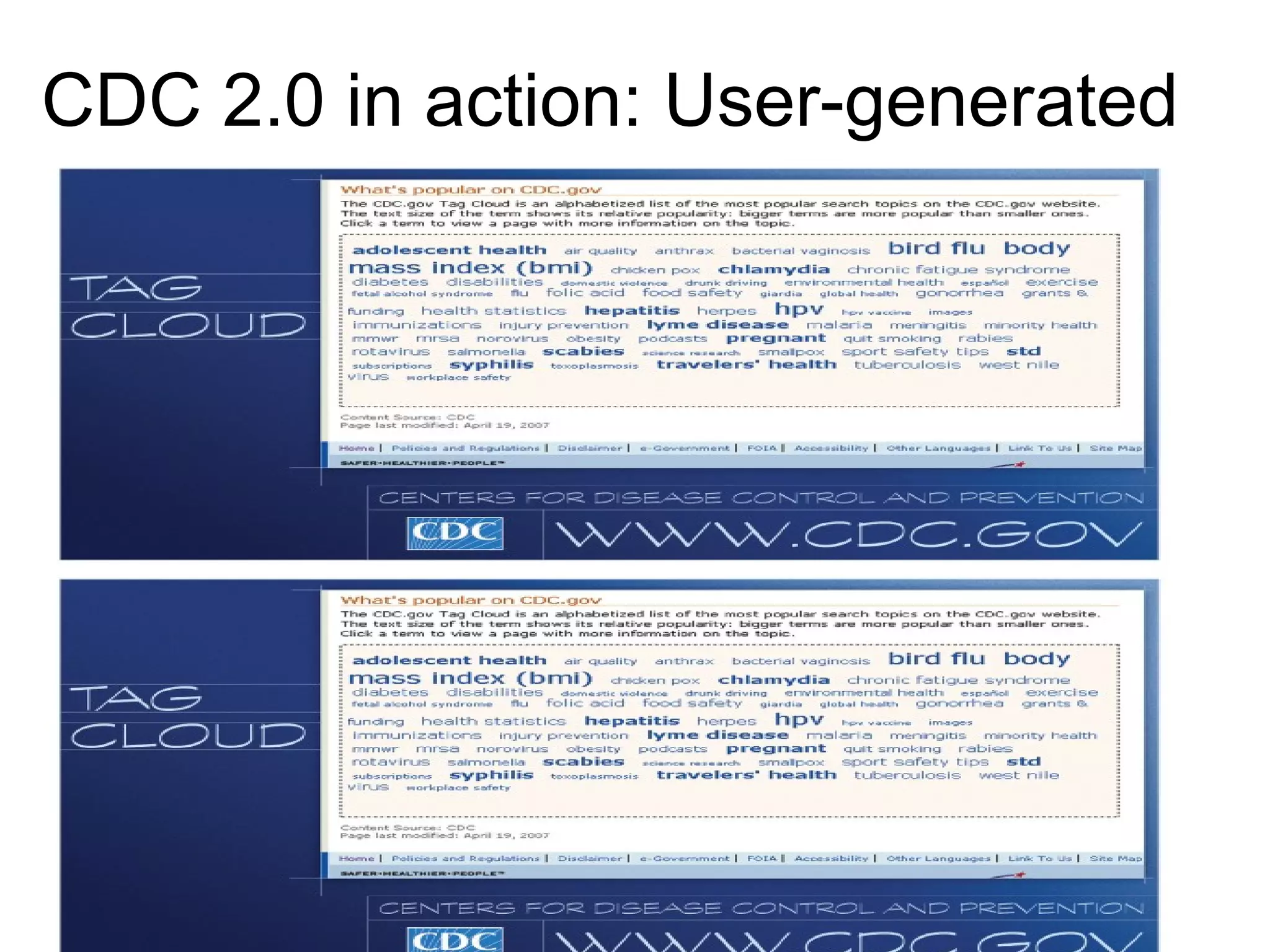
CDC 2.0 in action: User-generated Tags
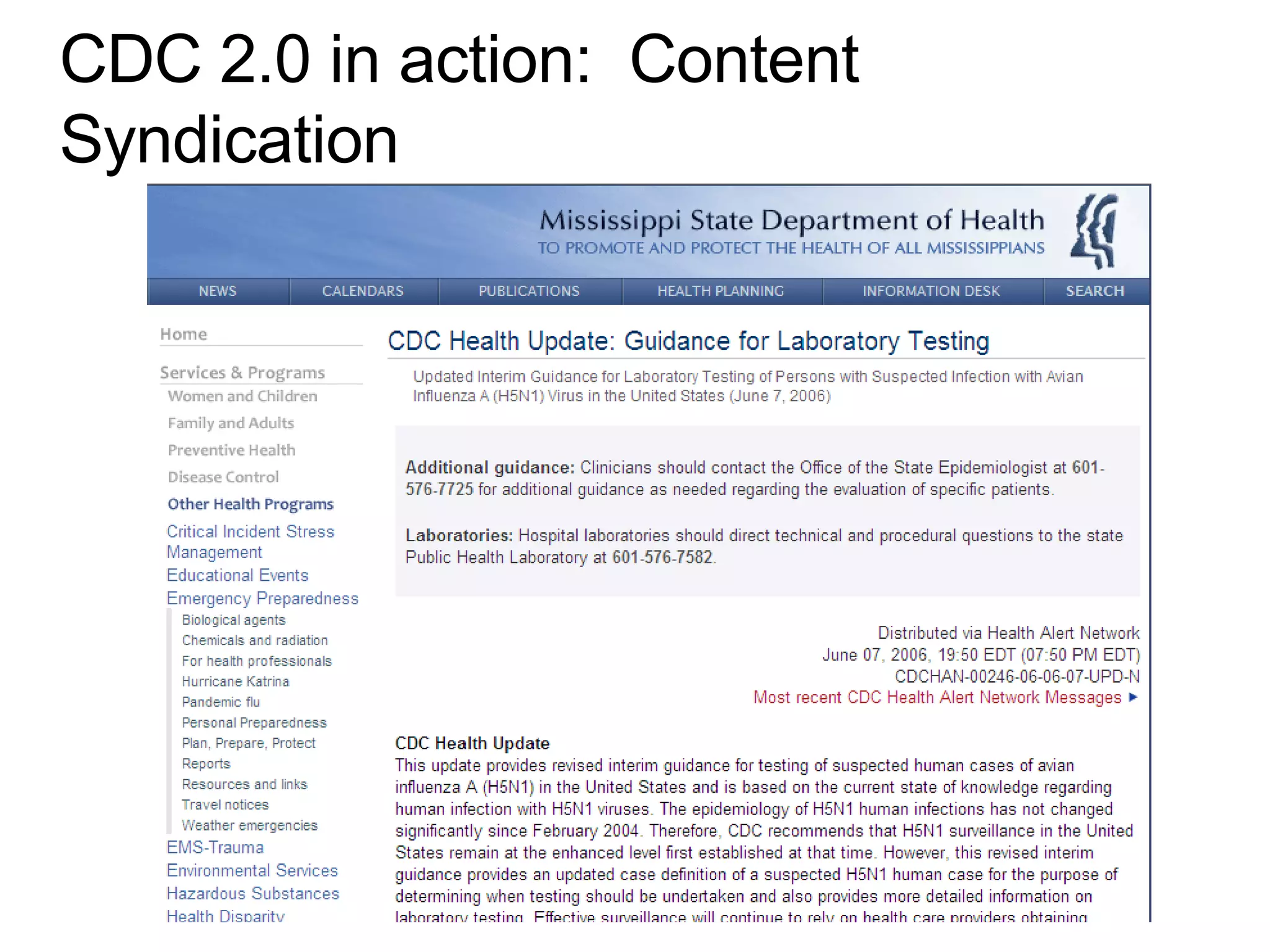
CDC 2.0 in action:  Content Syndication
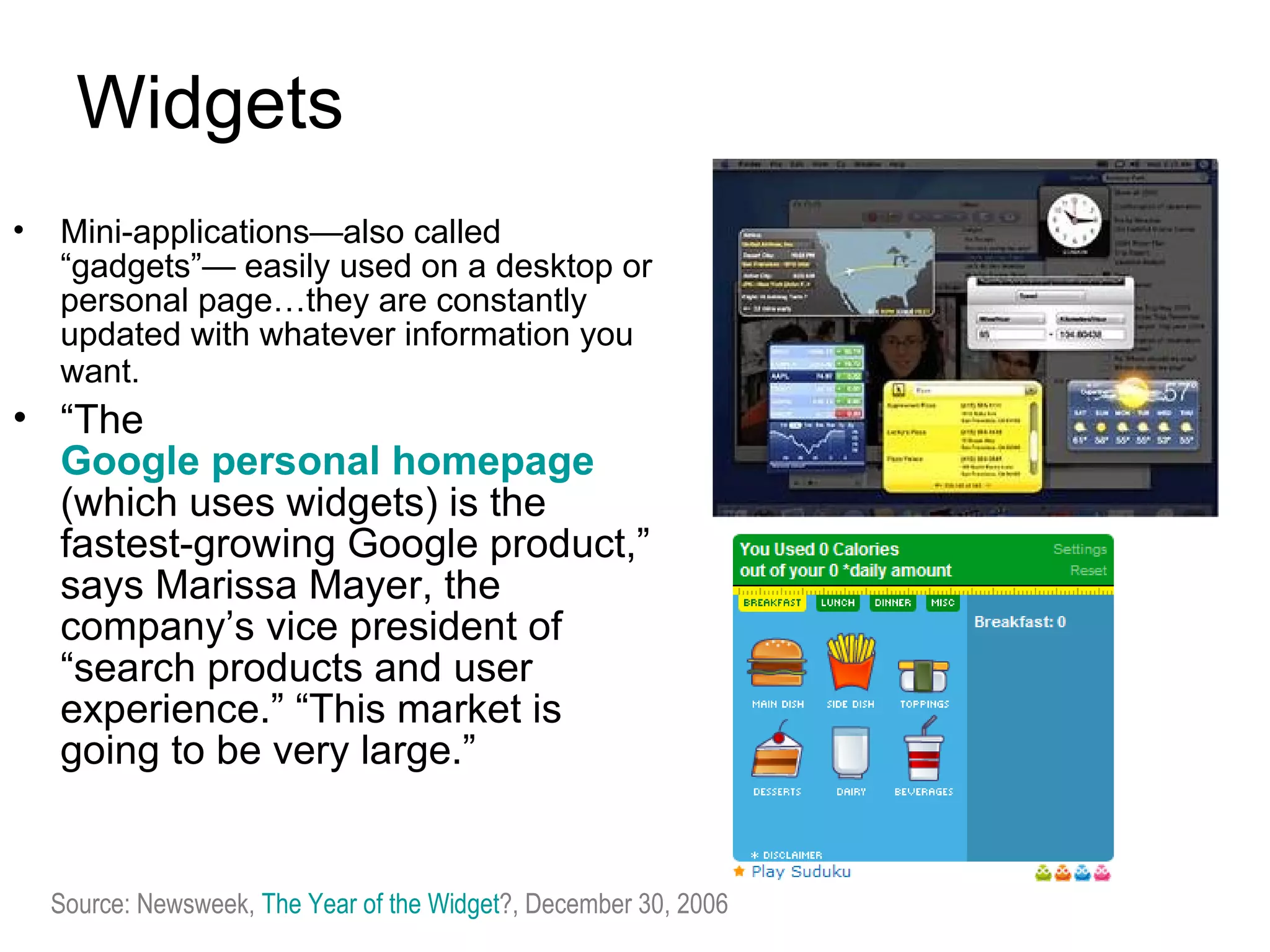
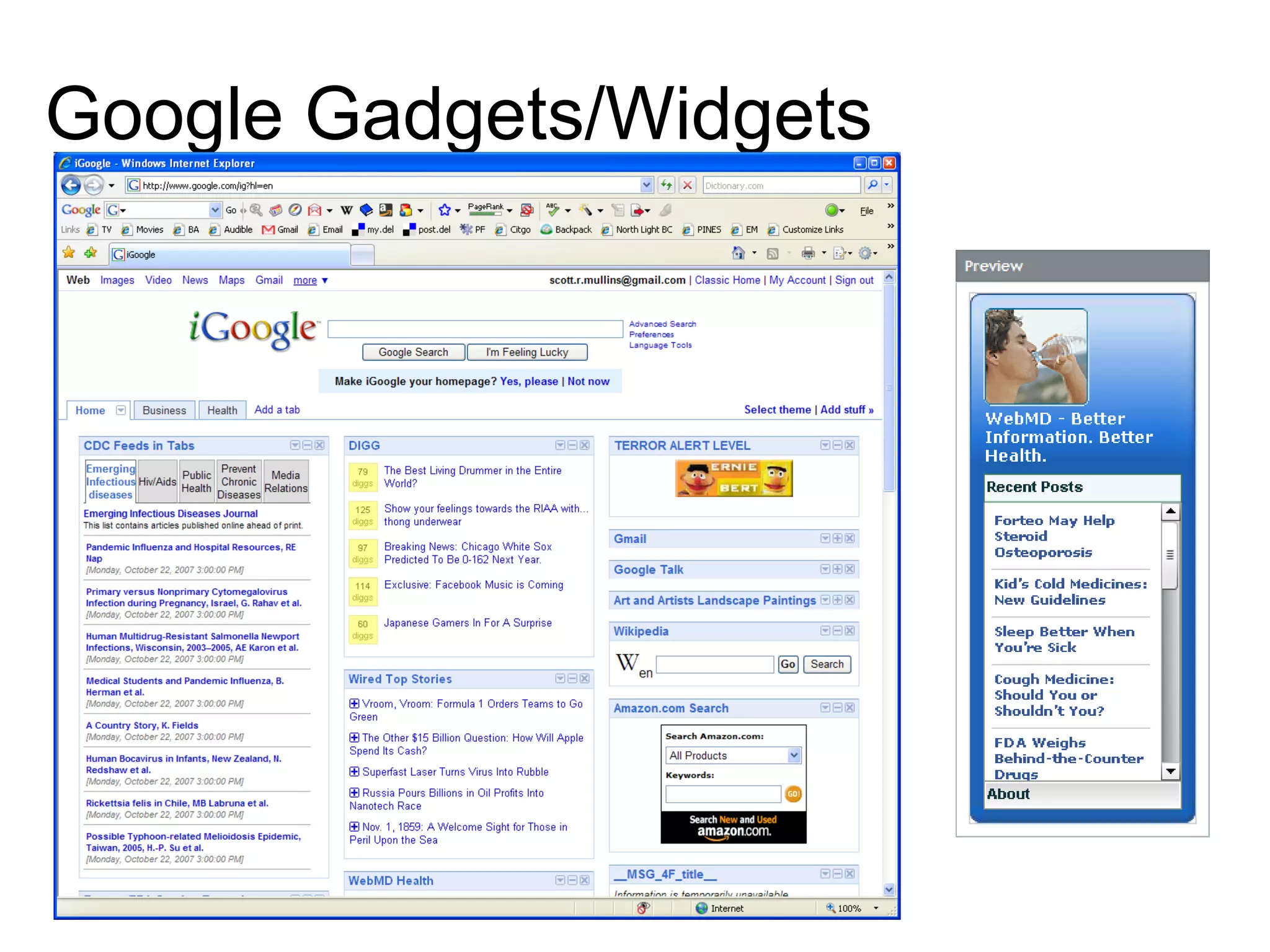
Widgets Mini-applications—also called “gadgets”— easily used on a desktop or personal page…they are constantly updated with whatever information you want.   “ The  Google personal homepage   (which uses widgets) is the fastest-growing Google product,” says Marissa Mayer, the company’s vice president of “search products and user experience.” “This market is going to be very large.”  Source: Newsweek,  The Year of the Widget ?, December 30, 2006
Google Gadgets/Widgets
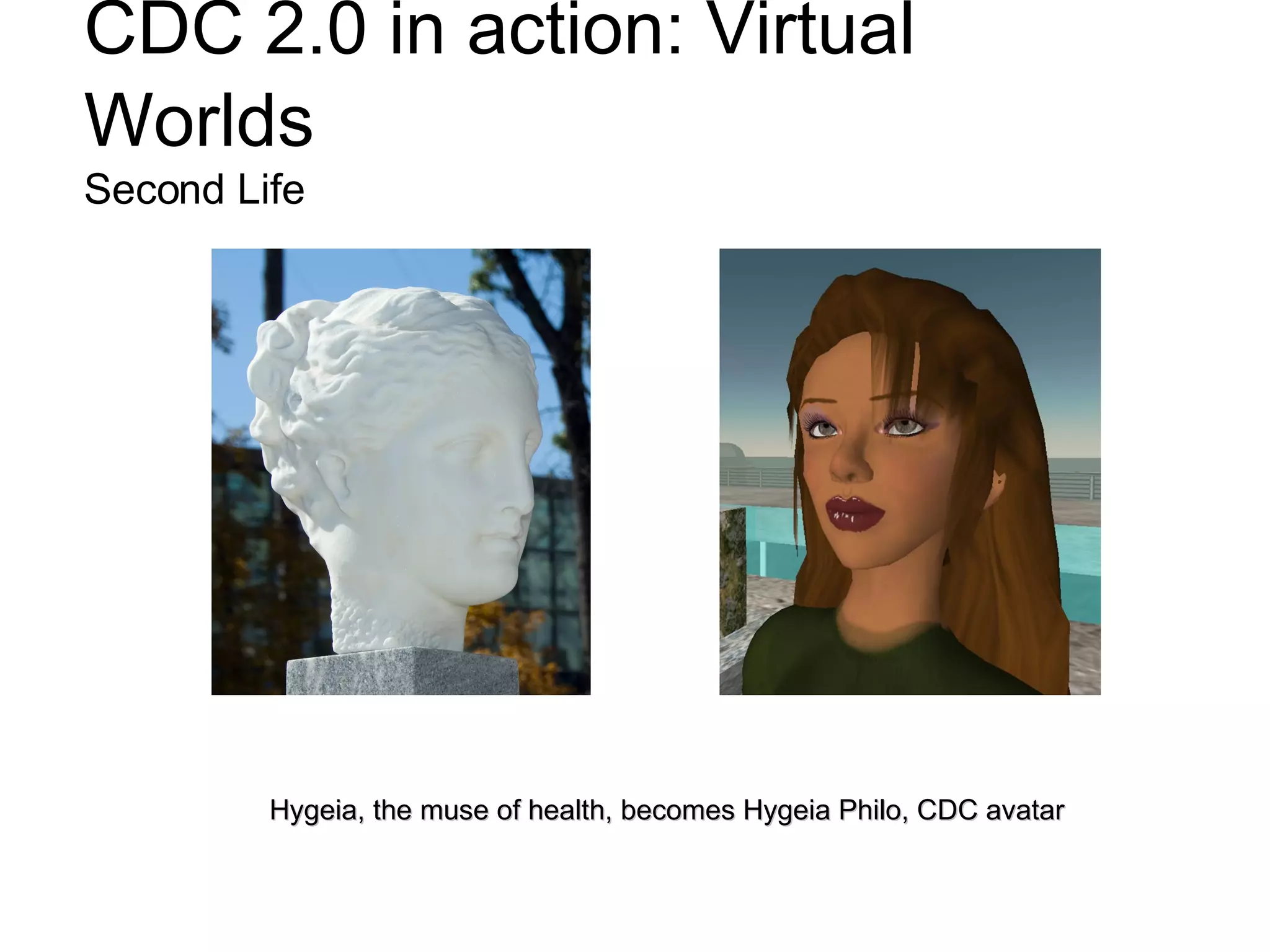
CDC 2.0 in action: Virtual Worlds   Second Life Hygeia, the muse of health, becomes Hygeia Philo, CDC avatar
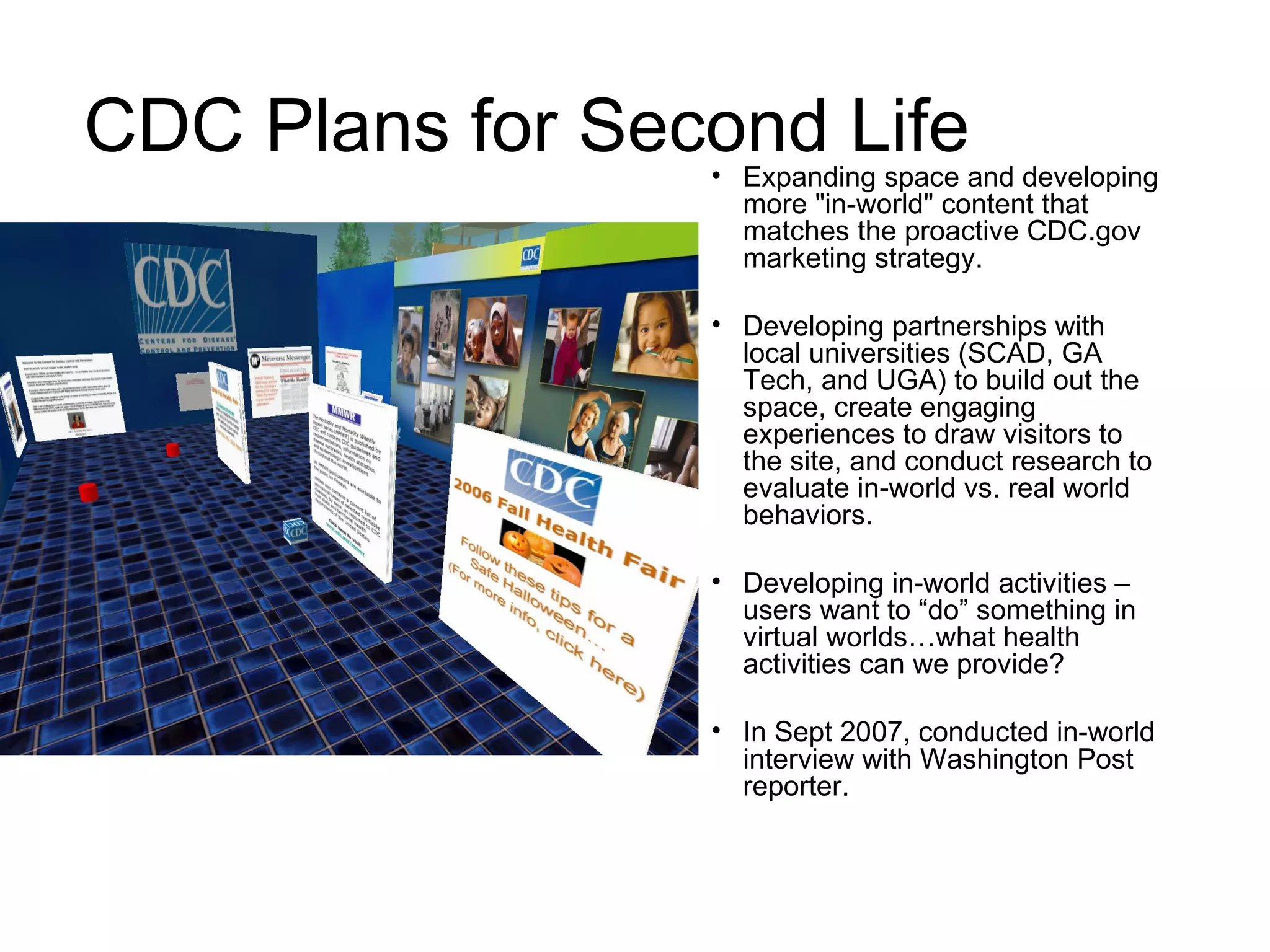
CDC Plans for Second Life Expanding space and developing more "in-world" content that matches the proactive CDC.gov marketing strategy.  Developing partnerships with local universities (SCAD, GA Tech, and UGA) to build out the space, create engaging experiences to draw visitors to the site, and conduct research to evaluate in-world vs. real world behaviors. Developing in-world activities – users want to “do” something in virtual worlds…what health activities can we provide? In Sept 2007, conducted in-world interview with Washington Post reporter.
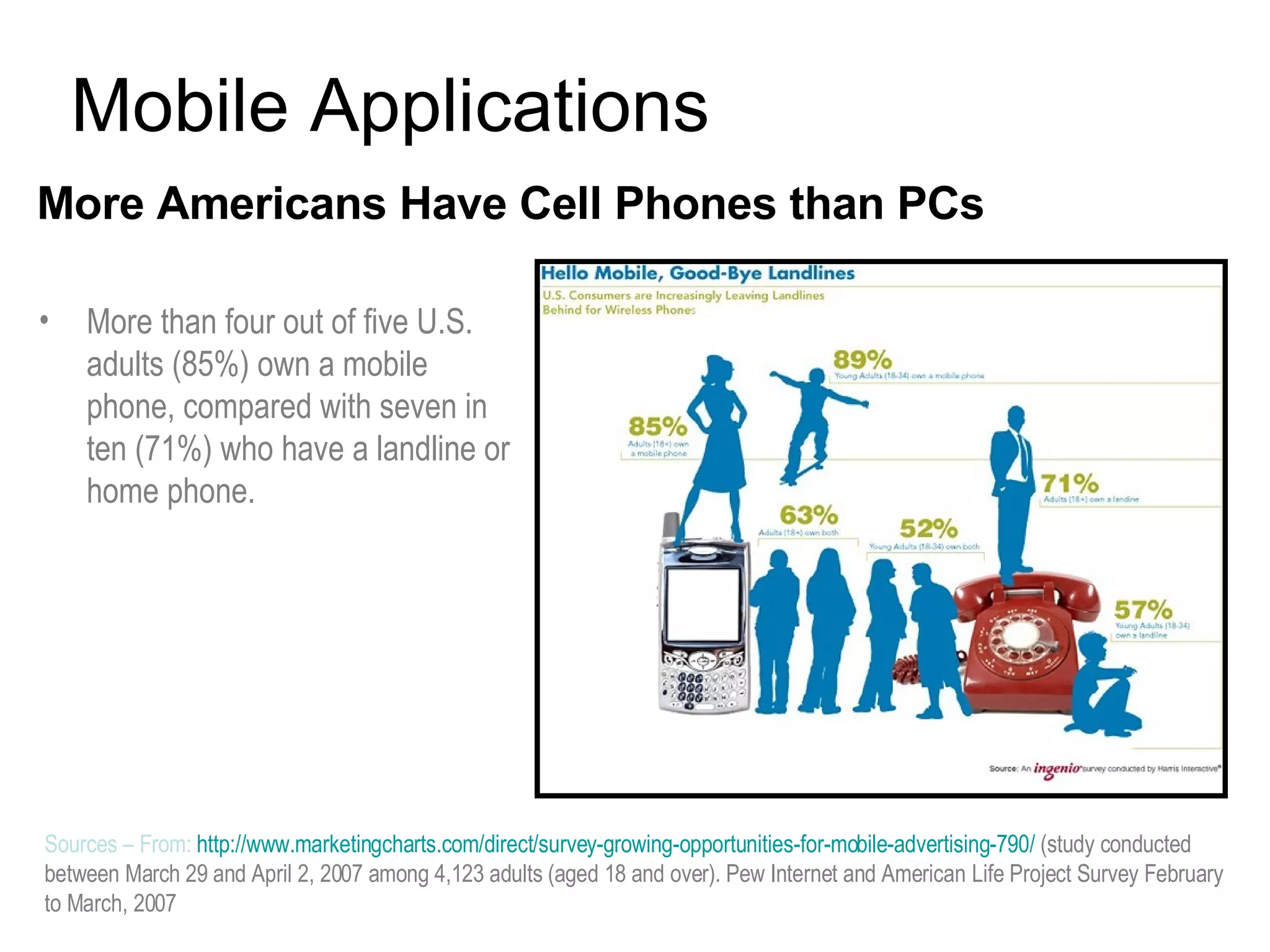
More Americans Have Cell Phones than PCs   Mobile Applications Sources –  From:  http://www.marketingcharts.com/direct/survey-growing-opportunities-for-mobile-advertising-790/   (study conducted between March 29 and April 2, 2007 among 4,123 adults (aged 18 and over).  Pew Internet and American   Life Project Survey February to March, 2007 More than four out of five U.S. adults (85%) own a mobile phone, compared with seven in ten (71%) who have a landline or home phone.
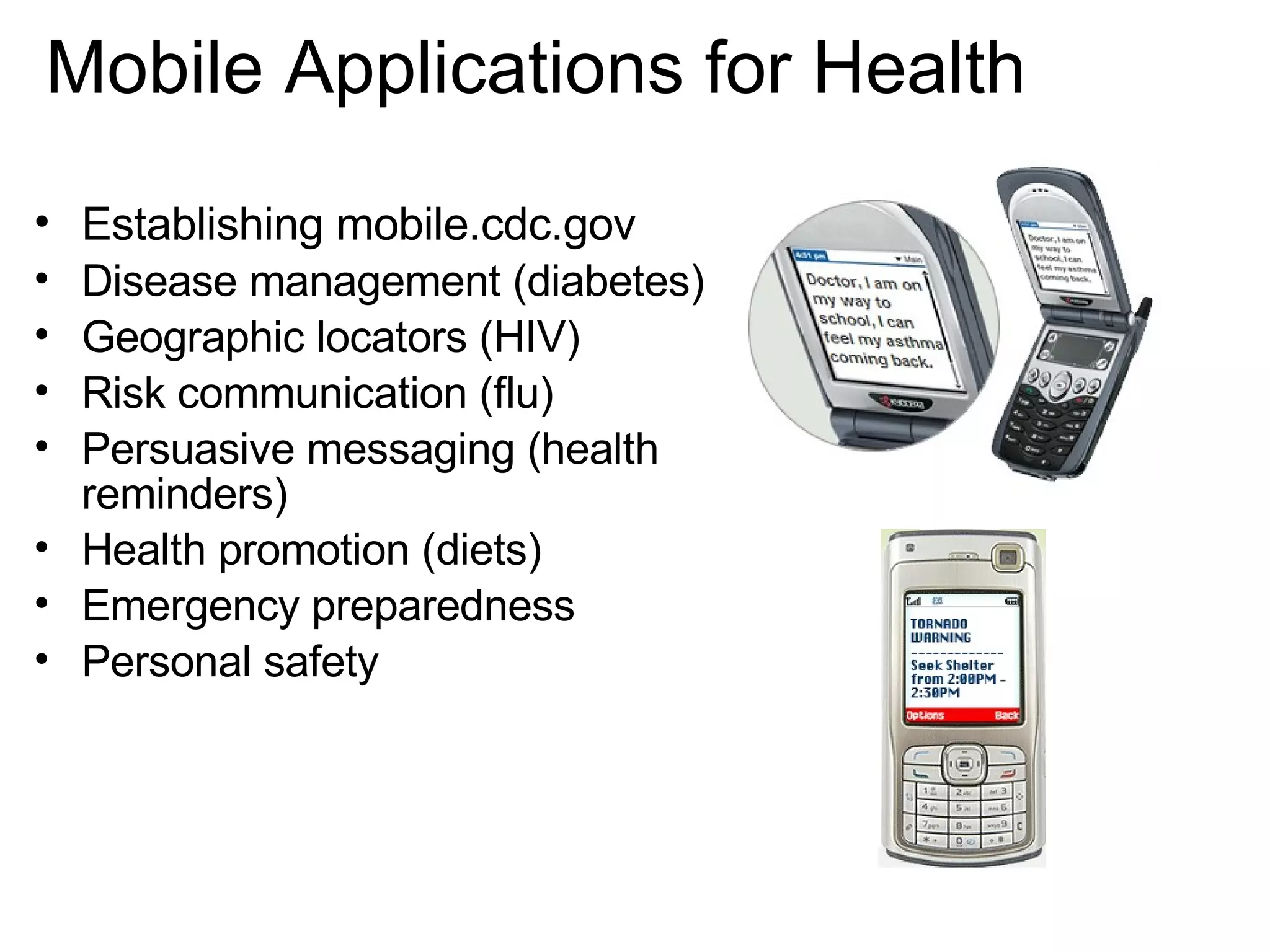
Establishing mobile.cdc.gov Disease management (diabetes) Geographic locators (HIV)  Risk communication (flu) Persuasive messaging (health reminders) Health promotion (diets) Emergency preparedness Personal safety Mobile Applications for Health
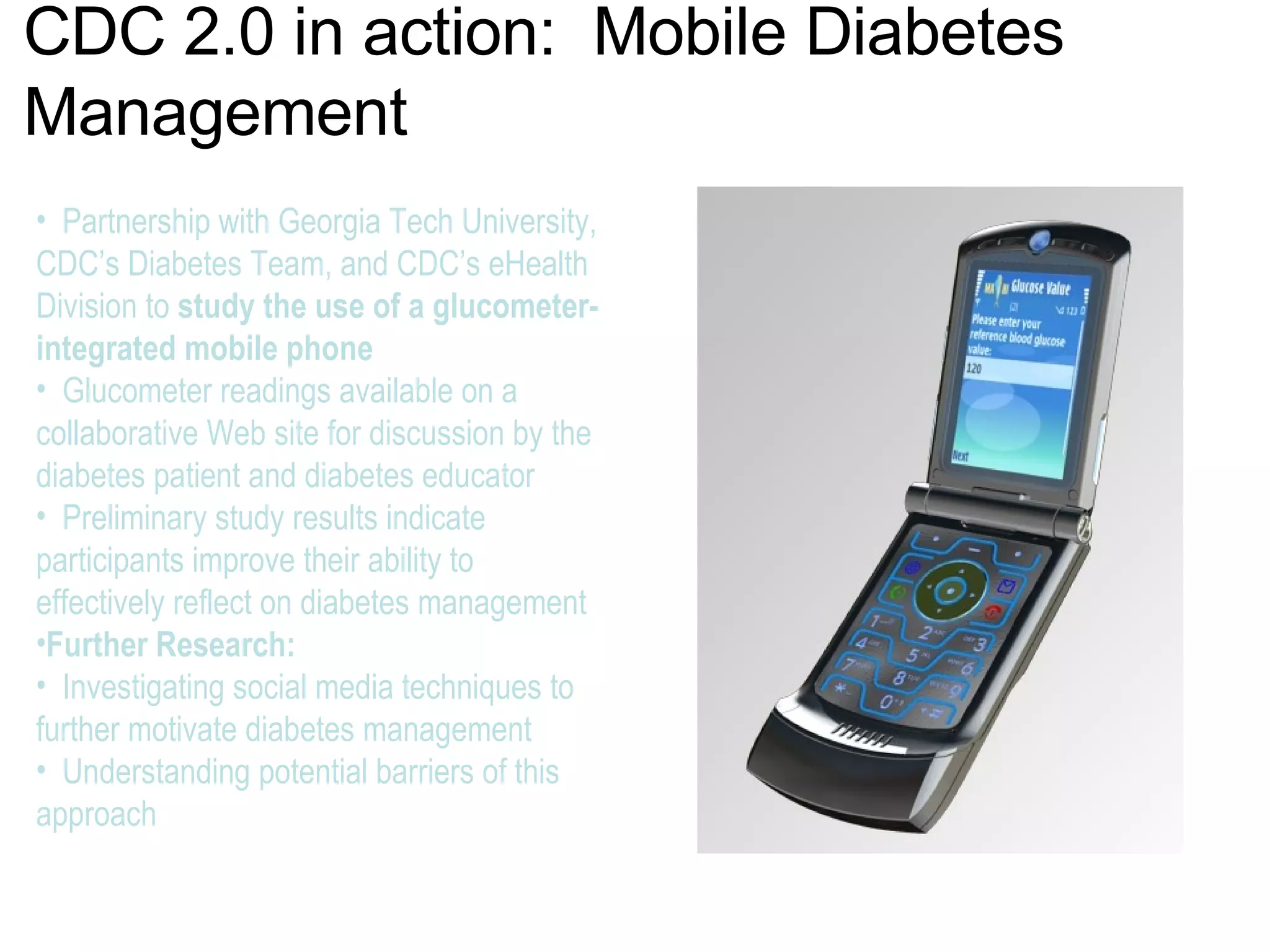
CDC 2.0 in action:  Mobile Diabetes Management Partnership with Georgia Tech University, CDC’s Diabetes Team, and CDC’s eHealth Division to  study the use of a glucometer- integrated mobile phone Glucometer readings available on a collaborative Web site for discussion by the diabetes patient and diabetes educator  Preliminary study results indicate participants improve their ability to effectively reflect on diabetes management  Further Research:  Investigating social media techniques to further motivate diabetes management  Understanding potential barriers of this approach
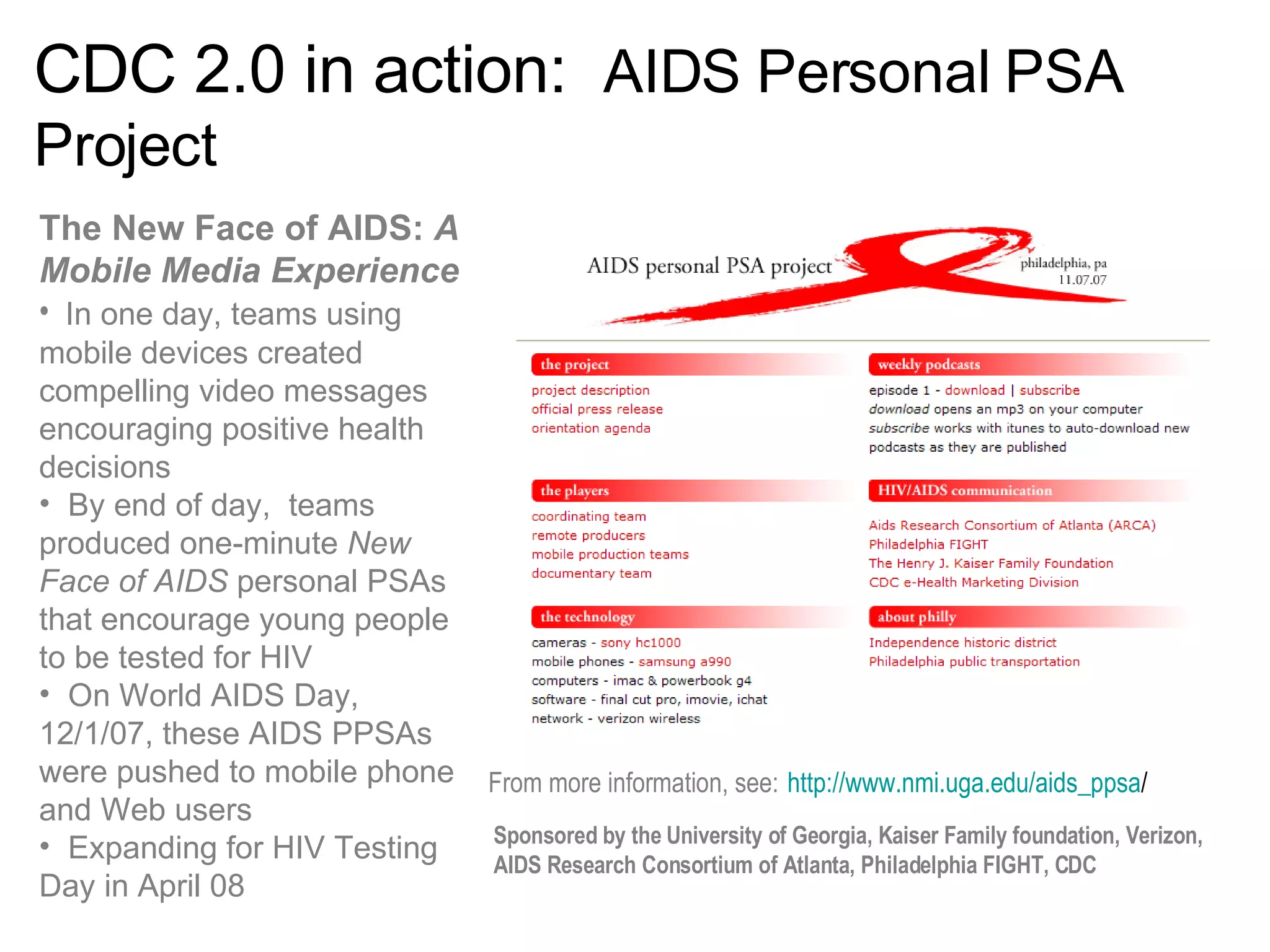
CDC 2.0 in action:  AIDS Personal PSA Project The New Face of AIDS:  A Mobile Media Experience   In one day, teams using mobile devices created compelling video messages encouraging positive health decisions By end of day,  teams produced one-minute  New Face of AIDS  personal PSAs that encourage young people to be tested for HIV  On World AIDS Day, 12/1/07, these AIDS PPSAs were pushed to mobile phone and Web users  Expanding for HIV Testing Day in April 08 From more information, see:   http://www.nmi.uga.edu/aids_ppsa / Sponsored by the University of Georgia, Kaiser Family foundation, Verizon, AIDS Research Consortium of Atlanta, Philadelphia FIGHT, CDC
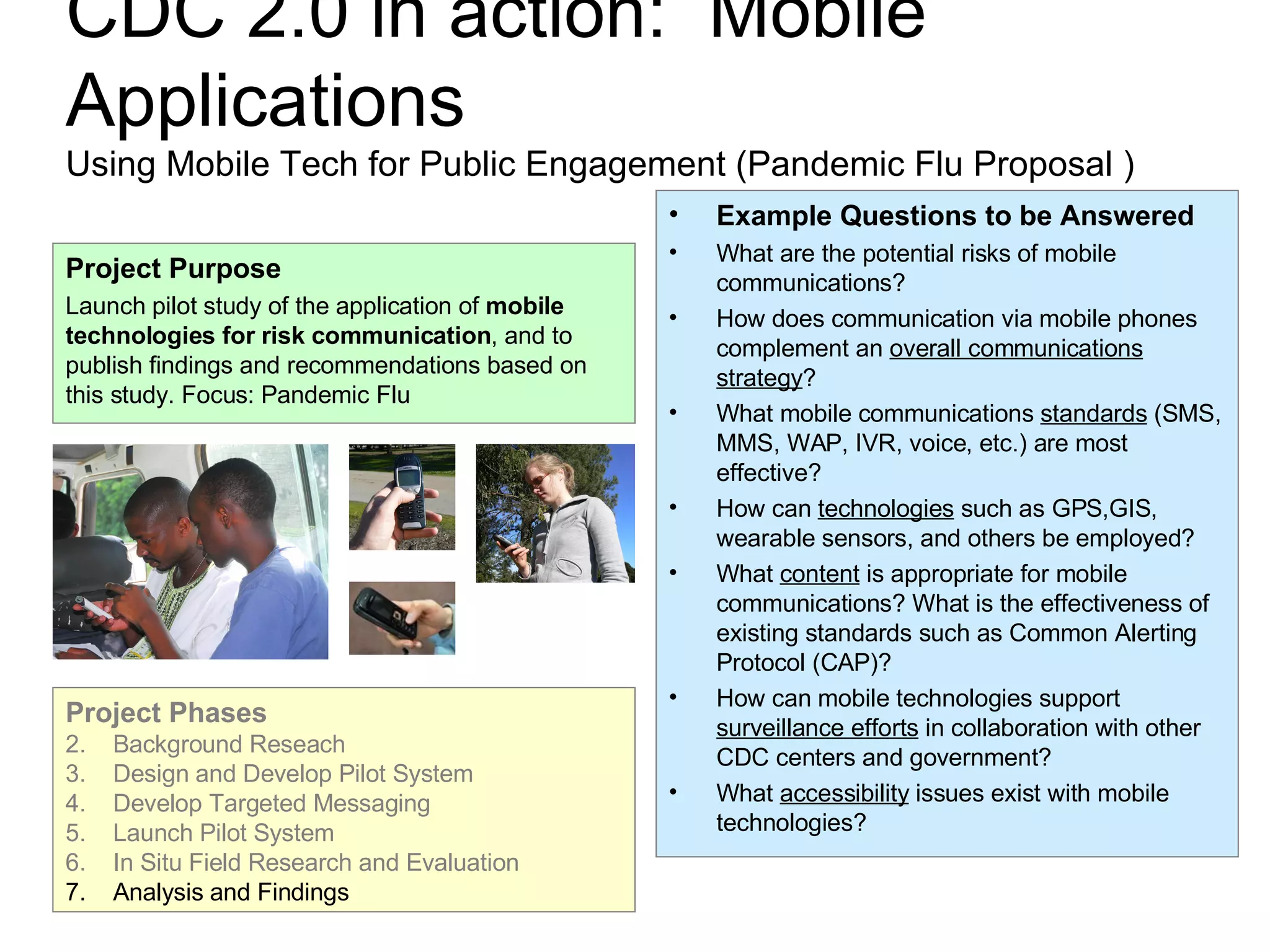
CDC 2.0 in action:  Mobile Applications Using Mobile Tech for Public Engagement (Pandemic Flu Proposal ) Example Questions to be Answered What are the potential risks of mobile communications? How does communication via mobile phones complement an  overall communications strategy ? What mobile communications  standards  (SMS, MMS, WAP, IVR, voice, etc.) are most effective? How can  technologies  such as GPS,GIS, wearable sensors, and others be employed? What  content  is appropriate for mobile communications? What is the effectiveness of existing standards such as Common Alerting Protocol (CAP)? How can mobile technologies support  surveillance efforts  in collaboration with other CDC centers and government? What  accessibility  issues exist with mobile technologies? Project Purpose Launch pilot study of the application of  mobile technologies for risk communication , and to publish findings and recommendations based on this study. Focus: Pandemic Flu Project Phases Background Reseach Design and Develop Pilot System Develop Targeted Messaging Launch Pilot System In Situ Field Research and Evaluation Analysis and Findings
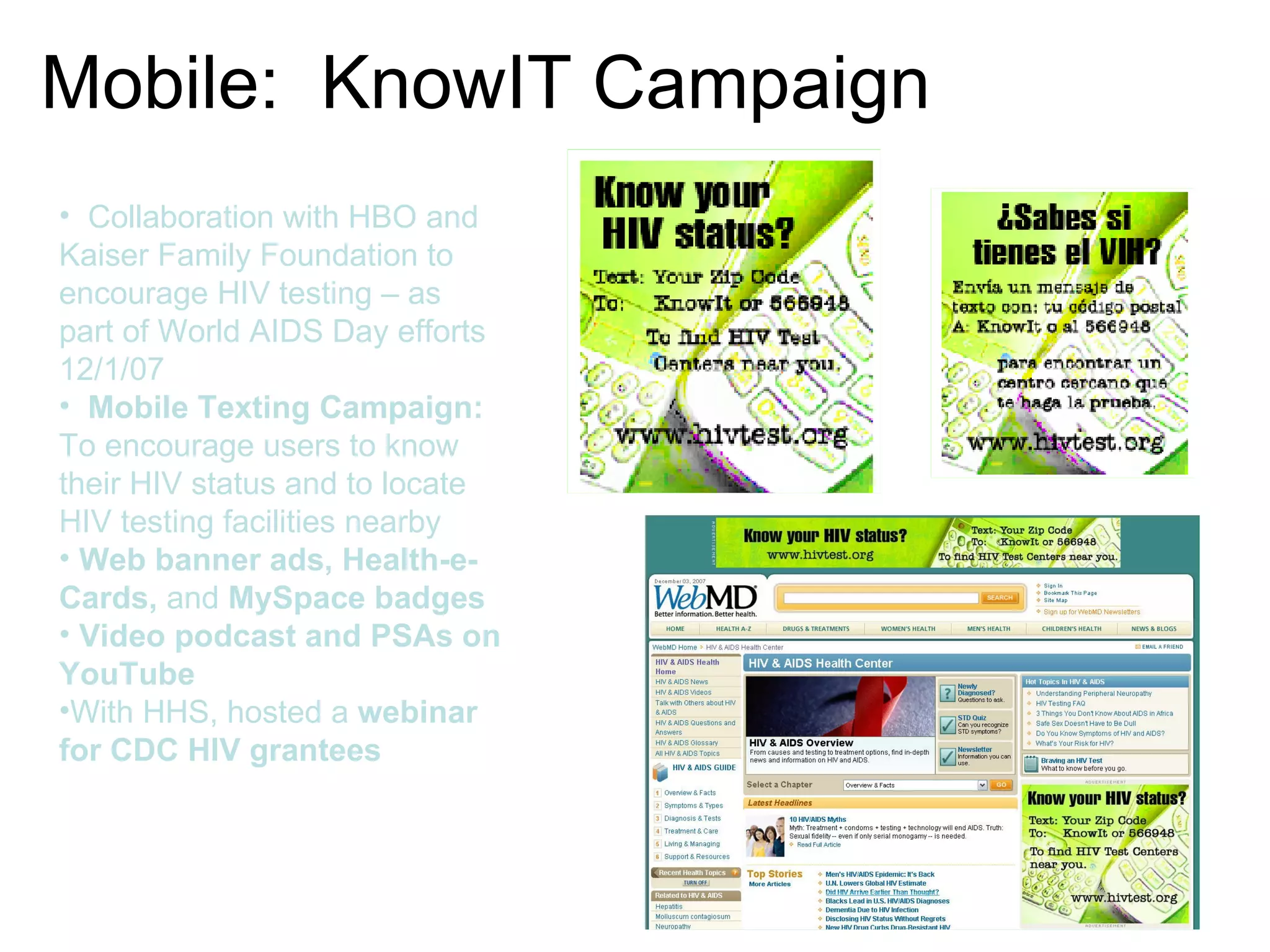
Mobile:  KnowIT Campaign Collaboration with HBO and Kaiser Family Foundation to encourage HIV testing – as part of World AIDS Day efforts 12/1/07 Mobile Texting Campaign: To encourage users to know their HIV status and to locate HIV testing facilities nearby Web banner ads, Health-e-Cards,  and  MySpace badges Video podcast and PSAs on YouTube With HHS, hosted a  webinar for CDC HIV grantees
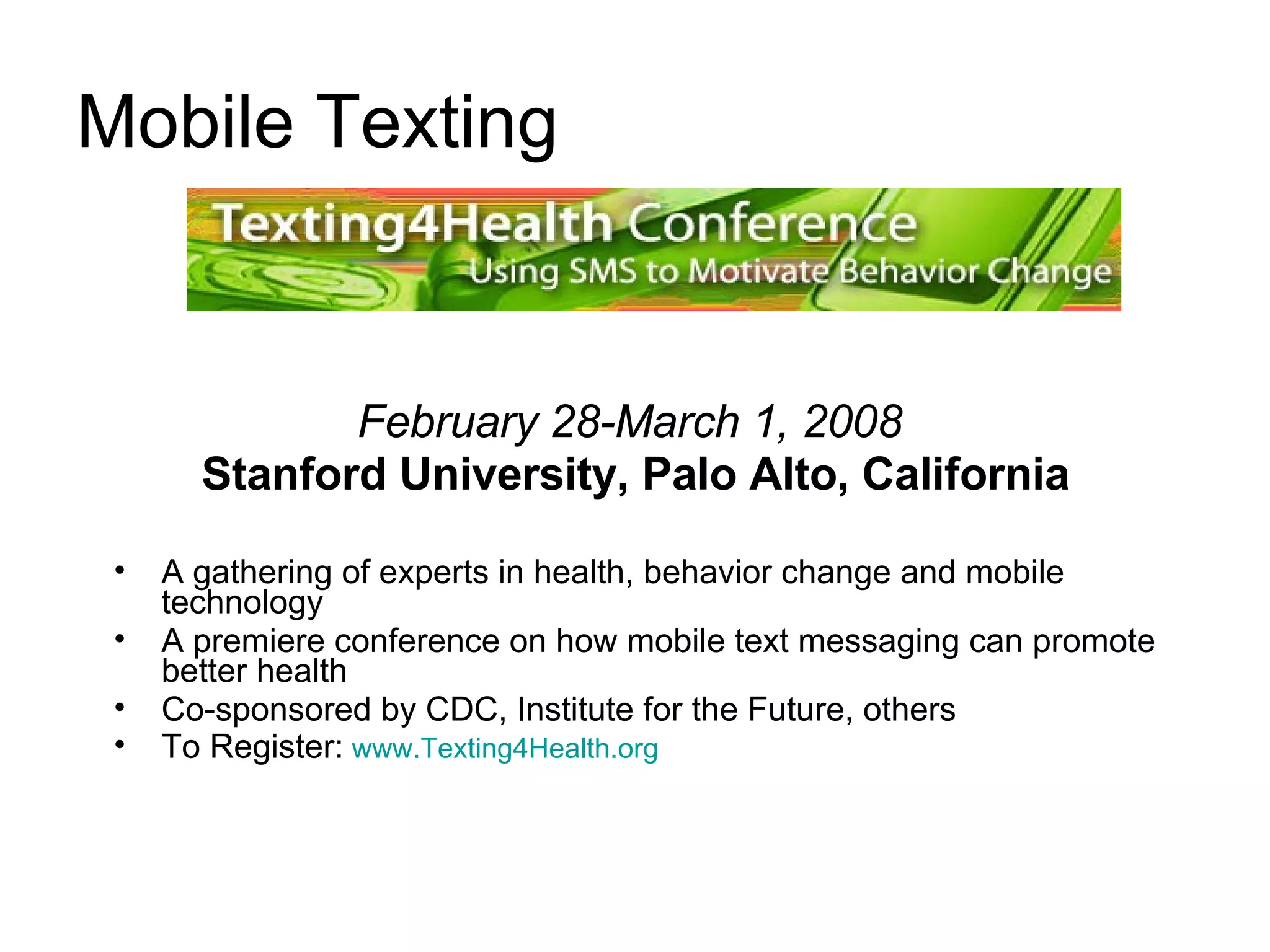
Mobile Texting February 28-March 1, 2008   Stanford University, Palo Alto, California A gathering of experts in health, behavior change and mobile technology  A premiere conference on how mobile text messaging can promote better health Co-sponsored by CDC, Institute for the Future, others  To Register:   www.Texting4Health.org  
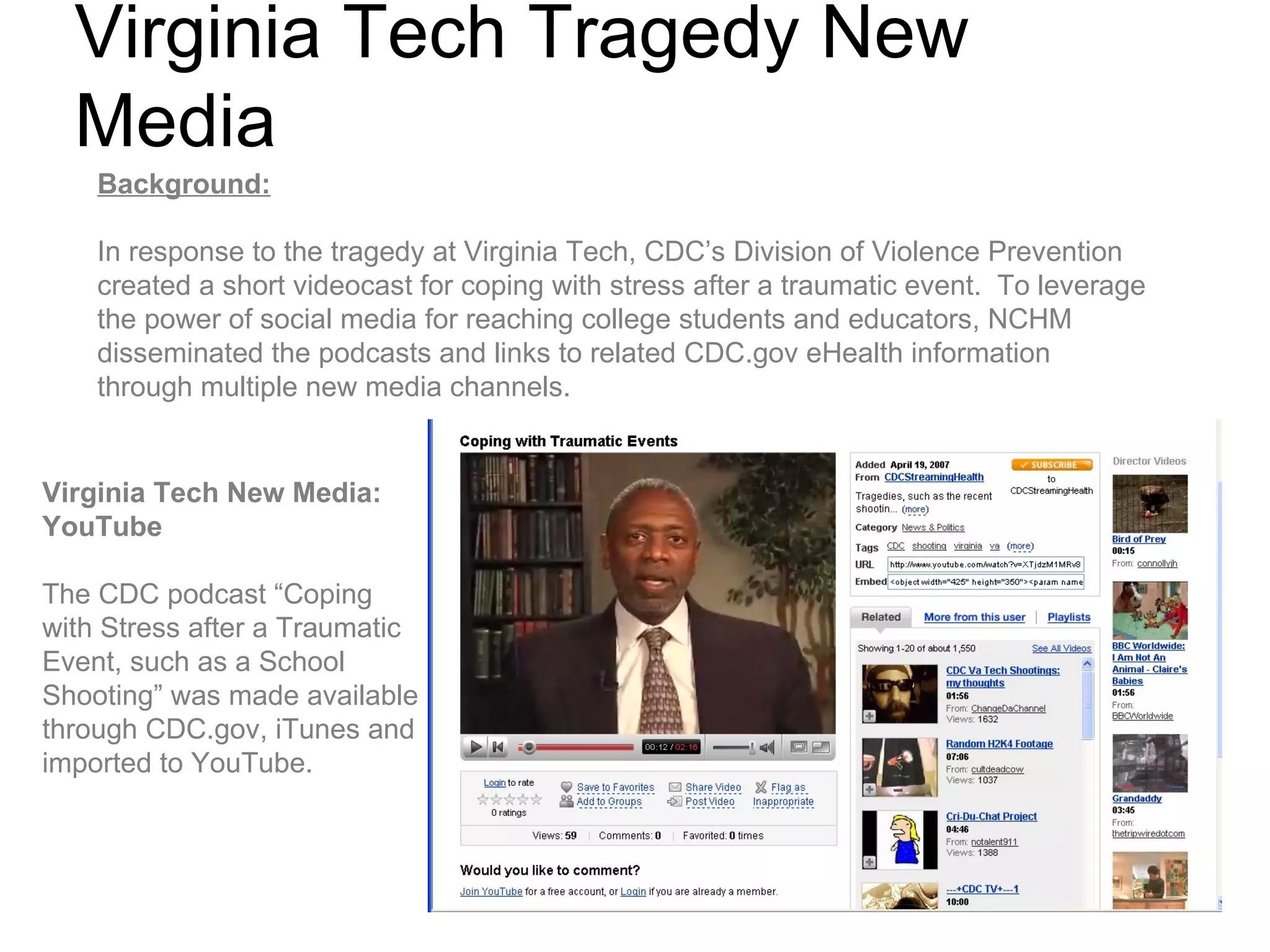
Virginia Tech Tragedy New Media Background: In response to the tragedy at Virginia Tech, CDC’s Division of Violence Prevention created a short videocast for coping with stress after a traumatic event.  To leverage the power of social media for reaching college students and educators, NCHM disseminated the podcasts and links to related CDC.gov eHealth information through multiple new media channels. Virginia Tech New Media:  YouTube  The CDC podcast “Coping with Stress after a Traumatic Event, such as a School Shooting” was made available through CDC.gov, iTunes and imported to YouTube.
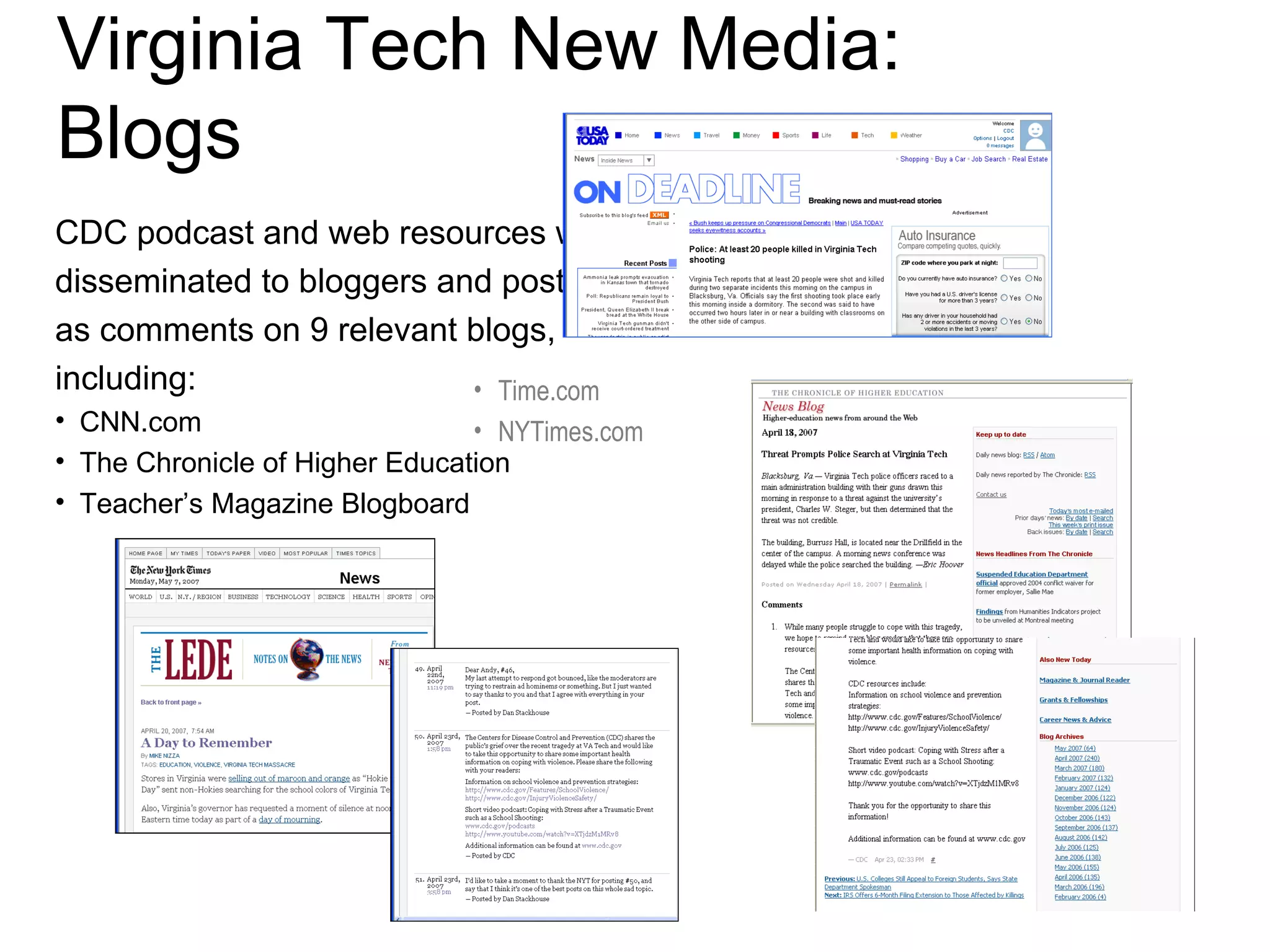
Virginia Tech New Media: Blogs CDC podcast and web resources were  disseminated to bloggers and posted  as comments on 9 relevant blogs,  including: CNN.com       The Chronicle of Higher Education Teacher’s Magazine Blogboard Time.com NYTimes.com
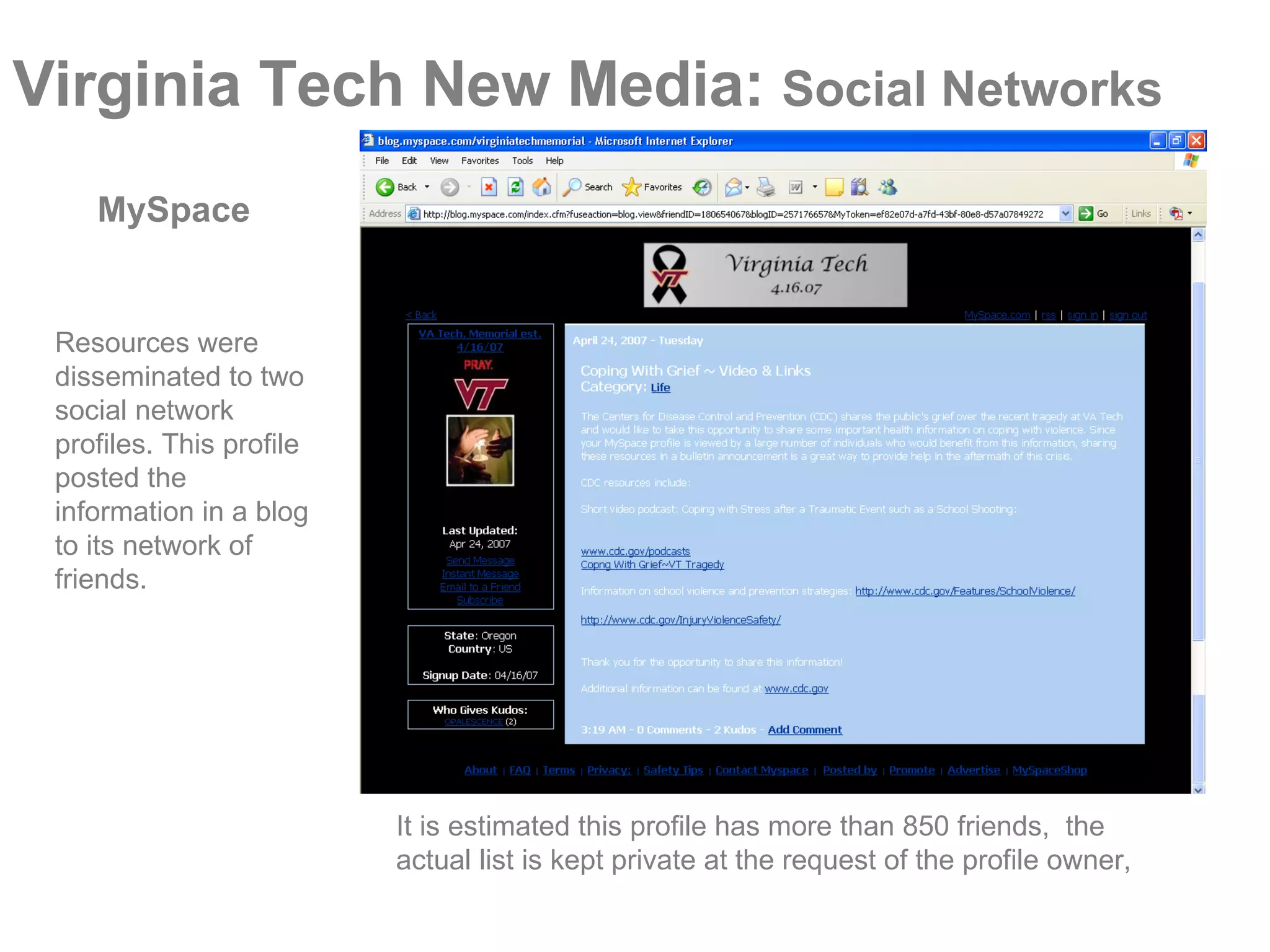
Virginia Tech New Media:  Social Networks It is estimated this profile has more than 850 friends,  the actual list is kept private at the request of the profile owner, Resources were disseminated to two social network profiles. This profile posted the information in a blog to its network of friends. MySpace
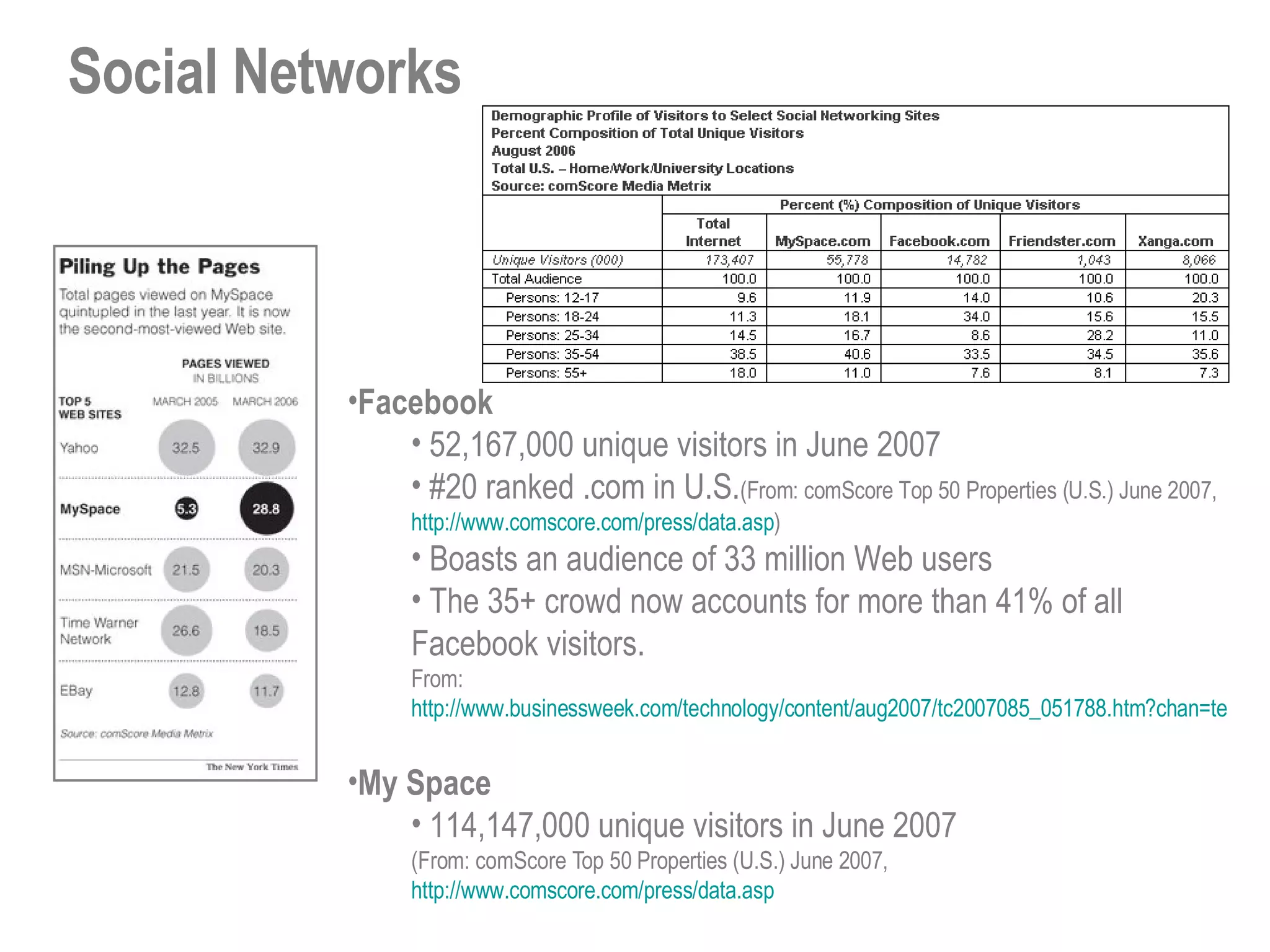
Social Networks Facebook 52,167,000 unique visitors in June 2007  #20 ranked .com in U.S. (From: comScore Top 50 Properties (U.S.) June 2007,  http://www.comscore.com/press/data.asp ) Boasts an audience of 33 million Web users The 35+ crowd now accounts for more than 41% of all Facebook visitors. From: http://www.businessweek.com/technology/content/aug2007/tc2007085_051788.htm?chan=technology_technology+index+page_top+stories   My Space 114,147,000 unique visitors in June 2007  (From: comScore Top 50 Properties (U.S.) June 2007,  http://www.comscore.com/press/data.asp
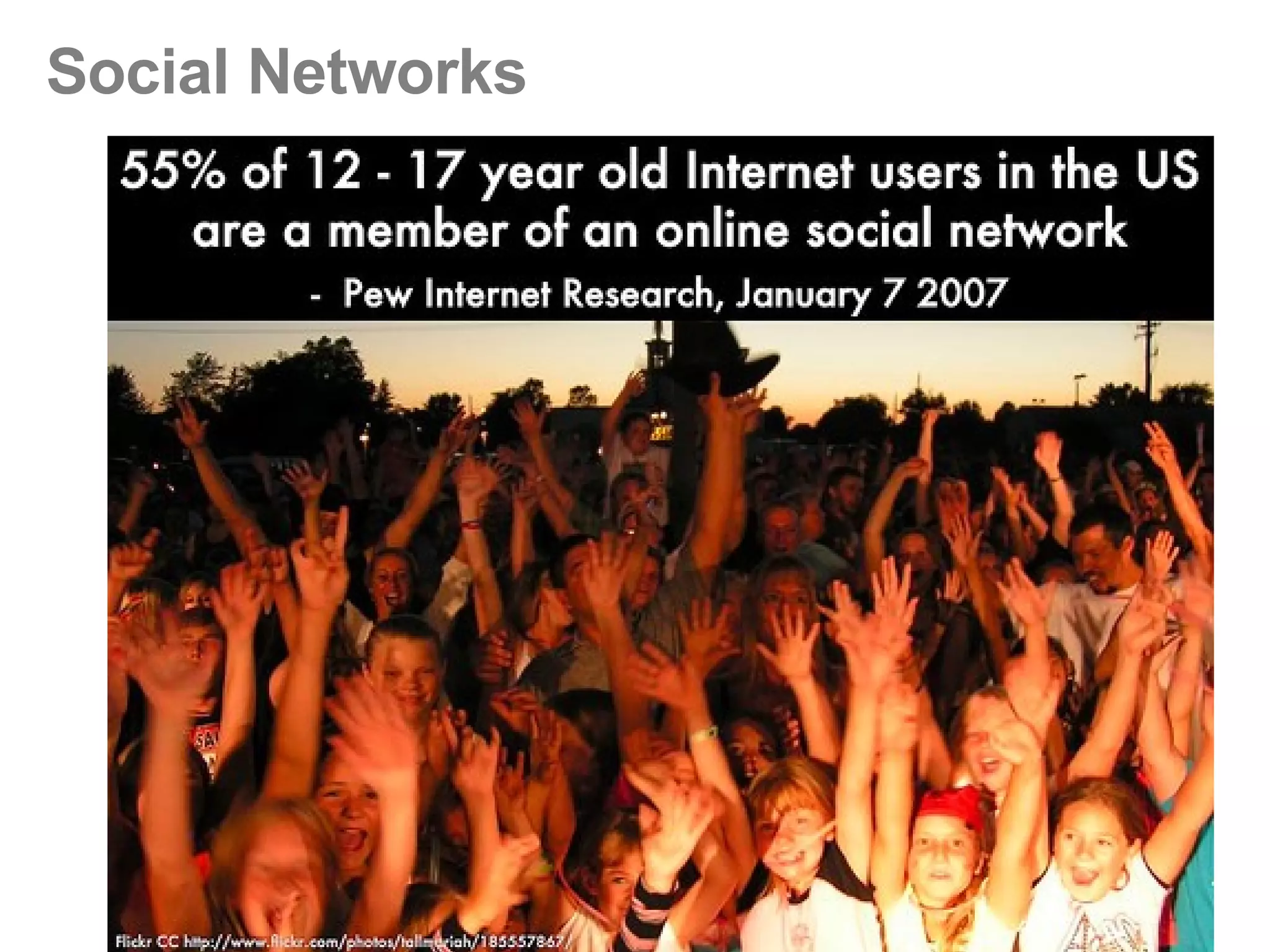
Social Networks
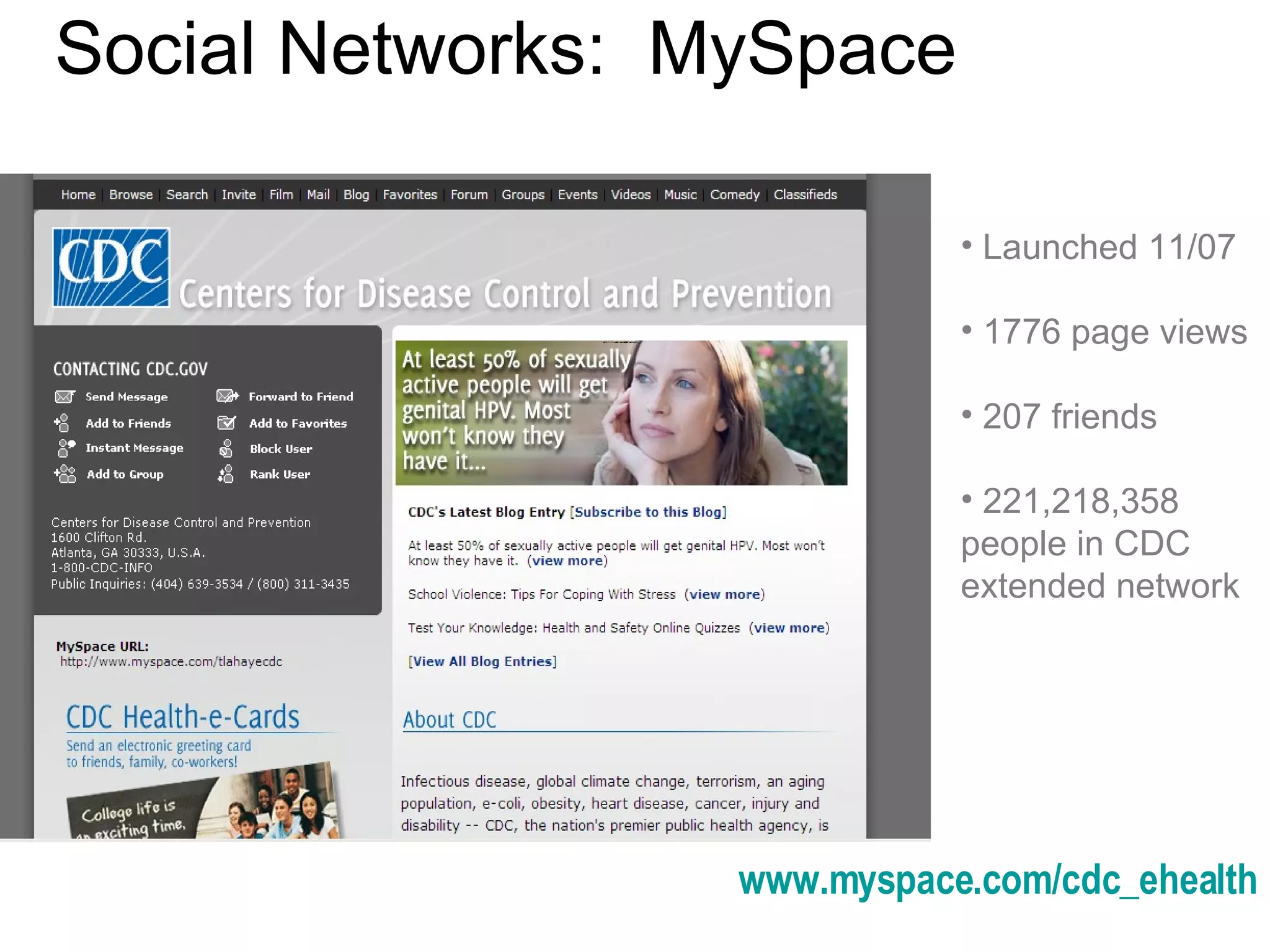
Social Networks:  MySpace www.myspace.com/cdc_ehealth Launched 11/07 1776 page views 207 friends 221,218,358 people in CDC extended network
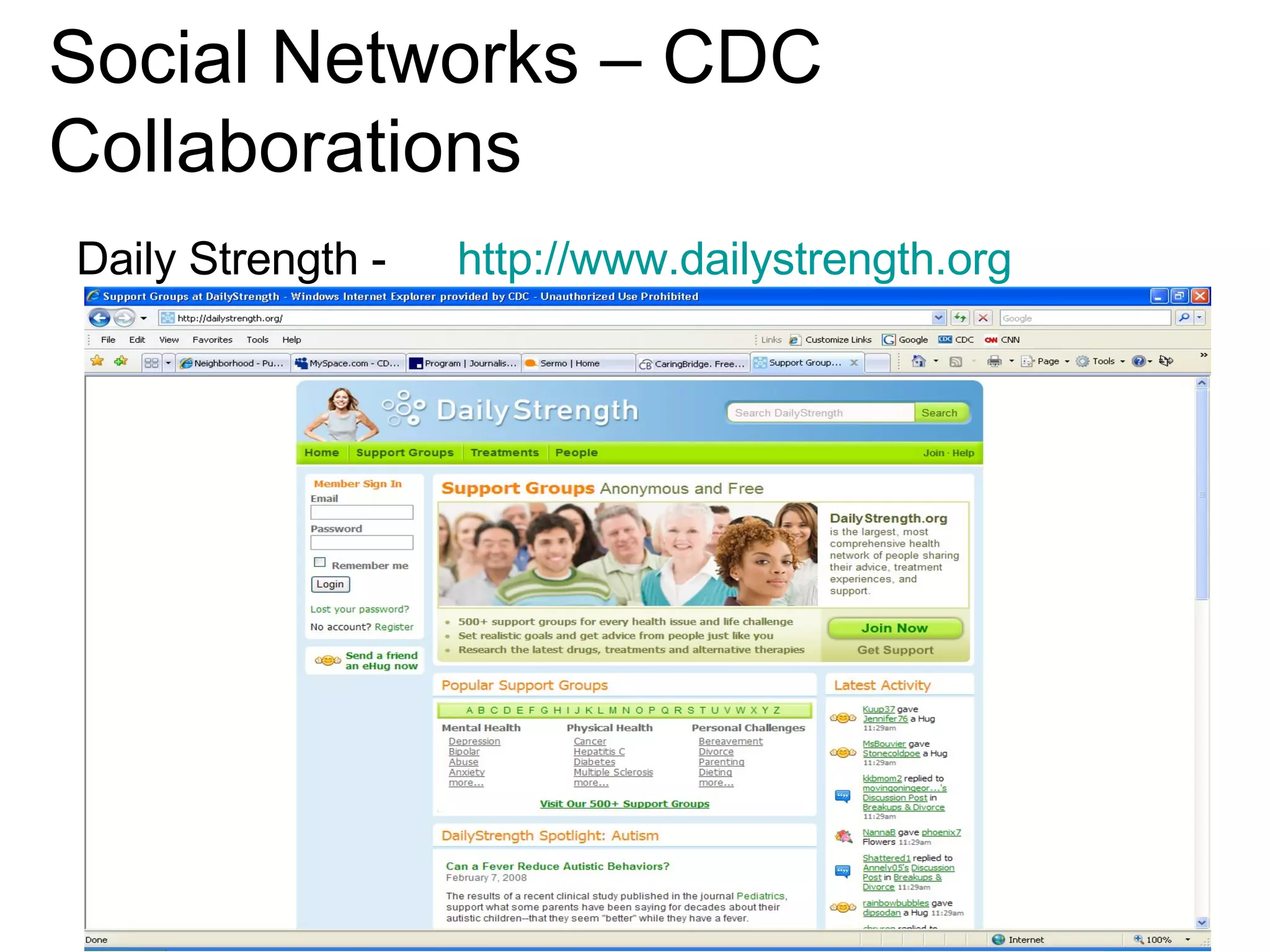
Social Networks – CDC Collaborations Daily Strength -  http://www.dailystrength.org
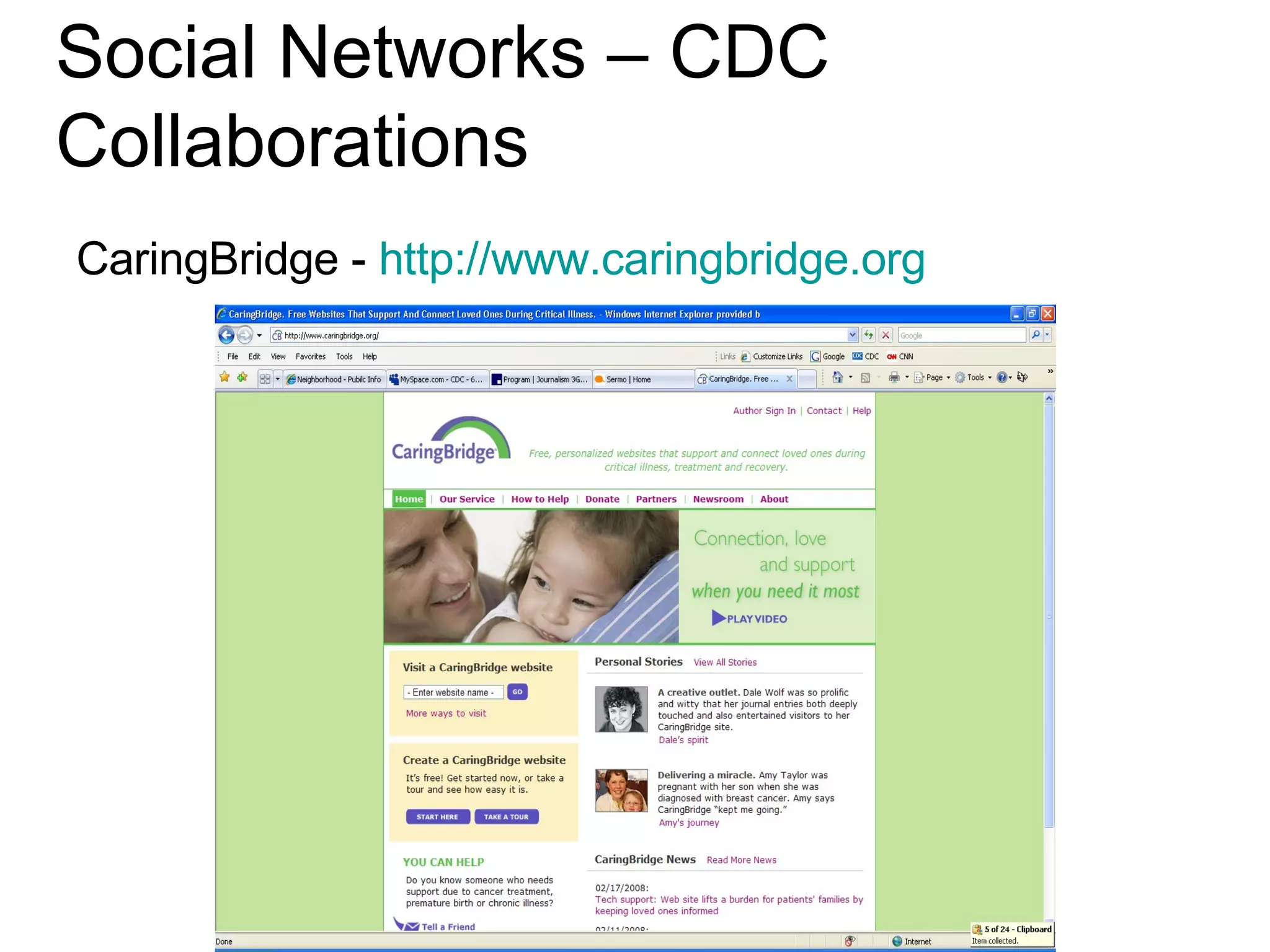
Social Networks – CDC Collaborations CaringBridge -  http:// www.caringbridge.org
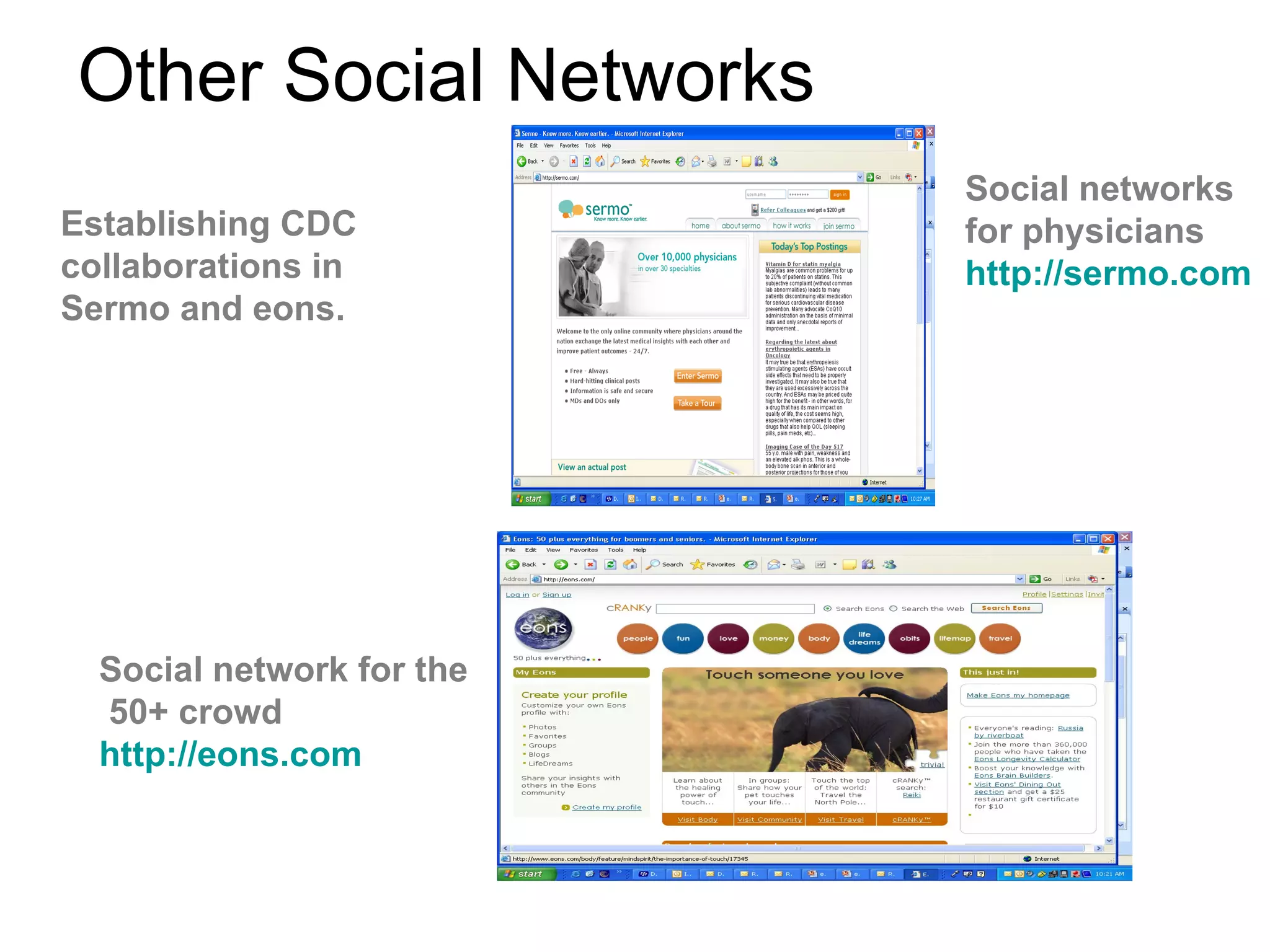
Other Social Networks Social network for the  50+ crowd  http://eons.com Social networks for physicians http://sermo.com Establishing CDC collaborations in Sermo and eons.
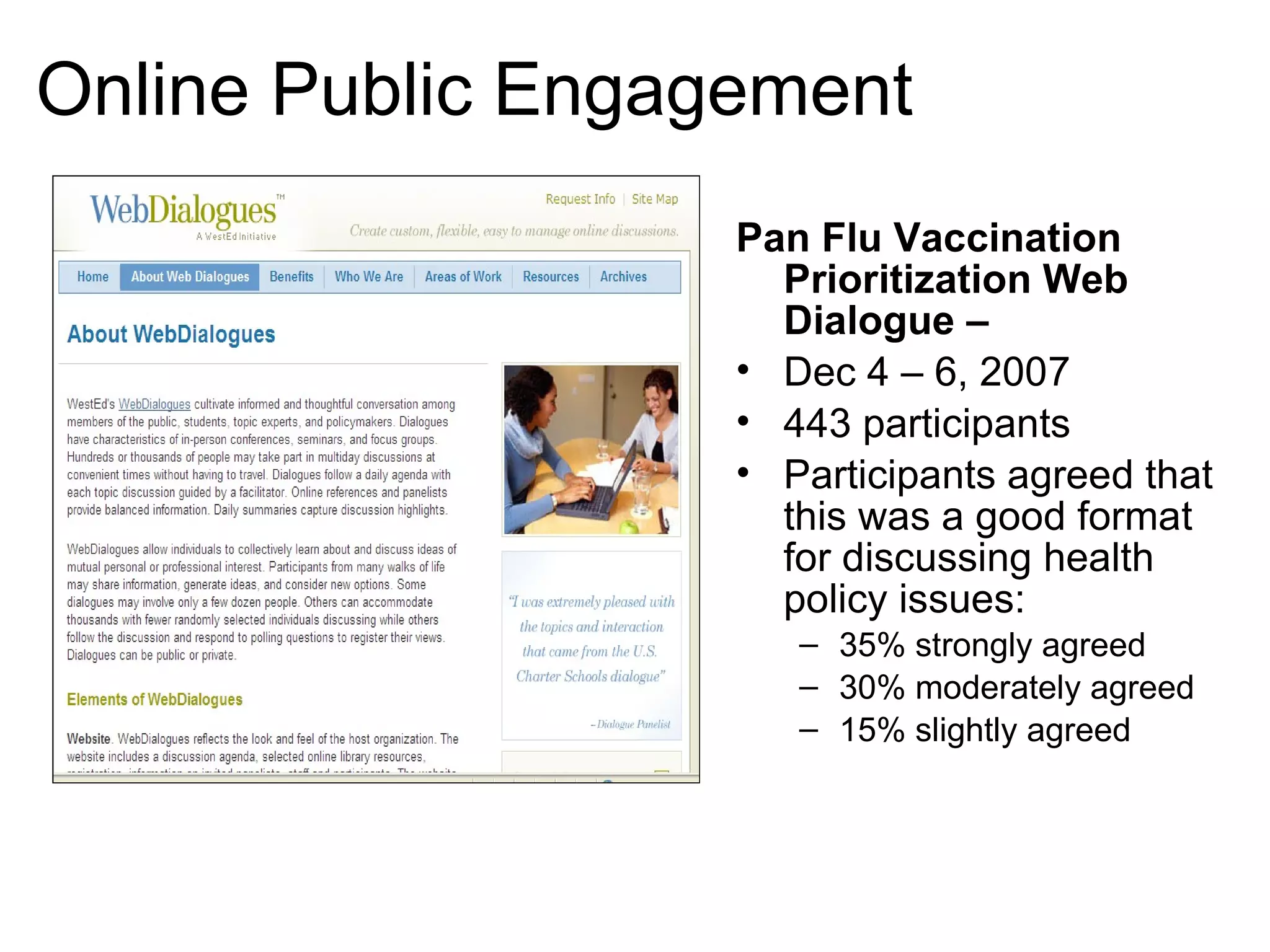
Online Public Engagement  Pan Flu Vaccination Prioritization Web Dialogue  –  Dec 4 – 6, 2007 443 participants Participants agreed that this was a good format for discussing health policy issues: 35% strongly agreed 30% moderately agreed 15% slightly agreed
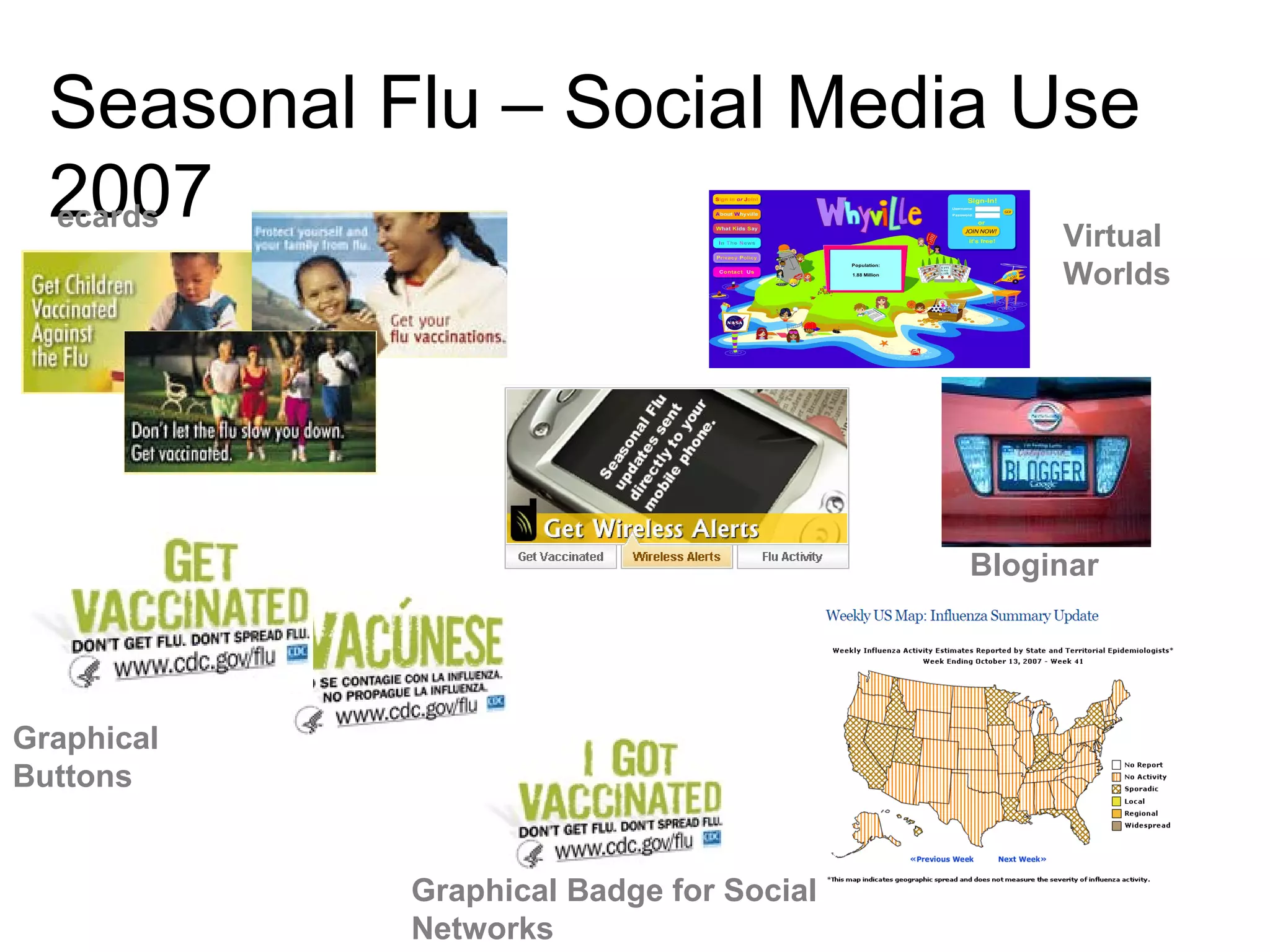
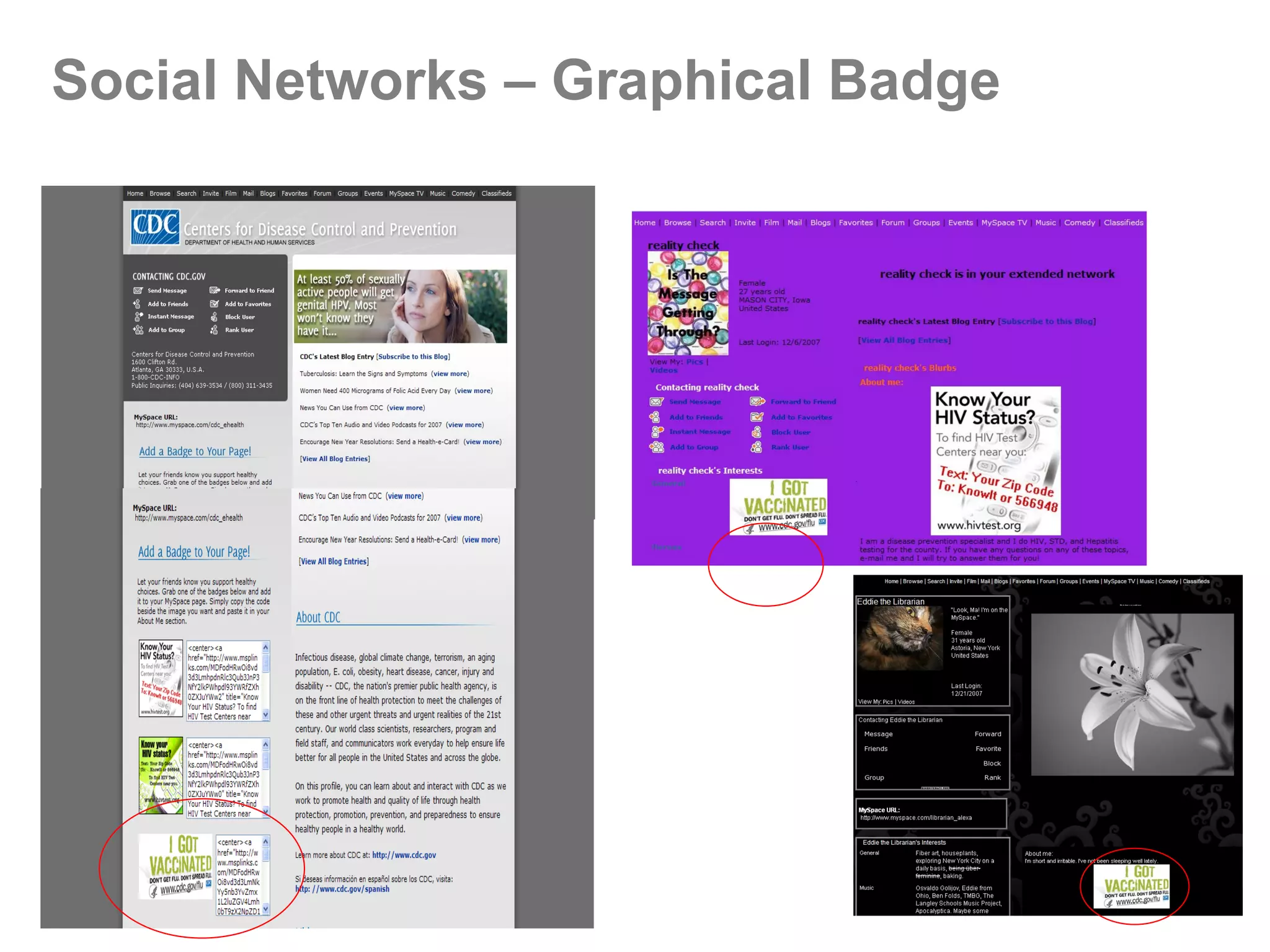
Seasonal Flu – Social Media Use 2007 ecards Graphical Buttons Graphical Badge for Social Networks Virtual  Worlds Bloginar
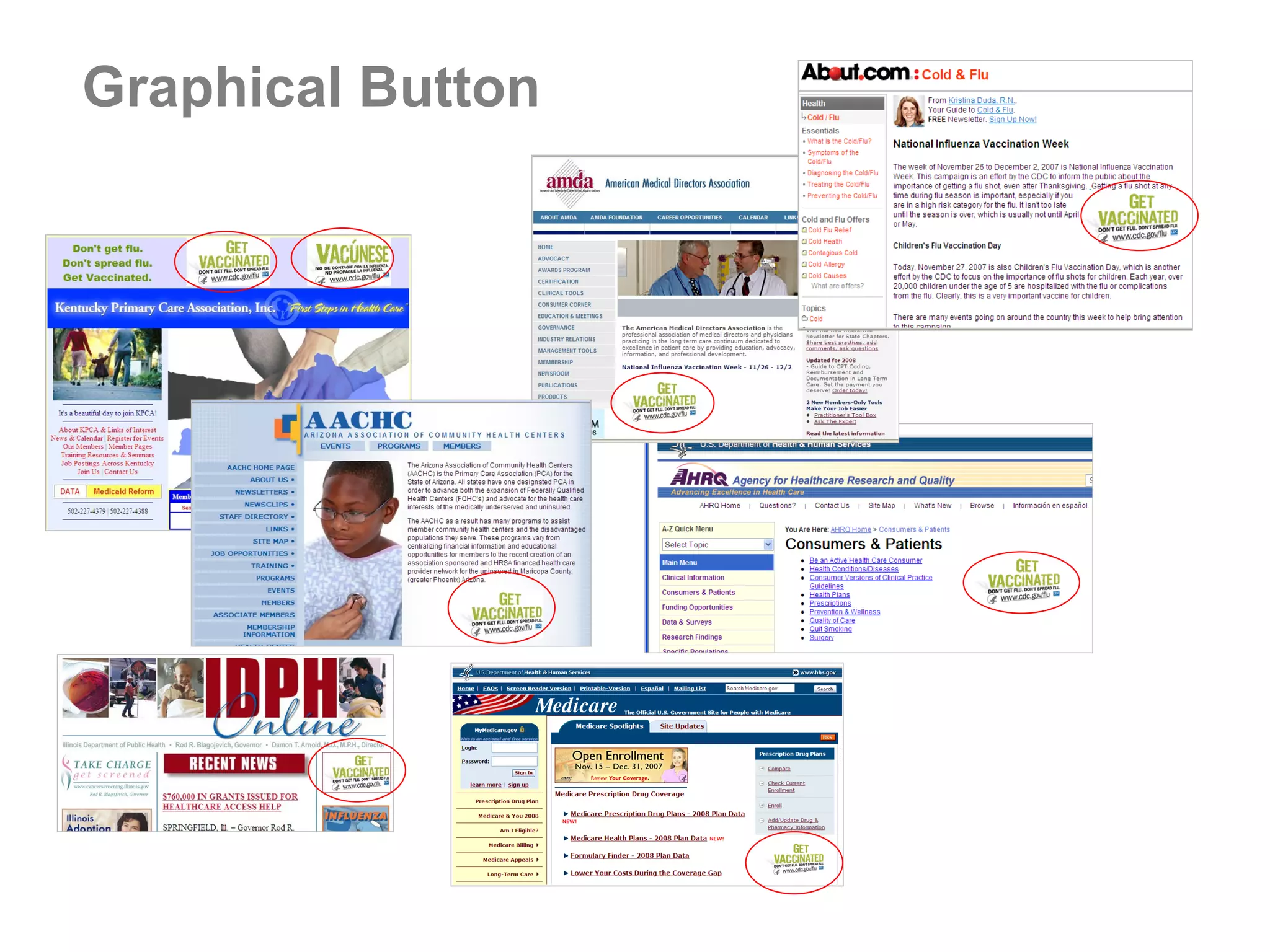
Graphical Button November 1, 2007 –  January 11, 2008  30,301 click-throughs to flu homepage from internal sites 3,834 click-throughs from external sites
Social Networks – Graphical Badge
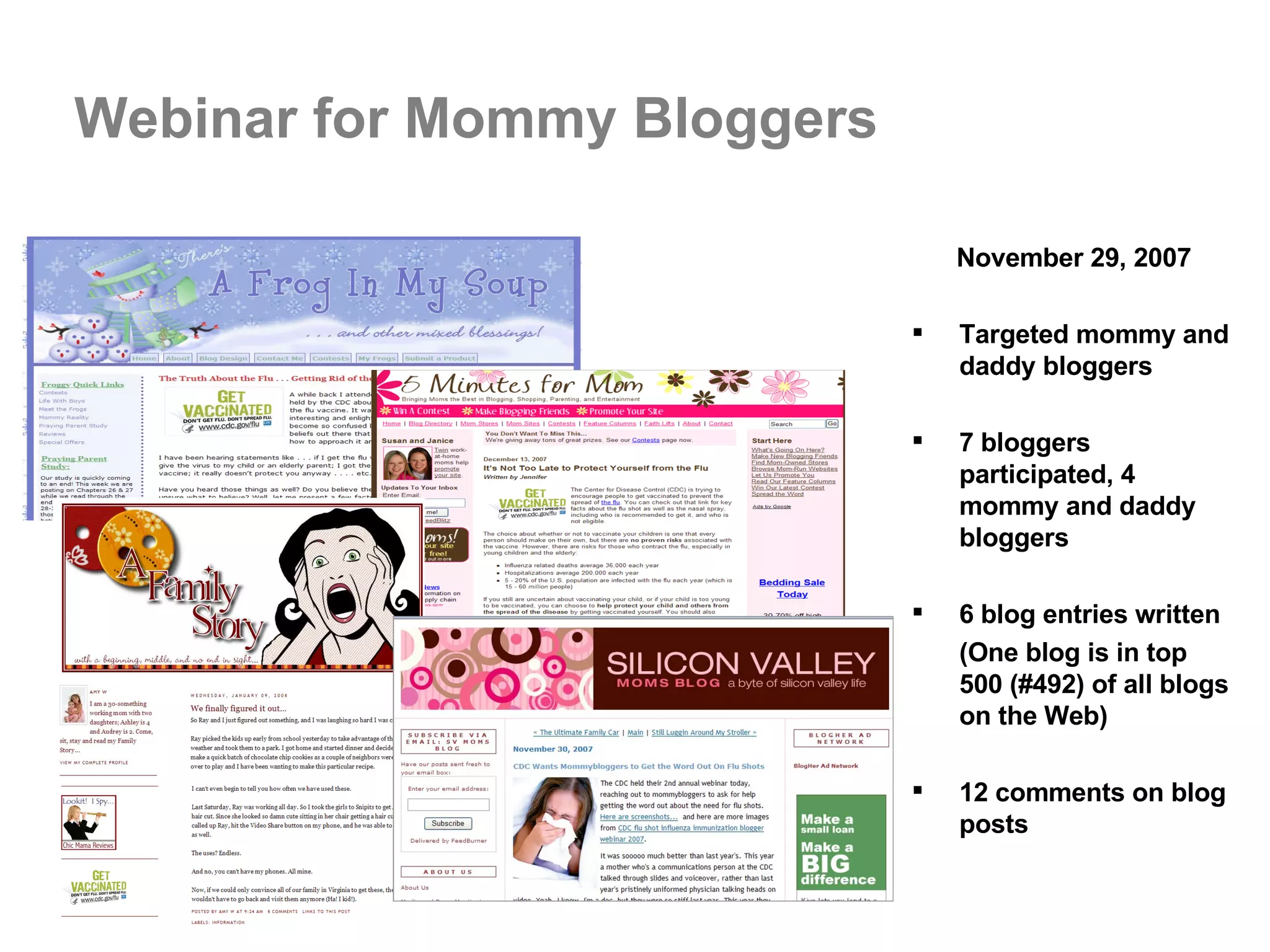
Webinar for Mommy Bloggers November 29, 2007 Targeted mommy and daddy bloggers 7 bloggers participated, 4 mommy and daddy bloggers  6 blog entries written (One blog is in top 500 (#492) of all blogs on the Web) 12 comments on blog posts
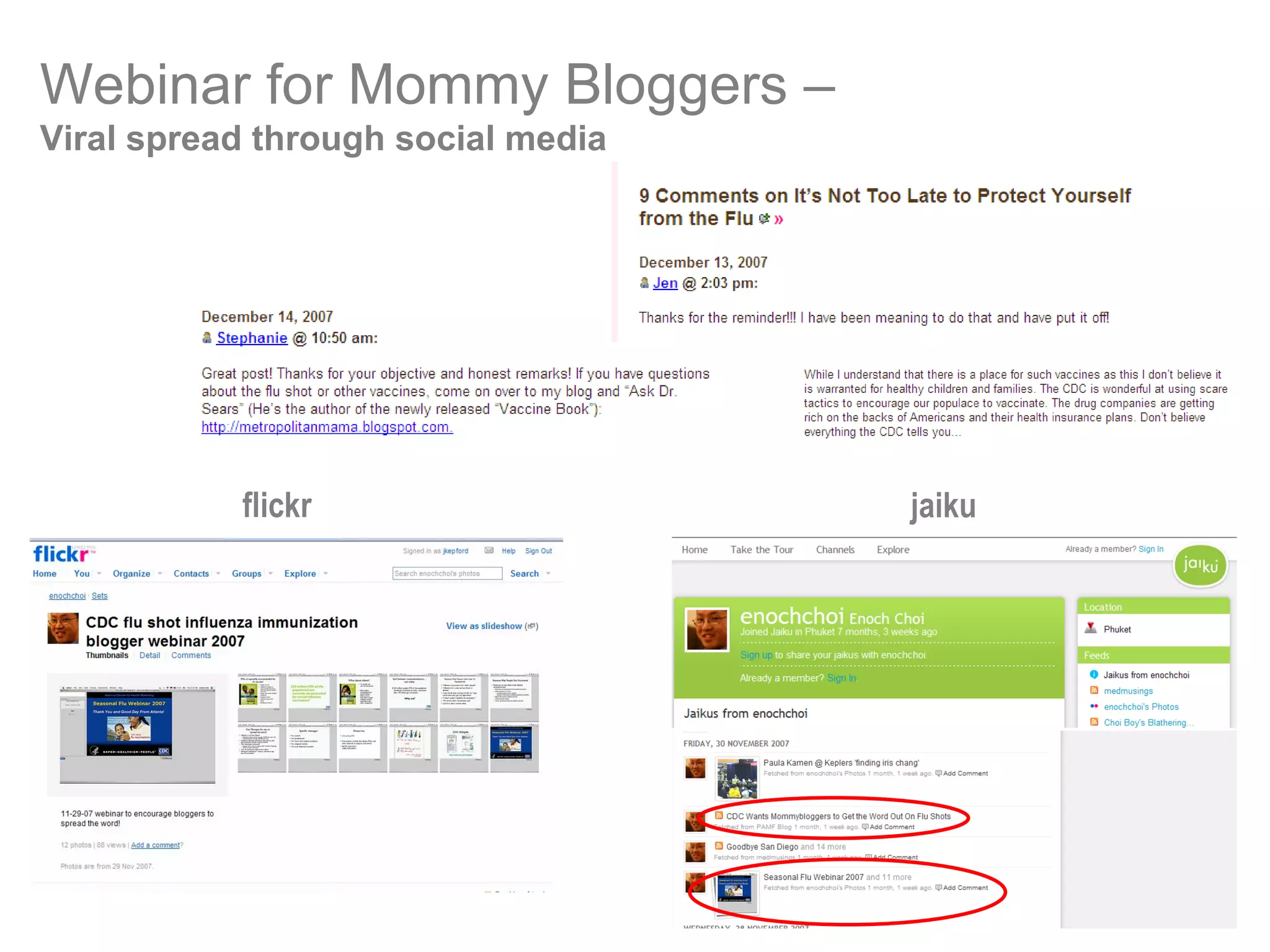
flickr jaiku Webinar for Mommy Bloggers –   Viral spread through social media
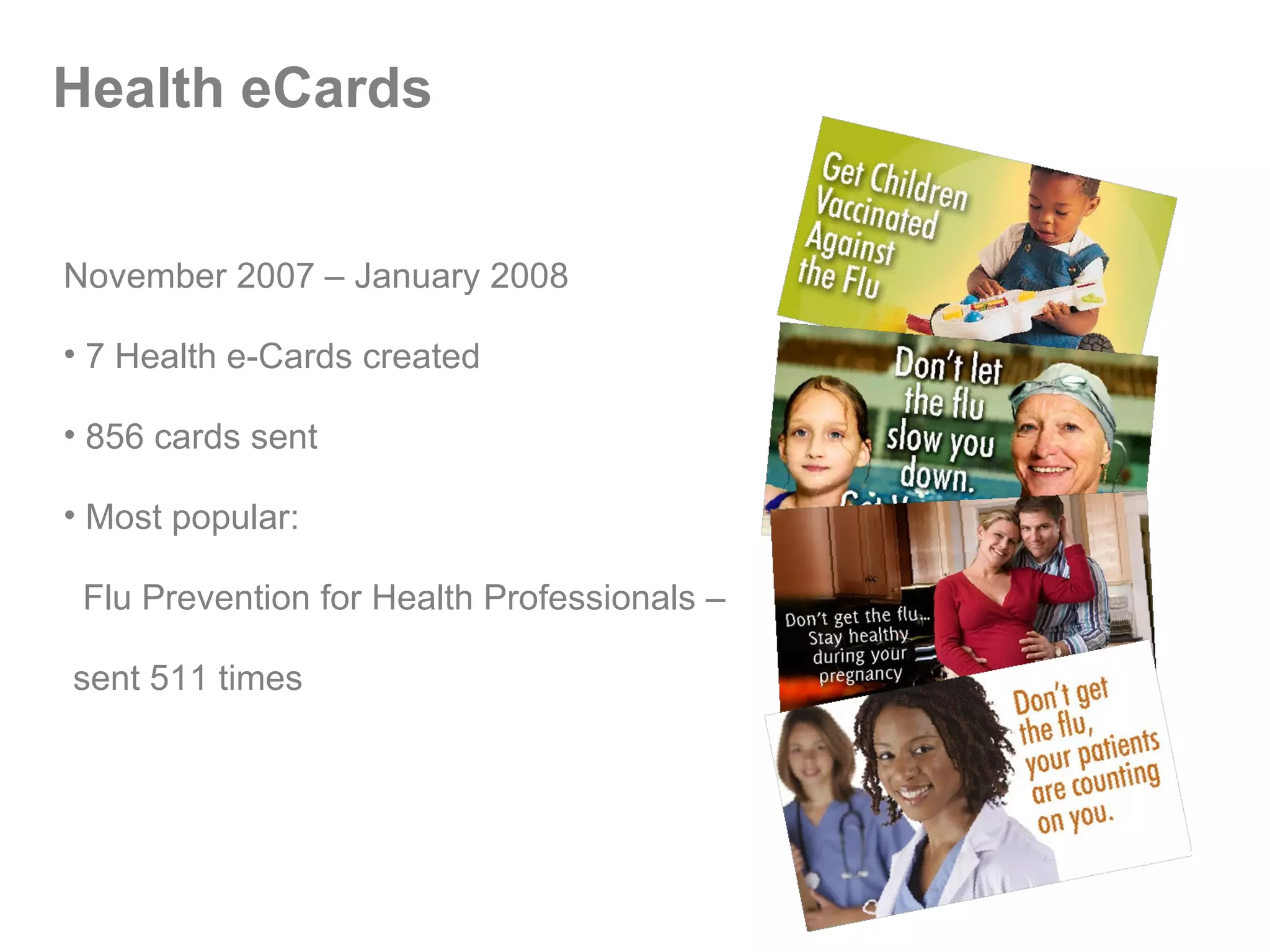
Health eCards November 2007 – January 2008 7 Health e-Cards created  856 cards sent Most popular:  Flu Prevention for Health Professionals –  sent 511 times
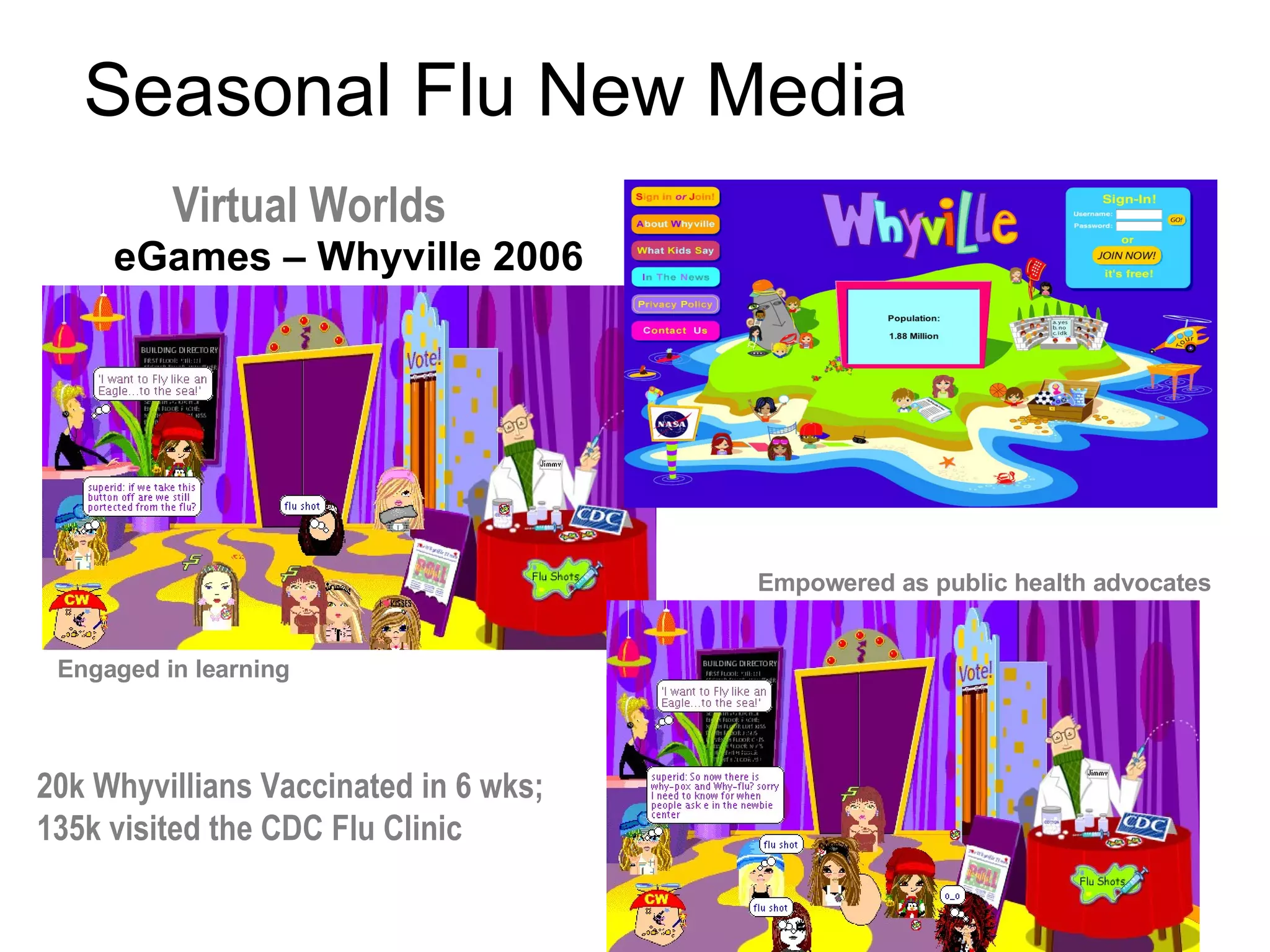
eGames – Whyville 2006 Seasonal Flu New Media Empowered as public health advocates Engaged in learning Virtual Worlds 20k Whyvillians   Vaccinated in 6 wks; 135k visited the CDC Flu Clinic
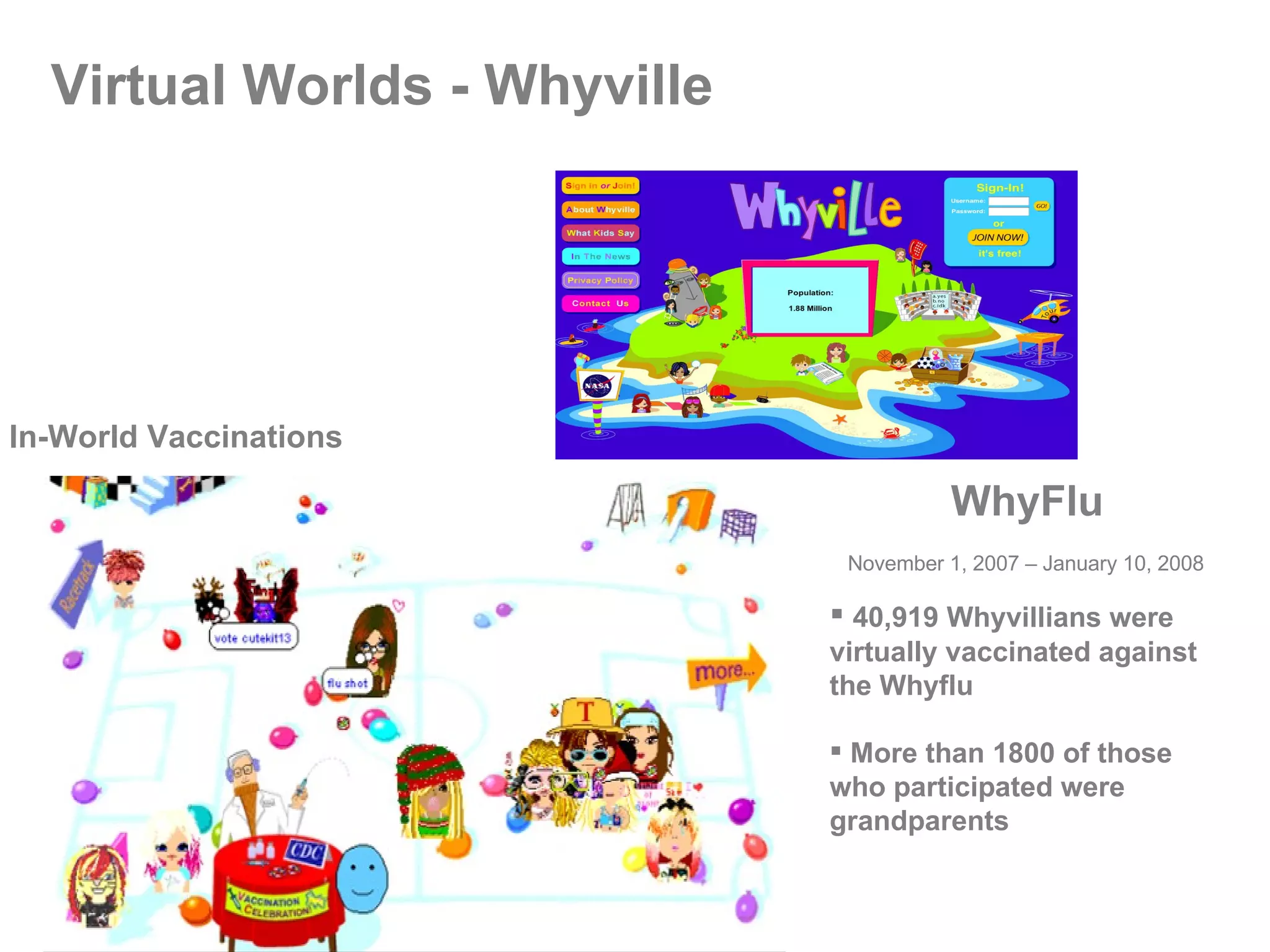
Virtual Worlds - Whyville  In-World Vaccinations WhyFlu November 1, 2007 – January 10, 2008 40,919 Whyvillians were virtually vaccinated against the Whyflu More than 1800 of those who participated were grandparents
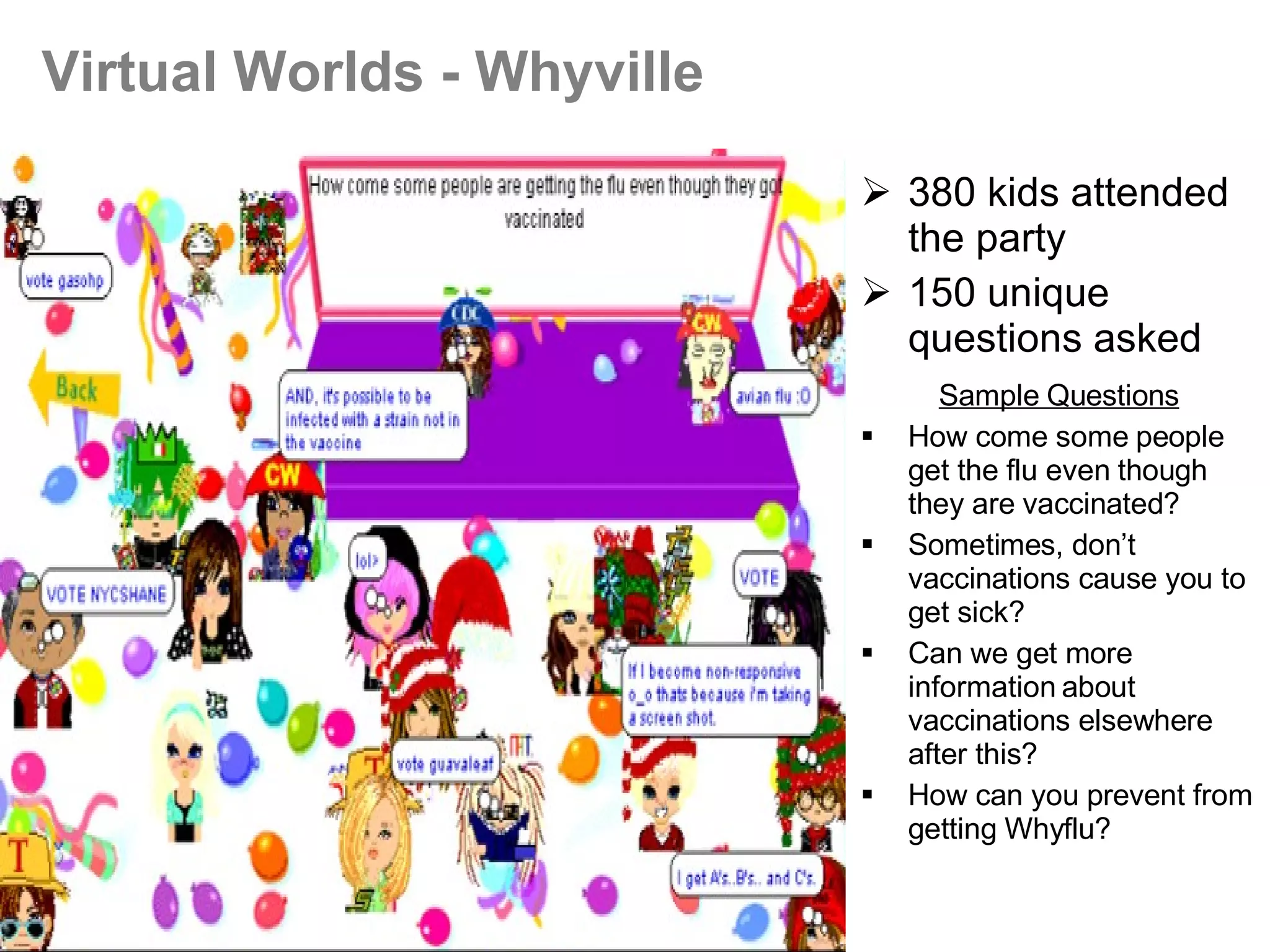
380 kids attended the party 150 unique questions asked   Sample Questions How come some people get the flu even though they are vaccinated? Sometimes, don’t vaccinations cause you to get sick? Can we get more information about vaccinations elsewhere after this? How can you prevent from getting Whyflu? Virtual Worlds - Whyville
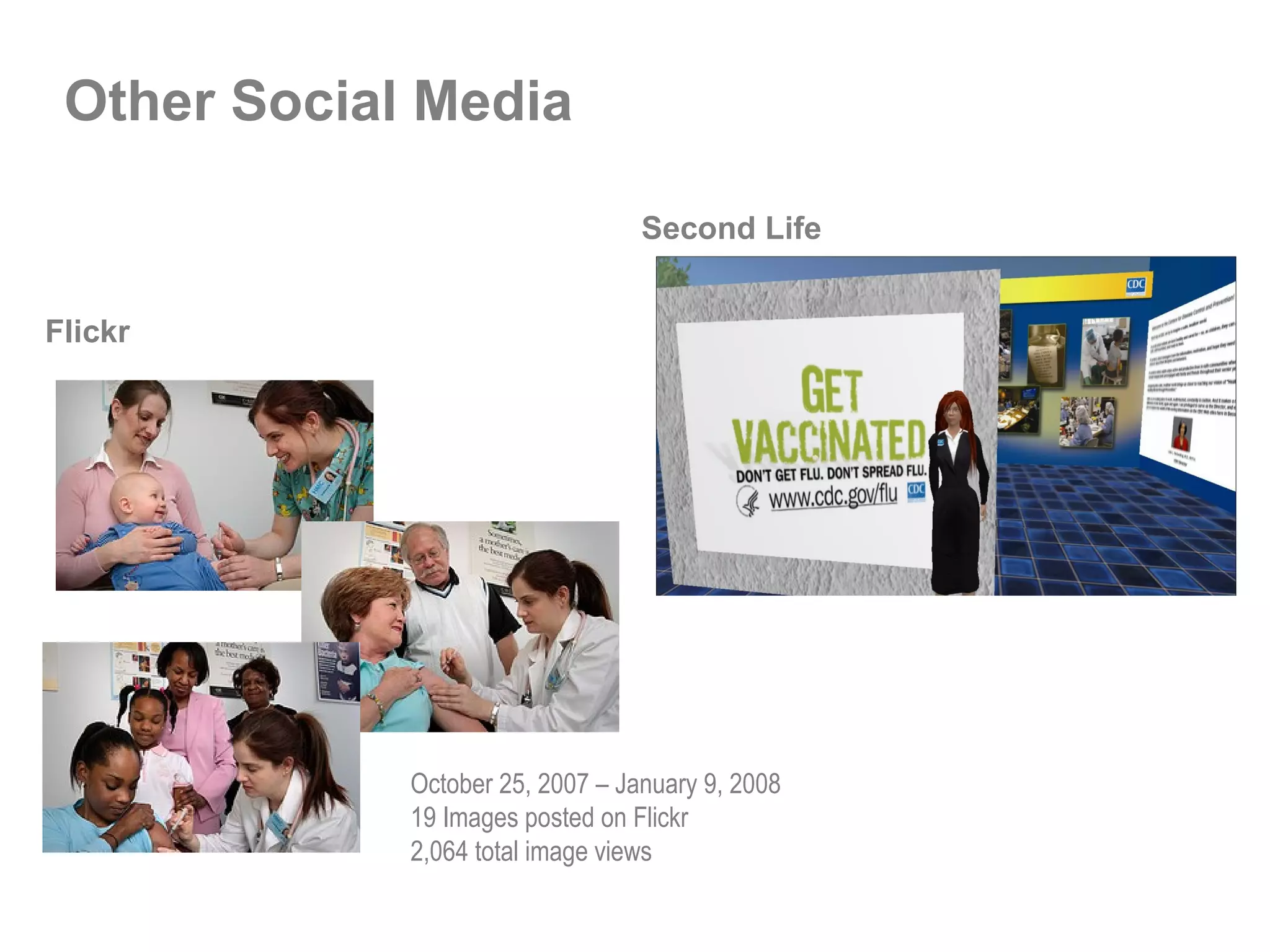
Other Social Media Second Life Flickr October 25, 2007 – January 9, 2008 19 Images posted on Flickr 2,064 total image views
Top 12 Recommendations for Implementing Social Media Follow the user – know the usage data/trends Demonstrate how this meets your agency’s mission Compare resources vs. impact Make security, IT, general counsel aware of your efforts Plan for evaluation – metrics, metrics, metrics Build the science – conduct research where you can Welcome collaborations – partner outside/inside Start small – quick wins – just do it! Seed social media concepts/methods thru training, other Document process – share results, lessons learned Educate leadership as to why you MUST do this – experts, articles, case studies  Create climate of experimentation – you’ll have failures – that’s ok
CDC 2.0 Examples eCards  http://www2a.cdc.gov/eCards/index.asp Podcasts/RSS http://www.cdc.gov/podcasts Tagclouds http://www.cdc.gov/ToolsResources/index.html#tagcloud Blogs http://www.cdc.gov/healthmarketing/blog.htm Email Updates http://www.cdc.gov/emailupdates/ Social Networks  (My Space  http://myspace.com/cdc_ehealth ) Virtual Worlds  (Second Life  http://secondlife.com Whyville  http://www.whyville.net/smmk/nice )
CDC 2.0 Examples Use of graphical images - Link to CDC.gov http://www.cdc.gov/Other/link.html User-generated content sites   You Tube  http://youtube.com Flickr  http://flickr.com About CDC.gov http://www.cdc.gov/Other/about_cdcgov.html CDC.gov Widgets http://www.cdc.gov/widgets Virtual tour of CDC.gov –  http://www.cdc.gov/vrtour.html New Media Campaigns –   Seasonal Flu 2007 –  http://www.cdc.gov/healthmarketing/ehealth_fluseason.htm World AIDS Day & HIV Testing – http://www.cdc.gov/healthmarketing/ehealth_wad2007.htm
Contact Information Janice R. Nall –  [email_address] Division of eHealth Marketing National Center for Health Marketing CDC www.cdc.gov www.cdc.gov/healthmarketing
LEARN MORE: www.forumone.com/wes  Web Executive Seminars

CDC 2.0: Using Social Media to Increase the Impact of CDC's Science / Forum One Web Executive Seminar

  • 1.
    Janice R. NallNational Center for Health Marketing February 26, 2008 CDC 2.0 : Using Social Media to Increase the Impact of CDC’s Science
  • 2.
    Web Executive SeminarsSocial Sites for Social Good February 26, 2008 National Press Club Washington, DC Learn more: www.forumone.com/wes
  • 3.
    Janice R. NallNational Center for Health Marketing February 26, 2008 CDC 2.0 : Using Social Media to Increase the Impact of CDC’s Science
  • 4.
    Why does CDCcare about Web 2.0? CDC should be ( must be ) where people are Increases the dissemination and potential impact of CDC’s science Leverages unique characteristics of emerging channels Reaches diverse audiences Facilitates interactive communication and community Our goal: To make CDC content, tools, and services available when, where, and how users want them – to improve the health and safety of people around the world
  • 5.
  • 6.
  • 7.
    CDC 2.0 eHealthEfforts Email updates Podcasts/RSS eCards Mobile applications Social networks User-generated content Social bookmarking (digg, other tagging, etc.) Blogs/bloginars Wikis eGames Viral videos Virtual worlds Widgets GIS applications Other open-sourced tools
  • 8.
    Web 2.0 -Research User Data Briefs Internet use Social Networks Mobile Phones eGames Viral Video Texting Tagging User Generated Content eCards Demographics Database Crisis Communication Plan for Social Media
  • 9.
  • 10.
    CDC 2.0 inaction: eCards
  • 11.
    eCard Users TotalCDC Health-e-Cards sent 2/14/07 – 11/30/07: 5,004 cards in first 9 months CDC Valentine Health-e-Cards sent 1/25/08 – 2/21/08: 5,850 cards in 29 days (including 820 cards in Spanish) Most popular CDC cards: Valentine Cards Holiday Cards Flu Prevention – health professionals World AIDS Day
  • 12.
    Escape from Diab – http://www.escapefromdiab.com/ NIH funded game created in collaboration with Children's Nutritional Research Center of Baylor College of Medicine to help prevent childhood obesity and Type II diabetes Dance Dance Revolution as “exer-gaming” in high schools http://www.youtube.com/watch?v=x5YROvohvvI Northern Illinois University students learn principles of mechanical engineering by playing video games http://www.youtube.com/watch?v=LYGwaI-haOM eGames
  • 13.
    CDC 2.0 inaction: eGames Hosted eGames event in June to determine CDC’s optimal role in eGames Leading CDC’s Health-e-Interactive Community of Practice to encourage cross-CDC collaborations in games
  • 14.
    CDC 2.0 inaction: User-generated Tags
  • 15.
    CDC 2.0 inaction: Content Syndication
  • 16.
    Widgets Mini-applications—also called“gadgets”— easily used on a desktop or personal page…they are constantly updated with whatever information you want. “ The Google personal homepage (which uses widgets) is the fastest-growing Google product,” says Marissa Mayer, the company’s vice president of “search products and user experience.” “This market is going to be very large.” Source: Newsweek, The Year of the Widget ?, December 30, 2006
  • 17.
  • 18.
    CDC 2.0 inaction: Virtual Worlds Second Life Hygeia, the muse of health, becomes Hygeia Philo, CDC avatar
  • 19.
    CDC Plans forSecond Life Expanding space and developing more "in-world" content that matches the proactive CDC.gov marketing strategy. Developing partnerships with local universities (SCAD, GA Tech, and UGA) to build out the space, create engaging experiences to draw visitors to the site, and conduct research to evaluate in-world vs. real world behaviors. Developing in-world activities – users want to “do” something in virtual worlds…what health activities can we provide? In Sept 2007, conducted in-world interview with Washington Post reporter.
  • 20.
    More Americans HaveCell Phones than PCs Mobile Applications Sources – From: http://www.marketingcharts.com/direct/survey-growing-opportunities-for-mobile-advertising-790/ (study conducted between March 29 and April 2, 2007 among 4,123 adults (aged 18 and over). Pew Internet and American Life Project Survey February to March, 2007 More than four out of five U.S. adults (85%) own a mobile phone, compared with seven in ten (71%) who have a landline or home phone.
  • 21.
    Establishing mobile.cdc.gov Diseasemanagement (diabetes) Geographic locators (HIV) Risk communication (flu) Persuasive messaging (health reminders) Health promotion (diets) Emergency preparedness Personal safety Mobile Applications for Health
  • 22.
    CDC 2.0 inaction: Mobile Diabetes Management Partnership with Georgia Tech University, CDC’s Diabetes Team, and CDC’s eHealth Division to study the use of a glucometer- integrated mobile phone Glucometer readings available on a collaborative Web site for discussion by the diabetes patient and diabetes educator Preliminary study results indicate participants improve their ability to effectively reflect on diabetes management Further Research: Investigating social media techniques to further motivate diabetes management Understanding potential barriers of this approach
  • 23.
    CDC 2.0 inaction: AIDS Personal PSA Project The New Face of AIDS: A Mobile Media Experience In one day, teams using mobile devices created compelling video messages encouraging positive health decisions By end of day, teams produced one-minute New Face of AIDS personal PSAs that encourage young people to be tested for HIV On World AIDS Day, 12/1/07, these AIDS PPSAs were pushed to mobile phone and Web users Expanding for HIV Testing Day in April 08 From more information, see: http://www.nmi.uga.edu/aids_ppsa / Sponsored by the University of Georgia, Kaiser Family foundation, Verizon, AIDS Research Consortium of Atlanta, Philadelphia FIGHT, CDC
  • 24.
    CDC 2.0 inaction: Mobile Applications Using Mobile Tech for Public Engagement (Pandemic Flu Proposal ) Example Questions to be Answered What are the potential risks of mobile communications? How does communication via mobile phones complement an overall communications strategy ? What mobile communications standards (SMS, MMS, WAP, IVR, voice, etc.) are most effective? How can technologies such as GPS,GIS, wearable sensors, and others be employed? What content is appropriate for mobile communications? What is the effectiveness of existing standards such as Common Alerting Protocol (CAP)? How can mobile technologies support surveillance efforts in collaboration with other CDC centers and government? What accessibility issues exist with mobile technologies? Project Purpose Launch pilot study of the application of mobile technologies for risk communication , and to publish findings and recommendations based on this study. Focus: Pandemic Flu Project Phases Background Reseach Design and Develop Pilot System Develop Targeted Messaging Launch Pilot System In Situ Field Research and Evaluation Analysis and Findings
  • 25.
    Mobile: KnowITCampaign Collaboration with HBO and Kaiser Family Foundation to encourage HIV testing – as part of World AIDS Day efforts 12/1/07 Mobile Texting Campaign: To encourage users to know their HIV status and to locate HIV testing facilities nearby Web banner ads, Health-e-Cards, and MySpace badges Video podcast and PSAs on YouTube With HHS, hosted a webinar for CDC HIV grantees
  • 26.
    Mobile Texting February28-March 1, 2008 Stanford University, Palo Alto, California A gathering of experts in health, behavior change and mobile technology A premiere conference on how mobile text messaging can promote better health Co-sponsored by CDC, Institute for the Future, others To Register: www.Texting4Health.org  
  • 27.
    Virginia Tech TragedyNew Media Background: In response to the tragedy at Virginia Tech, CDC’s Division of Violence Prevention created a short videocast for coping with stress after a traumatic event. To leverage the power of social media for reaching college students and educators, NCHM disseminated the podcasts and links to related CDC.gov eHealth information through multiple new media channels. Virginia Tech New Media: YouTube The CDC podcast “Coping with Stress after a Traumatic Event, such as a School Shooting” was made available through CDC.gov, iTunes and imported to YouTube.
  • 28.
    Virginia Tech NewMedia: Blogs CDC podcast and web resources were disseminated to bloggers and posted as comments on 9 relevant blogs, including: CNN.com The Chronicle of Higher Education Teacher’s Magazine Blogboard Time.com NYTimes.com
  • 29.
    Virginia Tech NewMedia: Social Networks It is estimated this profile has more than 850 friends, the actual list is kept private at the request of the profile owner, Resources were disseminated to two social network profiles. This profile posted the information in a blog to its network of friends. MySpace
  • 30.
    Social Networks Facebook52,167,000 unique visitors in June 2007 #20 ranked .com in U.S. (From: comScore Top 50 Properties (U.S.) June 2007, http://www.comscore.com/press/data.asp ) Boasts an audience of 33 million Web users The 35+ crowd now accounts for more than 41% of all Facebook visitors. From: http://www.businessweek.com/technology/content/aug2007/tc2007085_051788.htm?chan=technology_technology+index+page_top+stories My Space 114,147,000 unique visitors in June 2007 (From: comScore Top 50 Properties (U.S.) June 2007, http://www.comscore.com/press/data.asp
  • 31.
  • 32.
    Social Networks: MySpace www.myspace.com/cdc_ehealth Launched 11/07 1776 page views 207 friends 221,218,358 people in CDC extended network
  • 33.
    Social Networks –CDC Collaborations Daily Strength - http://www.dailystrength.org
  • 34.
    Social Networks –CDC Collaborations CaringBridge - http:// www.caringbridge.org
  • 35.
    Other Social NetworksSocial network for the 50+ crowd http://eons.com Social networks for physicians http://sermo.com Establishing CDC collaborations in Sermo and eons.
  • 36.
    Online Public Engagement Pan Flu Vaccination Prioritization Web Dialogue – Dec 4 – 6, 2007 443 participants Participants agreed that this was a good format for discussing health policy issues: 35% strongly agreed 30% moderately agreed 15% slightly agreed
  • 37.
    Seasonal Flu –Social Media Use 2007 ecards Graphical Buttons Graphical Badge for Social Networks Virtual Worlds Bloginar
  • 38.
    Graphical Button November1, 2007 – January 11, 2008 30,301 click-throughs to flu homepage from internal sites 3,834 click-throughs from external sites
  • 39.
    Social Networks –Graphical Badge
  • 40.
    Webinar for MommyBloggers November 29, 2007 Targeted mommy and daddy bloggers 7 bloggers participated, 4 mommy and daddy bloggers 6 blog entries written (One blog is in top 500 (#492) of all blogs on the Web) 12 comments on blog posts
  • 41.
    flickr jaiku Webinarfor Mommy Bloggers – Viral spread through social media
  • 42.
    Health eCards November2007 – January 2008 7 Health e-Cards created 856 cards sent Most popular: Flu Prevention for Health Professionals – sent 511 times
  • 43.
    eGames – Whyville2006 Seasonal Flu New Media Empowered as public health advocates Engaged in learning Virtual Worlds 20k Whyvillians Vaccinated in 6 wks; 135k visited the CDC Flu Clinic
  • 44.
    Virtual Worlds -Whyville In-World Vaccinations WhyFlu November 1, 2007 – January 10, 2008 40,919 Whyvillians were virtually vaccinated against the Whyflu More than 1800 of those who participated were grandparents
  • 45.
    380 kids attendedthe party 150 unique questions asked Sample Questions How come some people get the flu even though they are vaccinated? Sometimes, don’t vaccinations cause you to get sick? Can we get more information about vaccinations elsewhere after this? How can you prevent from getting Whyflu? Virtual Worlds - Whyville
  • 46.
    Other Social MediaSecond Life Flickr October 25, 2007 – January 9, 2008 19 Images posted on Flickr 2,064 total image views
  • 47.
    Top 12 Recommendationsfor Implementing Social Media Follow the user – know the usage data/trends Demonstrate how this meets your agency’s mission Compare resources vs. impact Make security, IT, general counsel aware of your efforts Plan for evaluation – metrics, metrics, metrics Build the science – conduct research where you can Welcome collaborations – partner outside/inside Start small – quick wins – just do it! Seed social media concepts/methods thru training, other Document process – share results, lessons learned Educate leadership as to why you MUST do this – experts, articles, case studies Create climate of experimentation – you’ll have failures – that’s ok
  • 48.
    CDC 2.0 ExampleseCards http://www2a.cdc.gov/eCards/index.asp Podcasts/RSS http://www.cdc.gov/podcasts Tagclouds http://www.cdc.gov/ToolsResources/index.html#tagcloud Blogs http://www.cdc.gov/healthmarketing/blog.htm Email Updates http://www.cdc.gov/emailupdates/ Social Networks (My Space http://myspace.com/cdc_ehealth ) Virtual Worlds (Second Life http://secondlife.com Whyville http://www.whyville.net/smmk/nice )
  • 49.
    CDC 2.0 ExamplesUse of graphical images - Link to CDC.gov http://www.cdc.gov/Other/link.html User-generated content sites You Tube http://youtube.com Flickr http://flickr.com About CDC.gov http://www.cdc.gov/Other/about_cdcgov.html CDC.gov Widgets http://www.cdc.gov/widgets Virtual tour of CDC.gov – http://www.cdc.gov/vrtour.html New Media Campaigns – Seasonal Flu 2007 – http://www.cdc.gov/healthmarketing/ehealth_fluseason.htm World AIDS Day & HIV Testing – http://www.cdc.gov/healthmarketing/ehealth_wad2007.htm
  • 50.
    Contact Information JaniceR. Nall – [email_address] Division of eHealth Marketing National Center for Health Marketing CDC www.cdc.gov www.cdc.gov/healthmarketing
  • 51.
    LEARN MORE: www.forumone.com/wes Web Executive Seminars