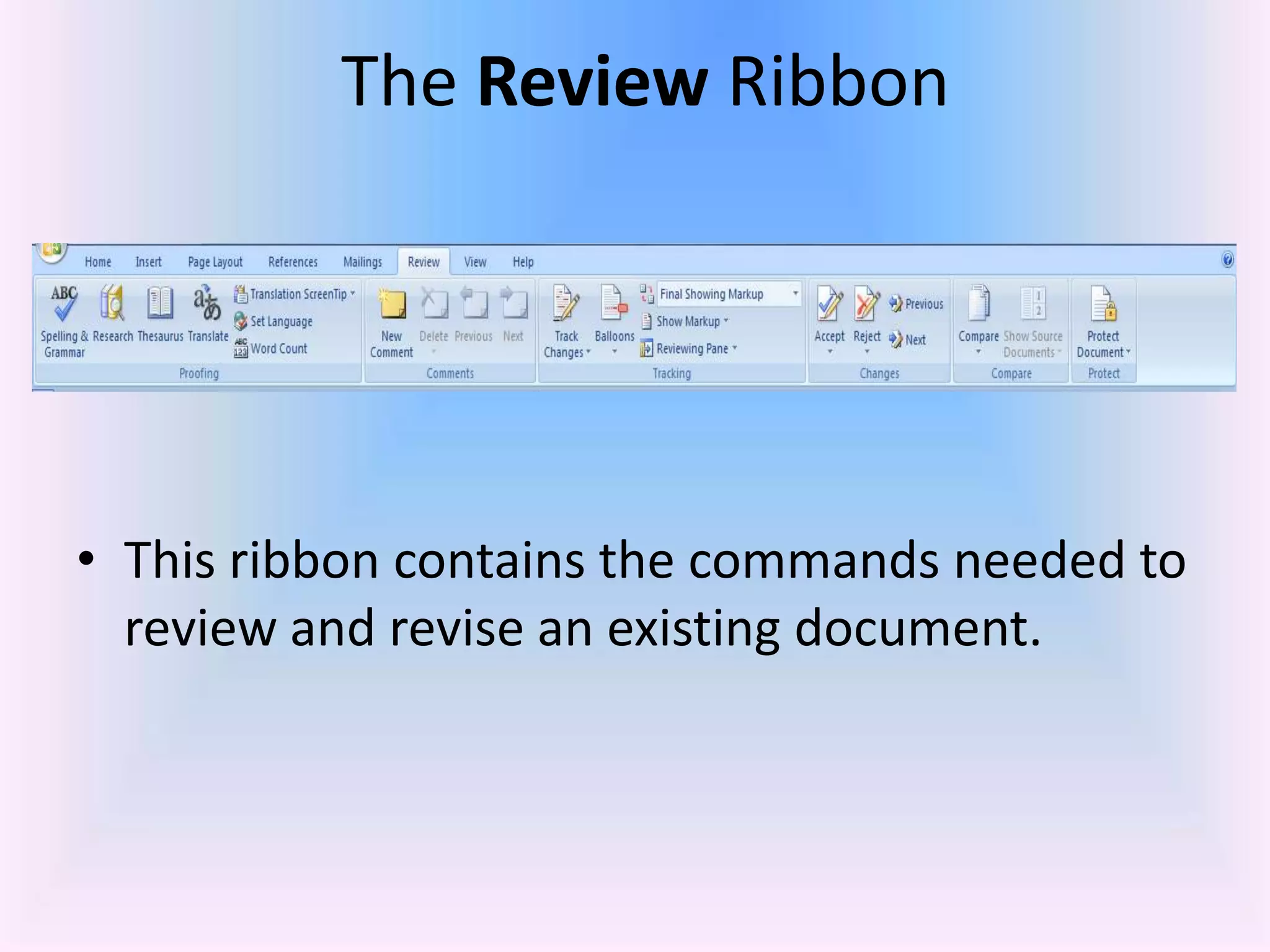
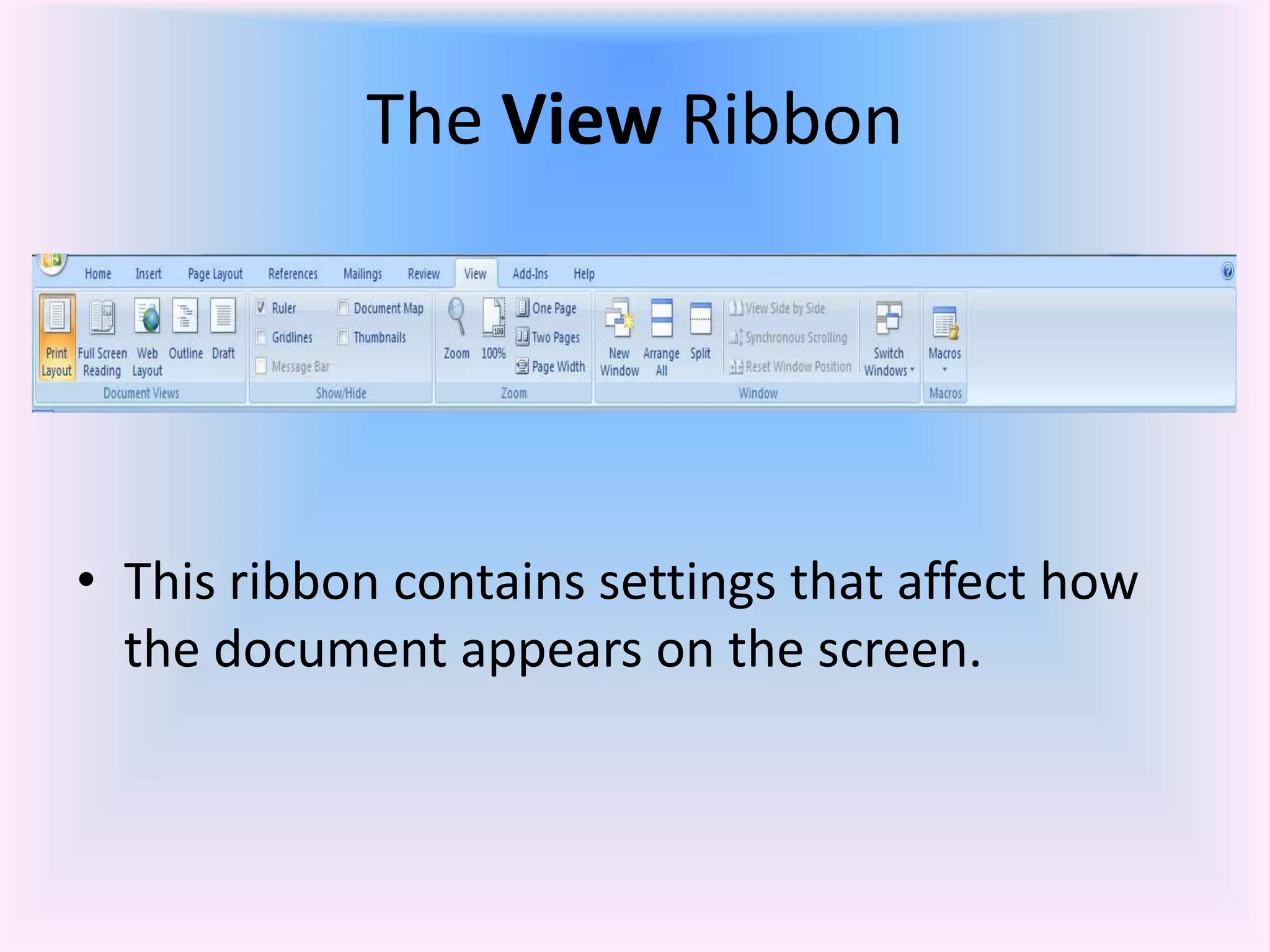
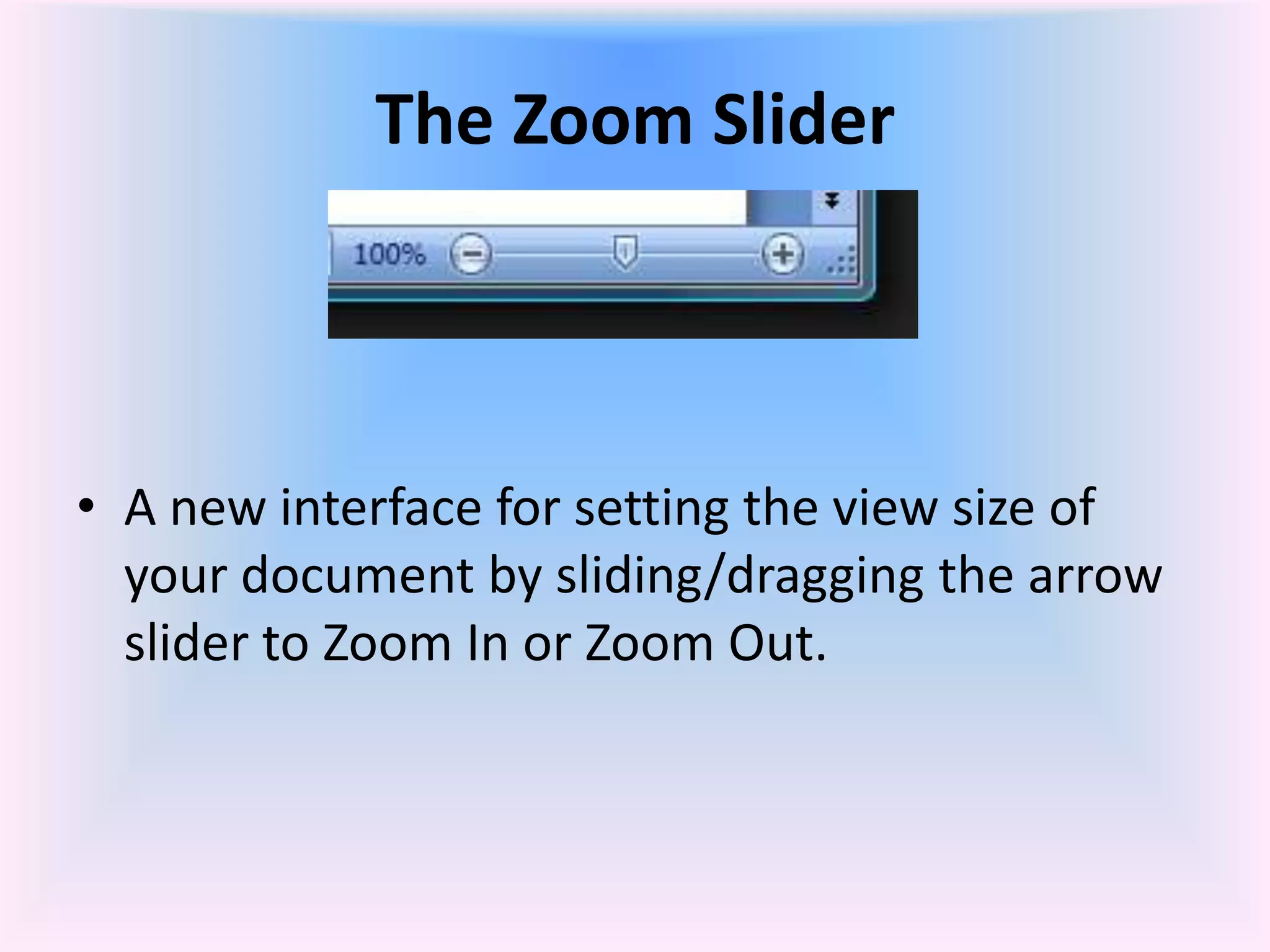
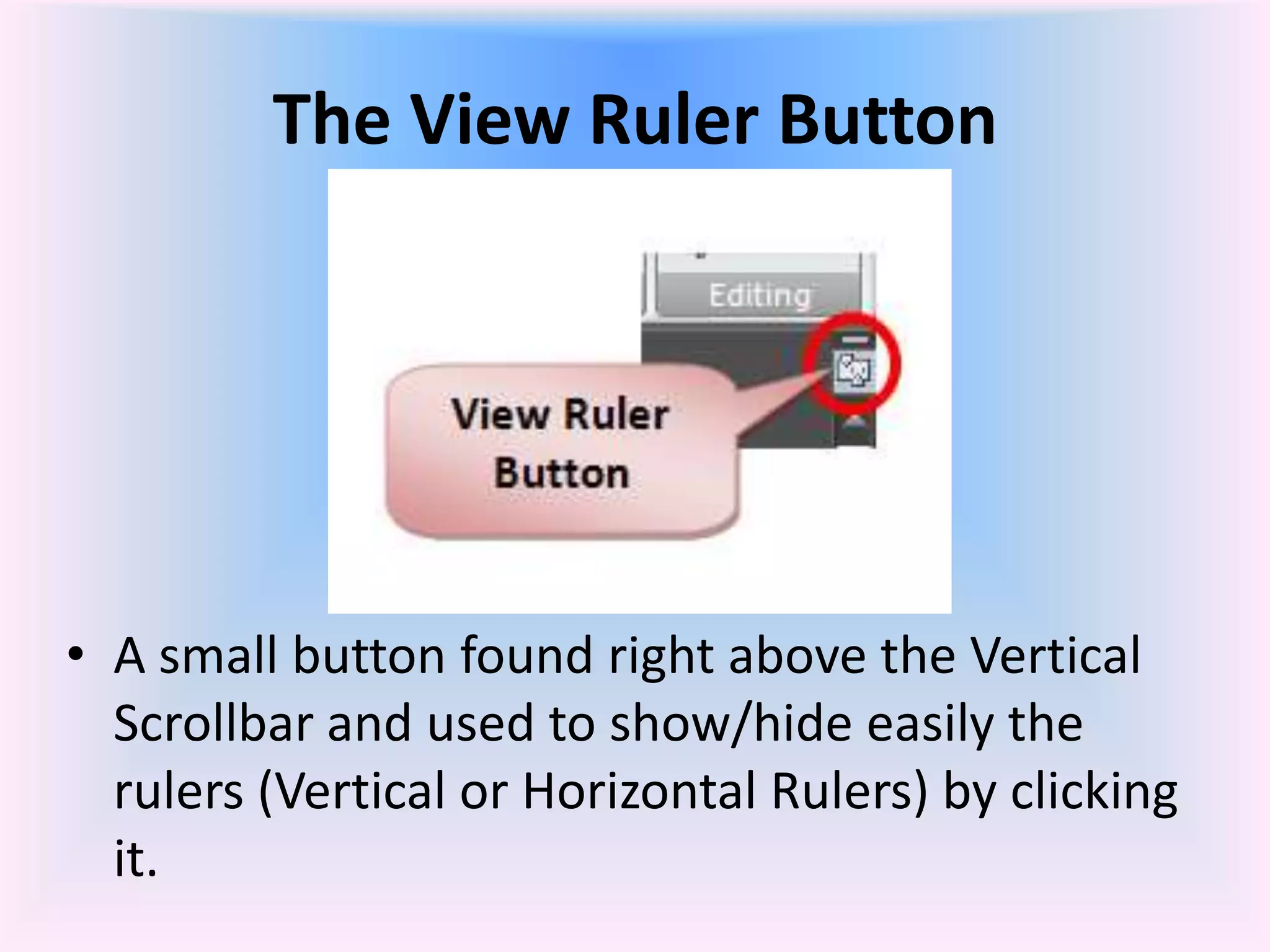
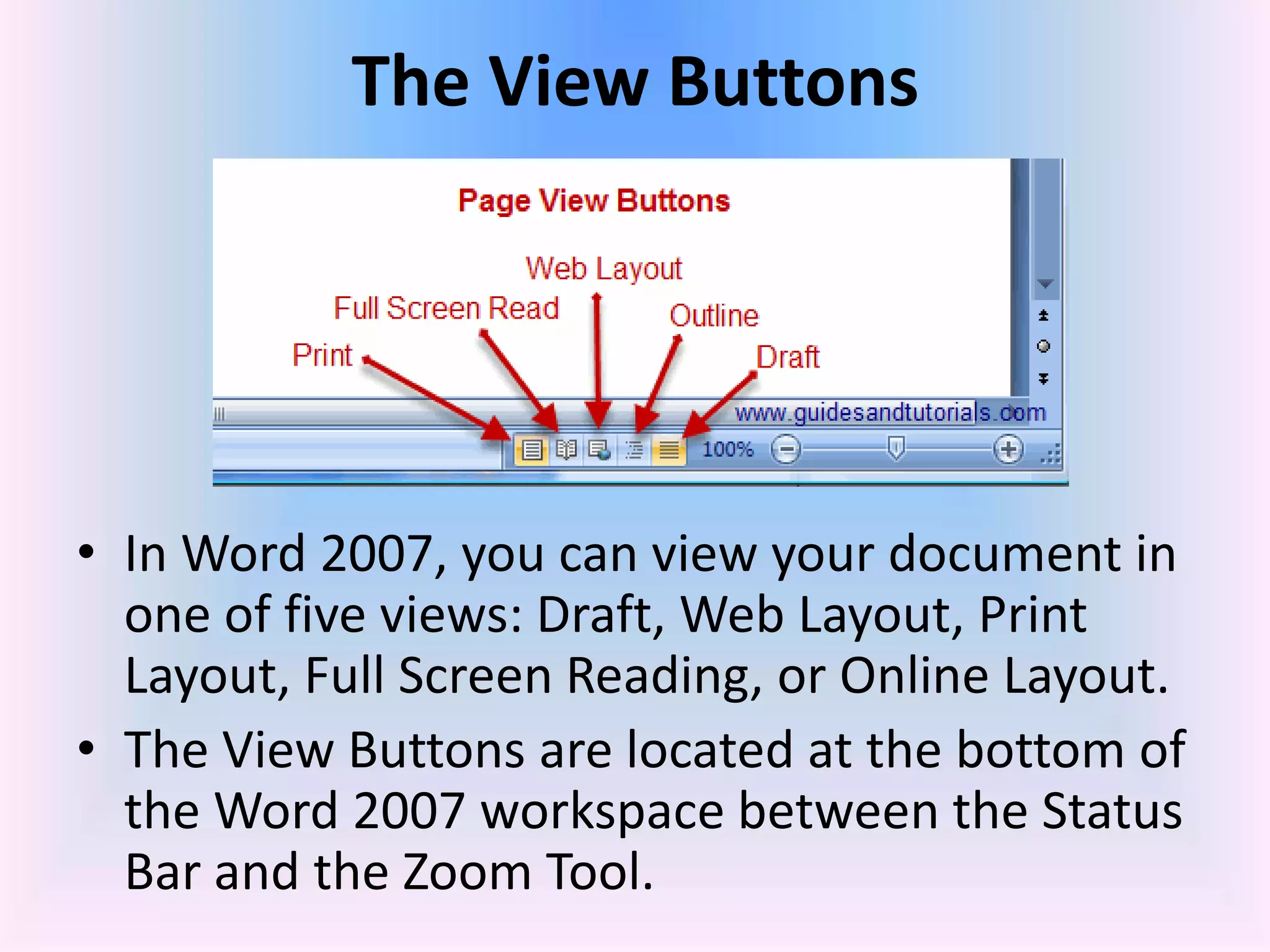
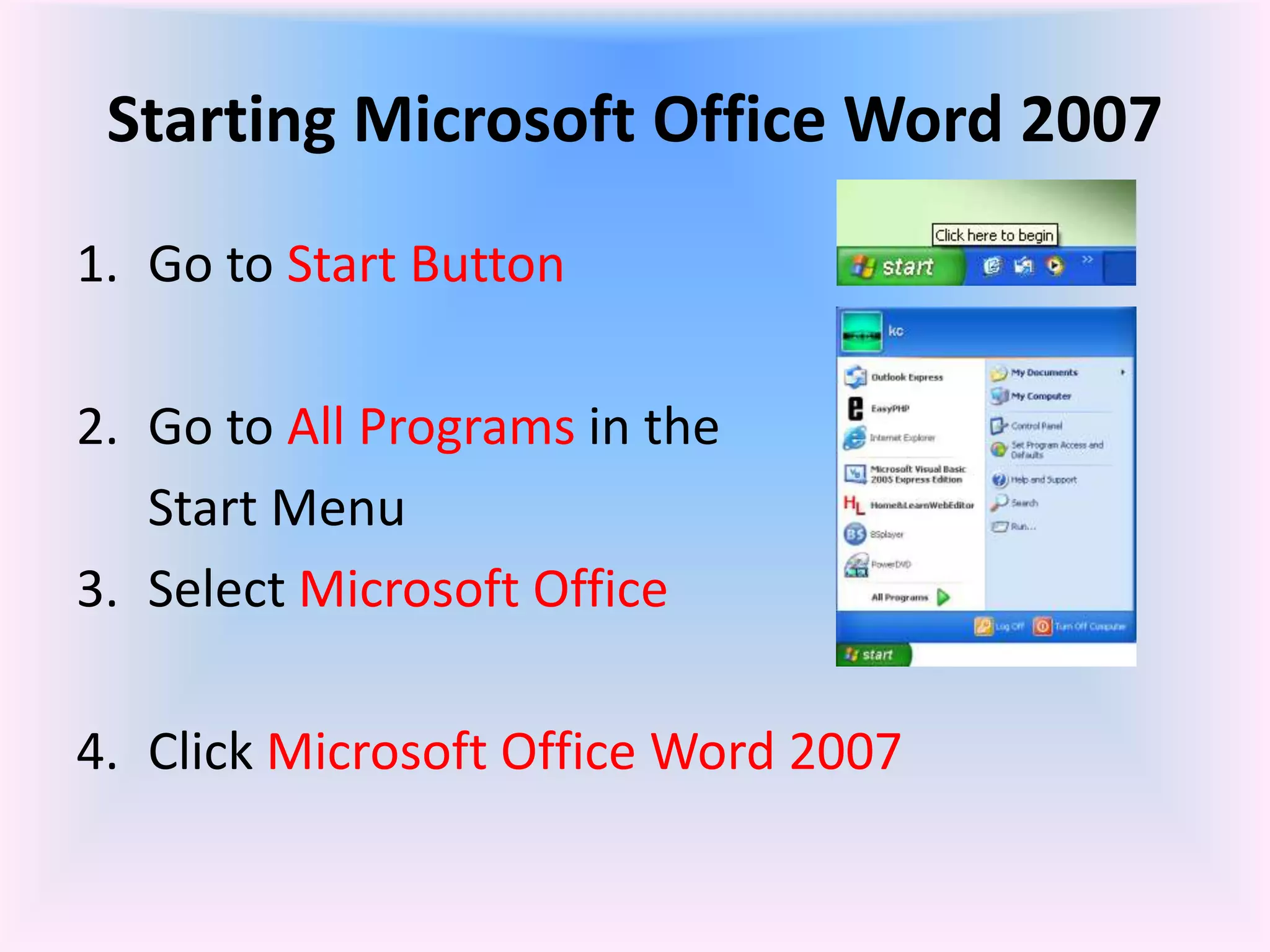
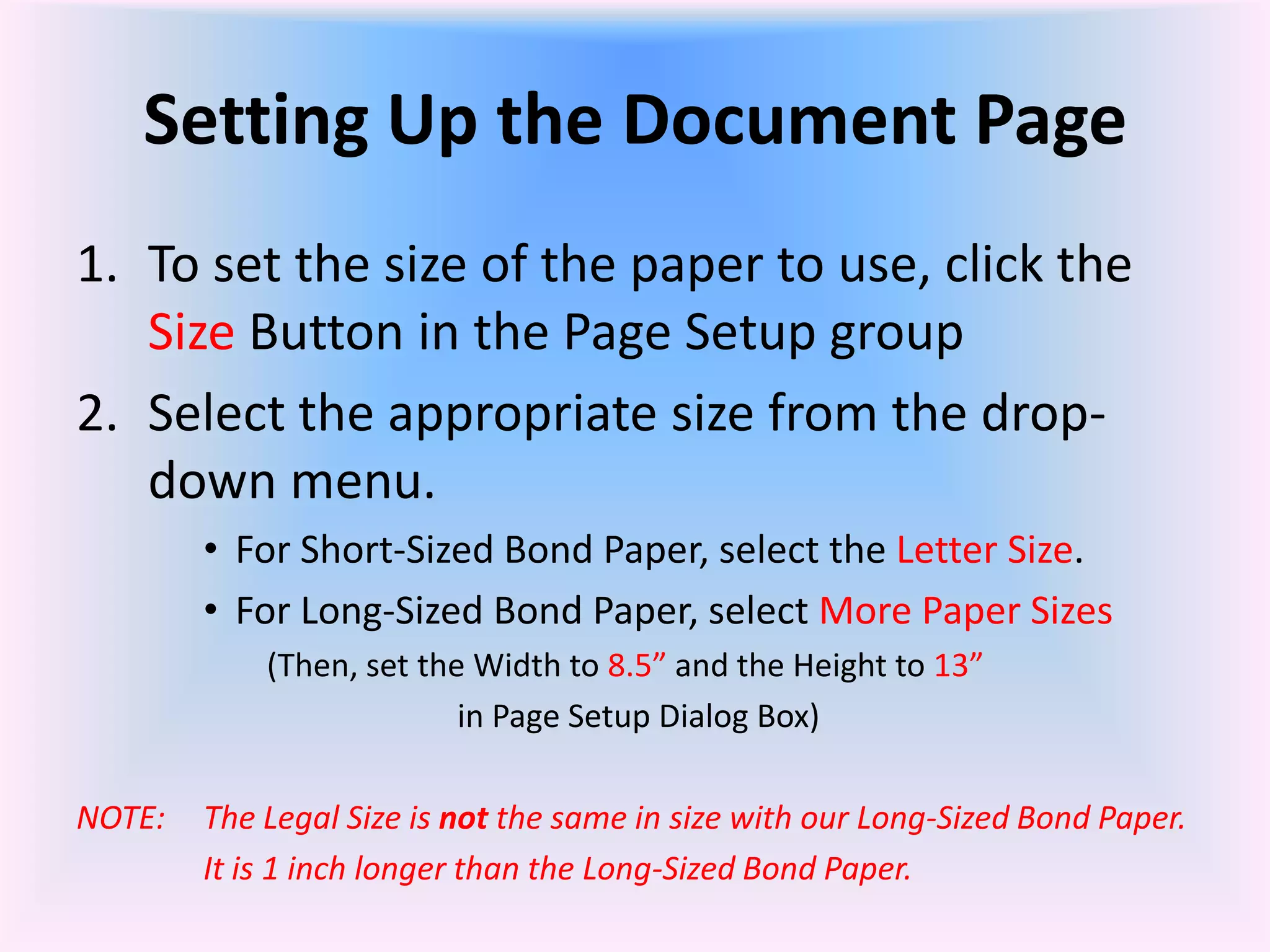
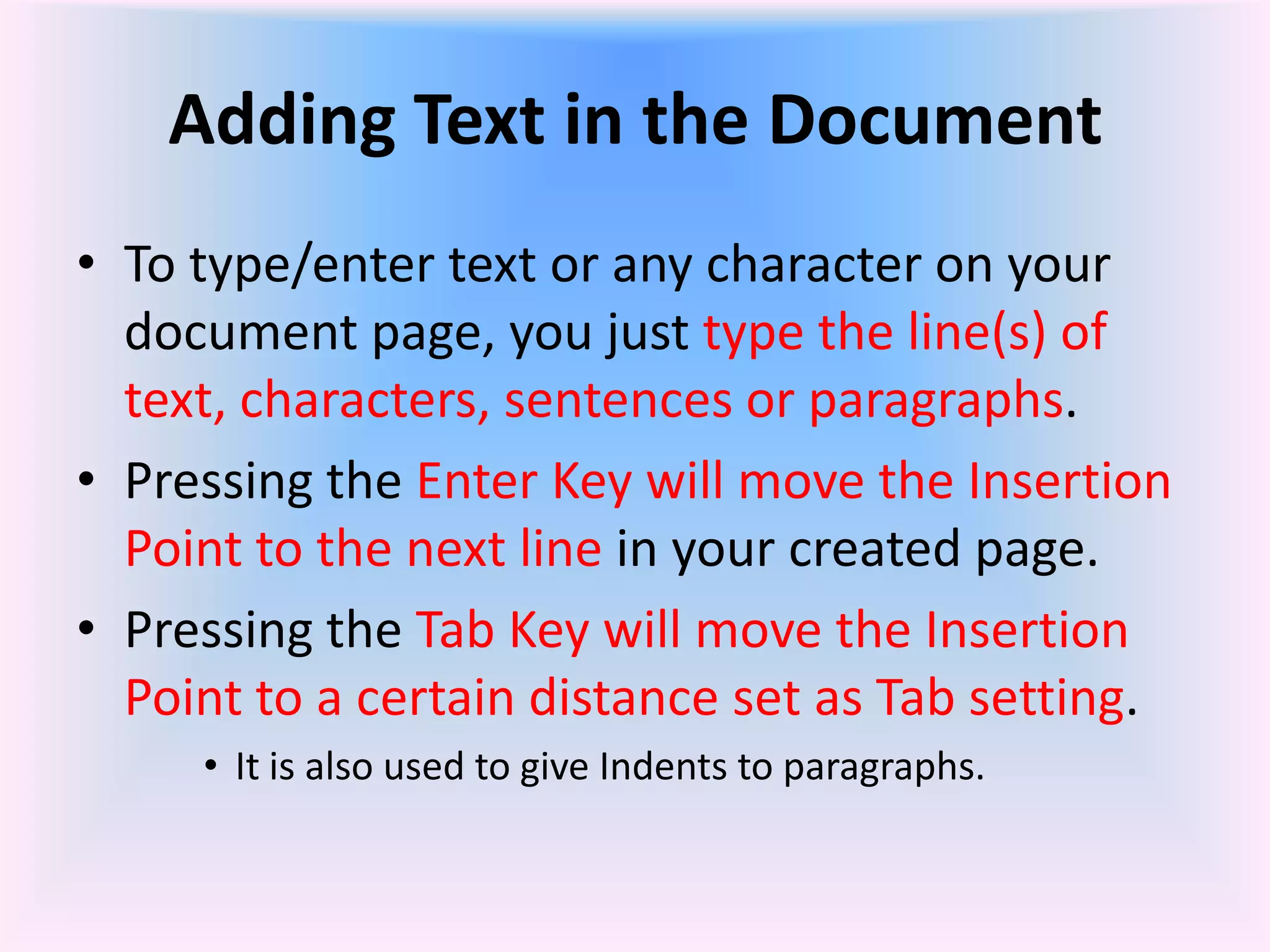
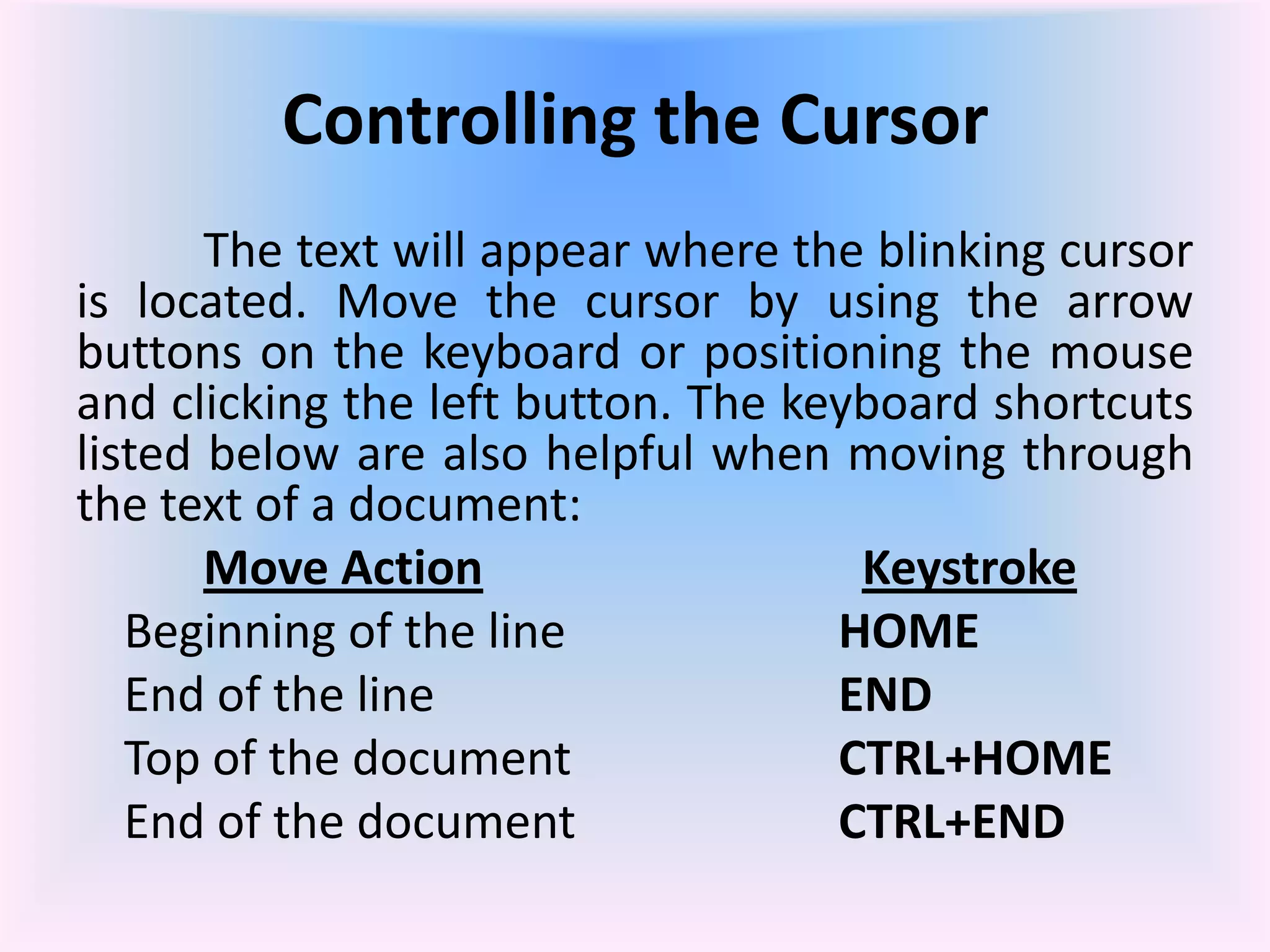
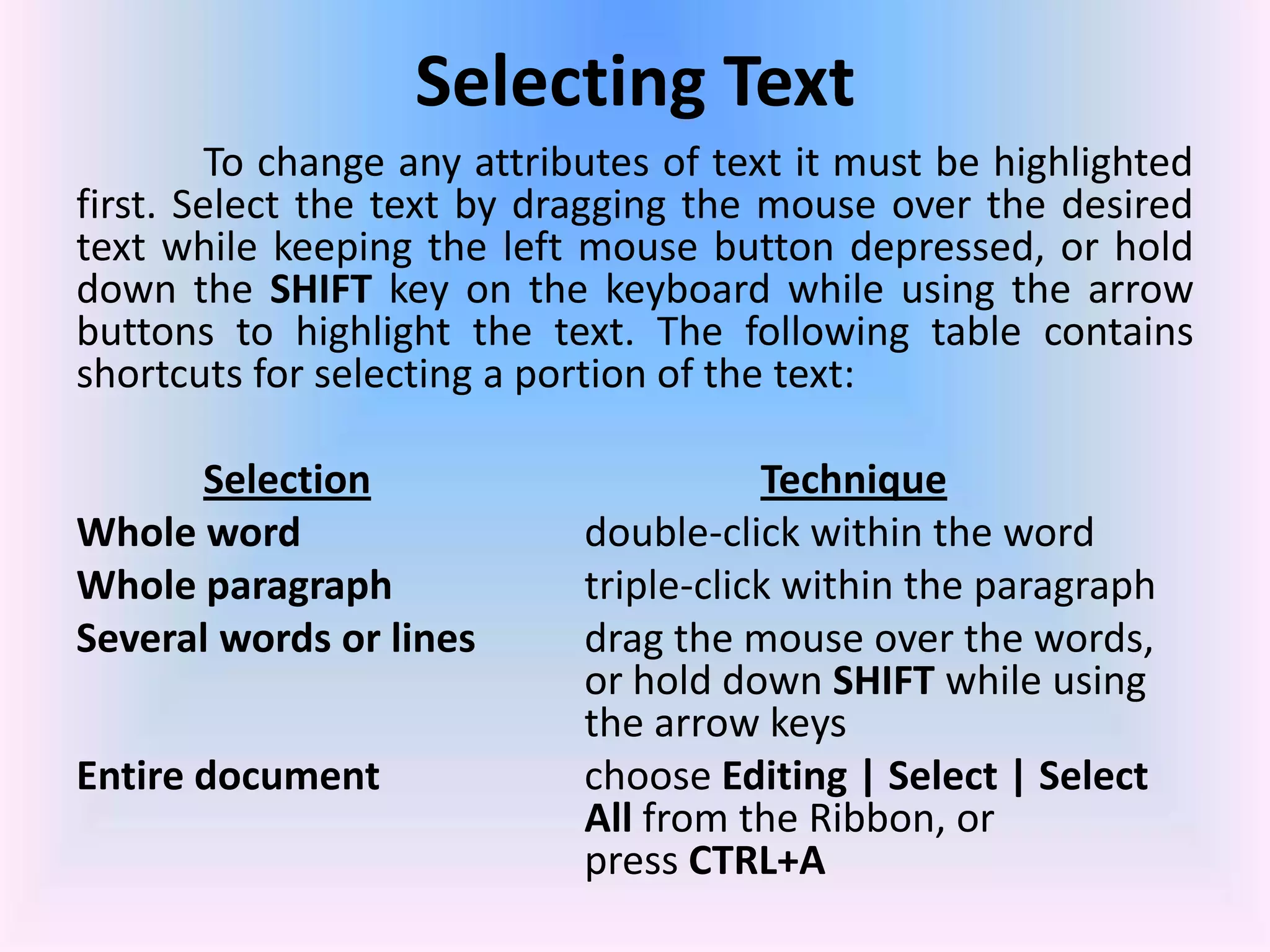
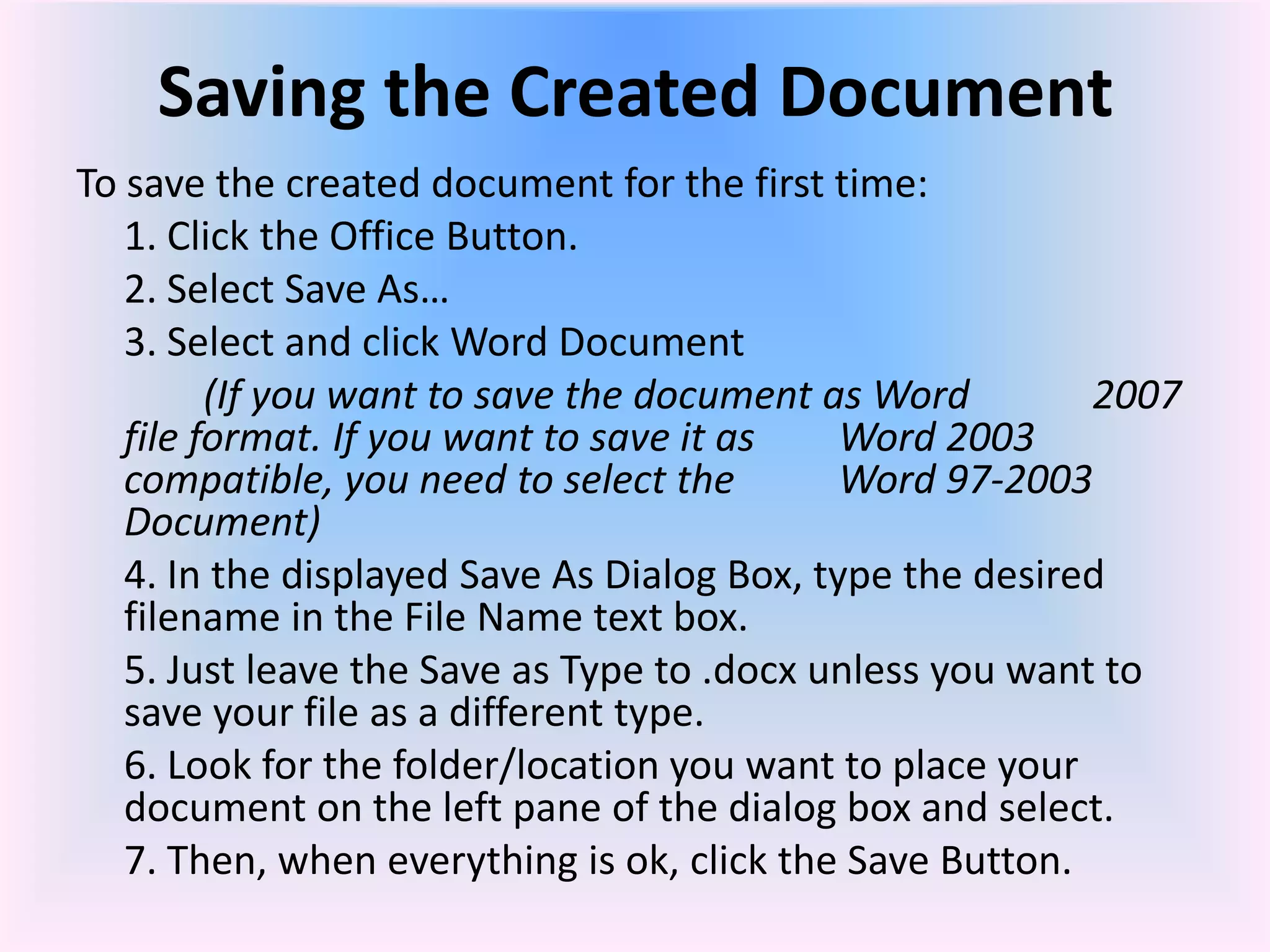
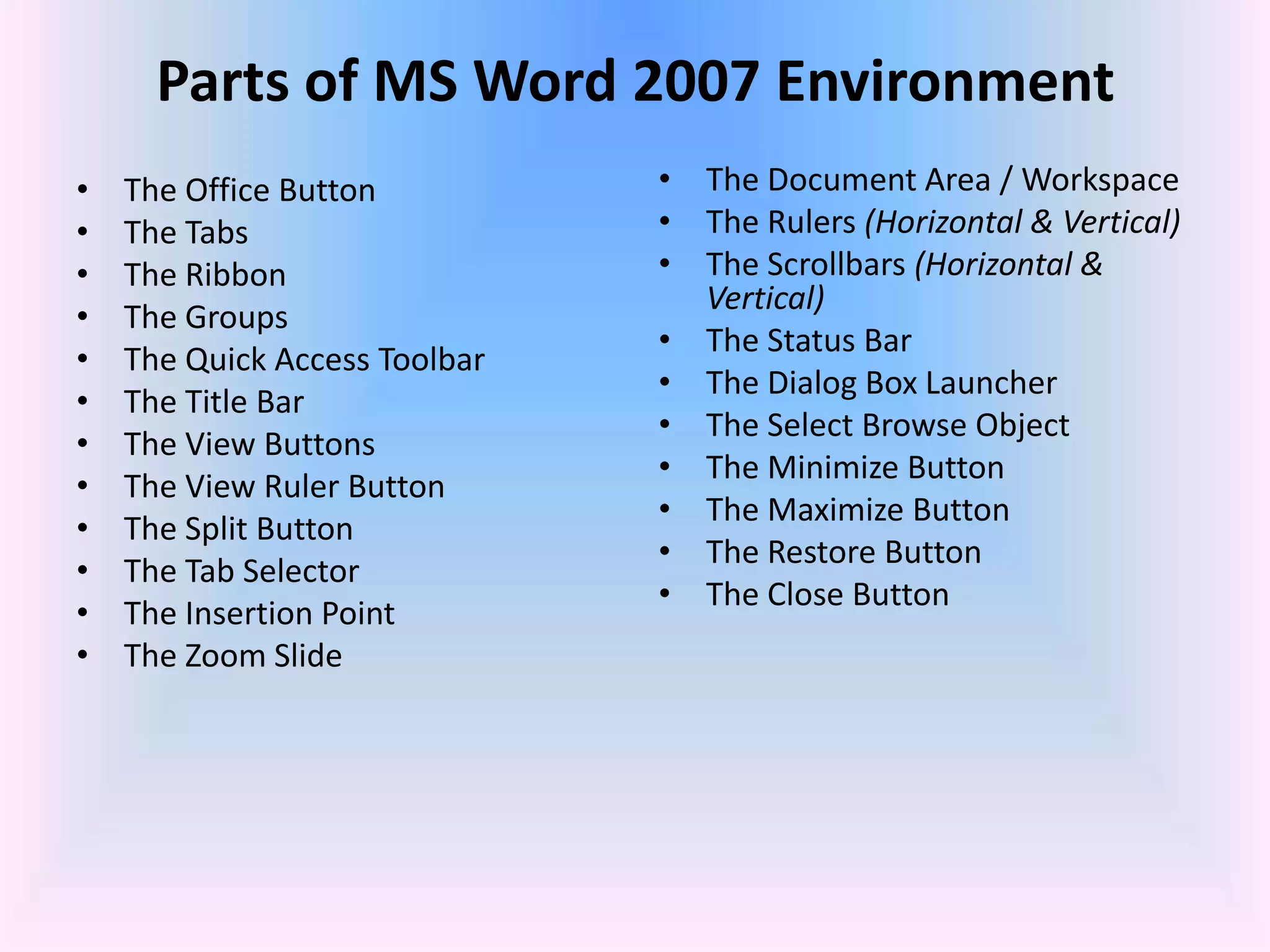
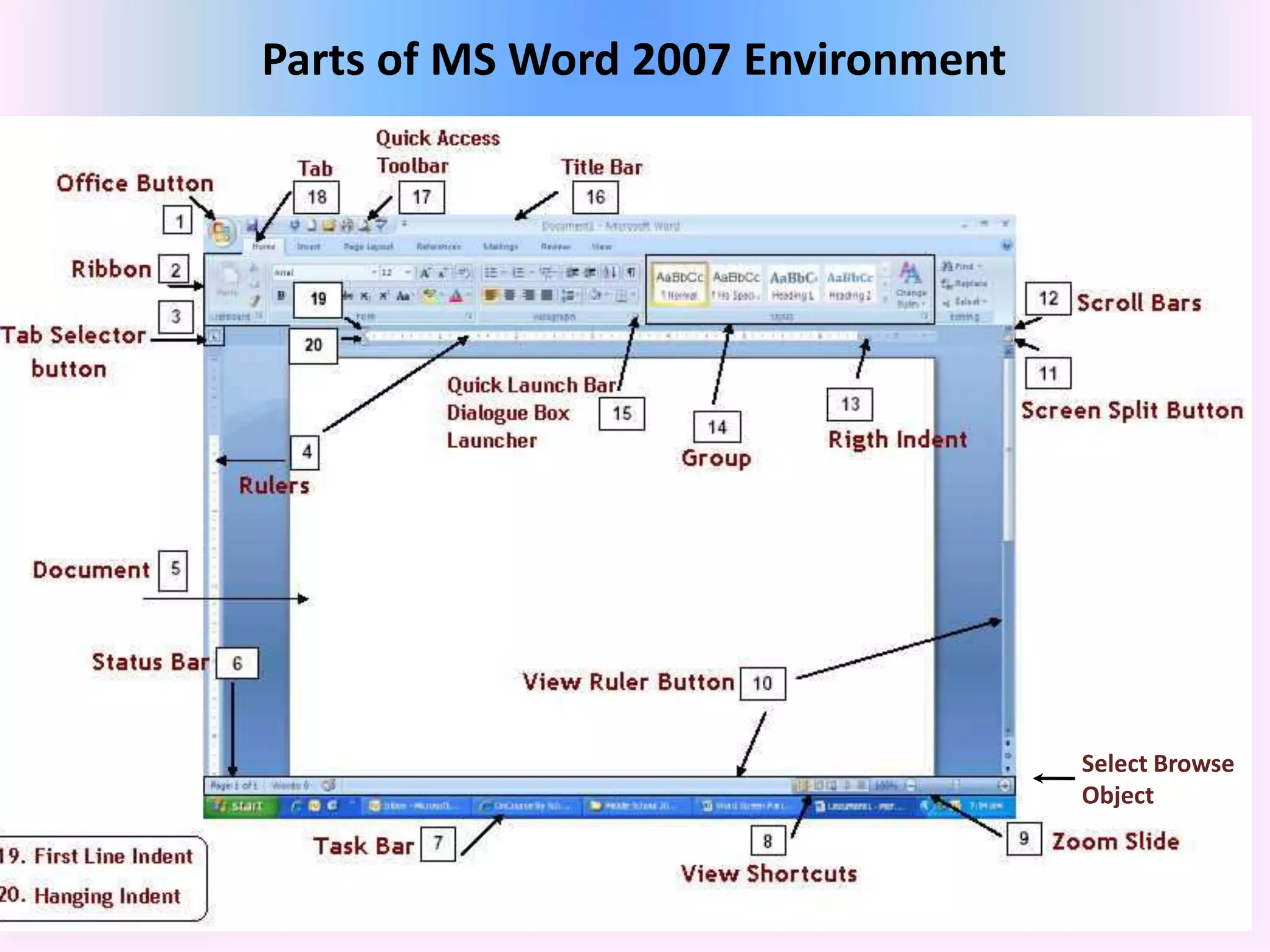
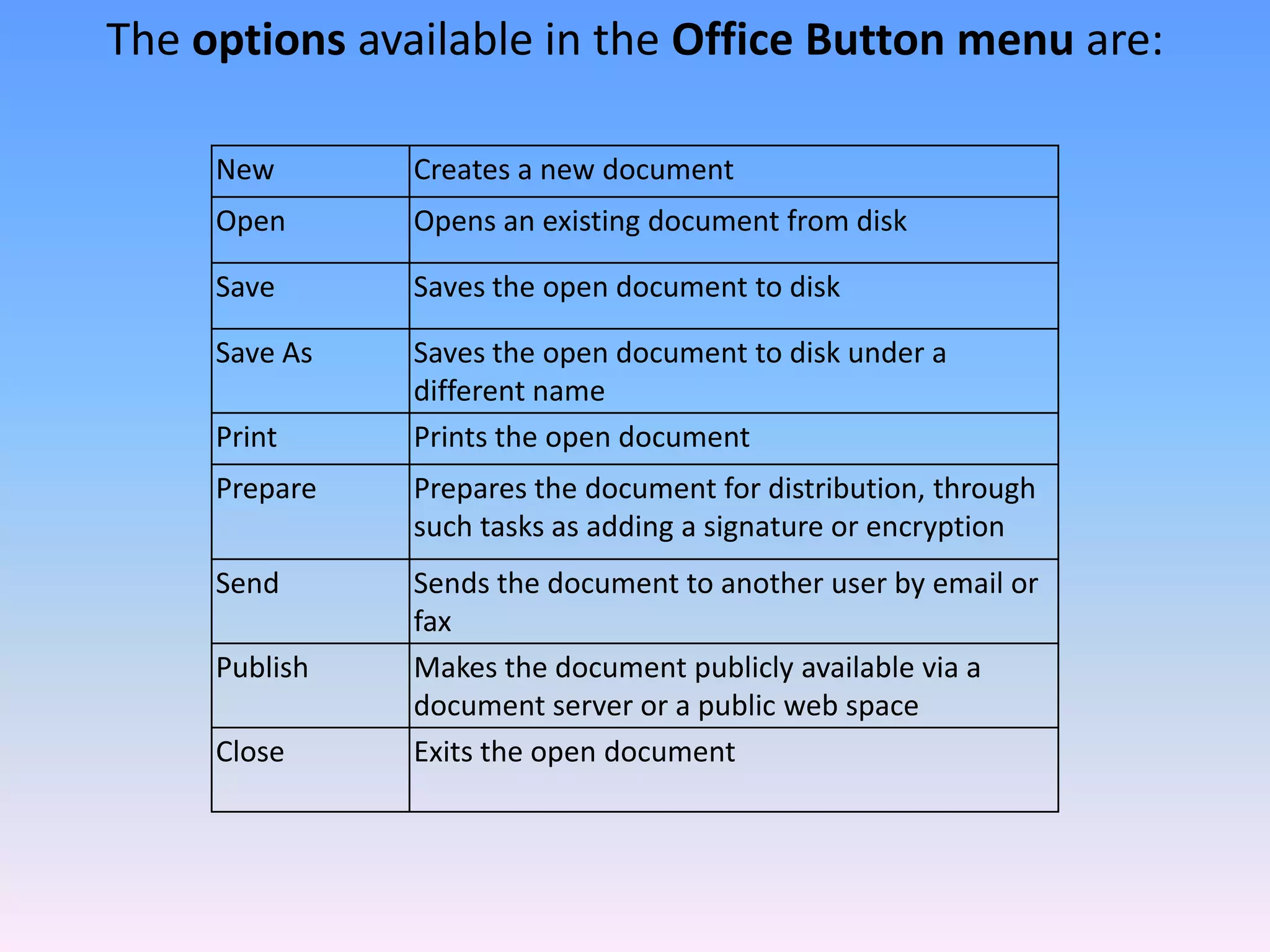
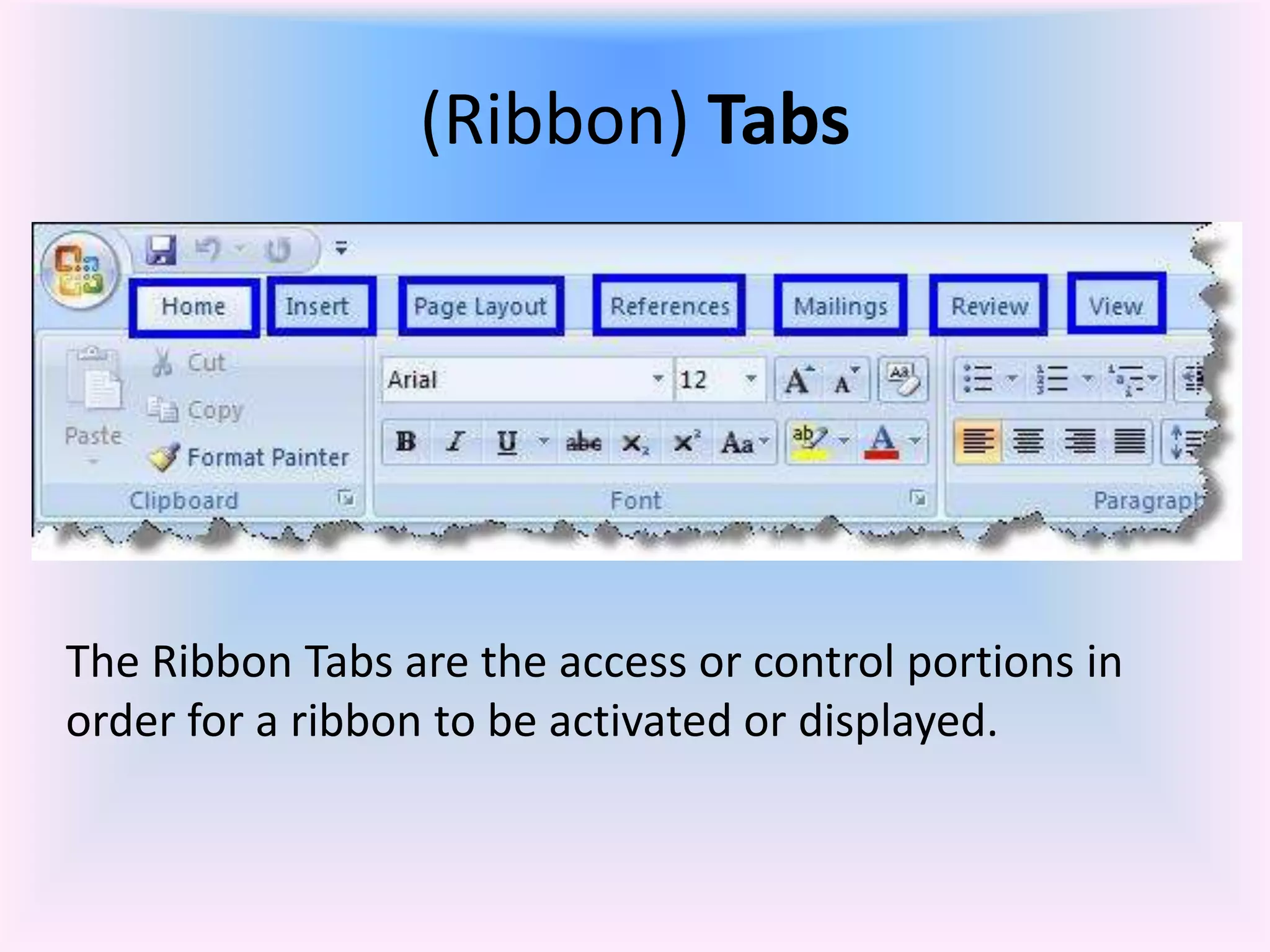
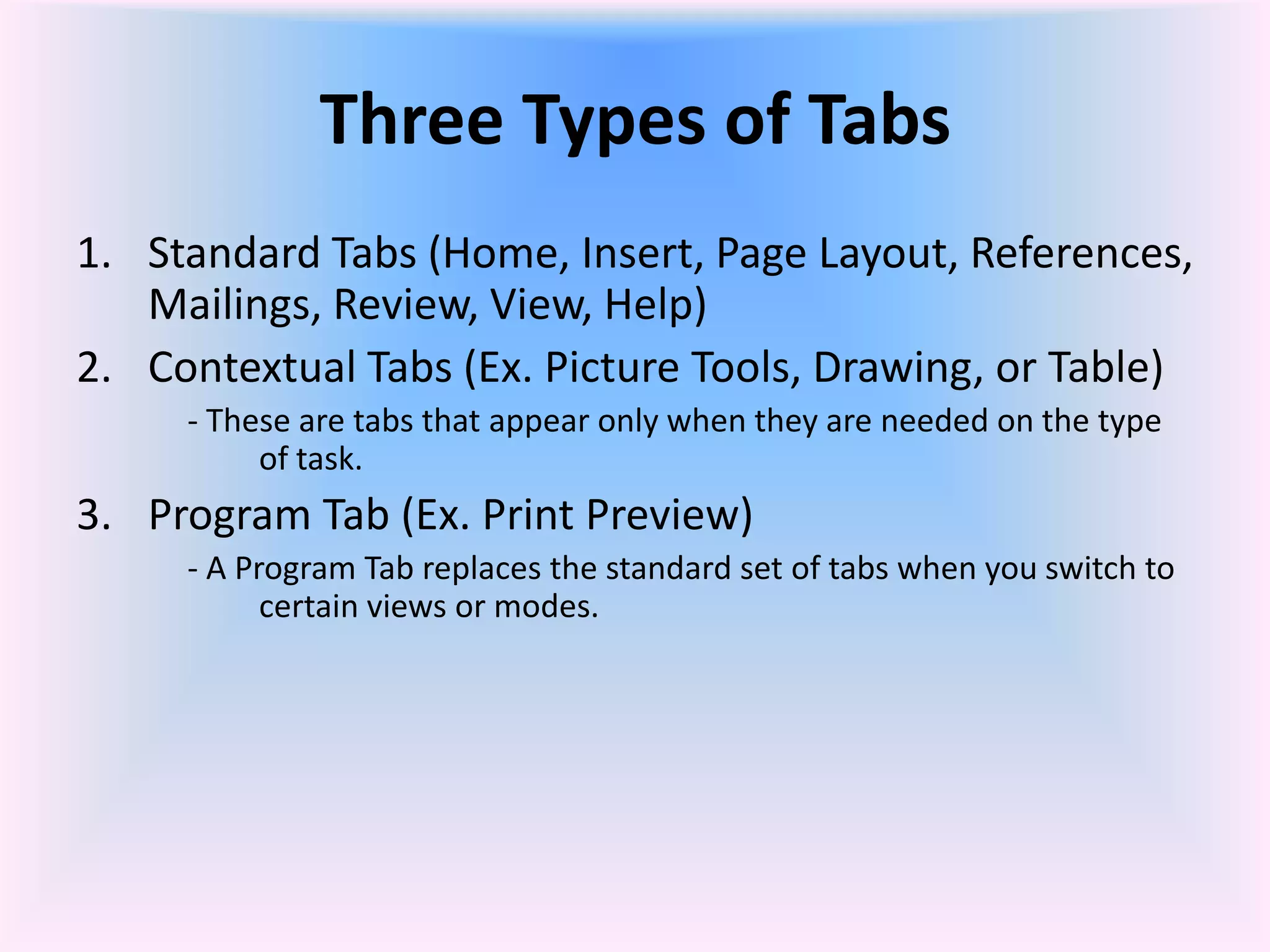
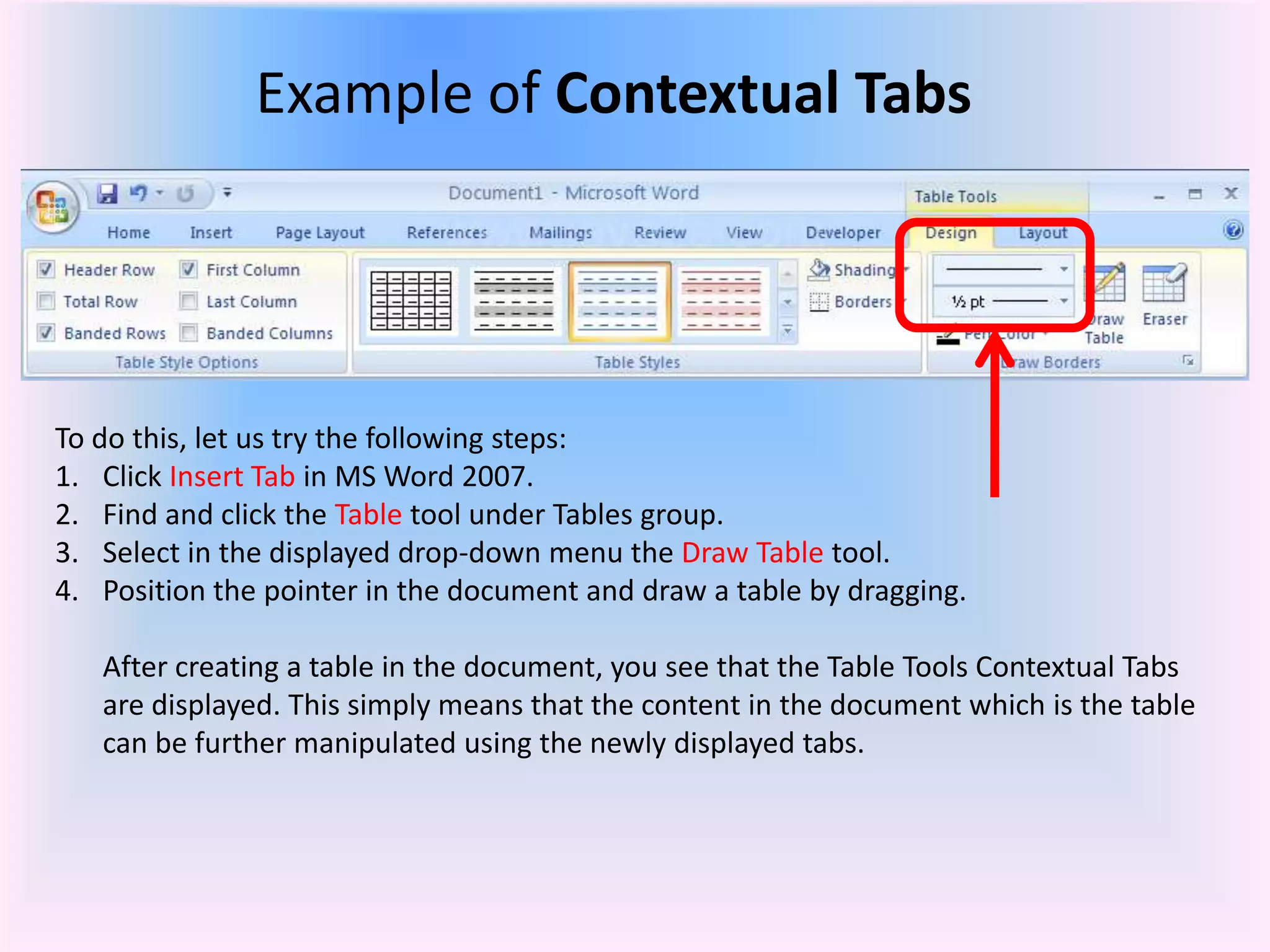
This document provides an overview of Microsoft Word 2007 and lessons on its basic functions. It discusses the parts of the Word screen like the ribbon, tabs, groups, and toolbars. It covers how to start a new blank document and set up pages by adjusting margins, orientation, and paper size. The document also reviews how to add and edit text, and how to control the cursor location using keyboard shortcuts.
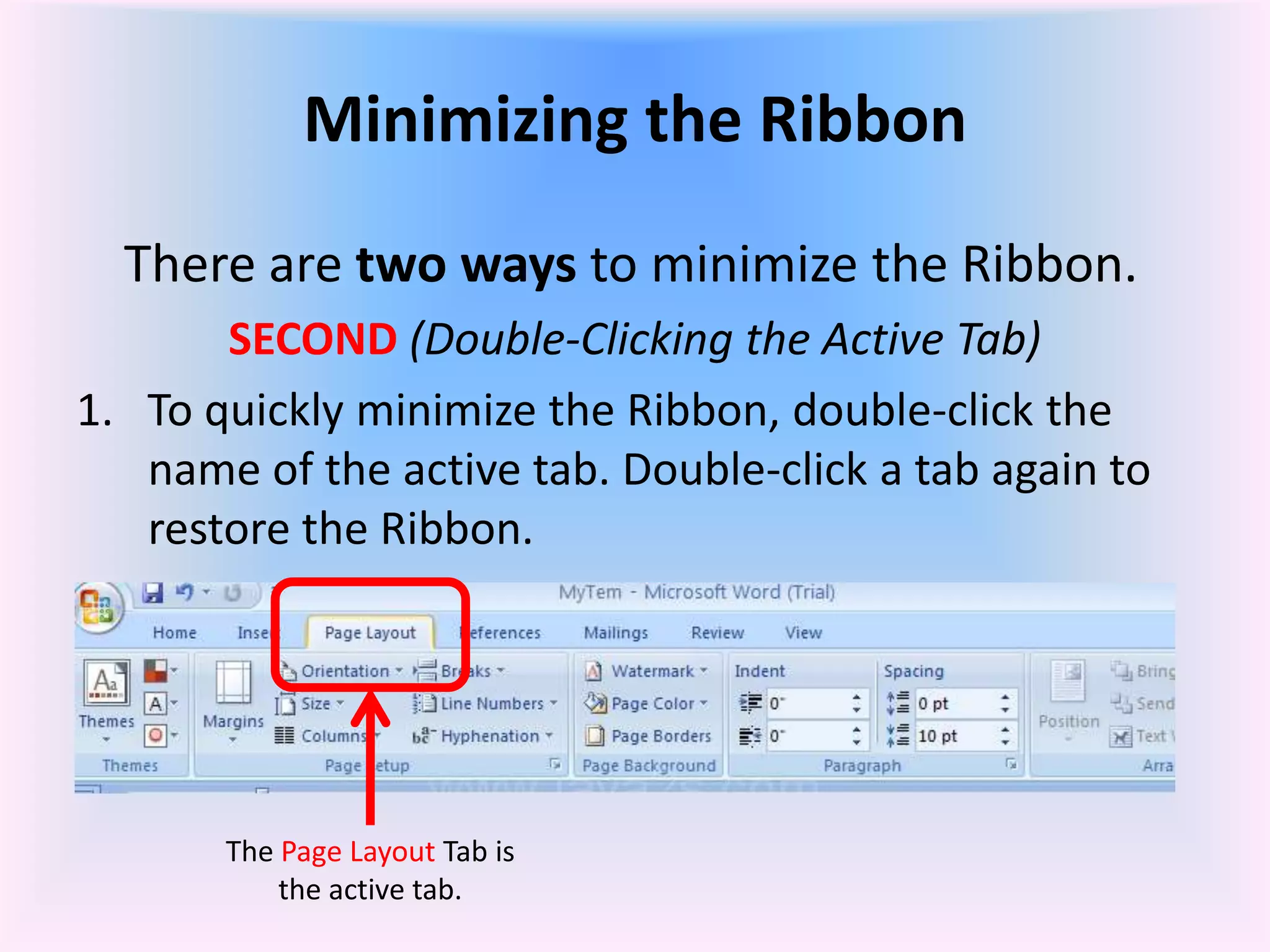
![In the Page Layout Ribbon
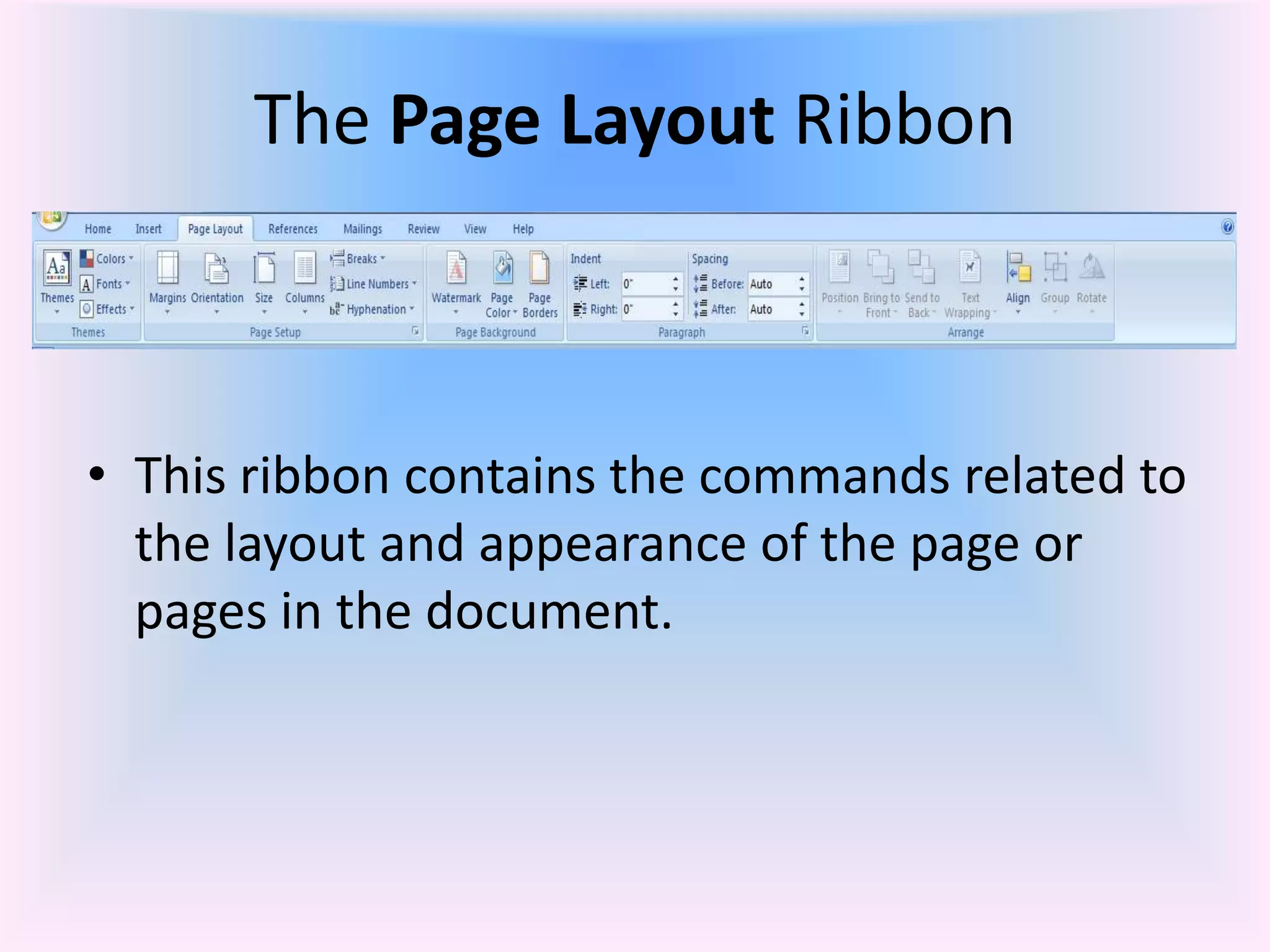
• Here is the list of groups under Page Layout:
• Themes
– This grouping allows the user to change the overall design of the
entire document, including colors, fonts, and effects.
• Page Setup
– Includes the commands to change the parameters (margins,
orientation [landscape or portrait], paper size, number of
columns, page and section breaks, line numbers, and
hyphenation) that determine the overall appearance of the page.
• Page Background
– Provides the ability to insert or change a watermark, color, or
borders for the background of the page.
• Paragraph
– Allows the user to specify the indentation, line spacing and page
breaks.
• Arrange
– This grouping applies primarily to graphics or charts. Includes
commands related to positioning the objects or text on the page.](https://image.slidesharecdn.com/01microsoftofficeword2007introductionandparts-130906003510-/75/01-microsoft-office-word-2007-introduction-and-parts-24-2048.jpg)