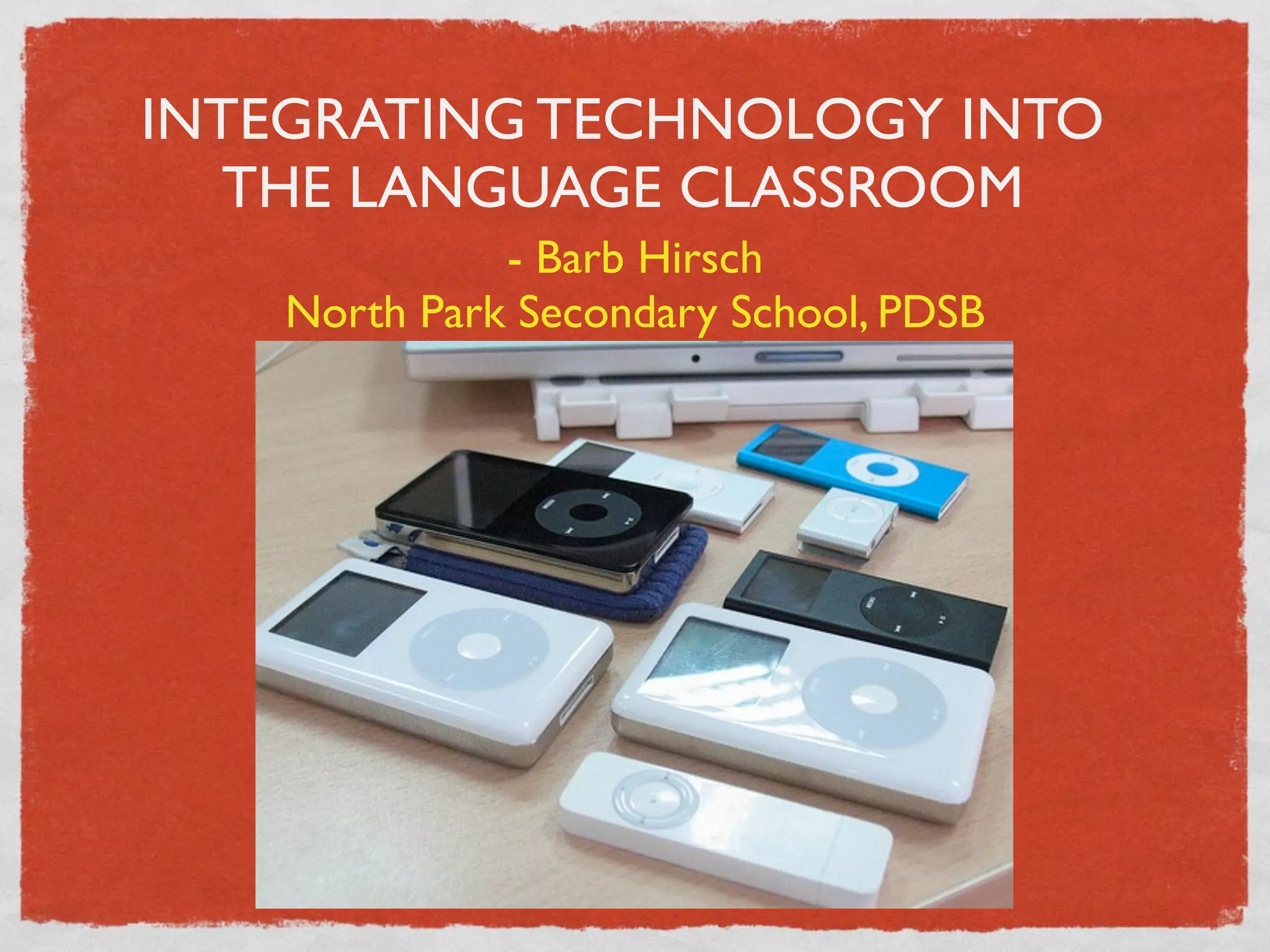
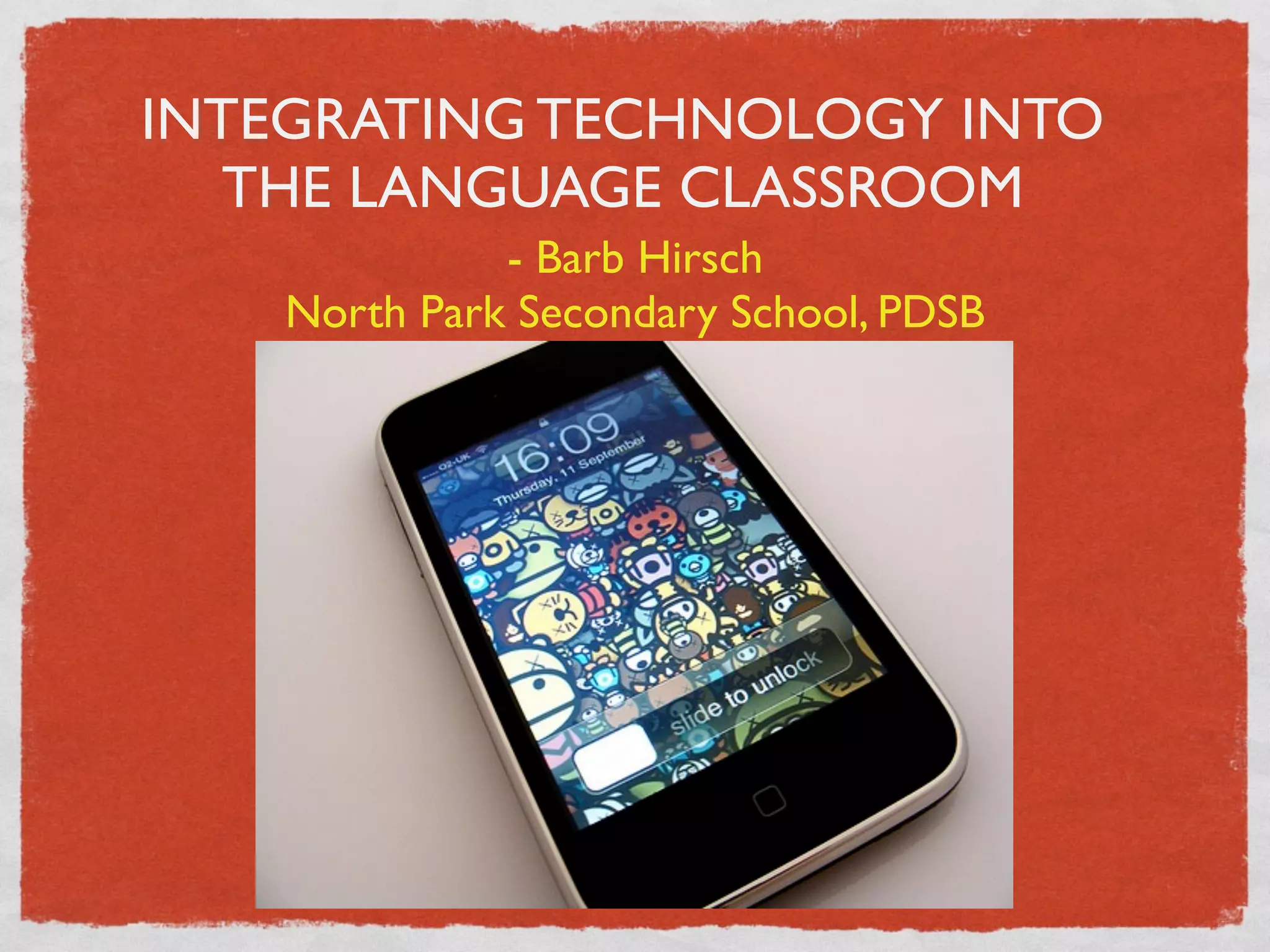
INTEGRATING TECHNOLOGY INTO
   THE LANGUAGE CLASSROOM
              - Barb Hirsch
    North Park Secondary School, PDSB
INTEGRATING TECHNOLOGY INTO
   THE LANGUAGE CLASSROOM
              - Barb Hirsch
    North Park Secondary School, PDSB
WORDS OF... WISDOM??

Technology will not replace teachers but teachers who
understand technology will replace those who do not.
– Dr. Ray Clifford
WORDS OF... WISDOM??

Technology will not replace teachers but teachers who
understand technology will replace those who do not.
– Dr. Ray Clifford

Will not magically engage every student and turn them
into active and interested participants in your class!
WORDS OF... WISDOM??

Technology will not replace teachers but teachers who
understand technology will replace those who do not.
– Dr. Ray Clifford

Will not magically engage every student and turn them
into active and interested participants in your class!


Use technology that is relevant and appropriate
AGENDA
Every day use

How I use it

Listening

Speaking

Writing

Reading

Bits and bobs

Conclusion
USUAL EVERY DAY USE
  Projector/computer combo
USUAL EVERY DAY USE
        Projector/computer combo


PowerPoint to indroduce grammatical concepts
USUAL EVERY DAY USE
        Projector/computer combo


PowerPoint to indroduce grammatical concepts

Taking up homework in Word/PowerPoint
USUAL EVERY DAY USE
        Projector/computer combo


PowerPoint to indroduce grammatical concepts

Taking up homework in Word/PowerPoint

Showing movies
USUAL EVERY DAY USE
        Projector/computer combo


PowerPoint to indroduce grammatical concepts

Taking up homework in Word/PowerPoint

Showing movies

Playing CDs
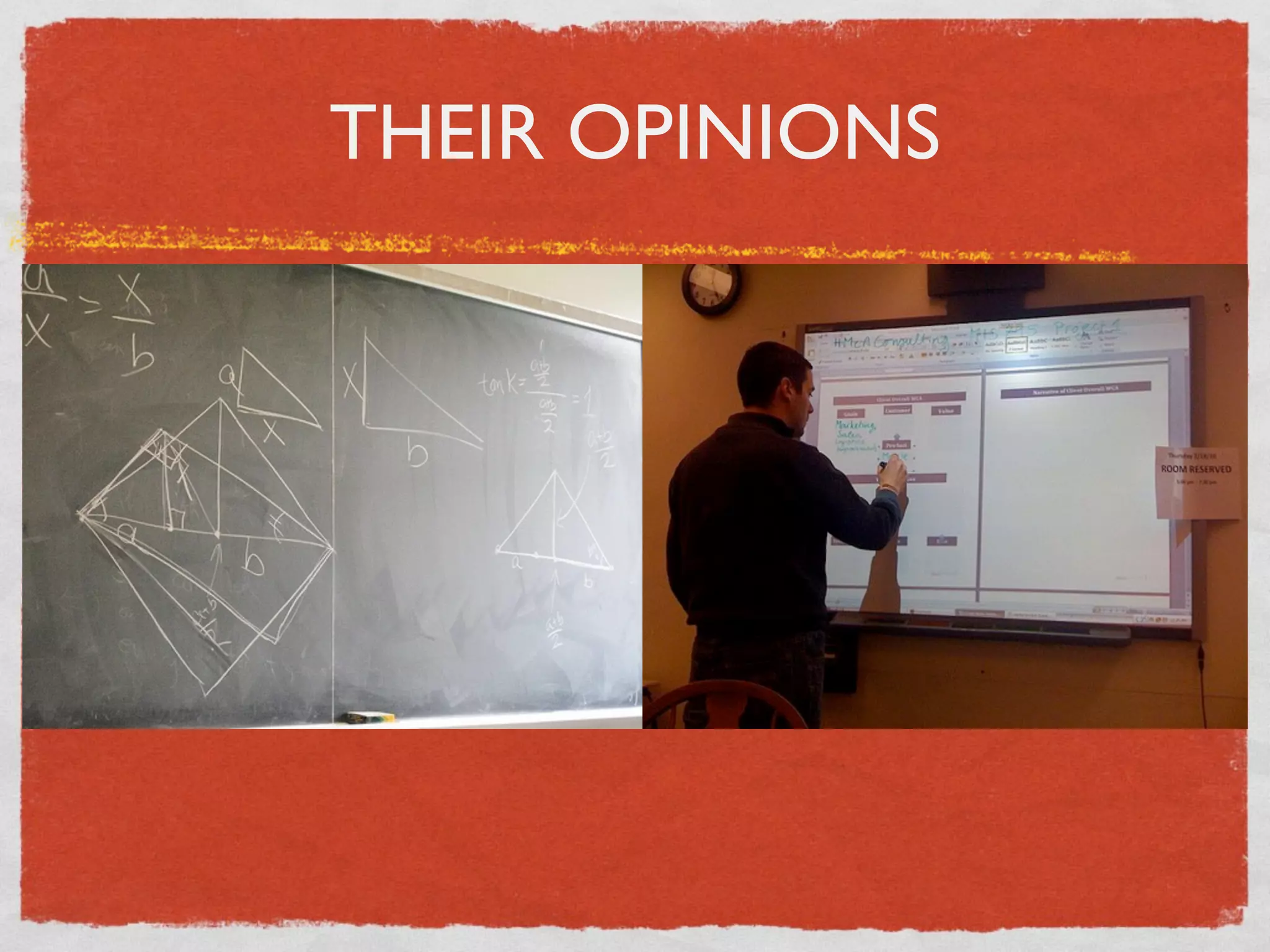
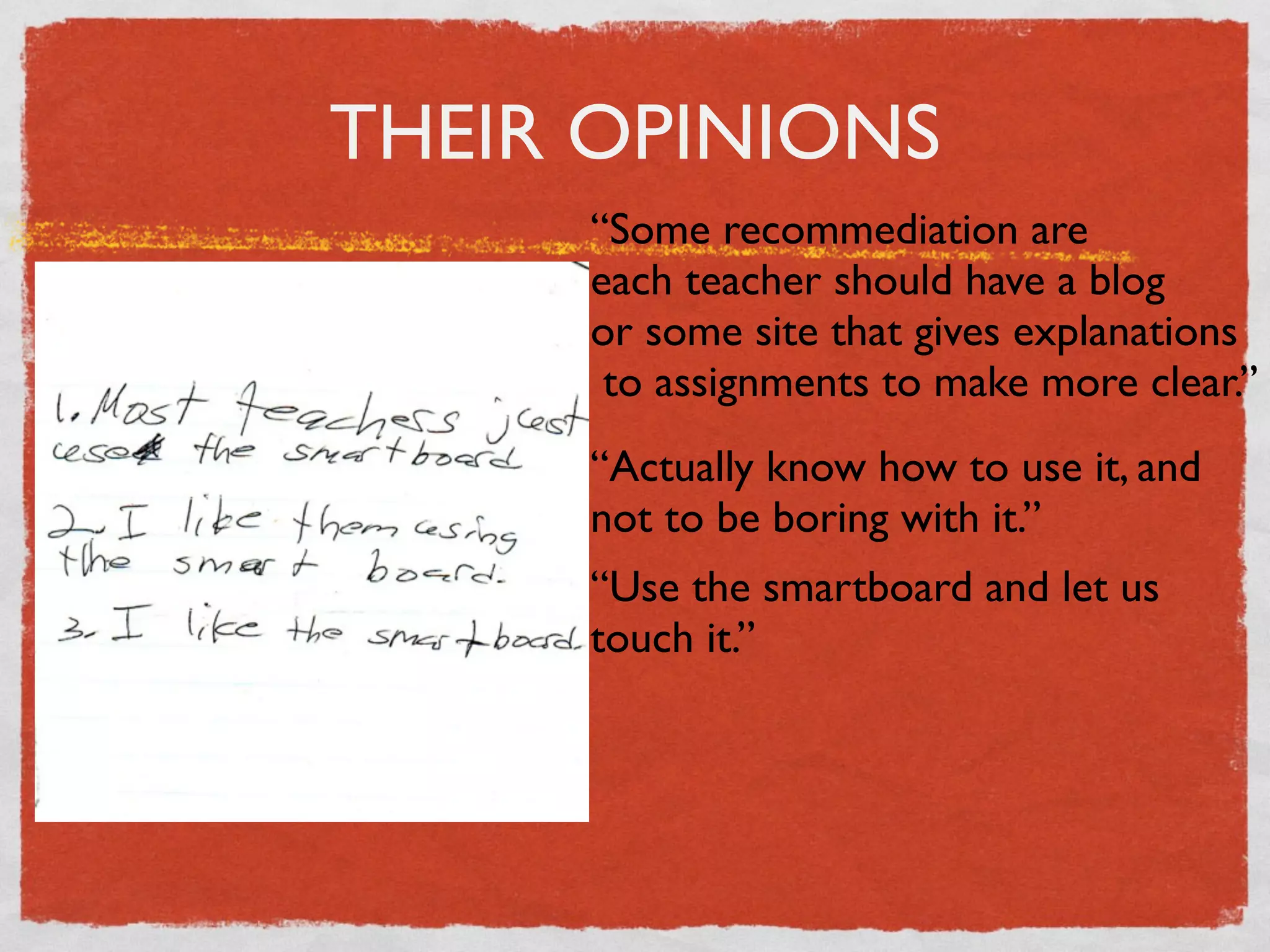
THEIR OPINIONS
THEIR OPINIONS
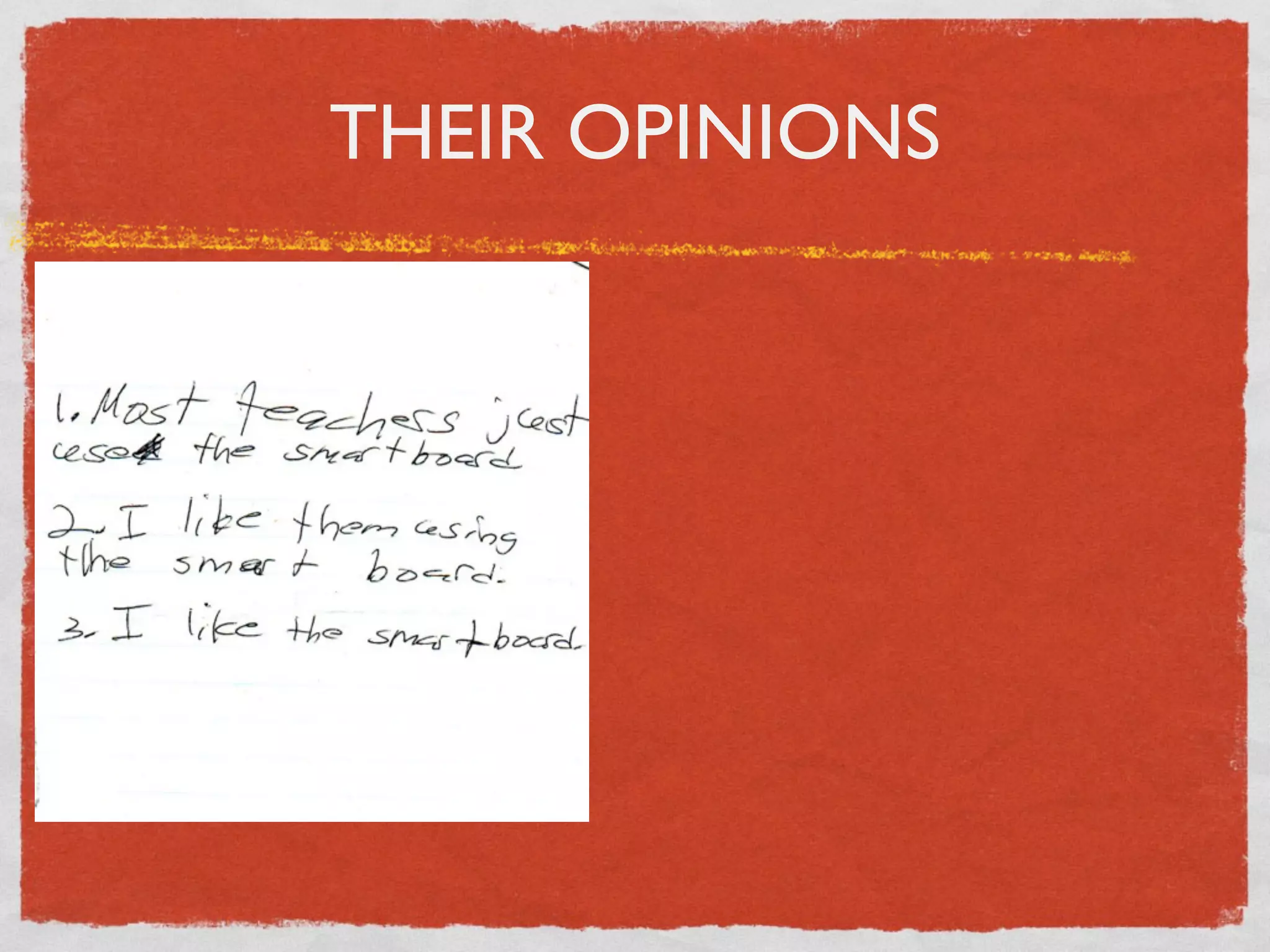
THEIR OPINIONS
     “Some recommediation are
     each teacher should have a blog
     or some site that gives explanations
      to assignments to make more clear.”
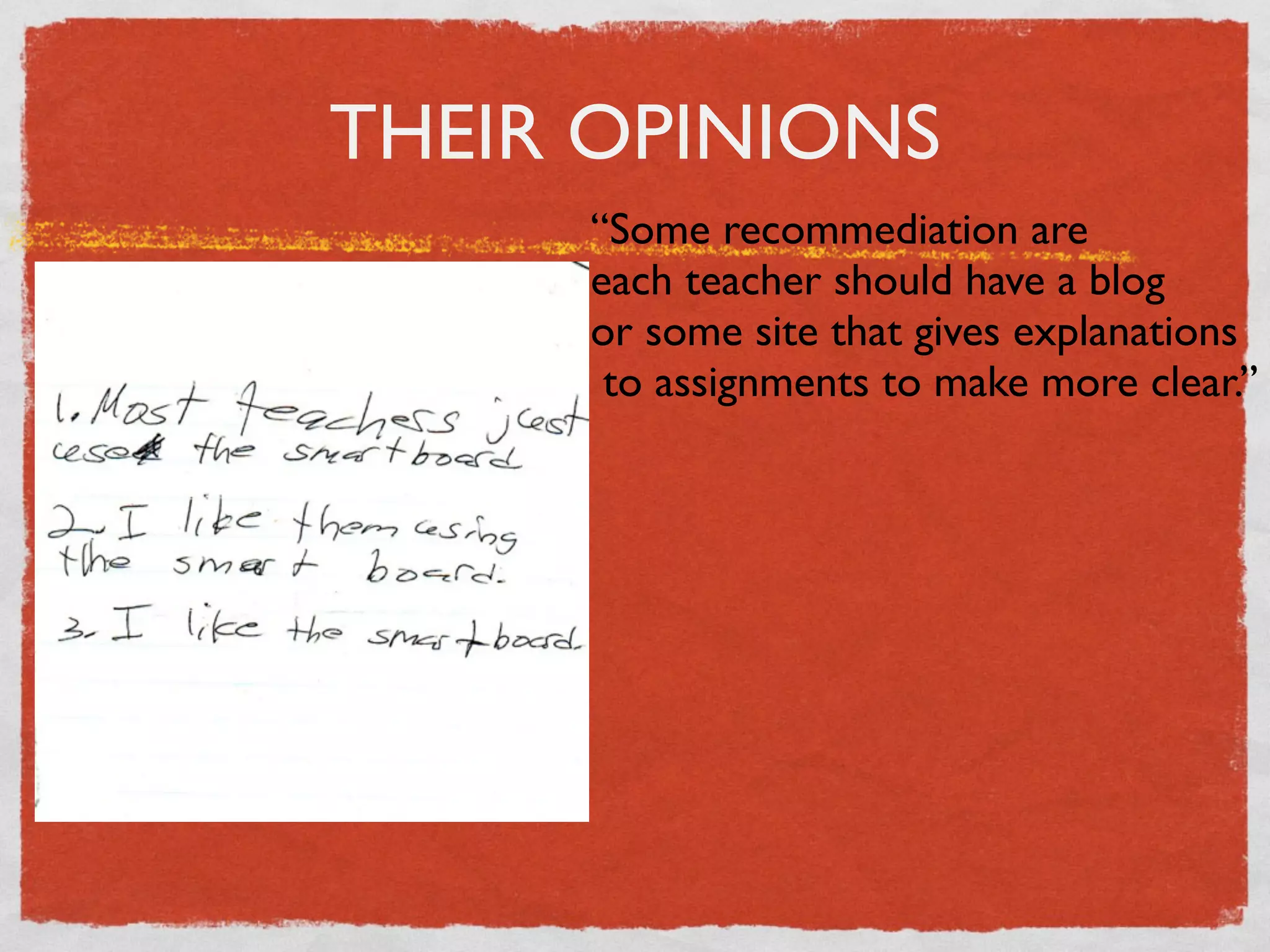
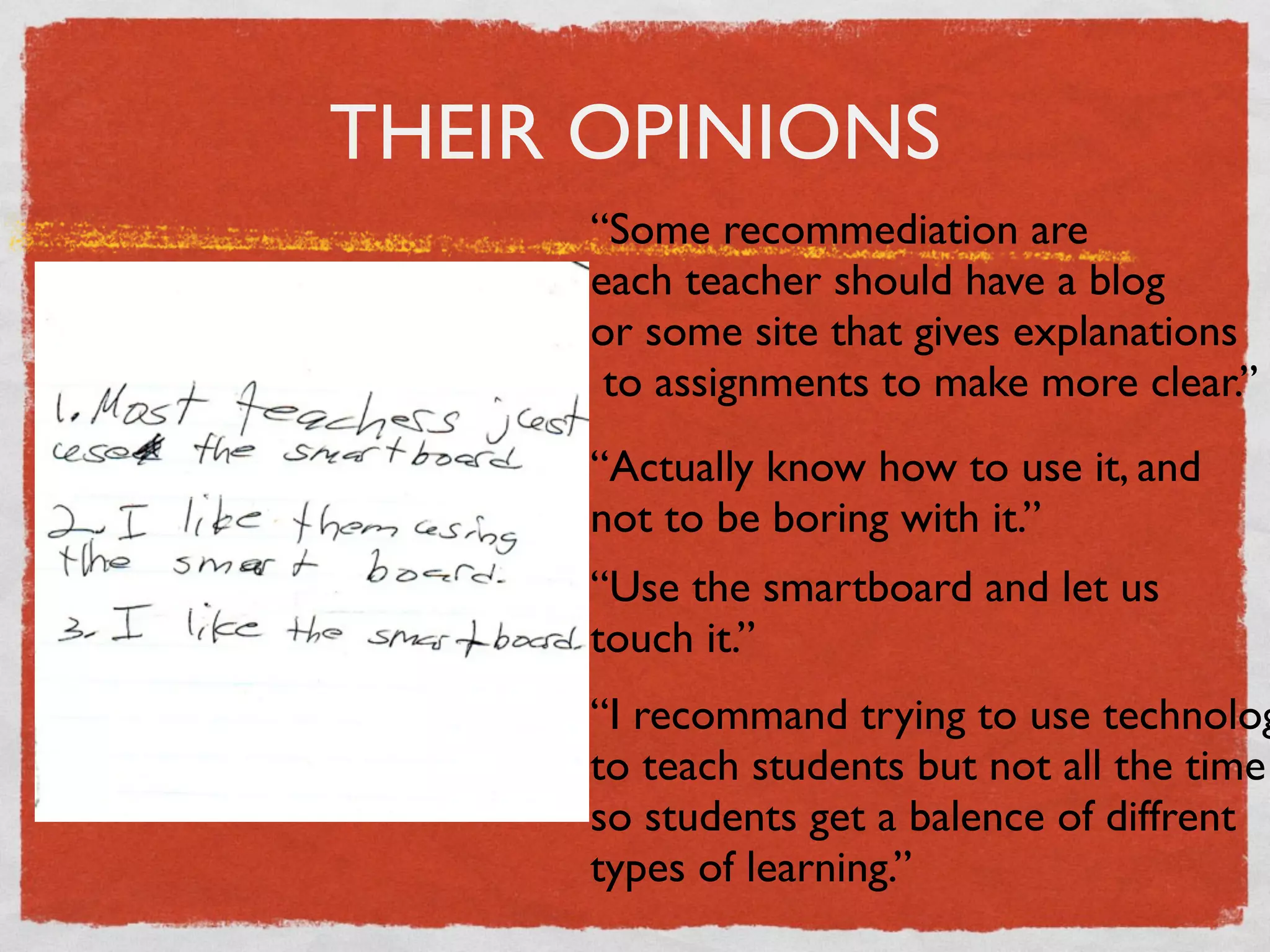
THEIR OPINIONS
     “Some recommediation are
     each teacher should have a blog
     or some site that gives explanations
      to assignments to make more clear.”
     “Actually know how to use it, and
     not to be boring with it.”
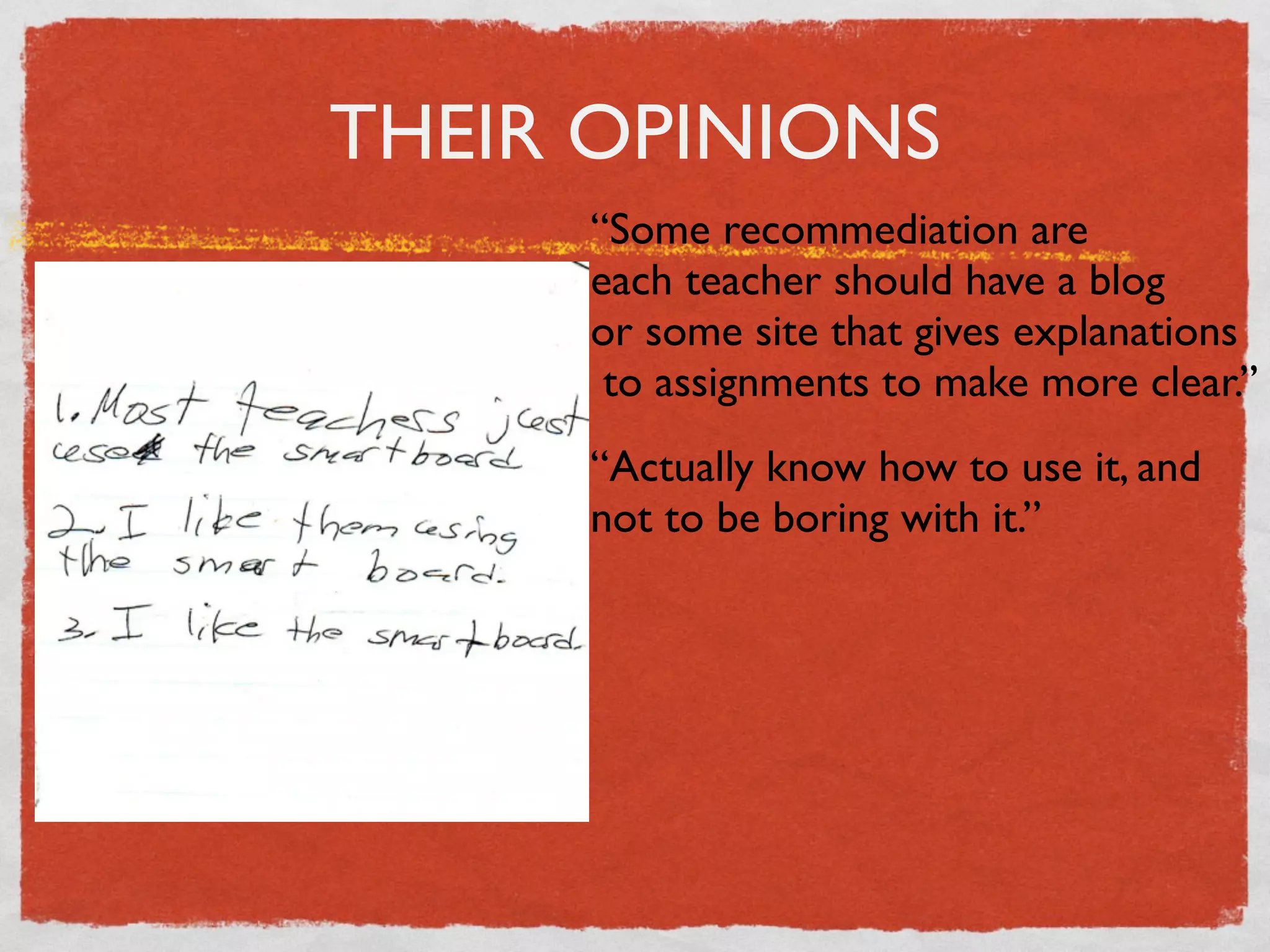
THEIR OPINIONS
     “Some recommediation are
     each teacher should have a blog
     or some site that gives explanations
      to assignments to make more clear.”
     “Actually know how to use it, and
     not to be boring with it.”
     “Use the smartboard and let us
     touch it.”
THEIR OPINIONS
     “Some recommediation are
     each teacher should have a blog
     or some site that gives explanations
      to assignments to make more clear.”
     “Actually know how to use it, and
     not to be boring with it.”
     “Use the smartboard and let us
     touch it.”
     “I recommand trying to use technolog
     to teach students but not all the time
     so students get a balence of diffrent
     types of learning.”
WHY DO I USE
     TECHNOLOGY IN MY
     LANGUAGE CLASSES?
Immediate access to authentic material

Exposure to a variety of accents, speeds

Enhanced student motivation and involvement

Creates a new class dynamic by engaging students
with sounds, colours and flash animation

Age-old: Involves kinesthetic learners
LISTENING
LISTENING
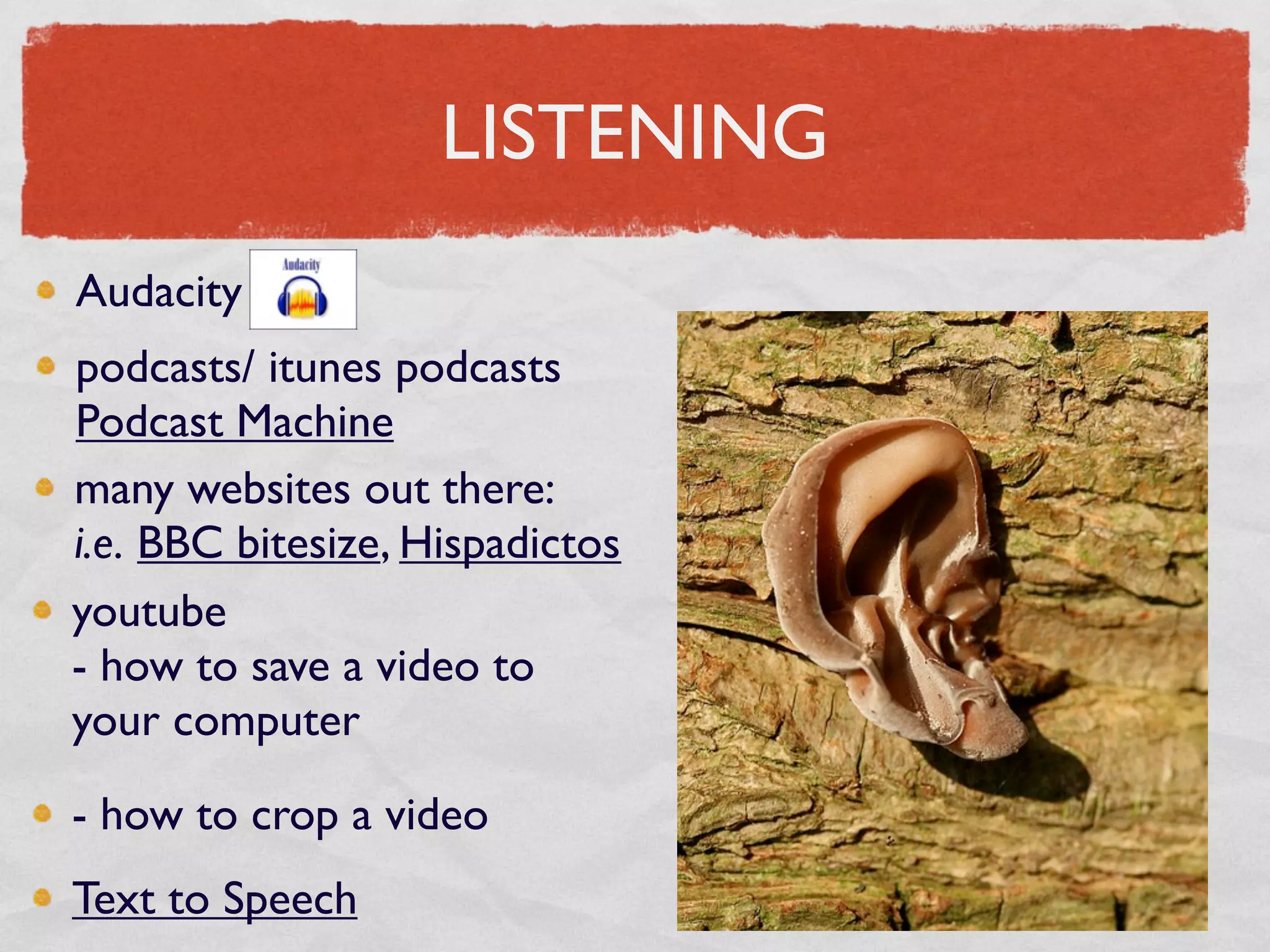
Audacity
LISTENING
Audacity
podcasts/ itunes podcasts
Podcast Machine
LISTENING
Audacity
podcasts/ itunes podcasts
Podcast Machine
many websites out there:
i.e. BBC bitesize, Hispadictos
LISTENING
Audacity
podcasts/ itunes podcasts
Podcast Machine
many websites out there:
i.e. BBC bitesize, Hispadictos
youtube
- how to save a video to
your computer

- how to crop a video
LISTENING
Audacity
podcasts/ itunes podcasts
Podcast Machine
many websites out there:
i.e. BBC bitesize, Hispadictos
youtube
- how to save a video to
your computer

- how to crop a video
Text to Speech
SPEAKING
SPEAKING

recording their own podcasts
SPEAKING

recording their own podcasts
wiki with audio
SPEAKING

recording their own podcasts
wiki with audio
animations + audio
SPEAKING

recording their own podcasts
wiki with audio
animations + audio
videos by students
SPEAKING

recording their own podcasts
wiki with audio
animations + audio
videos by students
Voicethread
WRITING
WRITING

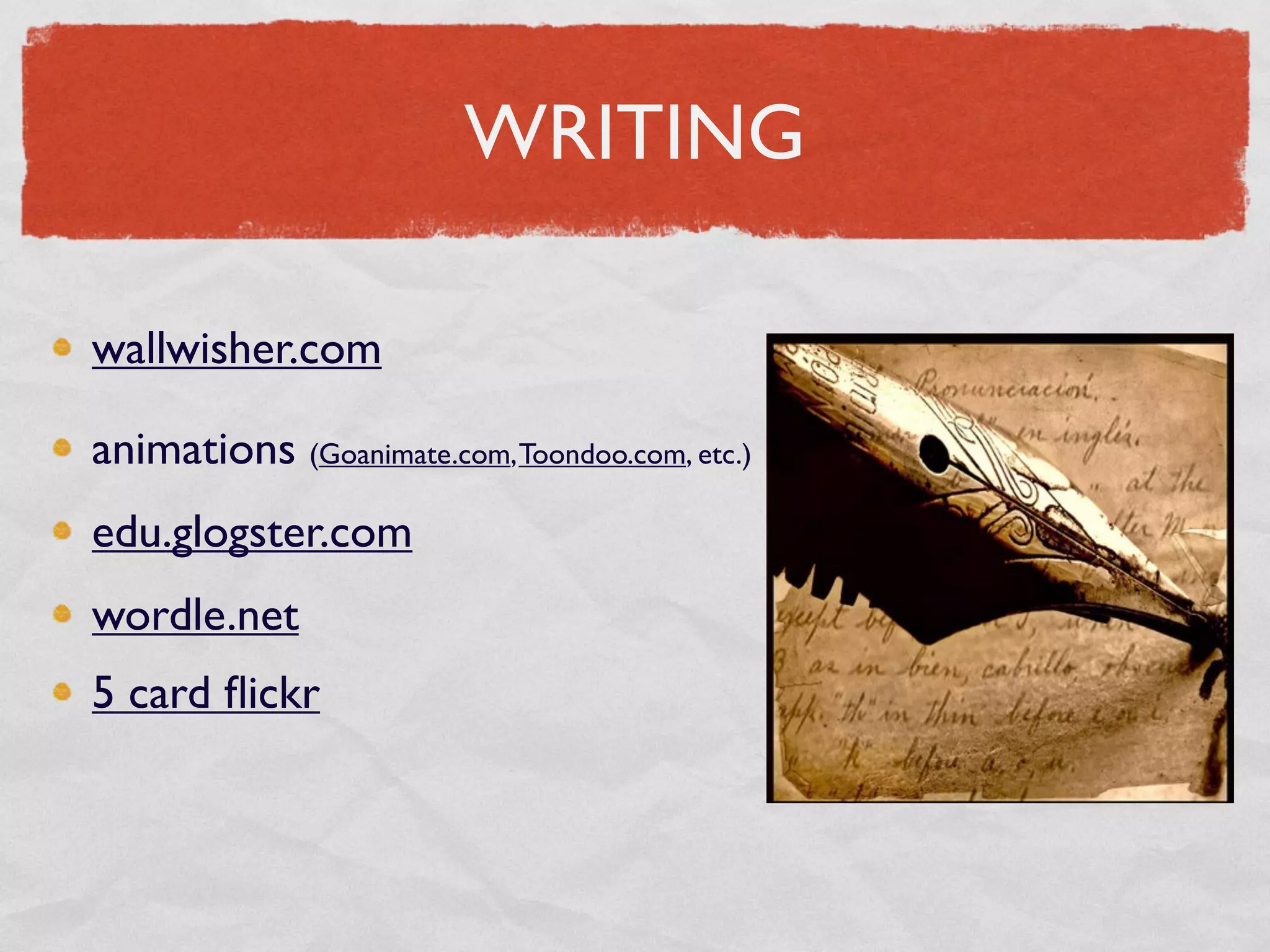
wallwisher.com
WRITING

wallwisher.com

animations (Goanimate.com, Toondoo.com, etc.)
WRITING

wallwisher.com

animations (Goanimate.com, Toondoo.com, etc.)
edu.glogster.com
WRITING

wallwisher.com

animations (Goanimate.com, Toondoo.com, etc.)
edu.glogster.com
wordle.net
WRITING

wallwisher.com

animations (Goanimate.com, Toondoo.com, etc.)
edu.glogster.com
wordle.net
5 card flickr
WRITING

wallwisher.com

animations (Goanimate.com, Toondoo.com, etc.)
edu.glogster.com
wordle.net
5 card flickr
Piclits
READING
READING

online newspapers
READING

online newspapers
languagesonline.org.uk
READING

online newspapers
languagesonline.org.uk
Puzzle maker
INTERACTIVE WHITEBOARD

Working with
Notebook- many
activities
INTERACTIVE WHITEBOARD

Working with
Notebook- many
activities


noughts and crosses
INTERACTIVE WHITEBOARD

Working with
Notebook- many
activities


noughts and crosses


classtools.net
BITS AND BOBS


handout
BITS AND BOBS
www.flickr.com/creativecommons
(images displayed under creative commons
licenses for public use)


handout
BITS AND BOBS
www.flickr.com/creativecommons
(images displayed under creative commons
licenses for public use)

http://hcmc.uvic.ca/clipart/


handout
BITS AND BOBS
www.flickr.com/creativecommons
(images displayed under creative commons
licenses for public use)

http://hcmc.uvic.ca/clipart/


http://rubistar.4teachers.org/ (rubric maker)


handout
www.learningtoteachalsoteachingtolearn.blogspot.com/

            barbara.hirsch@peelsb.com
CONCLUSION

Don’t be afraid of it.

Start small.

Who cares if you mess up? (Who ever said that
teachers were perfect?)

Choose one topic in one of your units and one
programme or site to try to reinforce it/introduce it
with.
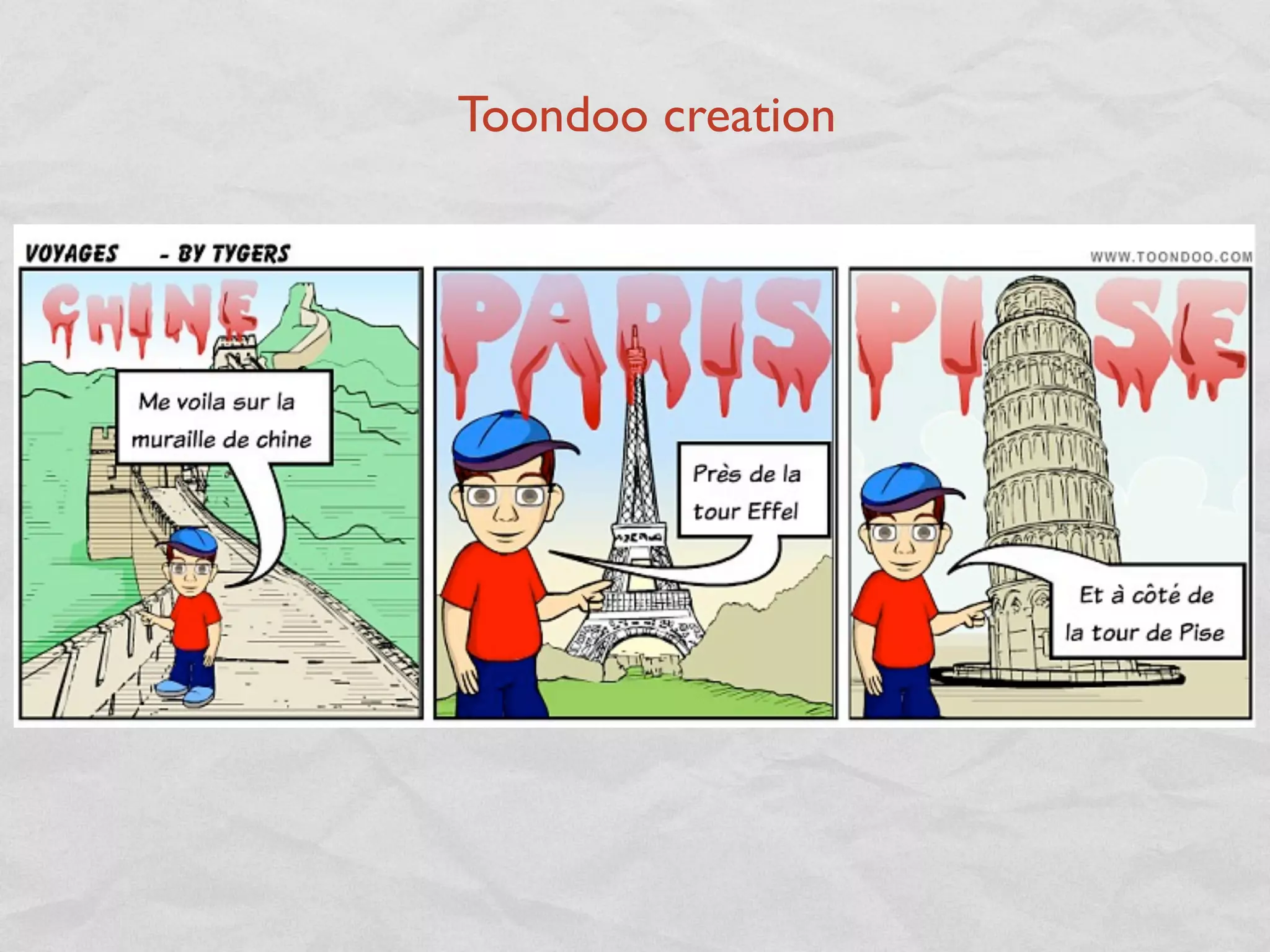
Toondoo creation

OMLTA Presentation- Integrating Technology into the Language learning classroom