L.J. Perales © 2010 www.laurajoyonline.com
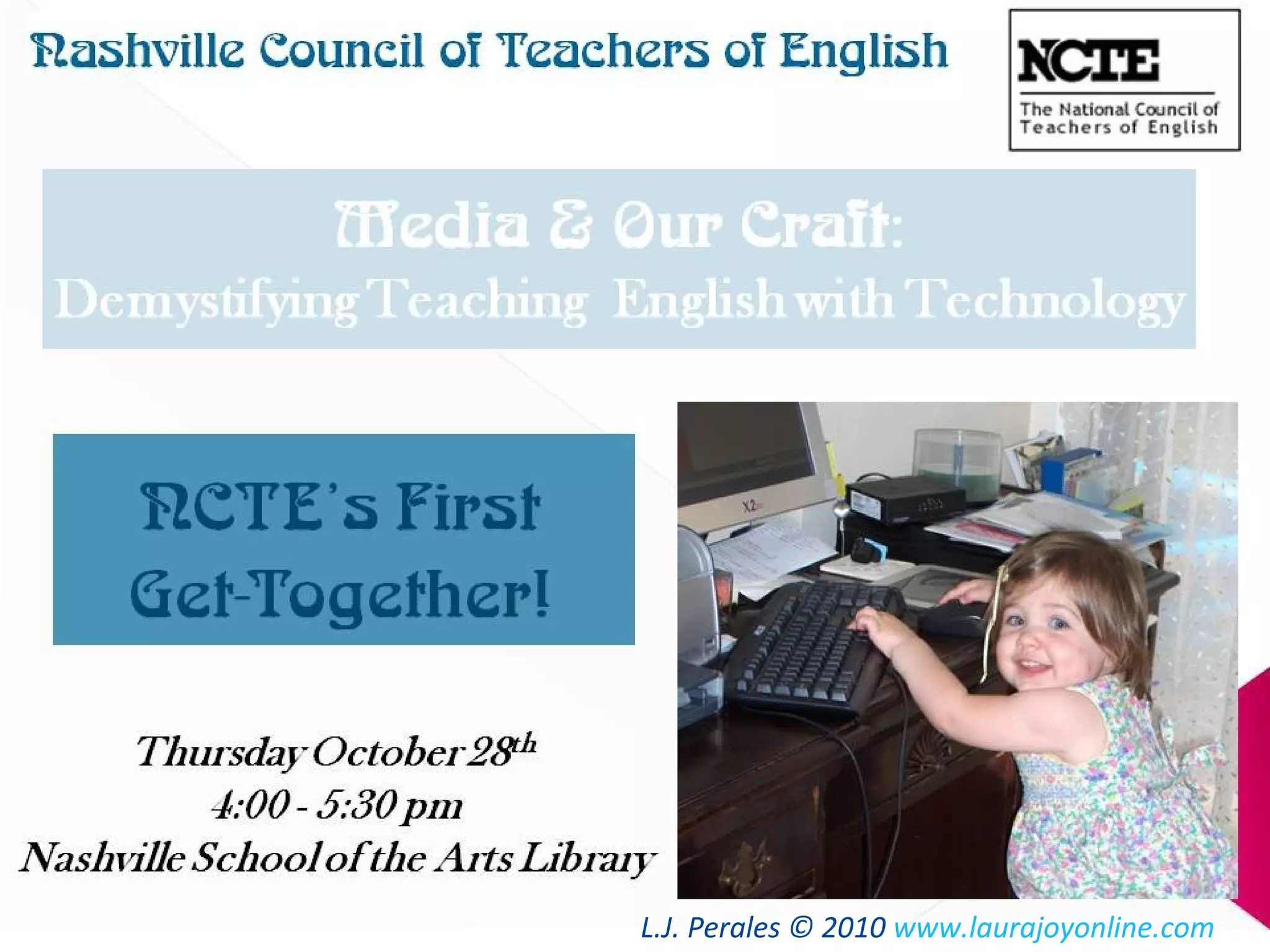
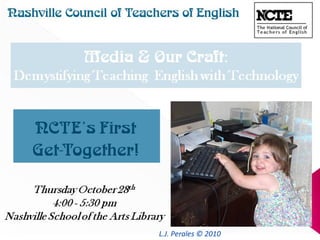
Media &OurCraft:Media &OurCraft:
Demystifying TeachingDemystifying Teaching
English with TechnologyEnglish with Technology
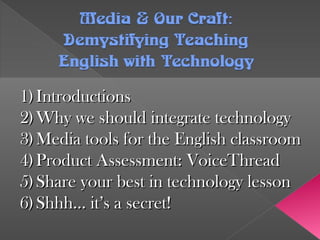
1)1) IntroductionsIntroductions
2)2) Why we should integrate technologyWhy we should integrate technology
3)3) Media tools for the English classroomMedia tools for the English classroom
4)4) Product Assessment: VoiceThreadProduct Assessment: VoiceThread
5)5) Share your best in technology lessonShare your best in technology lesson
6)6) Shhh… it’s a secret!Shhh… it’s a secret!
IntroductionsIntroductions
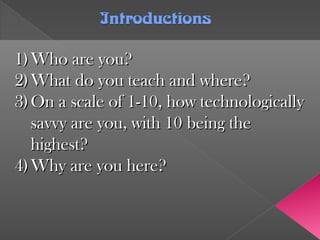
1)1) Who are you?Who are you?
2)2) What do you teach and where?What do you teach and where?
3)3) On a scale of 1-10, how technologicallyOn a scale of 1-10, how technologically
savvy are you, with 10 being thesavvy are you, with 10 being the
highest?highest?
4)4) Why are you here?Why are you here?
Why Do We Integrate TechnologyWhy Do We Integrate Technology
and Media into English Curriculum?and Media into English Curriculum?
1) Ownership of technology needs to be transferred
from the teacher to the student.
2) The National Educational Technology Standards set
forth in 2007 are geared towards real-life application.
3)3) Web 2.0 applications and computer programs equipWeb 2.0 applications and computer programs equip
students with the tools and skill-sets which will bestudents with the tools and skill-sets which will be
required of them in the future workplace.required of them in the future workplace.
4)4) It’s natural to use the web as a publishing platform.It’s natural to use the web as a publishing platform.
The final step of the writing process now hasThe final step of the writing process now has
meaning, giving students an immediate audience formeaning, giving students an immediate audience for
their projects.their projects.
National EducationalNational Educational
Technology StandardsTechnology Standards
The National Education Technology Standards
(NETS) are broken down into six categories. These
include:
1.Creativity and Innovation
2.Communication and Collaboration
3.Research and Information Fluency
4.Critical Thinking, Problem Solving, and Decision
Making
5.Digital Citizenship
6.and Technology Operations and Concepts
Media Tools forthe English ClassroomMedia Tools forthe English Classroom
What things do I need available to students?What things do I need available to students?
1.1. For recording audio: HeadsetFor recording audio: Headset
2.2. For video: Digital Video CameraFor video: Digital Video Camera
3.3. For pictures: Digital CameraFor pictures: Digital Camera
4.4. For transfer: appropriate cablesFor transfer: appropriate cables
5.5. High-Speed Internet ConnectionHigh-Speed Internet Connection
Recommendations: Substitute a webcam or anRecommendations: Substitute a webcam or an
internal mic. Borrow a scanner. Invest in aninternal mic. Borrow a scanner. Invest in an
inexpensive Tripod. Use lamps!inexpensive Tripod. Use lamps!
***What programs do I need?******What programs do I need?***
Computers often come pre-loaded with freeComputers often come pre-loaded with free
software for media recording and editing. Yousoftware for media recording and editing. You
can easily get them or have your IT install themcan easily get them or have your IT install them
if for some reason you don’t have them already.if for some reason you don’t have them already.
Metro Teachers – Remember that by typingMetro Teachers – Remember that by typing
““software” in an internet browser while atsoftware” in an internet browser while at
school, you have the authority to downloadschool, you have the authority to download
many programs yourself.many programs yourself.
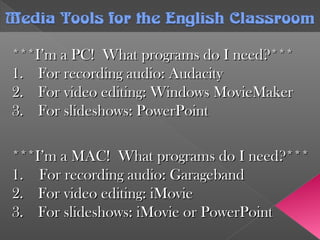
Media Tools forthe English ClassroomMedia Tools forthe English Classroom
***I’m a PC! What programs do I need?******I’m a PC! What programs do I need?***
1.1. For recording audio: AudacityFor recording audio: Audacity
2.2. For video editing: Windows MovieMakerFor video editing: Windows MovieMaker
3.3. For slideshows: PowerPointFor slideshows: PowerPoint
Media Tools forthe English ClassroomMedia Tools forthe English Classroom
***I’m a MAC! What programs do I need?******I’m a MAC! What programs do I need?***
1. For recording audio: Garageband1. For recording audio: Garageband
2.2. For video editing: iMovieFor video editing: iMovie
3.3. For slideshows: iMovie or PowerPointFor slideshows: iMovie or PowerPoint
***Okay, I’ve got what I need, now what?******Okay, I’ve got what I need, now what?***
Your students’ learning curve will oftenYour students’ learning curve will often
correspond with your own. These freecorrespond with your own. These free
programs have thousands of online tutorialsprograms have thousands of online tutorials
in the forms of videos, step by step guides,in the forms of videos, step by step guides,
and PowerPoints. What makes sense toand PowerPoints. What makes sense to
one doesn’t always click with another, soone doesn’t always click with another, so
use the best tool you have: Google it!use the best tool you have: Google it!
Media Tools forthe English ClassroomMedia Tools forthe English Classroom
When you “Google” something, you have a greaterWhen you “Google” something, you have a greater
likelihood that you’re going to find what you’relikelihood that you’re going to find what you’re
looking for if you use quotation marks to keeplooking for if you use quotation marks to keep
words or phrases together.words or phrases together. www.google.comwww.google.com
Examples: “iMovie for dummies” or “how toExamples: “iMovie for dummies” or “how to
record audio in Audacity”record audio in Audacity”
Advice: Take advantage of the opportunity toAdvice: Take advantage of the opportunity to
access more results by searching the web on aaccess more results by searching the web on a
non-school server. This way, if you find anon-school server. This way, if you find a
video from the History Channel on YouTubevideo from the History Channel on YouTube
that you want to show, you can.that you want to show, you can.
Media Tools forthe English ClassroomMedia Tools forthe English Classroom
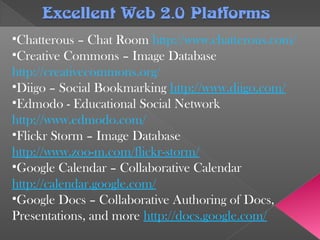
Excellent Web 2.0 PlatformsExcellent Web 2.0 Platforms
•Chatterous – Chat Room http://www.chatterous.com/
•Creative Commons – Image Database
http://creativecommons.org/
•Diigo – Social Bookmarking http://www.diigo.com/
•Edmodo - Educational Social Network
http://www.edmodo.com/
•Flickr Storm – Image Database
http://www.zoo-m.com/flickr-storm/
•Google Calendar – Collaborative Calendar
http://calendar.google.com/
•Google Docs – Collaborative Authoring of Docs,
Presentations, and more http://docs.google.com/
Excellent Web 2.0 PlatformsExcellent Web 2.0 Platforms
•Tangler - Discussion Board http://www.tangler.com/
•VoiceThread – Easy Video Creation
http://www.voicethread.com
•WiZiQ – Online Classroom http://www.wiziq.com
•WikiSpaces – Free Educational Website (No Ads)
http://www.wikispaces.com/
•Yodio – Make a Movie from Your Phone
http://www.yodio.com/
•Youtube – Video Database http://www.youtube.com/
Product: VoiceThreadProduct: VoiceThread
www.voicethread.com
VoiceThread Product Assessment
Sample Project
It’s yourturn, now!It’s yourturn, now!
What is your“Best in Technology”What is your“Best in Technology”
lesson? What is successful? Whatlesson? What is successful? What
improvements could be made?improvements could be made?
Shhh… it’s a secret!Shhh… it’s a secret!
How to Save YouTube VideosHow to Save YouTube Videos____________________________________________________
www.laurajoyonline.com/ncte1.htmwww.laurajoyonline.com/ncte1.htm
Access all the resources from thisAccess all the resources from this
presentation and a few more.presentation and a few more.
L.J. Perales © 2010 www.laurajoyonline.com

Nct emedia

  • 1.
    L.J. Perales ©2010 www.laurajoyonline.com
  • 2.
    Media &OurCraft:Media &OurCraft: DemystifyingTeachingDemystifying Teaching English with TechnologyEnglish with Technology 1)1) IntroductionsIntroductions 2)2) Why we should integrate technologyWhy we should integrate technology 3)3) Media tools for the English classroomMedia tools for the English classroom 4)4) Product Assessment: VoiceThreadProduct Assessment: VoiceThread 5)5) Share your best in technology lessonShare your best in technology lesson 6)6) Shhh… it’s a secret!Shhh… it’s a secret!
  • 3.
    IntroductionsIntroductions 1)1) Who areyou?Who are you? 2)2) What do you teach and where?What do you teach and where? 3)3) On a scale of 1-10, how technologicallyOn a scale of 1-10, how technologically savvy are you, with 10 being thesavvy are you, with 10 being the highest?highest? 4)4) Why are you here?Why are you here?
  • 4.
    Why Do WeIntegrate TechnologyWhy Do We Integrate Technology and Media into English Curriculum?and Media into English Curriculum? 1) Ownership of technology needs to be transferred from the teacher to the student. 2) The National Educational Technology Standards set forth in 2007 are geared towards real-life application. 3)3) Web 2.0 applications and computer programs equipWeb 2.0 applications and computer programs equip students with the tools and skill-sets which will bestudents with the tools and skill-sets which will be required of them in the future workplace.required of them in the future workplace. 4)4) It’s natural to use the web as a publishing platform.It’s natural to use the web as a publishing platform. The final step of the writing process now hasThe final step of the writing process now has meaning, giving students an immediate audience formeaning, giving students an immediate audience for their projects.their projects.
  • 5.
    National EducationalNational Educational TechnologyStandardsTechnology Standards The National Education Technology Standards (NETS) are broken down into six categories. These include: 1.Creativity and Innovation 2.Communication and Collaboration 3.Research and Information Fluency 4.Critical Thinking, Problem Solving, and Decision Making 5.Digital Citizenship 6.and Technology Operations and Concepts
  • 6.
    Media Tools fortheEnglish ClassroomMedia Tools forthe English Classroom What things do I need available to students?What things do I need available to students? 1.1. For recording audio: HeadsetFor recording audio: Headset 2.2. For video: Digital Video CameraFor video: Digital Video Camera 3.3. For pictures: Digital CameraFor pictures: Digital Camera 4.4. For transfer: appropriate cablesFor transfer: appropriate cables 5.5. High-Speed Internet ConnectionHigh-Speed Internet Connection Recommendations: Substitute a webcam or anRecommendations: Substitute a webcam or an internal mic. Borrow a scanner. Invest in aninternal mic. Borrow a scanner. Invest in an inexpensive Tripod. Use lamps!inexpensive Tripod. Use lamps!
  • 7.
    ***What programs doI need?******What programs do I need?*** Computers often come pre-loaded with freeComputers often come pre-loaded with free software for media recording and editing. Yousoftware for media recording and editing. You can easily get them or have your IT install themcan easily get them or have your IT install them if for some reason you don’t have them already.if for some reason you don’t have them already. Metro Teachers – Remember that by typingMetro Teachers – Remember that by typing ““software” in an internet browser while atsoftware” in an internet browser while at school, you have the authority to downloadschool, you have the authority to download many programs yourself.many programs yourself. Media Tools forthe English ClassroomMedia Tools forthe English Classroom
  • 8.
    ***I’m a PC!What programs do I need?******I’m a PC! What programs do I need?*** 1.1. For recording audio: AudacityFor recording audio: Audacity 2.2. For video editing: Windows MovieMakerFor video editing: Windows MovieMaker 3.3. For slideshows: PowerPointFor slideshows: PowerPoint Media Tools forthe English ClassroomMedia Tools forthe English Classroom ***I’m a MAC! What programs do I need?******I’m a MAC! What programs do I need?*** 1. For recording audio: Garageband1. For recording audio: Garageband 2.2. For video editing: iMovieFor video editing: iMovie 3.3. For slideshows: iMovie or PowerPointFor slideshows: iMovie or PowerPoint
  • 9.
    ***Okay, I’ve gotwhat I need, now what?******Okay, I’ve got what I need, now what?*** Your students’ learning curve will oftenYour students’ learning curve will often correspond with your own. These freecorrespond with your own. These free programs have thousands of online tutorialsprograms have thousands of online tutorials in the forms of videos, step by step guides,in the forms of videos, step by step guides, and PowerPoints. What makes sense toand PowerPoints. What makes sense to one doesn’t always click with another, soone doesn’t always click with another, so use the best tool you have: Google it!use the best tool you have: Google it! Media Tools forthe English ClassroomMedia Tools forthe English Classroom
  • 10.
    When you “Google”something, you have a greaterWhen you “Google” something, you have a greater likelihood that you’re going to find what you’relikelihood that you’re going to find what you’re looking for if you use quotation marks to keeplooking for if you use quotation marks to keep words or phrases together.words or phrases together. www.google.comwww.google.com Examples: “iMovie for dummies” or “how toExamples: “iMovie for dummies” or “how to record audio in Audacity”record audio in Audacity” Advice: Take advantage of the opportunity toAdvice: Take advantage of the opportunity to access more results by searching the web on aaccess more results by searching the web on a non-school server. This way, if you find anon-school server. This way, if you find a video from the History Channel on YouTubevideo from the History Channel on YouTube that you want to show, you can.that you want to show, you can. Media Tools forthe English ClassroomMedia Tools forthe English Classroom
  • 11.
    Excellent Web 2.0PlatformsExcellent Web 2.0 Platforms •Chatterous – Chat Room http://www.chatterous.com/ •Creative Commons – Image Database http://creativecommons.org/ •Diigo – Social Bookmarking http://www.diigo.com/ •Edmodo - Educational Social Network http://www.edmodo.com/ •Flickr Storm – Image Database http://www.zoo-m.com/flickr-storm/ •Google Calendar – Collaborative Calendar http://calendar.google.com/ •Google Docs – Collaborative Authoring of Docs, Presentations, and more http://docs.google.com/
  • 12.
    Excellent Web 2.0PlatformsExcellent Web 2.0 Platforms •Tangler - Discussion Board http://www.tangler.com/ •VoiceThread – Easy Video Creation http://www.voicethread.com •WiZiQ – Online Classroom http://www.wiziq.com •WikiSpaces – Free Educational Website (No Ads) http://www.wikispaces.com/ •Yodio – Make a Movie from Your Phone http://www.yodio.com/ •Youtube – Video Database http://www.youtube.com/
  • 13.
  • 14.
    It’s yourturn, now!It’syourturn, now! What is your“Best in Technology”What is your“Best in Technology” lesson? What is successful? Whatlesson? What is successful? What improvements could be made?improvements could be made?
  • 15.
    Shhh… it’s asecret!Shhh… it’s a secret! How to Save YouTube VideosHow to Save YouTube Videos____________________________________________________
  • 16.
    www.laurajoyonline.com/ncte1.htmwww.laurajoyonline.com/ncte1.htm Access all theresources from thisAccess all the resources from this presentation and a few more.presentation and a few more.
  • 17.
    L.J. Perales ©2010 www.laurajoyonline.com