Teaching and Learning for a New Age

                  Svetlana Osipova


    08/08/2012
Before we start…

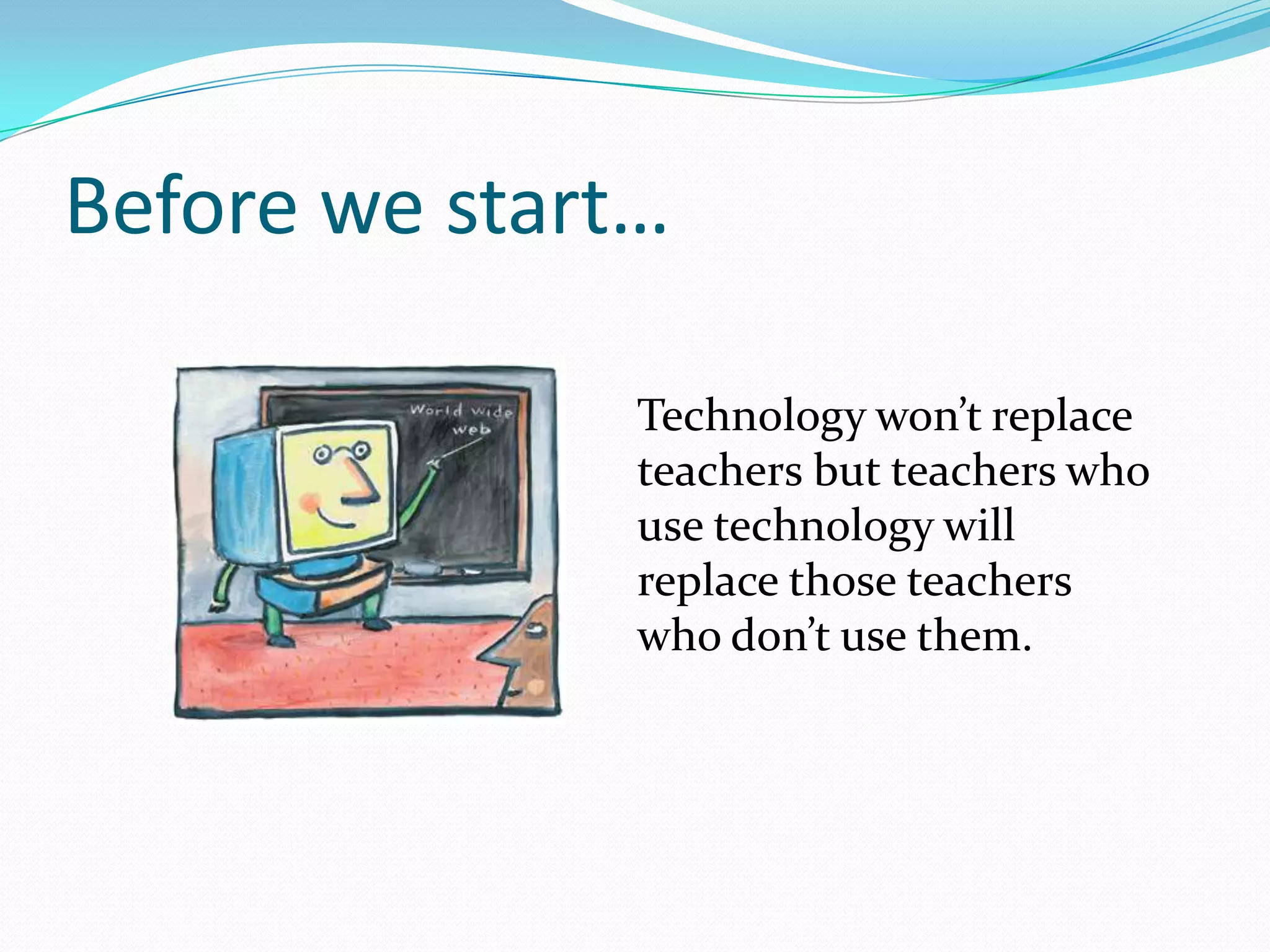
               Technology won’t replace
               teachers but teachers who
               use technology will
               replace those teachers
               who don’t use them.
Objectives
 3 reasons why to implement ICT
 10+ powerful tools that can be used in the classroom
 Ways to use each of them
 Challenges and safety issues


 Q&A
So why is it important to use ICT in
your work?
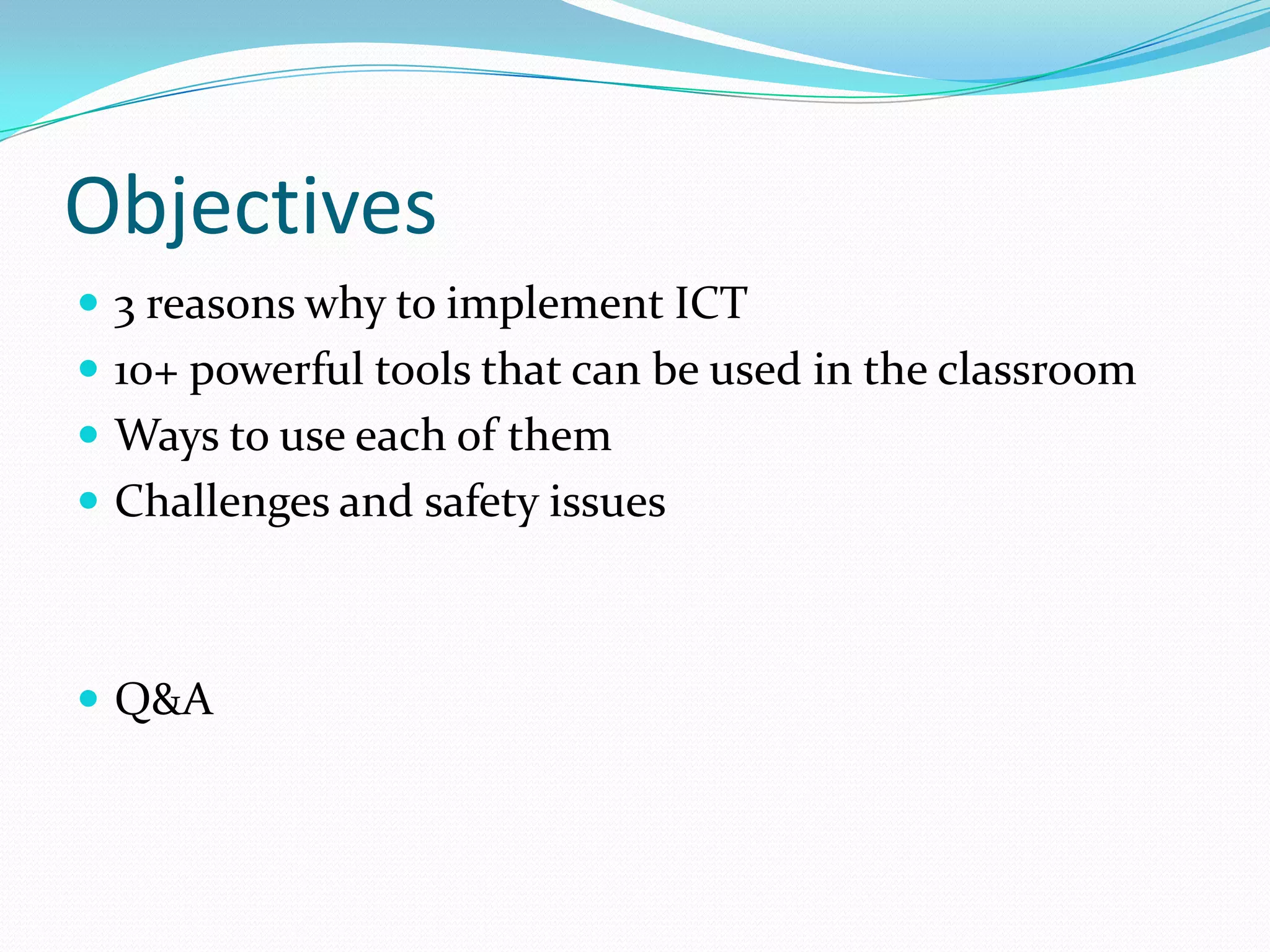
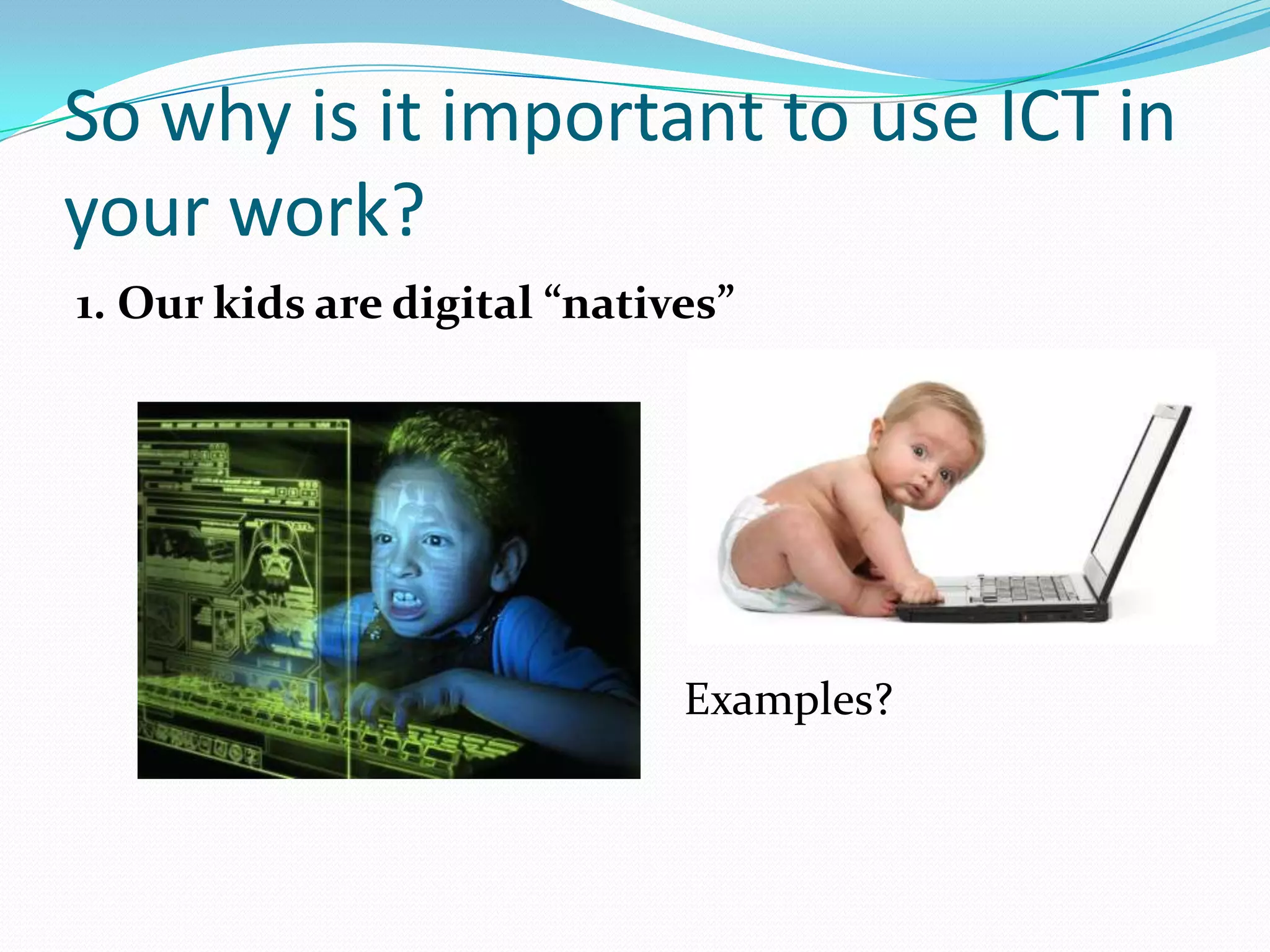
1. Our kids are digital “natives”


                              Examples?
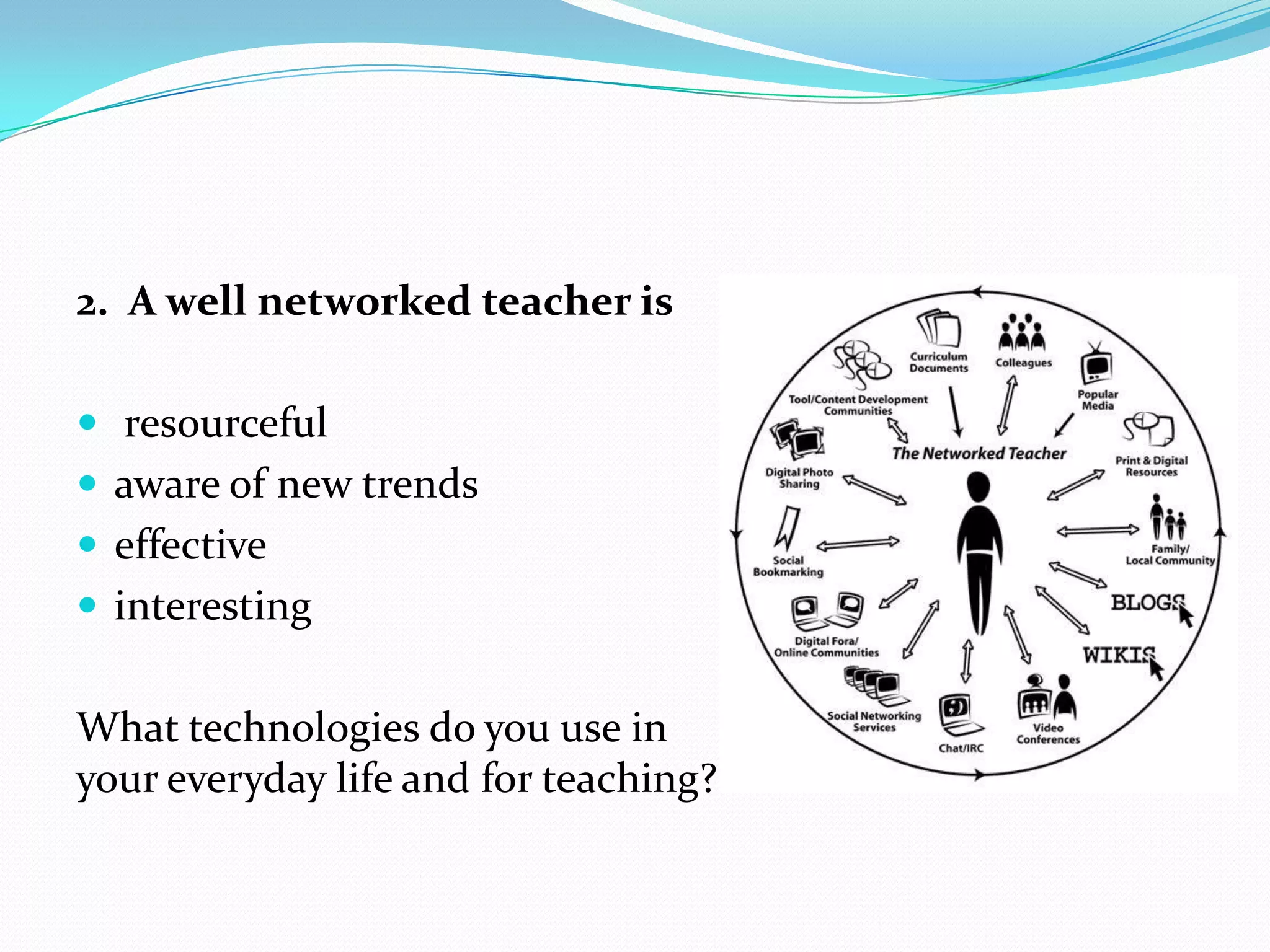
2. A well networked teacher is

 resourceful
 aware of new trends
 effective
 interesting


What technologies do you use in
your everyday life and for teaching?
3. 24/7 learning

Learning happens everywhere and anytime
So our tasks is to make sure it is learning of English!
Search Engines
(Google, Yahoo, Bing)
Teachers can find:
 Authentic texts
 Images
 Lesson Plans
 Handouts, etc.. (Your Turn)
Students can:
 Look for information
 Research the topics covered in the course books
Google Docs
Microsoft SkyDrive
 For keeping records accessible by students and
  teachers
 For collaboration
 For keeping track of progress and communication with
  parents
 For submitting creative works and other tasks
Online video and videocasting
 Watch the video and tell your partner what is
  happening
 Watch the video and say what is going to happen
 Watch the video and do the tasks


 Watch the video and say how it can be used in
 your classroom
Photo sharing websites
 Flikr
Sample tasks:
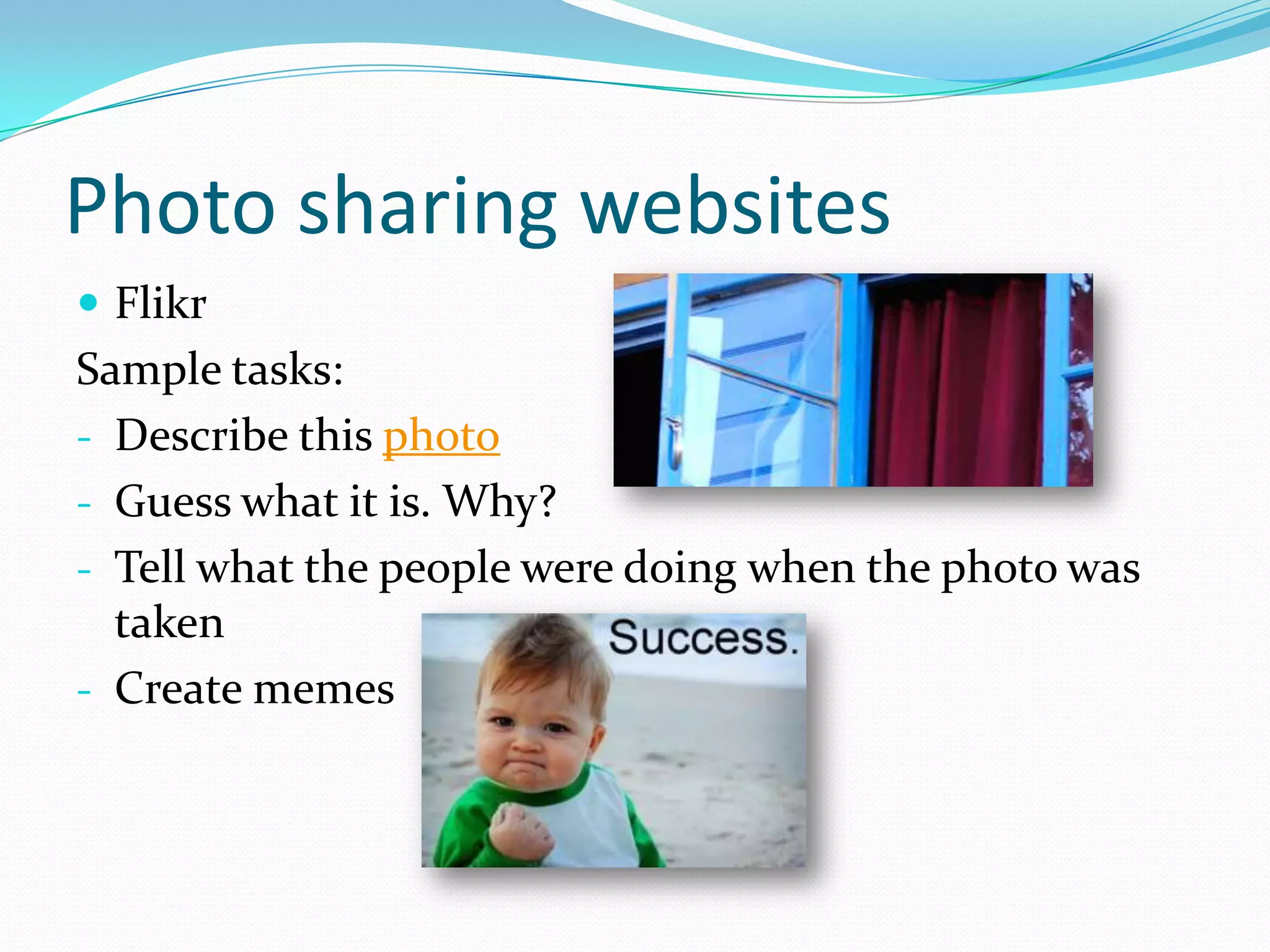
- Describe this photo
- Guess what it is. Why?
- Tell what the people were doing when the photo was
  taken
- Create memes
Quizlet
 Can be used for:
Creating flashcards
Vocabulary drills
Revision of vocabulary
Using other users’ flashcards
Interactive activities
Tests
Example of a set (English-German days of Week)
Develop a 5 minute activity to teach vocabulary
using some of the features of the software
Voicethread
Discussions of different topics

Can be used for developing
- reading skills (e.g. read the story and complete it)
- speaking (e.g. describe the photo)
- listening skills (e.g. respond to the thread)


How can it be used for teaching vocabulary,
grammar and pronunciation?
Glogster
 Presentation of the results of group work
 Individual project work
 Creative writing
 Discussions and comments
Websites for Learners
 British Council
 BBC
 LingvoLeo
 English Online
 Voice of America


What websites do
you use?
Social Networks
 Vkontakte
 Facebook
 Google+

1.   Special groups or pages for language learners
2.   Class group or page for discussions, homework, artworks,
     etc.

Follow-up activity: join Facebook group and reply to my
question and ask relevant questions to be answers by
other group members
Briefly about
 Google maps
 Wikis
 Blogs - video
 Online dictionaries
 Online encyclopaedia
 Twitter
Thank you!
 Your questions?

ICT in Teaching Languages

  • 1.
    Teaching and Learningfor a New Age Svetlana Osipova 08/08/2012
  • 2.
    Before we start… Technology won’t replace teachers but teachers who use technology will replace those teachers who don’t use them.
  • 3.
    Objectives  3 reasonswhy to implement ICT  10+ powerful tools that can be used in the classroom  Ways to use each of them  Challenges and safety issues  Q&A
  • 4.
    So why isit important to use ICT in your work? 1. Our kids are digital “natives” Examples?
  • 5.
    2. A wellnetworked teacher is  resourceful  aware of new trends  effective  interesting What technologies do you use in your everyday life and for teaching?
  • 6.
    3. 24/7 learning Learninghappens everywhere and anytime So our tasks is to make sure it is learning of English!
  • 8.
    Search Engines (Google, Yahoo,Bing) Teachers can find:  Authentic texts  Images  Lesson Plans  Handouts, etc.. (Your Turn) Students can:  Look for information  Research the topics covered in the course books
  • 9.
    Google Docs Microsoft SkyDrive For keeping records accessible by students and teachers  For collaboration  For keeping track of progress and communication with parents  For submitting creative works and other tasks
  • 10.
    Online video andvideocasting  Watch the video and tell your partner what is happening  Watch the video and say what is going to happen  Watch the video and do the tasks  Watch the video and say how it can be used in your classroom
  • 11.
    Photo sharing websites Flikr Sample tasks: - Describe this photo - Guess what it is. Why? - Tell what the people were doing when the photo was taken - Create memes
  • 12.
    Quizlet  Can beused for: Creating flashcards Vocabulary drills Revision of vocabulary Using other users’ flashcards Interactive activities Tests Example of a set (English-German days of Week) Develop a 5 minute activity to teach vocabulary using some of the features of the software
  • 13.
    Voicethread Discussions of differenttopics Can be used for developing - reading skills (e.g. read the story and complete it) - speaking (e.g. describe the photo) - listening skills (e.g. respond to the thread) How can it be used for teaching vocabulary, grammar and pronunciation?
  • 14.
    Glogster  Presentation ofthe results of group work  Individual project work  Creative writing  Discussions and comments
  • 15.
    Websites for Learners British Council  BBC  LingvoLeo  English Online  Voice of America What websites do you use?
  • 16.
    Social Networks  Vkontakte Facebook  Google+ 1. Special groups or pages for language learners 2. Class group or page for discussions, homework, artworks, etc. Follow-up activity: join Facebook group and reply to my question and ask relevant questions to be answers by other group members
  • 17.
    Briefly about  Googlemaps  Wikis  Blogs - video  Online dictionaries  Online encyclopaedia  Twitter
  • 18.
    Thank you! Yourquestions?