Finding Information
Resources 5 steps to find
what you need
for the Field
Work Module

Ned Potter
History of Art
Academic Liaison Librarian
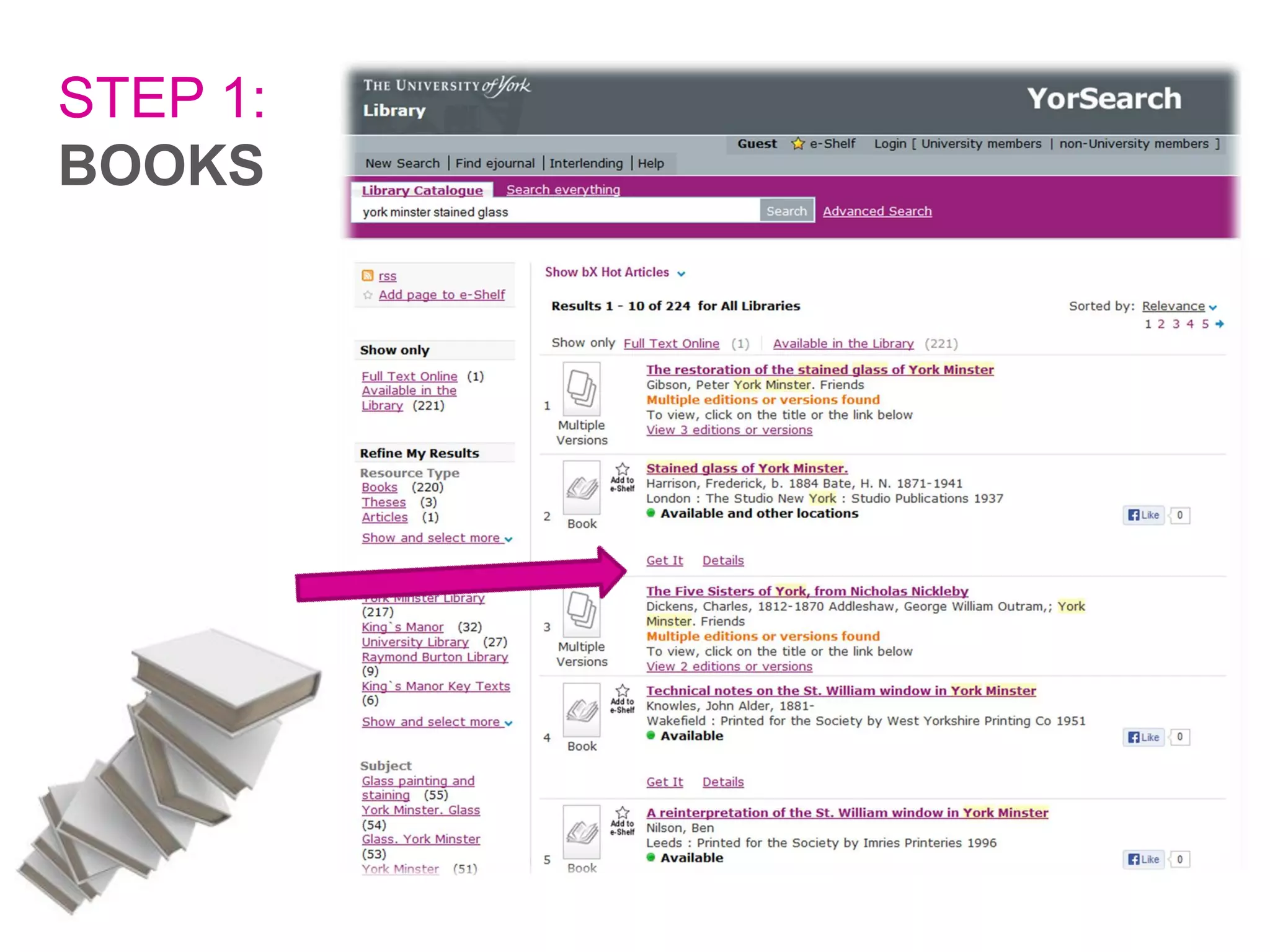
STEP 1:
BOOKS
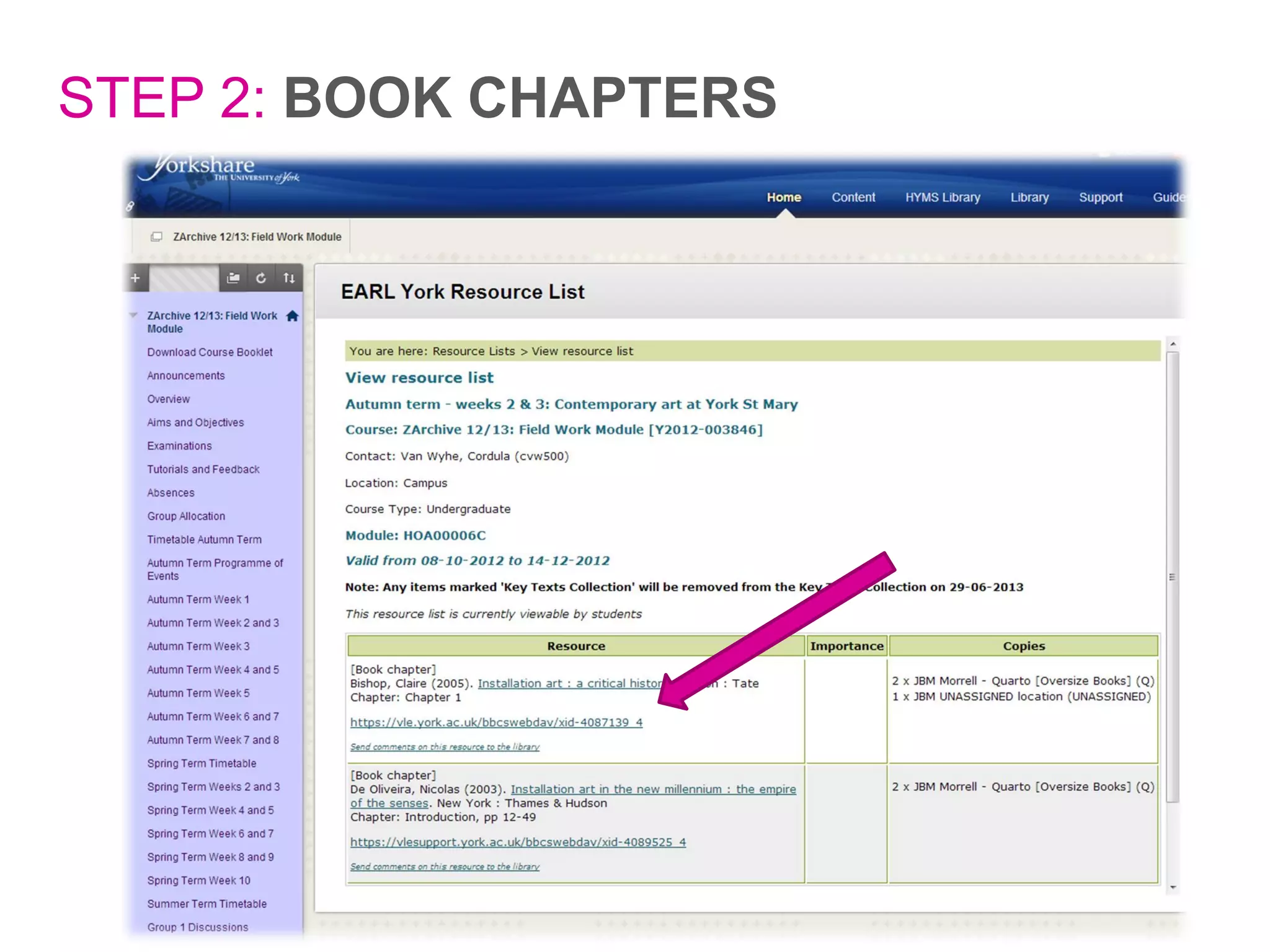
STEP 2: BOOK CHAPTERS
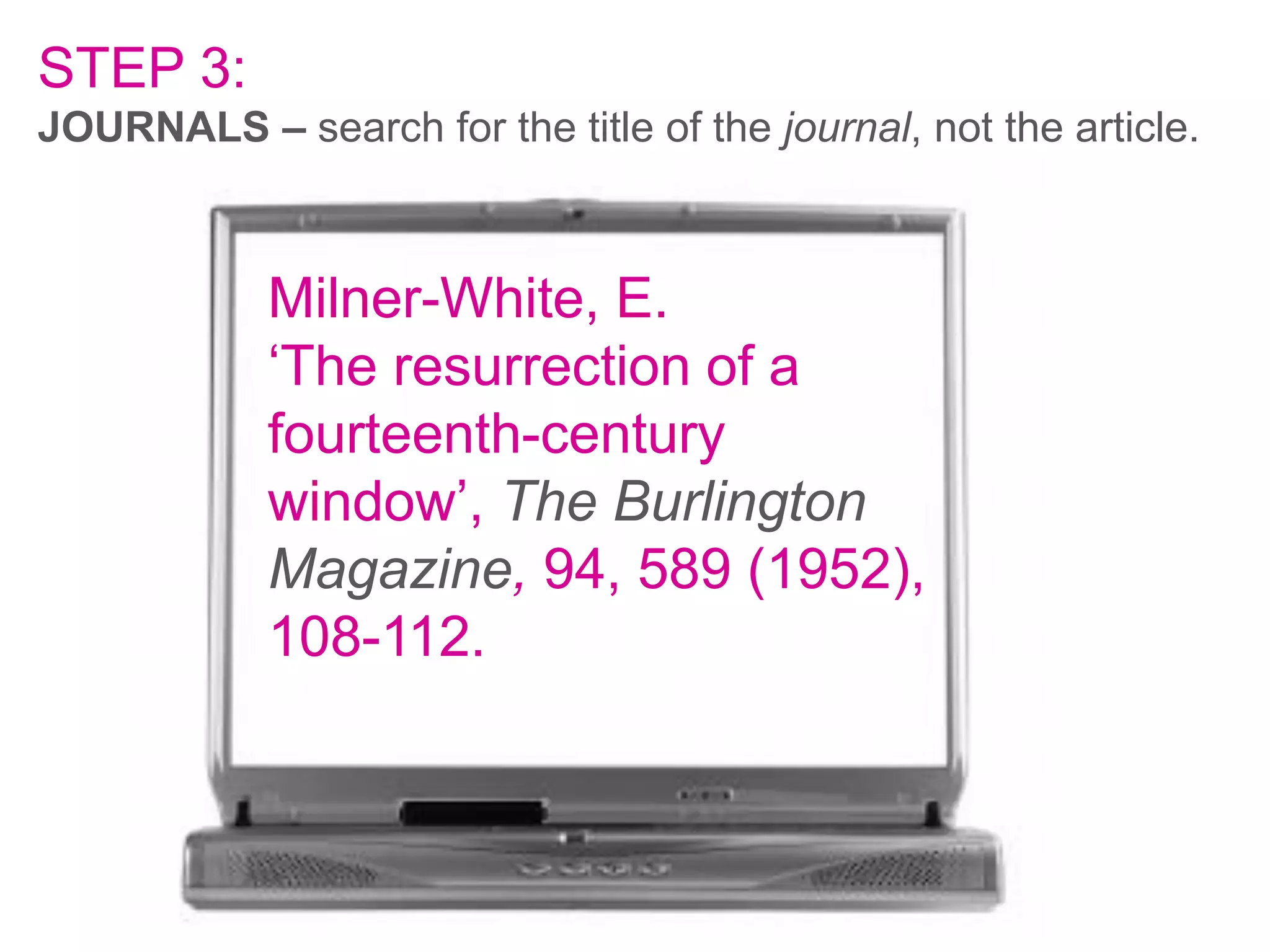
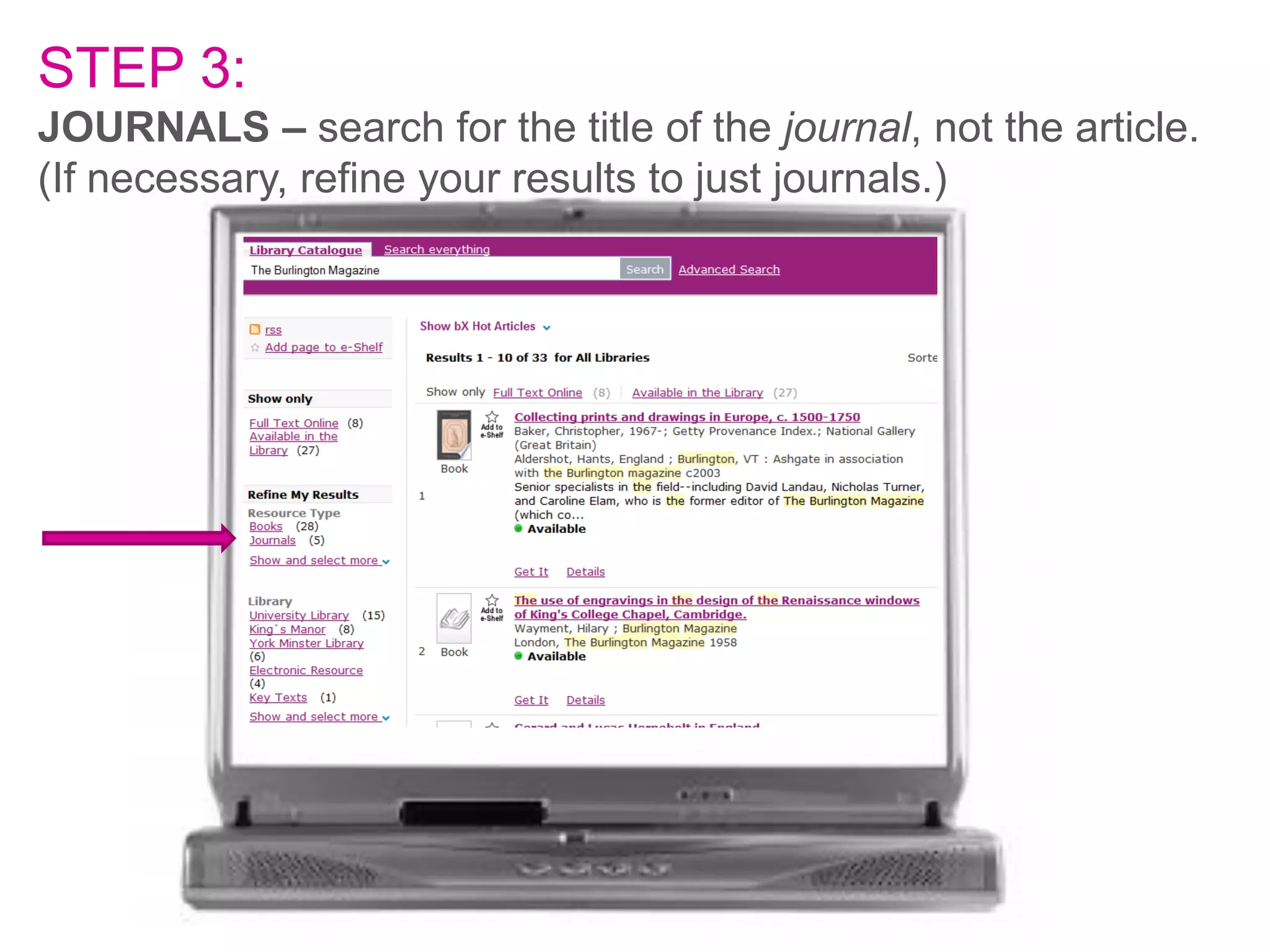
STEP 3:
JOURNALS – search for the title of the journal, not the article.

Milner-White, E.
‘The resurrection of a
fourteenth-century
window’, The Burlington
Magazine, 94, 589 (1952),
108-112.
STEP 3:
JOURNALS – search for the title of the journal, not the article.
(If necessary, refine your results to just journals.)
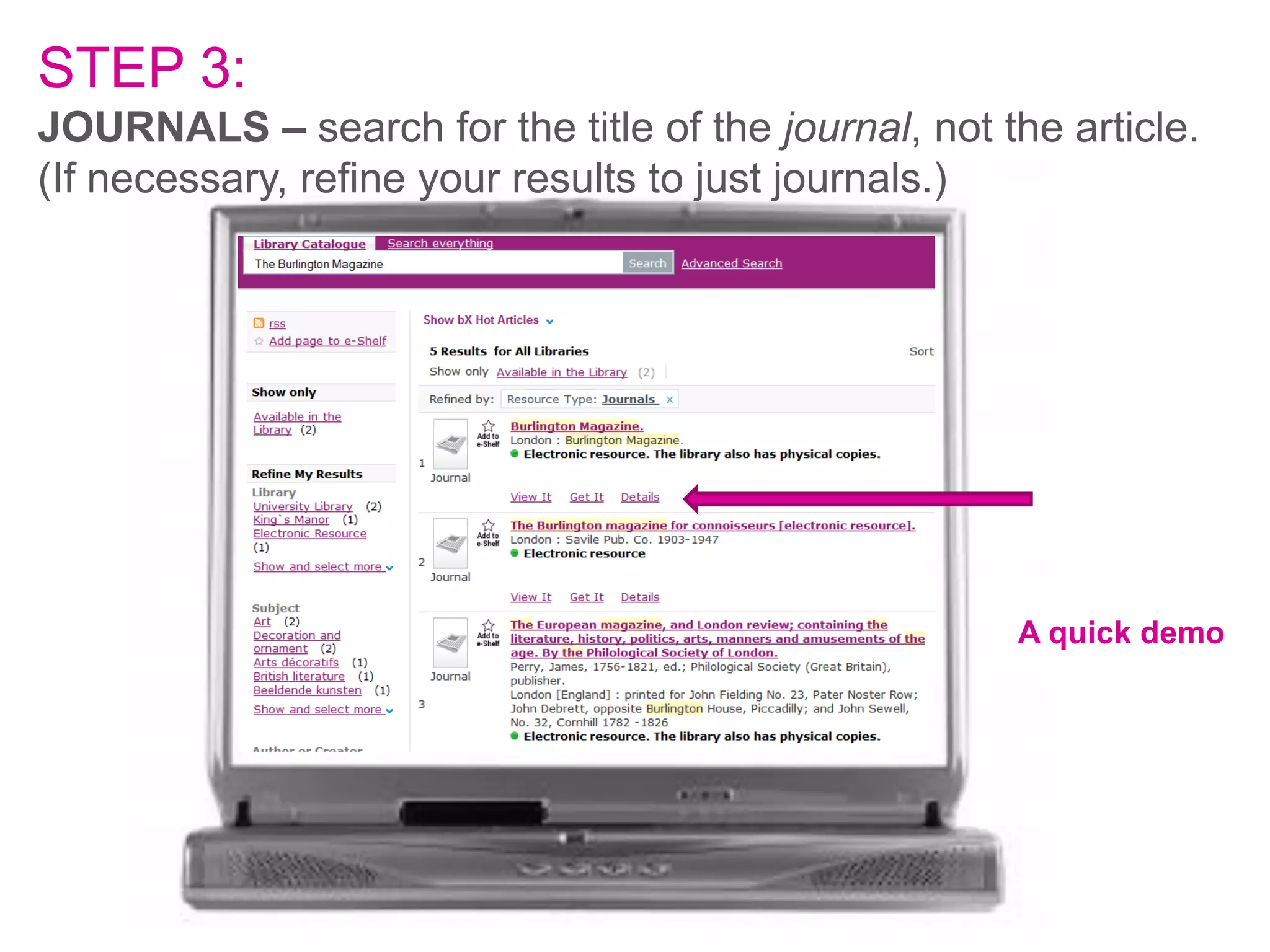
STEP 3:
JOURNALS – search for the title of the journal, not the article.
(If necessary, refine your results to just journals.)

A quick demo
Got it?
Got it?
Reference:
Aberth, J. ‘The sculpted heads and
figures in the Chapter House of York
Minster.’, Journal of the British
Archaeological Association, 142 (1989),
37-45.

What is the first word on the
second page..?
STEP 4: Reading around a topic.
Where do you go for background information?
STEP 4: Reading around a topic.
Where do you go for background information?
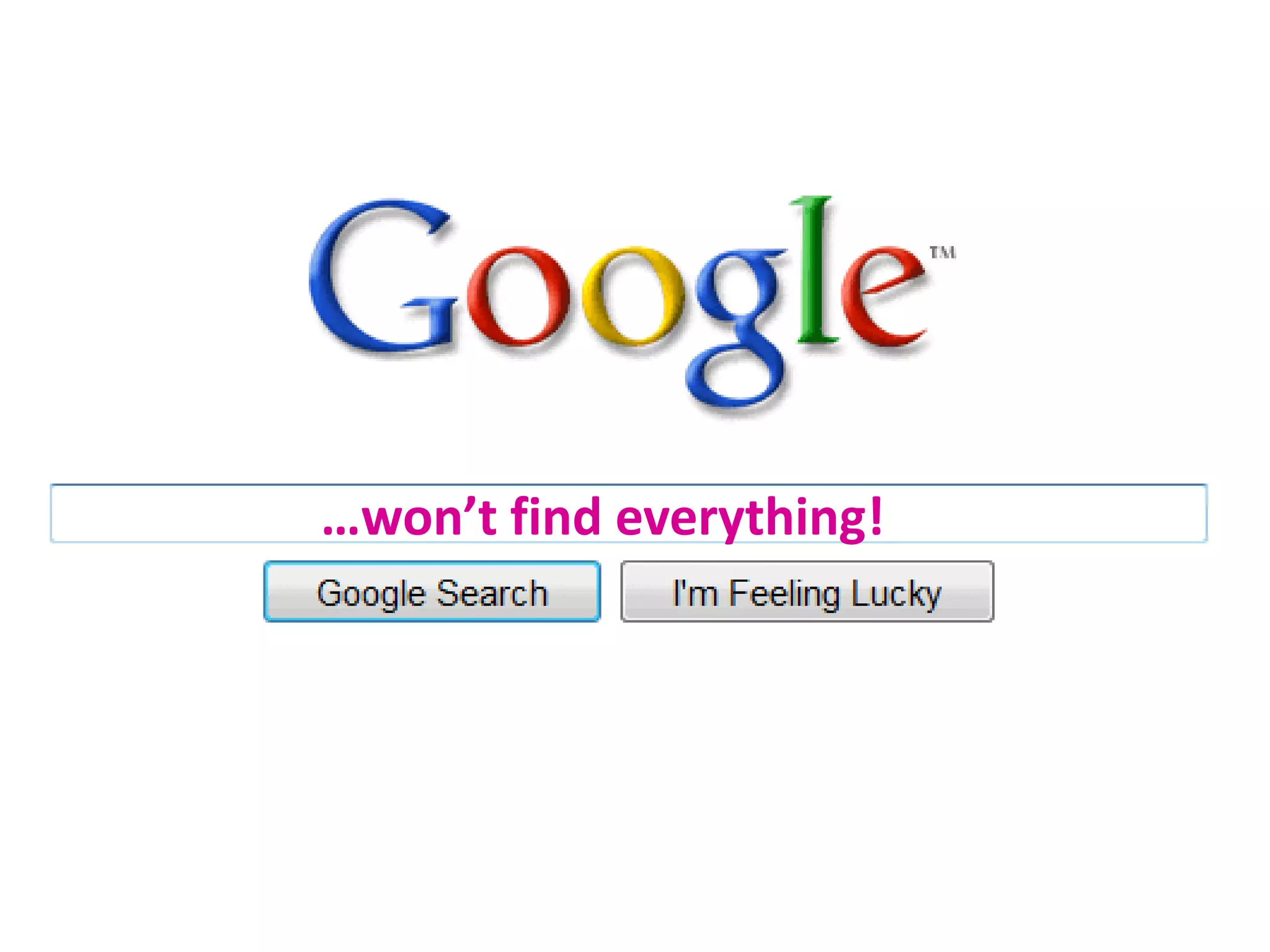
…won’t find everything!
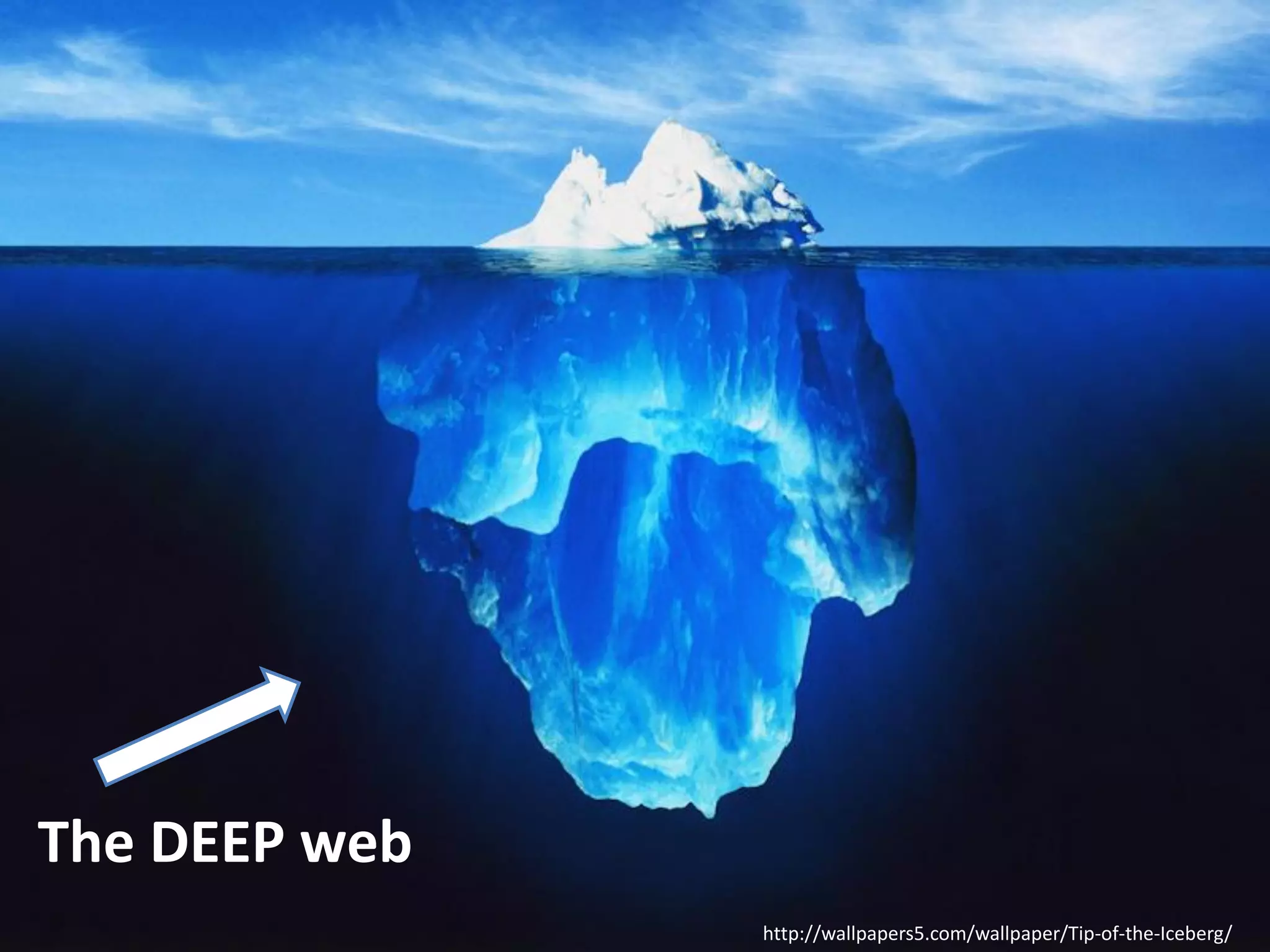
http://wallpapers5.com/wallpaper/Tip-of-the-Iceberg/
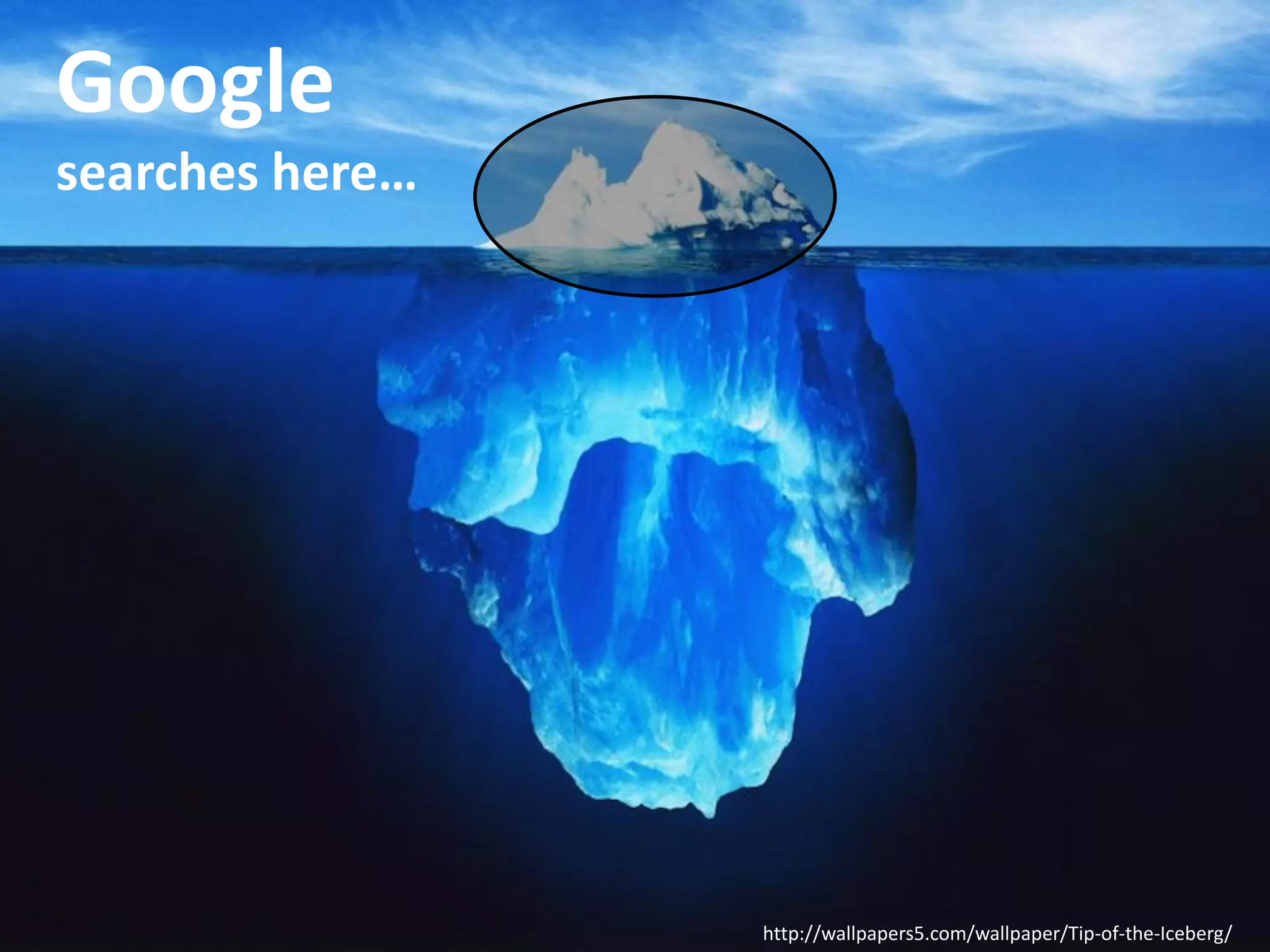
Google
searches here…

http://wallpapers5.com/wallpaper/Tip-of-the-Iceberg/
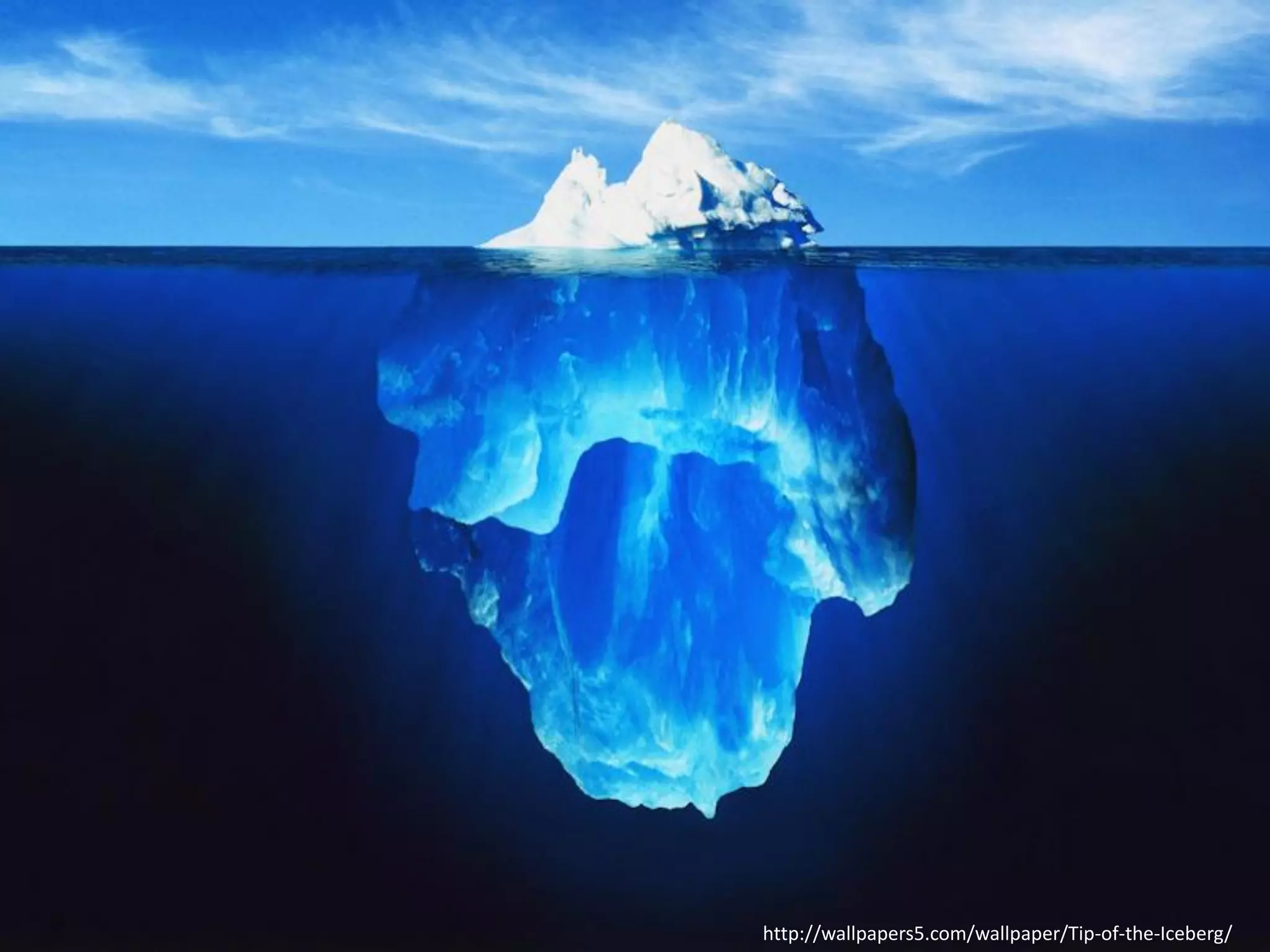
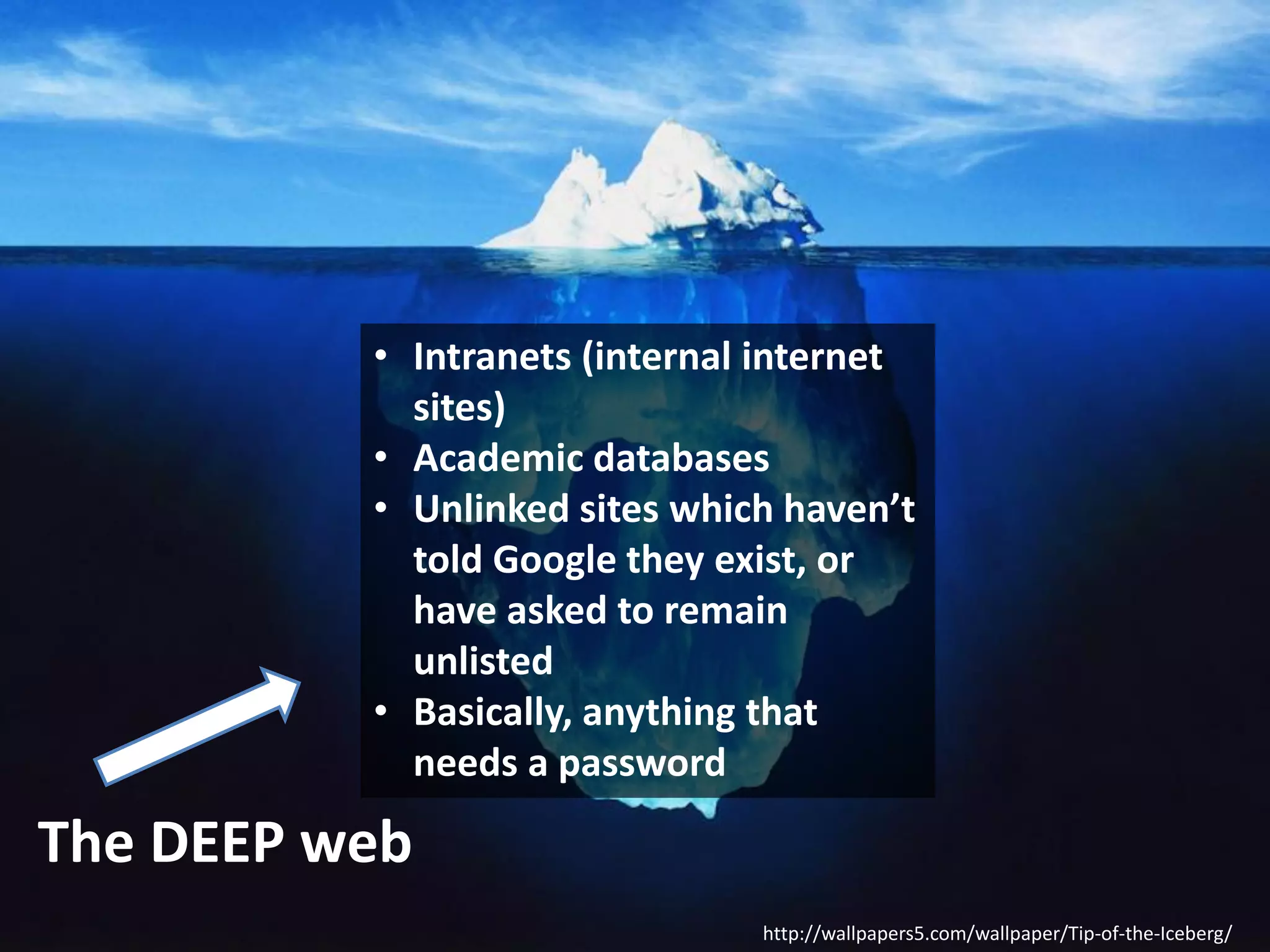
The DEEP web
http://wallpapers5.com/wallpaper/Tip-of-the-Iceberg/
• Intranets (internal internet
sites)
• Academic databases
• Unlinked sites which haven’t
told Google they exist, or
have asked to remain
unlisted
• Basically, anything that
needs a password

The DEEP web
http://wallpapers5.com/wallpaper/Tip-of-the-Iceberg/
But it will find a LOT. If you’re
getting too many results back, try
adding more words to your search
terms, or repeating the key words.
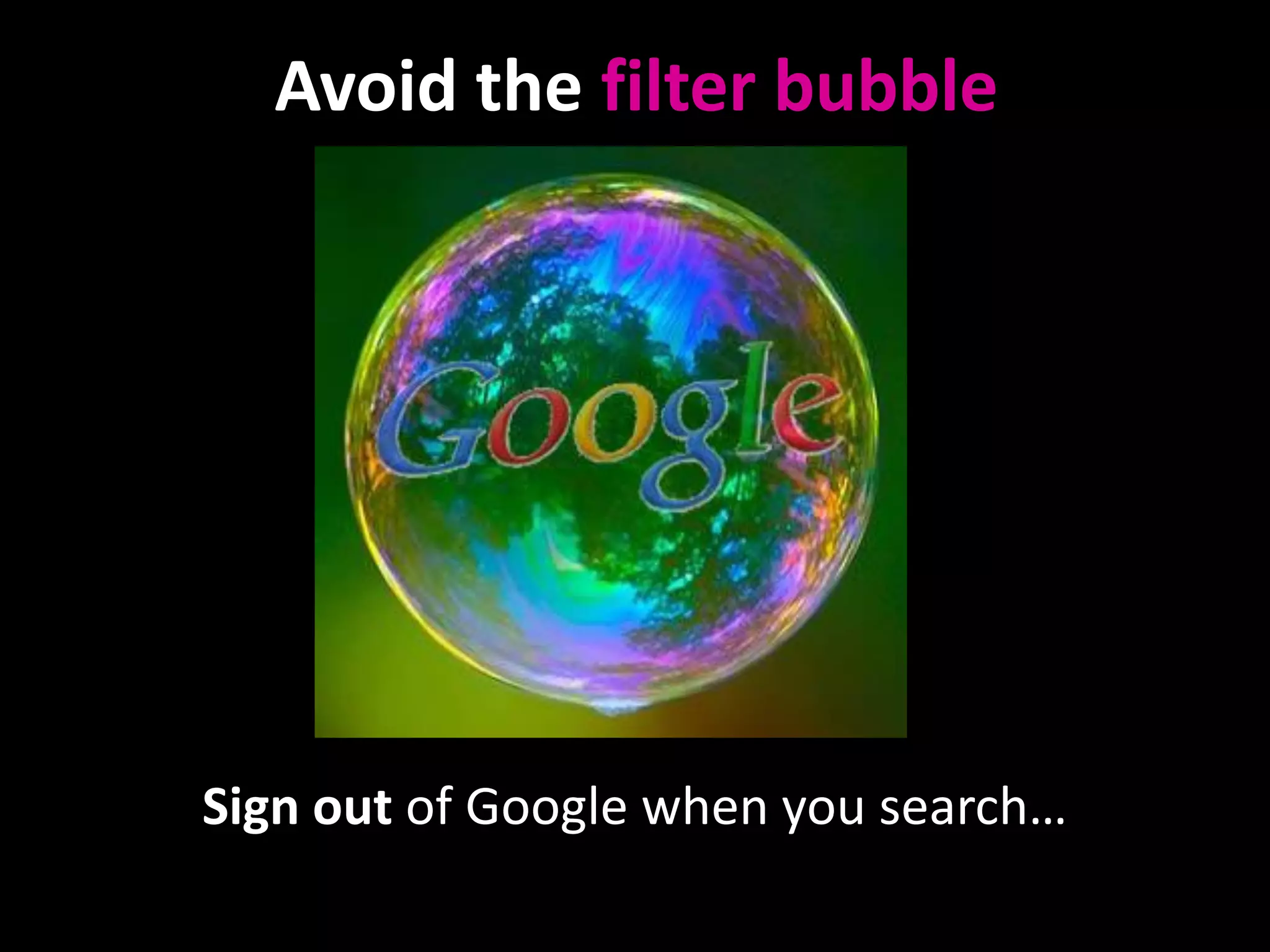
Avoid the filter bubble

http://foreignpolicyblogs.com/2010/06/15/youre-in-a-bubble/

Sign out of Google when you search…
Or use

DuckDuckGo.com
for filter-free academic
searching…
Wikipedia and Social Media (e.g Facebook,
Twitter etc) have something in common –
they’re both difficult to cite in an academic
essay, but they both link to really good
resources you can legitimately cite…
STEP 4: Reading around a topic.
So Google is useful, Wikipedia is useful, but they’re
both flawed – if you need background info you
can cite, and you want really authoritative writing,
where do you go?
STEP 4: Reading around a topic.
So Google is useful, Wikipedia is useful, but they’re
both flawed – if you need background info you
can cite, and you want really authoritative writing,
where do you go?

Bye bye:

Hello:
Go to sections five and six of the booklet and follow them
through, searching for whatever you’re interested in
STEP 5: FINDING ARTICLES ON A TOPIC.
The most important step?
SubjectGuides

will

save your life!
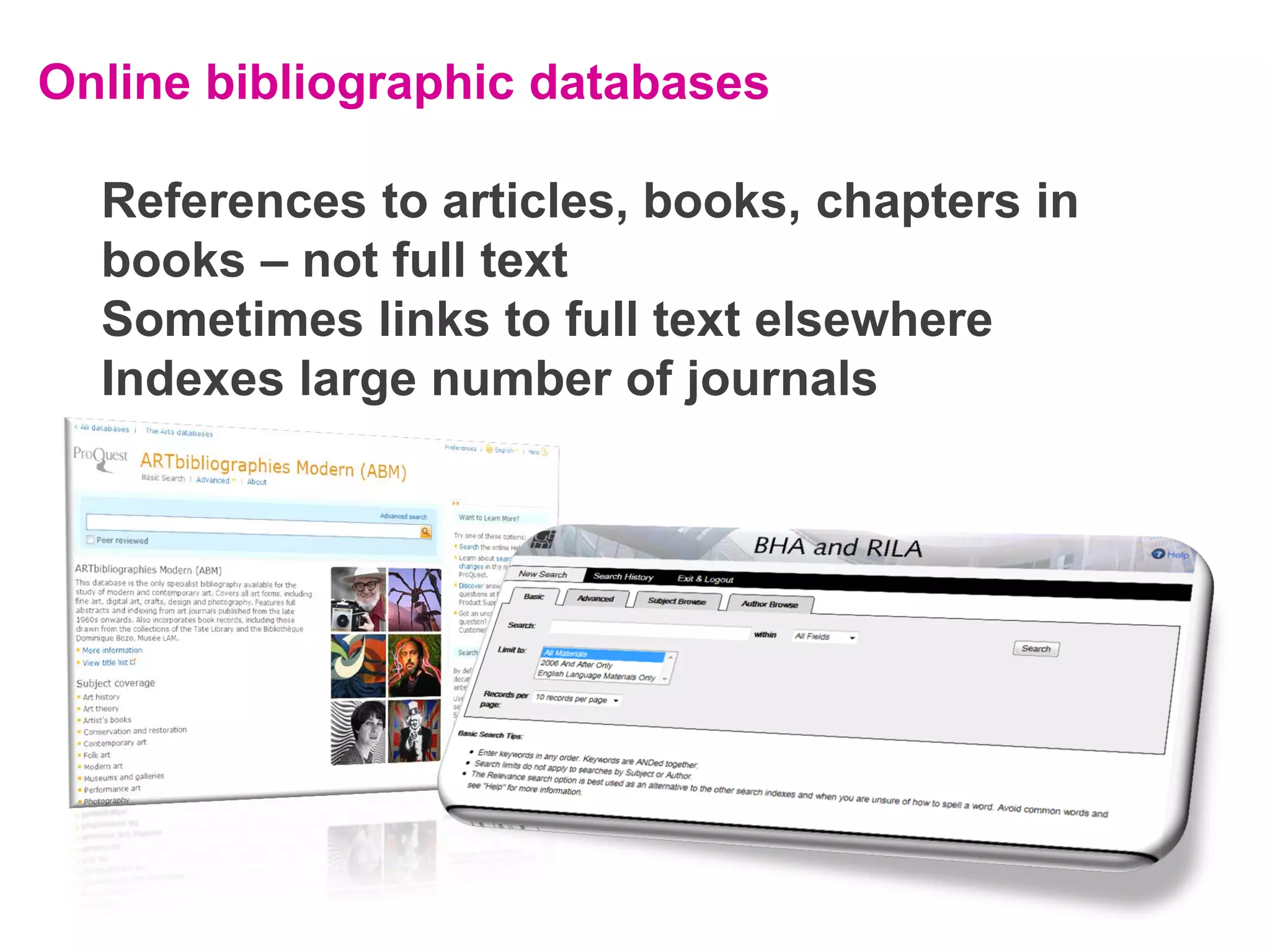
Online bibliographic databases
References to articles, books, chapters in
books – not full text
Sometimes links to full text elsewhere
Indexes large number of journals
Online bibliographic databases
References to articles, books, chapters in
books – not full text
Sometimes links to full text elsewhere
Indexes large number of journals

Contains reference to articles: title, author, which journal
it’s in. But NOT the full text of the journal. Tells you what
has been published on your topic, but doesn’t contain the
full text. Bib databases include details of lots more
journals than an archive includes; an art database will
index a huge amount. So there are advantages and
disadvantages to each. When doing your research, need to
use both types.
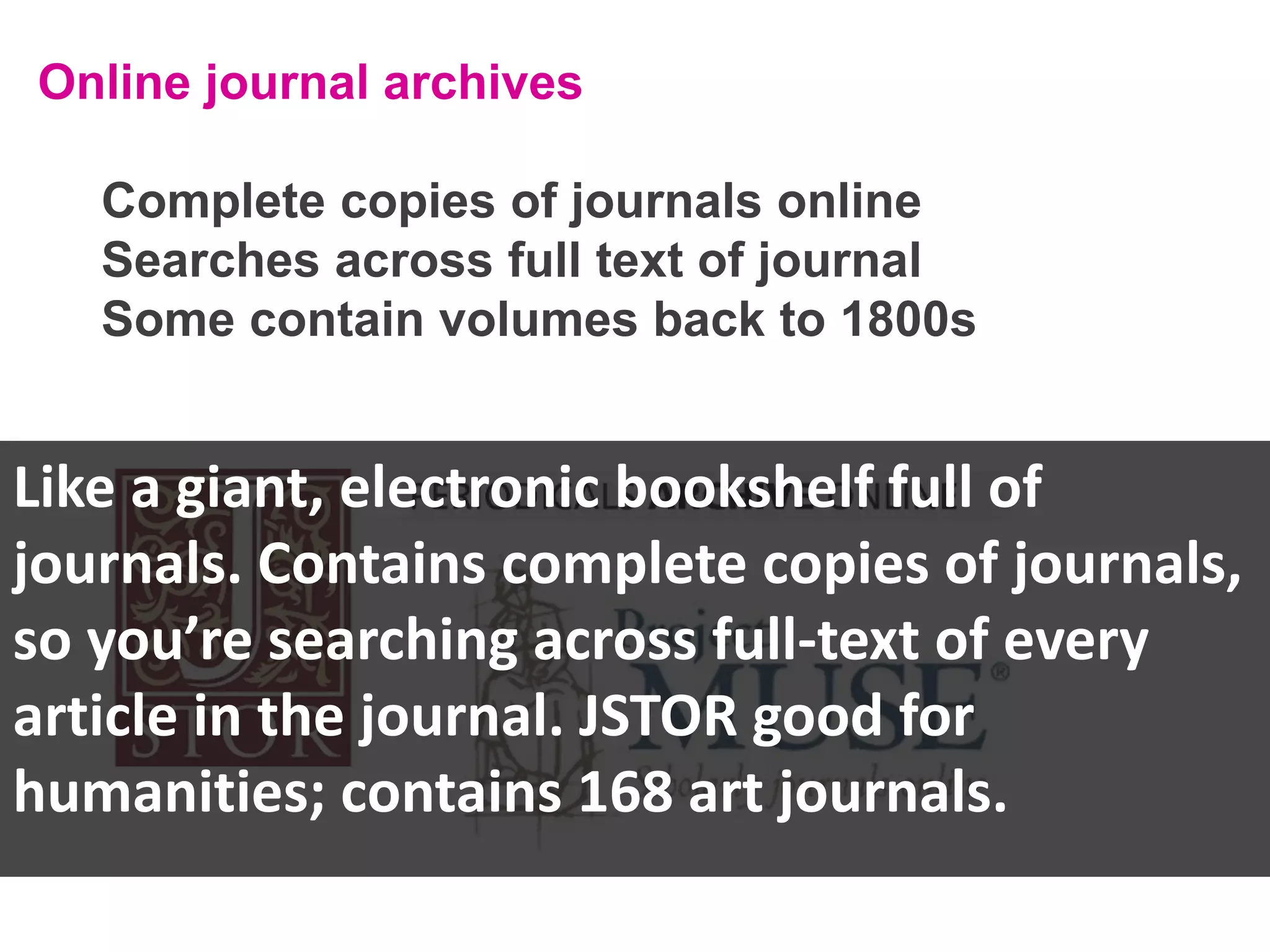
Online journal archives
Complete copies of journals online
Searches across full text of journal
Some contain volumes back to 1800s
Online journal archives
Complete copies of journals online
Searches across full text of journal
Some contain volumes back to 1800s

Like a giant, electronic bookshelf full of
journals. Contains complete copies of journals,
so you’re searching across full-text of every
article in the journal. JSTOR good for
humanities; contains 168 art journals.
An exercise to bring it all together: compiling a bibliography

Find at least 3 books and 3
journal articles/book chapters on
the stained glass and the
Chapter House in York Minster.
An exercise to bring it all together: compiling a bibliography

Find at least 3 books and 3
journal articles/book chapters on
the stained glass and the
Chapter House in York Minster.

Search the library catalogue (Section 2 of the booklet)
Use the search tips from Sections 3 and 4 of the booklet
Access the SubjectGuides (Section 5) and search JSTOR,
Project MUSE and the Bibliography of the History of Art
(Section 7 of the booklet)
Thank you for listening!
See you in week 5 for the Images workshop.

Find resources for your subject:
subjectguides.york.ac.uk/historyofart

Find us on Slideshare:
Slideshare.net/UniofYorkLibrary

Find us on Twitter: UoYLibrary
The Digital Scholarship blog:
digitallearningblog.york.ac.uk/
Images credits:
Laptop by sgback, via stock.xchng: http://www.sxc.hu/photo/1314865
Google logo via www.google.com, Wikipedia logo via http://en.wikipedia.org/, DuckDuckGo logo via
www.duckduckgo.com
Jstor logo via www.jstor.org, Project Muse logo via http://muse.jhu.edu/ , Peridoicals Online logo via
http://pao.chadwyck.co.uk/
Iceberg via Wallpapers5: http://wallpapers5.com/wallpaper/Tip-of-the-Iceberg/
Facebook, Twitter, Wikipedia, Google+, Wikipedia and notepad icons via www.iconfinder.com
Lifesaver via sleepychinchilla: www.flickr.com/photos/sleepychinchilla/2866666262/sizes/l/in/photostream/

Finding texts: a guide for History of Art Students

  • 1.
    Finding Information Resources 5steps to find what you need for the Field Work Module Ned Potter History of Art Academic Liaison Librarian
  • 2.
  • 3.
    STEP 2: BOOKCHAPTERS
  • 4.
    STEP 3: JOURNALS –search for the title of the journal, not the article. Milner-White, E. ‘The resurrection of a fourteenth-century window’, The Burlington Magazine, 94, 589 (1952), 108-112.
  • 5.
    STEP 3: JOURNALS –search for the title of the journal, not the article. (If necessary, refine your results to just journals.)
  • 6.
    STEP 3: JOURNALS –search for the title of the journal, not the article. (If necessary, refine your results to just journals.) A quick demo
  • 7.
  • 8.
    Got it? Reference: Aberth, J.‘The sculpted heads and figures in the Chapter House of York Minster.’, Journal of the British Archaeological Association, 142 (1989), 37-45. What is the first word on the second page..?
  • 9.
    STEP 4: Readingaround a topic. Where do you go for background information?
  • 10.
    STEP 4: Readingaround a topic. Where do you go for background information?
  • 11.
  • 12.
  • 13.
  • 14.
  • 15.
    • Intranets (internalinternet sites) • Academic databases • Unlinked sites which haven’t told Google they exist, or have asked to remain unlisted • Basically, anything that needs a password The DEEP web http://wallpapers5.com/wallpaper/Tip-of-the-Iceberg/
  • 16.
    But it willfind a LOT. If you’re getting too many results back, try adding more words to your search terms, or repeating the key words.
  • 17.
    Avoid the filterbubble http://foreignpolicyblogs.com/2010/06/15/youre-in-a-bubble/ Sign out of Google when you search…
  • 18.
  • 19.
    Wikipedia and SocialMedia (e.g Facebook, Twitter etc) have something in common – they’re both difficult to cite in an academic essay, but they both link to really good resources you can legitimately cite…
  • 20.
    STEP 4: Readingaround a topic. So Google is useful, Wikipedia is useful, but they’re both flawed – if you need background info you can cite, and you want really authoritative writing, where do you go?
  • 21.
    STEP 4: Readingaround a topic. So Google is useful, Wikipedia is useful, but they’re both flawed – if you need background info you can cite, and you want really authoritative writing, where do you go? Bye bye: Hello: Go to sections five and six of the booklet and follow them through, searching for whatever you’re interested in
  • 22.
    STEP 5: FINDINGARTICLES ON A TOPIC. The most important step?
  • 23.
  • 24.
    Online bibliographic databases Referencesto articles, books, chapters in books – not full text Sometimes links to full text elsewhere Indexes large number of journals
  • 25.
    Online bibliographic databases Referencesto articles, books, chapters in books – not full text Sometimes links to full text elsewhere Indexes large number of journals Contains reference to articles: title, author, which journal it’s in. But NOT the full text of the journal. Tells you what has been published on your topic, but doesn’t contain the full text. Bib databases include details of lots more journals than an archive includes; an art database will index a huge amount. So there are advantages and disadvantages to each. When doing your research, need to use both types.
  • 26.
    Online journal archives Completecopies of journals online Searches across full text of journal Some contain volumes back to 1800s
  • 27.
    Online journal archives Completecopies of journals online Searches across full text of journal Some contain volumes back to 1800s Like a giant, electronic bookshelf full of journals. Contains complete copies of journals, so you’re searching across full-text of every article in the journal. JSTOR good for humanities; contains 168 art journals.
  • 28.
    An exercise tobring it all together: compiling a bibliography Find at least 3 books and 3 journal articles/book chapters on the stained glass and the Chapter House in York Minster.
  • 29.
    An exercise tobring it all together: compiling a bibliography Find at least 3 books and 3 journal articles/book chapters on the stained glass and the Chapter House in York Minster. Search the library catalogue (Section 2 of the booklet) Use the search tips from Sections 3 and 4 of the booklet Access the SubjectGuides (Section 5) and search JSTOR, Project MUSE and the Bibliography of the History of Art (Section 7 of the booklet)
  • 30.
    Thank you forlistening! See you in week 5 for the Images workshop. Find resources for your subject: subjectguides.york.ac.uk/historyofart Find us on Slideshare: Slideshare.net/UniofYorkLibrary Find us on Twitter: UoYLibrary The Digital Scholarship blog: digitallearningblog.york.ac.uk/
  • 31.
    Images credits: Laptop bysgback, via stock.xchng: http://www.sxc.hu/photo/1314865 Google logo via www.google.com, Wikipedia logo via http://en.wikipedia.org/, DuckDuckGo logo via www.duckduckgo.com Jstor logo via www.jstor.org, Project Muse logo via http://muse.jhu.edu/ , Peridoicals Online logo via http://pao.chadwyck.co.uk/ Iceberg via Wallpapers5: http://wallpapers5.com/wallpaper/Tip-of-the-Iceberg/ Facebook, Twitter, Wikipedia, Google+, Wikipedia and notepad icons via www.iconfinder.com Lifesaver via sleepychinchilla: www.flickr.com/photos/sleepychinchilla/2866666262/sizes/l/in/photostream/