Canvas Based Presentation
Using SVG and Javascript
Zeroth Review
01-12-2011
S.Srikrishnan , V.Vishal Gautham
Final Year, CSE „B‟
Guided by
R. S. Milton, Ph.D.
Presentation Paradigms
• Information is organized into slides.
• Each slide typically consists of a
list of bulleted points.
• Eg., Microsoft PowerPoint,
OpenOffice Impress etc.,
Slide
Based
• The material to be presented is laid
out in a large canvas without any
page (slide) boundaries.
• View can change orientation to suit
the information to be presented.
Canvas
Based
Why not the Slide Based Paradigm?
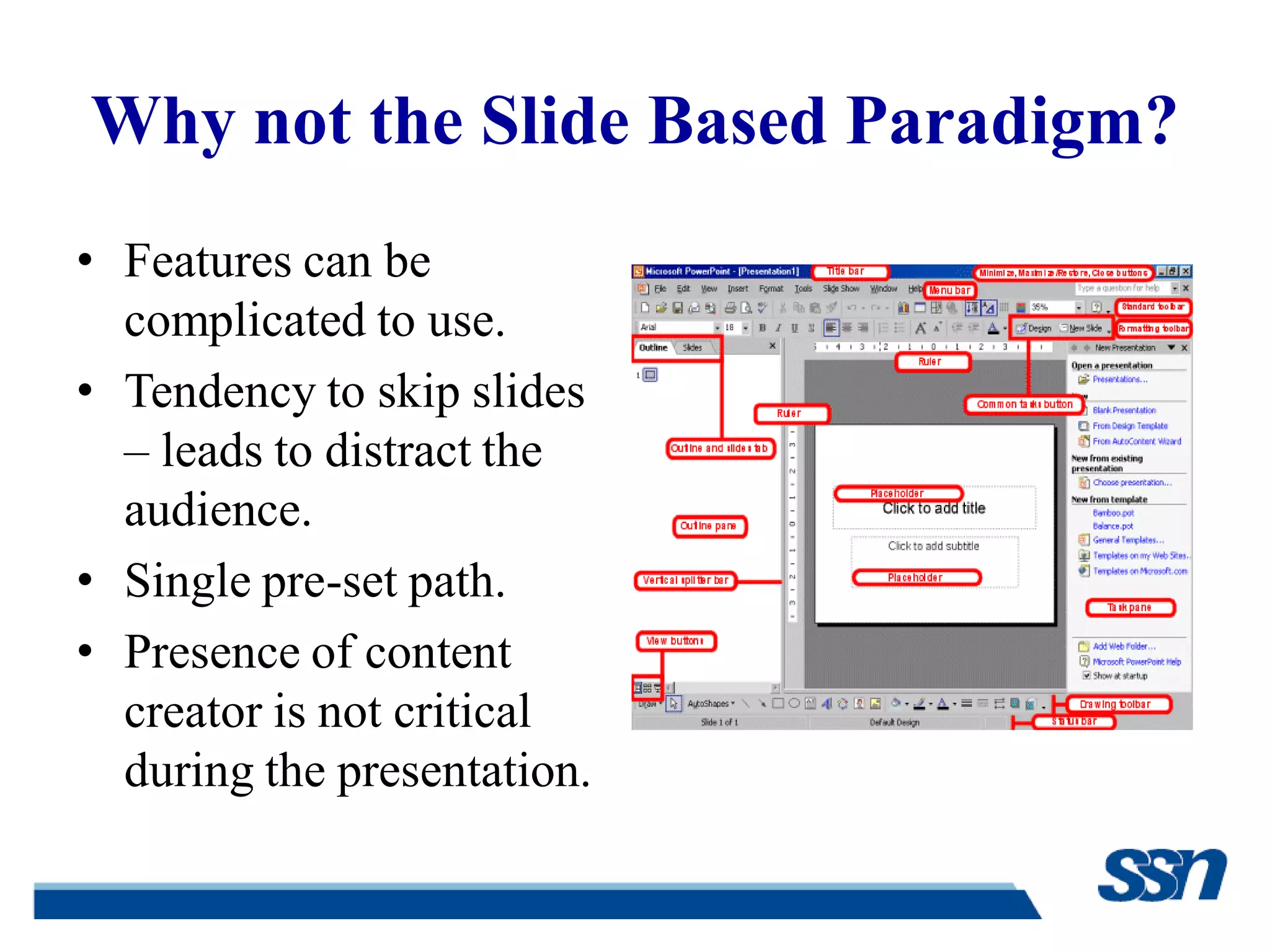
• Features can be
complicated to use.
• Tendency to skip slides
– leads to distract the
audience.
• Single pre-set path.
• Presence of content
creator is not critical
during the presentation.
Edward Tufte’s Views
• Slide-ware reduces the
analytical quality of
presentations.
• Bullets are just raw facts
listed point-wise.
• Abuse of graphical
technique.
• Suggests the use of web
browser as a
presentation tool.
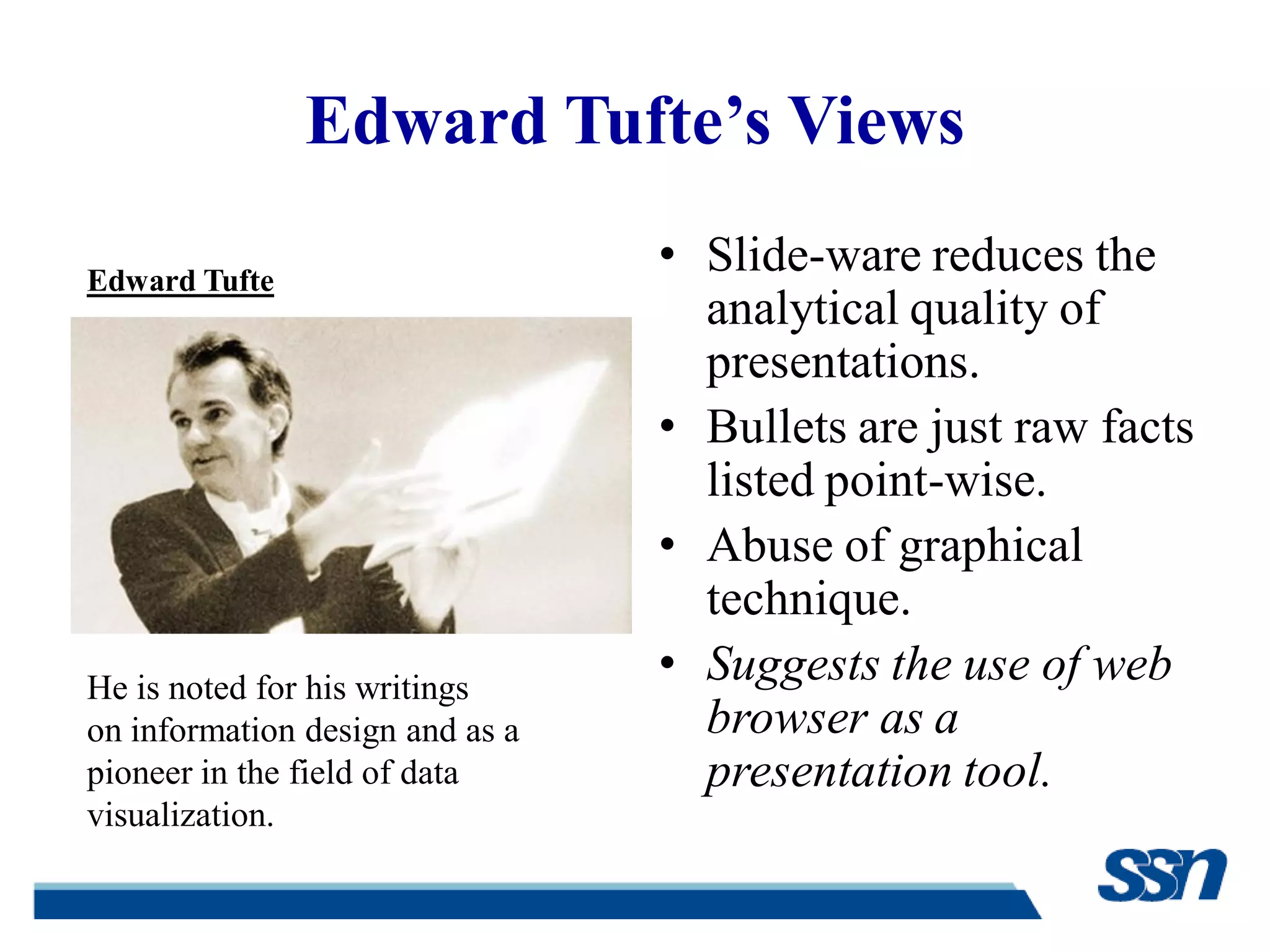
He is noted for his writings
on information design and as a
pioneer in the field of data
visualization.
Edward Tufte
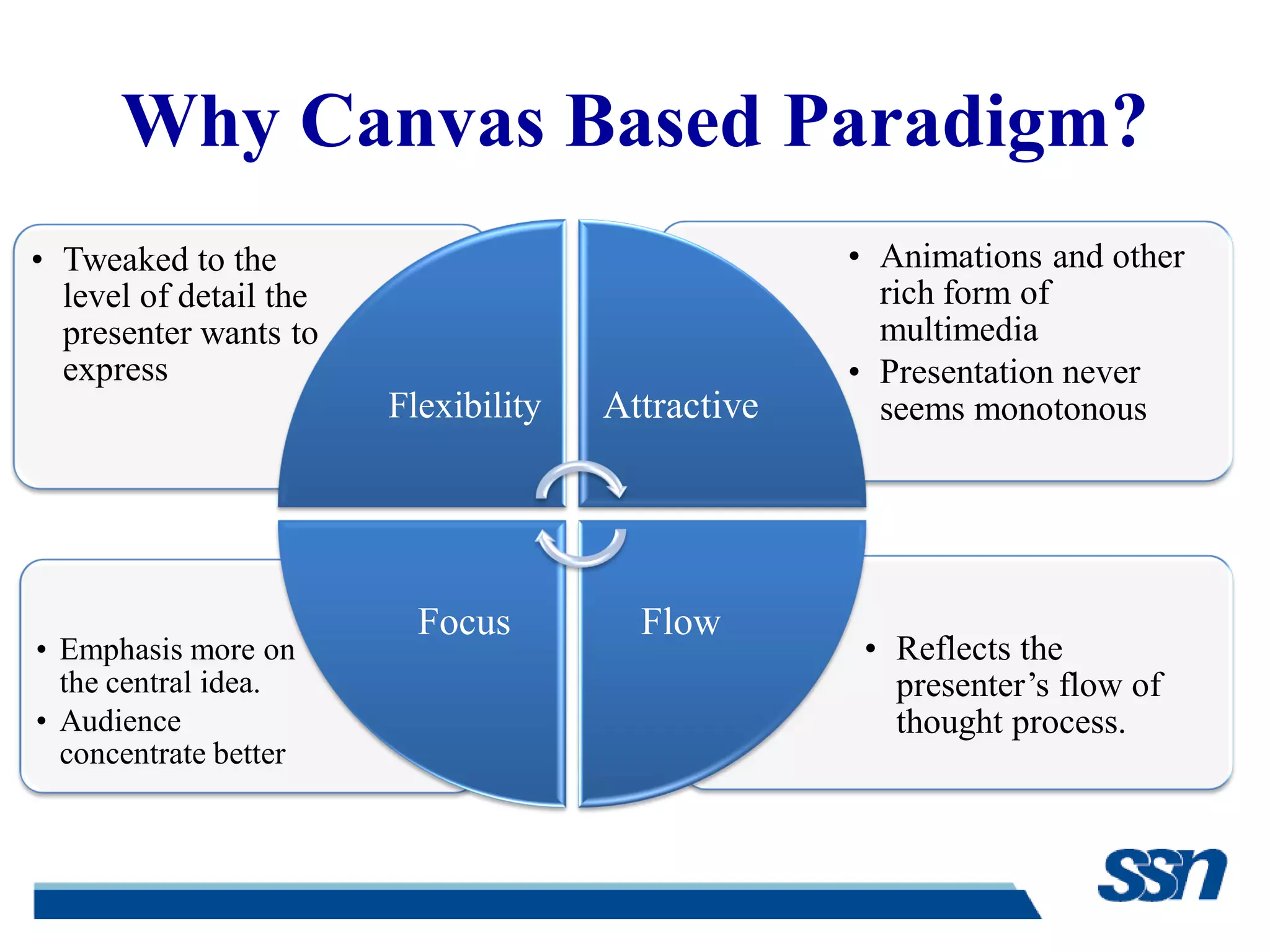
Why Canvas Based Paradigm?
• Reflects the
presenter‟s flow of
thought process.
• Emphasis more on
the central idea.
• Audience
concentrate better
• Animations and other
rich form of
multimedia
• Presentation never
seems monotonous
• Tweaked to the
level of detail the
presenter wants to
express
Flexibility Attractive
FlowFocus
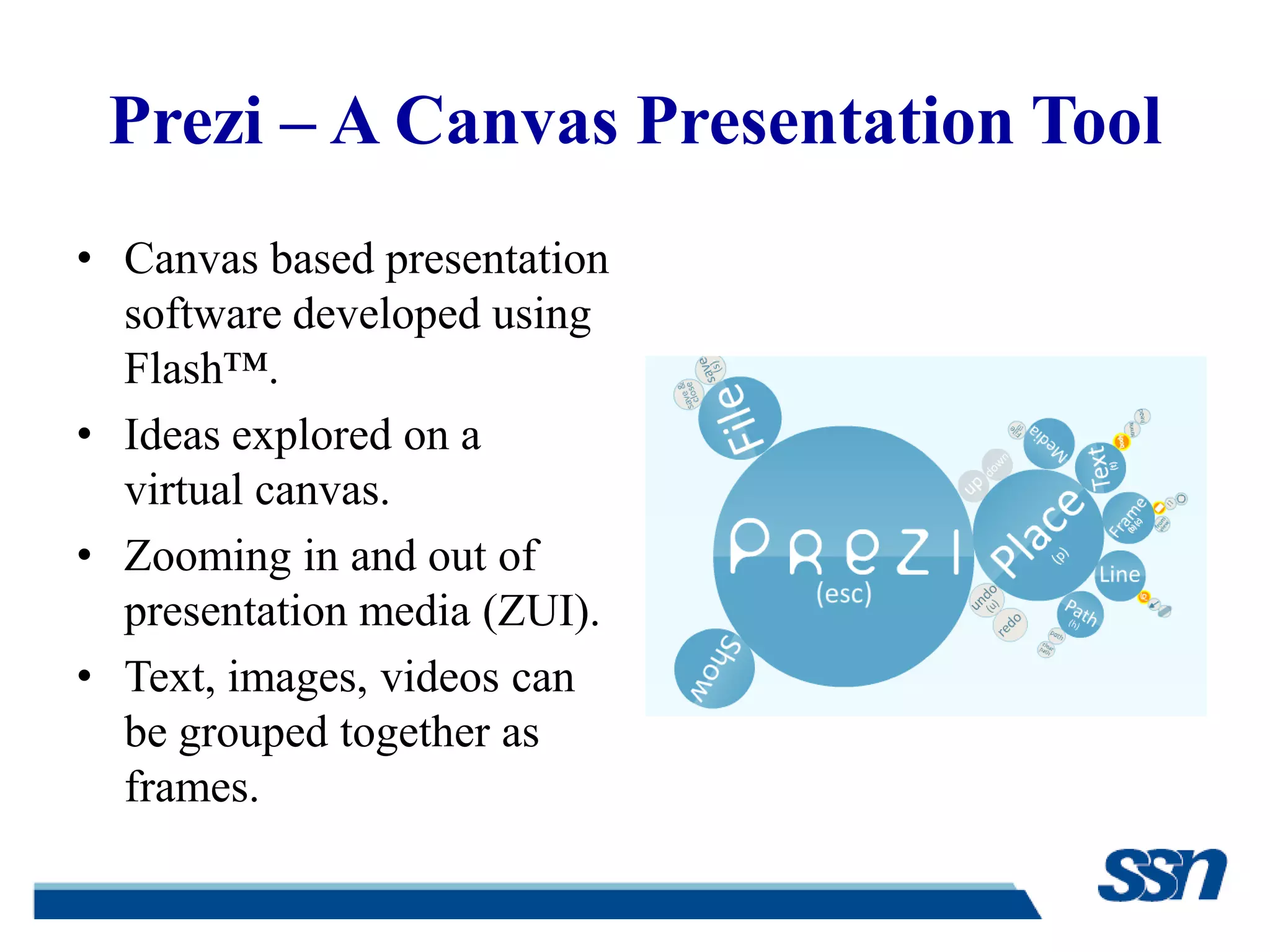
Prezi – A Canvas Presentation Tool
• Canvas based presentation
software developed using
Flash™.
• Ideas explored on a
virtual canvas.
• Zooming in and out of
presentation media (ZUI).
• Text, images, videos can
be grouped together as
frames.
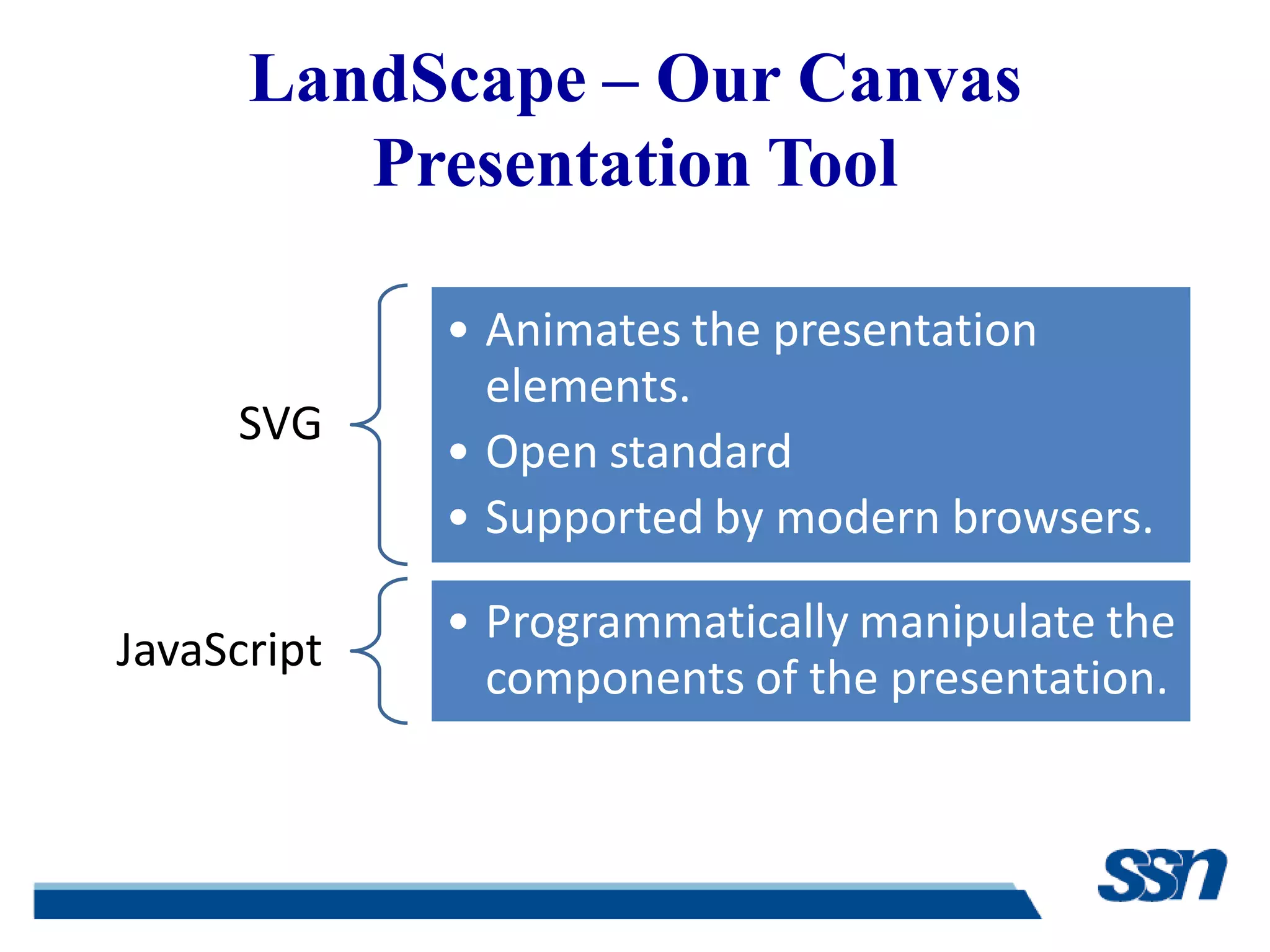
LandScape – Our Canvas
Presentation Tool
SVG
• Animates the presentation
elements.
• Open standard
• Supported by modern browsers.
JavaScript
• Programmatically manipulate the
components of the presentation.
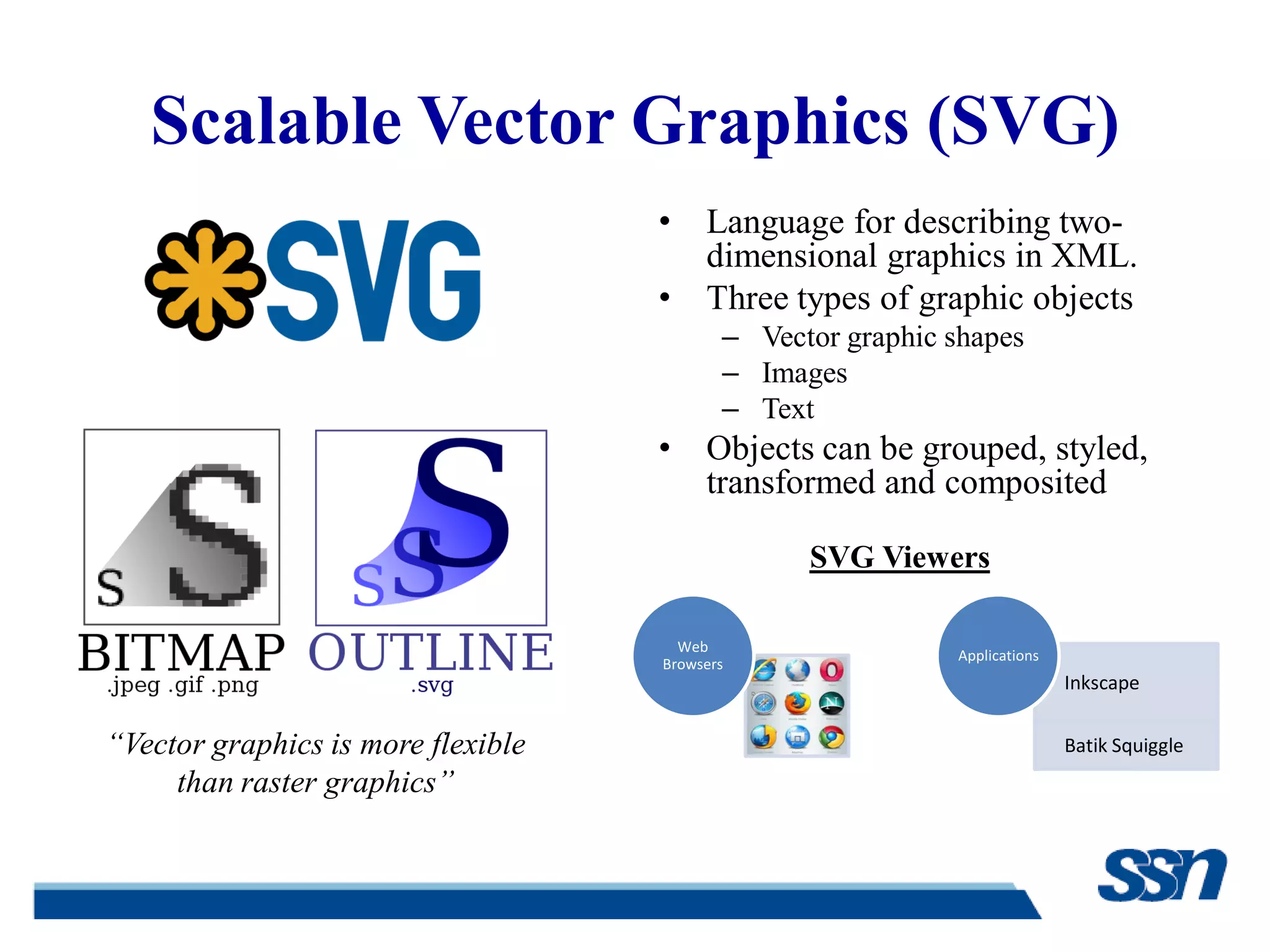
Scalable Vector Graphics (SVG)
• Language for describing two-
dimensional graphics in XML.
• Three types of graphic objects
– Vector graphic shapes
– Images
– Text
• Objects can be grouped, styled,
transformed and composited
“Vector graphics is more flexible
than raster graphics”
Web
Browsers
Inkscape
Batik Squiggle
Applications
SVG Viewers
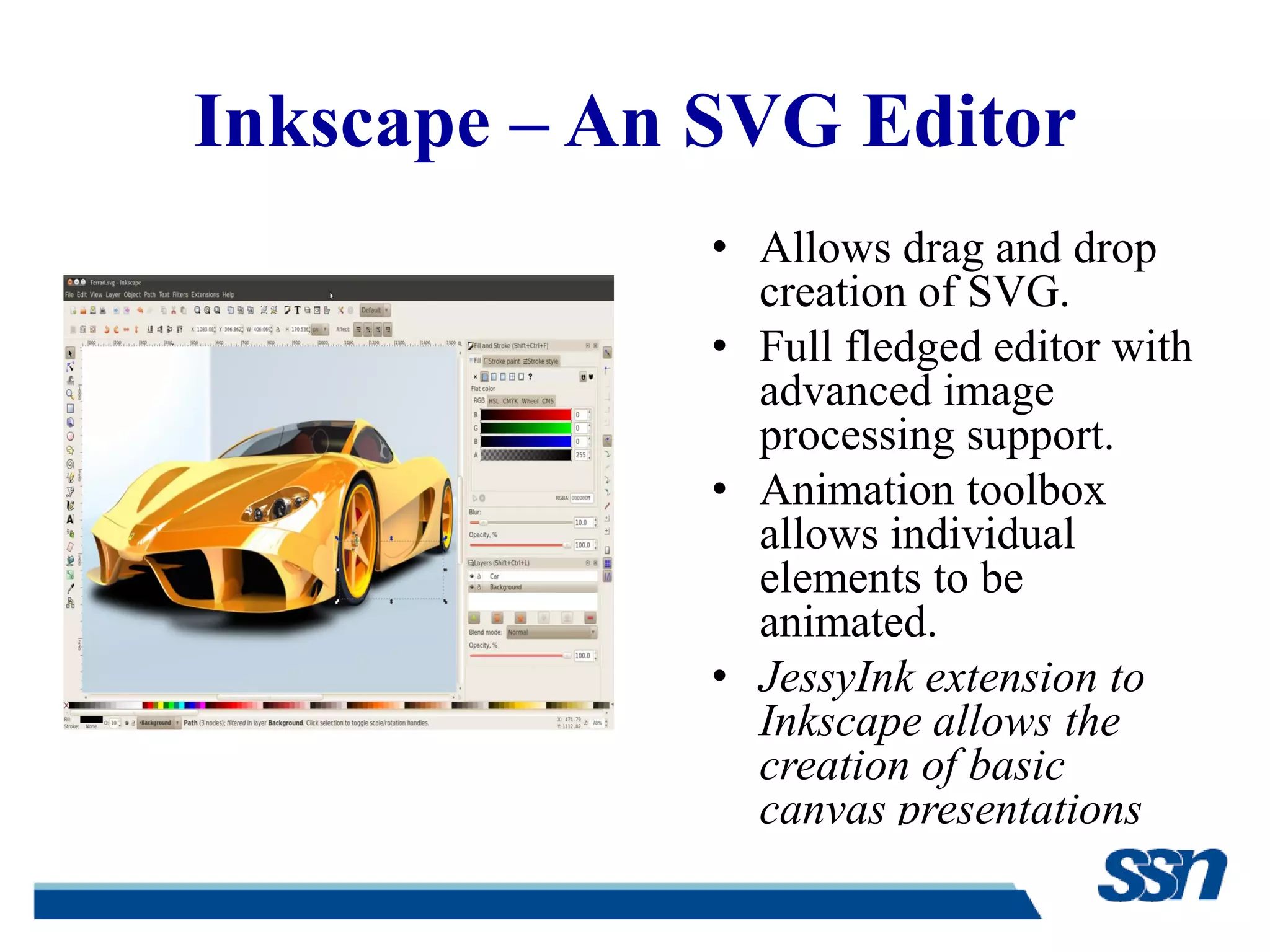
Inkscape – An SVG Editor
• Allows drag and drop
creation of SVG.
• Full fledged editor with
advanced image
processing support.
• Animation toolbox
allows individual
elements to be
animated.
• JessyInk extension to
Inkscape allows the
creation of basic
canvas presentations
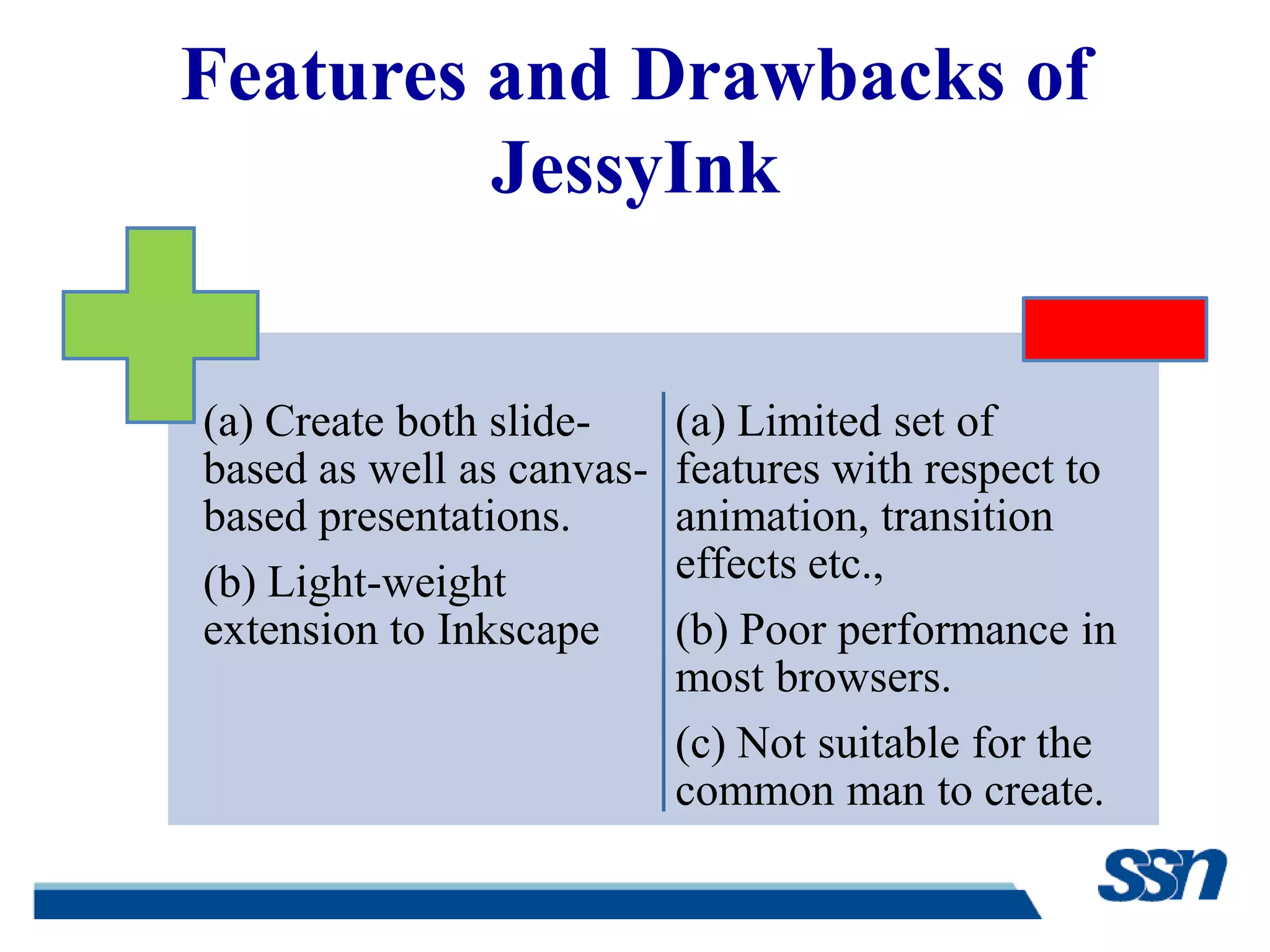
Features and Drawbacks of
JessyInk
(a) Create both slide-
based as well as canvas-
based presentations.
(b) Light-weight
extension to Inkscape
(a) Limited set of
features with respect to
animation, transition
effects etc.,
(b) Poor performance in
most browsers.
(c) Not suitable for the
common man to create.
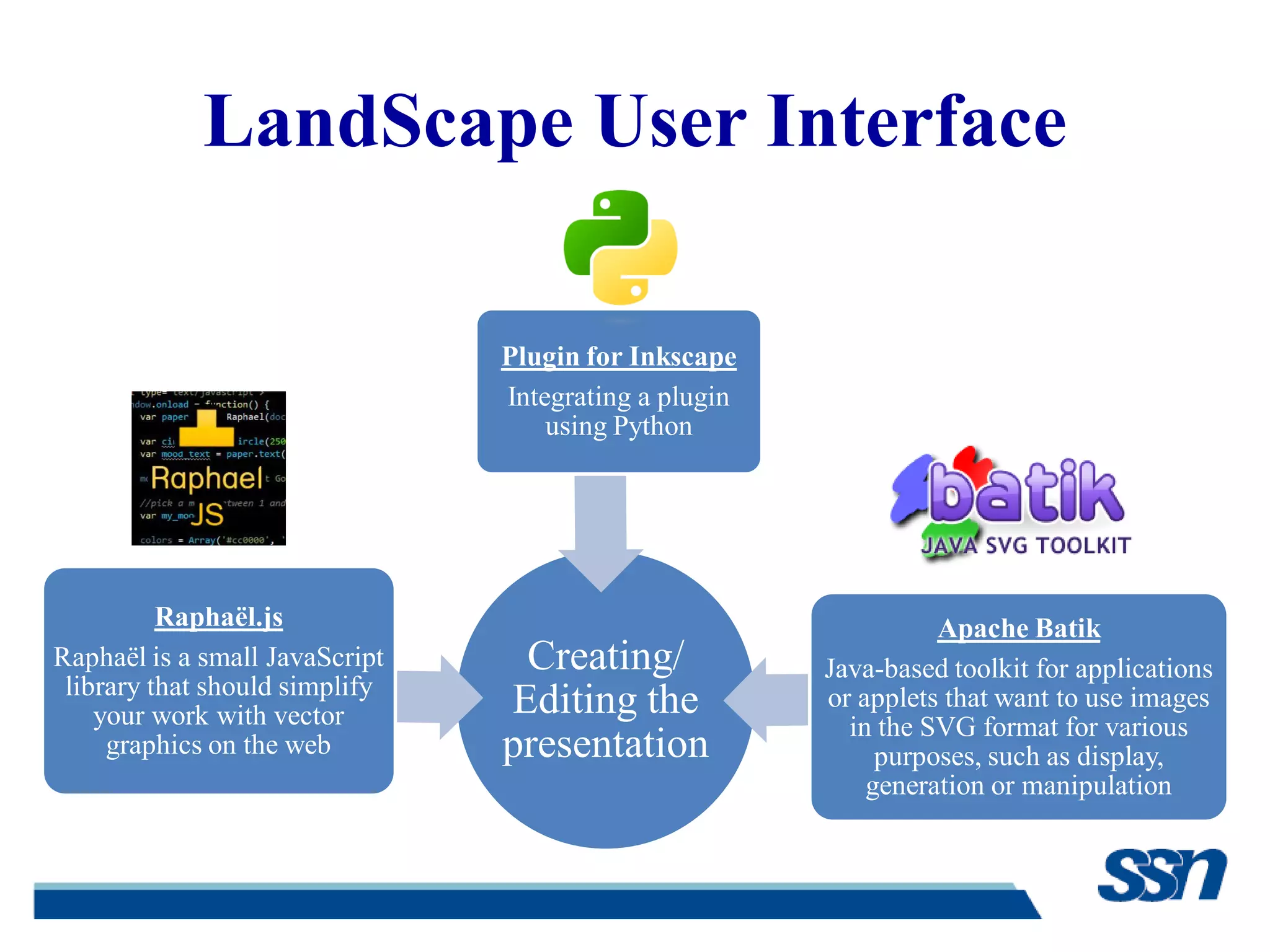
LandScape User Interface
Creating/
Editing the
presentation
Raphaël.js
Raphaël is a small JavaScript
library that should simplify
your work with vector
graphics on the web
Apache Batik
Java-based toolkit for applications
or applets that want to use images
in the SVG format for various
purposes, such as display,
generation or manipulation
Plugin for Inkscape
Integrating a plugin
using Python
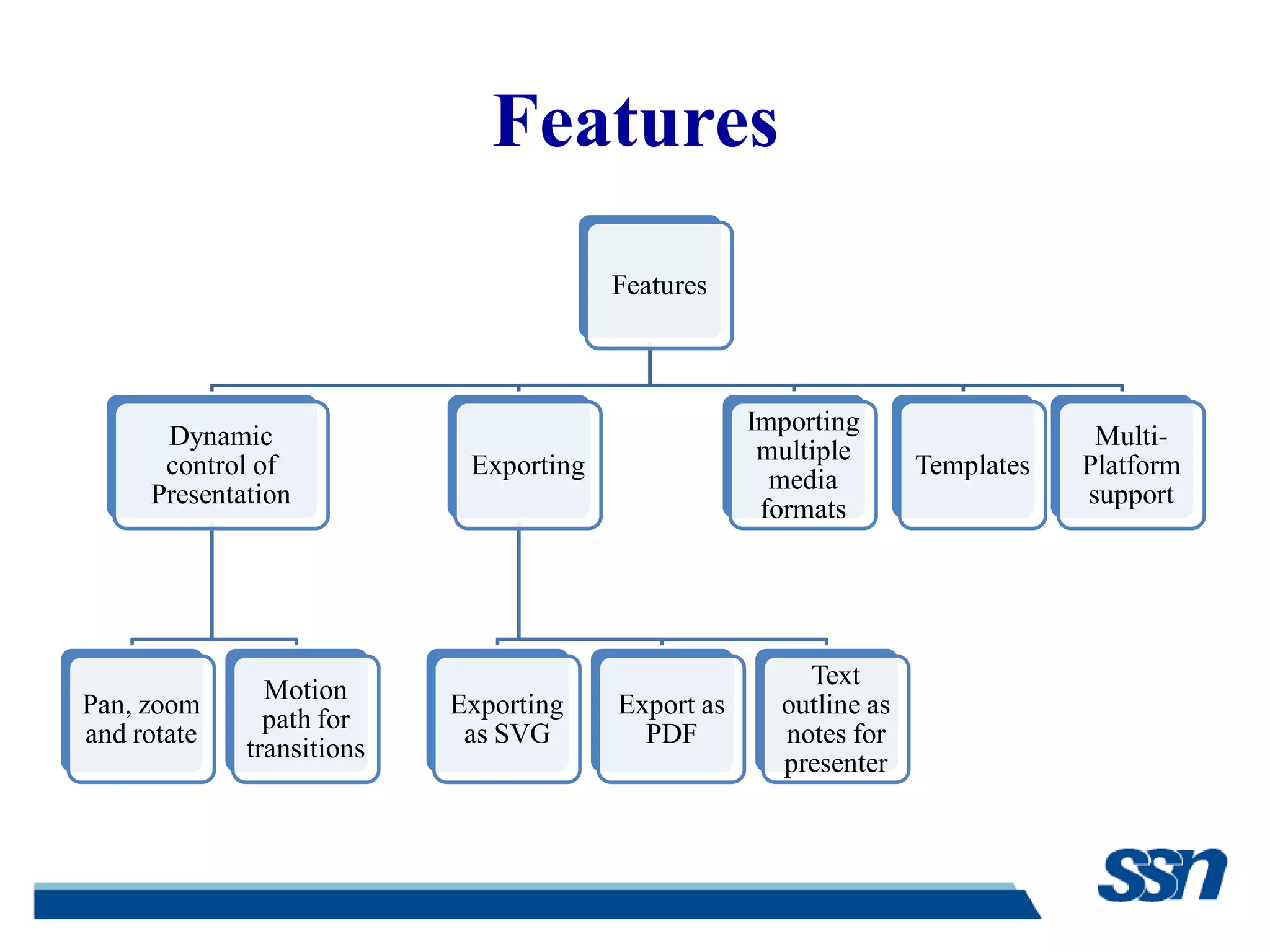
Features
Features
Dynamic
control of
Presentation
Pan, zoom
and rotate
Motion
path for
transitions
Exporting
Exporting
as SVG
Export as
PDF
Text
outline as
notes for
presenter
Importing
multiple
media
formats
Templates
Multi-
Platform
support
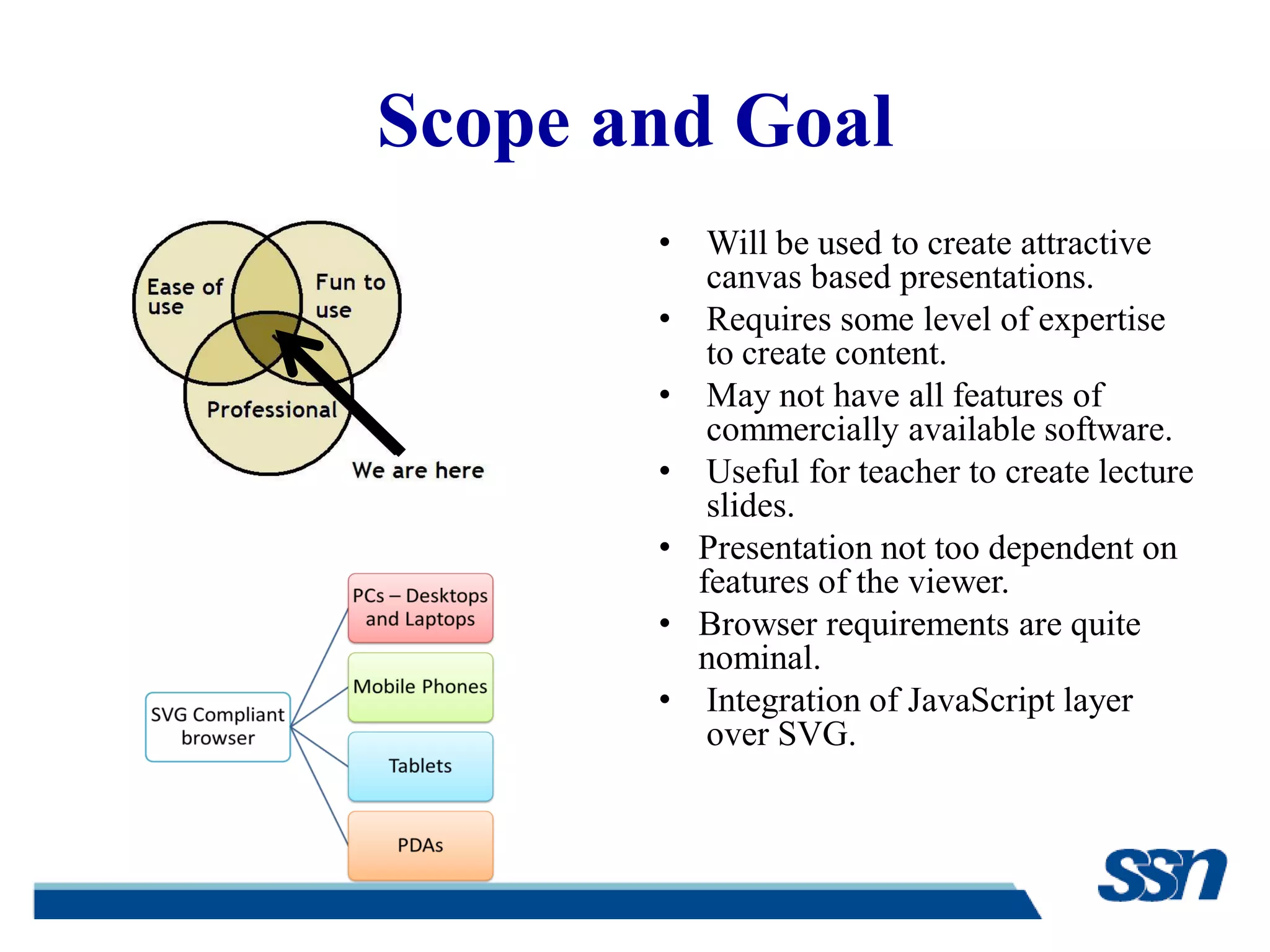
Scope and Goal
• Will be used to create attractive
canvas based presentations.
• Requires some level of expertise
to create content.
• May not have all features of
commercially available software.
• Useful for teacher to create lecture
slides.
• Presentation not too dependent on
features of the viewer.
• Browser requirements are quite
nominal.
• Integration of JavaScript layer
over SVG.
References
[1] Edward R. Tufte, “The Visual Display of Quantitative Information”,
Second Edition, Graphics Press LLC, 2001.
[2] W3C Recommendations, “Scalable Vector Graphics (SVG) 1.1”
(Second Edition)
http://www.w3.org/TR/SVG/
[3] Raphael.js, a cross-browser JavaScript library for drawing vector
graphics on websites
http://www.raphaeljs.com
[4] Apache Batik, Java classes for manipulating SVG
http://xmlgraphics.apache.org/batik/javadoc/
[5] Prezi, a cloud based SaaS presentation software
http://www.prezi.com
[6] Taymjong Bah, “Inkscape guide to a vector drawing program”,
Third Edition, Prentice Hall

Zeroth review presentation

  • 1.
    Canvas Based Presentation UsingSVG and Javascript Zeroth Review 01-12-2011 S.Srikrishnan , V.Vishal Gautham Final Year, CSE „B‟ Guided by R. S. Milton, Ph.D.
  • 2.
    Presentation Paradigms • Informationis organized into slides. • Each slide typically consists of a list of bulleted points. • Eg., Microsoft PowerPoint, OpenOffice Impress etc., Slide Based • The material to be presented is laid out in a large canvas without any page (slide) boundaries. • View can change orientation to suit the information to be presented. Canvas Based
  • 3.
    Why not theSlide Based Paradigm? • Features can be complicated to use. • Tendency to skip slides – leads to distract the audience. • Single pre-set path. • Presence of content creator is not critical during the presentation.
  • 4.
    Edward Tufte’s Views •Slide-ware reduces the analytical quality of presentations. • Bullets are just raw facts listed point-wise. • Abuse of graphical technique. • Suggests the use of web browser as a presentation tool. He is noted for his writings on information design and as a pioneer in the field of data visualization. Edward Tufte
  • 5.
    Why Canvas BasedParadigm? • Reflects the presenter‟s flow of thought process. • Emphasis more on the central idea. • Audience concentrate better • Animations and other rich form of multimedia • Presentation never seems monotonous • Tweaked to the level of detail the presenter wants to express Flexibility Attractive FlowFocus
  • 6.
    Prezi – ACanvas Presentation Tool • Canvas based presentation software developed using Flash™. • Ideas explored on a virtual canvas. • Zooming in and out of presentation media (ZUI). • Text, images, videos can be grouped together as frames.
  • 7.
    LandScape – OurCanvas Presentation Tool SVG • Animates the presentation elements. • Open standard • Supported by modern browsers. JavaScript • Programmatically manipulate the components of the presentation.
  • 8.
    Scalable Vector Graphics(SVG) • Language for describing two- dimensional graphics in XML. • Three types of graphic objects – Vector graphic shapes – Images – Text • Objects can be grouped, styled, transformed and composited “Vector graphics is more flexible than raster graphics” Web Browsers Inkscape Batik Squiggle Applications SVG Viewers
  • 9.
    Inkscape – AnSVG Editor • Allows drag and drop creation of SVG. • Full fledged editor with advanced image processing support. • Animation toolbox allows individual elements to be animated. • JessyInk extension to Inkscape allows the creation of basic canvas presentations
  • 10.
    Features and Drawbacksof JessyInk (a) Create both slide- based as well as canvas- based presentations. (b) Light-weight extension to Inkscape (a) Limited set of features with respect to animation, transition effects etc., (b) Poor performance in most browsers. (c) Not suitable for the common man to create.
  • 11.
    LandScape User Interface Creating/ Editingthe presentation Raphaël.js Raphaël is a small JavaScript library that should simplify your work with vector graphics on the web Apache Batik Java-based toolkit for applications or applets that want to use images in the SVG format for various purposes, such as display, generation or manipulation Plugin for Inkscape Integrating a plugin using Python
  • 12.
    Features Features Dynamic control of Presentation Pan, zoom androtate Motion path for transitions Exporting Exporting as SVG Export as PDF Text outline as notes for presenter Importing multiple media formats Templates Multi- Platform support
  • 13.
    Scope and Goal •Will be used to create attractive canvas based presentations. • Requires some level of expertise to create content. • May not have all features of commercially available software. • Useful for teacher to create lecture slides. • Presentation not too dependent on features of the viewer. • Browser requirements are quite nominal. • Integration of JavaScript layer over SVG.
  • 14.
    References [1] Edward R.Tufte, “The Visual Display of Quantitative Information”, Second Edition, Graphics Press LLC, 2001. [2] W3C Recommendations, “Scalable Vector Graphics (SVG) 1.1” (Second Edition) http://www.w3.org/TR/SVG/ [3] Raphael.js, a cross-browser JavaScript library for drawing vector graphics on websites http://www.raphaeljs.com [4] Apache Batik, Java classes for manipulating SVG http://xmlgraphics.apache.org/batik/javadoc/ [5] Prezi, a cloud based SaaS presentation software http://www.prezi.com [6] Taymjong Bah, “Inkscape guide to a vector drawing program”, Third Edition, Prentice Hall