Downloaded 30 times





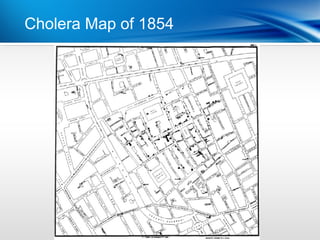

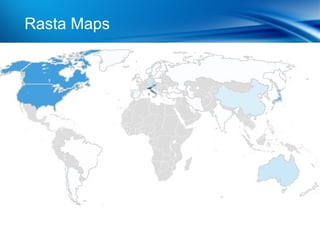
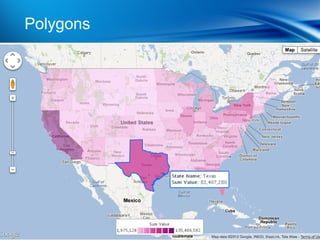
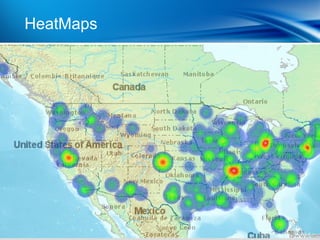
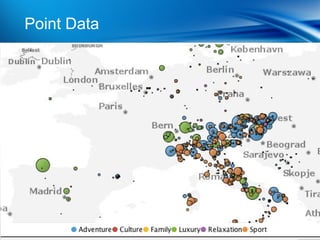
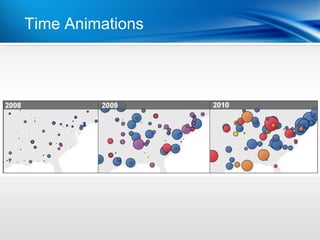

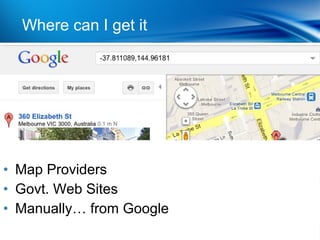

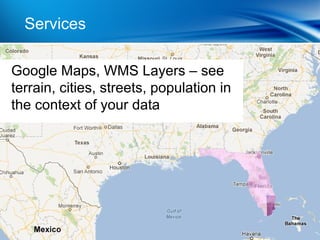
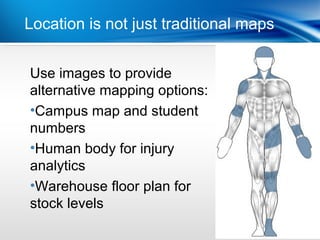




Location intelligence uses mapping and geospatial technology to analyze data that has a location element. This allows organizations to visualize where data is located and identify patterns and correlations spatially. Some key benefits are being able to see where data is not located, analyze changes over time, and gain insights beyond traditional analysis methods. Best practices for location intelligence include geocoding data, using multiple data layers, selecting appropriate background maps, thinking beyond traditional maps, combining maps with other visualizations, drilling down into location data, and identifying opportunities where no data currently exists.


