Working in the Cloud: 
Drive, Dropbox and Other Stuff 
Rich Hovey 
(that guy from Del Rio) 
Twitter: @teacherhovey 
instagram.com/rich_hovey 
Facebook: tinyurl.com/pcpuda5 
Beginning in
My philosophy on 
educational technology 
❏ Use the web’s free & cheap stuff. 
❏ Take advantage of rapidly 
improving internet speed and 
stability. 
❏ Be more efficient at all kinds of 
things.
Chrome 
❏ It’s more compatible with all the Google 
products. 
❏ Save time with password memorization, 
bookmarking, and extensions. 
❏ Create work and home profiles, to keep things 
separate. 
❏ Tabs, not windows. Use CTRL + T to your 
advantage.
Cloud Storage 
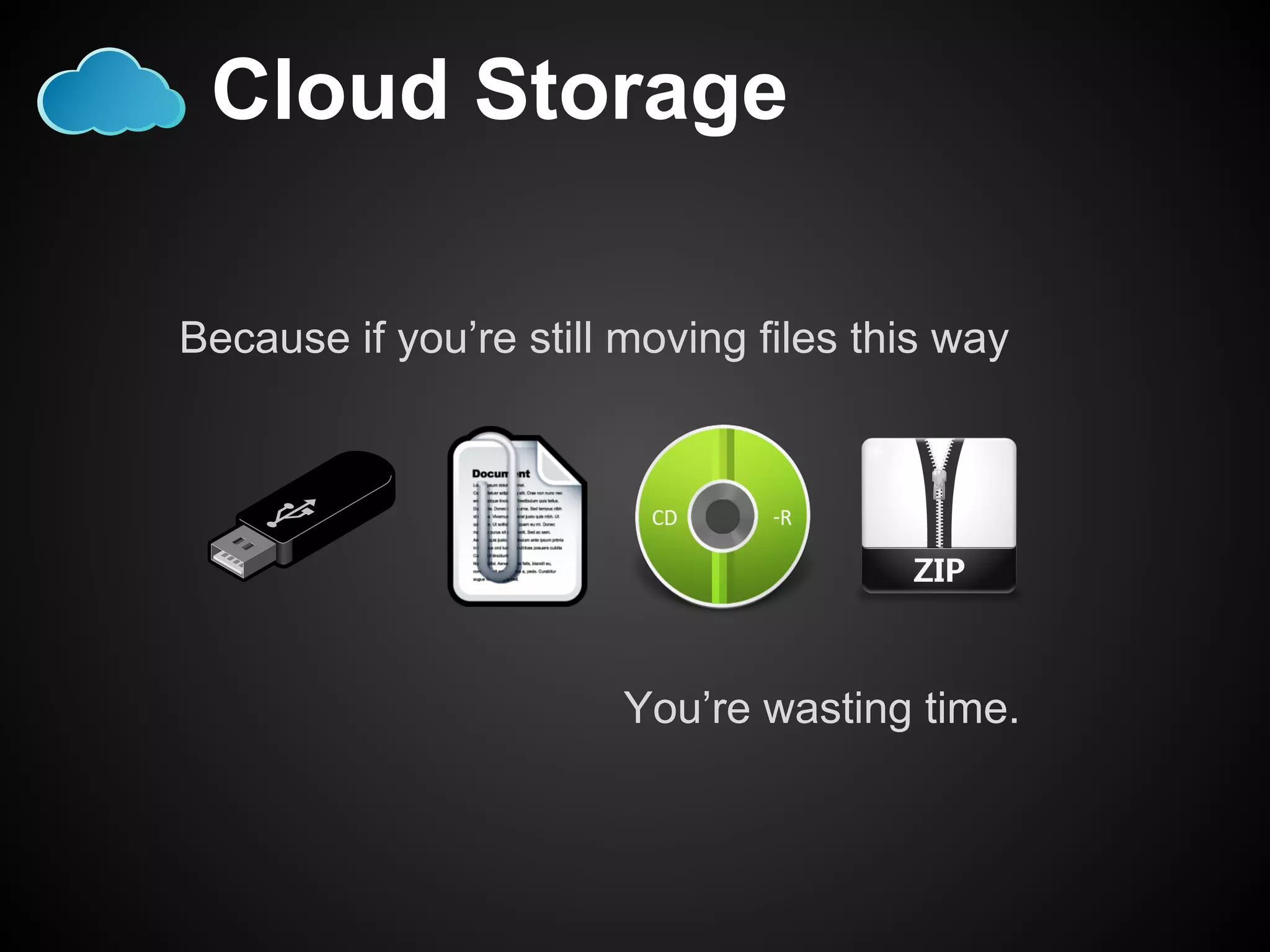
Because if you’re still moving files this way 
You’re wasting time.
Drive 
❏ Formerly known as Google Docs 
❏ Stores any kind of file 
❏ The most nimble way to collaborate with people
Dropbox 
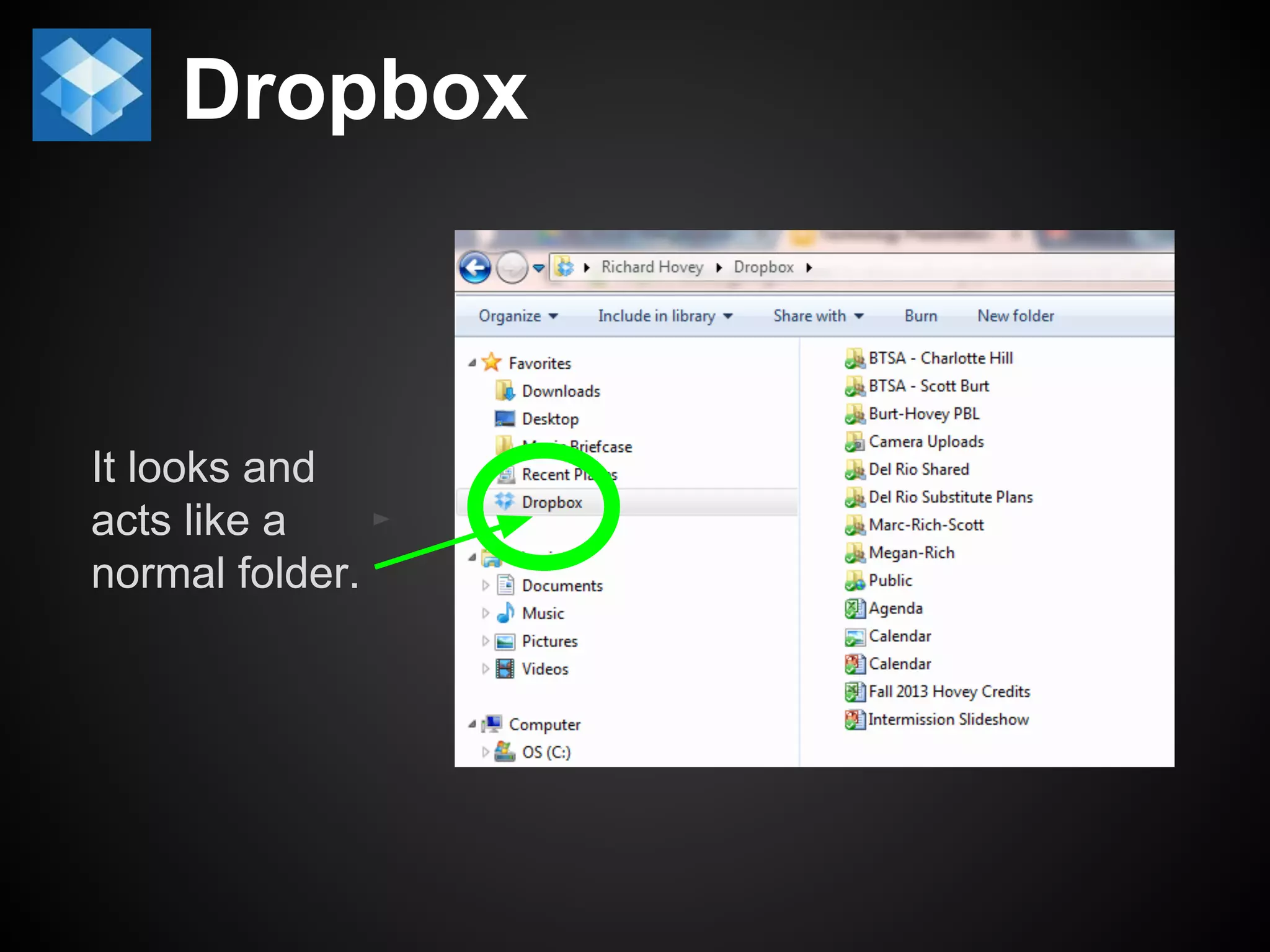
It looks and 
acts like a 
normal folder.
Dropbox 
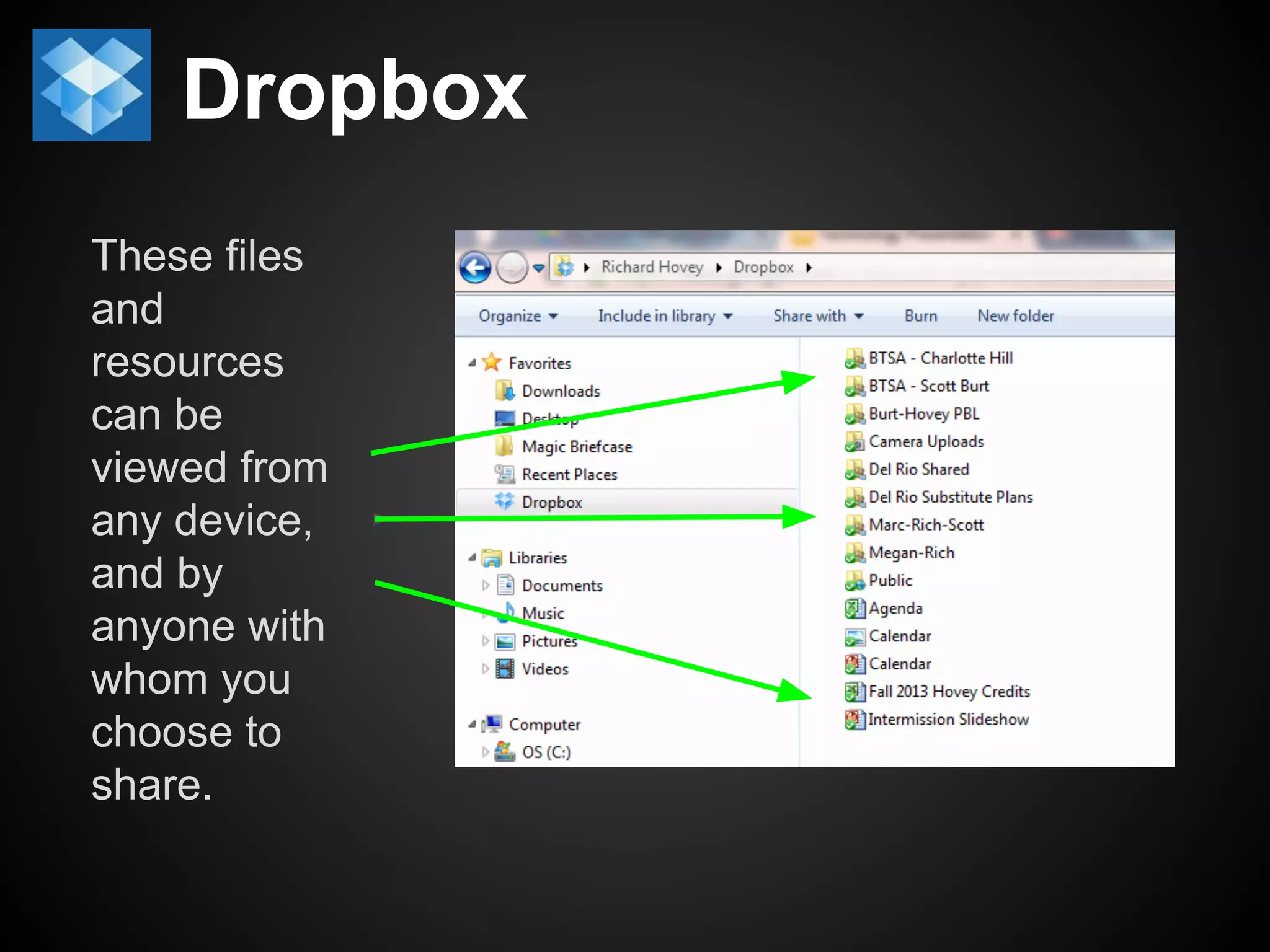
These files 
and 
resources 
can be 
viewed from 
any device, 
and by 
anyone with 
whom you 
choose to 
share.
Dropbox 
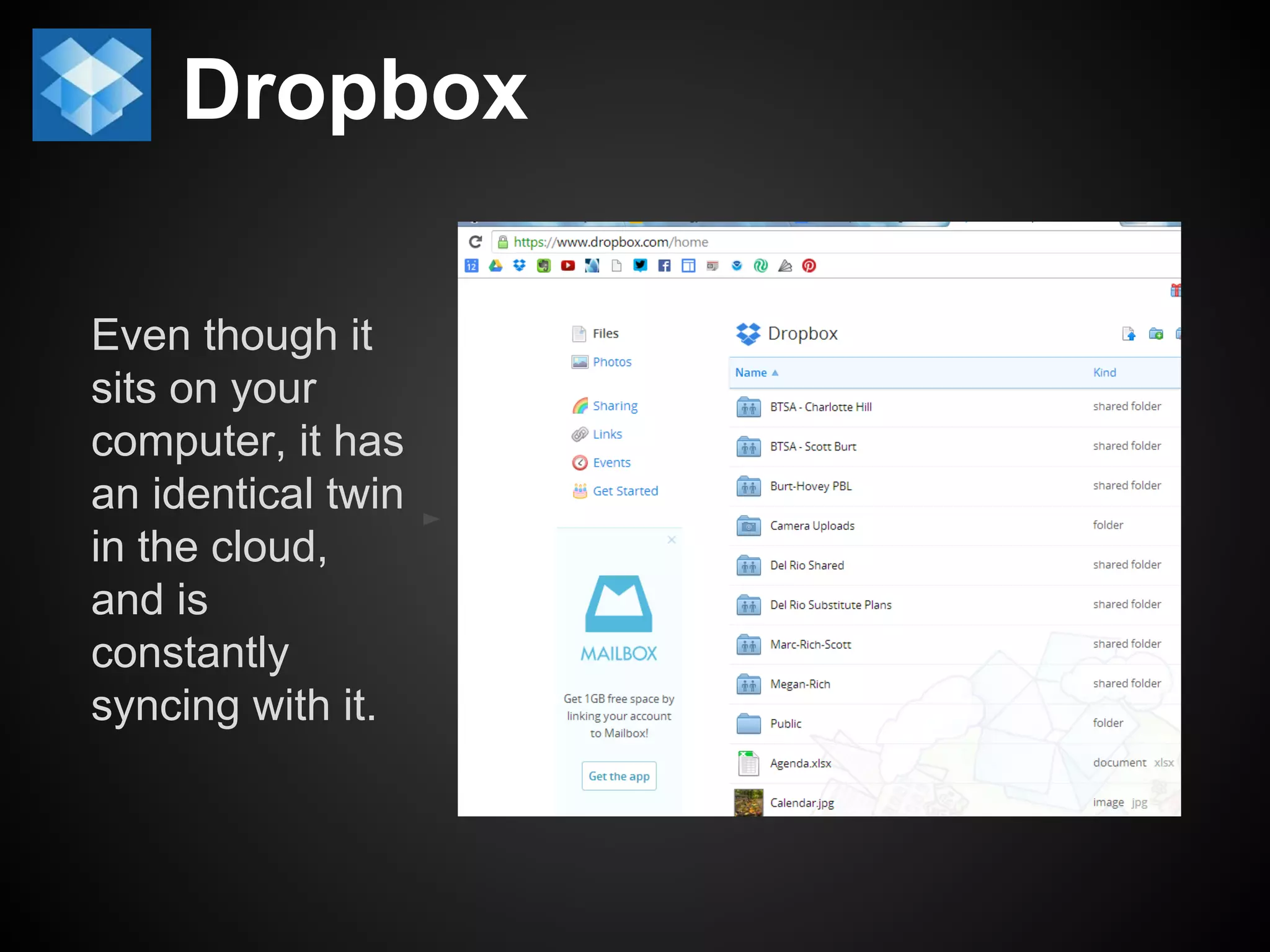
Even though it 
sits on your 
computer, it has 
an identical twin 
in the cloud, 
and is 
constantly 
syncing with it.
Dropbox 
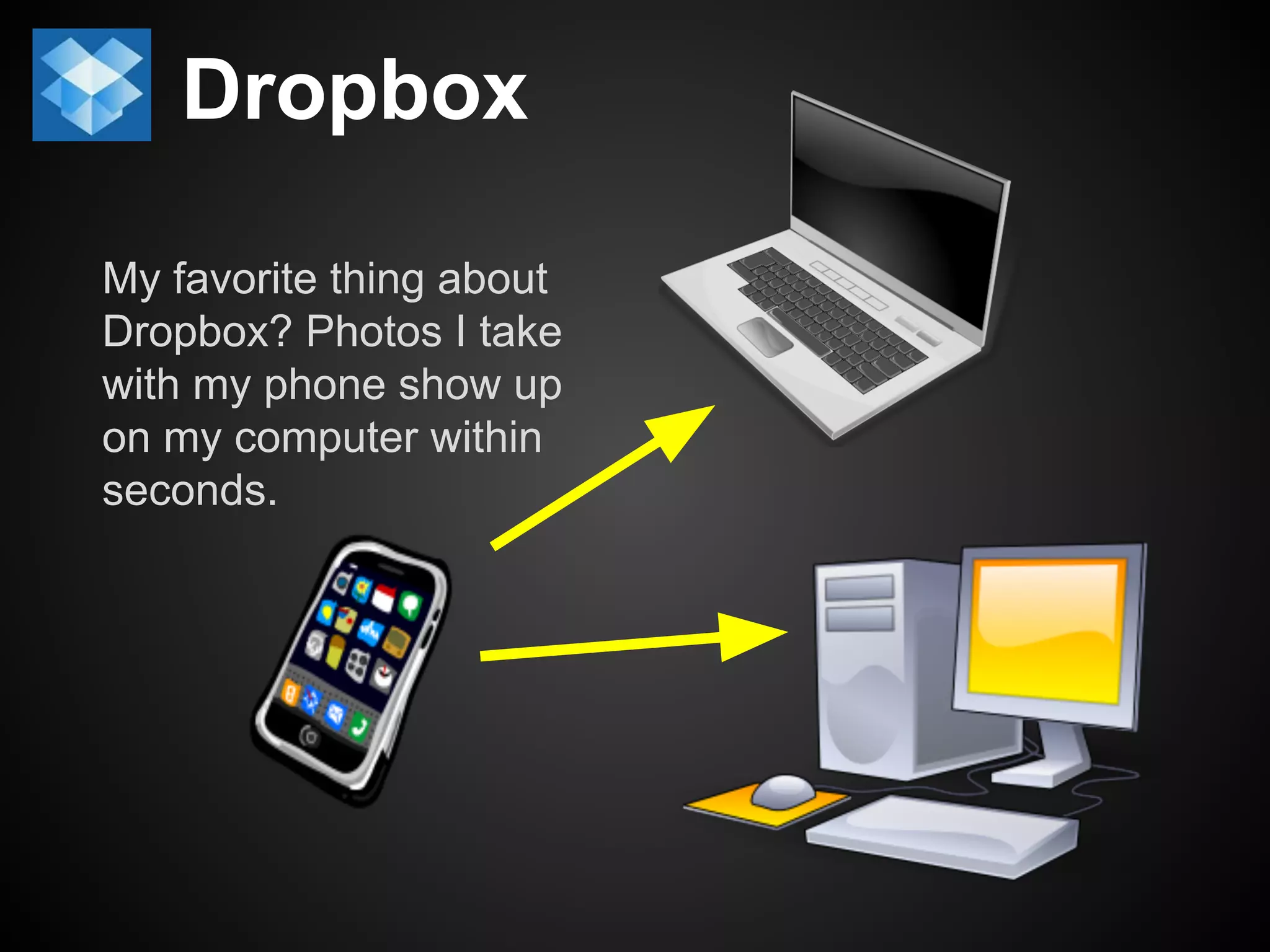
My favorite thing about 
Dropbox? Photos I take 
with my phone show up 
on my computer within 
seconds.
Evernote 
Because nobody can 
remember everything. 
Especially at your age.
Evernote 
❏ On your computer: 
❏ Save websites 
❏ Tag them 
❏ Mark them up 
❏ Send them to others
Evernote 
❏ From your phone: 
❏ Remember things you want to buy 
❏ Books, shoes, used cars... 
❏ Photograph things to show students 
❏ Nutritional information on a package 
❏ Shakespeare quotes in unexpected 
places 
❏ An historical artifact on tour 
❏ Capture moments 
❏ You see a student at his/her job 
❏ A coyote crosses your street 
❏ A musician plays a rare instrument 
❏ Tag and save it all on Evernote!
YouTube 
❏ More than just watching videos for fun. 
❏ Use it with your work profile (Gmail login). 
❏ Make playlists. 
❏ Subscribe to useful content creators.
Spotify 
❏ Free installation required. 
❏ $4.99/mo for commercial-free play. 
❏ Immediately find and play any song. 
❏ Make playlists. 
❏ Search for other playlists.
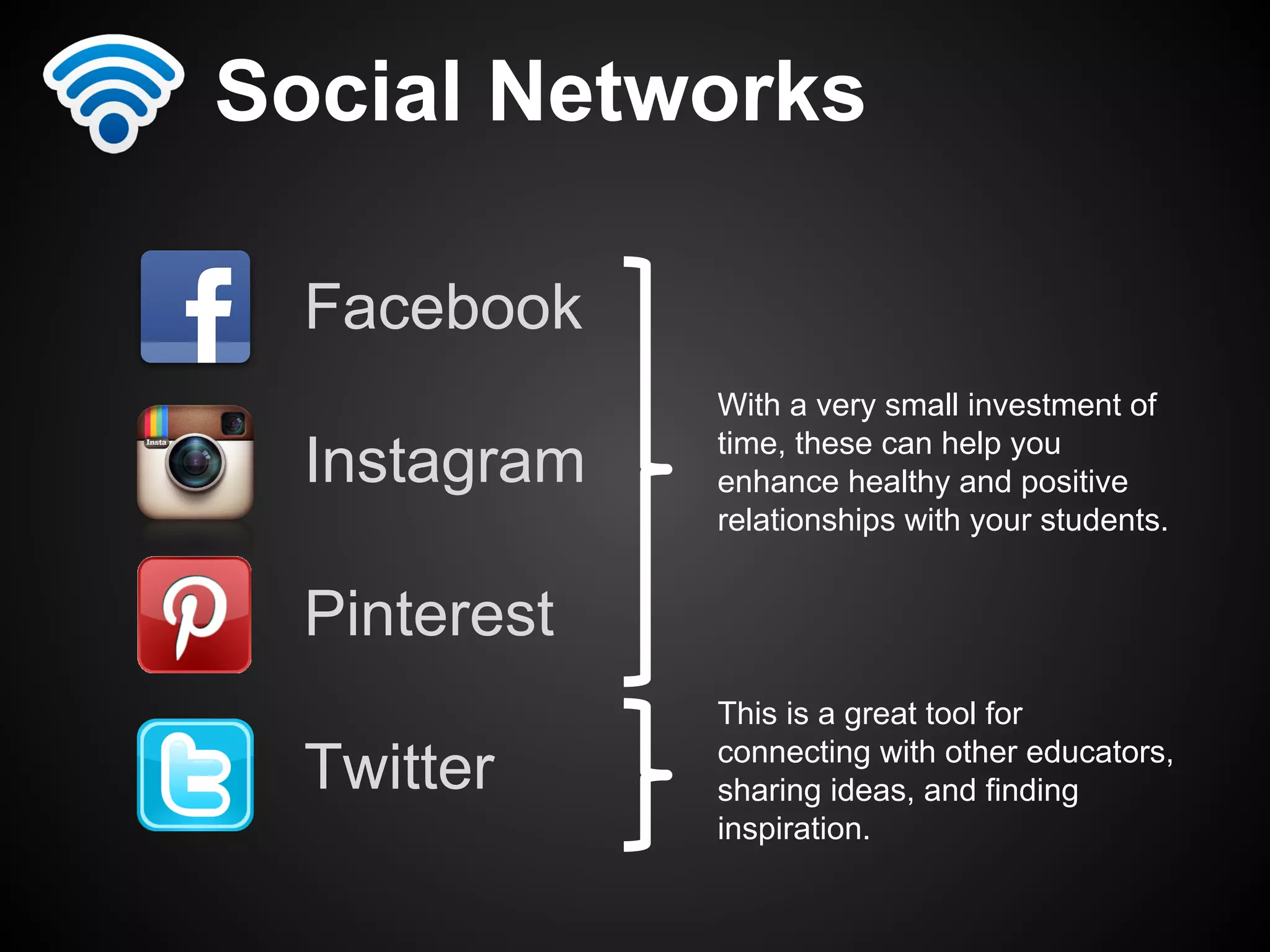
Social Networks 
Facebook 
Instagram 
Pinterest 
Twitter 
With a very small investment of 
time, these can help you 
enhance healthy and positive 
relationships with your students. 
This is a great tool for 
connecting with other educators, 
sharing ideas, and finding 
inspiration.
More tools 
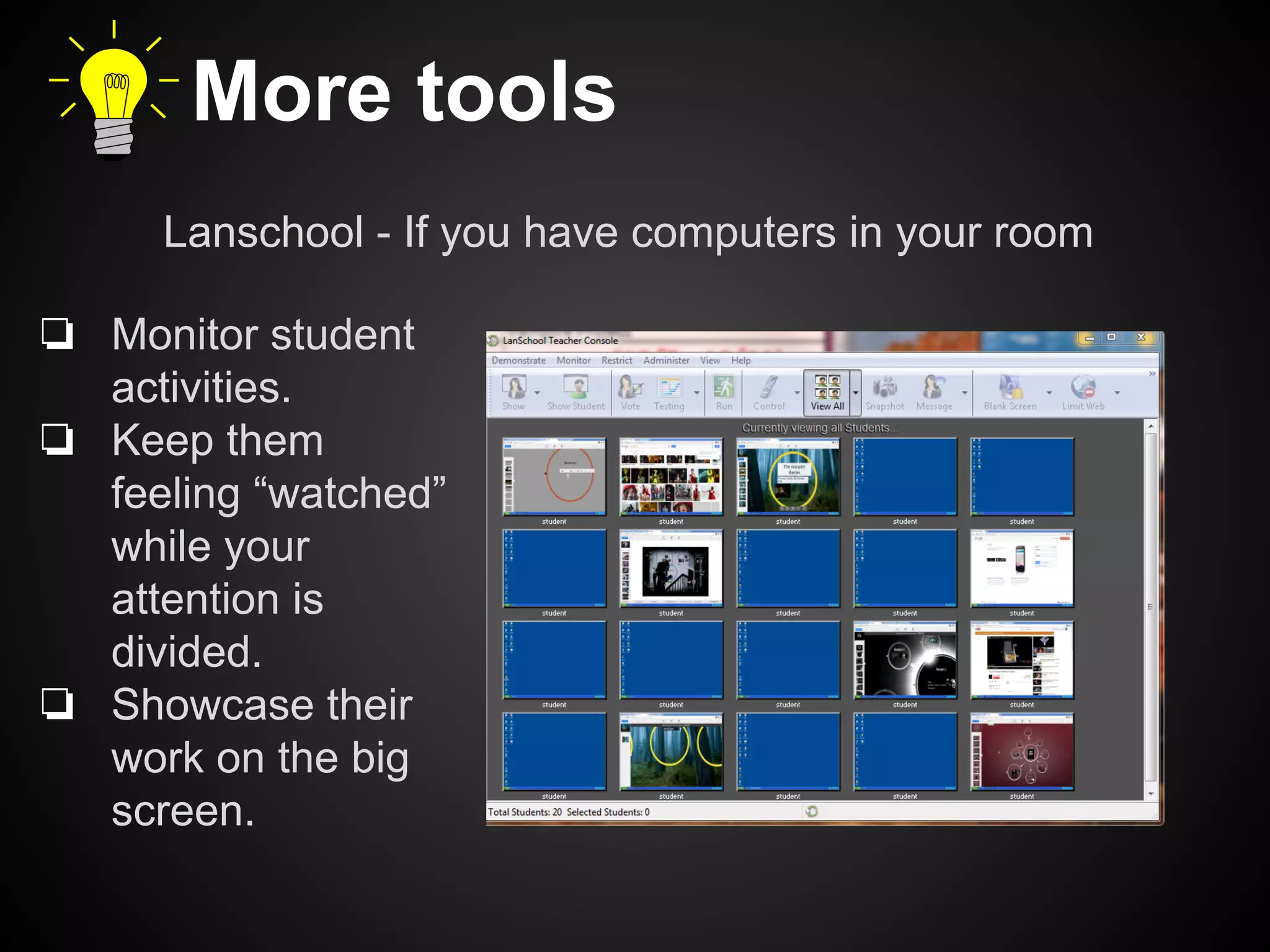
Lanschool - If you have computers in your room 
❏ Monitor student 
activities. 
❏ Keep them 
feeling “watched” 
while your 
attention is 
divided. 
❏ Showcase their 
work on the big 
screen.
More tools 
❏ Use webcam + app for fun at breaks 
❏ Keep slideshow of funny things 
❏ Turn your cellphone into a remote control 
❏ Use Craigslist in creative ways
More ways to use technology to 
improve your efficiency 
❏ Use email replies for short assignments. 
❏ Use and teach naming conventions 
❏ Bookmark, tag, and playlist 
❏ Use screen capture tools 
❏ Teach keyboard shortcuts & post them 
everywhere
More ways to use technology to 
improve your efficiency 
❏ Photograph screens & boards for assignments 
❏ Tab+search in Chrome 
❏ Just learn Aeries Gradebook already. 
❏ Subject-line email with staff 
❏ Get your computer networked to the school 
copier
Glossary 
❏ @ - A prefix for all users of Twitter, increasingly used 
as shorthand to address people directly on other 
social media platforms. 
❏ 1:1 (One-to-One) - The presence of one device 
(tablet or computer) for each student in a classroom 
or on a campus. 
❏ BYOD - Bring your own device. 
❏ Cloud - Virtual space where things are stored online, 
as opposed to on your device. 
❏ Network - The wired system on your campus that 
allows you to transfer files and send something to 
print.
Glossary 
❏ Productivity Tool - Anything that streamlines or 
automates something you already do. 
Also known as a workflow tool. 
Can be high-tech or low-tech. 
❏ Sync A verb describing what applications do in the 
cloud to make sure every folder and collection is 
updated with the latest changes. 
❏ Tag - To mark or label an online artifact, for the 
purposes of narrowing its audience or making it 
easier to locate. In Twitter and other social media, a 
pound sign (#) begins a hashtag.
Thank You 
and remember: 
❏ Use the web’s free & cheap stuff. 
❏ Take advantage of rapidly 
improving internet speed and 
stability. 
❏ Be more efficient at all kinds of 
things.

Working in the Cloud

  • 1.
    Working in theCloud: Drive, Dropbox and Other Stuff Rich Hovey (that guy from Del Rio) Twitter: @teacherhovey instagram.com/rich_hovey Facebook: tinyurl.com/pcpuda5 Beginning in
  • 2.
    My philosophy on educational technology ❏ Use the web’s free & cheap stuff. ❏ Take advantage of rapidly improving internet speed and stability. ❏ Be more efficient at all kinds of things.
  • 3.
    Chrome ❏ It’smore compatible with all the Google products. ❏ Save time with password memorization, bookmarking, and extensions. ❏ Create work and home profiles, to keep things separate. ❏ Tabs, not windows. Use CTRL + T to your advantage.
  • 4.
    Cloud Storage Becauseif you’re still moving files this way You’re wasting time.
  • 5.
    Drive ❏ Formerlyknown as Google Docs ❏ Stores any kind of file ❏ The most nimble way to collaborate with people
  • 6.
    Dropbox It looksand acts like a normal folder.
  • 7.
    Dropbox These files and resources can be viewed from any device, and by anyone with whom you choose to share.
  • 8.
    Dropbox Even thoughit sits on your computer, it has an identical twin in the cloud, and is constantly syncing with it.
  • 9.
    Dropbox My favoritething about Dropbox? Photos I take with my phone show up on my computer within seconds.
  • 10.
    Evernote Because nobodycan remember everything. Especially at your age.
  • 11.
    Evernote ❏ Onyour computer: ❏ Save websites ❏ Tag them ❏ Mark them up ❏ Send them to others
  • 12.
    Evernote ❏ Fromyour phone: ❏ Remember things you want to buy ❏ Books, shoes, used cars... ❏ Photograph things to show students ❏ Nutritional information on a package ❏ Shakespeare quotes in unexpected places ❏ An historical artifact on tour ❏ Capture moments ❏ You see a student at his/her job ❏ A coyote crosses your street ❏ A musician plays a rare instrument ❏ Tag and save it all on Evernote!
  • 13.
    YouTube ❏ Morethan just watching videos for fun. ❏ Use it with your work profile (Gmail login). ❏ Make playlists. ❏ Subscribe to useful content creators.
  • 14.
    Spotify ❏ Freeinstallation required. ❏ $4.99/mo for commercial-free play. ❏ Immediately find and play any song. ❏ Make playlists. ❏ Search for other playlists.
  • 15.
    Social Networks Facebook Instagram Pinterest Twitter With a very small investment of time, these can help you enhance healthy and positive relationships with your students. This is a great tool for connecting with other educators, sharing ideas, and finding inspiration.
  • 16.
    More tools Lanschool- If you have computers in your room ❏ Monitor student activities. ❏ Keep them feeling “watched” while your attention is divided. ❏ Showcase their work on the big screen.
  • 17.
    More tools ❏Use webcam + app for fun at breaks ❏ Keep slideshow of funny things ❏ Turn your cellphone into a remote control ❏ Use Craigslist in creative ways
  • 18.
    More ways touse technology to improve your efficiency ❏ Use email replies for short assignments. ❏ Use and teach naming conventions ❏ Bookmark, tag, and playlist ❏ Use screen capture tools ❏ Teach keyboard shortcuts & post them everywhere
  • 19.
    More ways touse technology to improve your efficiency ❏ Photograph screens & boards for assignments ❏ Tab+search in Chrome ❏ Just learn Aeries Gradebook already. ❏ Subject-line email with staff ❏ Get your computer networked to the school copier
  • 20.
    Glossary ❏ @- A prefix for all users of Twitter, increasingly used as shorthand to address people directly on other social media platforms. ❏ 1:1 (One-to-One) - The presence of one device (tablet or computer) for each student in a classroom or on a campus. ❏ BYOD - Bring your own device. ❏ Cloud - Virtual space where things are stored online, as opposed to on your device. ❏ Network - The wired system on your campus that allows you to transfer files and send something to print.
  • 21.
    Glossary ❏ ProductivityTool - Anything that streamlines or automates something you already do. Also known as a workflow tool. Can be high-tech or low-tech. ❏ Sync A verb describing what applications do in the cloud to make sure every folder and collection is updated with the latest changes. ❏ Tag - To mark or label an online artifact, for the purposes of narrowing its audience or making it easier to locate. In Twitter and other social media, a pound sign (#) begins a hashtag.
  • 22.
    Thank You andremember: ❏ Use the web’s free & cheap stuff. ❏ Take advantage of rapidly improving internet speed and stability. ❏ Be more efficient at all kinds of things.