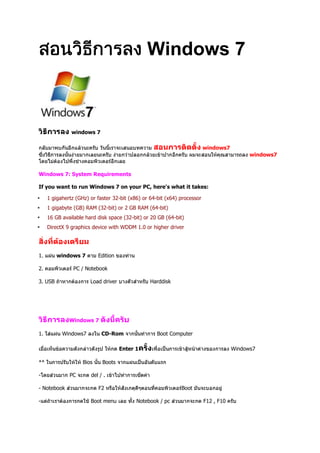


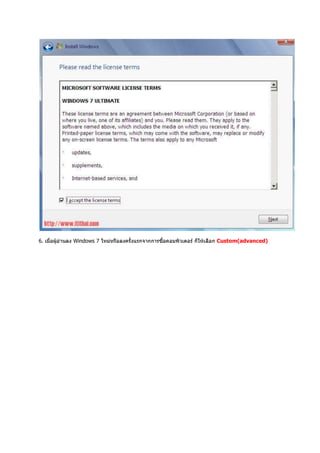
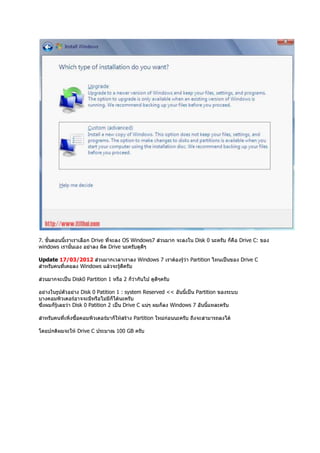


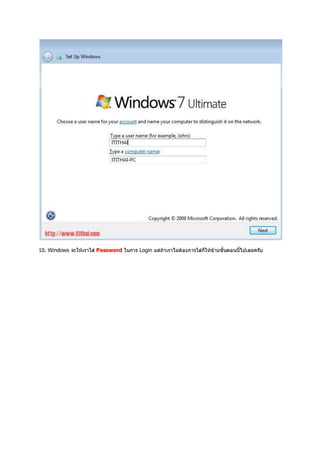
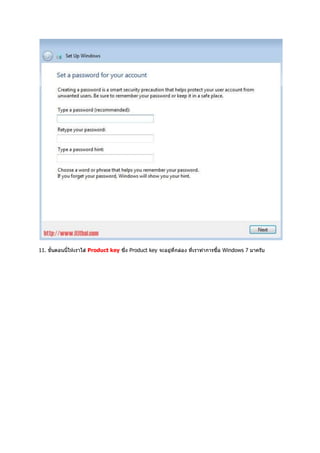

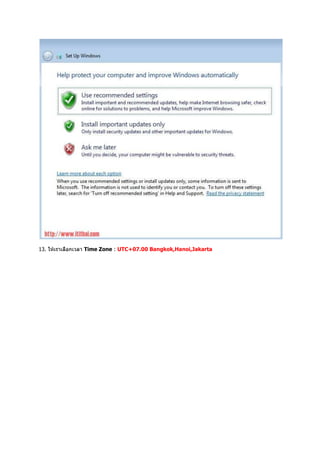
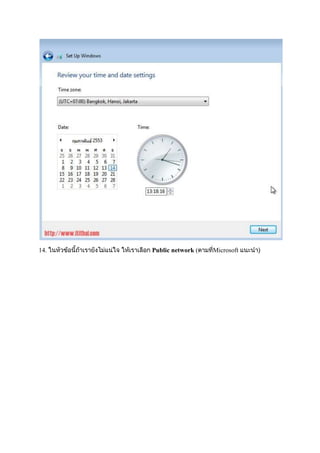
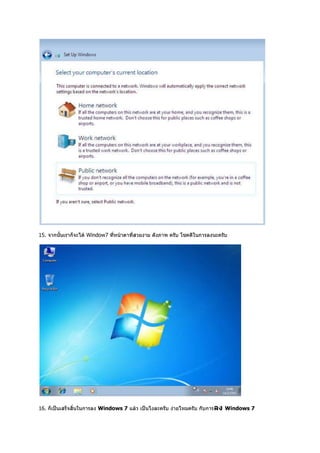


The document provides system requirements for running Windows 7, including needing a 1 GHz or faster processor, 1 GB RAM for 32-bit or 2 GB RAM for 64-bit, and 16 GB or 20 GB of available hard disk space depending on if using a 32-bit or 64-bit version. It also lists steps for installing Windows 7 such as booting from the CD-ROM or USB, selecting language and time zone, accepting the license, formatting and partitioning the drive, setting up passwords and product keys, and configuring updates.


![Trial pmr 2012_trg__khb-pk[1]](https://cdn.slidesharecdn.com/ss_thumbnails/trialpmr2012trgkhb-pk1-130908005829--thumbnail.jpg?width=640&height=640&fit=bounds)


