Windows 2008 Active Directory Branch office ManagementSampath Pererasampath@nanotechglobal.net, sampath_mails@hotmail.comwww.khgeeks.org
Session Objectives & TakeawaysSession Objectives: Identify the key new AD DS features in WS08Explain the value of deploying these featuresDemonstrate these features in real life scenarios Key Takeaways:Understand when and how to deploy the key new AD DS features
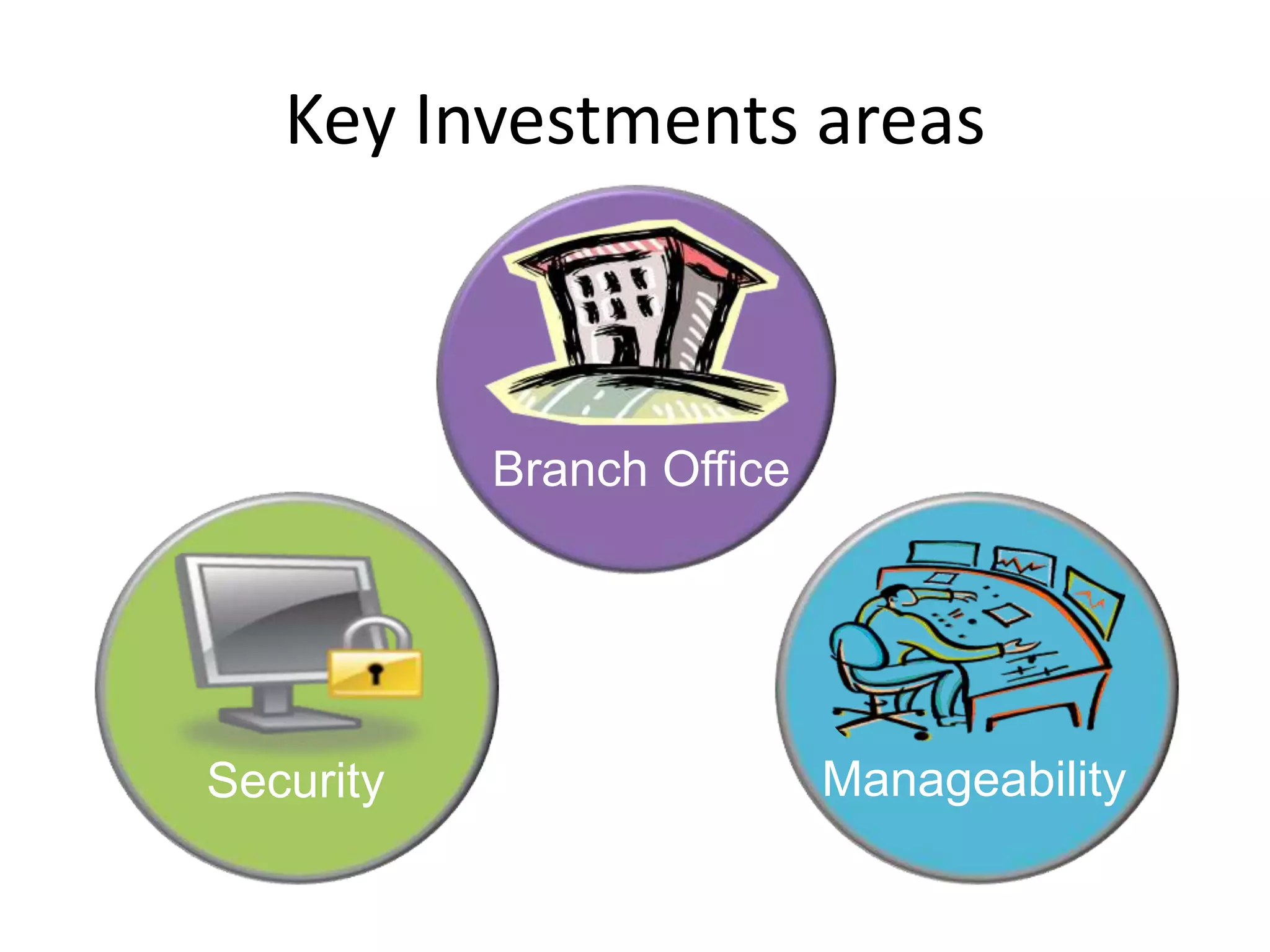
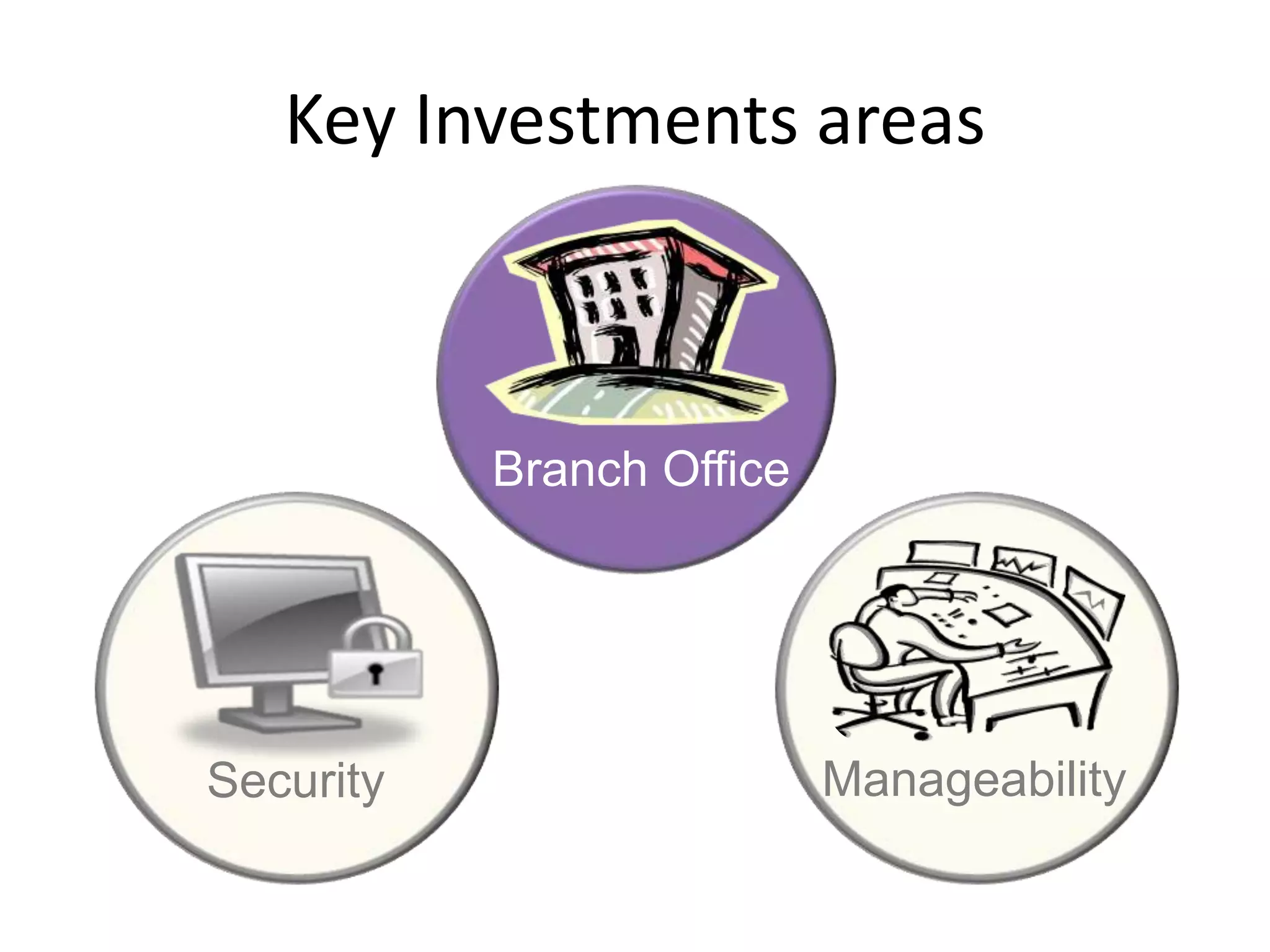
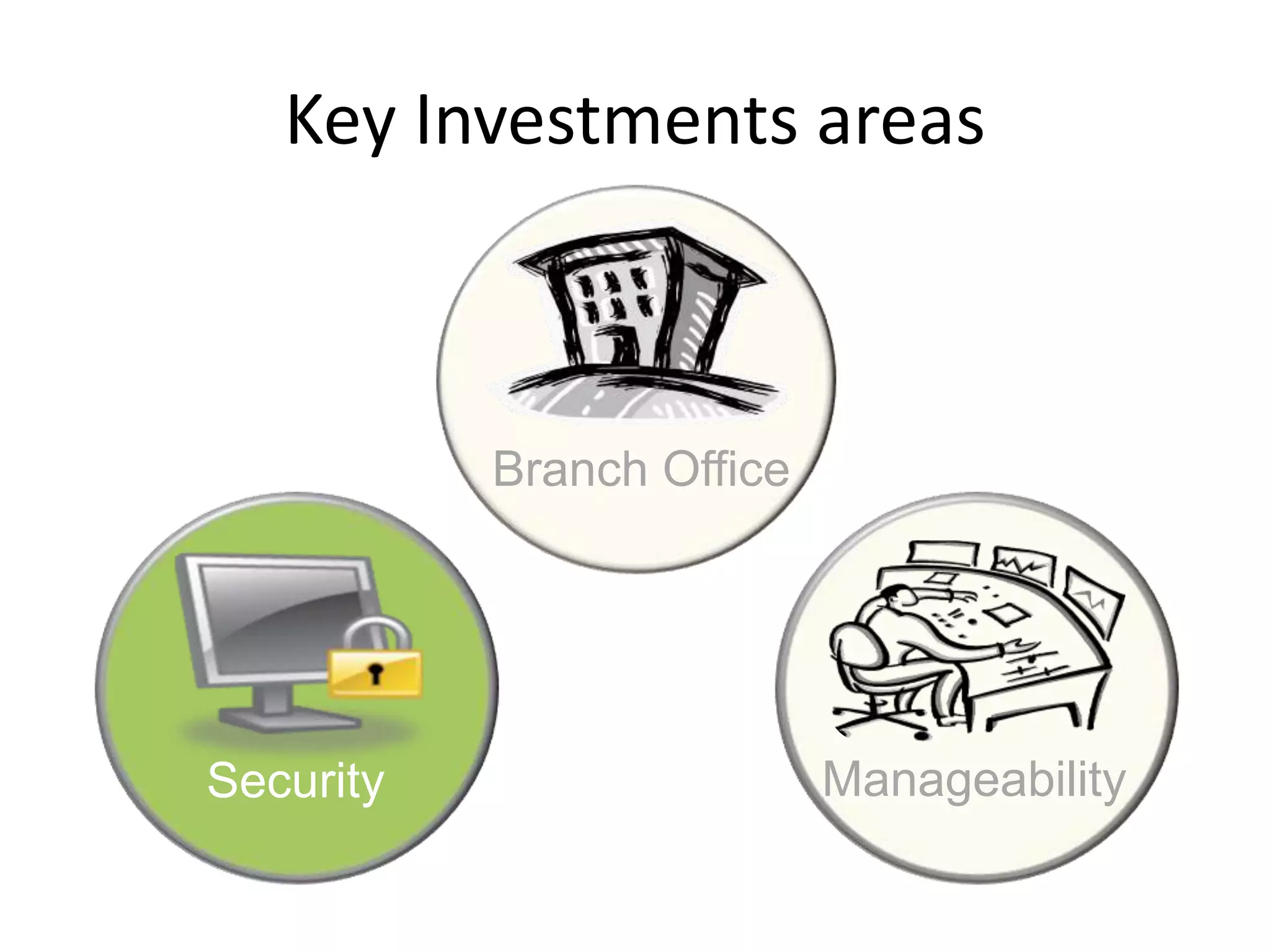
Key Investments areasBranch OfficeManageabilitySecurity
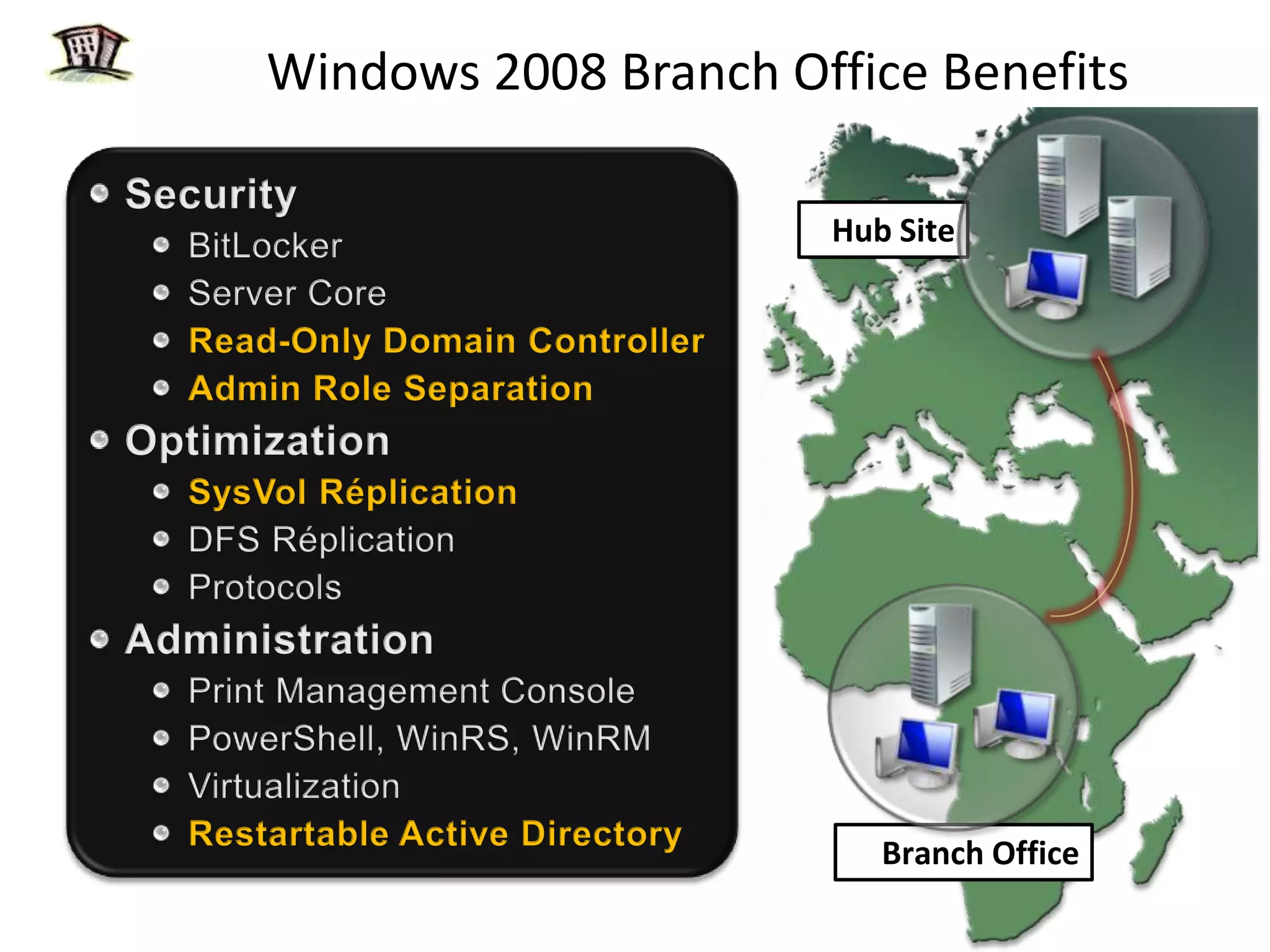
Windows 2008 Branch Office BenefitsSecurityBitLockerServer CoreRead-Only Domain ControllerAdmin Role SeparationOptimizationSysVolRéplicationDFS RéplicationProtocolsAdministrationPrint Management ConsolePowerShell, WinRS, WinRMVirtualizationRestartable Active DirectoryHub SiteBranch Office
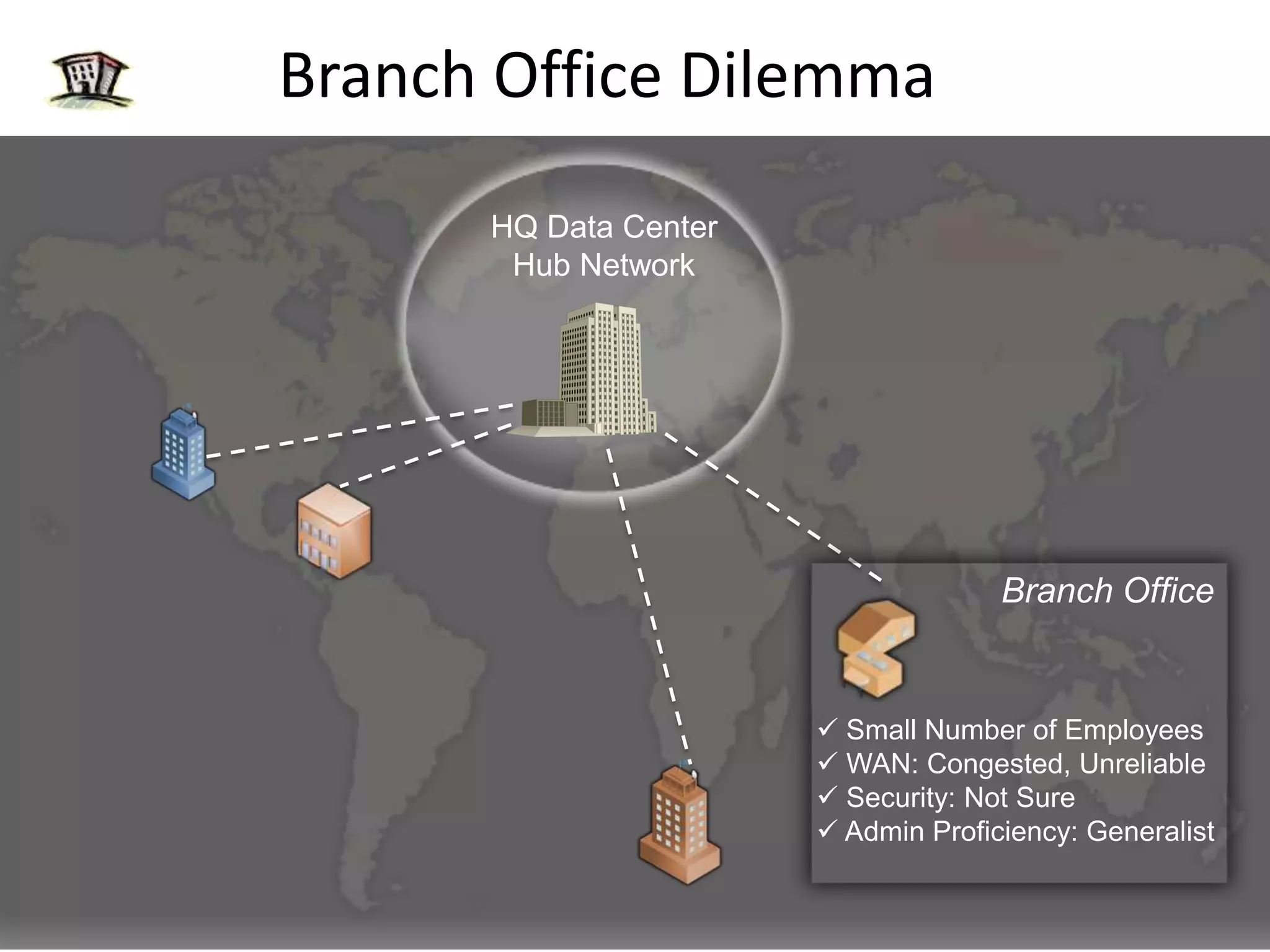
Branch Office DilemmaHQ Data CenterHub NetworkBranch Office Small Number of Employees
 WAN: Congested, Unreliable
 Security: Not Sure
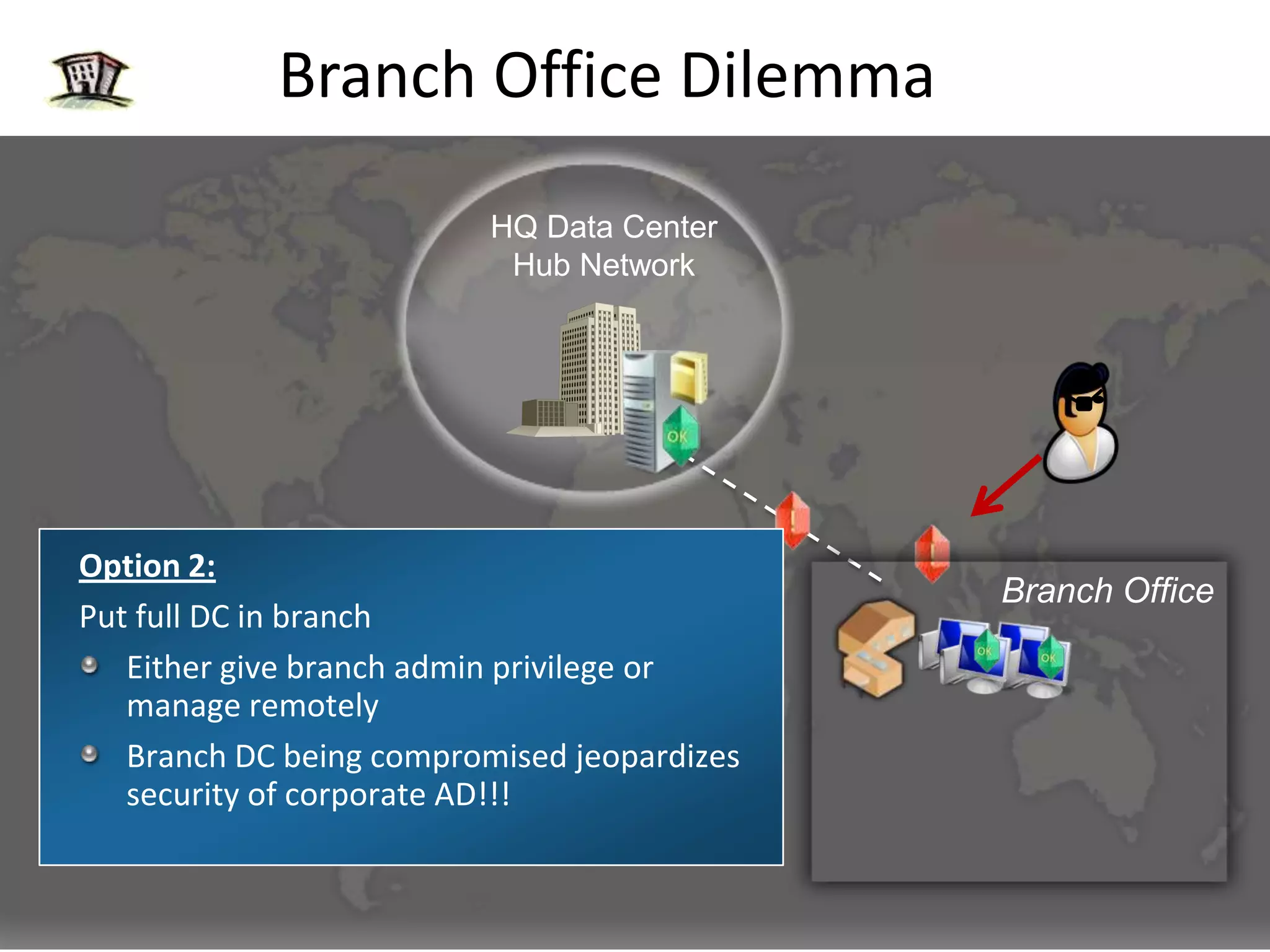
 Admin Proficiency: GeneralistBranch Office DilemmaHQ Data CenterHub NetworkOption 2:Put full DC in branchEither give branch admin privilege or manage remotelyBranch DC being compromised jeopardizes security of corporate AD!!!Branch OfficeOption 1:Consolidate and remove DCs from branchBranch authentication & authorization fails when WAN goes down
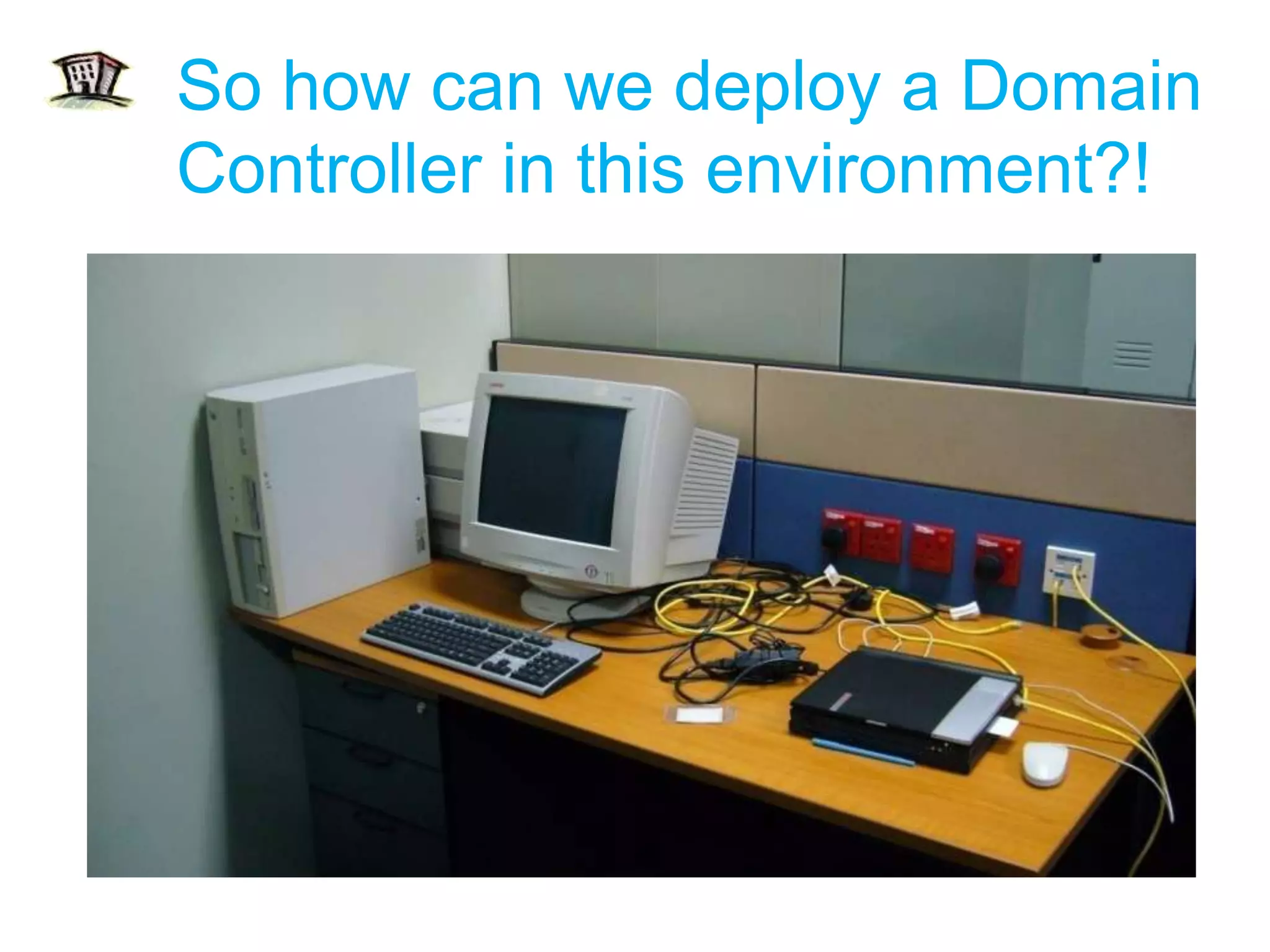
So how can we deploy a Domain Controller in this environment?!
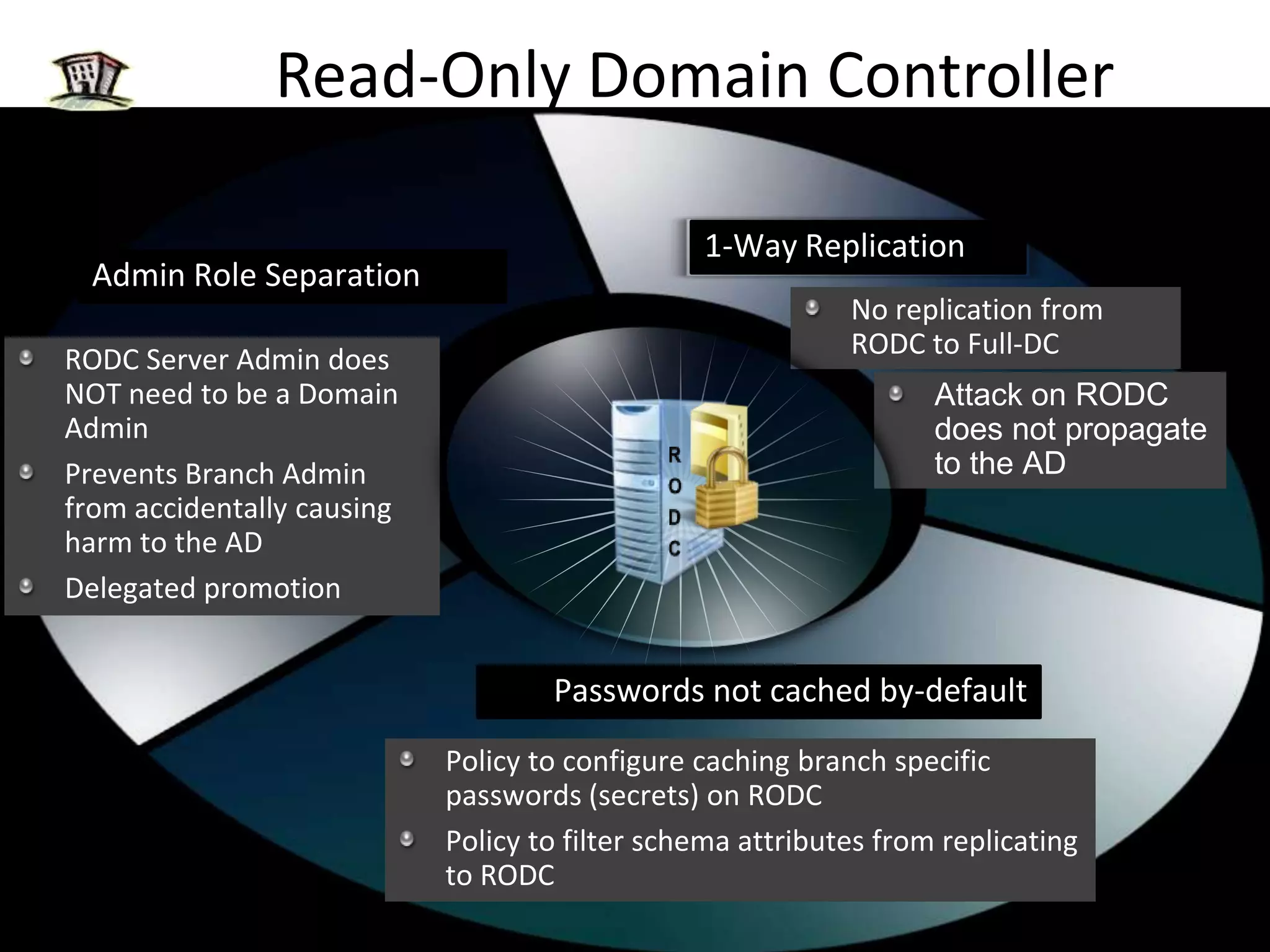
Read-Only Domain Controller1-Way ReplicationAdmin Role SeparationNo replication from RODC to Full-DCRODC Server Admin does NOT need to be a Domain AdminPrevents Branch Admin from accidentally causing harm to the ADDelegated promotionAttack on RODC does not propagate to the ADRODCPasswords not cached by-defaultPolicy to configure caching branch specific passwords (secrets) on RODCPolicy to filter schema attributes from replicating to RODC
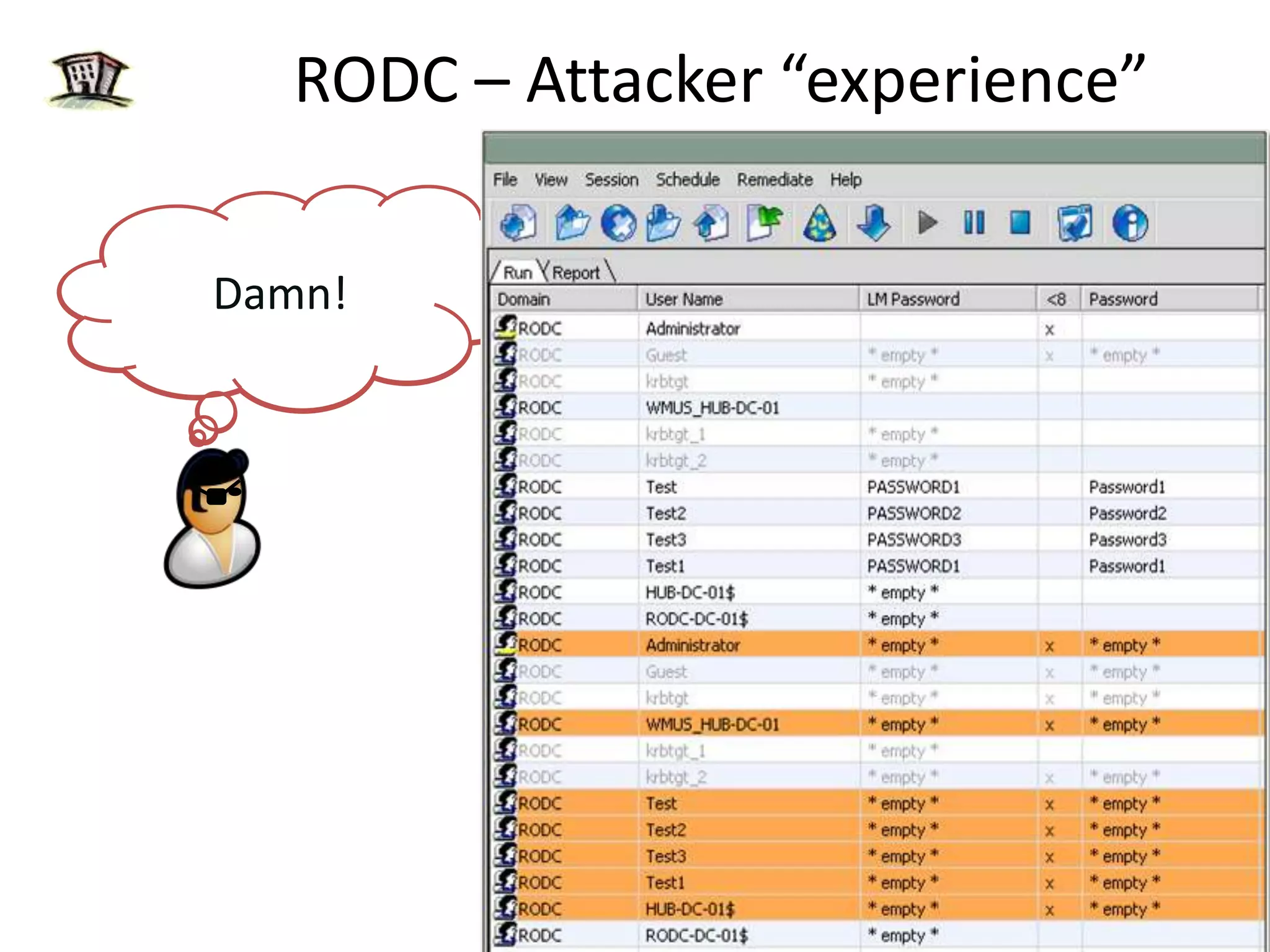
RODC – Attacker “experience”I have a Read-Only database. Also, no other DC in the enterprise replicates data from me.Damn!Let’s steal this RODCBy default I do not have any secrets cached.I do not hold any custom app specific attributes either.Let’s tamper data on this RODC and use its identityLet’s intercept Domain Admin credentials sent to this RODCWith Admin role separation, the Domain Admin doesn’t need to log-in to me.RODCAttackerRODC
RODC Mitigates “Stolen DC”Hub Admin Perspective
Read-Only Domain ControllerPassword Replication Policy
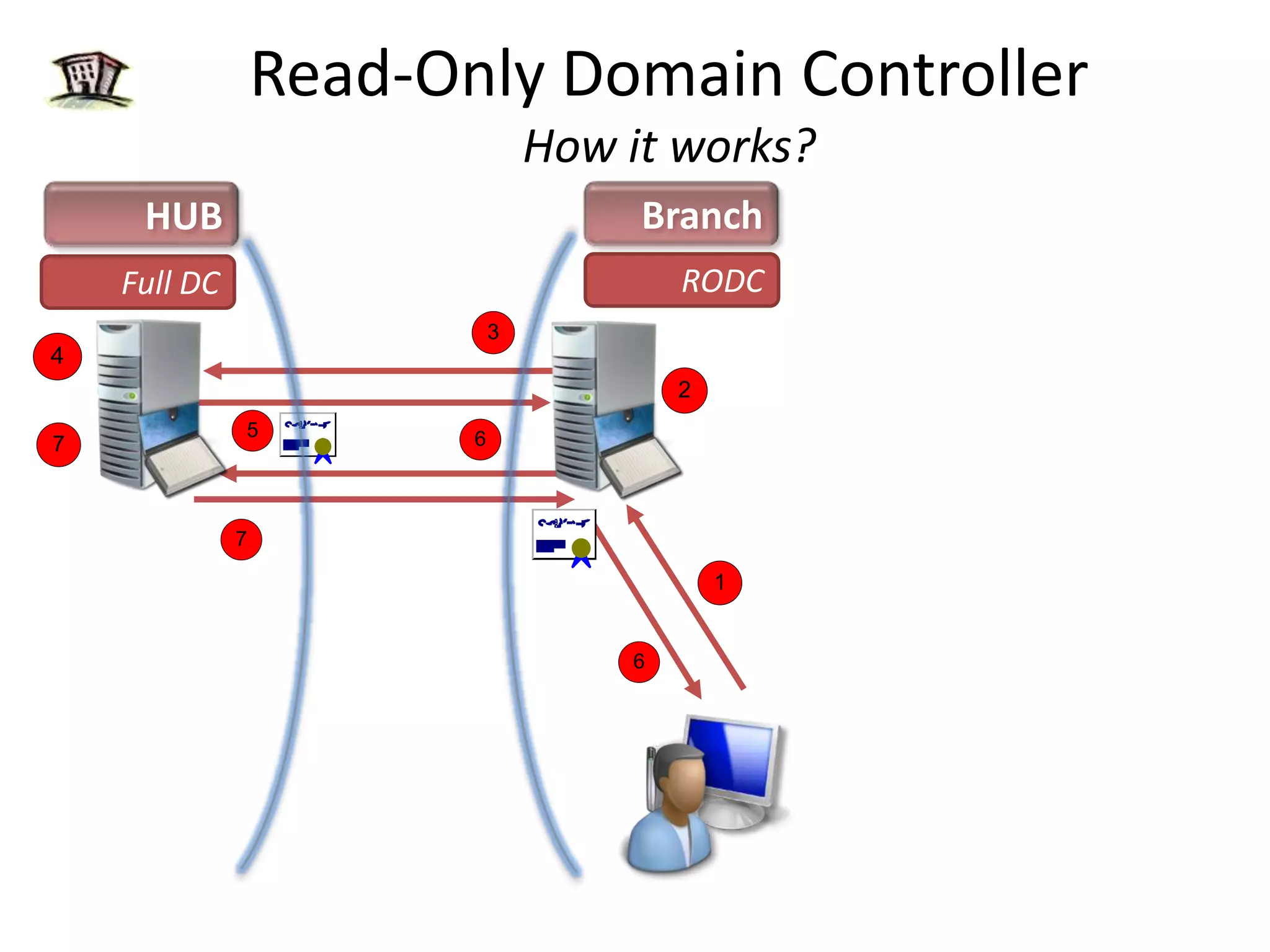
Read-Only Domain ControllerHow it works?BranchHUBLogon request sent to RODC RODCRODC: Looks in DB "I don't have the users secrets"Full DCForwards Request to Full DCFull DC authenticates userReturns authentication response and TGT back to the RODCRODC gives TGT to User and Queues a replication request for the secretsHub DC checks Password Replication Policy to see if Password can be replicated
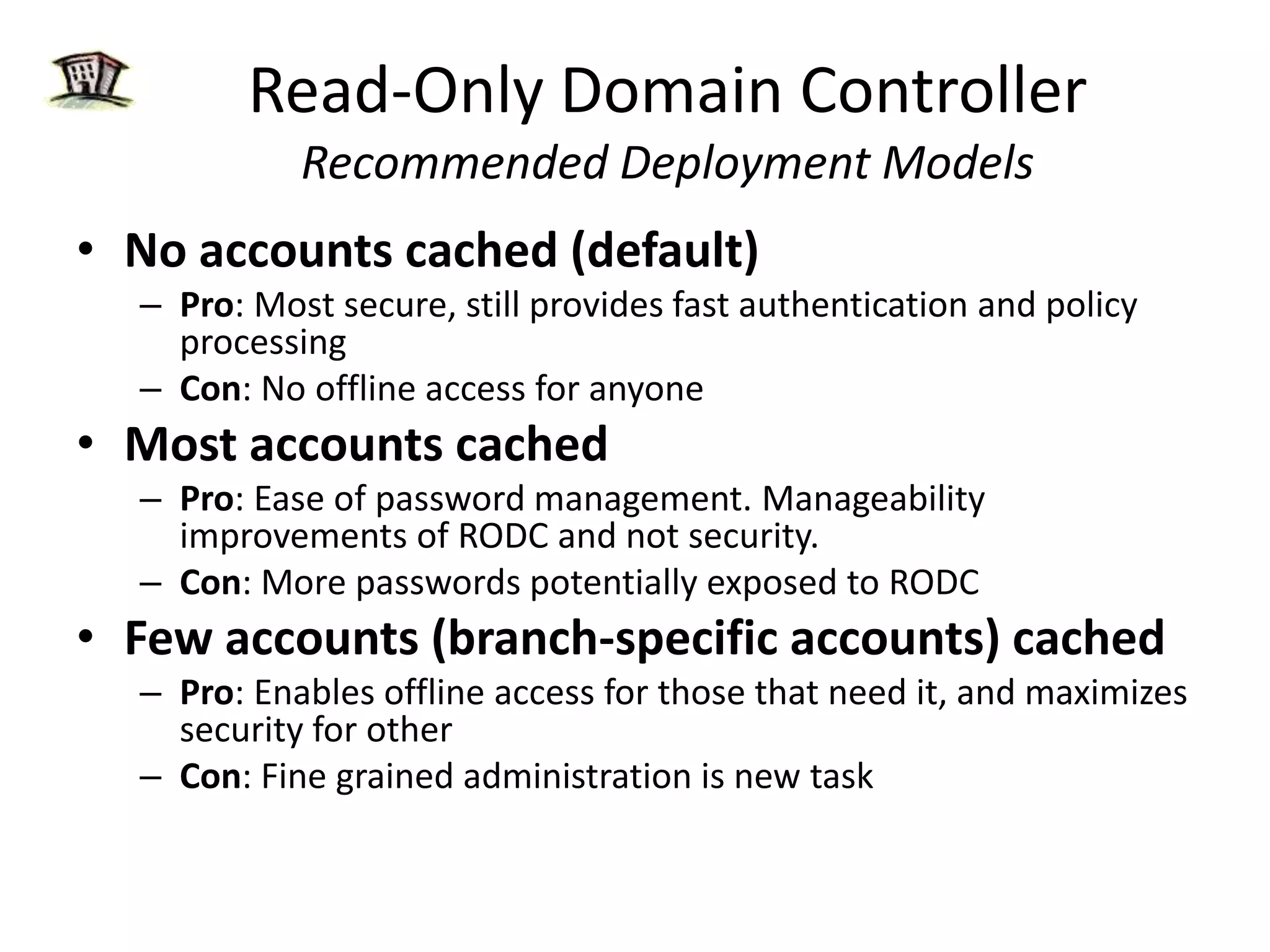
Read-Only Domain ControllerRecommended Deployment ModelsNo accounts cached (default)Pro: Most secure, still provides fast authentication and policy processingCon: No offline access for anyoneMost accounts cachedPro: Ease of password management. Manageability improvements of RODC and not security. Con: More passwords potentially exposed to RODCFew accounts (branch-specific accounts) cached Pro: Enables offline access for those that need it, and maximizes security for otherCon: Fine grained administration is new task
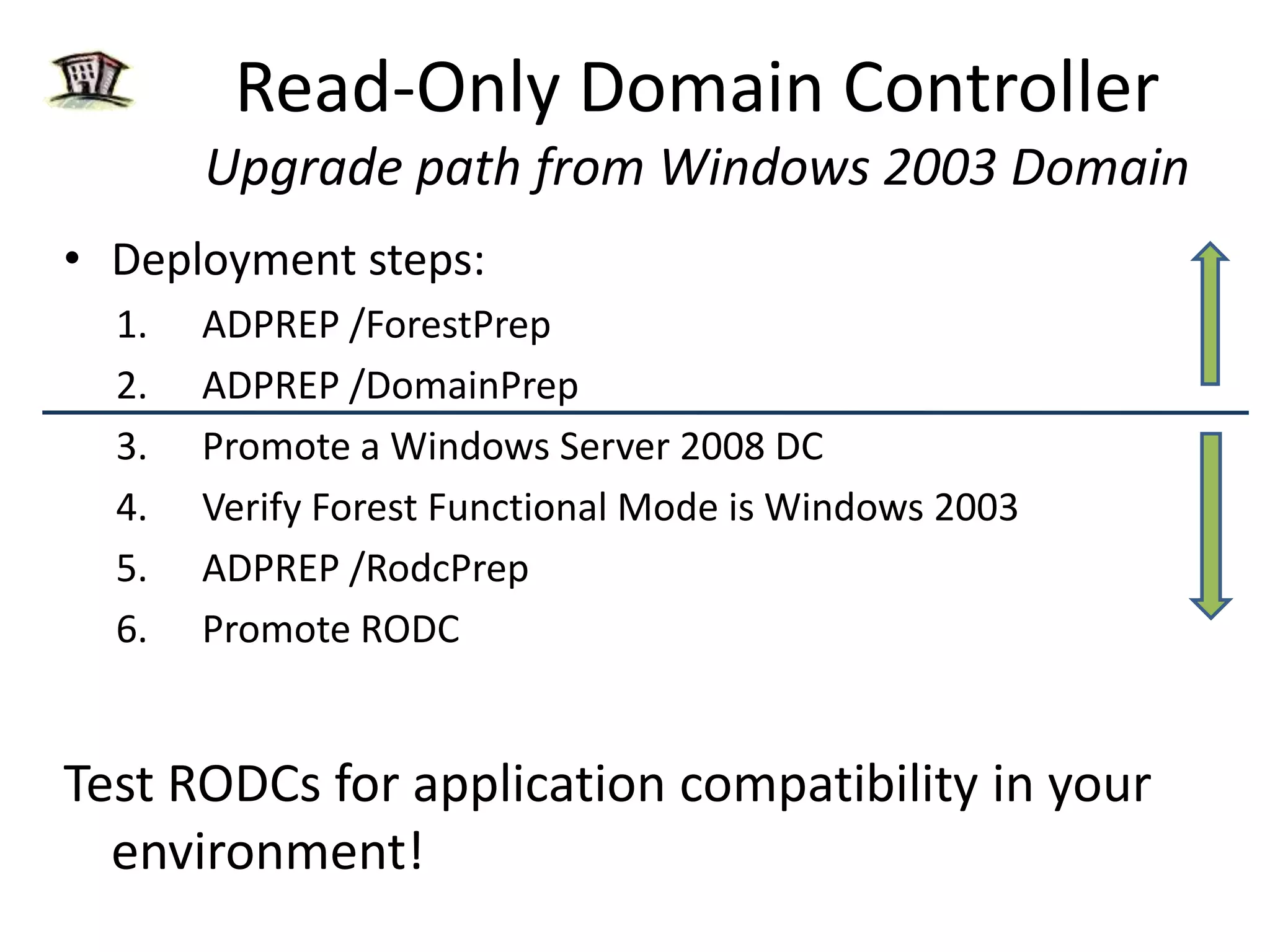
Read-Only Domain ControllerUpgrade path from Windows 2003 DomainDeployment steps:ADPREP /ForestPrepADPREP /DomainPrepPromote a Windows Server 2008 DCVerify Forest Functional Mode is Windows 2003ADPREP /RodcPrepPromote RODCTest RODCs for application compatibility in your environment!Not RODC specificRODC Specific task
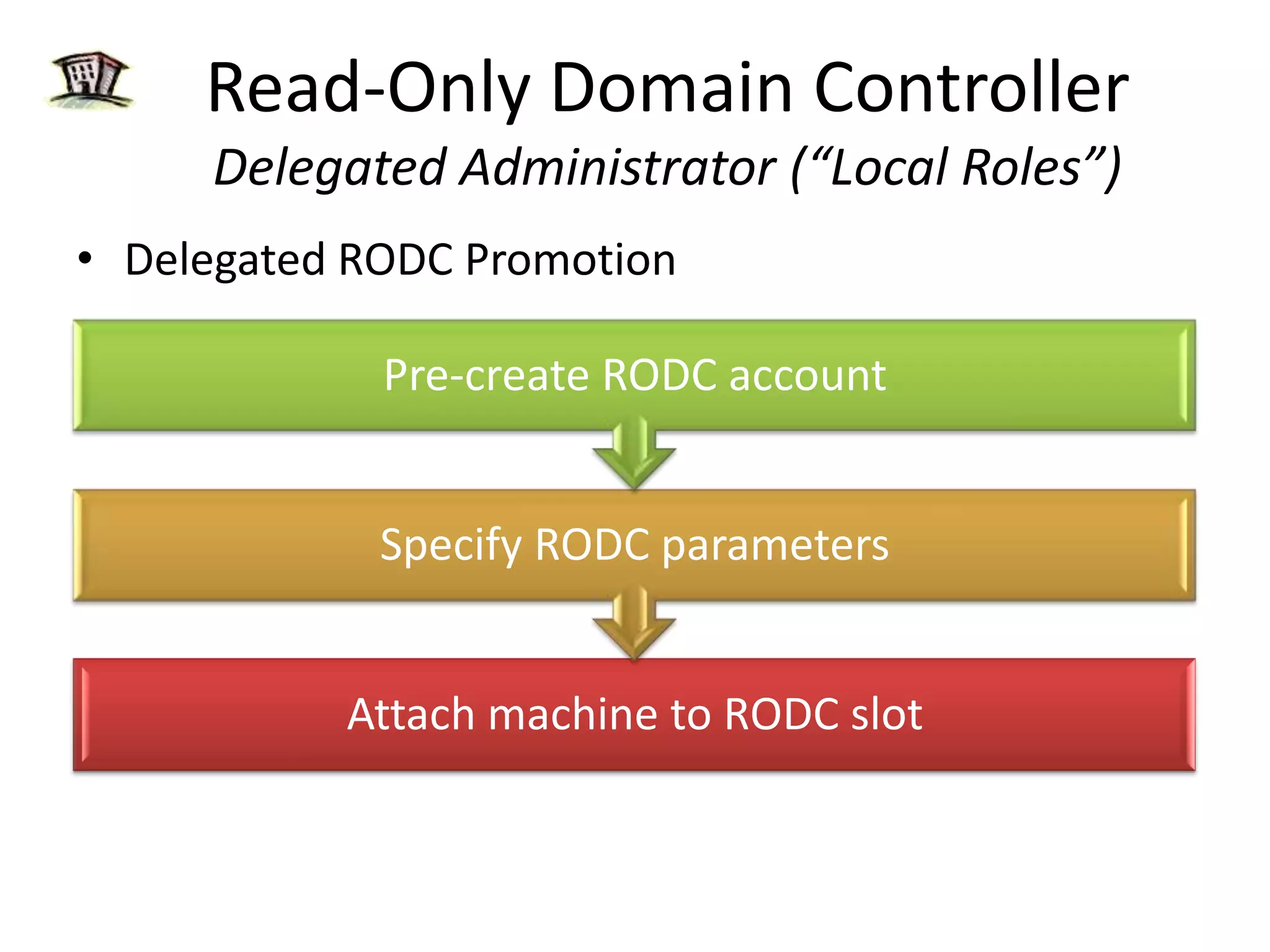
Read-Only Domain ControllerDelegated Administrator (“Local Roles”)Delegated RODC Promotion
Read-Only Domain ControllerAdmin role separation
Branch Office & Replication OptimizationDFS-R replication provides more robust and detailed replication of SYSVOL contentsRequires Windows Server 2008 Domain Mode
Key Investments areasBranch OfficeManageabilitySecurity
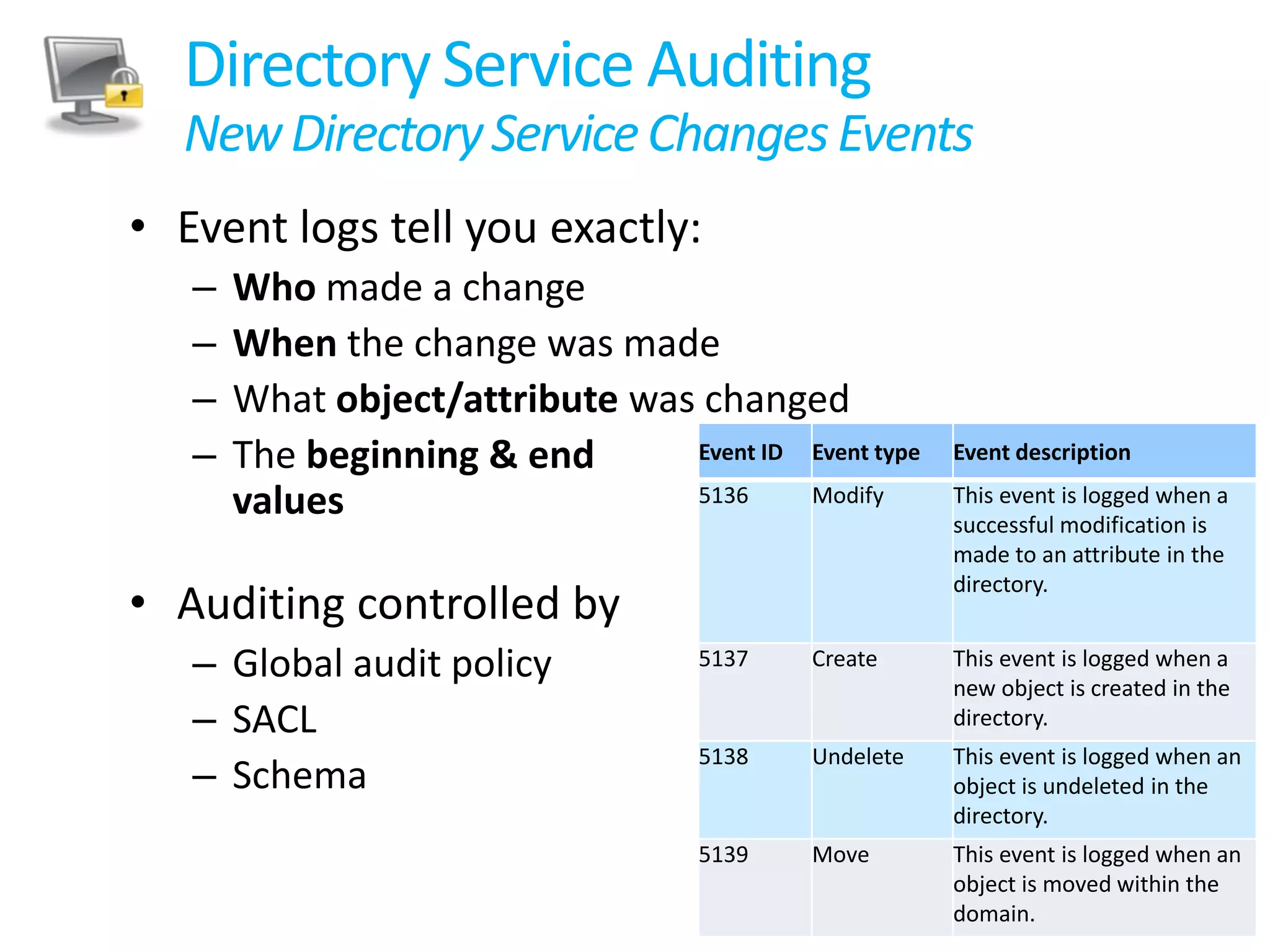
Directory Service AuditingNew Directory Service Changes EventsEvent logs tell you exactly:Who made a changeWhen the change was madeWhat object/attribute was changedThe beginning & endvaluesAuditing controlled byGlobal audit policySACLSchema
Directory Service Auditingin Windows Server 2008
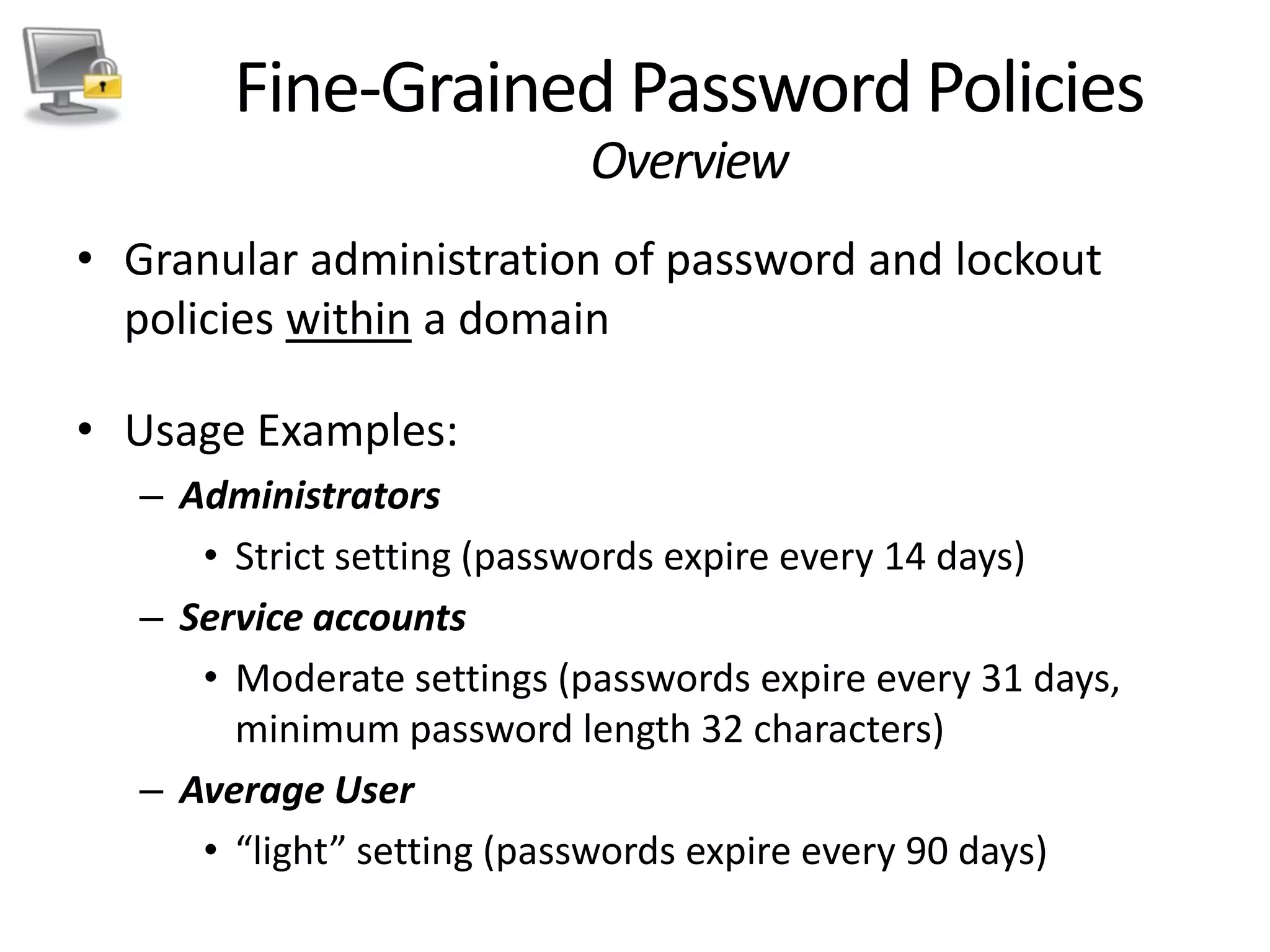
Fine-Grained Password PoliciesOverviewGranular administration of password and lockout policies within a domainUsage Examples:AdministratorsStrict setting (passwords expire every 14 days)Service accountsModerate settings (passwords expire every 31 days, minimum password length 32 characters)Average User“light” setting (passwords expire every 90 days)
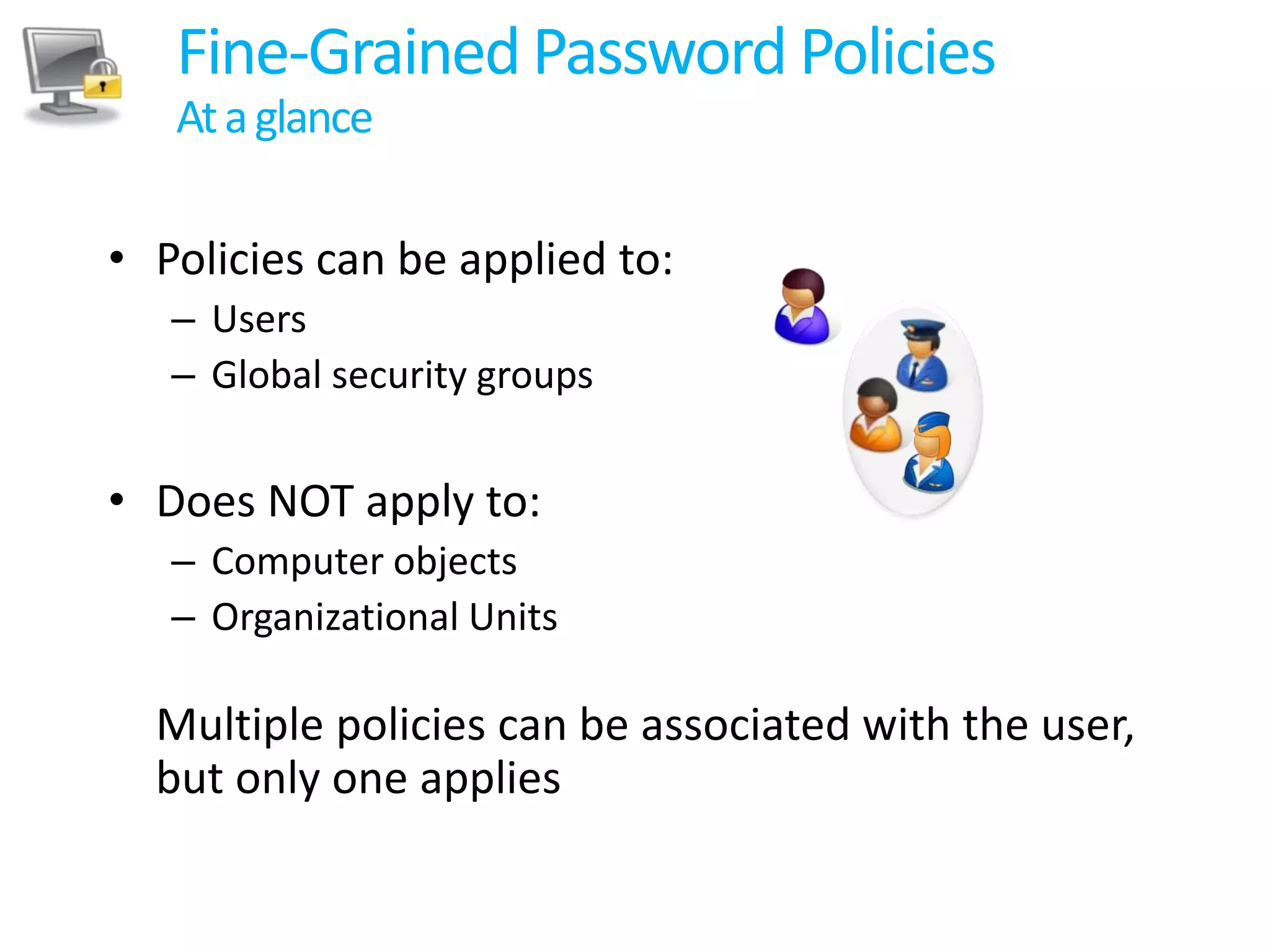
Fine-Grained Password PoliciesAt a glancePolicies can be applied to:UsersGlobal security groupsDoes NOT apply to: Computer objectsOrganizational UnitsMultiple policies can be associated with the user, but only one applies
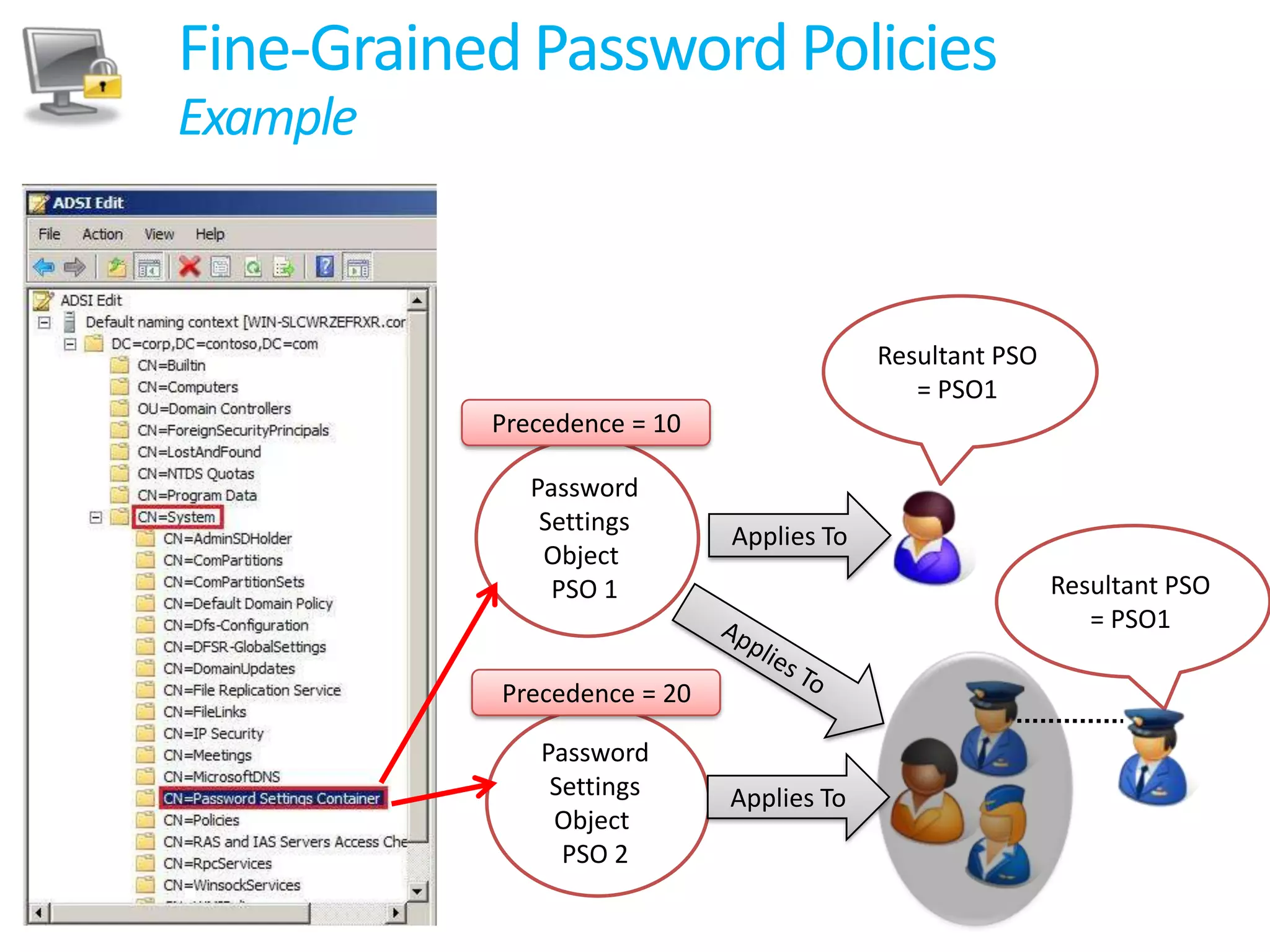
Fine-Grained Password PoliciesExampleResultant PSO = PSO1Precedence = 10Password Settings Object PSO 1Applies ToResultant PSO = PSO1Applies ToPrecedence = 20Password Settings Object PSO 2Applies To
Key Investments areasBranch OfficeManageabilitySecurity
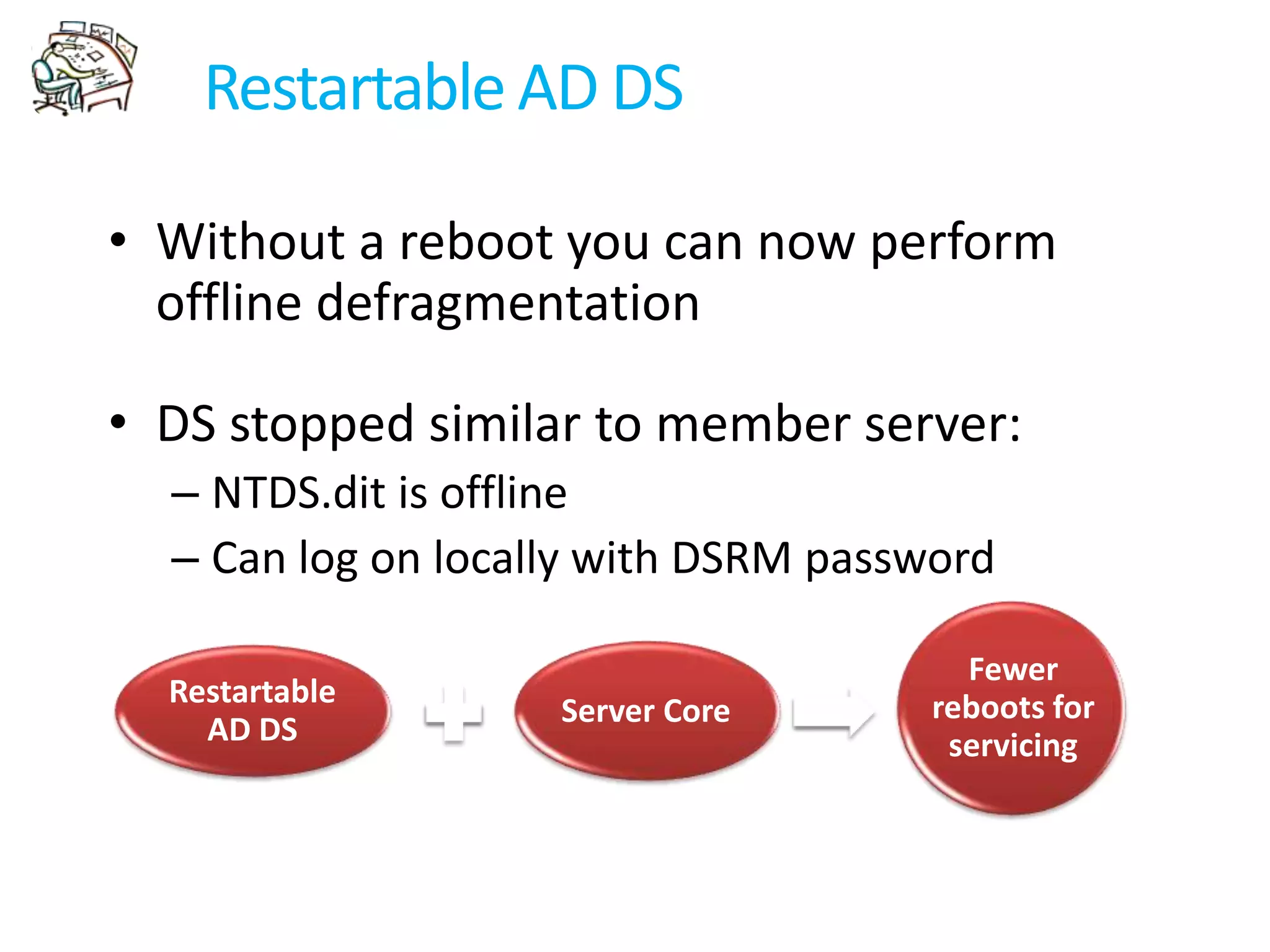
Restartable AD DSWithout a reboot you can now perform offline defragmentationDS stopped similar to member server:NTDS.dit is offlineCan log on locally with DSRM passwordServer CoreFewer reboots for servicingRestartable AD DS

Windows 2008 Active Directory Branch office Management_MVP Sampath Perera

  • 1.
    Windows 2008 ActiveDirectory Branch office ManagementSampath Pererasampath@nanotechglobal.net, sampath_mails@hotmail.comwww.khgeeks.org
  • 2.
    Session Objectives &TakeawaysSession Objectives: Identify the key new AD DS features in WS08Explain the value of deploying these featuresDemonstrate these features in real life scenarios Key Takeaways:Understand when and how to deploy the key new AD DS features
  • 3.
    Key Investments areasBranchOfficeManageabilitySecurity
  • 4.
    Key Investments areasBranchOfficeManageabilitySecurity
  • 5.
    Windows 2008 BranchOffice BenefitsSecurityBitLockerServer CoreRead-Only Domain ControllerAdmin Role SeparationOptimizationSysVolRéplicationDFS RéplicationProtocolsAdministrationPrint Management ConsolePowerShell, WinRS, WinRMVirtualizationRestartable Active DirectoryHub SiteBranch Office
  • 6.
    Branch Office DilemmaHQData CenterHub NetworkBranch Office Small Number of Employees
  • 7.
  • 8.
  • 9.
    Admin Proficiency:GeneralistBranch Office DilemmaHQ Data CenterHub NetworkOption 2:Put full DC in branchEither give branch admin privilege or manage remotelyBranch DC being compromised jeopardizes security of corporate AD!!!Branch OfficeOption 1:Consolidate and remove DCs from branchBranch authentication & authorization fails when WAN goes down
  • 10.
    So how canwe deploy a Domain Controller in this environment?!
  • 11.
    Read-Only Domain Controller1-WayReplicationAdmin Role SeparationNo replication from RODC to Full-DCRODC Server Admin does NOT need to be a Domain AdminPrevents Branch Admin from accidentally causing harm to the ADDelegated promotionAttack on RODC does not propagate to the ADRODCPasswords not cached by-defaultPolicy to configure caching branch specific passwords (secrets) on RODCPolicy to filter schema attributes from replicating to RODC
  • 12.
    RODC – Attacker“experience”I have a Read-Only database. Also, no other DC in the enterprise replicates data from me.Damn!Let’s steal this RODCBy default I do not have any secrets cached.I do not hold any custom app specific attributes either.Let’s tamper data on this RODC and use its identityLet’s intercept Domain Admin credentials sent to this RODCWith Admin role separation, the Domain Admin doesn’t need to log-in to me.RODCAttackerRODC
  • 13.
    RODC Mitigates “StolenDC”Hub Admin Perspective
  • 14.
  • 15.
    Read-Only Domain ControllerHowit works?BranchHUBLogon request sent to RODC RODCRODC: Looks in DB "I don't have the users secrets"Full DCForwards Request to Full DCFull DC authenticates userReturns authentication response and TGT back to the RODCRODC gives TGT to User and Queues a replication request for the secretsHub DC checks Password Replication Policy to see if Password can be replicated
  • 16.
    Read-Only Domain ControllerRecommendedDeployment ModelsNo accounts cached (default)Pro: Most secure, still provides fast authentication and policy processingCon: No offline access for anyoneMost accounts cachedPro: Ease of password management. Manageability improvements of RODC and not security. Con: More passwords potentially exposed to RODCFew accounts (branch-specific accounts) cached Pro: Enables offline access for those that need it, and maximizes security for otherCon: Fine grained administration is new task
  • 17.
    Read-Only Domain ControllerUpgradepath from Windows 2003 DomainDeployment steps:ADPREP /ForestPrepADPREP /DomainPrepPromote a Windows Server 2008 DCVerify Forest Functional Mode is Windows 2003ADPREP /RodcPrepPromote RODCTest RODCs for application compatibility in your environment!Not RODC specificRODC Specific task
  • 18.
    Read-Only Domain ControllerDelegatedAdministrator (“Local Roles”)Delegated RODC Promotion
  • 19.
  • 21.
    Branch Office &Replication OptimizationDFS-R replication provides more robust and detailed replication of SYSVOL contentsRequires Windows Server 2008 Domain Mode
  • 22.
    Key Investments areasBranchOfficeManageabilitySecurity
  • 23.
    Directory Service AuditingNewDirectory Service Changes EventsEvent logs tell you exactly:Who made a changeWhen the change was madeWhat object/attribute was changedThe beginning & endvaluesAuditing controlled byGlobal audit policySACLSchema
  • 24.
    Directory Service AuditinginWindows Server 2008
  • 25.
    Fine-Grained Password PoliciesOverviewGranularadministration of password and lockout policies within a domainUsage Examples:AdministratorsStrict setting (passwords expire every 14 days)Service accountsModerate settings (passwords expire every 31 days, minimum password length 32 characters)Average User“light” setting (passwords expire every 90 days)
  • 26.
    Fine-Grained Password PoliciesAta glancePolicies can be applied to:UsersGlobal security groupsDoes NOT apply to: Computer objectsOrganizational UnitsMultiple policies can be associated with the user, but only one applies
  • 27.
    Fine-Grained Password PoliciesExampleResultantPSO = PSO1Precedence = 10Password Settings Object PSO 1Applies ToResultant PSO = PSO1Applies ToPrecedence = 20Password Settings Object PSO 2Applies To
  • 28.
    Key Investments areasBranchOfficeManageabilitySecurity
  • 29.
    Restartable AD DSWithouta reboot you can now perform offline defragmentationDS stopped similar to member server:NTDS.dit is offlineCan log on locally with DSRM passwordServer CoreFewer reboots for servicingRestartable AD DS
  • 30.
  • 31.
    ADUC: Prevent ObjectDeletionExisting Object/OUNew Organizational Unit
  • 32.
    Summary – Keyfeatures in Active Directory Directory Services 2008Read-Only Domain Controller (RODC)Fine Grained Password PoliciesEnhanced Auditing CapabilitiesRestartable AD DSAD DS Database Mounting ToolDFS-R Sysvol Replication
  • 34.

Editor's Notes

  • #22 Change auditing is not enabled by default. To do so:1) Turn on change auditing by auditpol /set /subcategory:"directory service changes" /success:enable2) Set up auditing in object SACLS through ADUC > Security (Advanced) > Auditing3) Filter out excessive events by modifying schema (by setting bit 9 in searchFlags to turn off auditing)
  • #23 Note: No changes were made to the settings themselves (E.g., no new “password complexity” options)