Light-up your Application with Windows 7Chalermvong vIjitpiyakul – Microsoft MVPDecember 8, 20091
Session  AgendaWindows 7 Desktop ExperienceTaskbar ButtonJump listsThumbnail ToolbarsTaskbar Overlay and ProgressLibrariesSummaryAdditional Resources2
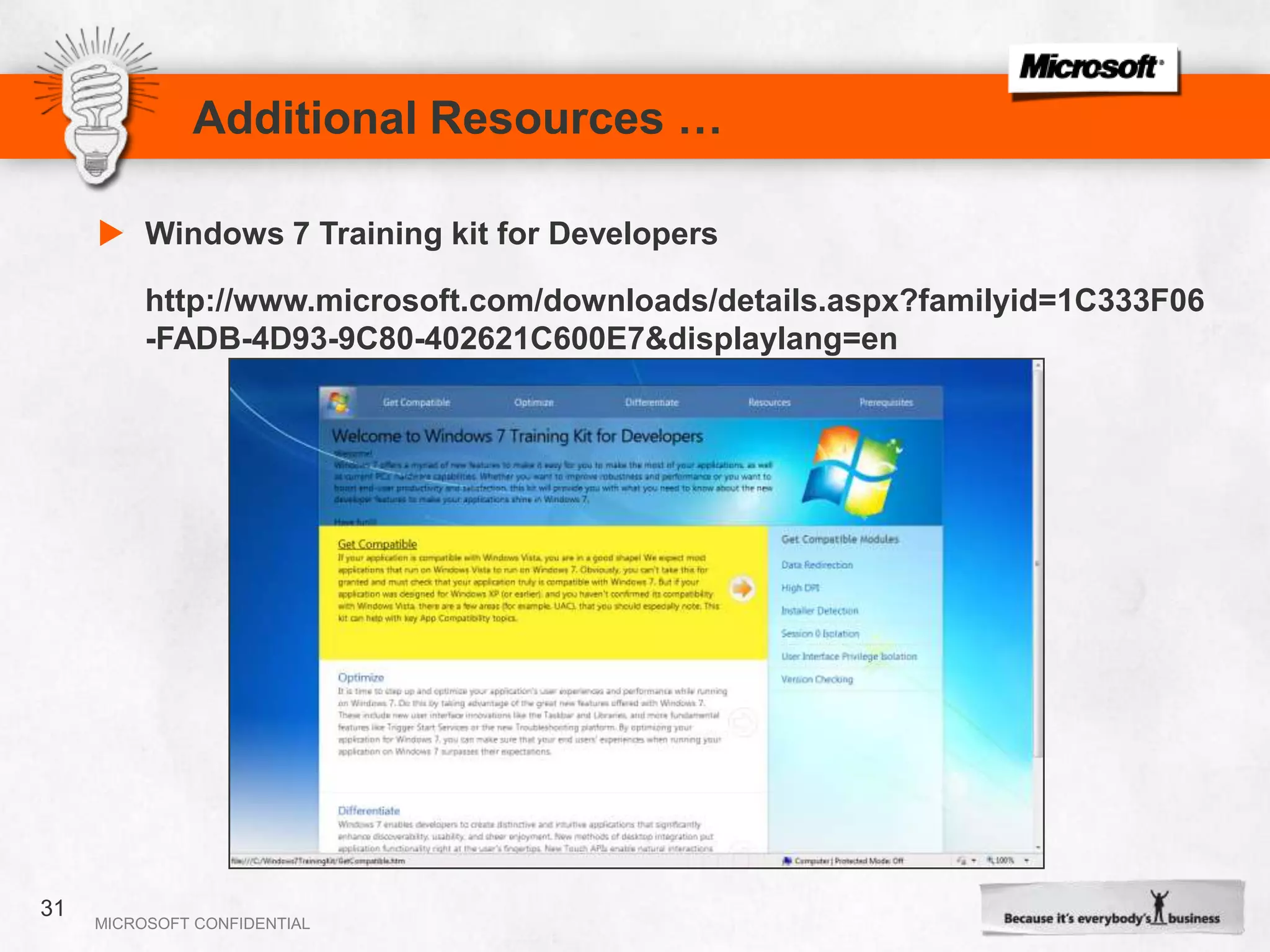
Tools for DeveloperWindows 7 Home Premium or aboveVisual Studio 2008 with SP1Windows API Code Pack as LibraryWindows 7 Training kit for Developers
    Windows 7 Desktop Experience4
Terminology and TopicsTaskbar buttonsJump lists, destinations and tasksThumbnail toolbarsTaskbar Overlay icons and progress iconsLibraries
    Taskbar Buttons
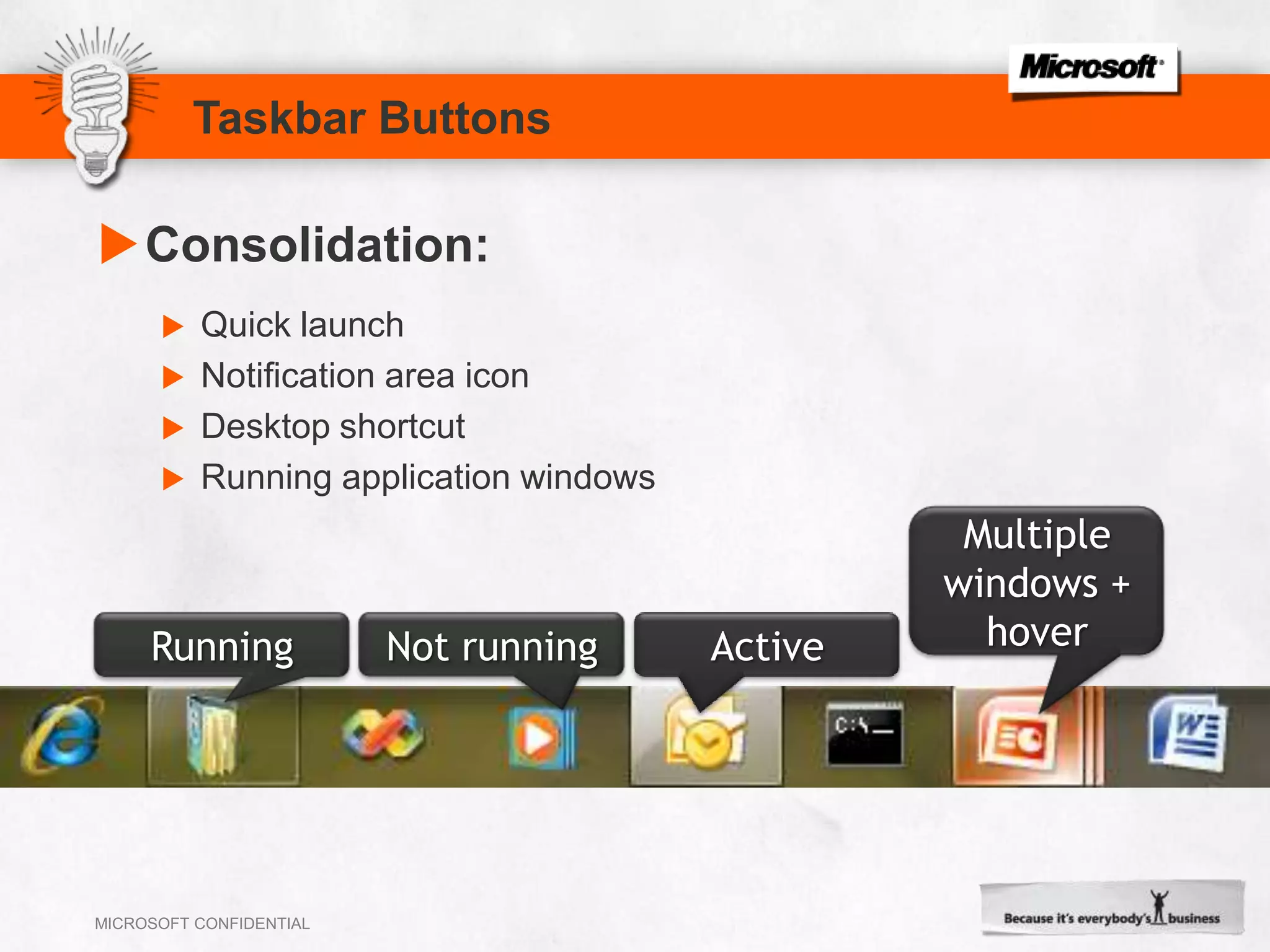
Taskbar ButtonsConsolidation:Quick launchNotification area iconDesktop shortcutRunning application windowsMultiple windows + hoverRunningNot runningActive
Taskbar ButtonsOnly users can pin applications to the taskbarThe icon’s hot-track color is the icon’s dominant colorTest icons with high DPITest with various themes and glass colorsDesign considerations
Jump lists
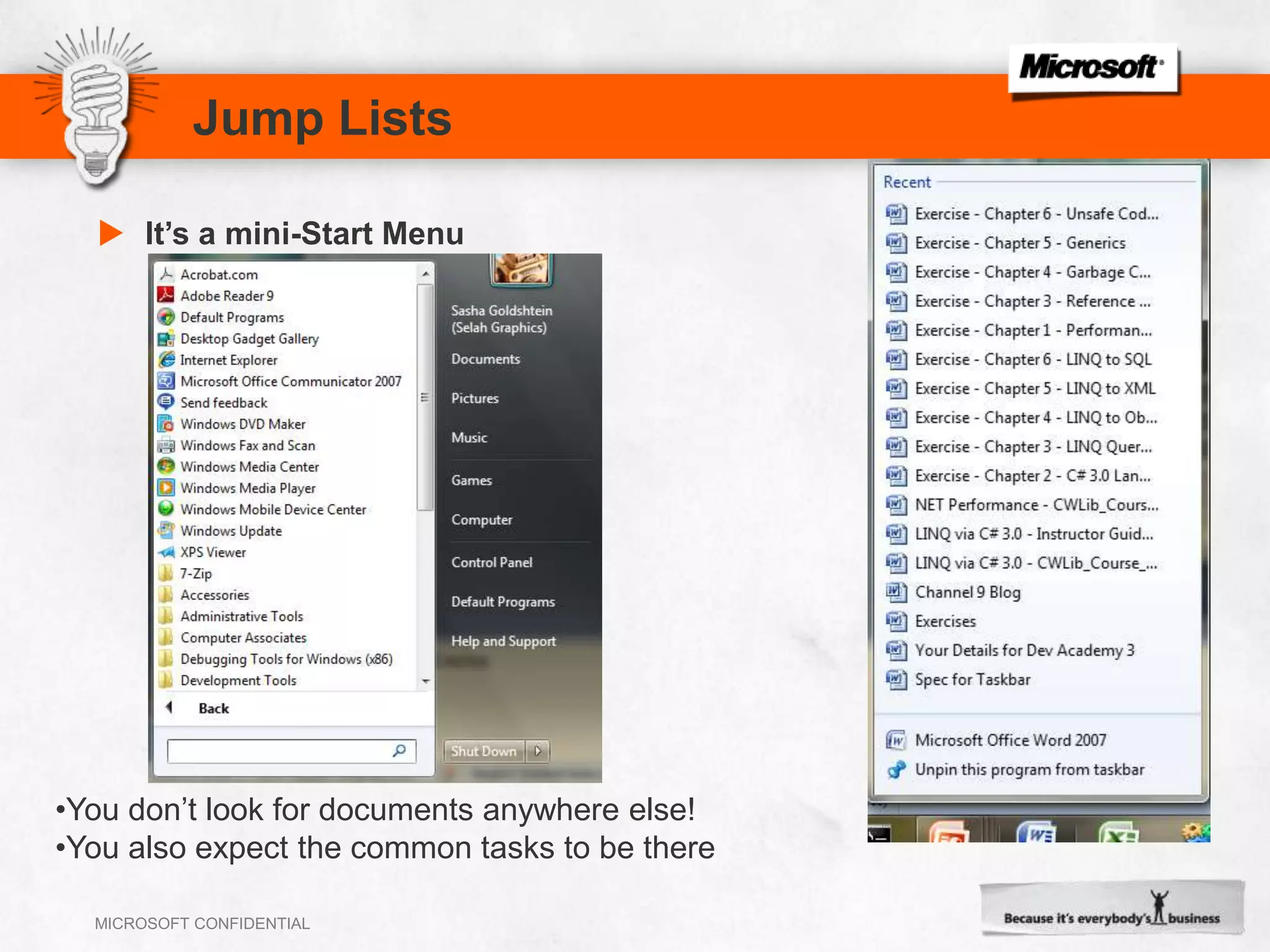
Jump ListsIt’s a mini-Start MenuYou don’t look for documents anywhere else!
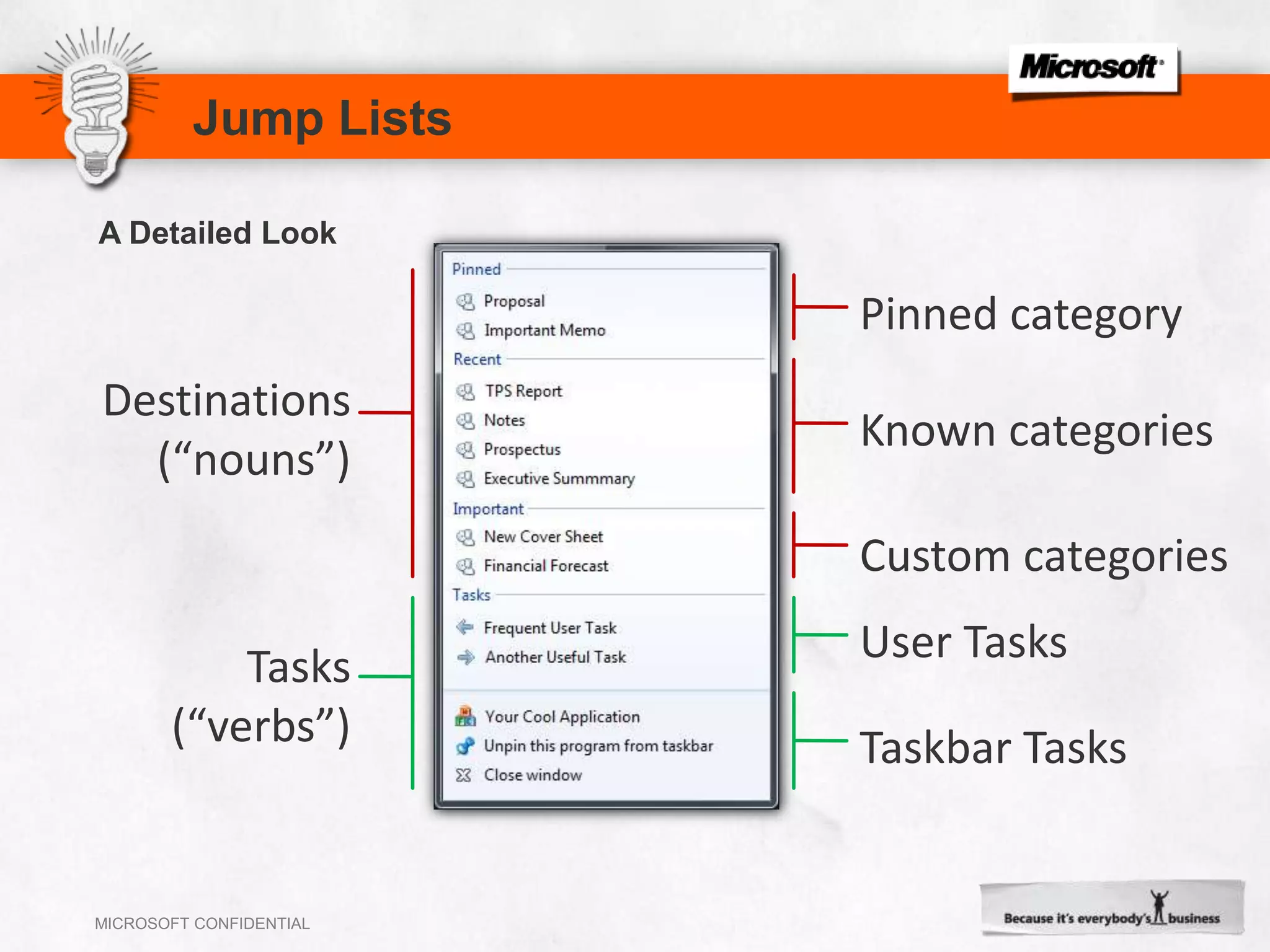
You also expect the common tasks to be thereJump ListsA Detailed LookPinned categoryDestinations(“nouns”)Known categoriesCustom categoriesUser TasksTasks(“verbs”)Taskbar Tasks
Jump ListsSurface key destinations and tasksRecent and frequent are freePinned is also free (if users use it)Respect items the user removes!Design Considerations
Thumbnail Toolbars
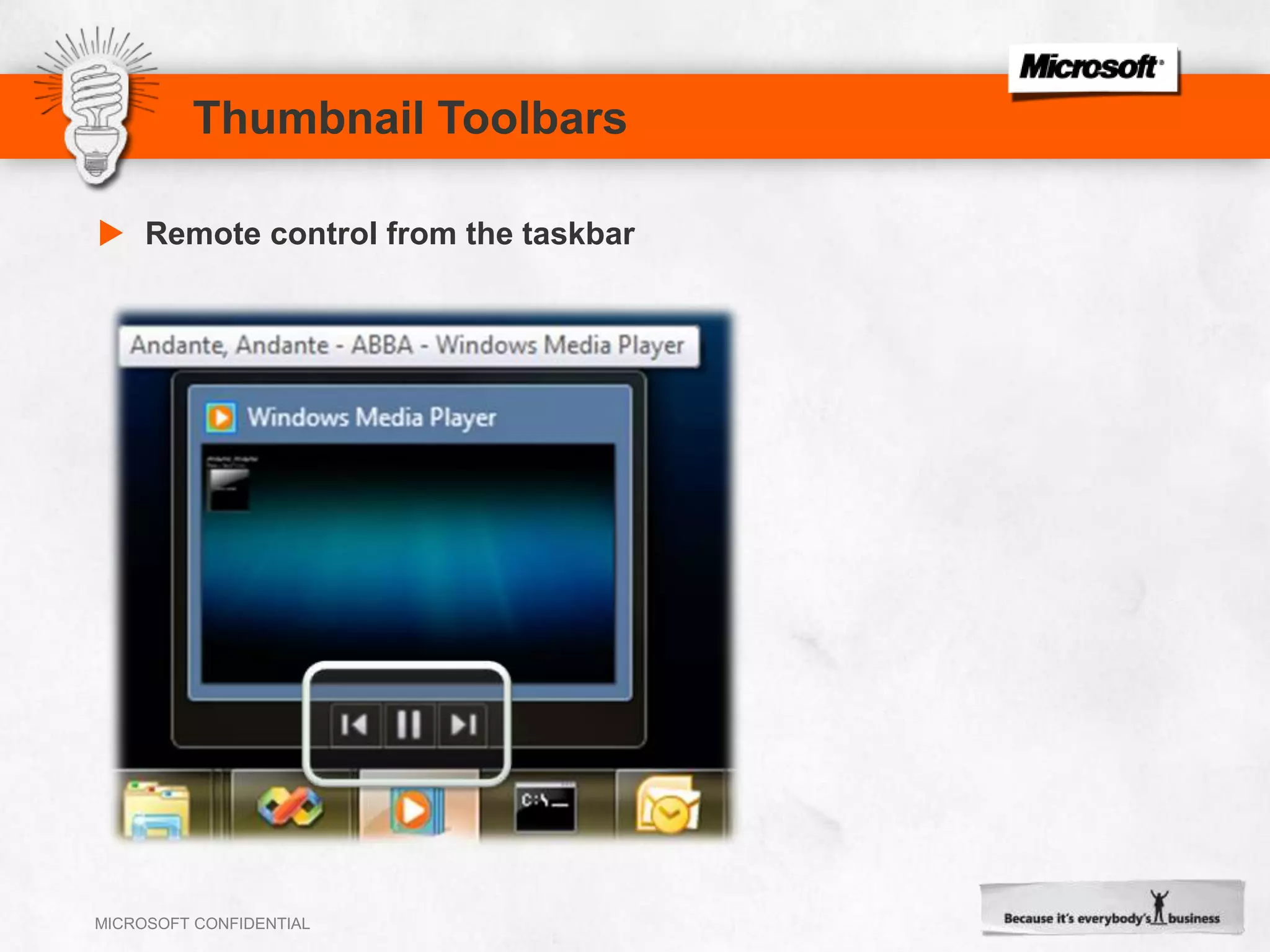
Thumbnail ToolbarsRemote control from the taskbar
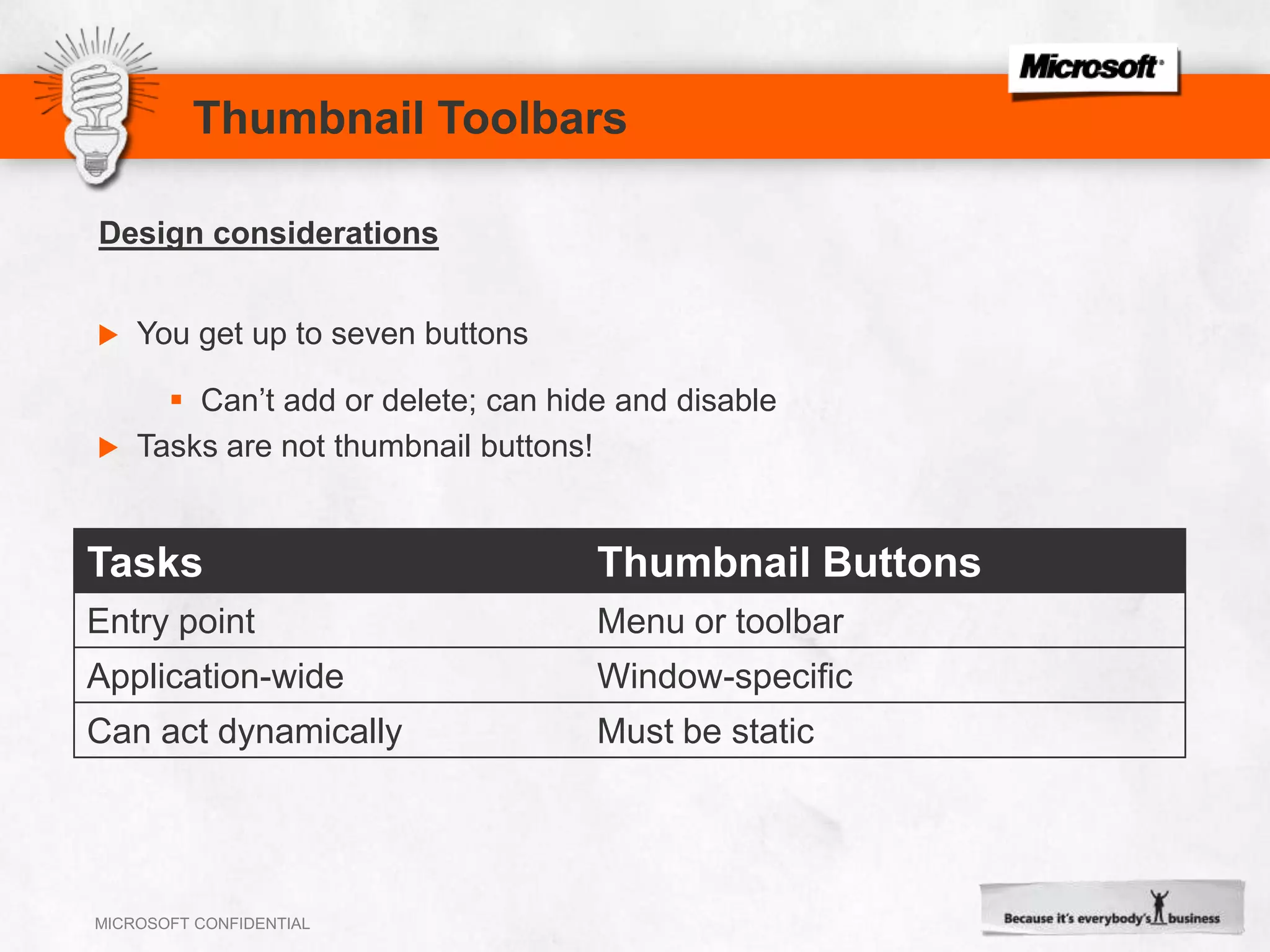
Thumbnail ToolbarsYou get up to seven buttonsCan’t add or delete; can hide and disableTasks are not thumbnail buttons!Design considerations
    Taskbar Overlay and Progress
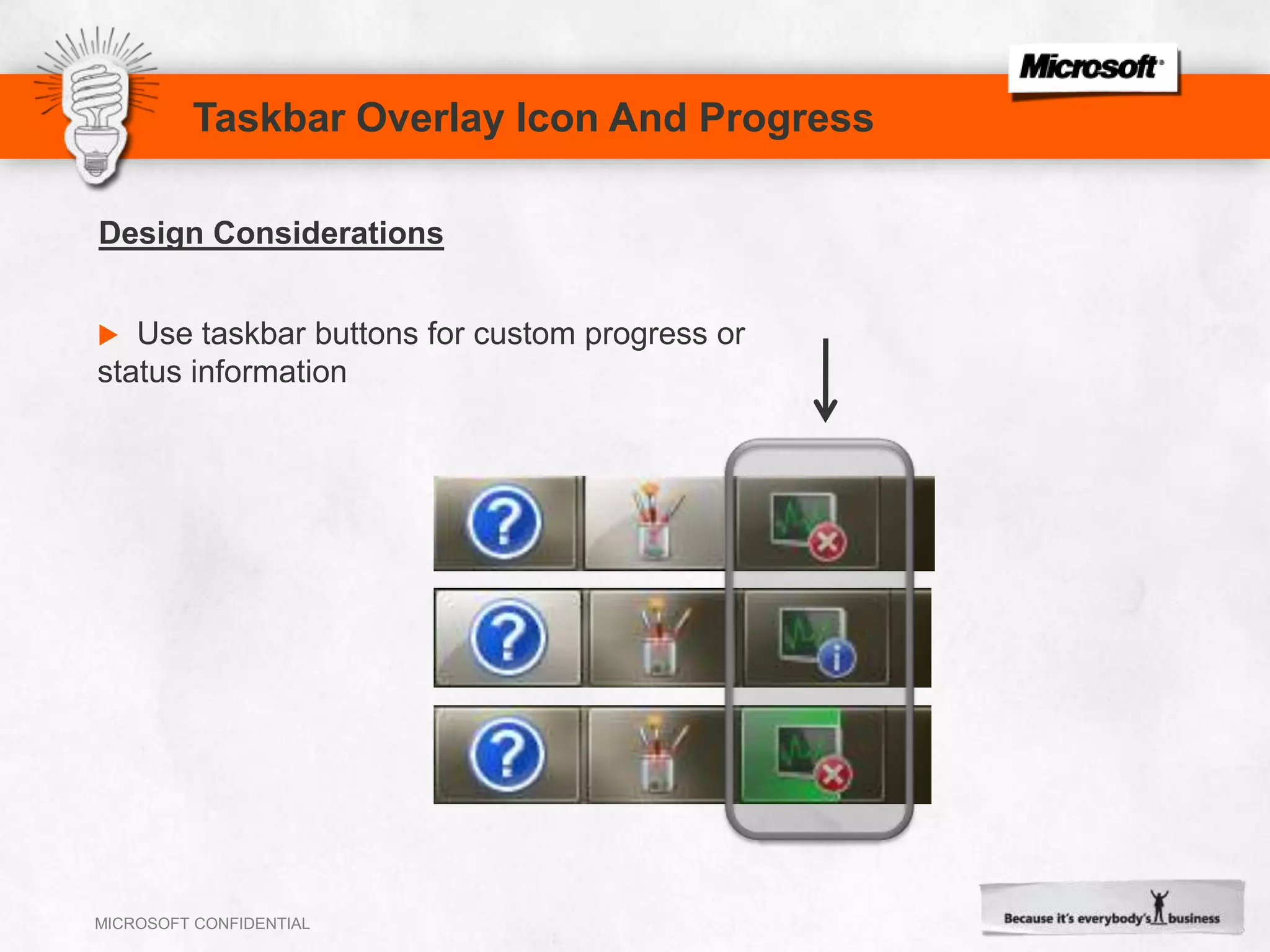
Taskbar Overlay Icon And ProgressUse taskbar buttons for custom progress or status informationDesign Considerations
Live ThumbnailsLive thumbnails: A livepreviewWindows Vista: One thumbnail per windowWindows 7: Grouped thumbnails
Peek Preview (Aero Peek)Live peek without a click
Libraries
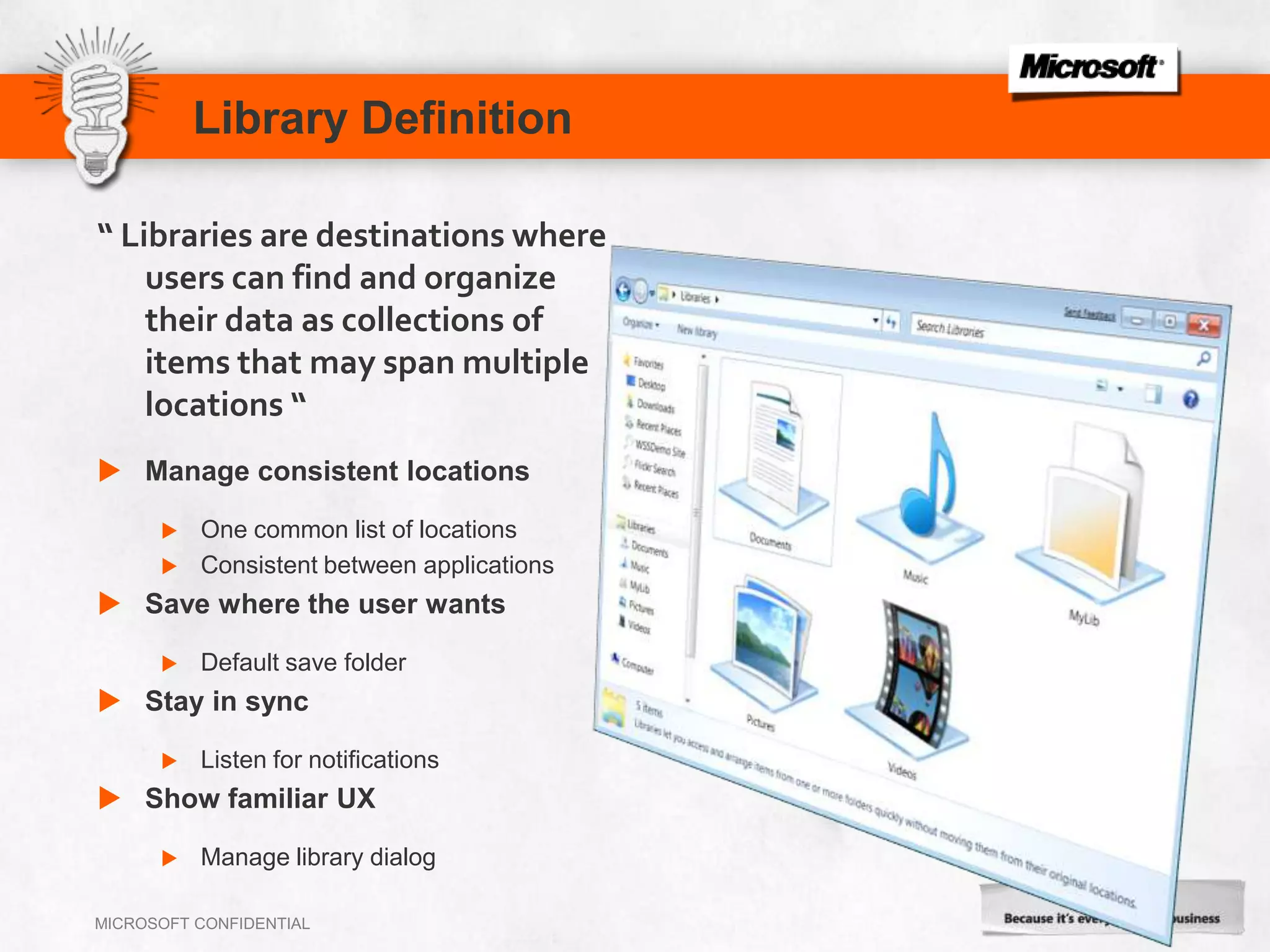
Library Definition“ Libraries are destinations where users can find and organize their data as collections of items that may span multiple locations “Manage consistent locationsOne common list of locationsConsistent between applicationsSave where the user wantsDefault save folderStay in syncListen for notificationsShow familiar UXManage library dialog
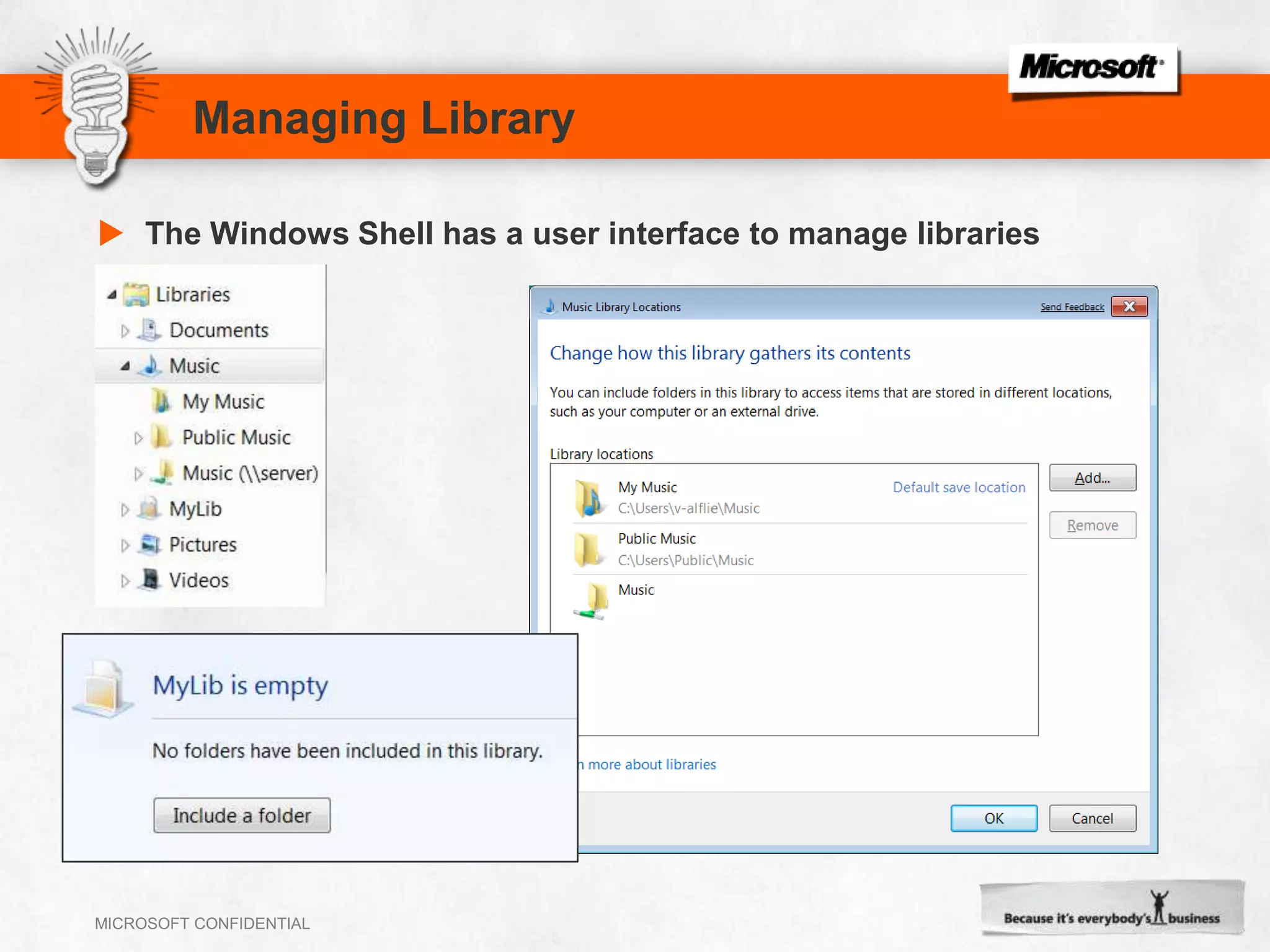
Managing LibraryThe Windows Shell has a user interface to manage libraries
Library APIsEvery operation that is exposed by the Shell UI (Windows Explorer) can be performed programmaticallyThe Shell exposes several COM objects and helper functions to work with libraries:Create new libraryAdd or remove folder from a libraryGet a folder list from a libraryGet and set library optionsGet and set the library icon
Summary24
SummaryThe new Windows 7 desktop brings your applications to life.Applications are now more discoverable, informative, and interactive. Modern and intuitive user interfaces are easier to develop with Windows 7.Prepare yourself and your applications ready for Windows 7 with following Windows 7 FeaturesTaskbar Button, Jump lists, Taskbar Overlay, Thumbnail Toolbars and Libraries.Start  >  Learn  >  Practice  >  Develop.25
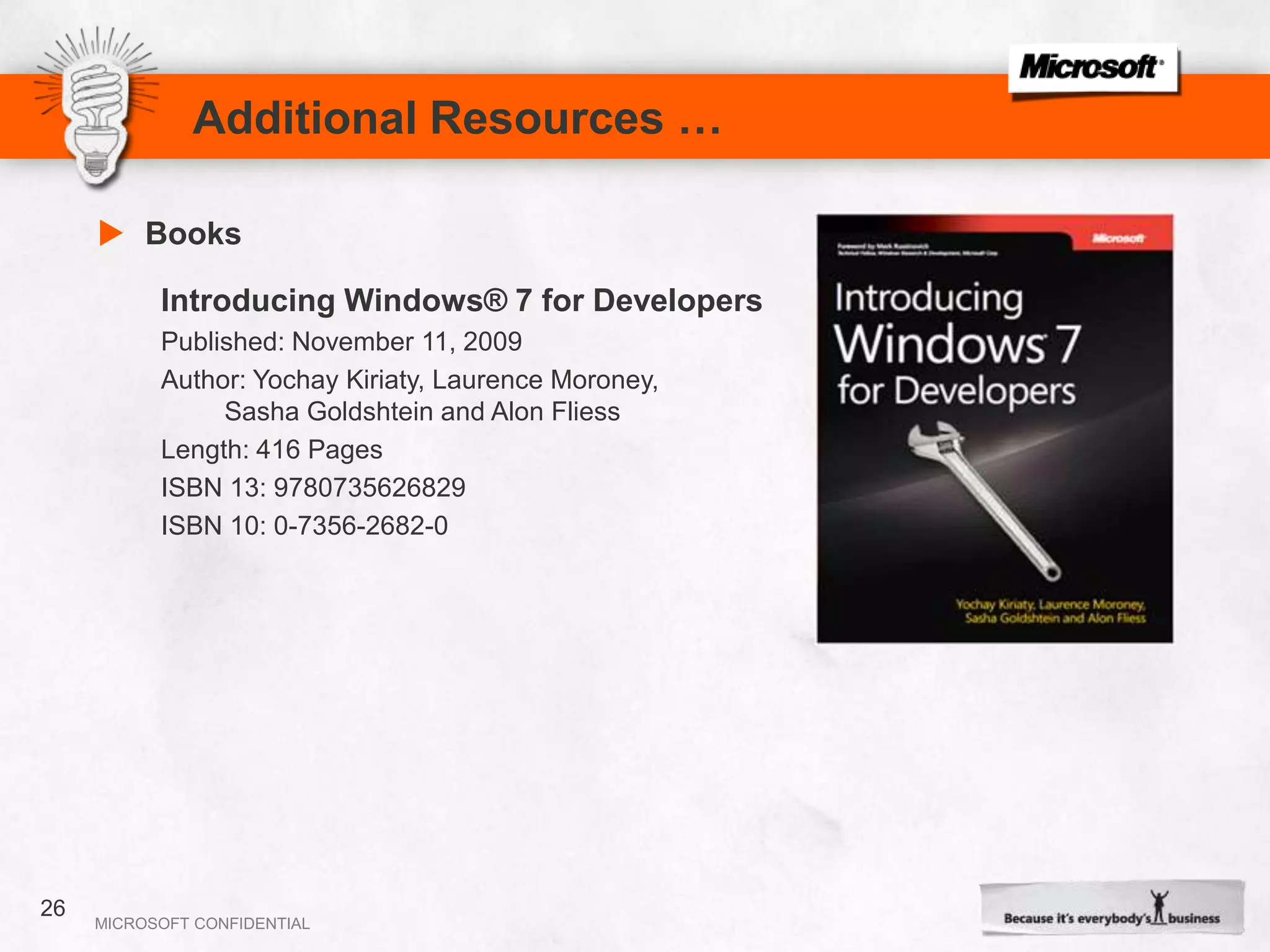
Additional Resources …BooksIntroducing Windows® 7 for DevelopersPublished: November 11, 2009Author: YochayKiriaty, Laurence Moroney, 	Sasha Goldshtein and AlonFliessLength: 416 PagesISBN 13: 9780735626829   ISBN 10: 0-7356-2682-0 26
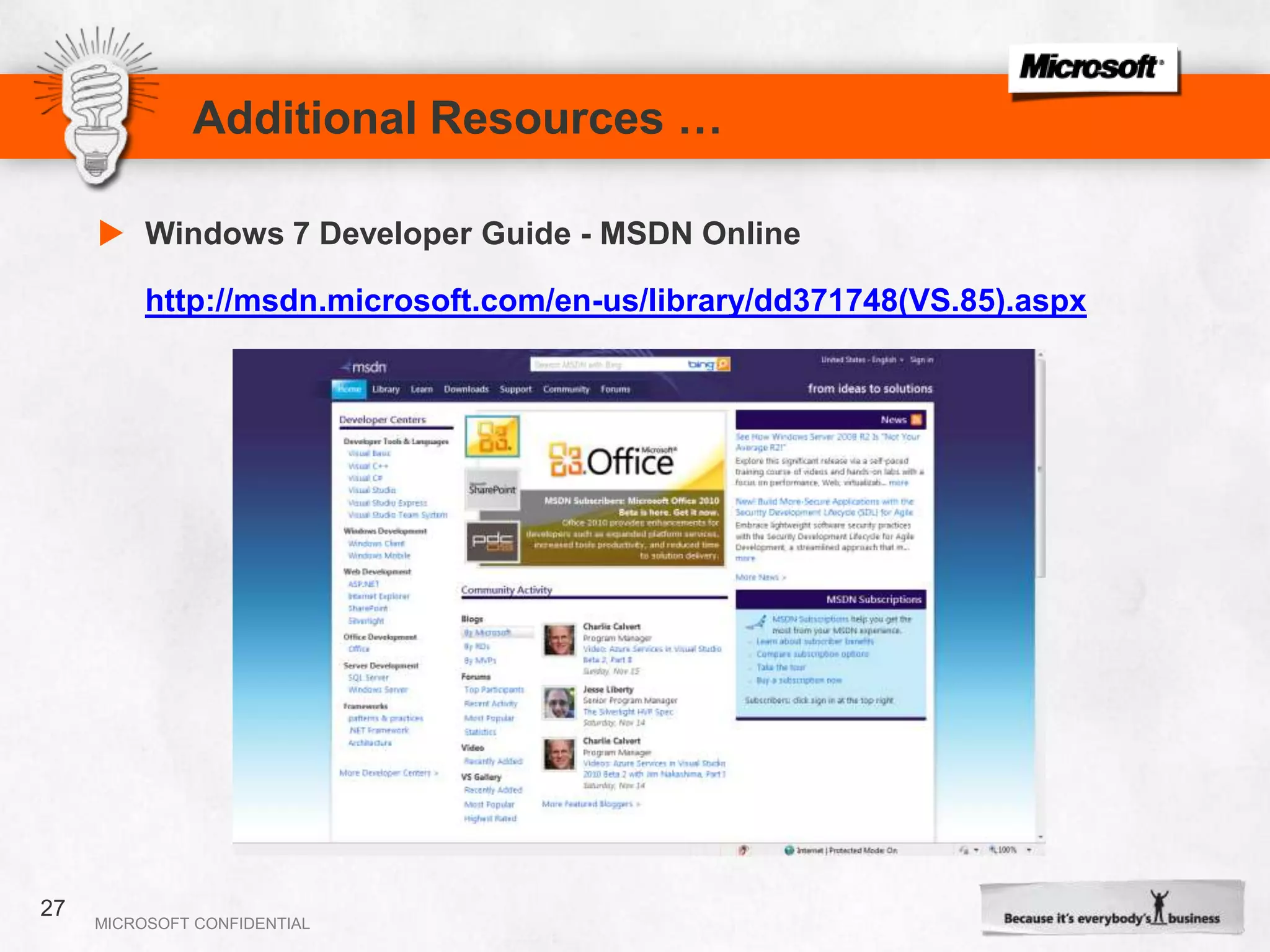
Additional Resources …Windows 7 Developer Guide - MSDN Onlinehttp://msdn.microsoft.com/en-us/library/dd371748(VS.85).aspx27
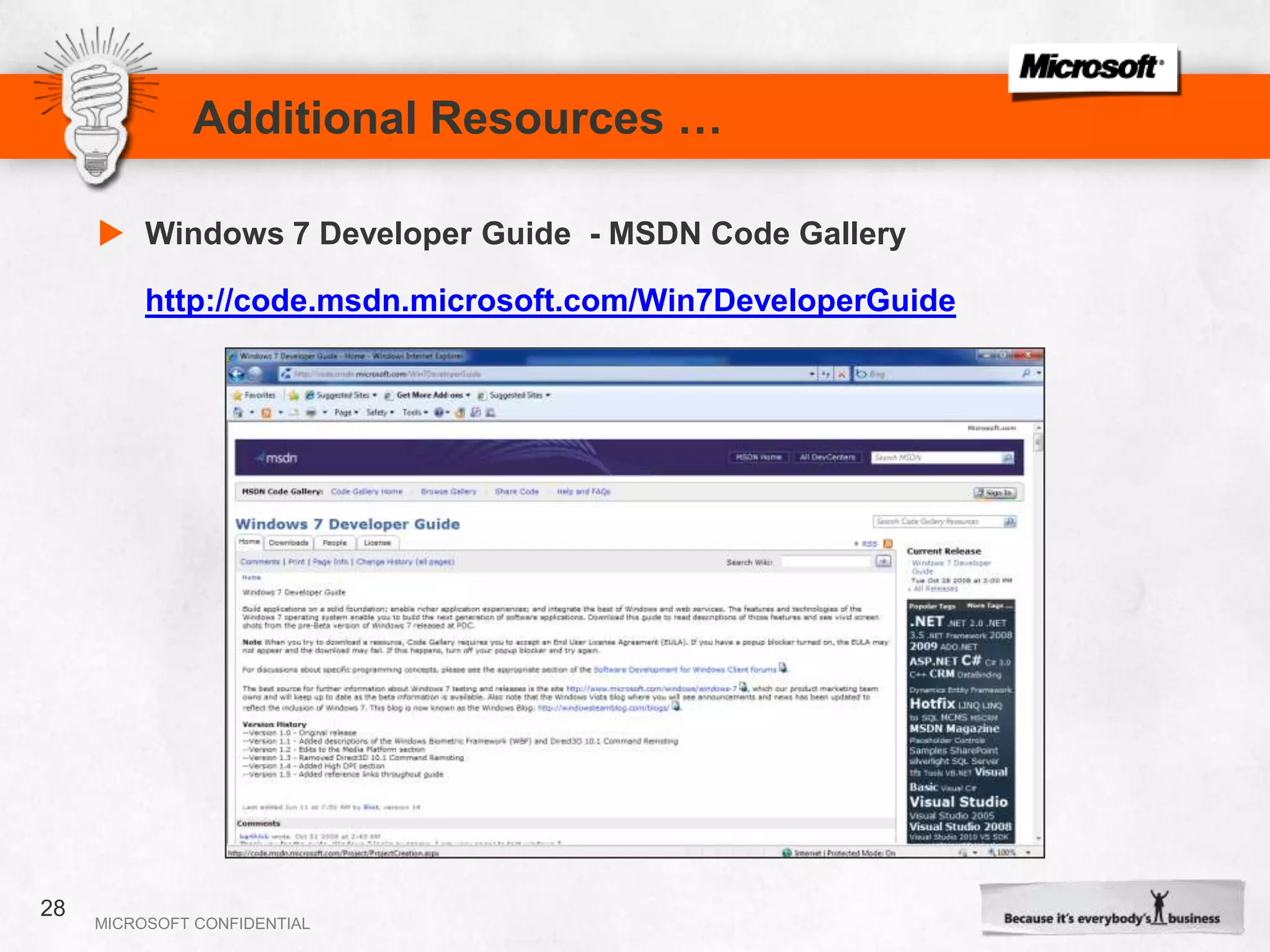
Additional Resources …Windows 7 Developer Guide  - MSDN Code Galleryhttp://code.msdn.microsoft.com/Win7DeveloperGuide28
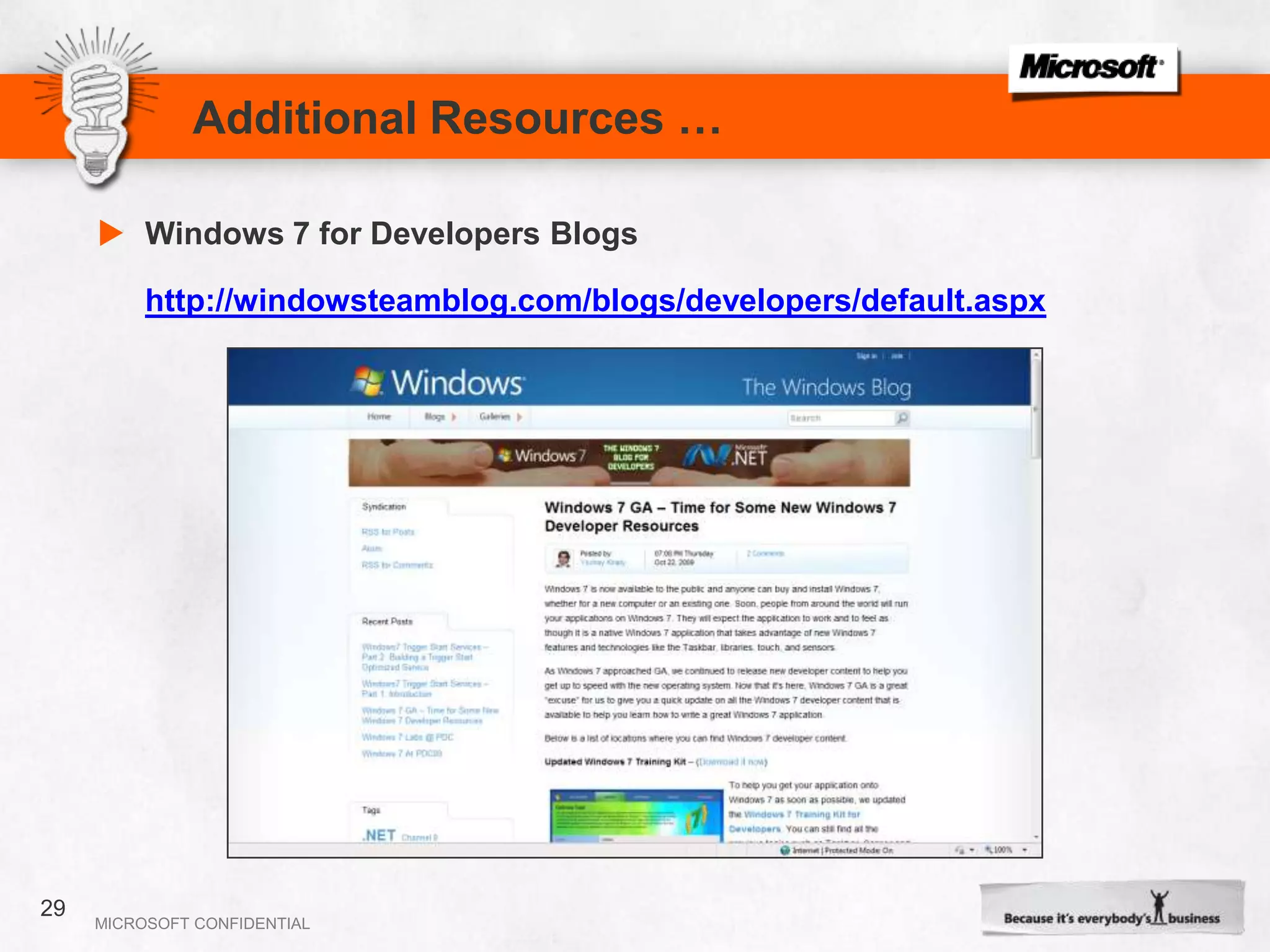
Additional Resources …Windows 7 for Developers Blogshttp://windowsteamblog.com/blogs/developers/default.aspx29
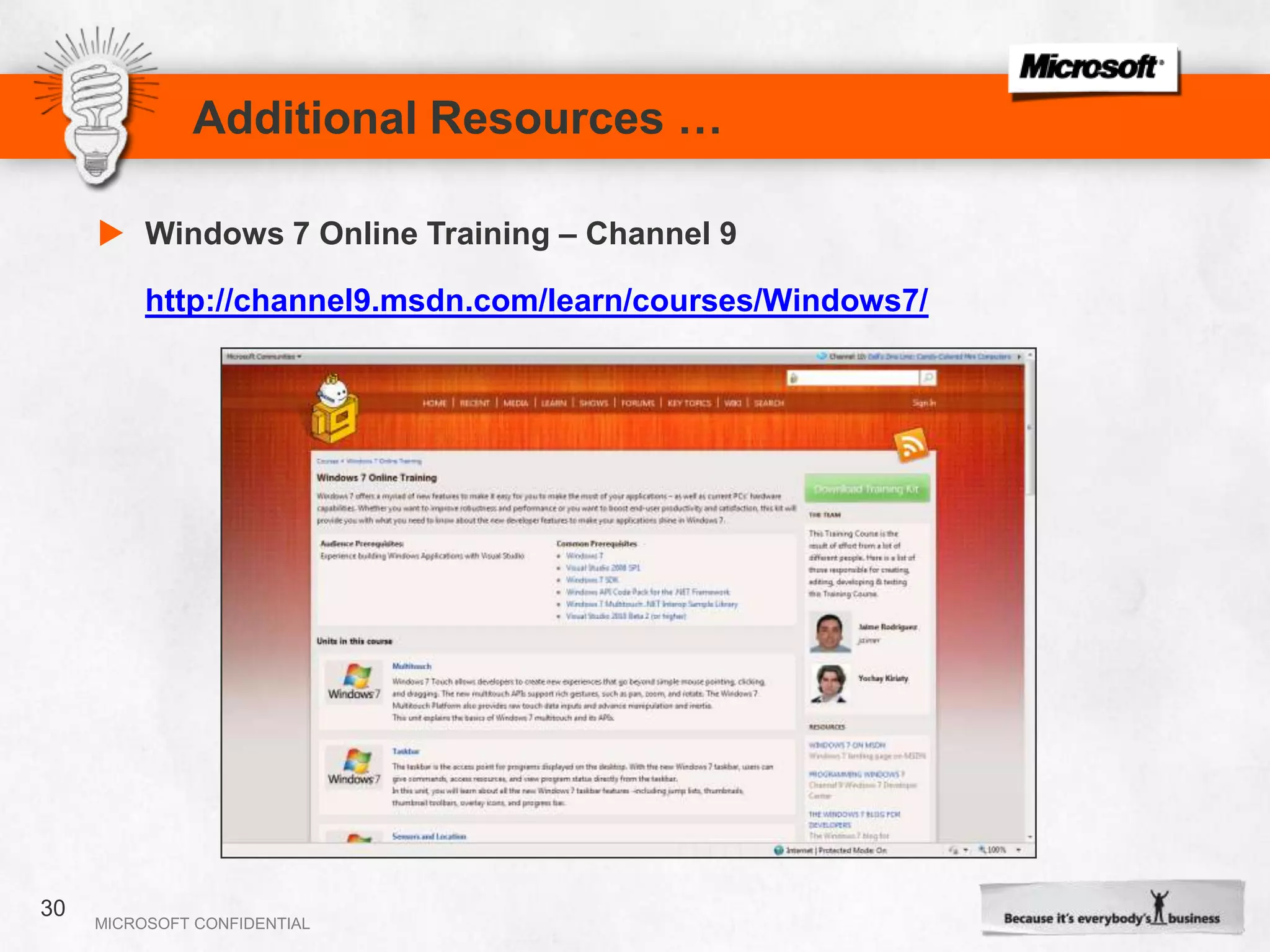
Additional Resources …Windows 7 Online Training – Channel 9http://channel9.msdn.com/learn/courses/Windows7/30

Commercial Launch Win7 Dev Chalermvong

  • 1.
    Light-up your Applicationwith Windows 7Chalermvong vIjitpiyakul – Microsoft MVPDecember 8, 20091
  • 2.
    Session AgendaWindows7 Desktop ExperienceTaskbar ButtonJump listsThumbnail ToolbarsTaskbar Overlay and ProgressLibrariesSummaryAdditional Resources2
  • 3.
    Tools for DeveloperWindows7 Home Premium or aboveVisual Studio 2008 with SP1Windows API Code Pack as LibraryWindows 7 Training kit for Developers
  • 4.
    Windows 7 Desktop Experience4
  • 5.
    Terminology and TopicsTaskbarbuttonsJump lists, destinations and tasksThumbnail toolbarsTaskbar Overlay icons and progress iconsLibraries
  • 6.
    Taskbar Buttons
  • 7.
    Taskbar ButtonsConsolidation:Quick launchNotificationarea iconDesktop shortcutRunning application windowsMultiple windows + hoverRunningNot runningActive
  • 8.
    Taskbar ButtonsOnly userscan pin applications to the taskbarThe icon’s hot-track color is the icon’s dominant colorTest icons with high DPITest with various themes and glass colorsDesign considerations
  • 9.
  • 10.
    Jump ListsIt’s amini-Start MenuYou don’t look for documents anywhere else!
  • 11.
    You also expectthe common tasks to be thereJump ListsA Detailed LookPinned categoryDestinations(“nouns”)Known categoriesCustom categoriesUser TasksTasks(“verbs”)Taskbar Tasks
  • 12.
    Jump ListsSurface keydestinations and tasksRecent and frequent are freePinned is also free (if users use it)Respect items the user removes!Design Considerations
  • 13.
  • 14.
  • 15.
    Thumbnail ToolbarsYou getup to seven buttonsCan’t add or delete; can hide and disableTasks are not thumbnail buttons!Design considerations
  • 16.
    Taskbar Overlay and Progress
  • 17.
    Taskbar Overlay IconAnd ProgressUse taskbar buttons for custom progress or status informationDesign Considerations
  • 18.
    Live ThumbnailsLive thumbnails:A livepreviewWindows Vista: One thumbnail per windowWindows 7: Grouped thumbnails
  • 19.
    Peek Preview (AeroPeek)Live peek without a click
  • 20.
  • 21.
    Library Definition“ Librariesare destinations where users can find and organize their data as collections of items that may span multiple locations “Manage consistent locationsOne common list of locationsConsistent between applicationsSave where the user wantsDefault save folderStay in syncListen for notificationsShow familiar UXManage library dialog
  • 22.
    Managing LibraryThe WindowsShell has a user interface to manage libraries
  • 23.
    Library APIsEvery operationthat is exposed by the Shell UI (Windows Explorer) can be performed programmaticallyThe Shell exposes several COM objects and helper functions to work with libraries:Create new libraryAdd or remove folder from a libraryGet a folder list from a libraryGet and set library optionsGet and set the library icon
  • 24.
  • 25.
    SummaryThe new Windows7 desktop brings your applications to life.Applications are now more discoverable, informative, and interactive. Modern and intuitive user interfaces are easier to develop with Windows 7.Prepare yourself and your applications ready for Windows 7 with following Windows 7 FeaturesTaskbar Button, Jump lists, Taskbar Overlay, Thumbnail Toolbars and Libraries.Start > Learn > Practice > Develop.25
  • 26.
    Additional Resources …BooksIntroducingWindows® 7 for DevelopersPublished: November 11, 2009Author: YochayKiriaty, Laurence Moroney, Sasha Goldshtein and AlonFliessLength: 416 PagesISBN 13: 9780735626829 ISBN 10: 0-7356-2682-0 26
  • 27.
    Additional Resources …Windows7 Developer Guide - MSDN Onlinehttp://msdn.microsoft.com/en-us/library/dd371748(VS.85).aspx27
  • 28.
    Additional Resources …Windows7 Developer Guide - MSDN Code Galleryhttp://code.msdn.microsoft.com/Win7DeveloperGuide28
  • 29.
    Additional Resources …Windows7 for Developers Blogshttp://windowsteamblog.com/blogs/developers/default.aspx29
  • 30.
    Additional Resources …Windows7 Online Training – Channel 9http://channel9.msdn.com/learn/courses/Windows7/30
  • 31.
    Additional Resources …Windows7 Training kit for Developers http://www.microsoft.com/downloads/details.aspx?familyid=1C333F06-FADB-4D93-9C80-402621C600E7&displaylang=en31
  • 32.