Simple, Straightforward, and Jargon-Free Answers
B A S I C S
• What is Office 365?
 
• What is Office 365 used for?
• How much does Office 365 cost?
• Is Office 365 secure?
• How does Office 365 stack up against the competition?
 
• How difficult is it to migrate your existing files?
Contents:
Office 365 is a blanket term for many of Microsoft’s cloud software services. The
SaaS (Software as a Service) model replaces the old practice of purchasing
software and downloading it on the lone computer each of your employees uses
at work.
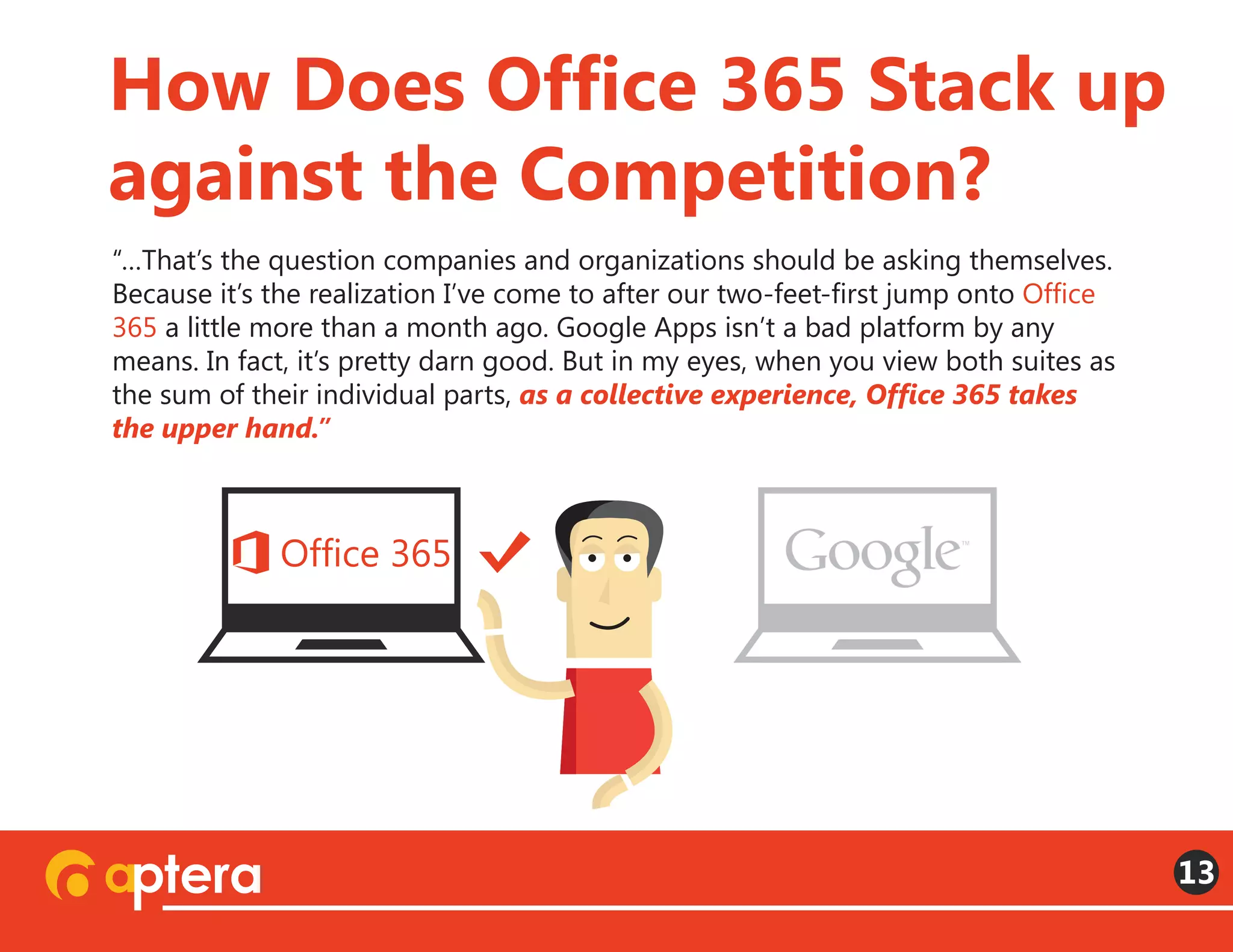
The basic idea is that subscriptions to these services give you access to your
office 24 hours a day and 365 days a year. So whether you sign in from a tablet or
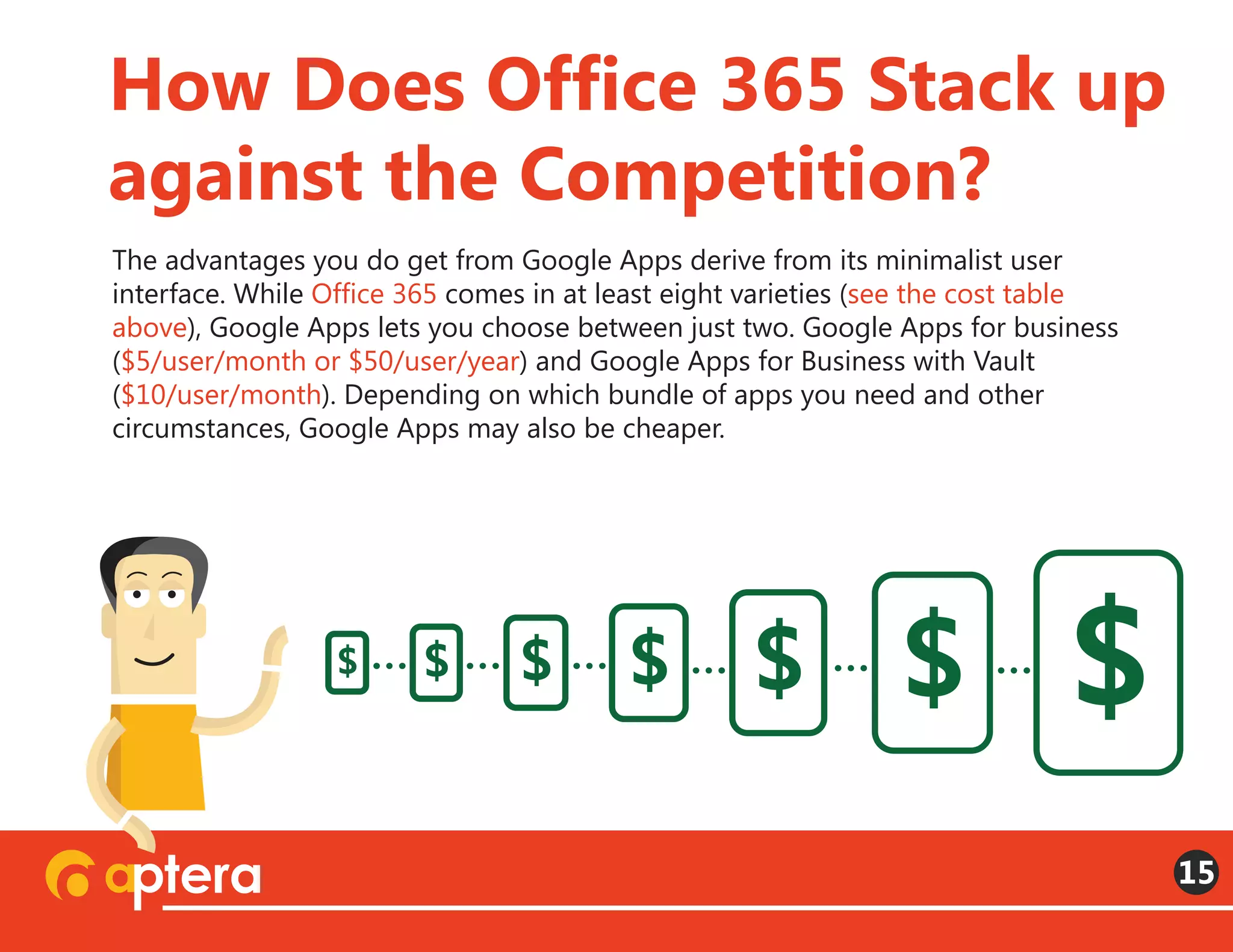
smart phone on the road, a laptop in your bedroom at home, or a desktop in
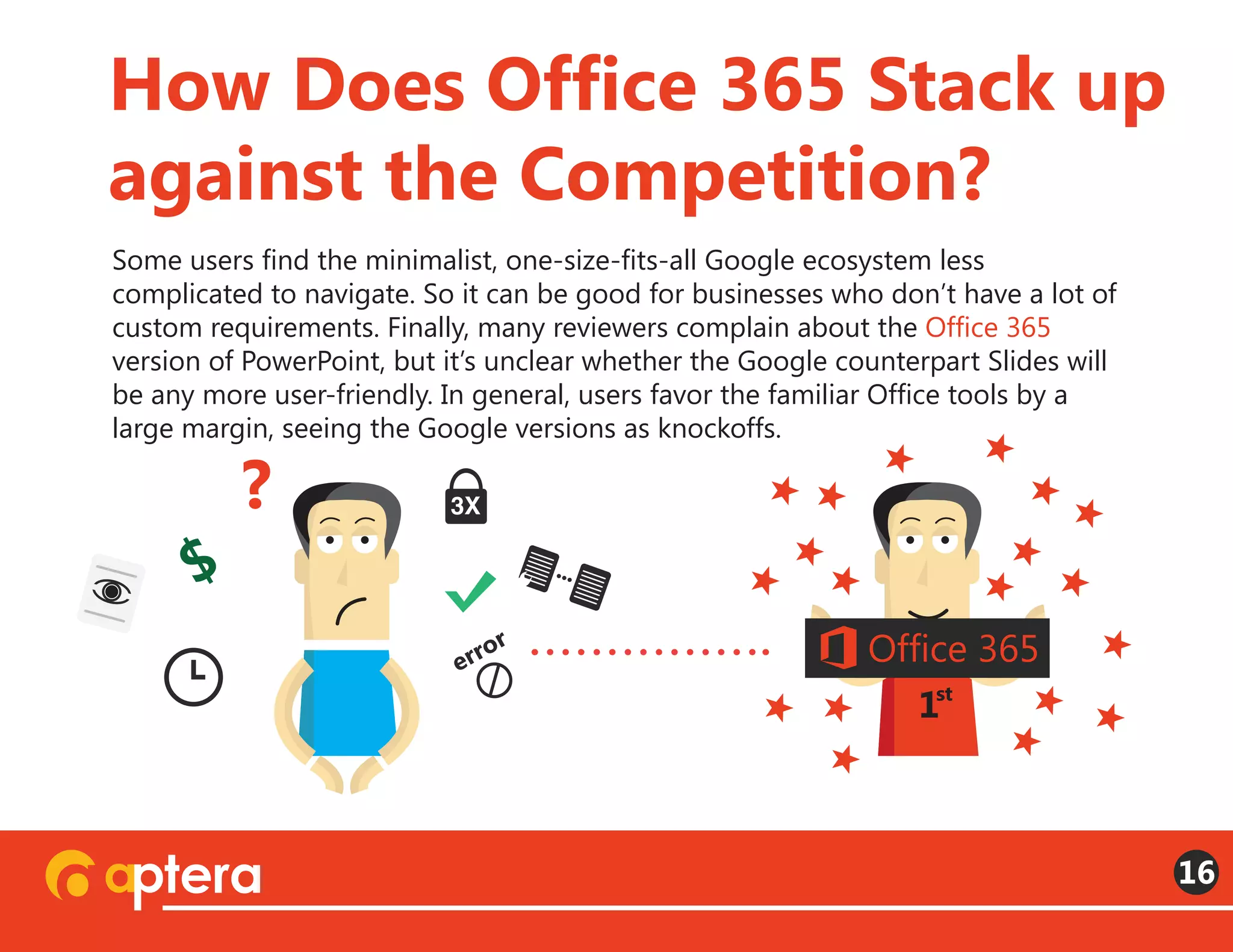
your actual office at work, you can access any of the tools or information you may
need. Multiple devices, multiple locations—same access.
What Is Office 365?
3
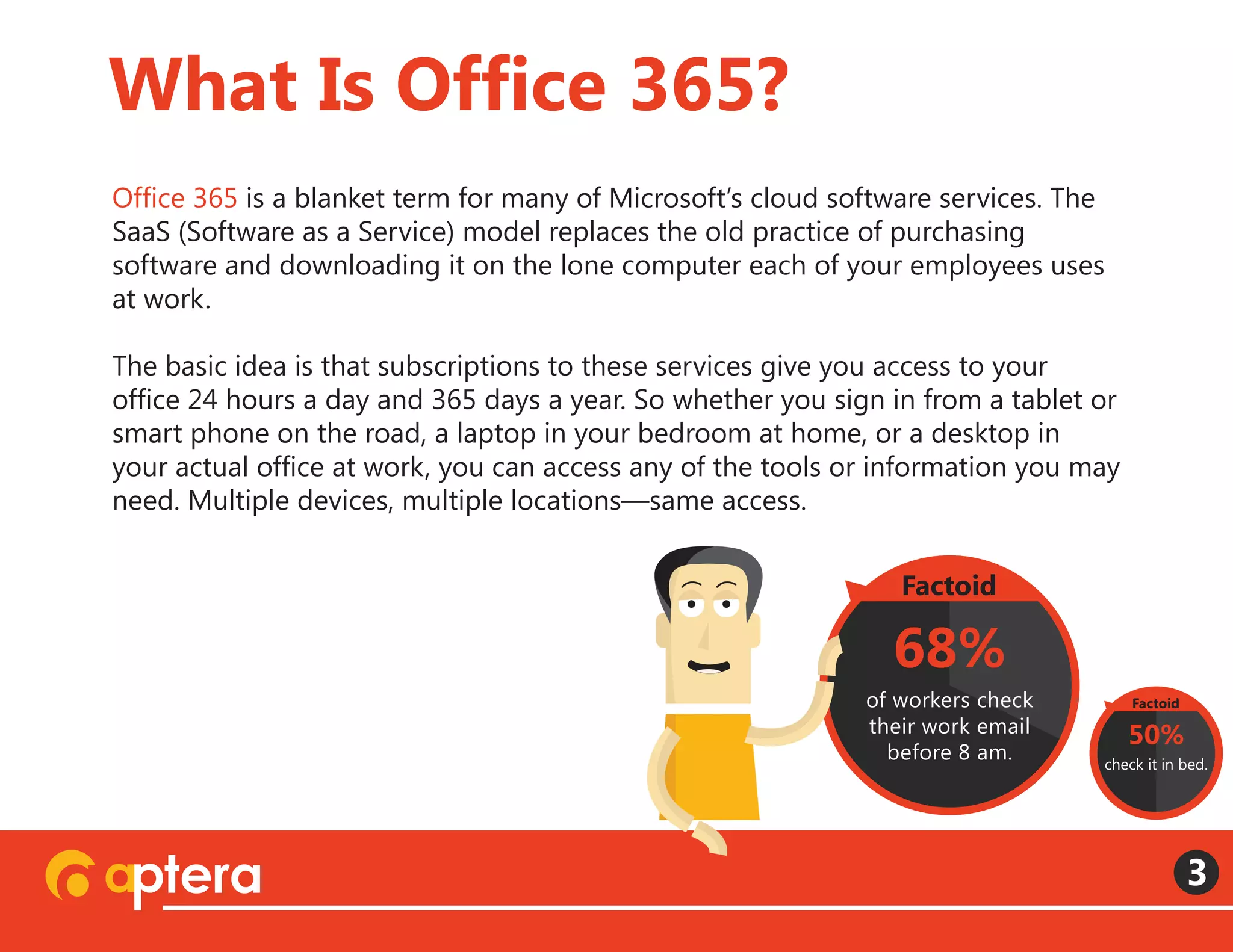
68%
of workers check
their work email
before 8 am.
Factoid
50%
check it in bed.
Factoid
Microsoft offers a formidable array of service bundles under the Office 365
banner, and a lot of confusion arises out of people using the general term to
describe several different things. Office 365 Personal is essentially a cloud version
of the old Microsoft Office, including Word, Excel, PowerPoint, and Outlook (but
now with OneNote, Publisher, and Access). On the other end of the scale, there is
Office 365 Enterprise E3, which includes eDiscovery and Power BI.
(See “Compare Office 365 for business plans” to see what various bundles include)
What Is Office 365?
4
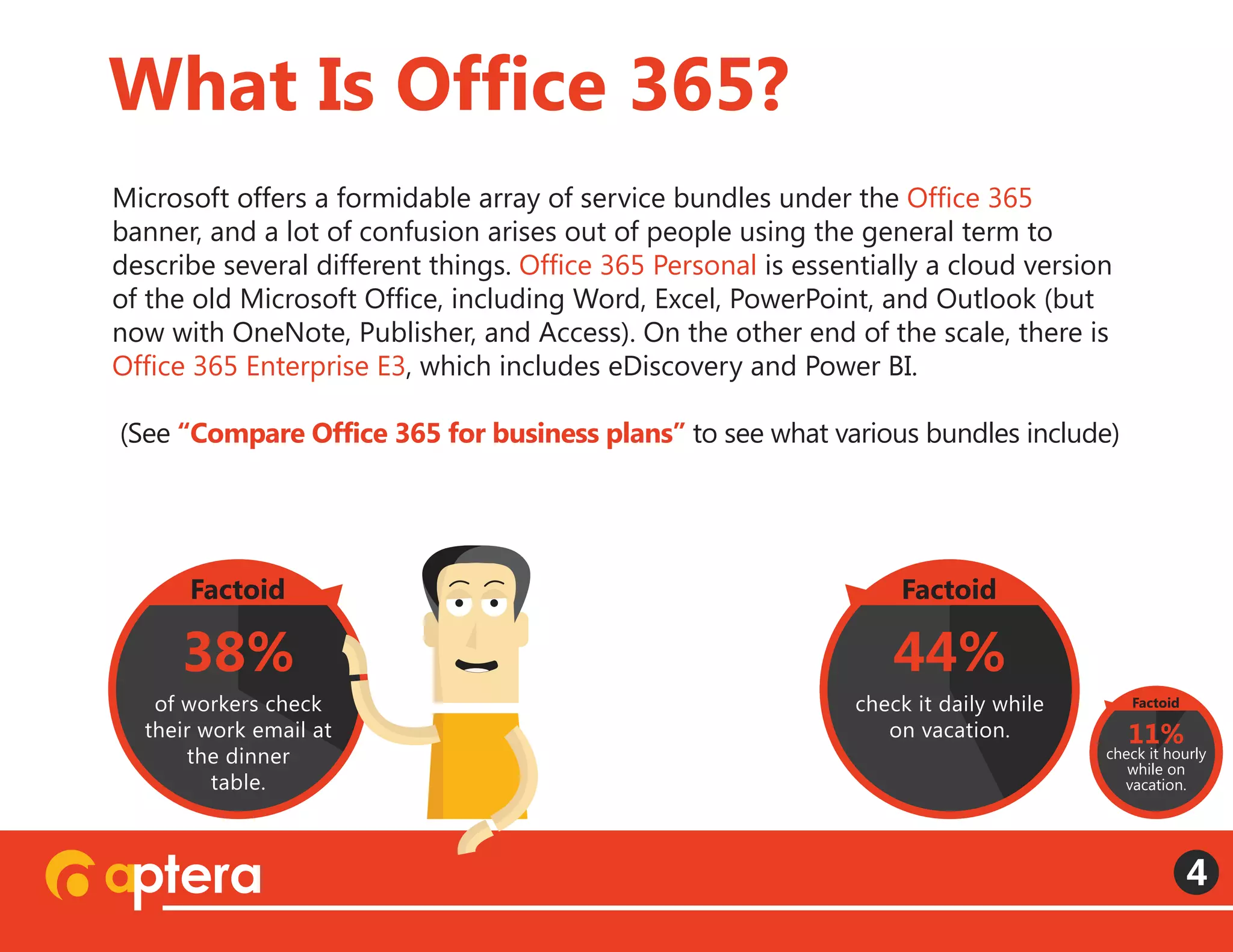
44%
check it daily while
on vacation.
Factoid
38%
of workers check
their work email at
the dinner
table.
Factoid
11%
check it hourly
while on
vacation.
Factoid
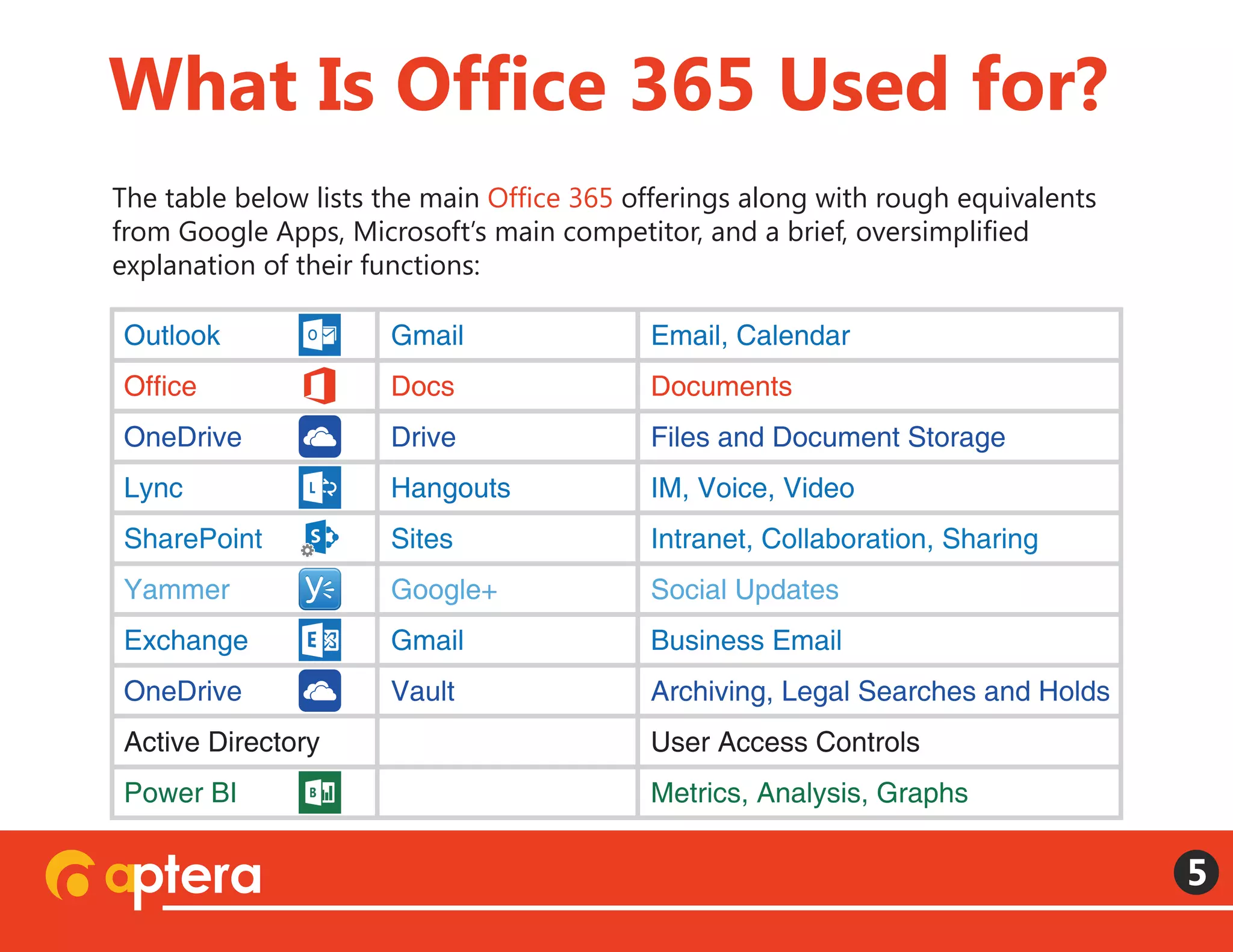
The table below lists the main Office 365 offerings along with rough equivalents
from Google Apps, Microsoft’s main competitor, and a brief, oversimplified
explanation of their functions:
What Is Office 365 Used for?
5
Outlook
Office
OneDrive
Lync
SharePoint
Yammer
Exchange
OneDrive
Active Directory
Power BI
Gmail
Docs
Drive
Hangouts
Sites
Google+
Gmail
Vault
Email, Calendar
Documents
Files and Document Storage
IM, Voice, Video
Intranet, Collaboration, Sharing
Social Updates
Business Email
Archiving, Legal Searches and Holds
User Access Controls
Metrics, Analysis, Graphs
There will likely be costs associated with your initial migration into the cloud.
Many companies work with Microsoft partners to develop user stories to help
them decide among the various service options. Microsoft partners can also help
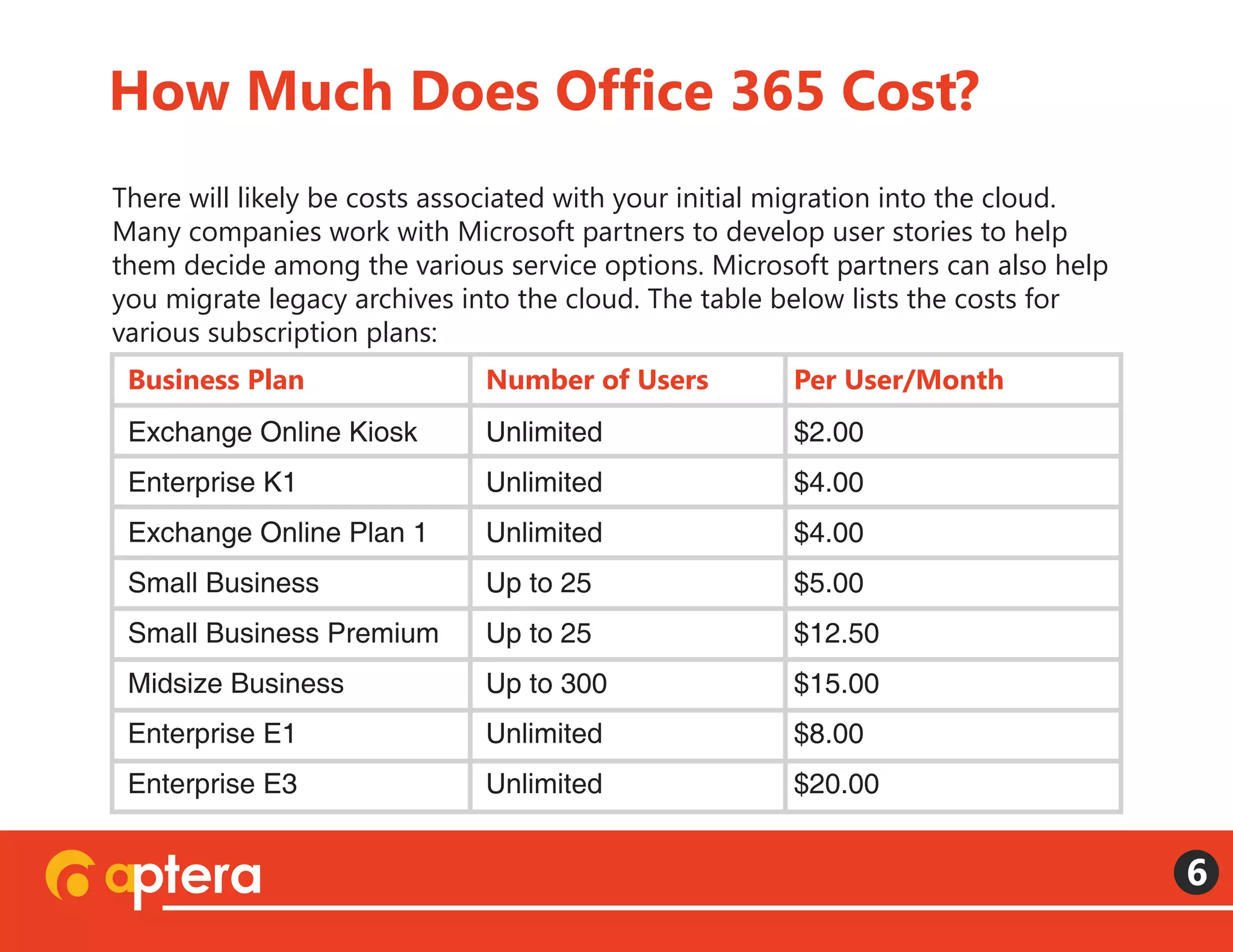
you migrate legacy archives into the cloud. The table below lists the costs for
various subscription plans:
How Much Does Office 365 Cost?
6
Business Plan Number of Users Per User/Month
Exchange Online Kiosk Unlimited $2.00
$4.00
$4.00
$5.00
$12.50
$15.00
$8.00
$20.00
Unlimited
Unlimited
Up to 25
Up to 25
Up to 300
Unlimited
Unlimited
Enterprise K1
Exchange Online Plan 1
Small Business
Small Business Premium
Midsize Business
Enterprise E1
Enterprise E3
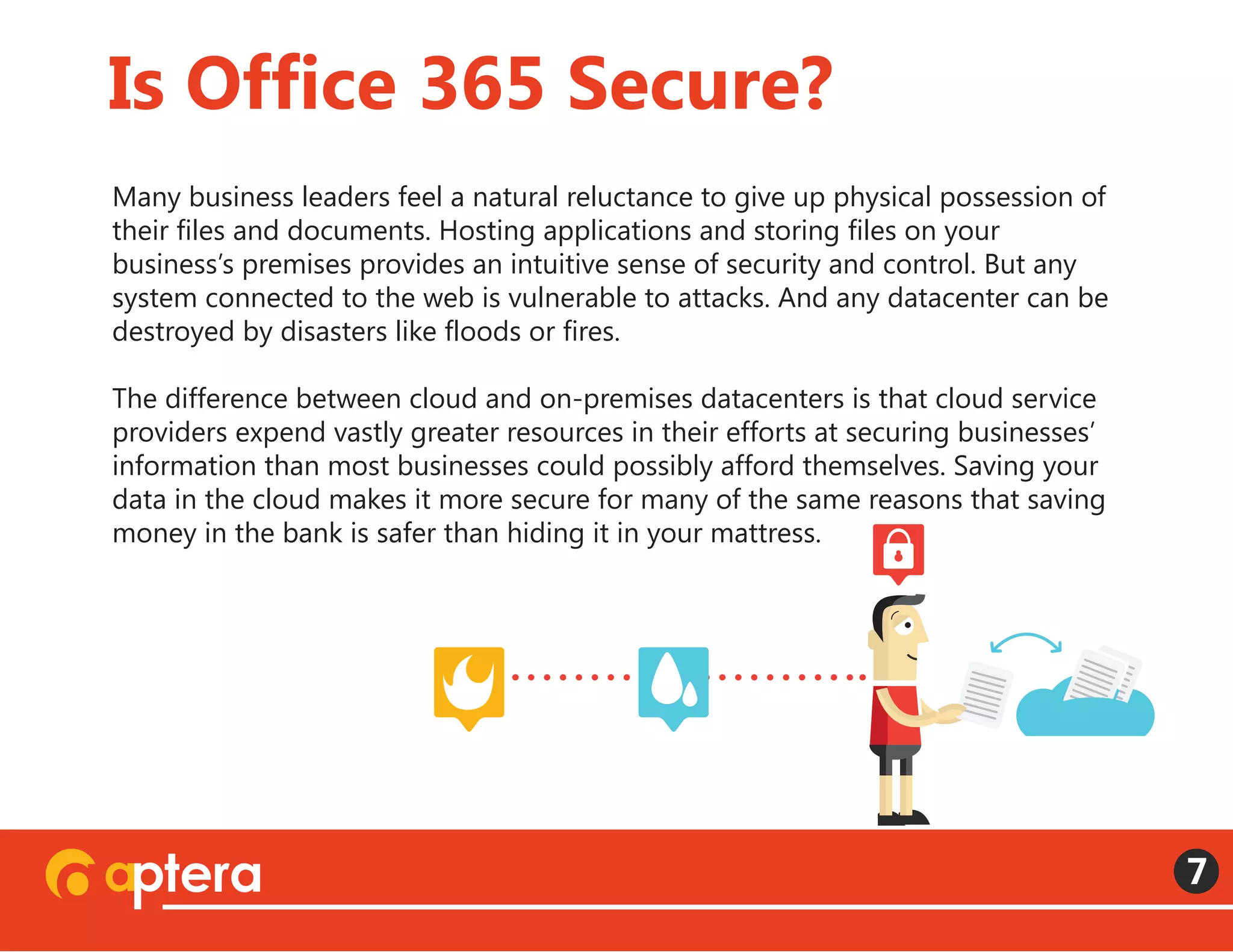
Many business leaders feel a natural reluctance to give up physical possession of
their files and documents. Hosting applications and storing files on your
business’s premises provides an intuitive sense of security and control. But any
system connected to the web is vulnerable to attacks. And any datacenter can be
destroyed by disasters like floods or fires.
The difference between cloud and on-premises datacenters is that cloud service
providers expend vastly greater resources in their efforts at securing businesses’
information than most businesses could possibly afford themselves. Saving your
data in the cloud makes it more secure for many of the same reasons that saving
money in the bank is safer than hiding it in your mattress.
Is Office 365 Secure?
7
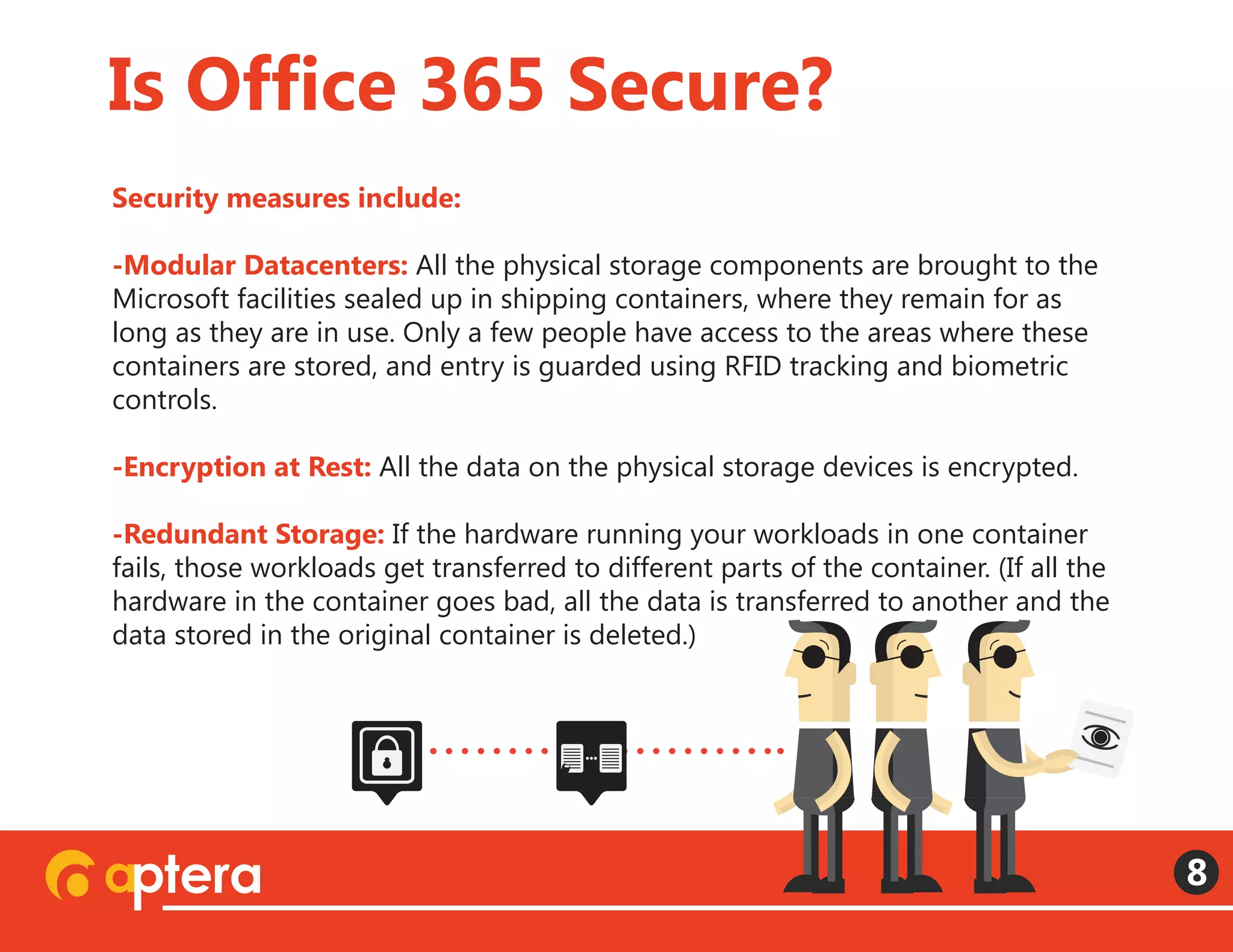
Security measures include:
-Modular Datacenters: All the physical storage components are brought to the
Microsoft facilities sealed up in shipping containers, where they remain for as
long as they are in use. Only a few people have access to the areas where these
containers are stored, and entry is guarded using RFID tracking and biometric
controls.
-Encryption at Rest: All the data on the physical storage devices is encrypted.
 
-Redundant Storage: If the hardware running your workloads in one container
fails, those workloads get transferred to different parts of the container. (If all the
hardware in the container goes bad, all the data is transferred to another and the
data stored in the original container is deleted.)  
Is Office 365 Secure?
8
-3 Separate Datacenters: If an entire datacenter goes down, Microsoft
guarantees you’re workloads will be operational again in a second datacenter
within an hour. There is a third datacenter as well which can have you operational
again in three hours. But if the first two go down we all probably have bigger
problems than waiting for our files to come back online.
-Password Requirements: minimum characters, 90 day expirations, multiple
character types, CAPTCHA prompts and lockouts after multiple failed log-ins.
 
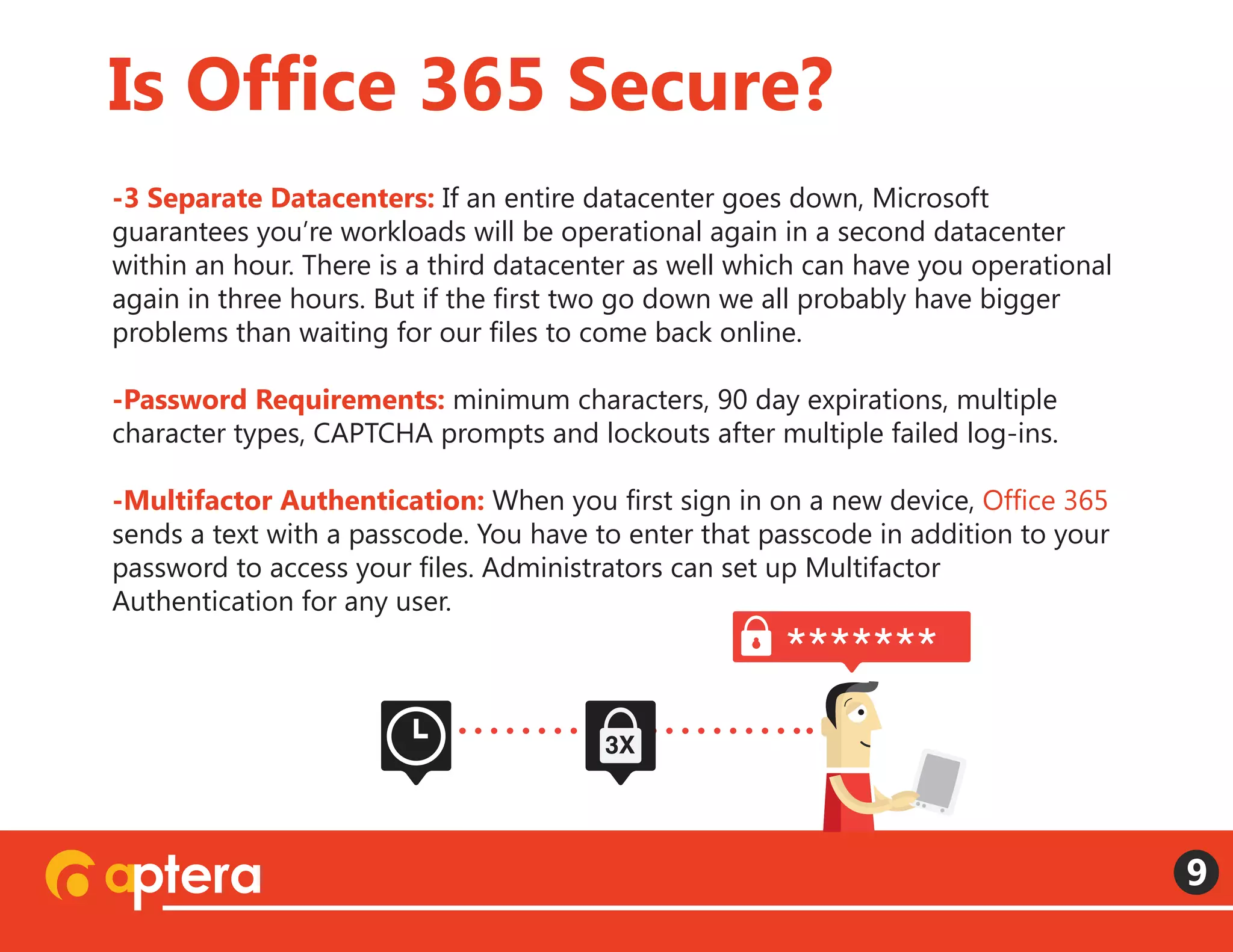
-Multifactor Authentication: When you first sign in on a new device, Office 365
sends a text with a passcode. You have to enter that passcode in addition to your
password to access your files. Administrators can set up Multifactor
Authentication for any user. 
Is Office 365 Secure?
9
*******
3X
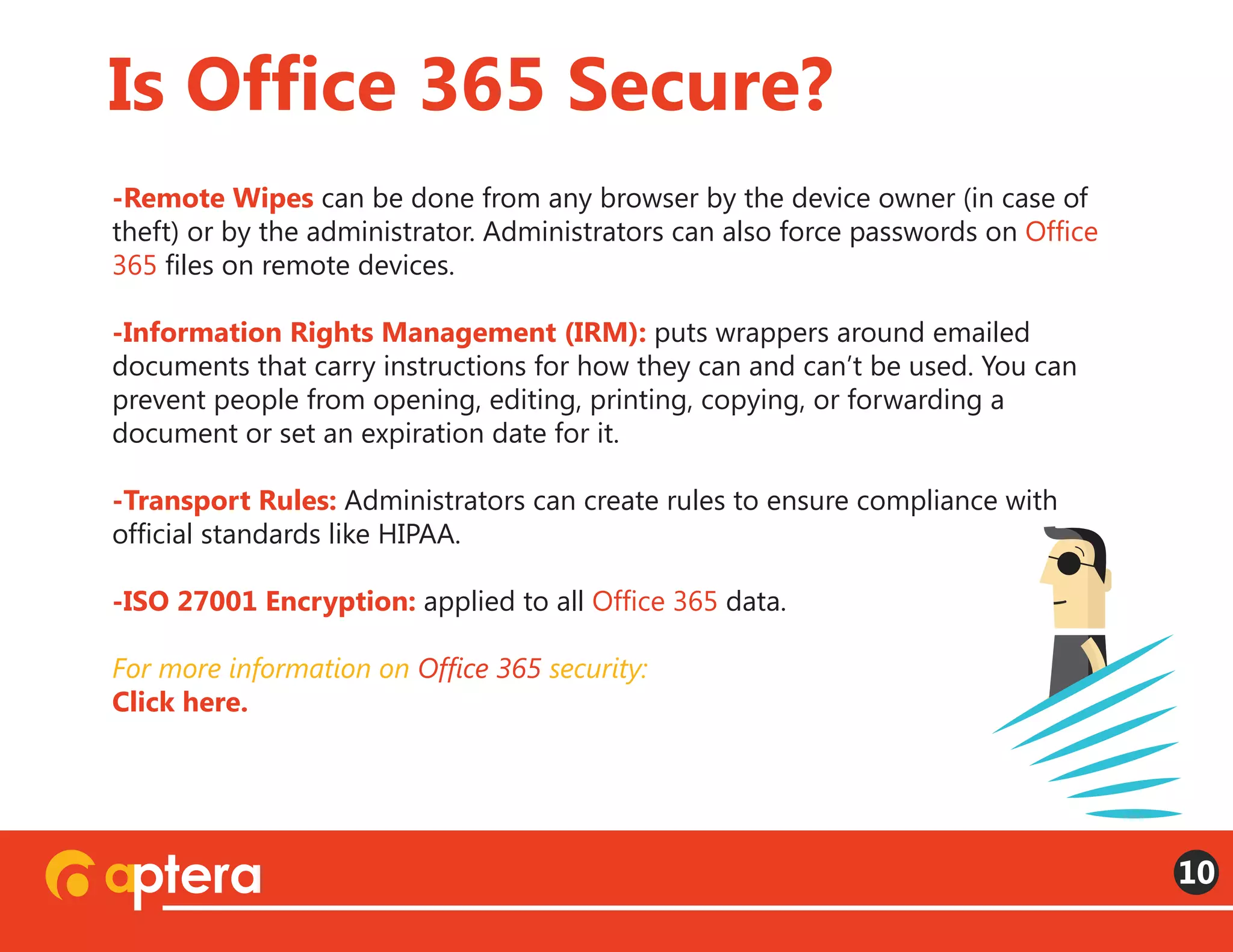
-Remote Wipes can be done from any browser by the device owner (in case of
theft) or by the administrator. Administrators can also force passwords on Office
365 files on remote devices. 
-Information Rights Management (IRM): puts wrappers around emailed
documents that carry instructions for how they can and can’t be used. You can
prevent people from opening, editing, printing, copying, or forwarding a
document or set an expiration date for it.
-Transport Rules: Administrators can create rules to ensure compliance with
official standards like HIPAA.
-ISO 27001 Encryption: applied to all Office 365 data.
For more information on Office 365 security:
Click here.
Is Office 365 Secure?
10
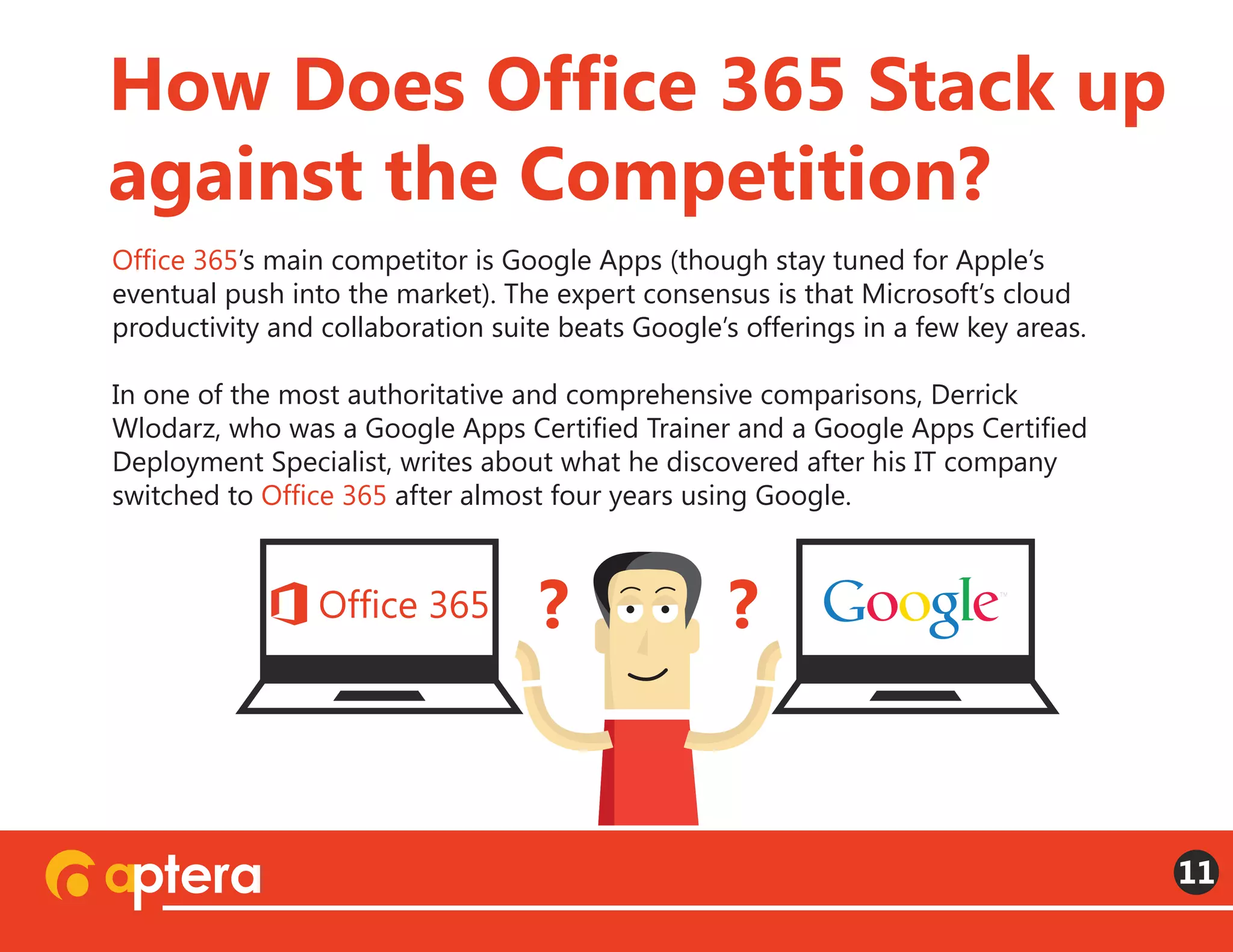
Office 365’s main competitor is Google Apps (though stay tuned for Apple’s
eventual push into the market). The expert consensus is that Microsoft’s cloud
productivity and collaboration suite beats Google’s offerings in a few key areas.
In one of the most authoritative and comprehensive comparisons, Derrick
Wlodarz, who was a Google Apps Certified Trainer and a Google Apps Certified
Deployment Specialist, writes about what he discovered after his IT company
switched to Office 365 after almost four years using Google.
How Does Office 365 Stack up
against the Competition?
11
? ?
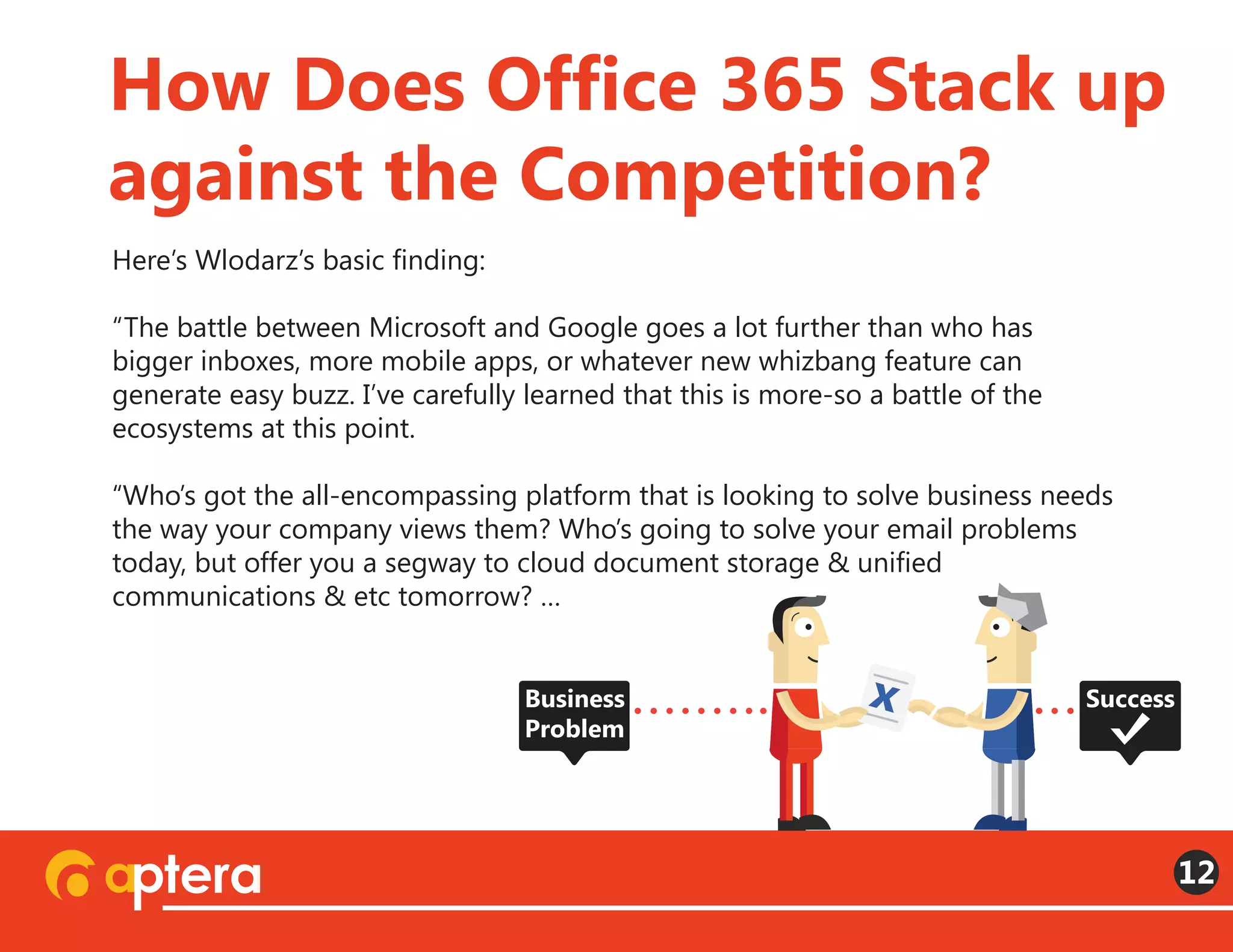
Here’s Wlodarz’s basic finding:  
“The battle between Microsoft and Google goes a lot further than who has
bigger inboxes, more mobile apps, or whatever new whizbang feature can
generate easy buzz. I’ve carefully learned that this is more-so a battle of the
ecosystems at this point.
“Who’s got the all-encompassing platform that is looking to solve business needs
the way your company views them? Who’s going to solve your email problems
today, but offer you a segway to cloud document storage & unified
communications & etc tomorrow? …
How Does Office 365 Stack up
against the Competition?
12
xBusiness
Problem
Success
“…That’s the question companies and organizations should be asking themselves.
Because it’s the realization I’ve come to after our two-feet-first jump onto Office
365 a little more than a month ago. Google Apps isn’t a bad platform by any
means. In fact, it’s pretty darn good. But in my eyes, when you view both suites as
the sum of their individual parts, as a collective experience, Office 365 takes
the upper hand.”
How Does Office 365 Stack up
against the Competition?
13
How Does Office 365 Stack up
against the Competition?
14
Here are a few more general takeaways:
Office 365 apps tend to play nicer with other apps, while Google really wants
everybody you’re working with to be on Google too.
 
Office 365 is much better when it comes to security and compliance
standards like HIPAA. (Wlodarz: “I’m refusing to recommend [Google] Apps for
any clients even remotely associated with the healthcare industry so they don’t
have to go through the pains I described.”)
 
Lync is much better than Hangouts, Google’s unified communications offering.
The advantages you do get from Google Apps derive from its minimalist user
interface. While Office 365 comes in at least eight varieties (see the cost table
above), Google Apps lets you choose between just two. Google Apps for business
($5/user/month or $50/user/year) and Google Apps for Business with Vault
($10/user/month). Depending on which bundle of apps you need and other
circumstances, Google Apps may also be cheaper.
How Does Office 365 Stack up
against the Competition?
15
$ $ $ $ $ $ $
Some users find the minimalist, one-size-fits-all Google ecosystem less
complicated to navigate. So it can be good for businesses who don’t have a lot of
custom requirements. Finally, many reviewers complain about the Office 365
version of PowerPoint, but it’s unclear whether the Google counterpart Slides will
be any more user-friendly. In general, users favor the familiar Office tools by a
large margin, seeing the Google versions as knockoffs.
How Does Office 365 Stack up
against the Competition?
16
$
error
? 3X
1st
Microsoft’s philosophy with Office 365 is that it should be able to meet a
huge array of business needs. So the platform can be customized to fit any
organization’s specific productivity challenges. That’s both its main strength
and its main weakness. The types of companies who go with Google prefer
the one-and-done simplicity of choosing a plan.
With Office 365, many businesses need help from third-party partners to
realize all the productivity and cost benefits. Many companies, for instance,
have a lot of difficulties migrating legacy archives into the cloud (but this
problem isn’t unique to Office 365). Once the ideal plan has been chosen and
the migration completed, however, Office 365 is the better all-around
solution for most businesses.
How difficult is it to migrate
your existing files?
17
“Is Office 365 Right for You?” Recorded Webinar:
http://landing.apterainc.com/archived-webinar-is-office-365-right-for-you?
“Compare Office 365 for business plans”:
http://office.microsoft.com/en-us/business/compare-office-365-for-business-plan
s-FX102918419.aspx
“Google Apps for Business, Pricing”:
http://www.google.com/enterprise/apps/business/pricing.html
“Office 365 Security Whitepaper”:
http://www.microsoft.com/en-us/download/details.aspx?id=26552
“Security and Compliance in Office 365” Recorded Webinar:
http://landing.apterainc.com/cloud-security-and-compliance-office365
Resources
18
“From Google Apps to Office 365: Why my company ditched Google” by
Derrick Wlodarz:
http://betanews.com/2014/01/10/from-google-apps-to-office-365-why-my-com
pany-ditched-google/
“Google Apps vs. Microsoft Office 365” by Dennis Junk:
http://blog.apterainc.com/bid/347839/Google-Apps-vs-Microsoft-Office-365
“Review: Microsoft Office 365 vs Google Apps”:
http://www.infoworld.com/d/cloud-computing/review-microsoft-office-365-vs-go
ogle-apps-233667?page=0,0
“Moving to Office 365? Prepare for the huge pain of archive migration”:
http://www.infoworld.com/d/microsoft-windows/moving-office-365-prepare-the-
huge-pain-of-archive-migration-242124?
Resources
19
With offices in Fort Wayne, IN, and Nashville, TN, Aptera is home to one of the
most talented software and web design teams in the country. Since its founding
in 2003, the Aptera team has grown from a two-man operation to an
organization with over seventy employees serving businesses all over the country.
A Microsoft Gold Certified Managed Partner, Aptera’s team has experts in
SharePoint, Business Intelligence, .NET Development, Cloud Computing, Microsoft
Lync, and more. We’re equipped to step in at any stage of your business’s project,
from analyzing workflows and installing data-tracking modules to building
custom software or a new web site, and from optimizing your search rankings to
moving you into the cloud. We believe the key to our success has been hiring
excellent people, giving them the resources they need, and encouraging them to
treat every project as the basis for a lasting partnership.
To get more information about Office 365 follow Aptera on these social networks
About Aptera
20
Share this e-book with your network
LIKE
SHARE

What is Office 365? A Simple Answer

  • 1.
    Simple, Straightforward, andJargon-Free Answers B A S I C S
  • 2.
    • What isOffice 365?   • What is Office 365 used for? • How much does Office 365 cost? • Is Office 365 secure? • How does Office 365 stack up against the competition?   • How difficult is it to migrate your existing files? Contents:
  • 3.
    Office 365 isa blanket term for many of Microsoft’s cloud software services. The SaaS (Software as a Service) model replaces the old practice of purchasing software and downloading it on the lone computer each of your employees uses at work. The basic idea is that subscriptions to these services give you access to your office 24 hours a day and 365 days a year. So whether you sign in from a tablet or smart phone on the road, a laptop in your bedroom at home, or a desktop in your actual office at work, you can access any of the tools or information you may need. Multiple devices, multiple locations—same access. What Is Office 365? 3 68% of workers check their work email before 8 am. Factoid 50% check it in bed. Factoid
  • 4.
    Microsoft offers aformidable array of service bundles under the Office 365 banner, and a lot of confusion arises out of people using the general term to describe several different things. Office 365 Personal is essentially a cloud version of the old Microsoft Office, including Word, Excel, PowerPoint, and Outlook (but now with OneNote, Publisher, and Access). On the other end of the scale, there is Office 365 Enterprise E3, which includes eDiscovery and Power BI. (See “Compare Office 365 for business plans” to see what various bundles include) What Is Office 365? 4 44% check it daily while on vacation. Factoid 38% of workers check their work email at the dinner table. Factoid 11% check it hourly while on vacation. Factoid
  • 5.
    The table belowlists the main Office 365 offerings along with rough equivalents from Google Apps, Microsoft’s main competitor, and a brief, oversimplified explanation of their functions: What Is Office 365 Used for? 5 Outlook Office OneDrive Lync SharePoint Yammer Exchange OneDrive Active Directory Power BI Gmail Docs Drive Hangouts Sites Google+ Gmail Vault Email, Calendar Documents Files and Document Storage IM, Voice, Video Intranet, Collaboration, Sharing Social Updates Business Email Archiving, Legal Searches and Holds User Access Controls Metrics, Analysis, Graphs
  • 6.
    There will likelybe costs associated with your initial migration into the cloud. Many companies work with Microsoft partners to develop user stories to help them decide among the various service options. Microsoft partners can also help you migrate legacy archives into the cloud. The table below lists the costs for various subscription plans: How Much Does Office 365 Cost? 6 Business Plan Number of Users Per User/Month Exchange Online Kiosk Unlimited $2.00 $4.00 $4.00 $5.00 $12.50 $15.00 $8.00 $20.00 Unlimited Unlimited Up to 25 Up to 25 Up to 300 Unlimited Unlimited Enterprise K1 Exchange Online Plan 1 Small Business Small Business Premium Midsize Business Enterprise E1 Enterprise E3
  • 7.
    Many business leadersfeel a natural reluctance to give up physical possession of their files and documents. Hosting applications and storing files on your business’s premises provides an intuitive sense of security and control. But any system connected to the web is vulnerable to attacks. And any datacenter can be destroyed by disasters like floods or fires. The difference between cloud and on-premises datacenters is that cloud service providers expend vastly greater resources in their efforts at securing businesses’ information than most businesses could possibly afford themselves. Saving your data in the cloud makes it more secure for many of the same reasons that saving money in the bank is safer than hiding it in your mattress. Is Office 365 Secure? 7
  • 8.
    Security measures include: -ModularDatacenters: All the physical storage components are brought to the Microsoft facilities sealed up in shipping containers, where they remain for as long as they are in use. Only a few people have access to the areas where these containers are stored, and entry is guarded using RFID tracking and biometric controls. -Encryption at Rest: All the data on the physical storage devices is encrypted.   -Redundant Storage: If the hardware running your workloads in one container fails, those workloads get transferred to different parts of the container. (If all the hardware in the container goes bad, all the data is transferred to another and the data stored in the original container is deleted.)   Is Office 365 Secure? 8
  • 9.
    -3 Separate Datacenters:If an entire datacenter goes down, Microsoft guarantees you’re workloads will be operational again in a second datacenter within an hour. There is a third datacenter as well which can have you operational again in three hours. But if the first two go down we all probably have bigger problems than waiting for our files to come back online. -Password Requirements: minimum characters, 90 day expirations, multiple character types, CAPTCHA prompts and lockouts after multiple failed log-ins.   -Multifactor Authentication: When you first sign in on a new device, Office 365 sends a text with a passcode. You have to enter that passcode in addition to your password to access your files. Administrators can set up Multifactor Authentication for any user.  Is Office 365 Secure? 9 ******* 3X
  • 10.
    -Remote Wipes canbe done from any browser by the device owner (in case of theft) or by the administrator. Administrators can also force passwords on Office 365 files on remote devices.  -Information Rights Management (IRM): puts wrappers around emailed documents that carry instructions for how they can and can’t be used. You can prevent people from opening, editing, printing, copying, or forwarding a document or set an expiration date for it. -Transport Rules: Administrators can create rules to ensure compliance with official standards like HIPAA. -ISO 27001 Encryption: applied to all Office 365 data. For more information on Office 365 security: Click here. Is Office 365 Secure? 10
  • 11.
    Office 365’s maincompetitor is Google Apps (though stay tuned for Apple’s eventual push into the market). The expert consensus is that Microsoft’s cloud productivity and collaboration suite beats Google’s offerings in a few key areas. In one of the most authoritative and comprehensive comparisons, Derrick Wlodarz, who was a Google Apps Certified Trainer and a Google Apps Certified Deployment Specialist, writes about what he discovered after his IT company switched to Office 365 after almost four years using Google. How Does Office 365 Stack up against the Competition? 11 ? ?
  • 12.
    Here’s Wlodarz’s basicfinding:   “The battle between Microsoft and Google goes a lot further than who has bigger inboxes, more mobile apps, or whatever new whizbang feature can generate easy buzz. I’ve carefully learned that this is more-so a battle of the ecosystems at this point. “Who’s got the all-encompassing platform that is looking to solve business needs the way your company views them? Who’s going to solve your email problems today, but offer you a segway to cloud document storage & unified communications & etc tomorrow? … How Does Office 365 Stack up against the Competition? 12 xBusiness Problem Success
  • 13.
    “…That’s the questioncompanies and organizations should be asking themselves. Because it’s the realization I’ve come to after our two-feet-first jump onto Office 365 a little more than a month ago. Google Apps isn’t a bad platform by any means. In fact, it’s pretty darn good. But in my eyes, when you view both suites as the sum of their individual parts, as a collective experience, Office 365 takes the upper hand.” How Does Office 365 Stack up against the Competition? 13
  • 14.
    How Does Office365 Stack up against the Competition? 14 Here are a few more general takeaways: Office 365 apps tend to play nicer with other apps, while Google really wants everybody you’re working with to be on Google too.   Office 365 is much better when it comes to security and compliance standards like HIPAA. (Wlodarz: “I’m refusing to recommend [Google] Apps for any clients even remotely associated with the healthcare industry so they don’t have to go through the pains I described.”)   Lync is much better than Hangouts, Google’s unified communications offering.
  • 15.
    The advantages youdo get from Google Apps derive from its minimalist user interface. While Office 365 comes in at least eight varieties (see the cost table above), Google Apps lets you choose between just two. Google Apps for business ($5/user/month or $50/user/year) and Google Apps for Business with Vault ($10/user/month). Depending on which bundle of apps you need and other circumstances, Google Apps may also be cheaper. How Does Office 365 Stack up against the Competition? 15 $ $ $ $ $ $ $
  • 16.
    Some users findthe minimalist, one-size-fits-all Google ecosystem less complicated to navigate. So it can be good for businesses who don’t have a lot of custom requirements. Finally, many reviewers complain about the Office 365 version of PowerPoint, but it’s unclear whether the Google counterpart Slides will be any more user-friendly. In general, users favor the familiar Office tools by a large margin, seeing the Google versions as knockoffs. How Does Office 365 Stack up against the Competition? 16 $ error ? 3X 1st
  • 17.
    Microsoft’s philosophy withOffice 365 is that it should be able to meet a huge array of business needs. So the platform can be customized to fit any organization’s specific productivity challenges. That’s both its main strength and its main weakness. The types of companies who go with Google prefer the one-and-done simplicity of choosing a plan. With Office 365, many businesses need help from third-party partners to realize all the productivity and cost benefits. Many companies, for instance, have a lot of difficulties migrating legacy archives into the cloud (but this problem isn’t unique to Office 365). Once the ideal plan has been chosen and the migration completed, however, Office 365 is the better all-around solution for most businesses. How difficult is it to migrate your existing files? 17
  • 18.
    “Is Office 365Right for You?” Recorded Webinar: http://landing.apterainc.com/archived-webinar-is-office-365-right-for-you? “Compare Office 365 for business plans”: http://office.microsoft.com/en-us/business/compare-office-365-for-business-plan s-FX102918419.aspx “Google Apps for Business, Pricing”: http://www.google.com/enterprise/apps/business/pricing.html “Office 365 Security Whitepaper”: http://www.microsoft.com/en-us/download/details.aspx?id=26552 “Security and Compliance in Office 365” Recorded Webinar: http://landing.apterainc.com/cloud-security-and-compliance-office365 Resources 18
  • 19.
    “From Google Appsto Office 365: Why my company ditched Google” by Derrick Wlodarz: http://betanews.com/2014/01/10/from-google-apps-to-office-365-why-my-com pany-ditched-google/ “Google Apps vs. Microsoft Office 365” by Dennis Junk: http://blog.apterainc.com/bid/347839/Google-Apps-vs-Microsoft-Office-365 “Review: Microsoft Office 365 vs Google Apps”: http://www.infoworld.com/d/cloud-computing/review-microsoft-office-365-vs-go ogle-apps-233667?page=0,0 “Moving to Office 365? Prepare for the huge pain of archive migration”: http://www.infoworld.com/d/microsoft-windows/moving-office-365-prepare-the- huge-pain-of-archive-migration-242124? Resources 19
  • 20.
    With offices inFort Wayne, IN, and Nashville, TN, Aptera is home to one of the most talented software and web design teams in the country. Since its founding in 2003, the Aptera team has grown from a two-man operation to an organization with over seventy employees serving businesses all over the country. A Microsoft Gold Certified Managed Partner, Aptera’s team has experts in SharePoint, Business Intelligence, .NET Development, Cloud Computing, Microsoft Lync, and more. We’re equipped to step in at any stage of your business’s project, from analyzing workflows and installing data-tracking modules to building custom software or a new web site, and from optimizing your search rankings to moving you into the cloud. We believe the key to our success has been hiring excellent people, giving them the resources they need, and encouraging them to treat every project as the basis for a lasting partnership. To get more information about Office 365 follow Aptera on these social networks About Aptera 20 Share this e-book with your network LIKE SHARE