We’re Going Mobile!
Great! But…
Who Am I?
• Neil Perlin - Hyper/Word Services.
– Internationally recognized content consultant.
– Help clients create effective, efficient, flexible
content in anything from hard-copy to mobile.
– Certified – Flare, RoboHelp, Mimic, Viziapps.
– Working in mobile since 1998.
– Certified app development consultant and trainer.
– Lynda.com® author of training for Flare 12,
RoboHelp 2015.
Two Questions
• How to go mobile?
– Without repeating the definition errors of the old help
days.
• How should our development practices change?
– Don’t keep developing in ways that can cause trouble.
Three Options for
Going Mobile
1 – Responsive Output
• Creating one web site/help output that can detect
a display device’s properties and automatically
reformat itself accordingly.
– Vs creating one site/output for each device.
– Properties include screen size, resolution, if the
device has a screen, others.
• Developed by Ethan Marcotte in 2010.
– See http://alistapart.com/article/responsive-
web-design/
• For example…
Pittsburgh Children’s Museum
Flare
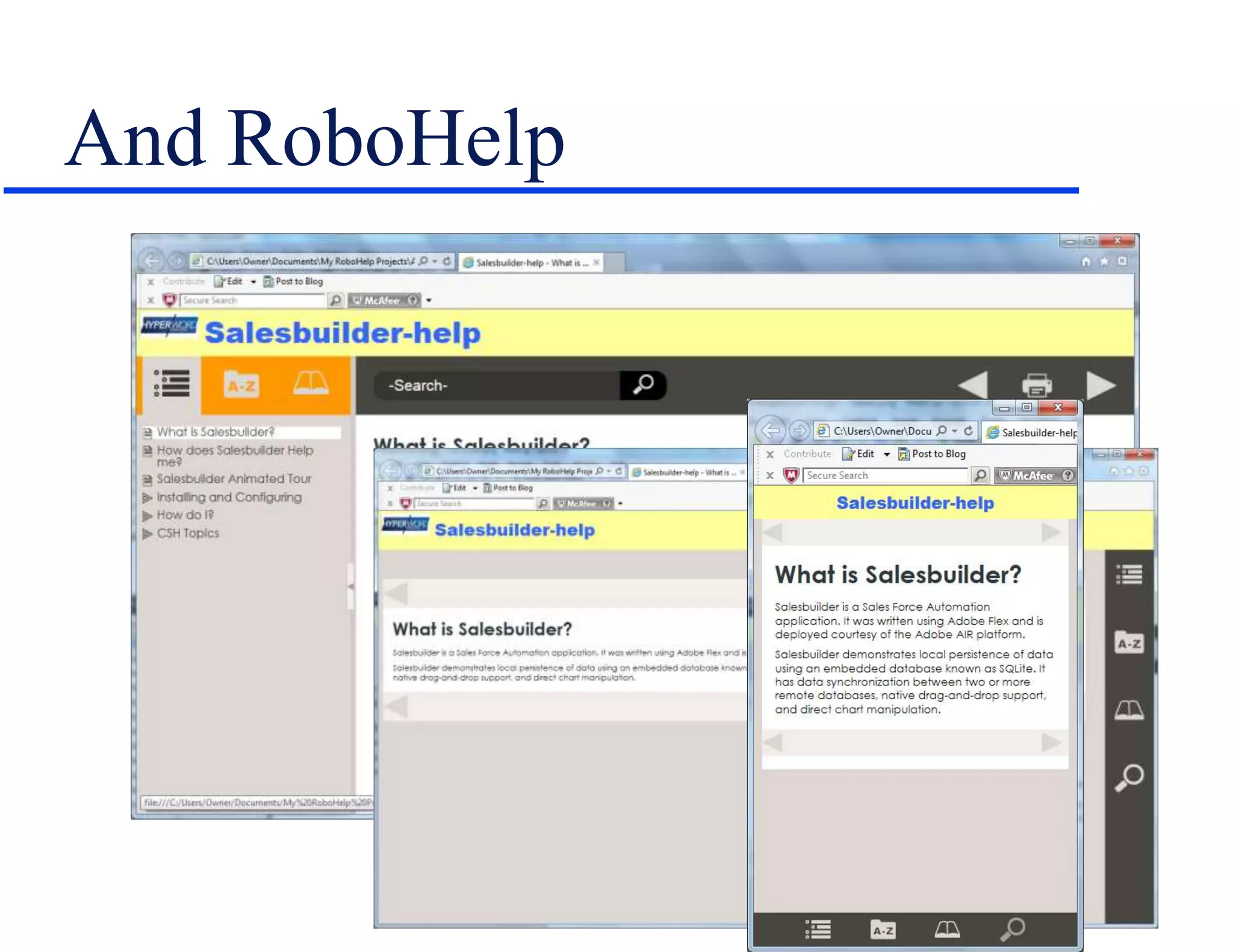
Notice…
• The skin changes as the screen size changes.
– Set up using the Skin Editor.
• The content layout changes as the screen size
changes.
– Set up using the Responsive Layout Editor.
And RoboHelp
Responsive Design Issues
• Skin properties are global.
• But content layout properties are set topic by
topic.
• So content layout property definition requires
planning.
2 – “Appified” Help
• We don’t think of apps from a tech comm
perspective.
• But if our help is largely text and images, these
examples of apps could have been created by
tech comm.
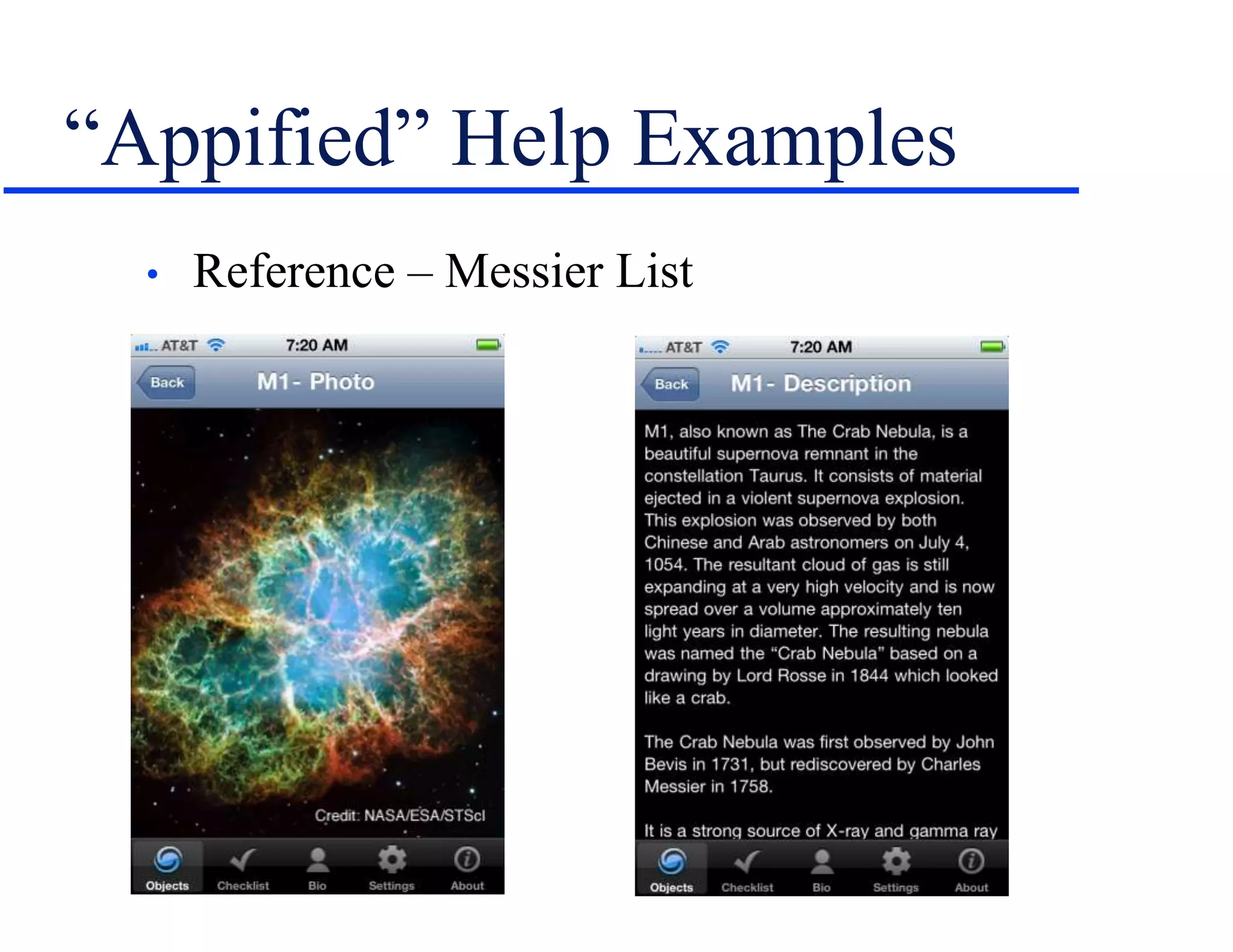
“Appified” Help Examples
• Reference – Messier List
“Appified” Help Examples
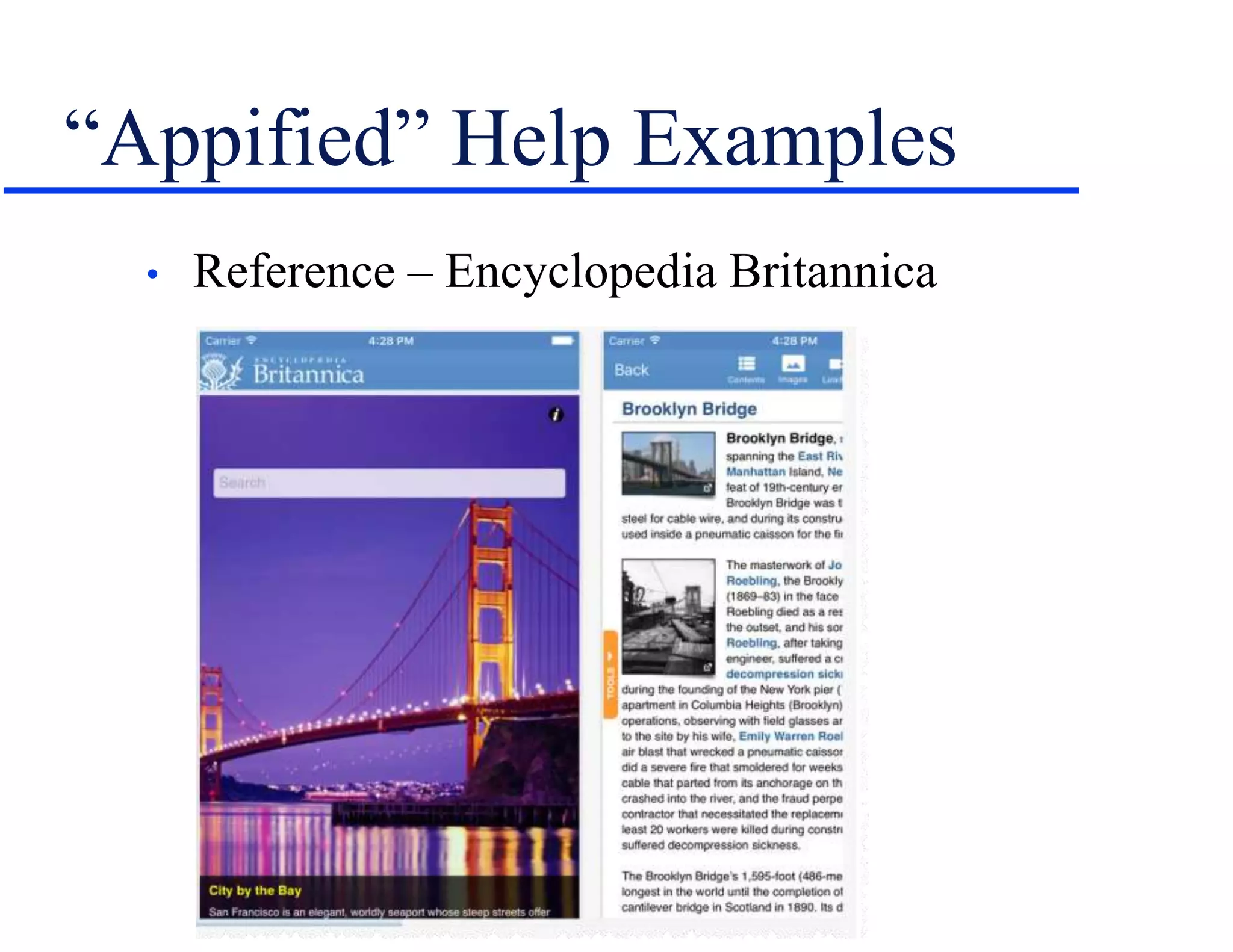
• Reference – Encyclopedia Britannica
“Appified” Help Examples
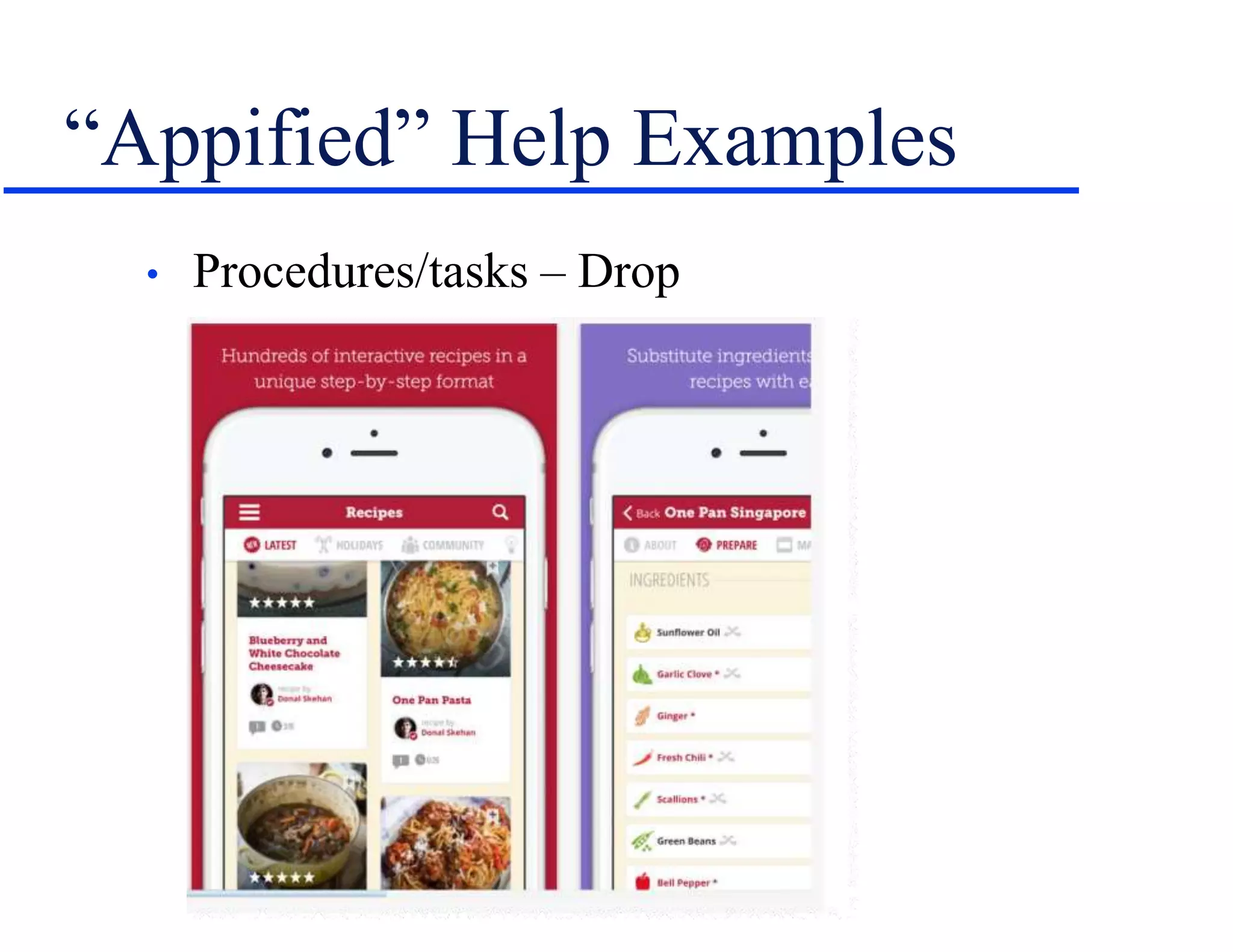
• Procedures/tasks – Drop
How To Appify Your Help
• Capability is built into RoboHelp 2015 +.
• Uses Adobe PhoneGap (http://phonegap.com/).
• Process gets into new areas but see this post by Robert
Desprez – http://tinyurl.com/h2y27o2
• PhoneGap or the cloud-based PhoneGap Build
(https://build.phonegap.com/) works with Flare
but you’ll have to get down in the weeds a bit.
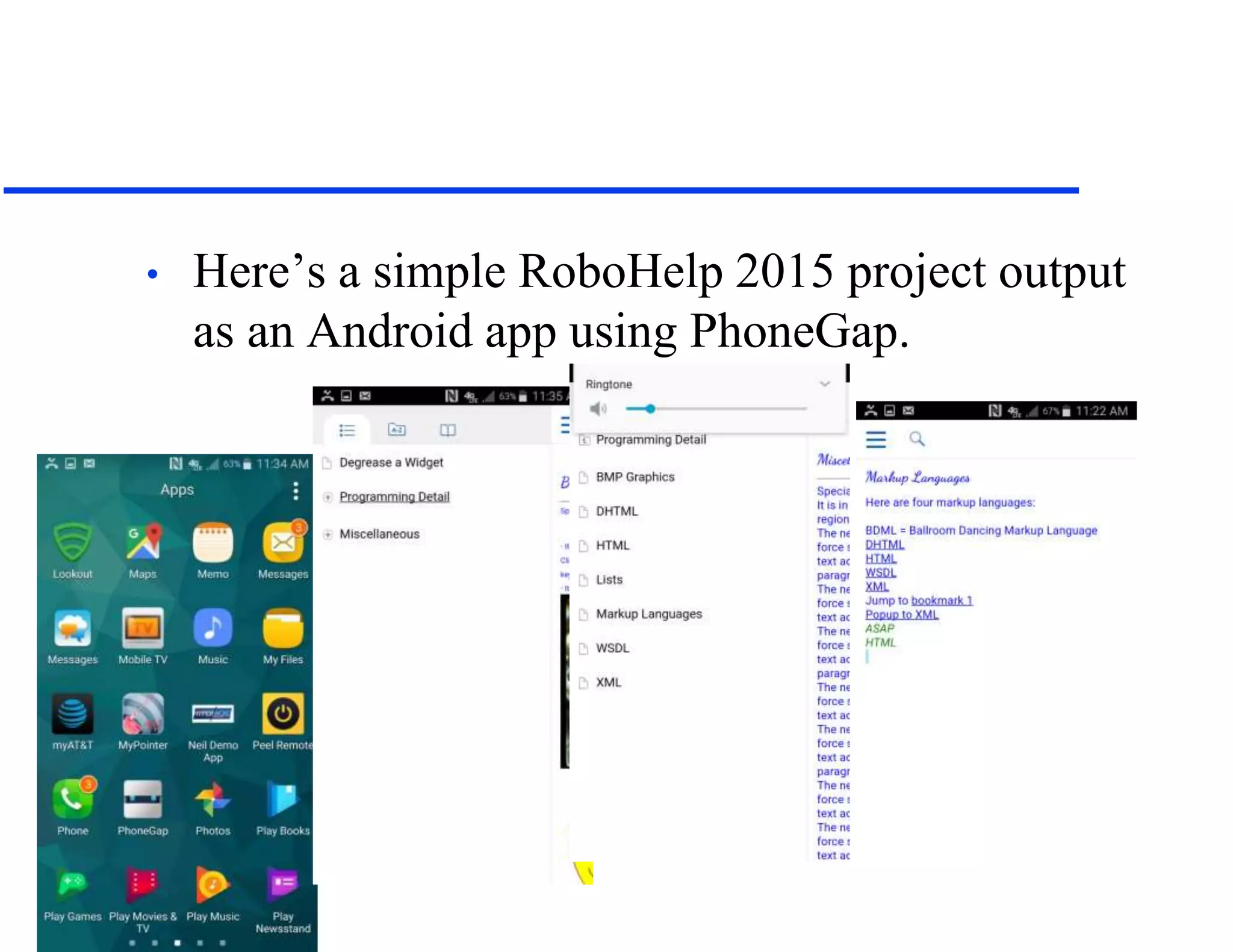
• Here’s a simple RoboHelp 2015 project output
as an Android app using PhoneGap.
Notice…
• The multiple TOC levels came through, but with
no indent.
• The h1 style got a bit funky in the conversion.
• Popups convert to hyperlinks.
• Everything else – index, search, glossary, and
dropdown and expanding links – seems to work.
• Here’s a simple Flare project converted to an
Android app using PhoneGap Build.
Notice…
• The flyout and (simple) TOC came through.
• The styles appear to have come through fine.
• Want to try this yourself?
– See PhoneGap Essentials by John Wargo or email me.
– Watch for my post about this in MadCap’s blog in
mid-April after MadWorld.
• HTML5 output is effectively a web app…
• But do these examples look like what you expect
of an app?
• You can modify the look by using jQuery Mobile,
Dojo Mobile, or Sencha Touch.
• Or use the PhoneGap APIs to add features like a
camera, accelerometer, geolocation, and more.
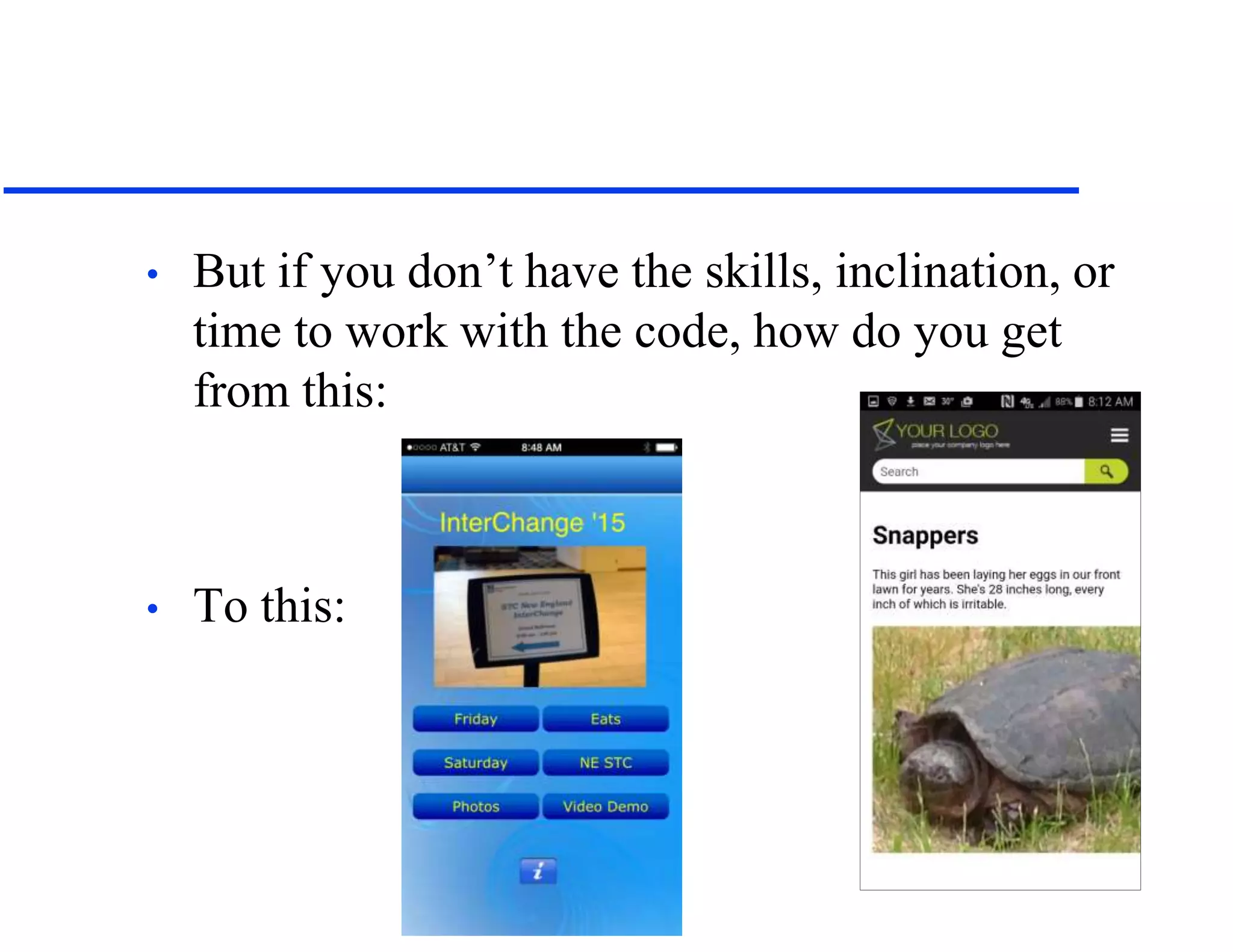
• But if you don’t have the skills, inclination, or
time to work with the code, how do you get
from this:
• To this:
3 – “True” Apps
• If you need the look and features of a “true” app,
the last few years have seen the emergence of
code-light or code-free app development tools.
• Also called DIY app tools.
• Categorized by Forrester Research as Rapid Mobile
App Development (RMAD) tools.
• The goal is to let non-programmers create apps.
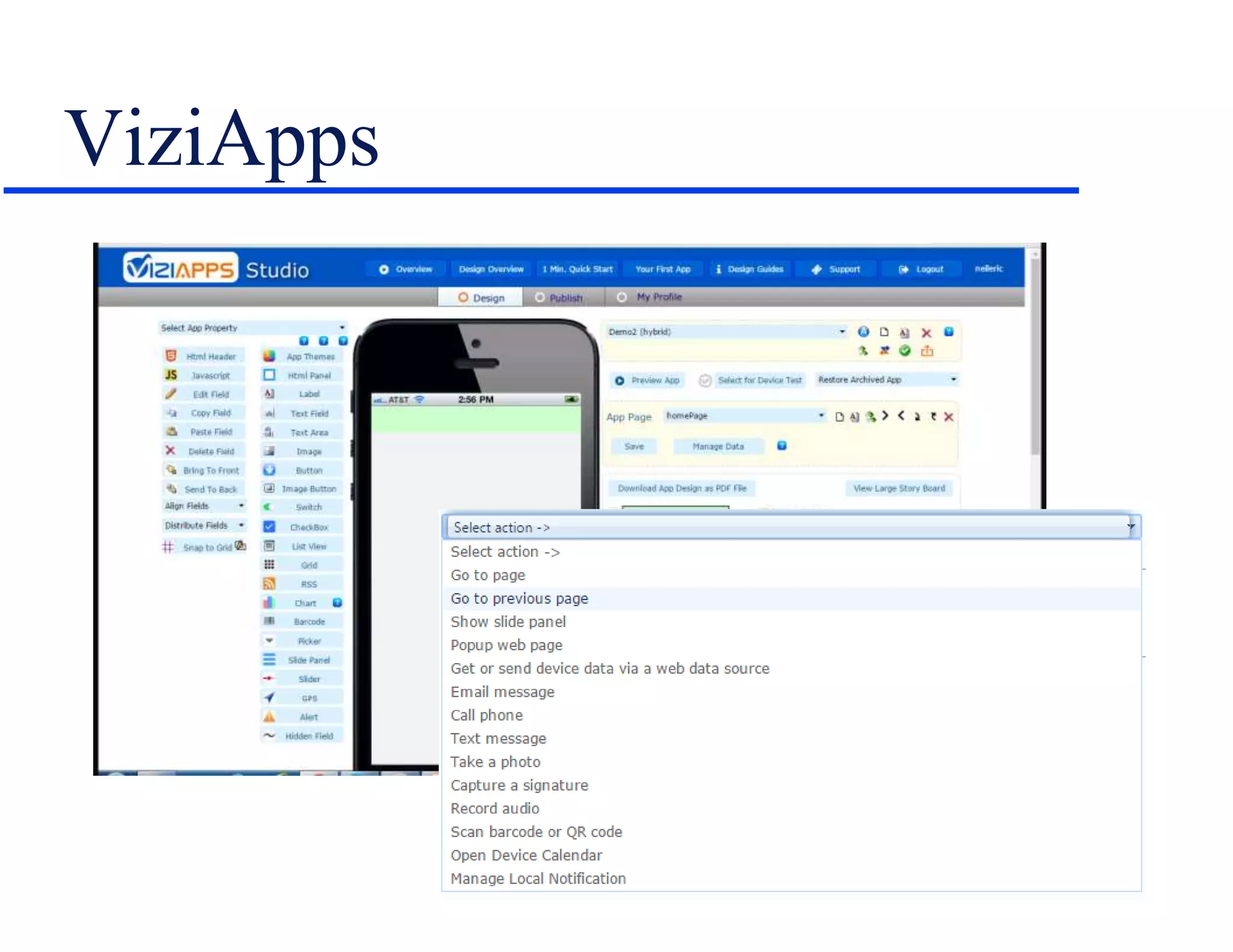
• Here’s one example, ViziApps…
ViziApps
Other RMAD Tools
• See “10 simple tools for building mobile
apps fast” at http://tinyurl.com/hzz4j5c
Why Go To Full Apps?
• User expectations – again...
• Adds new capabilities to traditional content –
device location or orientation-based content,
built-in camera, RSS feeds, transaction
processing, and more.
Some Effect on
Development
Practices
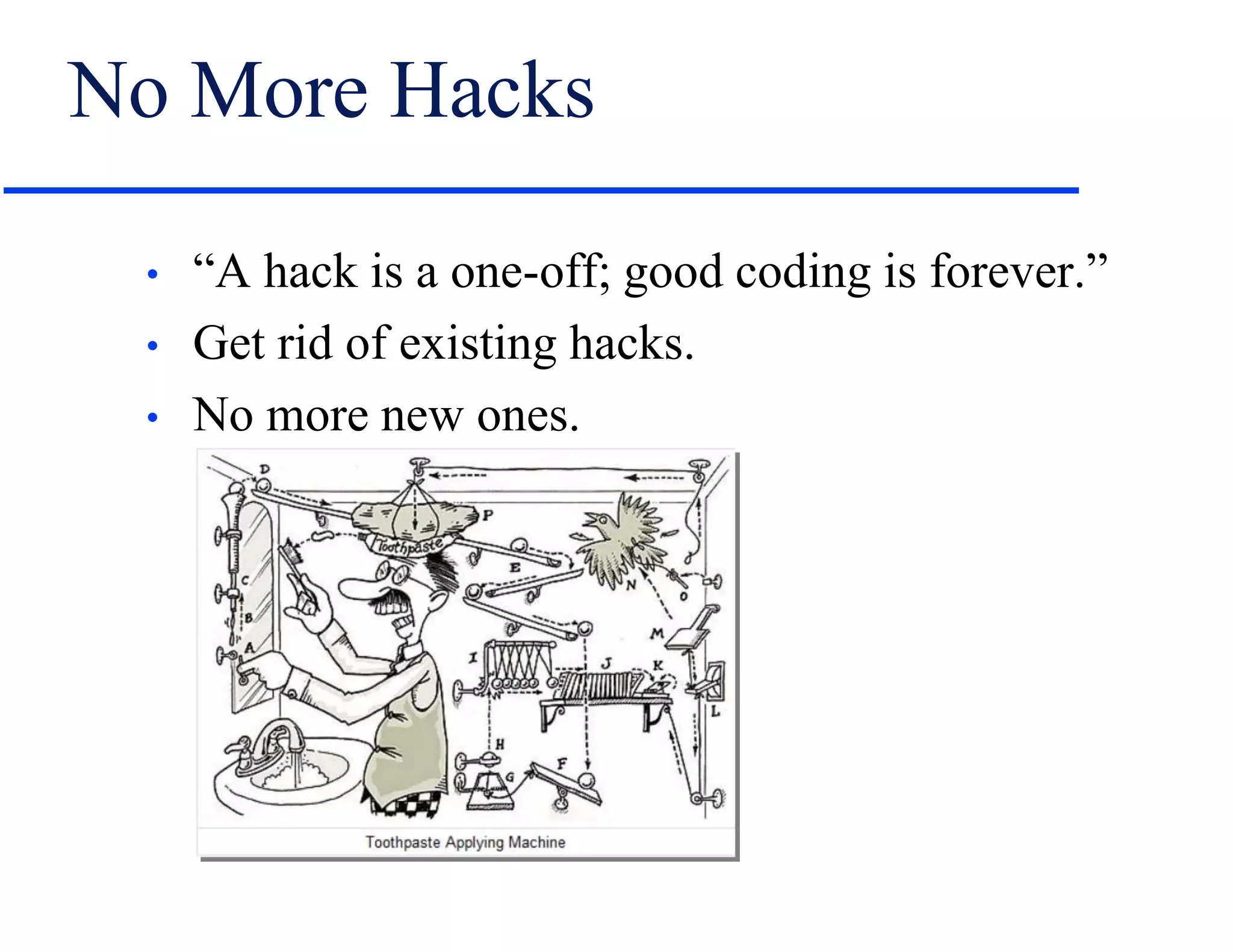
No More Hacks
• “A hack is a one-off; good coding is forever.”
• Get rid of existing hacks.
• No more new ones.
No More Local Formatting
• This: <p class=“abc” style=“margin-left: 12px; text-
align: left;”> vs. this: <p>
• Inefficient and overrides the styles in your CSS.
– Not a mobile issue per se, though it bulks up files
and may slow downloading.
– But also just bad coding practice.
• Replace local formatting with styles.
– May mean cleaning up the CSS.
• Switch from points to a relative size unit.
Write for Mobile First
• “…often… mobile for a Web application or site
is designed and built after the PC version…
Here's three reasons why Web applications
should be designed for mobile first instead.”
– 1. Mobile is exploding
– 2. Mobile forces you to focus
– 3. Mobile extends your capabilities
» Mobile First, Luke Wroblewski
» http://www.lukew.com/ff/entry.asp?933
Rethink Your Writing Style
• Start planning now to make your writing:
– Shorter.
– More granular and focused.
• Say goodbye to concepts, maybe even to full
sentences.
• Consider the effect of screen rotation on design.
Eliminate Excess Content
• Focus on new knowledge rather than legacy.
• You can edit content but, at some point, its style
will change.
• May be easier to rewrite existing content from
scratch.
• “The wind was a torrent of darkness among the
gusty trees.” (The Highwayman, Alfred Noyes)
• To, with apologies to Alfred, this: “It was
windy.”
Rethink Tables
• Given the trouble fitting tables into small device
screens, rethink what tables are and how to use
them?
• Is a table a container for multiple content pieces, only
one of which is needed at a time?
• If yes, can you replace tables with searches?
• Look for presentation alternatives that may be
more suitable for tiny screens.
– Or no screens.
Get Techie
• Get familiar with CSS – ideally at the code level
but at least conceptually.
• Ditto Javascript.
• Be able to go beyond your GUI tools, support
features like adaptive content.
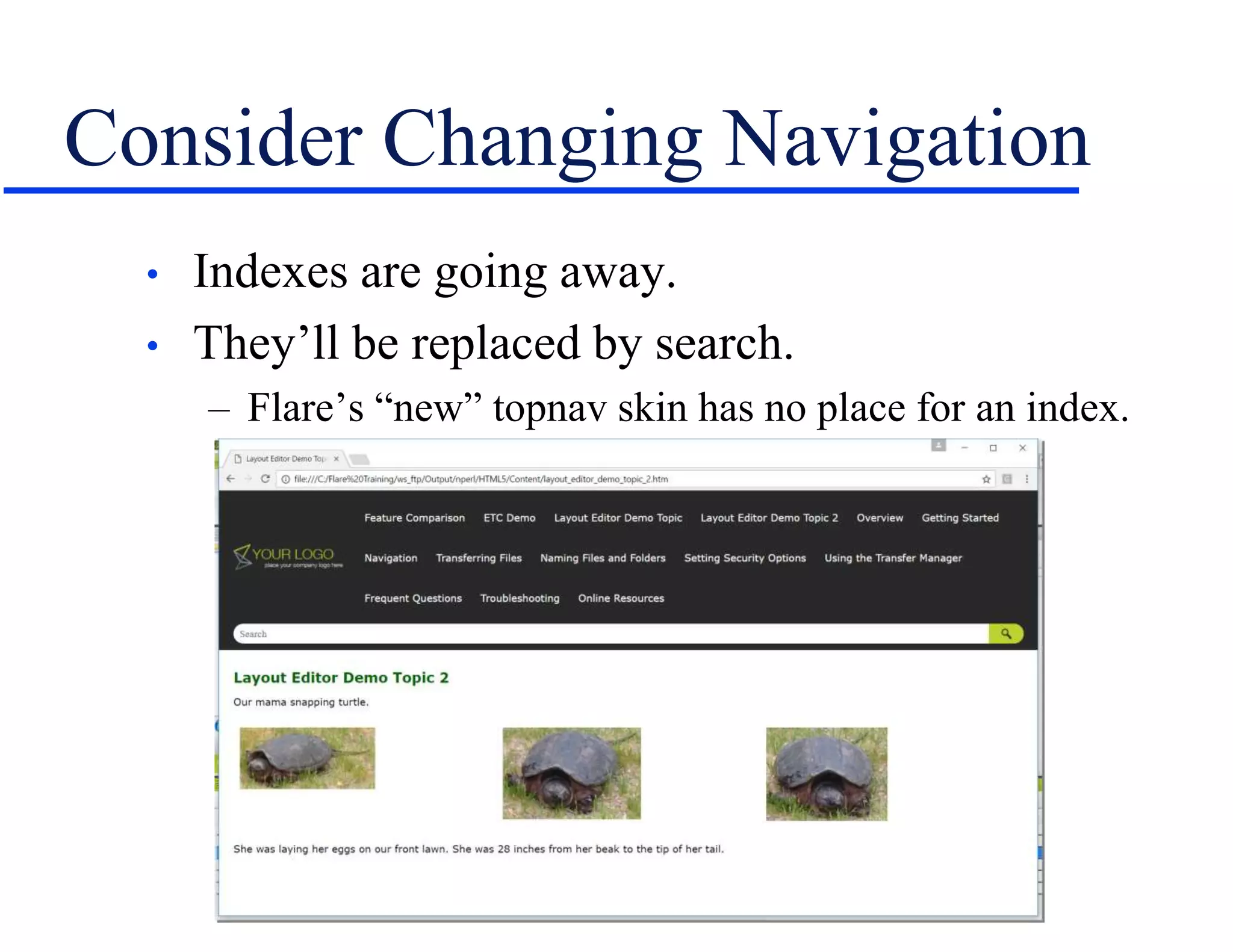
Consider Changing Navigation
• Indexes are going away.
• They’ll be replaced by search.
– Flare’s “new” topnav skin has no place for an index.
Use Up-to-Date, Open Tools
• Look for tools that support new features like
responsive output, and get rid of old ones.
• Be wary of tools with proprietary features that
may not translate going forward.
• If you use such tools, be wary of leap-frogging
multiple versions to get up to date or switch to a
different tool.
– Such as RoboHelp’s multilevel list problem.
Start Looking Forward
• Think about:
• New interfaces – Consider voice, touch, haptic(?).
• Accumulating user search information to improve
your material now and for “the data halo” (Cognizant)
down the road.
Hyper/Word Services Offers…
Training • Consulting • Development
Flare • Flare CSS • Flare Single Sourcing
RoboHelp Troubleshooting, Conversion to
Flare
ViziApps
Single sourcing • Structured authoring
Thank you... Questions?
978-657-5464
nperlin@nperlin.cnc.net
www.hyperword.com
Twitter: NeilEric

We’re Going Mobile! Great! Wait… What Does That Mean?

  • 1.
  • 2.
    Who Am I? •Neil Perlin - Hyper/Word Services. – Internationally recognized content consultant. – Help clients create effective, efficient, flexible content in anything from hard-copy to mobile. – Certified – Flare, RoboHelp, Mimic, Viziapps. – Working in mobile since 1998. – Certified app development consultant and trainer. – Lynda.com® author of training for Flare 12, RoboHelp 2015.
  • 3.
    Two Questions • Howto go mobile? – Without repeating the definition errors of the old help days. • How should our development practices change? – Don’t keep developing in ways that can cause trouble.
  • 4.
  • 5.
    1 – ResponsiveOutput • Creating one web site/help output that can detect a display device’s properties and automatically reformat itself accordingly. – Vs creating one site/output for each device. – Properties include screen size, resolution, if the device has a screen, others. • Developed by Ethan Marcotte in 2010. – See http://alistapart.com/article/responsive- web-design/ • For example…
  • 6.
  • 7.
  • 8.
    Notice… • The skinchanges as the screen size changes. – Set up using the Skin Editor. • The content layout changes as the screen size changes. – Set up using the Responsive Layout Editor.
  • 9.
  • 10.
    Responsive Design Issues •Skin properties are global. • But content layout properties are set topic by topic. • So content layout property definition requires planning.
  • 11.
    2 – “Appified”Help • We don’t think of apps from a tech comm perspective. • But if our help is largely text and images, these examples of apps could have been created by tech comm.
  • 12.
    “Appified” Help Examples •Reference – Messier List
  • 13.
    “Appified” Help Examples •Reference – Encyclopedia Britannica
  • 14.
    “Appified” Help Examples •Procedures/tasks – Drop
  • 15.
    How To AppifyYour Help • Capability is built into RoboHelp 2015 +. • Uses Adobe PhoneGap (http://phonegap.com/). • Process gets into new areas but see this post by Robert Desprez – http://tinyurl.com/h2y27o2 • PhoneGap or the cloud-based PhoneGap Build (https://build.phonegap.com/) works with Flare but you’ll have to get down in the weeds a bit.
  • 16.
    • Here’s asimple RoboHelp 2015 project output as an Android app using PhoneGap.
  • 17.
    Notice… • The multipleTOC levels came through, but with no indent. • The h1 style got a bit funky in the conversion. • Popups convert to hyperlinks. • Everything else – index, search, glossary, and dropdown and expanding links – seems to work.
  • 18.
    • Here’s asimple Flare project converted to an Android app using PhoneGap Build.
  • 19.
    Notice… • The flyoutand (simple) TOC came through. • The styles appear to have come through fine. • Want to try this yourself? – See PhoneGap Essentials by John Wargo or email me. – Watch for my post about this in MadCap’s blog in mid-April after MadWorld.
  • 20.
    • HTML5 outputis effectively a web app… • But do these examples look like what you expect of an app? • You can modify the look by using jQuery Mobile, Dojo Mobile, or Sencha Touch. • Or use the PhoneGap APIs to add features like a camera, accelerometer, geolocation, and more.
  • 21.
    • But ifyou don’t have the skills, inclination, or time to work with the code, how do you get from this: • To this:
  • 22.
    3 – “True”Apps • If you need the look and features of a “true” app, the last few years have seen the emergence of code-light or code-free app development tools. • Also called DIY app tools. • Categorized by Forrester Research as Rapid Mobile App Development (RMAD) tools. • The goal is to let non-programmers create apps. • Here’s one example, ViziApps…
  • 23.
  • 24.
    Other RMAD Tools •See “10 simple tools for building mobile apps fast” at http://tinyurl.com/hzz4j5c
  • 25.
    Why Go ToFull Apps? • User expectations – again... • Adds new capabilities to traditional content – device location or orientation-based content, built-in camera, RSS feeds, transaction processing, and more.
  • 26.
  • 27.
    No More Hacks •“A hack is a one-off; good coding is forever.” • Get rid of existing hacks. • No more new ones.
  • 28.
    No More LocalFormatting • This: <p class=“abc” style=“margin-left: 12px; text- align: left;”> vs. this: <p> • Inefficient and overrides the styles in your CSS. – Not a mobile issue per se, though it bulks up files and may slow downloading. – But also just bad coding practice. • Replace local formatting with styles. – May mean cleaning up the CSS. • Switch from points to a relative size unit.
  • 29.
    Write for MobileFirst • “…often… mobile for a Web application or site is designed and built after the PC version… Here's three reasons why Web applications should be designed for mobile first instead.” – 1. Mobile is exploding – 2. Mobile forces you to focus – 3. Mobile extends your capabilities » Mobile First, Luke Wroblewski » http://www.lukew.com/ff/entry.asp?933
  • 30.
    Rethink Your WritingStyle • Start planning now to make your writing: – Shorter. – More granular and focused. • Say goodbye to concepts, maybe even to full sentences. • Consider the effect of screen rotation on design.
  • 31.
    Eliminate Excess Content •Focus on new knowledge rather than legacy. • You can edit content but, at some point, its style will change. • May be easier to rewrite existing content from scratch. • “The wind was a torrent of darkness among the gusty trees.” (The Highwayman, Alfred Noyes) • To, with apologies to Alfred, this: “It was windy.”
  • 32.
    Rethink Tables • Giventhe trouble fitting tables into small device screens, rethink what tables are and how to use them? • Is a table a container for multiple content pieces, only one of which is needed at a time? • If yes, can you replace tables with searches? • Look for presentation alternatives that may be more suitable for tiny screens. – Or no screens.
  • 33.
    Get Techie • Getfamiliar with CSS – ideally at the code level but at least conceptually. • Ditto Javascript. • Be able to go beyond your GUI tools, support features like adaptive content.
  • 34.
    Consider Changing Navigation •Indexes are going away. • They’ll be replaced by search. – Flare’s “new” topnav skin has no place for an index.
  • 35.
    Use Up-to-Date, OpenTools • Look for tools that support new features like responsive output, and get rid of old ones. • Be wary of tools with proprietary features that may not translate going forward. • If you use such tools, be wary of leap-frogging multiple versions to get up to date or switch to a different tool. – Such as RoboHelp’s multilevel list problem.
  • 36.
    Start Looking Forward •Think about: • New interfaces – Consider voice, touch, haptic(?). • Accumulating user search information to improve your material now and for “the data halo” (Cognizant) down the road.
  • 37.
    Hyper/Word Services Offers… Training• Consulting • Development Flare • Flare CSS • Flare Single Sourcing RoboHelp Troubleshooting, Conversion to Flare ViziApps Single sourcing • Structured authoring
  • 38.