Design Challenges In HAT-Based
Multichannel Publishing
Who Am I?
Neil Perlin - Hyper/Word Services.
– Internationally recognized content creation and
delivery consultant.
– Help clients create effective, efficient, flexible
content in anything from print to mobile.
– Working with mobile since Windows CE and
WML/WAP c. 1998
– Certified – Viziapps, Flare, Mimic, RoboHelp.
The Issues
Should tech comm get involved in mobile?
– If we don’t, someone else will.
…how?
– By converting HAT-based help to mobile.
– By getting into “real” mobile.
What to expect when we single source our
content to “mobile”?
– The focus of this presentation…
First, Some
Mobile Basics
A Note About Terminology
Terminology affects your choice of hard-
ware and software.
Terminology mixups…
– Like not being clear re WebHelp vs. Web Help
or HTML help vs. HTML Help.
… can spell trouble.
– Like buying the wrong tool or hiring the wrong
developer.
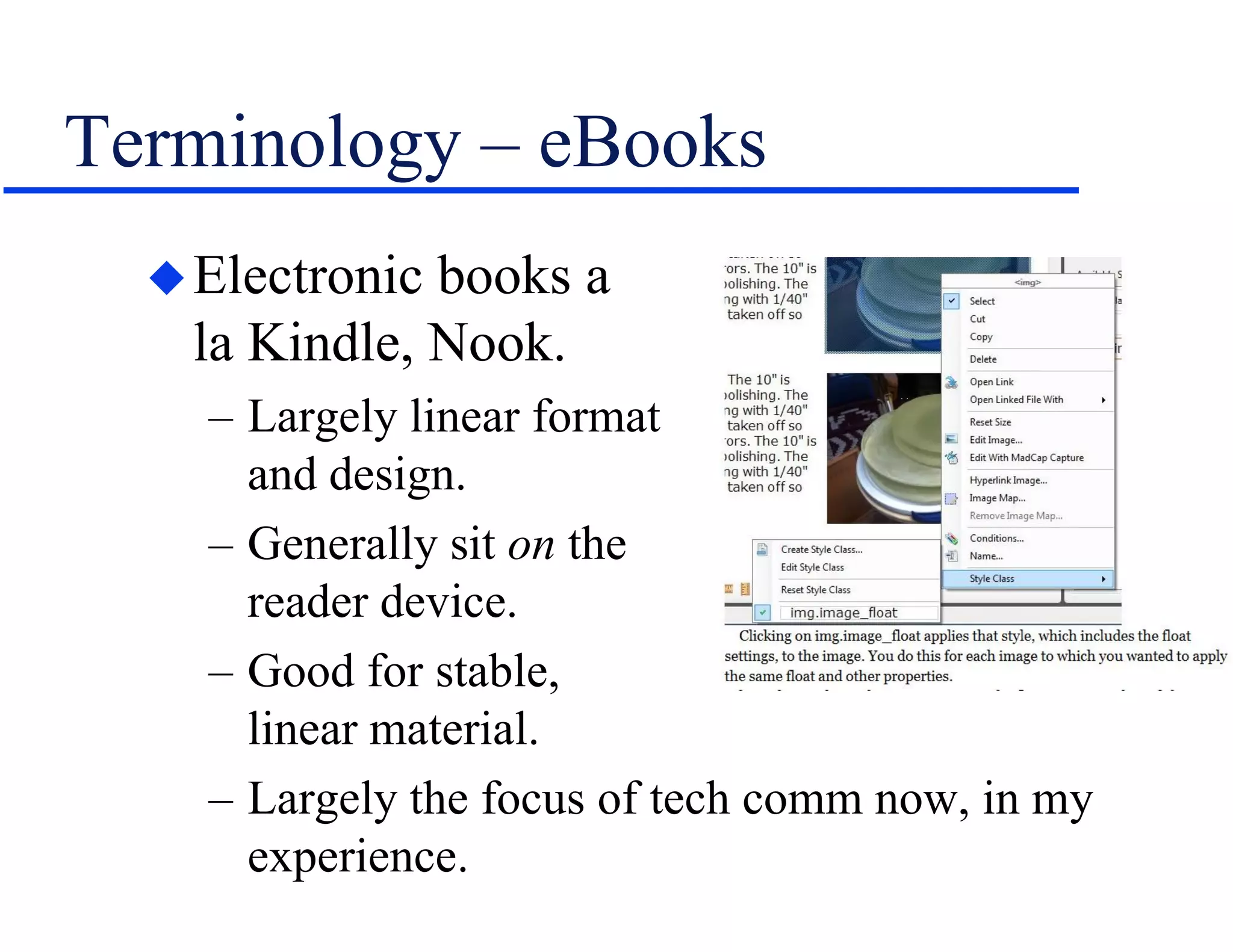
Terminology – eBooks
Electronic books a
la Kindle, Nook.
– Largely linear format
and design.
– Generally sit on the
reader device.
– Good for stable,
linear material.
– Largely the focus of tech comm now, in my
experience.
Terminology – Apps
Applications for mobile devices.
– Highly focused – “micro-tasking” – compared
to PC-style applications.
– Native – Follow a platform standard, easily run
on-device resources.
– Web – (“Mobile web”) Run in browser on any
device, can’t easily run on-device resources,
may be mobile-optimized – e.g. WebHelp vs.
WebHelp Mobile.
– Hybrid – Combine native and web, HTML5.
Apps and Tech Comm
Little app dev from tech comm so far, in
my experience, for several reasons.
– “Mobile” is still new in the tech comm world
and companies aren’t sure of the need yet.
» And we don’t think of tech comm as creating apps.
– Going mobile required programming tools and
skills until HATs added mobile output.
Yet apps can be function- or content-
centric.
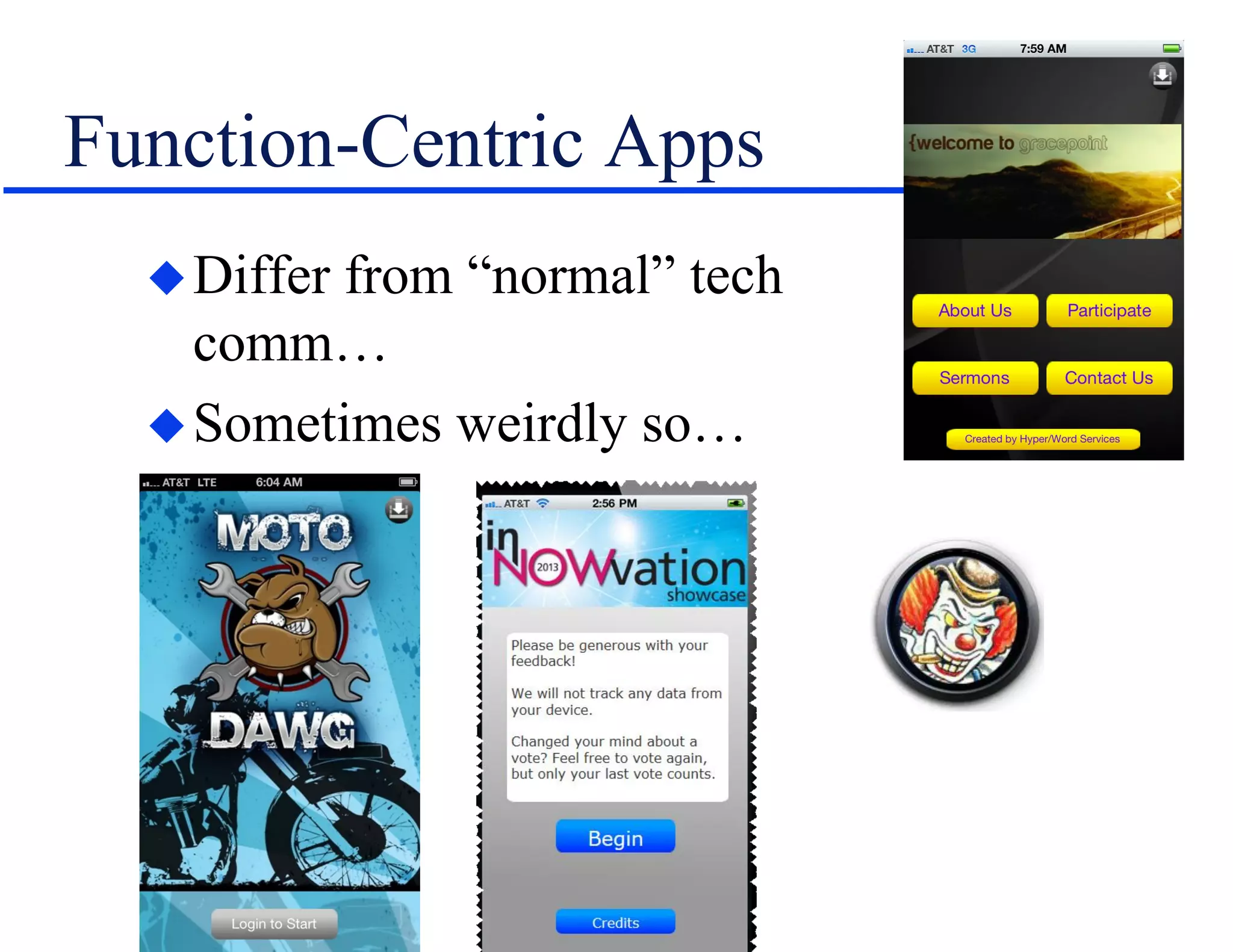
Function-Centric Apps
Differ from “normal” tech
comm…
Sometimes weirdly so…
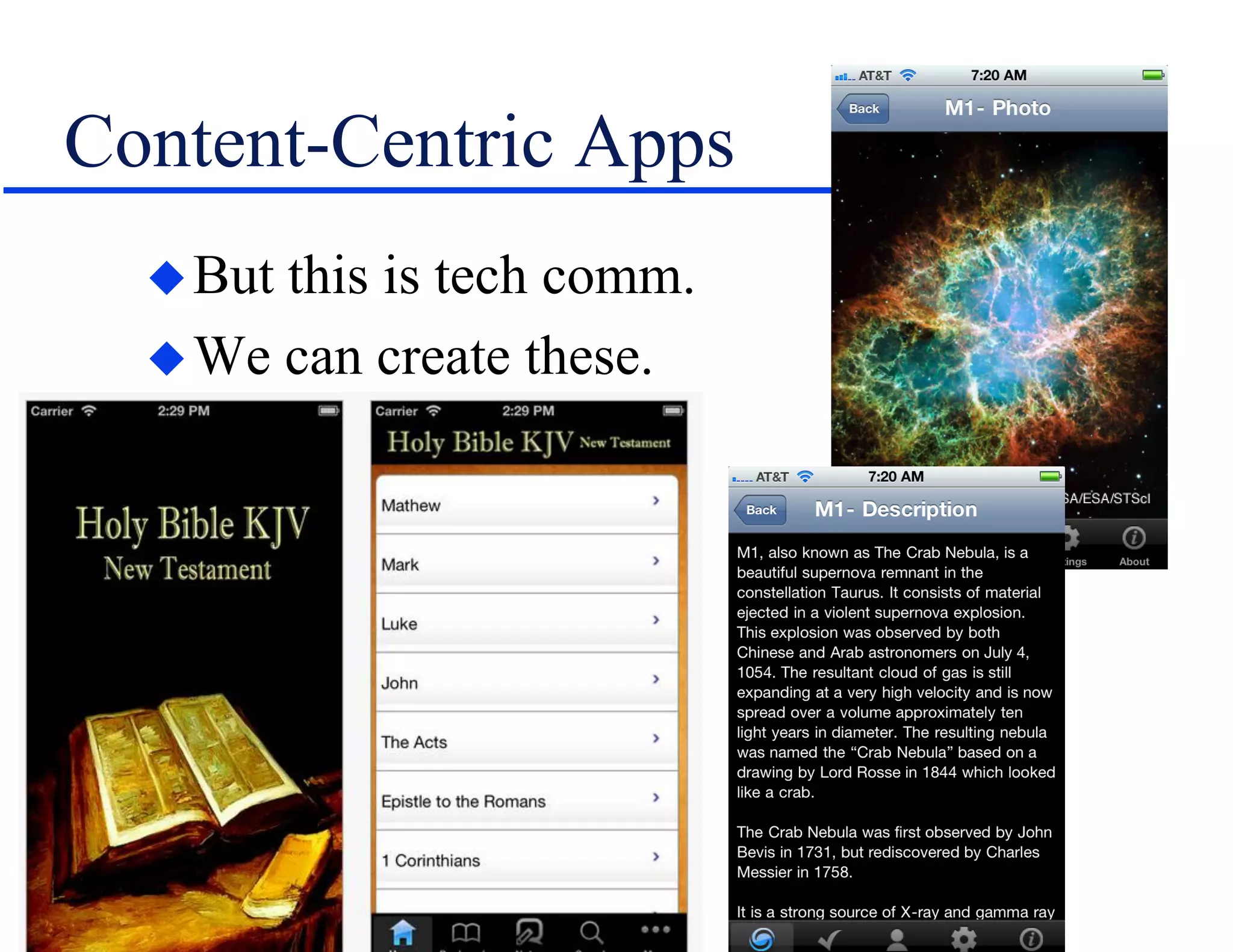
Content-Centric Apps
But this is tech comm.
We can create these.
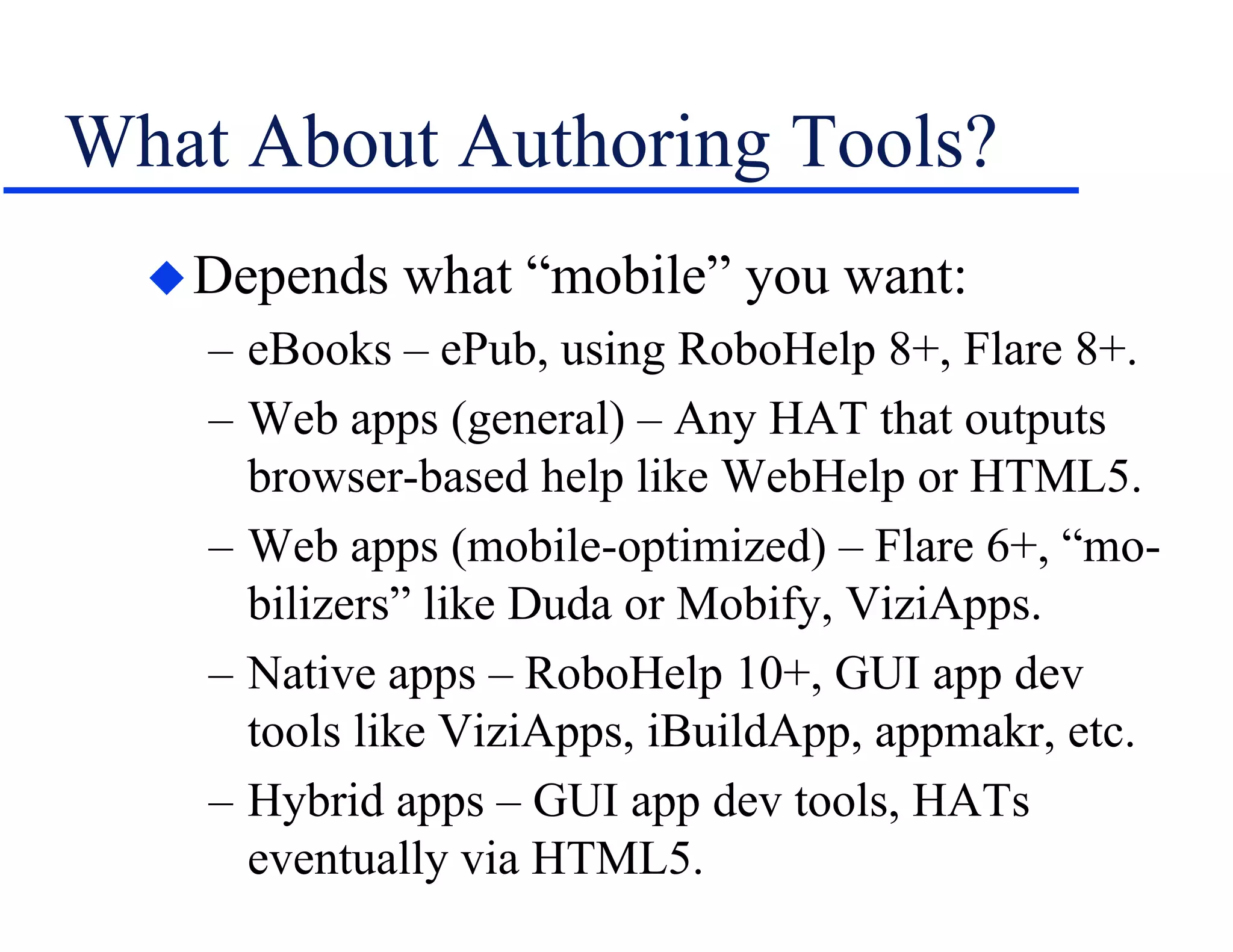
What About Authoring Tools?
Depends what “mobile” you want:
– eBooks – ePub, using RoboHelp 8+, Flare 8+.
– Web apps (general) – Any HAT that outputs
browser-based help like WebHelp or HTML5.
– Web apps (mobile-optimized) – Flare 6+, “mo-
bilizers” like Duda or Mobify, ViziApps.
– Native apps – RoboHelp 10+, GUI app dev
tools like ViziApps, iBuildApp, appmakr, etc.
– Hybrid apps – GUI app dev tools, HATs
eventually via HTML5.
Why Author Using a HAT?
Why?
– If you know the tool, you only have to learn a
few new features.
– Keep you out of the code.
– Set technical boundaries for you.
Why not?
– HAT won’t offer the features you expect in a
function-centric app.
– Possible code bloat.
Help vs. Mobile –
Screen and Content
Design Challenges
and Suggestions
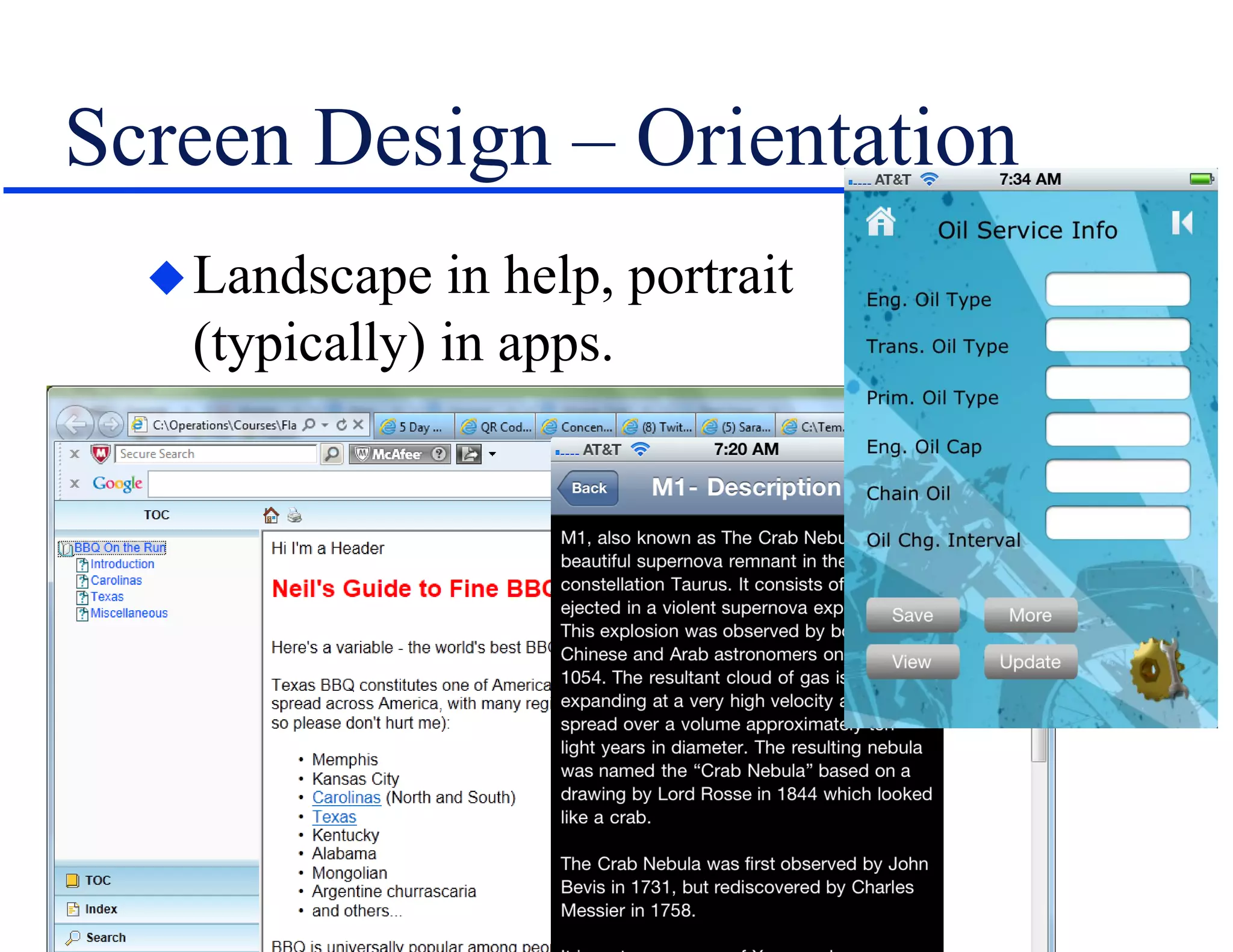
Screen Design – Orientation
Landscape in help, portrait
(typically) in apps.
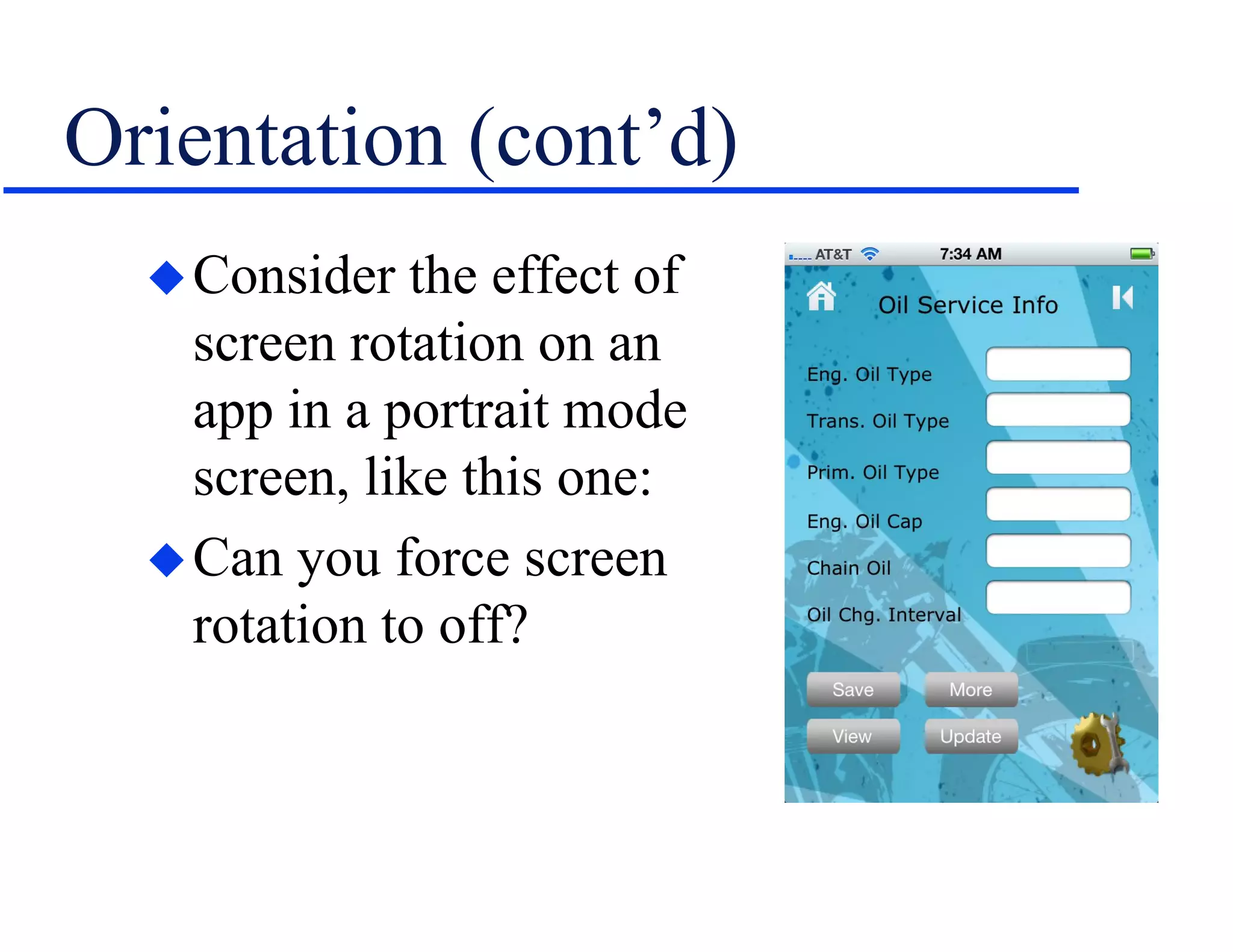
Orientation (cont’d)
Consider the effect of
screen rotation on an
app in a portrait mode
screen, like this one:
Can you force screen
rotation to off?
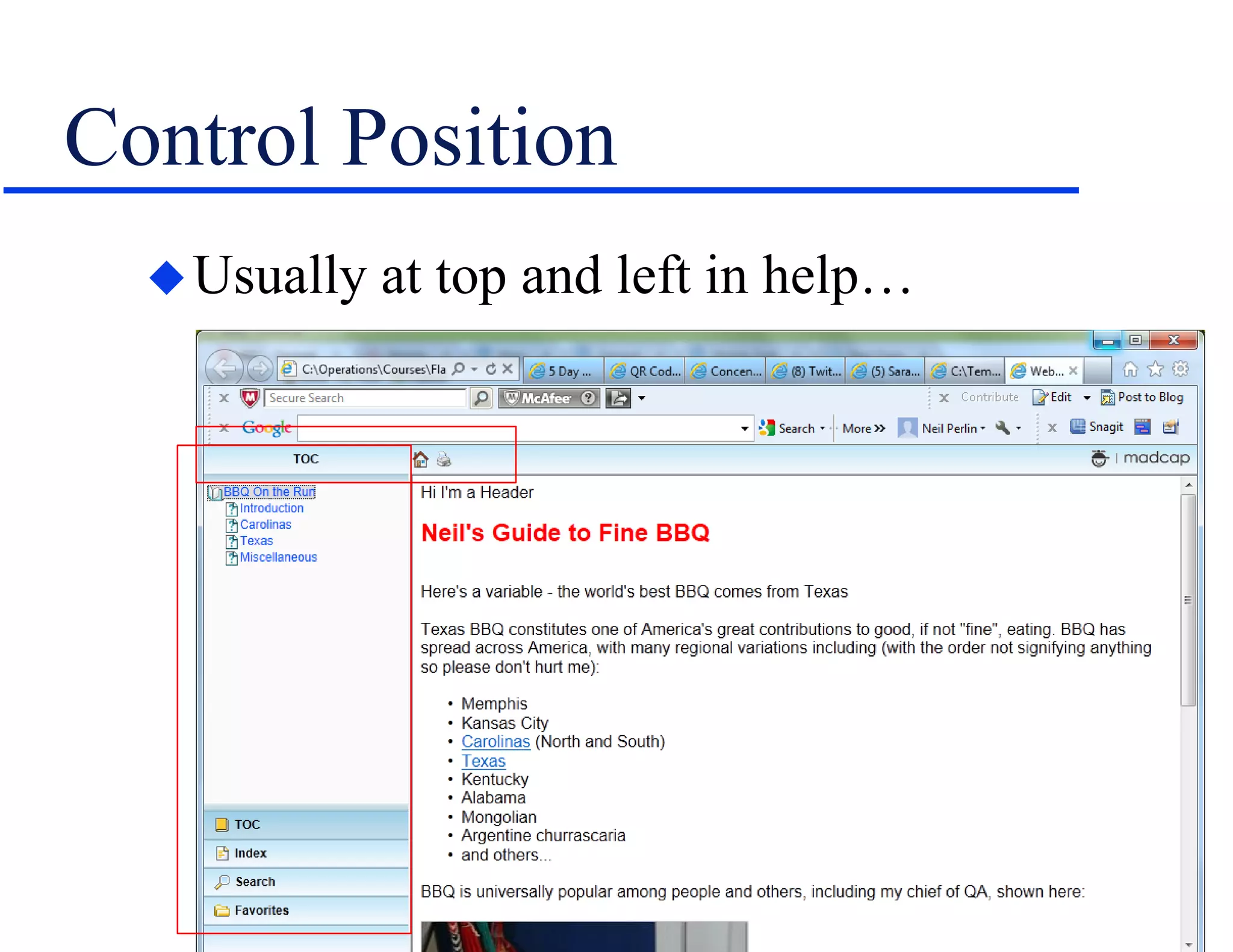
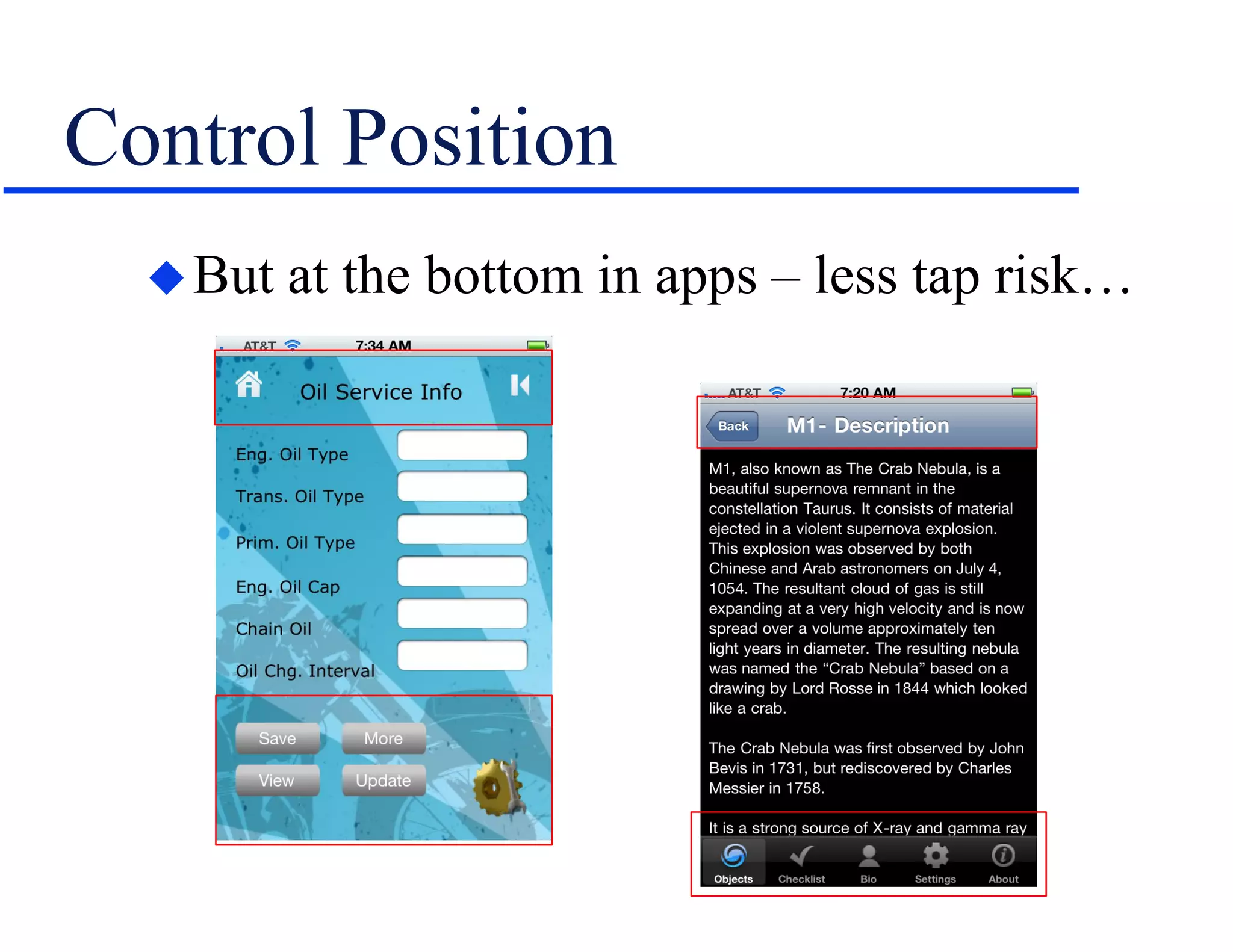
Control Position
Usually at top and left in help…
Control Position
But at the bottom in apps – less tap risk…
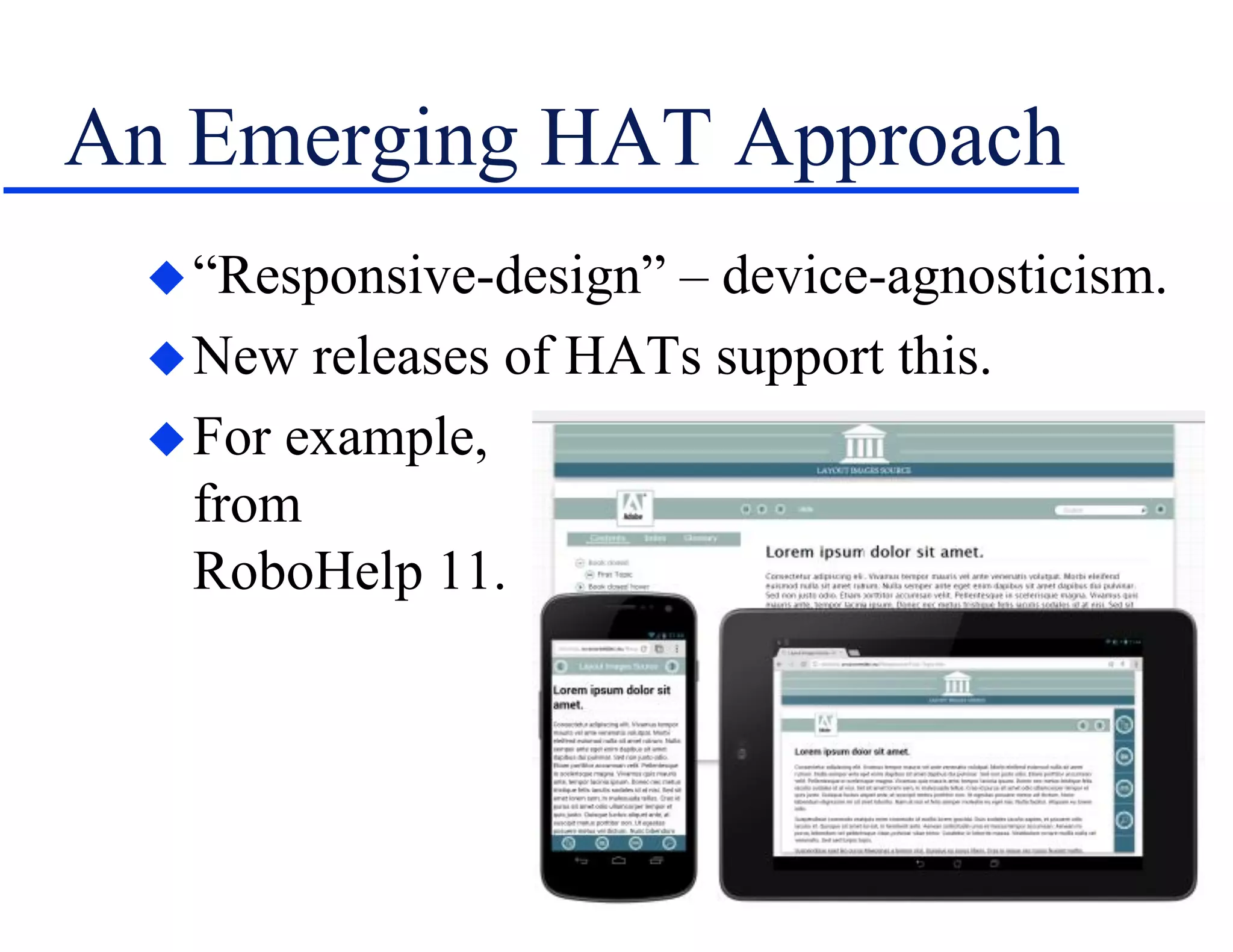
An Emerging HAT Approach
“Responsive-design” – device-agnosticism.
New releases of HATs support this.
For example,
from
RoboHelp 11.
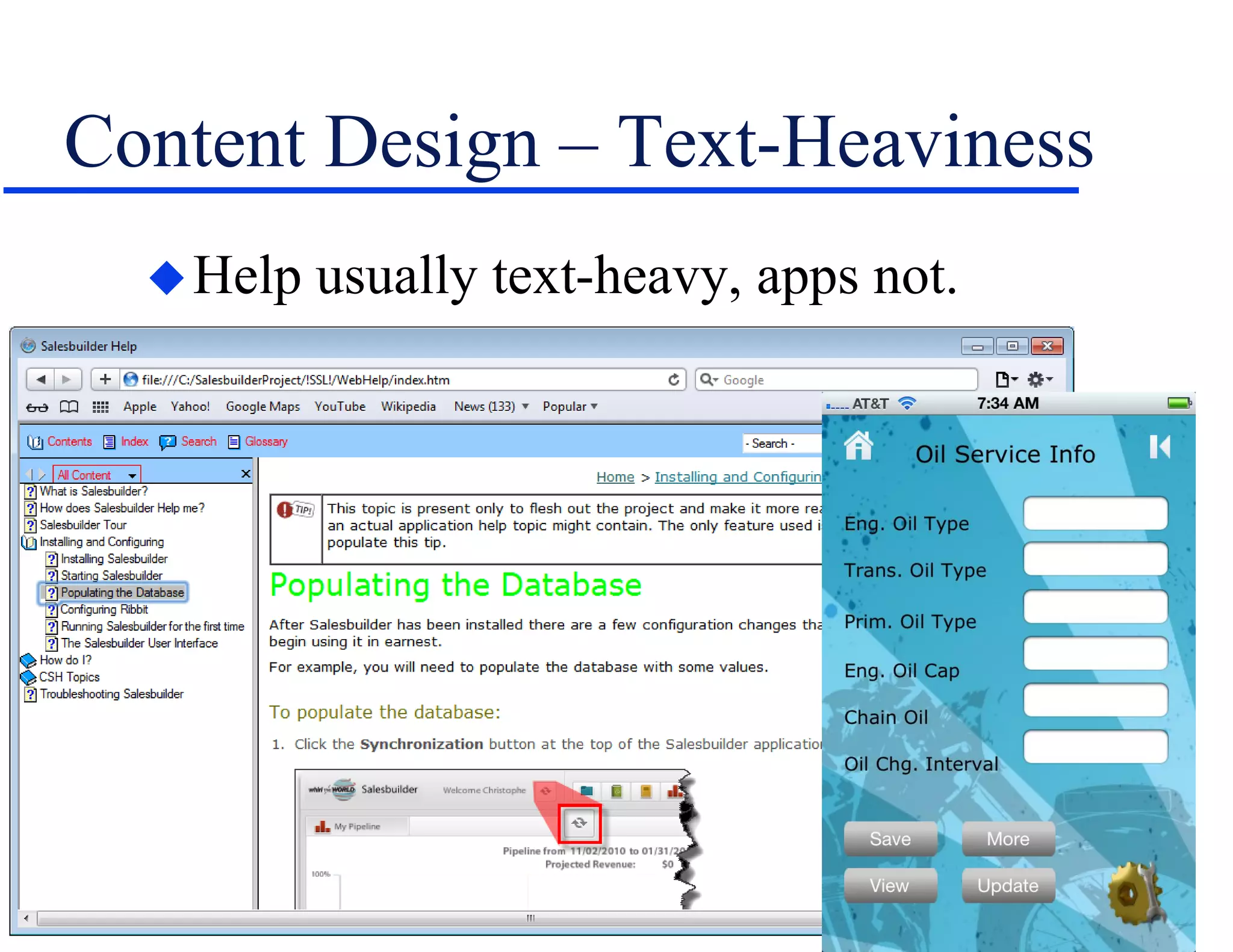
Content Design – Text-Heaviness
Help usually text-heavy, apps not.
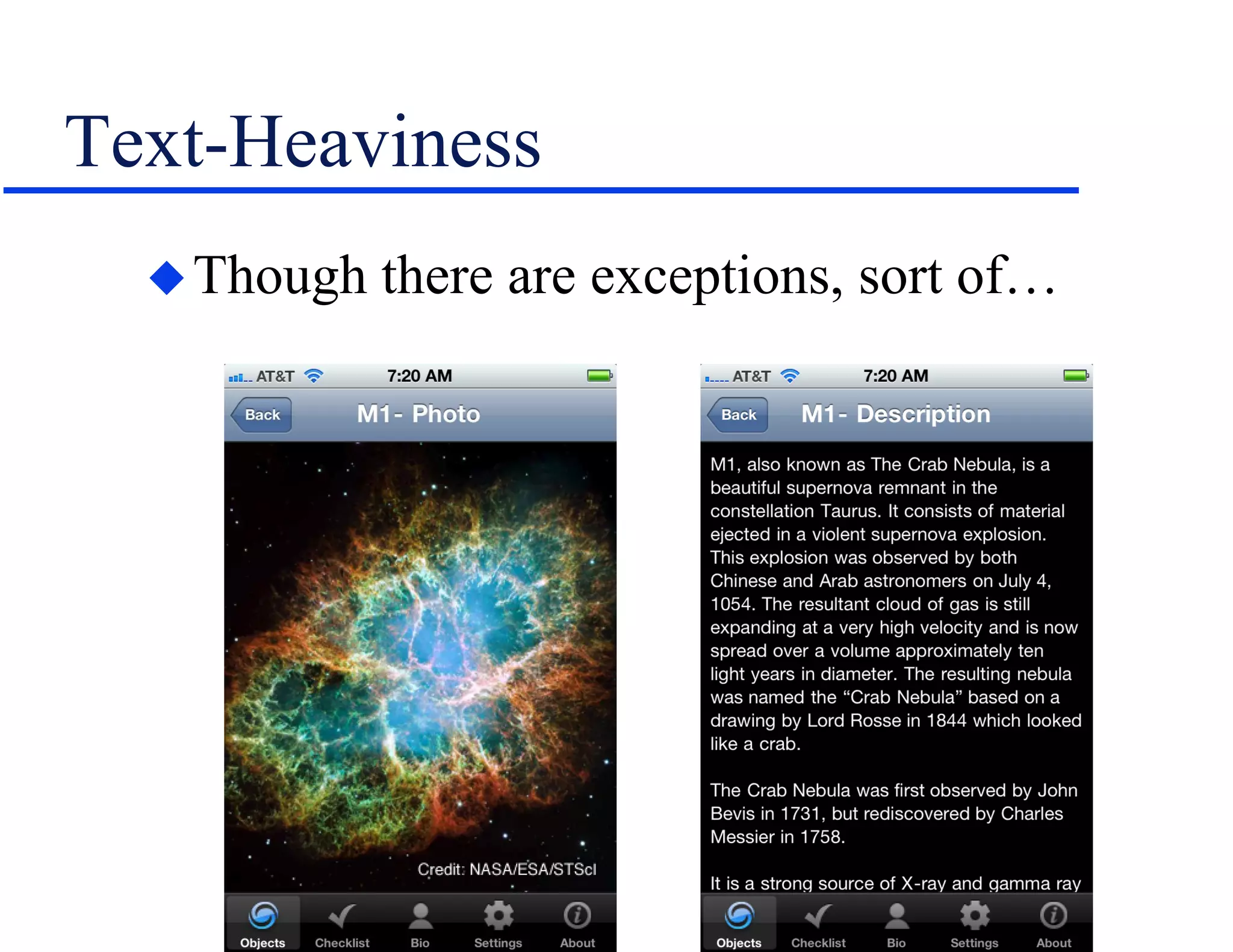
Text-Heaviness
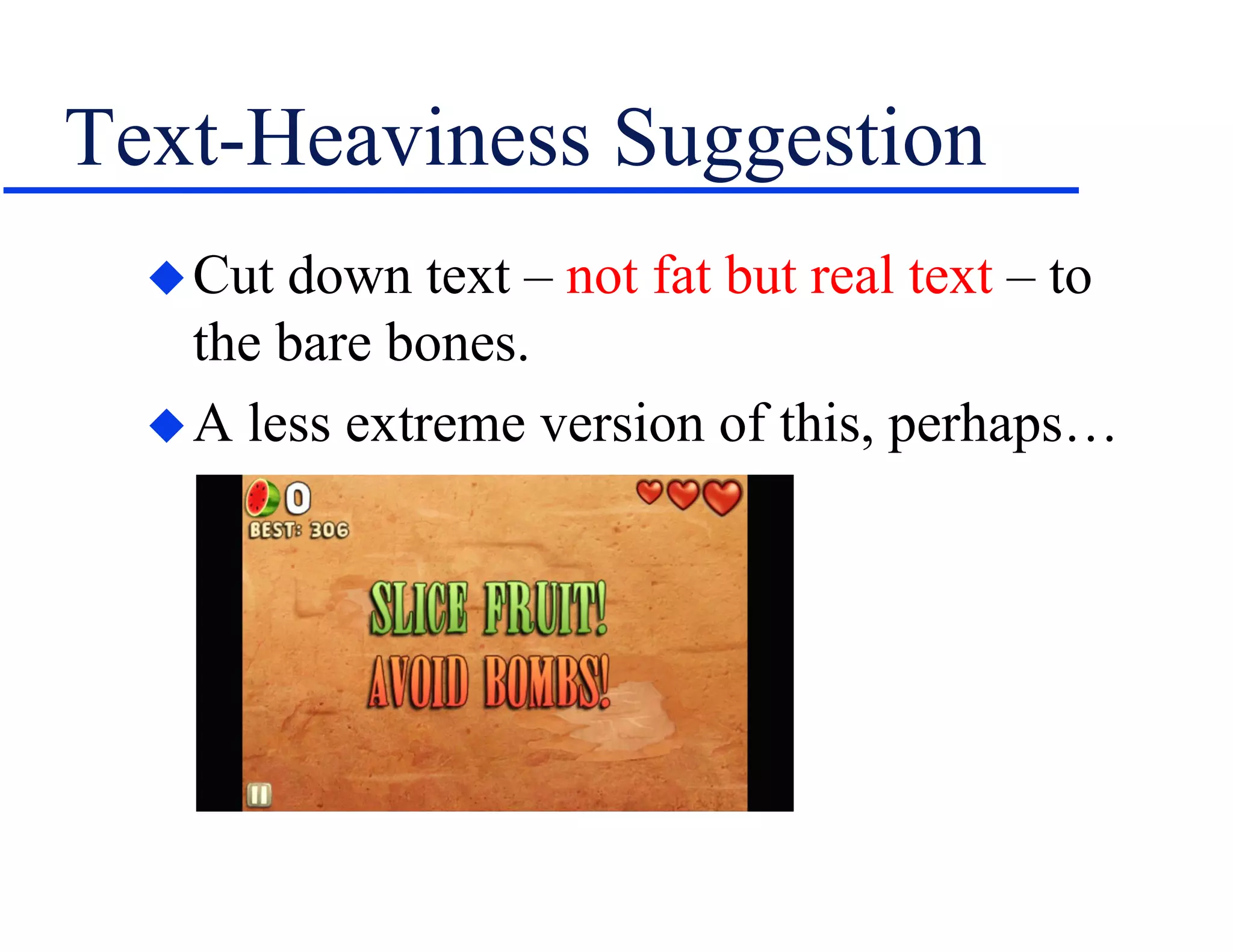
Though there are exceptions, sort of…
Text-Heaviness Suggestion
Cut down text – not fat but real text – to
the bare bones.
A less extreme version of this, perhaps…
More Content Design Issues
Images may be too wide for phone screens.
– Can size them dynamically to fit by setting the
width to % and height to auto (if available).
– But are they still legible?
– If not, can you conditionalize them out?
– If you do, does that affect the contents?
– May call for greater granularity of content…
– And need a CMS to deal with the greater # of
content chunks even if traditional help did not.
More…
Ditto wide or “complex” tables.
Consider SWFs.
– Won’t run on iOS – must be MP4 or HTML5.
– Are text captions legible or must you replace
them with audio, which means creating 2+
versions of each movie.
– What happens to interactivity in a mouseless
world?
Still More…
Consider platform differences for feature
support and need to rework material.
– Minimal table support in ebook formats.
– Lack of support for Word bullets in KDP even
though Createspace supports them.
– Many more, no doubt…
“Invisible” problems like tables, graphics,
SWFs, popups, etc., embedded in snippets.
Popup links that convert to jumps.
And Still More…
Features with no equivalent controls in
mobile, like Flare togglers.
Graphics management may have to change
as graphics get stored in the cloud, perhaps
using Amazon S3.
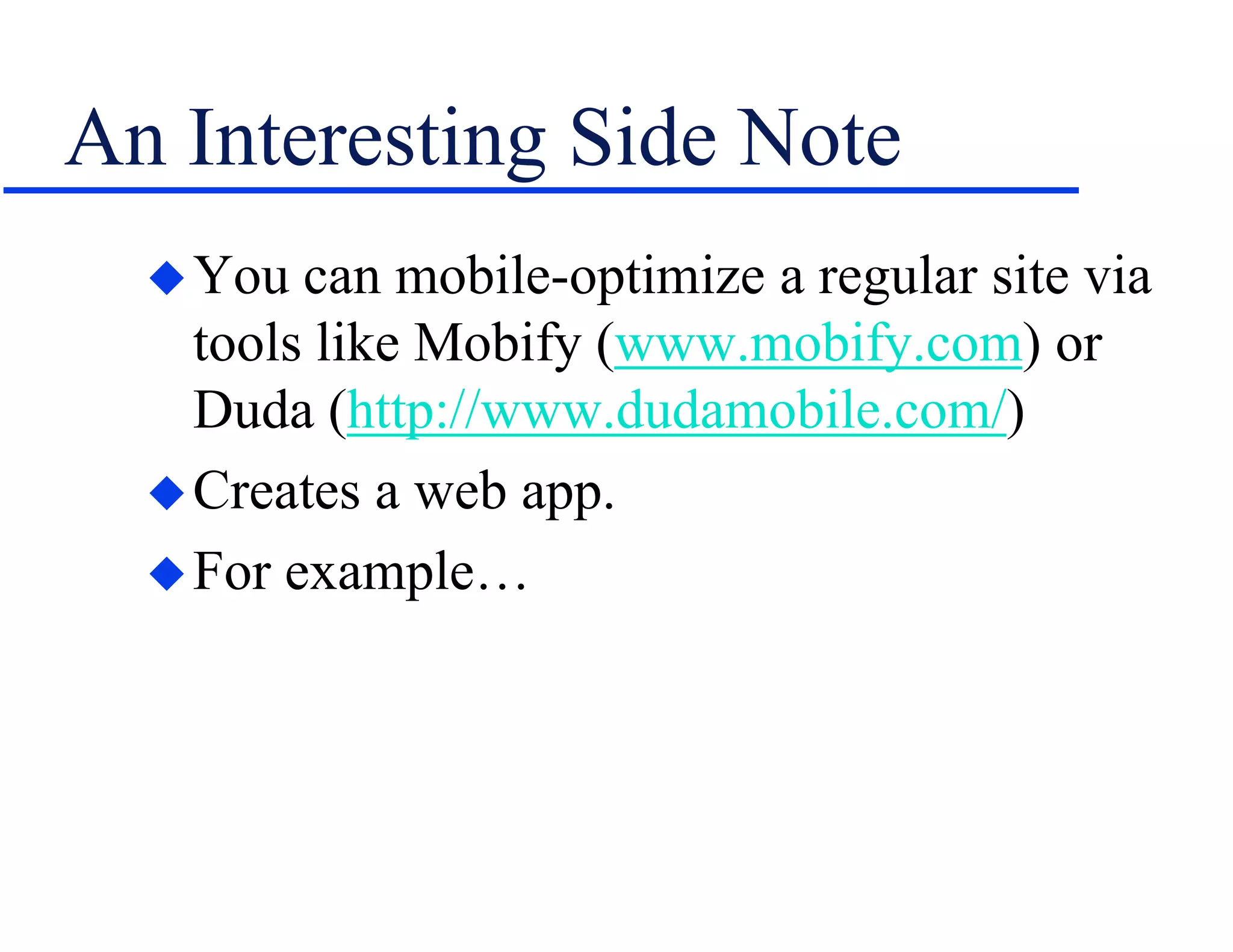
An Interesting Side Note
You can mobile-optimize a regular site via
tools like Mobify (www.mobify.com) or
Duda (http://www.dudamobile.com/)
Creates a web app.
For example…
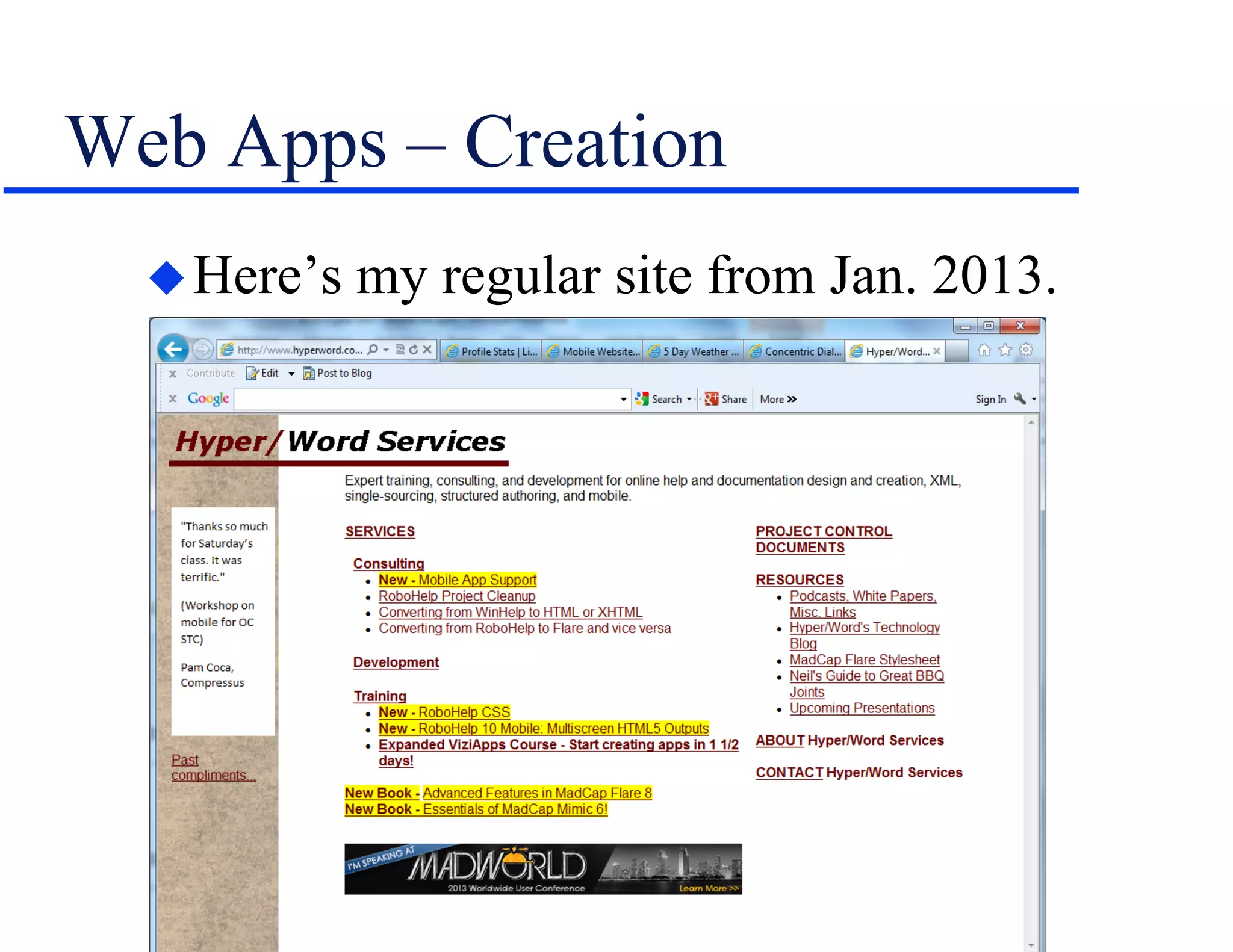
Web Apps – Creation
Here’s my regular site from Jan. 2013.
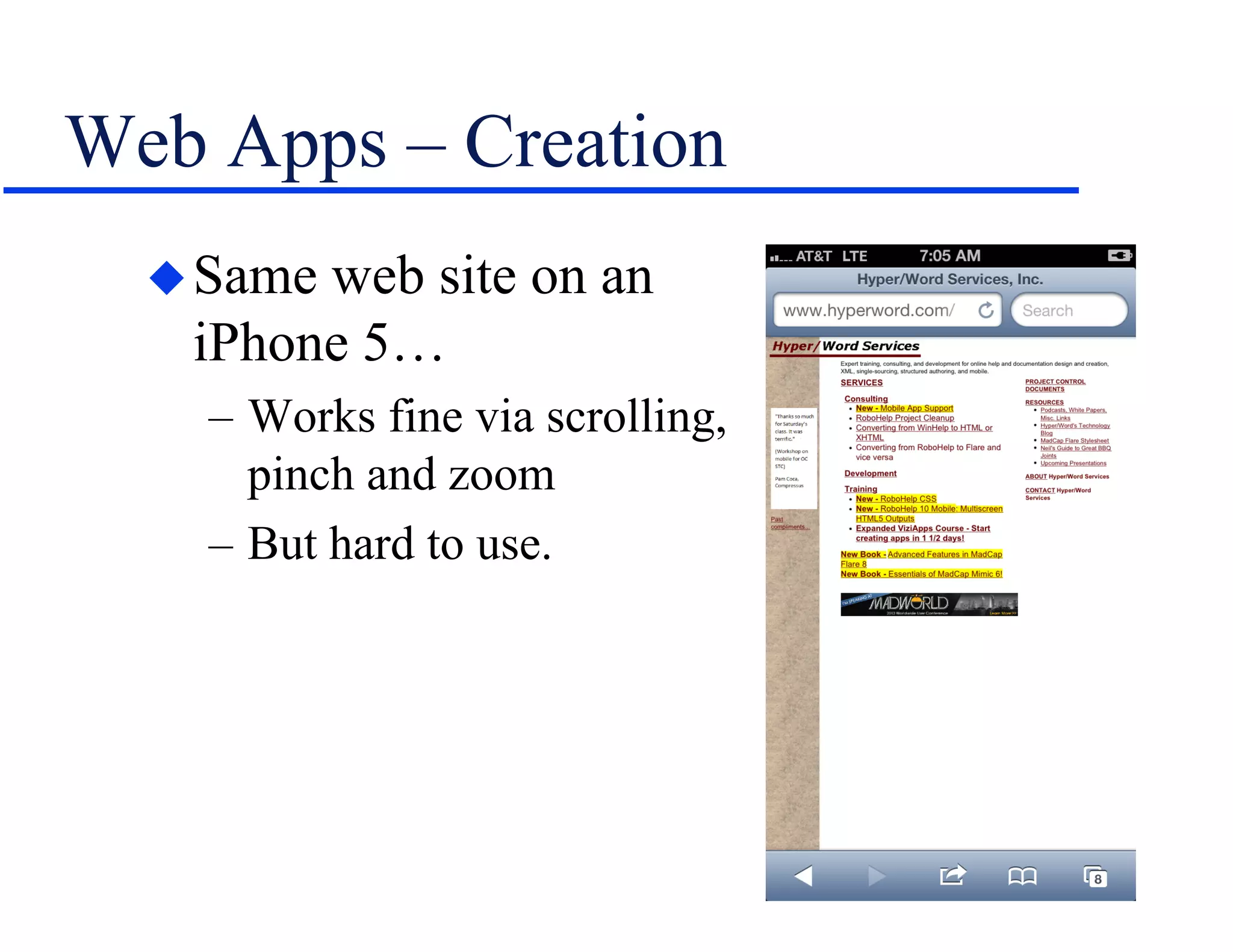
Web Apps – Creation
Same web site on an
iPhone 5…
– Works fine via scrolling,
pinch and zoom
– But hard to use.
Web Apps – Creation
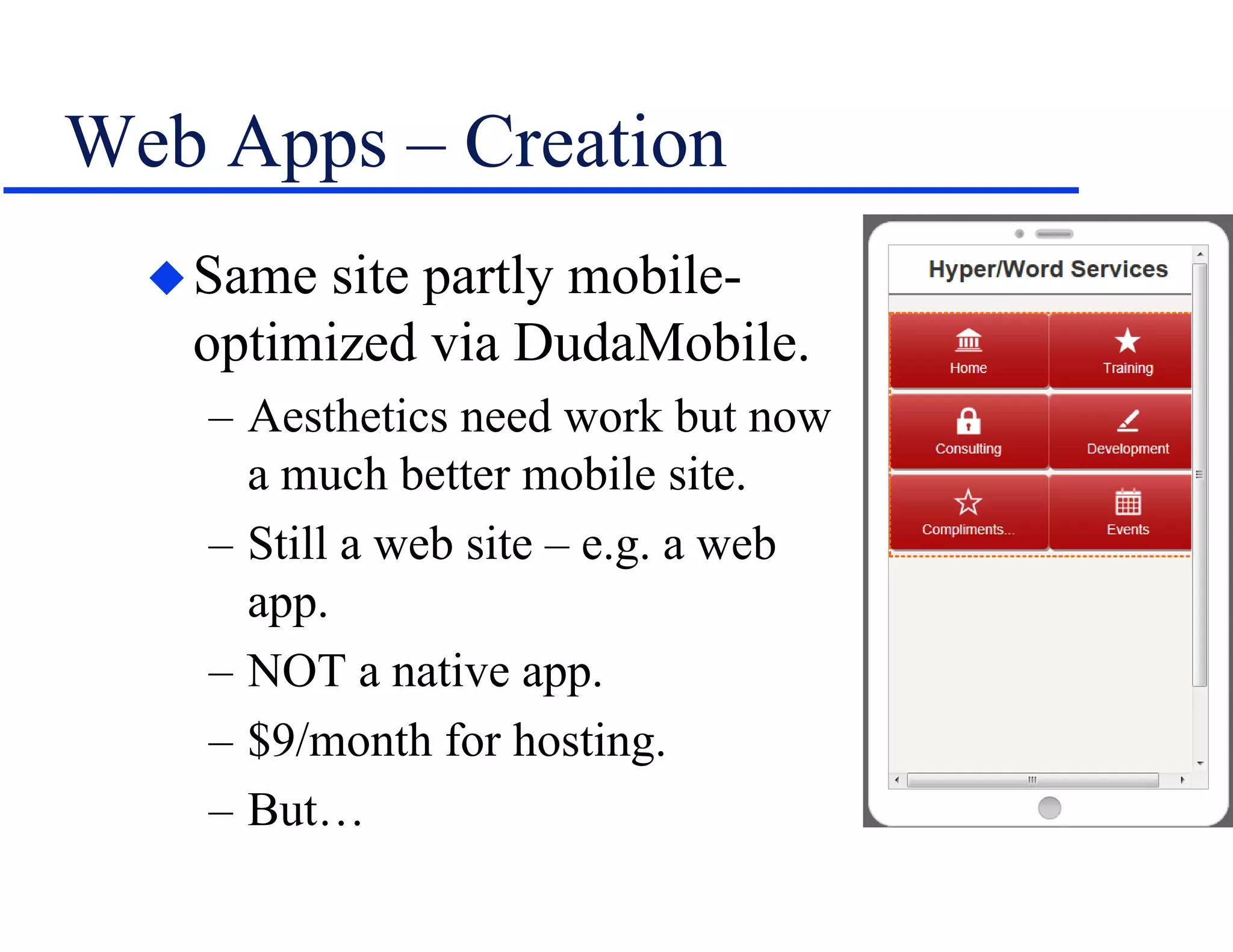
Same site partly mobile-
optimized via DudaMobile.
– Aesthetics need work but now
a much better mobile site.
– Still a web site – e.g. a web
app.
– NOT a native app.
– $9/month for hosting.
– But…
Web Apps – Creation
The web and mobile versions don’t match.
I created the mobile version by hand.
Because the original site was never meant
to be mobilized; the result showed it.
Lesson – expect to redesign your content
before you can multichannel publish it
effectively.
A Design Tool
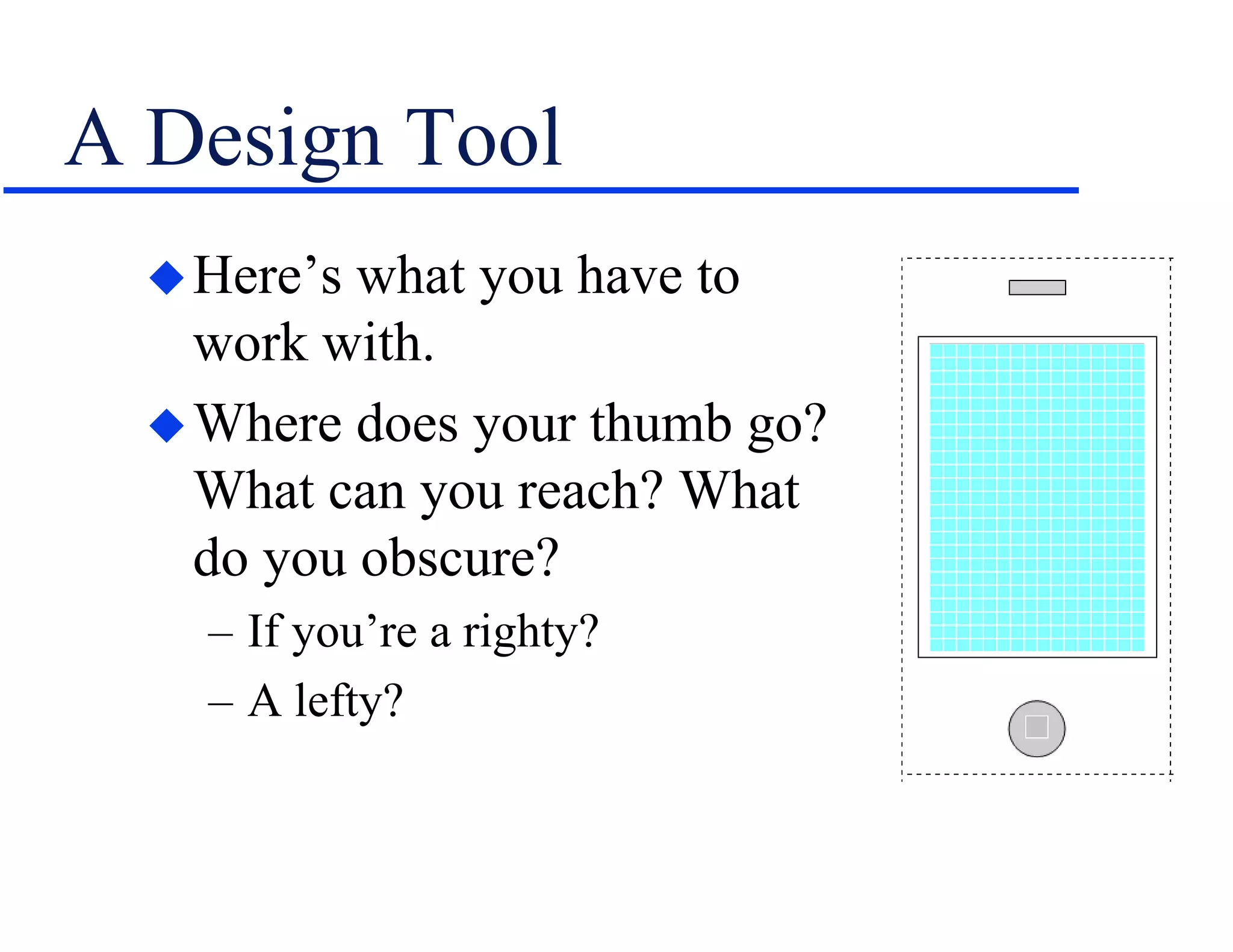
Here’s what you have to
work with.
Where does your thumb go?
What can you reach? What
do you obscure?
– If you’re a righty?
– A lefty?
Design Conclusions
Help converted to mobile won’t look like
Fruit Ninja.
If you’re single sourcing a help project to
mobile, plan for mobile before starting the
project.
– Consider user expectations when you tell them
you’re creating an app for them.
More involved here than just outputting a
help project to “mobile”.
Summary
Lots of new technical, design, and output
options to balance.
– Define your terms, platforms and differences.
It sounds daunting, but so did the move by
tech comm to online help and the web in
the ‘90s and still today.
We met those challenges – time to do so
again.
Hyper/Word Services Offers…
Training • Consulting • Development
Flare • Flare CSS • Flare Single Sourcing
RoboHelp • RoboHelp CSS • RoboHelp
HTML5
ViziApps
Single sourcing • Structured authoring
Thank you... Questions?
978-657-5464
nperlin@nperlin.cnc.net
www.hyperword.com
Twitter: NeilEric

Overcoming Design Challenges in HAT-Based Multichannel Publishing

  • 1.
    Design Challenges InHAT-Based Multichannel Publishing
  • 2.
    Who Am I? NeilPerlin - Hyper/Word Services. – Internationally recognized content creation and delivery consultant. – Help clients create effective, efficient, flexible content in anything from print to mobile. – Working with mobile since Windows CE and WML/WAP c. 1998 – Certified – Viziapps, Flare, Mimic, RoboHelp.
  • 3.
    The Issues Should techcomm get involved in mobile? – If we don’t, someone else will. …how? – By converting HAT-based help to mobile. – By getting into “real” mobile. What to expect when we single source our content to “mobile”? – The focus of this presentation…
  • 4.
  • 5.
    A Note AboutTerminology Terminology affects your choice of hard- ware and software. Terminology mixups… – Like not being clear re WebHelp vs. Web Help or HTML help vs. HTML Help. … can spell trouble. – Like buying the wrong tool or hiring the wrong developer.
  • 6.
    Terminology – eBooks Electronicbooks a la Kindle, Nook. – Largely linear format and design. – Generally sit on the reader device. – Good for stable, linear material. – Largely the focus of tech comm now, in my experience.
  • 7.
    Terminology – Apps Applicationsfor mobile devices. – Highly focused – “micro-tasking” – compared to PC-style applications. – Native – Follow a platform standard, easily run on-device resources. – Web – (“Mobile web”) Run in browser on any device, can’t easily run on-device resources, may be mobile-optimized – e.g. WebHelp vs. WebHelp Mobile. – Hybrid – Combine native and web, HTML5.
  • 8.
    Apps and TechComm Little app dev from tech comm so far, in my experience, for several reasons. – “Mobile” is still new in the tech comm world and companies aren’t sure of the need yet. » And we don’t think of tech comm as creating apps. – Going mobile required programming tools and skills until HATs added mobile output. Yet apps can be function- or content- centric.
  • 9.
    Function-Centric Apps Differ from“normal” tech comm… Sometimes weirdly so…
  • 10.
    Content-Centric Apps But thisis tech comm. We can create these.
  • 11.
    What About AuthoringTools? Depends what “mobile” you want: – eBooks – ePub, using RoboHelp 8+, Flare 8+. – Web apps (general) – Any HAT that outputs browser-based help like WebHelp or HTML5. – Web apps (mobile-optimized) – Flare 6+, “mo- bilizers” like Duda or Mobify, ViziApps. – Native apps – RoboHelp 10+, GUI app dev tools like ViziApps, iBuildApp, appmakr, etc. – Hybrid apps – GUI app dev tools, HATs eventually via HTML5.
  • 12.
    Why Author Usinga HAT? Why? – If you know the tool, you only have to learn a few new features. – Keep you out of the code. – Set technical boundaries for you. Why not? – HAT won’t offer the features you expect in a function-centric app. – Possible code bloat.
  • 13.
    Help vs. Mobile– Screen and Content Design Challenges and Suggestions
  • 14.
    Screen Design –Orientation Landscape in help, portrait (typically) in apps.
  • 15.
    Orientation (cont’d) Consider theeffect of screen rotation on an app in a portrait mode screen, like this one: Can you force screen rotation to off?
  • 16.
    Control Position Usually attop and left in help…
  • 17.
    Control Position But atthe bottom in apps – less tap risk…
  • 18.
    An Emerging HATApproach “Responsive-design” – device-agnosticism. New releases of HATs support this. For example, from RoboHelp 11.
  • 19.
    Content Design –Text-Heaviness Help usually text-heavy, apps not.
  • 20.
    Text-Heaviness Though there areexceptions, sort of…
  • 21.
    Text-Heaviness Suggestion Cut downtext – not fat but real text – to the bare bones. A less extreme version of this, perhaps…
  • 22.
    More Content DesignIssues Images may be too wide for phone screens. – Can size them dynamically to fit by setting the width to % and height to auto (if available). – But are they still legible? – If not, can you conditionalize them out? – If you do, does that affect the contents? – May call for greater granularity of content… – And need a CMS to deal with the greater # of content chunks even if traditional help did not.
  • 23.
    More… Ditto wide or“complex” tables. Consider SWFs. – Won’t run on iOS – must be MP4 or HTML5. – Are text captions legible or must you replace them with audio, which means creating 2+ versions of each movie. – What happens to interactivity in a mouseless world?
  • 24.
    Still More… Consider platformdifferences for feature support and need to rework material. – Minimal table support in ebook formats. – Lack of support for Word bullets in KDP even though Createspace supports them. – Many more, no doubt… “Invisible” problems like tables, graphics, SWFs, popups, etc., embedded in snippets. Popup links that convert to jumps.
  • 25.
    And Still More… Featureswith no equivalent controls in mobile, like Flare togglers. Graphics management may have to change as graphics get stored in the cloud, perhaps using Amazon S3.
  • 26.
    An Interesting SideNote You can mobile-optimize a regular site via tools like Mobify (www.mobify.com) or Duda (http://www.dudamobile.com/) Creates a web app. For example…
  • 27.
    Web Apps –Creation Here’s my regular site from Jan. 2013.
  • 28.
    Web Apps –Creation Same web site on an iPhone 5… – Works fine via scrolling, pinch and zoom – But hard to use.
  • 29.
    Web Apps –Creation Same site partly mobile- optimized via DudaMobile. – Aesthetics need work but now a much better mobile site. – Still a web site – e.g. a web app. – NOT a native app. – $9/month for hosting. – But…
  • 30.
    Web Apps –Creation The web and mobile versions don’t match. I created the mobile version by hand. Because the original site was never meant to be mobilized; the result showed it. Lesson – expect to redesign your content before you can multichannel publish it effectively.
  • 31.
    A Design Tool Here’swhat you have to work with. Where does your thumb go? What can you reach? What do you obscure? – If you’re a righty? – A lefty?
  • 32.
    Design Conclusions Help convertedto mobile won’t look like Fruit Ninja. If you’re single sourcing a help project to mobile, plan for mobile before starting the project. – Consider user expectations when you tell them you’re creating an app for them. More involved here than just outputting a help project to “mobile”.
  • 33.
    Summary Lots of newtechnical, design, and output options to balance. – Define your terms, platforms and differences. It sounds daunting, but so did the move by tech comm to online help and the web in the ‘90s and still today. We met those challenges – time to do so again.
  • 34.
    Hyper/Word Services Offers… Training• Consulting • Development Flare • Flare CSS • Flare Single Sourcing RoboHelp • RoboHelp CSS • RoboHelp HTML5 ViziApps Single sourcing • Structured authoring
  • 35.