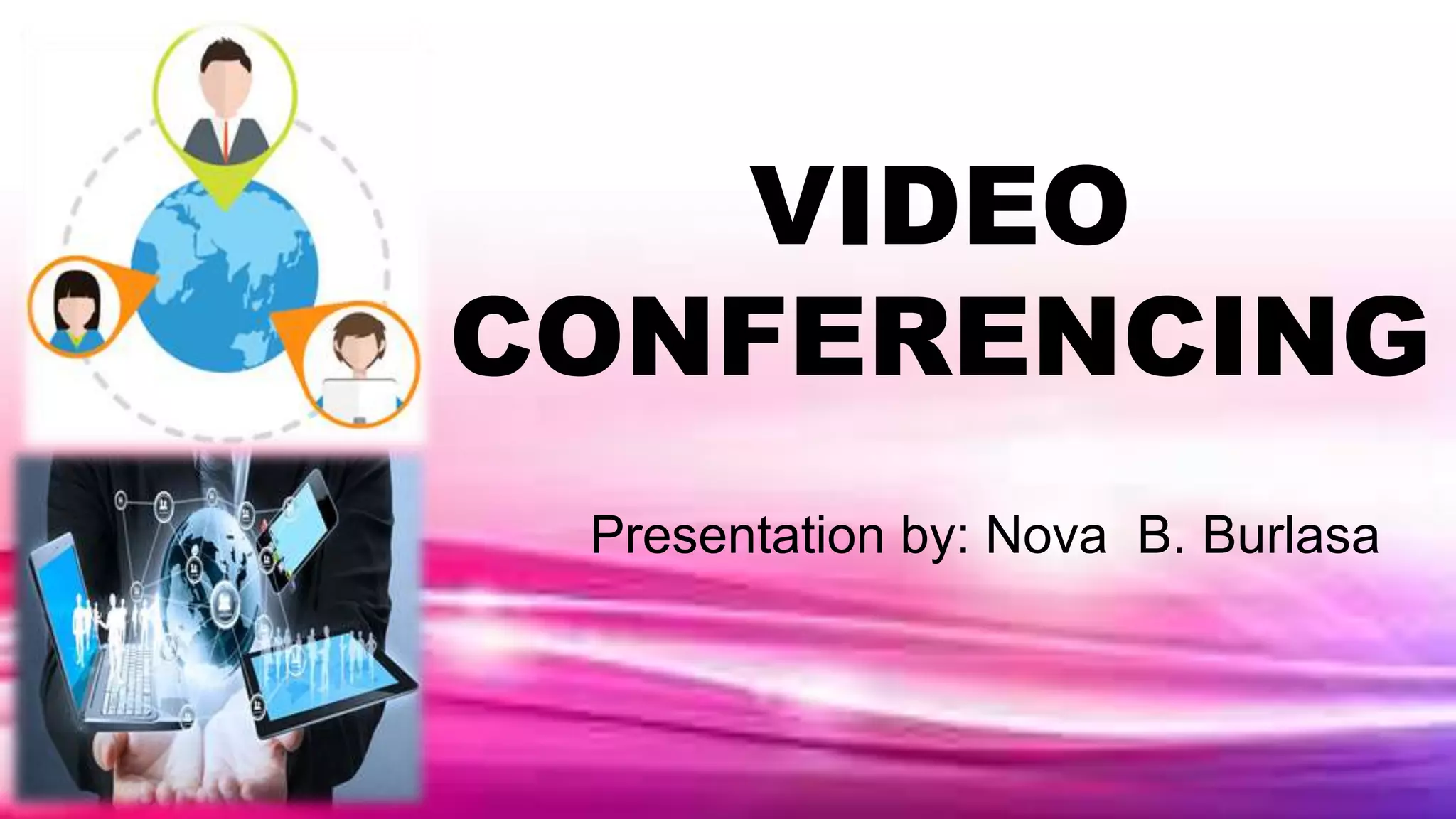
VIDEO
CONFERENCING
Presentation by: Nova B. Burlasa
Video Conferencing
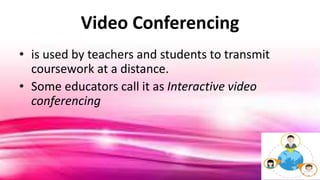
• is used by teachers and students to transmit
coursework at a distance.
• Some educators call it as Interactive video
conferencing
Characteristics of Video Conferencing
1. It allows learning at a distance.
2. It allows learning through demonstrations as
seen in the video.
3. It allows global learning by having speakers or
guest lecturers share their expertise virtually.
4. It allows continuous interactivity.
Characteristics of Video Conferencing
5. It allows conduction of virtual field trips.
6. It stimulates learning environments.
7. It is flexible.
8. It is affordable.
9. It promotes global collaboration.
Characteristics of Video Conferencing
that Support Learning Environment
1. Teachers and students are connected
synchronously.
2. Students develop their probing skills by
points of questioning and clarifying.
Characteristics of Video Conferencing
that Support Learning Environment
3. Students listening and observation skills are
increased.
4. Interaction and collaboration among peers are
enhanced through activities that give authentic
learning.
TOOLS NEEDED
FOR VIDEO
CONFERENCING:
HARDWARE
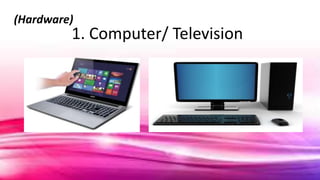
1. Computer/ Television
(Hardware)
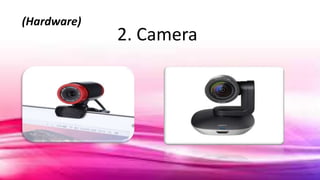
2. Camera
(Hardware)
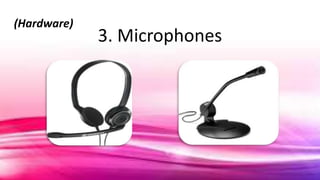
3. Microphones
(Hardware)
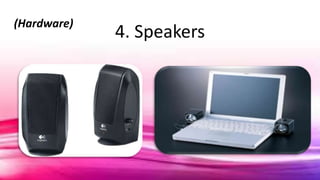
4. Speakers
(Hardware)
5. Codec
• (compressor/decompressor interface)
- this helps compress information
(Hardware)
6. Connection(Hardware)
a. ISDN telephone line
o the original high-speed internet service
b. Network IP Connection
o requires IP address in order to connect to the
internet
TOOLS NEEDED
FOR VIDEO
CONFERENCING:
SOFTWARE
Tools needed for Video Conferencing
(Software/Apps)
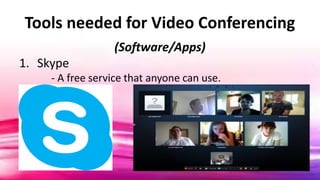
1. Skype
- A free service that anyone can use.
Tools needed for Video Conferencing
(Software/Apps)
2. ooVoo
- A free online conferencing site that is available
on both Mac and Windows PC.
- It allows six persons to chat at a time.
Tools needed for Video Conferencing
(Software/Apps)
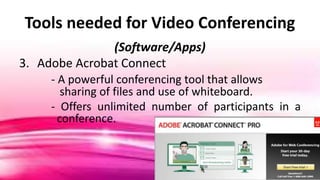
3. Adobe Acrobat Connect
- A powerful conferencing tool that allows
sharing of files and use of whiteboard.
- Offers unlimited number of participants in a
conference.
Tools needed for Video Conferencing
(Software/Apps)
4. AT&T Connect
- a more formal and professional way of video
conferencing that may be costly.
- more suitable for large businesses
Tools needed for Video Conferencing
(Software/Apps)
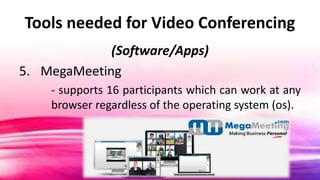
5. MegaMeeting
- supports 16 participants which can work at any
browser regardless of the operating system (os).
THE END.
THANK YOU

Video Conferencing