Web 2.0 for Technical Communicators Presented by / Bogo Vatovec Change Management / Knowledge Engineering / User Experience / Interaction Design / Process Engineering
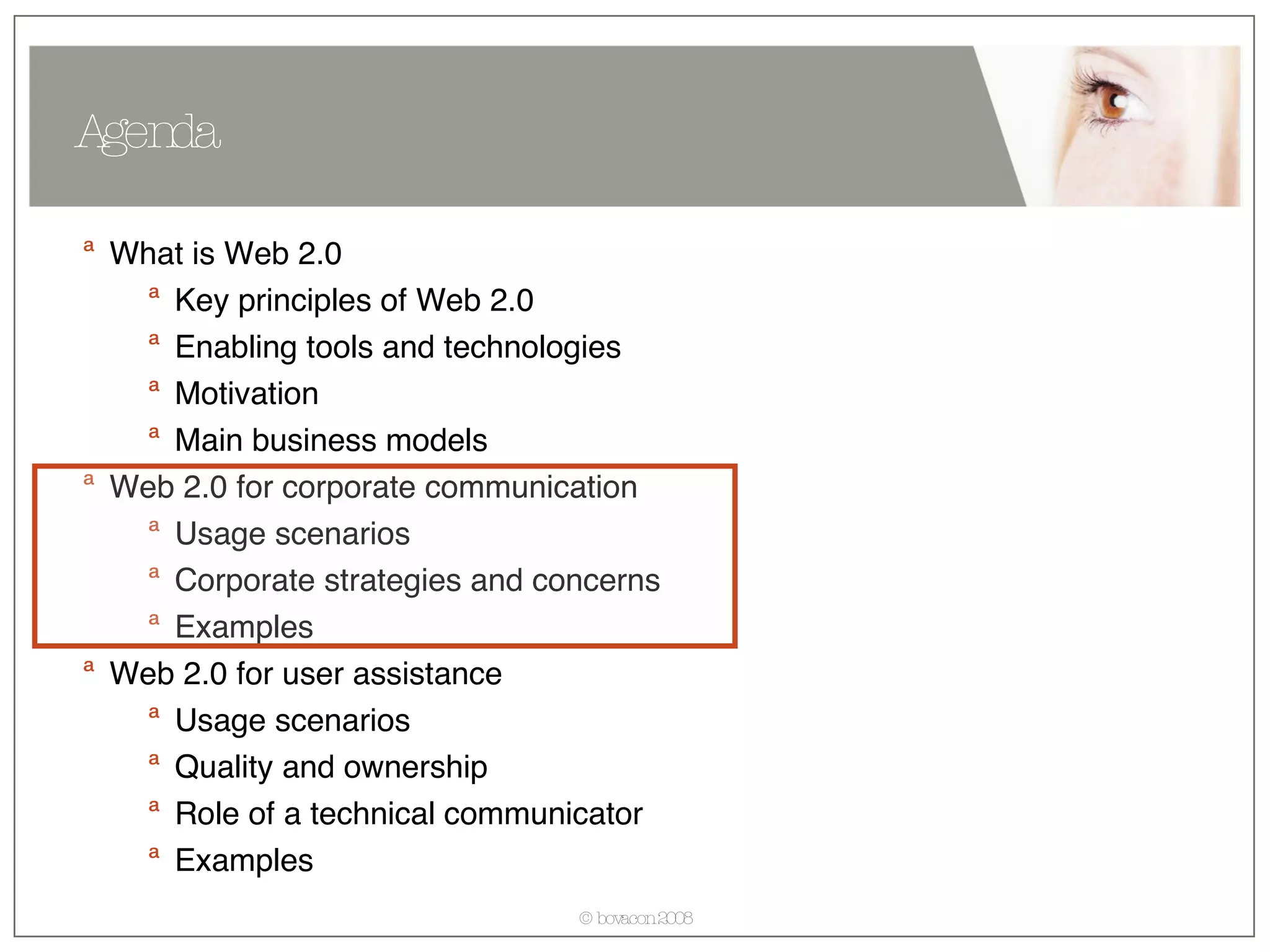
What is Web 2.0 Key principles of Web 2.0 Enabling tools and technologies Motivation Main business models Web 2.0 for corporate communication Usage scenarios  Corporate strategies and concerns Examples Web 2.0 for user assistance Usage scenarios  Quality and ownership Role of a technical communicator Examples Agenda
What is Web 2.0? Wikipedia: Web 2.0 refers to a perceived second generation of web-based communities and services — such as social-networking sites and wikis— which aim to facilitate collaboration and sharing between users. Web 2.0 refers to the transition of websites from isolated information silos to interlinked computing platforms that act like software to the user.
What is Web 2.0? Web brought services to customers Power to the users. Suddenly we could find travel information and book own travel. research medical conditions and treatments. analyze financial markets and trade. get up-to-date information on almost any topic. This resulted in a shift to self-service in many industries. Generally reduces costs Empowered IT-departments In most cases, companies still maintained ownership and responsibility over content
What is Web 2.0? Users get control Provides users the possibility to create content and experiences: Pursue social goals Create content Manage content Share content The previously well defined website borders are non-existent, content is shared. User experience changes From limited, company centered, individual  To rich, user centric, social experience
What is Web 2.0?  How to recognize a Web 2.0 product? From Wikipedia: Network as platform — delivering (and allowing users to use) applications entirely through a browser. Users owning the data on a site and exercising control over that data. An architecture of participation that encourages users to add value to the application as they use it. sharp contrast to hierarchical access-control in applications.  A rich, interactive, user-friendly interface based on Ajax or similar frameworks. Some social-networking aspects.  Combines and integrates services and content from other products.
What is Web 2.0? What is triggering this change? Soft goals Human social nature Critical mass of internet users reached long time ago  Practical added value perceived by all users Enabled by simple yet powerful technologies Blogs Wikis RSS (Really Simple Syndication) Podcasts Web services
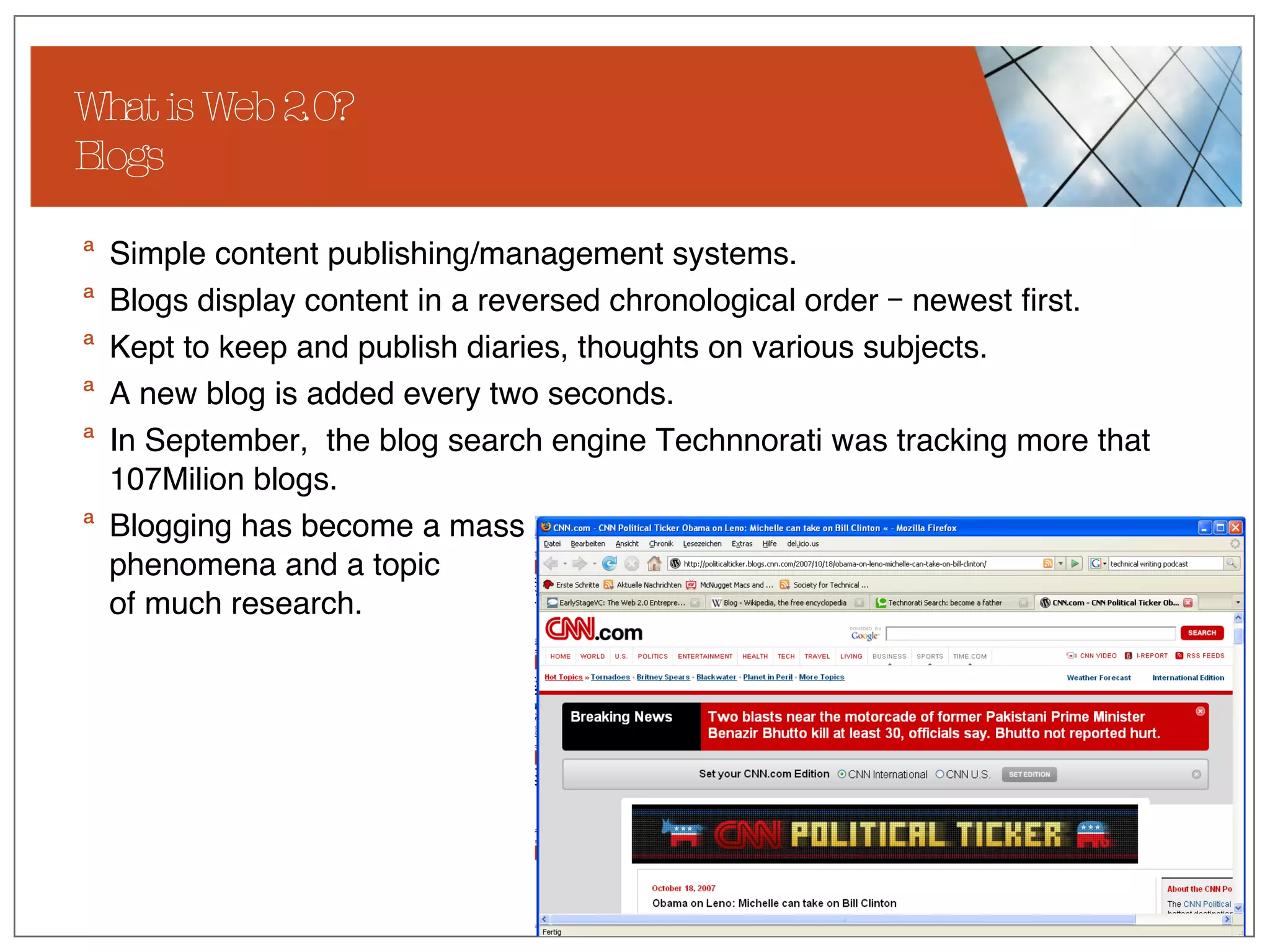
What is Web 2.0? Blogs Simple content publishing/management systems. Blogs display content in a reversed chronological order – newest first.  Kept to keep and publish diaries, thoughts on various subjects. A new blog is added every two seconds. In September,  the blog search engine Technnorati was tracking more that 107Milion blogs.  Blogging has become a mass phenomena and a topic  of much research.
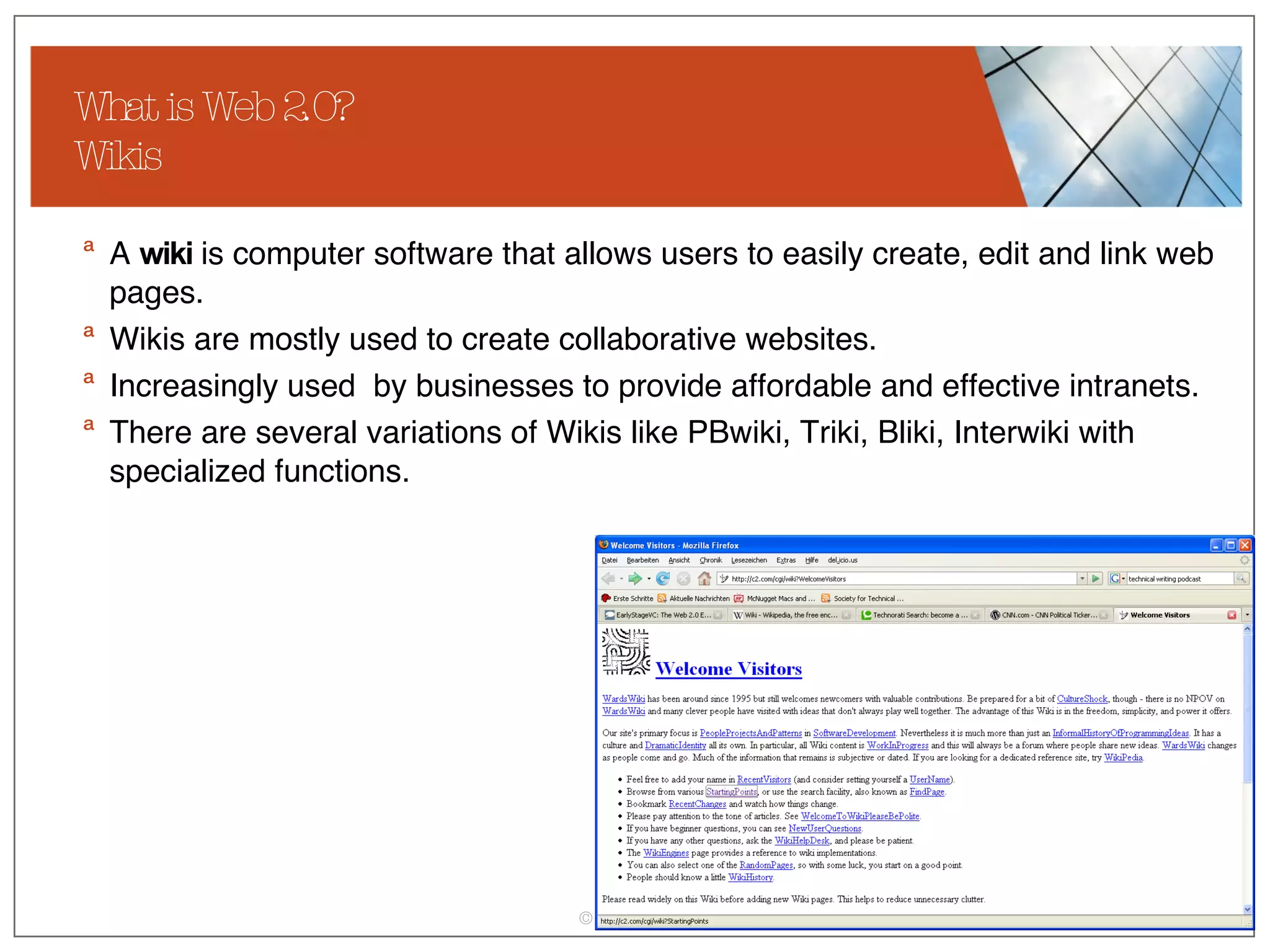
What is Web 2.0? Wikis A  wiki  is computer software that allows users to easily create, edit and link web pages.  Wikis are mostly used to create collaborative websites. Increasingly used  by businesses to provide affordable and effective intranets.  There are several variations of Wikis like PBwiki, Triki, Bliki, Interwiki with specialized functions.
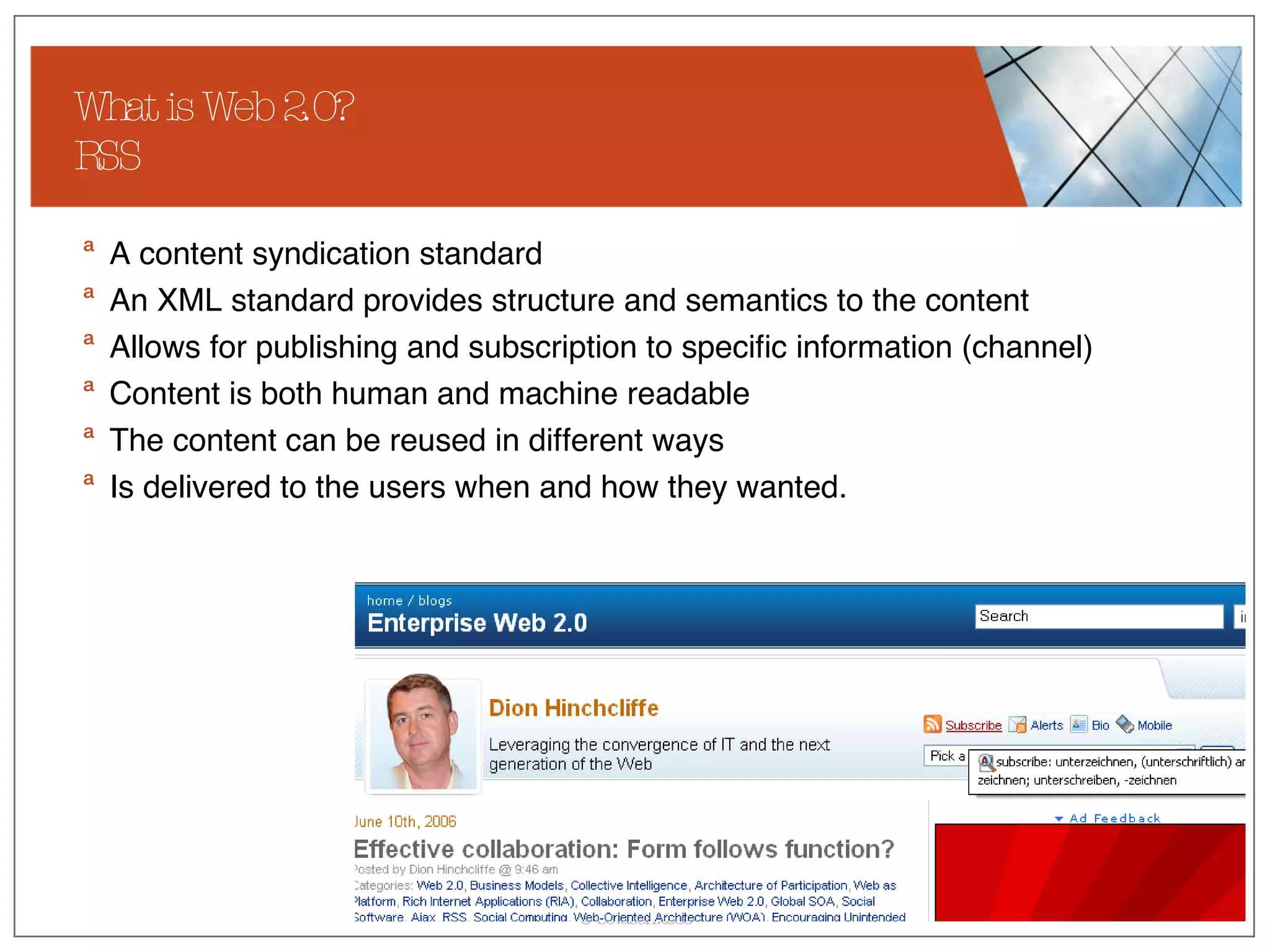
What is Web 2.0? RSS A content syndication standard An XML standard provides structure and semantics to the content Allows for publishing and subscription to specific information (channel) Content is both human and machine readable The content can be reused in different ways Is delivered to the users when and how they wanted.
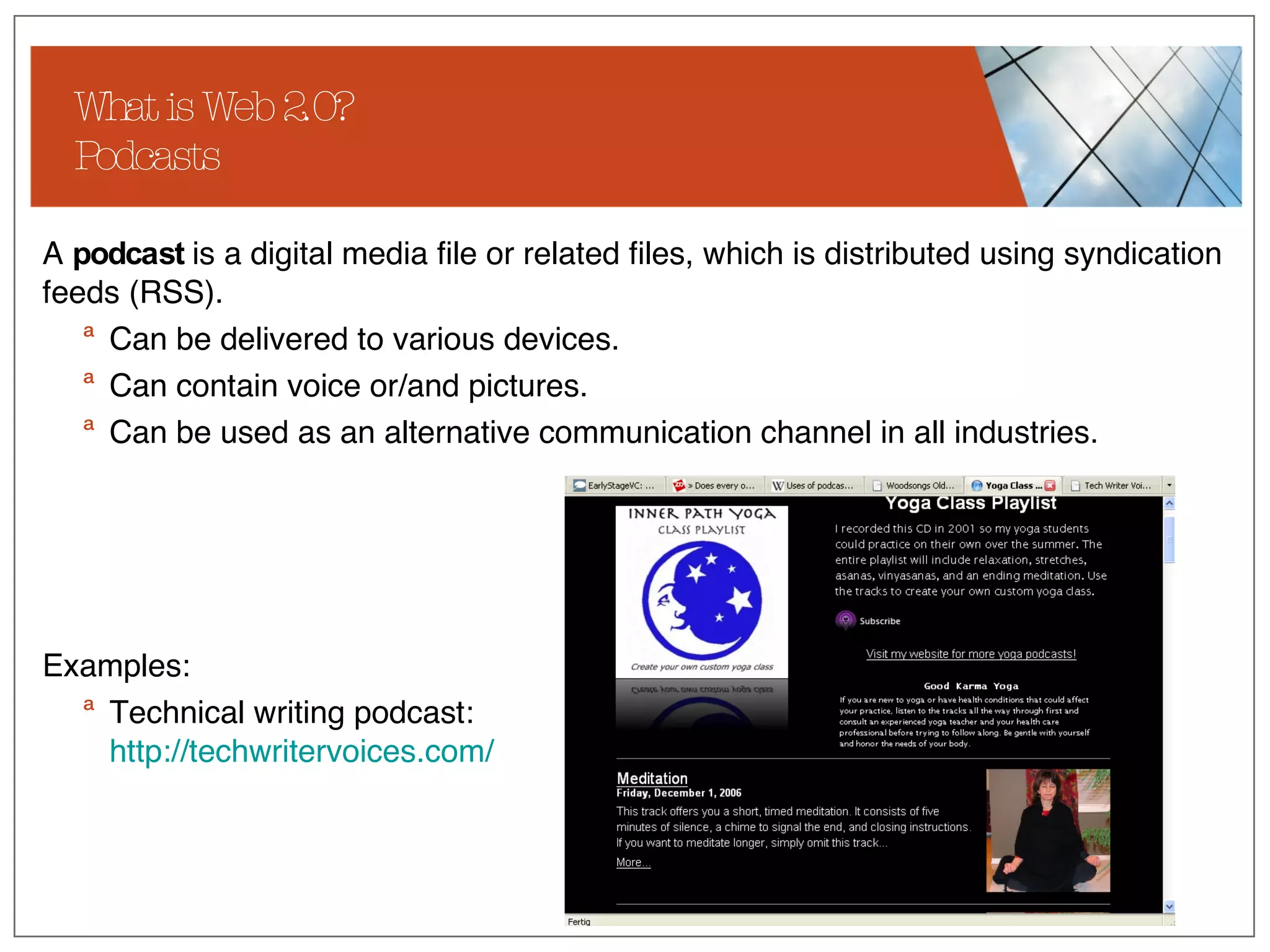
What is Web 2.0? Podcasts A  podcast  is a digital media file or related files, which is distributed using syndication feeds (RSS).  Can be delivered to various devices. Can contain voice or/and pictures.  Can be used as an alternative communication channel in all industries. Examples: Technical writing podcast:  http:// techwritervoices.com /
What is Web 2.0? Web 2.0 Business Models Currently there are not many original business models built around Web 2.0. For most companies, Web 2.0 offers extensions and new possibilities to expand the existing business models. Crowdsourcing (Wisdom of the crowds) User content sharing and creation Social-network communities Recommendations and reviews
What is Web 2.0? Crowdsourcing Crowdsourcing  stands for the act of taking a job traditionally performed by an employee or contractor, and outsourcing it to an undefined, generally large group of people, in the form of an open call. (Wikipedia) Perceived benefits of crowdsourcing include: Problems can be explored at comparatively little cost.  Payment is by results.  The organization can tap a wider range of talent than might be present in its own organization.
What is Web 2.0 Key principles of Web 2.0 Enabling tools and technologies Motivation Main business models Web 2.0 for corporate communication Usage scenarios  Corporate strategies and concerns Examples Web 2.0 for user assistance Usage scenarios  Quality and ownership Role of a technical communicator Examples Agenda
Web 2.0 for Corporate communication Usage scenarios For this presentation, I understand corporate communication as: Communication about the company to the outside world. Communication about the company to the employees. Products oriented marketing communication to the outside world. One way communication towards the employees. Although involvement of external and internal users is possible, this is not the main  focus of corporate communication. What is mostly used: Blogs Podcasts RSS-Feeds
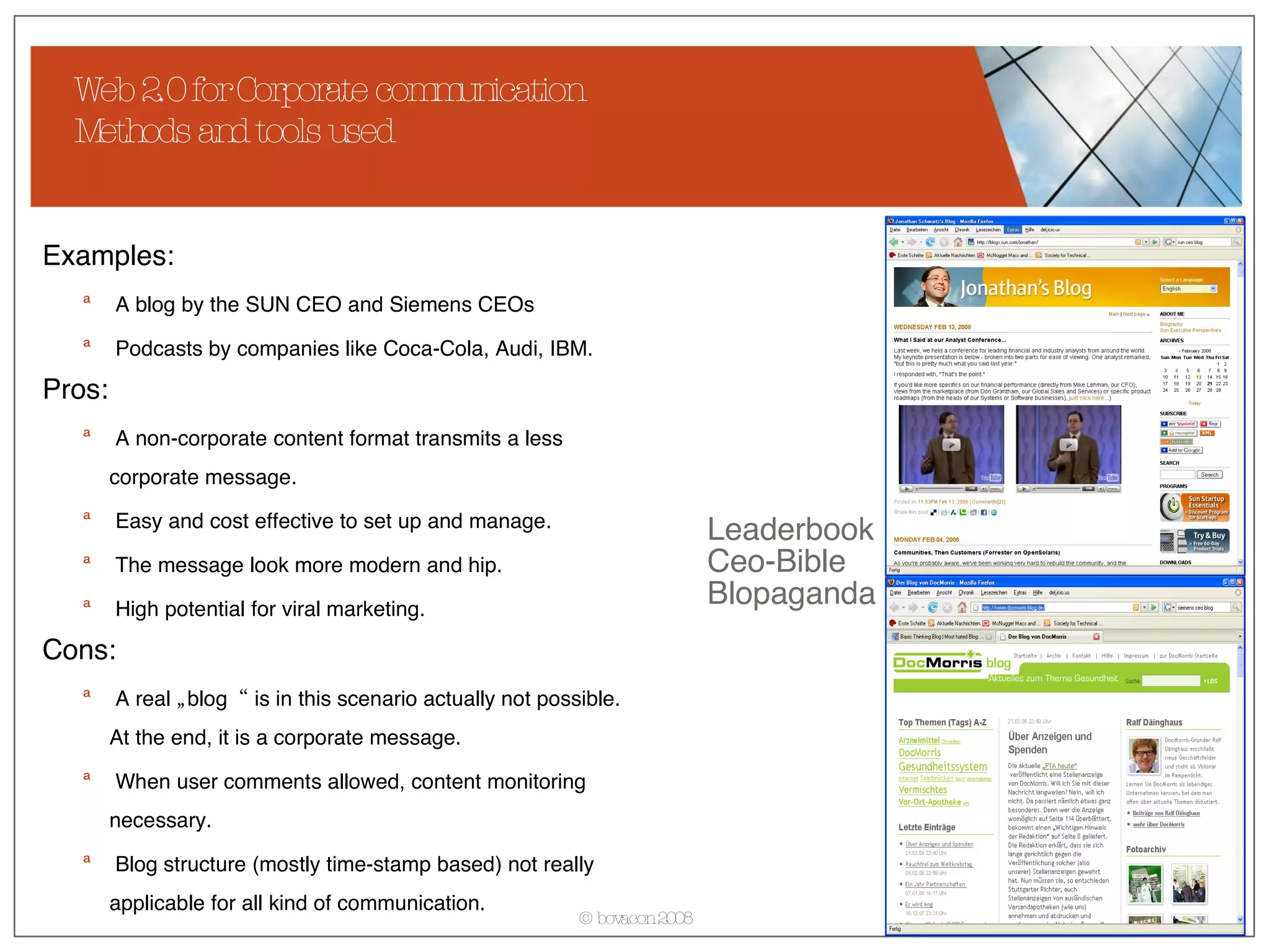
Web 2.0 for Corporate communication Methods and tools used Examples: A blog by the SUN CEO and Siemens CEOs Podcasts by companies like Coca-Cola, Audi, IBM. Pros: A non-corporate content format transmits a less corporate message. Easy and cost effective to set up and manage. The message look more modern and hip. High potential for viral marketing. Cons: A real „blog“ is in this scenario actually not possible. At the end, it is a corporate message. When user comments allowed, content monitoring necessary. Blog structure (mostly time-stamp based) not really applicable for all kind of communication.  Leaderbook Ceo-Bible Blopaganda
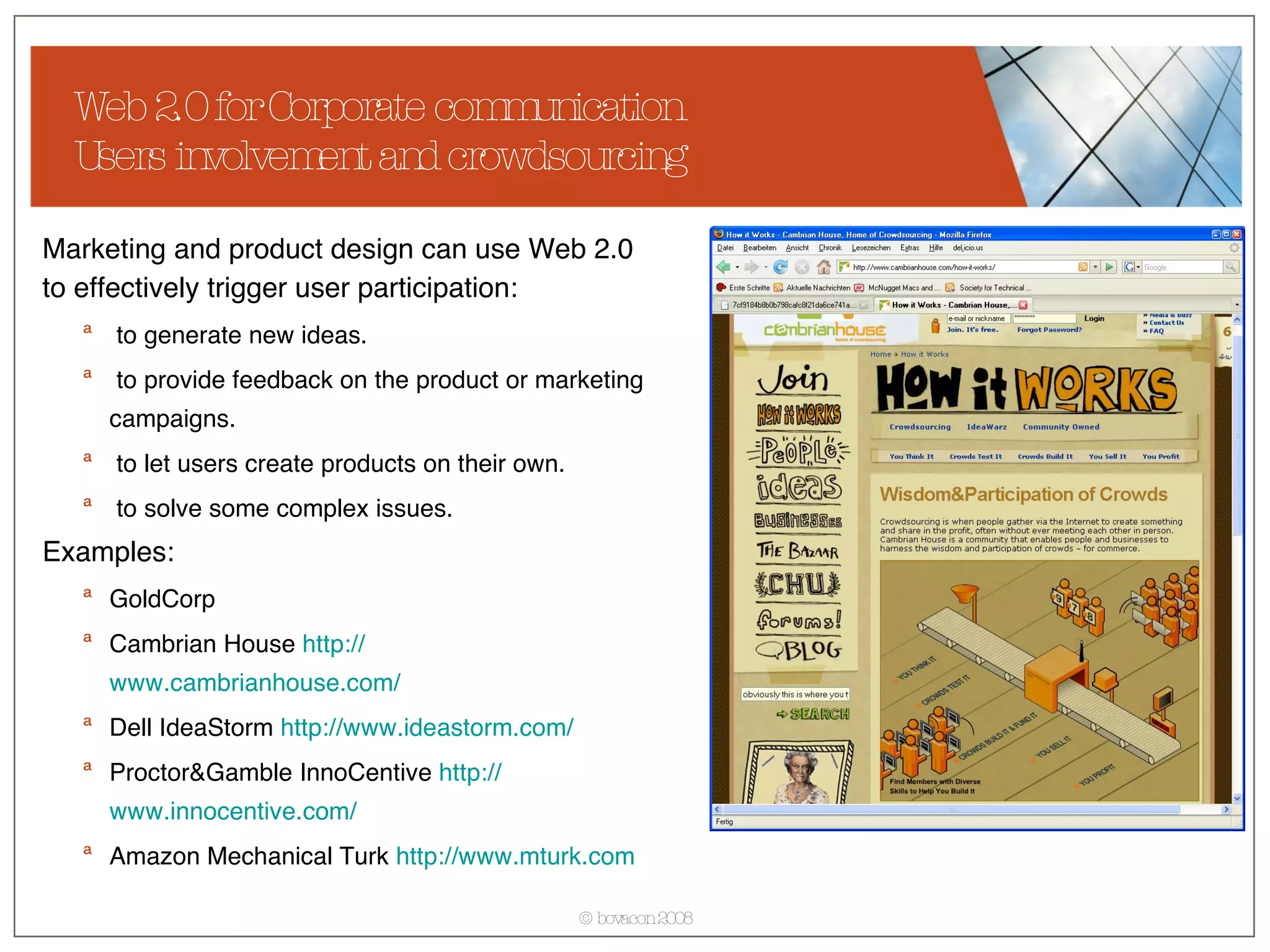
Web 2.0 for Corporate communication Users involvement and crowdsourcing Marketing and product design can use Web 2.0 to effectively trigger user participation: to generate new ideas. to provide feedback on the product or marketing campaigns. to let users create products on their own. to solve some complex issues. Examples: GoldCorp Cambrian House  http:// www.cambrianhouse.com / Dell IdeaStorm  http:// www.ideastorm.com / Proctor&Gamble InnoCentive  http:// www.innocentive.com / Amazon Mechanical Turk  http:// www.mturk.com
Web 2.0 for Corporate communication But involving users doesn‘t always give desired results Users raise issues, concerns and negative opinions about the company/product. DellHell  http:// www.buzzmachine.com/archives/cat_dell.html Opel Jamba Chevy Tahoe collaborative marketing  http://www.news.com/1606-2_3-6056633.html?tag= ne.vid
What is Web 2.0 Key principles of Web 2.0 Enabling tools and technologies Motivation Main business models Web 2.0 for corporate communication Usage scenarios  Corporate strategies and concerns Examples Web 2.0 for user assistance Usage scenarios  Quality and ownership Role of a technical communicator Examples Agenda
Web 2.0 for User Assistance Usage scenarios For this presentation, I understand user assistance as: Support to external users of the product. Support to internal users of the product. Support to internal employees. The first two are typically seen as user assistance, the third more as knowledge management. User assistance on Web 2.0 is completely different to what technical communicators have been doing: Traditionally, a technical communicator provides user assistance materials to the user who uses them. In Web 2.0, the users create own support materials and help each other.
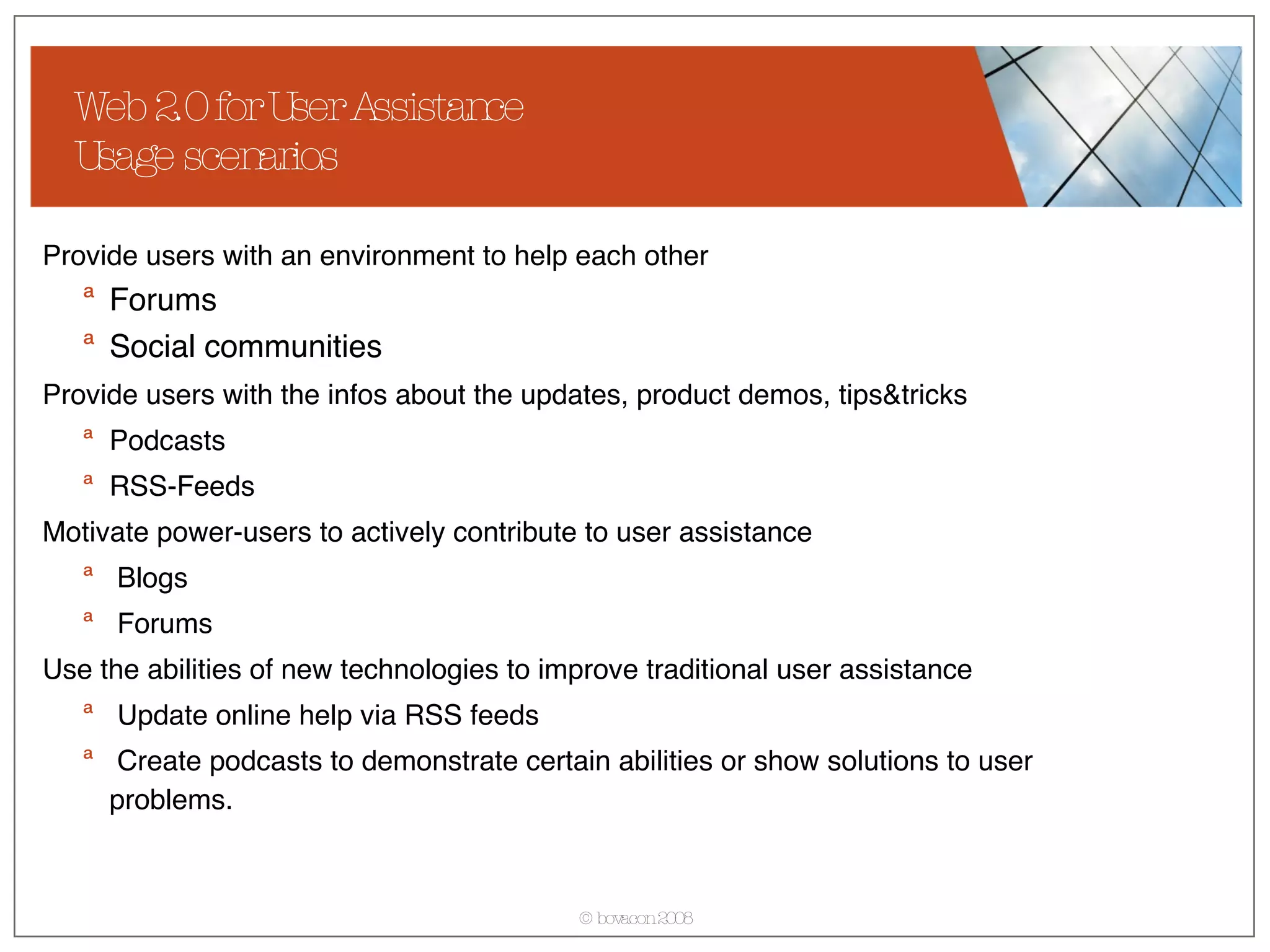
Web 2.0 for User Assistance Usage scenarios Provide users with an environment to help each other Forums Social communities Provide users with the infos about the updates, product demos, tips&tricks   Podcasts RSS-Feeds Motivate power-users to actively contribute to user assistance Blogs Forums Use the abilities of new technologies to improve traditional user assistance Update online help via RSS feeds Create podcasts to demonstrate certain abilities or show solutions to user problems.
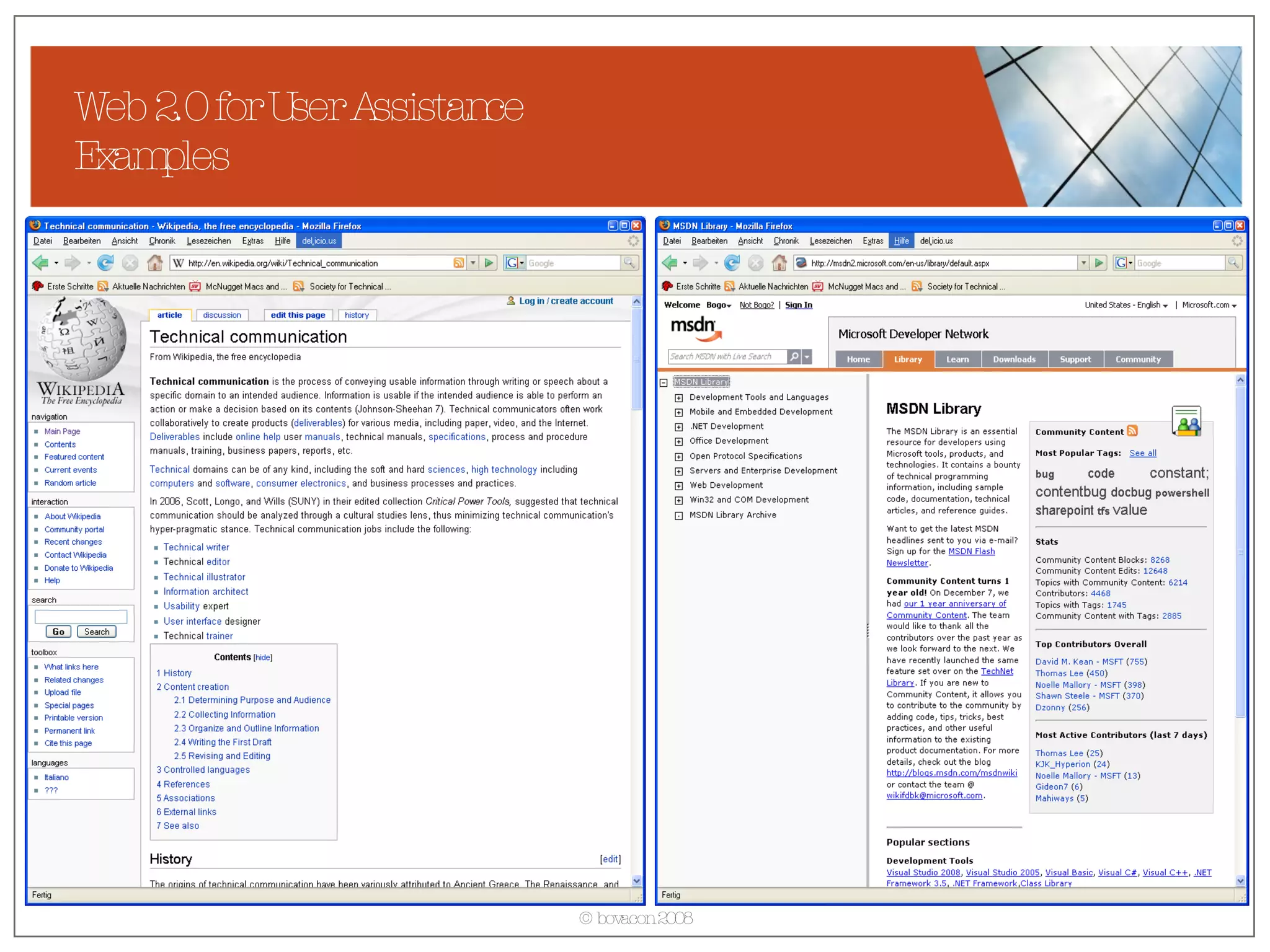
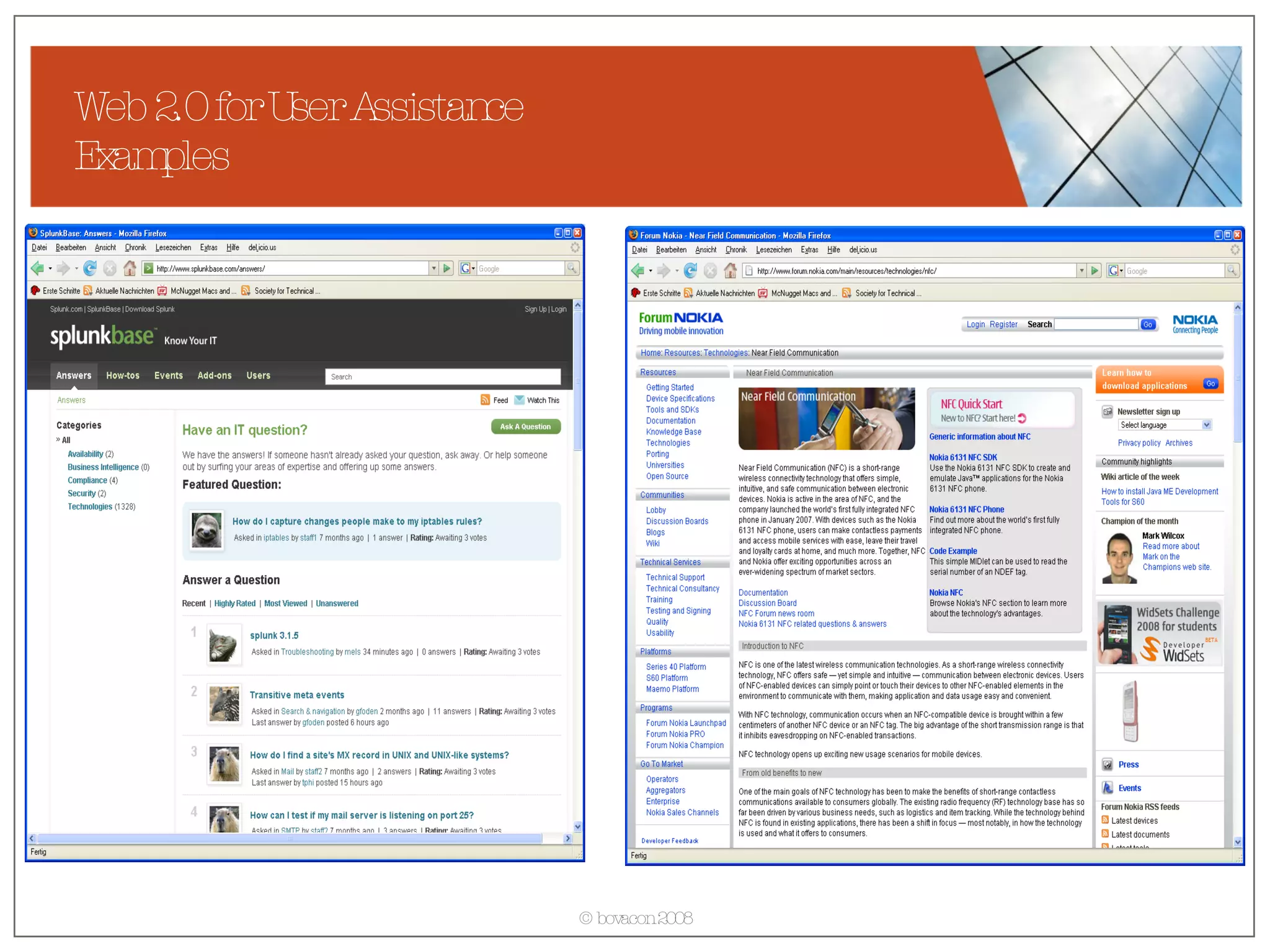
Web 2.0 for User Assistance Examples
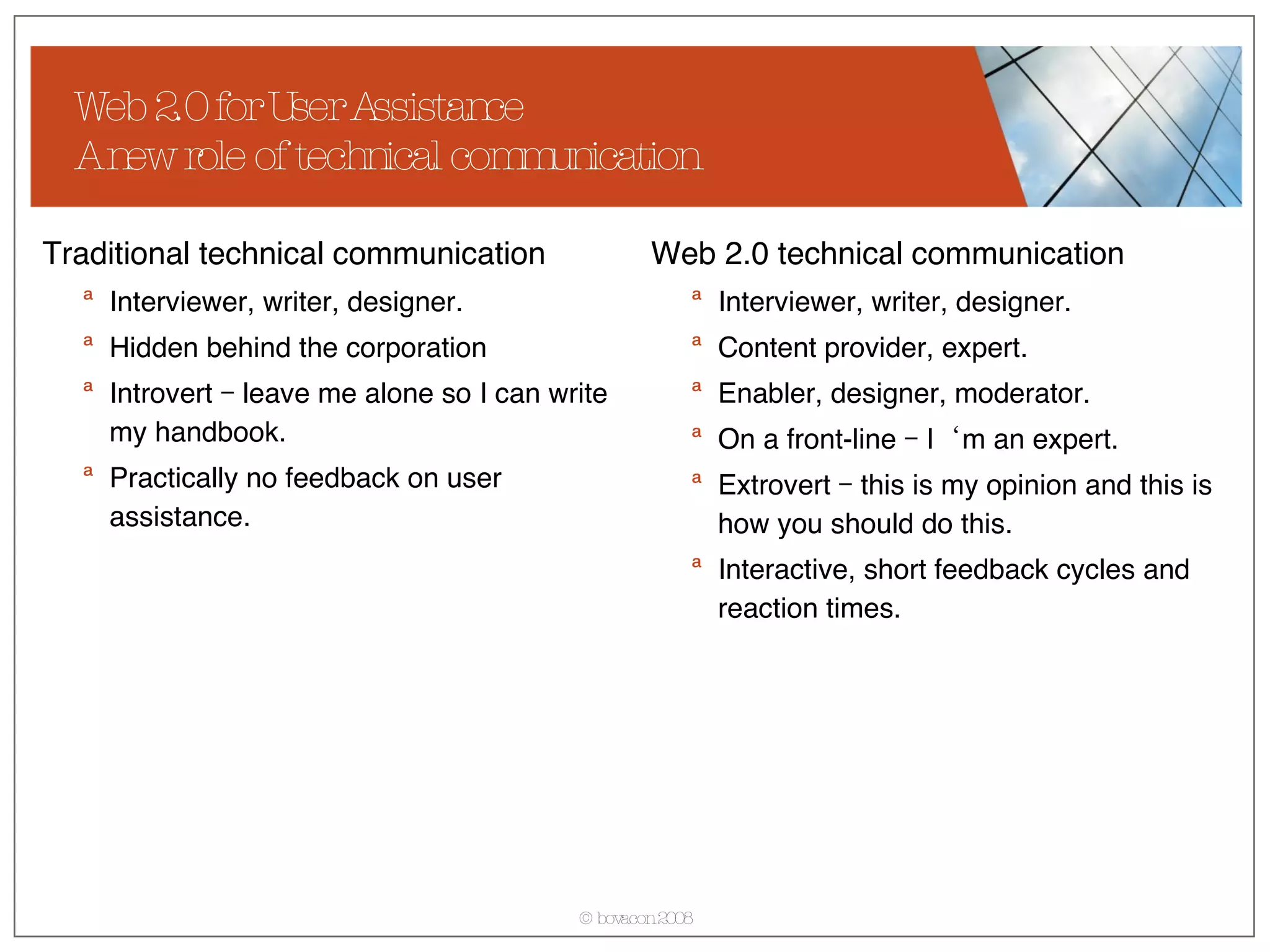
Web 2.0 for User Assistance A new role of technical communication Traditional technical communication Interviewer, writer, designer. Hidden behind the corporation  Introvert – leave me alone so I can write my handbook. Practically no feedback on user assistance. Web 2.0 technical communication Interviewer, writer, designer. Content provider, expert. Enabler, designer, moderator. On a front-line – I‘m an expert. Extrovert – this is my opinion and this is how you should do this. Interactive, short feedback cycles and reaction times.
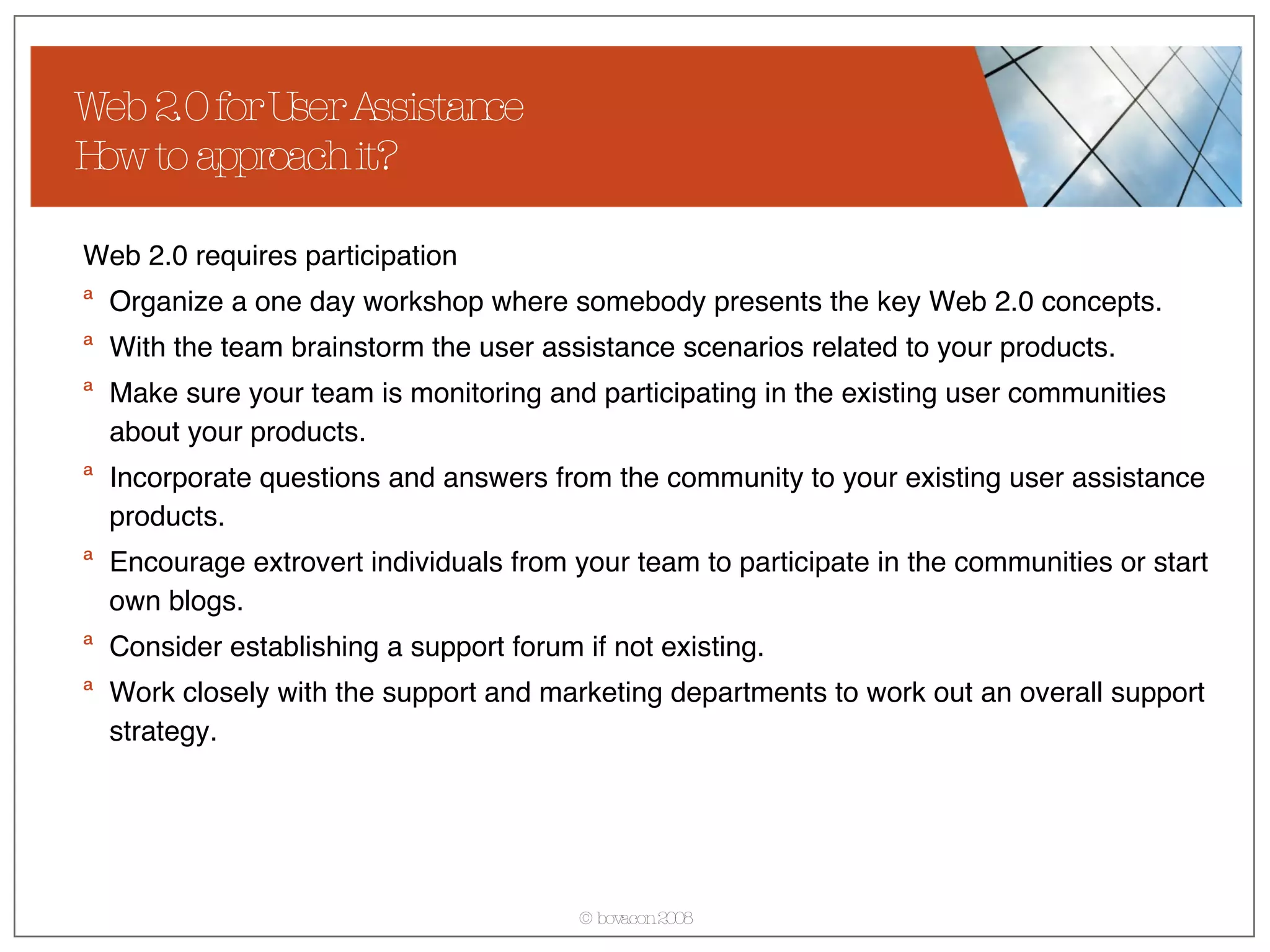
Web 2.0 for User Assistance How to approach it? Web 2.0 requires participation Organize a one day workshop where somebody presents the key Web 2.0 concepts. With the team brainstorm the user assistance scenarios related to your products. Make sure your team is monitoring and participating in the existing user communities about your products. Incorporate questions and answers from the community to your existing user assistance products. Encourage extrovert individuals from your team to participate in the communities or start own blogs.  Consider establishing a support forum if not existing. Work closely with the support and marketing departments to work out an overall support strategy.
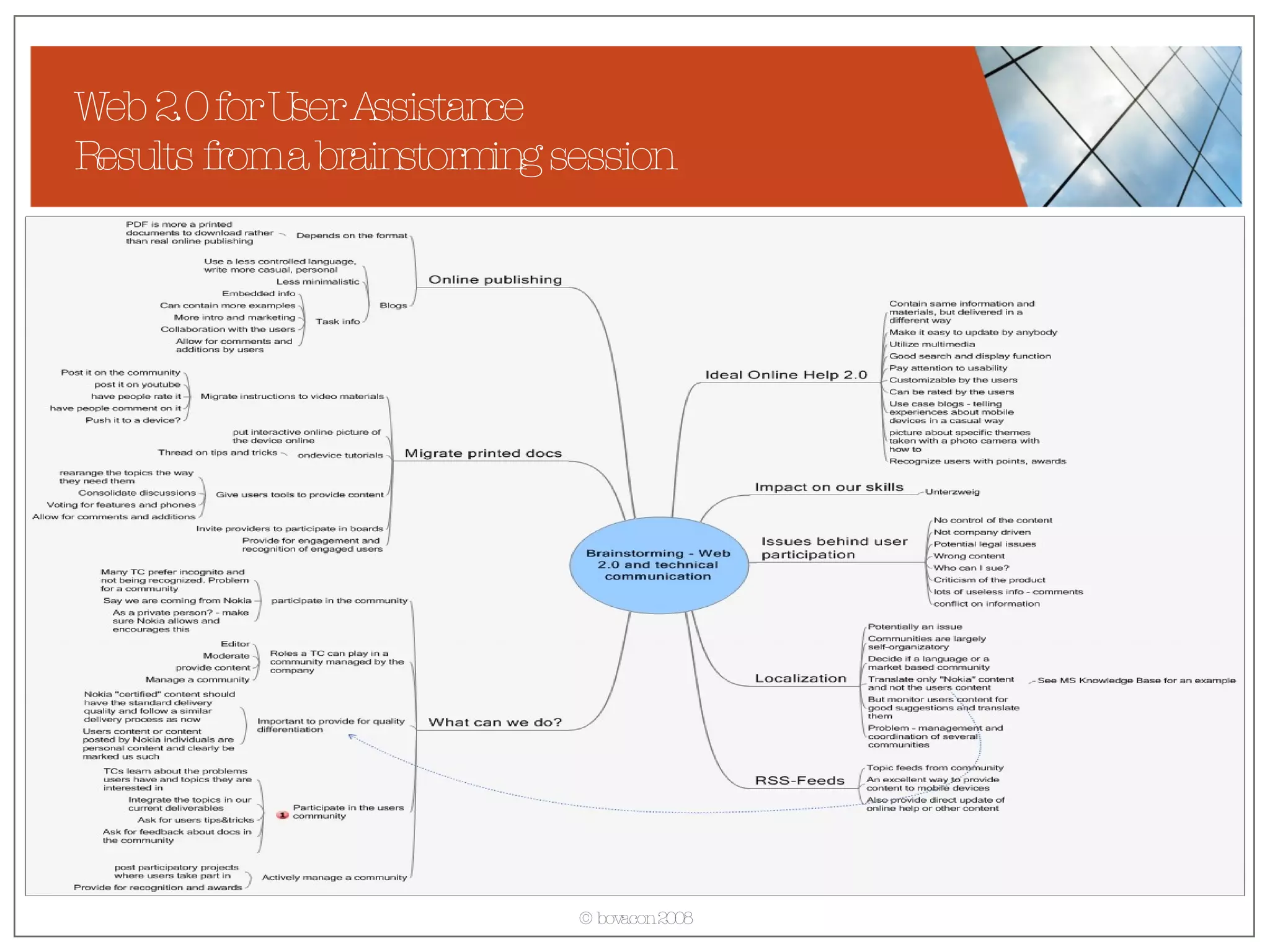
Web 2.0 for User Assistance Results from a brainstorming session
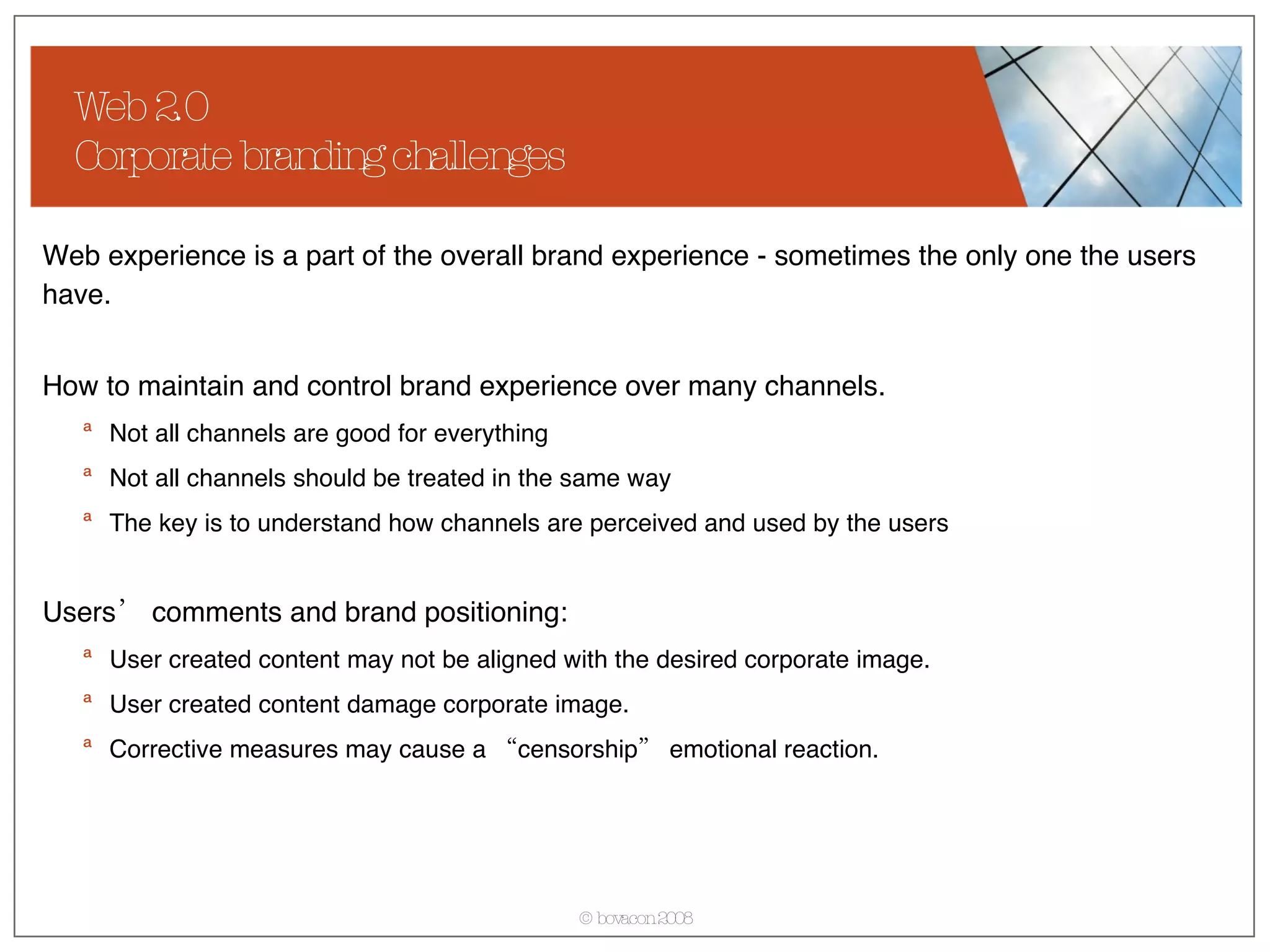
Web 2.0  Corporate branding challenges Web experience is a part of the overall brand experience - sometimes the only one the users have.  How to maintain and control brand experience over many channels. Not all channels are good for everything Not all channels should be treated in the same way The key is to understand how channels are perceived and used by the users Users’ comments and brand positioning: User created content may not be aligned with the desired corporate image. User created content damage corporate image. Corrective measures may cause a “censorship” emotional reaction.
Web 2.0  Corporate branding challenges Challenge of intellectual property Who owns the content in the community? On a blog of the SUN CEO, who owns the content once her leaves the company? Challenge of trust  How to differentiate between the actual corporate message and a somewhat private message (the CEO) and the private message from an employee?  How to differentiate the official support by the professional staff in the user assistance community from the non-official?
Summary Web 2.0 will not replace traditional technical communication, but it is a paradigm shift for the profession. Web 2.0 can enrich the work of technical communicators From am unknown writer to an recognized expert. From a writer to an enabler,  moderator and content manager. An individual and a community more important then the company. Web 2.0 brings the user much closer than any other know user research methods. Web 2.0 demands changes in skills and attitude Outbound instead of inbound focus – a communicator instead of a writer. A stand-alone writer becomes a part of the community and needs to stand up.  Traditional technical communication quality (grammar, writing style, …) less important than speed, correctness and contextual relevance of information.
Summary If we can‘t directly implement all Web 2.0 concepts, we can still largely profit from them: Carefully follow user communities dealing with the subject matter, your product or competitive products. Follow innovative thinkers who now mostly publish own blogs. Imagine scenarios about potential use of the new concepts. Think outside the box: If there is a knowledge management initiative in the organization, lead it. Start innovation wiki where ideas can be shared. Initiate a rewarding mechanism. Think about integrating users in your design process.
Thank you! Bogo Vatovec bovacon Boxhagener Str. 111 / 10245 Berlin T +49 30 20078666 / F +49 30 20078661 / office@bovacon.com / www.bovacon.com © bovacon

Web 20 For Technical Communicators

  • 1.
    Web 2.0 forTechnical Communicators Presented by / Bogo Vatovec Change Management / Knowledge Engineering / User Experience / Interaction Design / Process Engineering
  • 2.
    What is Web2.0 Key principles of Web 2.0 Enabling tools and technologies Motivation Main business models Web 2.0 for corporate communication Usage scenarios Corporate strategies and concerns Examples Web 2.0 for user assistance Usage scenarios Quality and ownership Role of a technical communicator Examples Agenda
  • 3.
    What is Web2.0 Key principles of Web 2.0 Enabling tools and technologies Motivation Main business models Web 2.0 for corporate communication Usage scenarios Corporate strategies and concerns Examples Web 2.0 for user assistance Usage scenarios Quality and ownership Role of a technical communicator Examples Agenda
  • 4.
    What is Web2.0? Wikipedia: Web 2.0 refers to a perceived second generation of web-based communities and services — such as social-networking sites and wikis— which aim to facilitate collaboration and sharing between users. Web 2.0 refers to the transition of websites from isolated information silos to interlinked computing platforms that act like software to the user.
  • 5.
    What is Web2.0? Web brought services to customers Power to the users. Suddenly we could find travel information and book own travel. research medical conditions and treatments. analyze financial markets and trade. get up-to-date information on almost any topic. This resulted in a shift to self-service in many industries. Generally reduces costs Empowered IT-departments In most cases, companies still maintained ownership and responsibility over content
  • 6.
    What is Web2.0? Users get control Provides users the possibility to create content and experiences: Pursue social goals Create content Manage content Share content The previously well defined website borders are non-existent, content is shared. User experience changes From limited, company centered, individual To rich, user centric, social experience
  • 7.
    What is Web2.0? How to recognize a Web 2.0 product? From Wikipedia: Network as platform — delivering (and allowing users to use) applications entirely through a browser. Users owning the data on a site and exercising control over that data. An architecture of participation that encourages users to add value to the application as they use it. sharp contrast to hierarchical access-control in applications. A rich, interactive, user-friendly interface based on Ajax or similar frameworks. Some social-networking aspects. Combines and integrates services and content from other products.
  • 8.
    What is Web2.0? What is triggering this change? Soft goals Human social nature Critical mass of internet users reached long time ago Practical added value perceived by all users Enabled by simple yet powerful technologies Blogs Wikis RSS (Really Simple Syndication) Podcasts Web services
  • 9.
    What is Web2.0? Blogs Simple content publishing/management systems. Blogs display content in a reversed chronological order – newest first. Kept to keep and publish diaries, thoughts on various subjects. A new blog is added every two seconds. In September, the blog search engine Technnorati was tracking more that 107Milion blogs. Blogging has become a mass phenomena and a topic of much research.
  • 10.
    What is Web2.0? Wikis A wiki is computer software that allows users to easily create, edit and link web pages. Wikis are mostly used to create collaborative websites. Increasingly used by businesses to provide affordable and effective intranets. There are several variations of Wikis like PBwiki, Triki, Bliki, Interwiki with specialized functions.
  • 11.
    What is Web2.0? RSS A content syndication standard An XML standard provides structure and semantics to the content Allows for publishing and subscription to specific information (channel) Content is both human and machine readable The content can be reused in different ways Is delivered to the users when and how they wanted.
  • 12.
    What is Web2.0? Podcasts A podcast is a digital media file or related files, which is distributed using syndication feeds (RSS). Can be delivered to various devices. Can contain voice or/and pictures. Can be used as an alternative communication channel in all industries. Examples: Technical writing podcast: http:// techwritervoices.com /
  • 13.
    What is Web2.0? Web 2.0 Business Models Currently there are not many original business models built around Web 2.0. For most companies, Web 2.0 offers extensions and new possibilities to expand the existing business models. Crowdsourcing (Wisdom of the crowds) User content sharing and creation Social-network communities Recommendations and reviews
  • 14.
    What is Web2.0? Crowdsourcing Crowdsourcing stands for the act of taking a job traditionally performed by an employee or contractor, and outsourcing it to an undefined, generally large group of people, in the form of an open call. (Wikipedia) Perceived benefits of crowdsourcing include: Problems can be explored at comparatively little cost. Payment is by results. The organization can tap a wider range of talent than might be present in its own organization.
  • 15.
    What is Web2.0 Key principles of Web 2.0 Enabling tools and technologies Motivation Main business models Web 2.0 for corporate communication Usage scenarios Corporate strategies and concerns Examples Web 2.0 for user assistance Usage scenarios Quality and ownership Role of a technical communicator Examples Agenda
  • 16.
    Web 2.0 forCorporate communication Usage scenarios For this presentation, I understand corporate communication as: Communication about the company to the outside world. Communication about the company to the employees. Products oriented marketing communication to the outside world. One way communication towards the employees. Although involvement of external and internal users is possible, this is not the main focus of corporate communication. What is mostly used: Blogs Podcasts RSS-Feeds
  • 17.
    Web 2.0 forCorporate communication Methods and tools used Examples: A blog by the SUN CEO and Siemens CEOs Podcasts by companies like Coca-Cola, Audi, IBM. Pros: A non-corporate content format transmits a less corporate message. Easy and cost effective to set up and manage. The message look more modern and hip. High potential for viral marketing. Cons: A real „blog“ is in this scenario actually not possible. At the end, it is a corporate message. When user comments allowed, content monitoring necessary. Blog structure (mostly time-stamp based) not really applicable for all kind of communication. Leaderbook Ceo-Bible Blopaganda
  • 18.
    Web 2.0 forCorporate communication Users involvement and crowdsourcing Marketing and product design can use Web 2.0 to effectively trigger user participation: to generate new ideas. to provide feedback on the product or marketing campaigns. to let users create products on their own. to solve some complex issues. Examples: GoldCorp Cambrian House http:// www.cambrianhouse.com / Dell IdeaStorm http:// www.ideastorm.com / Proctor&Gamble InnoCentive http:// www.innocentive.com / Amazon Mechanical Turk http:// www.mturk.com
  • 19.
    Web 2.0 forCorporate communication But involving users doesn‘t always give desired results Users raise issues, concerns and negative opinions about the company/product. DellHell http:// www.buzzmachine.com/archives/cat_dell.html Opel Jamba Chevy Tahoe collaborative marketing http://www.news.com/1606-2_3-6056633.html?tag= ne.vid
  • 20.
    What is Web2.0 Key principles of Web 2.0 Enabling tools and technologies Motivation Main business models Web 2.0 for corporate communication Usage scenarios Corporate strategies and concerns Examples Web 2.0 for user assistance Usage scenarios Quality and ownership Role of a technical communicator Examples Agenda
  • 21.
    Web 2.0 forUser Assistance Usage scenarios For this presentation, I understand user assistance as: Support to external users of the product. Support to internal users of the product. Support to internal employees. The first two are typically seen as user assistance, the third more as knowledge management. User assistance on Web 2.0 is completely different to what technical communicators have been doing: Traditionally, a technical communicator provides user assistance materials to the user who uses them. In Web 2.0, the users create own support materials and help each other.
  • 22.
    Web 2.0 forUser Assistance Usage scenarios Provide users with an environment to help each other Forums Social communities Provide users with the infos about the updates, product demos, tips&tricks Podcasts RSS-Feeds Motivate power-users to actively contribute to user assistance Blogs Forums Use the abilities of new technologies to improve traditional user assistance Update online help via RSS feeds Create podcasts to demonstrate certain abilities or show solutions to user problems.
  • 23.
    Web 2.0 forUser Assistance Examples
  • 24.
    Web 2.0 forUser Assistance Examples
  • 25.
    Web 2.0 forUser Assistance A new role of technical communication Traditional technical communication Interviewer, writer, designer. Hidden behind the corporation Introvert – leave me alone so I can write my handbook. Practically no feedback on user assistance. Web 2.0 technical communication Interviewer, writer, designer. Content provider, expert. Enabler, designer, moderator. On a front-line – I‘m an expert. Extrovert – this is my opinion and this is how you should do this. Interactive, short feedback cycles and reaction times.
  • 26.
    Web 2.0 forUser Assistance How to approach it? Web 2.0 requires participation Organize a one day workshop where somebody presents the key Web 2.0 concepts. With the team brainstorm the user assistance scenarios related to your products. Make sure your team is monitoring and participating in the existing user communities about your products. Incorporate questions and answers from the community to your existing user assistance products. Encourage extrovert individuals from your team to participate in the communities or start own blogs. Consider establishing a support forum if not existing. Work closely with the support and marketing departments to work out an overall support strategy.
  • 27.
    Web 2.0 forUser Assistance Results from a brainstorming session
  • 28.
    Web 2.0 Corporate branding challenges Web experience is a part of the overall brand experience - sometimes the only one the users have. How to maintain and control brand experience over many channels. Not all channels are good for everything Not all channels should be treated in the same way The key is to understand how channels are perceived and used by the users Users’ comments and brand positioning: User created content may not be aligned with the desired corporate image. User created content damage corporate image. Corrective measures may cause a “censorship” emotional reaction.
  • 29.
    Web 2.0 Corporate branding challenges Challenge of intellectual property Who owns the content in the community? On a blog of the SUN CEO, who owns the content once her leaves the company? Challenge of trust How to differentiate between the actual corporate message and a somewhat private message (the CEO) and the private message from an employee? How to differentiate the official support by the professional staff in the user assistance community from the non-official?
  • 30.
    Summary Web 2.0will not replace traditional technical communication, but it is a paradigm shift for the profession. Web 2.0 can enrich the work of technical communicators From am unknown writer to an recognized expert. From a writer to an enabler, moderator and content manager. An individual and a community more important then the company. Web 2.0 brings the user much closer than any other know user research methods. Web 2.0 demands changes in skills and attitude Outbound instead of inbound focus – a communicator instead of a writer. A stand-alone writer becomes a part of the community and needs to stand up. Traditional technical communication quality (grammar, writing style, …) less important than speed, correctness and contextual relevance of information.
  • 31.
    Summary If wecan‘t directly implement all Web 2.0 concepts, we can still largely profit from them: Carefully follow user communities dealing with the subject matter, your product or competitive products. Follow innovative thinkers who now mostly publish own blogs. Imagine scenarios about potential use of the new concepts. Think outside the box: If there is a knowledge management initiative in the organization, lead it. Start innovation wiki where ideas can be shared. Initiate a rewarding mechanism. Think about integrating users in your design process.
  • 32.
    Thank you! BogoVatovec bovacon Boxhagener Str. 111 / 10245 Berlin T +49 30 20078666 / F +49 30 20078661 / office@bovacon.com / www.bovacon.com © bovacon