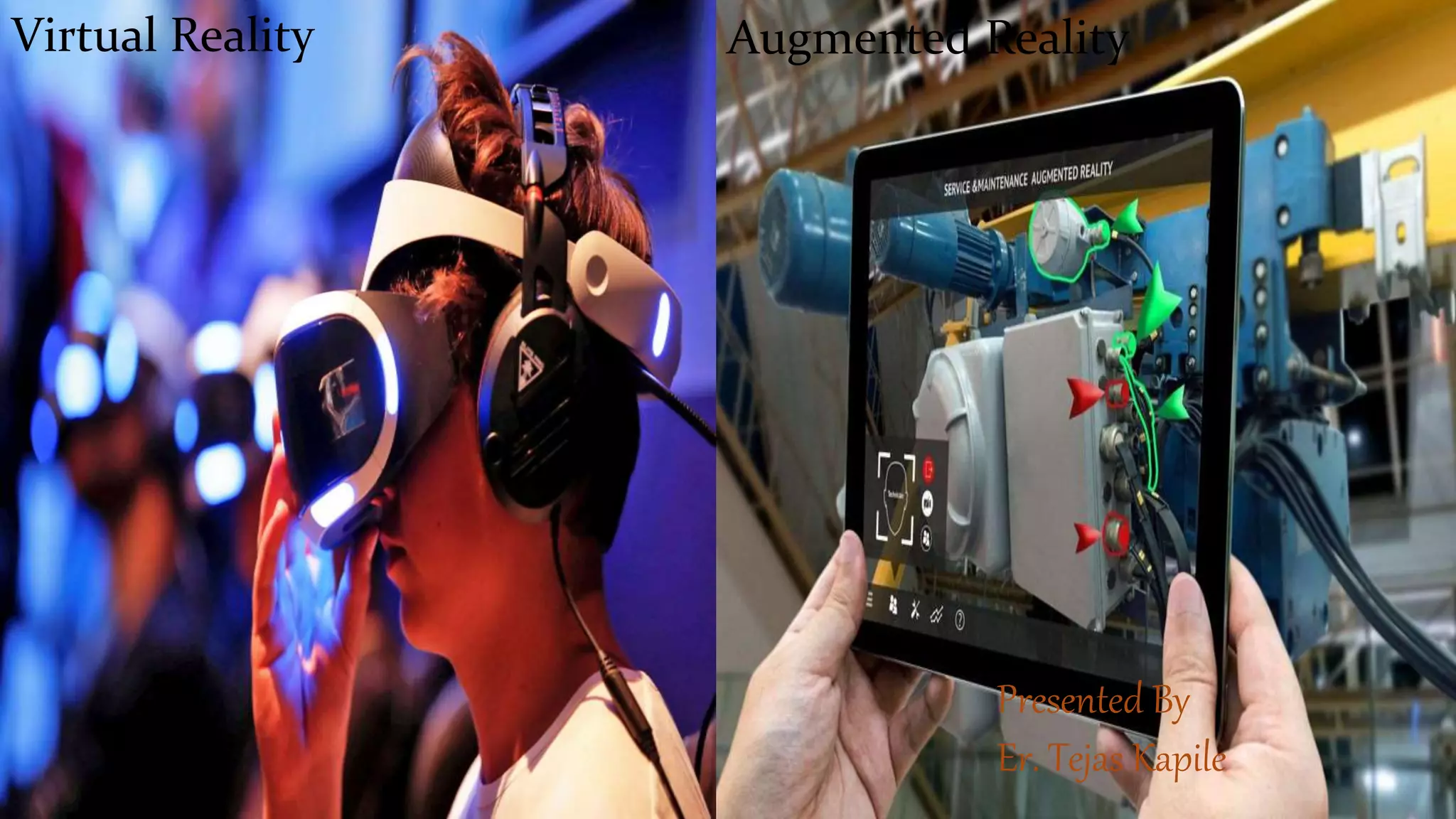
Virtual reality creates simulated, 3D environments that users can interact with, unlike real environments. Augmented reality overlays virtual objects on the real world.
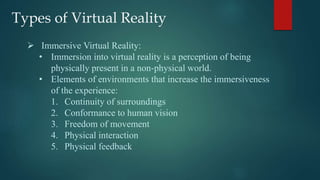
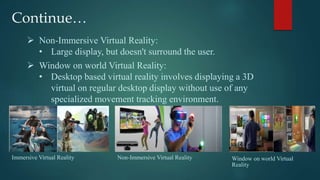
VR is either immersive, using headsets to replace real vision, non-immersive using large displays, or window-on-world using desktop displays. AR combines real and virtual scenes in real-time.
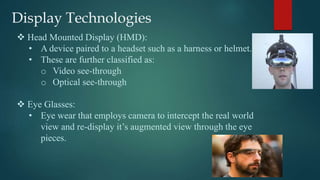
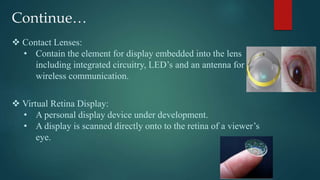
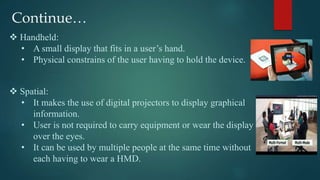
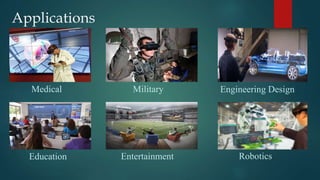
Display technologies for VR and AR include head-mounted displays, glasses, contact lenses, and handheld/spatial projectors. Applications include medical, military, engineering, education, entertainment, and more.