Veeam Backup & Replication™v5with vPower™Aseem AnwarSales Engineer
Existing tools aren’t doing the jobTraditional backup
Agent in each VM
Full VM recovery is complex
Expensive
Does not guarantee recoverability
Typical VMware backup
Backup code runs on ESX(i) hosts
Significant storage requirements
Limited recovery options
Does not guarantee recoverability“A major reason that organizations still hit these bumps on the backup and recovery road: They use the same products for both physical and virtual server backup, when we all know that virtualization requires a fundamentally different approach.”      –  SearchServerVirtualization.com
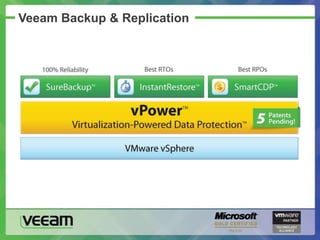
Veeam Backup & Replication
vPower
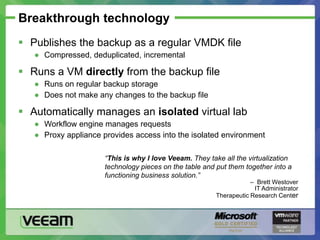
Breakthrough technologyPublishes the backup as a regular VMDK file
Compressed, deduplicated, incremental
Runs a VM directly from the backup file
Runs on regular backup storage
Does not make any changes to the backup file
Automatically manages an isolated virtual lab
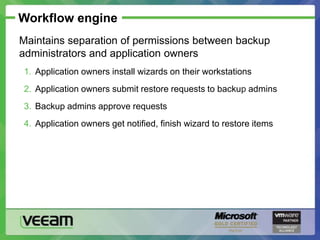
Workflow engine manages requests
Proxy appliance provides access into the isolated environment“This is why I love Veeam. They take all the virtualization technology pieces on the table and put them together into a functioning business solution.”–  Brett WestoverIT AdministratorTherapeutic Research Center
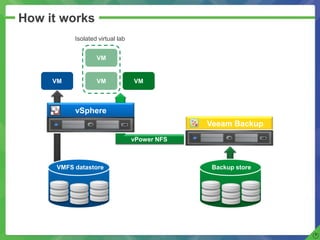
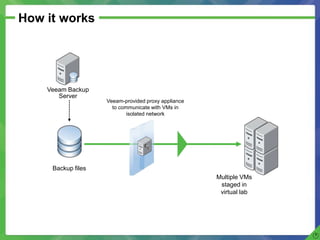
How it worksIsolated virtual labVMVMVMVM       vPower NFSvSphere     Veeam BackupVMFS datastoreBackup store
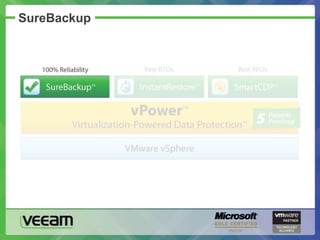
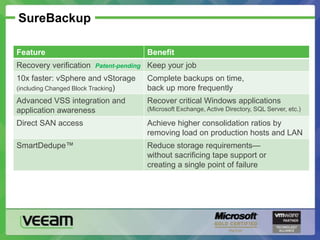
SureBackup
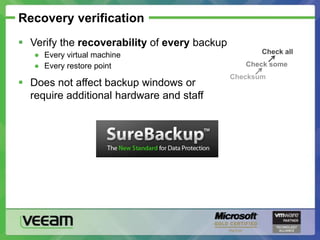
Recovery verificationVerify the recoverability of every backup
Every virtual machine
Every restore point
Does not affect backup windows orrequire additional hardware and staffCheck allCheck someChecksum
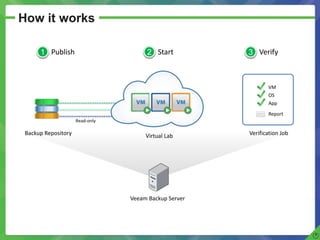
How it worksPublishStartVerify123PublishStartVerify123VMOSAppReportRead-onlyBackup RepositoryVerification JobVirtual LabVeeam Backup Server
SureBackup
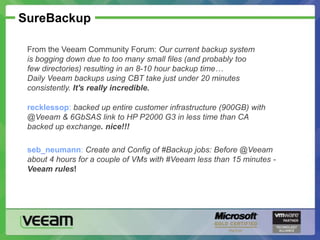
SureBackupFrom the Veeam Community Forum: Our current backup system is bogging down due to too many small files (and probably too few directories) resulting in an 8-10 hour backup time…Daily Veeam backups using CBT take just under 20 minutes consistently. It's really incredible.recklessop: backed up entire customer infrastructure (900GB) with @Veeam & 6GbSAS link to HP P2000 G3 in less time than CA backed up exchange. nice!!!seb_neumann: Create and Config of #Backup jobs: Before @Veeam about 4 hours for a couple of VMs with #Veeam less than 15 minutes - Veeam rules!
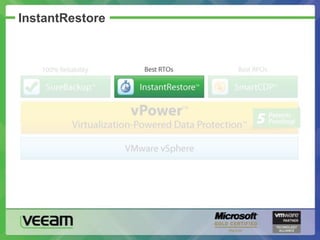
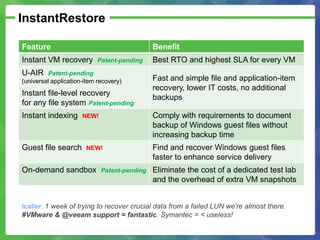
InstantRestore
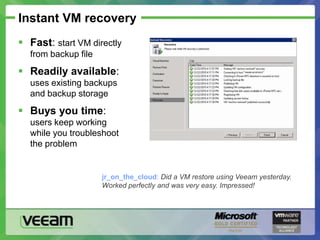
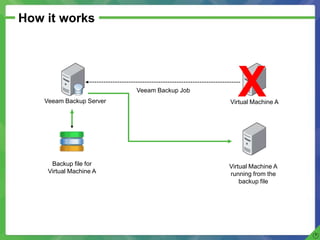
Instant VM recoveryFast: start VM directlyfrom backup file
Readily available:uses existing backupsand backup storage
Buys you time:users keep workingwhile you troubleshootthe problemjr_on_the_cloud: Did a VM restore using Veeam yesterday. Worked perfectly and was very easy. Impressed!
How it worksXVeeam Backup JobVeeam Backup ServerVirtual Machine ABackup file for Virtual Machine AVirtual Machine Arunning from the backup file
Storage vMotion (or Veeam Backup & Replication)
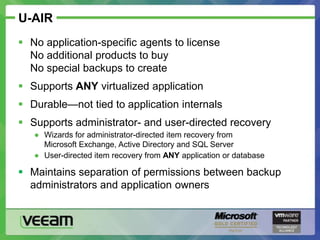
U-AIRNo application-specific agents to licenseNo additional products to buyNo special backups to create
Supports ANY virtualized application
Durable—not tied to application internals

Veeam back up and replication presentation

Editor's Notes

  • #2 20110516 r1
  • #3 Issue: The virtual environment is growing (in size and/or importance—for example, now looking at virtualizing mission-critical applications)
  • #4 Issue: Existing tools aren’t doing the job
  • #6 Issue: Missing opportunities that virtualization provides to improve data protection and disaster recovery
  • #7 The solution: Veeam Backup & Replication
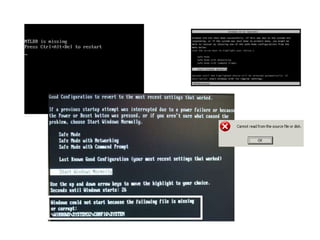
  • #12 Recovery verification: examples of why you need it
  • #14 *This slide is animated*
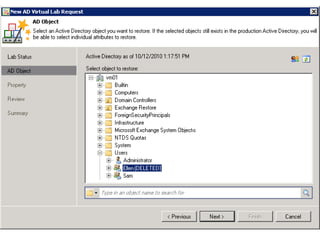
  • #21 User-directed item recovery from any application or database: for example, ticket tracking systems, bug tracking systems, content management systems, CRM systems, custom applications
  • #23 U-AIR
  • #24 IFLR
  • #25 Searching with guest file index
  • #37 This is the first of 3 key capabilities being developed for Hyper-V
  • #38 This is the second of 3 key capabilities being developed for Hyper-V
  • #39 This is the third key capability for Hyper-V