UX for Higher Ed:
Web Renewal with a
User-Focused Approach
•  Why did we do a web
renewal
•  User-Focused Approach
•  Discover, Define,
Design, Develop,
Deliver
•  Research Methodology,
Themes and Application
•  Fulfillment and Key
Lessons
Who we are
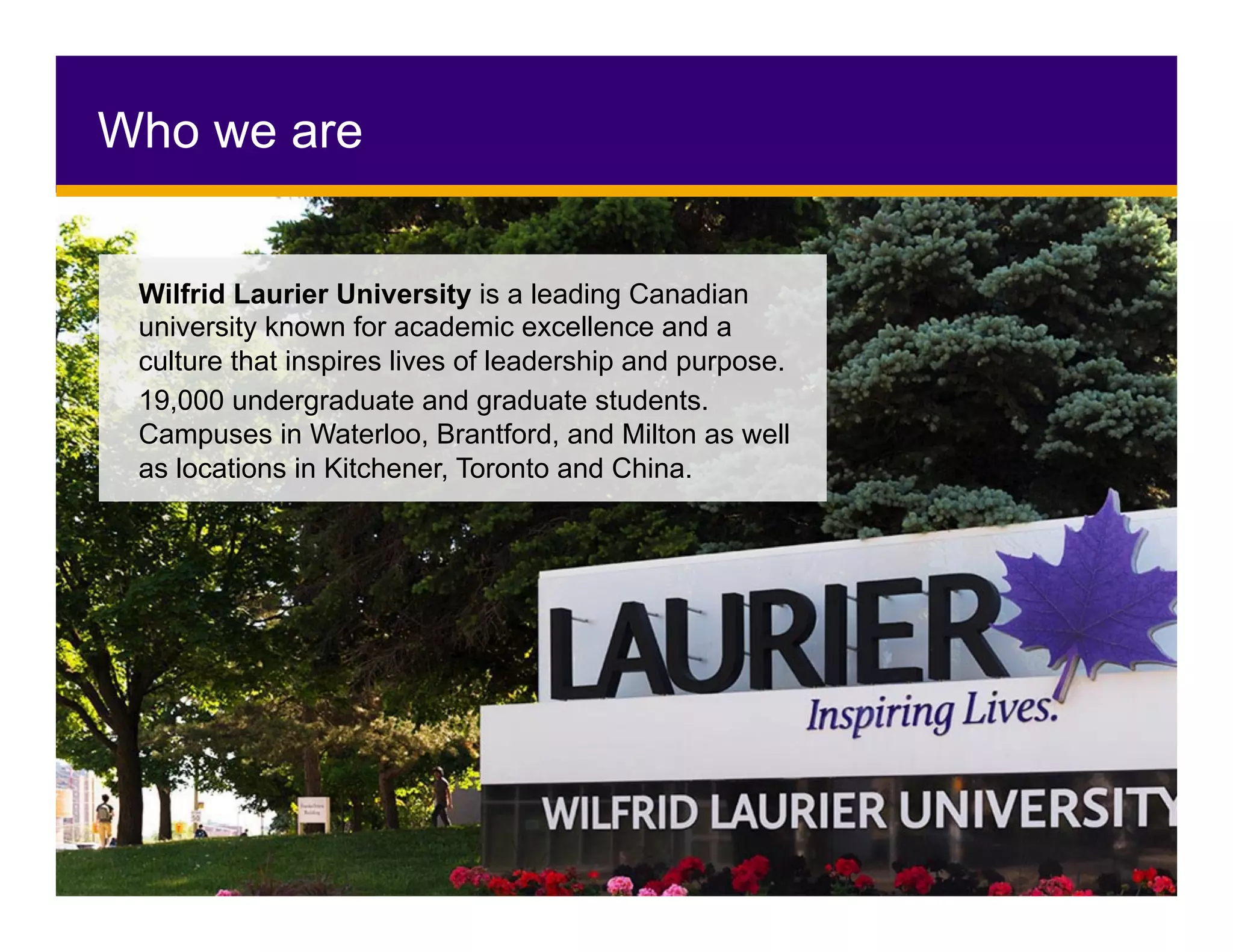
Wilfrid Laurier University is a leading Canadian
university known for academic excellence and a
culture that inspires lives of leadership and purpose.
19,000 undergraduate and graduate students.
Campuses in Waterloo, Brantford, and Milton as well
as locations in Kitchener, Toronto and China.
Why do UX?
•  Move beyond the anecdotes
•  Data driven decisions
•  Think beyond the looks
•  Formulate a vision of what our users
wanted their digital experience to be
•  Looks Good
•  Visually appealing
•  Responsive/adaptive design
•  Works on all browsers and devices
•  Feels Good
•  Easy to use and navigate
•  Content is fresh and up-to-date
•  Benefit after the first visit
•  Users can find it/SEO
•  AODA compliant
What makes a good website?
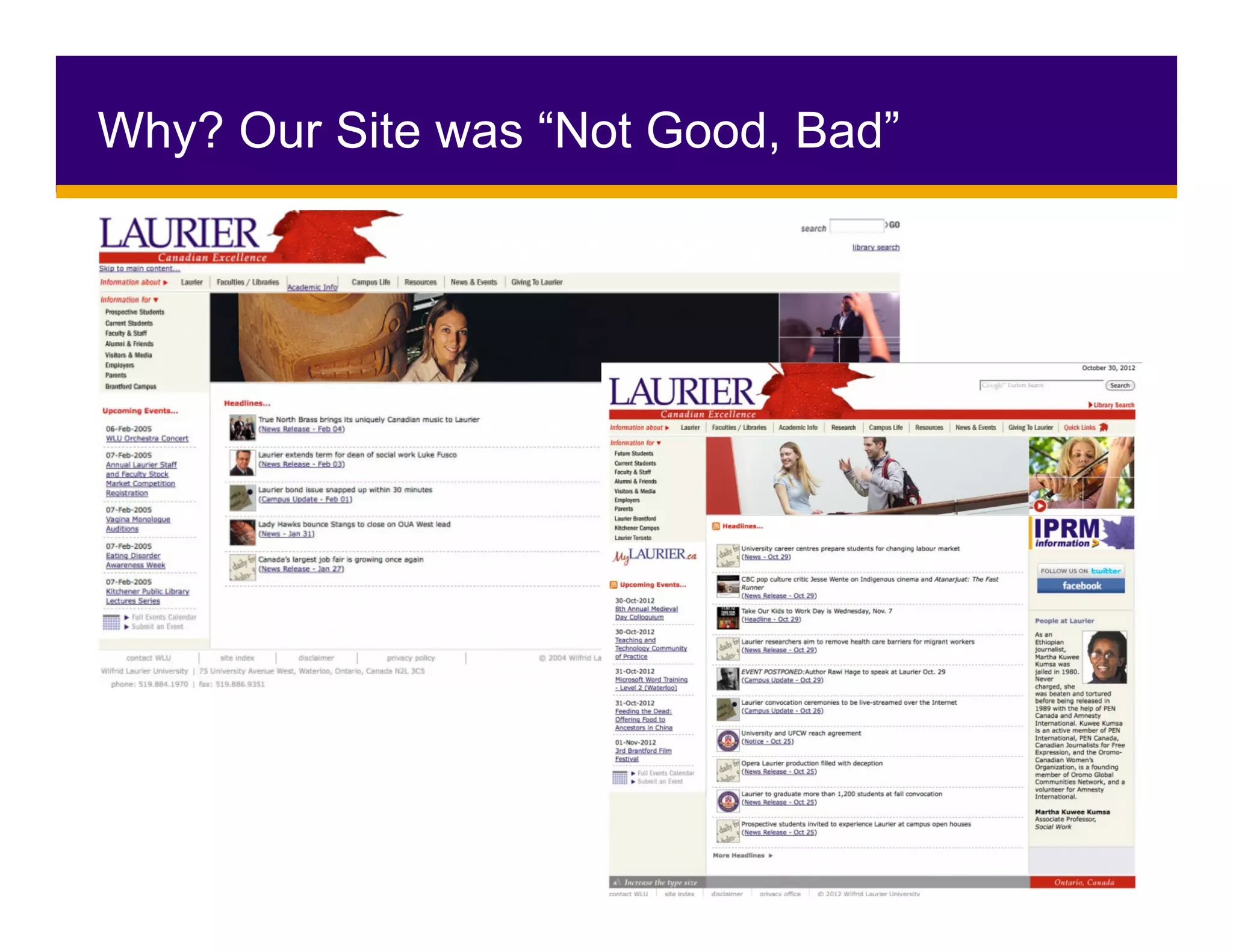
Why? Our Site was “Not Good, Bad”
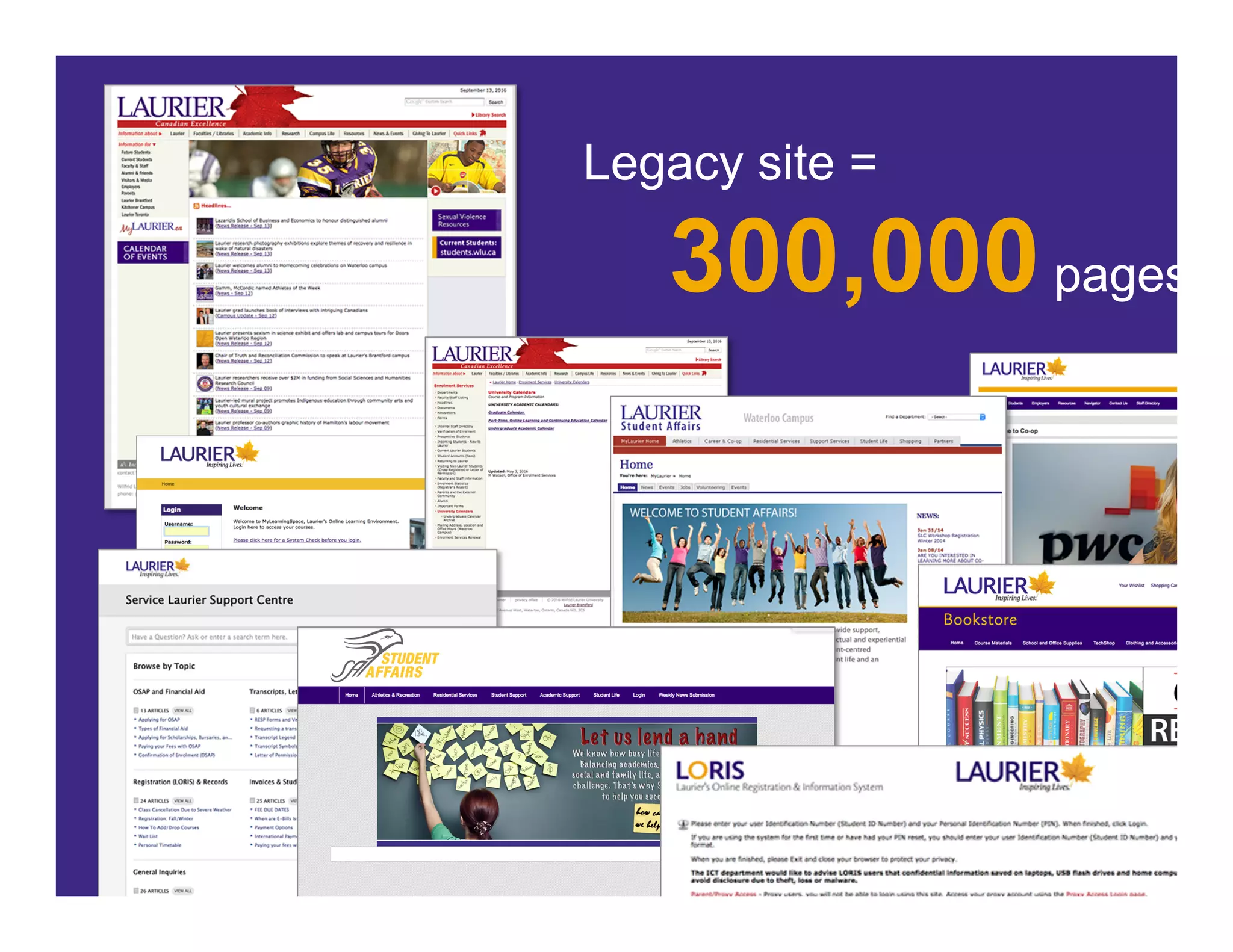
Legacy site =
300,000pages
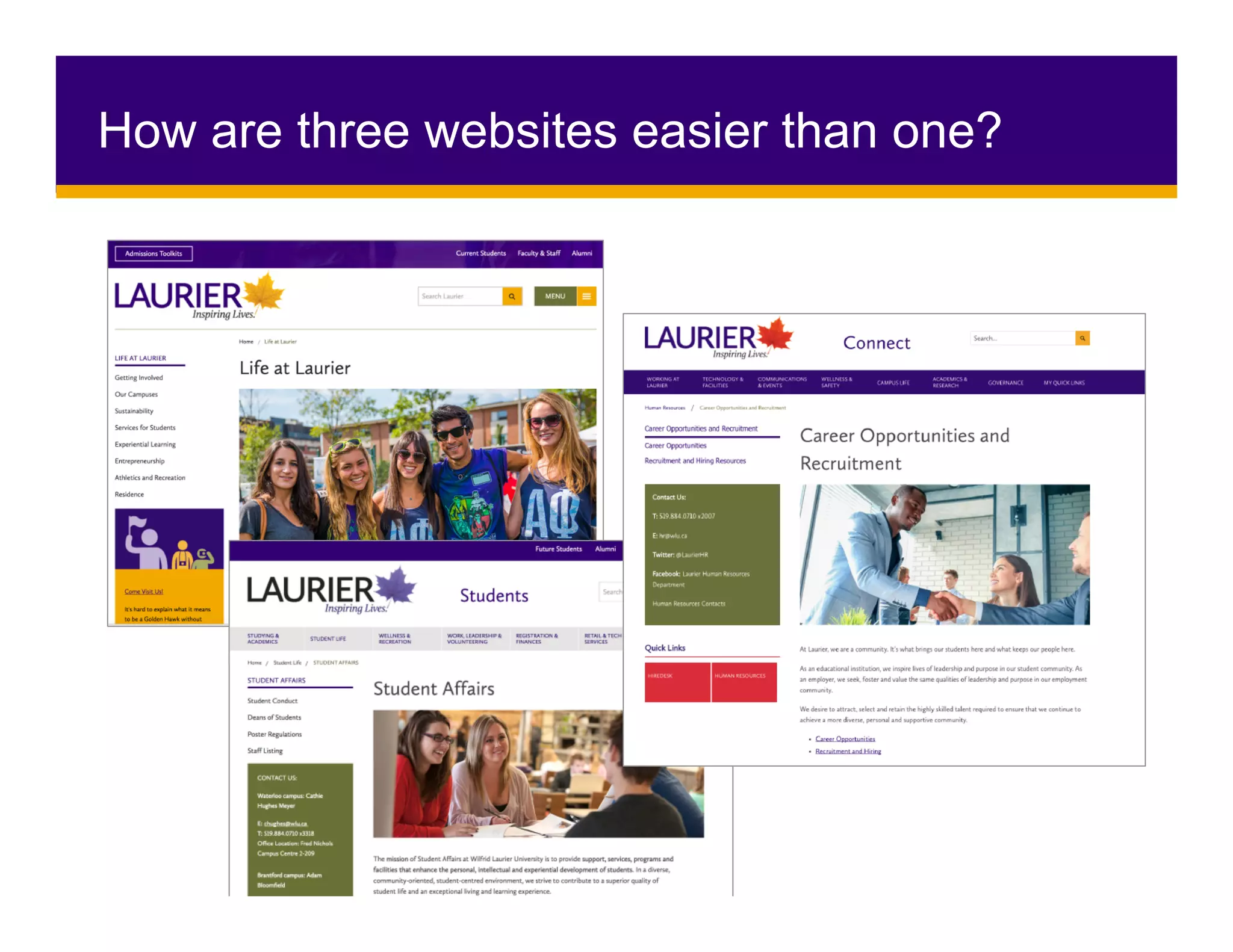
How are three websites easier than one?
Started from the top….
•  Advisory and
Steering Groups
•  Cargo Ships,
Not Speed boats
•  Imagine the
possibilities
How did we get the buy-in?
•  Alignment with
Institutional Priorities
•  Collaboration and
Partnerships
•  Over-communicate
•  Thank-you AODA!
Not easy =
it requires two slides
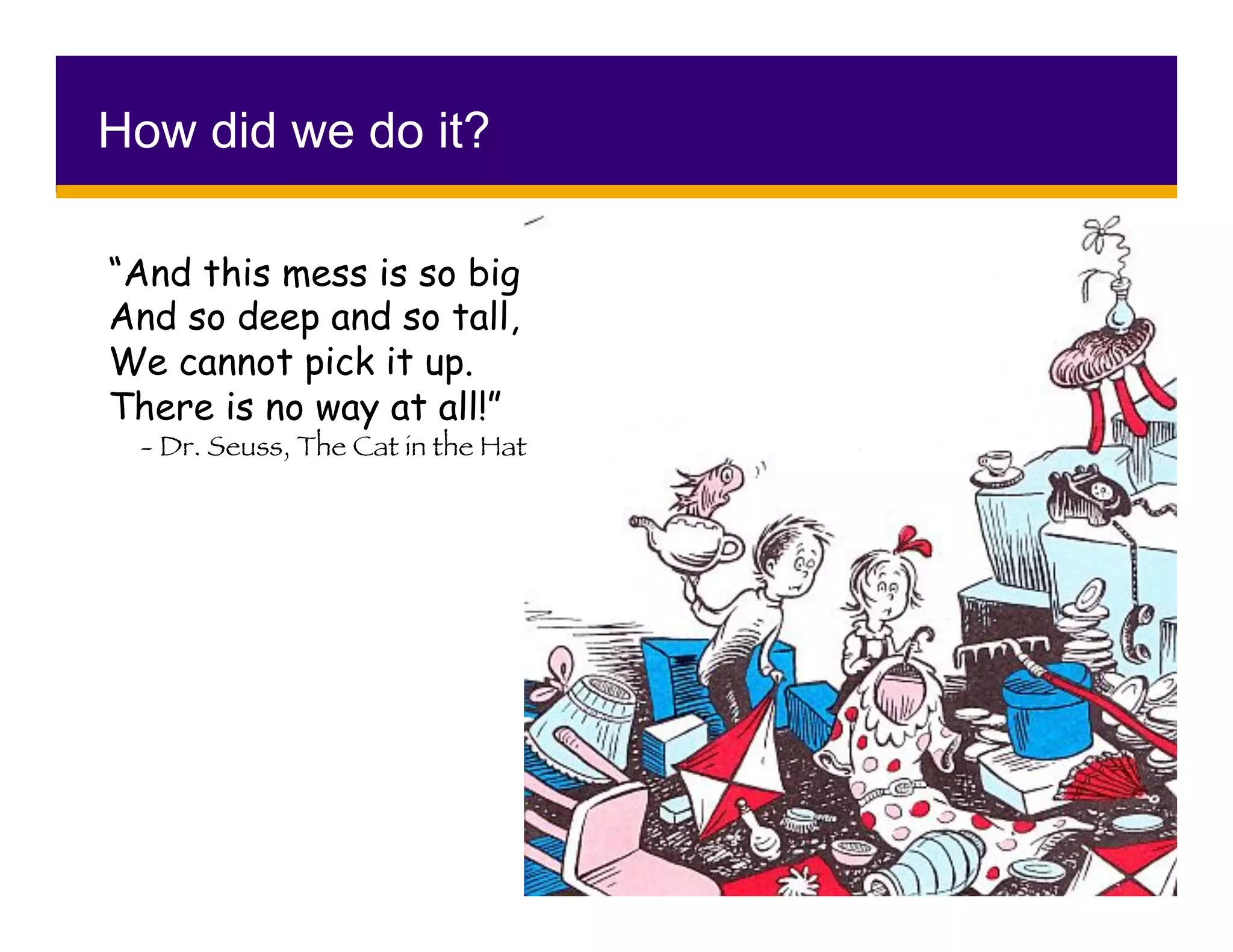
How did we do it?
“And this mess is so big
And so deep and so tall,
We cannot pick it up.
There is no way at all!”	
- Dr. Seuss, The Cat in the Hat
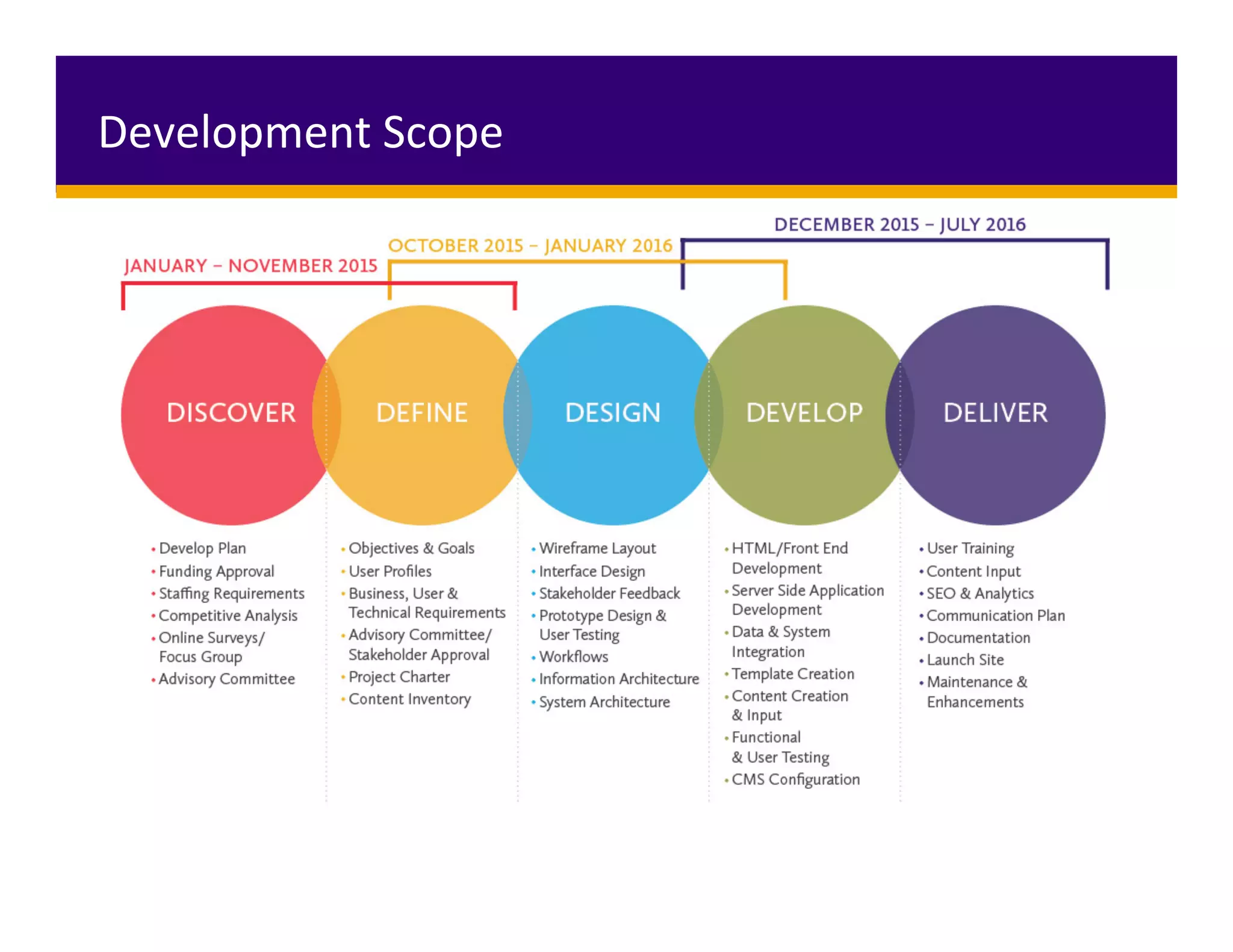
Development	Scope
Conducted research and exercises to assess the
behaviours, attitudes and feelings related to the
online experience
•  Interviews
•  Online Surveys
•  Focus Groups
•  Contextual Inquiry
•  Analytics Review
•  Competitive Analysis
UX Phase 1: Discover
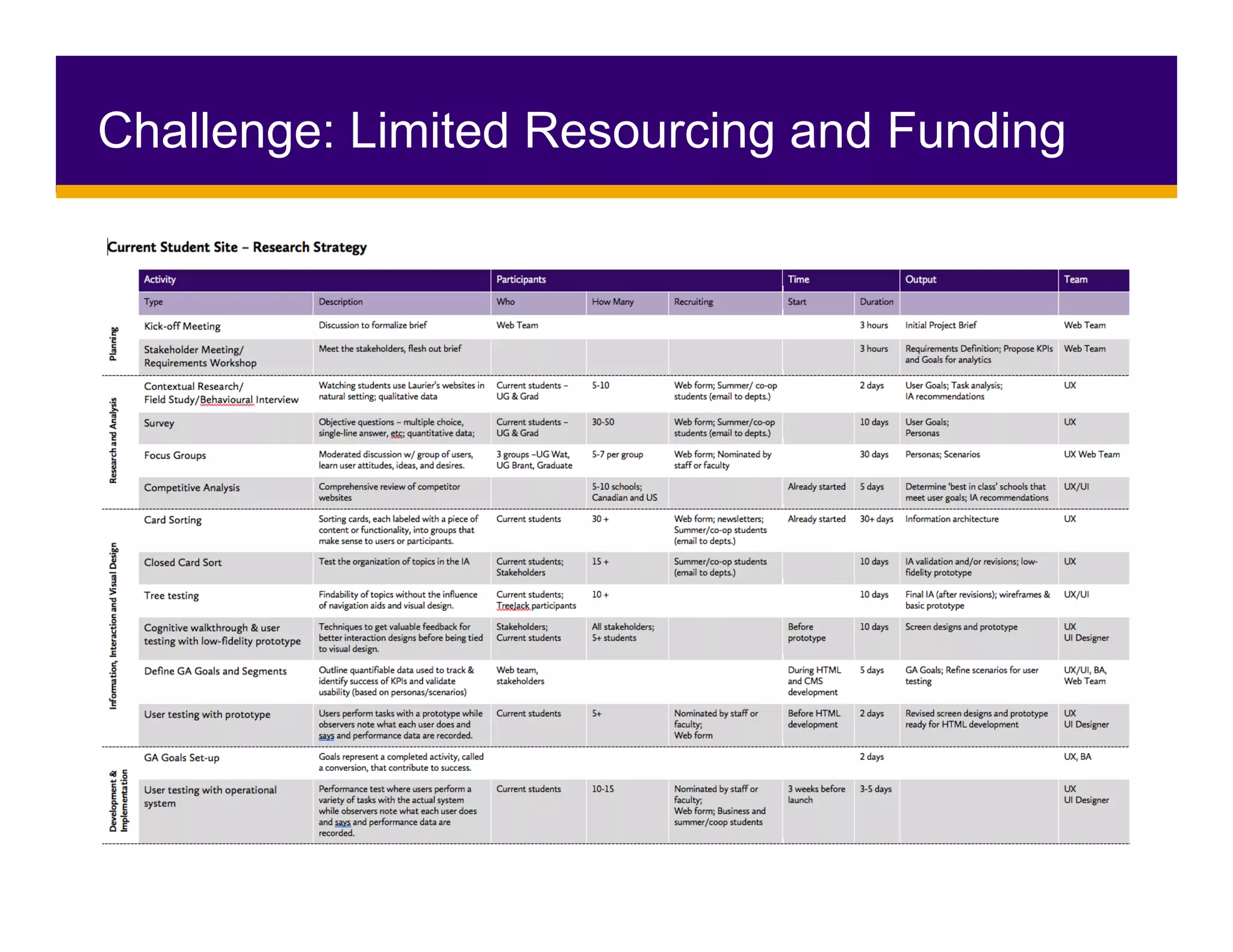
Challenge: Limited Resourcing and Funding
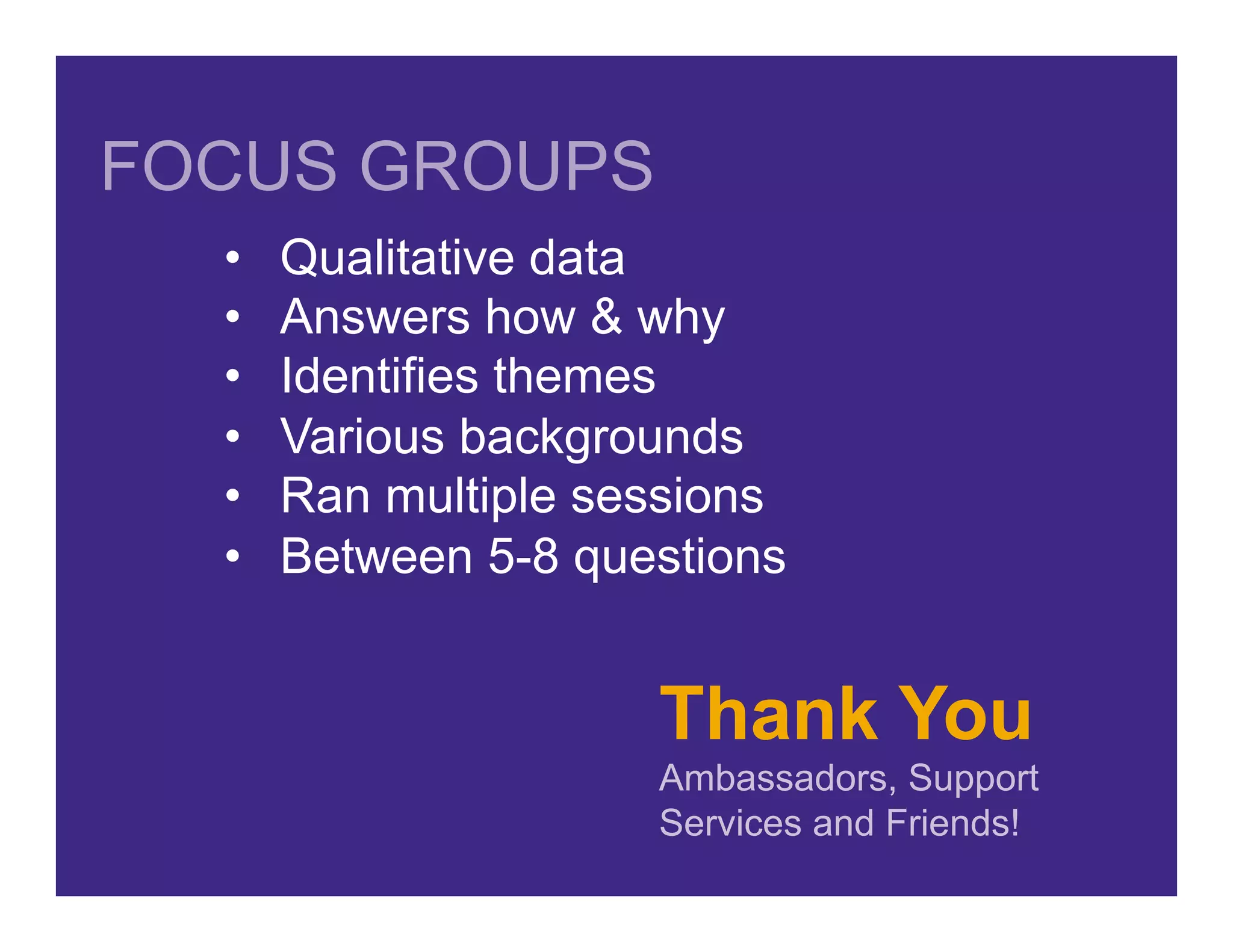
Thank You
Ambassadors, Support
Services and Friends!
•  Qualitative data
•  Answers how & why
•  Identifies themes
•  Various backgrounds
•  Ran multiple sessions
•  Between 5-8 questions
FOCUS GROUPS
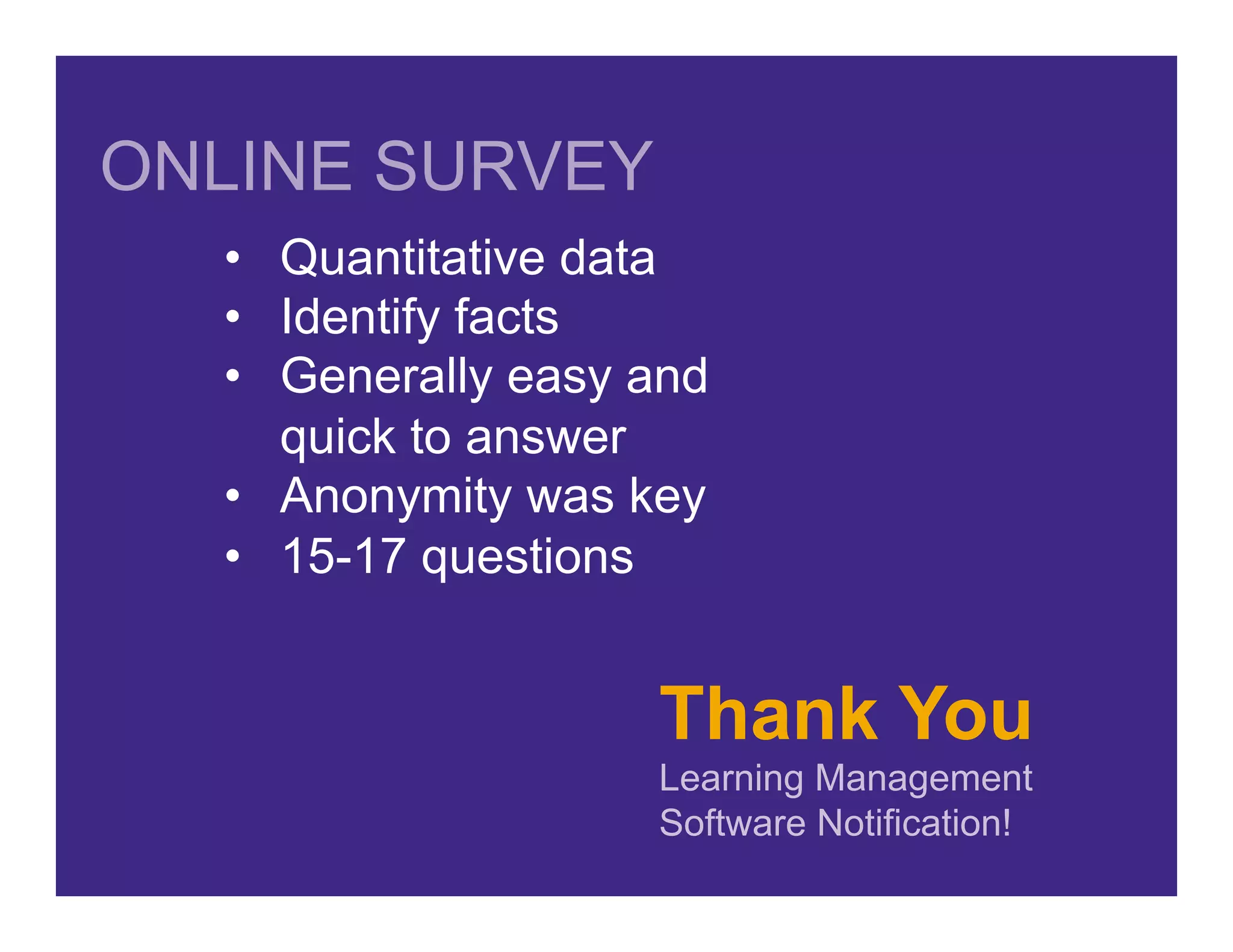
Thank You
Learning Management
Software Notification!
•  Quantitative data
•  Identify facts
•  Generally easy and
quick to answer
•  Anonymity was key
•  15-17 questions
ONLINE SURVEY
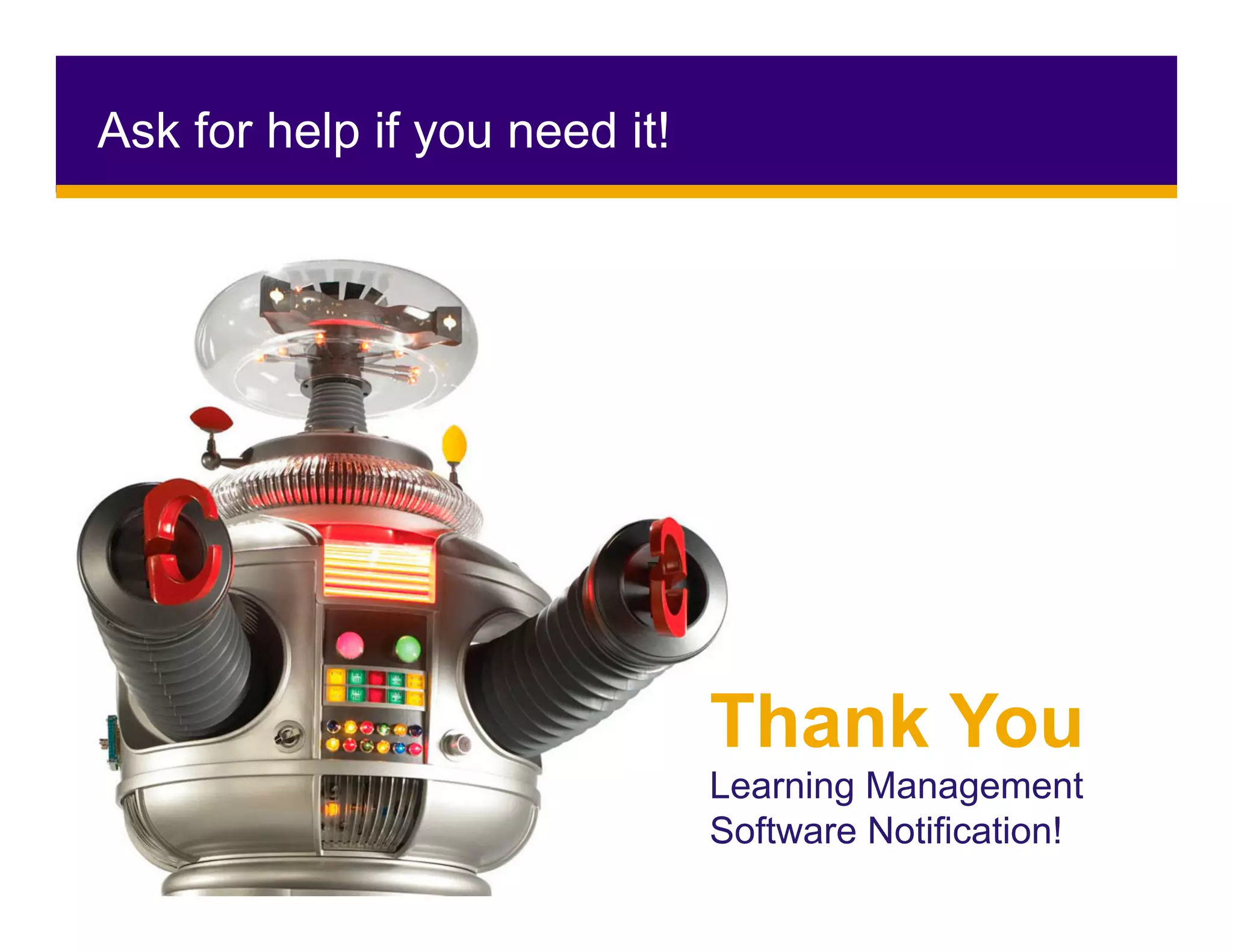
Ask for help if you need it!
Thank You
Learning Management
Software Notification!
Thank You
Coffee…
•  Numbers!
•  Search Terms
•  Key periods in cycles
•  Able to tell you the what….
But not the why
ANALYTICS
Thank You
All of you beautiful people!
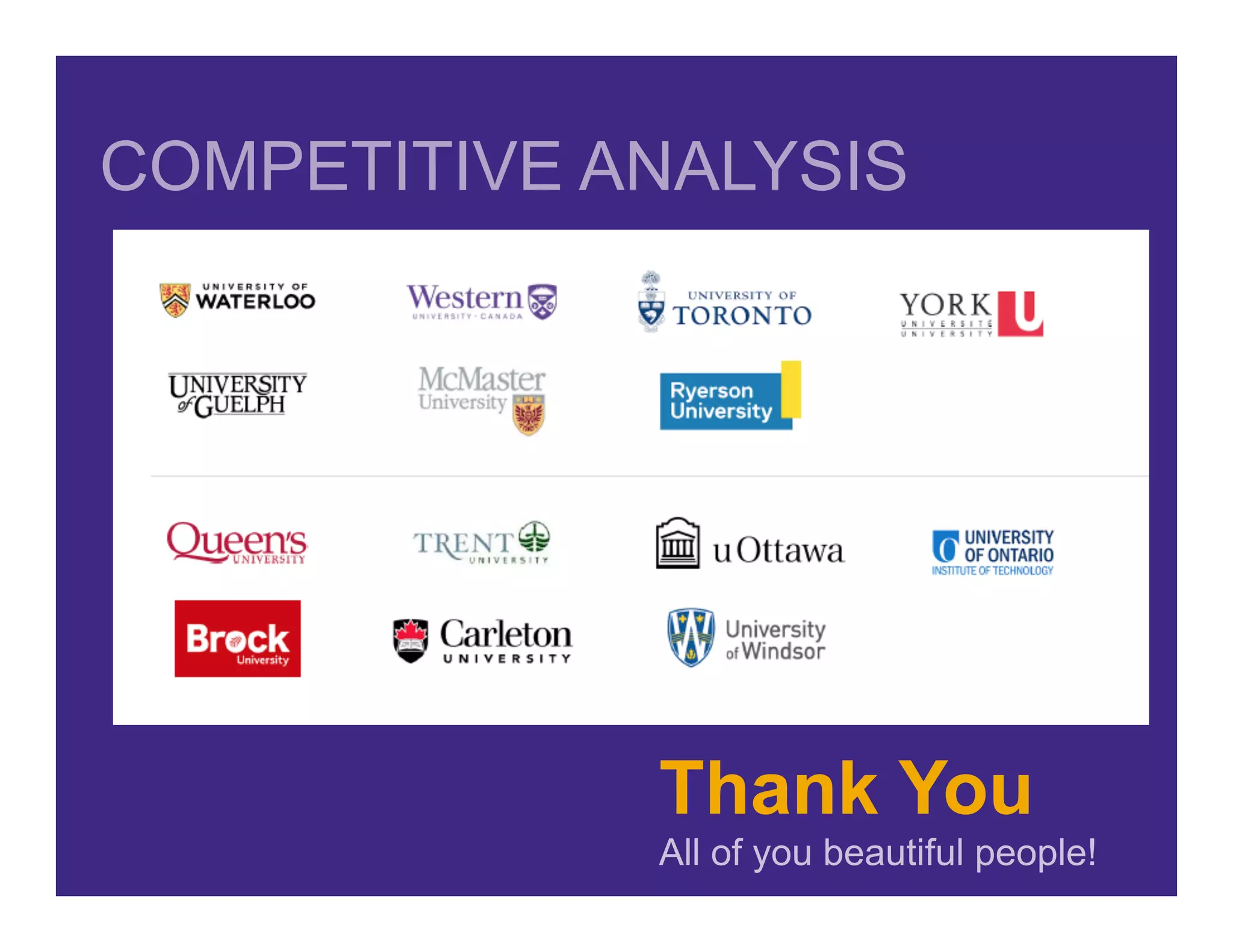
COMPETITIVE ANALYSIS
•  Business, User & Technical Requirements
•  Card Sorting (Open and Closed)
•  Persona/User Maps
•  Draft Information Architecture and Navigation
•  Tree testing
•  User Flows
UX Phase 2: Define
Business Requirements
•  Tool that is flexible & customizable
•  Access to edit content
•  Consideration for unique needs & existing processes
•  Canadian data hosting
•  Accessibility for Ontarians with Disabilities Act
Technical Landscape
•  1000s of unique applications, tools, & forms
•  Consideration for larger, existing technical architecture & ecosystem
•  Avoid duplication & plan for future tools & processes
Business	&	Technical	Requirements
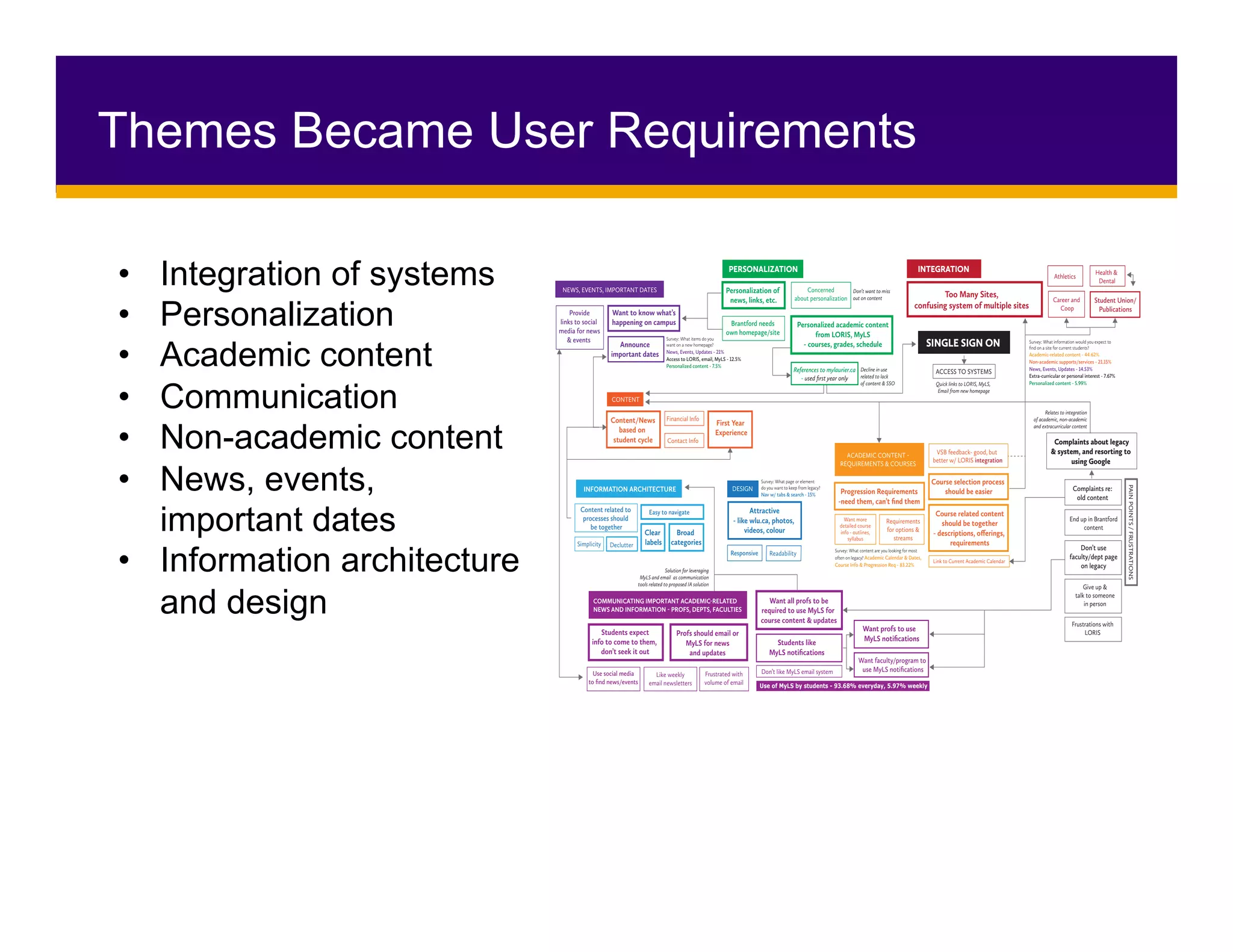
Themes Became User Requirements
•  Integration of systems
•  Personalization
•  Academic content
•  Communication
•  Non-academic content
•  News, events,
important dates
•  Information architecture
and design
PERSONALIZATION INTEGRATION
Personalization of
news, links, etc.
Concerned
about personalization
Personalized academic content
from LORIS, MyLS
- courses, grades, schedule
References to mylaurier.ca
- used first year only
Health &
Dental
Student Union/
Publications
Athletics
Career and
Coop
SINGLE SIGN ON
DESIGN
Attractive
- like wlu.ca, photos,
videos, colour
Responsive Readability
ACCESS TO SYSTEMS
Quick links to LORIS, MyLS,
Email from new homepage
Decline in use
related to lack
of content & SSO
Solution for leveraging
MyLS and email as communication
tools related to proposed IA solution
Don’t want to miss
out on content
Relates to integration
of academic, non-academic
and extracurricular content
PAINPOINTS/FRUSTRATIONS
Complaints about legacy
& system, and resorting to
using Google
Complaints re:
old content
Survey: What information would you expect to
find on a site for current students?
Academic-related content - 44.62%
Non-academic supports/services - 21.15%
News, Events, Updates - 14.53%
Extra-curricular or personal interest - 7.67%
Personalized content - 5.99%
Survey: What items do you
want on a new homepage?
News, Events, Updates - 21%
Access to LORIS, email, MyLS - 12.5%
Personalized content - 7.5%
Survey: What page or element
do you want to keep from legacy?
Nav w/ tabs & search - 15%
Survey: What content are you looking for most
often on legacy? Academic Calendar & Dates,
Course Info & Progression Req - 83.22%
Give up &
talk to someone
in person
End up in Brantford
content
Frustrations with
LORIS
Don’t use
faculty/dept page
on legacy
Brantford needs
own homepage/site
CONTENT
Financial Info
First Year
Experience
Content/News
based on
student cycle Contact Info
INFORMATION ARCHITECTURE
Content related to
processes should
be together
DeclutterSimplicity
Easy to navigate
Clear
labels
Broad
categories
COMMUNICATING IMPORTANT ACADEMIC-RELATED
NEWS AND INFORMATION - PROFS, DEPTS, FACULTIES
Want all profs to be
required to use MyLS for
course content & updates
Students like
MyLS notifications
Want profs to use
MyLS notifications
Want faculty/program to
use MyLS notifications
Profs should email or
MyLS for news
and updates
Use social media
to find news/events
Students expect
info to come to them,
don’t seek it out
Like weekly
email newsletters
Don’t like MyLS email system
Use of MyLS by students - 93.68% everyday, 5.97% weekly
Frustrated with
volume of email
Want to know what’s
happening on campus
Announce
important dates
Provide
links to social
media for news
& events
ACADEMIC CONTENT -
REQUIREMENTS & COURSES
Progression Requirements
-need them, can’t find them
Course selection process
should be easier
VSB feedback- good, but
better w/ LORIS integration
Course related content
should be together
- descriptions, offerings,
requirements
Requirements
for options &
streams
Want more
detailed course
info - outlines,
syllabus
Link to Current Academic Calendar
NEWS, EVENTS, IMPORTANT DATES
Too Many Sites,
confusing system of multiple sites
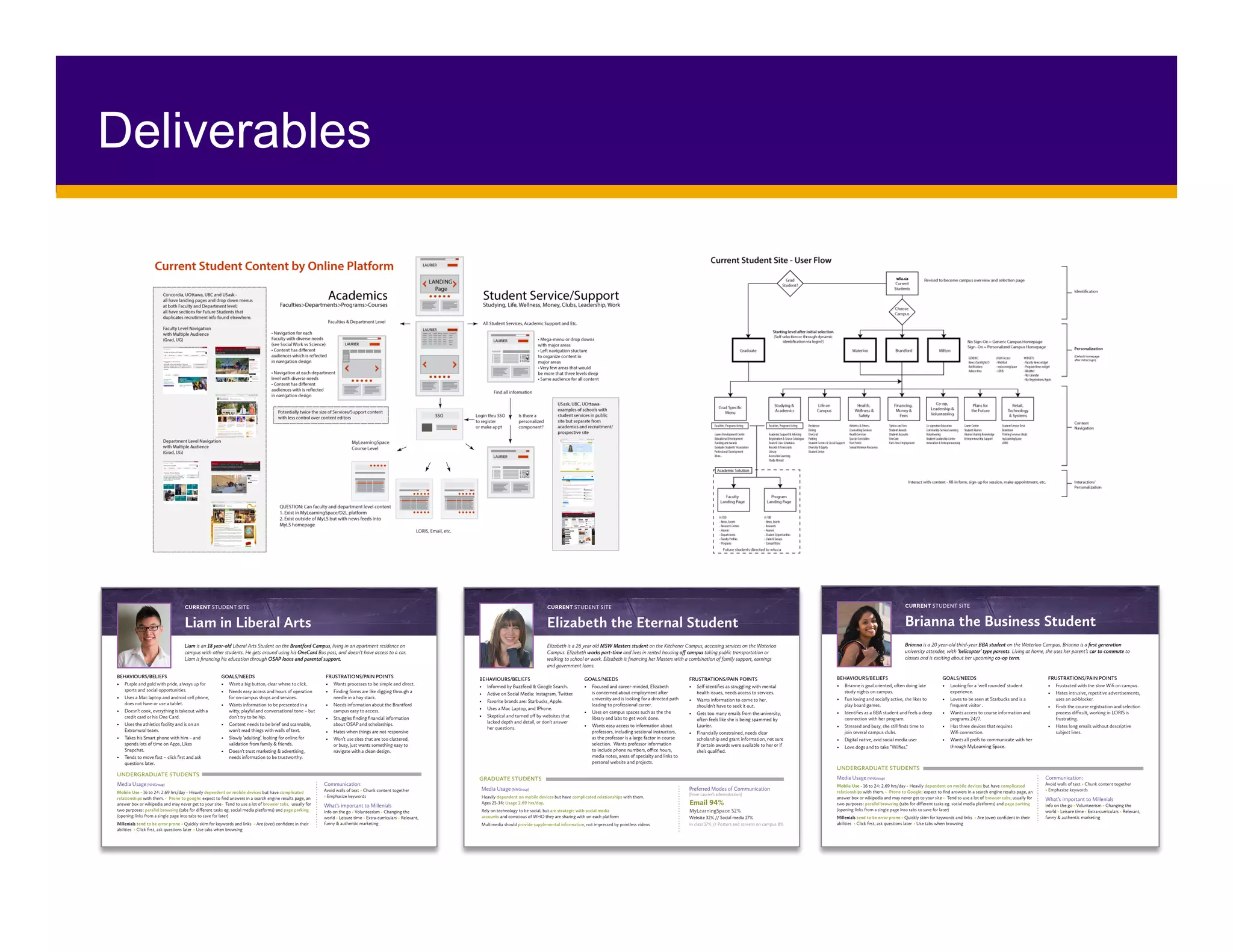
Deliverables
Thank You
Faculties of: Arts, Human and Social
Sciences, and Liberal Arts!
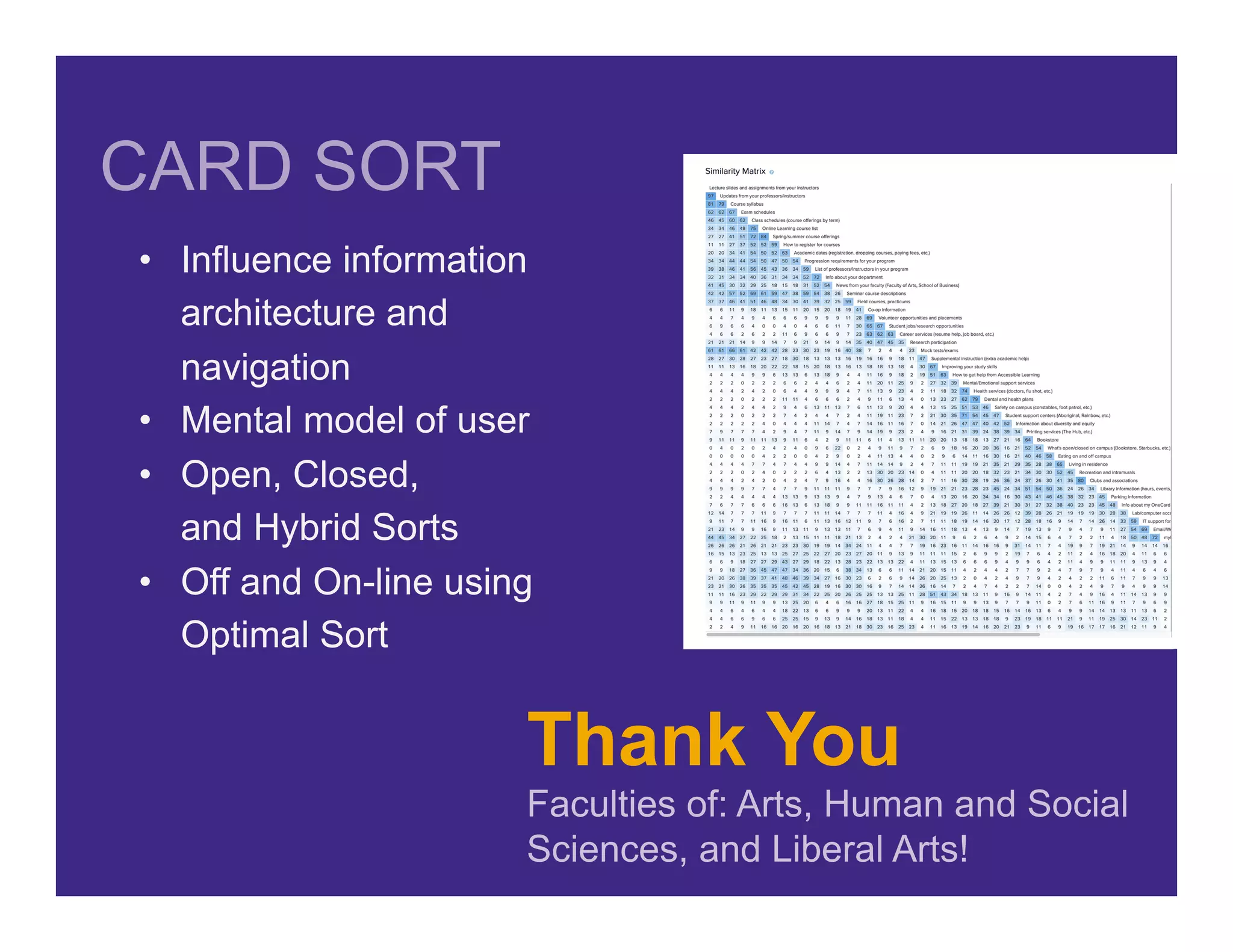
CARD SORT
•  Influence information
architecture and
navigation
•  Mental model of user
•  Open, Closed,
and Hybrid Sorts
•  Off and On-line using
Optimal Sort
•  Information	architecture		
•  Wireframes	&	Basic	Prototypes	
•  Screen	Design	and	Prototypes	
UX Phase 3: IA & Design
Thank you
Co-op helpers, Ambassadors,
Computer Science Students
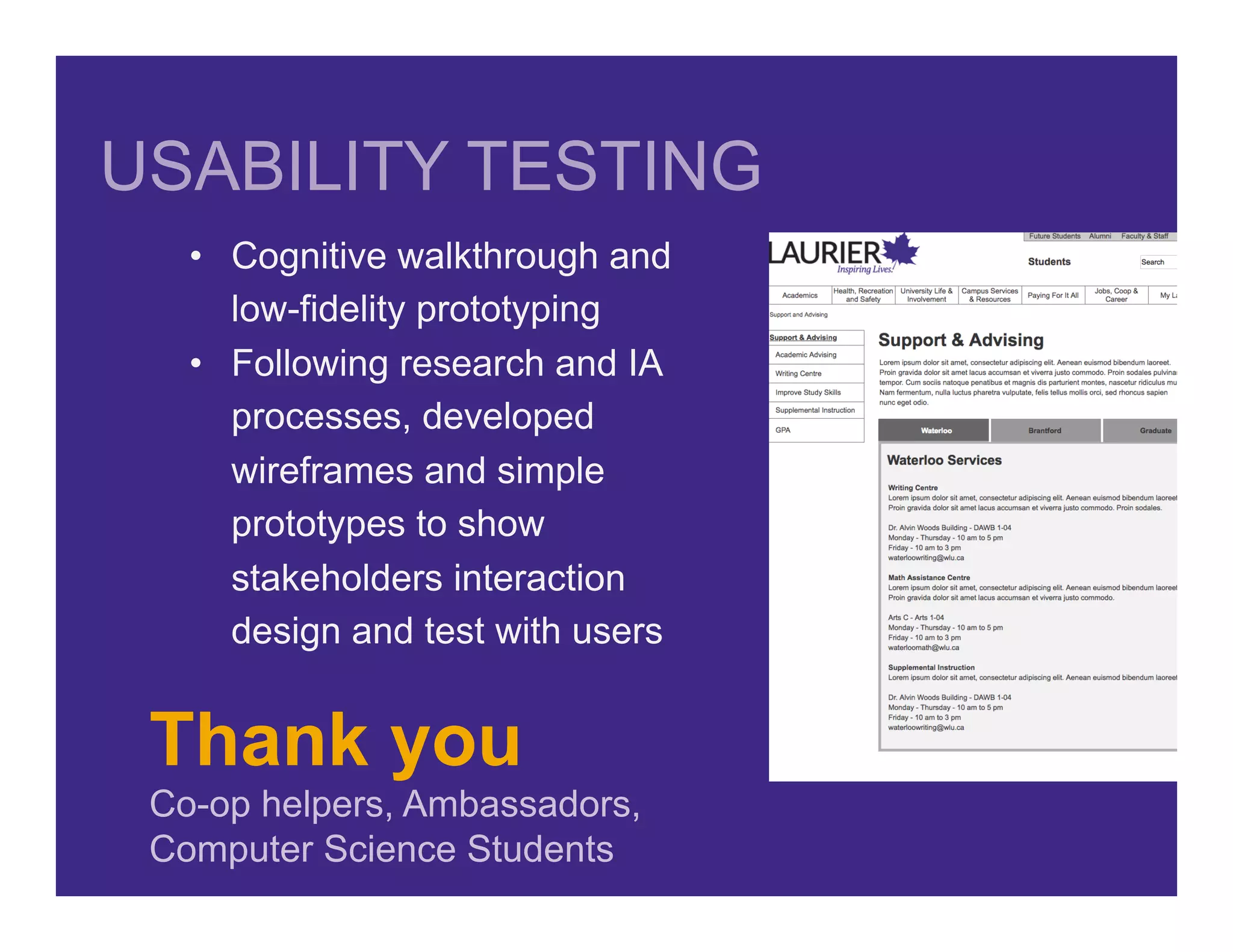
USABILITY TESTING
•  Cognitive walkthrough and
low-fidelity prototyping
•  Following research and IA
processes, developed
wireframes and simple
prototypes to show
stakeholders interaction
design and test with users
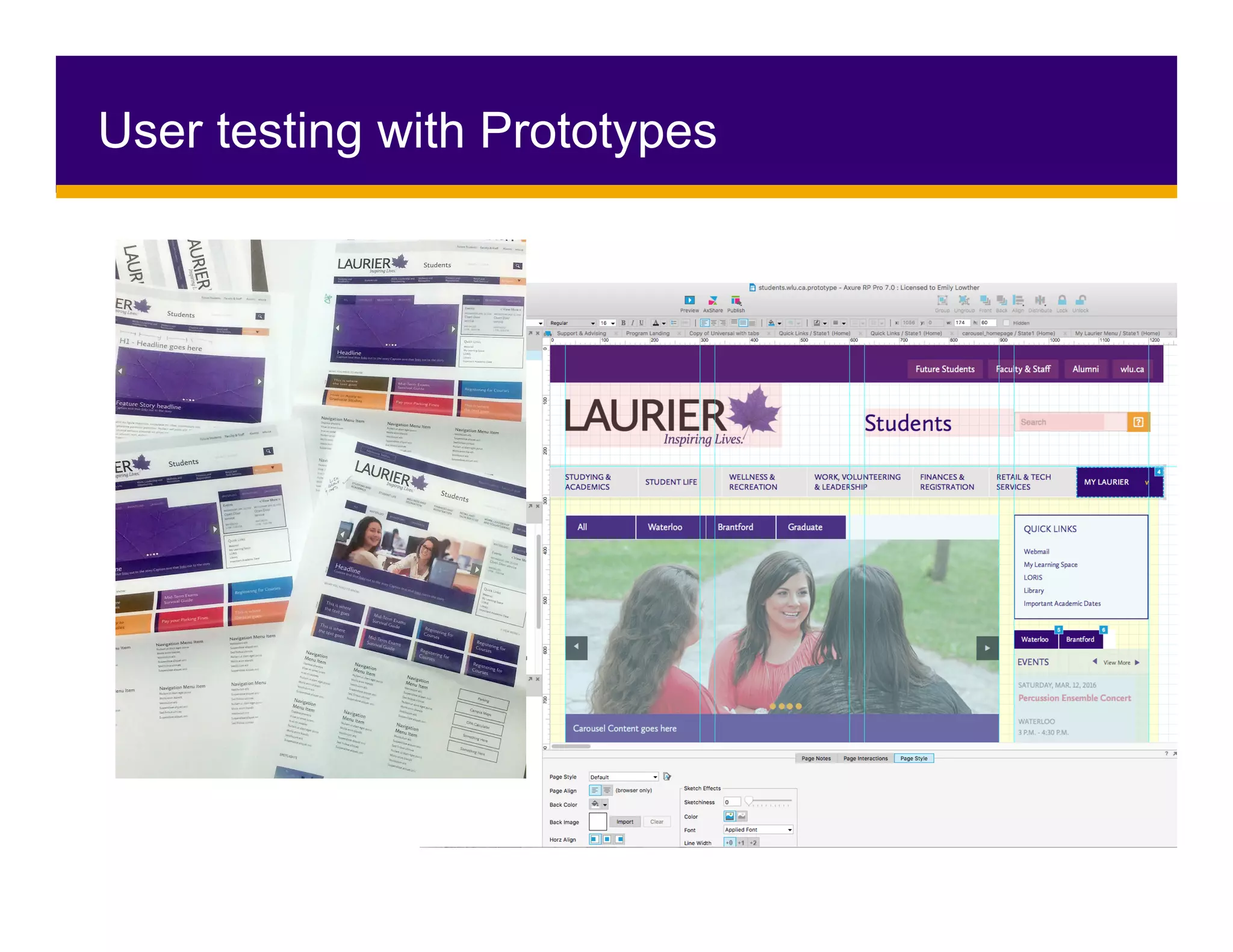
User testing with Prototypes
•  User Testing with Operational System
•  Editor Training
•  SEO & Analytics
•  Launch Site
UX Phases 4/5: Develop and Deliver
Results? Not bad, “Good”
Website Traffic
•  wlu.ca: 1,413,000 users last year
+24% year one | +15% year two
•  students.wlu.ca: 453,000 users last year
212,000 sessions last year
•  connect.wlu.ca: 9,600 users since launch
4,000 average daily page views
Results?	Not	bad,	“Good”	
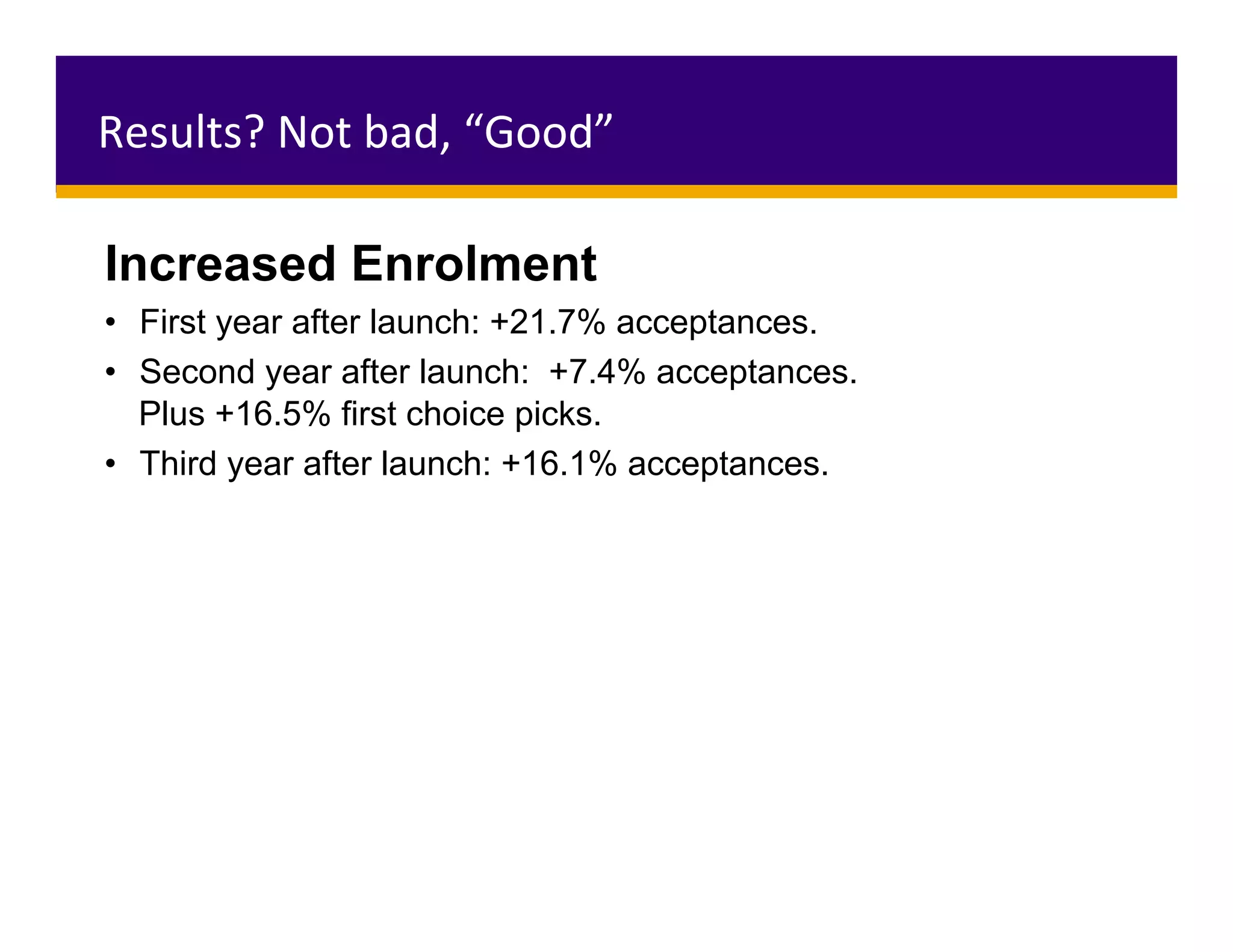
Increased Enrolment
•  First year after launch: +21.7% acceptances.
•  Second year after launch: +7.4% acceptances.
Plus +16.5% first choice picks.
•  Third year after launch: +16.1% acceptances.
Lessons Learned
UX=Content	
Thank	you		
Editors!
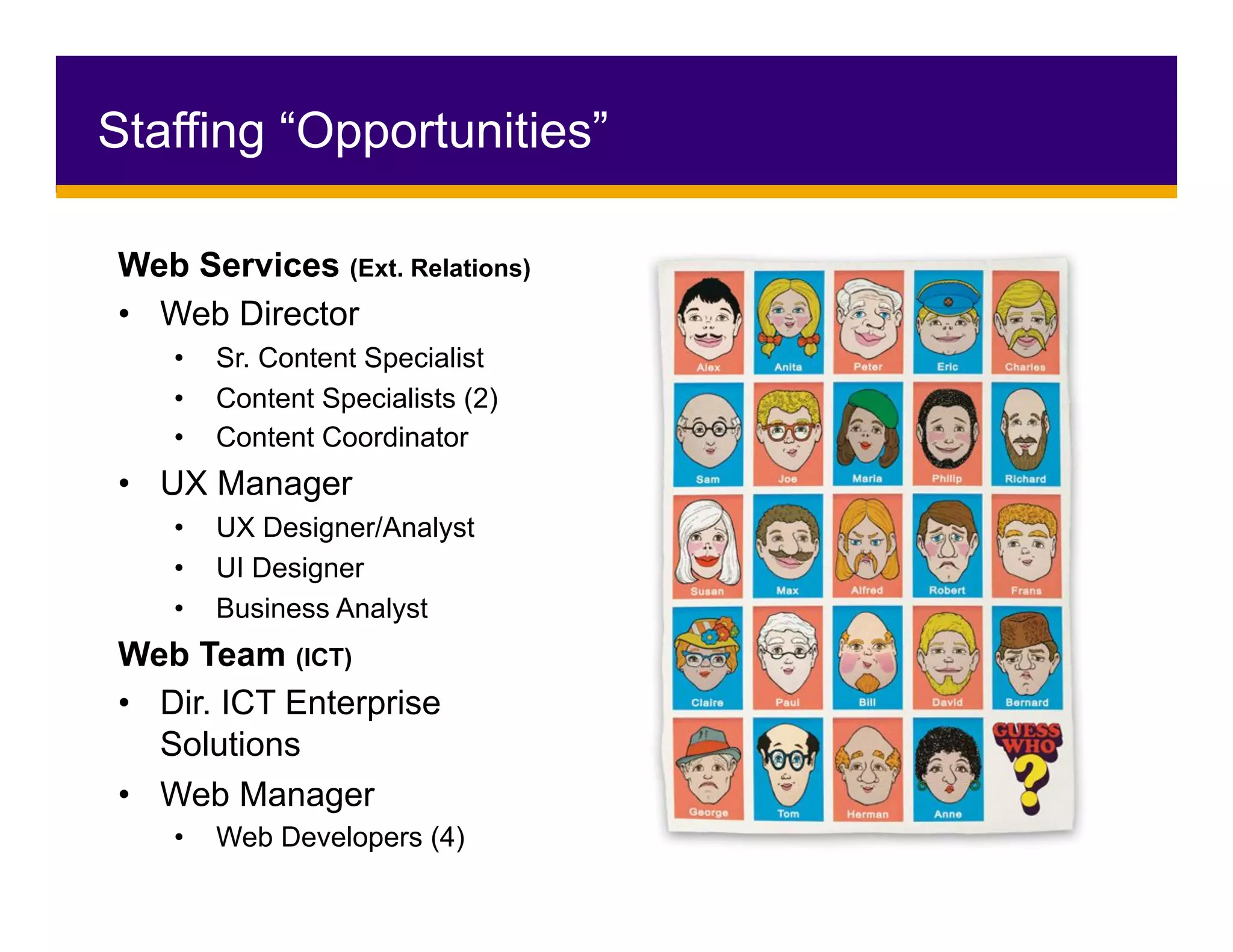
Staffing “Opportunities”
Web Services (Ext. Relations)
•  Web Director
•  Sr. Content Specialist
•  Content Specialists (2)
•  Content Coordinator
•  UX Manager
•  UX Designer/Analyst
•  UI Designer
•  Business Analyst
Web Team (ICT)
•  Dir. ICT Enterprise
Solutions
•  Web Manager
•  Web Developers (4)
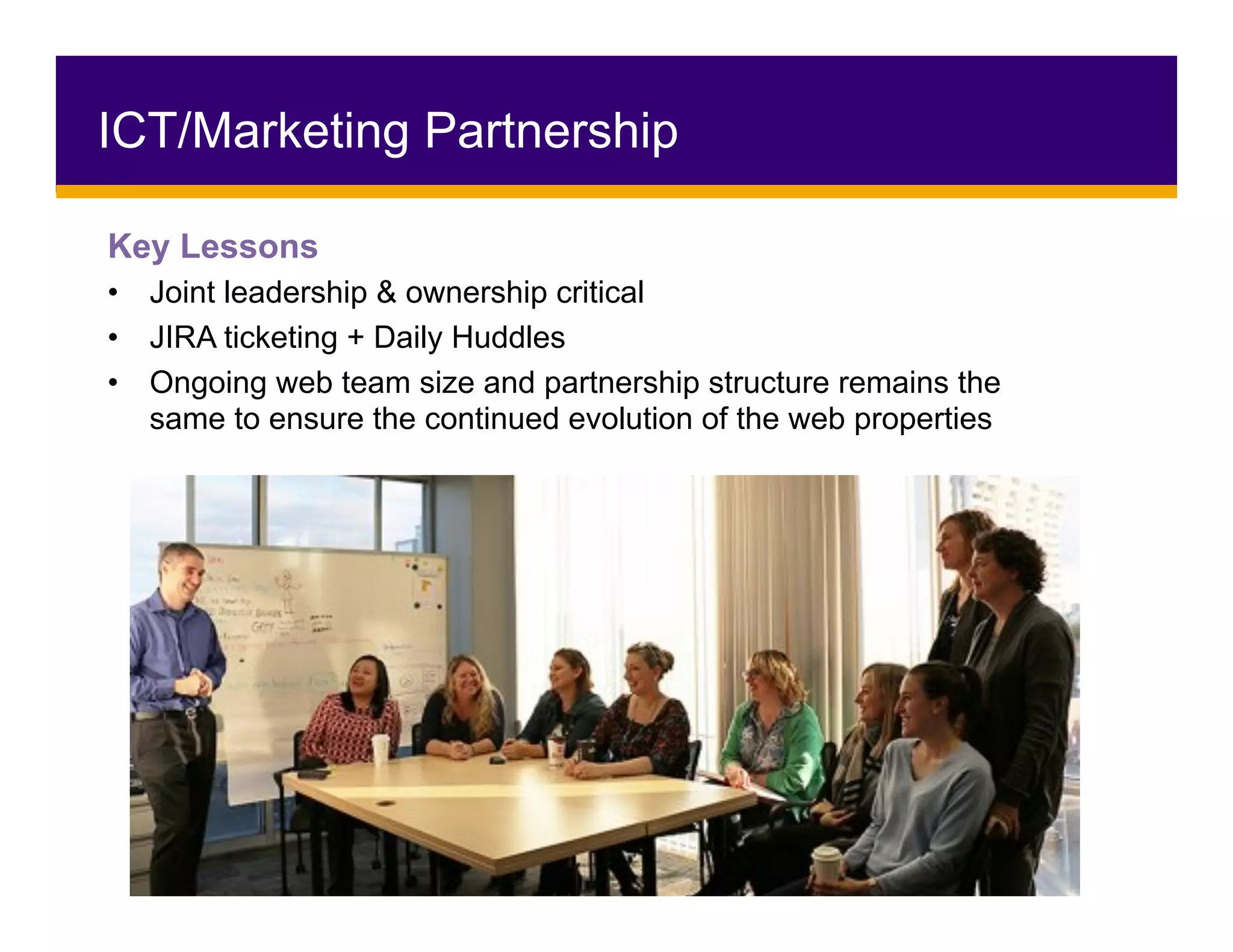
ICT/Marketing Partnership
Key Lessons
•  Joint leadership & ownership critical
•  JIRA ticketing + Daily Huddles
•  Ongoing web team size and partnership structure remains the
same to ensure the continued evolution of the web properties
Key Lesson: Never enough
•  Top-down; DAC/VPAC/manager presentations
•  Grassroots; Super users and community builders
•  Ongoing communications plan
•  Frequent emails
•  Project website on legacy then intranet
•  Direct outreach to departments
Communication
The	Future	of	Laurier	Online	
•  A cohesive, online community
•  Centralized web governance
•  Ongoing community training & support
•  Clean architecture, modern design & user experience
An online presence that keeps getting better…
•  Ongoing feedback, analytics & optimization
•  Permanent web content and development team
•  Fostering a culture of digital knowledge & use
Why did we do UX?
Transform	the	experience	of	the	user:	
From:	needing	to	understand	the	internal	structure	
To:	finding	content	based	on	needs	and	expectations	
From:	sorting	through	content	for	all	audiences		
To:	content	relevant	to	their	current	experience	
Transform	internal	processes:	
From:	organizing	information	based	on	the	internal	structure	
To:	organizing	based	on	the	needs	and	expectations	
From:	providing	the	same	content	for	all	audiences	
To:	presenting	the	information	to	the	appropriate	audience	on	
the	appropriate	platform
Thank You!
QUESTIONS?Emily Lowther | elowther@wlu.ca | @EmilyALowther
Web Services | webservices@wlu.ca | @Laurier

UX for Higher-Ed: Web Renewal with a User-Focused Approach

  • 1.
    UX for HigherEd: Web Renewal with a User-Focused Approach
  • 2.
    •  Why didwe do a web renewal •  User-Focused Approach •  Discover, Define, Design, Develop, Deliver •  Research Methodology, Themes and Application •  Fulfillment and Key Lessons
  • 3.
    Who we are WilfridLaurier University is a leading Canadian university known for academic excellence and a culture that inspires lives of leadership and purpose. 19,000 undergraduate and graduate students. Campuses in Waterloo, Brantford, and Milton as well as locations in Kitchener, Toronto and China.
  • 4.
    Why do UX? • Move beyond the anecdotes •  Data driven decisions •  Think beyond the looks •  Formulate a vision of what our users wanted their digital experience to be
  • 5.
    •  Looks Good • Visually appealing •  Responsive/adaptive design •  Works on all browsers and devices •  Feels Good •  Easy to use and navigate •  Content is fresh and up-to-date •  Benefit after the first visit •  Users can find it/SEO •  AODA compliant What makes a good website?
  • 6.
    Why? Our Sitewas “Not Good, Bad”
  • 7.
  • 8.
    How are threewebsites easier than one?
  • 9.
    Started from thetop…. •  Advisory and Steering Groups •  Cargo Ships, Not Speed boats •  Imagine the possibilities How did we get the buy-in?
  • 10.
    •  Alignment with InstitutionalPriorities •  Collaboration and Partnerships •  Over-communicate •  Thank-you AODA! Not easy = it requires two slides
  • 11.
    How did wedo it? “And this mess is so big And so deep and so tall, We cannot pick it up. There is no way at all!” - Dr. Seuss, The Cat in the Hat
  • 12.
  • 13.
    Conducted research andexercises to assess the behaviours, attitudes and feelings related to the online experience •  Interviews •  Online Surveys •  Focus Groups •  Contextual Inquiry •  Analytics Review •  Competitive Analysis UX Phase 1: Discover
  • 14.
  • 15.
    Thank You Ambassadors, Support Servicesand Friends! •  Qualitative data •  Answers how & why •  Identifies themes •  Various backgrounds •  Ran multiple sessions •  Between 5-8 questions FOCUS GROUPS
  • 16.
    Thank You Learning Management SoftwareNotification! •  Quantitative data •  Identify facts •  Generally easy and quick to answer •  Anonymity was key •  15-17 questions ONLINE SURVEY
  • 17.
    Ask for helpif you need it! Thank You Learning Management Software Notification!
  • 18.
    Thank You Coffee… •  Numbers! • Search Terms •  Key periods in cycles •  Able to tell you the what…. But not the why ANALYTICS
  • 19.
    Thank You All ofyou beautiful people! COMPETITIVE ANALYSIS
  • 20.
    •  Business, User& Technical Requirements •  Card Sorting (Open and Closed) •  Persona/User Maps •  Draft Information Architecture and Navigation •  Tree testing •  User Flows UX Phase 2: Define
  • 21.
    Business Requirements •  Toolthat is flexible & customizable •  Access to edit content •  Consideration for unique needs & existing processes •  Canadian data hosting •  Accessibility for Ontarians with Disabilities Act Technical Landscape •  1000s of unique applications, tools, & forms •  Consideration for larger, existing technical architecture & ecosystem •  Avoid duplication & plan for future tools & processes Business & Technical Requirements
  • 22.
    Themes Became UserRequirements •  Integration of systems •  Personalization •  Academic content •  Communication •  Non-academic content •  News, events, important dates •  Information architecture and design PERSONALIZATION INTEGRATION Personalization of news, links, etc. Concerned about personalization Personalized academic content from LORIS, MyLS - courses, grades, schedule References to mylaurier.ca - used first year only Health & Dental Student Union/ Publications Athletics Career and Coop SINGLE SIGN ON DESIGN Attractive - like wlu.ca, photos, videos, colour Responsive Readability ACCESS TO SYSTEMS Quick links to LORIS, MyLS, Email from new homepage Decline in use related to lack of content & SSO Solution for leveraging MyLS and email as communication tools related to proposed IA solution Don’t want to miss out on content Relates to integration of academic, non-academic and extracurricular content PAINPOINTS/FRUSTRATIONS Complaints about legacy & system, and resorting to using Google Complaints re: old content Survey: What information would you expect to find on a site for current students? Academic-related content - 44.62% Non-academic supports/services - 21.15% News, Events, Updates - 14.53% Extra-curricular or personal interest - 7.67% Personalized content - 5.99% Survey: What items do you want on a new homepage? News, Events, Updates - 21% Access to LORIS, email, MyLS - 12.5% Personalized content - 7.5% Survey: What page or element do you want to keep from legacy? Nav w/ tabs & search - 15% Survey: What content are you looking for most often on legacy? Academic Calendar & Dates, Course Info & Progression Req - 83.22% Give up & talk to someone in person End up in Brantford content Frustrations with LORIS Don’t use faculty/dept page on legacy Brantford needs own homepage/site CONTENT Financial Info First Year Experience Content/News based on student cycle Contact Info INFORMATION ARCHITECTURE Content related to processes should be together DeclutterSimplicity Easy to navigate Clear labels Broad categories COMMUNICATING IMPORTANT ACADEMIC-RELATED NEWS AND INFORMATION - PROFS, DEPTS, FACULTIES Want all profs to be required to use MyLS for course content & updates Students like MyLS notifications Want profs to use MyLS notifications Want faculty/program to use MyLS notifications Profs should email or MyLS for news and updates Use social media to find news/events Students expect info to come to them, don’t seek it out Like weekly email newsletters Don’t like MyLS email system Use of MyLS by students - 93.68% everyday, 5.97% weekly Frustrated with volume of email Want to know what’s happening on campus Announce important dates Provide links to social media for news & events ACADEMIC CONTENT - REQUIREMENTS & COURSES Progression Requirements -need them, can’t find them Course selection process should be easier VSB feedback- good, but better w/ LORIS integration Course related content should be together - descriptions, offerings, requirements Requirements for options & streams Want more detailed course info - outlines, syllabus Link to Current Academic Calendar NEWS, EVENTS, IMPORTANT DATES Too Many Sites, confusing system of multiple sites
  • 23.
  • 24.
    Thank You Faculties of:Arts, Human and Social Sciences, and Liberal Arts! CARD SORT •  Influence information architecture and navigation •  Mental model of user •  Open, Closed, and Hybrid Sorts •  Off and On-line using Optimal Sort
  • 25.
    •  Information architecture •  Wireframes & Basic Prototypes • Screen Design and Prototypes UX Phase 3: IA & Design
  • 26.
    Thank you Co-op helpers,Ambassadors, Computer Science Students USABILITY TESTING •  Cognitive walkthrough and low-fidelity prototyping •  Following research and IA processes, developed wireframes and simple prototypes to show stakeholders interaction design and test with users
  • 27.
  • 28.
    •  User Testingwith Operational System •  Editor Training •  SEO & Analytics •  Launch Site UX Phases 4/5: Develop and Deliver
  • 29.
    Results? Not bad,“Good” Website Traffic •  wlu.ca: 1,413,000 users last year +24% year one | +15% year two •  students.wlu.ca: 453,000 users last year 212,000 sessions last year •  connect.wlu.ca: 9,600 users since launch 4,000 average daily page views
  • 30.
    Results? Not bad, “Good” Increased Enrolment •  Firstyear after launch: +21.7% acceptances. •  Second year after launch: +7.4% acceptances. Plus +16.5% first choice picks. •  Third year after launch: +16.1% acceptances.
  • 31.
  • 32.
    Staffing “Opportunities” Web Services(Ext. Relations) •  Web Director •  Sr. Content Specialist •  Content Specialists (2) •  Content Coordinator •  UX Manager •  UX Designer/Analyst •  UI Designer •  Business Analyst Web Team (ICT) •  Dir. ICT Enterprise Solutions •  Web Manager •  Web Developers (4)
  • 33.
    ICT/Marketing Partnership Key Lessons • Joint leadership & ownership critical •  JIRA ticketing + Daily Huddles •  Ongoing web team size and partnership structure remains the same to ensure the continued evolution of the web properties
  • 34.
    Key Lesson: Neverenough •  Top-down; DAC/VPAC/manager presentations •  Grassroots; Super users and community builders •  Ongoing communications plan •  Frequent emails •  Project website on legacy then intranet •  Direct outreach to departments Communication
  • 35.
    The Future of Laurier Online •  A cohesive,online community •  Centralized web governance •  Ongoing community training & support •  Clean architecture, modern design & user experience An online presence that keeps getting better… •  Ongoing feedback, analytics & optimization •  Permanent web content and development team •  Fostering a culture of digital knowledge & use
  • 36.
    Why did wedo UX? Transform the experience of the user: From: needing to understand the internal structure To: finding content based on needs and expectations From: sorting through content for all audiences To: content relevant to their current experience Transform internal processes: From: organizing information based on the internal structure To: organizing based on the needs and expectations From: providing the same content for all audiences To: presenting the information to the appropriate audience on the appropriate platform
  • 37.
    Thank You! QUESTIONS?Emily Lowther| elowther@wlu.ca | @EmilyALowther Web Services | webservices@wlu.ca | @Laurier