






Agenda
 The Power of Your Website
 Institutional Marketing Best Practices
 Academic Program Marketing Best Practices
 Service Delivery Best Practices
 Infrastructure Requirements
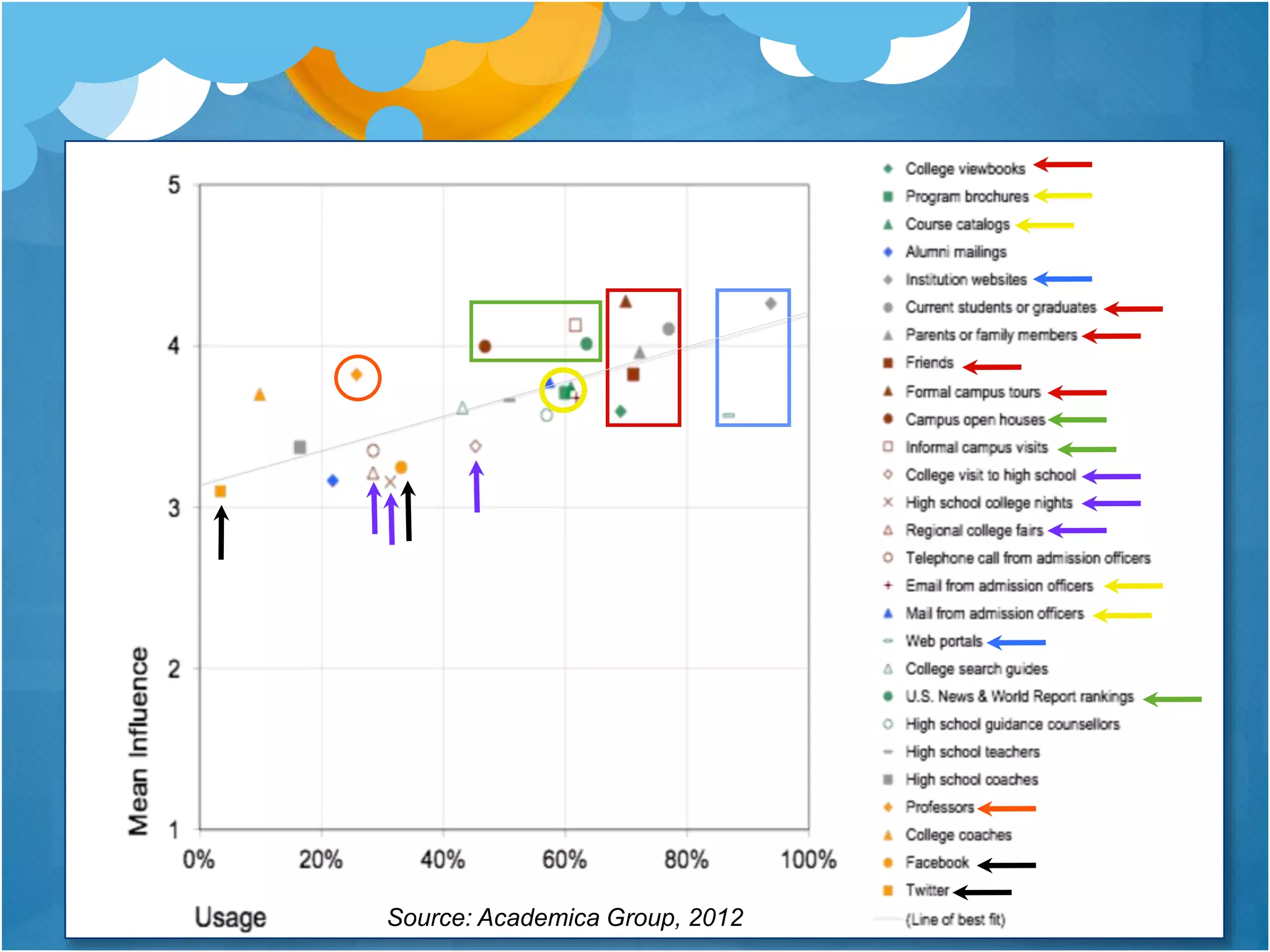
For most prospective students,
your website will be their first
impression.
Source: Academica Group, 2012
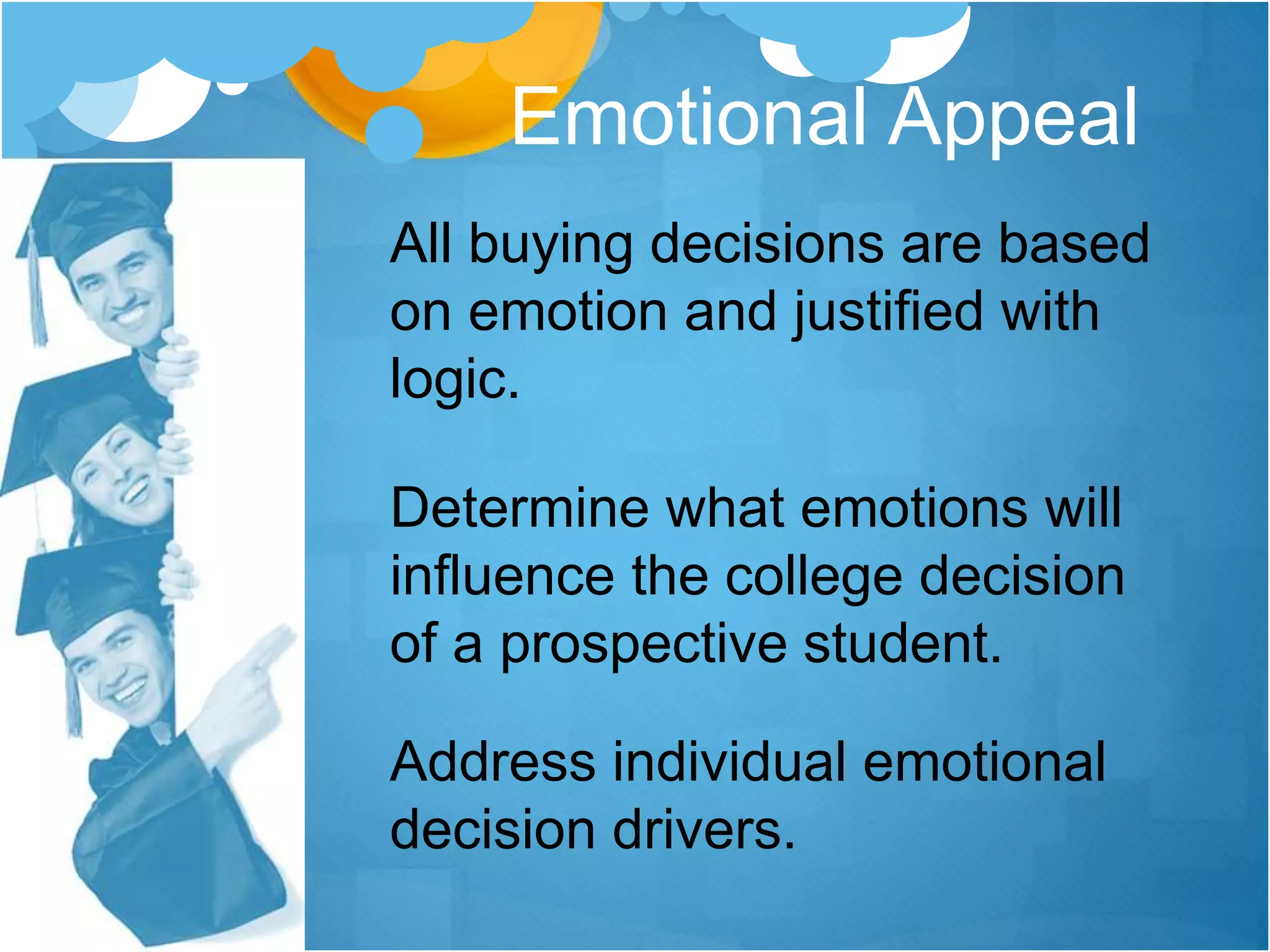
All buying decisions are based
on emotion and justified with
logic.
Determine what emotions will
influence the college decision
of a prospective student.
Address individual emotional
decision drivers.
Emotional Appeal
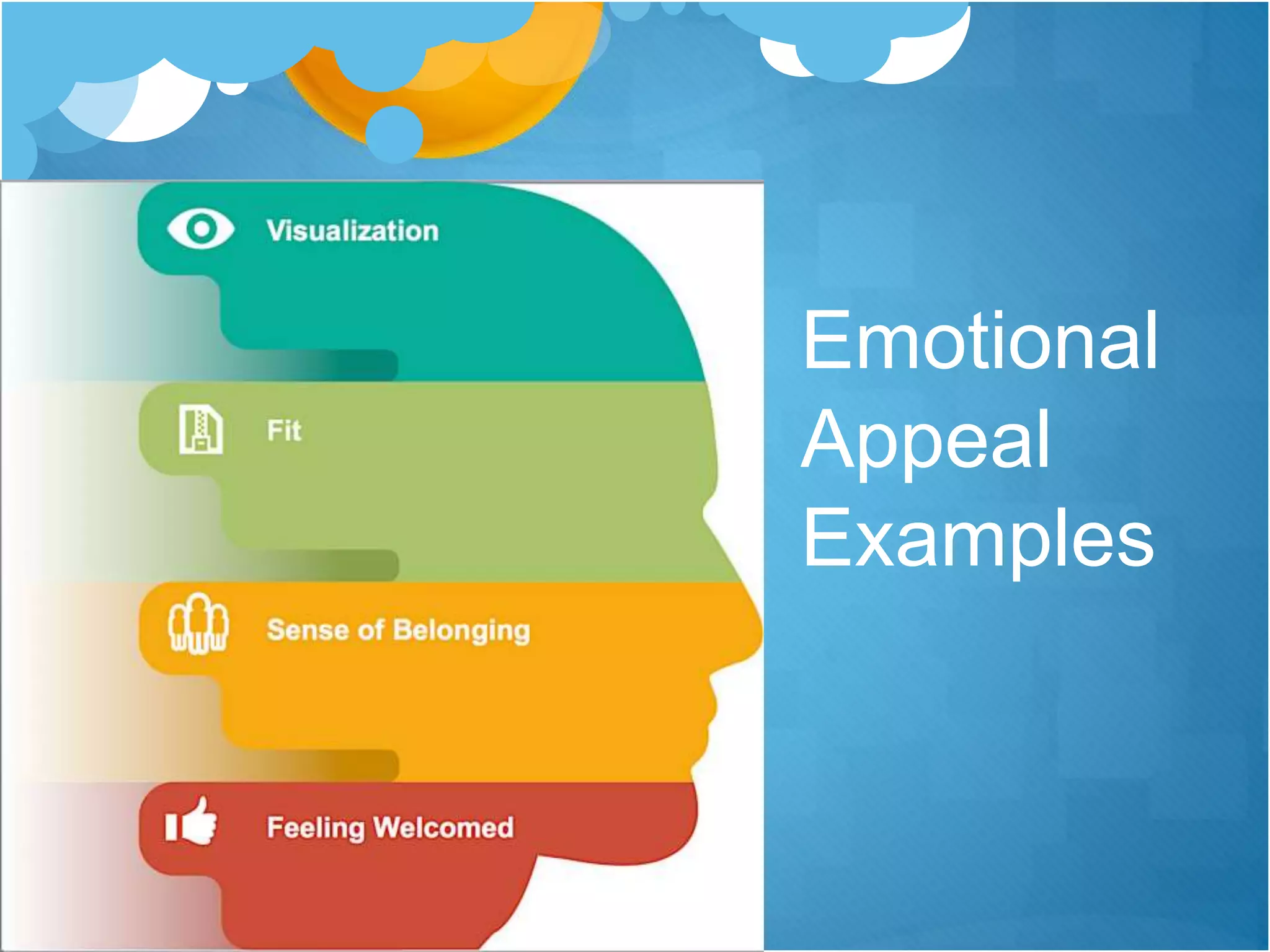
Emotional
Appeal
Examples
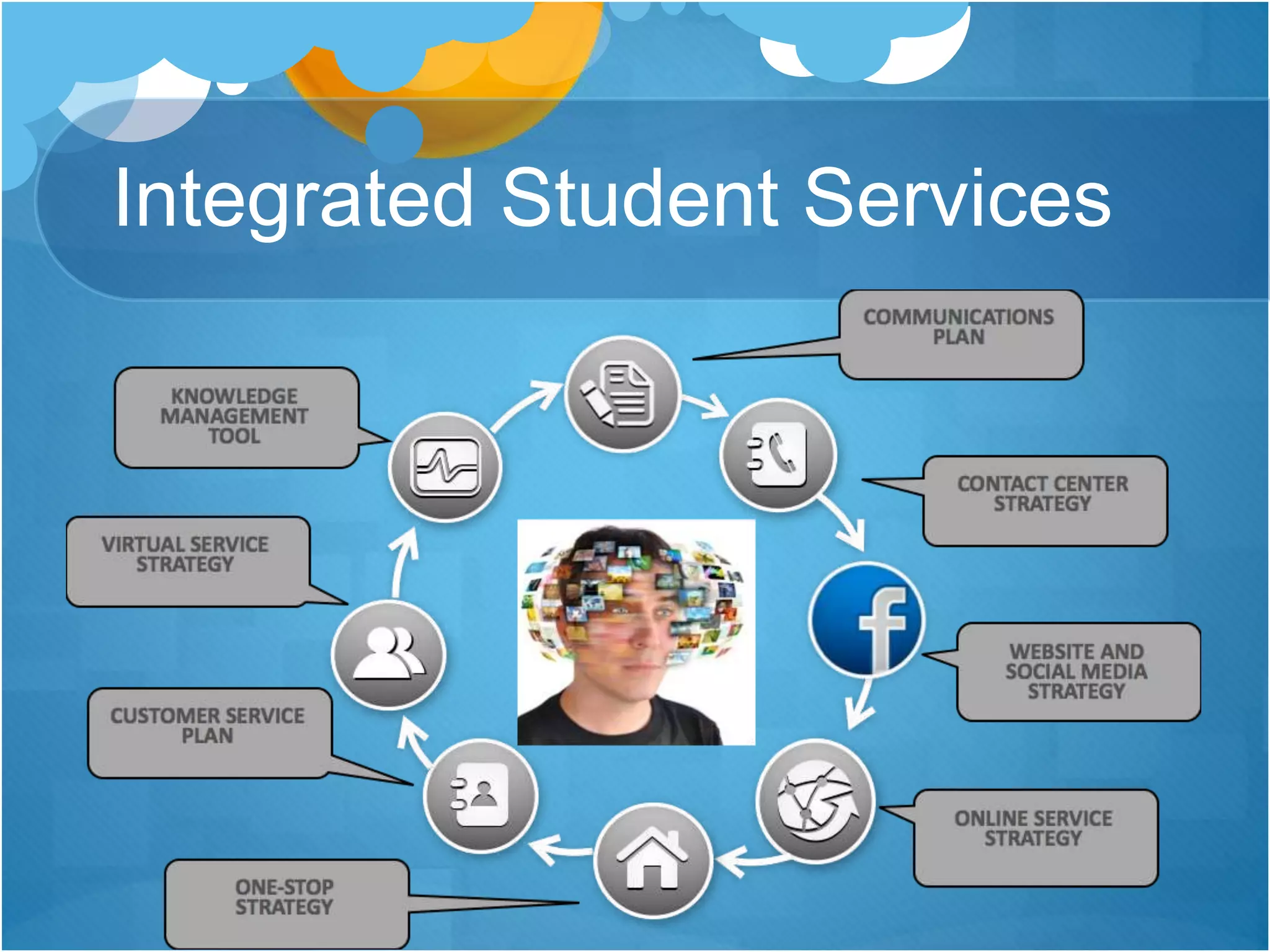
Integrated Student Services
Website Best Practices
 Marketing-oriented external focus
 Visual impact
 Responsive design
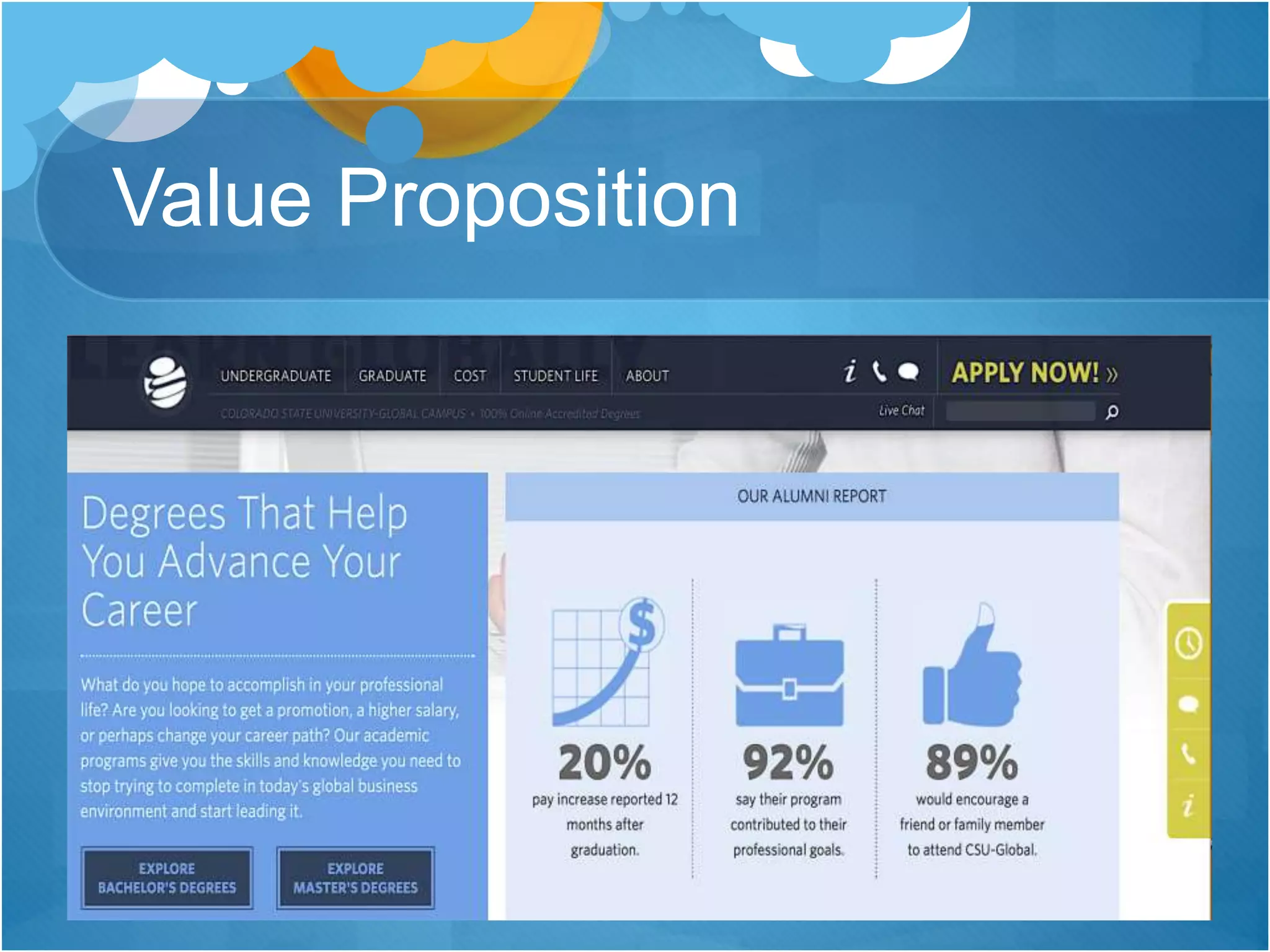
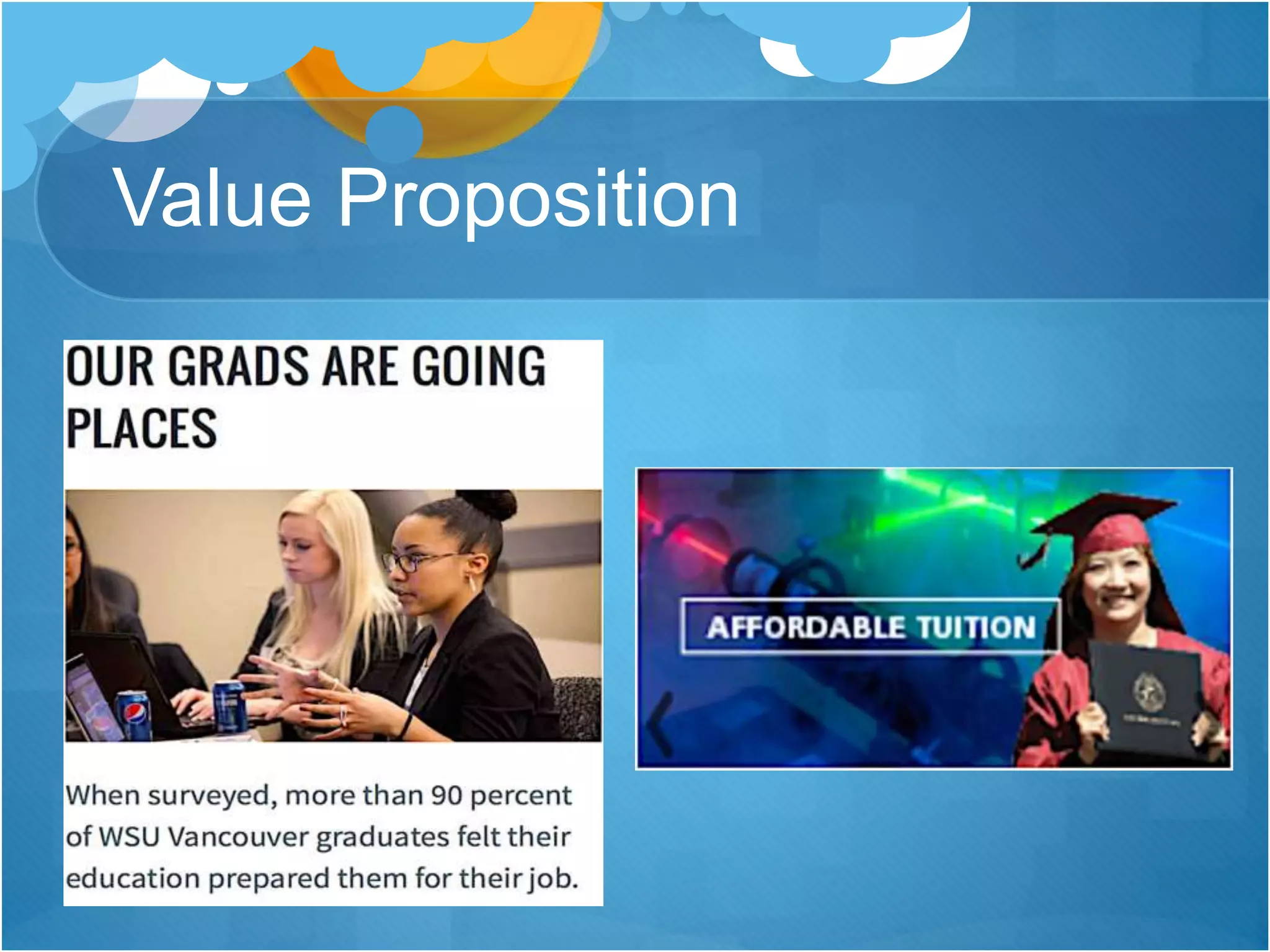
 Value proposition
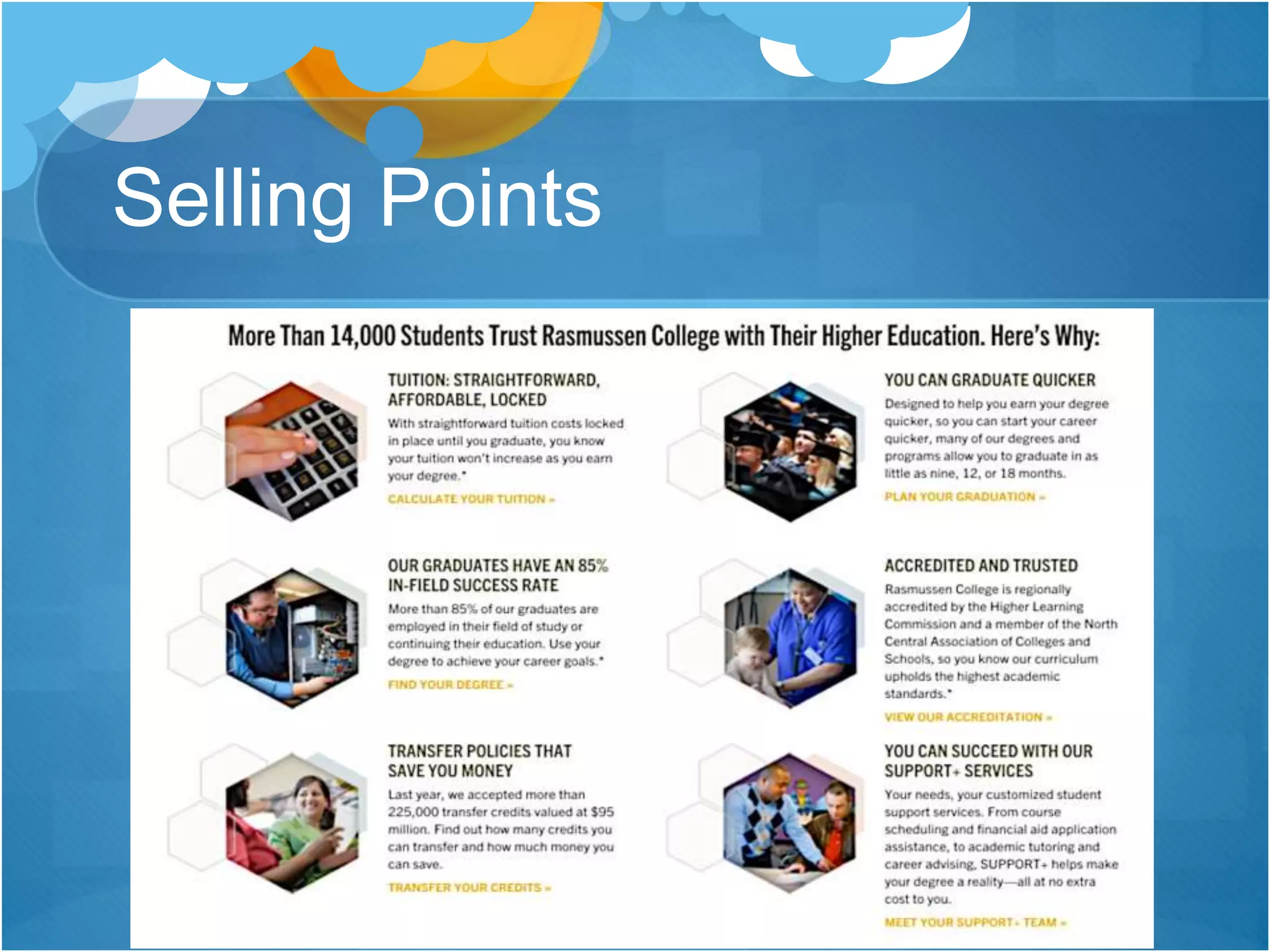
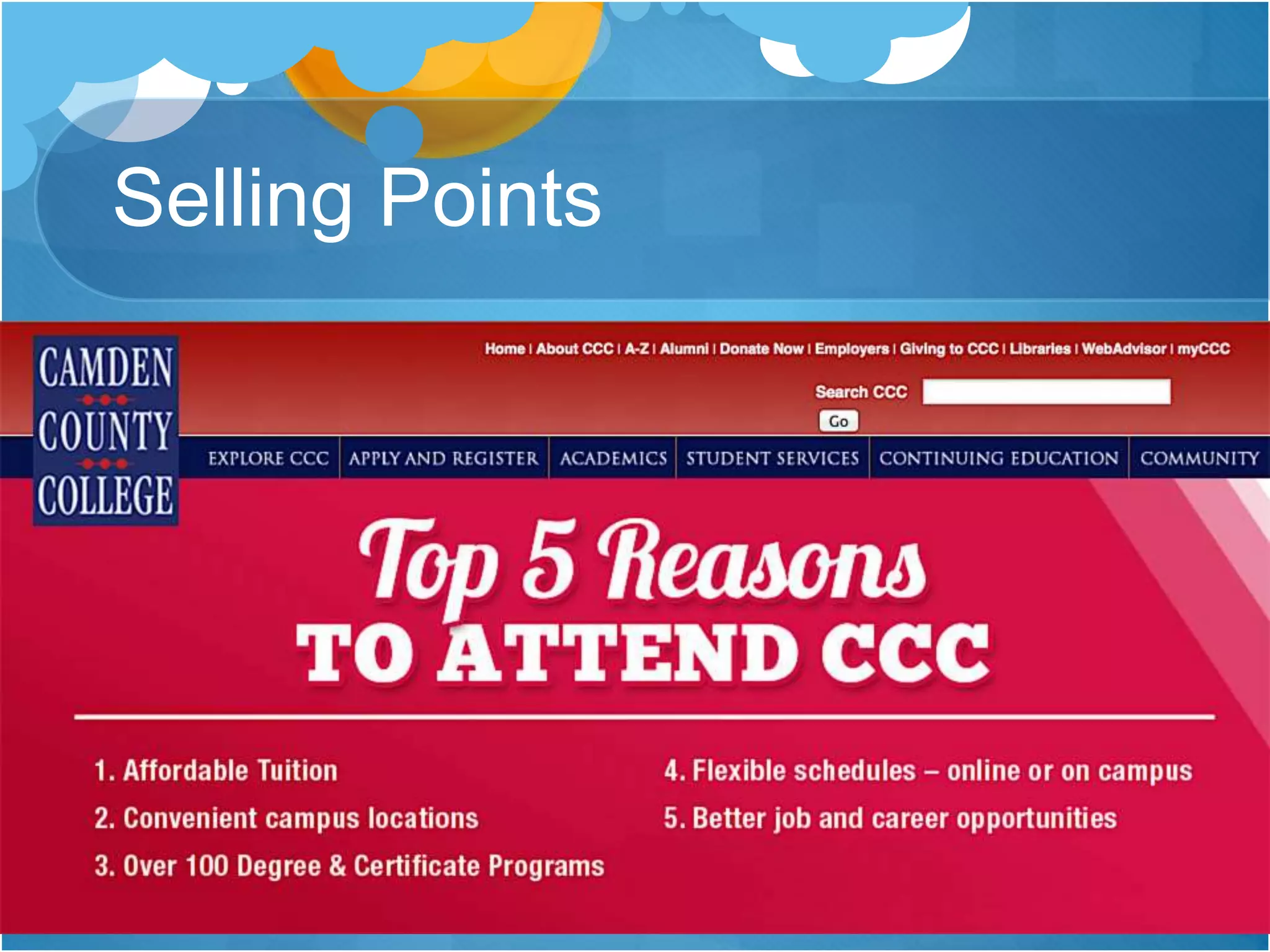
 Selling points
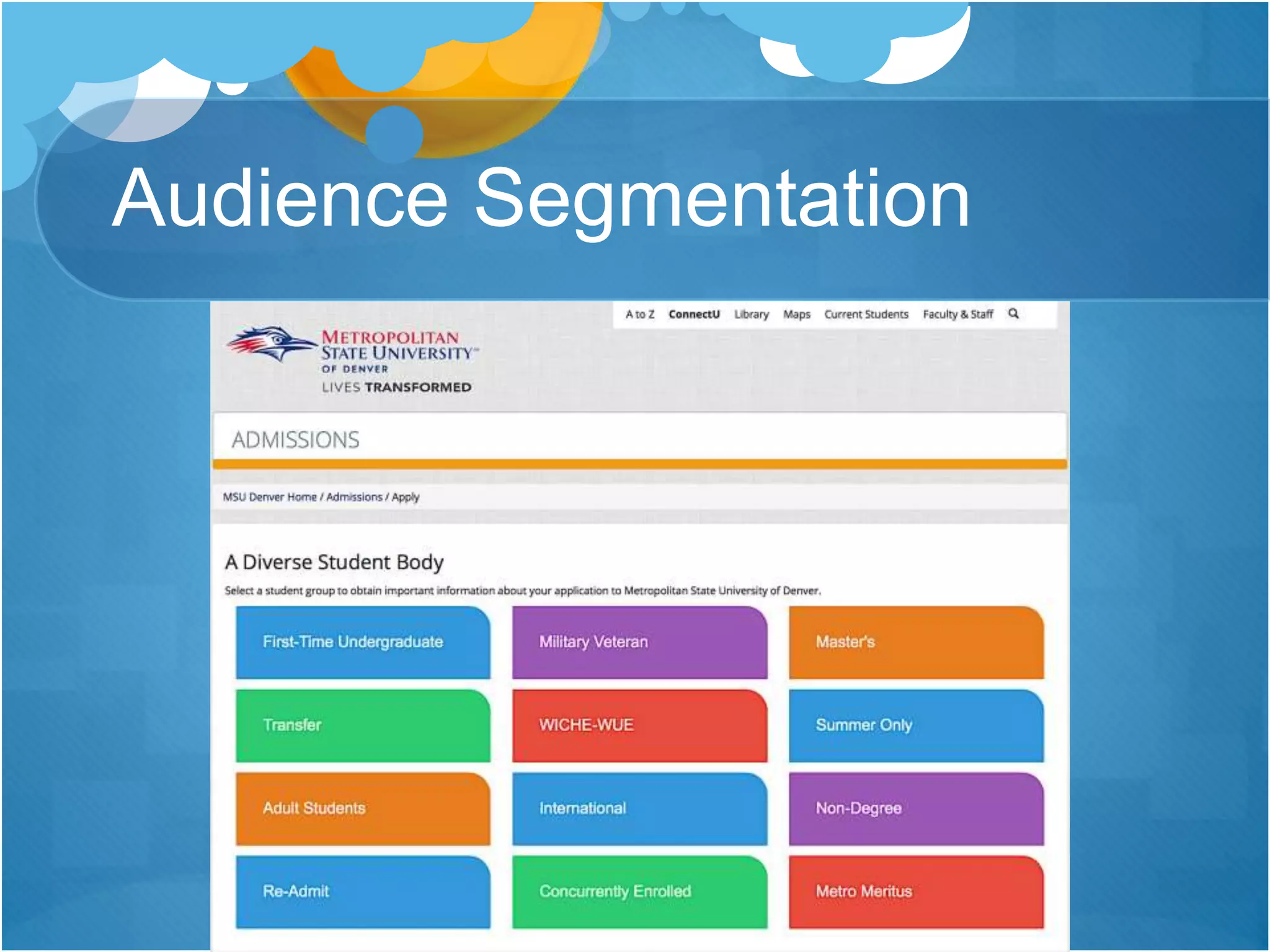
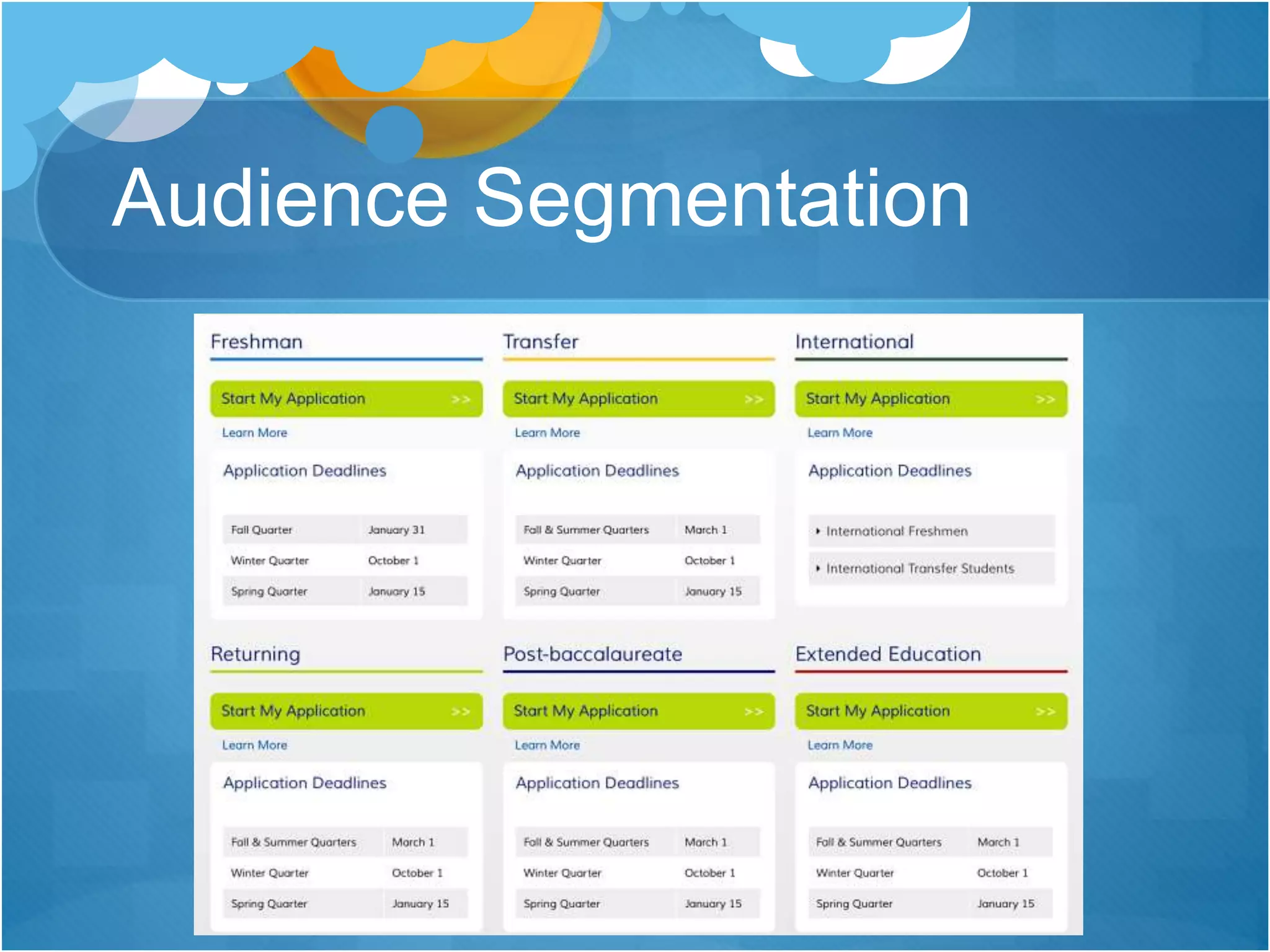
 Audience segmentation and relevance
 Audience engagement
 Calls to action
Common Findings
No value proposition
Limited selling points, particularly
on academic program pages
Audience segmentation but only
process-oriented; no audience
targeted marketing
Social media icons below the scroll
Limited audience engagement
Poor photography
Limited use of video
Calls to action: Request Info, Visit,
Apply
Calls to action not prominently
displayed or pervasive throughout
the site
Too much text
Cluttered pages
Inconsistent design elements on
some pages
No site-wide branding
Increasing use of infographics
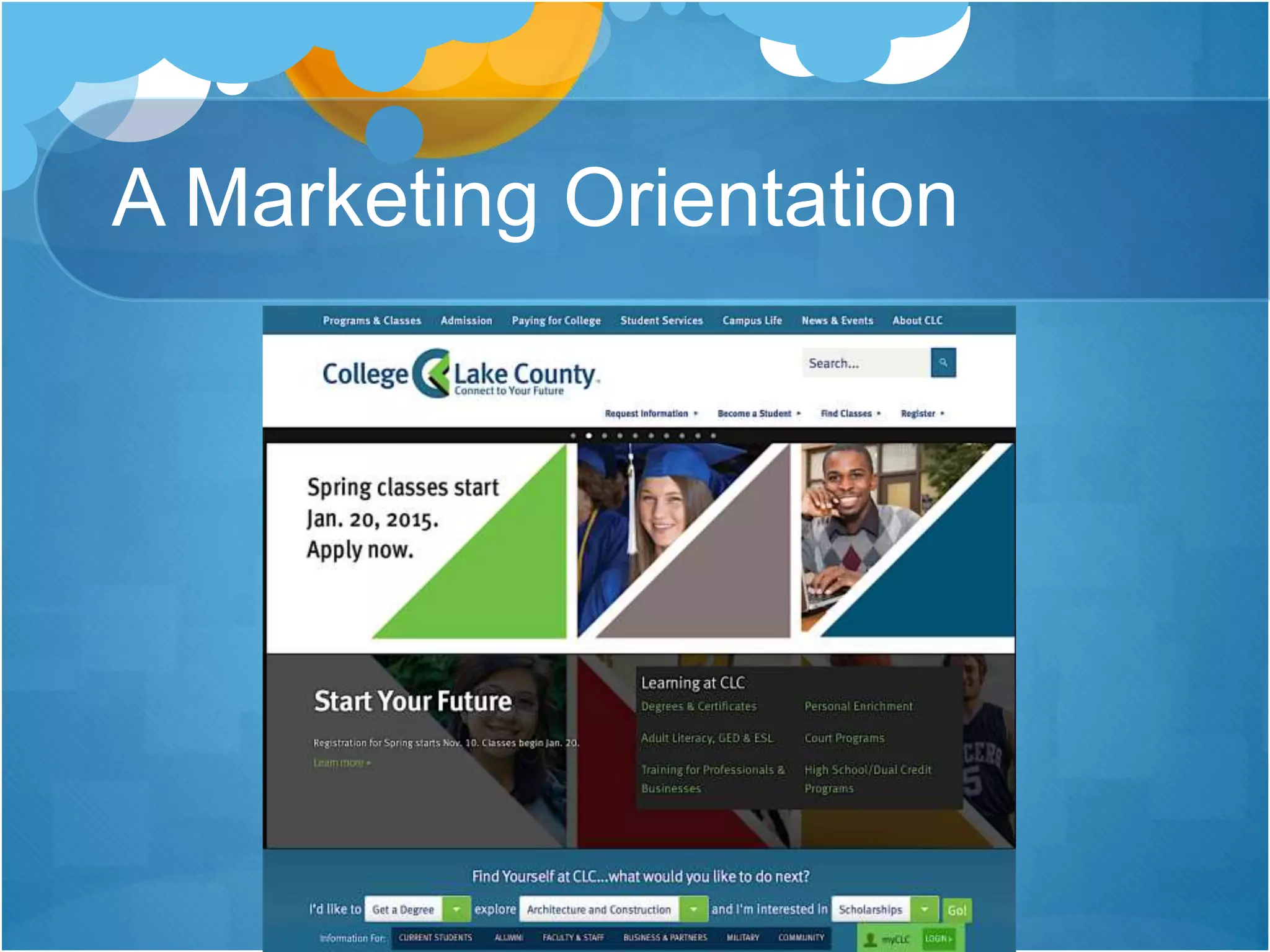
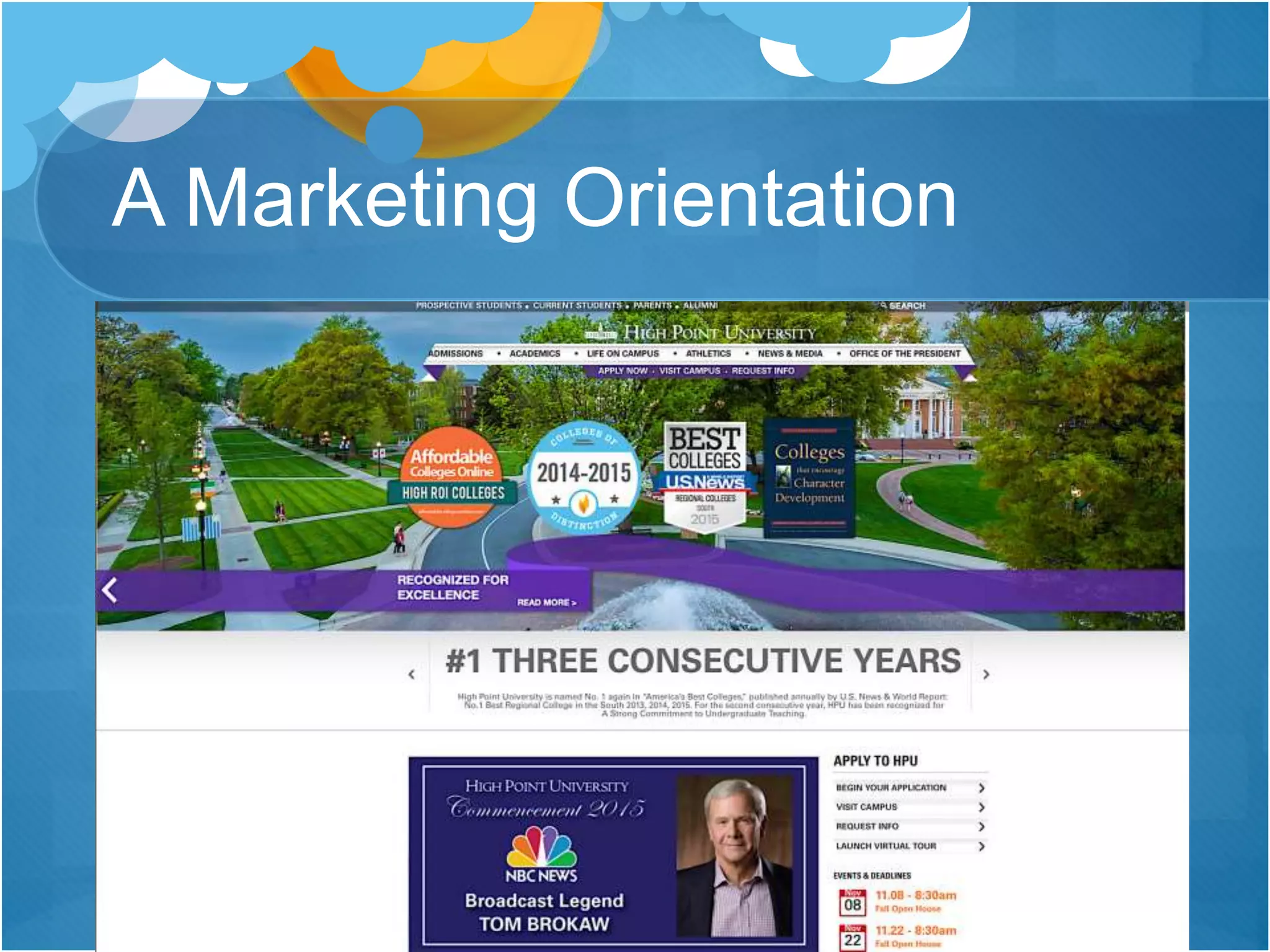
A Marketing Orientation
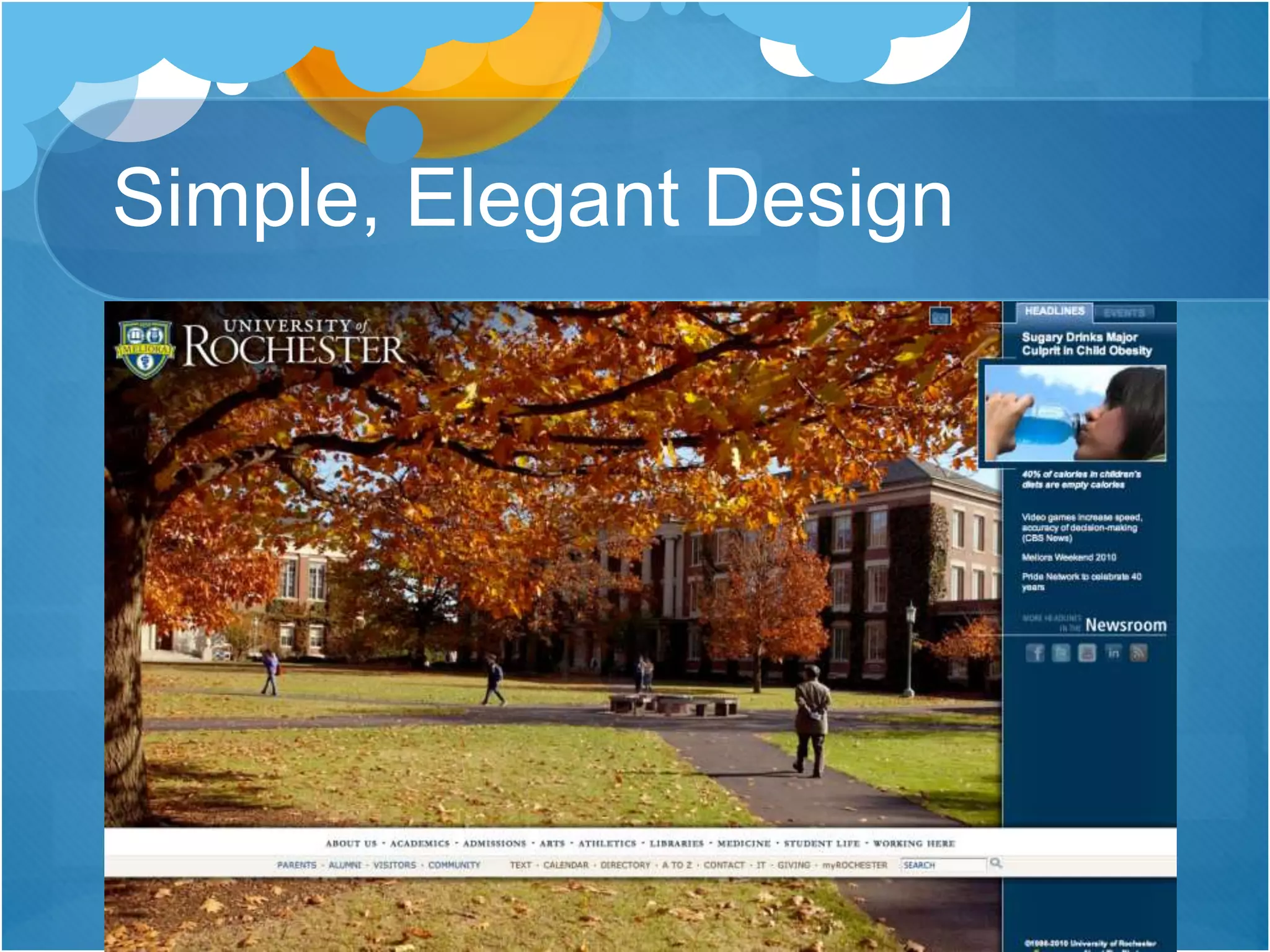
Simple, Elegant Design
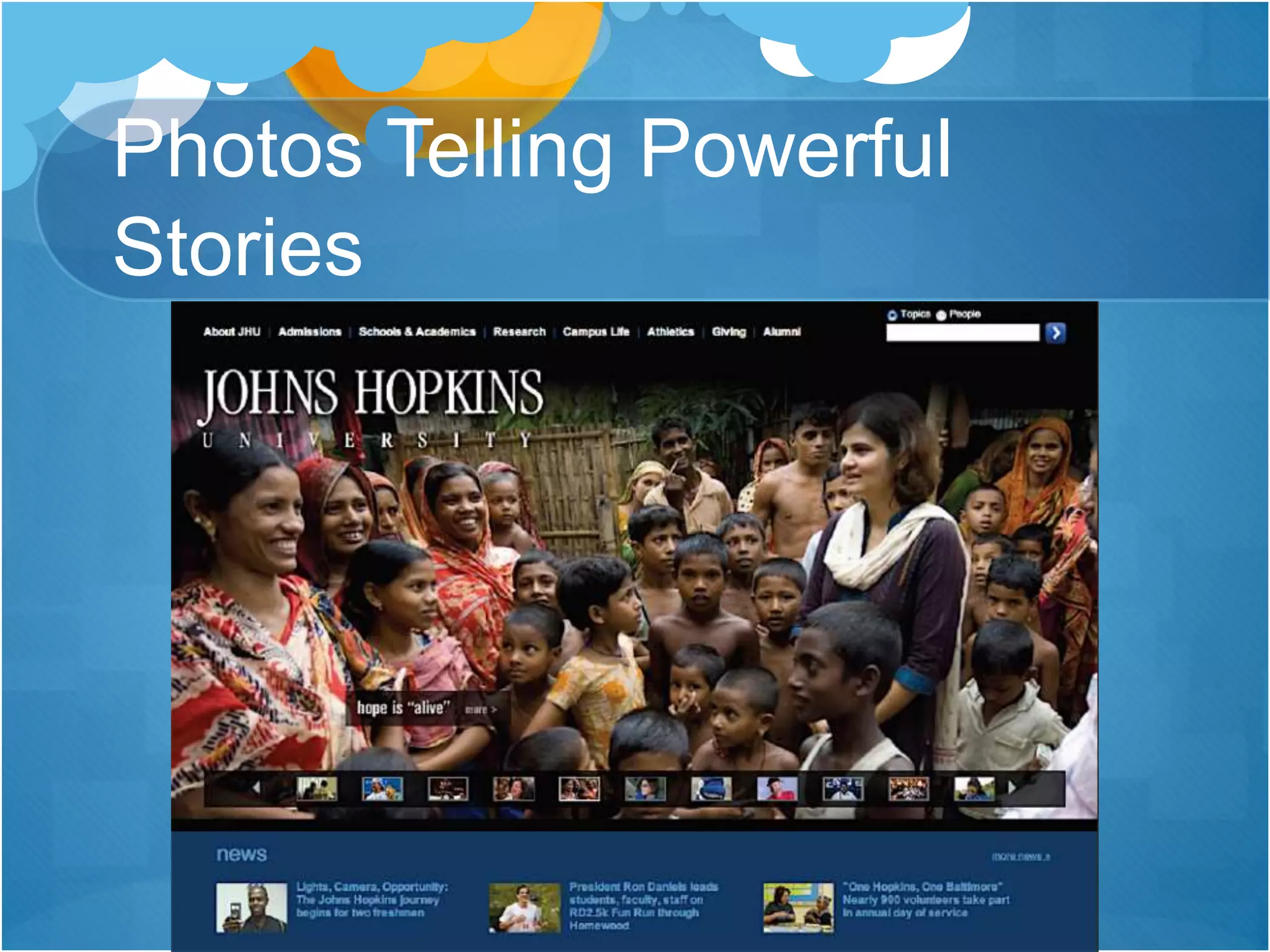
Photos Telling Powerful
Stories
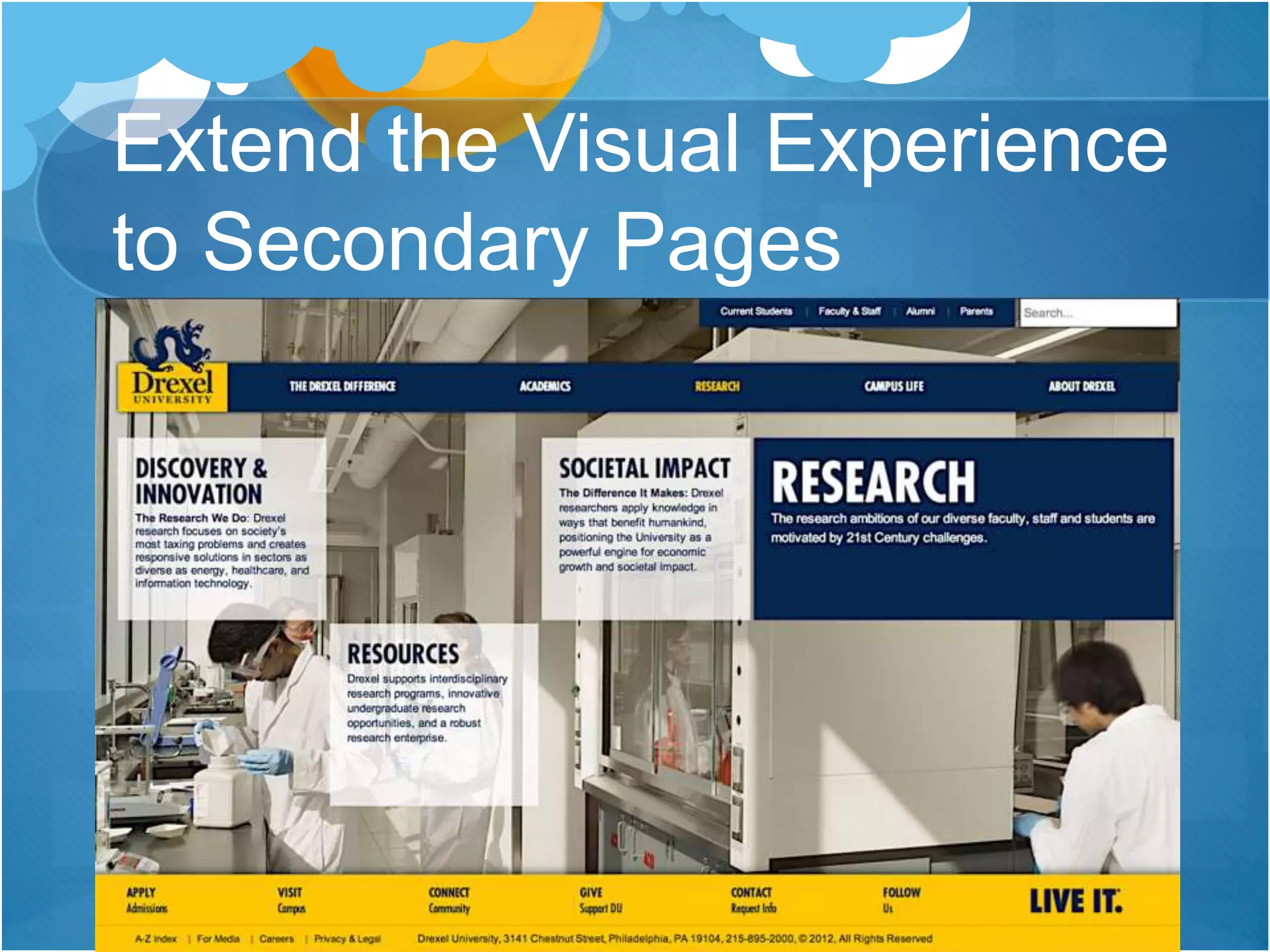
Extend the Visual Experience
to Secondary Pages
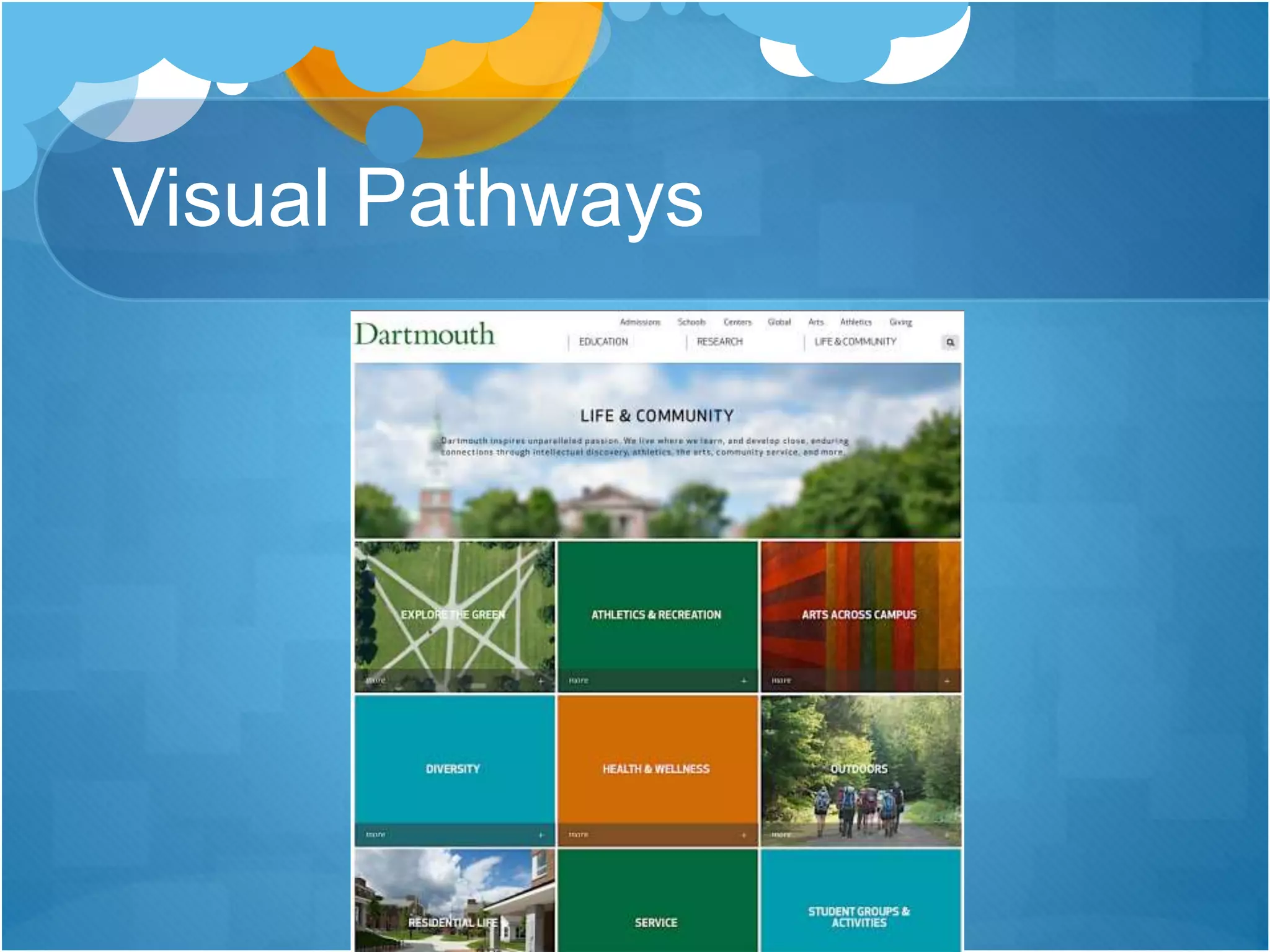
Visual Pathways
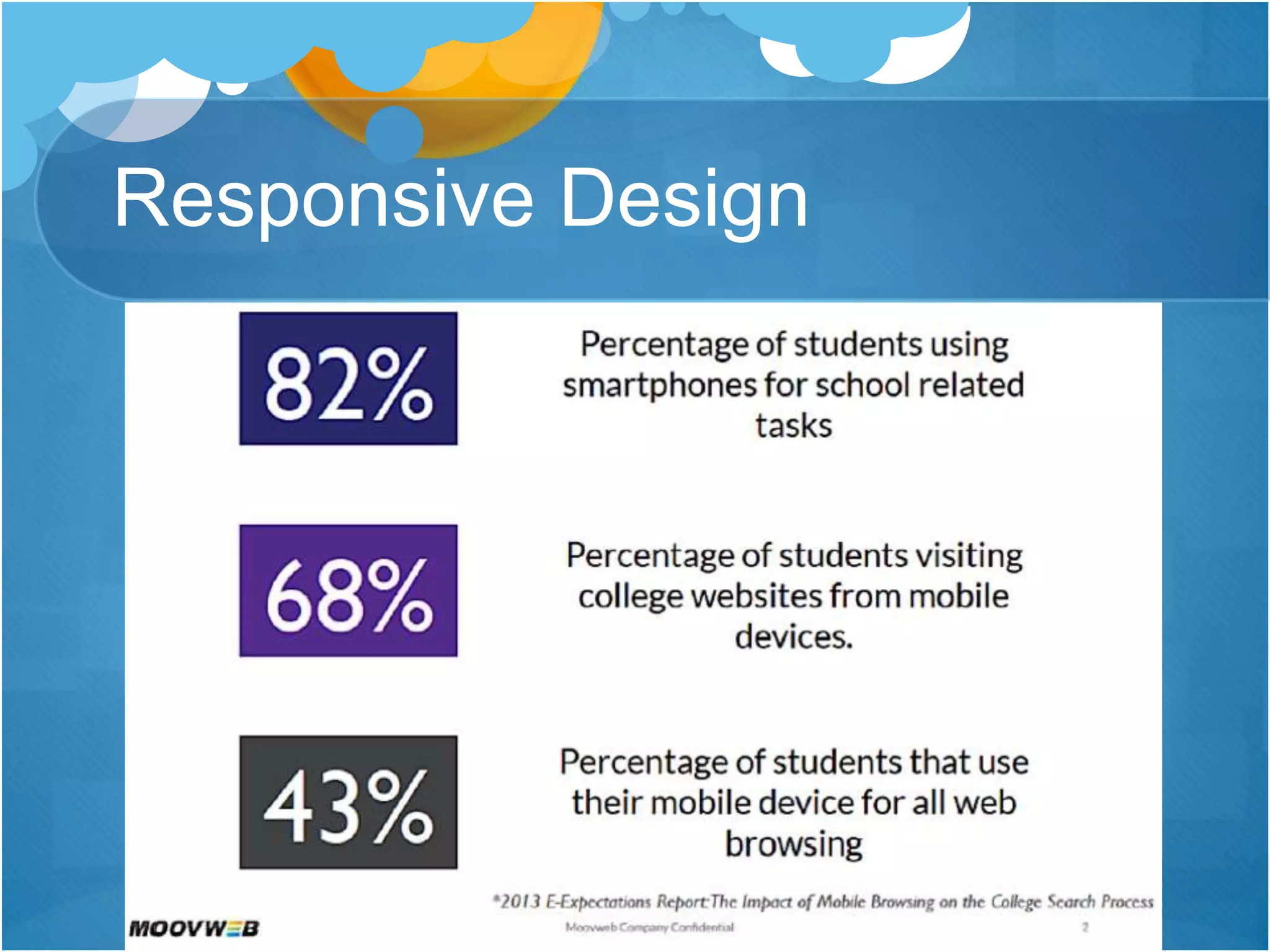
Responsive Design
Responsive Design Tips
Design touch-friendly website elements
Remove distractions
Create a visual hierarchy
Write concise content
Align with brand elements
Plan for mobile delivery at the onset of a
website project
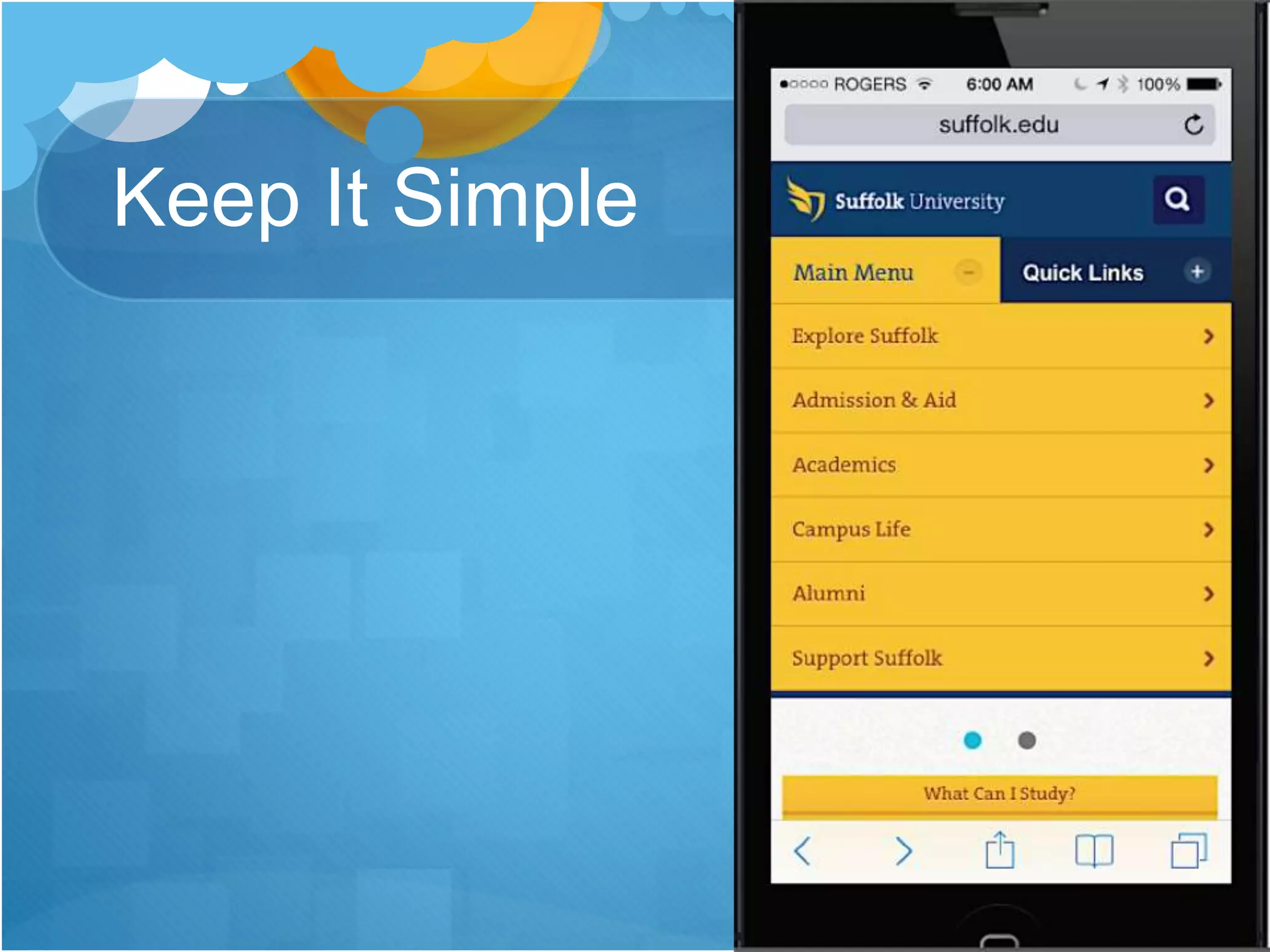
Keep It Simple
Value Proposition
Value Proposition
Selling Points
Selling Points
Audience Segmentation
Audience Channels
Process-oriented information
Infuse a marketing orientation into all channels
 Audience-relevant selling points
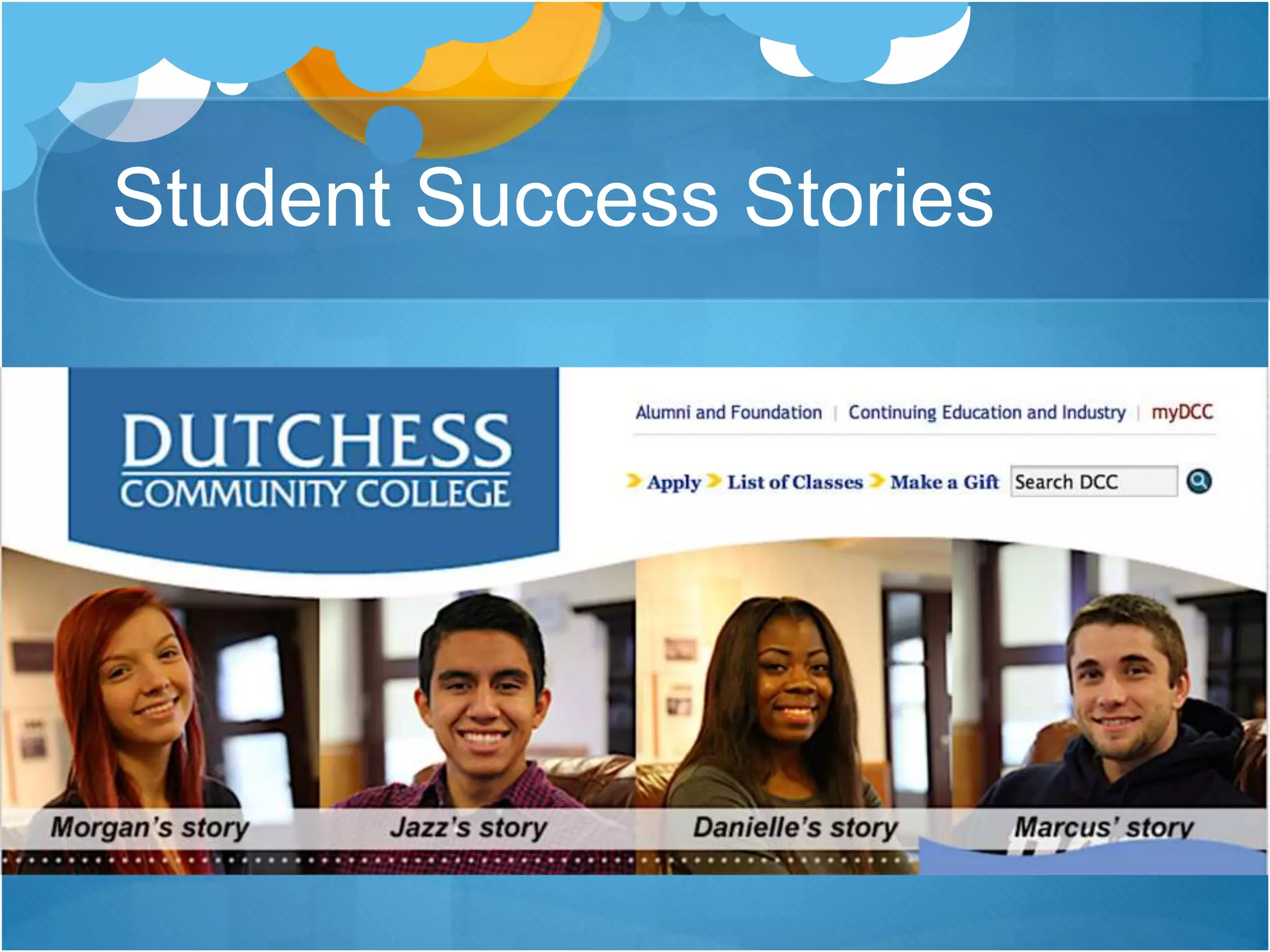
 Success stories and “exceptional outcomes”
 Testimonials
 Factoids
 Relevant opportunities
 Visual images (photography and video)
 Drive audience traffic to relevant pages
Student Success Stories
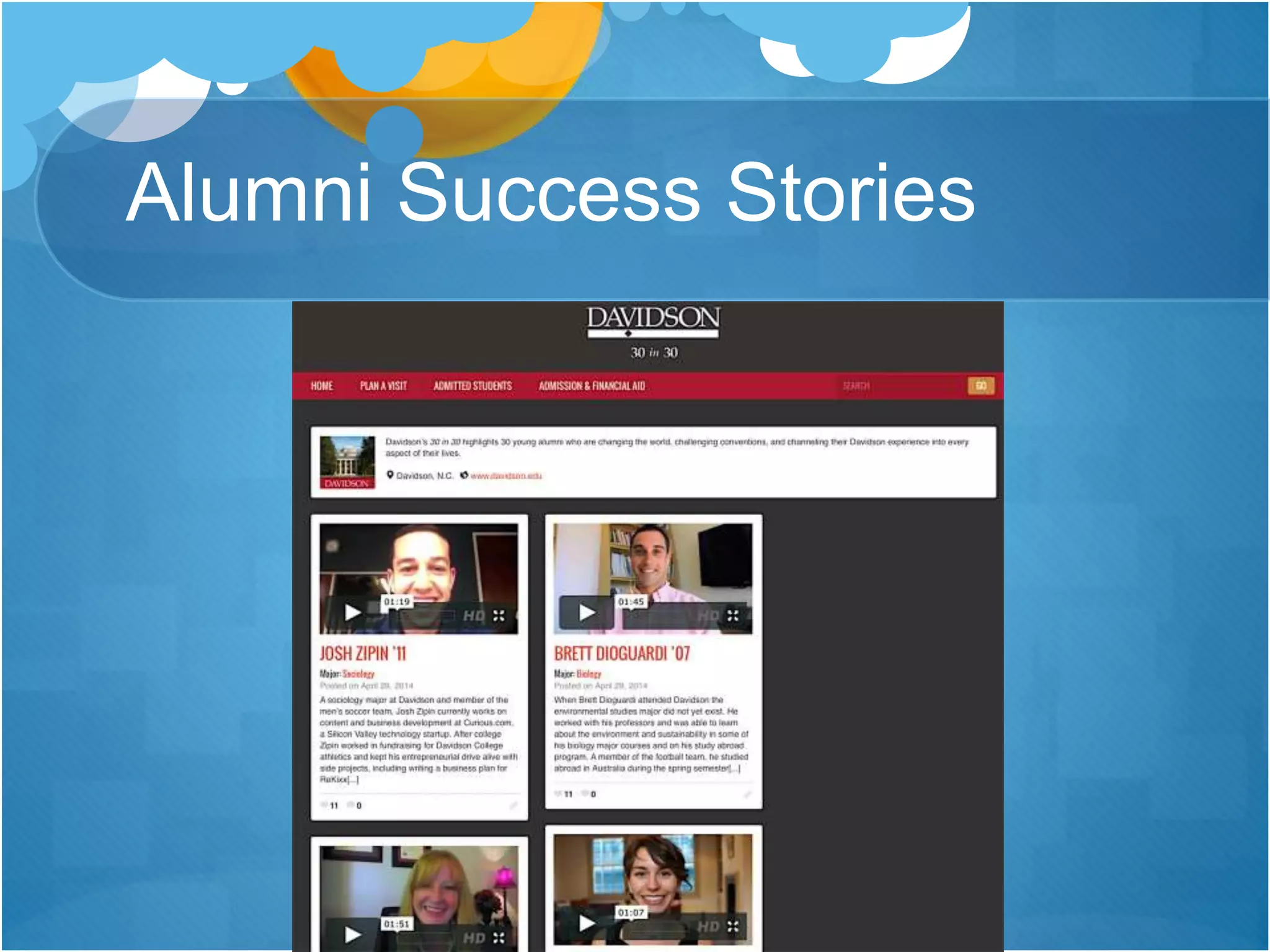
Alumni Success Stories
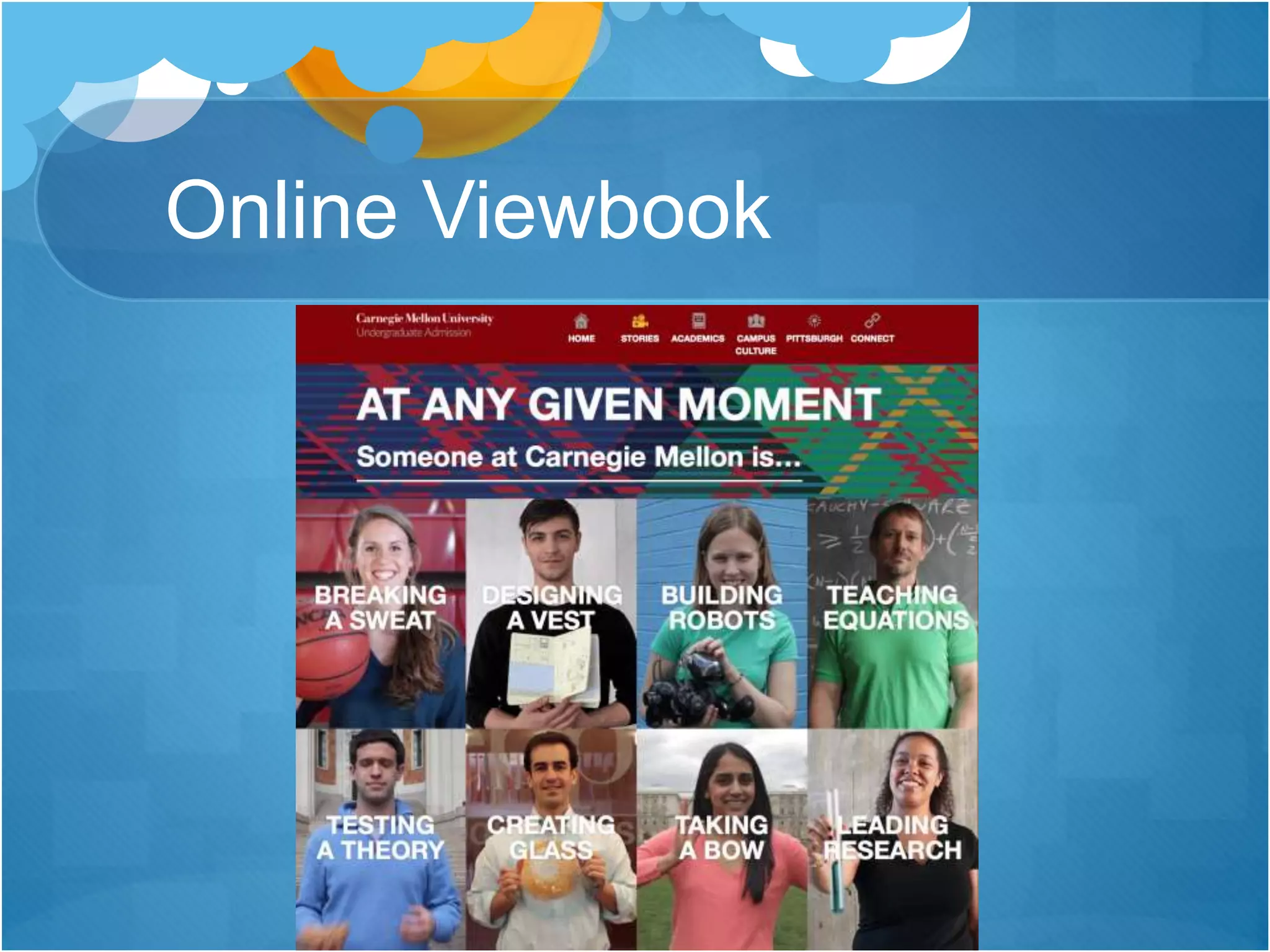
Online Viewbook
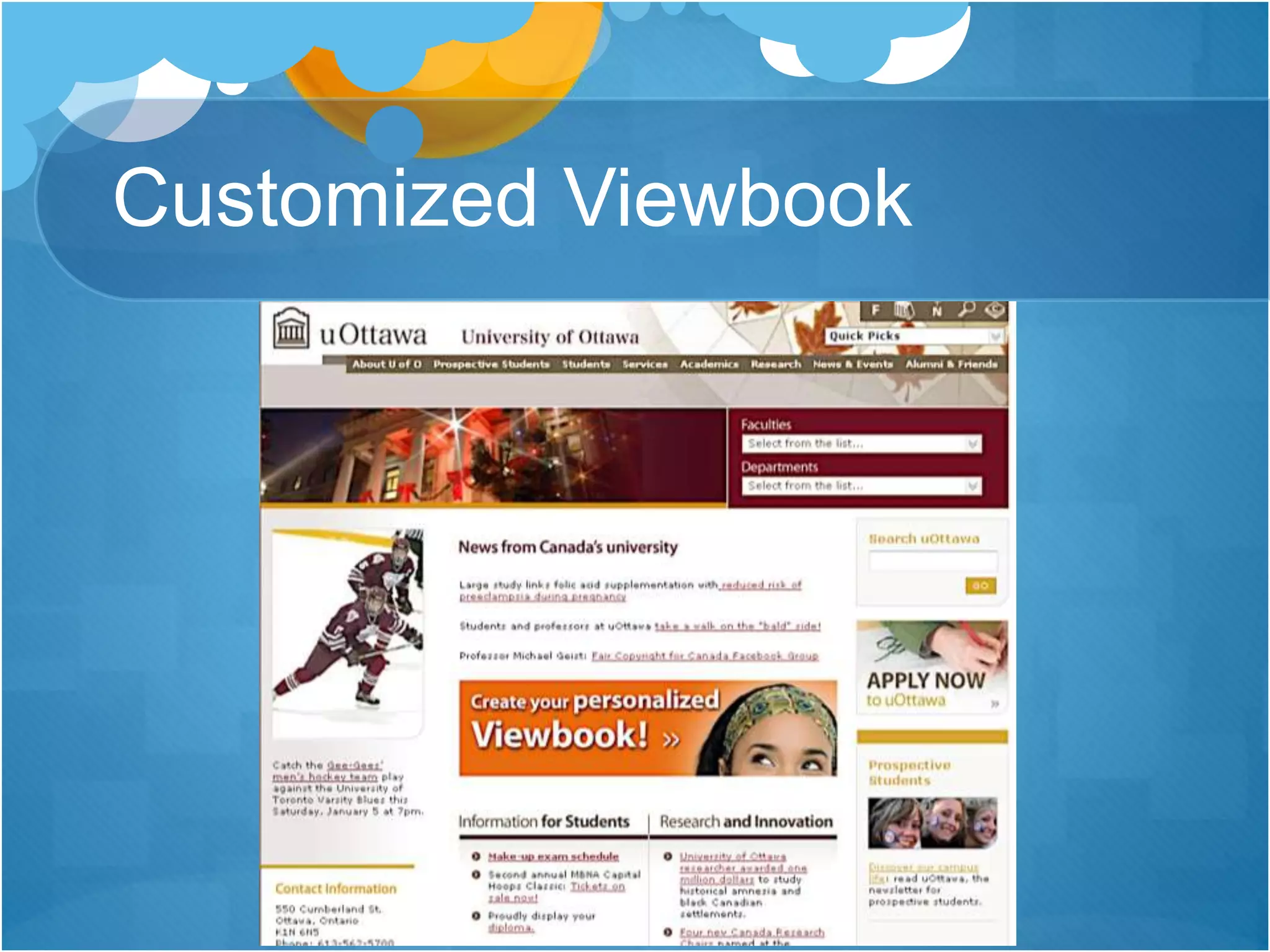
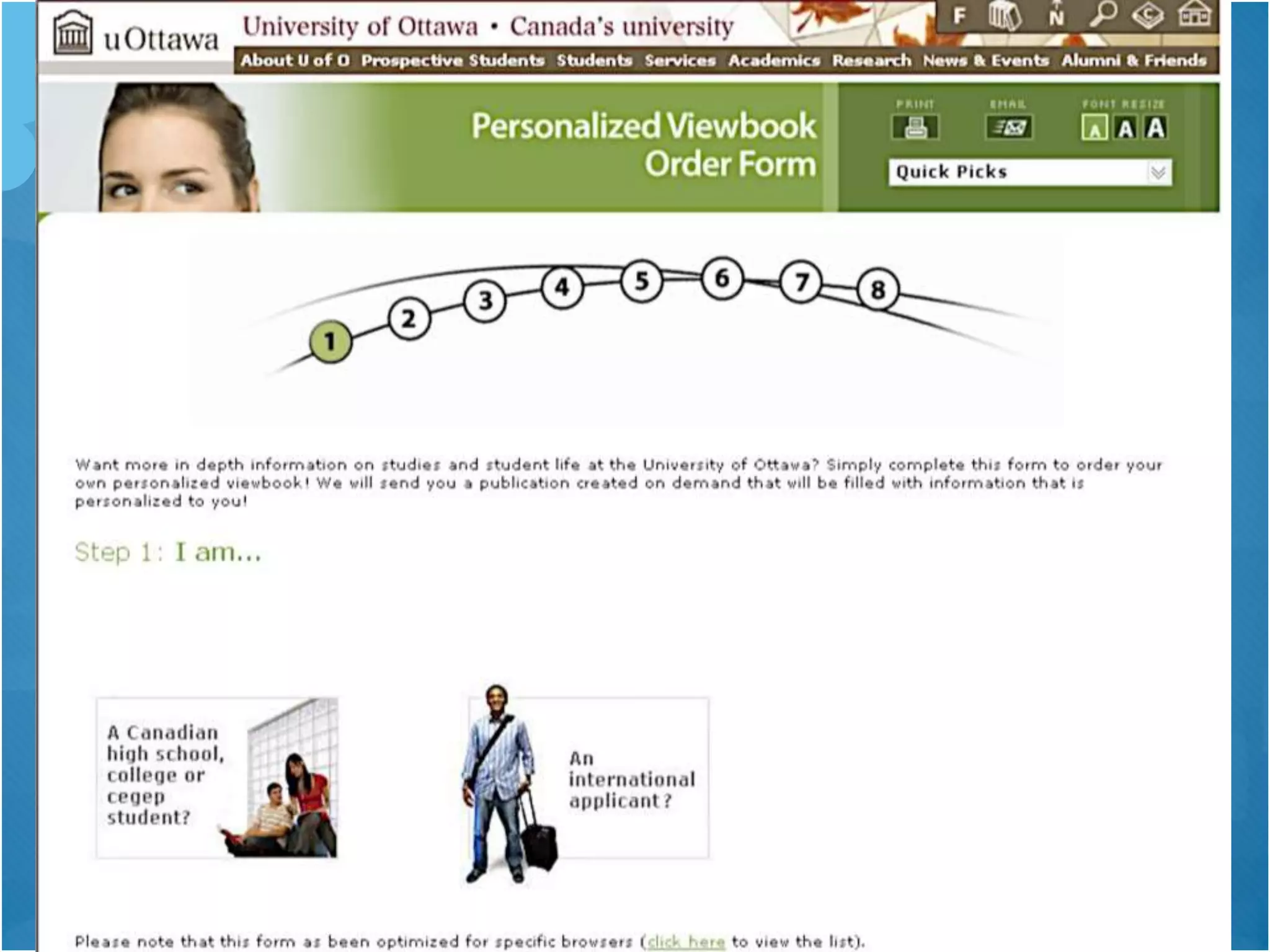
Customized Viewbook
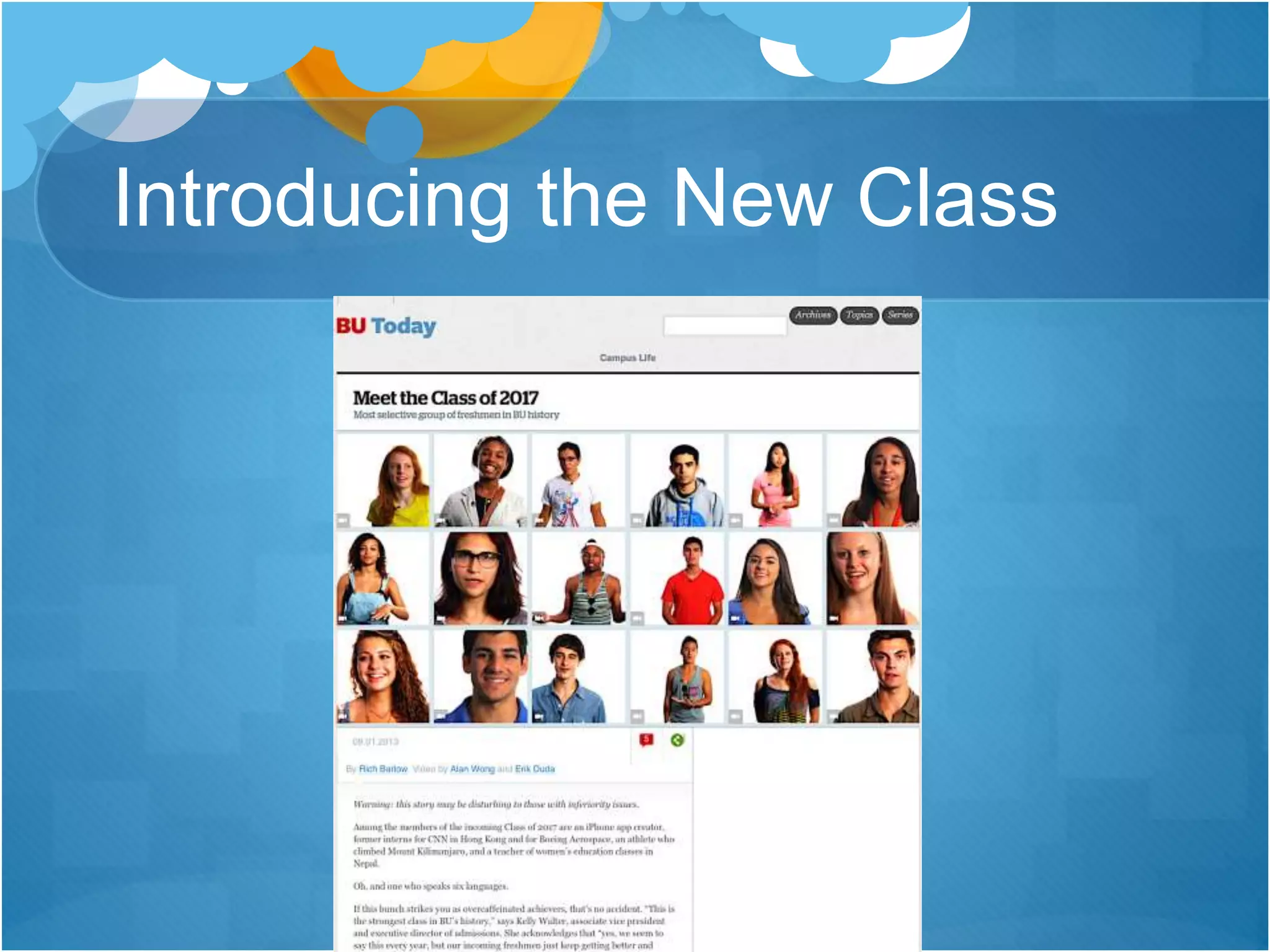
Introducing the New Class
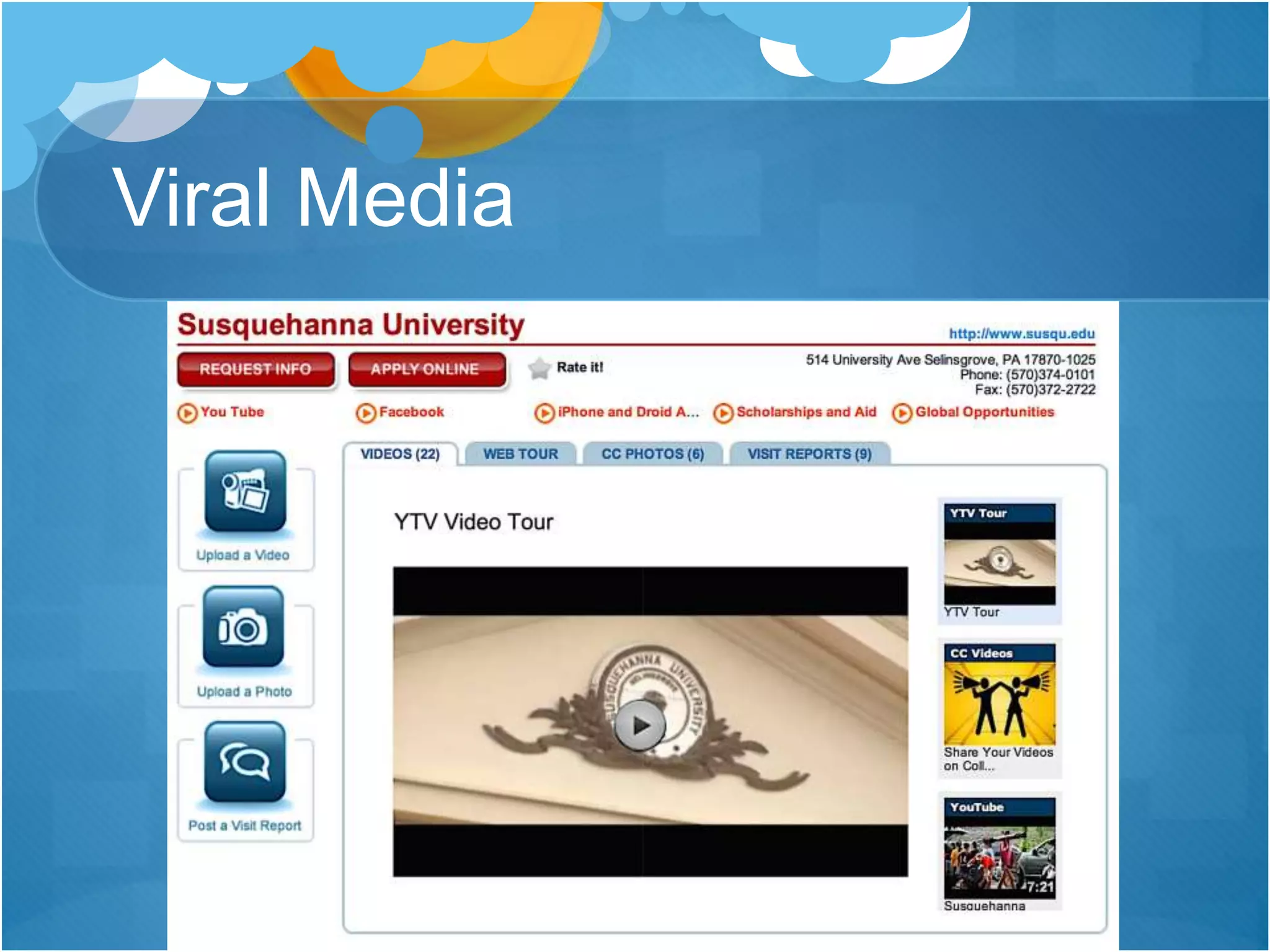
Viral Media
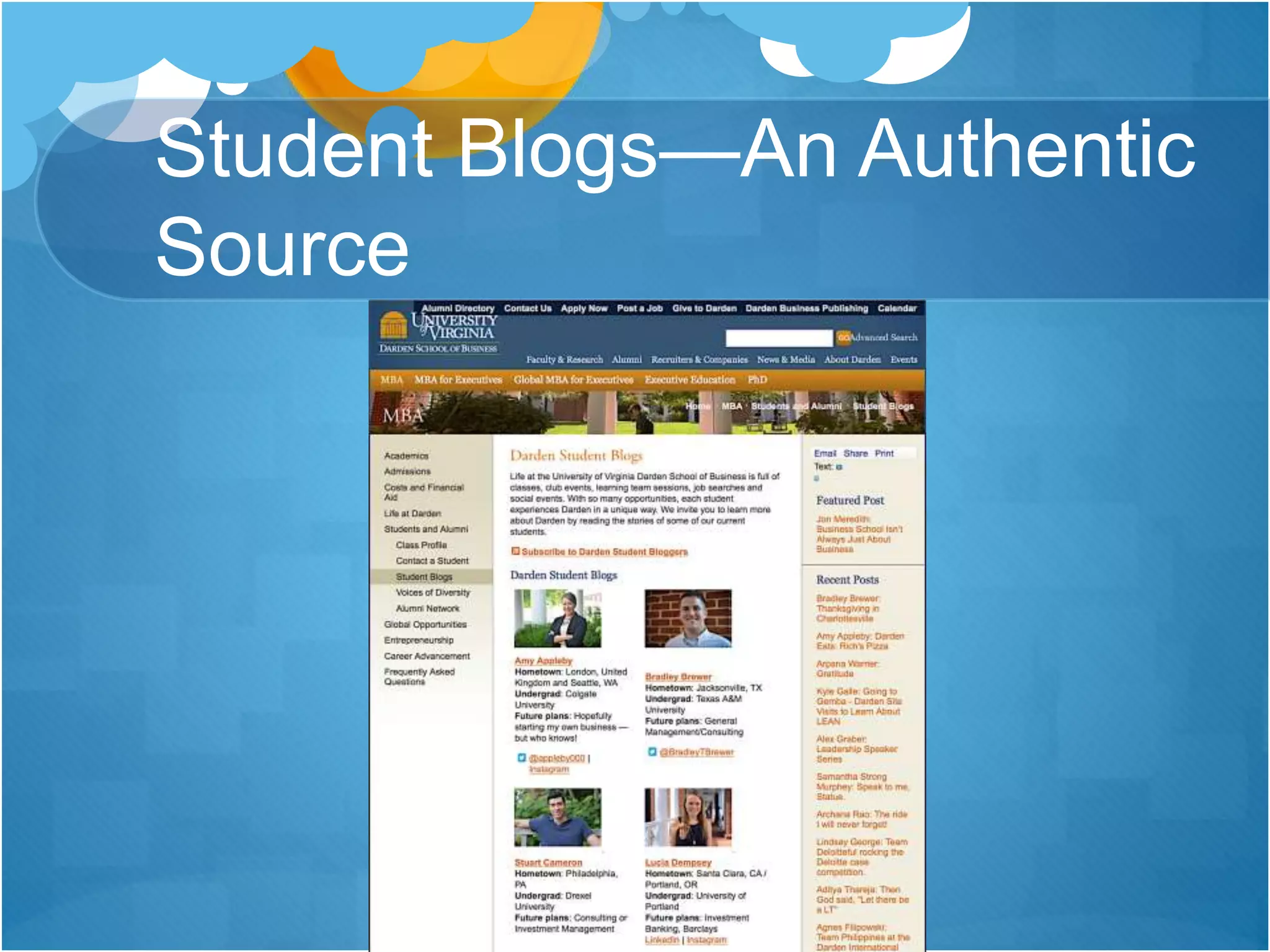
Student Blogs—An Authentic
Source
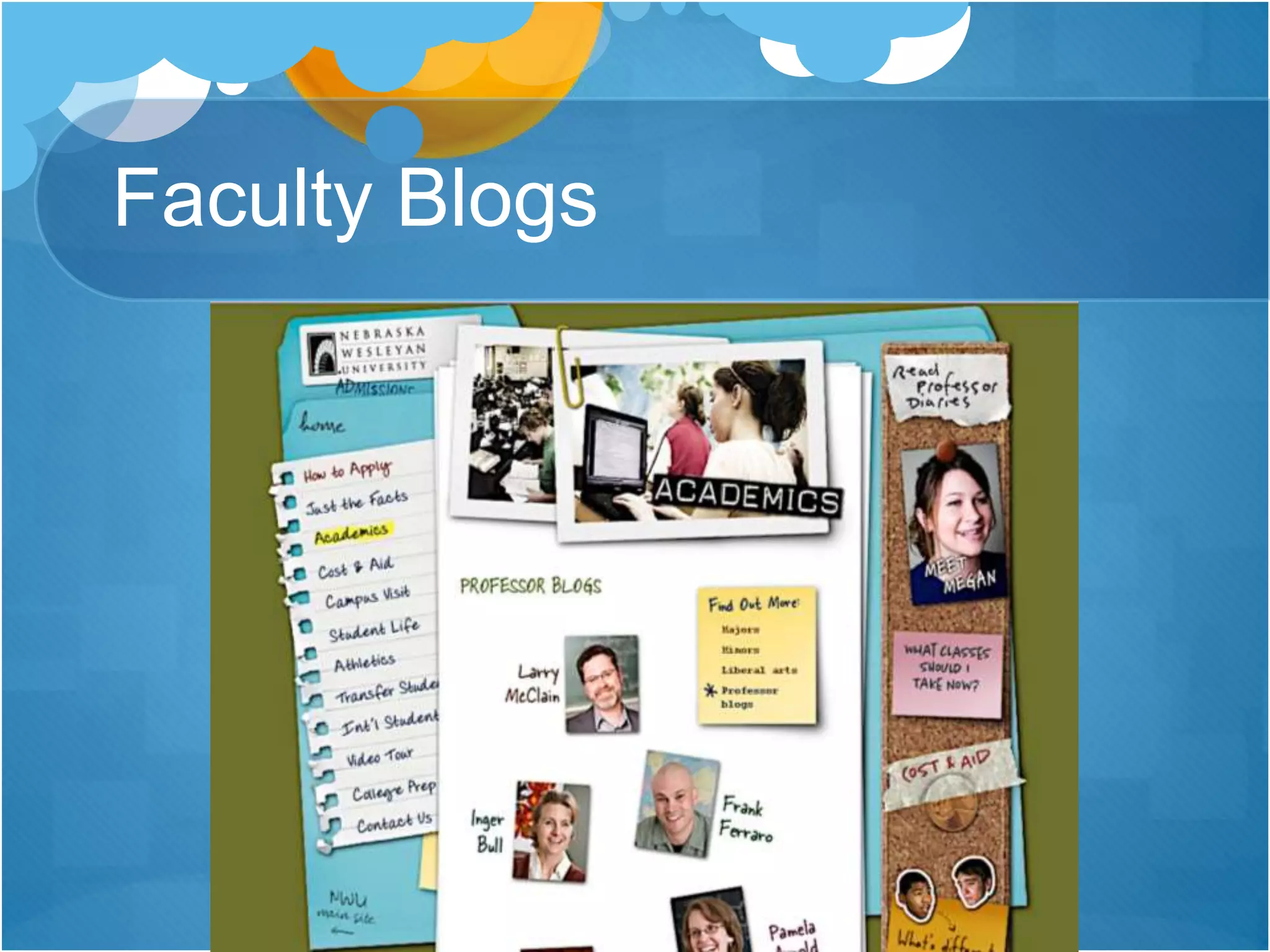
Faculty Blogs
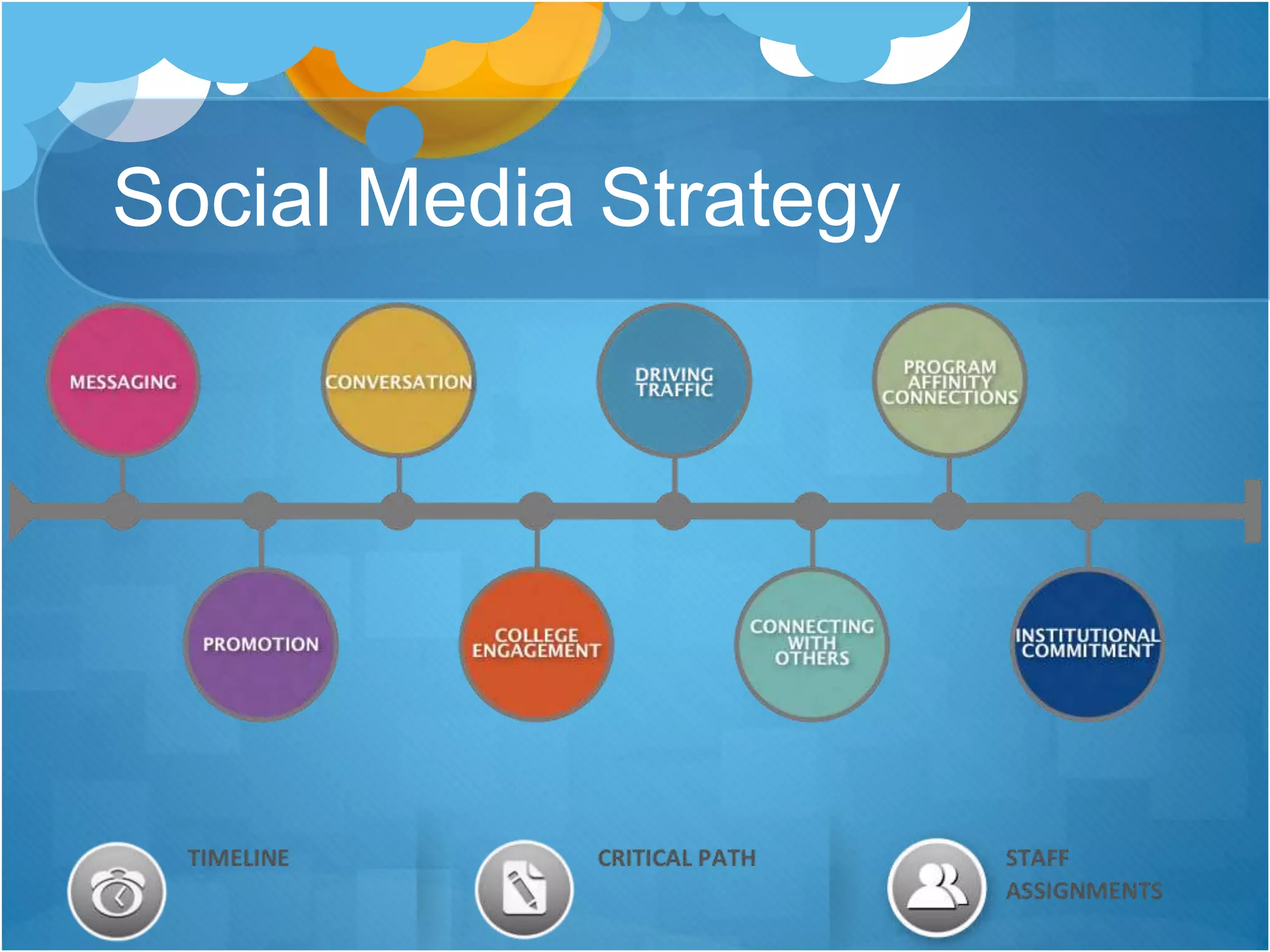
Social Media Strategy
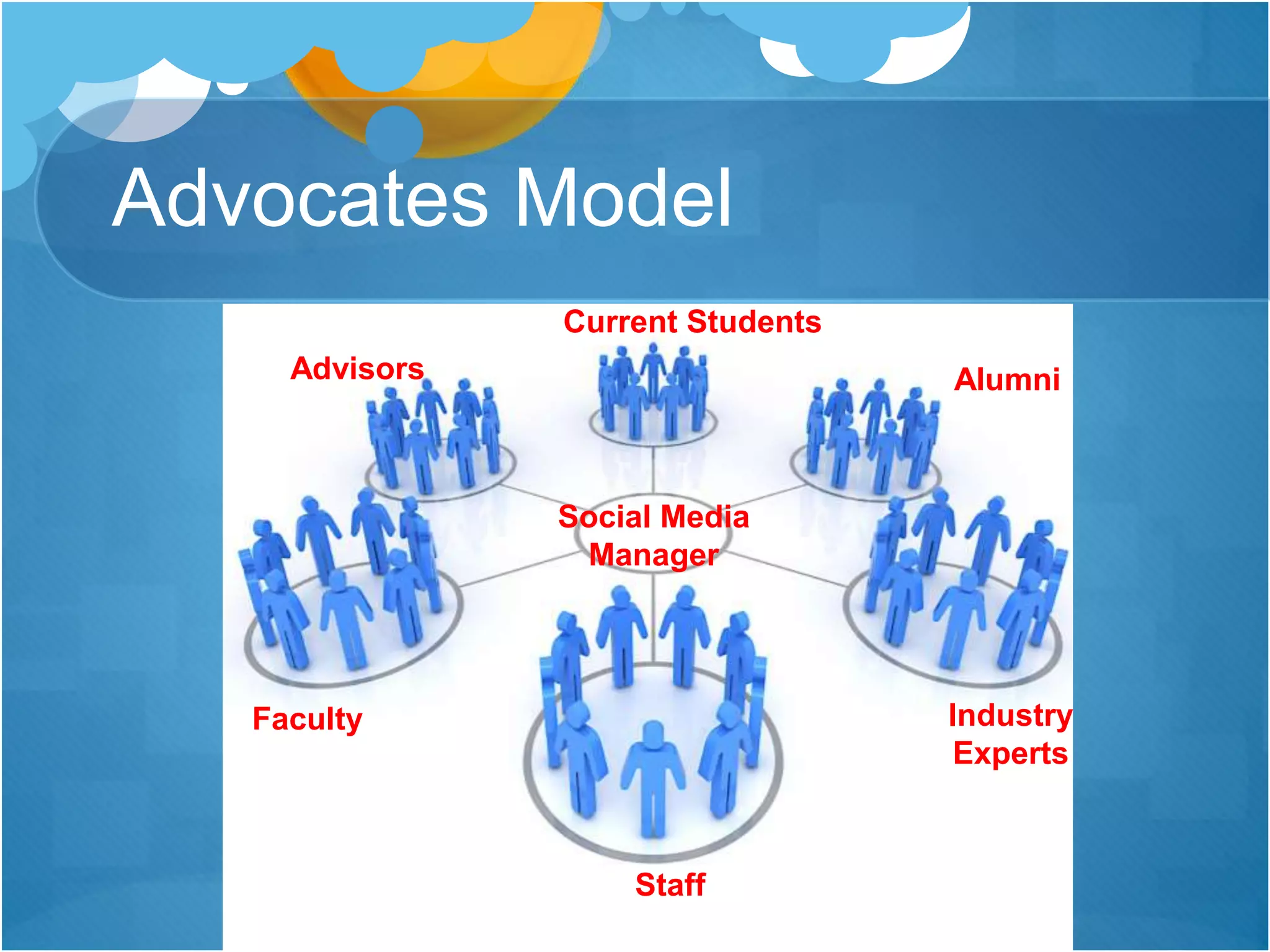
Advocates Model
Social Media
Manager
Current Students
Alumni
Industry
Experts
Staff
Faculty
Advisors
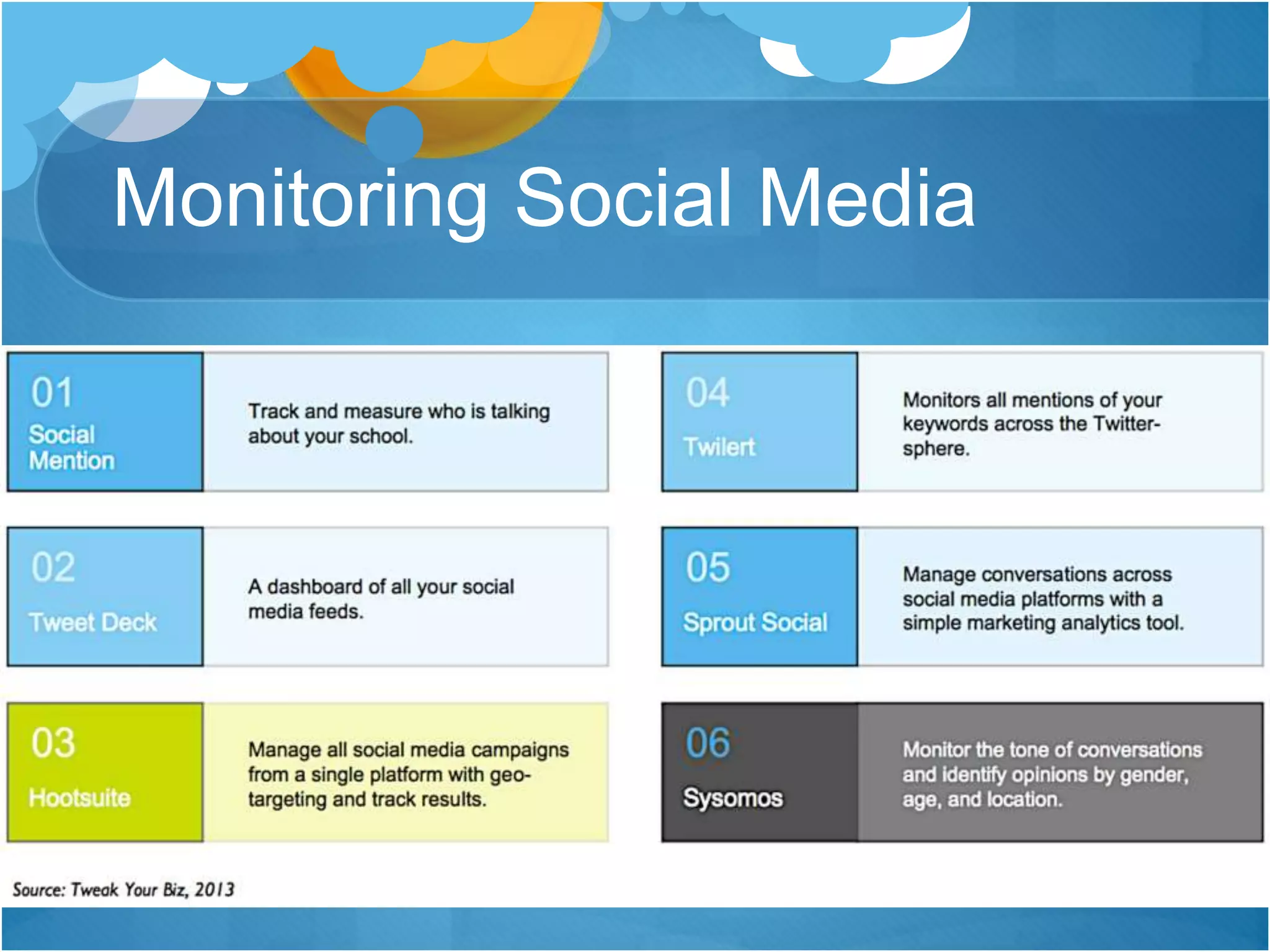
Monitoring Social Media
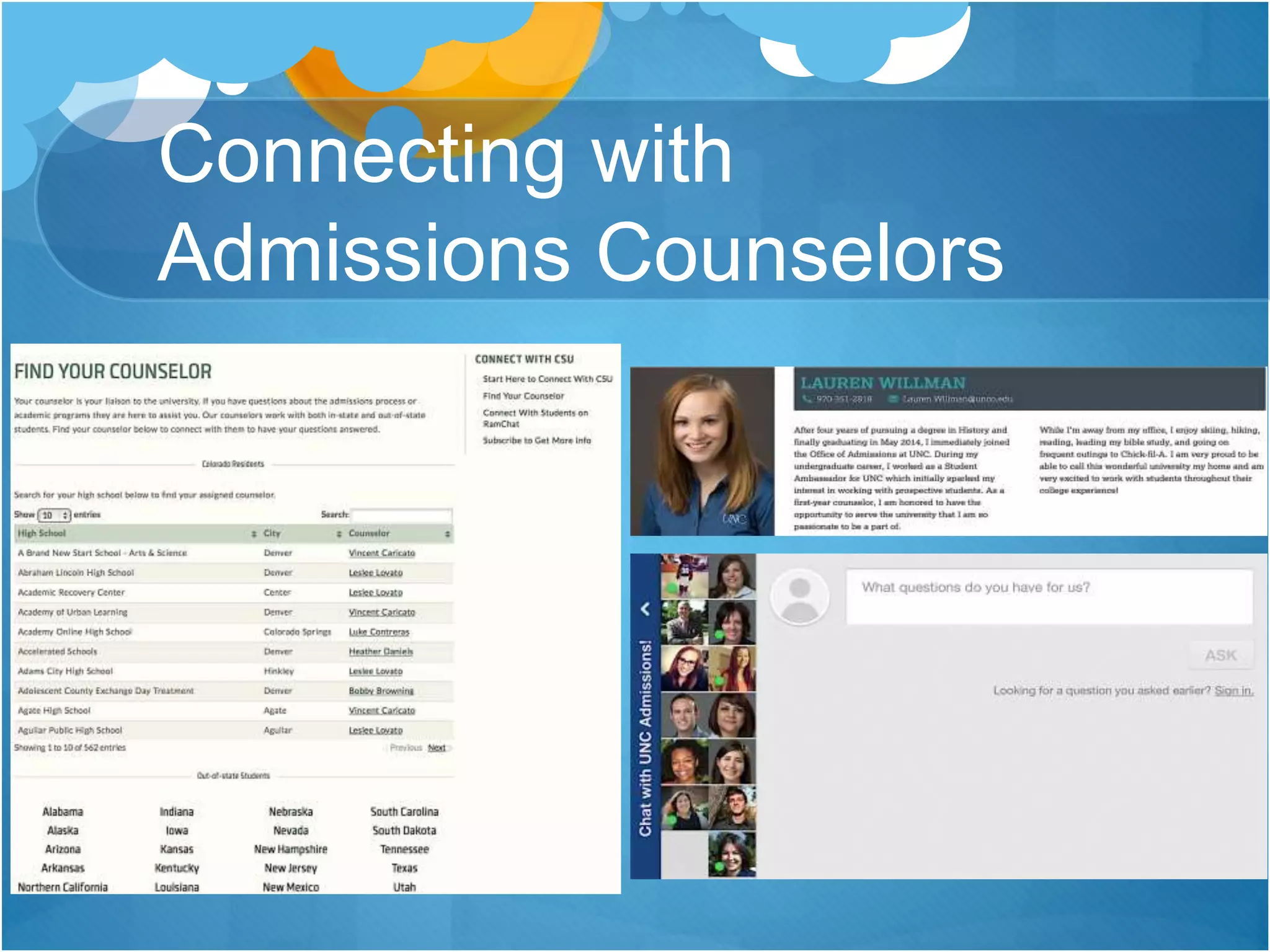
Connecting with
Admissions Counselors
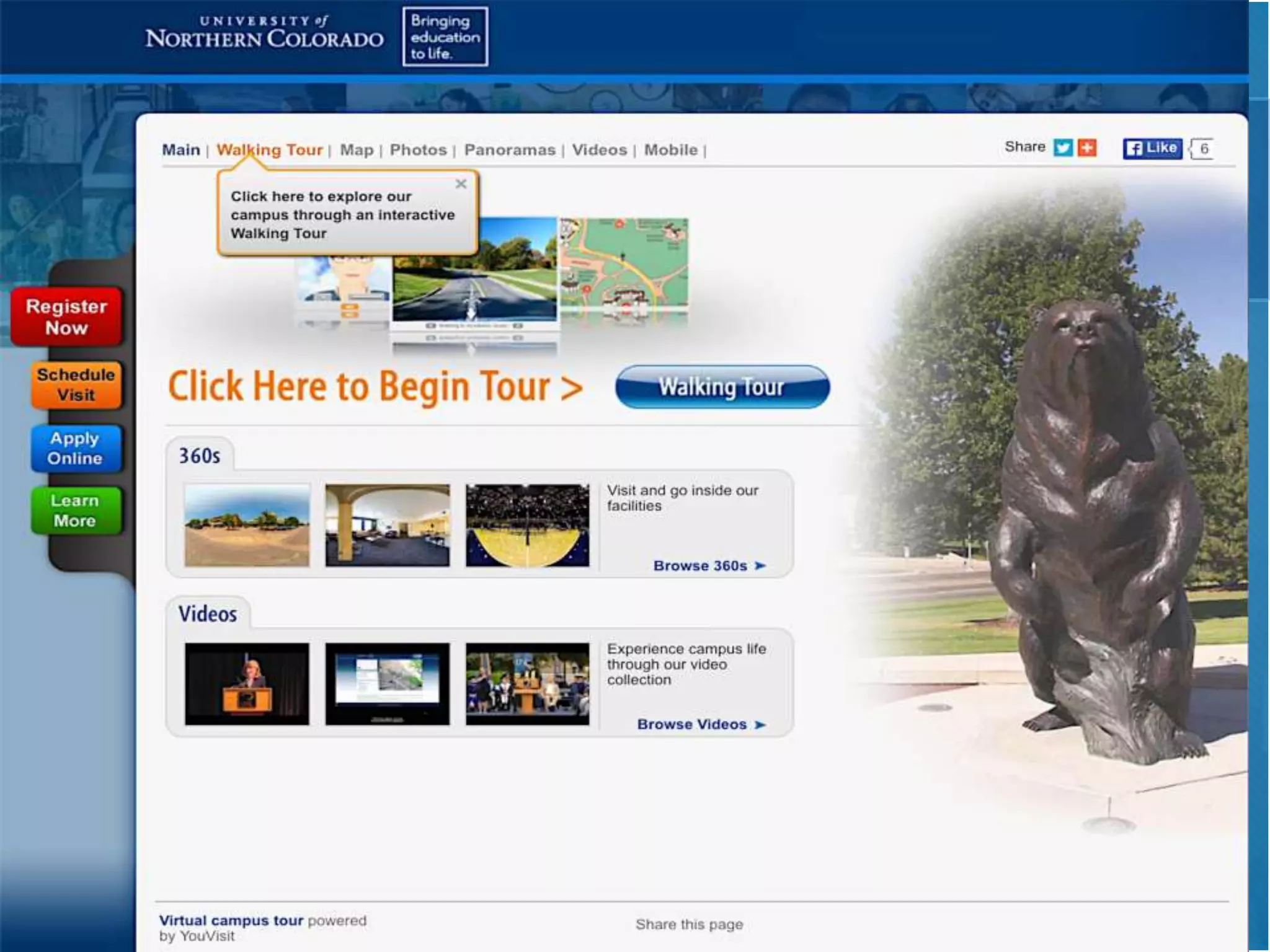
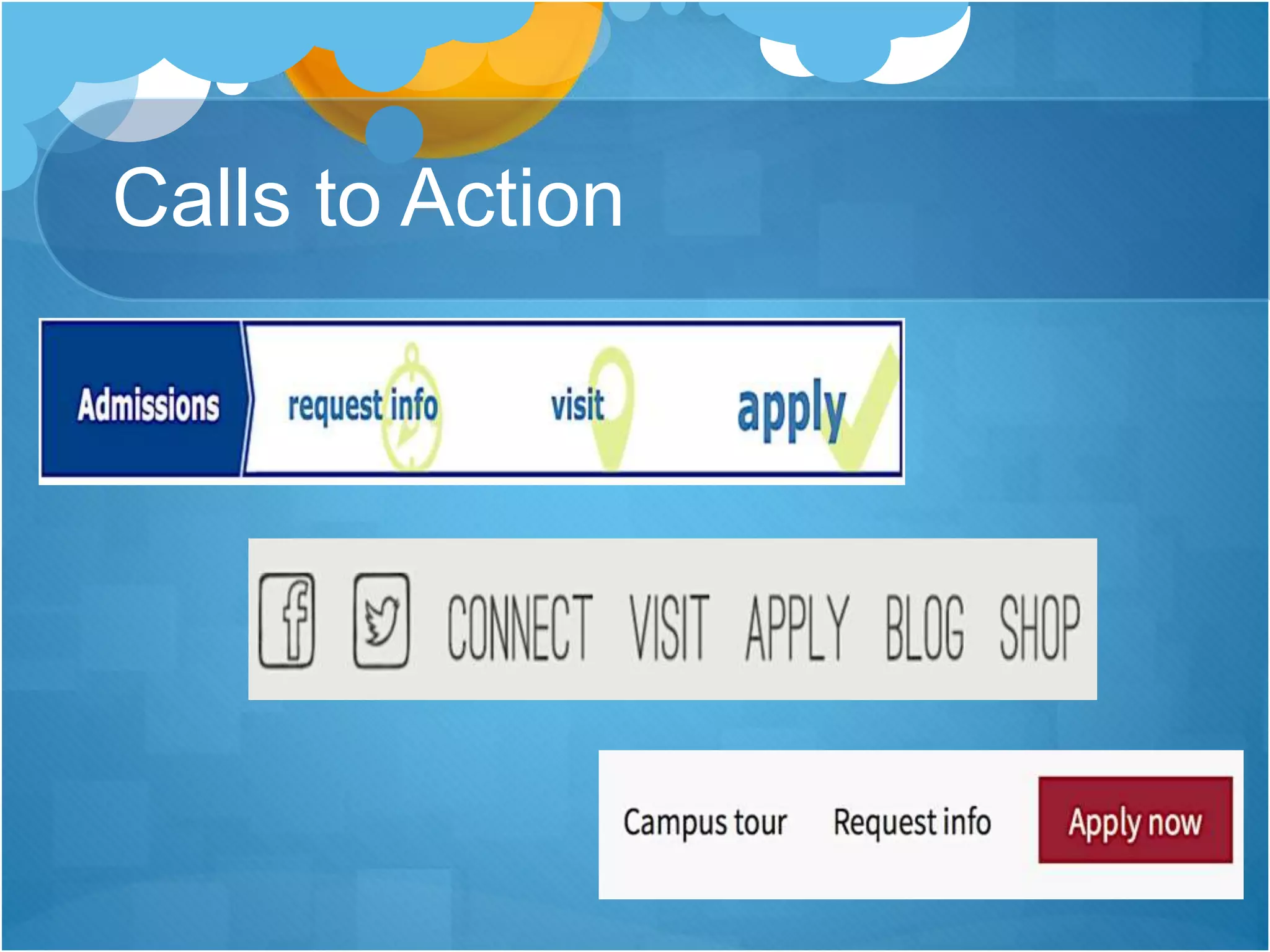
Calls to Action
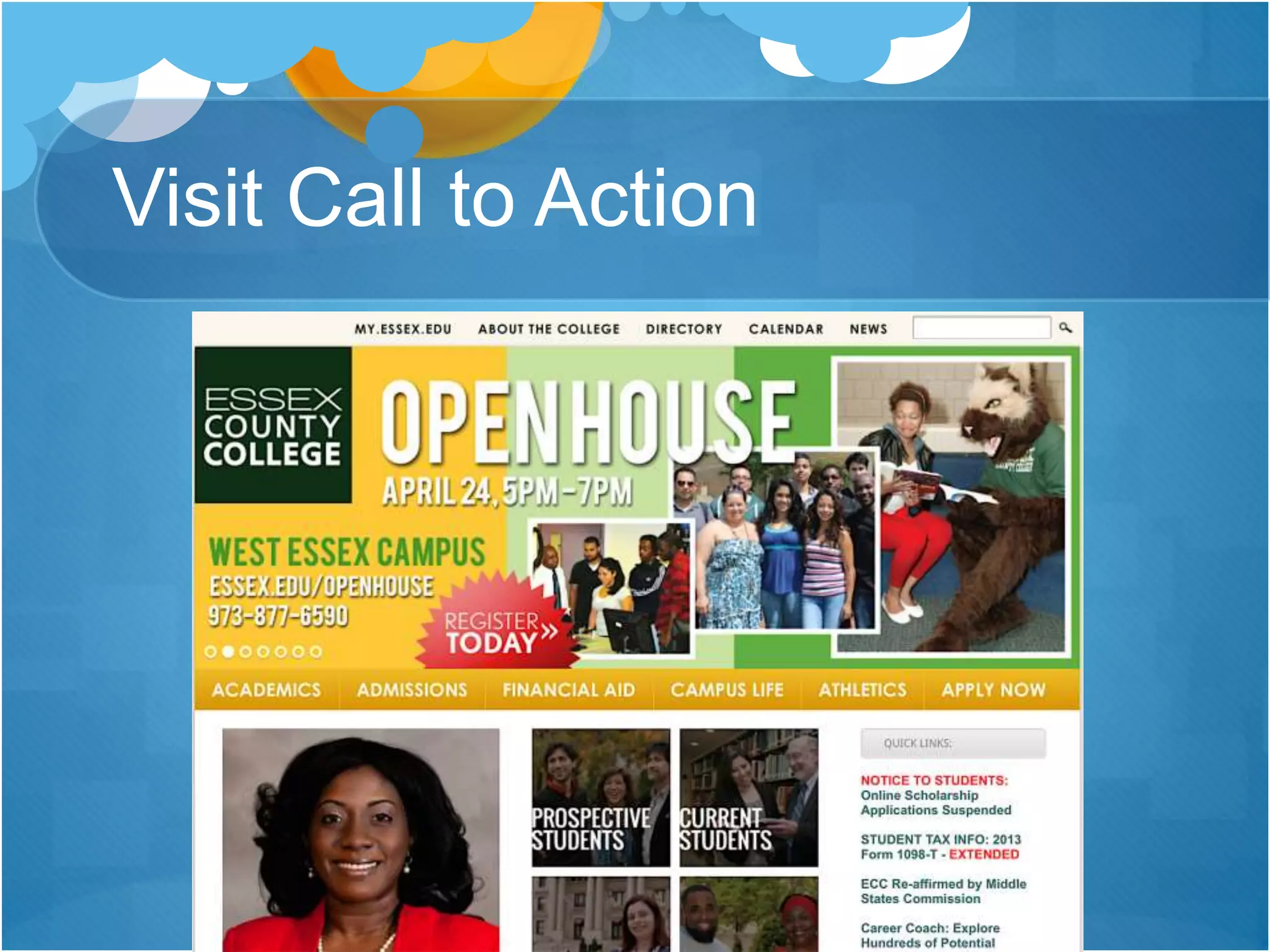
Visit Call to Action
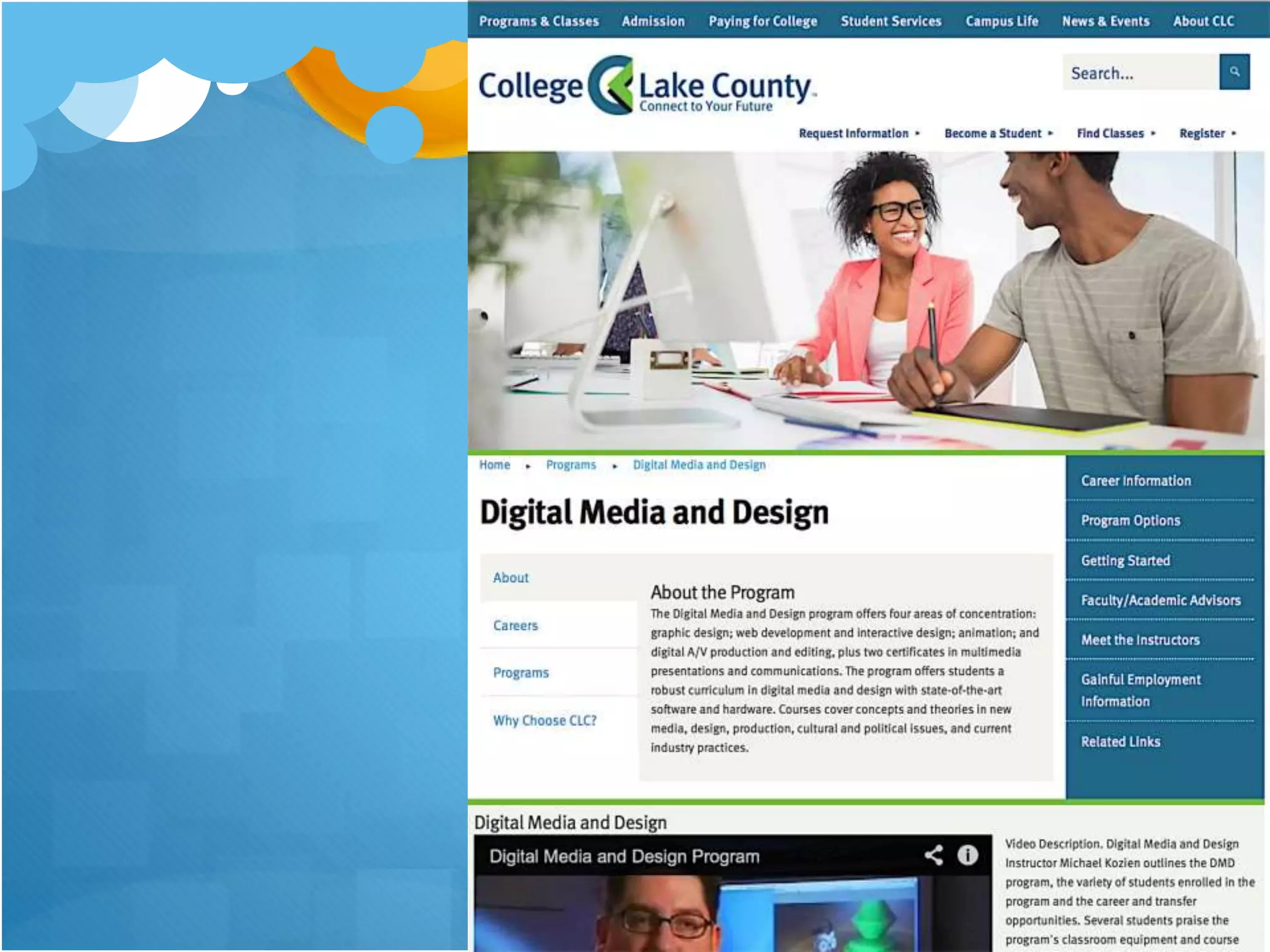
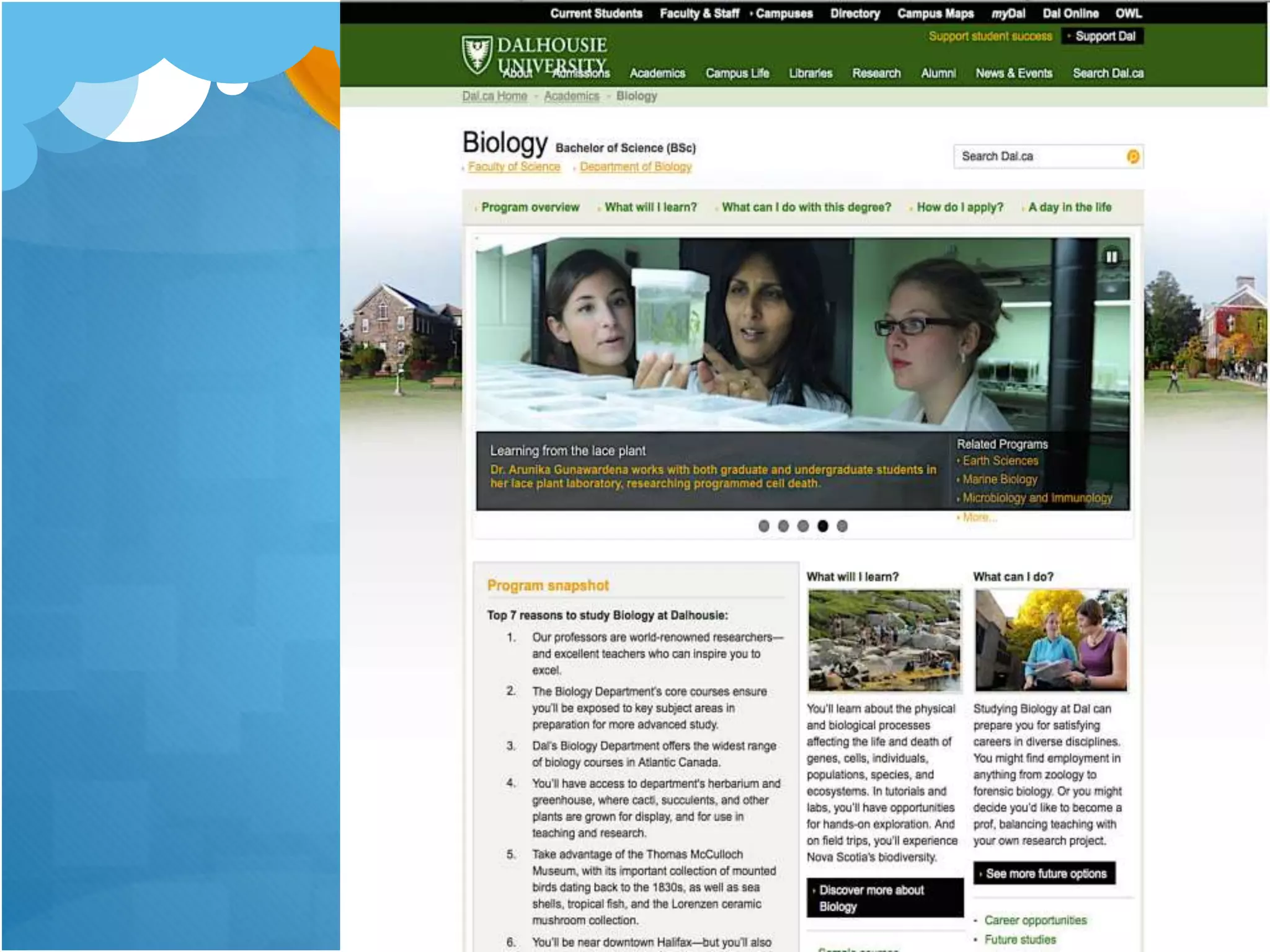
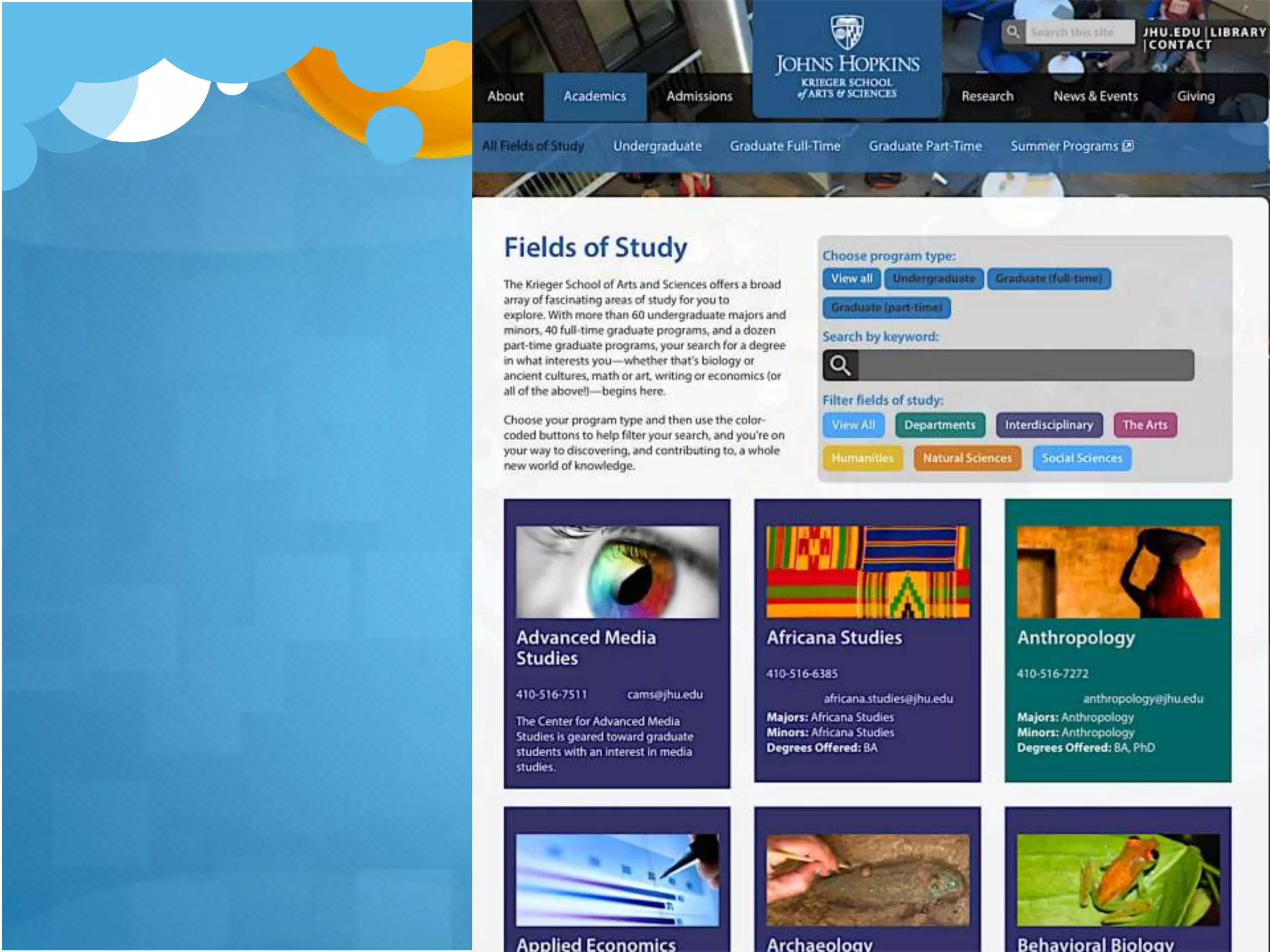
Academic Program Page
Essentials
 Program selling points
 Program description
 What you will learn
 Who you will study with
 Unique opportunities
 Hands-on learning
 Service learning, internships, co-ops
 Organizations and activities
 Success beyond the classroom
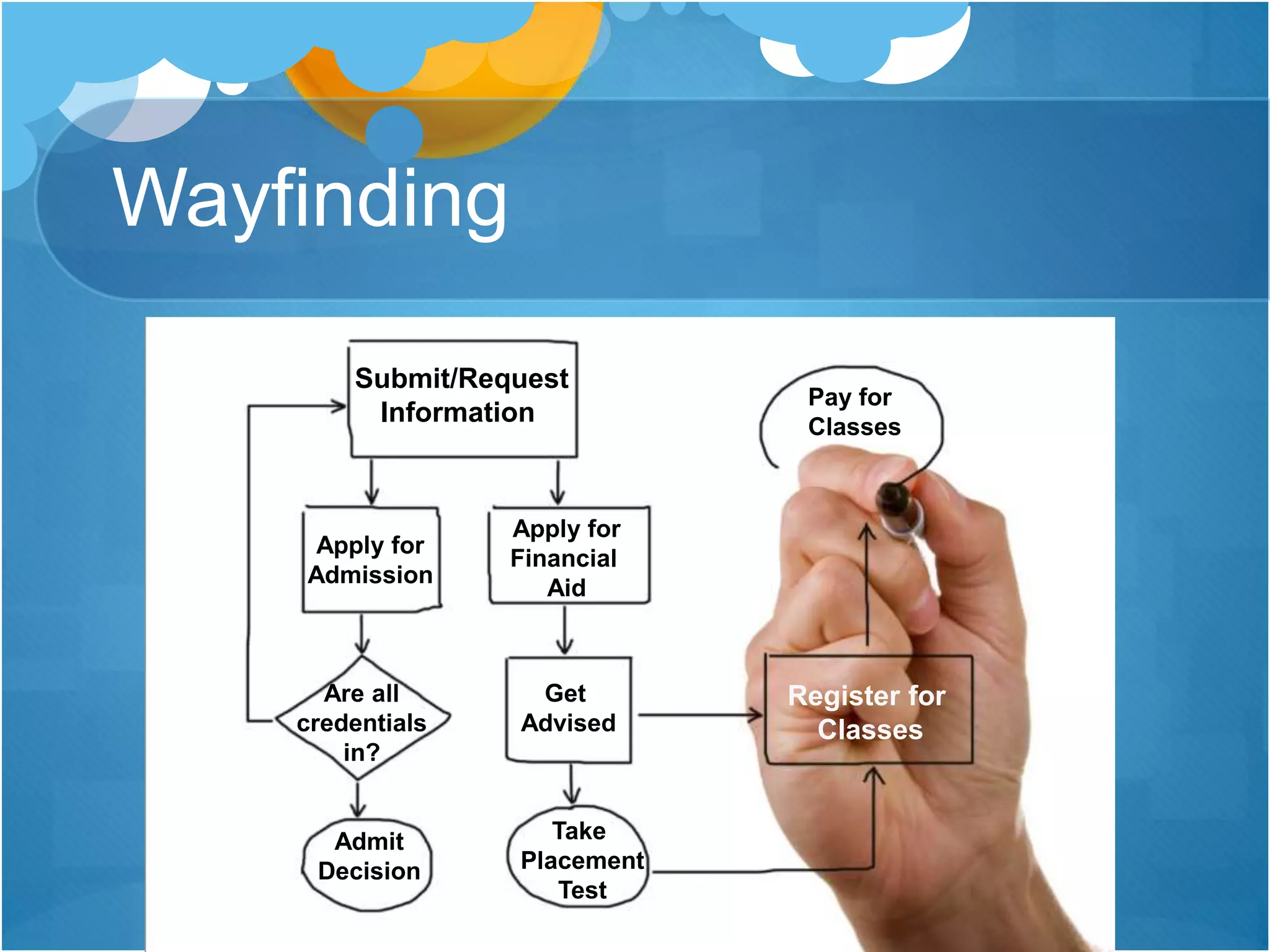
Wayfinding
Submit/Request
Information
Apply for
Financial
Aid
Apply for
Admission
Are all
credentials
in?
Admit
Decision
Get
Advised
Take
Placement
Test
Register for
Classes
Pay for
Classes
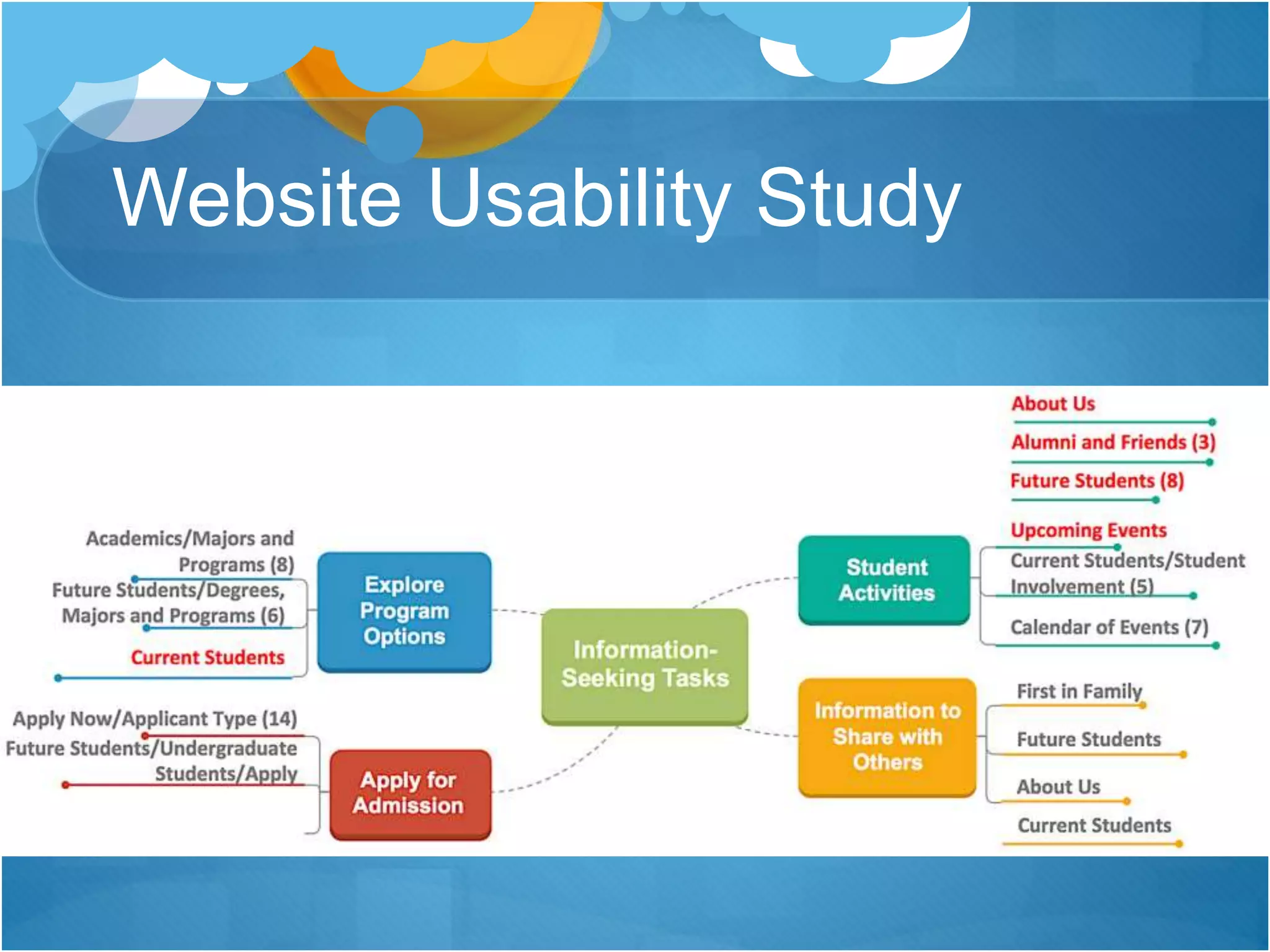
Website Usability Study
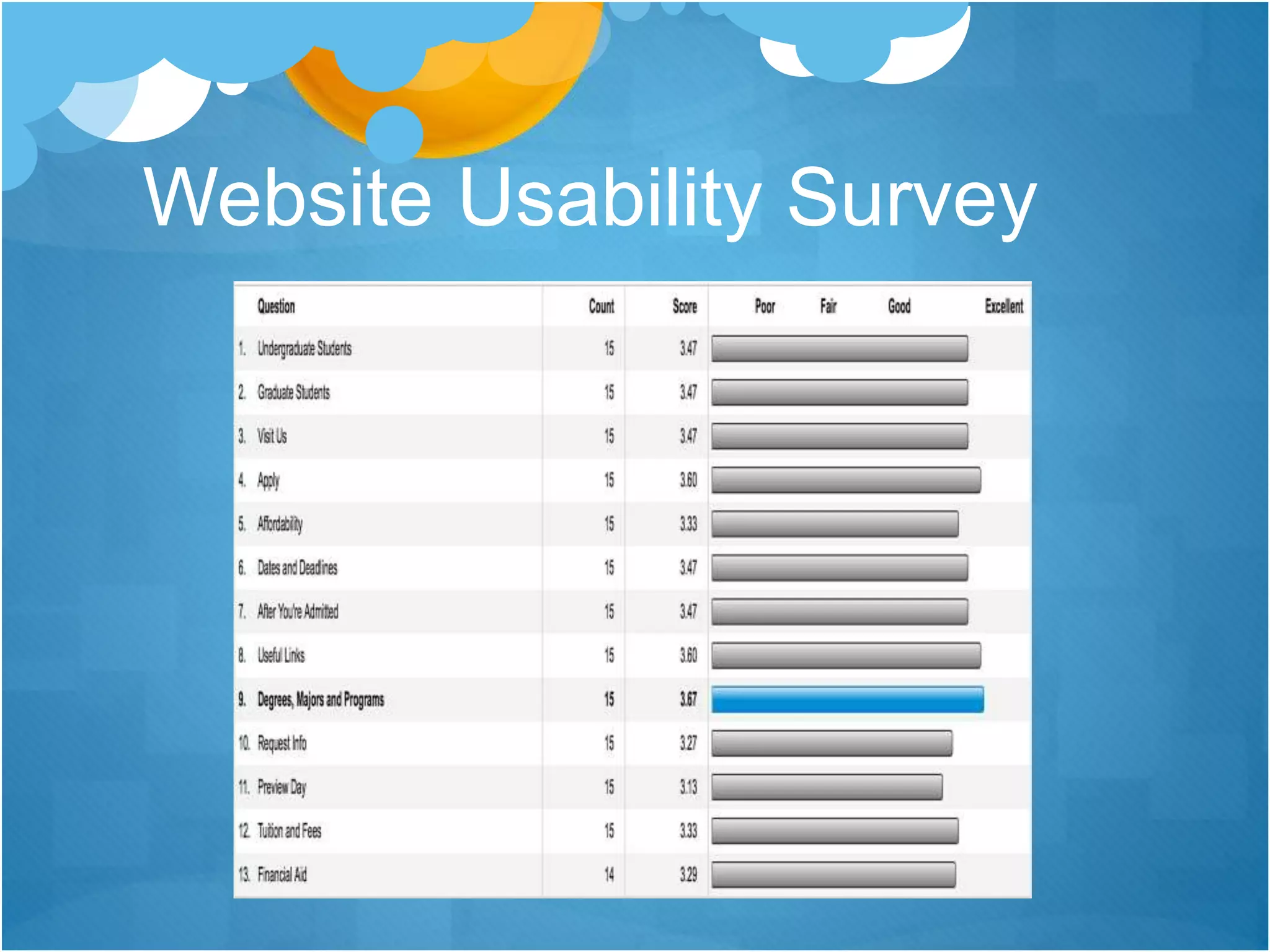
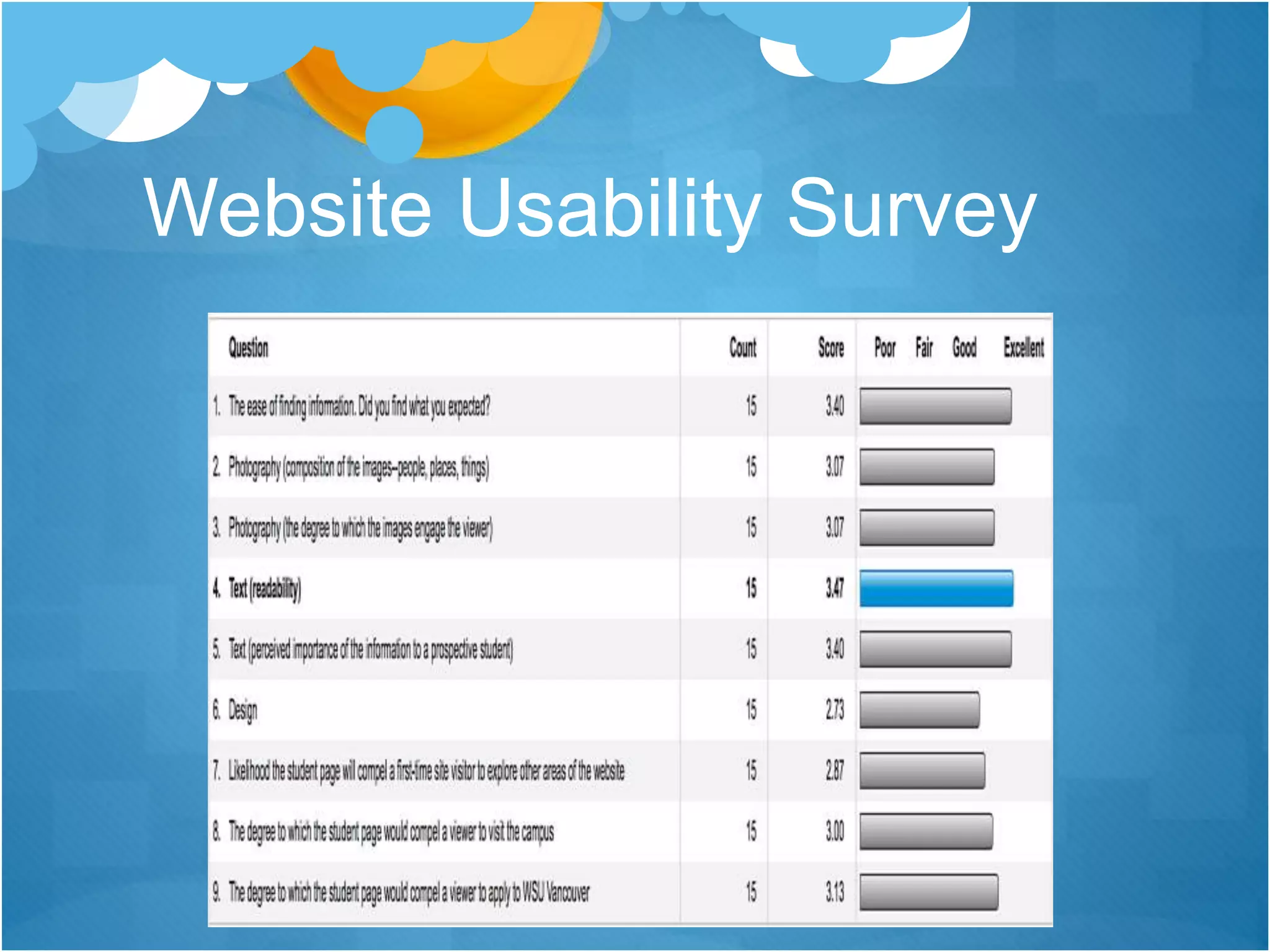
Website Usability Survey
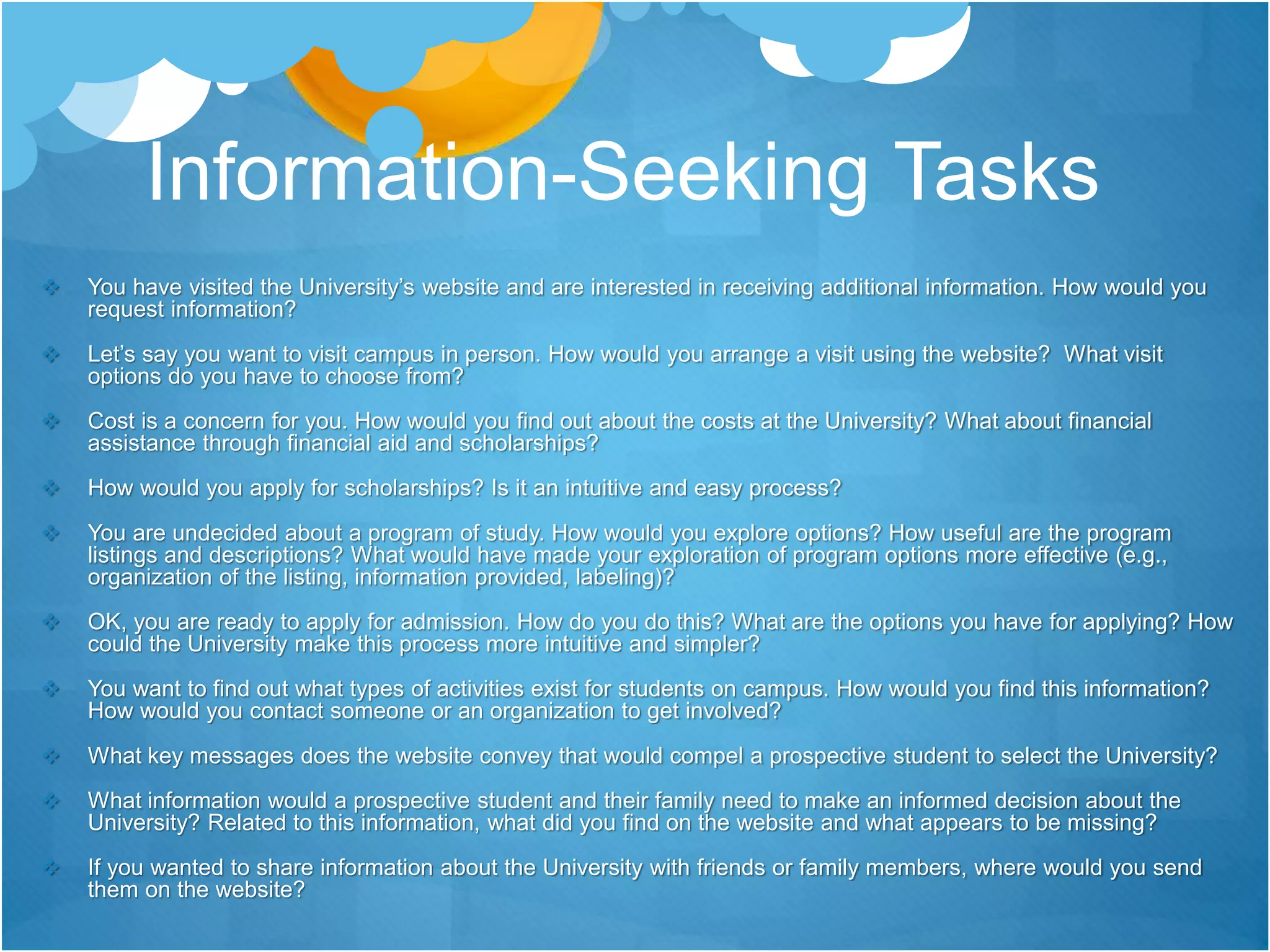
Information-Seeking Tasks
 You have visited the University’s website and are interested in receiving additional information. How would you
request information?
 Let’s say you want to visit campus in person. How would you arrange a visit using the website? What visit
options do you have to choose from?
 Cost is a concern for you. How would you find out about the costs at the University? What about financial
assistance through financial aid and scholarships?
 How would you apply for scholarships? Is it an intuitive and easy process?
 You are undecided about a program of study. How would you explore options? How useful are the program
listings and descriptions? What would have made your exploration of program options more effective (e.g.,
organization of the listing, information provided, labeling)?
 OK, you are ready to apply for admission. How do you do this? What are the options you have for applying? How
could the University make this process more intuitive and simpler?
 You want to find out what types of activities exist for students on campus. How would you find this information?
How would you contact someone or an organization to get involved?
 What key messages does the website convey that would compel a prospective student to select the University?
 What information would a prospective student and their family need to make an informed decision about the
University? Related to this information, what did you find on the website and what appears to be missing?
 If you wanted to share information about the University with friends or family members, where would you send
them on the website?
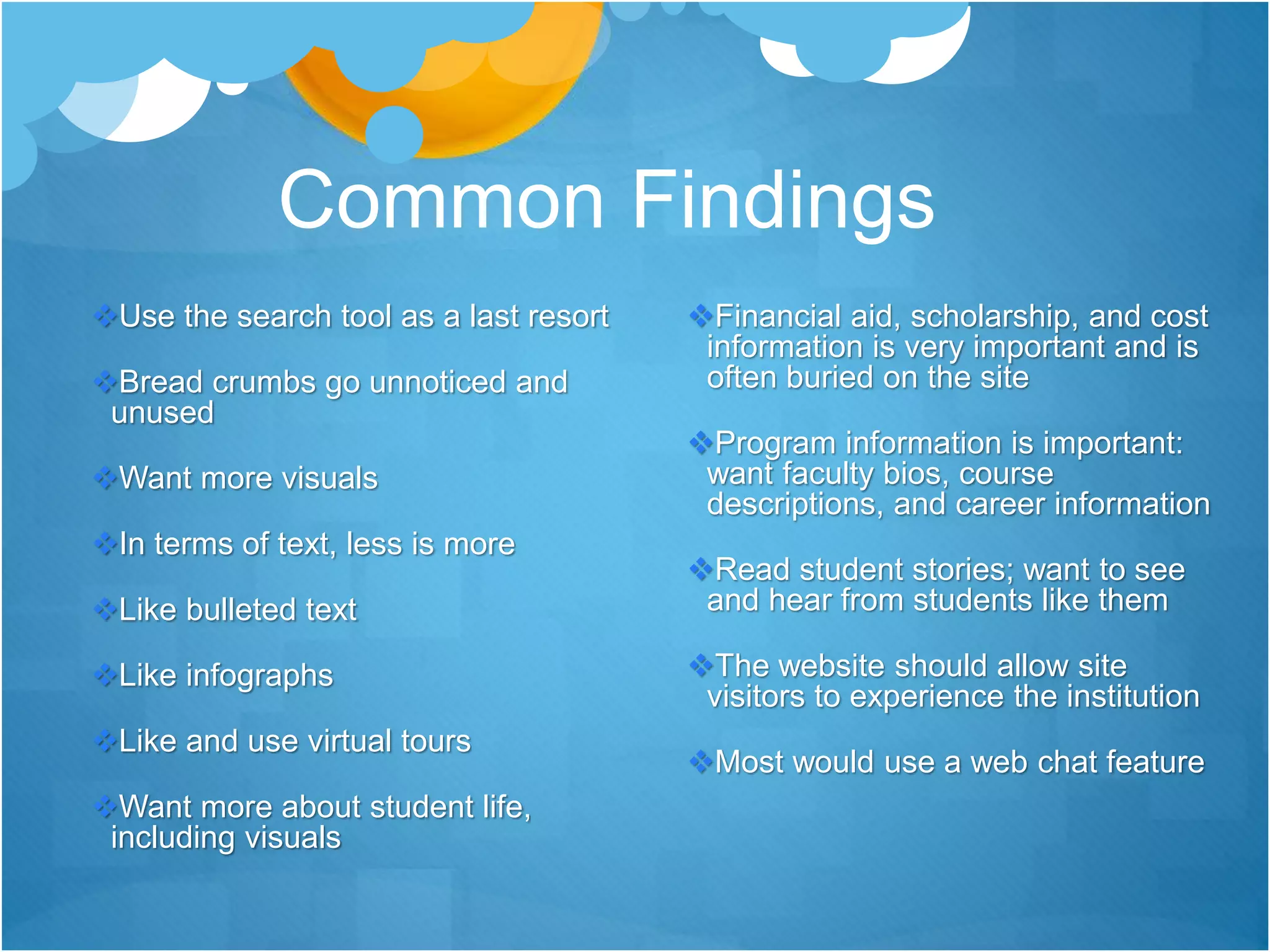
Common Findings
Use the search tool as a last resort
Bread crumbs go unnoticed and
unused
Want more visuals
In terms of text, less is more
Like bulleted text
Like infographs
Like and use virtual tours
Want more about student life,
including visuals
Financial aid, scholarship, and cost
information is very important and is
often buried on the site
Program information is important:
want faculty bios, course
descriptions, and career information
Read student stories; want to see
and hear from students like them
The website should allow site
visitors to experience the institution
Most would use a web chat feature
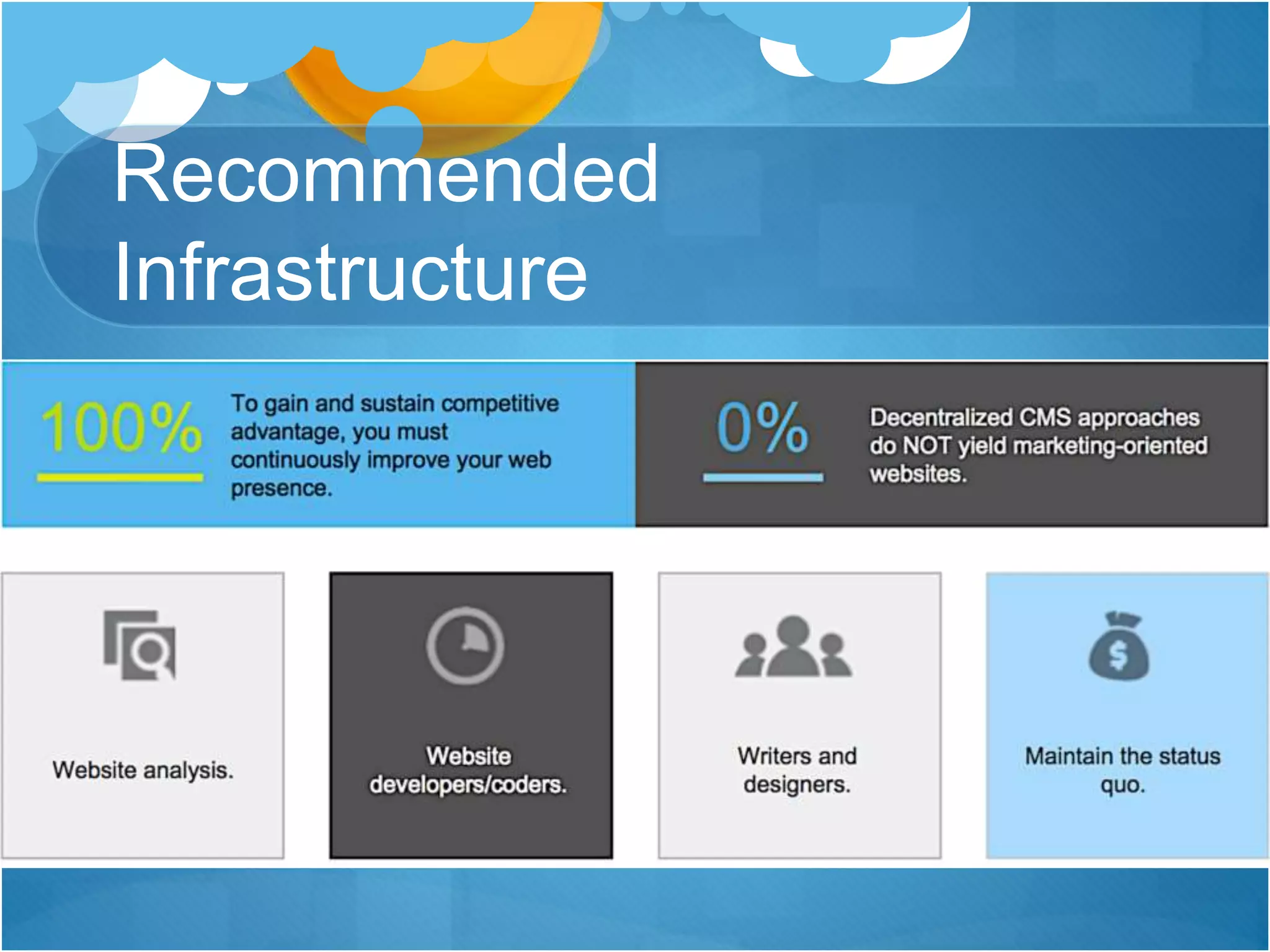
Recommended
Infrastructure
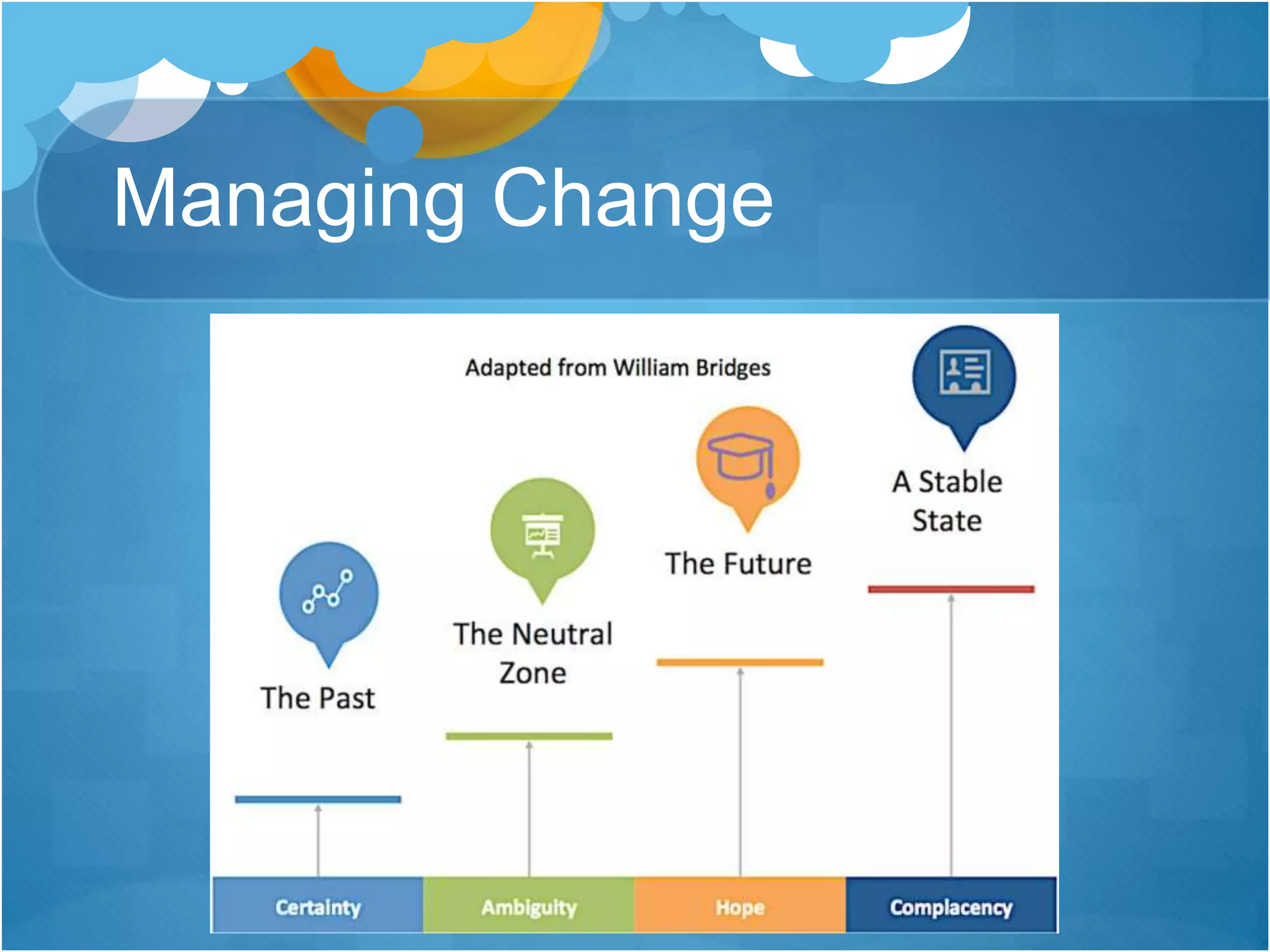
Managing Change
Higher Education Website Best Practices

Higher Education Website Best Practices