How to use Facebook for BusinessNikki PopeDirector of Public RelationsSoftline SolutionsYoung ChuSEM SpecialistSoftline Solutions
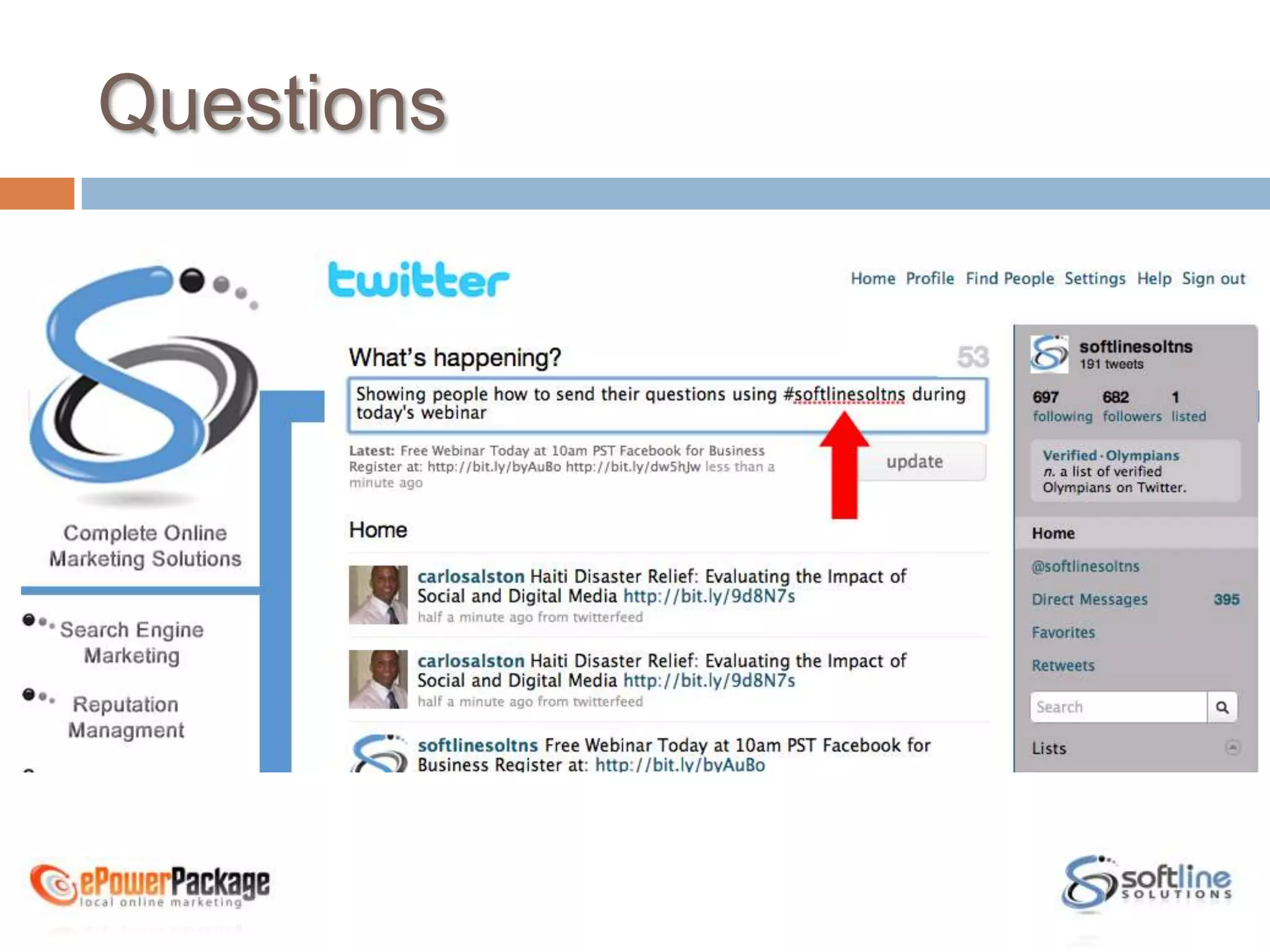
Questions
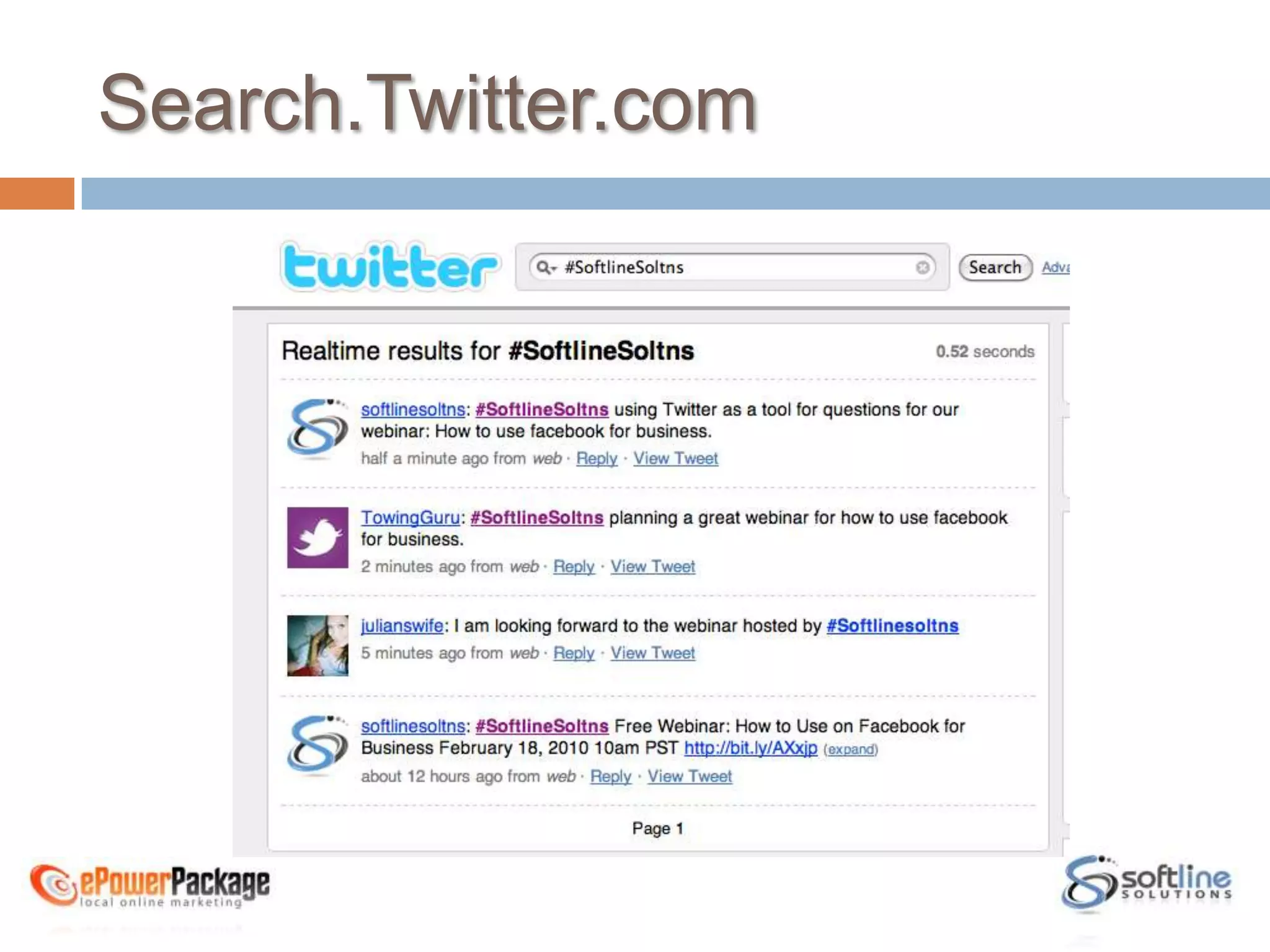
Search.Twitter.com
Agenda
About Softline Solutions
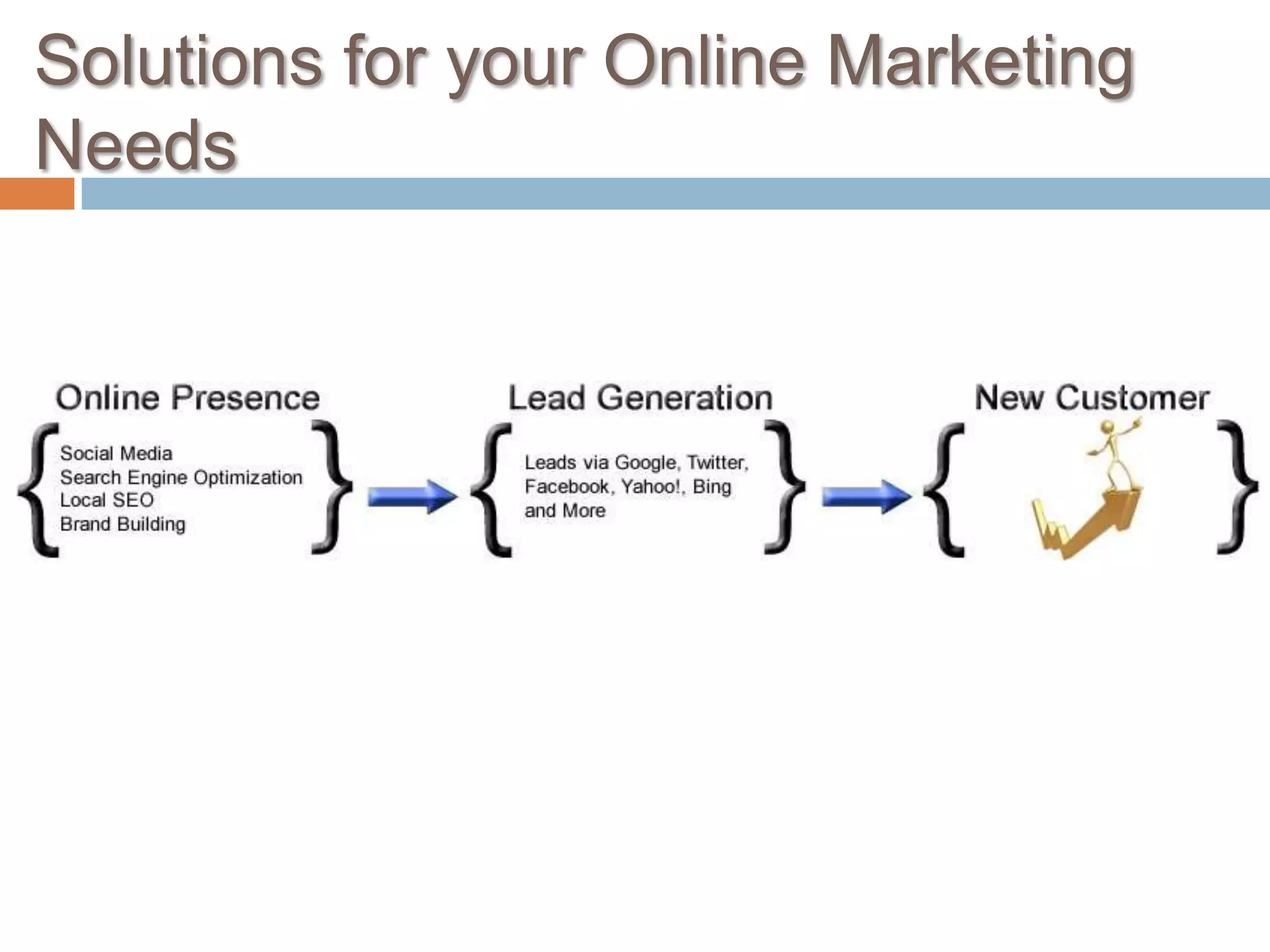
Solutions for your Online Marketing Needs
Agenda
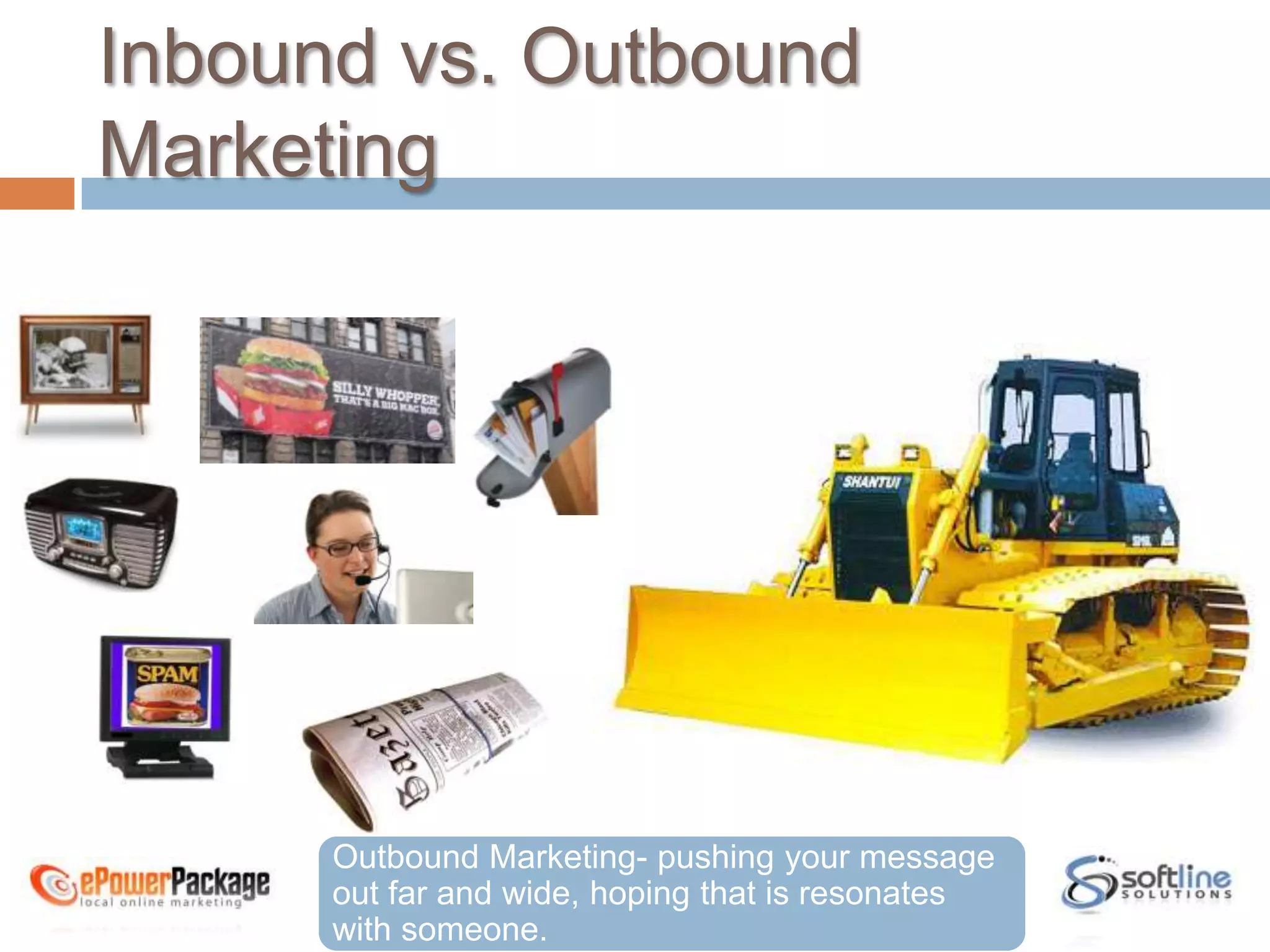
Inbound vs. Outbound MarketingOutbound Marketing- pushing your message out far and wide, hoping that is resonates with someone.
The Problem with Outbound MarketingThe average Consumer is exposed to over 2,000 forms of outbound marketing per dayEveryday people are finding ways to block out this form of marketing
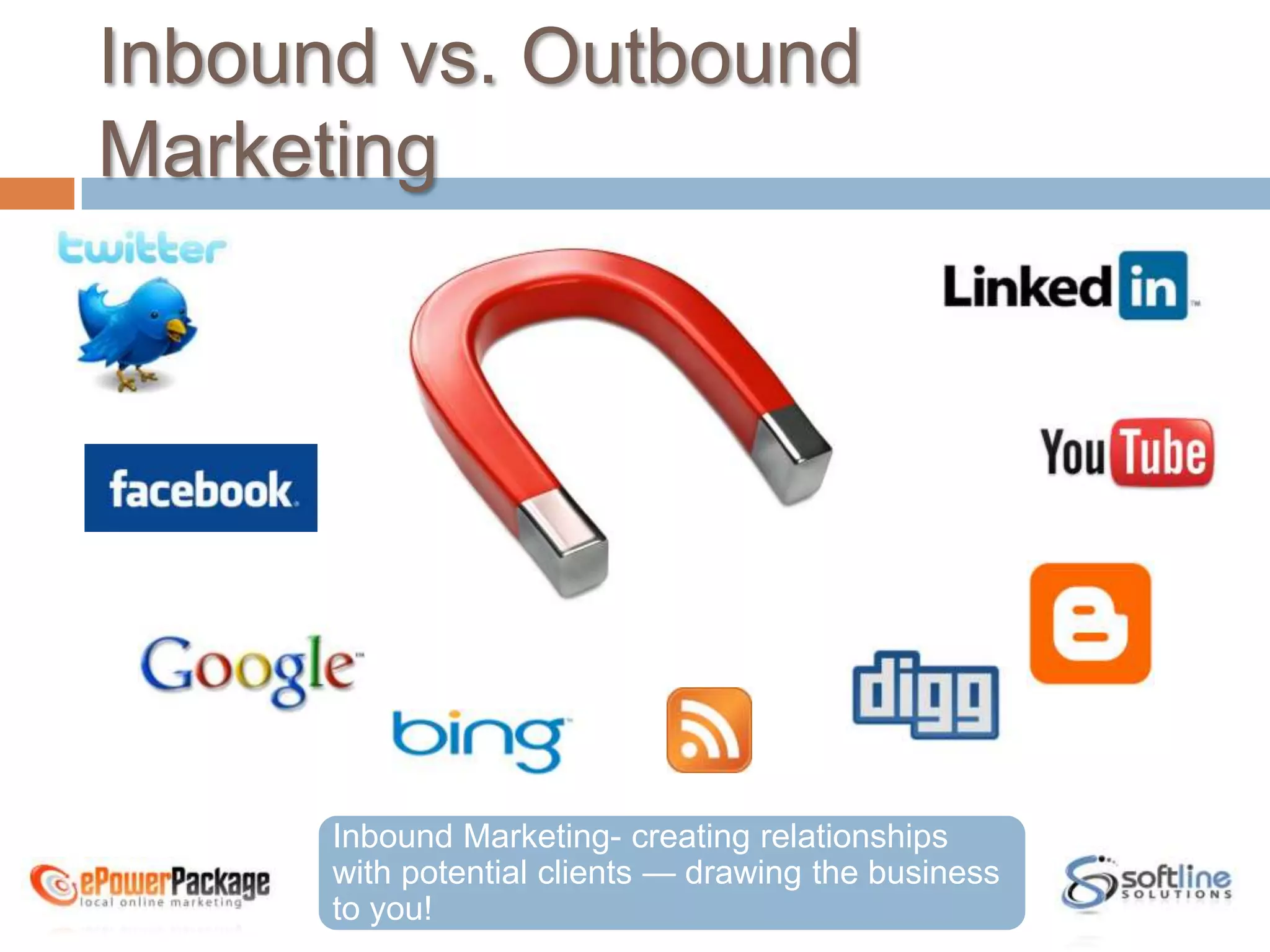
Inbound vs. Outbound MarketingInbound Marketing- creating relationships with potential clients — drawing the business to you!
What is Facebook?is a social utility that connects people with friends and others who work, study and live around them.
What’s the Big Deal?400 million subscribersSince January 2007 Facebook has added 250, 000 subscribers everyday4th Most trafficked website on the internet todayTop Social search EngineMore than 55,000 networksMore than half of Facebook users today are out of college and a part of the growing demographic of 25 and up
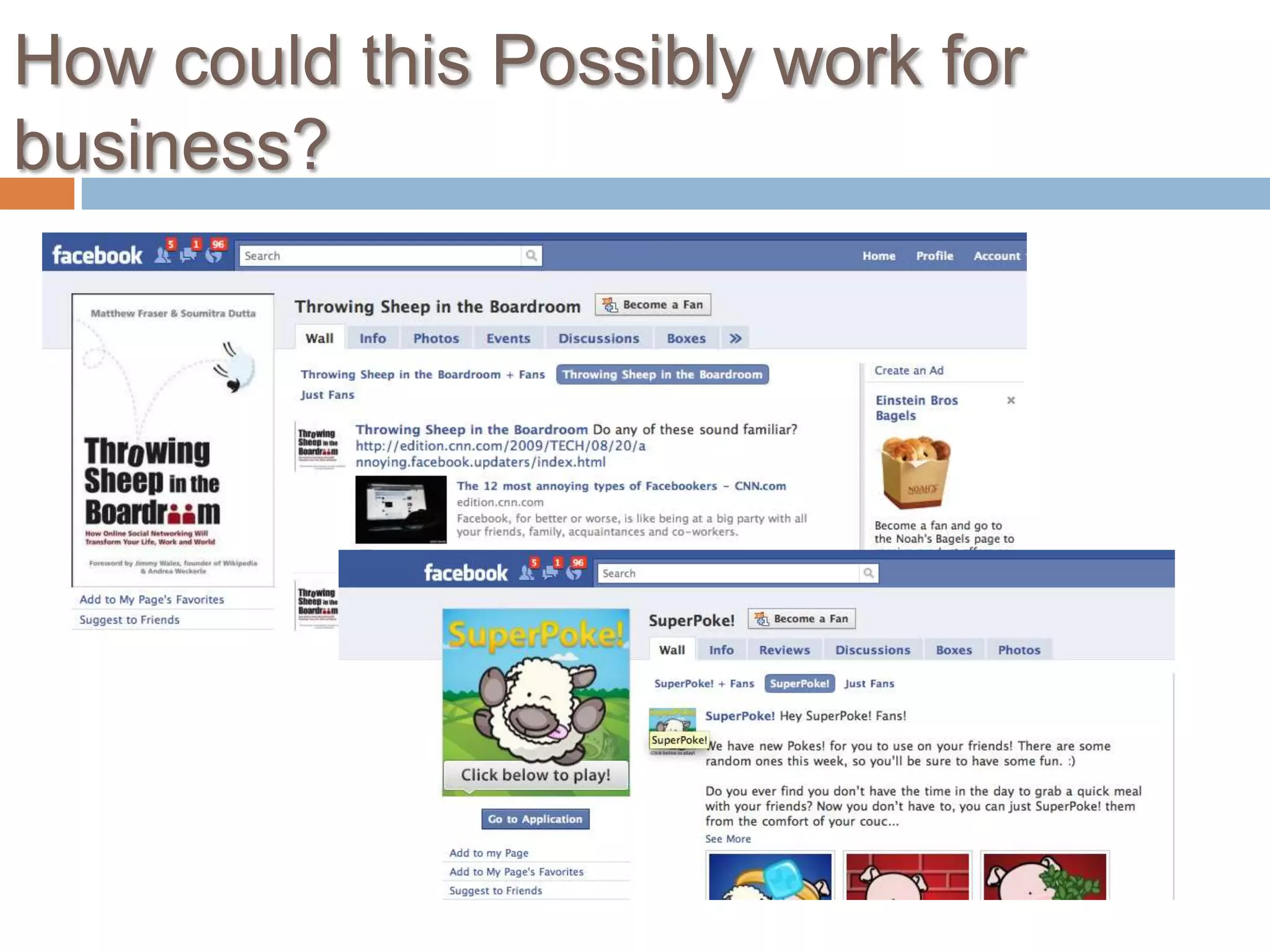
How could this Possibly work for business?
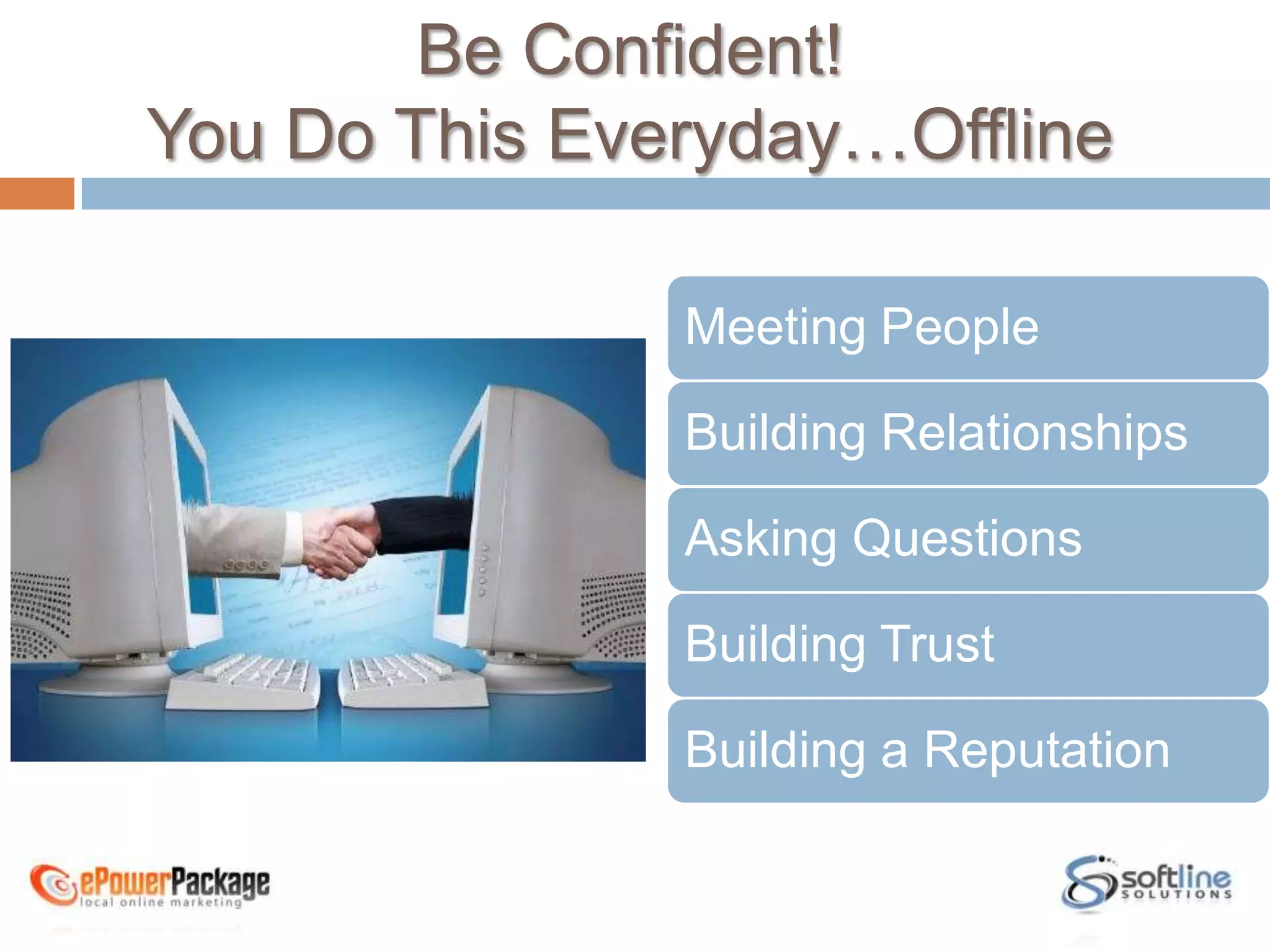
Be Confident! You Do This Everyday…OfflineMeeting PeopleBuilding RelationshipsAsking QuestionsBuilding TrustBuilding a Reputation
Agenda
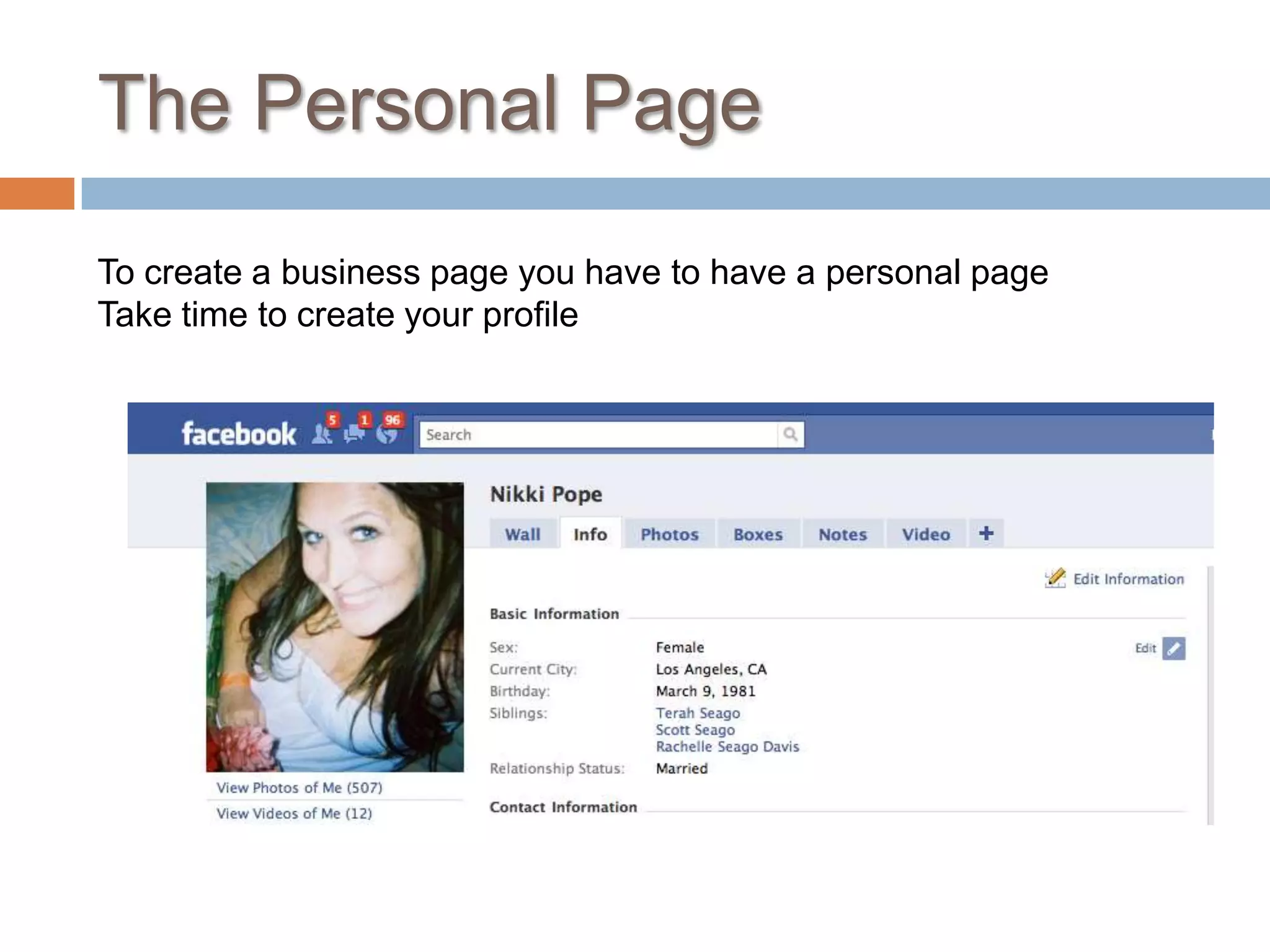
The Personal PageTo create a business page you have to have a personal pageTake time to create your profile
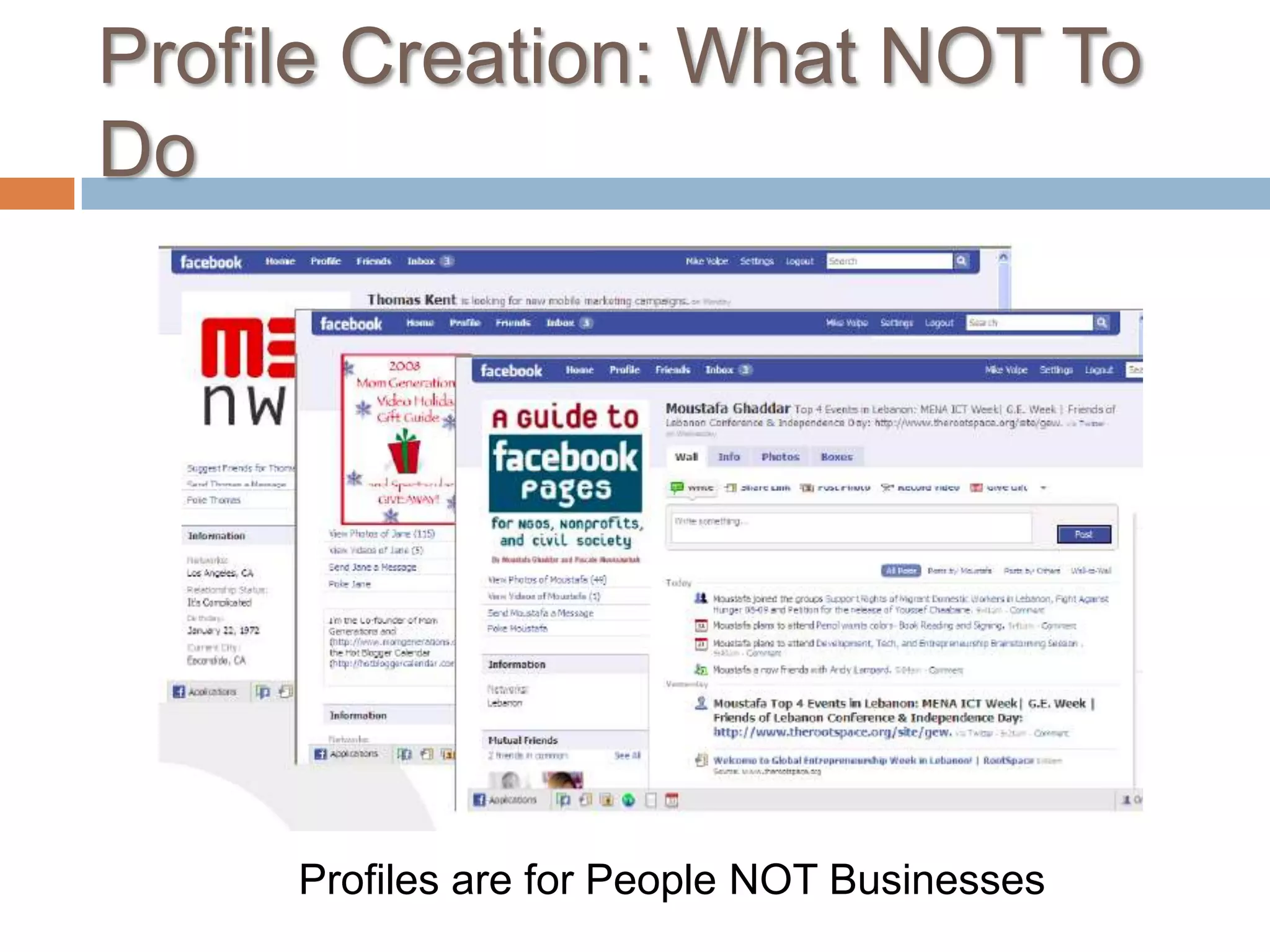
Profile Creation: What NOT To DoProfiles are for People NOT Businesses
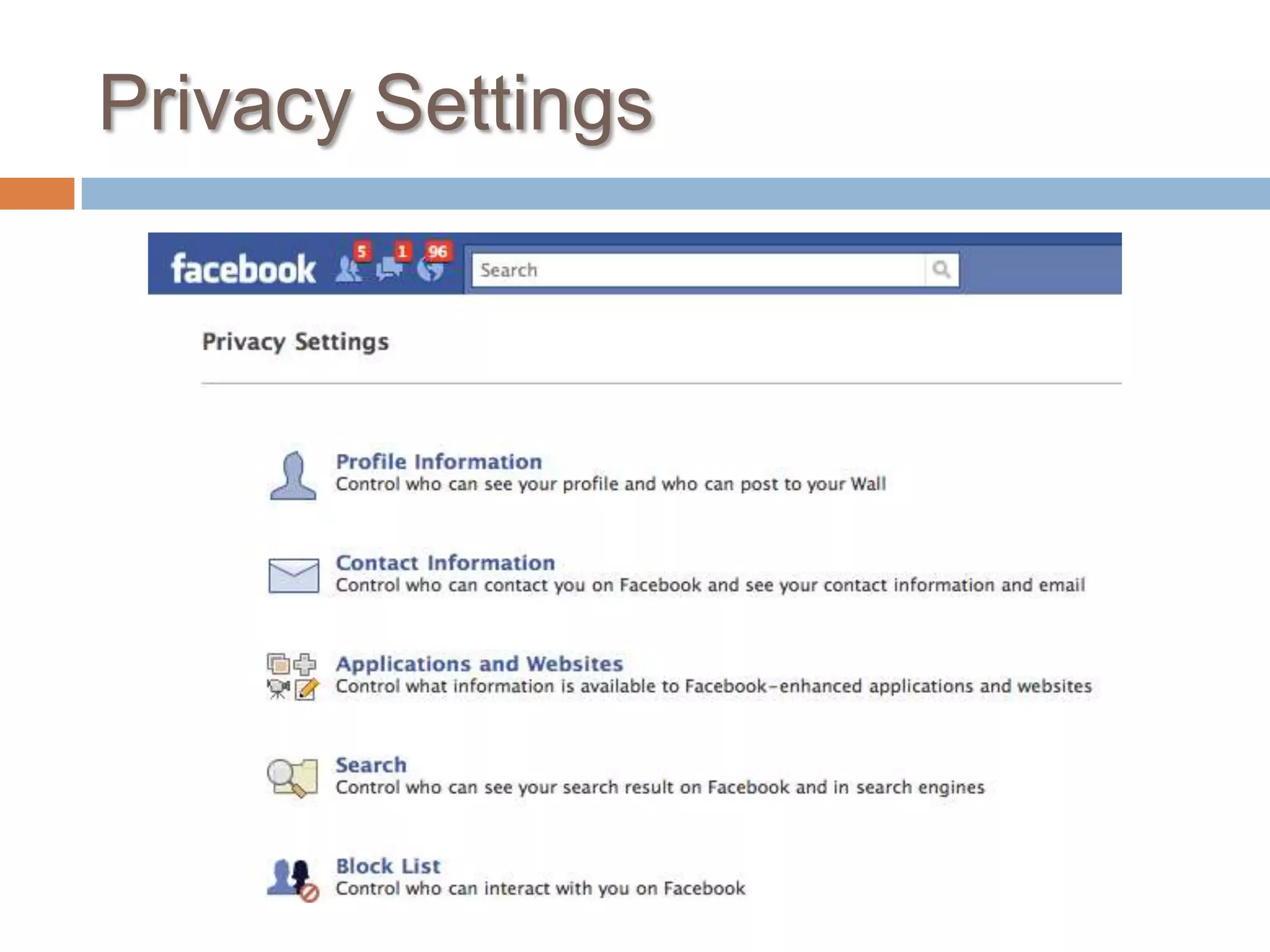
Privacy Settings
Build Your NetworkFind people you knowRequest their friendshipSee their news feedCreate NetworksYou can compartmentalize your friends so that certain friends can only see certain parts of your FB profileBecome an active, real person on Facebook
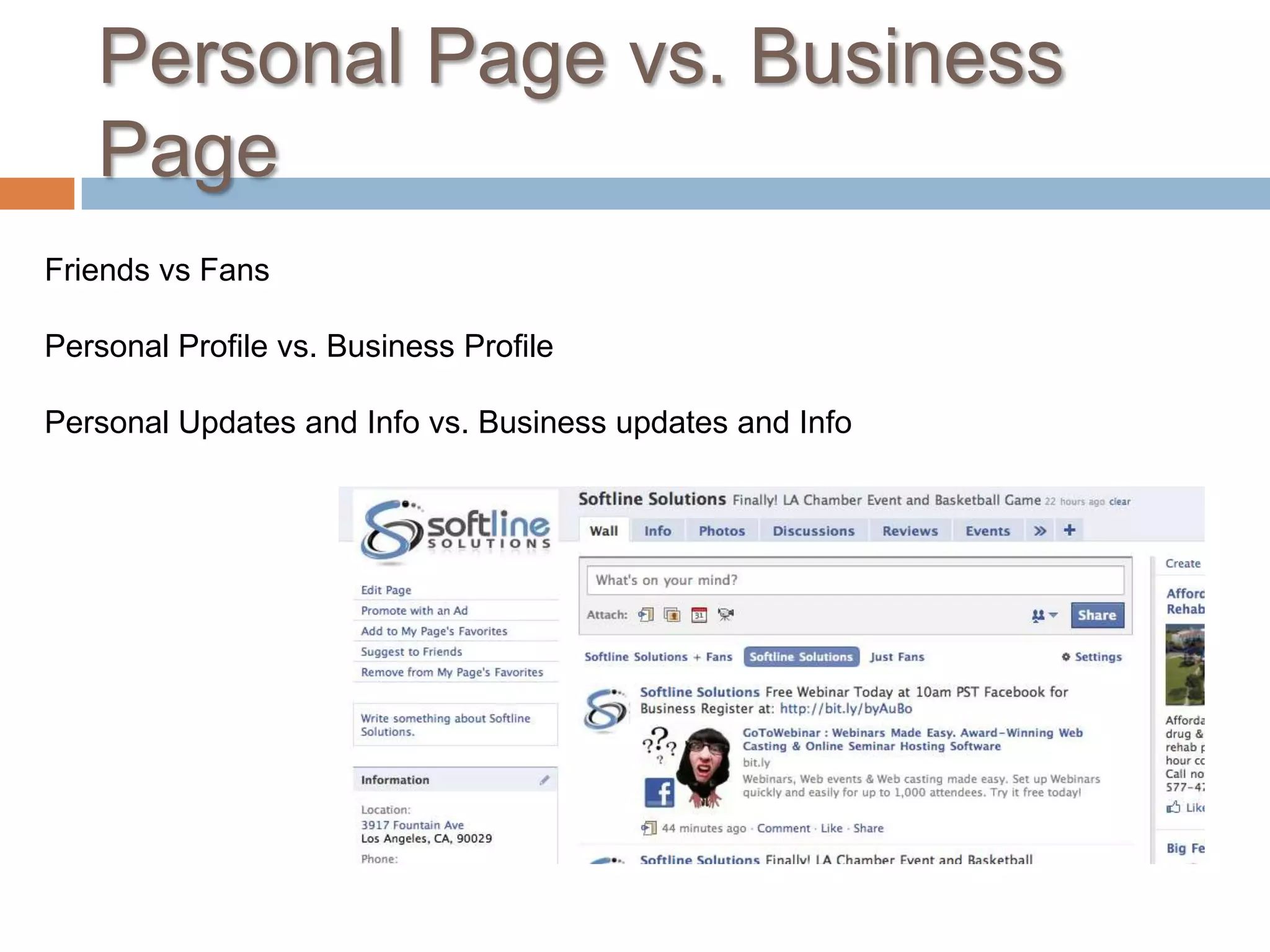
Personal Page vs. Business PageFriends vs FansPersonal Profile vs. Business ProfilePersonal Updates and Info vs. Business updates and Info
Agenda
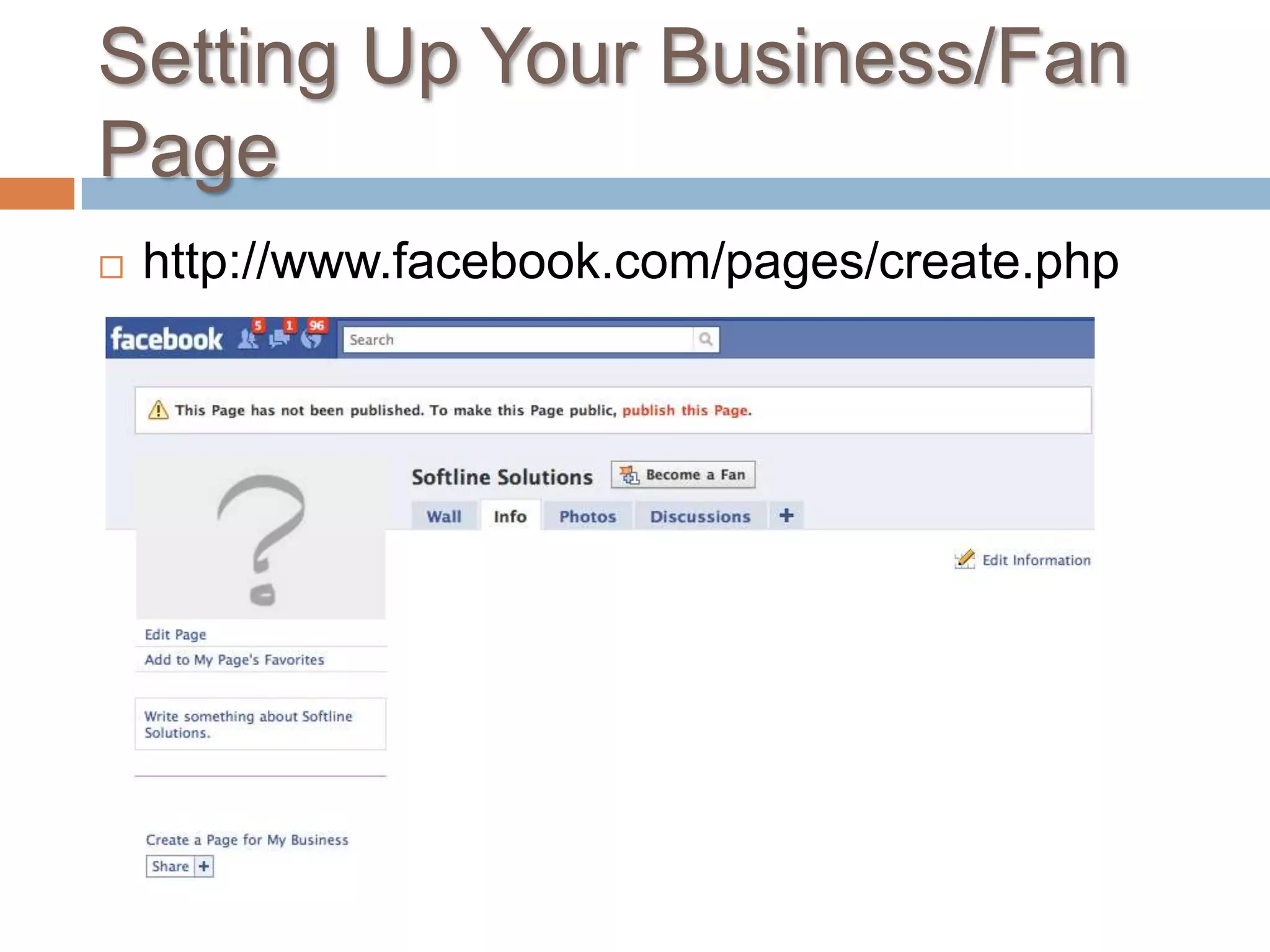
Setting Up Your Business/Fan Pagehttp://www.facebook.com/pages/create.php
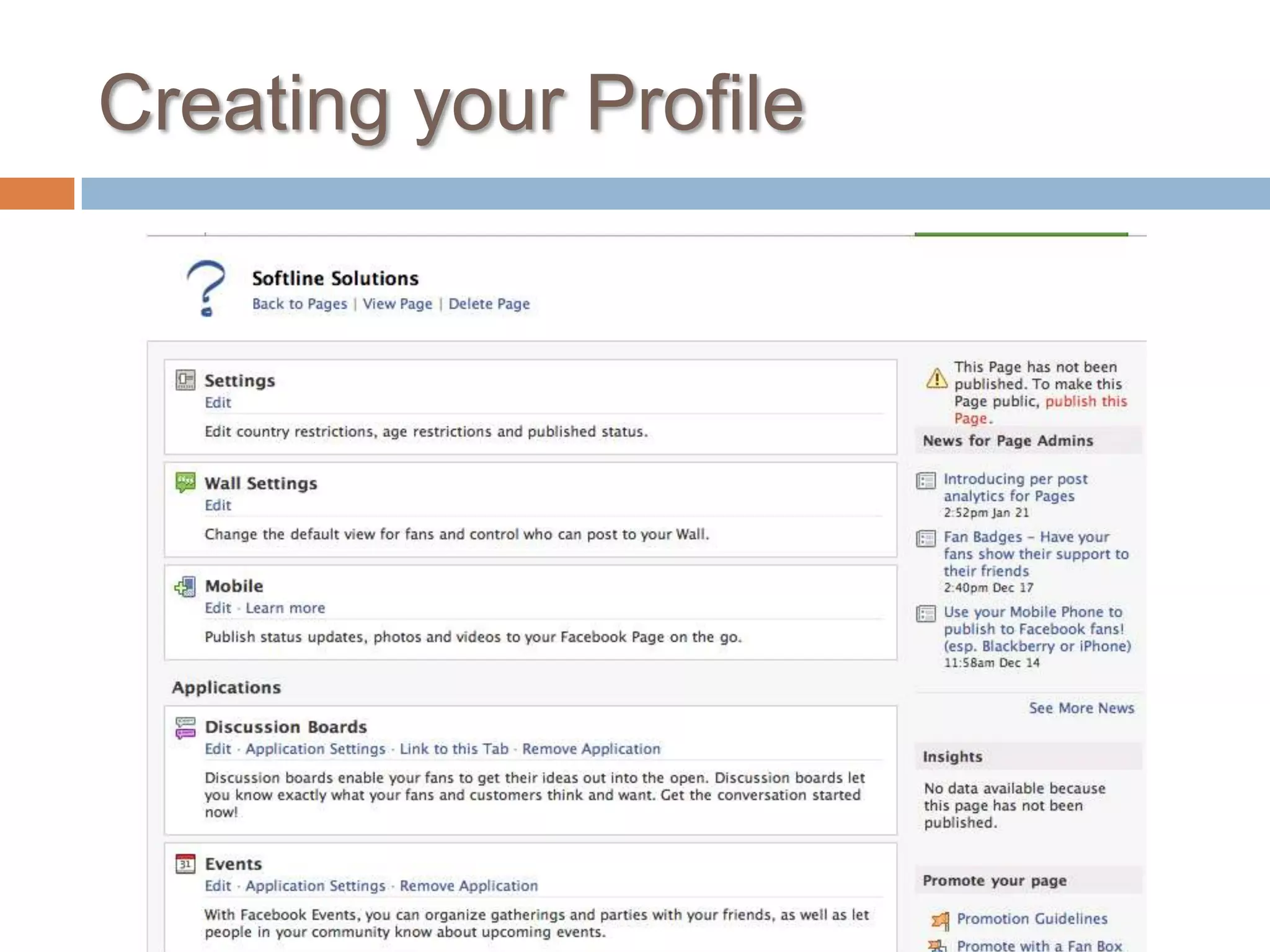
Creating your Profile
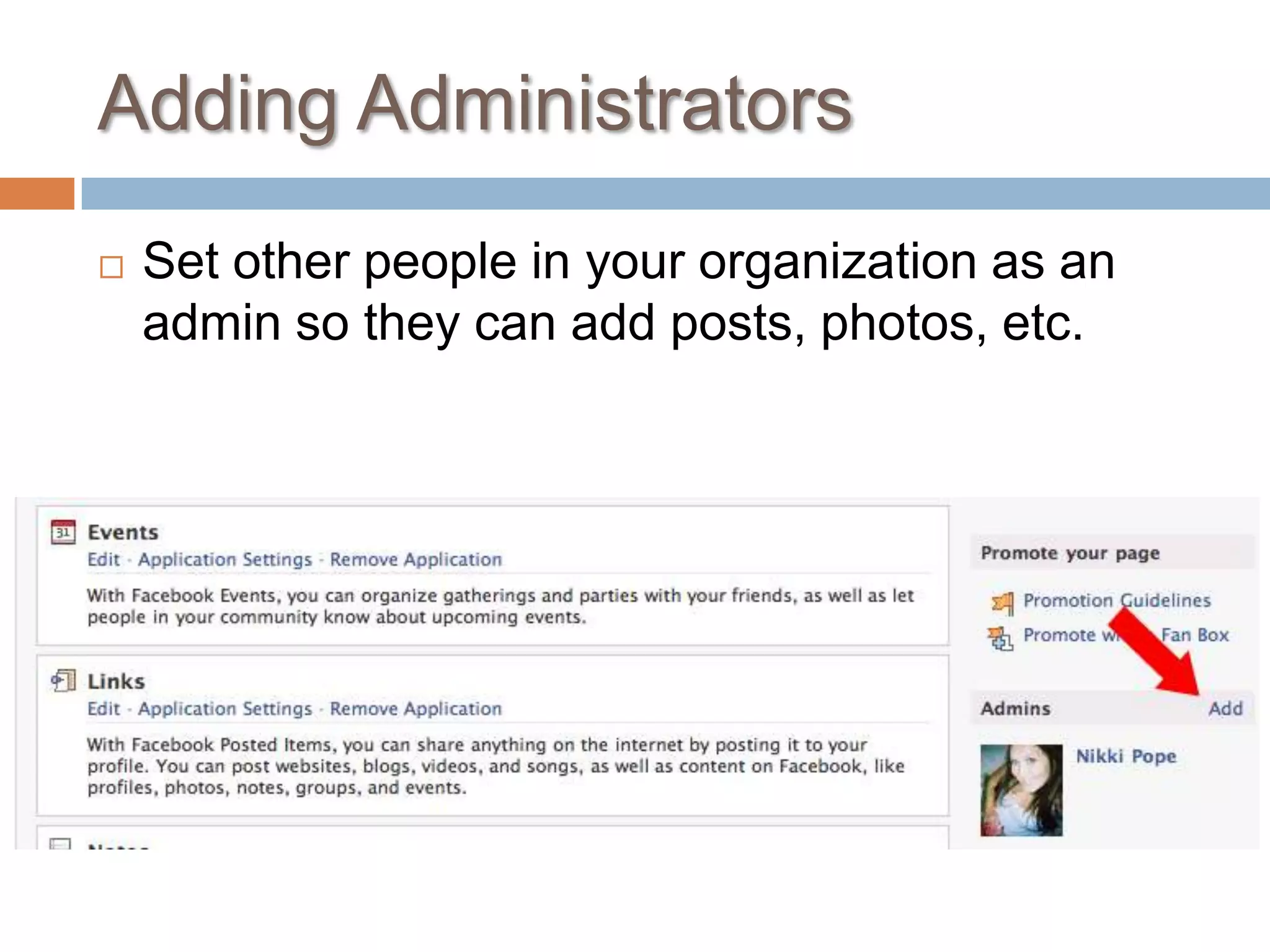
Adding AdministratorsSet other people in your organization as an admin so they can add posts, photos, etc.
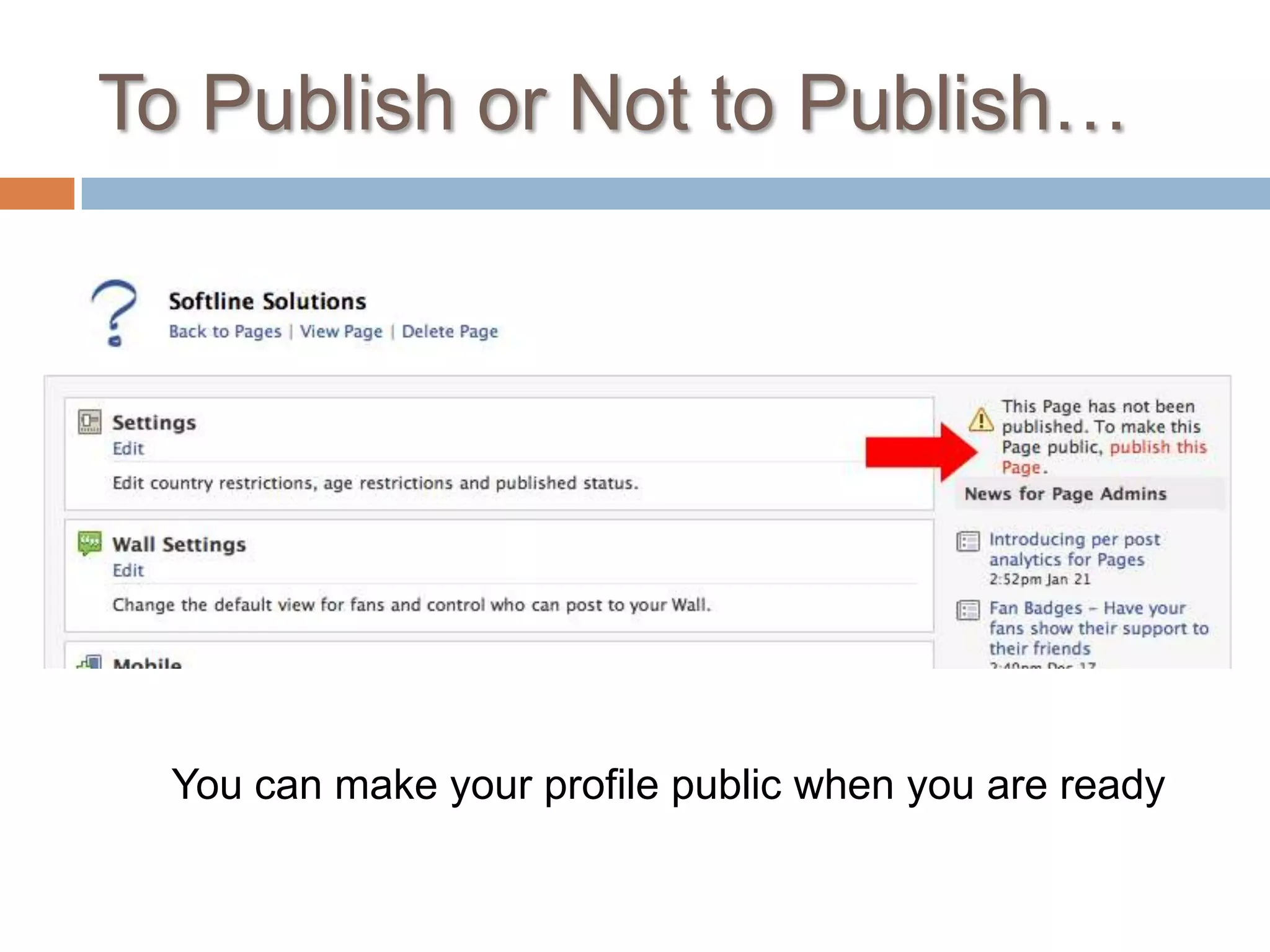
To Publish or Not to Publish…You can make your profile public when you are ready
Agenda
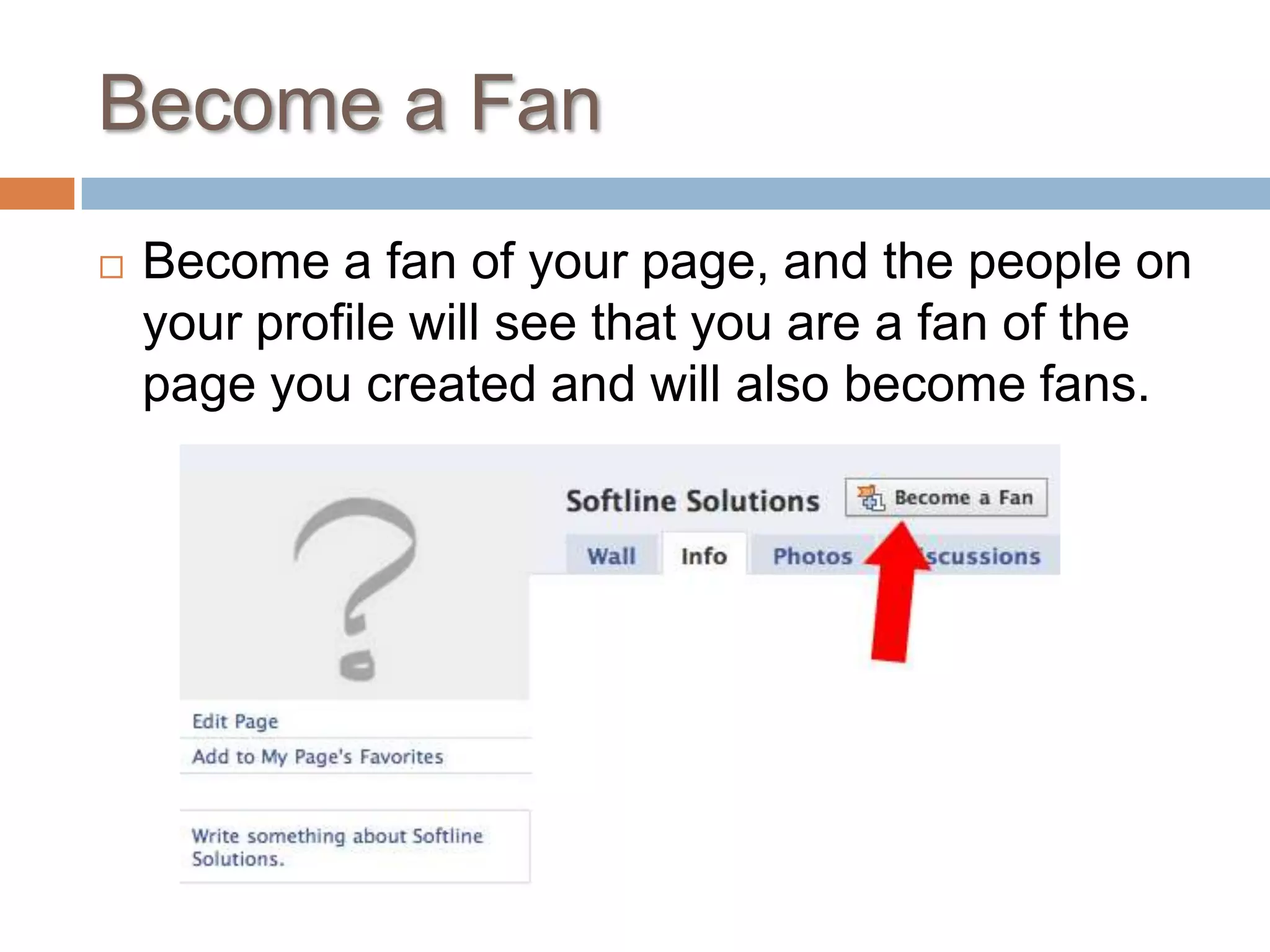
Become a FanBecome a fan of your page, and the people on your profile will see that you are a fan of the page you created and will also become fans.
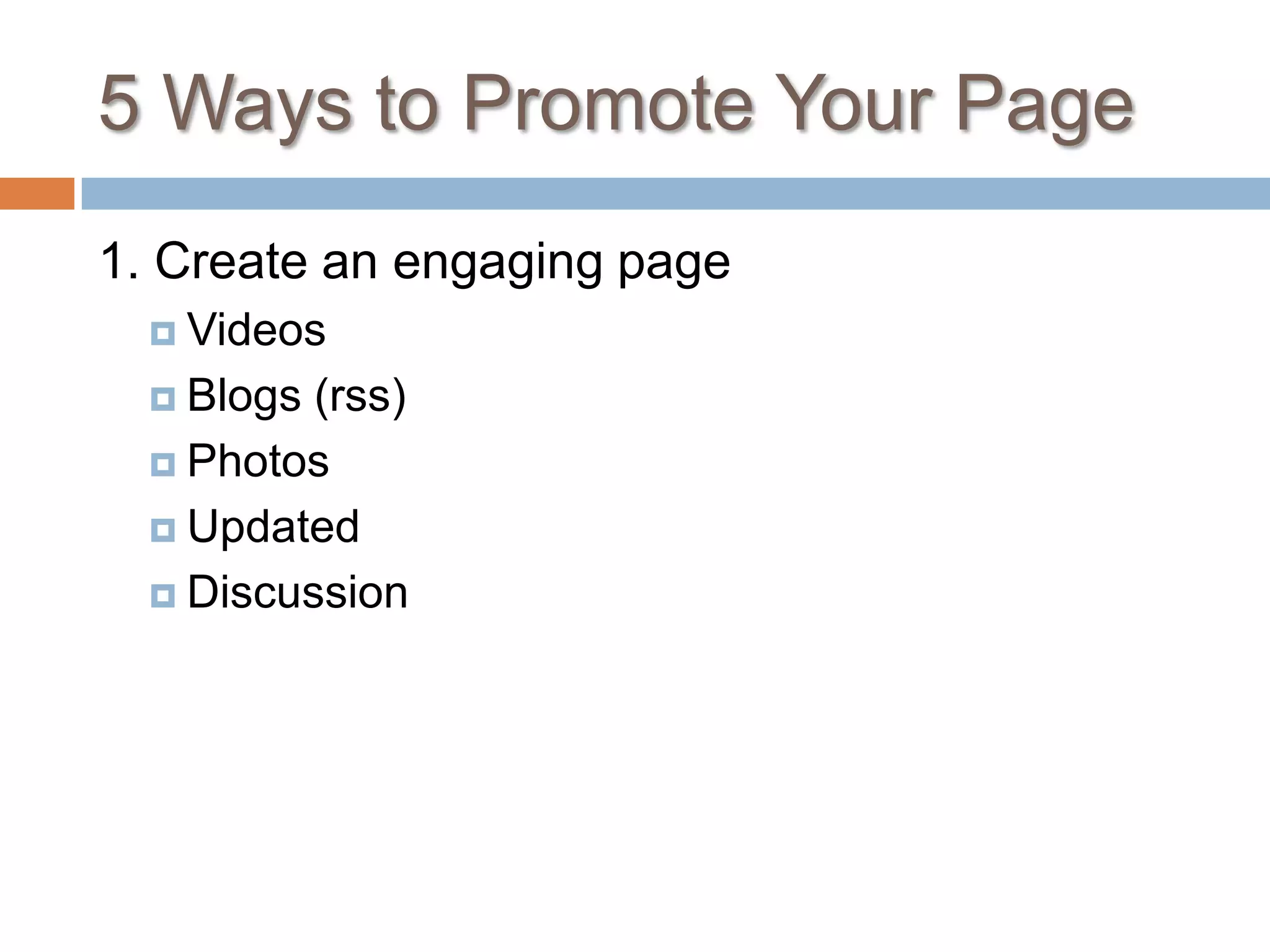
5 Ways to Promote Your Page1. Create an engaging pageVideosBlogs (rss)PhotosUpdatedDiscussion
5 Ways to Promote Your Page2. Take advantage of the viral nature of FaceBook with News feeds3. Use your network to your advantageSend opt in mailing list linksInclude links to FB in your emailsBlog and tweet about your FB accountPost a link or badge on your website or blog
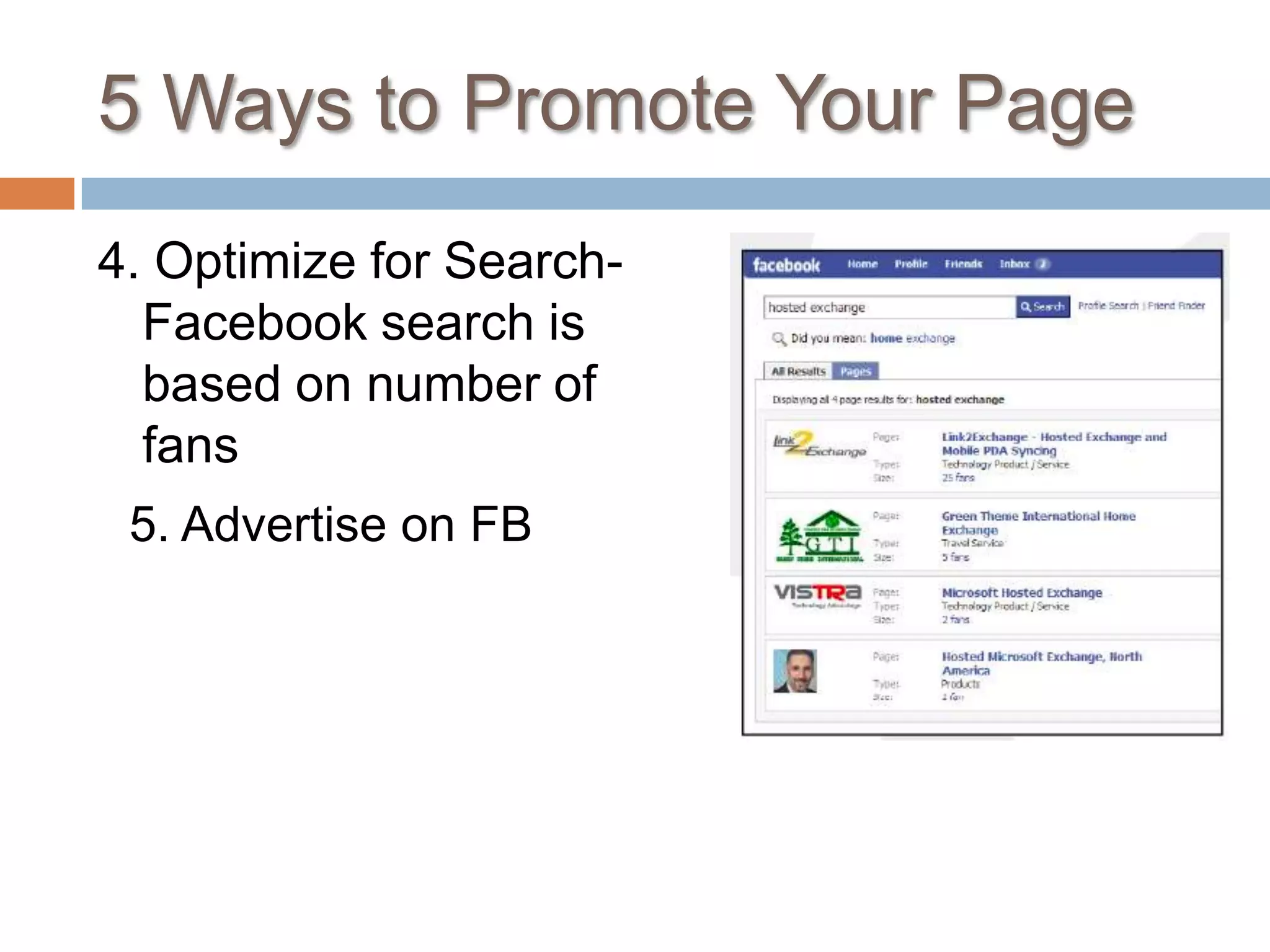
5 Ways to Promote Your Page4. Optimize for Search- Facebook search is based on number of fans5. Advertise on FB
Agenda
Too Many Pieces to Put Together?
Softline Solutions can put the Pieces Together
Free Gift For You	For attending we would like to offer you a free online analysis of your online presence. To schedule your appointment call or e-mail us!1-888-335-2226npope@softlinesolutions.comUpcoming Webinar: Blogging for BusinessMarch 18, 201010 am PST
Thank You	htttp://www.facebook.com/softlinesolutionswww.twitter.com/softlinesoltnshttp://www.linkedin.com/pub/nikki-pope/16/617/234Available to answer questions anytime online. Visit our website and select the live chat feature

Using Facebook for Business

  • 1.
    How to useFacebook for BusinessNikki PopeDirector of Public RelationsSoftline SolutionsYoung ChuSEM SpecialistSoftline Solutions
  • 2.
  • 3.
  • 4.
  • 5.
  • 6.
    Solutions for yourOnline Marketing Needs
  • 7.
  • 8.
    Inbound vs. OutboundMarketingOutbound Marketing- pushing your message out far and wide, hoping that is resonates with someone.
  • 9.
    The Problem withOutbound MarketingThe average Consumer is exposed to over 2,000 forms of outbound marketing per dayEveryday people are finding ways to block out this form of marketing
  • 10.
    Inbound vs. OutboundMarketingInbound Marketing- creating relationships with potential clients — drawing the business to you!
  • 11.
    What is Facebook?isa social utility that connects people with friends and others who work, study and live around them.
  • 12.
    What’s the BigDeal?400 million subscribersSince January 2007 Facebook has added 250, 000 subscribers everyday4th Most trafficked website on the internet todayTop Social search EngineMore than 55,000 networksMore than half of Facebook users today are out of college and a part of the growing demographic of 25 and up
  • 13.
    How could thisPossibly work for business?
  • 14.
    Be Confident! YouDo This Everyday…OfflineMeeting PeopleBuilding RelationshipsAsking QuestionsBuilding TrustBuilding a Reputation
  • 15.
  • 16.
    The Personal PageTocreate a business page you have to have a personal pageTake time to create your profile
  • 17.
    Profile Creation: WhatNOT To DoProfiles are for People NOT Businesses
  • 18.
  • 19.
    Build Your NetworkFindpeople you knowRequest their friendshipSee their news feedCreate NetworksYou can compartmentalize your friends so that certain friends can only see certain parts of your FB profileBecome an active, real person on Facebook
  • 20.
    Personal Page vs.Business PageFriends vs FansPersonal Profile vs. Business ProfilePersonal Updates and Info vs. Business updates and Info
  • 21.
  • 22.
    Setting Up YourBusiness/Fan Pagehttp://www.facebook.com/pages/create.php
  • 23.
  • 24.
    Adding AdministratorsSet otherpeople in your organization as an admin so they can add posts, photos, etc.
  • 25.
    To Publish orNot to Publish…You can make your profile public when you are ready
  • 26.
  • 27.
    Become a FanBecomea fan of your page, and the people on your profile will see that you are a fan of the page you created and will also become fans.
  • 28.
    5 Ways toPromote Your Page1. Create an engaging pageVideosBlogs (rss)PhotosUpdatedDiscussion
  • 29.
    5 Ways toPromote Your Page2. Take advantage of the viral nature of FaceBook with News feeds3. Use your network to your advantageSend opt in mailing list linksInclude links to FB in your emailsBlog and tweet about your FB accountPost a link or badge on your website or blog
  • 30.
    5 Ways toPromote Your Page4. Optimize for Search- Facebook search is based on number of fans5. Advertise on FB
  • 31.
  • 32.
    Too Many Piecesto Put Together?
  • 33.
    Softline Solutions canput the Pieces Together
  • 34.
    Free Gift ForYou For attending we would like to offer you a free online analysis of your online presence. To schedule your appointment call or e-mail us!1-888-335-2226npope@softlinesolutions.comUpcoming Webinar: Blogging for BusinessMarch 18, 201010 am PST
  • 35.

Editor's Notes

  • #12 Started in 2003 by Mark Zuckerburg in his Harvard dorm roomGeared for college students to find each other and connect. When they started you had to use a university email to even get access
  • #13 Subscribers- Difference between FB and other businesses is that FB is designed so people will be active users and come back often. Today you can watch videos, look at pictures, read the news feed of your friends, etc.Top Social search Engine- other social search engines include: my space, linked in, flickr,
  • #14 How can a program that has features like sheep throwing and poking be for business?Remember this is a community…it’s a social network that involves relationship building.The demographic of people that you want to reach is here so you need to be as well.
  • #15 Business Social EventBusiness Cocktail PartyNo one cares about your product…YOU care about your product. It’s through relationship building in social settings that your product can become important to others.
  • #17 Make sure to include your website for your company in your profileFill out the profile as much as possible: photos, work/edu info, networks, interests, photos, etc…
  • #18 Photos should be personal, status updates should be personal….create a real person and then connect it to your business.
  • #19 You can set your privacy settings if you want to keep things a little more closed off from the public
  • #20 People have to accept your friendshipUnless you specify, their news feed will show up on your home page If you want to remove someone’s news feed from you can push the ‘Hide’ button that appears when you mouse over their commentTo change your privacy settings, mouse over the acccount button and click ‘Privacy’You cant just have an account…you have to be an active user
  • #21 Personal Profile vs. Business Profile- business page has business picture or product picture