Using Excel for Decision Making 
Tips and tricks to make data useful and readable 
Presented by: Mark Newton -LBPSB 
October 22, 2014 
1
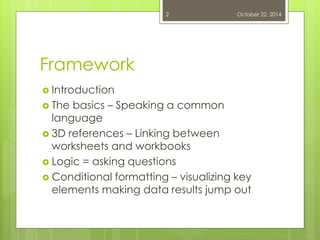
Framework 
Introduction 
The basics – Speaking a common language 
3D references – Linking between worksheets and workbooks 
Logic = asking questions 
Conditional formatting – visualizing key elements making data results jump out 
October 22, 2014 
2
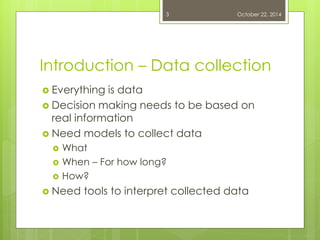
Introduction – Data collection 
Everything is data 
Decision making needs to be based on real information 
Need models to collect data 
What 
When – For how long? 
How? 
Need tools to interpret collected data 
October 22, 2014 
3
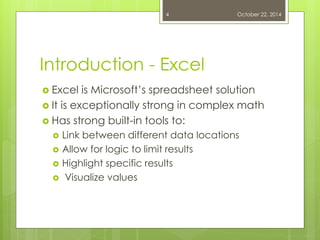
Introduction - Excel 
Excel is Microsoft’s spreadsheet solution 
It is exceptionally strong in complex math 
Has strong built-in tools to: 
Link between different data locations 
Allow for logic to limit results 
Highlight specific results 
 Visualize values 
October 22, 2014 
4
The Basics: Versions 
5
The Basics 
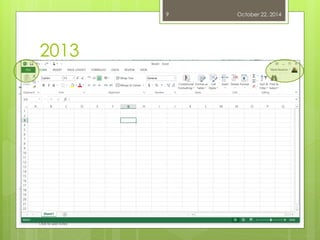
Versions 2007, 2010, 2013 
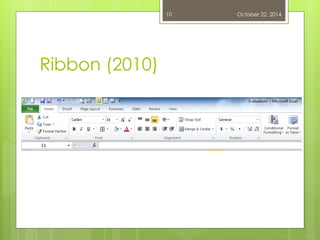
Ribbon Navigation 
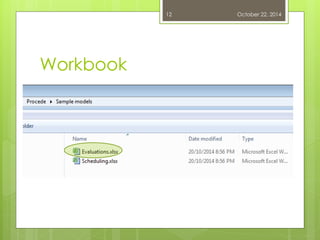
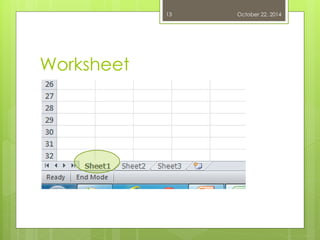
Workbook vs. worksheet 
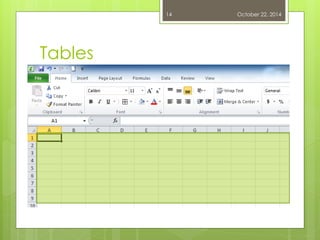
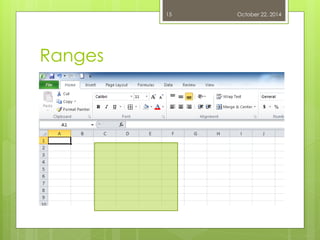
Tables vs. Ranges 
October 22, 2014 
6
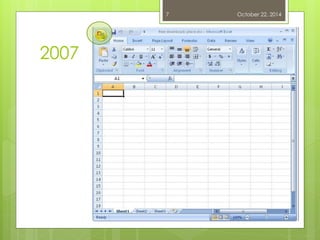
2007 
October 22, 2014 
7
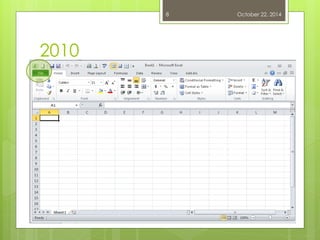
2010 
October 22, 2014 
8
2013 
October 22, 2014 
9
Ribbon (2010) 
October 22, 2014 
10
The Basics: Vocabulary 
11
Workbook 
October 22, 2014 
12
Worksheet 
October 22, 2014 
13
Tables 
October 22, 2014 
14
Ranges 
October 22, 2014 
15
3D References 
16
3D references 
Using Excel involves referencing locations in a work sheet: 
Horizontal (alphabetic) 
Vertical axis (numeric) 
Any cell on a given worksheet has an address letter/number 
Ex. C5 
October 22, 2014 
17
3D references 
A 3D reference adds another location to the cell reference 
Another worksheet 
Another workbook 
New cell address includes 
Location 
Vertical axis 
Horizontal axis 
Example 1 Sheet2!B2 
Example 2 '[WorkbookName.xlsx]Worksheet'!$C$2 
October 22, 2014 
18
Practicum 
October 22, 2014 
19
Logic 
20
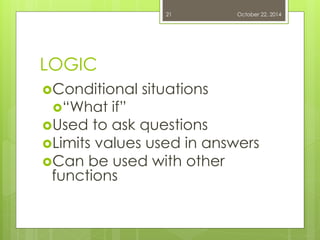
LOGIC 
Conditional situations 
“What if” 
Used to ask questions 
Limits values used in answers 
Can be used with other functions 
October 22, 2014 
21
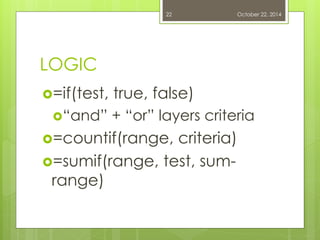
LOGIC 
=if(test, true, false) 
“and” + “or” layers criteria 
=countif(range, criteria) 
=sumif(range, test, sum- range) 
October 22, 2014 
22
Practicum 
October 22, 2014 
23
Conditional formatting 
24
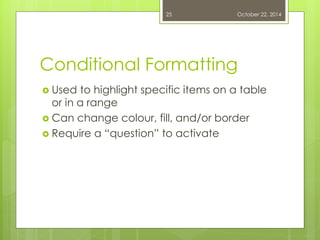
Conditional Formatting 
October 22, 2014 
25 
Used to highlight specific items on a table or in a range 
Can change colour, fill, and/or border 
Require a “question” to activate
Practicum 
October 22, 2014 
26
Graphing 
27
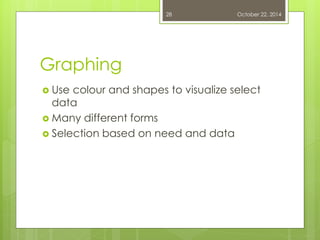
Graphing 
October 22, 2014 
28 
Use colour and shapes to visualize select data 
Many different forms 
Selection based on need and data
Practicum 
October 22, 2014 
29
Q & A 
30 October 22, 2014
Thank you 
October 22, 2014 
31

PROCEDE 2014 Using excel for decision making