PROCEDE 2014: The Power of Surveys 
Avi Spector / PROCEDE 2014 
@a_spector 
aspector@rsb.qc.ca 
www.beyondthetools.com 
Image(s) from Pixabay, Public Domain CC0
Avi Spector Education Consultant 
Riverside School Board/RECIT FGA 
K-12 Adobe Education Leader 
EdTech Specialist 
@a_spector
don’t worry 
about taking notes today... 
Image(s) from Pixabay, Public Domain CC0
Why?
we’re using 
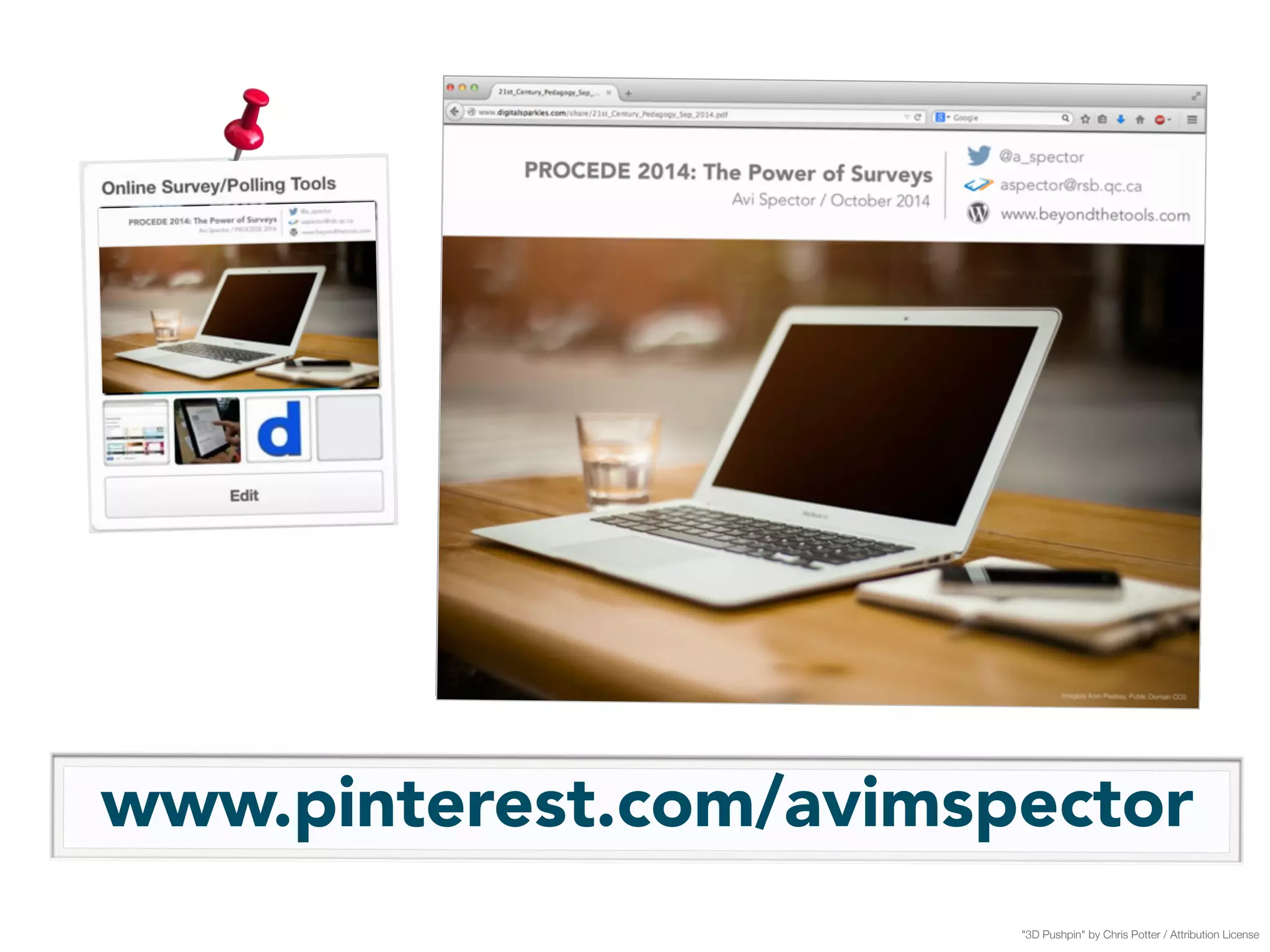
"3D Pushpin" by Chris Potter / Attribution License
www.pinterest.com/avimspector 
"3D Pushpin" by Chris Potter / Attribution License
today’s agenda 
Image(s) from Pixabay, Public Domain CC0
75 minute presentation mixed withhands-on 
Image(s) from Pixabay, Public Domain CC0
aim my 
Image(s) from Pixabay, Public Domain CC0
provide you with 
concrete tools 
and strategies 
Gears by “AJ Cann” Attribution-ShareAlike 2.0 Generic
tomorrow! you can start using 
Image(s) from Pixabay, Public Domain CC0
Our workshop: 
surveys The Power of
the benefits?
1 
"Rocks” by Dominic Alves on Flickr / CC Attribution License
data 
"Rocks” by Dominic Alves on Flickr / CC Attribution License 
access to more
2
informed 
choices! 
"Magic Lightbulb” by Grant Rambojun on Flickr / CC Attribution License 
allows for more
my 
focus 
Image(s) from Pixabay, Public Domain CC0
what 
does technology 
change? 
Image(s) from Pixabay, Public Domain CC0
paper surveys no longer a need to use 
Image(s) from Pixabay, Public Domain CC0
responses are now entered 
digitally 
Image(s) from Pixabay, Public Domain CC0
easier collect! 
which are to 
(well maybe..) 
Image(s) from Pixabay, Public Domain CC0 
(in theory..) 
^
however once you have digital data
It’s often very 
simple 
to 
sort and organize 
Image(s) from Pixabay, Public Domain CC0
Image(s) from Pixabay, Public Domain CC0 
You can plan long term
react immediately 
"Sweerrrrrrve!” by Nano_Dan on Flickr / Attribution, NonCommercial, Share Alike
see 
bigger 
and 
Image(s) from Pixabay, Public Domain CC0 
the picture!
Image(s) from Pixabay, Public Domain CC0
How exactly do we 
do ALL of this?!
“Army Scientists energize battery research” by U.S. Army RDECOM on Flickr / Attribution, Share Alike
my own experience with different 
tools 
survey ! 
Image from Pixabay, Public Domain CC0
let’s keep it simple
types of 3 
Image from Pixabay, Public Domain CC0 
survey 
tools
1. Instant 
2. Ongoing 
3. Scheduling 
Image from Pixabay, Public Domain CC0
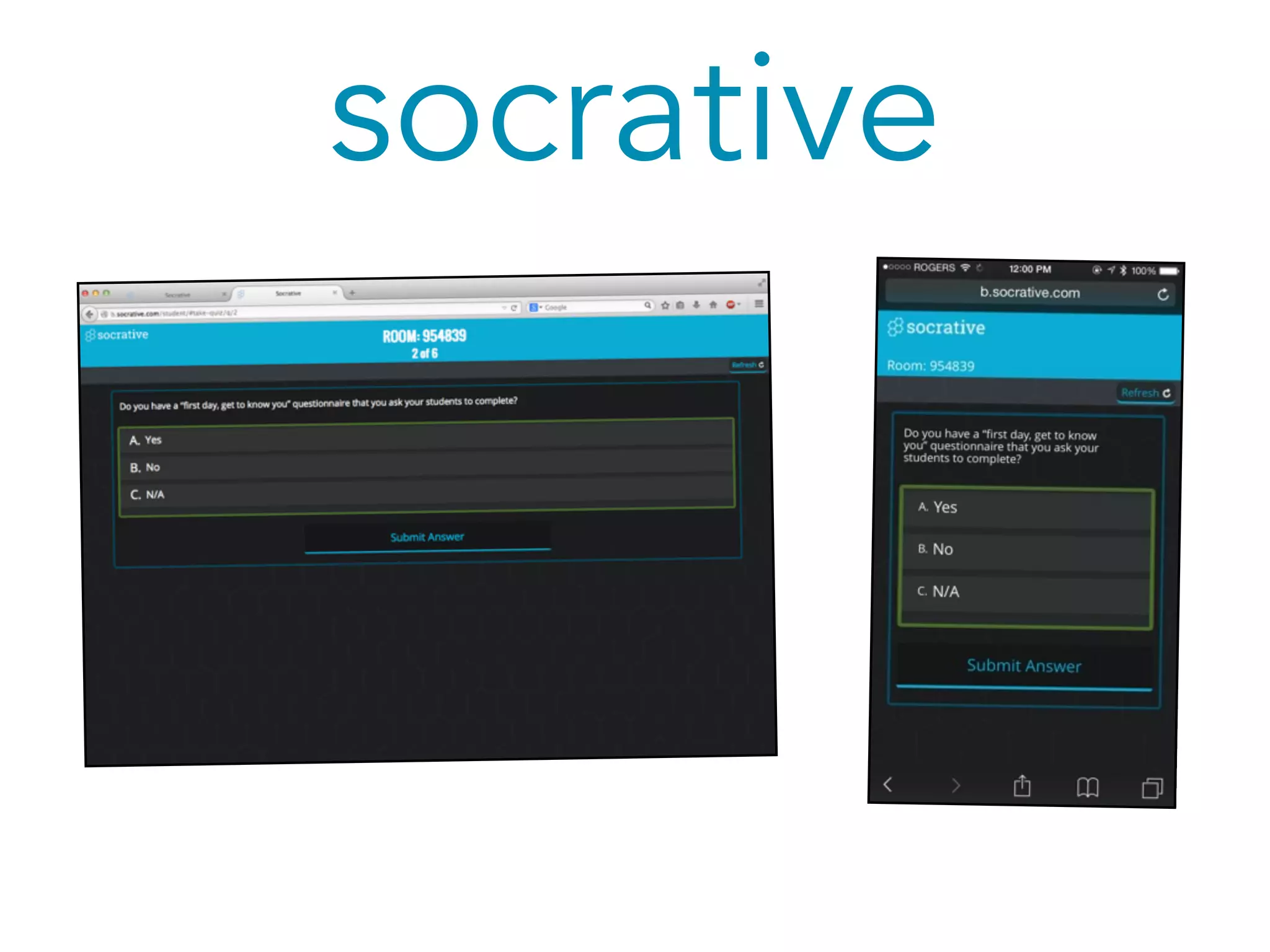
socrative 
an instant survey tool
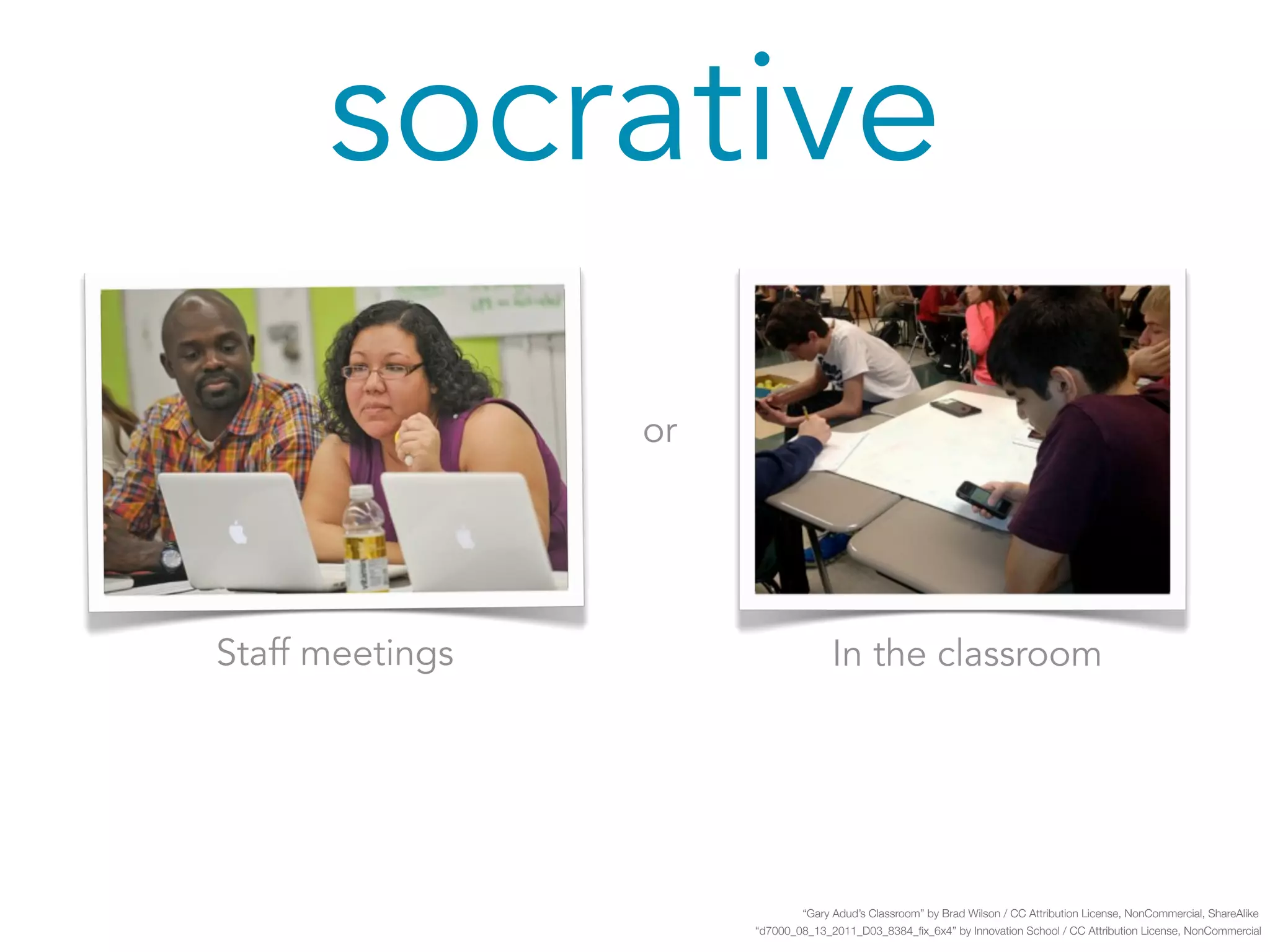
socrative 
Staff meetings In the classroom 
“Gary Adud’s Classroom” by Brad Wilson / CC Attribution License, NonCommercial, ShareAlike 
“d7000_08_13_2011_D03_8384_fix_6x4” by Innovation School / CC Attribution License, NonCommercial 
or
socrative 
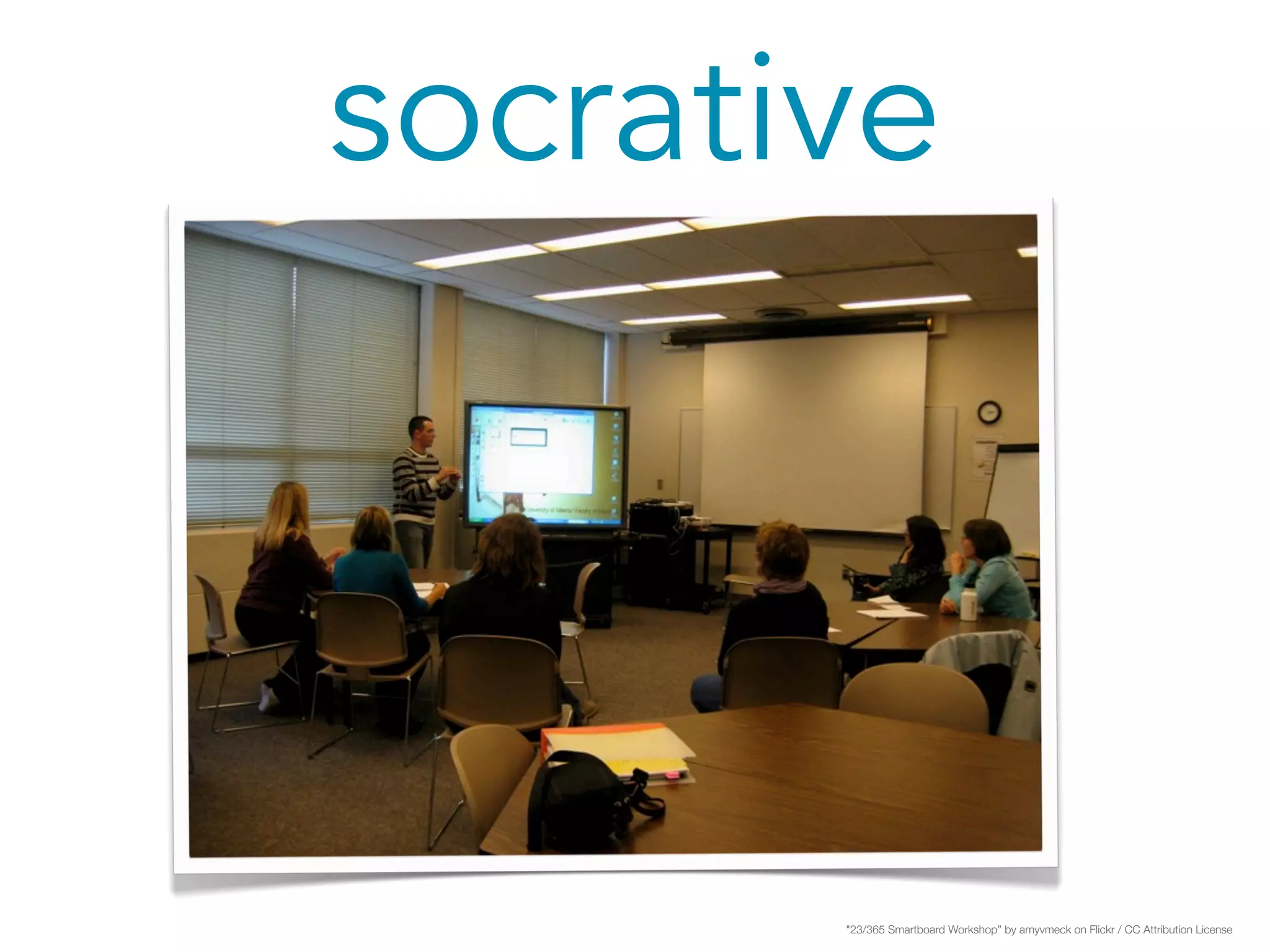
"23/365 Smartboard Workshop” by amyvmeck on Flickr / CC Attribution License
socrative 
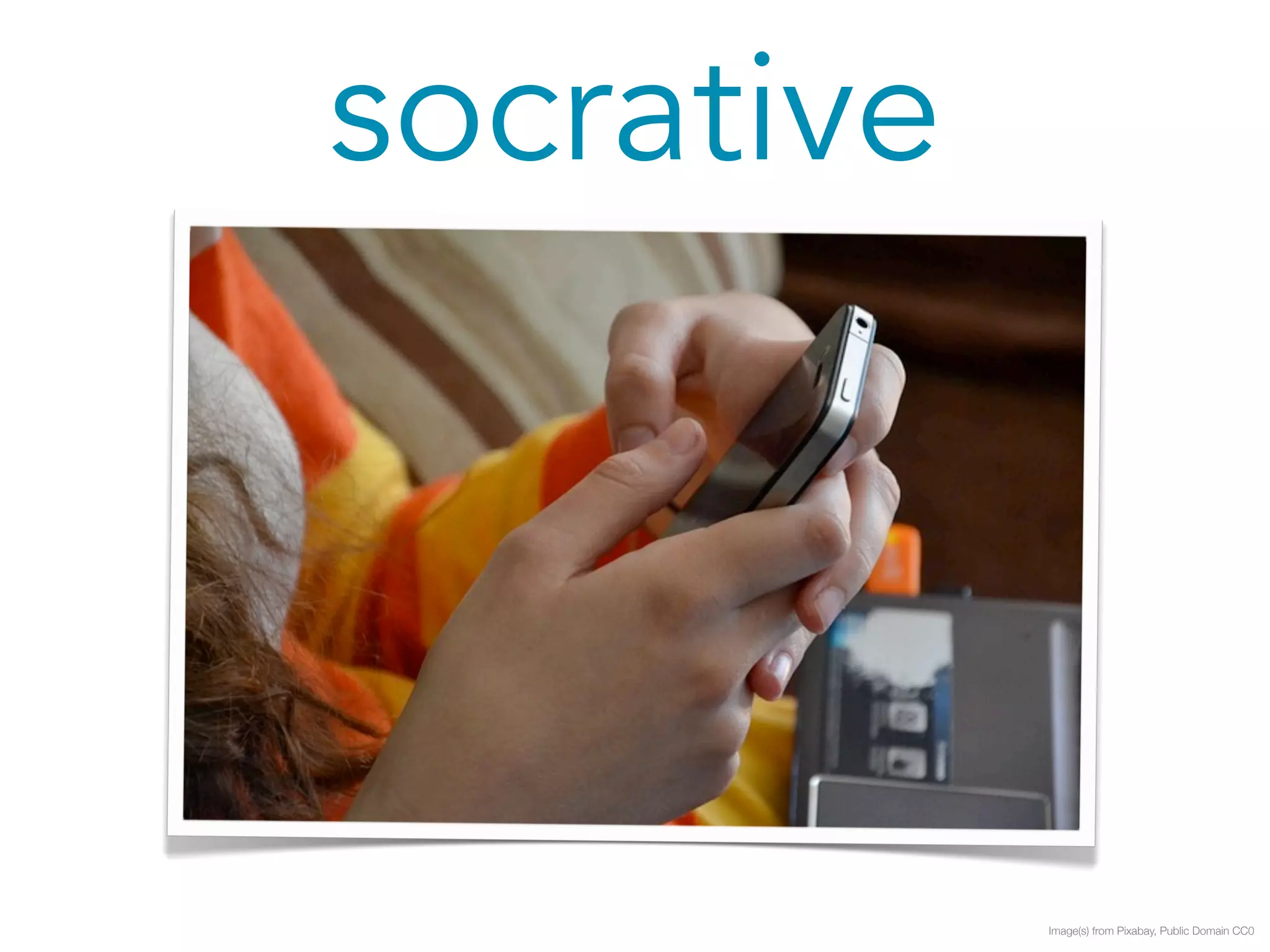
Image(s) from Pixabay, Public Domain CC0
socrative 
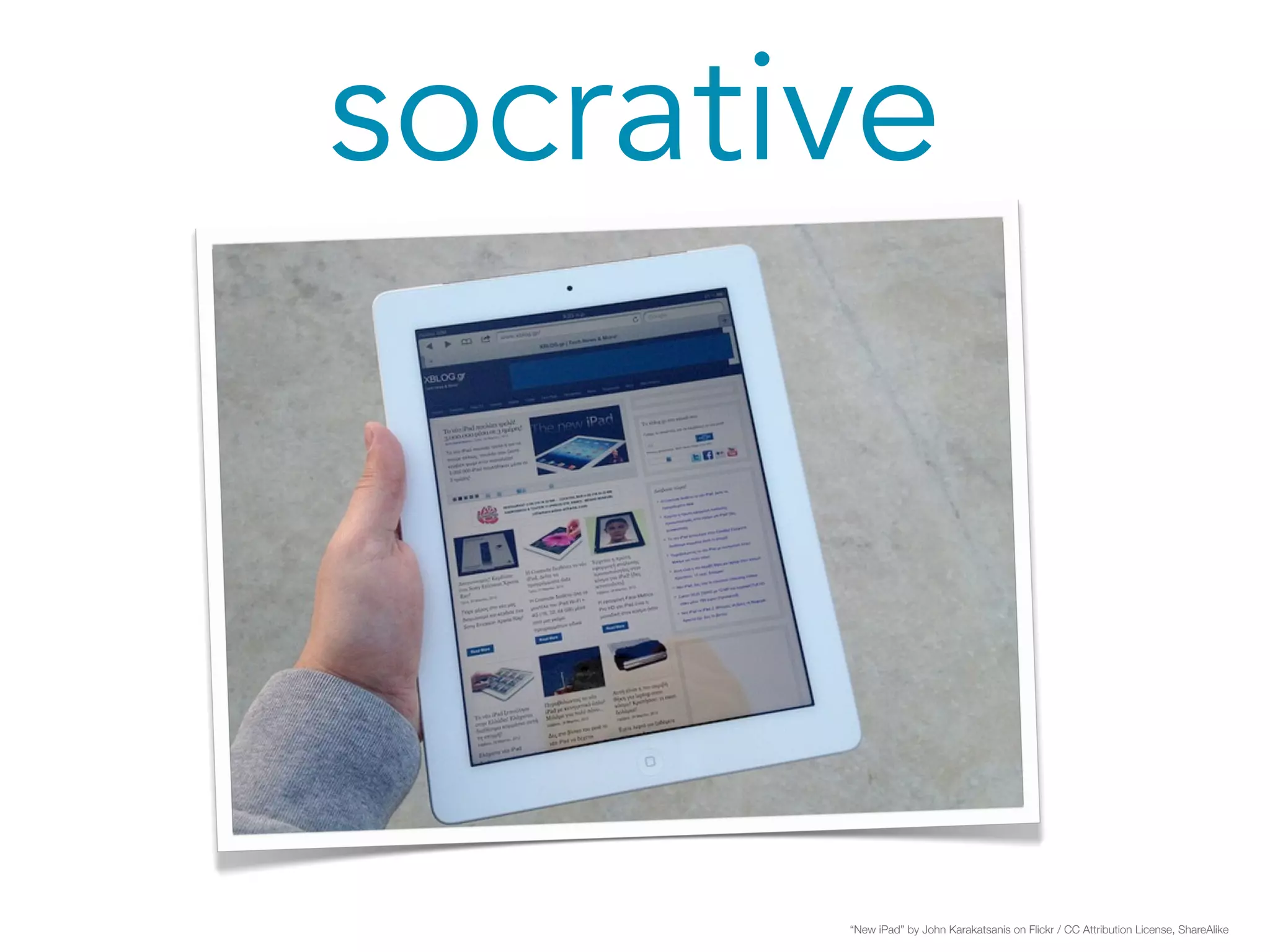
“New iPad” by John Karakatsanis on Flickr / CC Attribution License, ShareAlike
socrative 
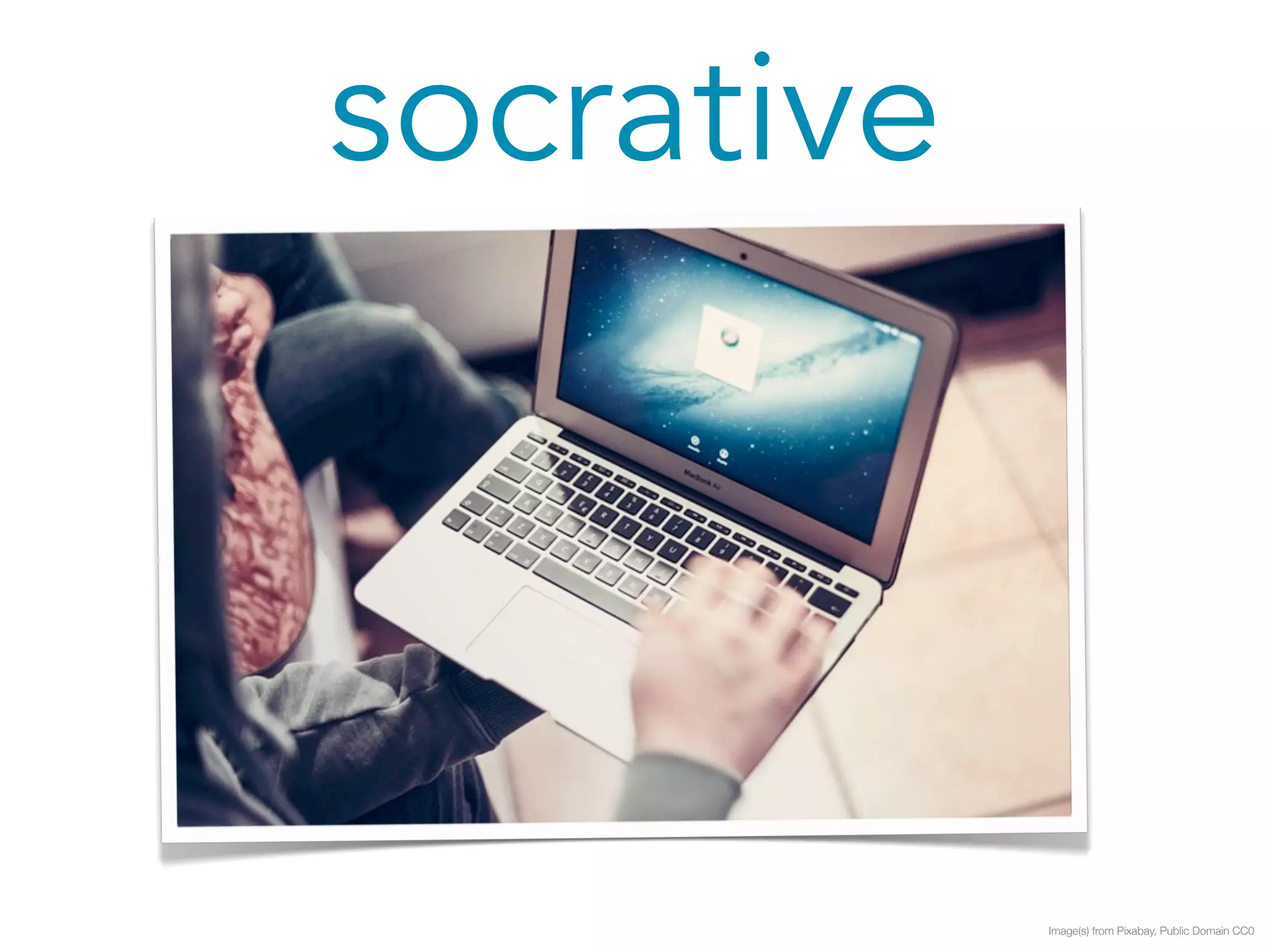
Image(s) from Pixabay, Public Domain CC0
socrative 
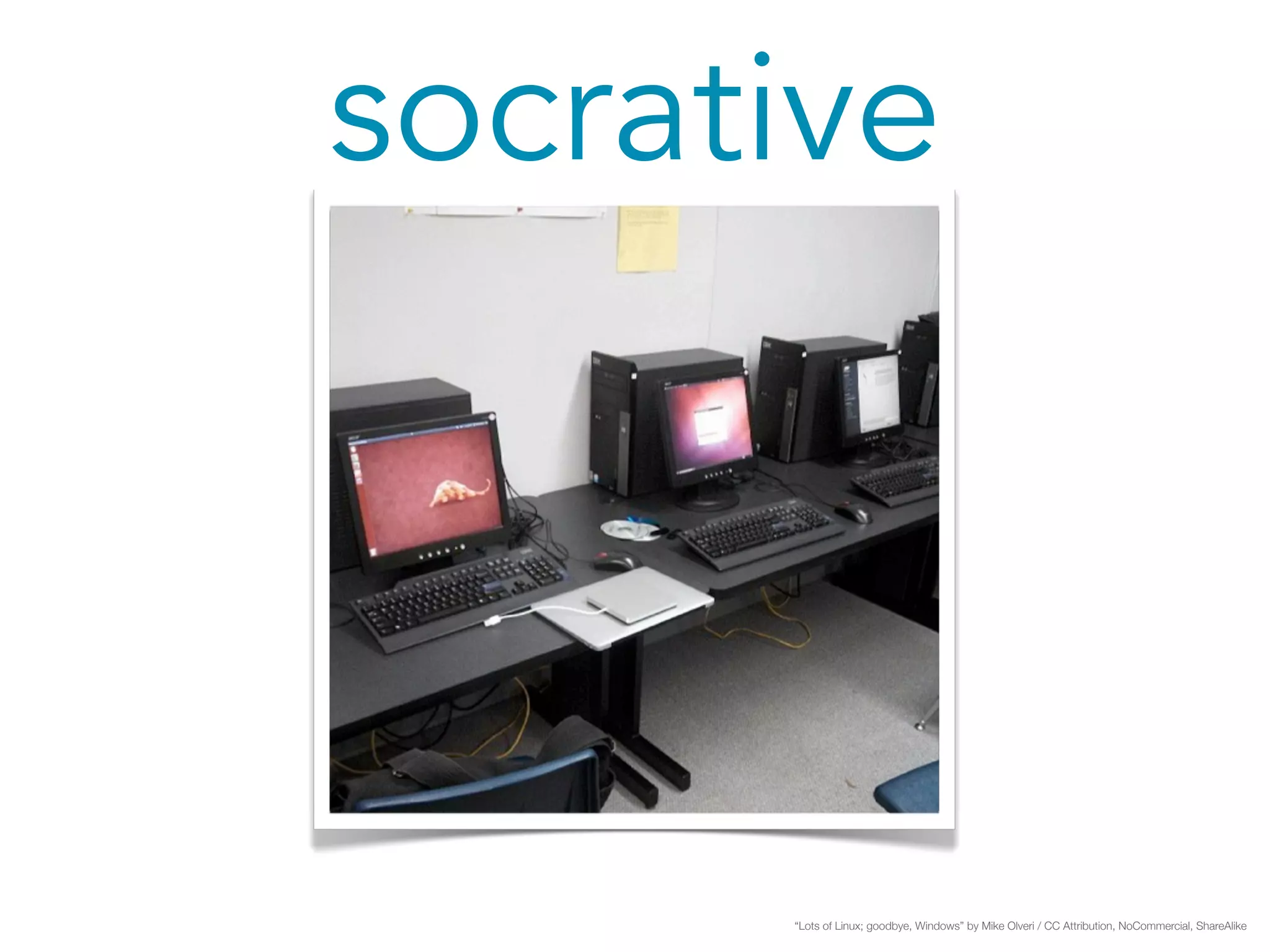
“Lots of Linux; goodbye, Windows” by Mike Olveri / CC Attribution, NoCommercial, ShareAlike
socrative
socrative
socrative
socrative 
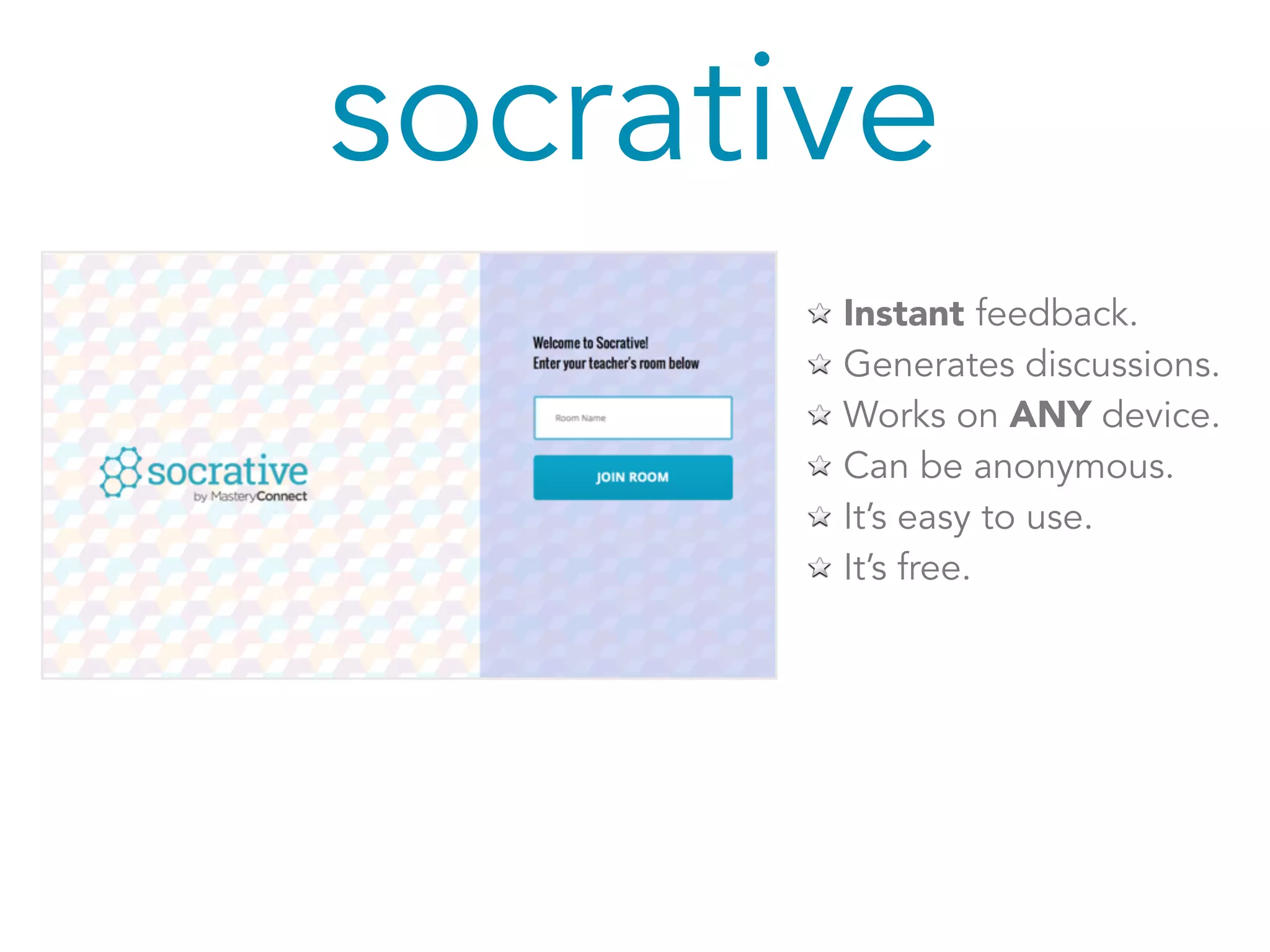
Instant feedback. 
Generates discussions. 
Works on ANY device. 
Can be anonymous. 
It’s easy to use. 
It’s free.
please take out your phone 
Image(s) from Pixabay, Public Domain CC0
notebook or 
Image(s) from Pixabay, Public Domain CC0
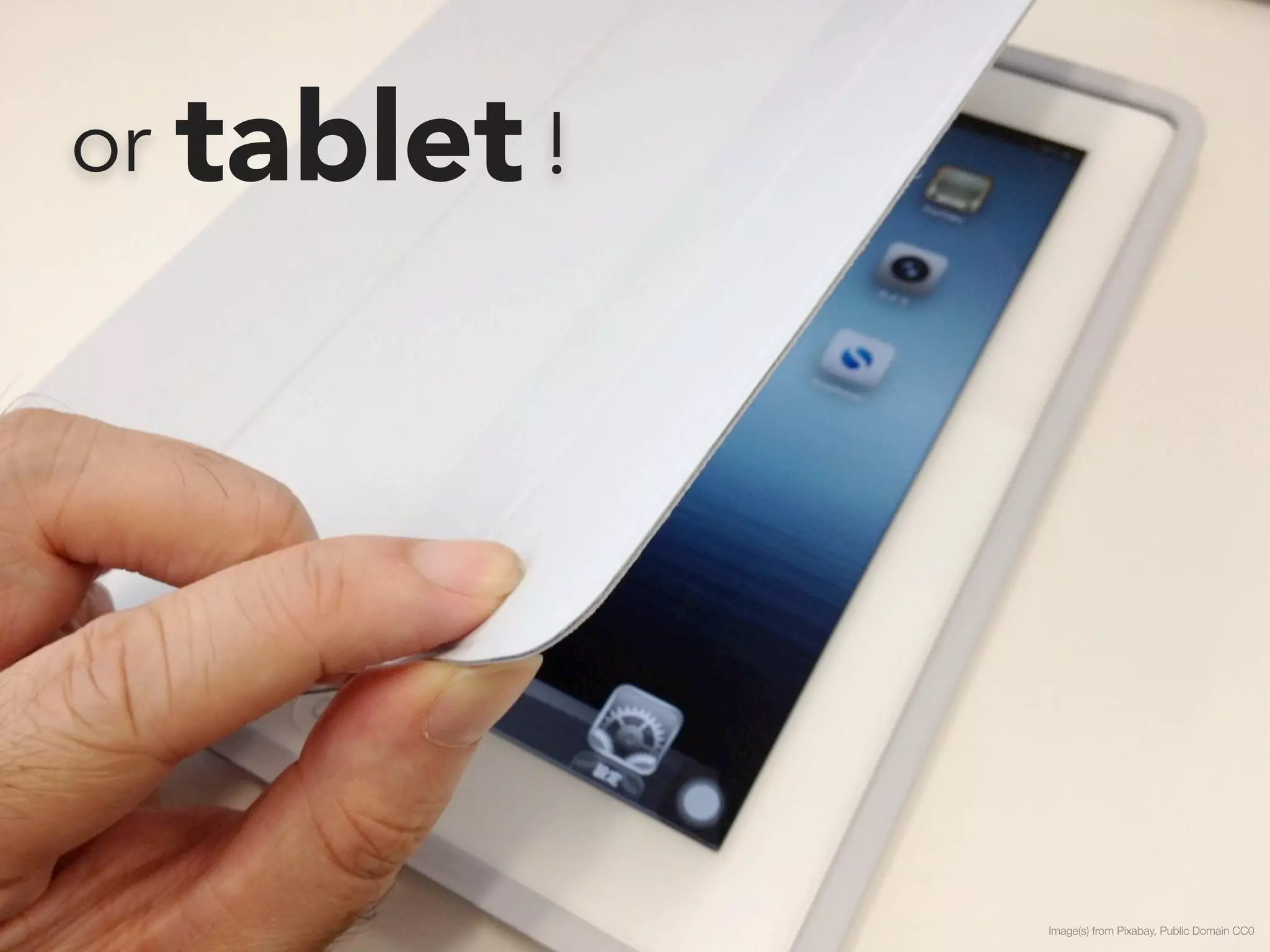
or tablet ! 
Image(s) from Pixabay, Public Domain CC0
let’s try it!
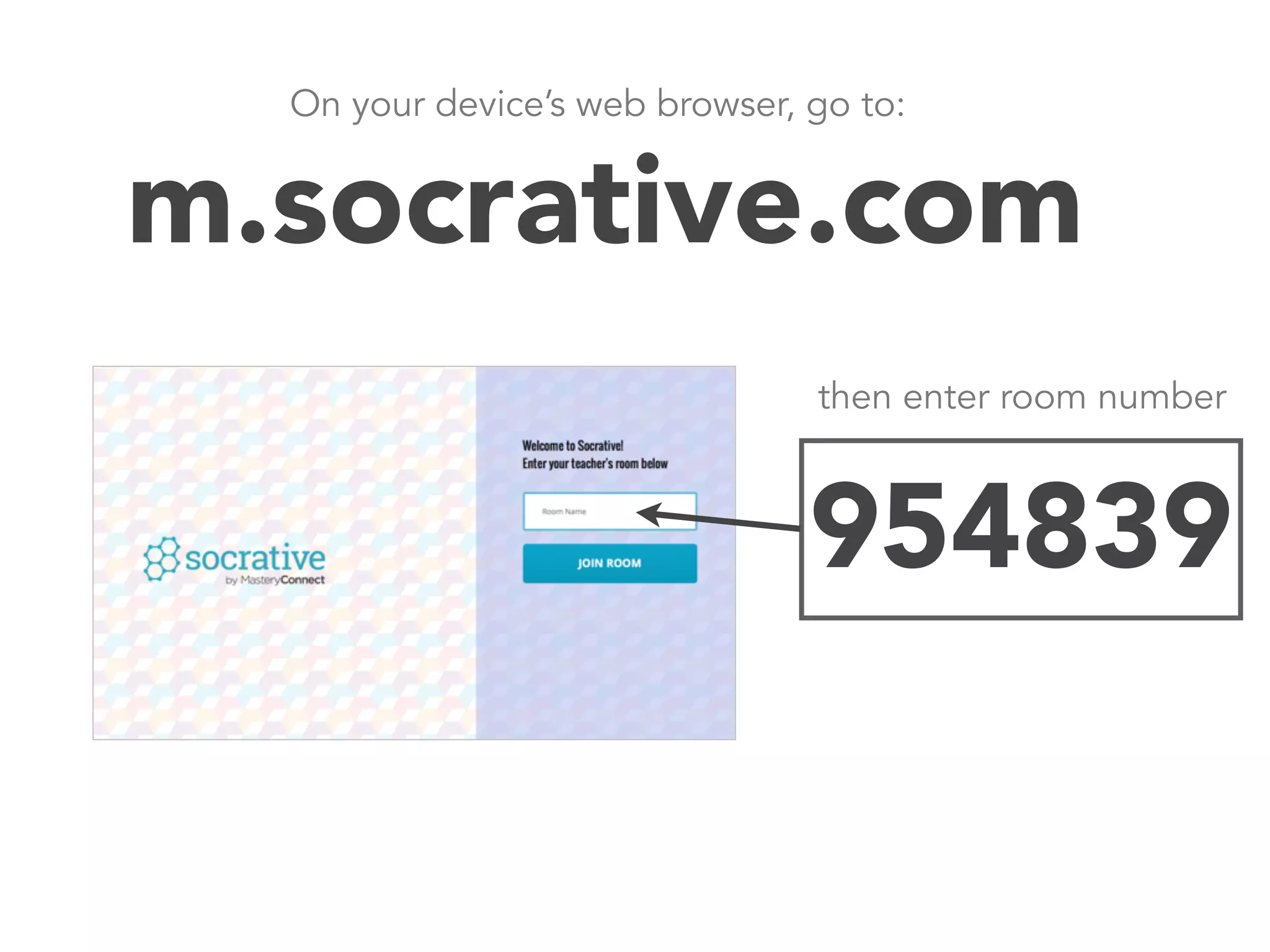
On your device’s web browser, go to: 
m.socrative.com 
then enter room number 
Join room number:954839
socrative 
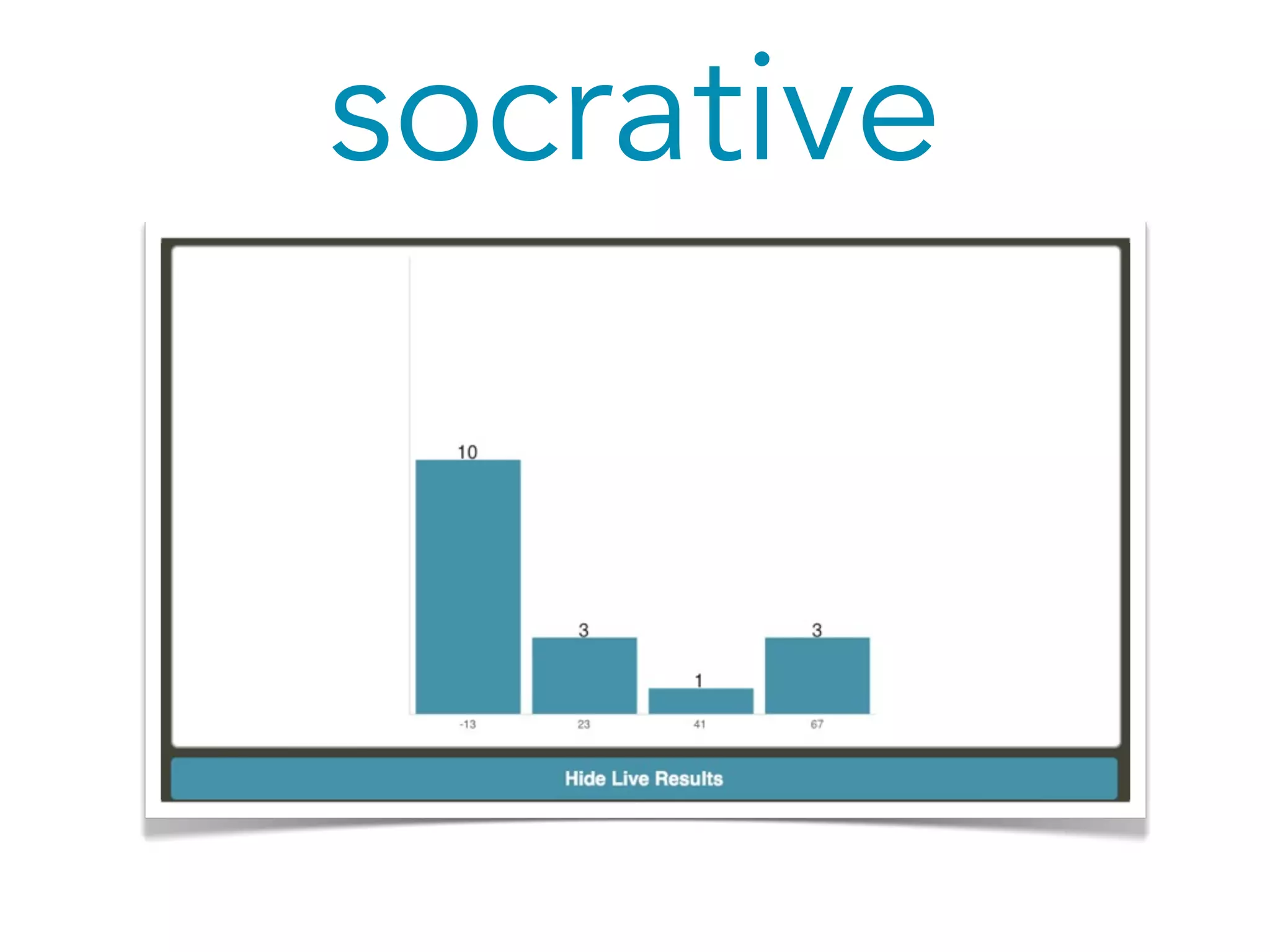
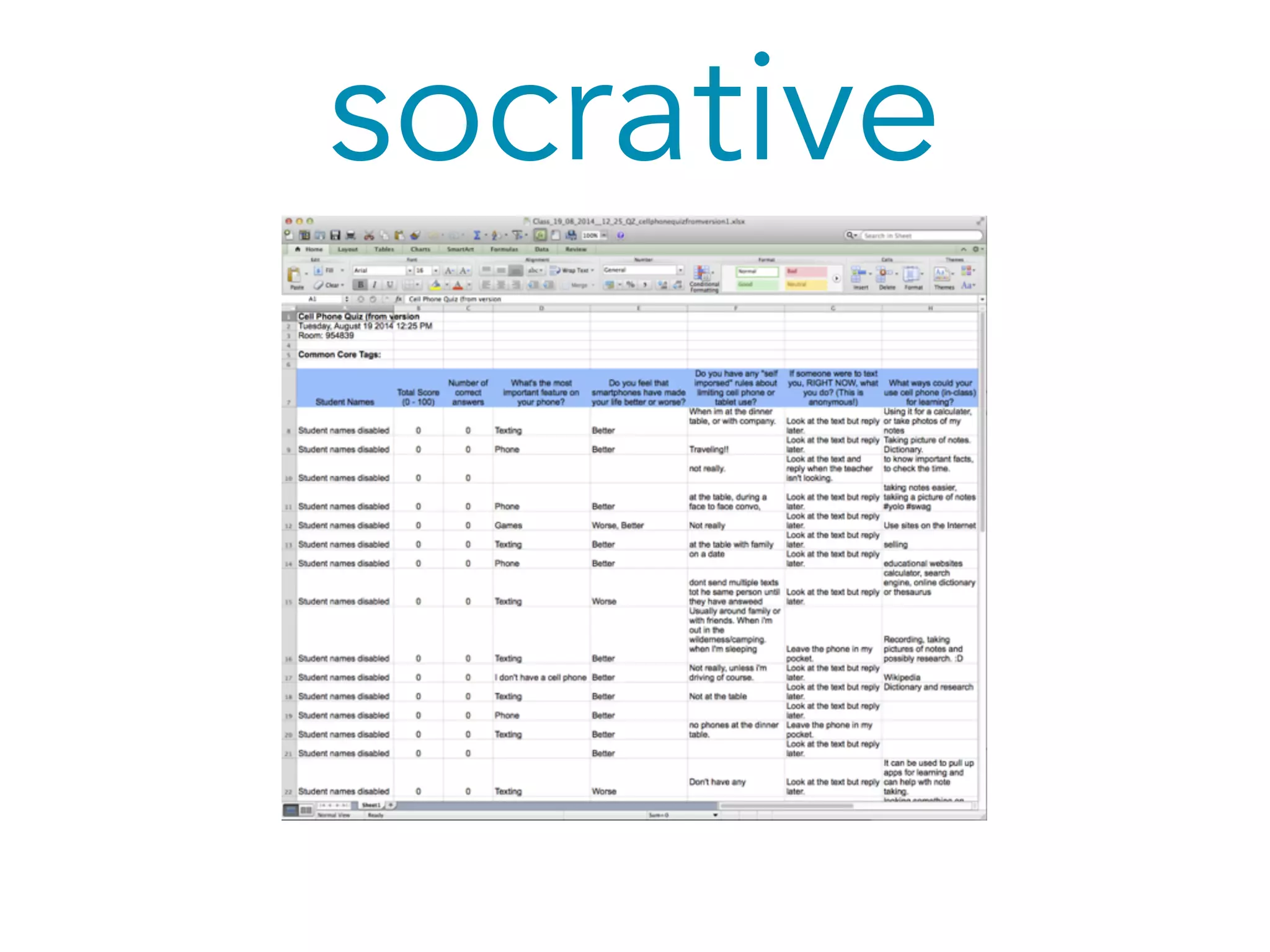
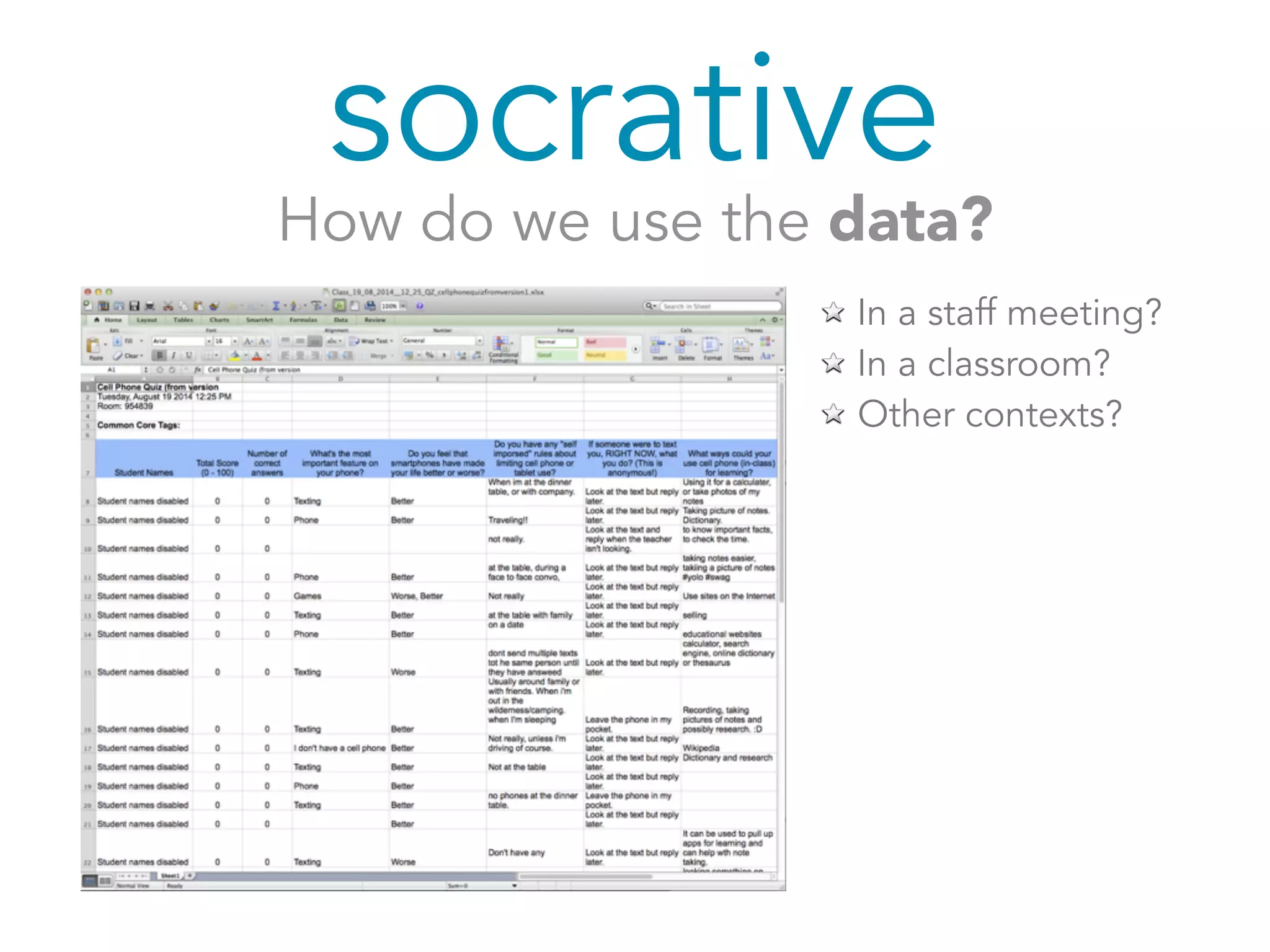
How do we use the data? 
In a staff meeting? 
In a classroom? 
Other contexts?
Googleforms 
an ongoing survey tool
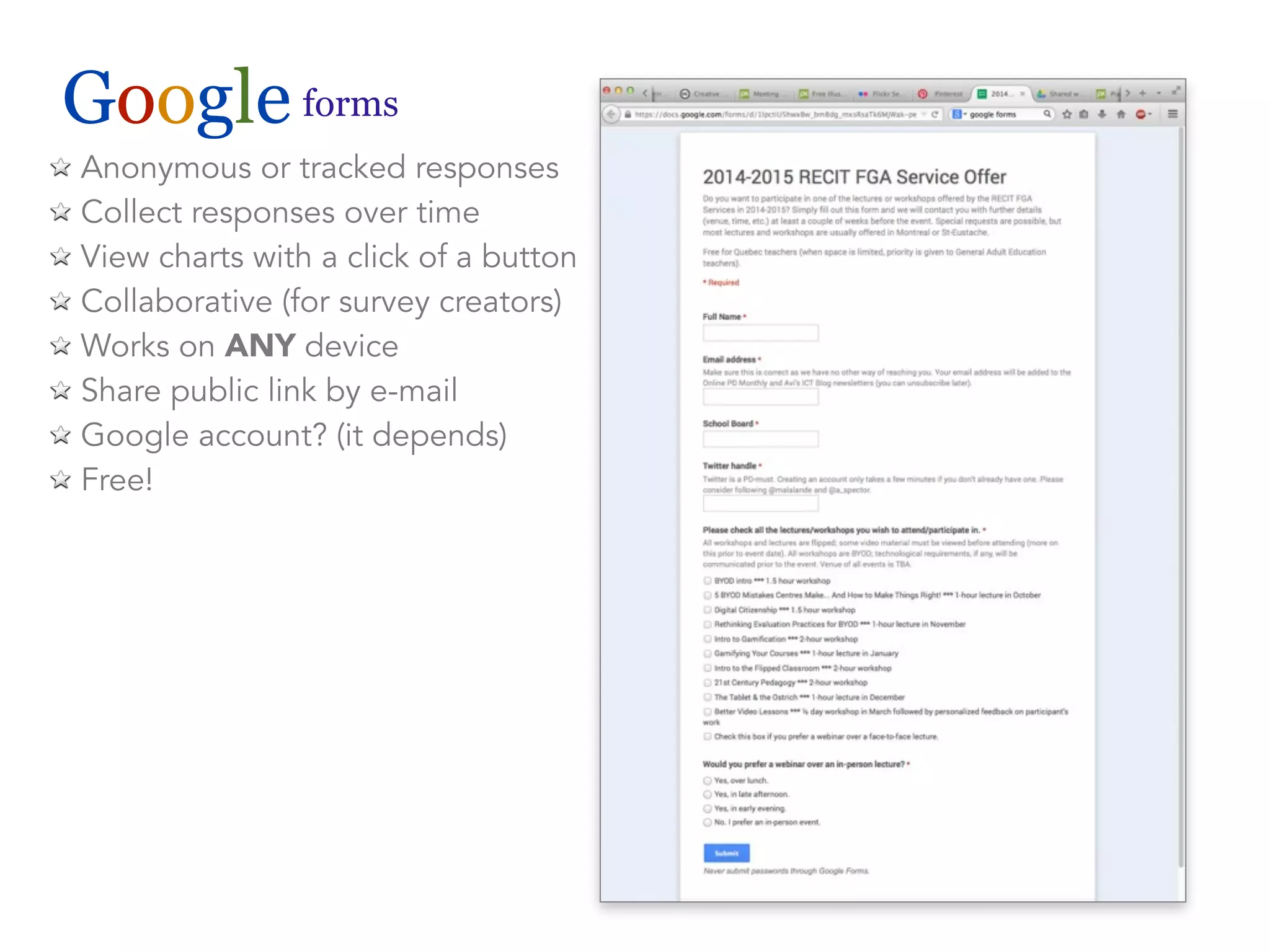
Google forms 
Anonymous or tracked responses 
Collect responses over time 
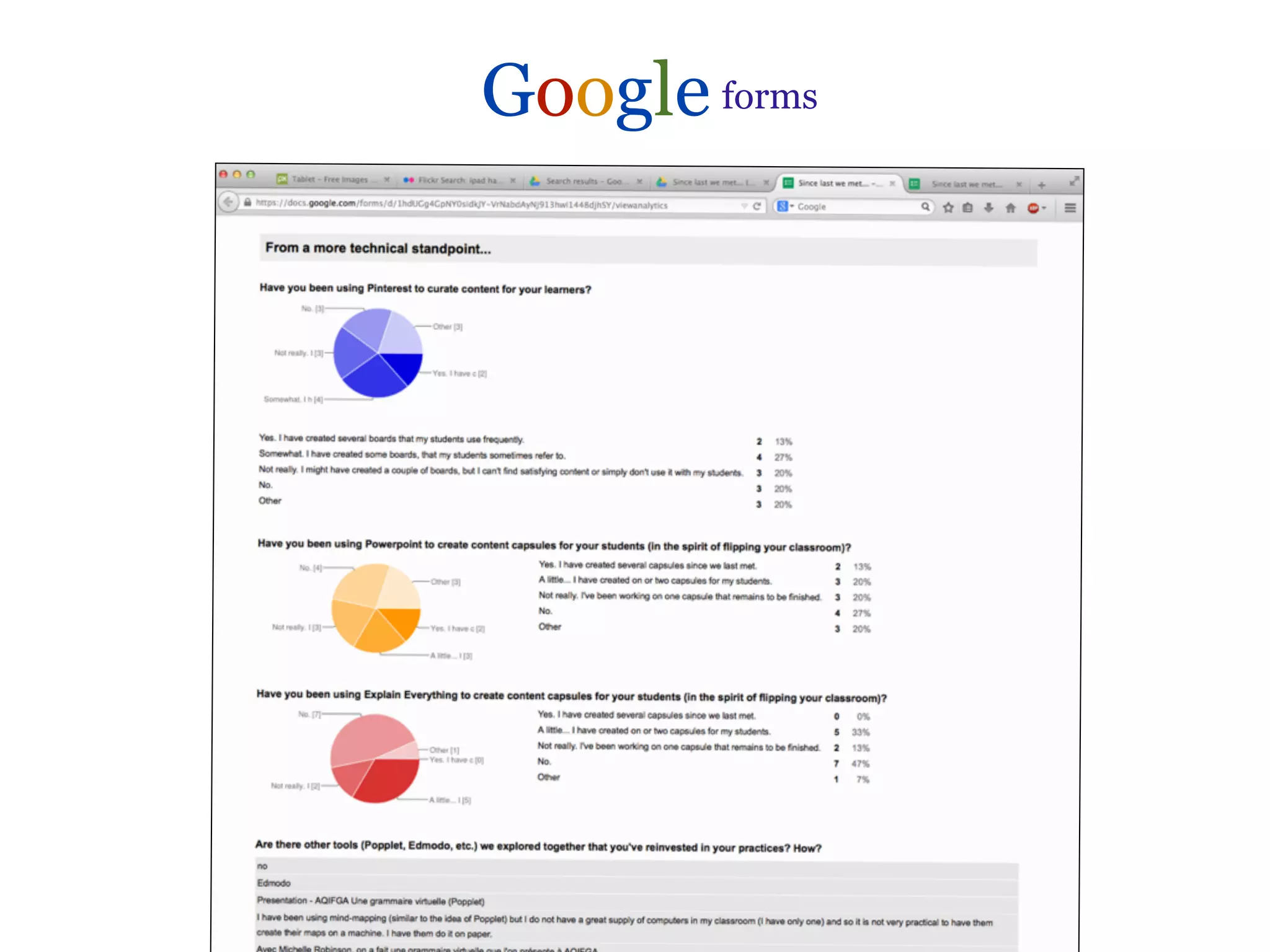
View charts with a click of a button 
Collaborative (for survey creators) 
Works on ANY device 
Share public link by e-mail 
Google account? (it depends) 
Free!
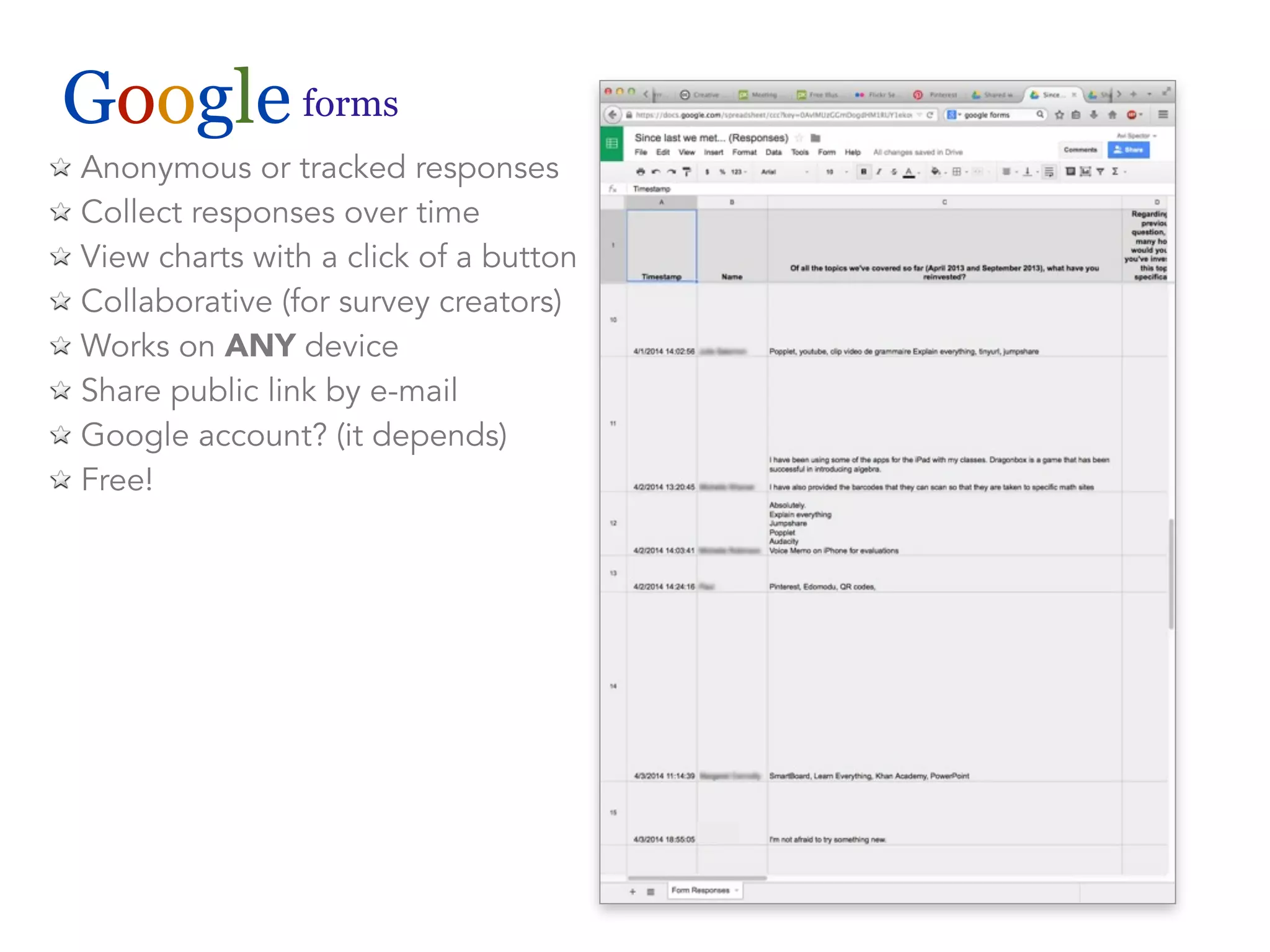
Google forms 
Anonymous or tracked responses 
Collect responses over time 
View charts with a click of a button 
Collaborative (for survey creators) 
Works on ANY device 
Share public link by e-mail 
Google account? (it depends) 
Free!
Google forms
let’s try it!
In your web browser, go to: 
tinyurl.com/gaviform
Google forms 
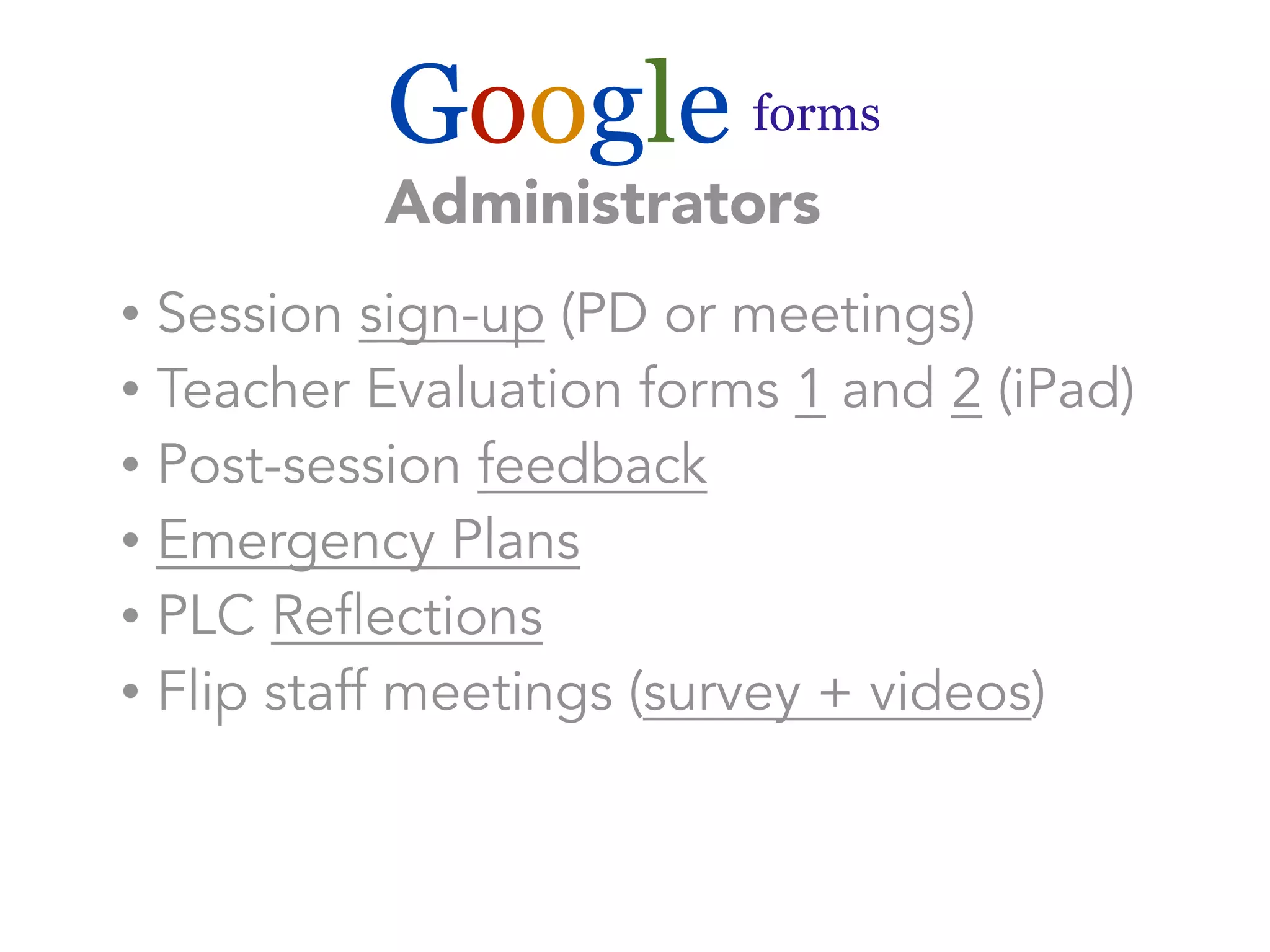
Administrators 
• Session sign-up (PD or meetings) 
• Teacher Evaluation forms 1 and 2 (iPad) 
• Post-session feedback 
• Emergency Plans 
• PLC Reflections 
• Flip staff meetings (survey + videos)
Google forms 
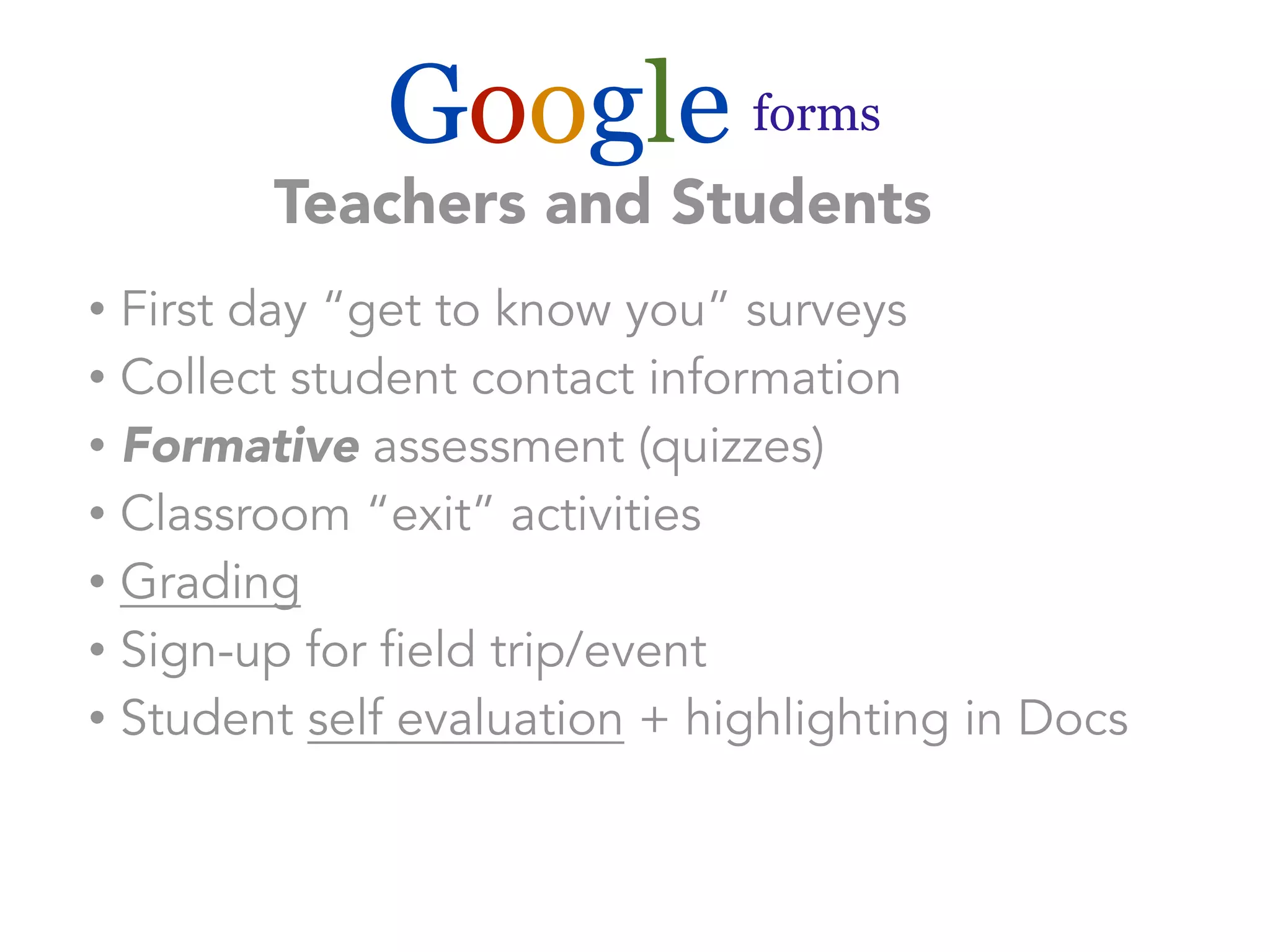
Teachers and Students 
• First day “get to know you” surveys 
• Collect student contact information 
• Formative assessment (quizzes) 
• Classroom “exit” activities 
• Grading 
• Sign-up for field trip/event 
• Student self evaluation + highlighting in Docs
Google forms 
Teachers and Students
Google forms 
How would you use this tool? 
What are the benefits and limitations? 
What about other survey tools?
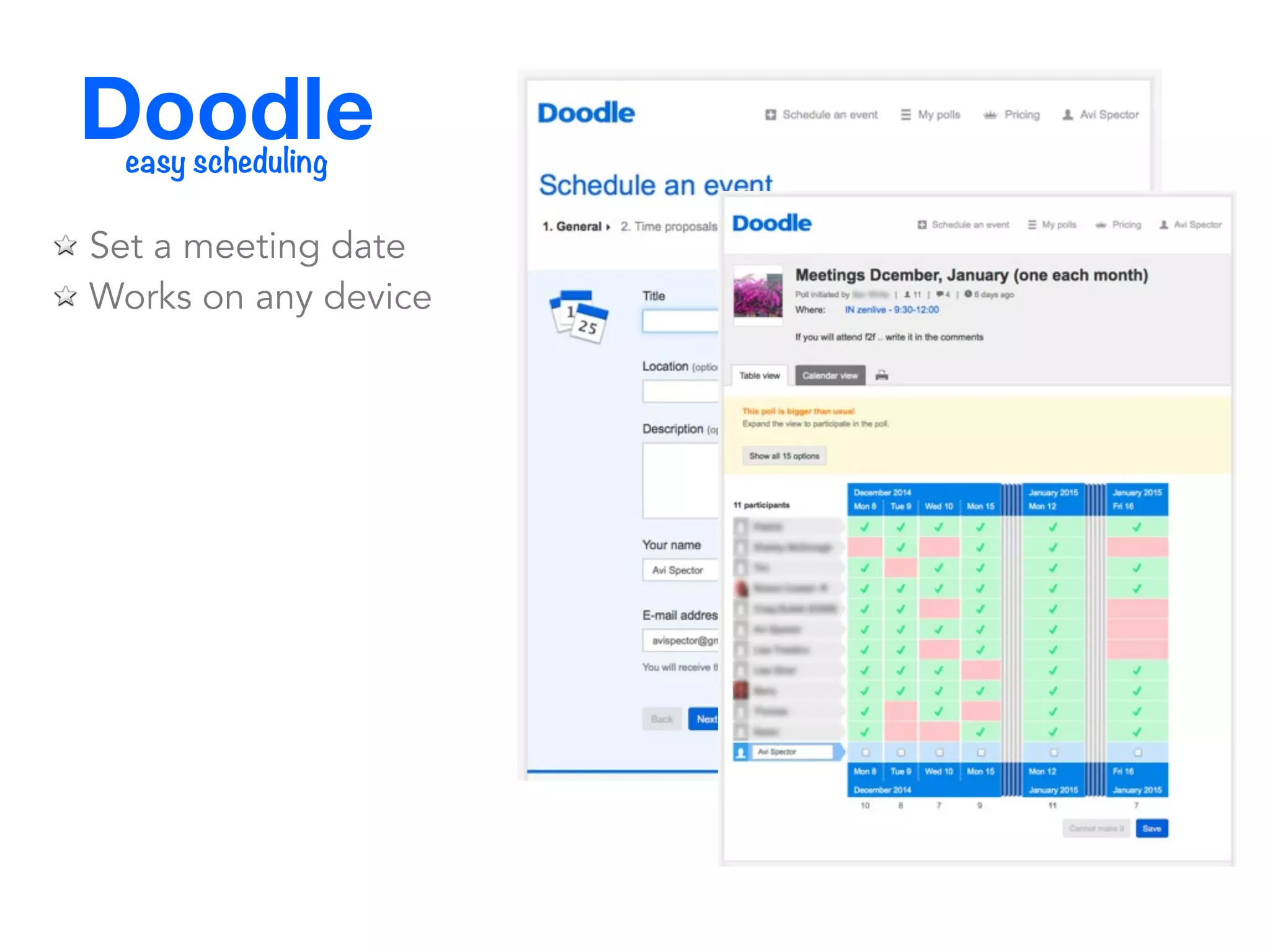
Doodle easy scheduling
Doodle easy scheduling 
Set a meeting date 
Works on any device
let’s try it!
In your web browser, go to: 
tinyurl.com/avidoodle
How do you create surveys in? 
socrative 
Googleforms 
Doodle easy scheduling
Avi Spector Education Consultant 
Riverside School Board/RECIT FGA 
K-12 Adobe Education Leader 
EdTech Specialist 
@a_spector 
avispector@gmail.com 
pinterest.com/avimspector 
Questions? Comments? 
www.beyondthetools.com

Procede 2014 - The Power of Surveys