Downloaded 259 times
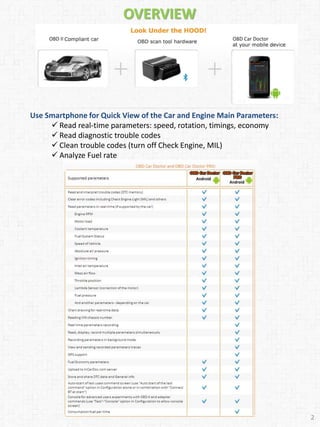
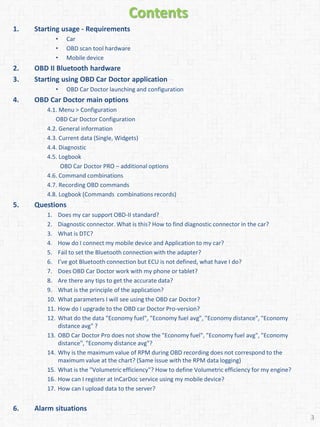
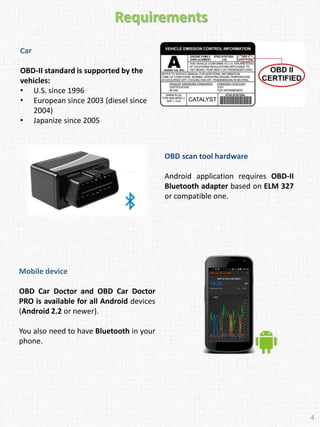
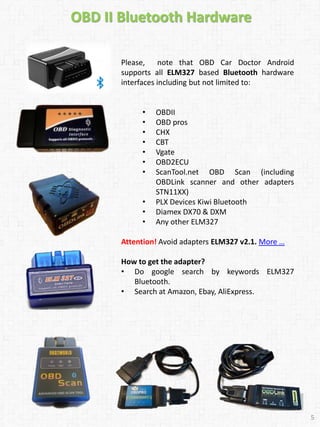
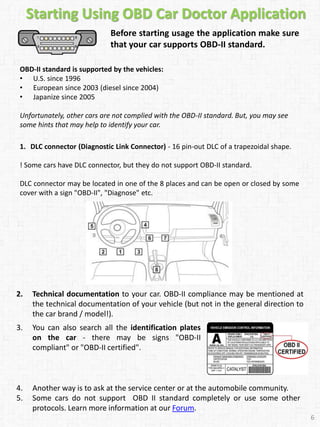
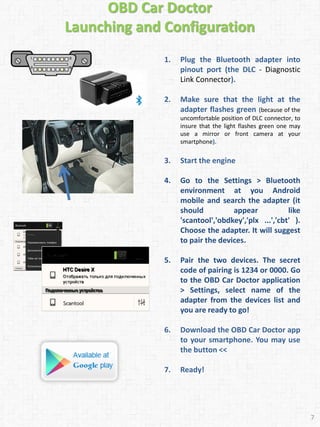
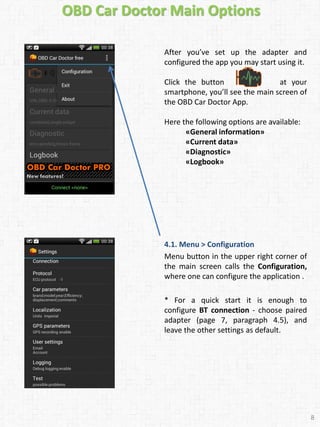
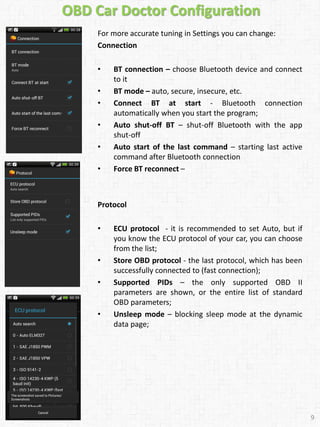
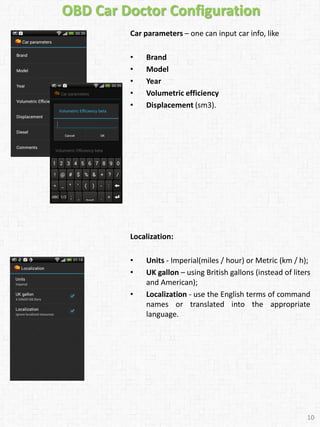
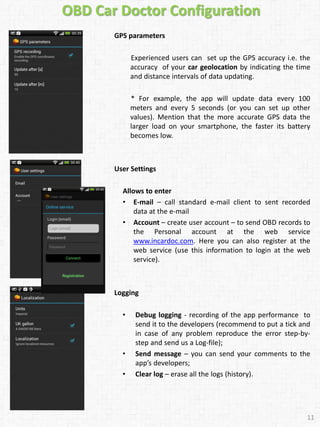
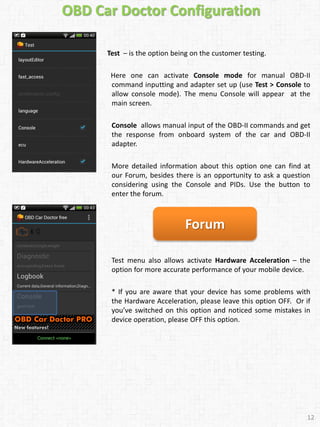
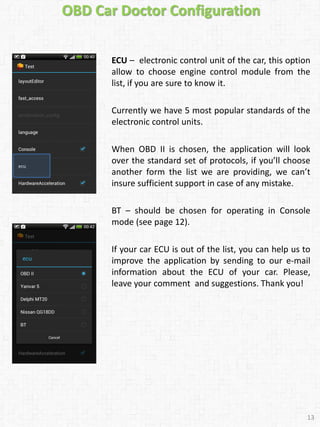
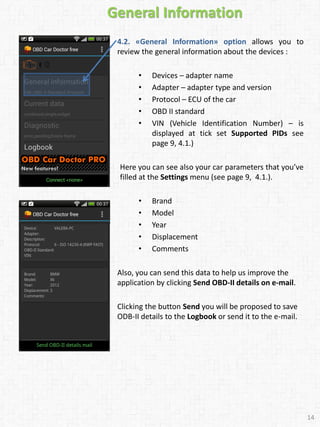
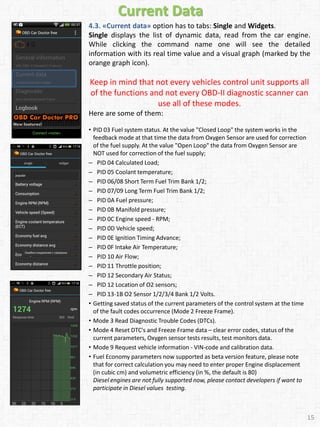
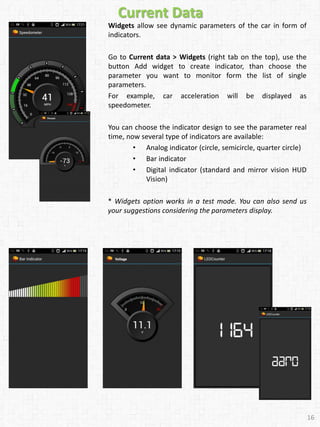
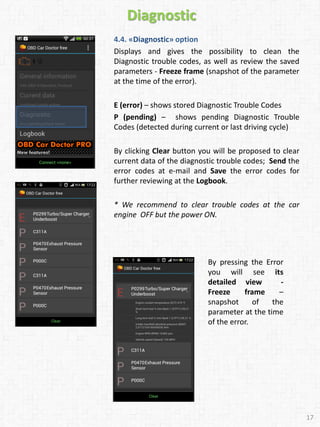
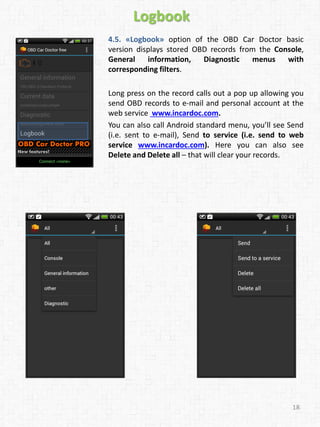
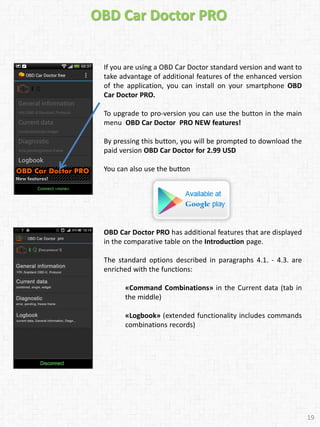
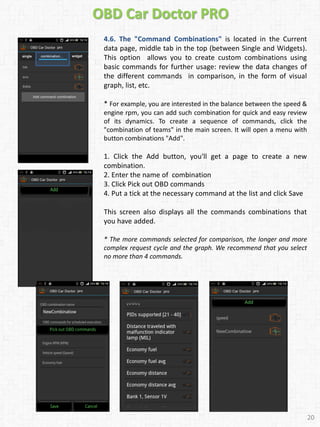
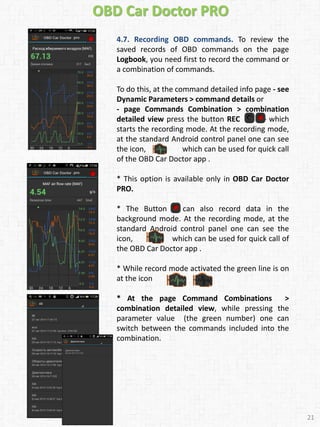
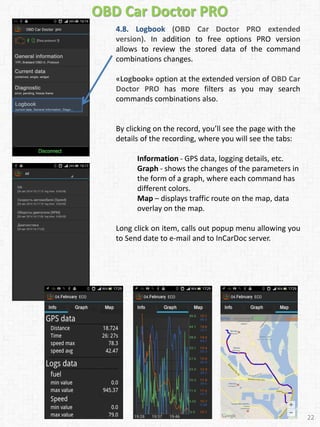
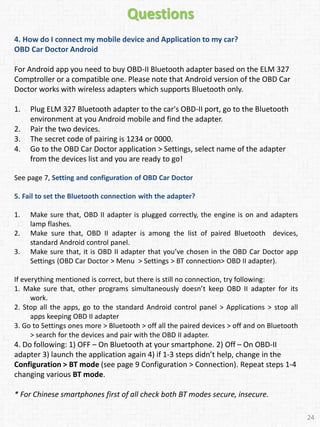
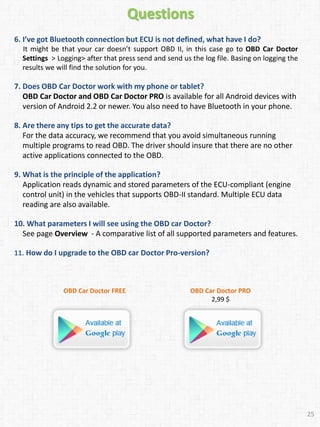
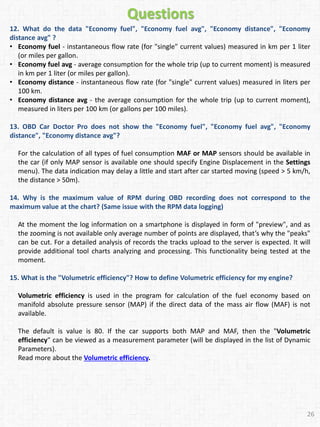
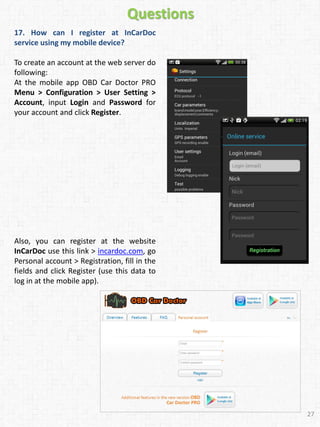
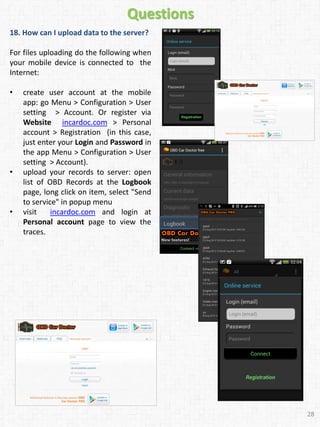

This user guide provides instructions for using the OBD Car Doctor Android application to view real-time vehicle parameters and diagnostic trouble codes from a smartphone. It discusses requirements like compatible OBD hardware, connecting the hardware to the vehicle, and downloading the app. The guide also explains the app's main interface and options for viewing single parameters, widgets, trouble codes, and saved logbook records. Advanced features of the paid PRO version like custom command combinations are also described.


