Downloaded 37 times
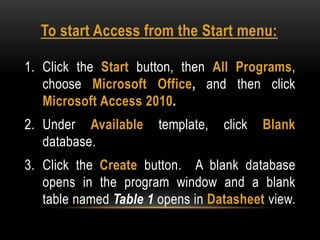
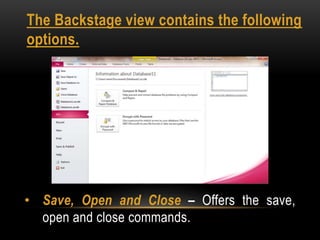
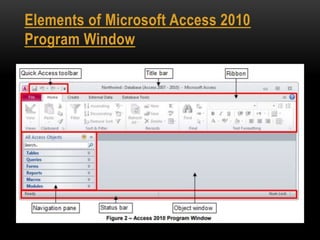
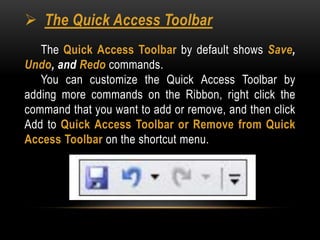
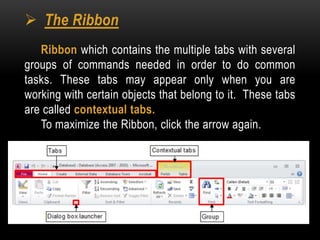
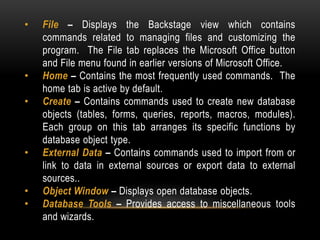
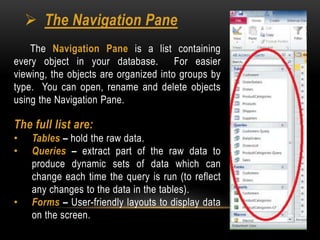
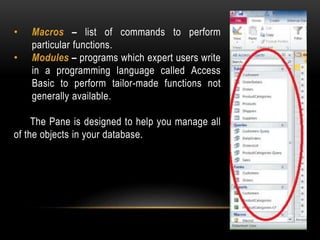
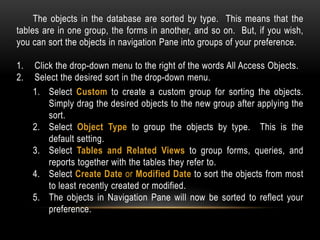


This document provides an overview of Microsoft Access, including how to start Access, the main elements of the Access program window, and how to navigate and manage objects within an Access database. It describes Access as a software application used to create and manage computerized databases. It explains that the main elements of the Access program window are the quick access toolbar, ribbon, navigation pane, and status bar. The navigation pane displays all database objects organized into groups, and allows users to open, rename and delete objects.


