Unconventional Wisdom:
Putting the WHY Before the
WHAT of Presentation Design
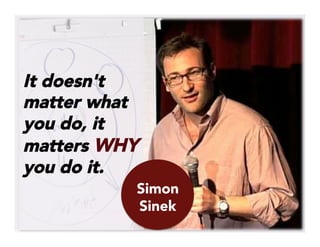
It doesn't
matter what
you do, it
matters WHY
you do it.
Simon
Sinek
This is a presentation for educators
by an educator.
What I have to share about
presentation design isn’t NEW, 
	
  
…but it IS
new to
many
educators.
WHY
And educators like to know the
WHY
WHY
these strategies work
we should change too
the “rules” have changed
WHY
(Drum roll please…)
It’s based on what we know informs
good teaching!
Here is some of what I’ve learned, along
with insights from those who taught me
to think differently about presentations.
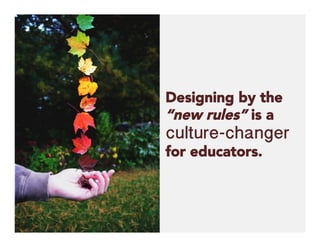
Designing by the
“new rules” is a
culture-changer
for educators.
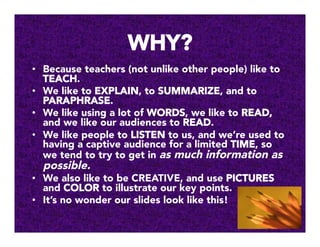
WHY?
•  Because teachers (not unlike other people) like to
TEACH.
•  We like to EXPLAIN, to SUMMARIZE, and to
PARAPHRASE.
•  We like using a lot of WORDS, we like to READ,
and we like our audiences to READ.
•  We like people to LISTEN to us, and we’re used to
having a captive audience for a limited TIME, so
we tend to try to get in as much information as
possible. 
•  We also like to be CREATIVE, and use PICTURES
and COLOR to illustrate our key points.
•  It’s no wonder our slides look like this!
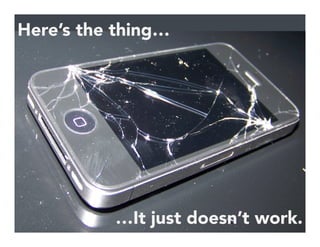
Here’s the thing…
…It just doesn’t work.
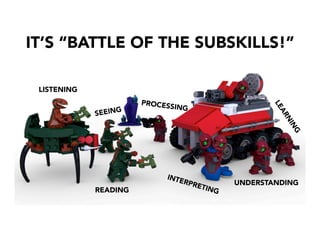
WHY?
READING
UNDERSTANDING
INTERPRETING
LISTENING
SEEING
IT’S “BATTLE OF THE SUBSKILLS!”
PROCESSING
And most of us just can’t
do it all at once!
WHY the big disconnect?
People speak
about 110-160
words per minute
But we can read
about 200-300
words per minute
Education…
revolve[s] around non-
sales selling: the ability
to influence, to
persuade, and to
change behavior while
striking a balance
between what others
want and what you can
provide them.


Daniel Pink, To Sell is Human
Daniel
Pink
So, education involves
influencing, persuading, and
changing behavior…
…and presenting
involves
influencing,
persuading, and
changing
behavior…
So, presenting is educating!
That’s a syllogism! (I knew that
junior high English class would
come in handy someday!)
And what do we know
from good teaching
that makes sense in
presentation design?
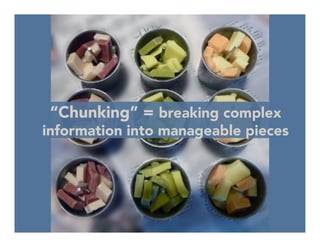
“Chunking” = breaking complex
information into manageable pieces
Hence, just 1 idea per slide!
For more info, see Seth Godin’s
“Atomic Powerpoint Method”
And with just
1 idea per
slide, who
needs these?
No matter where we work or
learn, we must endure the
blatherings of people who
anesthetize us with bullet
points and then, in the dark
of the conference room,
steal our souls and bake
them into 3-D pie charts.


Daniel
Pink
OUCH!
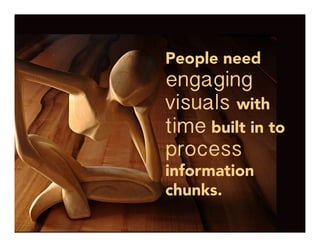
People need
engaging
visuals with
time built in to
process
information
chunks.
WHY?
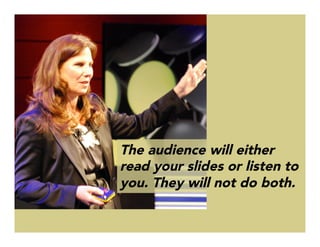
The audience will either
read your slides or listen to
you. They will not do both.
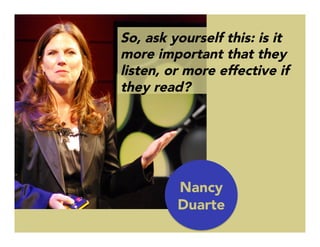
So, ask yourself this: is it
more important that they
listen, or more effective if
they read?

Nancy
Duarte
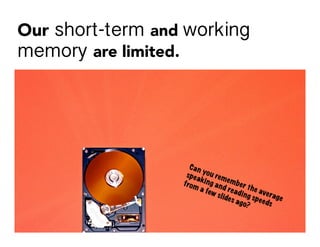
Our short-term and working
memory are limited.
We can hold
only 4-7 bits
of information
at a time.
Too much
information at
once and our
brains get
confused.
WHY?
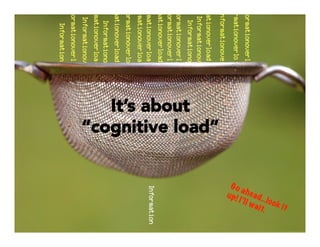
It’s about
“cognitive load”
We learn better when we can build on what
we already understand – our existing
“schemas” or prior knowledge.
Education, or
helping others to
learn, is built on a
foundation of good
communication.
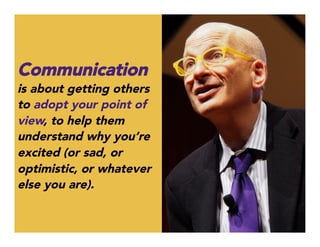
Communication
is about getting others
to adopt your point of
view, to help them
understand why you’re
excited (or sad, or
optimistic, or whatever
else you are).
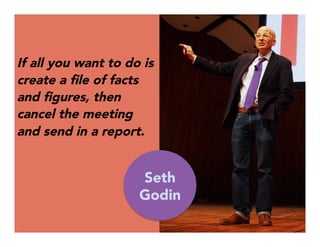
If all you want to do is
create a file of facts
and figures, then
cancel the meeting
and send in a report.


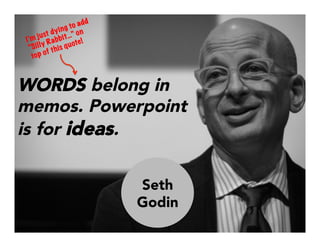
Seth
Godin
WORDS belong in
memos. Powerpoint
is for ideas.
I’m just dying to add
“Silly Rabbit…” on
top of this quote!
Seth
Godin
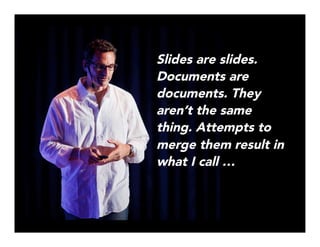
Slides are slides.
Documents are
documents. They
aren’t the same
thing. Attempts to
merge them result in
what I call …
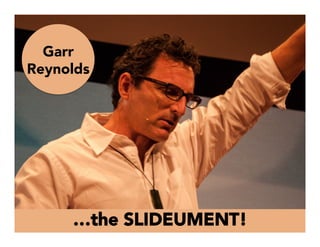
…the SLIDEUMENT!
Garr
Reynolds
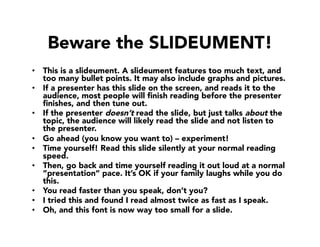
Beware the SLIDEUMENT!
•  This is a slideument. A slideument features too much text, and
too many bullet points. It may also include graphs and pictures.
•  If a presenter has this slide on the screen, and reads it to the
audience, most people will finish reading before the presenter
finishes, and then tune out.
•  If the presenter doesn’t read the slide, but just talks about the
topic, the audience will likely read the slide and not listen to
the presenter. 
•  Go ahead (you know you want to) – experiment!
•  Time yourself! Read this slide silently at your normal reading
speed. 
•  Then, go back and time yourself reading it out loud at a normal
”presentation” pace. It’s OK if your family laughs while you do
this.
•  You read faster than you speak, don’t you?
•  I tried this and found I read almost twice as fast as I speak.
•  Oh, and this font is now way too small for a slide.
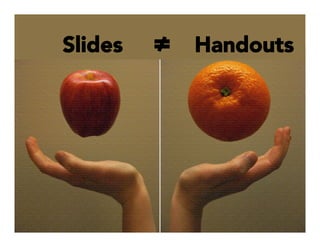
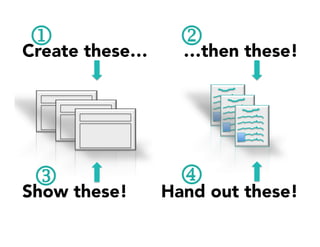
Slides 


 ≠ Handouts
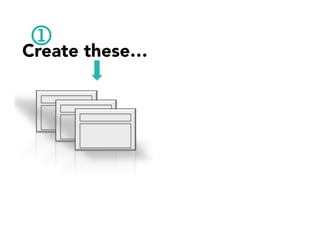
Create these… 
1
Create these… 
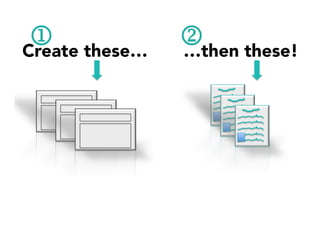
 …then these!
1 2
Create these… 
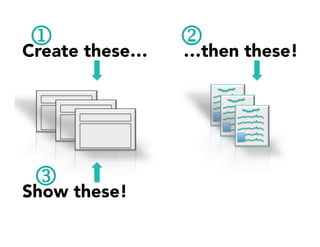
 …then these!
Show these! 
1 2
3
Create these… 
 …then these!
Show these! 
 Hand out these! 
1 2
3 4
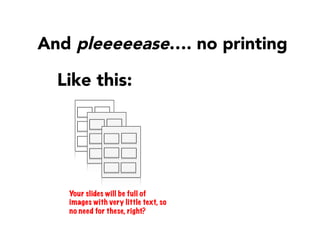
Like this:
And pleeeeease…. no printing 
Your slides will be full of
images with very little text, so
no need for these, right?
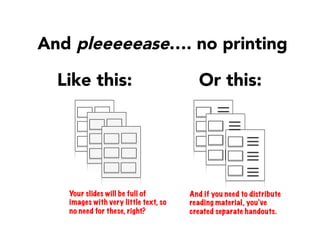
Like this:
And pleeeeease…. no printing 
Or this:
Your slides will be full of
images with very little text, so
no need for these, right?
And if you need to distribute
reading material, you’ve
created separate handouts.
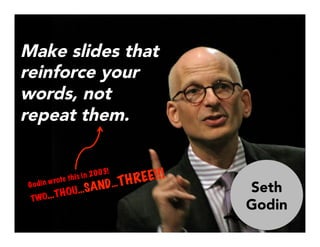
Make slides that
reinforce your
words, not
repeat them. 

Godin wrote this in 2003!
TWO…THOU…SAND…THREE!!!
Seth
Godin
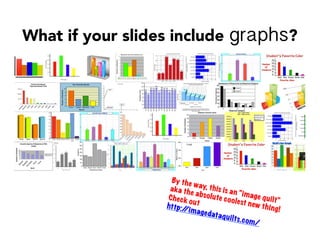
What if your slides include graphs?
By the way, this is an “image quilt”
aka the absolute coolest new thing!
Check outhttp://imagedataquilts.com/
	
  
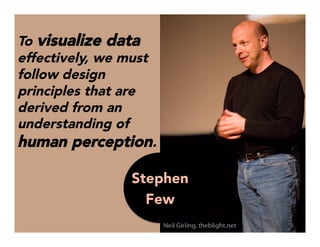
To visualize data
effectively, we must
follow design
principles that are
derived from an
understanding of
human perception.


 Stephen
Few
So, it’s not just
about slides or
graphs looking
pretty.
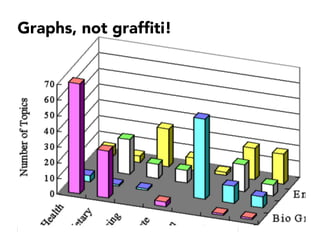
Graphs, not graffiti!
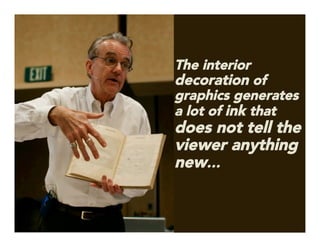
The interior
decoration of
graphics generates
a lot of ink that
does not tell the
viewer anything
new…
	
  
…The purpose of
decoration varies — to
make the graphic appear
more scientific and
precise, to enliven the
display, to give the
designer an opportunity
to exercise artistic skills.
…Regardless of its cause, it is all non-data-ink or
redundant data-ink, and it is often chartjunk.
Edward
Tufte
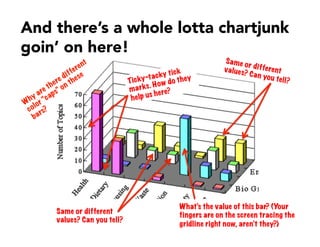
And there’s a whole lotta chartjunk
goin’ on here!
Same or different
values? Can you tell?
Same or differentvalues? Can you tell?
What’s the value of this bar? (Your
fingers are on the screen tracing the
gridline right now, aren’t they?)
Ticky-tacky tick
marks. How do they
help us here?
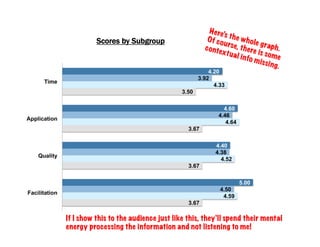
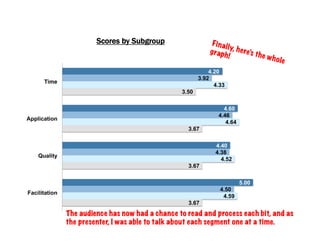
Here’s how I share a
graph with multiple
elements. It’s one
step at a time using
“the slow reveal”
4.20
4.60
4.40
5.00
3.92
4.46
4.38
4.50
4.33
4.64
4.52
4.59
3.50
3.67
3.67
3.67
Time
Application
Quality
Facilitation
Scores by Subgroup
Here’s the whole graph.
Of course, there is some
contextual info missing.
If I show this to the audience just like this, they’ll spend their mental
energy processing the information and not listening to me!
4.20
4.60
4.40
5.00
3.92
4.46
4.38
4.50
4.33
4.64
4.52
4.59
3.50
3.67
3.67
3.67
Time
Application
Quality
Facilitation
Scores by Subgroup
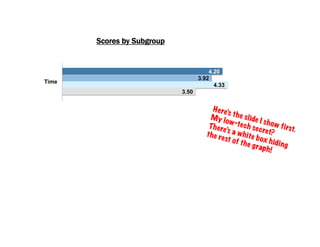
Here’s the slide I show first.
My low-tech secret?
There’s a white box hiding
the rest of the graph!
4.20
4.60
DO 4.40
DO 5.00
3.92
4.46
TL 4.38
TL 4.50
4.33
4.64
SB 4.52
SB 4.59
3.50
3.67
Blank 3.67
Blank 3.67
Time
Application
Quality
Facilitation
Scores by Subgroup
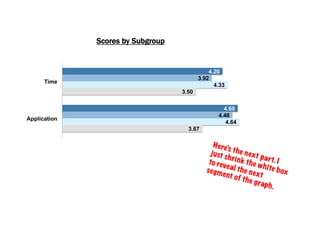
Here’s the next part. I
just shrink the white box
to reveal the next
segment of the graph.
4.20
4.60
4.40
DO 5.00
3.92
4.46
4.38
TL 4.50
4.33
4.64
4.52
SB 4.59
3.50
3.67
3.67
Blank 3.67
Time
Application
Quality
Facilitation
Scores by Subgroup
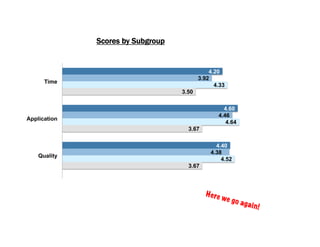
Here we go again!
4.20
4.60
4.40
5.00
3.92
4.46
4.38
4.50
4.33
4.64
4.52
4.59
3.50
3.67
3.67
3.67
Time
Application
Quality
Facilitation
Scores by Subgroup Finally, here’s the whole
graph!
The audience has now had a chance to read and process each bit, and as
the presenter, I was able to talk about each segment one at a time.
So, where did I learn all this?
And WHY? Well, there’s really not much
good stuff on TV these days… {sigh}
As emerging disciplines
[information graphics and
visualization]…are a hodge-podge
of concepts, methods, and
procedures borrowed from many
areas: the principles of map
design…guidelines on how to
better display data on a chart…
rules on best practices for the use
of type, layout, and color
palettes…principles of writing
style…and more…


Alberto
Cairo
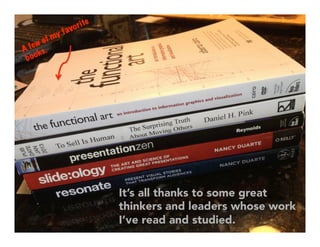
It’s all thanks to some great
thinkers and leaders whose work
I’ve read and studied.
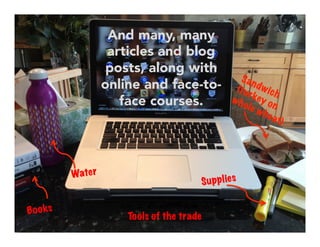
And many, many
articles and blog
posts, along with
online and face-to-
face courses. 
Tools of the trade
Water
Supplies
Books
More importantly…
…where can YOU learn it?
Visit perceptual edge
1.) take the Graph Design I.Q. Quiz
2.) Click on Examples to see poorly
constructed charts, Few’s analysis,
and solutions. 
Stephen
Few
Visit Garr Reynolds
1.) Study his Top Ten Slide Tips
2.) Check out Resources for
recommended books.
Garr
Reynolds
Check out the American
Evaluation Association’s
Potent Presentations
1.) Download and read
Slide Design Guidelines
AEA
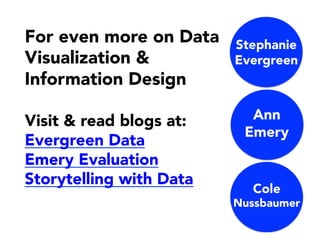
For even more on Data
Visualization &
Information Design
Visit & read blogs at:
Evergreen Data
Emery Evaluation
Storytelling with Data

Stephanie
Evergreen
Ann
Emery
Cole
Nussbaumer
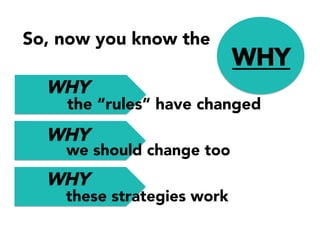
WHY
So, now you know the
WHY
WHY
these strategies work
we should change too
the “rules” have changed
WHY
WHY	
  
And
should YOU take the
time to learn more?
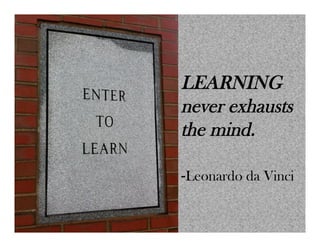
LEARNING
never exhausts
the mind.
-Leonardo da Vinci
Image credits:

Via Flickr:
Opensourceway
Cea
carlaarena
Suss Wanslink
Dena Flows 
Dewitahs
Send me adrift 
DaveonFlickr
HJ Media Studios
yewenli
mrdarkroom
jc-pics 
seng1011
caniswolfie
Rich Renomeron
Retrogasm
Soy of the North
Kris Krug
Davide Restivo
cubicgarden
epSos.de
ziagazou76
DoodleDeMoon
verbeeldingskr8
paul bica
pasukaru76
CC Chapman 
TEDxKyoto
wasabicube
kharied
Mirka23
Mr. Nightshade
Matthew T Rader
Andreas_MB
Maryam (one bored chica)
seanbonner
Lachian Hardy
mrsdohpaz
Medialab Prado
Mark Brannan
cogdoglbog
Anirudh Koul


Other images via:
Wikimedia commons
	
  
Sheila B Robinson

Unconventional wisdom: Putting the WHY Before the WHAT of Presentation Design