WHAT IS UDL?
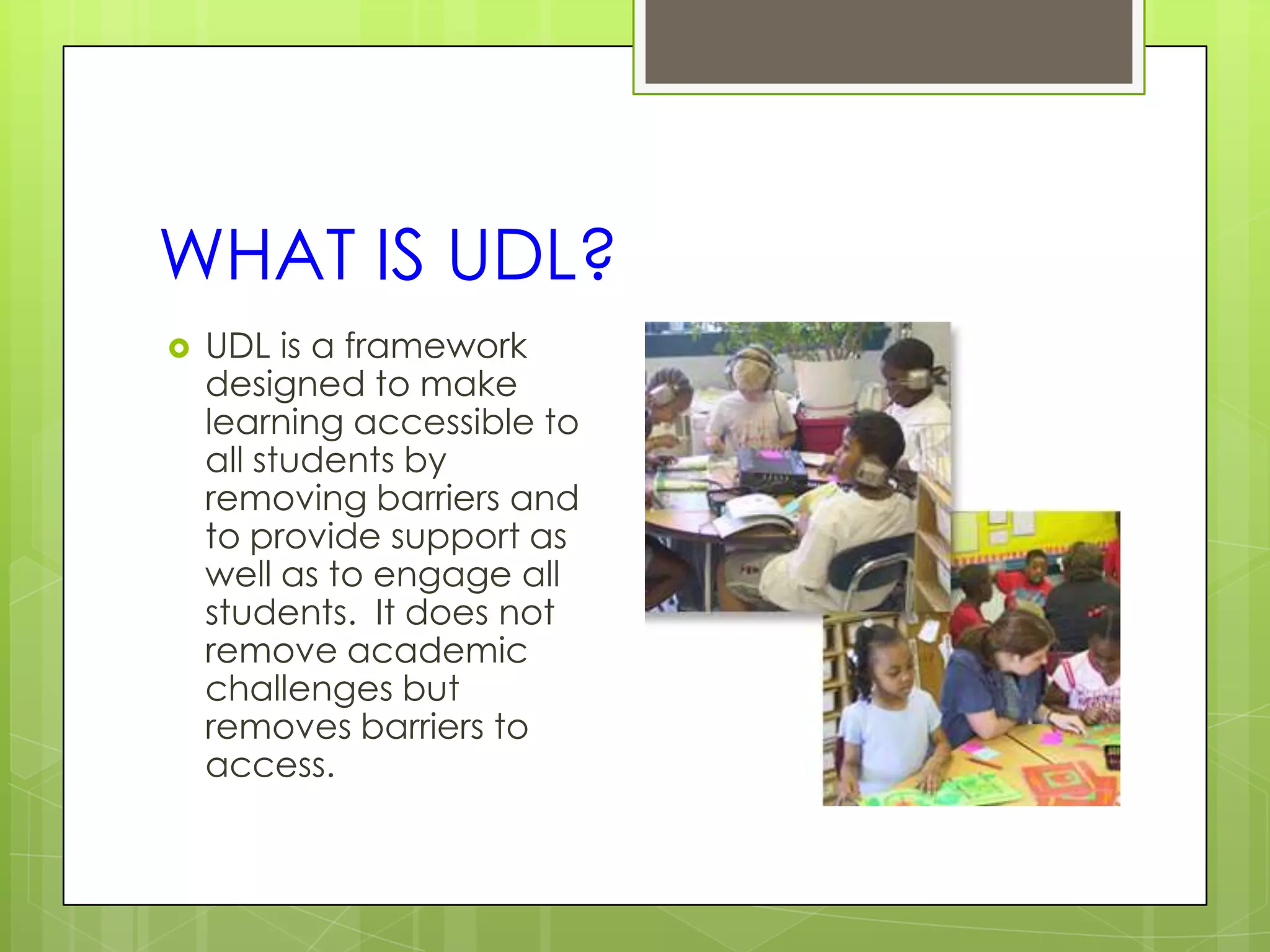
   UDL is a framework
    designed to make
    learning accessible to
    all students by
    removing barriers and
    to provide support as
    well as to engage all
    students. It does not
    remove academic
    challenges but
    removes barriers to
    access.
UDL and the Physical
Environment
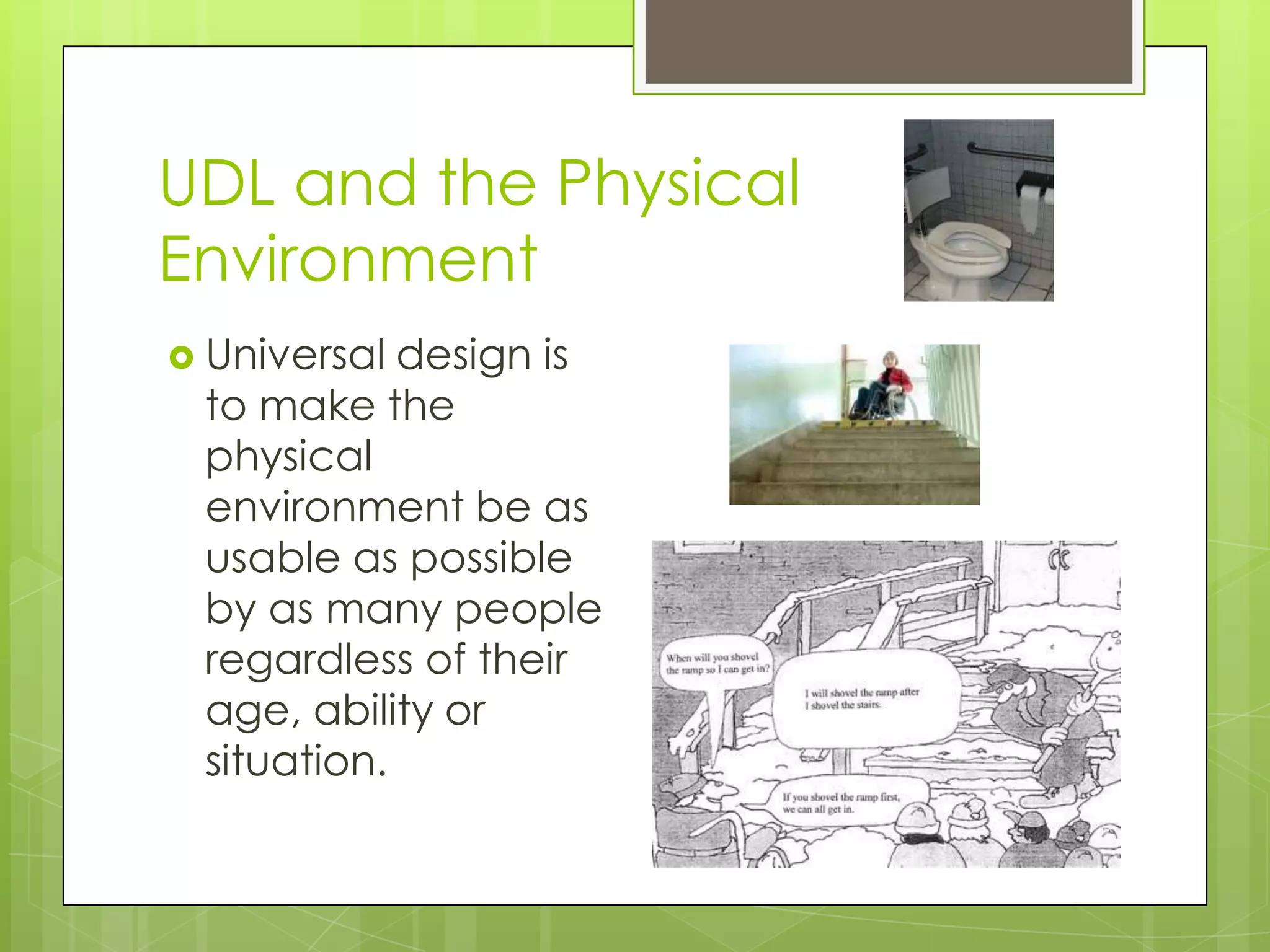
 Universal design is
 to make the
 physical
 environment be as
 usable as possible
 by as many people
 regardless of their
 age, ability or
 situation.
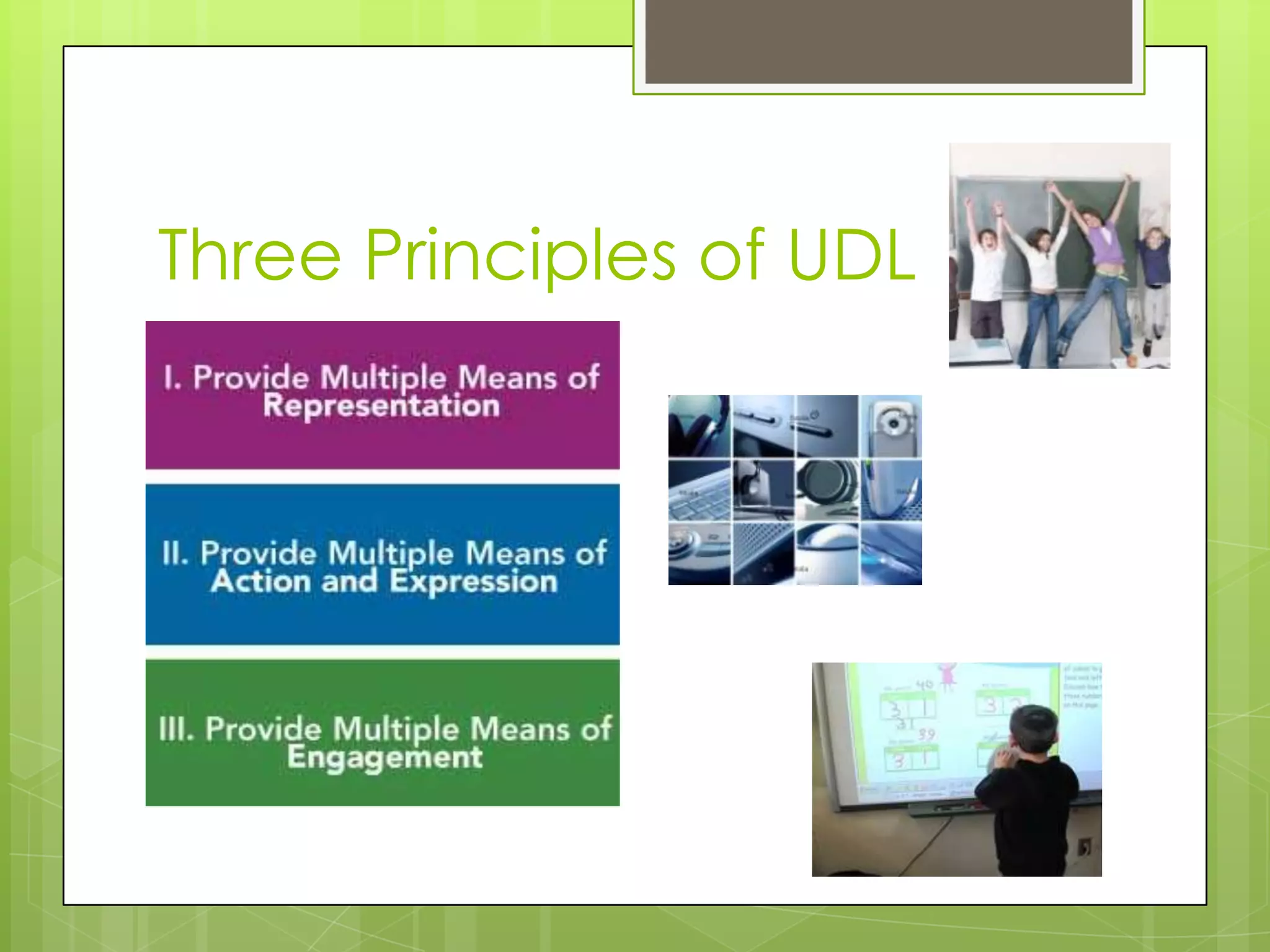
Three Principles of UDL
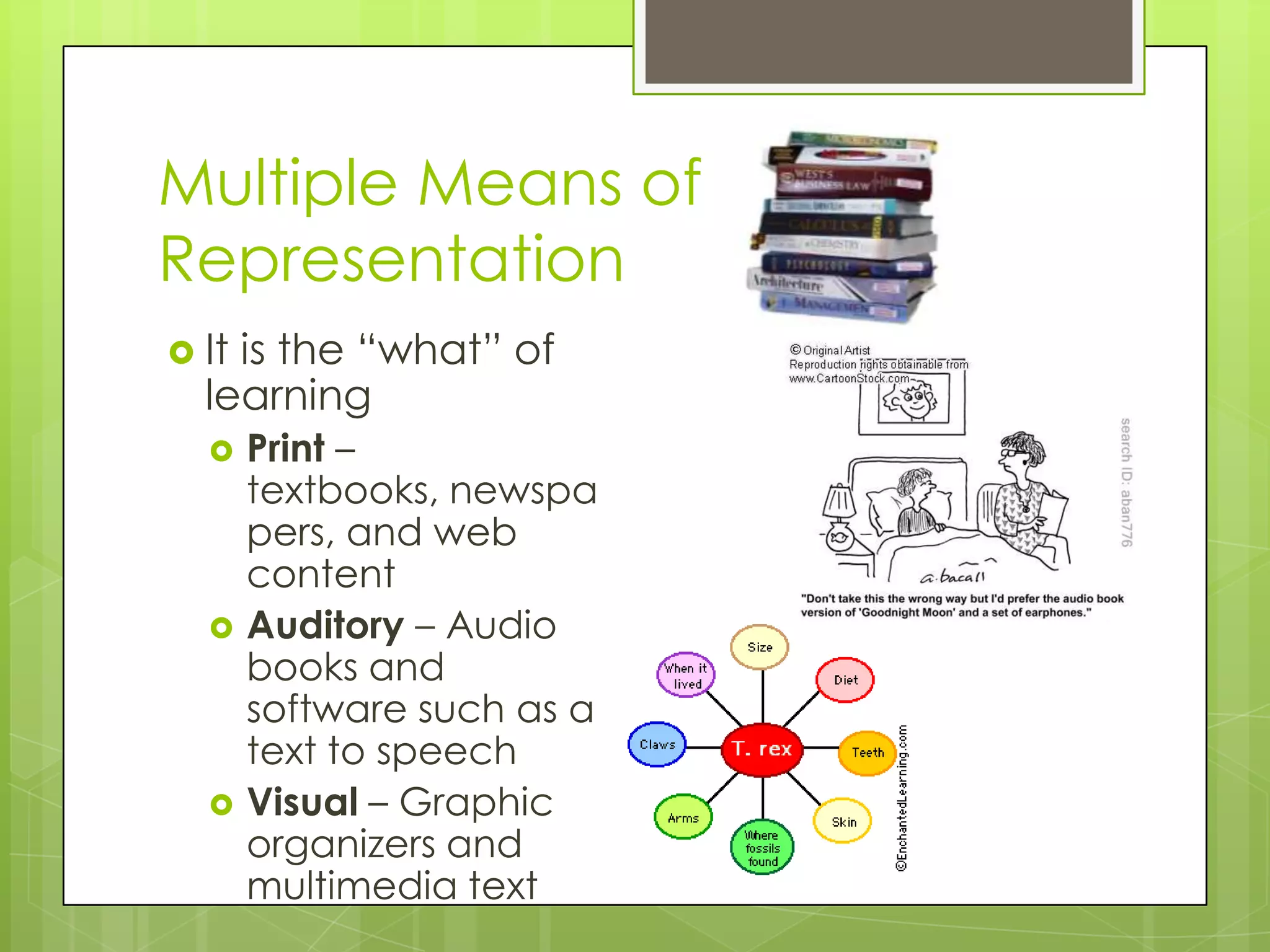
Multiple Means of
Representation
 Itis the “what” of
  learning
      Print –
       textbooks, newspa
       pers, and web
       content
      Auditory – Audio
       books and
       software such as a
       text to speech
      Visual – Graphic
       organizers and
       multimedia text
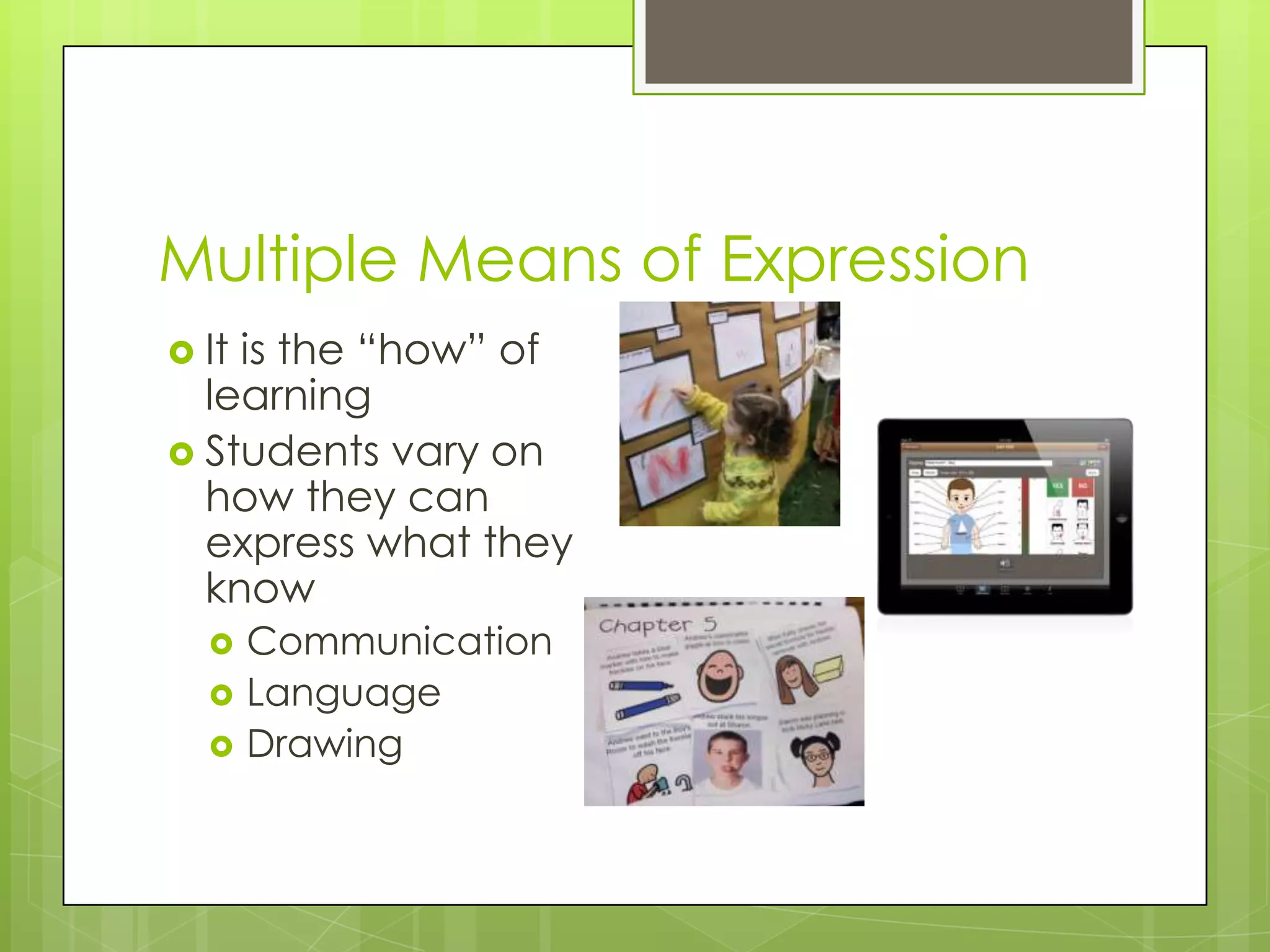
Multiple Means of Expression
 Itis the “how” of
  learning
 Students vary on
  how they can
  express what they
  know
      Communication
      Language
      Drawing
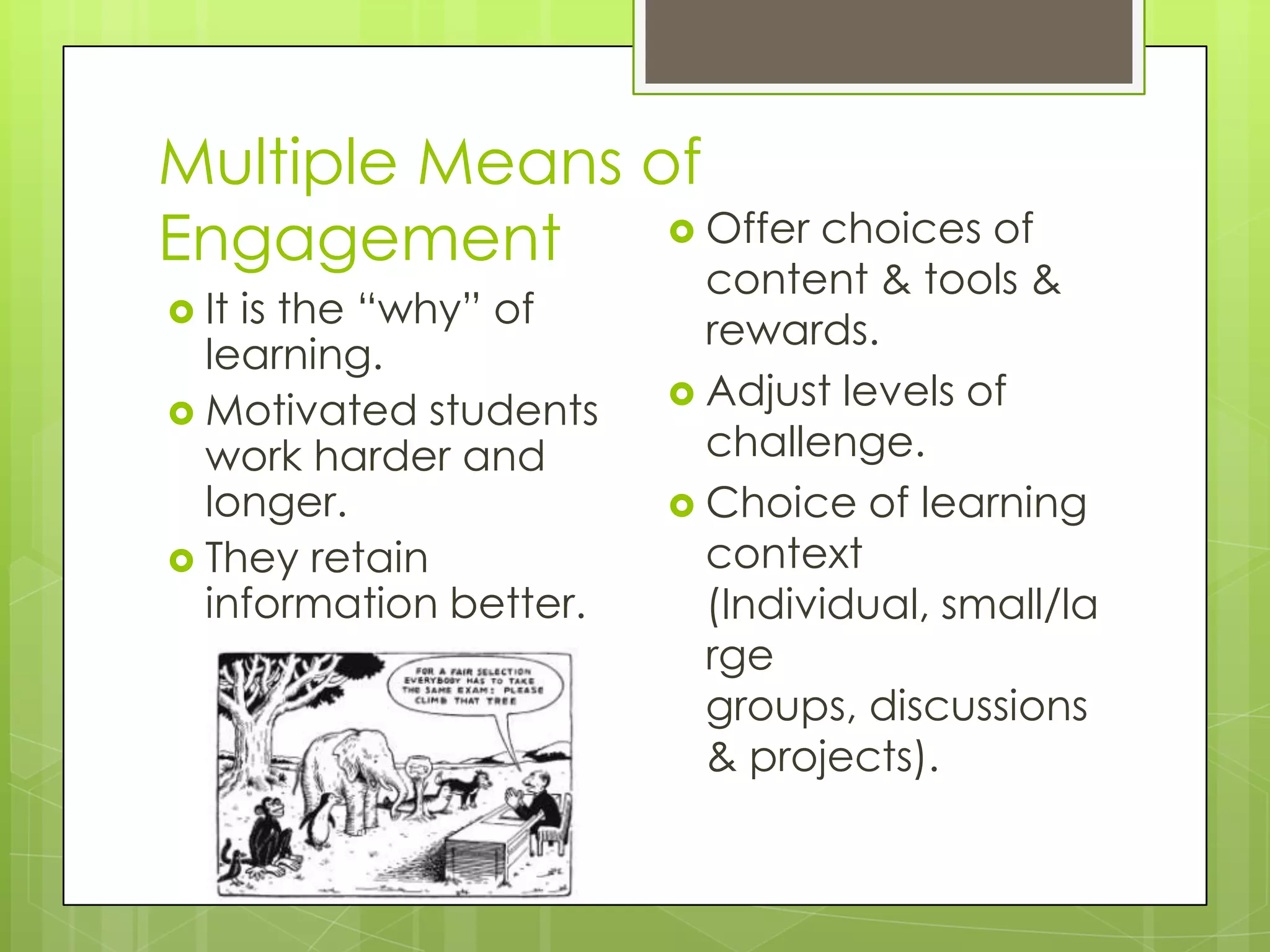
Multiple Means of
Engagement       Offer choices of
                          content & tools &
 Itis the “why” of       rewards.
  learning.
                         Adjust levels of
 Motivated students
  work harder and         challenge.
  longer.                Choice of learning
 They retain             context
  information better.     (Individual, small/la
                          rge
                          groups, discussions
                          & projects).
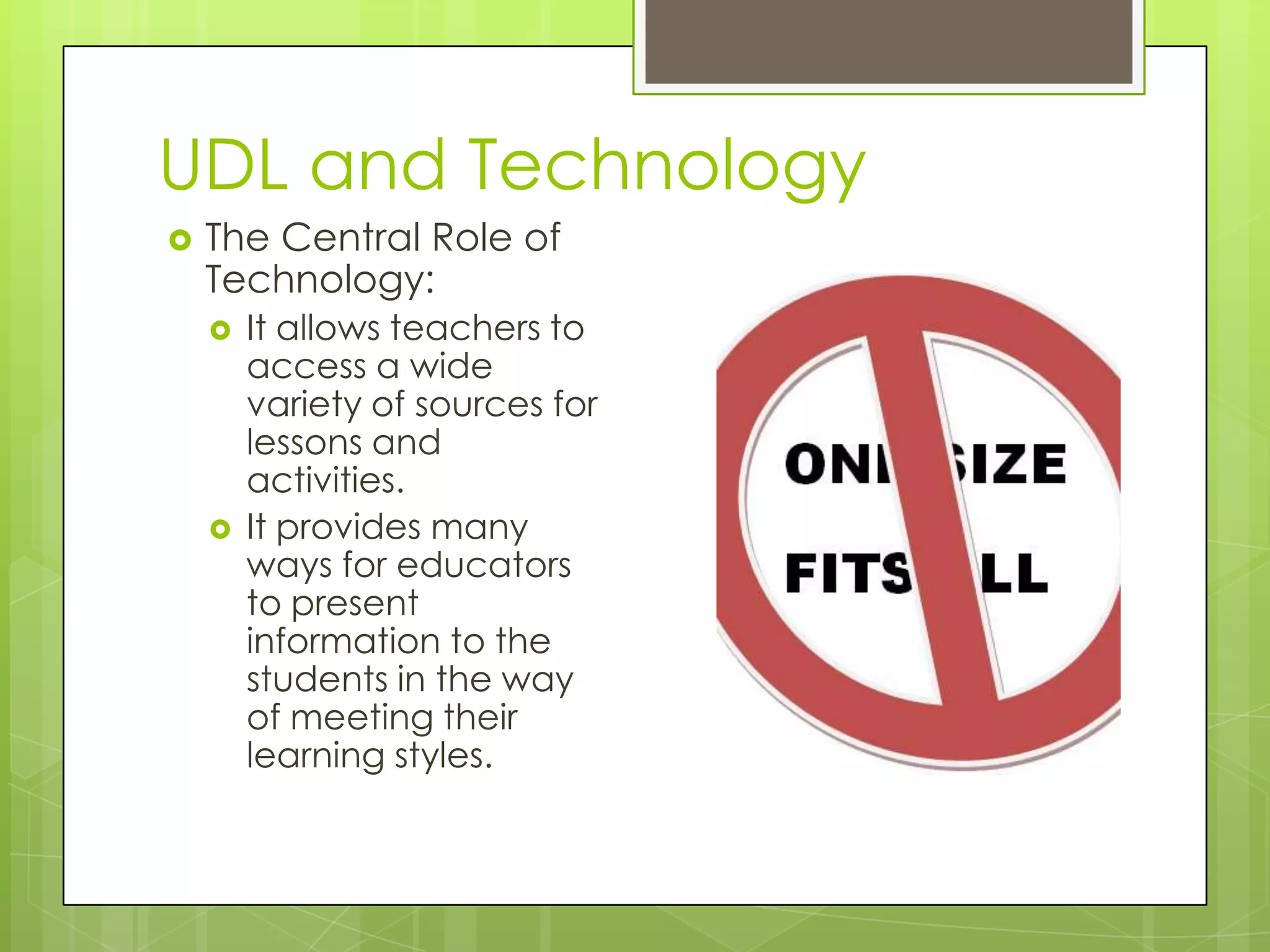
UDL and Technology
   The Central Role of
    Technology:
       It allows teachers to
        access a wide
        variety of sources for
        lessons and
        activities.
       It provides many
        ways for educators
        to present
        information to the
        students in the way
        of meeting their
        learning styles.
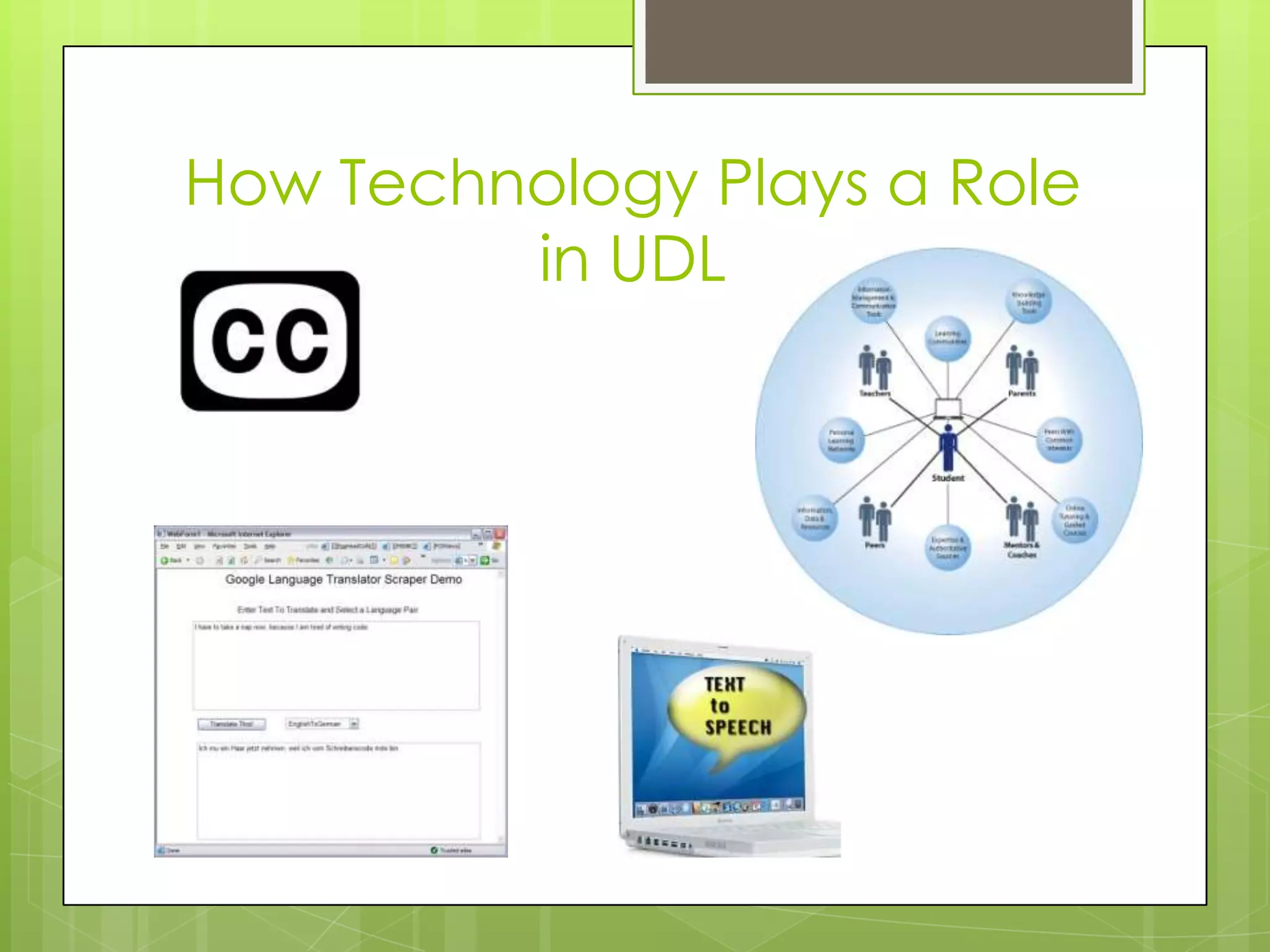
How Technology Plays a Role
         in UDL
Impact of UDL on Student
           Learning
 Universal  Design for Learning helps
  remove barriers so all students can learn.
 It builds maximum flexibility into the
  curriculum.
 It provides every student with the
  maximum opportunity to learn.
 It gives students the motivation and desire
  to want to learn.
Brain research
Brain Research
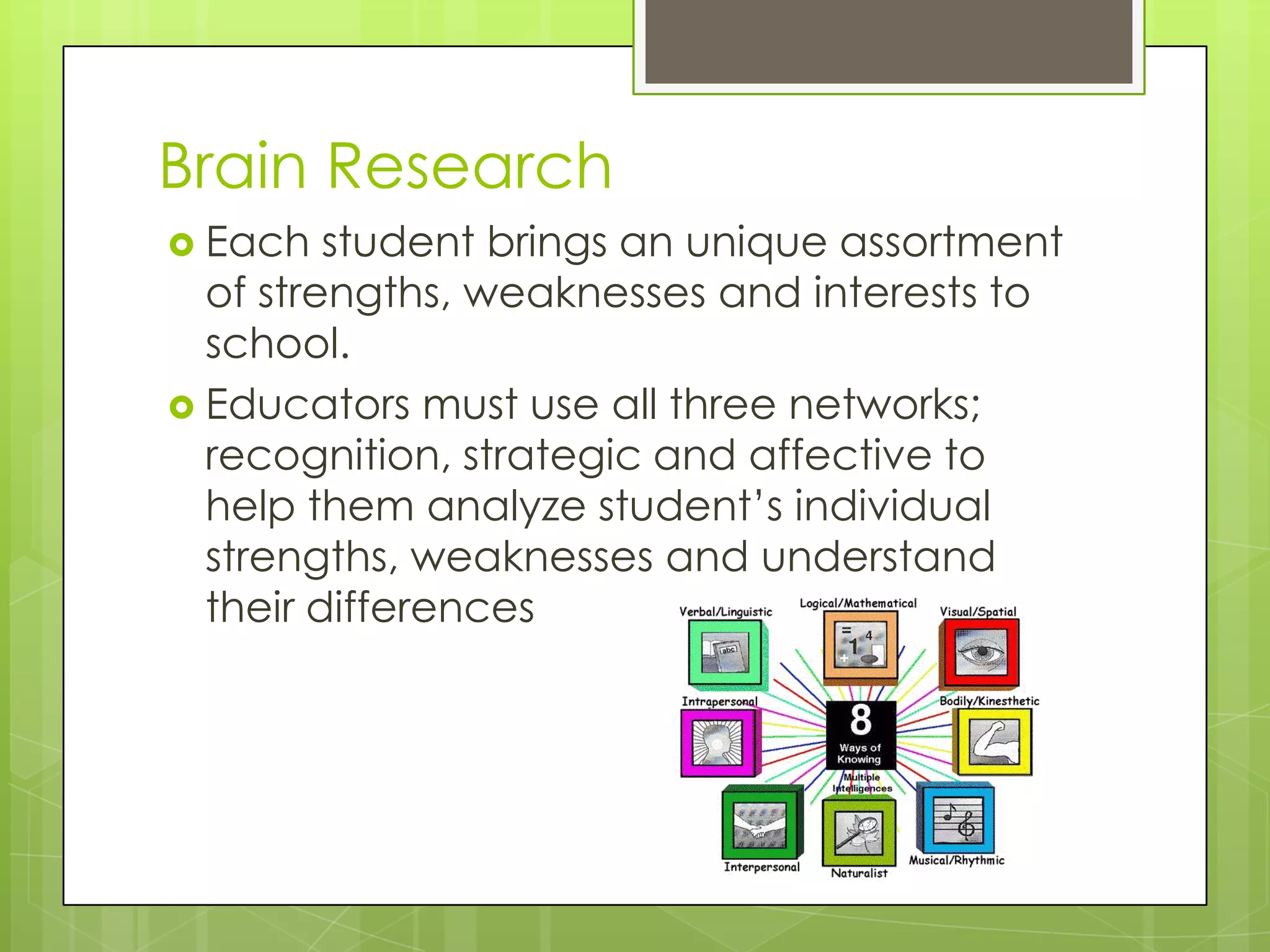
 Each   student brings an unique assortment
  of strengths, weaknesses and interests to
  school.
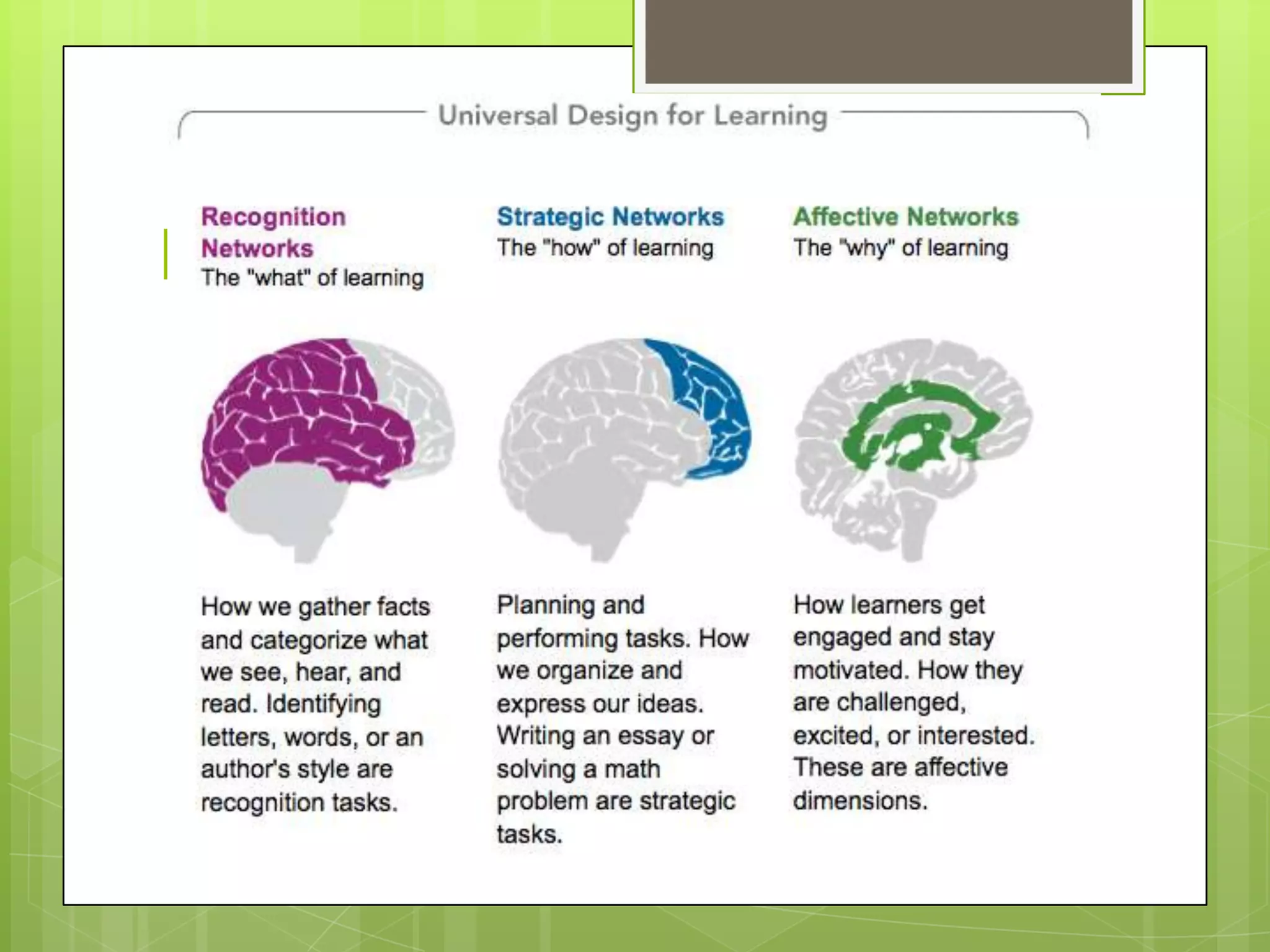
 Educators must use all three networks;
  recognition, strategic and affective to
  help them analyze student’s individual
  strengths, weaknesses and understand
  their differences
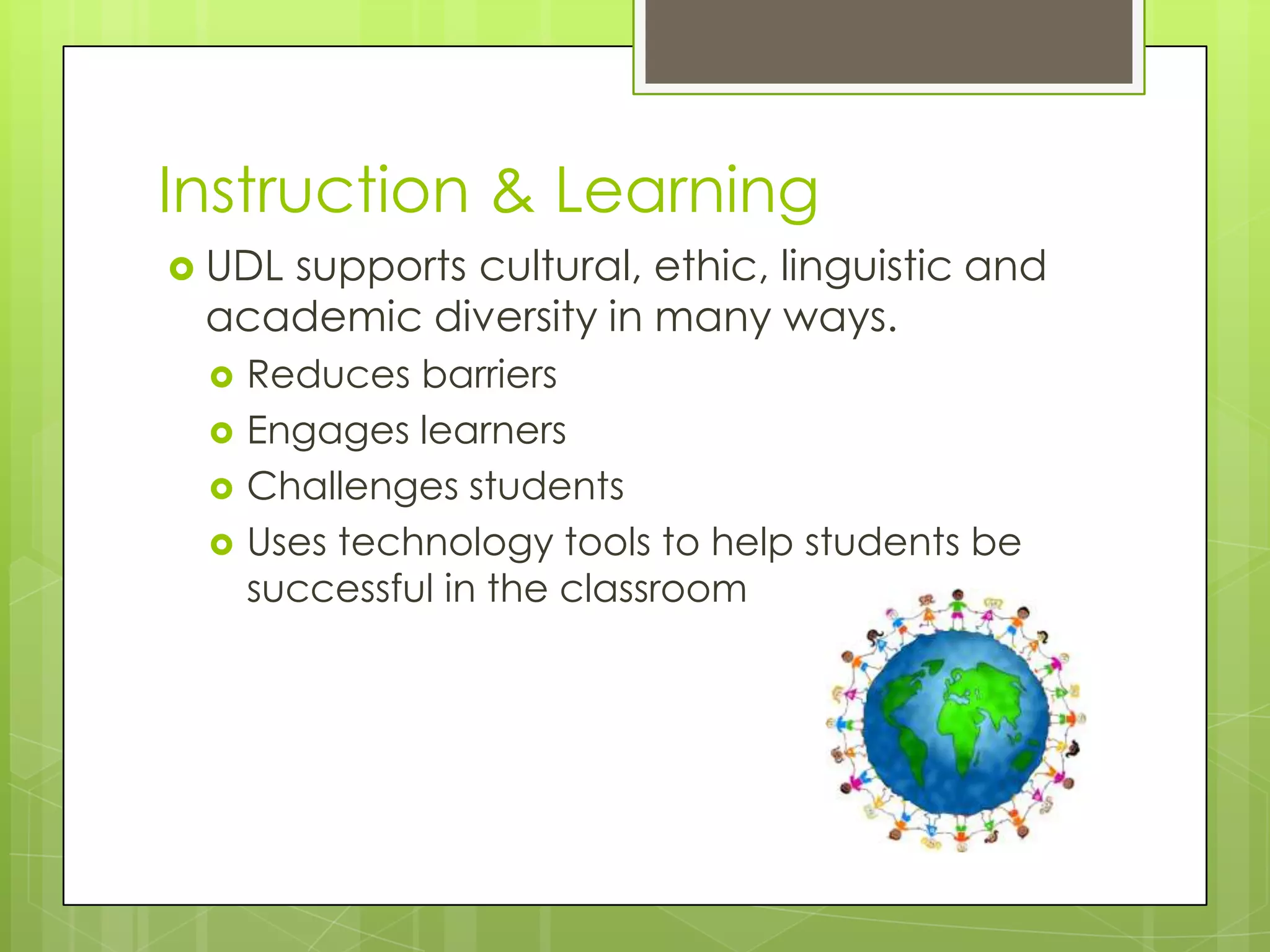
Instruction & Learning
 UDL
    supports cultural, ethic, linguistic and
 academic diversity in many ways.
    Reduces barriers
    Engages learners
    Challenges students
    Uses technology tools to help students be
     successful in the classroom
Technology & Brain Research
 Digitalmedia allows us to use UDL
  effectively
     Text is displayed in different ways (font
      size, color, and size)
     Offers flexibility to display content
      differently.
     Closed captioned for hearing
      impaired, talking books and text to speech
      for non-readers
CAST Strategy Tool
    This is a free online tool to help students
    and teachers with Internet research. It will
    help students in our program who struggle
    with reading to read, research, collect
    and understand information better. For
    teachers, it provides an easy way to
    create web-based lessons.
    http://www.cast.org/learningtools/strateg
    y_tutor/index.html
CAST UDL Book Builder
    This free online tool helps educators
    develop their own digital book to support
    reading instruction for students. Teachers
    can create, edit, and save work.
    http://www.cast.org/learningtools/book_
    builder/index.html
CAST UDL Lesson Builder
 Thisis a free tool that provides teachers
  with models and tools to create and
  adapt lessons which will be very useful in
  our program to help meet the diverse
  needs of our students.
  http://www.cast.org/learningtools/lesson_
  builder/index.html
References
   www.cast.org

   http://www.donjohnston.com/research/articl
    es/LL_UDL4_Feb07.html

   http://www.greatschools.org/special-
    education/assistive-technology/785-universal-
    design-for-learning-improved-access-for-all.gs

   http://www.udlcenter.org/resource_library/vi
    deos/udlcenter/guidelines

   http://udlguidelines.wordpress.com/introducti
    on/

Udl presentation

  • 2.
    WHAT IS UDL?  UDL is a framework designed to make learning accessible to all students by removing barriers and to provide support as well as to engage all students. It does not remove academic challenges but removes barriers to access.
  • 3.
    UDL and thePhysical Environment  Universal design is to make the physical environment be as usable as possible by as many people regardless of their age, ability or situation.
  • 4.
  • 5.
    Multiple Means of Representation Itis the “what” of learning  Print – textbooks, newspa pers, and web content  Auditory – Audio books and software such as a text to speech  Visual – Graphic organizers and multimedia text
  • 6.
    Multiple Means ofExpression  Itis the “how” of learning  Students vary on how they can express what they know  Communication  Language  Drawing
  • 7.
    Multiple Means of Engagement  Offer choices of content & tools &  Itis the “why” of rewards. learning.  Adjust levels of  Motivated students work harder and challenge. longer.  Choice of learning  They retain context information better. (Individual, small/la rge groups, discussions & projects).
  • 8.
    UDL and Technology  The Central Role of Technology:  It allows teachers to access a wide variety of sources for lessons and activities.  It provides many ways for educators to present information to the students in the way of meeting their learning styles.
  • 9.
    How Technology Playsa Role in UDL
  • 10.
    Impact of UDLon Student Learning  Universal Design for Learning helps remove barriers so all students can learn.  It builds maximum flexibility into the curriculum.  It provides every student with the maximum opportunity to learn.  It gives students the motivation and desire to want to learn.
  • 11.
  • 12.
    Brain Research  Each student brings an unique assortment of strengths, weaknesses and interests to school.  Educators must use all three networks; recognition, strategic and affective to help them analyze student’s individual strengths, weaknesses and understand their differences
  • 13.
    Instruction & Learning UDL supports cultural, ethic, linguistic and academic diversity in many ways.  Reduces barriers  Engages learners  Challenges students  Uses technology tools to help students be successful in the classroom
  • 14.
    Technology & BrainResearch  Digitalmedia allows us to use UDL effectively  Text is displayed in different ways (font size, color, and size)  Offers flexibility to display content differently.  Closed captioned for hearing impaired, talking books and text to speech for non-readers
  • 15.
    CAST Strategy Tool  This is a free online tool to help students and teachers with Internet research. It will help students in our program who struggle with reading to read, research, collect and understand information better. For teachers, it provides an easy way to create web-based lessons. http://www.cast.org/learningtools/strateg y_tutor/index.html
  • 16.
    CAST UDL BookBuilder  This free online tool helps educators develop their own digital book to support reading instruction for students. Teachers can create, edit, and save work. http://www.cast.org/learningtools/book_ builder/index.html
  • 17.
    CAST UDL LessonBuilder  Thisis a free tool that provides teachers with models and tools to create and adapt lessons which will be very useful in our program to help meet the diverse needs of our students. http://www.cast.org/learningtools/lesson_ builder/index.html
  • 18.
    References  www.cast.org  http://www.donjohnston.com/research/articl es/LL_UDL4_Feb07.html  http://www.greatschools.org/special- education/assistive-technology/785-universal- design-for-learning-improved-access-for-all.gs  http://www.udlcenter.org/resource_library/vi deos/udlcenter/guidelines  http://udlguidelines.wordpress.com/introducti on/