Types of
network
&
Network
Components
LAN WAN and MAN
Types of Computer Networks
Computer networks are categorized according to:
 How they are organized physically.
 The way they are used
 The distance over which they operate
Here we are going to discuss computer networks categorized
according to the way they are used and the distance they
cover
1. LAN (local area network)
2. WAN (wide area network)
3. MAN (Metropolitan area network)
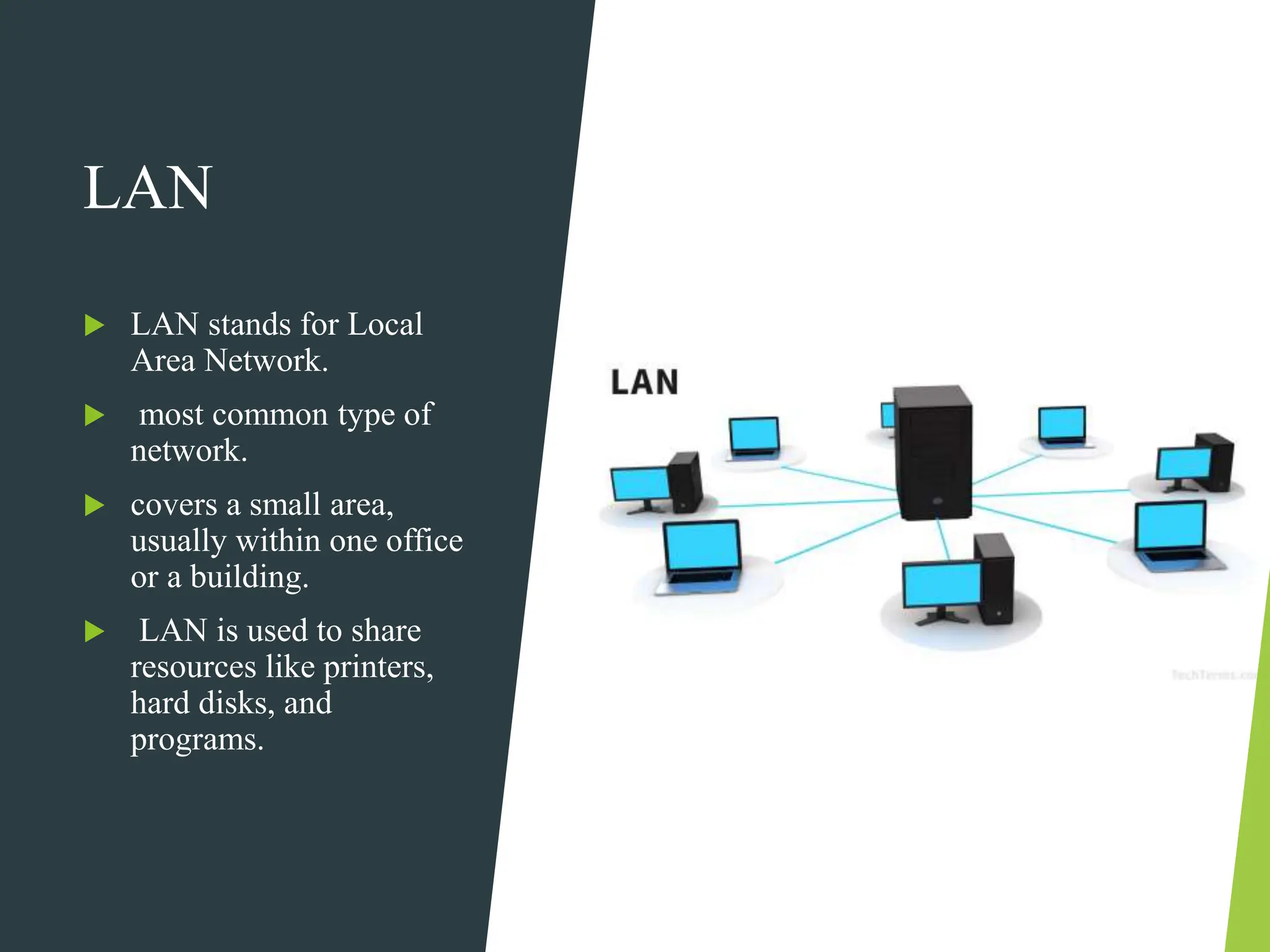
LAN
 LAN stands for Local
Area Network.
 most common type of
network.
 covers a small area,
usually within one office
or a building.
 LAN is used to share
resources like printers,
hard disks, and
programs.
LAN Speed
 LAN can transmit data at a very high speed,
typically from 10 Mbps to 1000 Mbps.
 Much faster than data transmission over a telephone
line.
 Transmits data within a limited distance and has a
limit on the number of connected computers.
Example The network in a computer lab of a college is
an example of a local area network.
Uses and Advantages of LAN
- One copy of software can be shared by all users in a LAN.
- System resources like printers and hard disks can be
shared between users in LAN.
- Easy to manage data stored on a centralized computer in
LAN.
- Data is more secure from being copied or destroyed.
- Data can be shared by all users using LAN.
Components
of a Network
Communication Media
NIC( network interface card)
Bridge
Router
Gateway
Different components of a network include
Communication Media
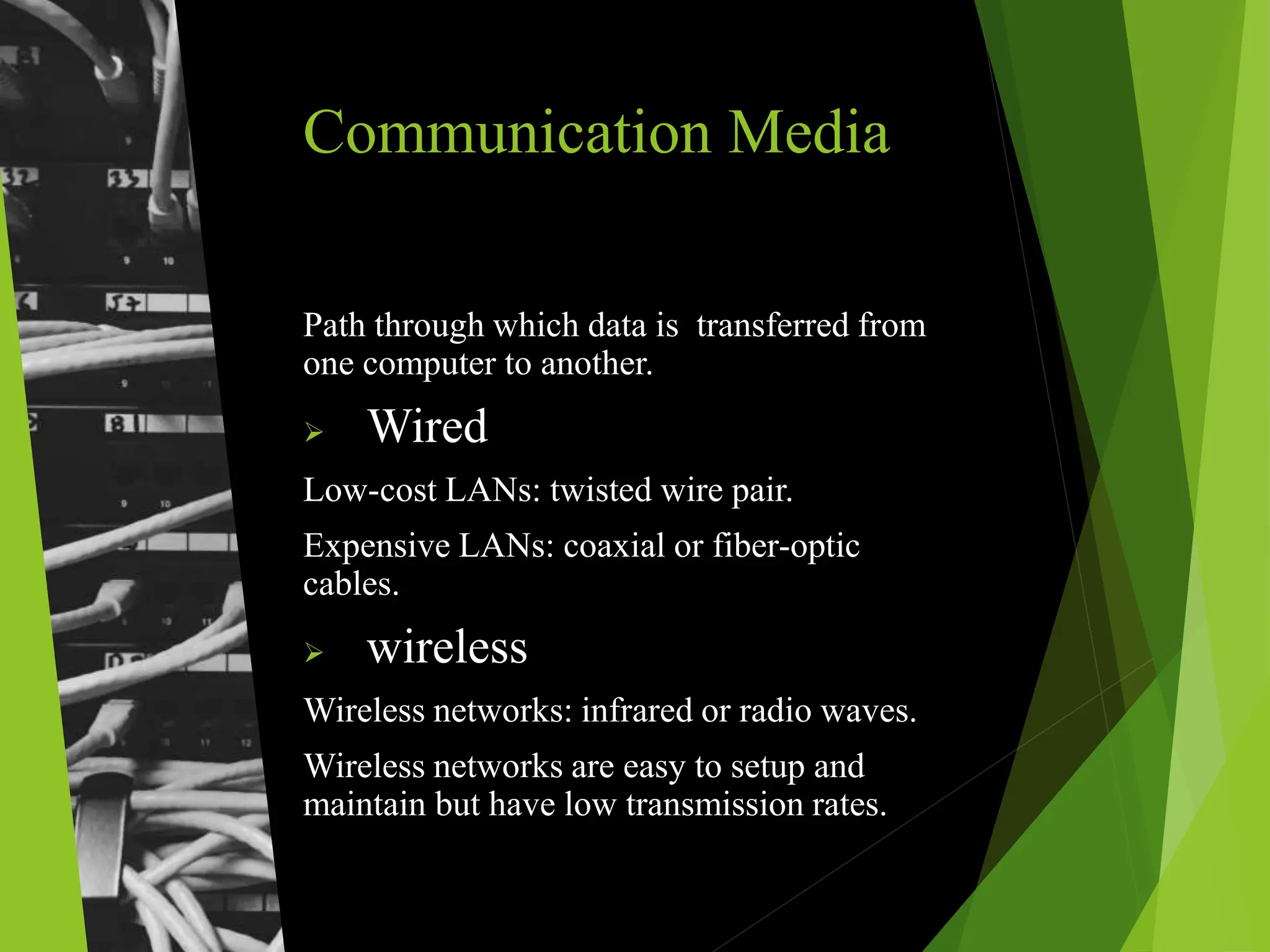
Path through which data is transferred from
one computer to another.
 Wired
Low-cost LANs: twisted wire pair.
Expensive LANs: coaxial or fiber-optic
cables.
 wireless
Wireless networks: infrared or radio waves.
Wireless networks are easy to setup and
maintain but have low transmission rates.
NIC
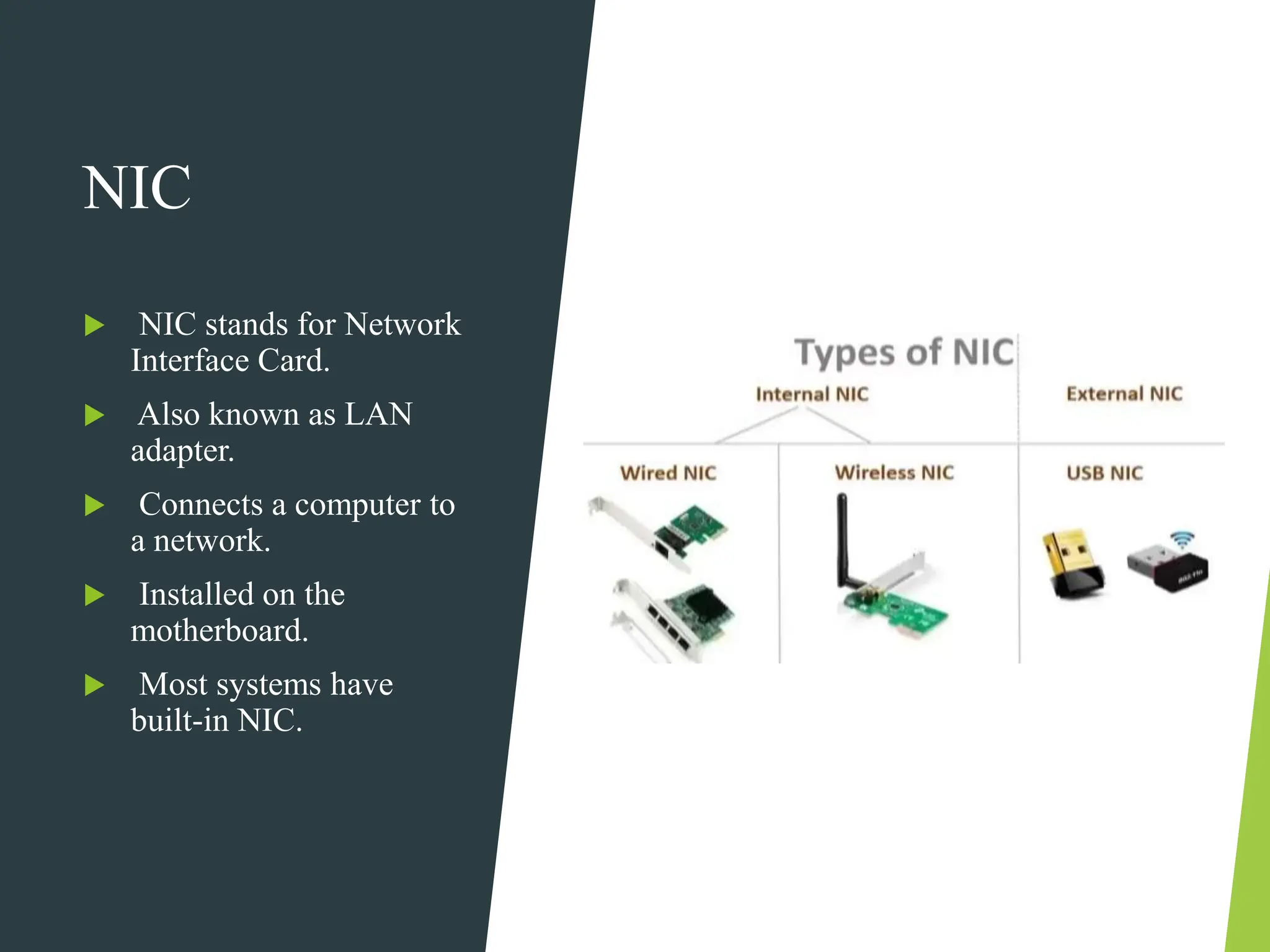
 NIC stands for Network
Interface Card.
 Also known as LAN
adapter.
 Connects a computer to
a network.
 Installed on the
motherboard.
 Most systems have
built-in NIC.
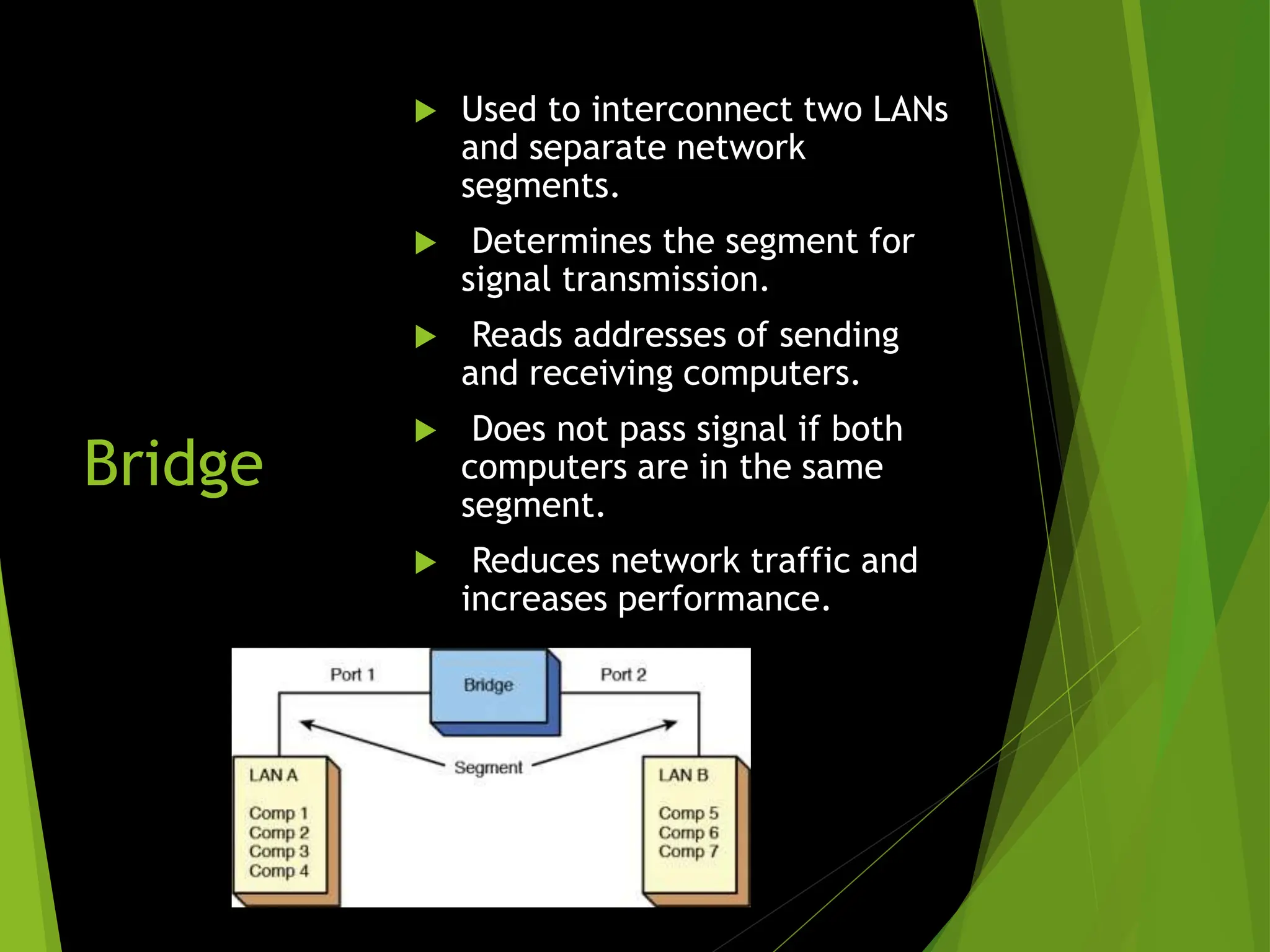
Bridge
 Used to interconnect two LANs
and separate network
segments.
 Determines the segment for
signal transmission.
 Reads addresses of sending
and receiving computers.
 Does not pass signal if both
computers are in the same
segment.
 Reduces network traffic and
increases performance.
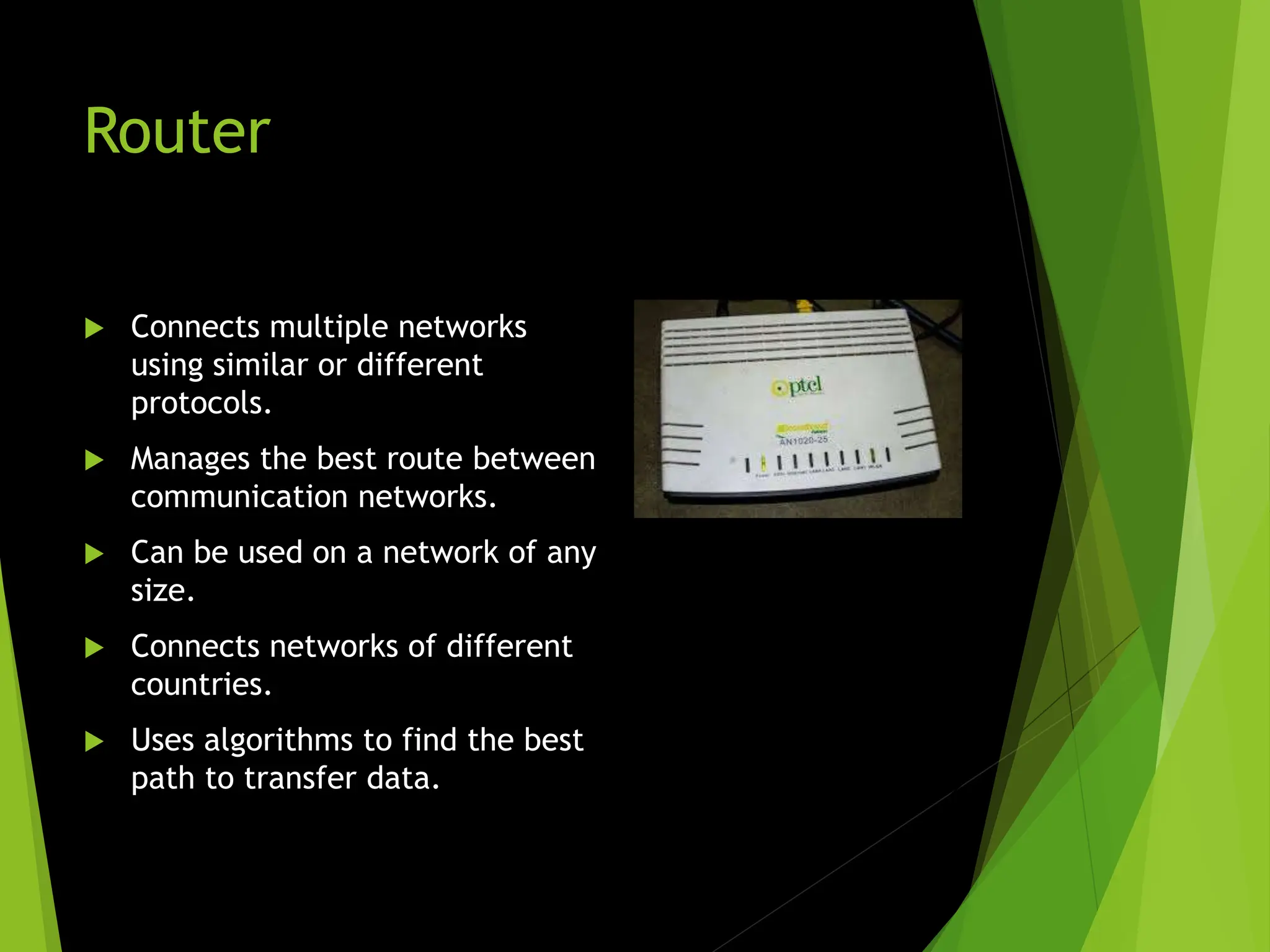
Router
 Connects multiple networks
using similar or different
protocols.
 Manages the best route between
communication networks.
 Can be used on a network of any
size.
 Connects networks of different
countries.
 Uses algorithms to find the best
path to transfer data.
Gateway
 Connects two or more networks with different types
of protocols.
 Converts data according to the protocol of each
network.
 Necessary for LANs to access the Internet.
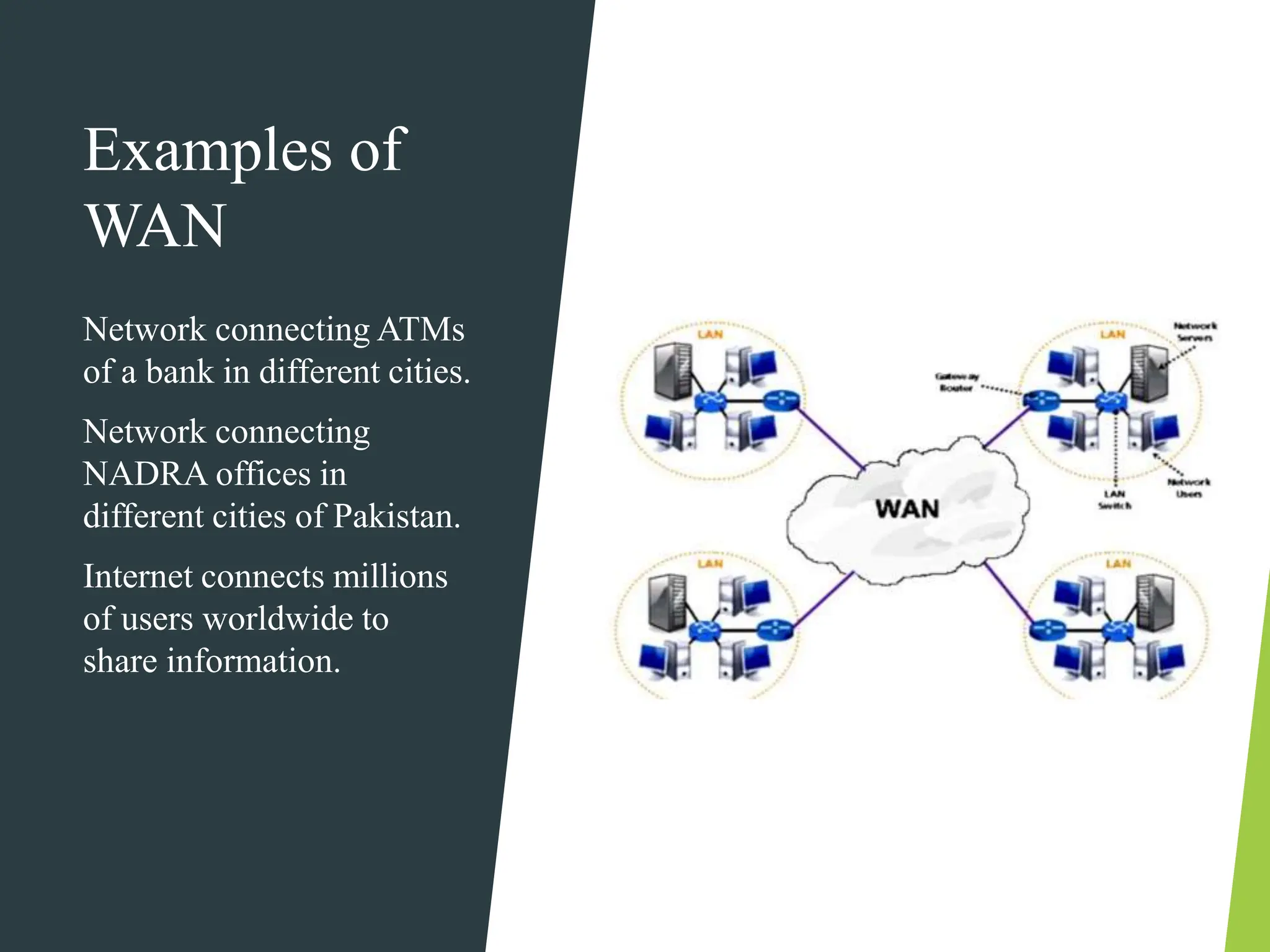
WAN
WAN stands for Wide Area Network.
Covers a large area, connects computers and devices in
different cities and countries.
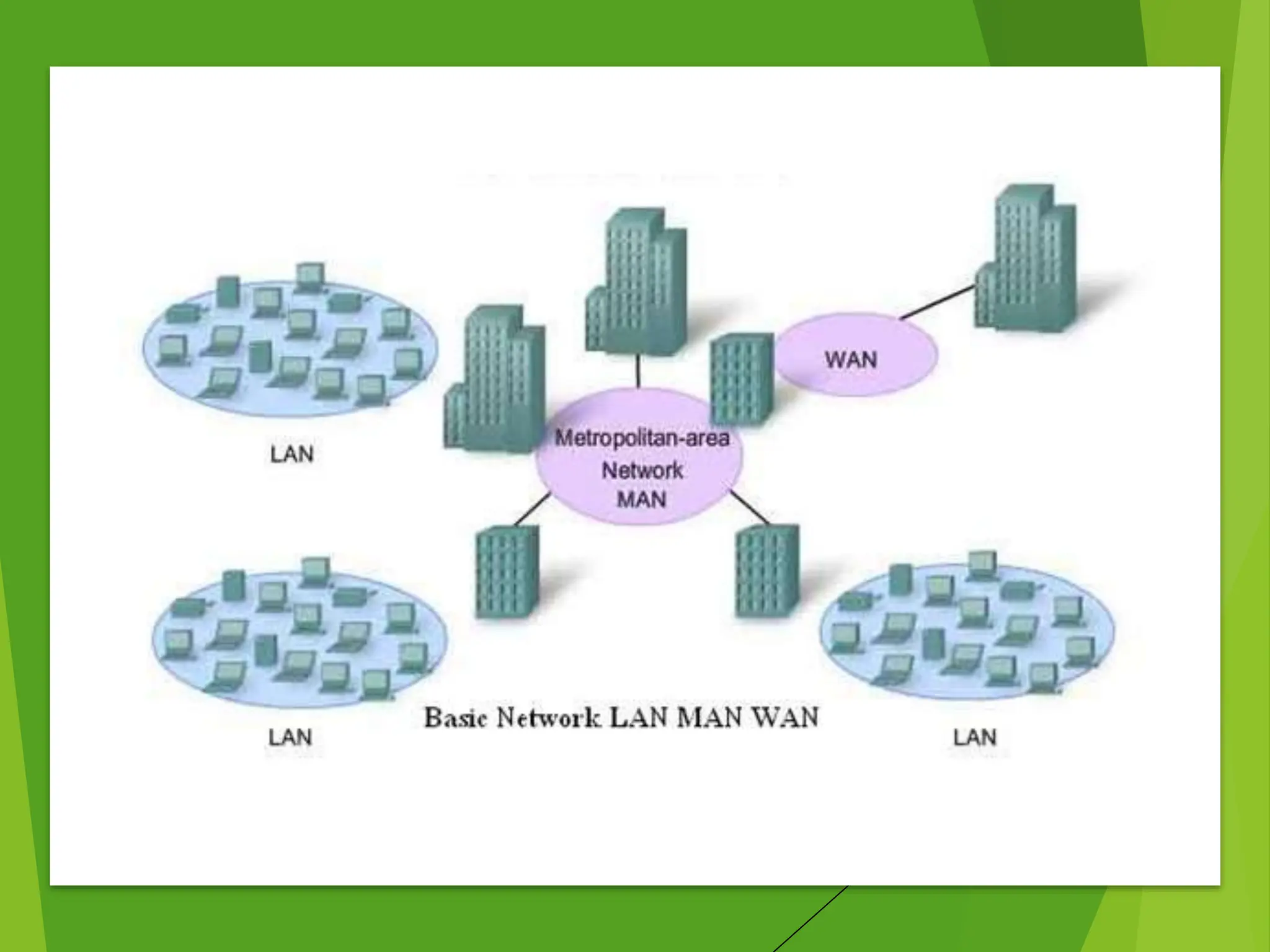
Consists of several LANs connected together.
Connected through telephone lines, leased lines, or
satellites.
Transmission rate: 56Kbps to 50Mbps.
Expensive, not as fast as LAN.
Internet is the largest WAN in the world.
Mainframe and
Minicomputers in WAN
Designed to be accessed by terminals.
Personal computer must appear as a
terminal to communicate with larger
computers.
Terminal emulation software allows a
personal computer to appear as a
terminal.
Host
Computer
Larger computer known as host
computer.
Personal computer attached to
host can upload and download
data.
Uploading: Transfer of data
from personal computer to host.
Downloading: Transfer of data
from host computer to personal
computer.
File transfer software used for
upload and download.
Examples of
WAN
Network connecting ATMs
of a bank in different cities.
Network connecting
NADRA offices in
different cities of Pakistan.
Internet connects millions
of users worldwide to
share information.
MAN
MAN stands for Metropolitan Area Network.
Covers an area of a city.
Larger than LAN but smaller than WAN.
Connects two or more LANs in a city or town.
Examples of
MAN
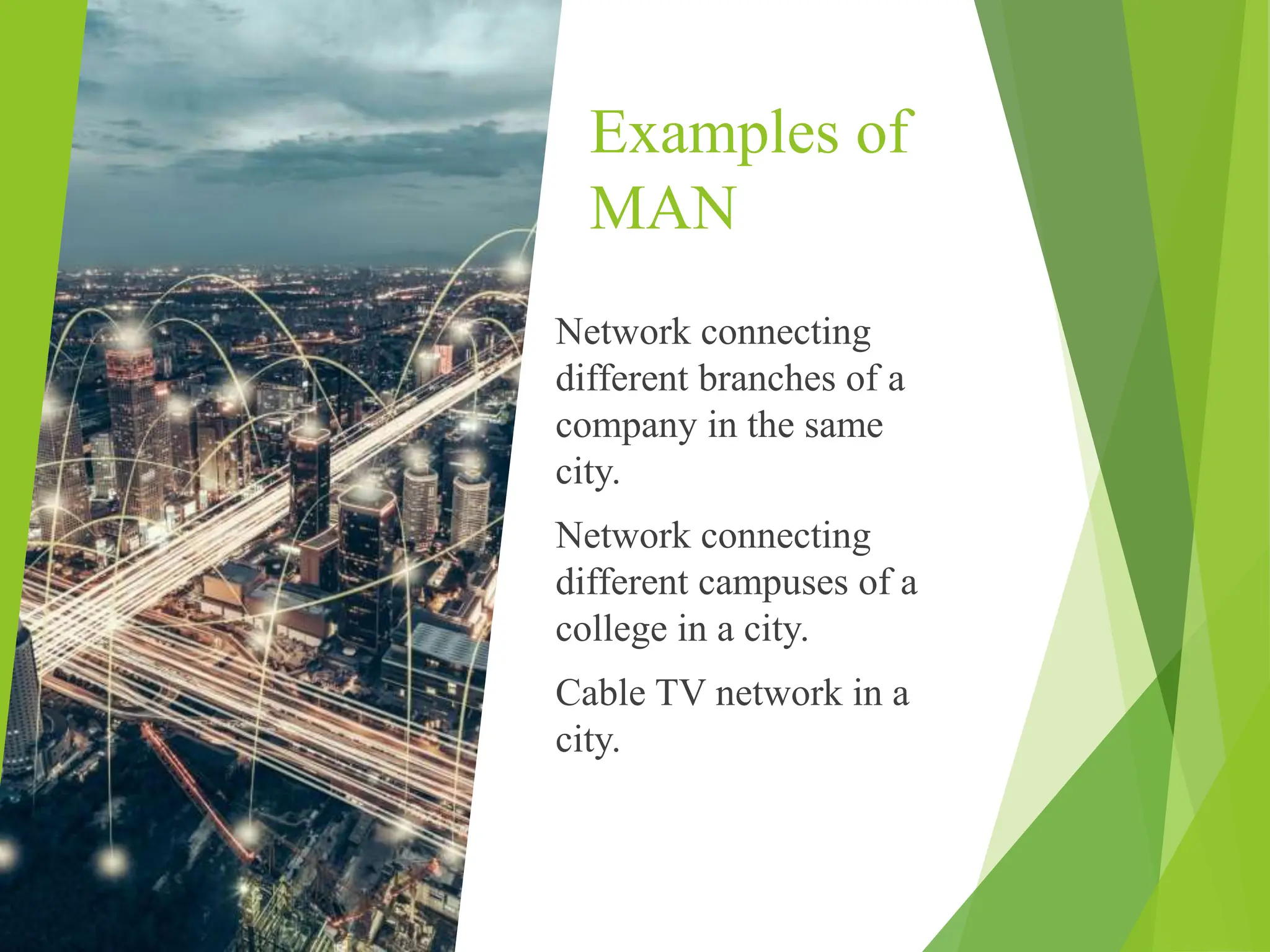
Network connecting
different branches of a
company in the same
city.
Network connecting
different campuses of a
college in a city.
Cable TV network in a
city.
Advantages of MAN
Covers a larger area than LAN.
Provides higher data speed than LAN.
Disadvantages of MAN
More expensive than LAN.
Difficult to maintain compared to LAN.

types of network Network_Components.pptx

  • 1.
  • 2.
    Types of ComputerNetworks Computer networks are categorized according to:  How they are organized physically.  The way they are used  The distance over which they operate Here we are going to discuss computer networks categorized according to the way they are used and the distance they cover 1. LAN (local area network) 2. WAN (wide area network) 3. MAN (Metropolitan area network)
  • 3.
    LAN  LAN standsfor Local Area Network.  most common type of network.  covers a small area, usually within one office or a building.  LAN is used to share resources like printers, hard disks, and programs.
  • 4.
    LAN Speed  LANcan transmit data at a very high speed, typically from 10 Mbps to 1000 Mbps.  Much faster than data transmission over a telephone line.  Transmits data within a limited distance and has a limit on the number of connected computers. Example The network in a computer lab of a college is an example of a local area network.
  • 5.
    Uses and Advantagesof LAN - One copy of software can be shared by all users in a LAN. - System resources like printers and hard disks can be shared between users in LAN. - Easy to manage data stored on a centralized computer in LAN. - Data is more secure from being copied or destroyed. - Data can be shared by all users using LAN.
  • 6.
    Components of a Network CommunicationMedia NIC( network interface card) Bridge Router Gateway Different components of a network include
  • 7.
    Communication Media Path throughwhich data is transferred from one computer to another.  Wired Low-cost LANs: twisted wire pair. Expensive LANs: coaxial or fiber-optic cables.  wireless Wireless networks: infrared or radio waves. Wireless networks are easy to setup and maintain but have low transmission rates.
  • 8.
    NIC  NIC standsfor Network Interface Card.  Also known as LAN adapter.  Connects a computer to a network.  Installed on the motherboard.  Most systems have built-in NIC.
  • 9.
    Bridge  Used tointerconnect two LANs and separate network segments.  Determines the segment for signal transmission.  Reads addresses of sending and receiving computers.  Does not pass signal if both computers are in the same segment.  Reduces network traffic and increases performance.
  • 10.
    Router  Connects multiplenetworks using similar or different protocols.  Manages the best route between communication networks.  Can be used on a network of any size.  Connects networks of different countries.  Uses algorithms to find the best path to transfer data.
  • 11.
    Gateway  Connects twoor more networks with different types of protocols.  Converts data according to the protocol of each network.  Necessary for LANs to access the Internet.
  • 12.
    WAN WAN stands forWide Area Network. Covers a large area, connects computers and devices in different cities and countries. Consists of several LANs connected together. Connected through telephone lines, leased lines, or satellites. Transmission rate: 56Kbps to 50Mbps. Expensive, not as fast as LAN. Internet is the largest WAN in the world.
  • 13.
    Mainframe and Minicomputers inWAN Designed to be accessed by terminals. Personal computer must appear as a terminal to communicate with larger computers. Terminal emulation software allows a personal computer to appear as a terminal.
  • 14.
    Host Computer Larger computer knownas host computer. Personal computer attached to host can upload and download data. Uploading: Transfer of data from personal computer to host. Downloading: Transfer of data from host computer to personal computer. File transfer software used for upload and download.
  • 15.
    Examples of WAN Network connectingATMs of a bank in different cities. Network connecting NADRA offices in different cities of Pakistan. Internet connects millions of users worldwide to share information.
  • 16.
    MAN MAN stands forMetropolitan Area Network. Covers an area of a city. Larger than LAN but smaller than WAN. Connects two or more LANs in a city or town.
  • 18.
    Examples of MAN Network connecting differentbranches of a company in the same city. Network connecting different campuses of a college in a city. Cable TV network in a city.
  • 19.
    Advantages of MAN Coversa larger area than LAN. Provides higher data speed than LAN. Disadvantages of MAN More expensive than LAN. Difficult to maintain compared to LAN.