Twitter and Web Accessibility Presented by Dennis Lembrée INDATA Statewide Assistive Technology Conference Indianapolis, Indiana July 29, 2010
Agenda What’s Twitter? Issues with Twitter.com Accessible Twitter Clients AccessibleTwitter.com Benefits of Web Accessibility & Web Standards Guidelines for Accessible Tweets Contact Details Questions
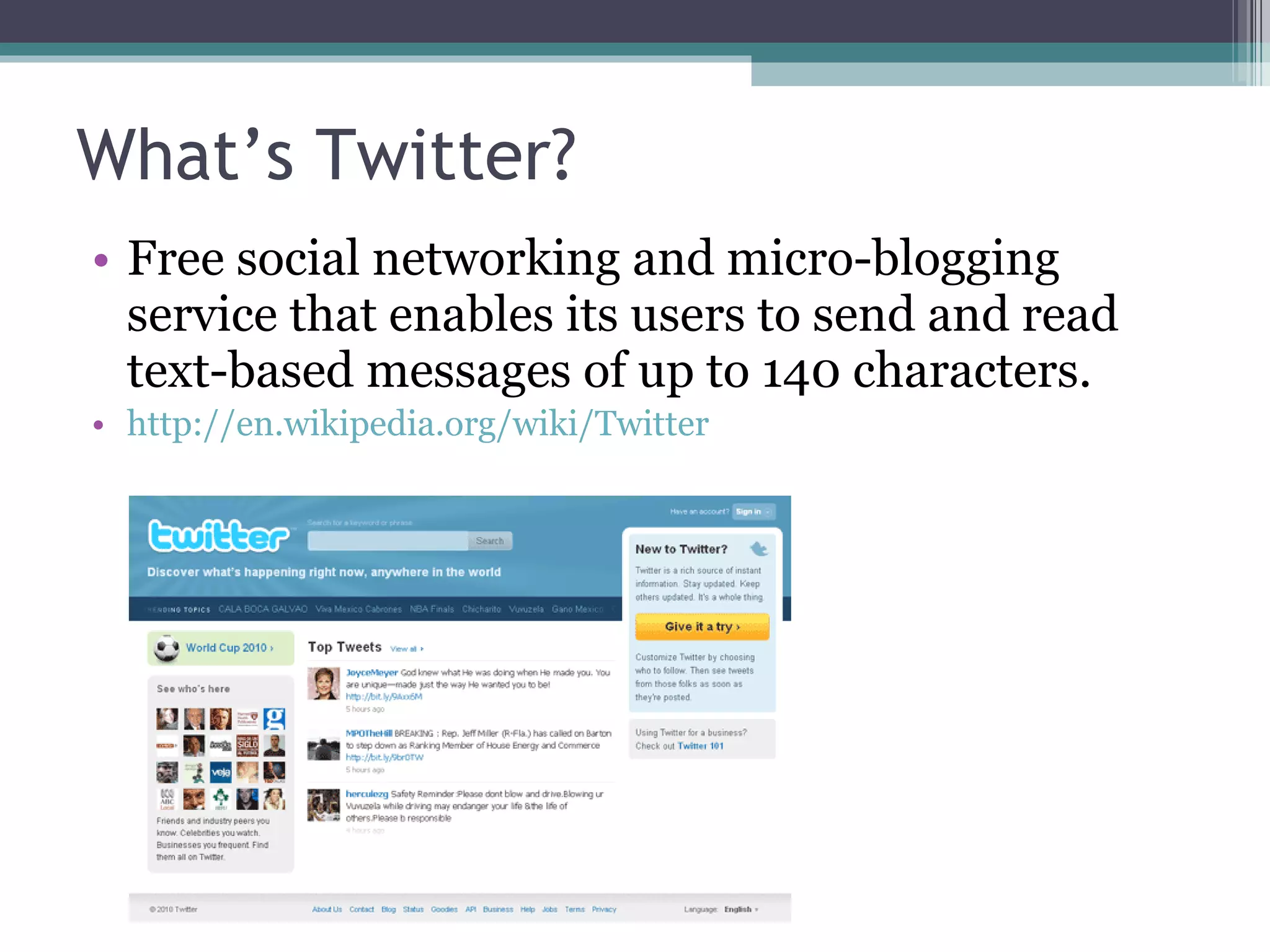
What’s Twitter? Free social networking and micro-blogging service that enables its users to send and read text-based messages of up to 140 characters. http://en.wikipedia.org/wiki/Twitter
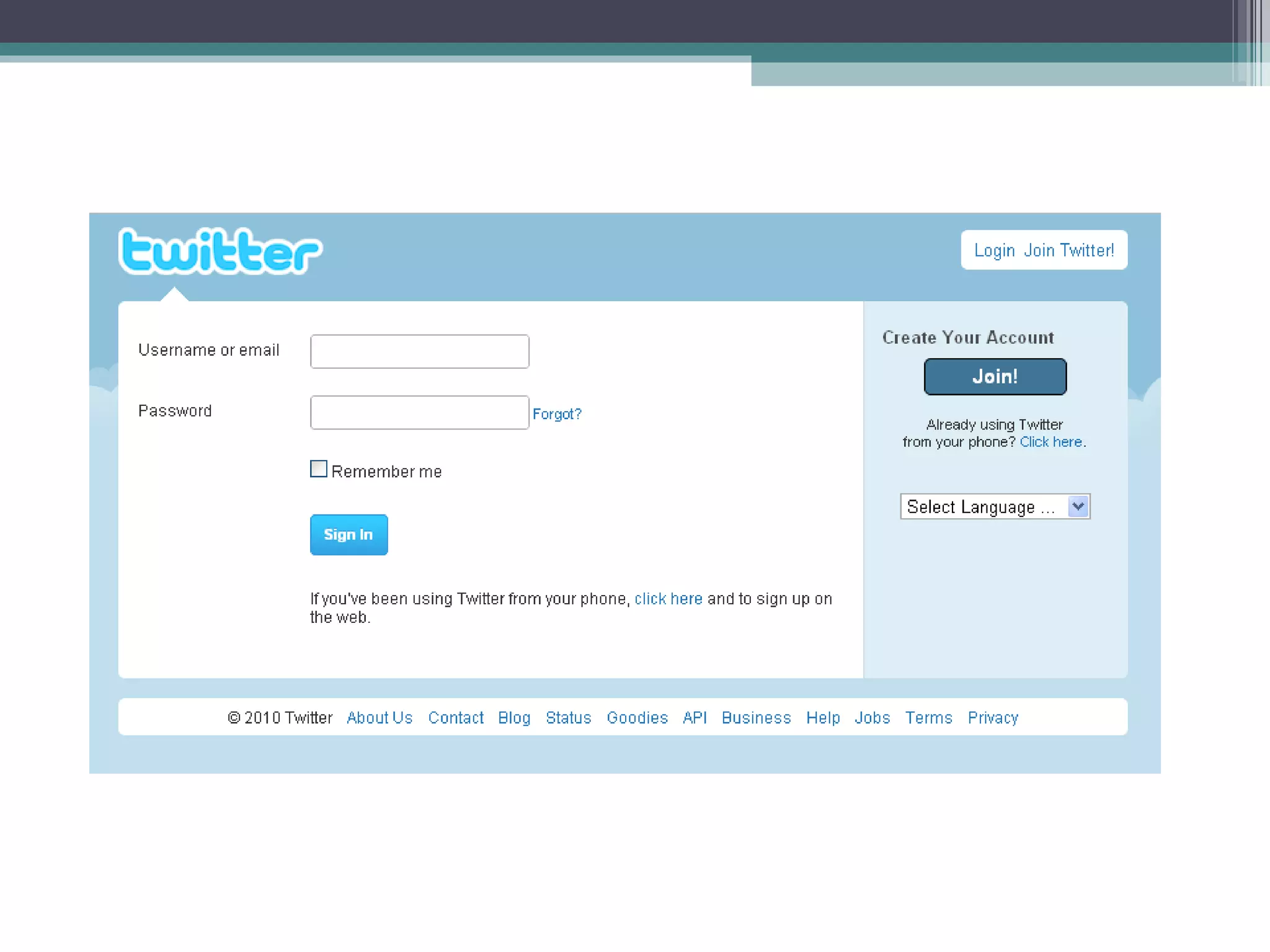
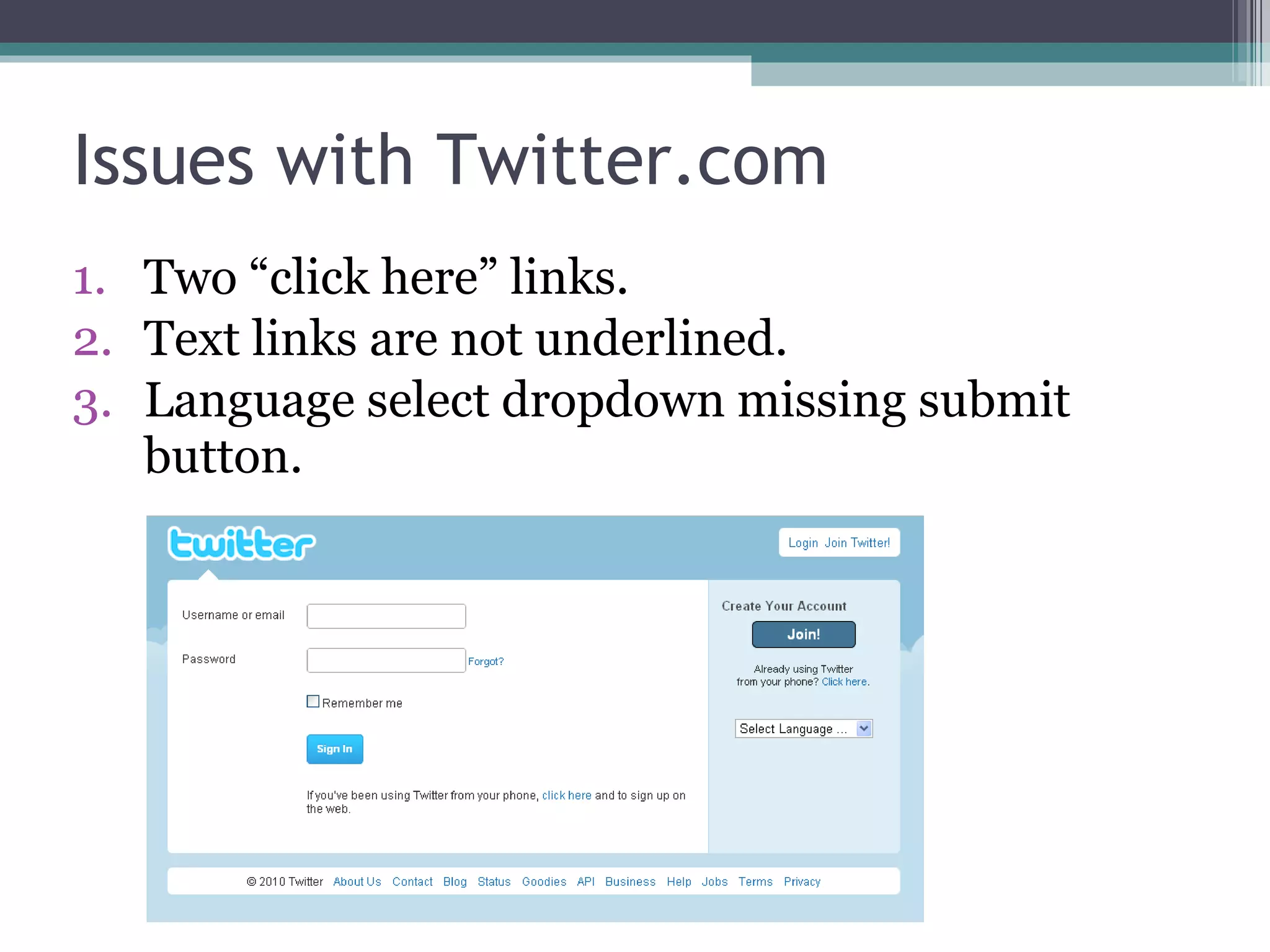
Issues with Twitter.com From the start, there are accessibility issues.  Can you find 3 items on the main Twitter “Sign in” page that could use improvement?
 
Issues with Twitter.com Two “click here” links. Text links are not underlined. Language select dropdown missing submit button.
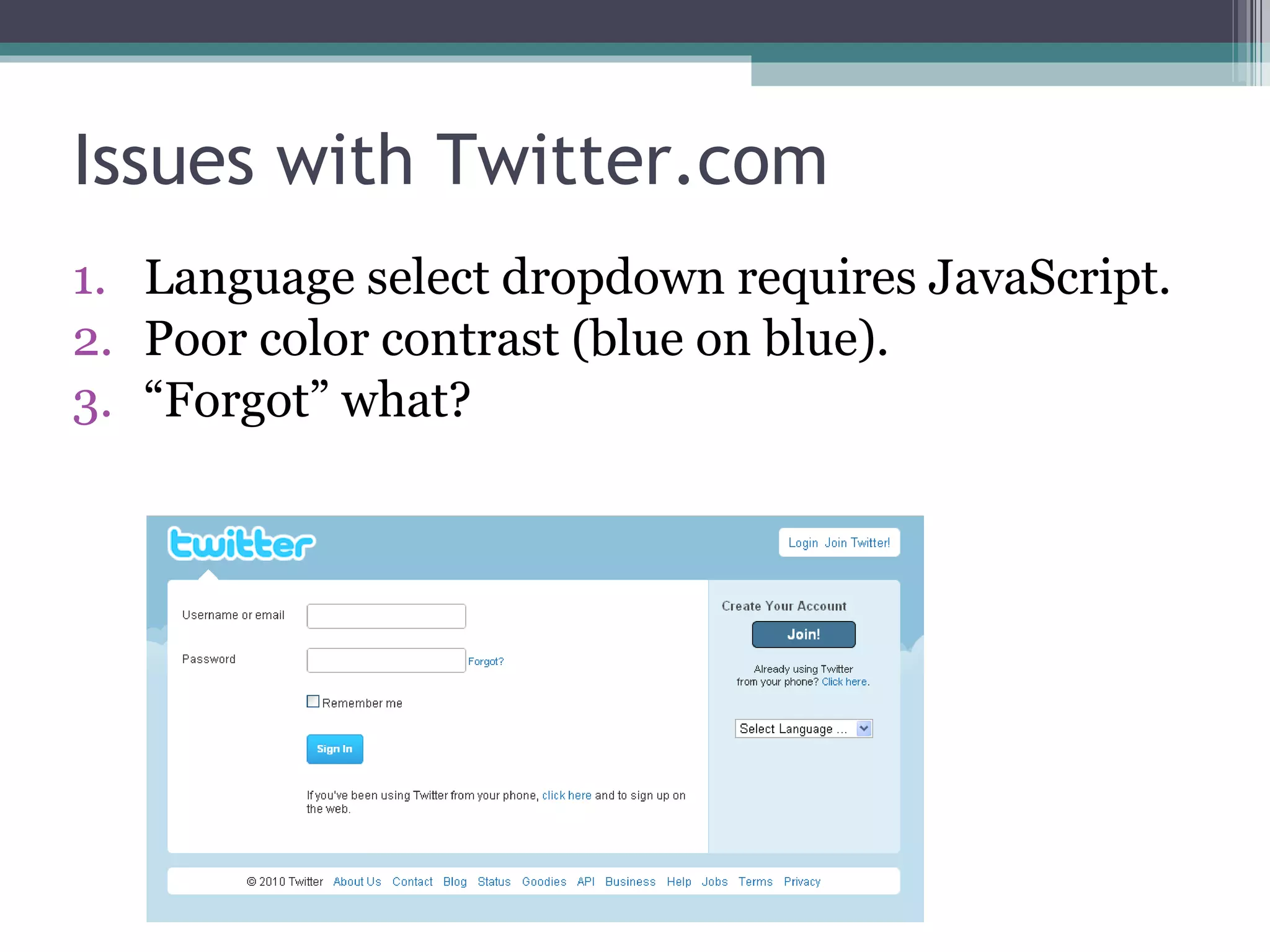
Issues with Twitter.com Language select dropdown requires JavaScript. Poor  color contrast (blue on blue). “ Forgot” what?
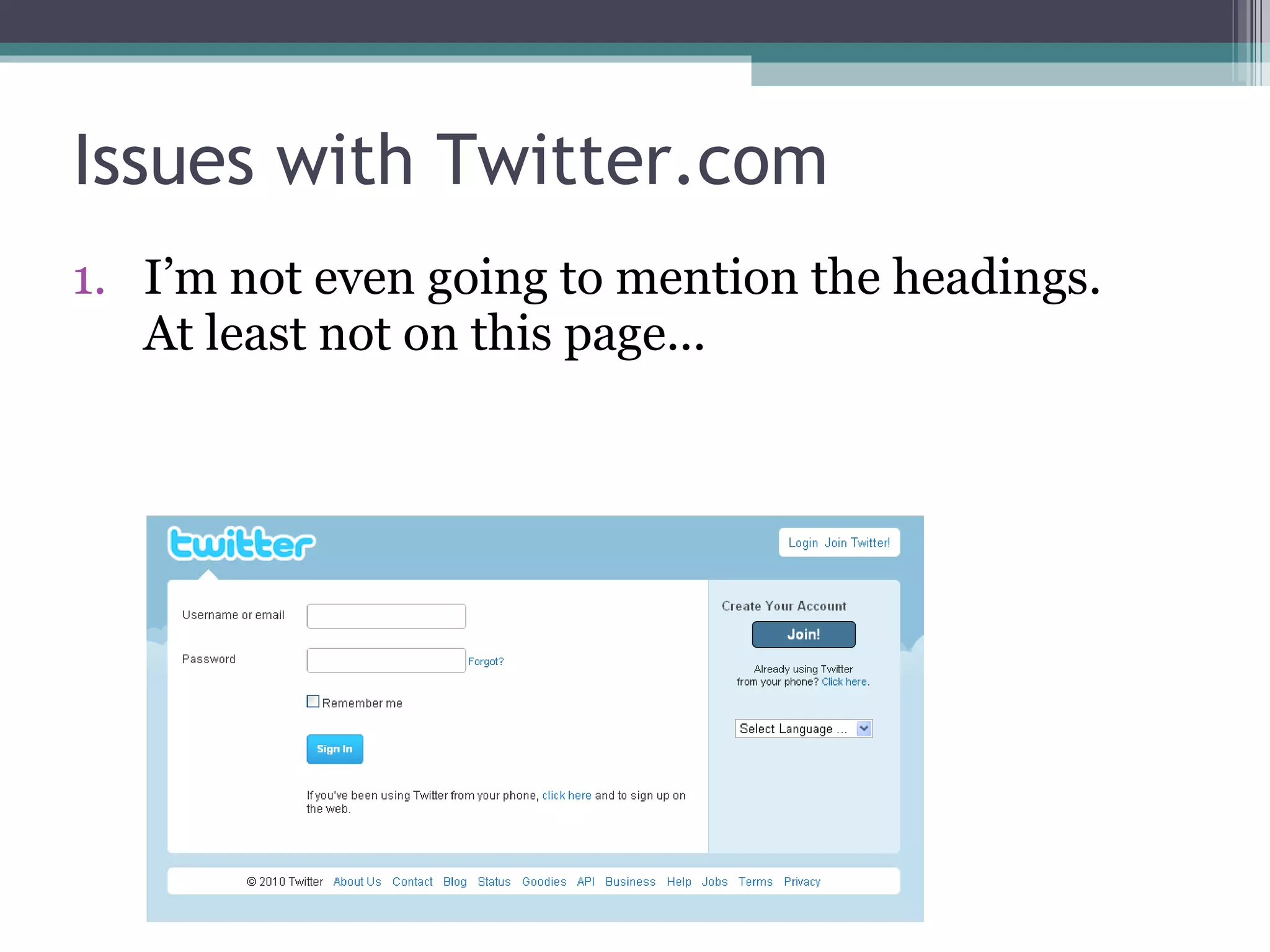
Issues with Twitter.com I’m not even going to mention the headings. At least not on this page...
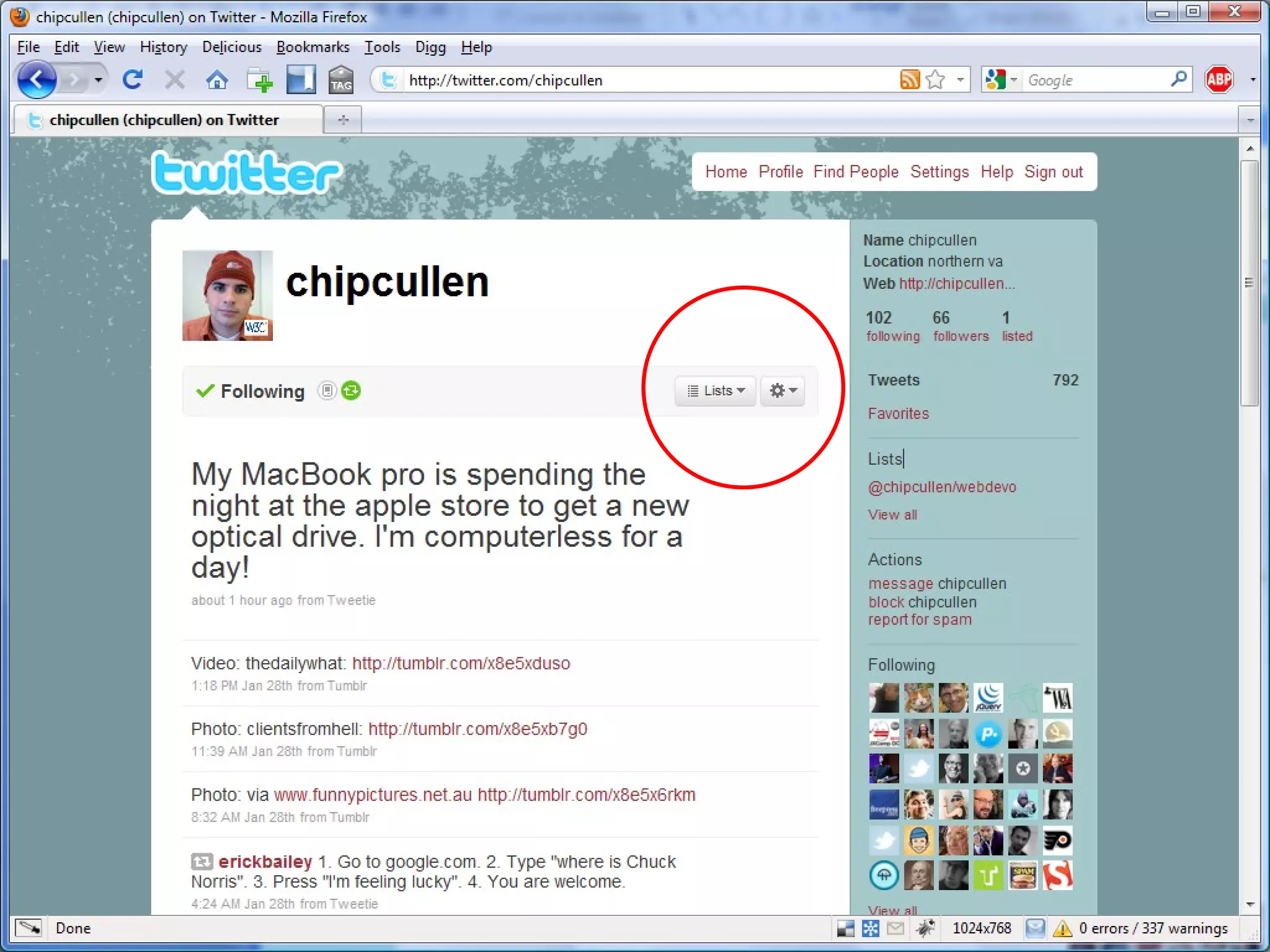
Issues with Twitter.com Many web accessibility issues including: Not all core functionality is  keyboard  accessible. Poor use of  headings . Much core functionality requires  JavaScript . Many more…
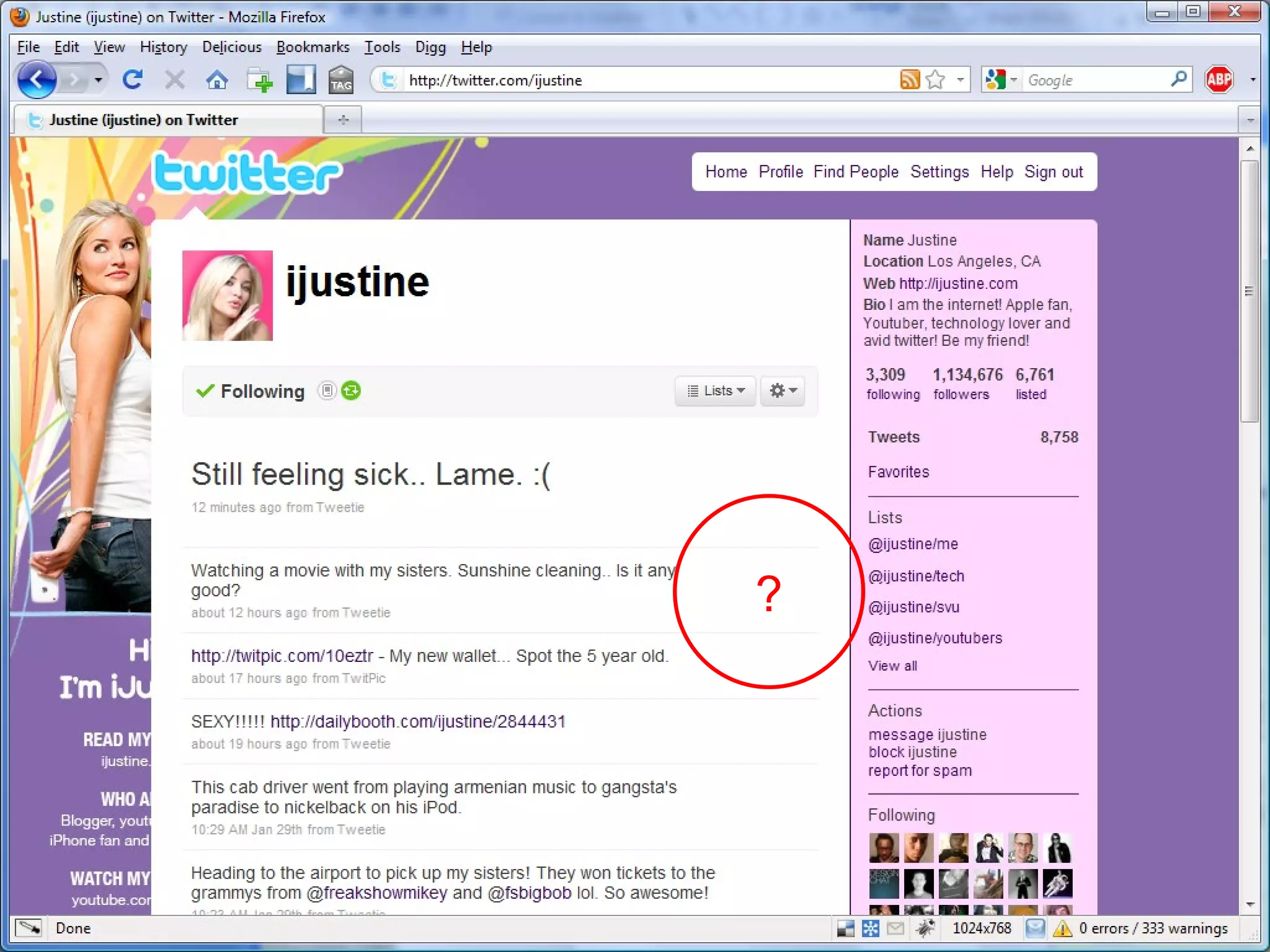
Keyboard Access In Timeline, the keyboard cannot access Favorite, Reply, and Delete links.
?
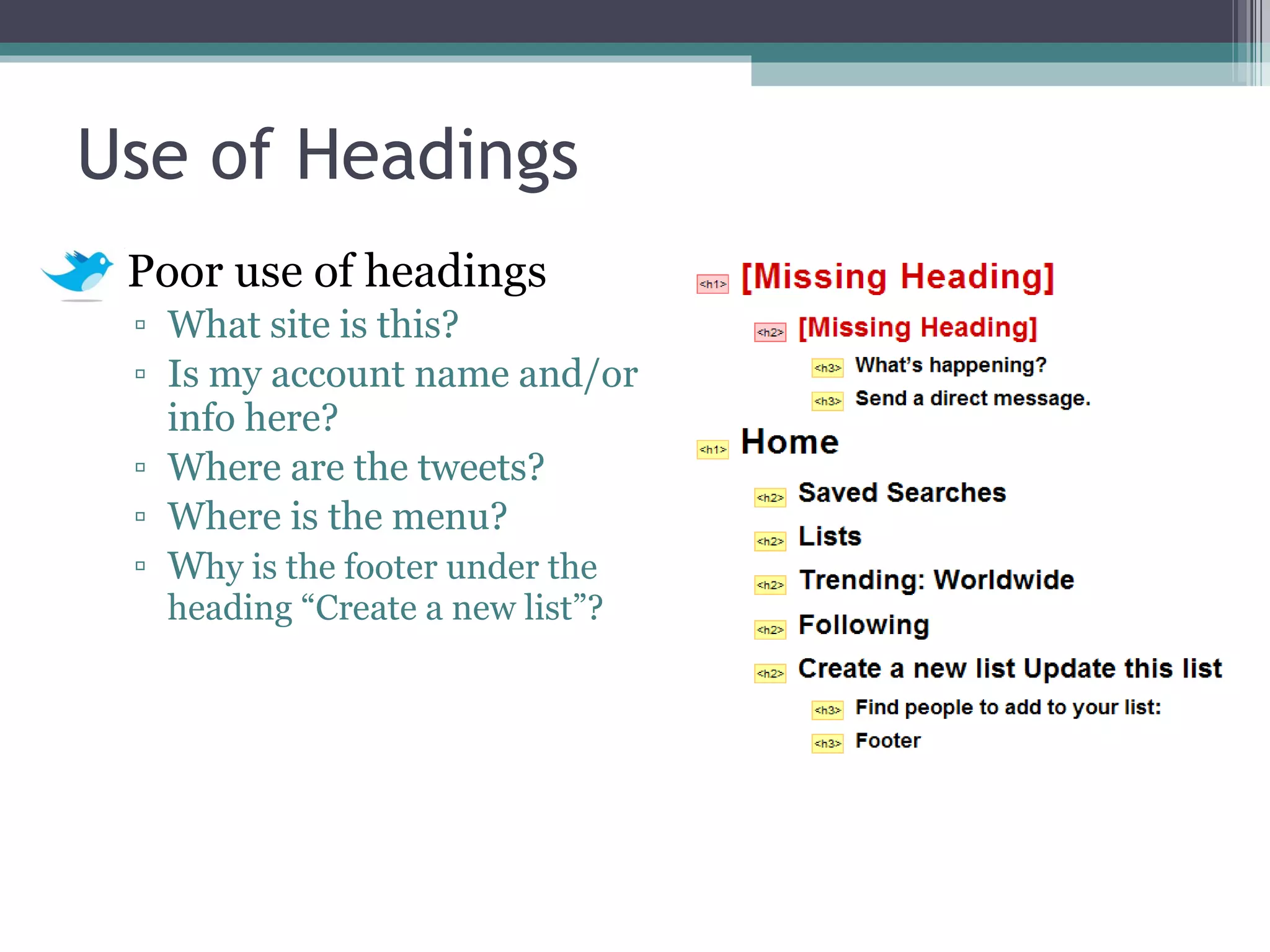
Use of Headings Poor use of headings What site is this? Is my account name and/or info here? Where are the tweets? Where is the menu? W hy is the footer under the heading “Create a new list”?
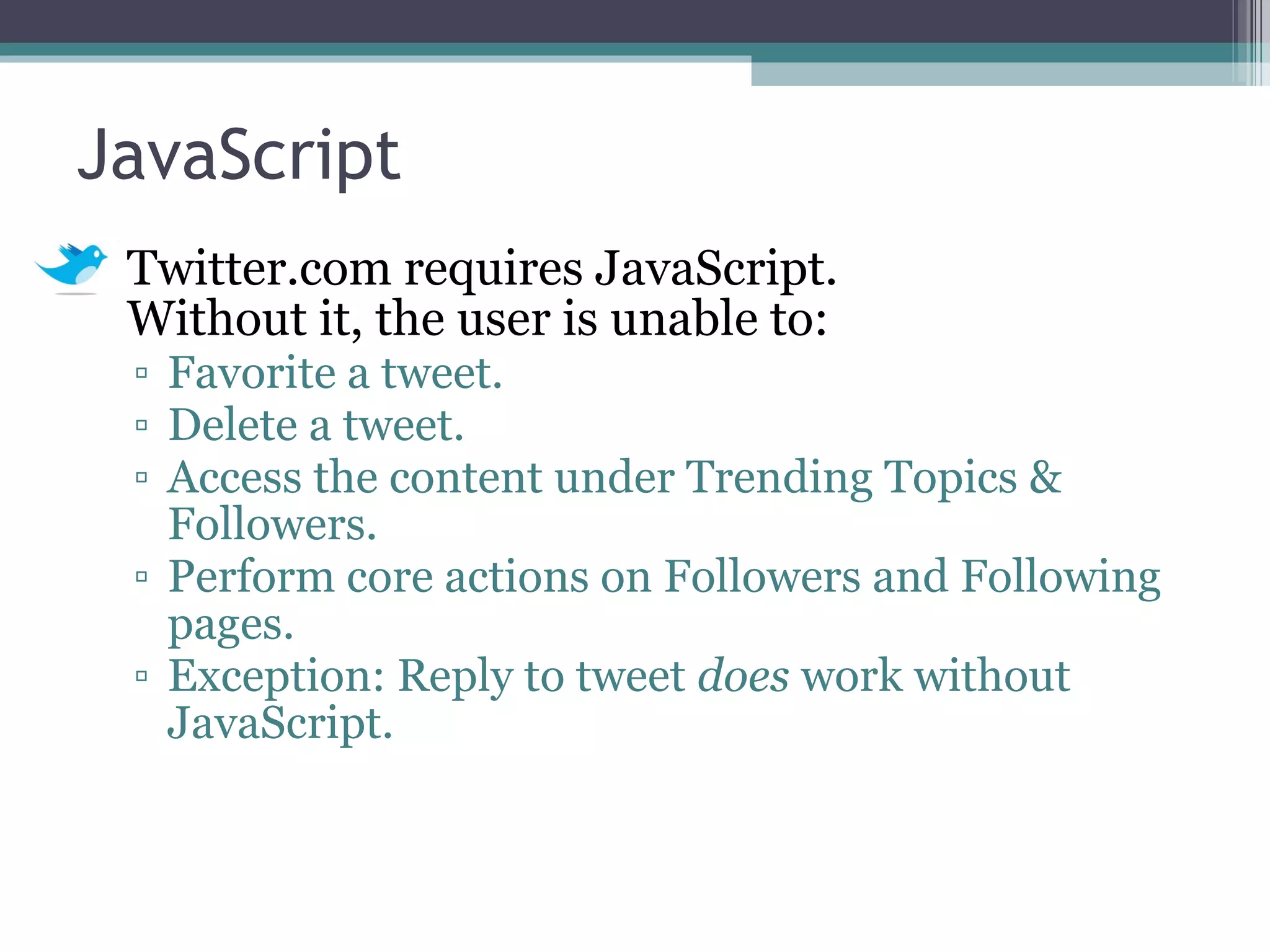
JavaScript Twitter.com requires JavaScript.  Without it, the user is unable to: Favorite a tweet. Delete a tweet. Access the content under Trending Topics & Followers. Perform core actions on Followers and Following pages. Exception: Reply to tweet  does  work without JavaScript.
 
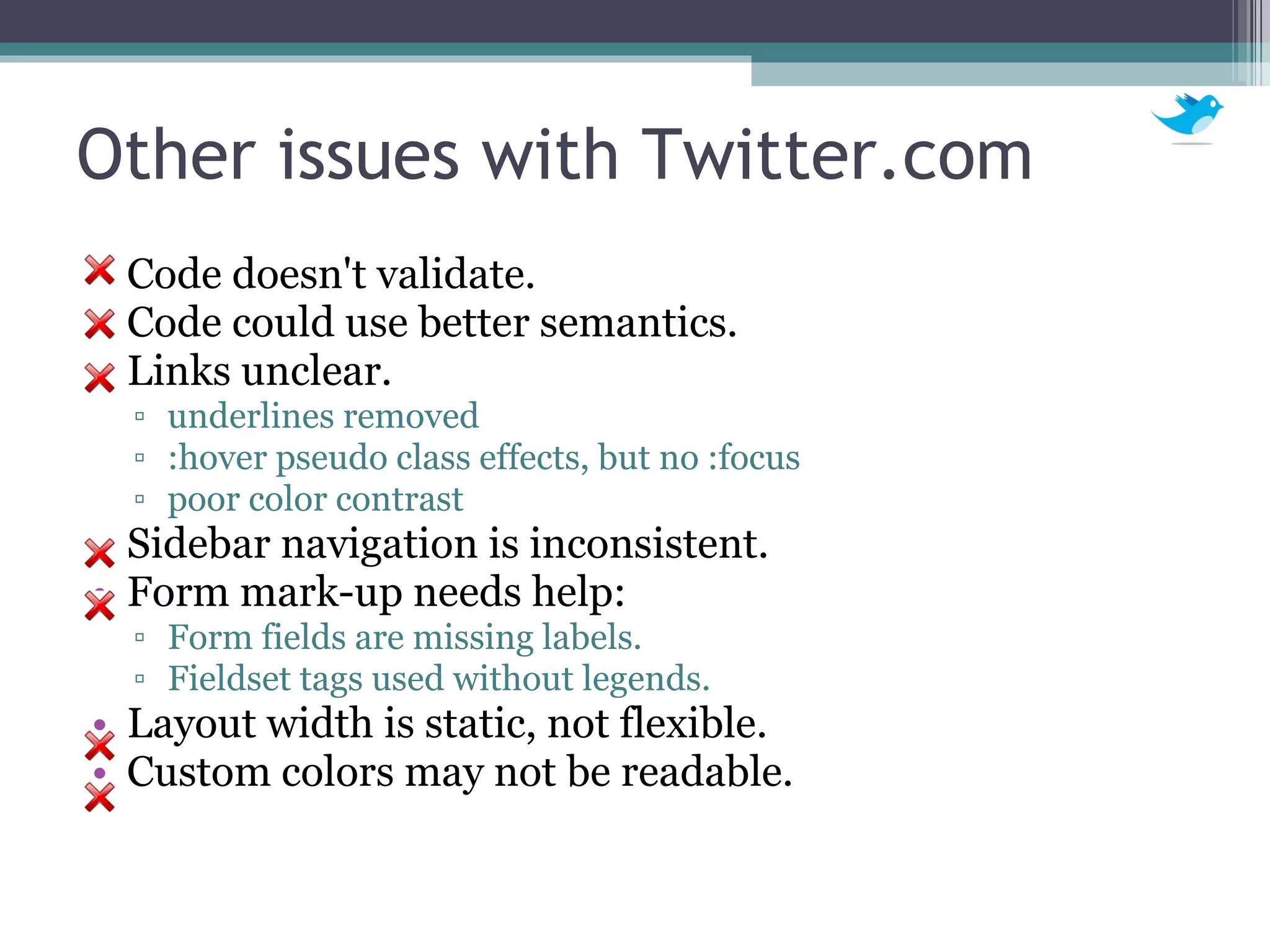
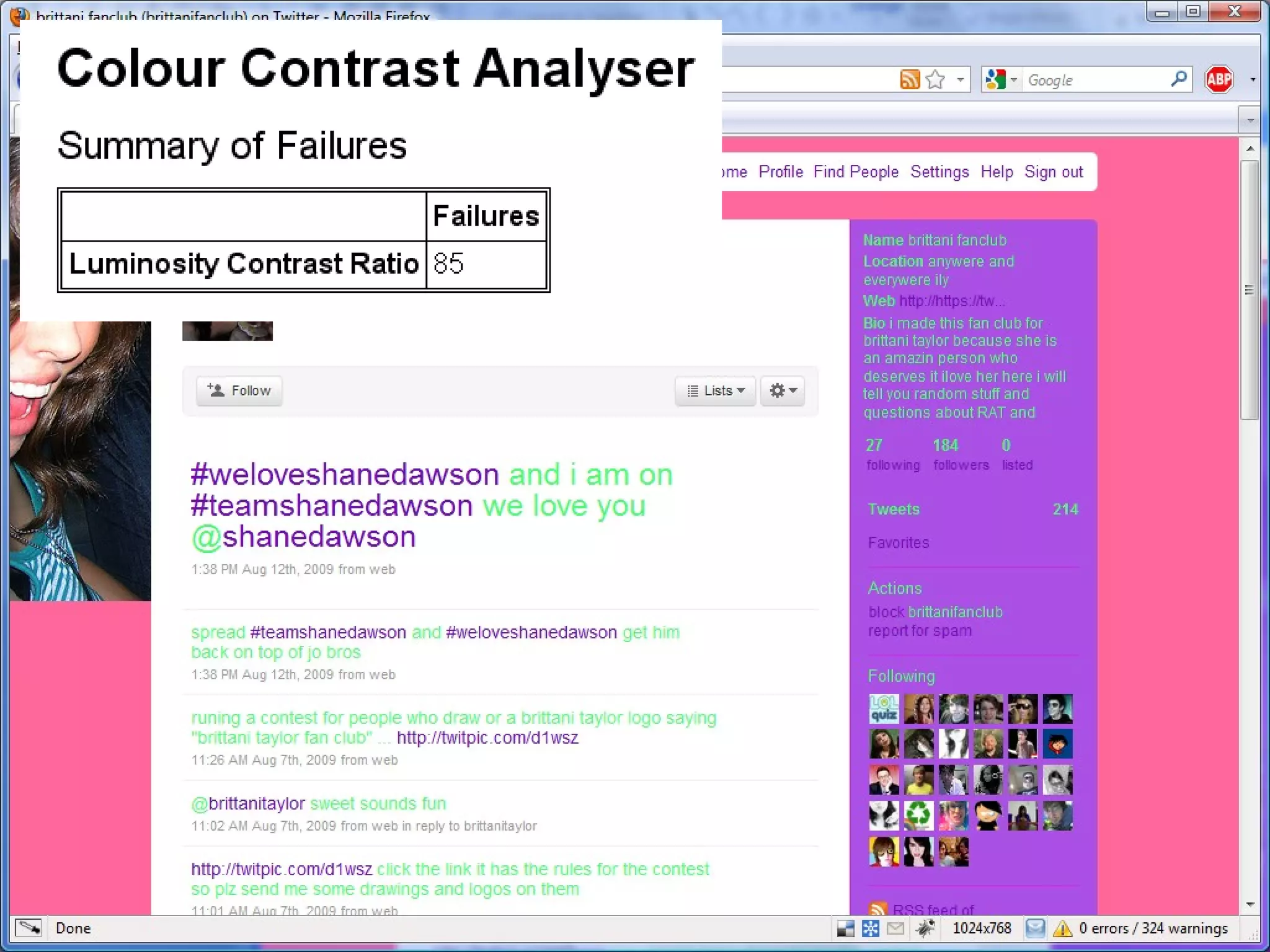
Other issues with Twitter.com Code doesn't validate. Code could use better semantics. Links unclear. underlines removed :hover pseudo class effects, but no :focus poor color contrast Sidebar navigation is inconsistent.  Form mark-up needs help: Form fields are missing labels. Fieldset tags used without legends. Layout width is static, not flexible. Custom colors may not be readable.
 
Accessible Clients &  Applications Desktop Mobile Mobile Web Web (focus of this presentation)
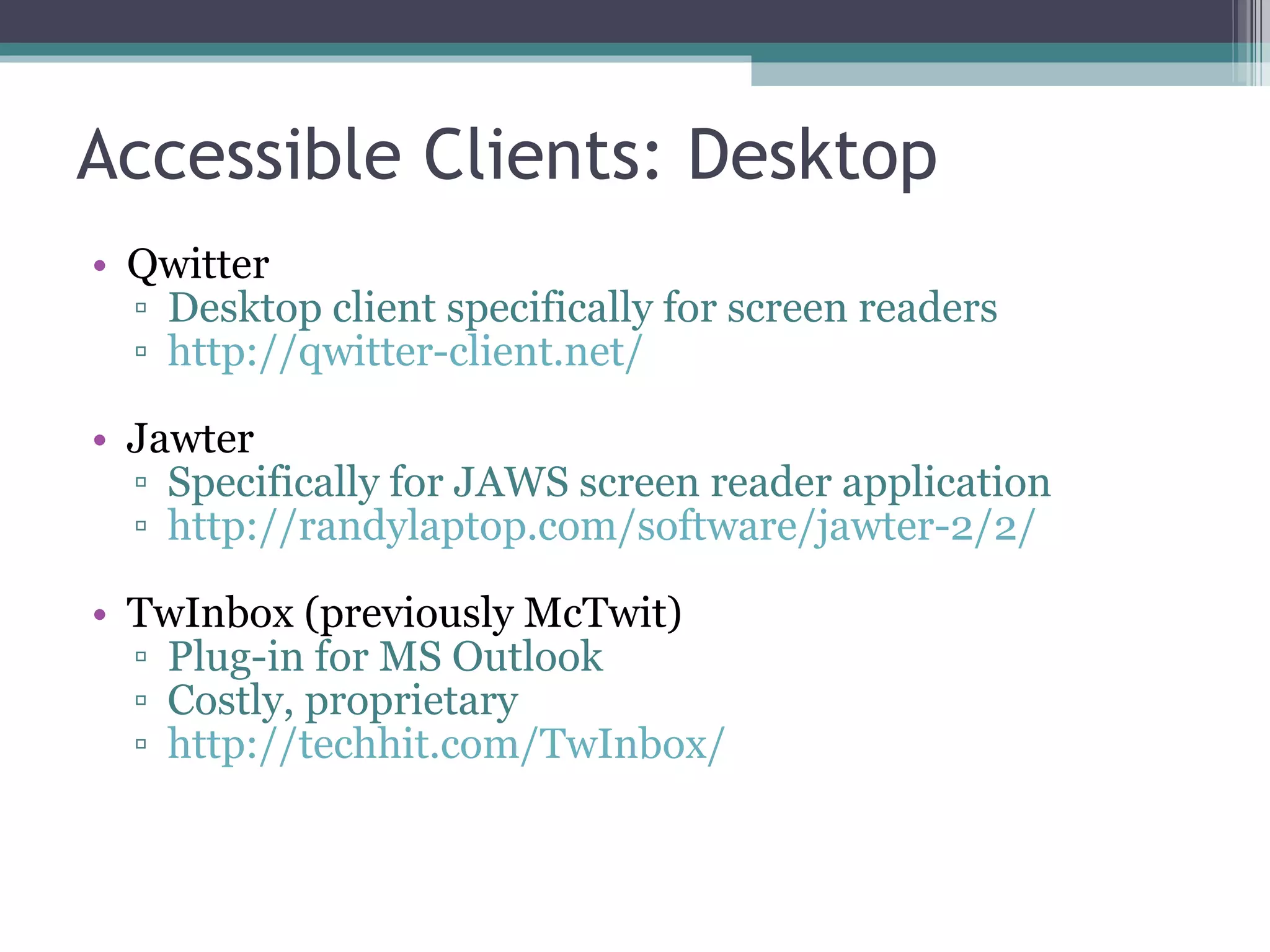
Accessible Clients: Desktop Qwitter Desktop client specifically for screen readers http://qwitter-client.net/ Jawter Specifically for JAWS screen reader application http://randylaptop.com/software/jawter-2/2/ TwInbox (previously McTwit) Plug-in for MS Outlook Costly, proprietary http://techhit.com/TwInbox/
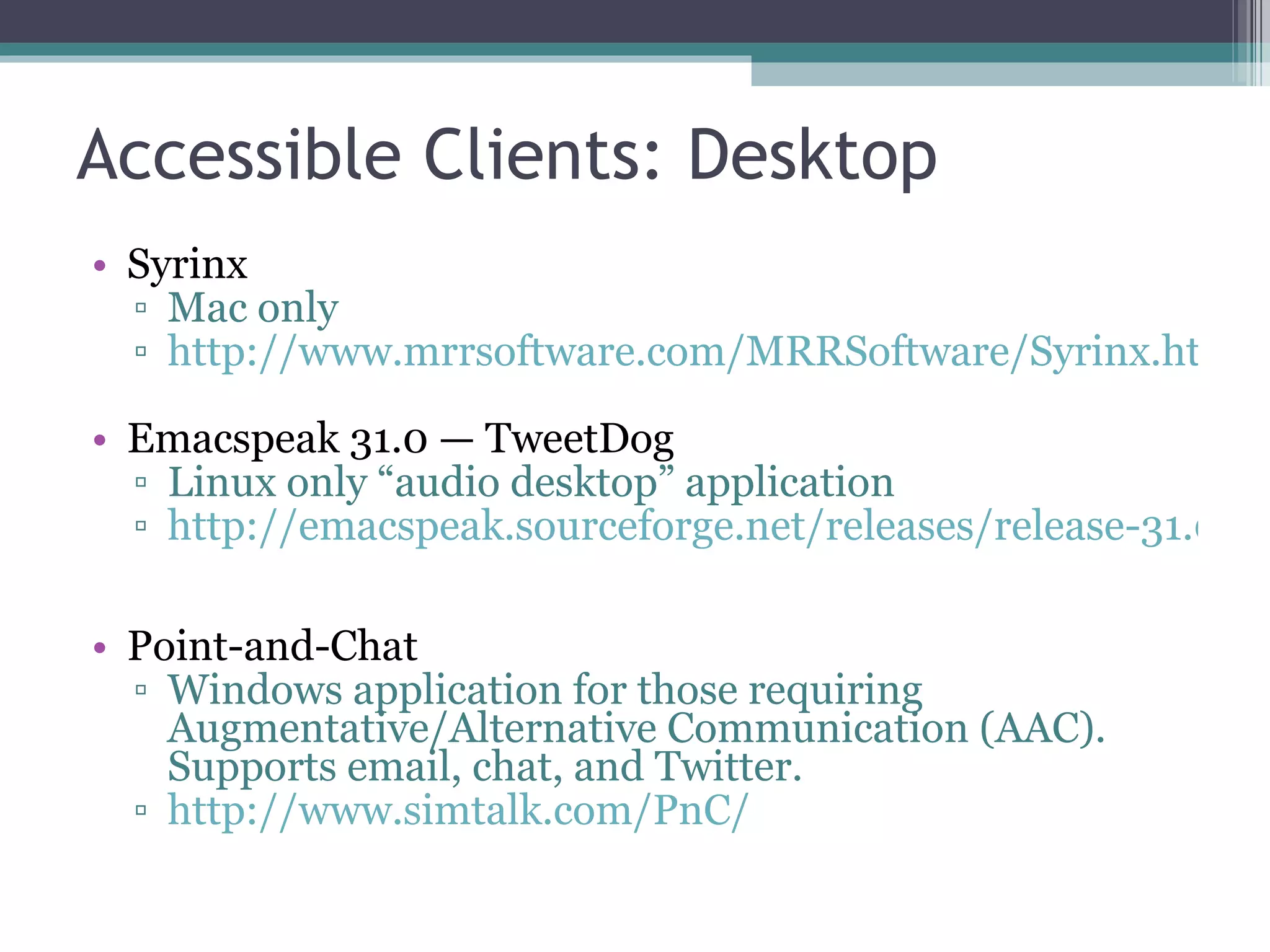
Accessible Clients: Desktop Syrinx Mac only http://www.mrrsoftware.com/MRRSoftware/Syrinx.html Emacspeak 31.0 — TweetDog Linux only “audio desktop” application  http://emacspeak.sourceforge.net/releases/release-31.0.html Point-and-Chat Windows application for those requiring Augmentative/Alternative Communication (AAC). Supports email, chat, and Twitter. http://www.simtalk.com/PnC/
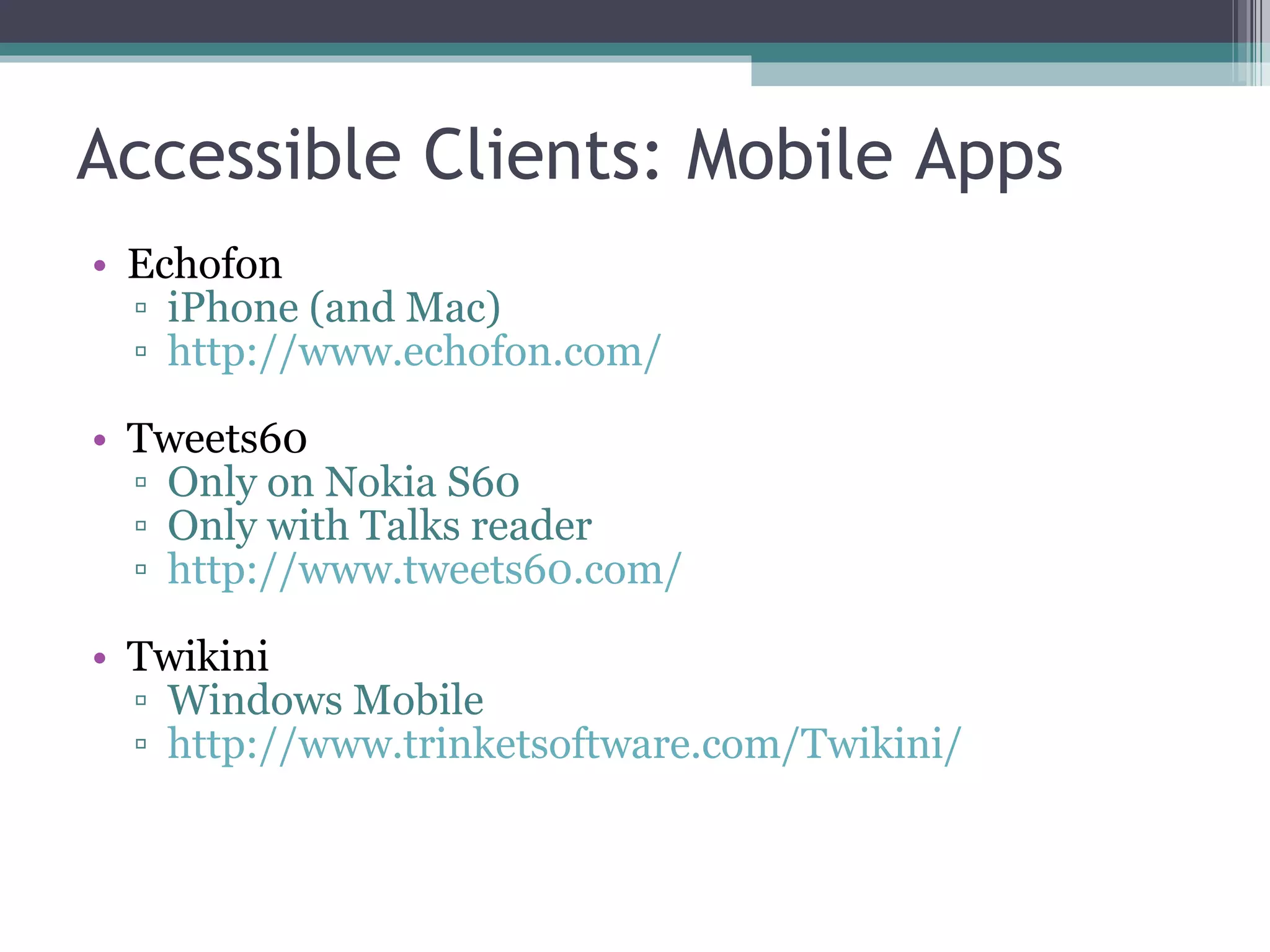
Accessible Clients: Mobile Apps Echofon iPhone (and Mac) http://www.echofon.com/ Tweets60 Only on Nokia S60 Only with Talks reader http://www.tweets60.com/ Twikini Windows Mobile http://www.trinketsoftware.com/Twikini/
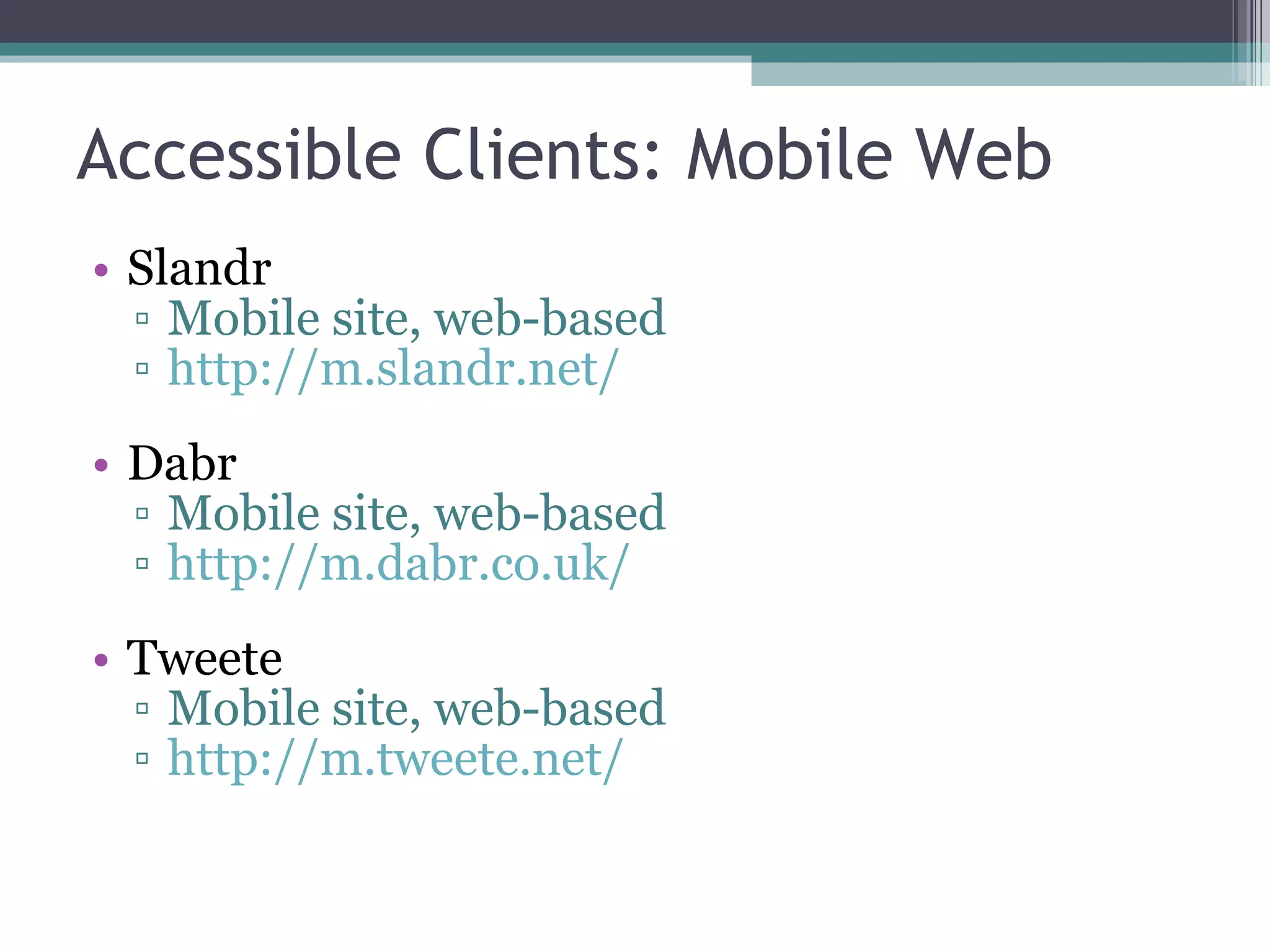
Accessible Clients: Mobile Web Slandr Mobile site, web-based http://m.slandr.net/ Dabr Mobile site, web-based http://m.dabr.co.uk/ Tweete Mobile site, web-based http://m.tweete.net/
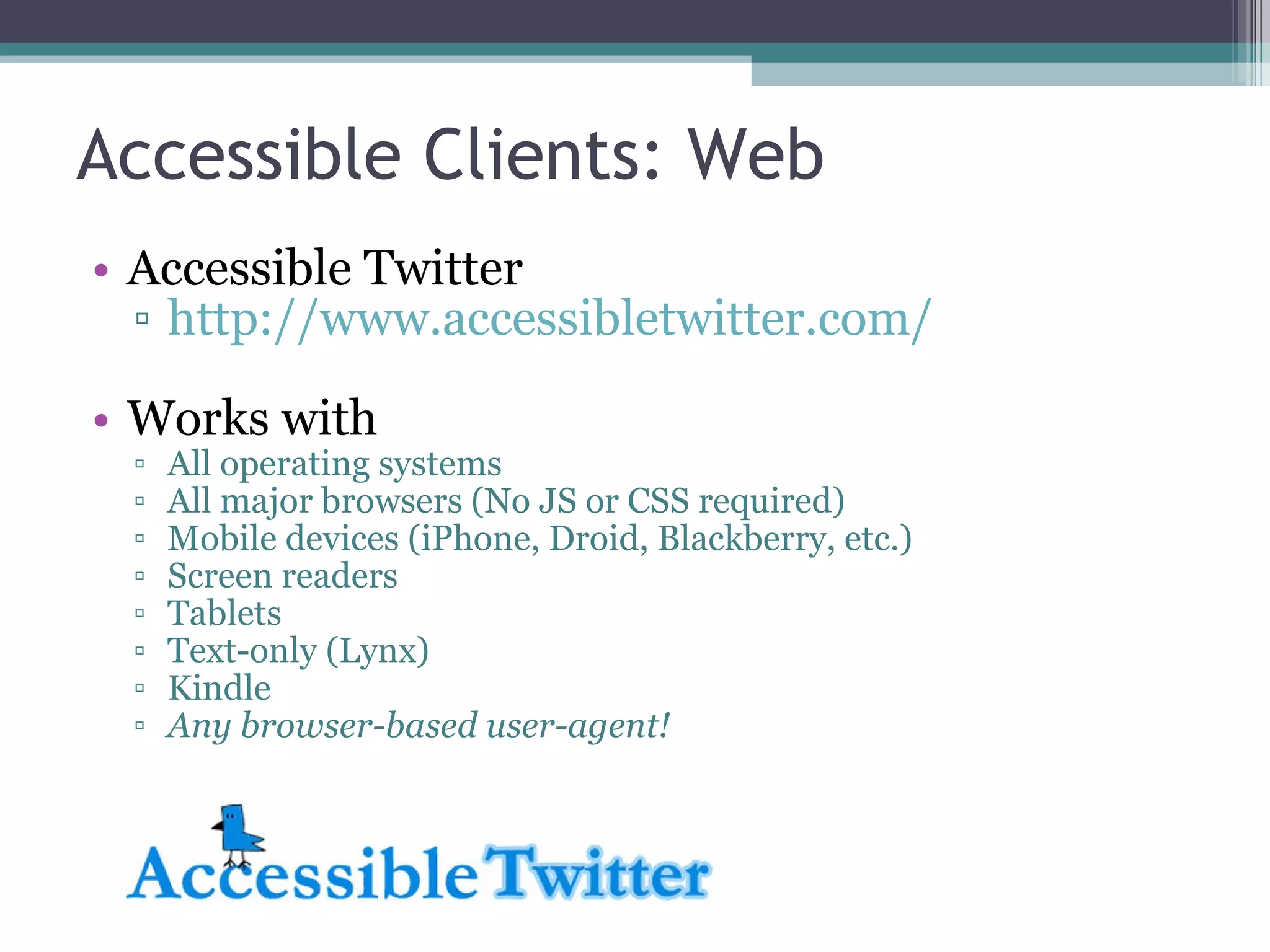
Accessible Clients: Web Accessible Twitter http://www.accessibletwitter.com/ Works with All operating systems All major browsers (No JS or CSS required) Mobile devices (iPhone, Droid, Blackberry, etc.) Screen readers Tablets Text-only (Lynx) Kindle Any browser-based user-agent!
AccessibleTwitter.com Accessible Twitter provides a fully web-accessible and standards-compliant version of the Twitter web site. Winner of the  2009 Access IT @web2.0 Award . Nominated in the  Blind Bargains: 2009 Access Awards  (Best Blindness-related Website).
 
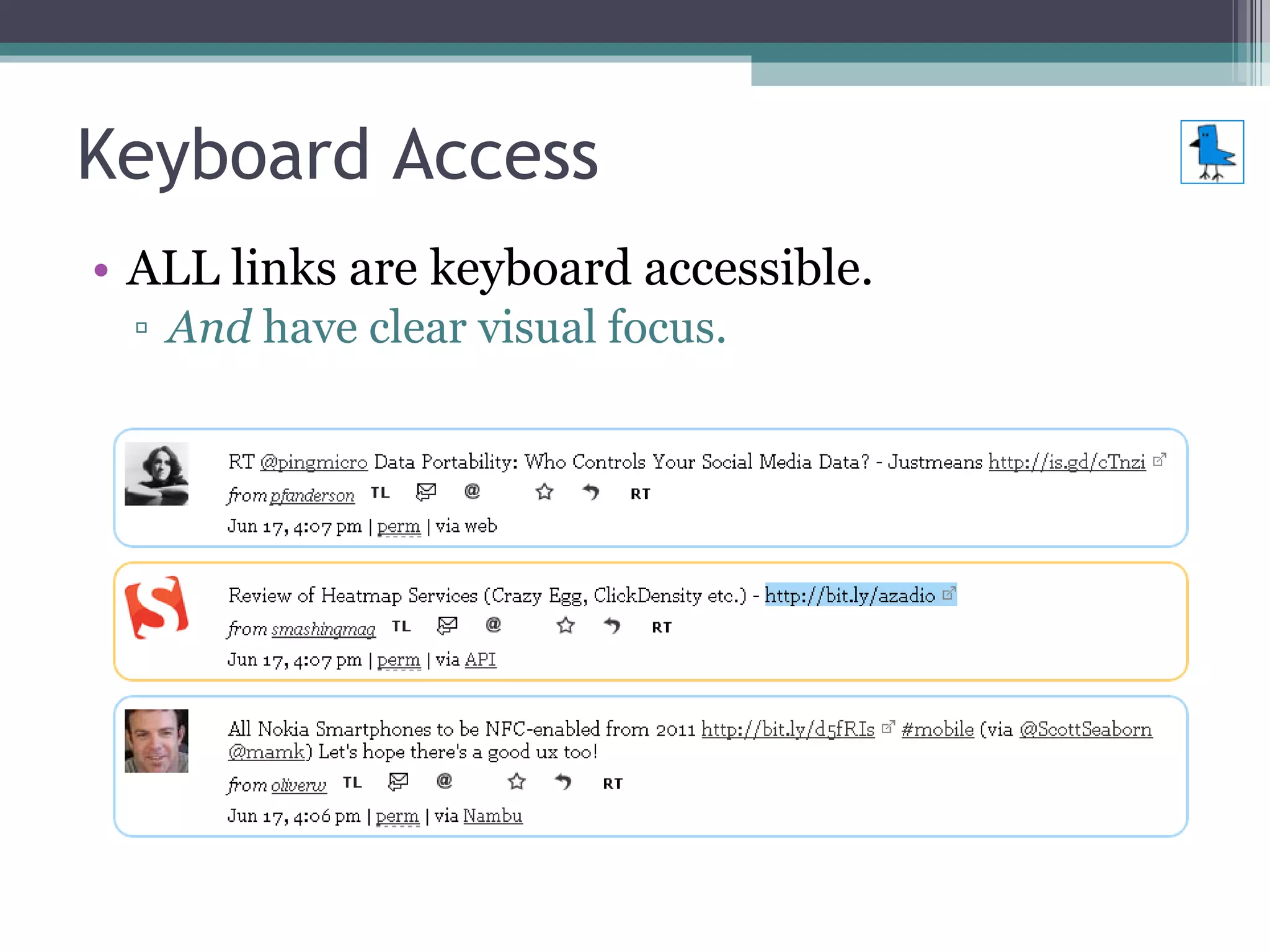
Keyboard Access ALL links are keyboard accessible. And  have clear visual focus.
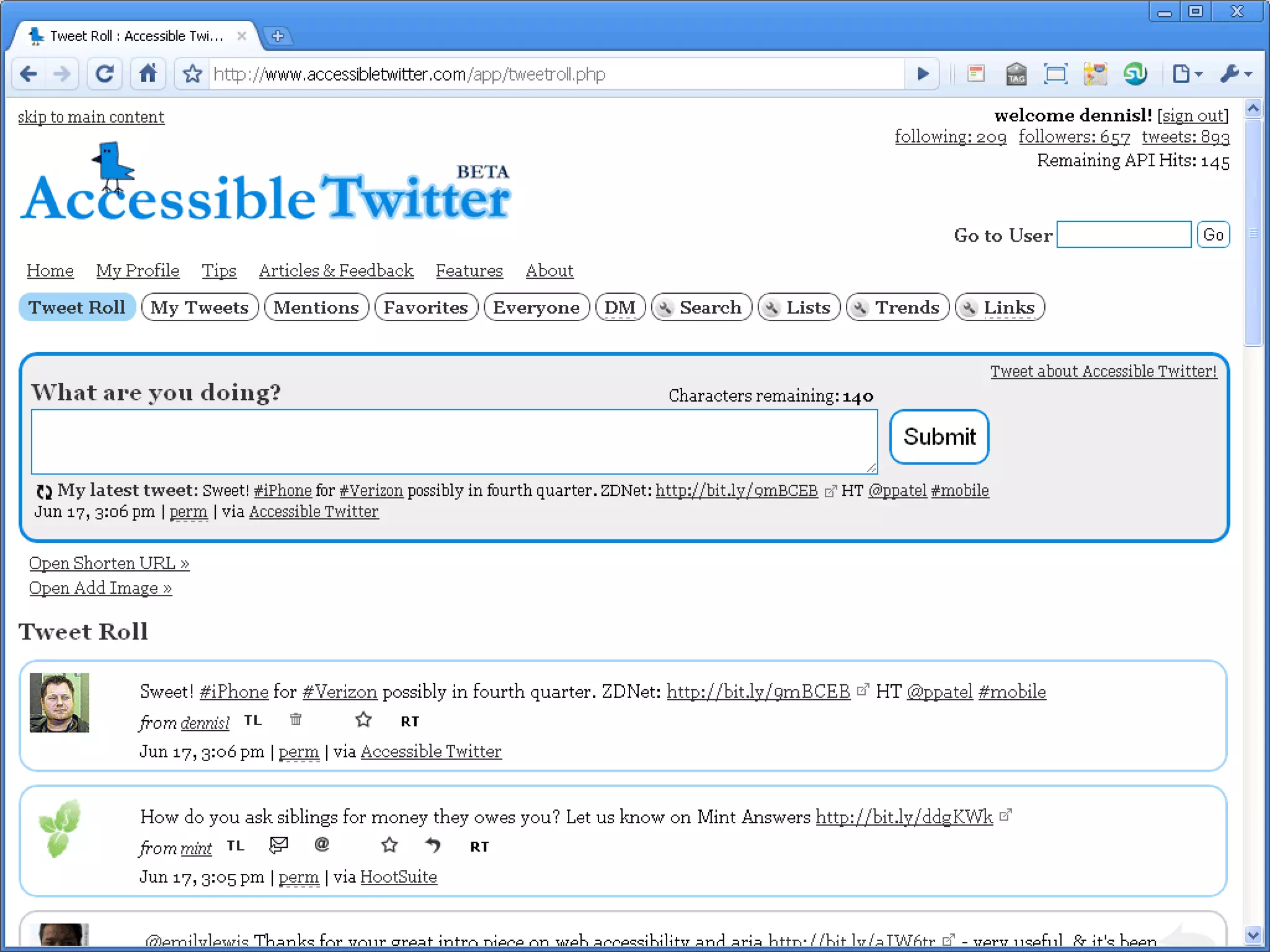
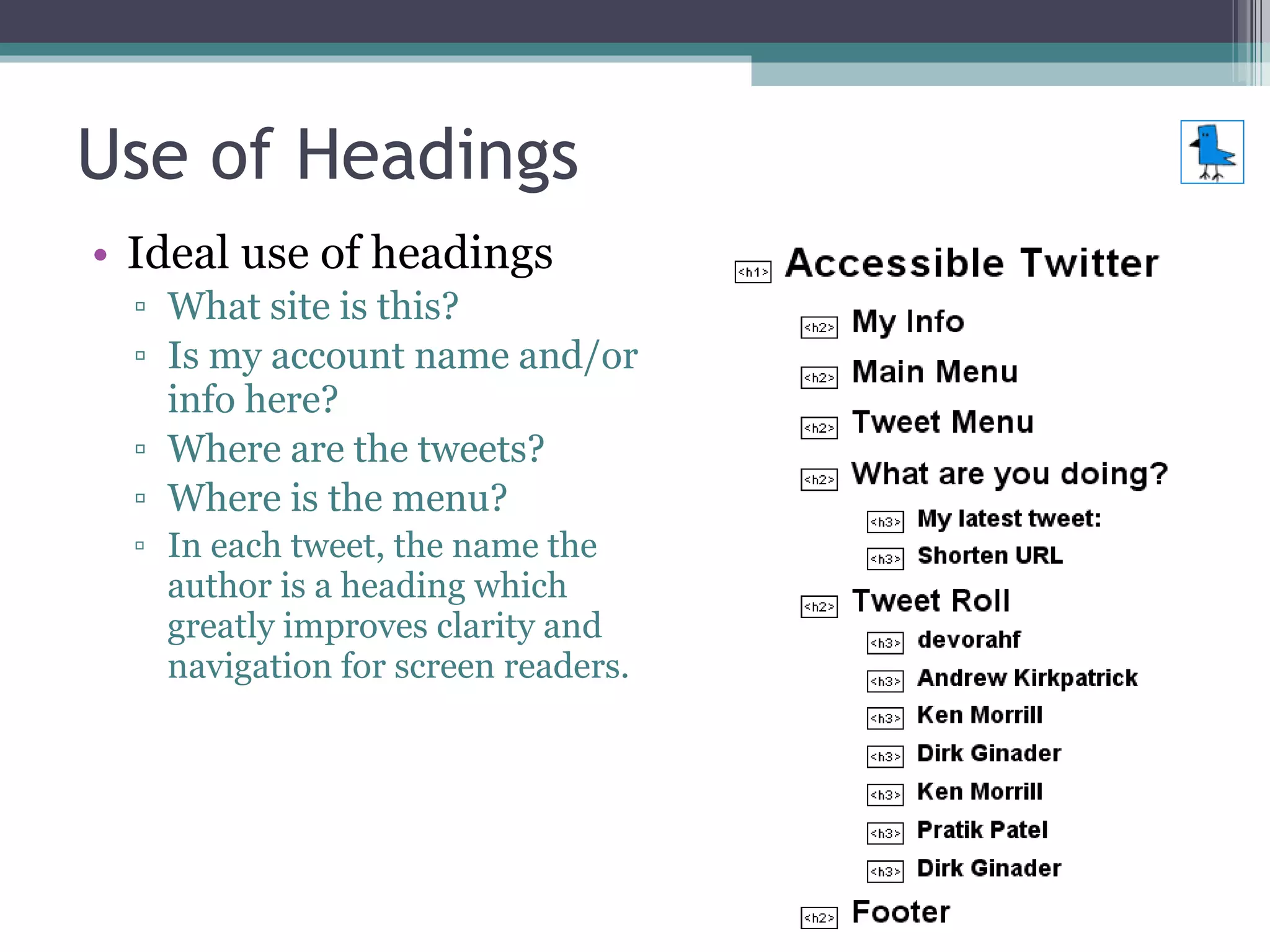
Use of Headings Ideal use of headings What site is this? Is my account name and/or info here? Where are the tweets? Where is the menu? In each tweet, the name the author is a heading which greatly improves clarity and navigation for screen readers.
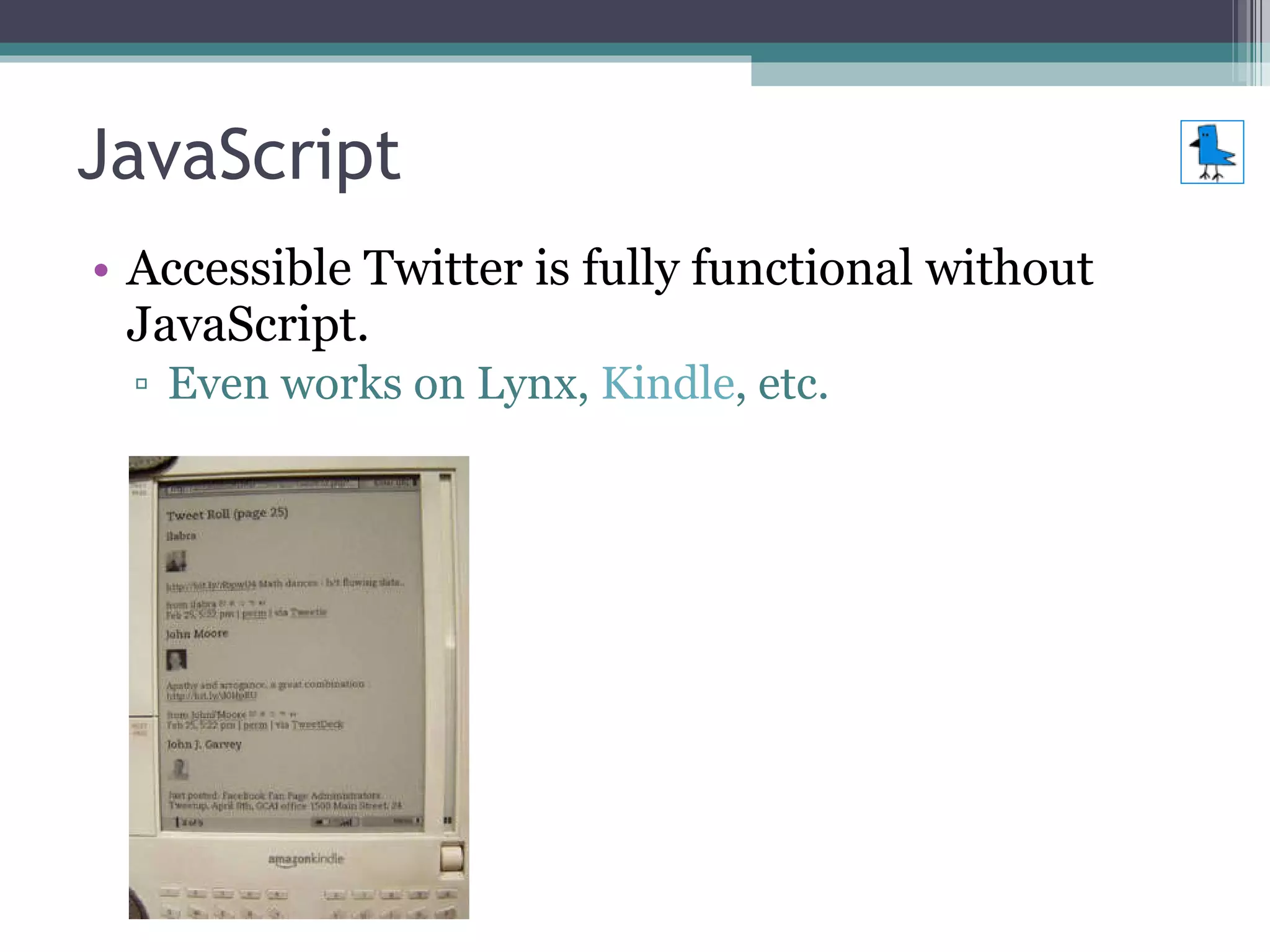
JavaScript Accessible Twitter is fully functional without JavaScript. Even works on Lynx,  Kindle , etc.
JavaScript Accessible Twitter uses JavaScript to  enhance  behavior. Progress Enhancement is paramount. Hijax  (Jeremy Keith). Unobtrusive, of course.
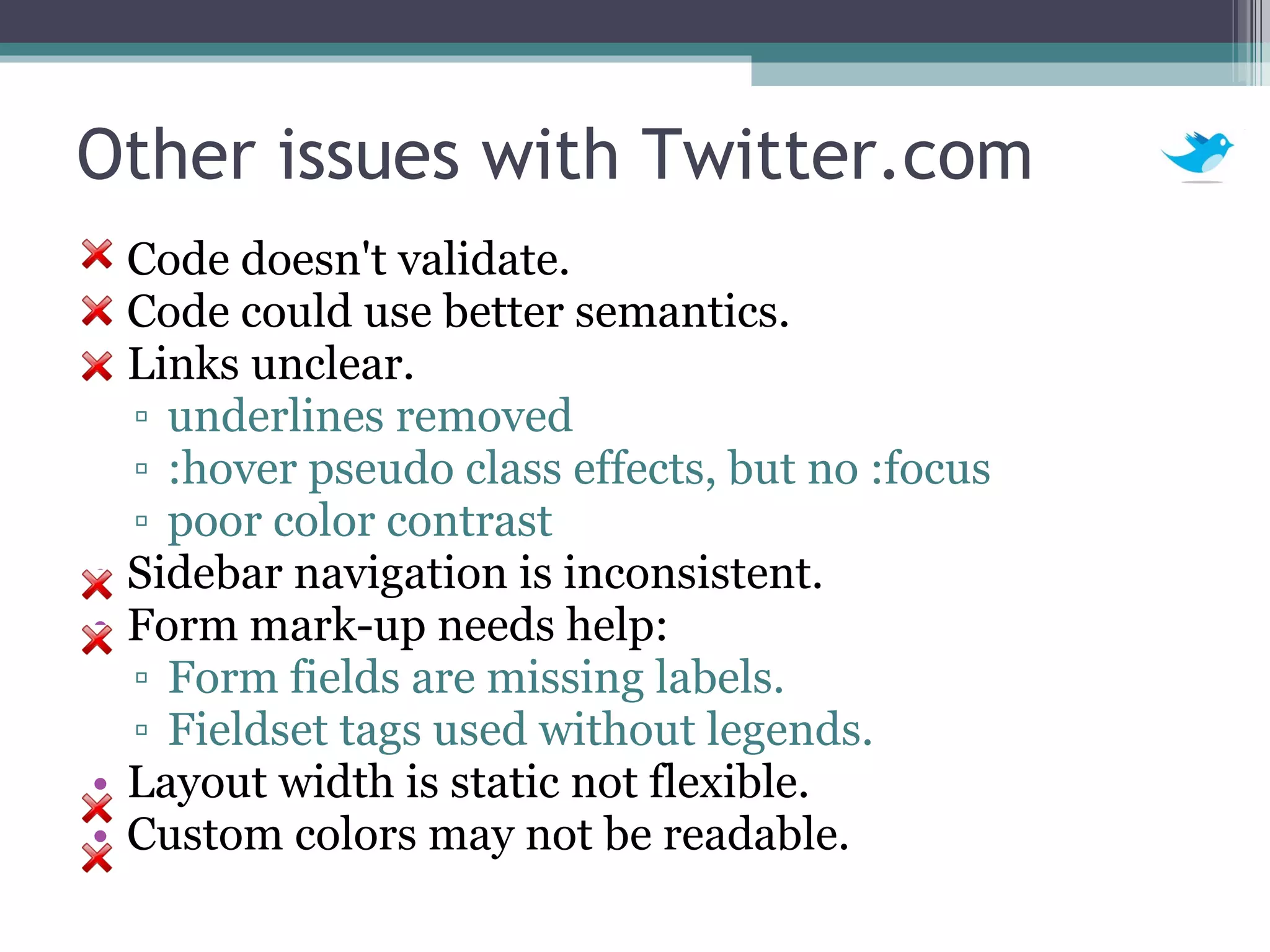
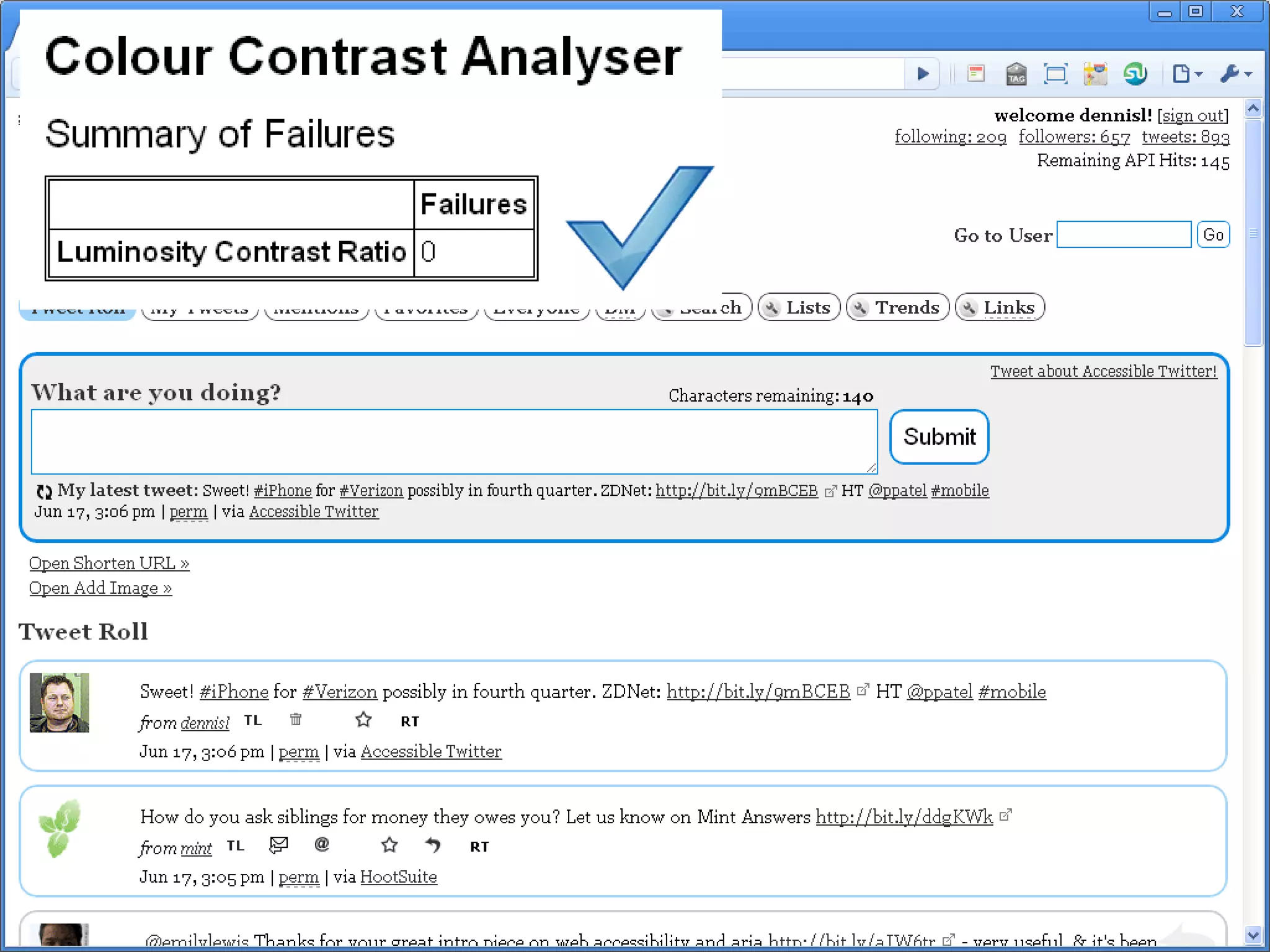
Other issues with Twitter.com Code doesn't validate. Code could use better semantics. Links unclear. underlines removed :hover pseudo class effects, but no :focus poor color contrast Sidebar navigation is inconsistent.  Form mark-up needs help: Form fields are missing labels. Fieldset tags used without legends. Layout width is static not flexible. Custom colors may not be readable.
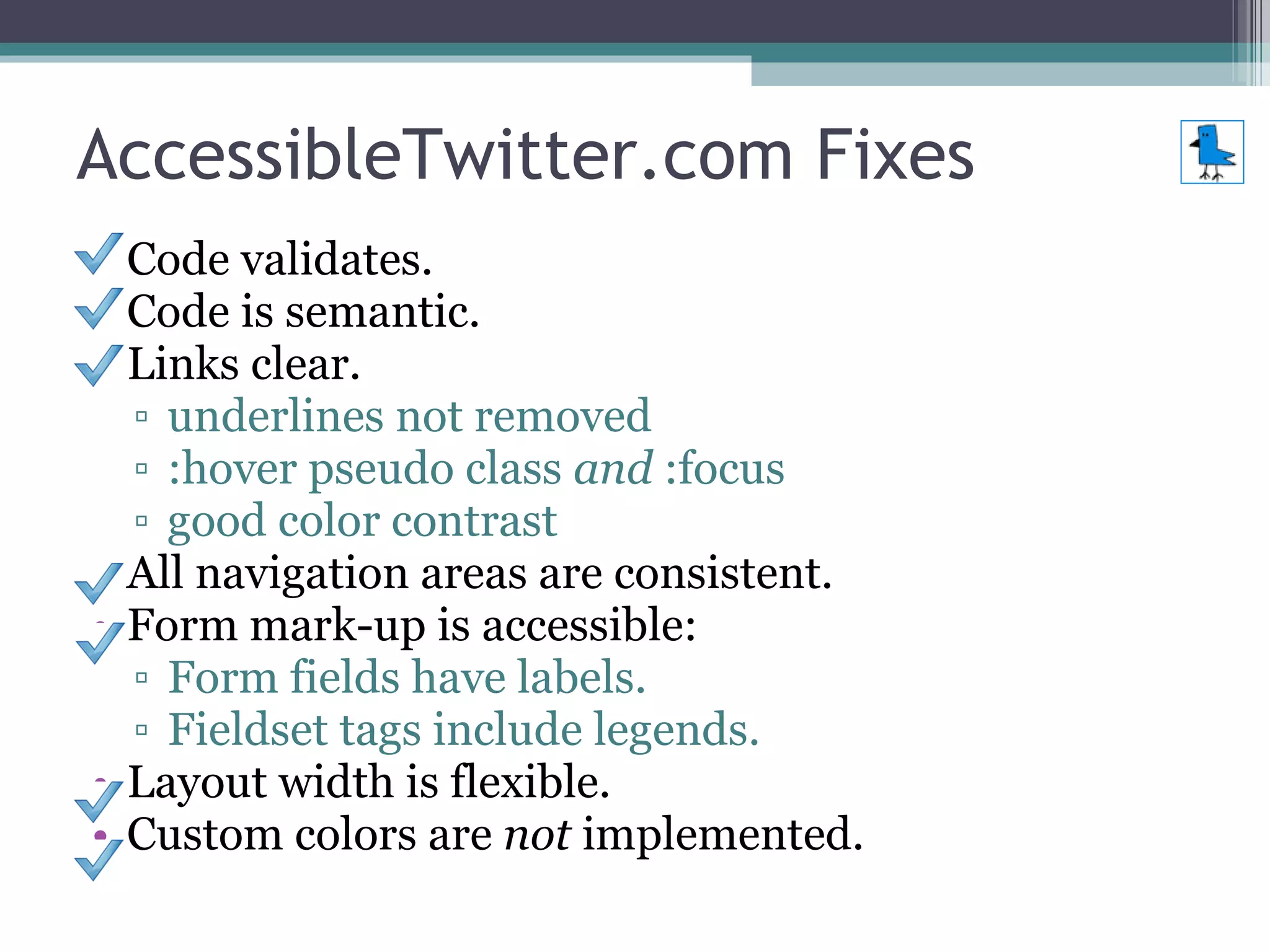
AccessibleTwitter.com Fixes Code validates. Code is semantic. Links clear. underlines not removed :hover pseudo class  and  :focus good color contrast All navigation areas are consistent.  Form mark-up is accessible: Form fields have labels. Fieldset tags include legends. Layout width is flexible. Custom colors are  not  implemented.
 
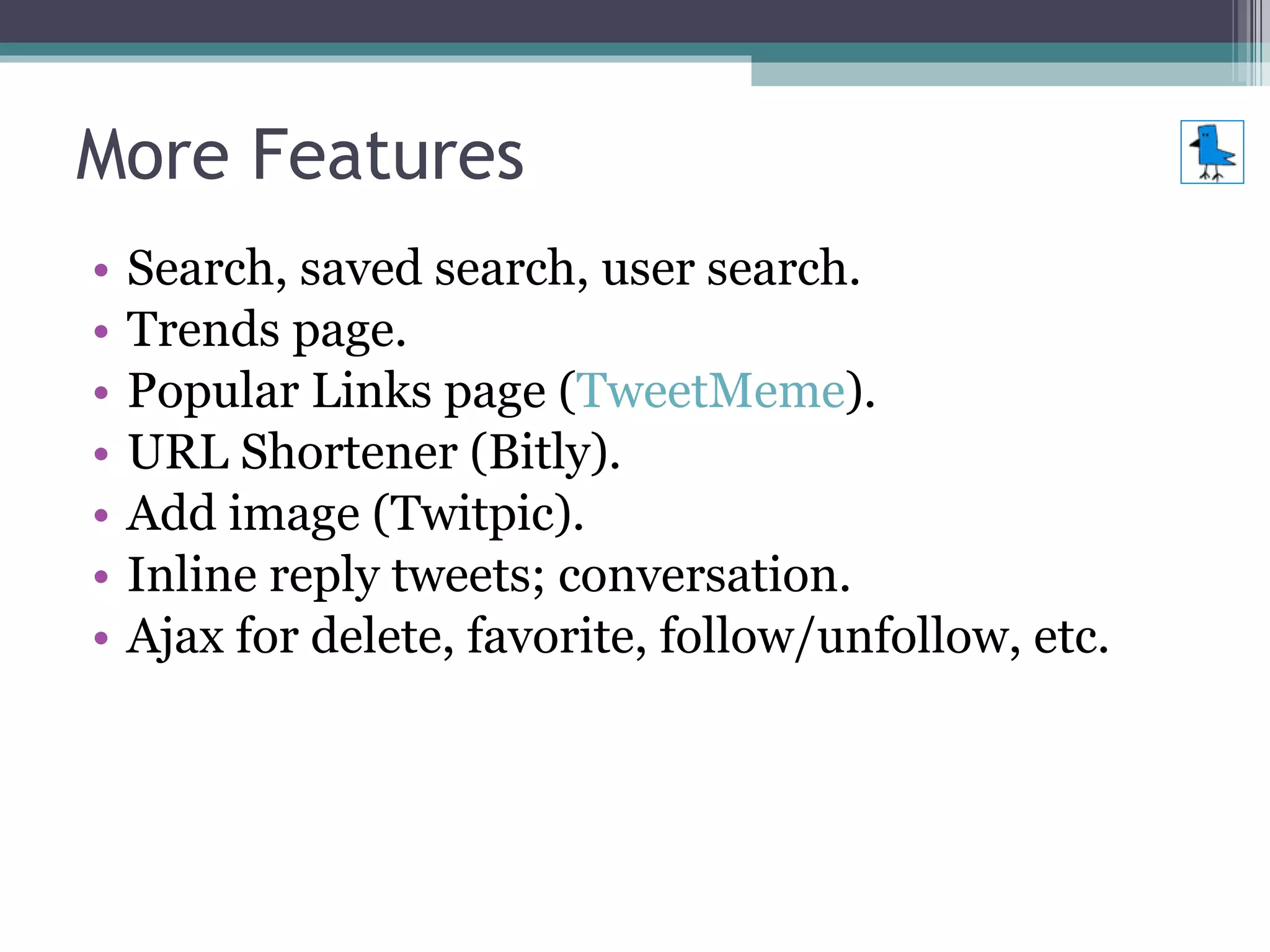
More Features Search, saved search, user search. Trends page. Popular Links page ( TweetMeme ). URL Shortener (Bitly). Add image (Twitpic). Inline reply tweets; conversation. Ajax for delete, favorite, follow/unfollow, etc.
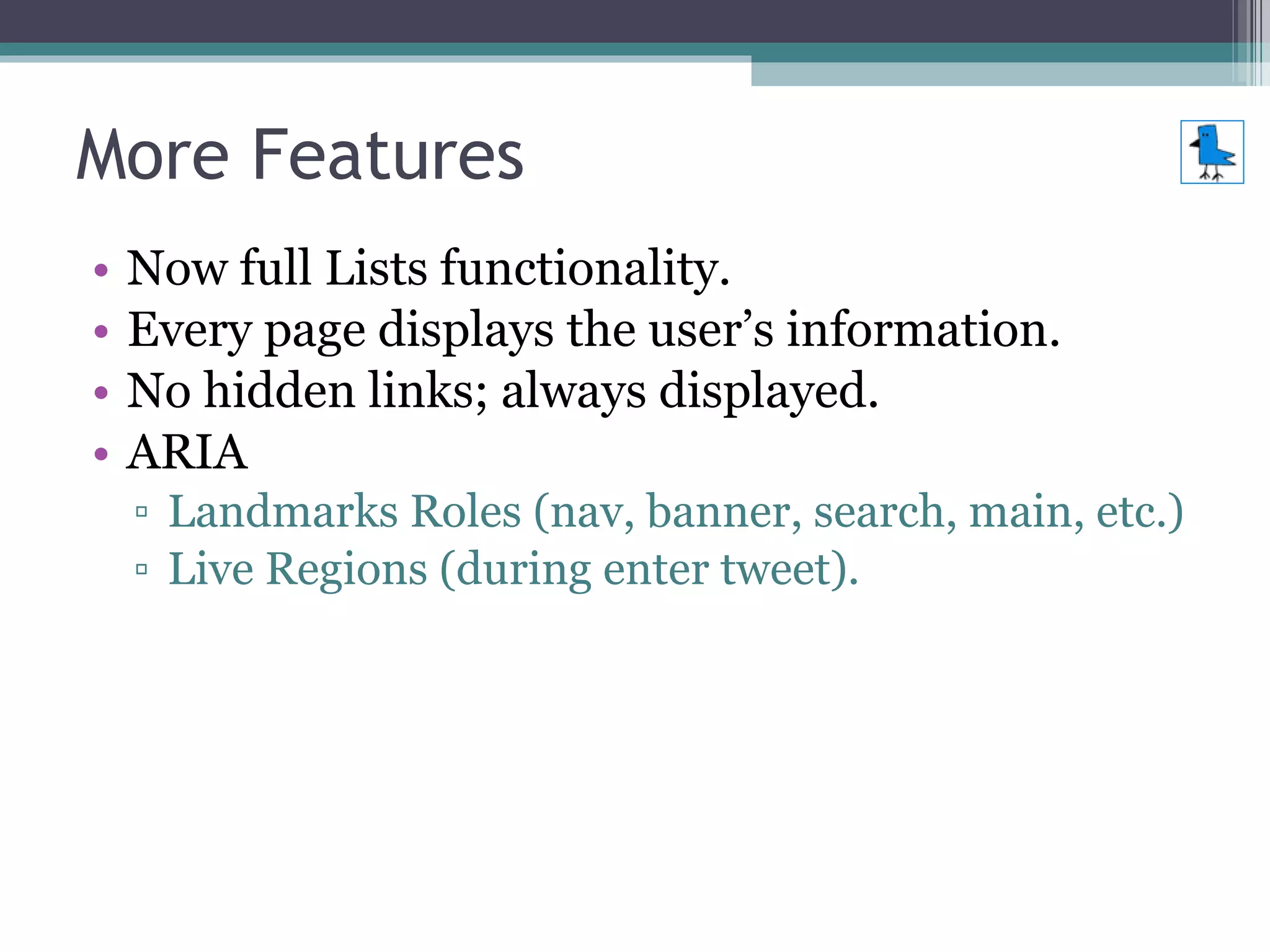
More Features Now full Lists functionality. Every page displays the user’s information. No hidden links; always displayed.  ARIA  Landmarks Roles (nav, banner, search, main, etc.) Live Regions (during enter tweet).
Quotes from Users “ Wow! You have really made my day, and I am smiling once again. I am so excited that I found your Accessible Twitter. Now I feel that I can be in the cutting edge of everything that is happening in the Twitter Universe”
Quotes from Users “ You can  easily navigate  by several methods; skip links, form fields, headings. Very effective with a screen reader.” [and now ARIA] “ really easy with a  Braille  Display to use” “ From now on my default web interface for Twitter!  Keyboard  accessible == touch accessible!”
Quotes from Users “… seems to work nicely in  Lynx . Main Twitter won't let me login and mobile site won't show followers.” “ Liking it more than twitter.com! Cleaner,  easier , fun!” “ Love this! So clear & Easy # dyslexia ”
Quotes from Users Read these quotes and more: http://accessibletwitter.com/articles.php
Future Enhancements A Twitter application, especially an accessible one, is always evolving. Many enhancements and features are planned including: Enhance List functionality with (accessible) Ajax. Inline notice and update of new tweets. Reply-to-all feature. Add optional services for URL shortener and photo uploading. Internationalization/multi-language support.
Other Benefits of Web Accessibility & Web Standards More  usable . Better functionality with  assistive technology  such as text browsers & Braille devices. Keyboard accessibility opens gate for many other types of  input devices . Providing clear, consistent content and navigation benefits those with  cognitive  impairments (and is more usable in general). Use with a  mobile  device is possible.
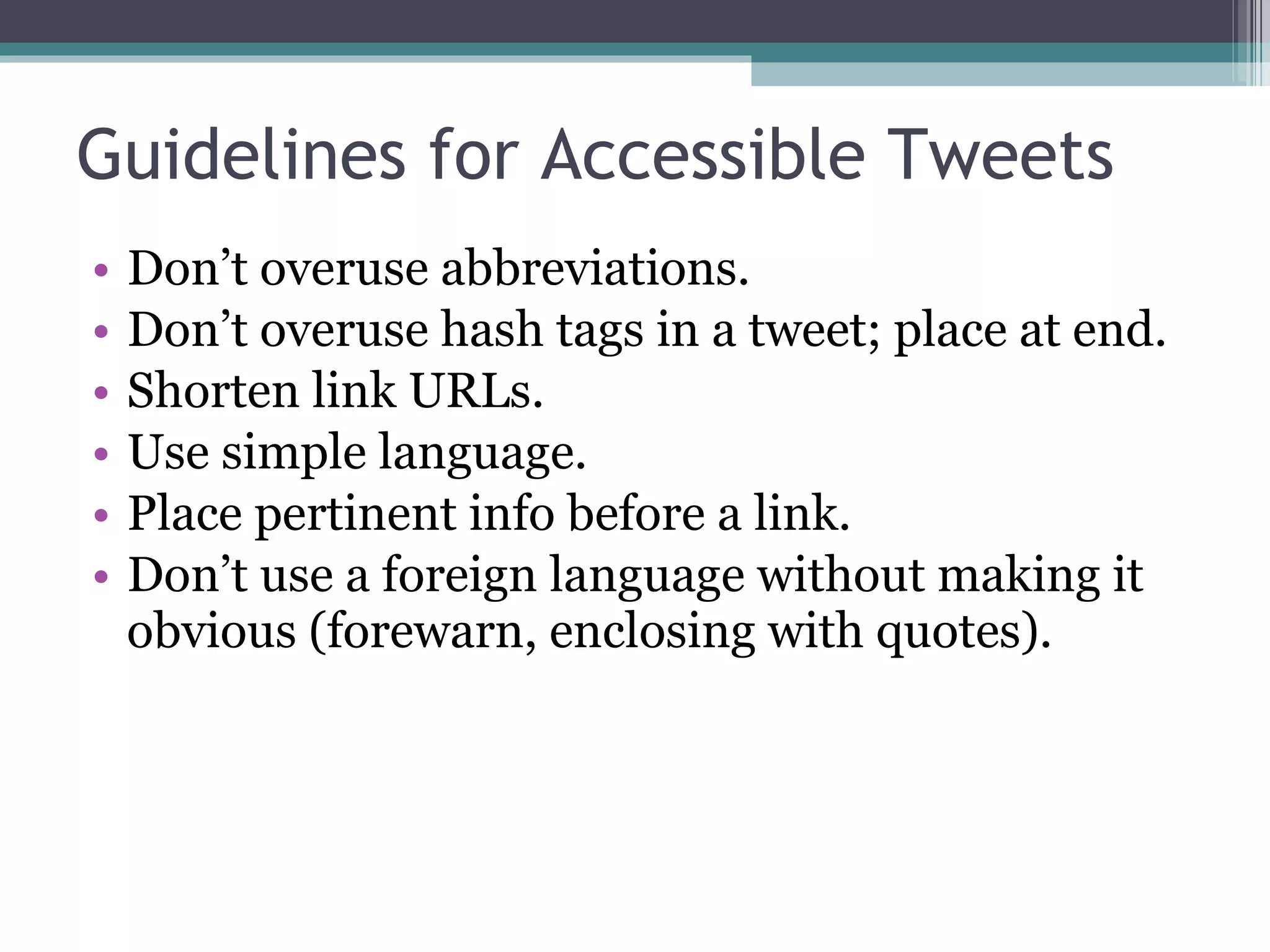
Guidelines for Accessible Tweets Don’t overuse abbreviations. Don’t overuse hash tags in a tweet; place at end. Shorten link URLs. Use simple language. Place pertinent info before a link. Don’t use a foreign language without making it obvious (forewarn, enclosing with quotes).
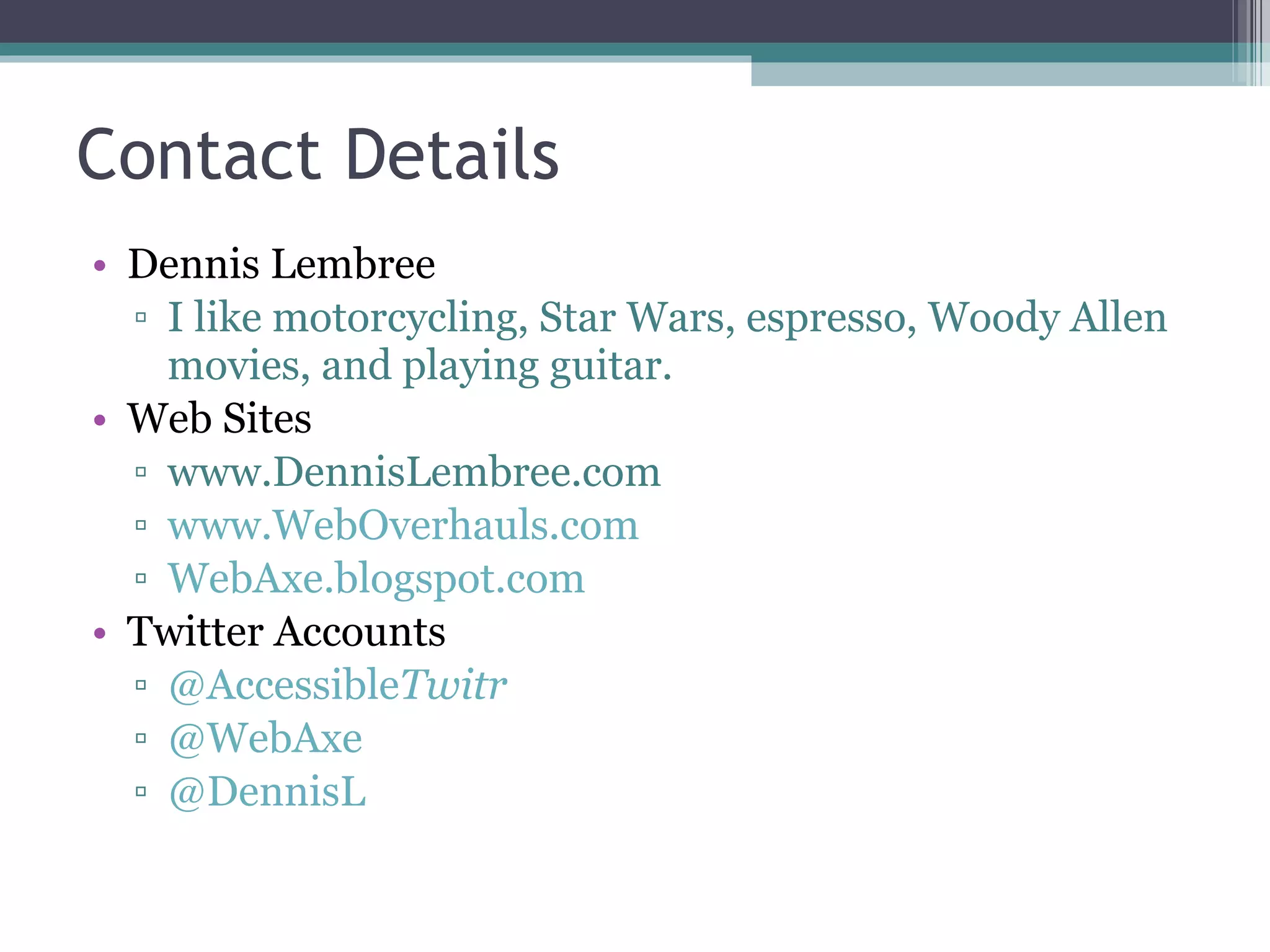
Contact Details Dennis Lembree I like motorcycling, Star Wars, espresso, Woody Allen movies, and playing guitar. Web Sites www.DennisLembree.com www.WebOverhauls.com WebAxe.blogspot.com Twitter Accounts @Accessible Twitr @WebAxe @DennisL
Questions?

"Twitter and Web Accessibility" INDATA Conference 2010

  • 1.
    Twitter and WebAccessibility Presented by Dennis Lembrée INDATA Statewide Assistive Technology Conference Indianapolis, Indiana July 29, 2010
  • 2.
    Agenda What’s Twitter?Issues with Twitter.com Accessible Twitter Clients AccessibleTwitter.com Benefits of Web Accessibility & Web Standards Guidelines for Accessible Tweets Contact Details Questions
  • 3.
    What’s Twitter? Freesocial networking and micro-blogging service that enables its users to send and read text-based messages of up to 140 characters. http://en.wikipedia.org/wiki/Twitter
  • 4.
    Issues with Twitter.comFrom the start, there are accessibility issues. Can you find 3 items on the main Twitter “Sign in” page that could use improvement?
  • 5.
  • 6.
    Issues with Twitter.comTwo “click here” links. Text links are not underlined. Language select dropdown missing submit button.
  • 7.
    Issues with Twitter.comLanguage select dropdown requires JavaScript. Poor color contrast (blue on blue). “ Forgot” what?
  • 8.
    Issues with Twitter.comI’m not even going to mention the headings. At least not on this page...
  • 9.
    Issues with Twitter.comMany web accessibility issues including: Not all core functionality is keyboard accessible. Poor use of headings . Much core functionality requires JavaScript . Many more…
  • 10.
    Keyboard Access InTimeline, the keyboard cannot access Favorite, Reply, and Delete links.
  • 11.
  • 12.
    Use of HeadingsPoor use of headings What site is this? Is my account name and/or info here? Where are the tweets? Where is the menu? W hy is the footer under the heading “Create a new list”?
  • 13.
    JavaScript Twitter.com requiresJavaScript. Without it, the user is unable to: Favorite a tweet. Delete a tweet. Access the content under Trending Topics & Followers. Perform core actions on Followers and Following pages. Exception: Reply to tweet does work without JavaScript.
  • 14.
  • 15.
    Other issues withTwitter.com Code doesn't validate. Code could use better semantics. Links unclear. underlines removed :hover pseudo class effects, but no :focus poor color contrast Sidebar navigation is inconsistent. Form mark-up needs help: Form fields are missing labels. Fieldset tags used without legends. Layout width is static, not flexible. Custom colors may not be readable.
  • 16.
  • 17.
    Accessible Clients & Applications Desktop Mobile Mobile Web Web (focus of this presentation)
  • 18.
    Accessible Clients: DesktopQwitter Desktop client specifically for screen readers http://qwitter-client.net/ Jawter Specifically for JAWS screen reader application http://randylaptop.com/software/jawter-2/2/ TwInbox (previously McTwit) Plug-in for MS Outlook Costly, proprietary http://techhit.com/TwInbox/
  • 19.
    Accessible Clients: DesktopSyrinx Mac only http://www.mrrsoftware.com/MRRSoftware/Syrinx.html Emacspeak 31.0 — TweetDog Linux only “audio desktop” application http://emacspeak.sourceforge.net/releases/release-31.0.html Point-and-Chat Windows application for those requiring Augmentative/Alternative Communication (AAC). Supports email, chat, and Twitter. http://www.simtalk.com/PnC/
  • 20.
    Accessible Clients: MobileApps Echofon iPhone (and Mac) http://www.echofon.com/ Tweets60 Only on Nokia S60 Only with Talks reader http://www.tweets60.com/ Twikini Windows Mobile http://www.trinketsoftware.com/Twikini/
  • 21.
    Accessible Clients: MobileWeb Slandr Mobile site, web-based http://m.slandr.net/ Dabr Mobile site, web-based http://m.dabr.co.uk/ Tweete Mobile site, web-based http://m.tweete.net/
  • 22.
    Accessible Clients: WebAccessible Twitter http://www.accessibletwitter.com/ Works with All operating systems All major browsers (No JS or CSS required) Mobile devices (iPhone, Droid, Blackberry, etc.) Screen readers Tablets Text-only (Lynx) Kindle Any browser-based user-agent!
  • 23.
    AccessibleTwitter.com Accessible Twitterprovides a fully web-accessible and standards-compliant version of the Twitter web site. Winner of the 2009 Access IT @web2.0 Award . Nominated in the Blind Bargains: 2009 Access Awards (Best Blindness-related Website).
  • 24.
  • 25.
    Keyboard Access ALLlinks are keyboard accessible. And have clear visual focus.
  • 26.
    Use of HeadingsIdeal use of headings What site is this? Is my account name and/or info here? Where are the tweets? Where is the menu? In each tweet, the name the author is a heading which greatly improves clarity and navigation for screen readers.
  • 27.
    JavaScript Accessible Twitteris fully functional without JavaScript. Even works on Lynx, Kindle , etc.
  • 28.
    JavaScript Accessible Twitteruses JavaScript to enhance behavior. Progress Enhancement is paramount. Hijax (Jeremy Keith). Unobtrusive, of course.
  • 29.
    Other issues withTwitter.com Code doesn't validate. Code could use better semantics. Links unclear. underlines removed :hover pseudo class effects, but no :focus poor color contrast Sidebar navigation is inconsistent. Form mark-up needs help: Form fields are missing labels. Fieldset tags used without legends. Layout width is static not flexible. Custom colors may not be readable.
  • 30.
    AccessibleTwitter.com Fixes Codevalidates. Code is semantic. Links clear. underlines not removed :hover pseudo class and :focus good color contrast All navigation areas are consistent. Form mark-up is accessible: Form fields have labels. Fieldset tags include legends. Layout width is flexible. Custom colors are not implemented.
  • 31.
  • 32.
    More Features Search,saved search, user search. Trends page. Popular Links page ( TweetMeme ). URL Shortener (Bitly). Add image (Twitpic). Inline reply tweets; conversation. Ajax for delete, favorite, follow/unfollow, etc.
  • 33.
    More Features Nowfull Lists functionality. Every page displays the user’s information. No hidden links; always displayed. ARIA Landmarks Roles (nav, banner, search, main, etc.) Live Regions (during enter tweet).
  • 34.
    Quotes from Users“ Wow! You have really made my day, and I am smiling once again. I am so excited that I found your Accessible Twitter. Now I feel that I can be in the cutting edge of everything that is happening in the Twitter Universe”
  • 35.
    Quotes from Users“ You can easily navigate by several methods; skip links, form fields, headings. Very effective with a screen reader.” [and now ARIA] “ really easy with a Braille Display to use” “ From now on my default web interface for Twitter! Keyboard accessible == touch accessible!”
  • 36.
    Quotes from Users“… seems to work nicely in Lynx . Main Twitter won't let me login and mobile site won't show followers.” “ Liking it more than twitter.com! Cleaner, easier , fun!” “ Love this! So clear & Easy # dyslexia ”
  • 37.
    Quotes from UsersRead these quotes and more: http://accessibletwitter.com/articles.php
  • 38.
    Future Enhancements ATwitter application, especially an accessible one, is always evolving. Many enhancements and features are planned including: Enhance List functionality with (accessible) Ajax. Inline notice and update of new tweets. Reply-to-all feature. Add optional services for URL shortener and photo uploading. Internationalization/multi-language support.
  • 39.
    Other Benefits ofWeb Accessibility & Web Standards More usable . Better functionality with assistive technology such as text browsers & Braille devices. Keyboard accessibility opens gate for many other types of input devices . Providing clear, consistent content and navigation benefits those with cognitive impairments (and is more usable in general). Use with a mobile device is possible.
  • 40.
    Guidelines for AccessibleTweets Don’t overuse abbreviations. Don’t overuse hash tags in a tweet; place at end. Shorten link URLs. Use simple language. Place pertinent info before a link. Don’t use a foreign language without making it obvious (forewarn, enclosing with quotes).
  • 41.
    Contact Details DennisLembree I like motorcycling, Star Wars, espresso, Woody Allen movies, and playing guitar. Web Sites www.DennisLembree.com www.WebOverhauls.com WebAxe.blogspot.com Twitter Accounts @Accessible Twitr @WebAxe @DennisL
  • 42.