Twitter 101: Developing a personal
and professional learning network
by @ckendall
July 2014
http://ckendall.wikispaces.com/twitter
Twitter? Really?
1. What is Twitter and how does it work?
2. How do I find people to follow?
3. How can a teacher use Twitter for personal and
professional development?
1. What is Twitter?
Twitter is an online social networking and microblogging
service that enables its users to send and read text-based
posts of up to 140 characters, informally known as "tweets",
and images.
Twitter was created in March 2006 by Jack Dorsey, Evan Williams, Biz
Stone and Noah Glass and by July 2006 the site was launched. The
service rapidly gained worldwide popularity, with 500 million registered
users in 2012, who posted 340 million tweets per day. The service
also handled 1.6 billion search queries per day. In 2013 Twitter was
one of the ten most-visited websites, and has been described as "the
SMS of the Internet."
(Source: Wikipedia)
How does Twitter work?
Video: Twitter in 60 seconds:
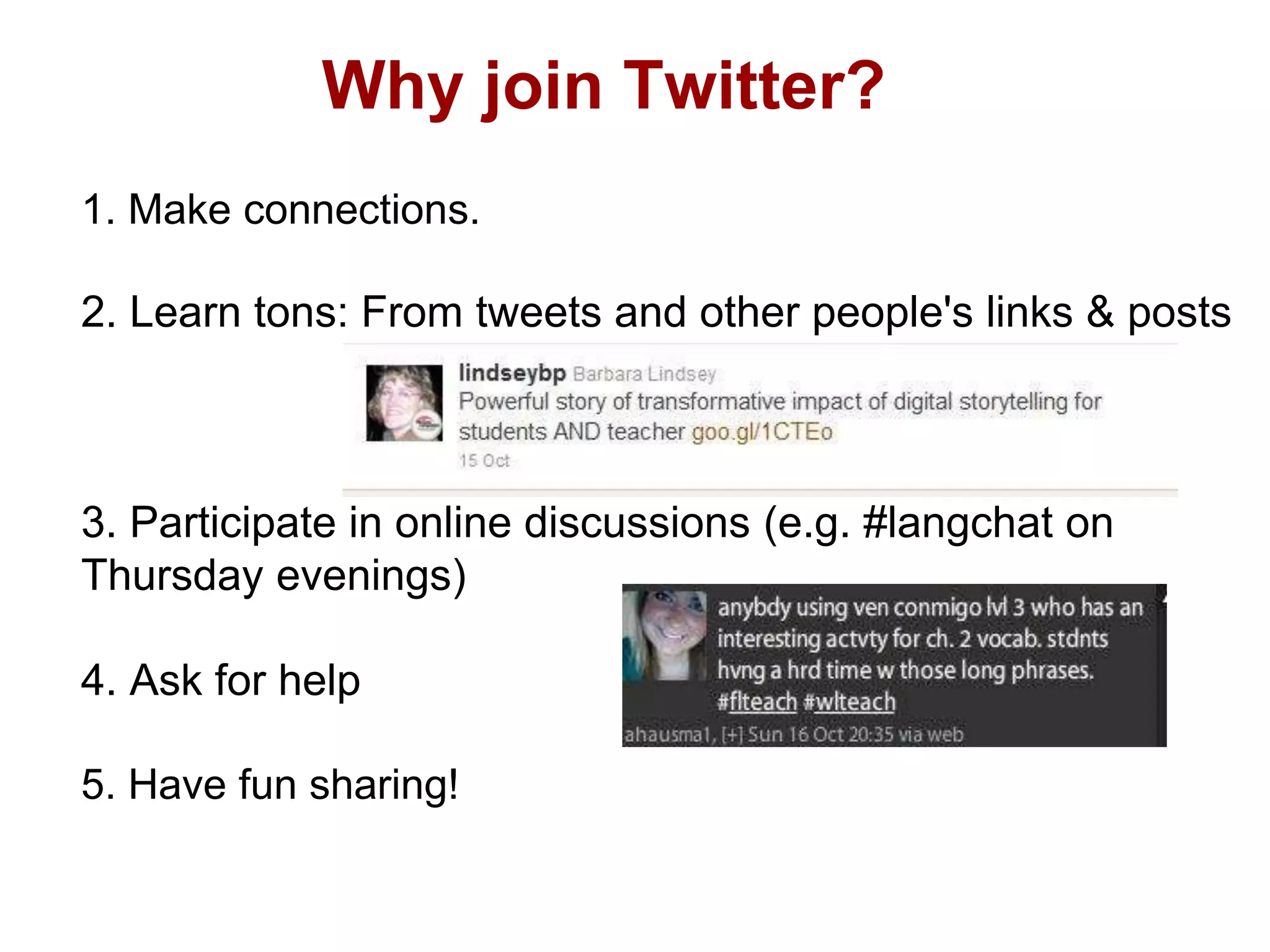
Why join Twitter?
1. Make connections.
2. Learn tons: From tweets and other people's links & posts
3. Participate in online discussions (e.g. #langchat on
Thursday evenings)
4. Ask for help
5. Have fun sharing!
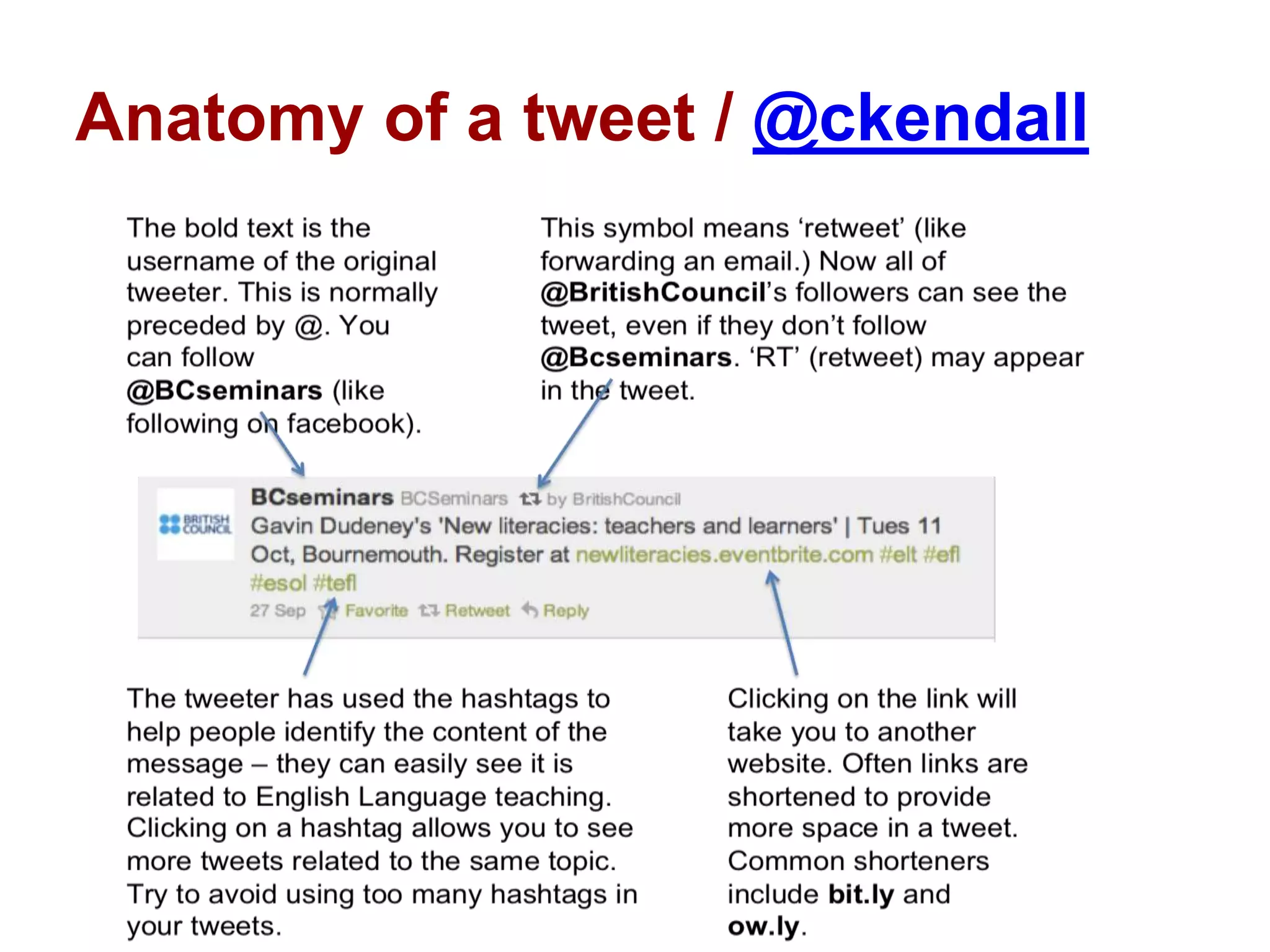
Anatomy of a tweet / @ckendall
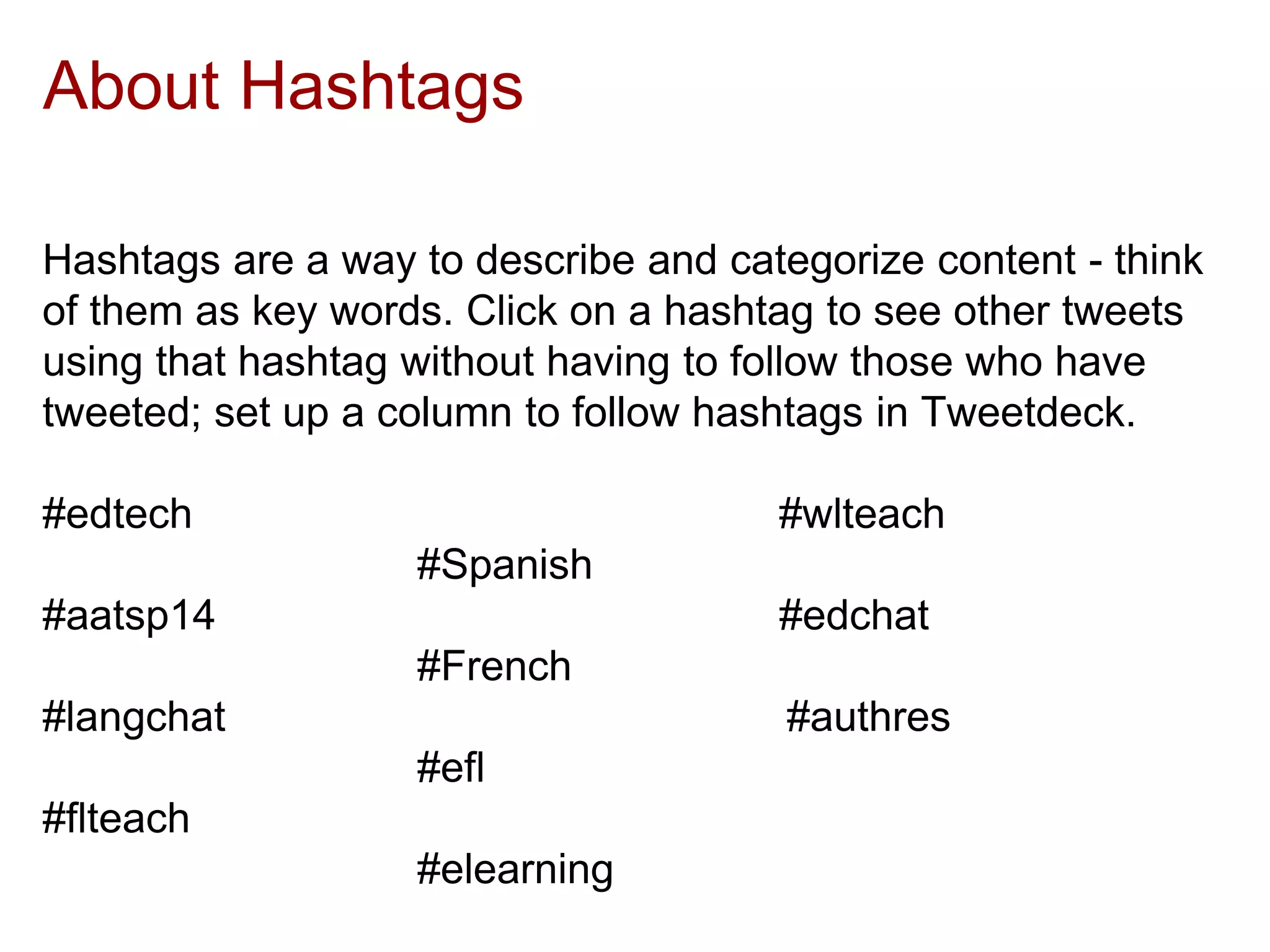
About Hashtags
Hashtags are a way to describe and categorize content - think
of them as key words. Click on a hashtag to see other tweets
using that hashtag without having to follow those who have
tweeted; set up a column to follow hashtags in Tweetdeck.
#edtech #wlteach
#Spanish
#aatsp14 #edchat
#French
#langchat #authres
#efl
#flteach
#elearning
2. For PD: How to get started
1. Sign up for a Twitter account at http://twitter.com/
2. Start following people and posting "tweets"
3. Who to follow?
- start with people you know
- look to see who they're following
- look to see who is following them
- look at their "lists"
- Twitter4Teachers has lists of teachers by content area
(NOTE: You can always unfollow someone if you don't
like their tweets!)
4. Retweet (RT) tweets you like!
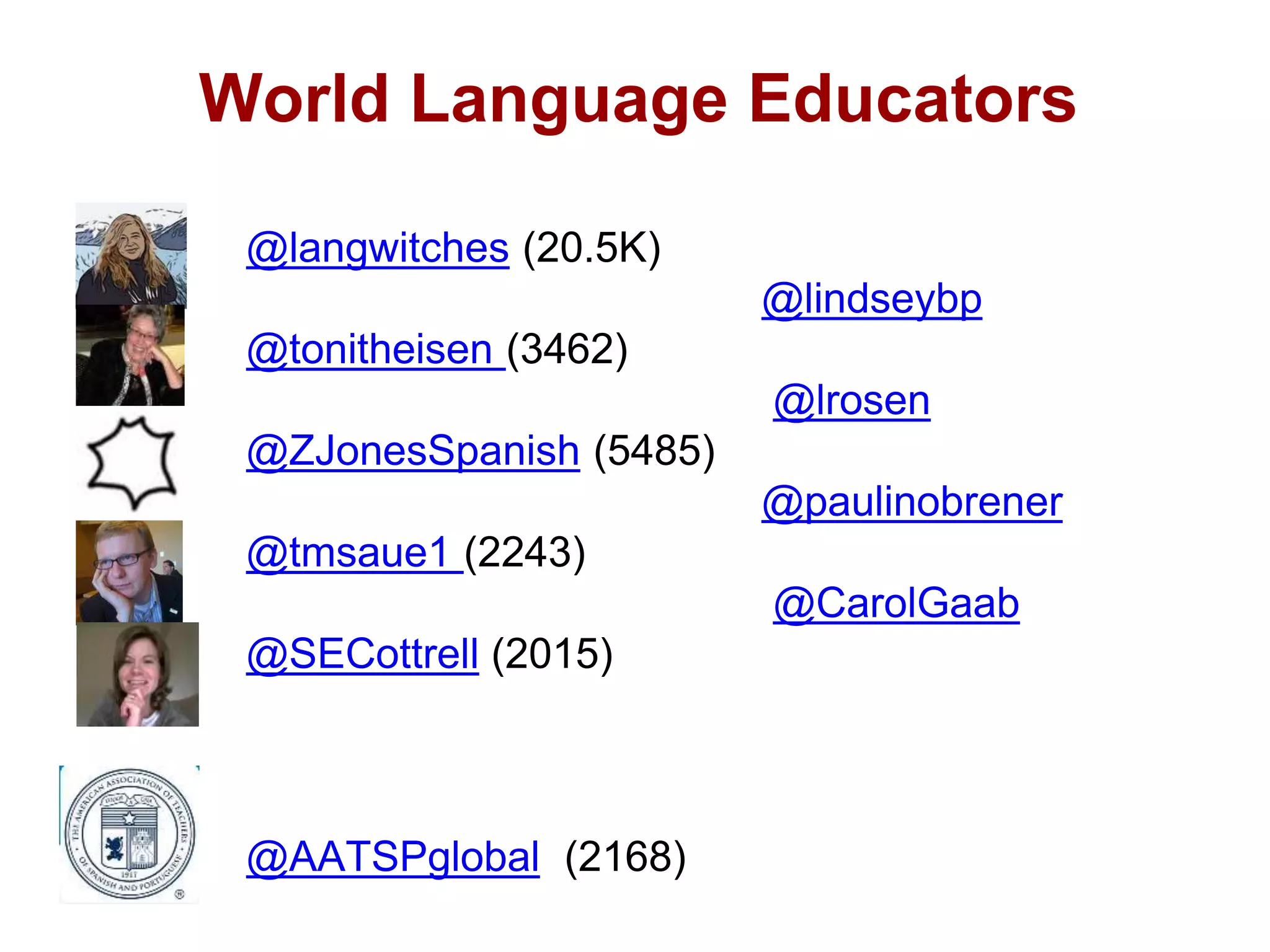
World Language Educators
@langwitches (20.5K)
@lindseybp
@tonitheisen (3462)
@lrosen
@ZJonesSpanish (5485)
@paulinobrener
@tmsaue1 (2243)
@CarolGaab
@SECottrell (2015)
@AATSPglobal (2168)
3. Other considerations
- What you tweet is public. Tweet wisely. (You can
delete a tweet, but it might be too late!)
- Twitter can be addictive. Maintain a balance! You
can't read it all, so don't try.
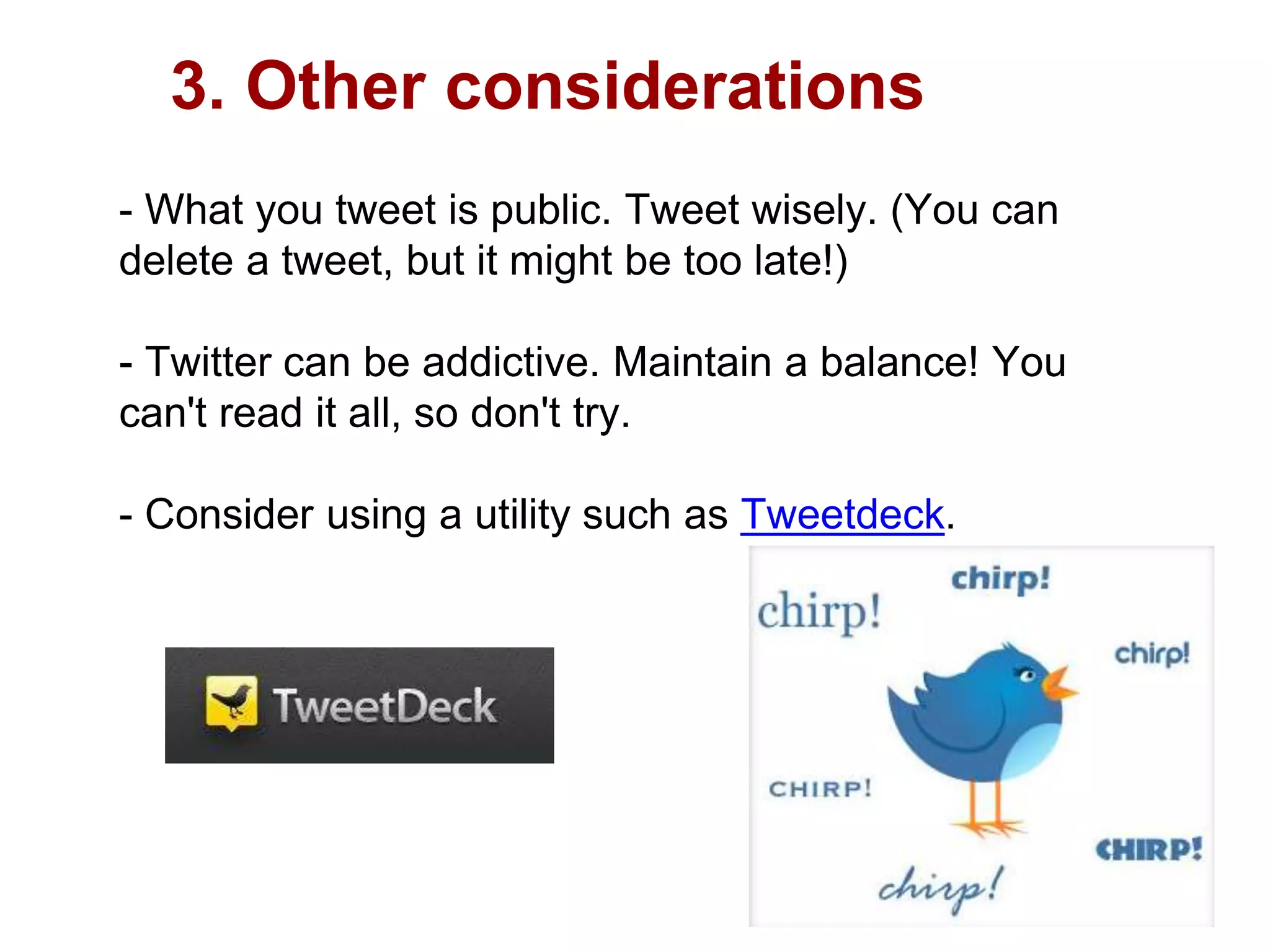
- Consider using a utility such as Tweetdeck.
Ready for more details?
For more information on Twitter,
visit my Twitter wiki page.
Happy tweeting!

Twitter 101 in 30 minutes

  • 1.
    Twitter 101: Developinga personal and professional learning network by @ckendall July 2014 http://ckendall.wikispaces.com/twitter
  • 3.
    Twitter? Really? 1. Whatis Twitter and how does it work? 2. How do I find people to follow? 3. How can a teacher use Twitter for personal and professional development?
  • 4.
    1. What isTwitter? Twitter is an online social networking and microblogging service that enables its users to send and read text-based posts of up to 140 characters, informally known as "tweets", and images. Twitter was created in March 2006 by Jack Dorsey, Evan Williams, Biz Stone and Noah Glass and by July 2006 the site was launched. The service rapidly gained worldwide popularity, with 500 million registered users in 2012, who posted 340 million tweets per day. The service also handled 1.6 billion search queries per day. In 2013 Twitter was one of the ten most-visited websites, and has been described as "the SMS of the Internet." (Source: Wikipedia)
  • 5.
    How does Twitterwork? Video: Twitter in 60 seconds:
  • 6.
    Why join Twitter? 1.Make connections. 2. Learn tons: From tweets and other people's links & posts 3. Participate in online discussions (e.g. #langchat on Thursday evenings) 4. Ask for help 5. Have fun sharing!
  • 7.
    Anatomy of atweet / @ckendall
  • 8.
    About Hashtags Hashtags area way to describe and categorize content - think of them as key words. Click on a hashtag to see other tweets using that hashtag without having to follow those who have tweeted; set up a column to follow hashtags in Tweetdeck. #edtech #wlteach #Spanish #aatsp14 #edchat #French #langchat #authres #efl #flteach #elearning
  • 9.
    2. For PD:How to get started 1. Sign up for a Twitter account at http://twitter.com/ 2. Start following people and posting "tweets" 3. Who to follow? - start with people you know - look to see who they're following - look to see who is following them - look at their "lists" - Twitter4Teachers has lists of teachers by content area (NOTE: You can always unfollow someone if you don't like their tweets!) 4. Retweet (RT) tweets you like!
  • 10.
    World Language Educators @langwitches(20.5K) @lindseybp @tonitheisen (3462) @lrosen @ZJonesSpanish (5485) @paulinobrener @tmsaue1 (2243) @CarolGaab @SECottrell (2015) @AATSPglobal (2168)
  • 11.
    3. Other considerations -What you tweet is public. Tweet wisely. (You can delete a tweet, but it might be too late!) - Twitter can be addictive. Maintain a balance! You can't read it all, so don't try. - Consider using a utility such as Tweetdeck.
  • 12.
    Ready for moredetails? For more information on Twitter, visit my Twitter wiki page. Happy tweeting!

Editor's Notes

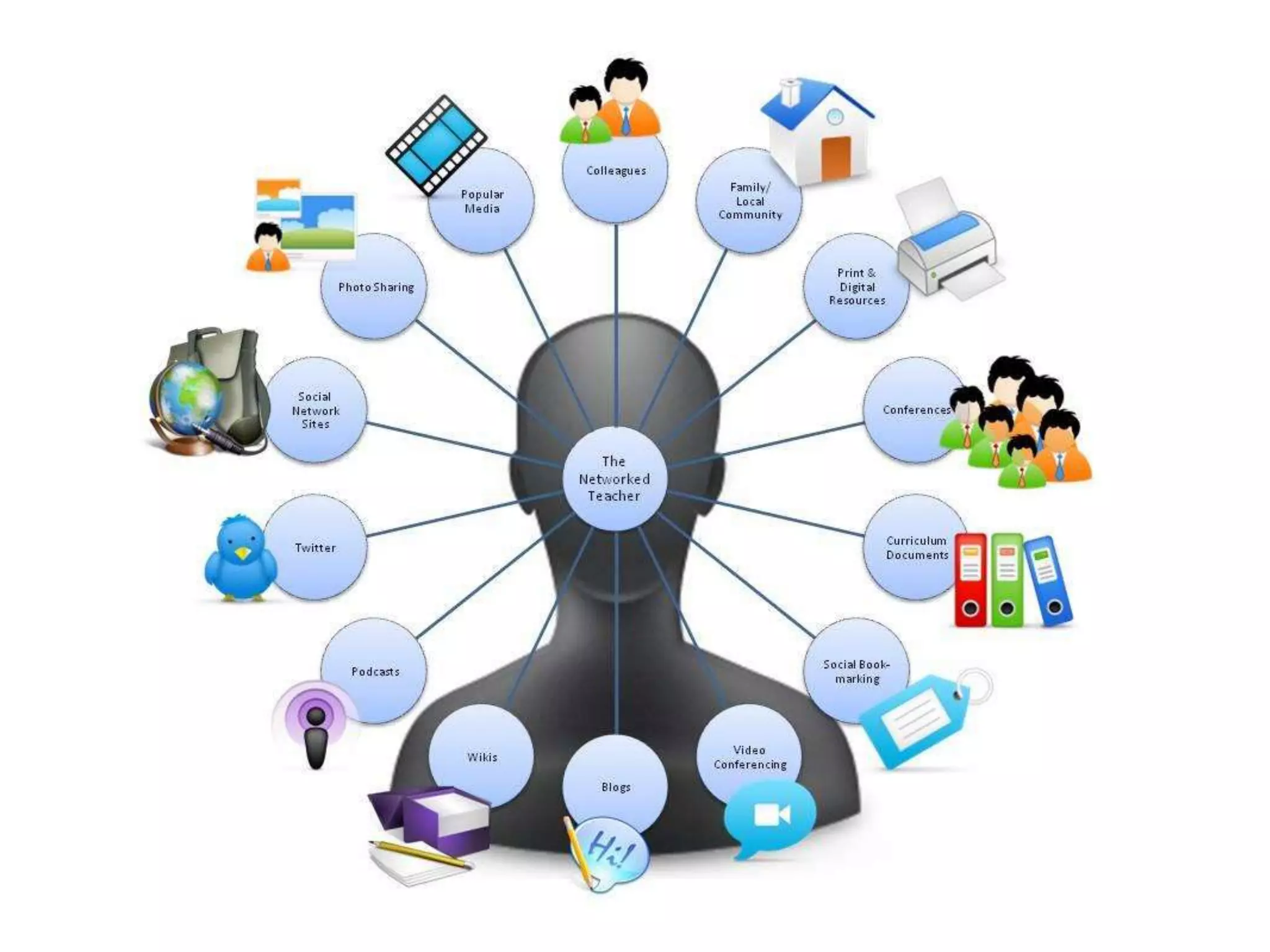
  • #3 Image used under a Creative Commons License.Created by Silvia Rosenthal Tolisano: Langwitches www.langwitches.org/blogGlobally Connected Learning www.globallyconnectedlearning.comLangwitches-21st century learning and teachinghttp://www.flickr.com/photos/langwitches/3458534773/in/set-72157605083562304/