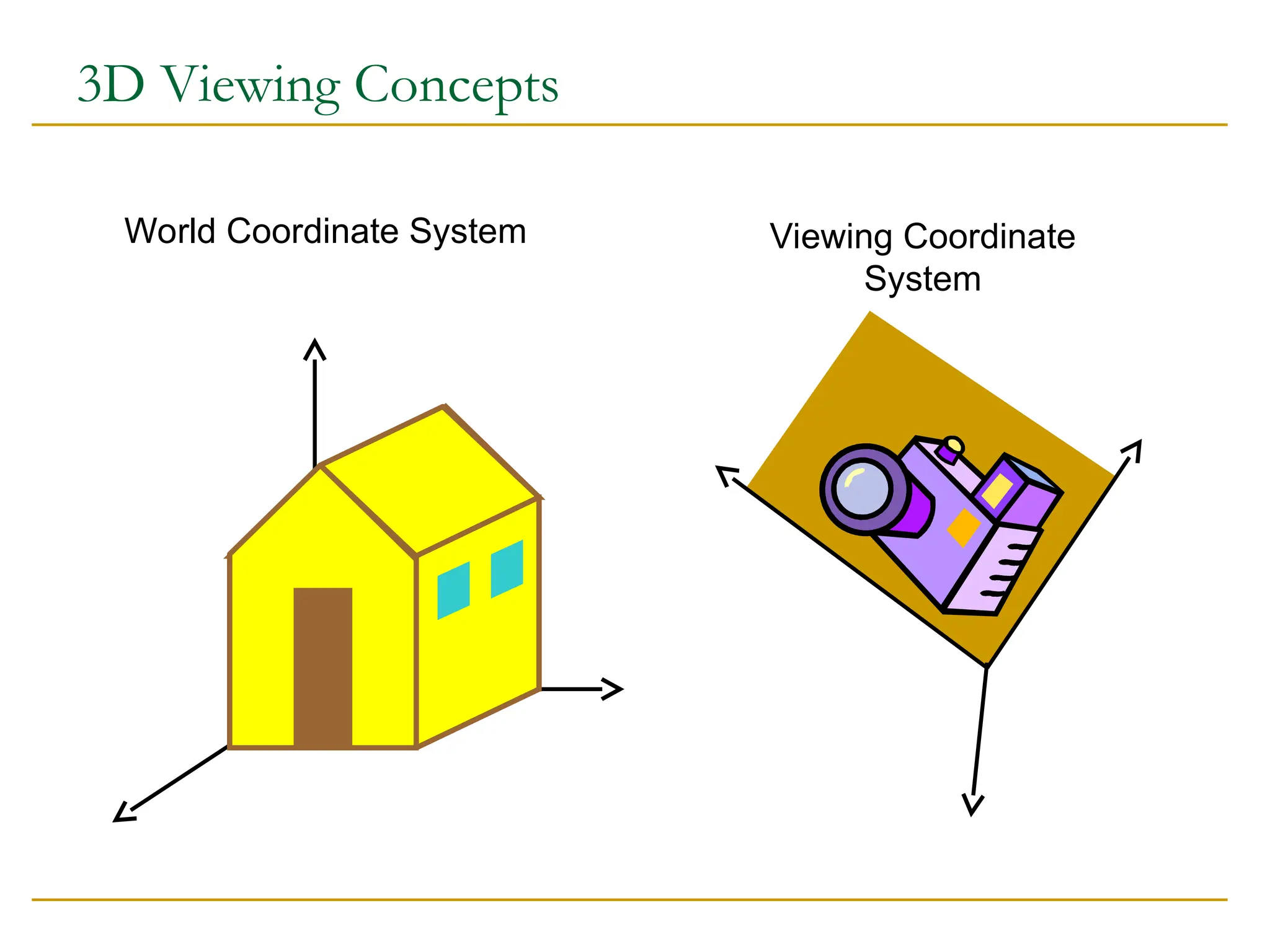
Why transformation?
Modelof objects
world coordinates: km, mm, etc.
Hierarchical models::
human = torso + arm + arm + head + leg + leg
arm = upperarm + lowerarm + hand …
Viewing
zoom in, move drawing, etc.
Animation
5.
Buffer
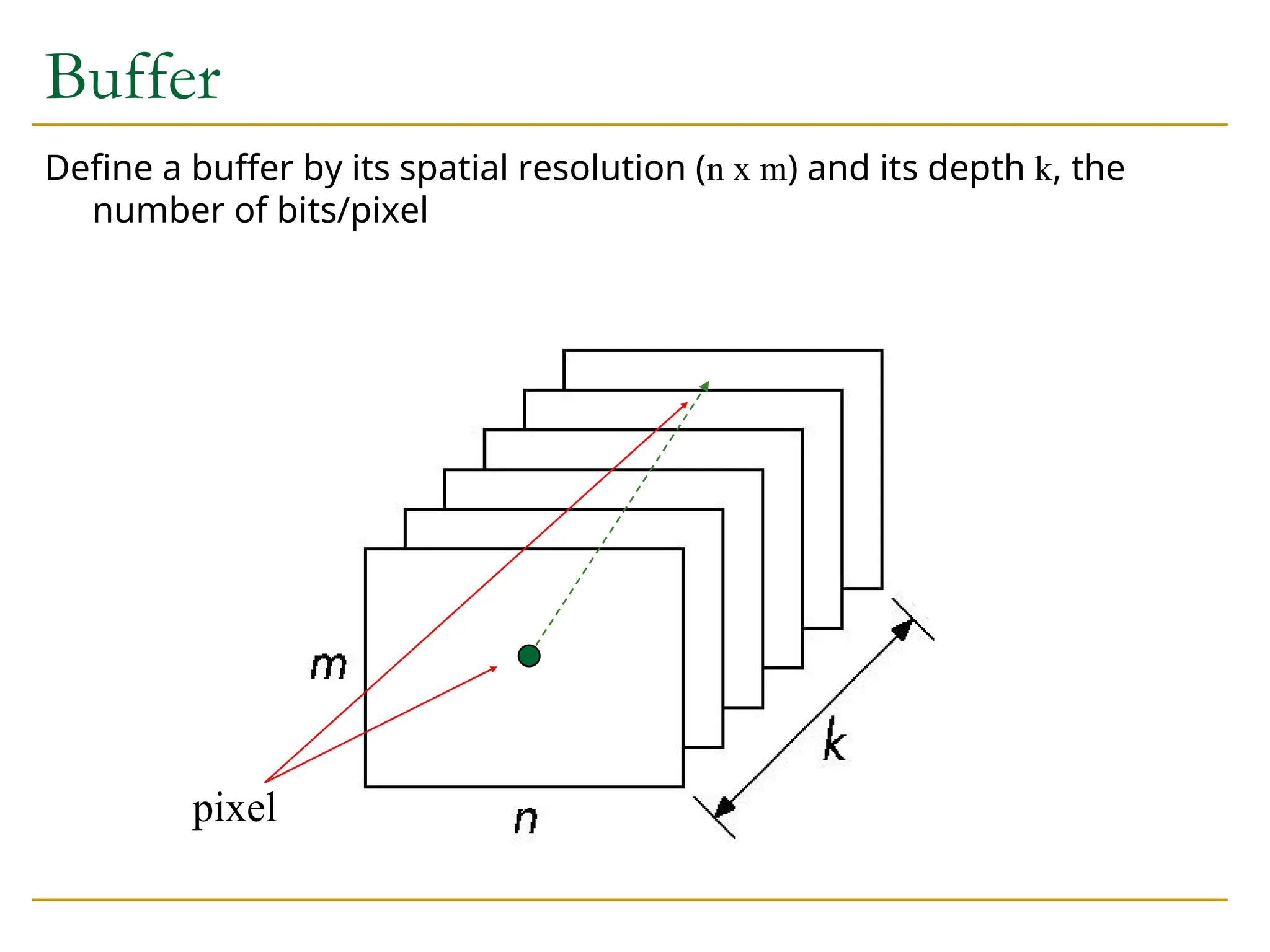
Define a bufferby its spatial resolution (n x m) and its depth k, the
number of bits/pixel
pixel
OpenGL Buffers
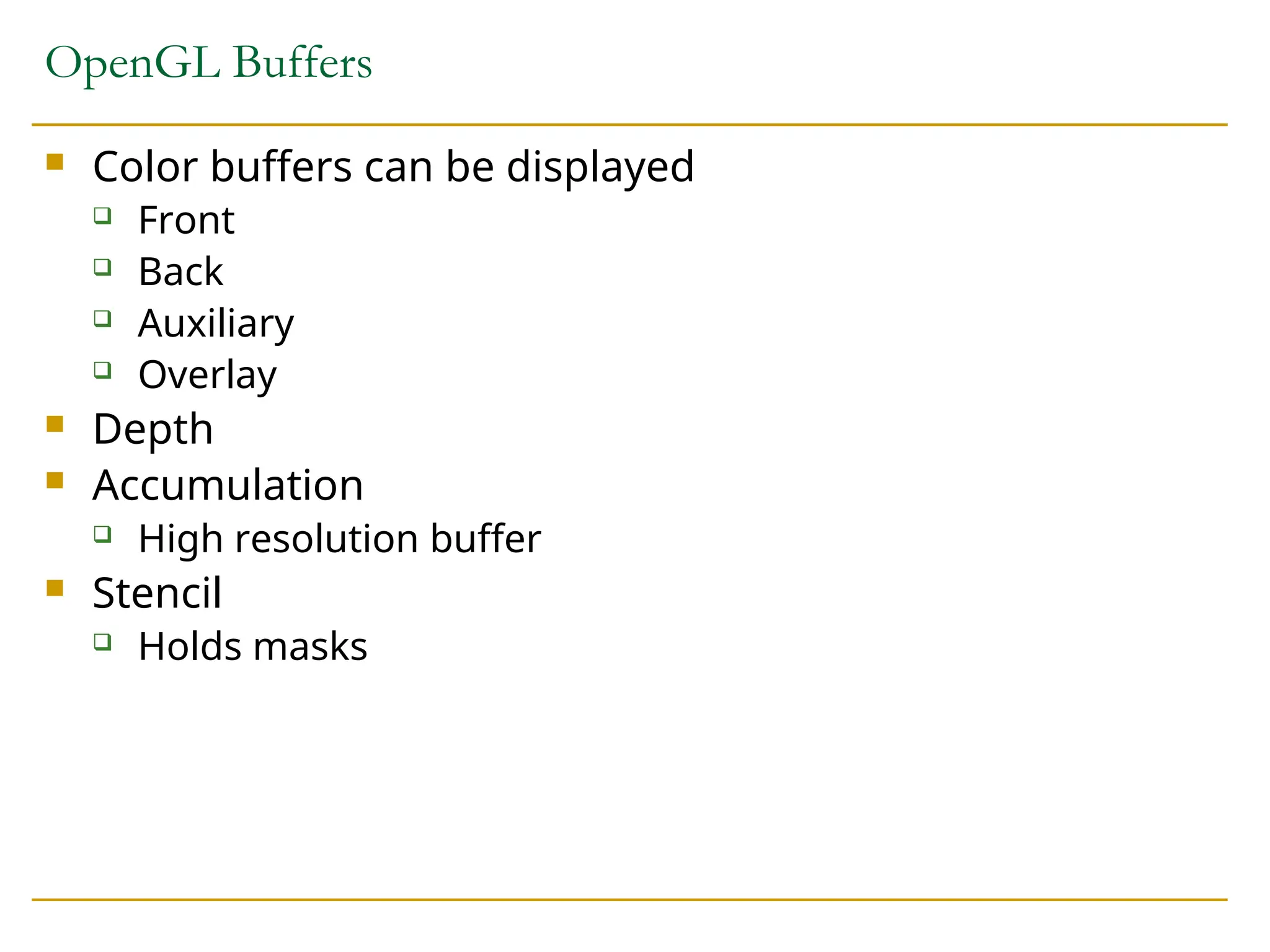
Colorbuffers can be displayed
Front
Back
Auxiliary
Overlay
Depth
Accumulation
High resolution buffer
Stencil
Holds masks
8.
Writing in Buffers
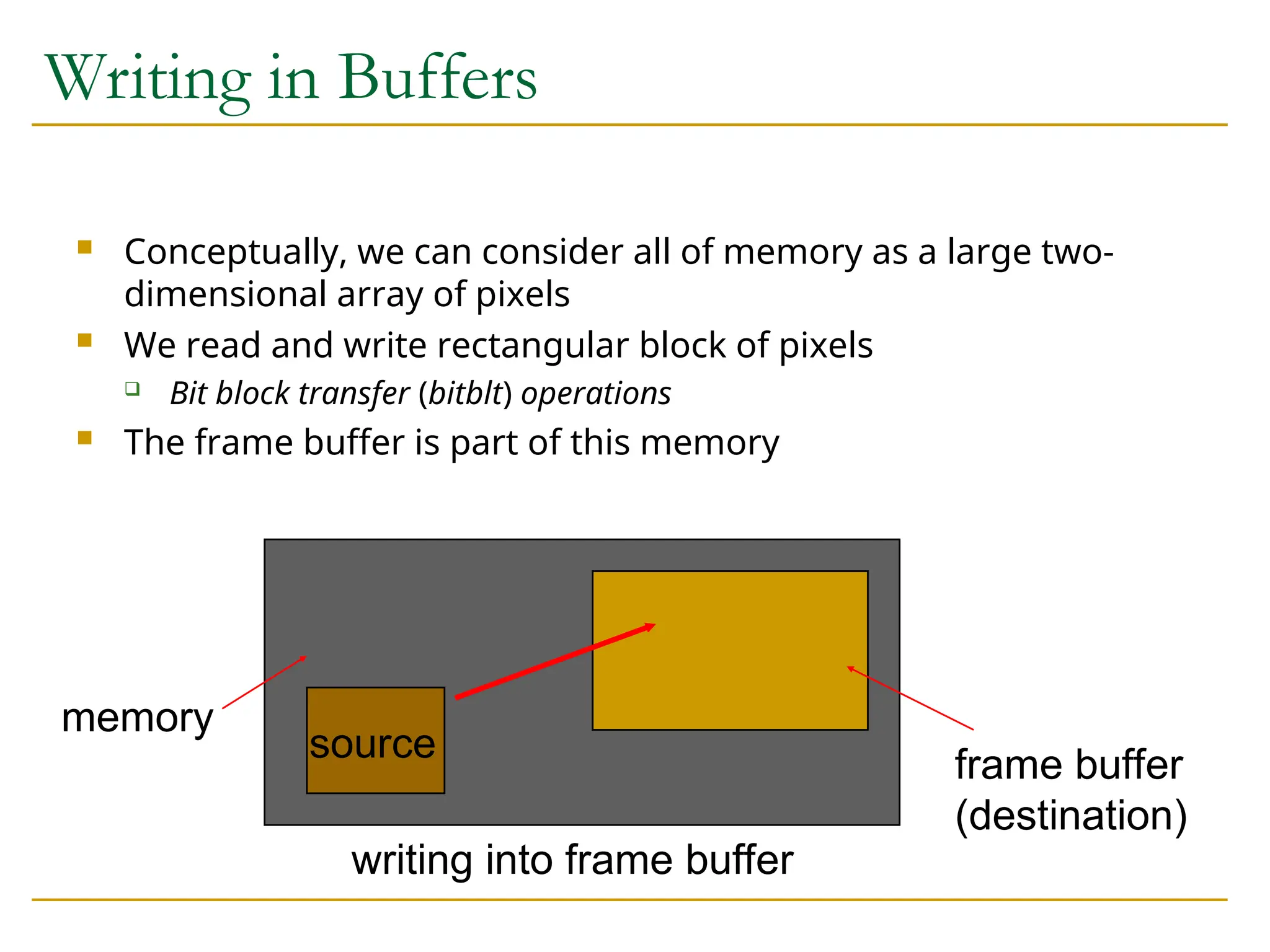
Conceptually, we can consider all of memory as a large two-
dimensional array of pixels
We read and write rectangular block of pixels
Bit block transfer (bitblt) operations
The frame buffer is part of this memory
frame buffer
(destination)
writing into frame buffer
source
memory
9.
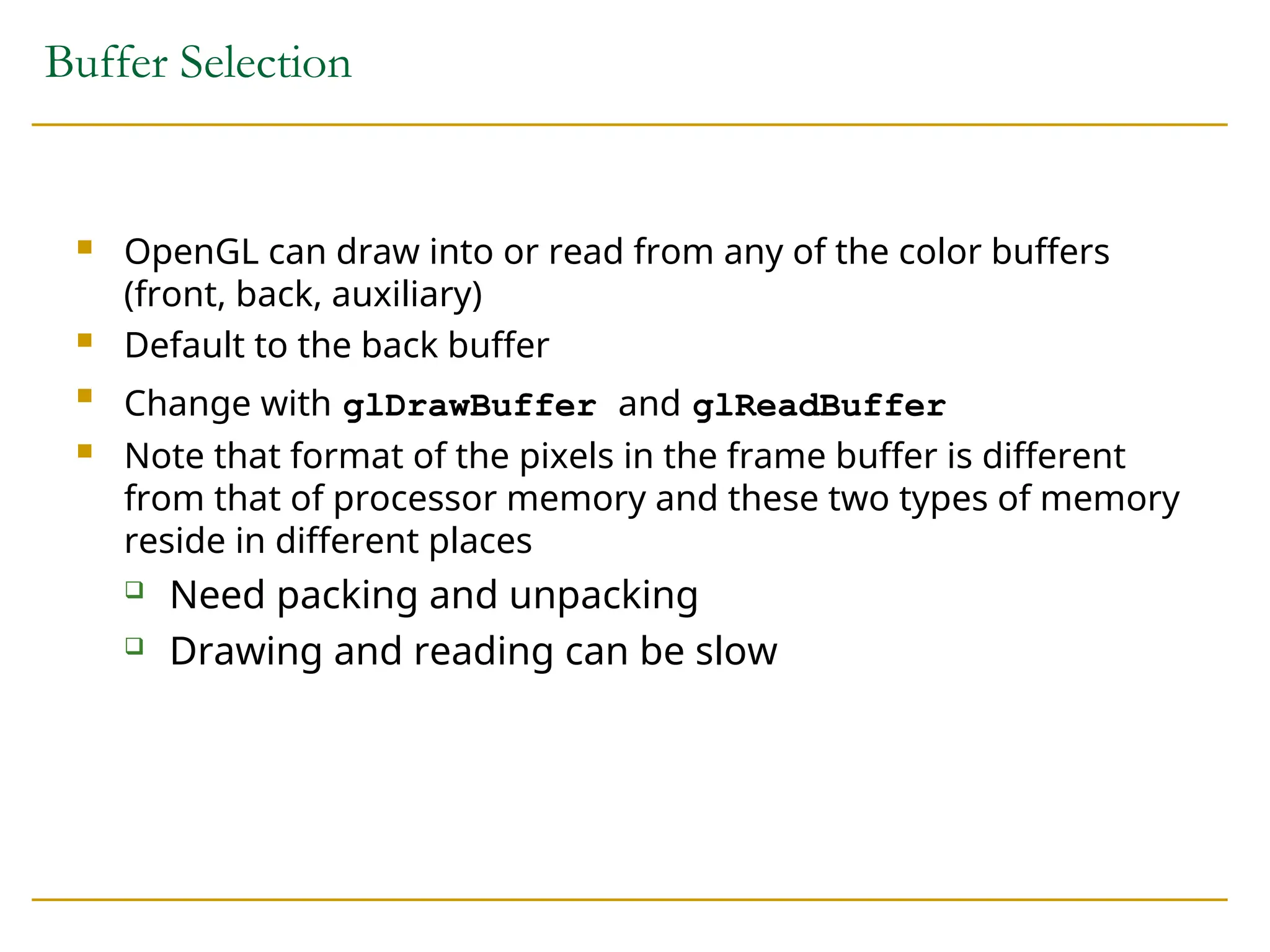
Buffer Selection
OpenGLcan draw into or read from any of the color buffers
(front, back, auxiliary)
Default to the back buffer
Change with glDrawBuffer and glReadBuffer
Note that format of the pixels in the frame buffer is different
from that of processor memory and these two types of memory
reside in different places
Need packing and unpacking
Drawing and reading can be slow
10.
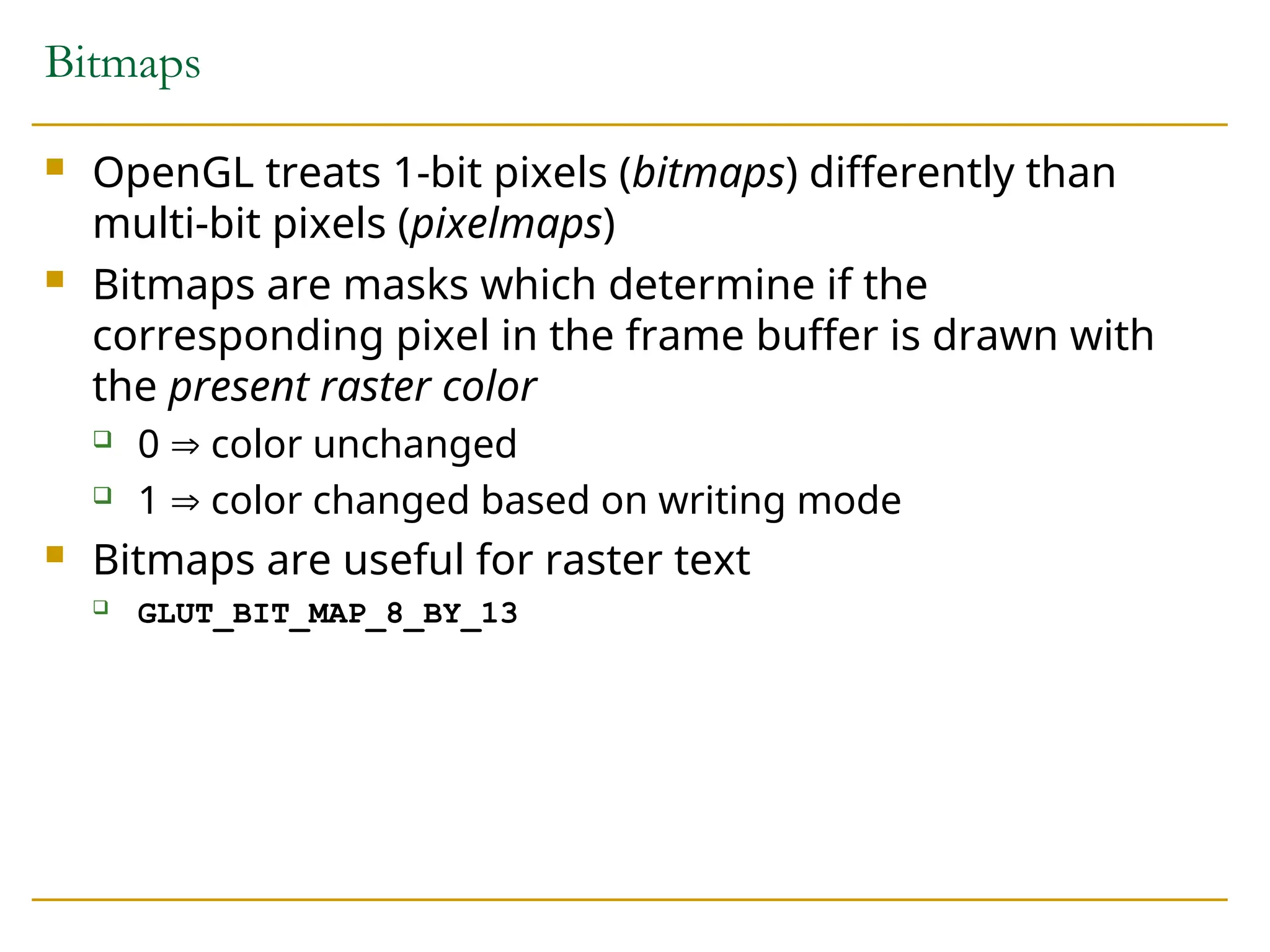
Bitmaps
OpenGL treats1-bit pixels (bitmaps) differently than
multi-bit pixels (pixelmaps)
Bitmaps are masks which determine if the
corresponding pixel in the frame buffer is drawn with
the present raster color
0 color unchanged
1 color changed based on writing mode
Bitmaps are useful for raster text
GLUT_BIT_MAP_8_BY_13
11.
Raster Color
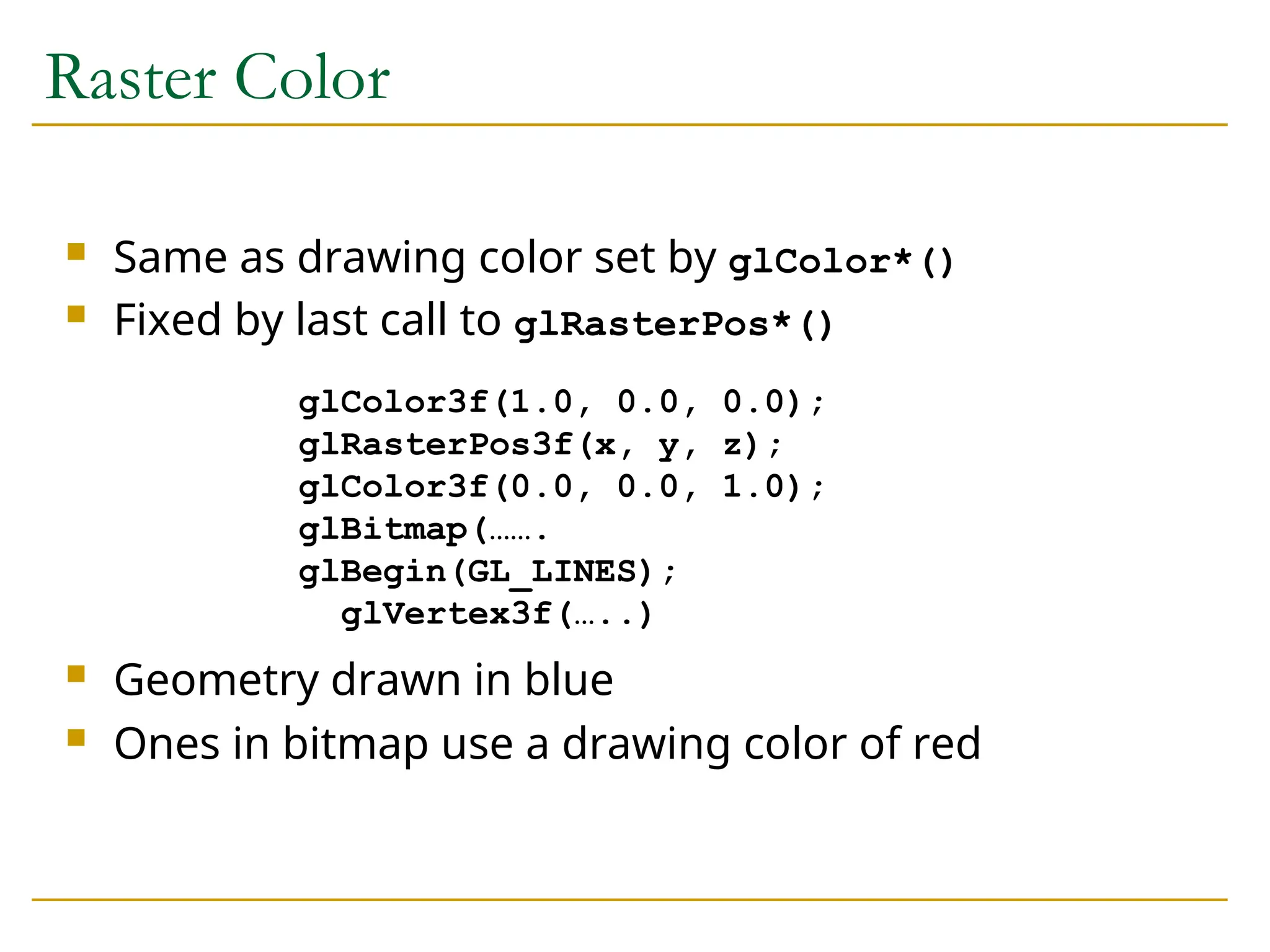
Sameas drawing color set by glColor*()
Fixed by last call to glRasterPos*()
Geometry drawn in blue
Ones in bitmap use a drawing color of red
glColor3f(1.0, 0.0, 0.0);
glRasterPos3f(x, y, z);
glColor3f(0.0, 0.0, 1.0);
glBitmap(…….
glBegin(GL_LINES);
glVertex3f(…..)
12.
Drawing Bitmaps
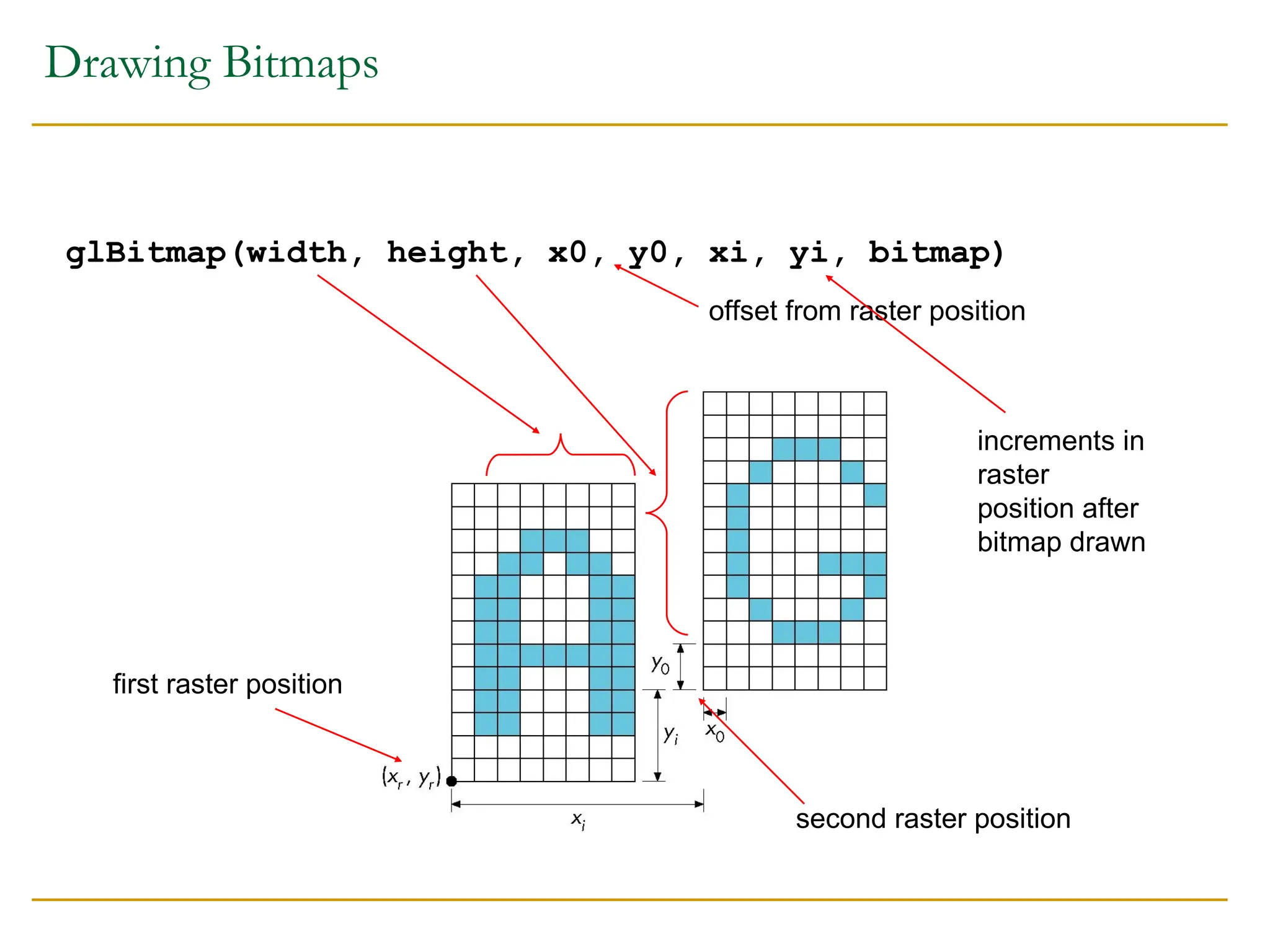
glBitmap(width, height,x0, y0, xi, yi, bitmap)
first raster position
second raster position
offset from raster position
increments in
raster
position after
bitmap drawn
13.
Example: Checker Board
GLubytewb[2] = {0 x 00, 0 x ff};
GLubyte check[512];
int i, j;
for(j=0; i<64; i++) for (j=0; j<64, j++)
check[i*8+] = wb[(i/8+j)%2];
glBitmap( 64, 64, 0.0, 0.0, 0.0, 0.0, check);
14.
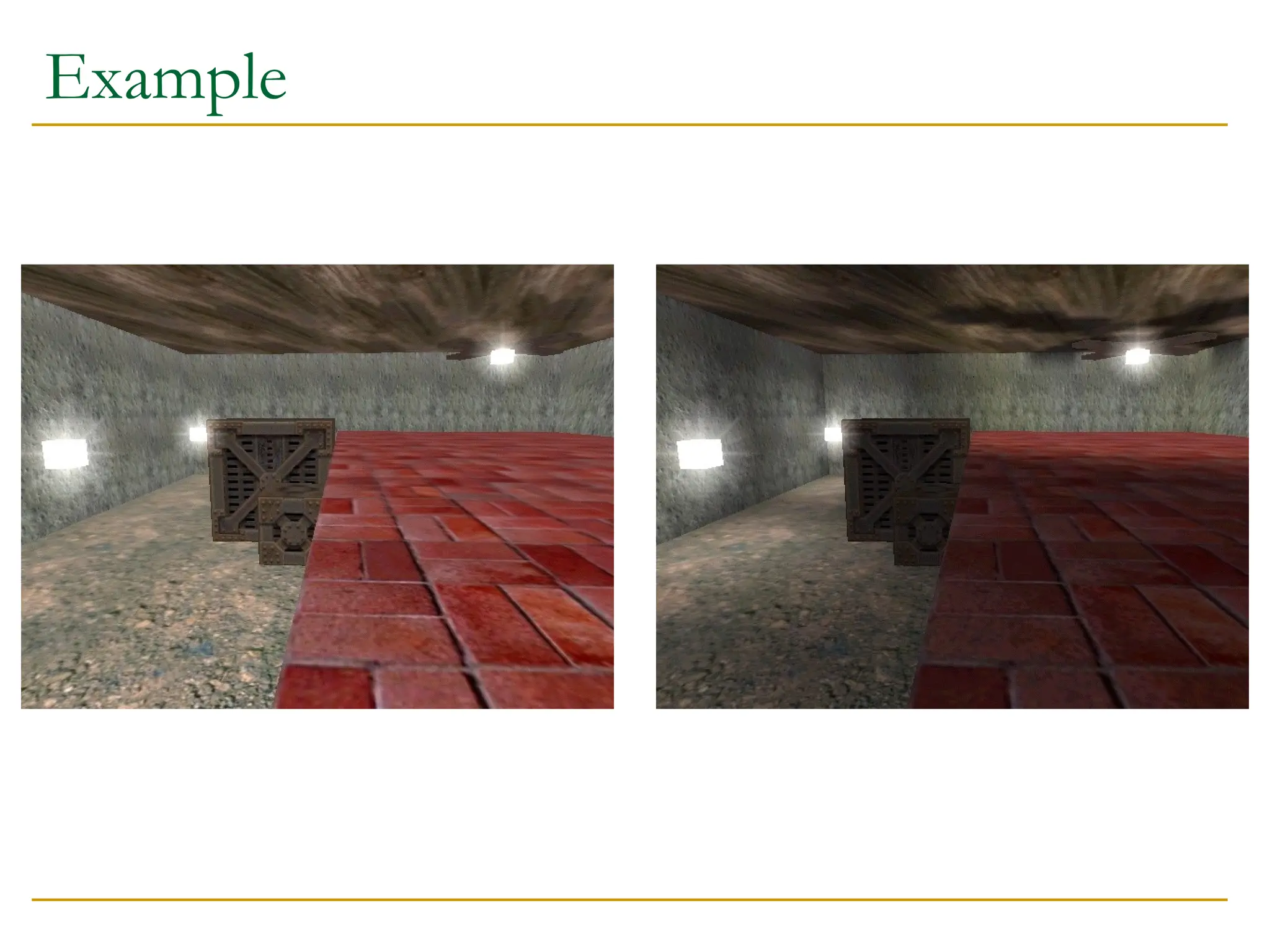
Light Maps
Aim:Speed up lighting calculations by pre-computing
lighting and storing it in maps
Allows complex illumination models to be used in
generating the map (eg shadows, radiosity)
Used in complex rendering algorithms to catch radiance
(Radiance)
Issues:
How is the mapping determined?
How are the maps generated?
How are they applied at run-time?
15.
Choosing a Mapping
Problem: In a preprocessing phase, points on polygons
must be associated with points in maps
One solution:
Find groups of polygons that are “near” co-planar and do
not overlap when projected onto a plane
Result is a mapping from polygons to planes
Combine sections of the chosen planes into larger maps
Store texture coordinates at polygon vertices
Lighting tends to change quite slowly (except at hard
shadows), so the map resolution can be poor
16.
Generating the Map
Problem: What value should go in each pixel of the light
map?
Solution:
Map texture pixels back into world space (using the inverse of
the texture mapping)
Take the illumination of the polygon and put it in the pixel
Advantages of this approach:
Choosing “good” planes means that texture pixels map to
roughly square pieces of polygon - good sampling
Not too many maps are required, and not much memory is
wasted
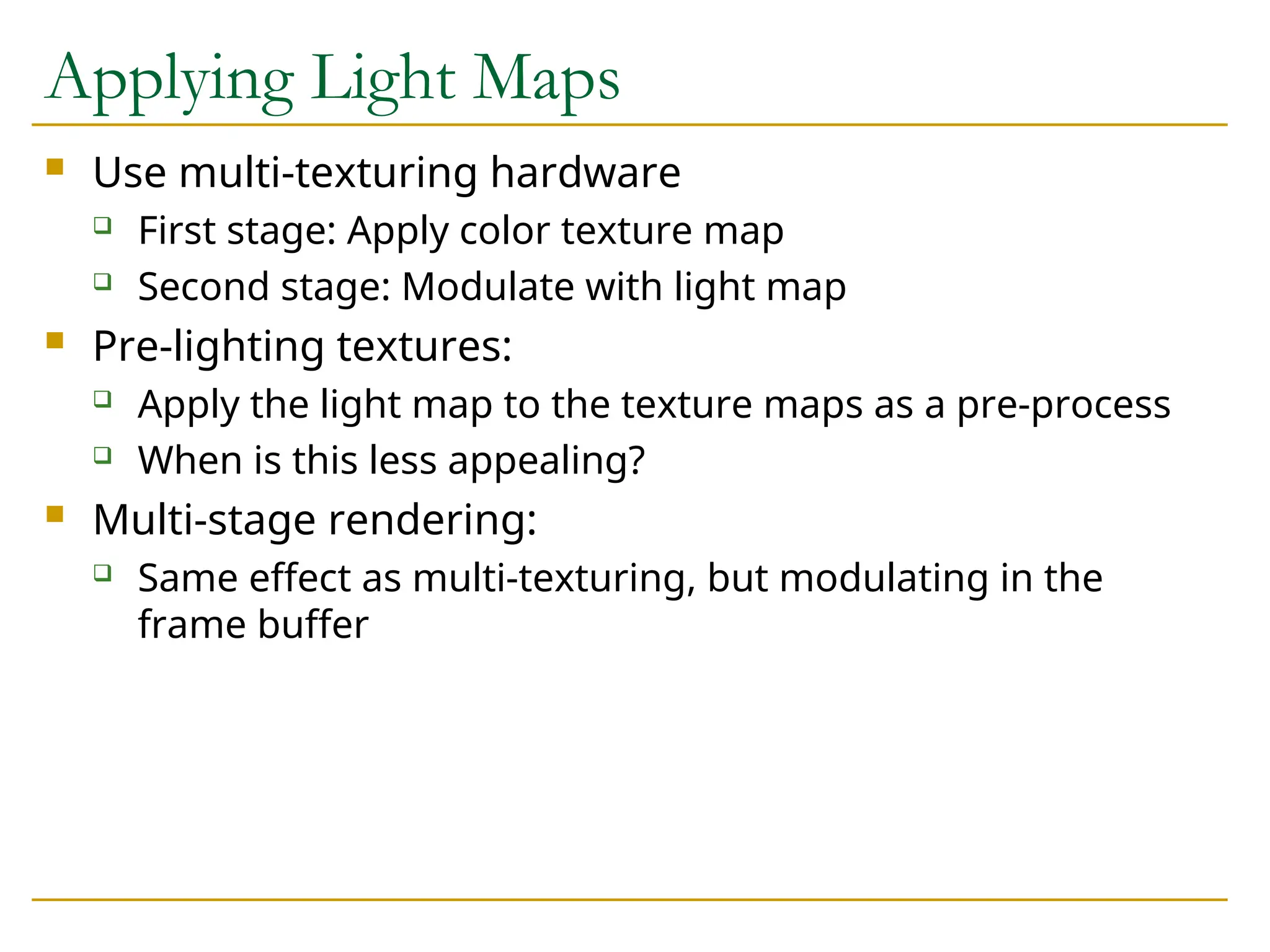
Applying Light Maps
Use multi-texturing hardware
First stage: Apply color texture map
Second stage: Modulate with light map
Pre-lighting textures:
Apply the light map to the texture maps as a pre-process
When is this less appealing?
Multi-stage rendering:
Same effect as multi-texturing, but modulating in the
frame buffer
20.
Dynamic Light Maps
Light maps are a preprocessing step, so they can only
capture static lighting
What is required to compute a light map at run-time?
How might we make this tractable?
Spatial subdivision algorithms allow us to identify nearby
objects, which helps with this process
Compute a separate, dynamic light map at runtime
using same mapping as static light map
Add additional texture pass to apply the dynamic map
21.
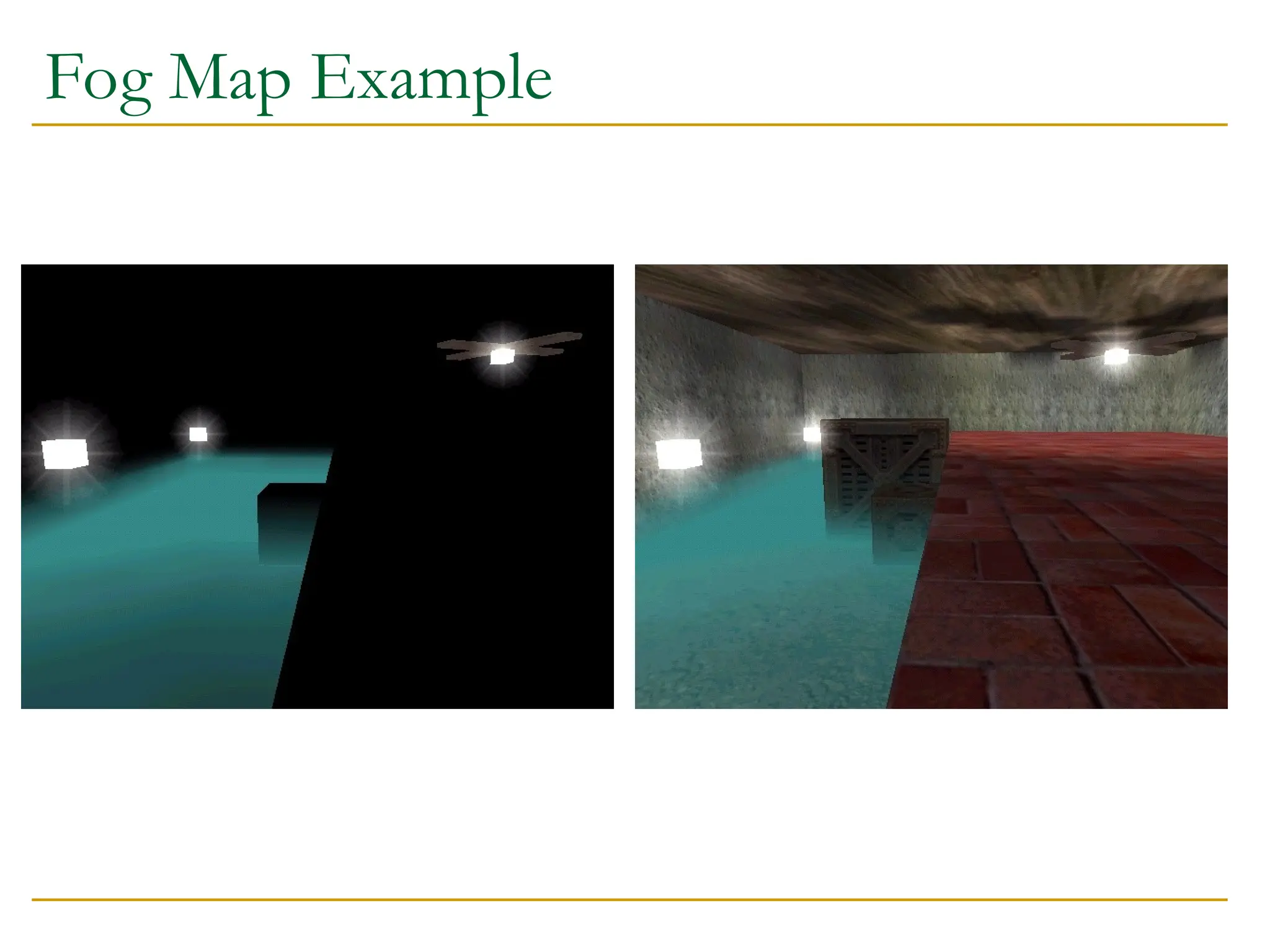
Fog Maps
Dynamicmodification of light-maps
Put fog objects into the scene
Compute where they intersect with geometry and paint
the fog density into a dynamic light map
Use same mapping as static light map uses
Apply the fog map as with a light map
Extra texture stage
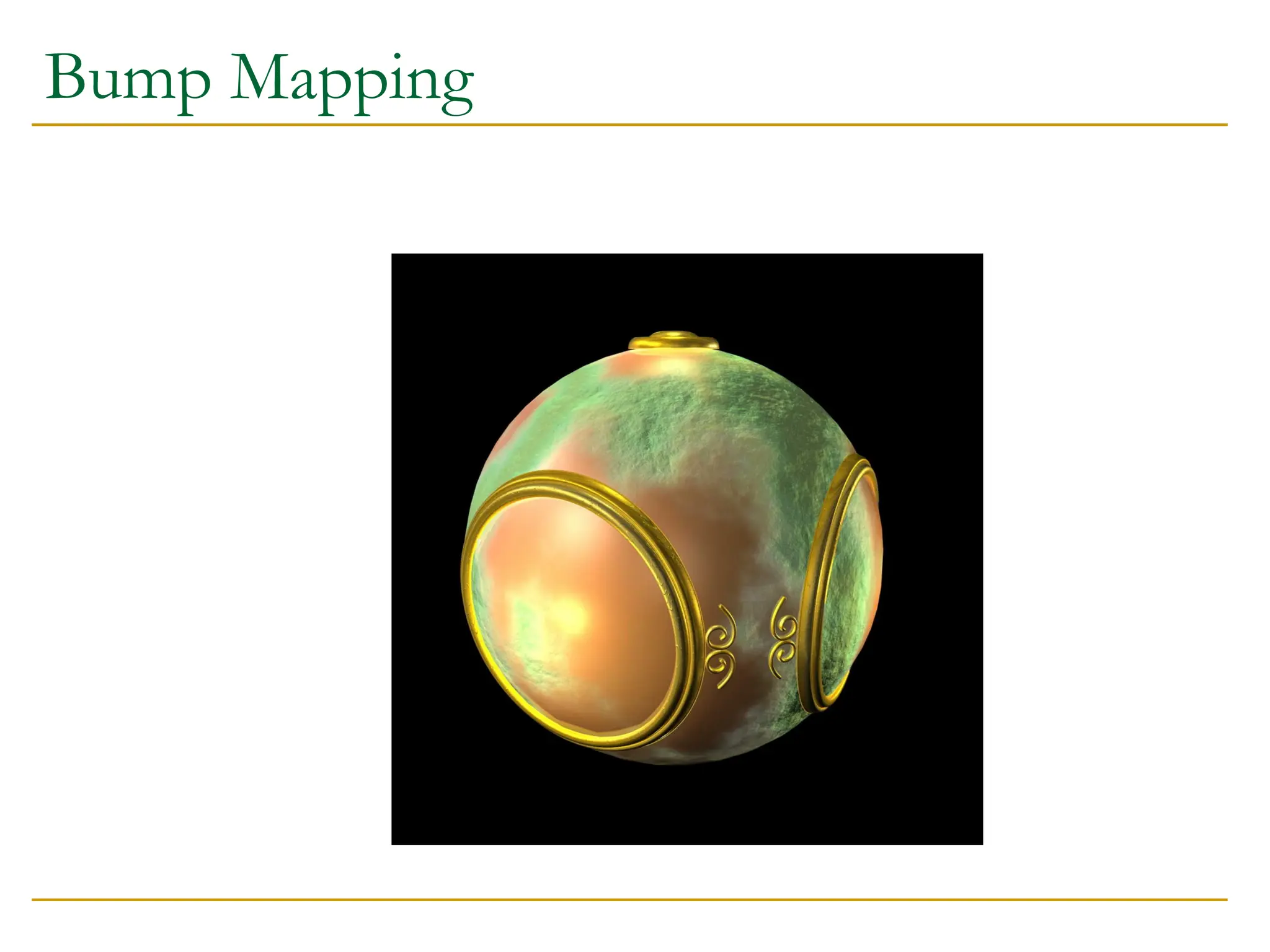
Bump Mapping
Bumpmapping modifies the surface normal vector
according to information in the map
View dependent: the effect of the bumps depends on
which direction the surface is viewed from
Bump mapping can be implemented with multi-
texturing or multi-pass rendering
24.
Storing the BumpMap
Several options for what to store in the map
The normal vector to use
An offset to the default normal vector
Data derived from the normal vector
Illumination changes for a fixed view
Multi-texturing map:
Store four maps (or more) showing the illumination effects
of the bumps from four (or more) view directions
Key point: Bump maps on diffuse surfaces just make them
lighter or darker - don’t change the color
25.
Multi-Texture Bump Maps
At run time:
Compute the dot product of the view direction with the ideal
view direction for each bump map
Bump maps that were computed with views near the current one
will have big dot products
Use the computed dot product as a blend factor when applying
each bump map
Must be able to specify the blend function to the texture unit
OpenGL allows this
Textbook has details for more accurate bump-mapping
Note that computing a dot product between the light and the
bump map value can be done with current hardware
26.
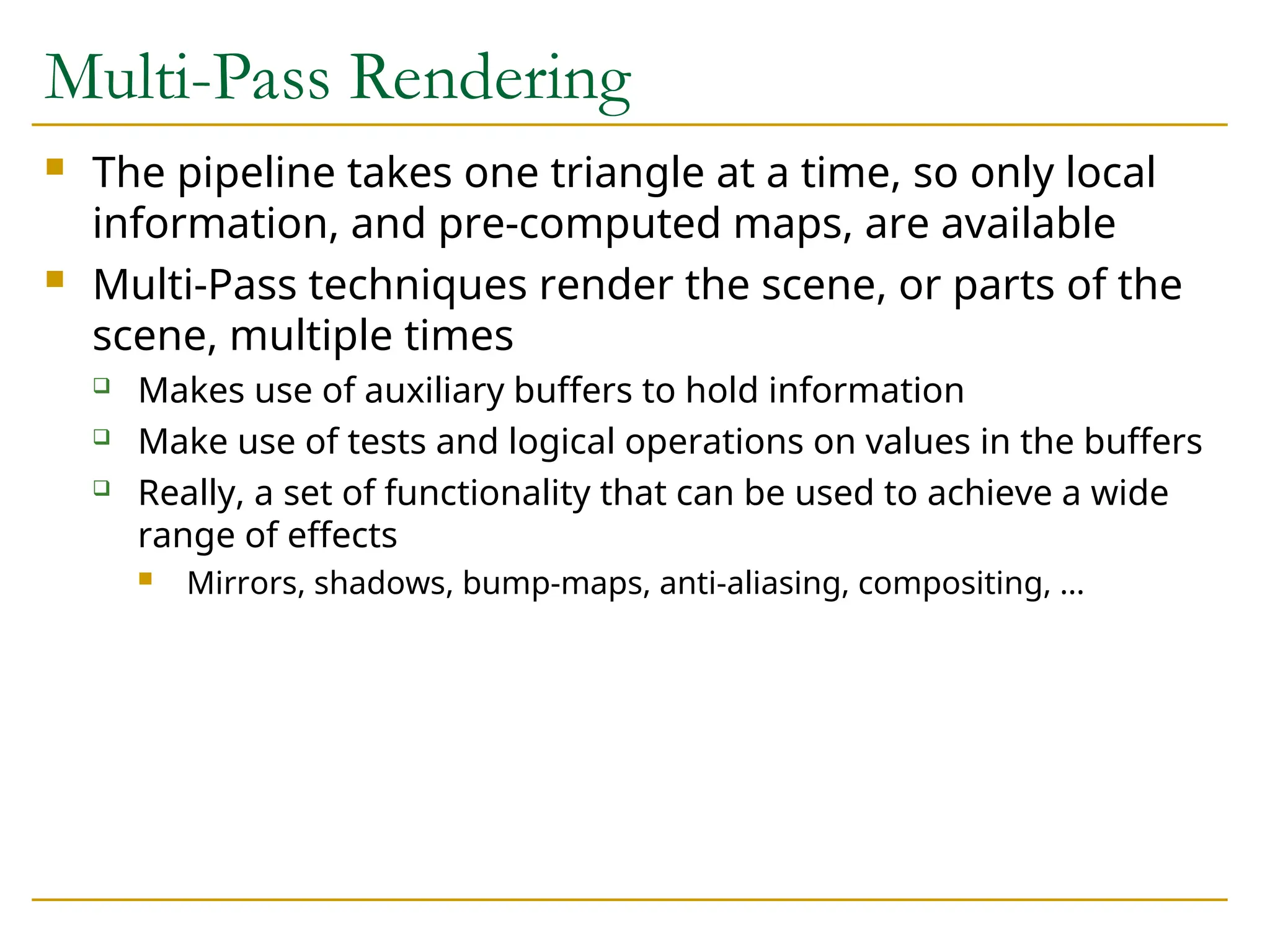
Multi-Pass Rendering
Thepipeline takes one triangle at a time, so only local
information, and pre-computed maps, are available
Multi-Pass techniques render the scene, or parts of the
scene, multiple times
Makes use of auxiliary buffers to hold information
Make use of tests and logical operations on values in the buffers
Really, a set of functionality that can be used to achieve a wide
range of effects
Mirrors, shadows, bump-maps, anti-aliasing, compositing, …
27.
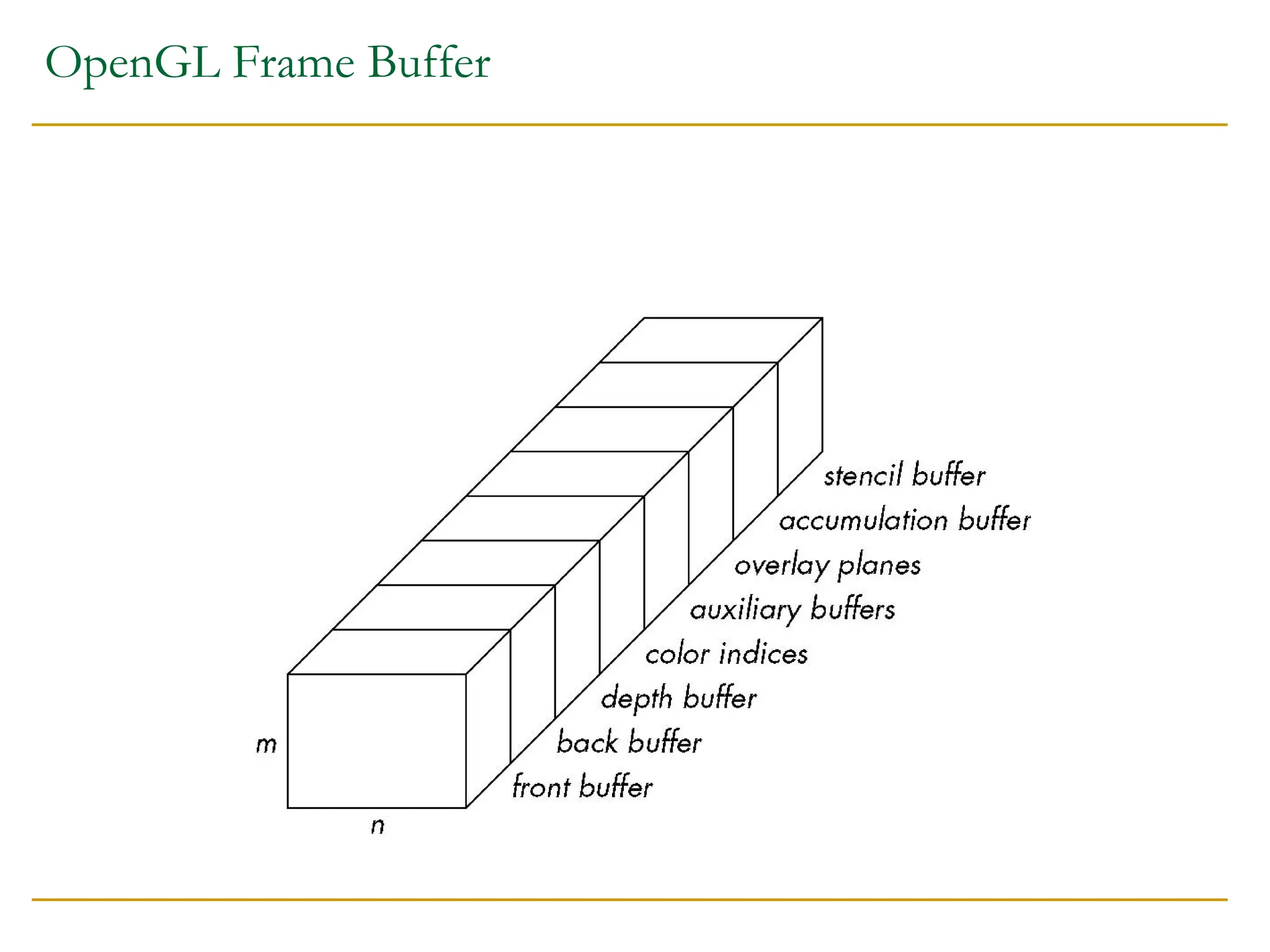
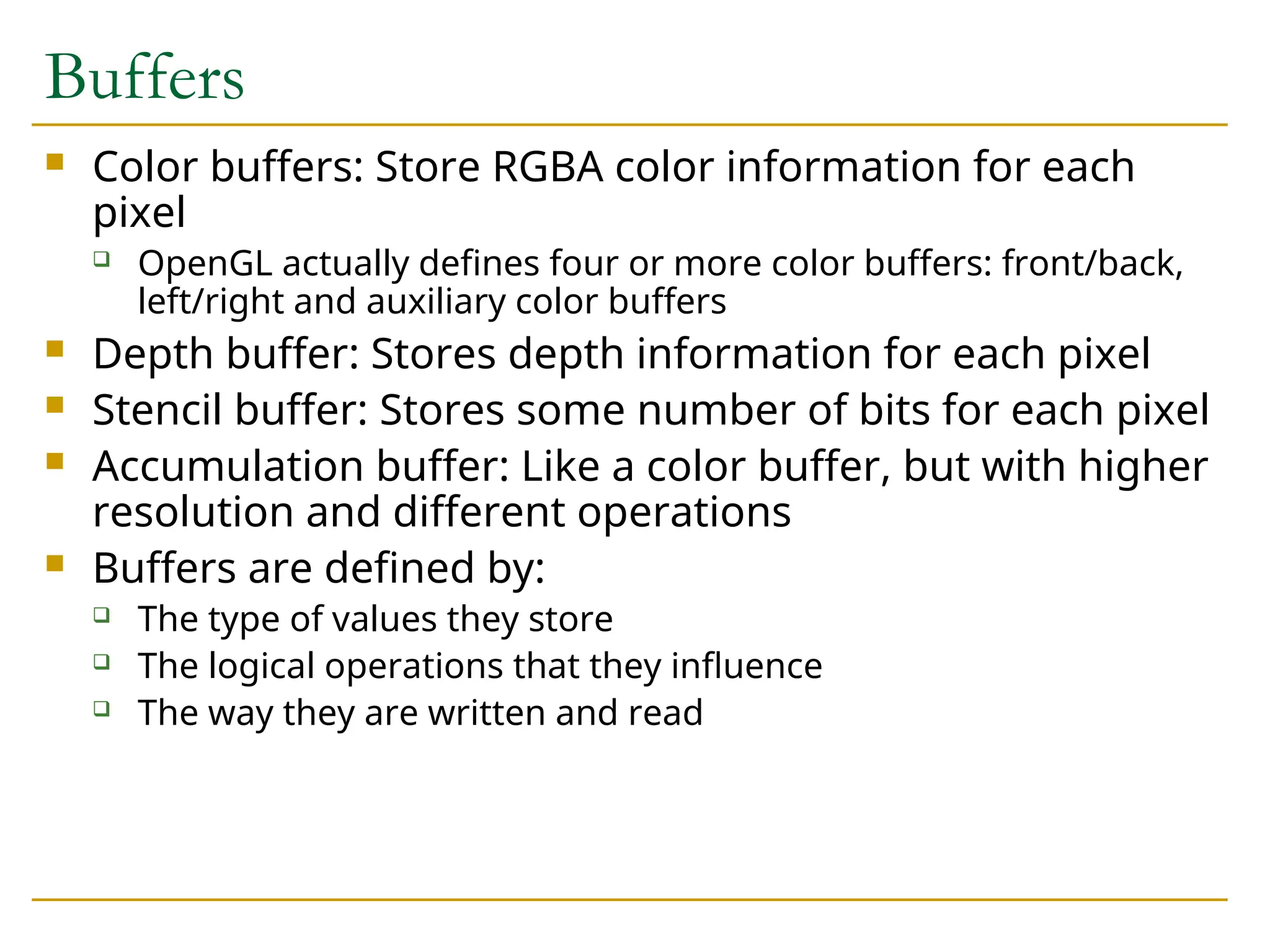
Buffers
Color buffers:Store RGBA color information for each
pixel
OpenGL actually defines four or more color buffers: front/back,
left/right and auxiliary color buffers
Depth buffer: Stores depth information for each pixel
Stencil buffer: Stores some number of bits for each pixel
Accumulation buffer: Like a color buffer, but with higher
resolution and different operations
Buffers are defined by:
The type of values they store
The logical operations that they influence
The way they are written and read
28.
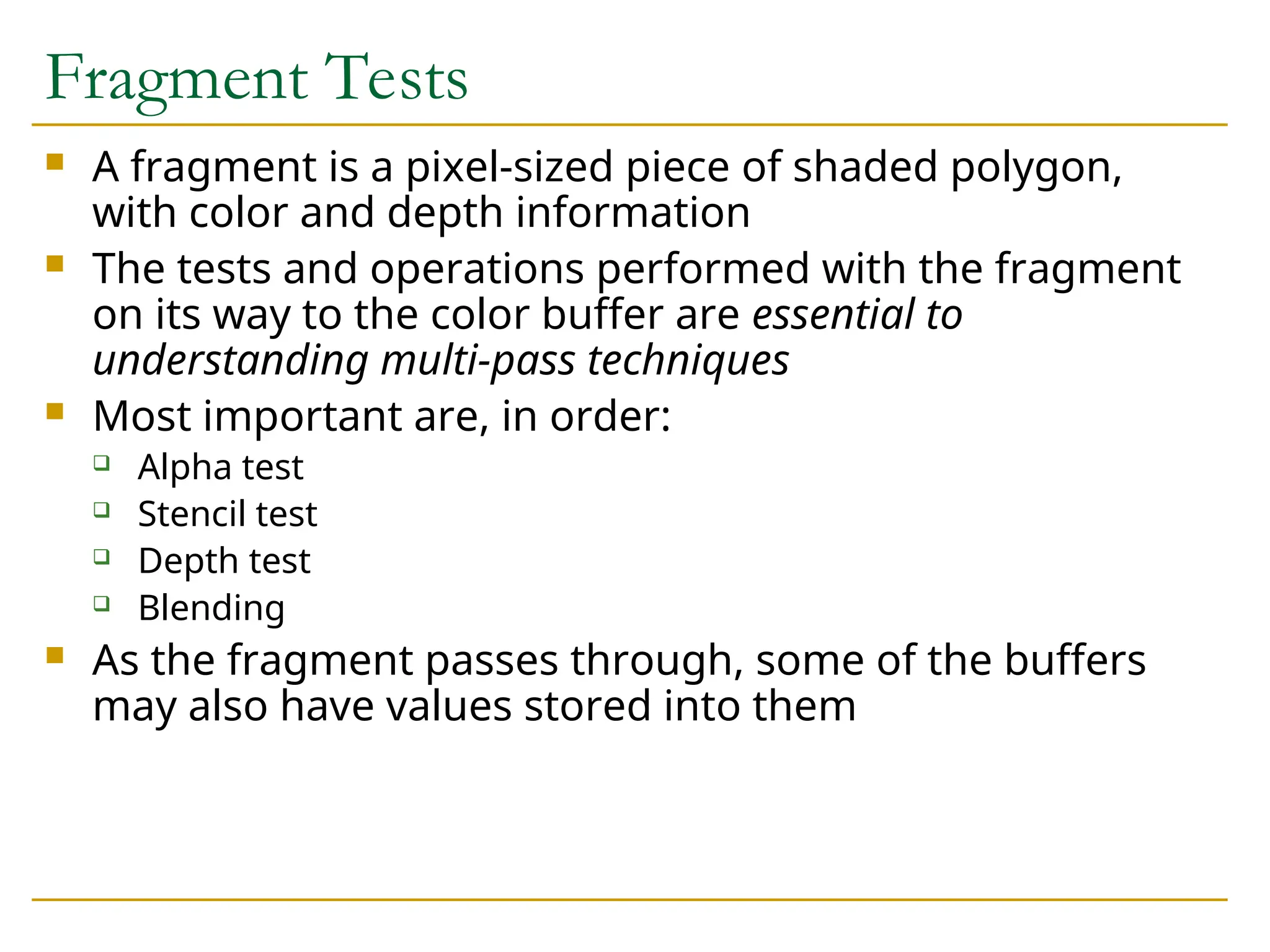
Fragment Tests
Afragment is a pixel-sized piece of shaded polygon,
with color and depth information
The tests and operations performed with the fragment
on its way to the color buffer are essential to
understanding multi-pass techniques
Most important are, in order:
Alpha test
Stencil test
Depth test
Blending
As the fragment passes through, some of the buffers
may also have values stored into them
29.
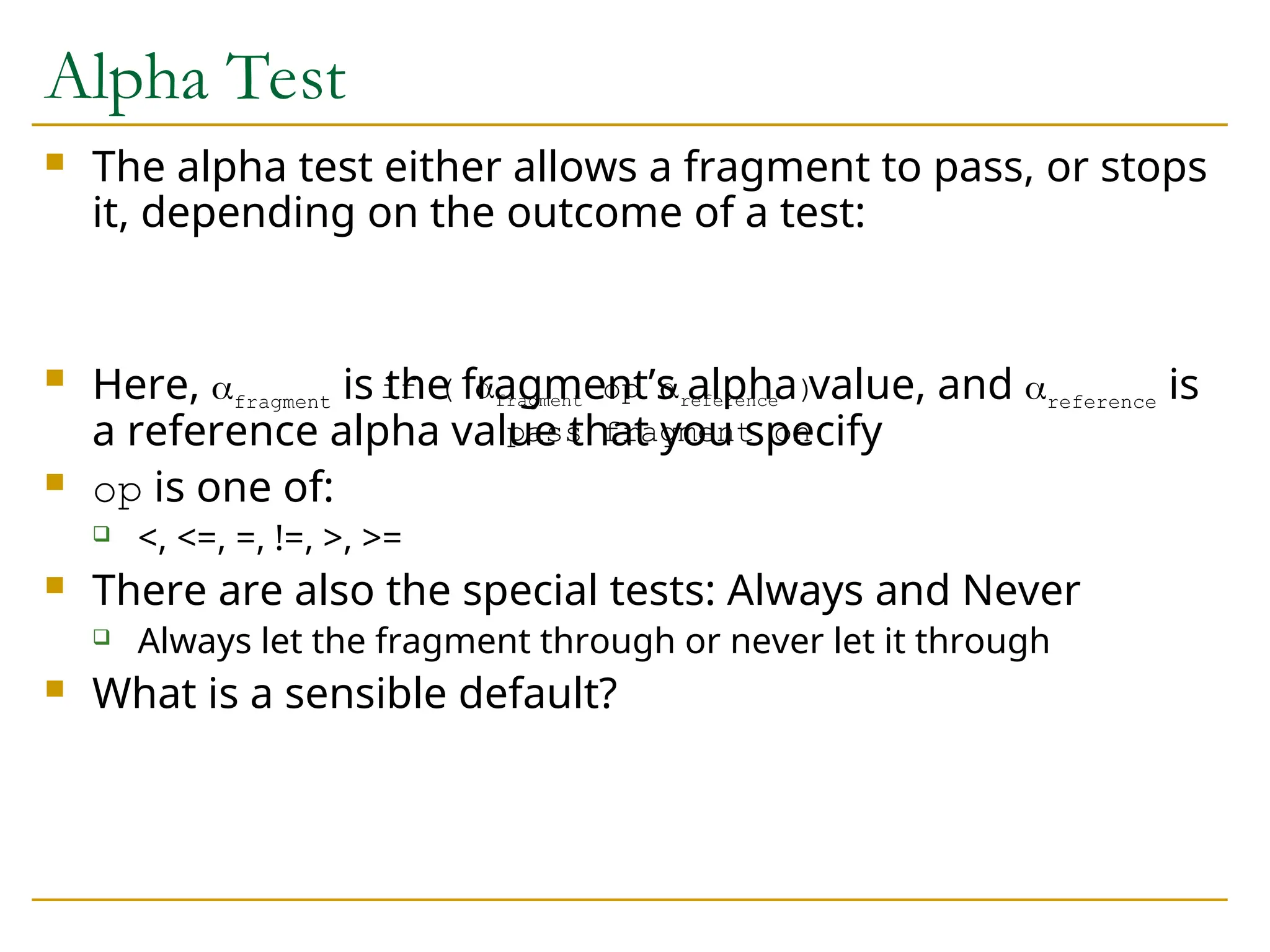
Alpha Test
Thealpha test either allows a fragment to pass, or stops
it, depending on the outcome of a test:
Here, fragment is the fragment’s alpha value, and reference is
a reference alpha value that you specify
op is one of:
<, <=, =, !=, >, >=
There are also the special tests: Always and Never
Always let the fragment through or never let it through
What is a sensible default?
if ( fragment op reference )
pass fragment on
30.
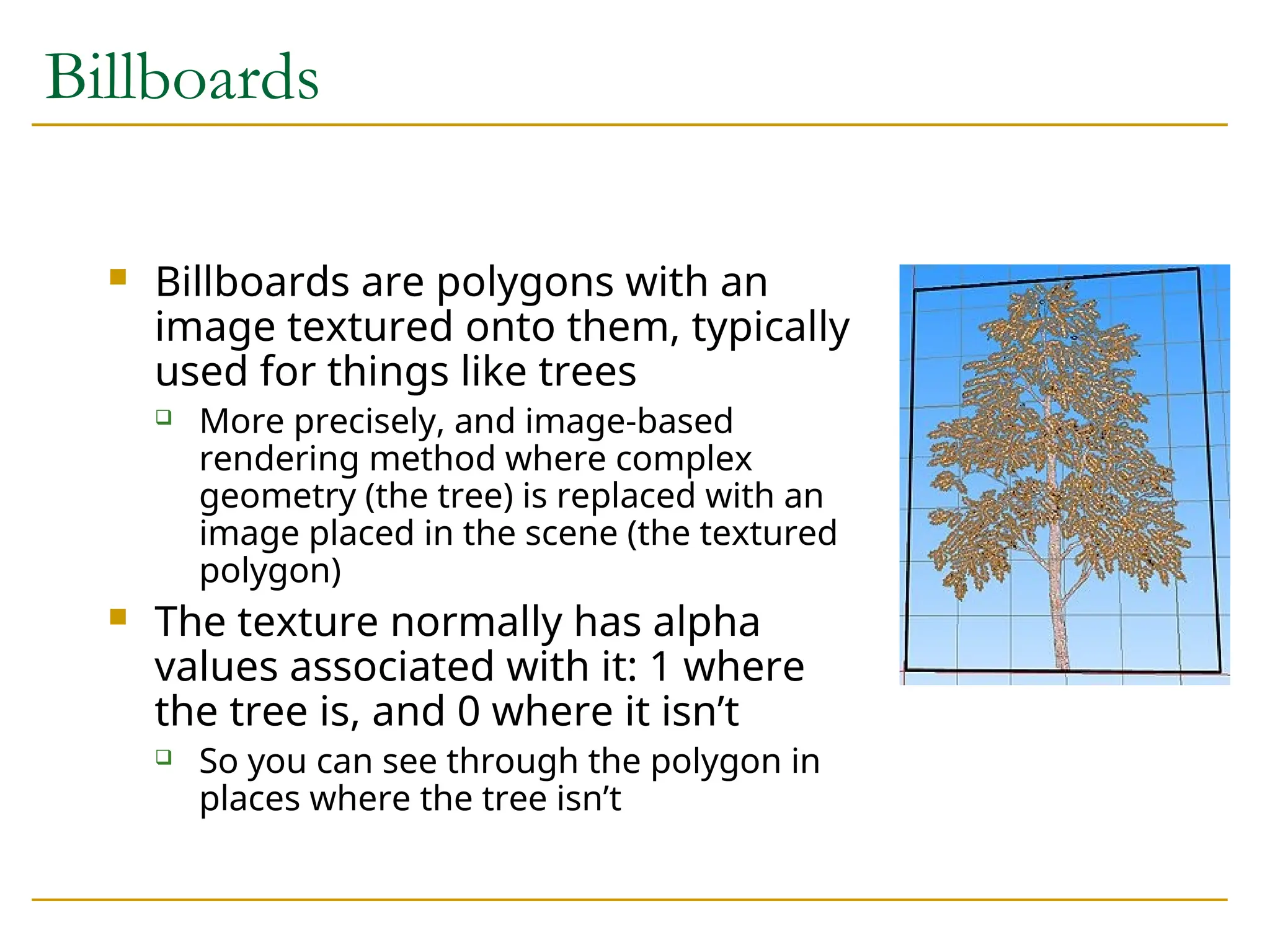
Billboards
Billboards arepolygons with an
image textured onto them, typically
used for things like trees
More precisely, and image-based
rendering method where complex
geometry (the tree) is replaced with an
image placed in the scene (the textured
polygon)
The texture normally has alpha
values associated with it: 1 where
the tree is, and 0 where it isn’t
So you can see through the polygon in
places where the tree isn’t
31.
Alpha Test andBillboards
You can use texture blending to make the polygon see
through, but there is a big problem
What happens if you draw the billboard and then draw
something behind it?
Hint: Think about the depth buffer values
This is one reason why transparent objects must be rendered
back to front
The best way to draw billboards is with an alpha test: Do
not let alpha < 0.5 pass through
Depth buffer is never set for fragments that are see through
Doesn’t work for transparent polygons - more later
32.
Stencil Buffer
Thestencil buffer acts like a paint stencil - it lets some
fragments through but not others
It stores multi-bit values
You specify two things:
The test that controls which fragments get through
The operations to perform on the buffer when the test passes or
fails
All tests/operation look at the value in the stencil that
corresponds to the pixel location of the fragment
Typical usage: One rendering pass sets values in the
stencil, which control how various parts of the screen
are drawn in the second pass
33.
Multi-Pass Algorithms
Designinga multi-pass algorithm is a non-trivial task
At least one person I know of has received a PhD for developing
such algorithms
References for multi-pass algorithms:
The OpenGL Programming guide discusses many multi-pass
techniques in a reasonably understandable manner
Game Programming Gems has some
Watt and Policarpo has others
Several have been published as academic papers
As always, the web is your friend
34.
Planar Reflections (FlatMirrors)
Use the stencil buffer, color buffer and depth
buffer
Basic idea:
We need to draw all the stuff around the mirror
We need to draw the stuff in the mirror, reflected,
without drawing over the things around the mirror
Key point: You can reflect the viewpoint about the
mirror to see what is seen in the mirror, or you can
reflect the world about the mirror
35.
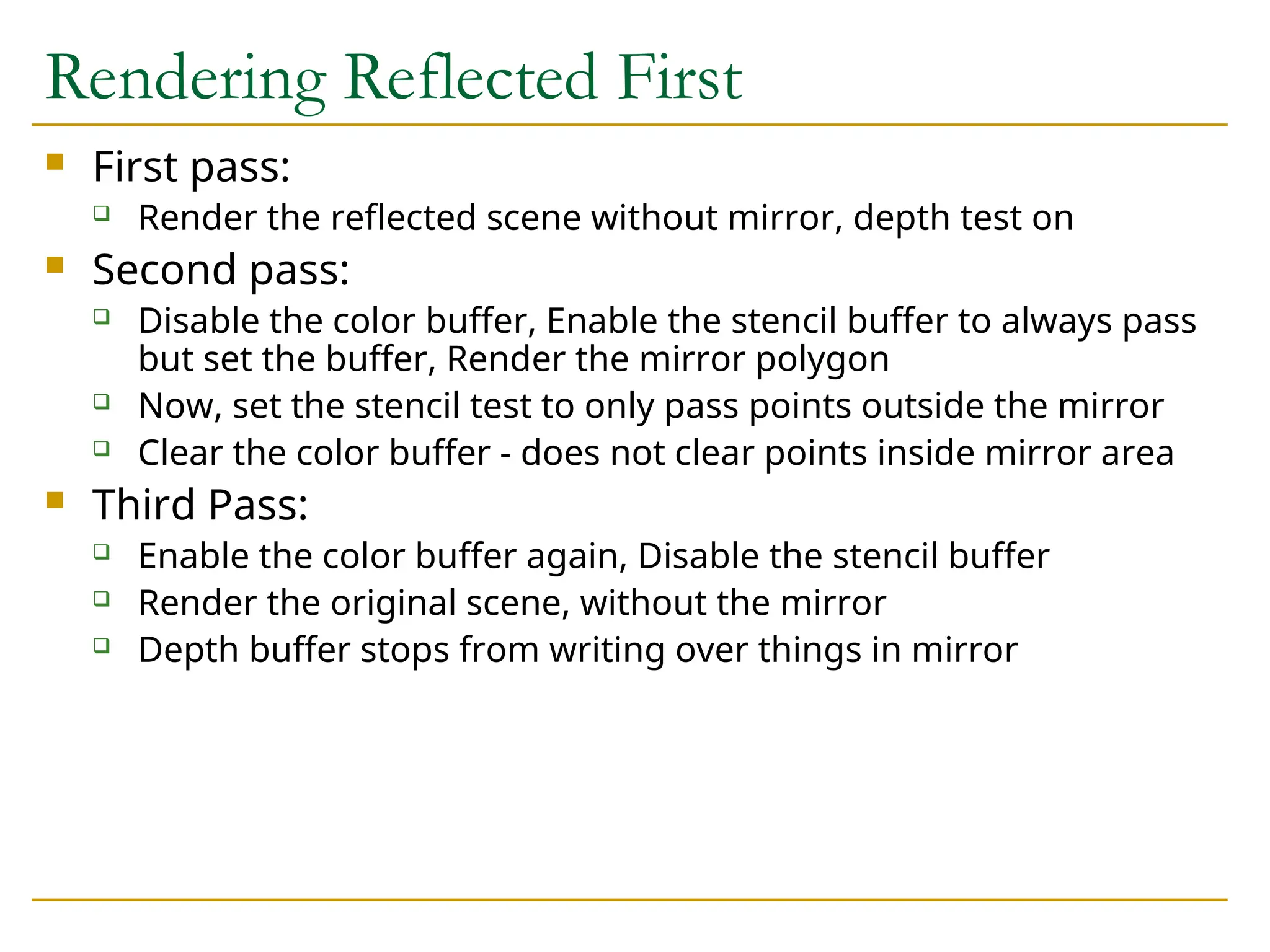
Rendering Reflected First
First pass:
Render the reflected scene without mirror, depth test on
Second pass:
Disable the color buffer, Enable the stencil buffer to always pass
but set the buffer, Render the mirror polygon
Now, set the stencil test to only pass points outside the mirror
Clear the color buffer - does not clear points inside mirror area
Third Pass:
Enable the color buffer again, Disable the stencil buffer
Render the original scene, without the mirror
Depth buffer stops from writing over things in mirror
36.
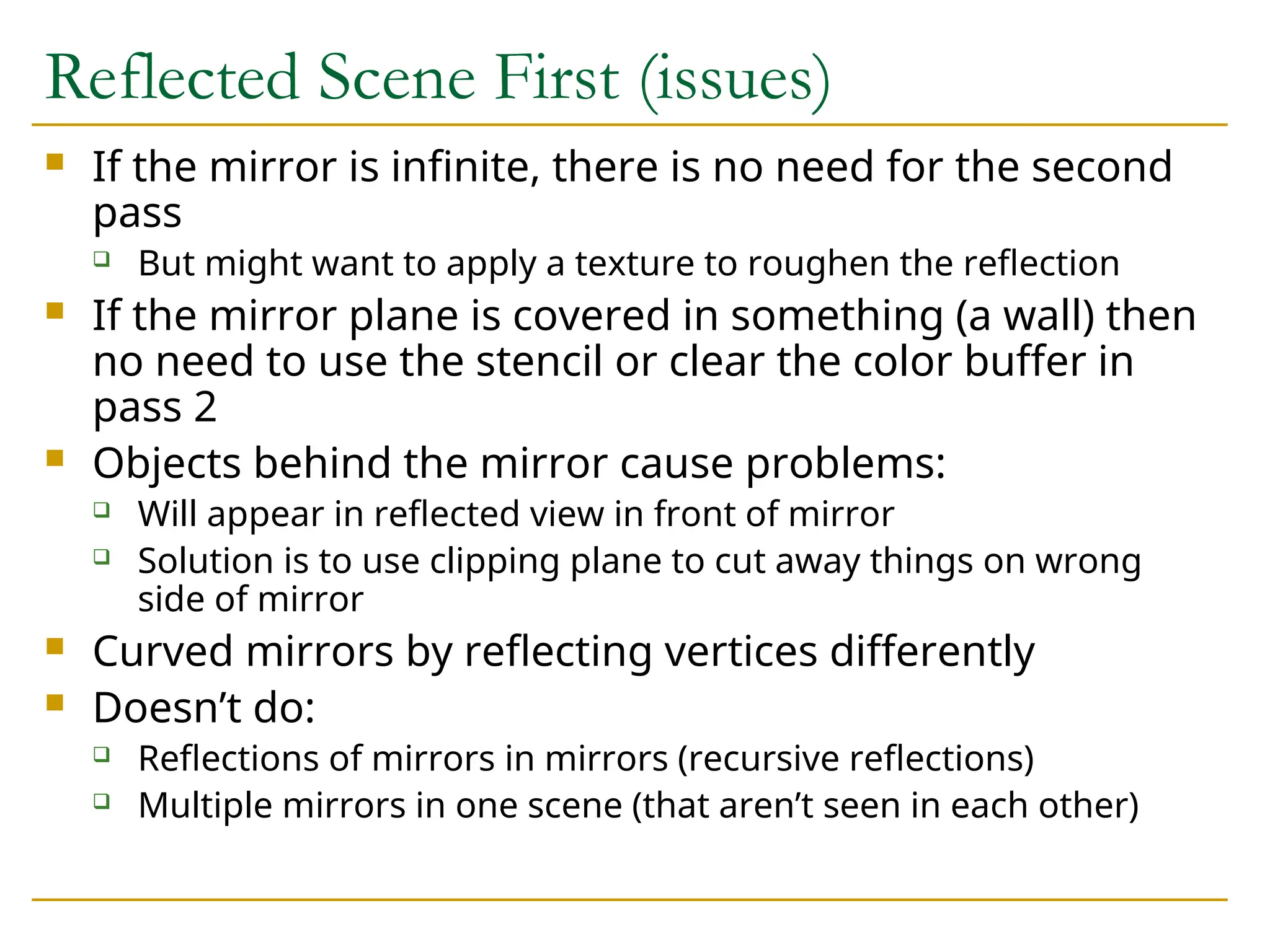
Reflected Scene First(issues)
If the mirror is infinite, there is no need for the second
pass
But might want to apply a texture to roughen the reflection
If the mirror plane is covered in something (a wall) then
no need to use the stencil or clear the color buffer in
pass 2
Objects behind the mirror cause problems:
Will appear in reflected view in front of mirror
Solution is to use clipping plane to cut away things on wrong
side of mirror
Curved mirrors by reflecting vertices differently
Doesn’t do:
Reflections of mirrors in mirrors (recursive reflections)
Multiple mirrors in one scene (that aren’t seen in each other)
37.
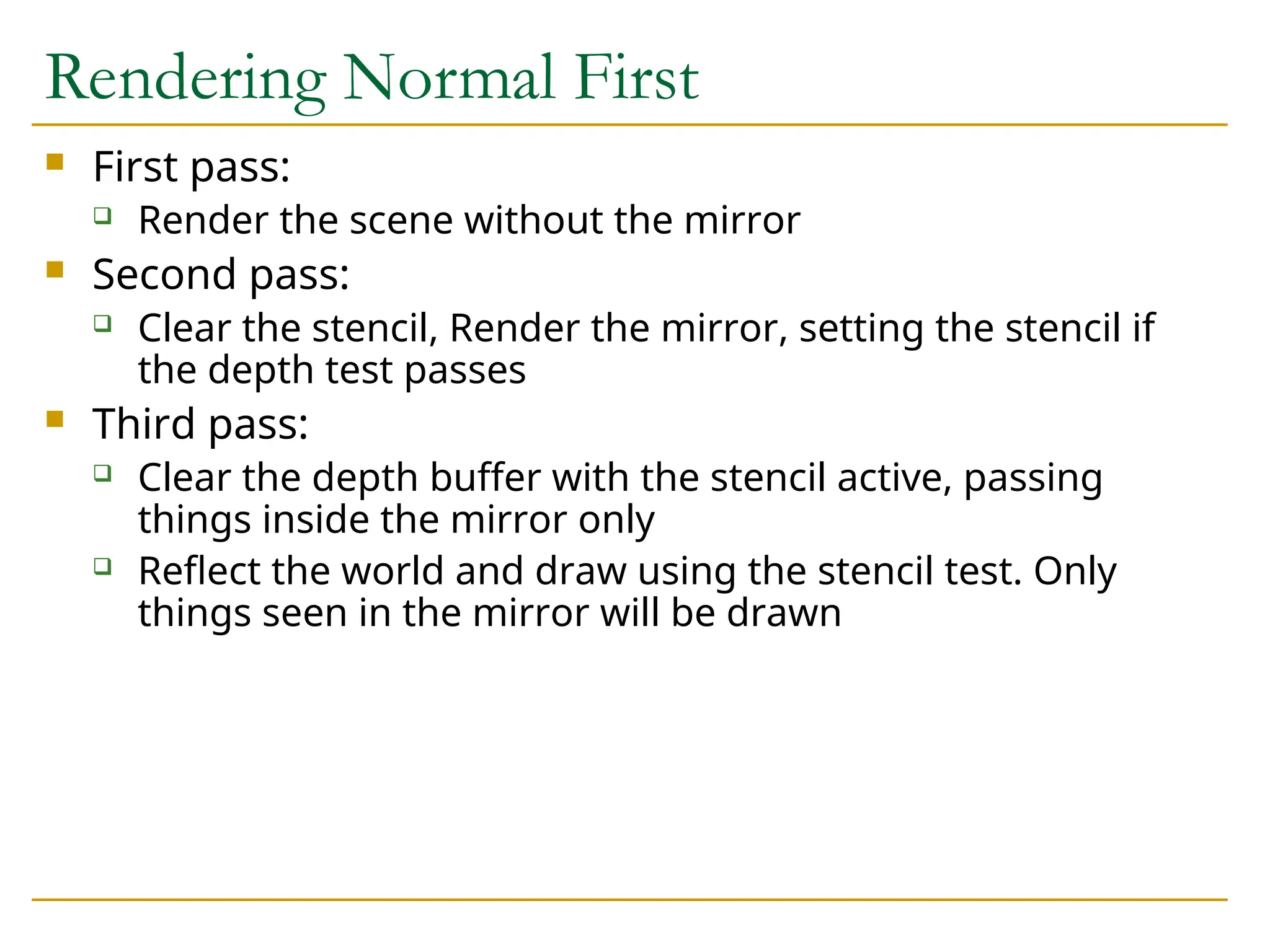
Rendering Normal First
First pass:
Render the scene without the mirror
Second pass:
Clear the stencil, Render the mirror, setting the stencil if
the depth test passes
Third pass:
Clear the depth buffer with the stencil active, passing
things inside the mirror only
Reflect the world and draw using the stencil test. Only
things seen in the mirror will be drawn
38.
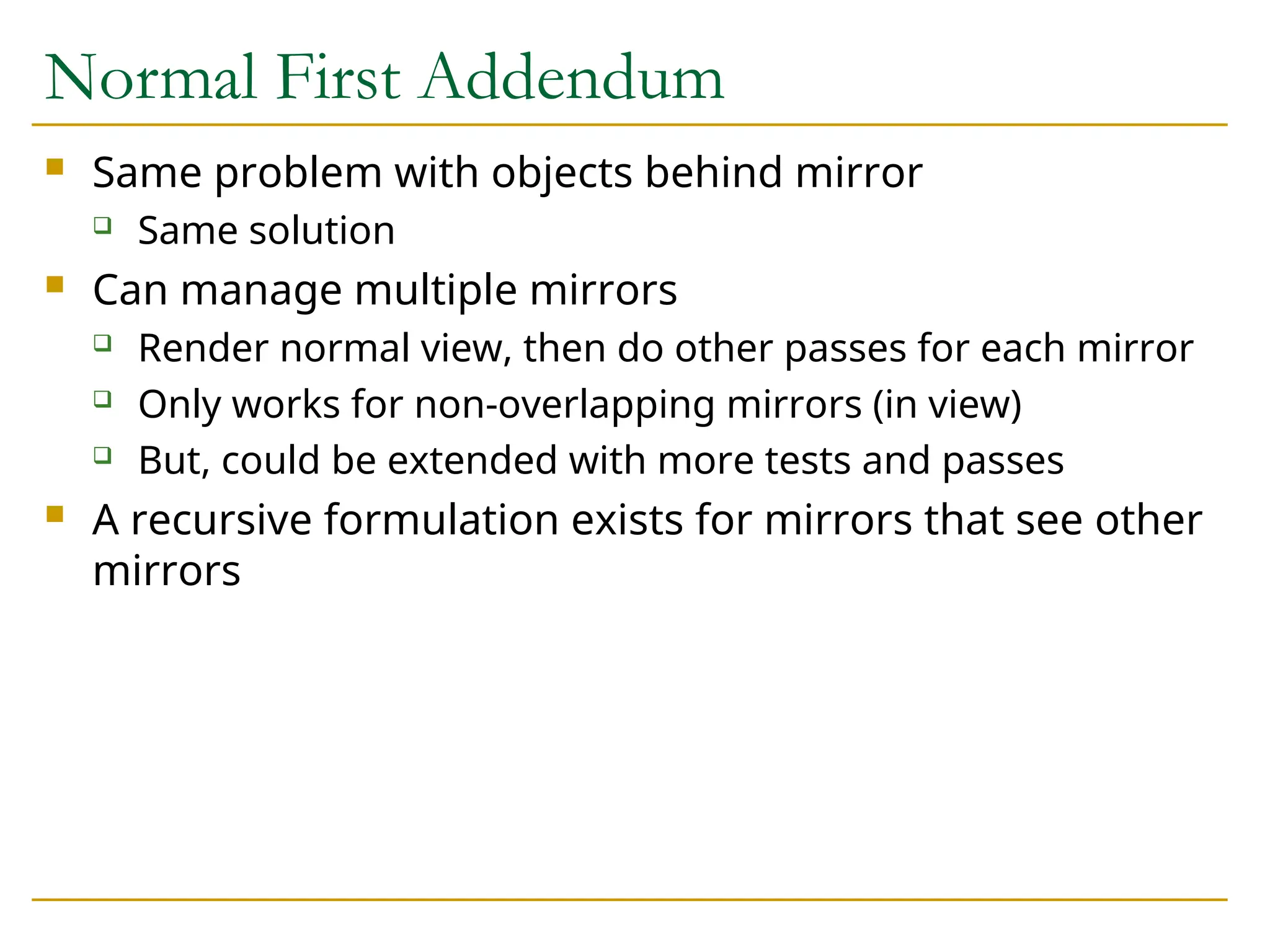
Normal First Addendum
Same problem with objects behind mirror
Same solution
Can manage multiple mirrors
Render normal view, then do other passes for each mirror
Only works for non-overlapping mirrors (in view)
But, could be extended with more tests and passes
A recursive formulation exists for mirrors that see other
mirrors
39.
The Limits ofGeometric Modeling
Although graphics cards can render over 10 million
polygons per second, that number is insufficient
for many phenomena
Clouds
Grass
Terrain
Skin
40.
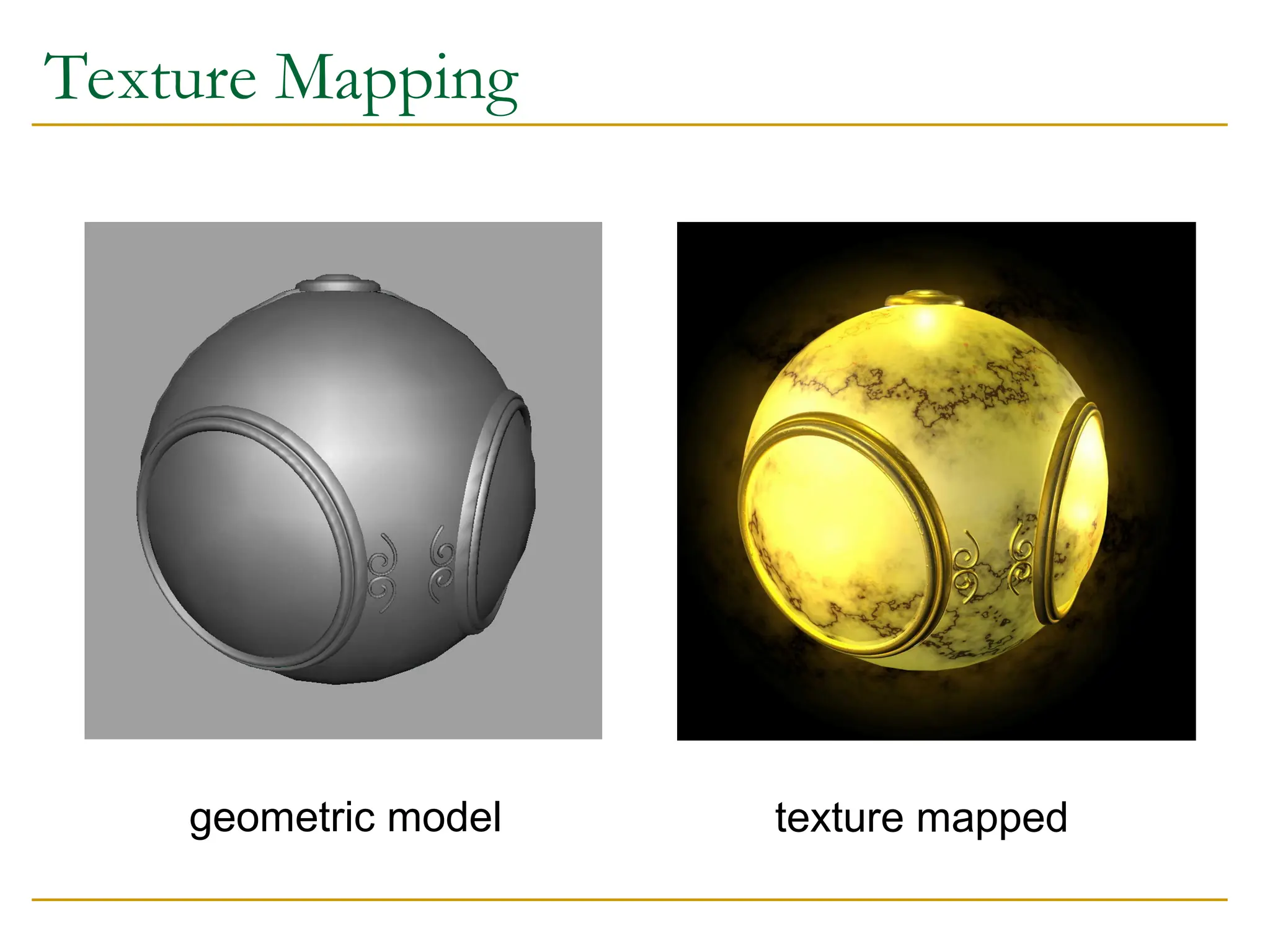
Modeling an Orange
Consider the problem of modeling an orange (the
fruit)
Start with an orange-colored sphere
Too simple
Replace sphere with a more complex shape
Does not capture surface characteristics (small
dimples)
Takes too many polygons to model all the dimples
41.
Modeling an Orange(cont.)
Take a picture of a real orange, scan it, and “paste” onto
simple geometric model
This process is texture mapping
Still might not be sufficient because resulting surface
will be smooth
Need to change local shape
Bump mapping
42.
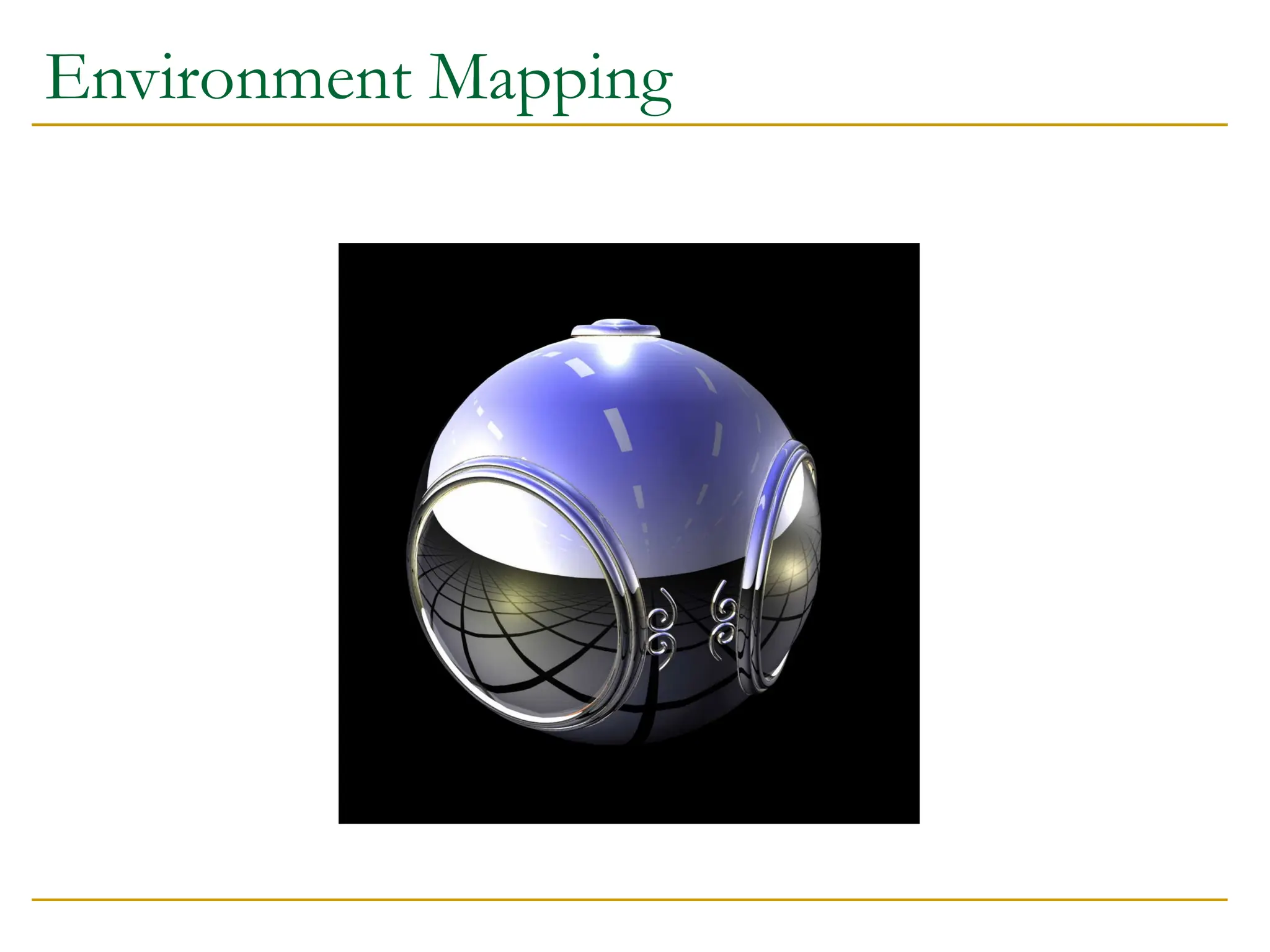
Three Types ofMapping
Texture Mapping
Uses images to fill inside of polygons
Environmental (reflection mapping)
Uses a picture of the environment for texture maps
Allows simulation of highly specular surfaces
Bump mapping
Emulates altering normal vectors during the rendering
process
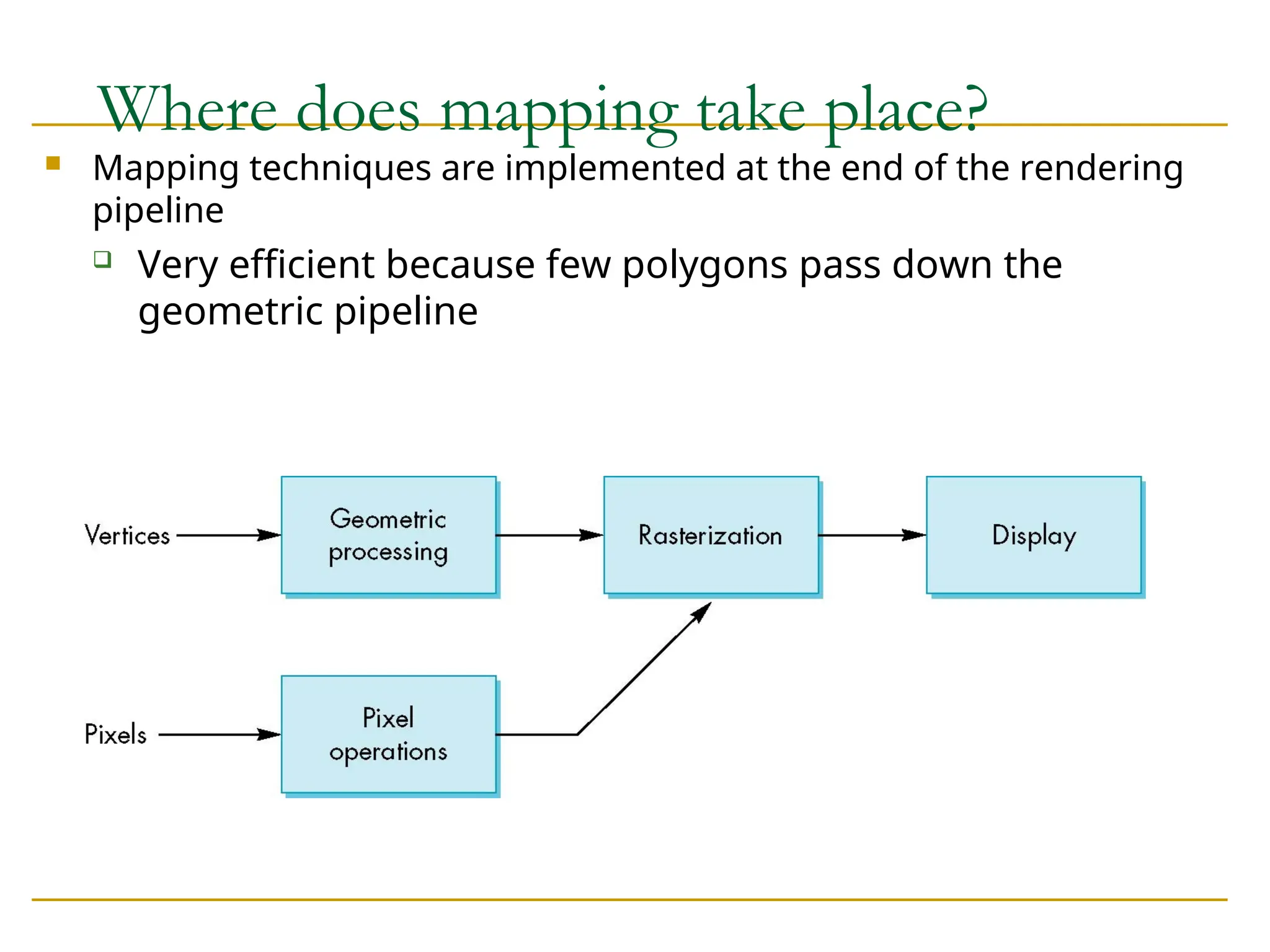
Where does mappingtake place?
Mapping techniques are implemented at the end of the rendering
pipeline
Very efficient because few polygons pass down the
geometric pipeline
47.
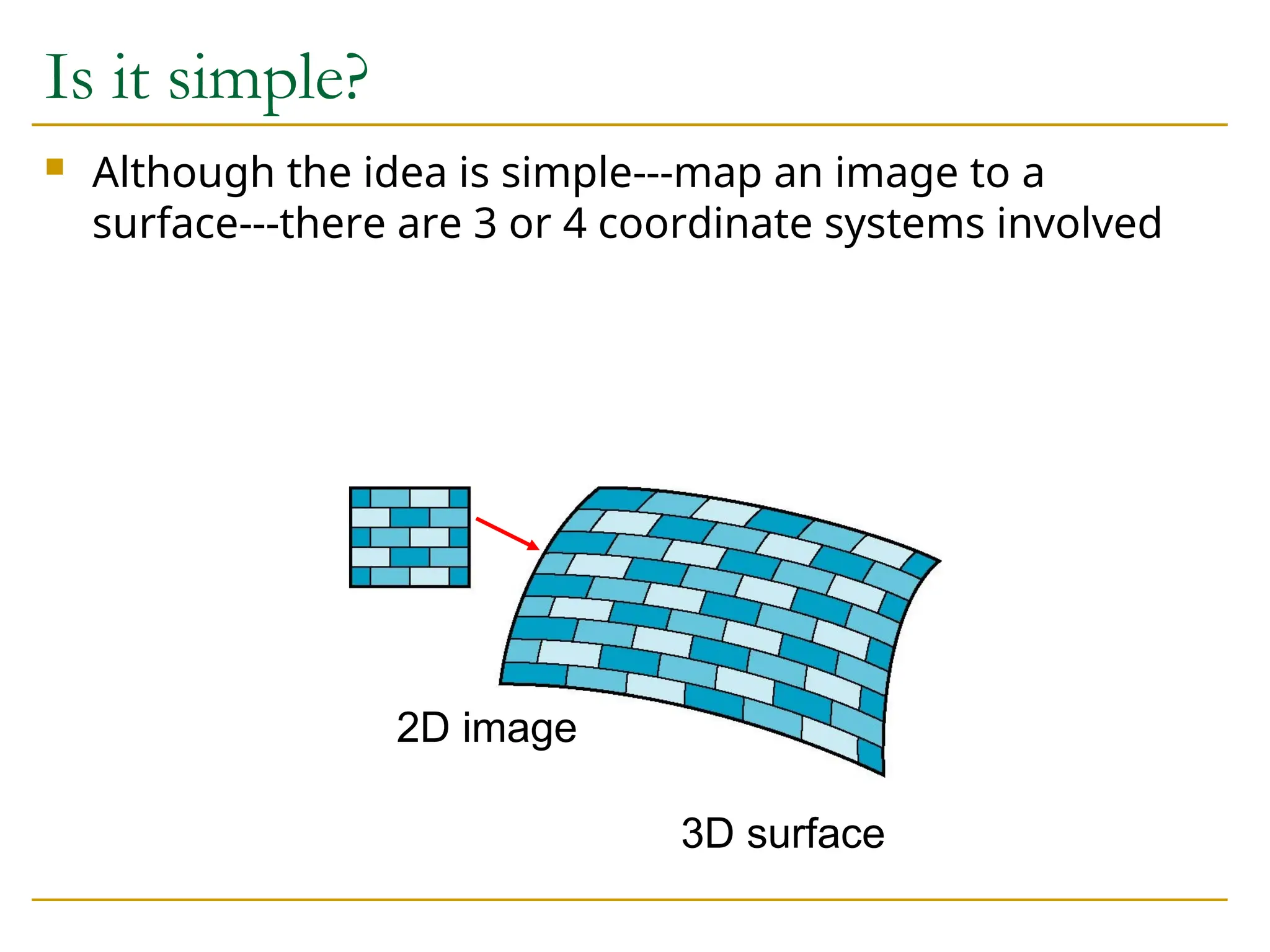
Is it simple?
Although the idea is simple---map an image to a
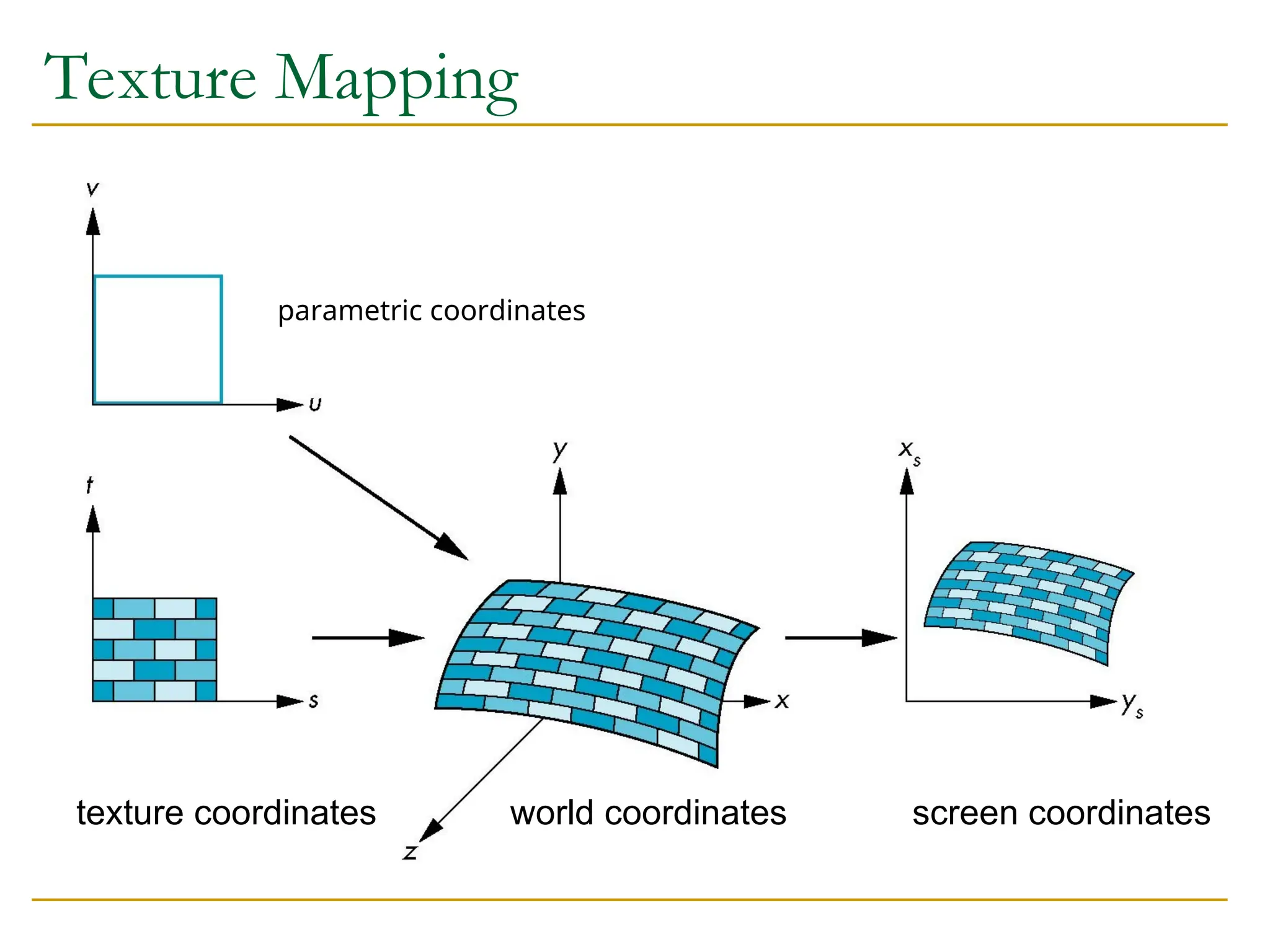
surface---there are 3 or 4 coordinate systems involved
2D image
3D surface
48.
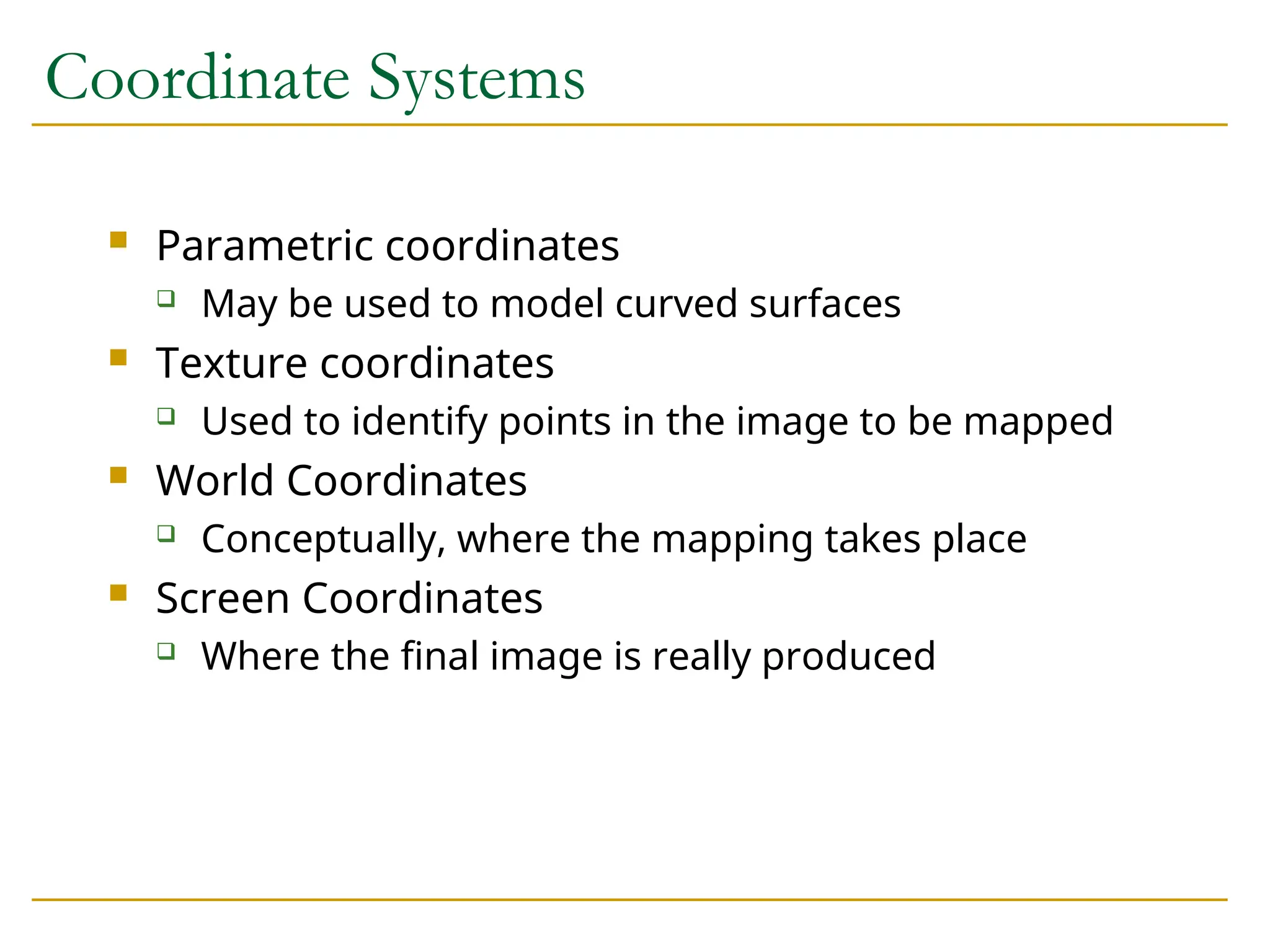
Coordinate Systems
Parametriccoordinates
May be used to model curved surfaces
Texture coordinates
Used to identify points in the image to be mapped
World Coordinates
Conceptually, where the mapping takes place
Screen Coordinates
Where the final image is really produced
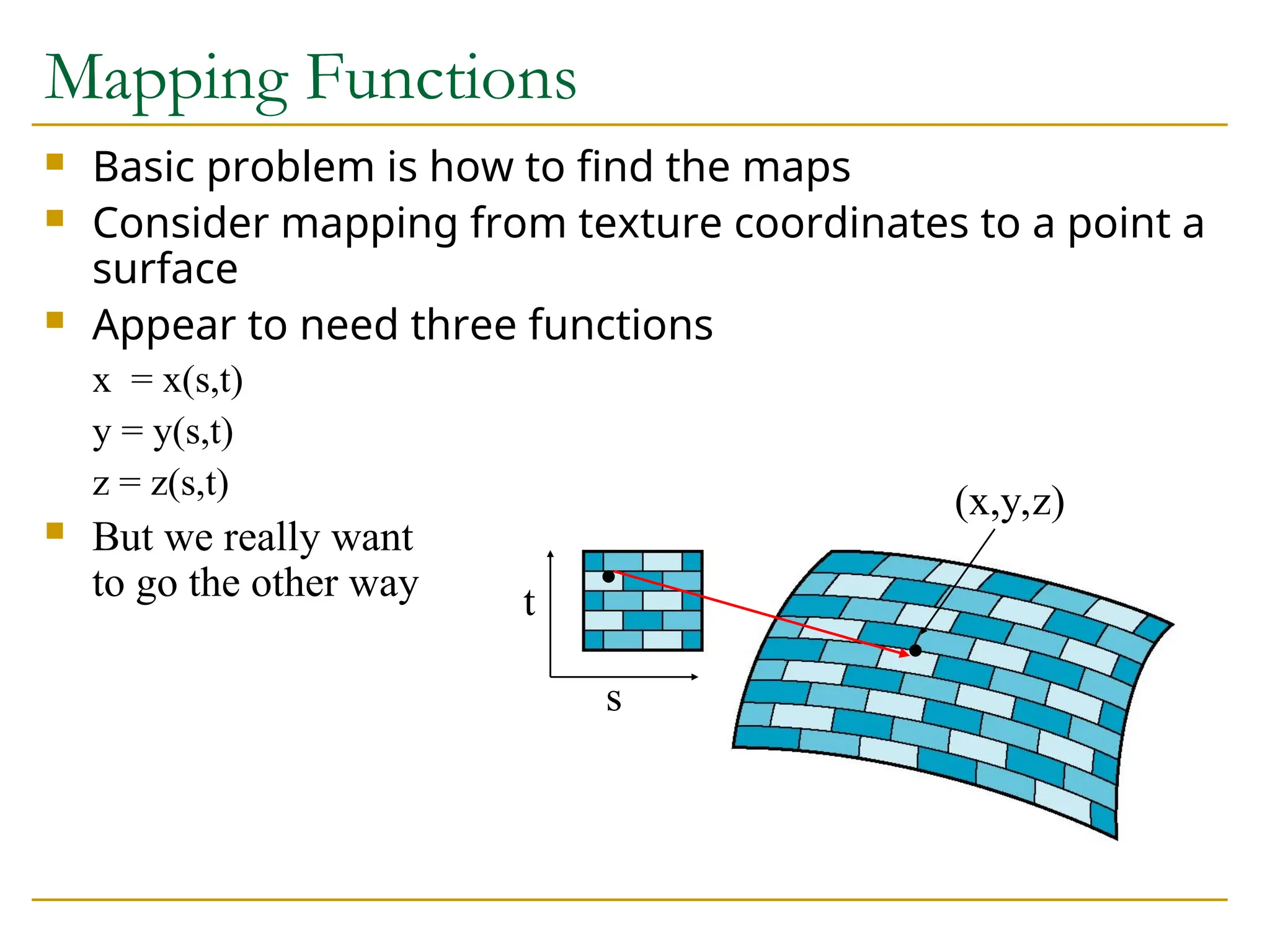
Mapping Functions
Basicproblem is how to find the maps
Consider mapping from texture coordinates to a point a
surface
Appear to need three functions
x = x(s,t)
y = y(s,t)
z = z(s,t)
But we really want
to go the other way
s
t
(x,y,z)
51.
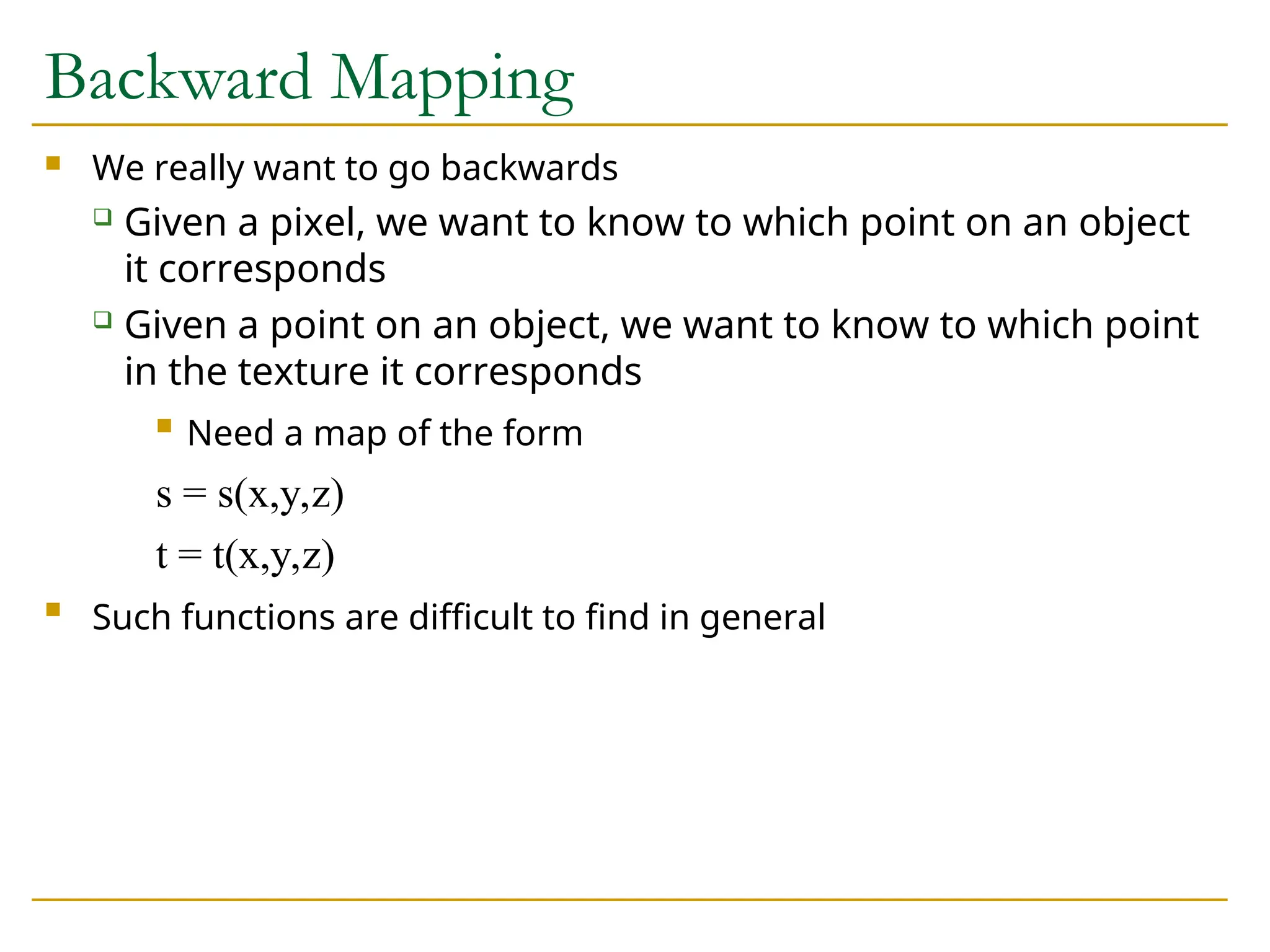
Backward Mapping
Wereally want to go backwards
Given a pixel, we want to know to which point on an object
it corresponds
Given a point on an object, we want to know to which point
in the texture it corresponds
Need a map of the form
s = s(x,y,z)
t = t(x,y,z)
Such functions are difficult to find in general
52.
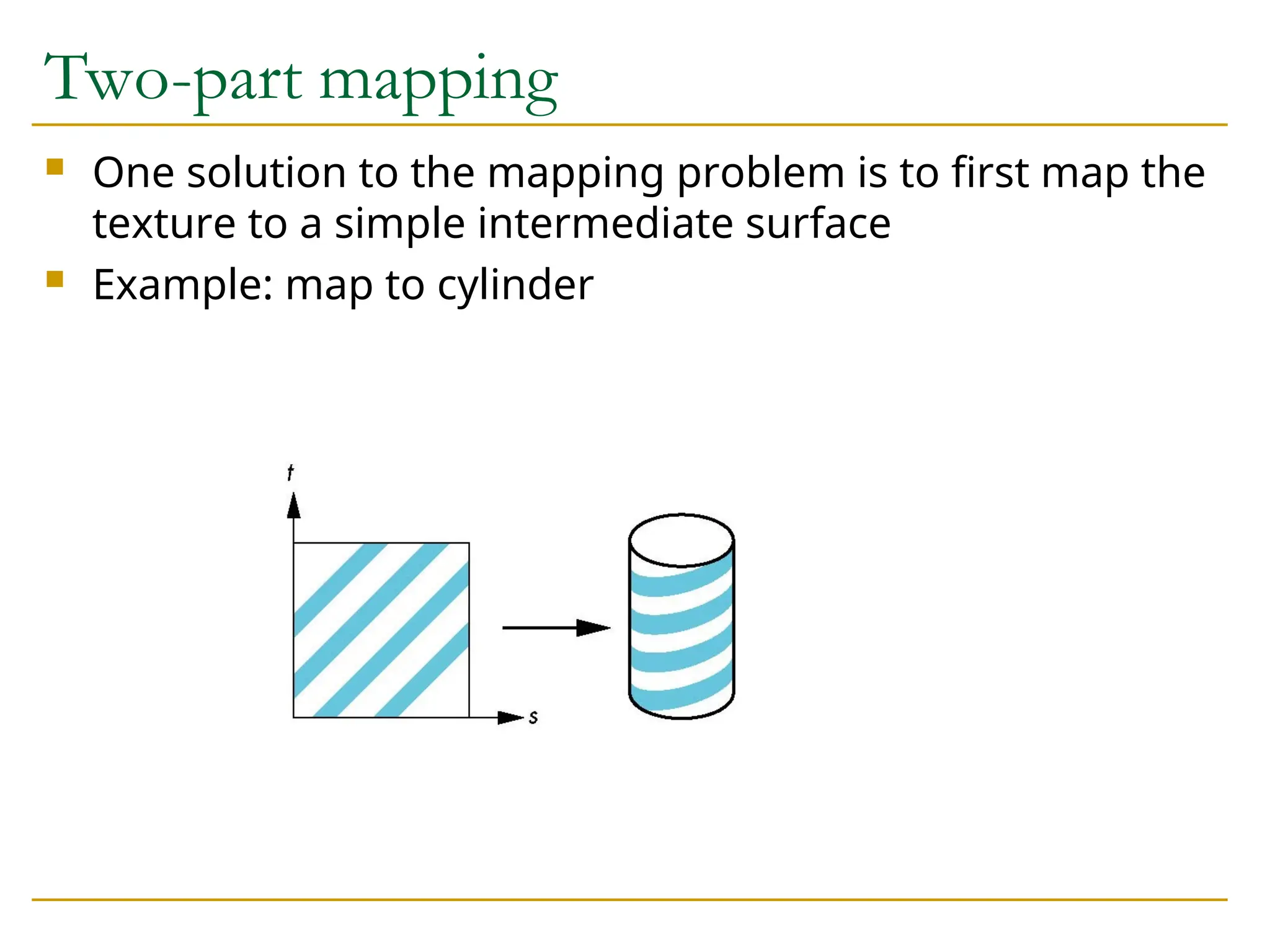
Two-part mapping
Onesolution to the mapping problem is to first map the
texture to a simple intermediate surface
Example: map to cylinder
53.
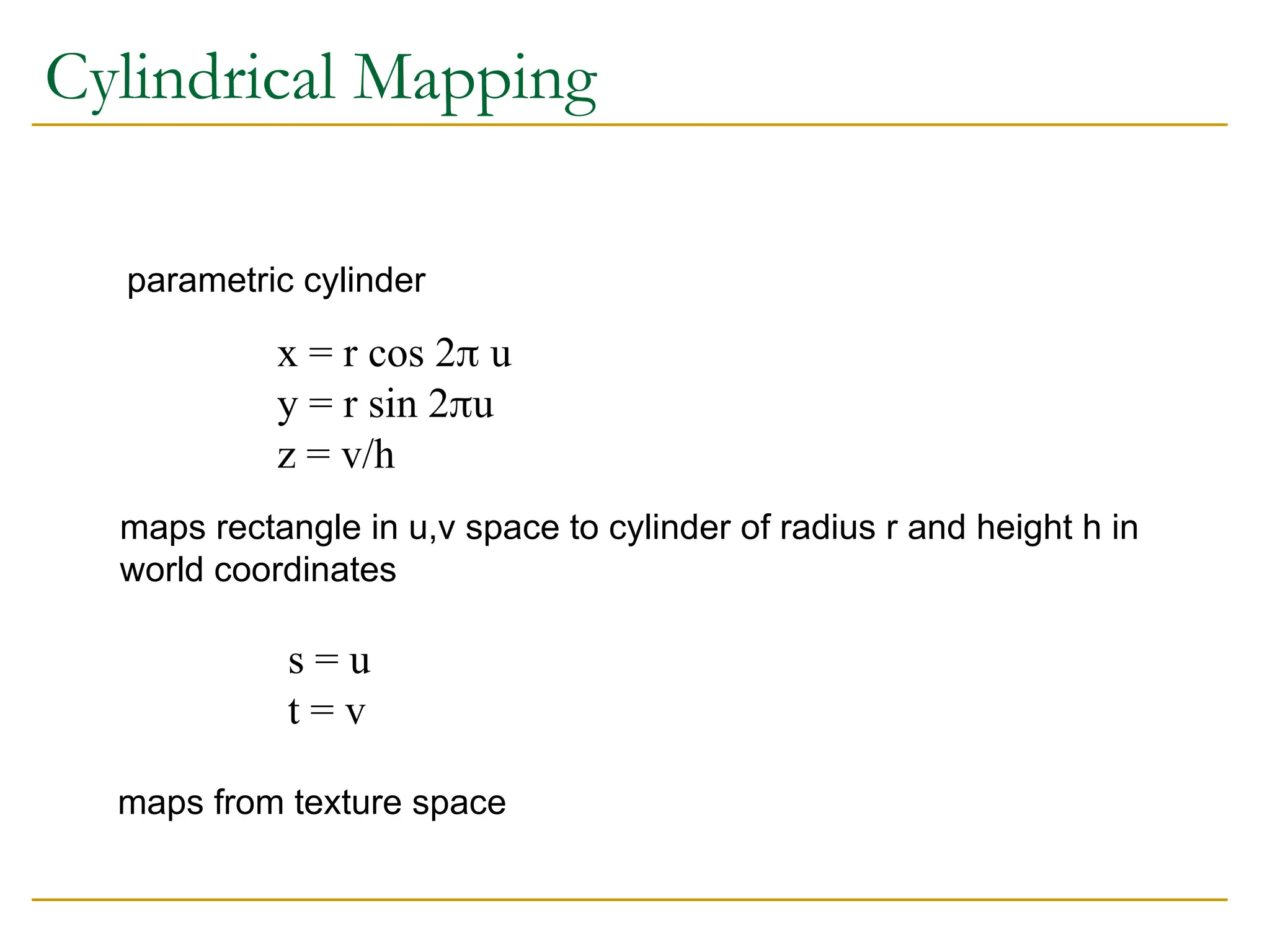
Cylindrical Mapping
parametric cylinder
x= r cos 2 u
y = r sin 2u
z = v/h
maps rectangle in u,v space to cylinder of radius r and height h in
world coordinates
s = u
t = v
maps from texture space
54.
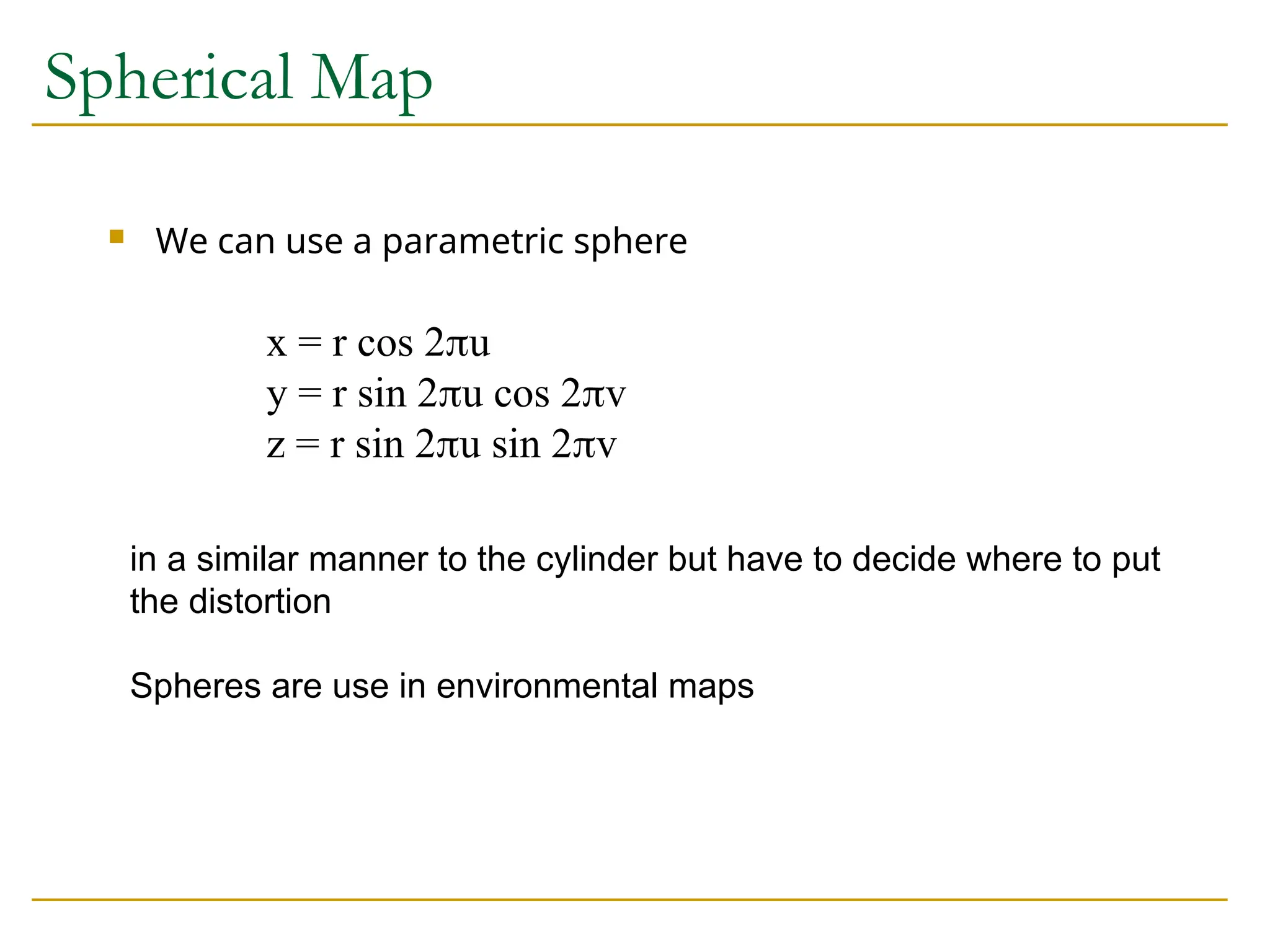
Spherical Map
Wecan use a parametric sphere
x = r cos 2u
y = r sin 2u cos 2v
z = r sin 2u sin 2v
in a similar manner to the cylinder but have to decide where to put
the distortion
Spheres are use in environmental maps
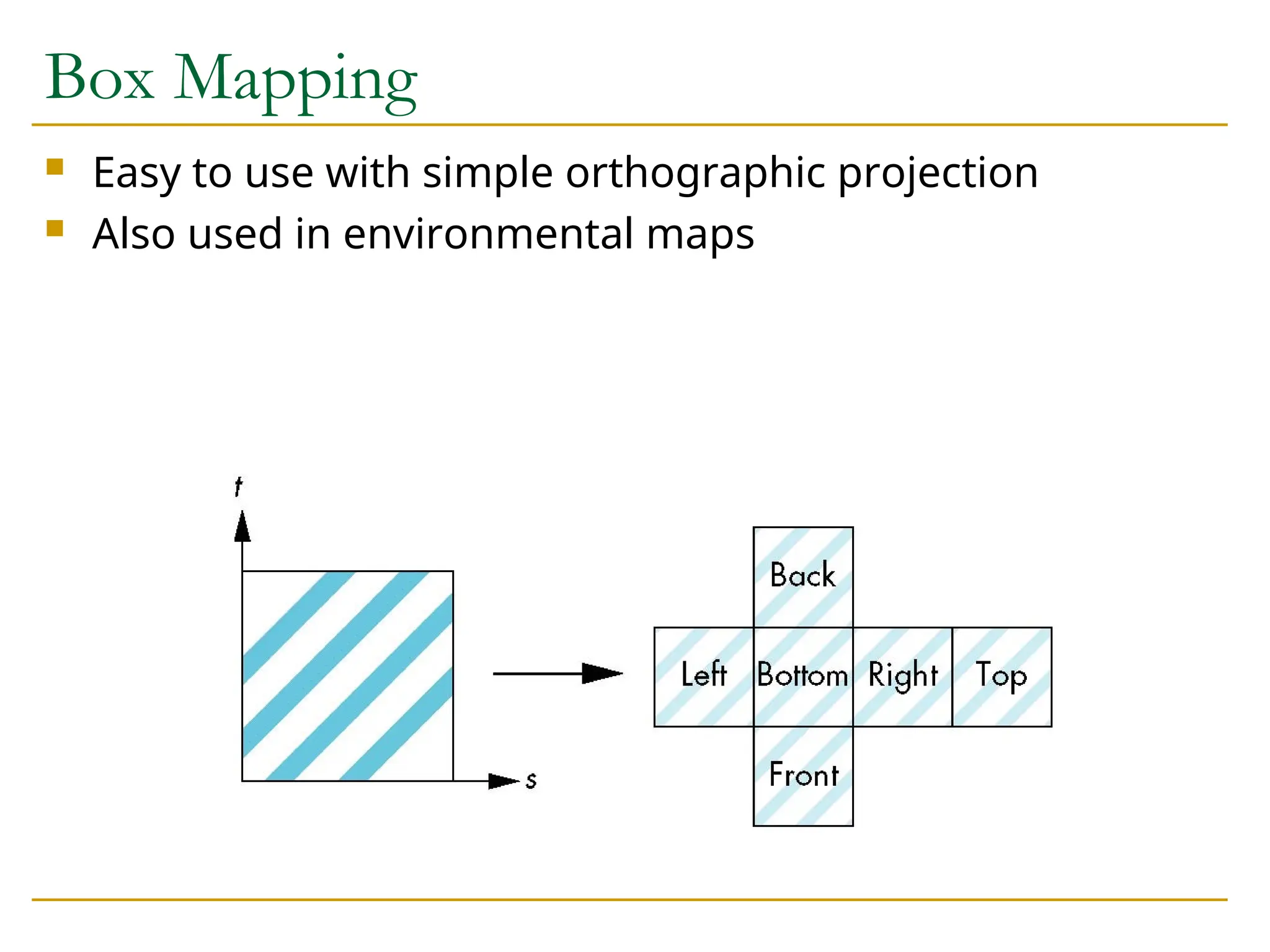
55.
Box Mapping
Easyto use with simple orthographic projection
Also used in environmental maps
56.
Second Mapping
Mapfrom intermediate object to actual object
Normals from intermediate to actual
Normals from actual to intermediate
Vectors from center of intermediate
intermediate
actual
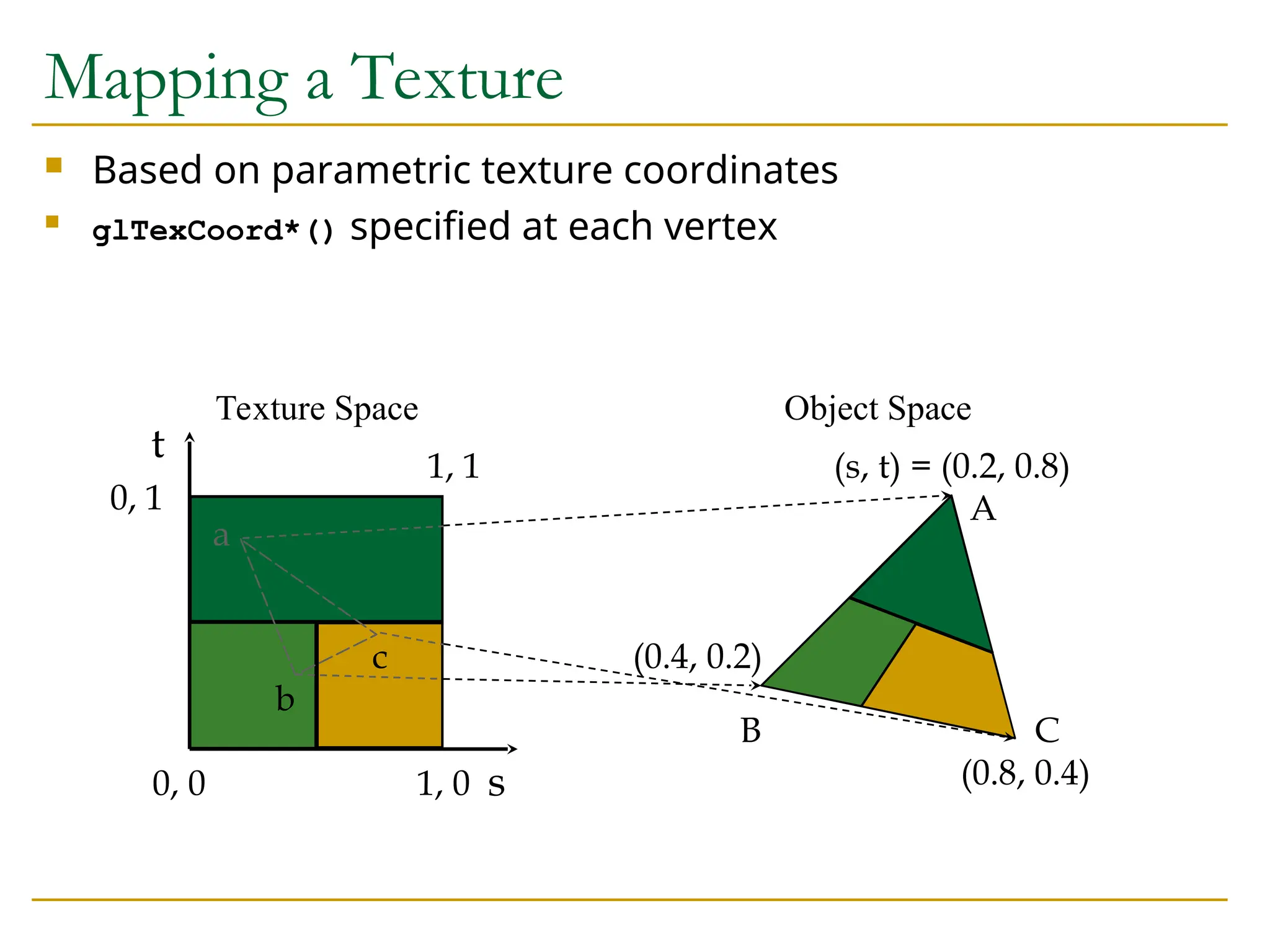
57.
Based onparametric texture coordinates
glTexCoord*() specified at each vertex
s
t 1, 1
0, 1
0, 0 1, 0
(s, t) = (0.2, 0.8)
(0.4, 0.2)
(0.8, 0.4)
A
B C
a
b
c
Texture Space Object Space
Mapping a Texture
58.
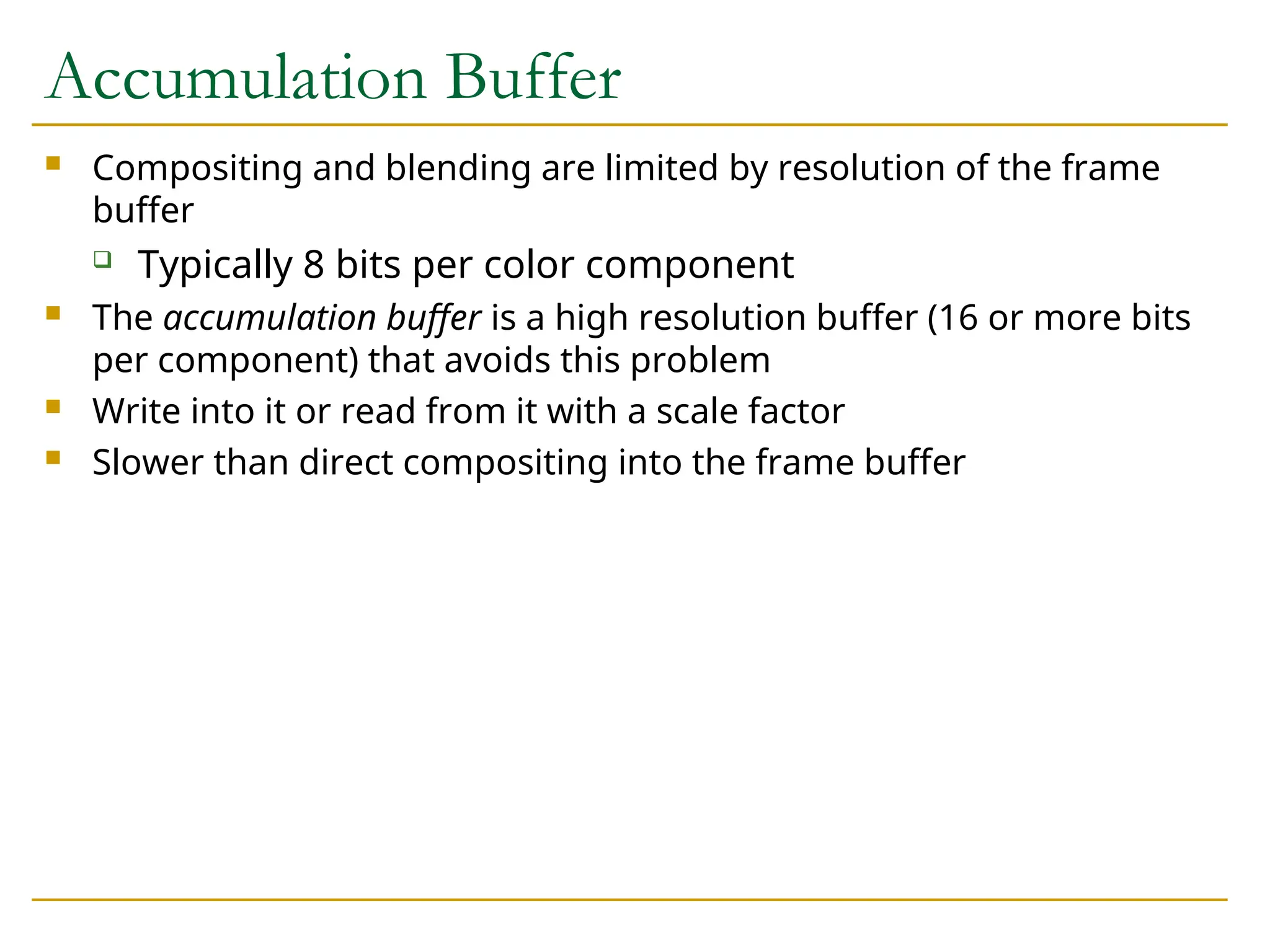
Accumulation Buffer
Compositingand blending are limited by resolution of the frame
buffer
Typically 8 bits per color component
The accumulation buffer is a high resolution buffer (16 or more bits
per component) that avoids this problem
Write into it or read from it with a scale factor
Slower than direct compositing into the frame buffer
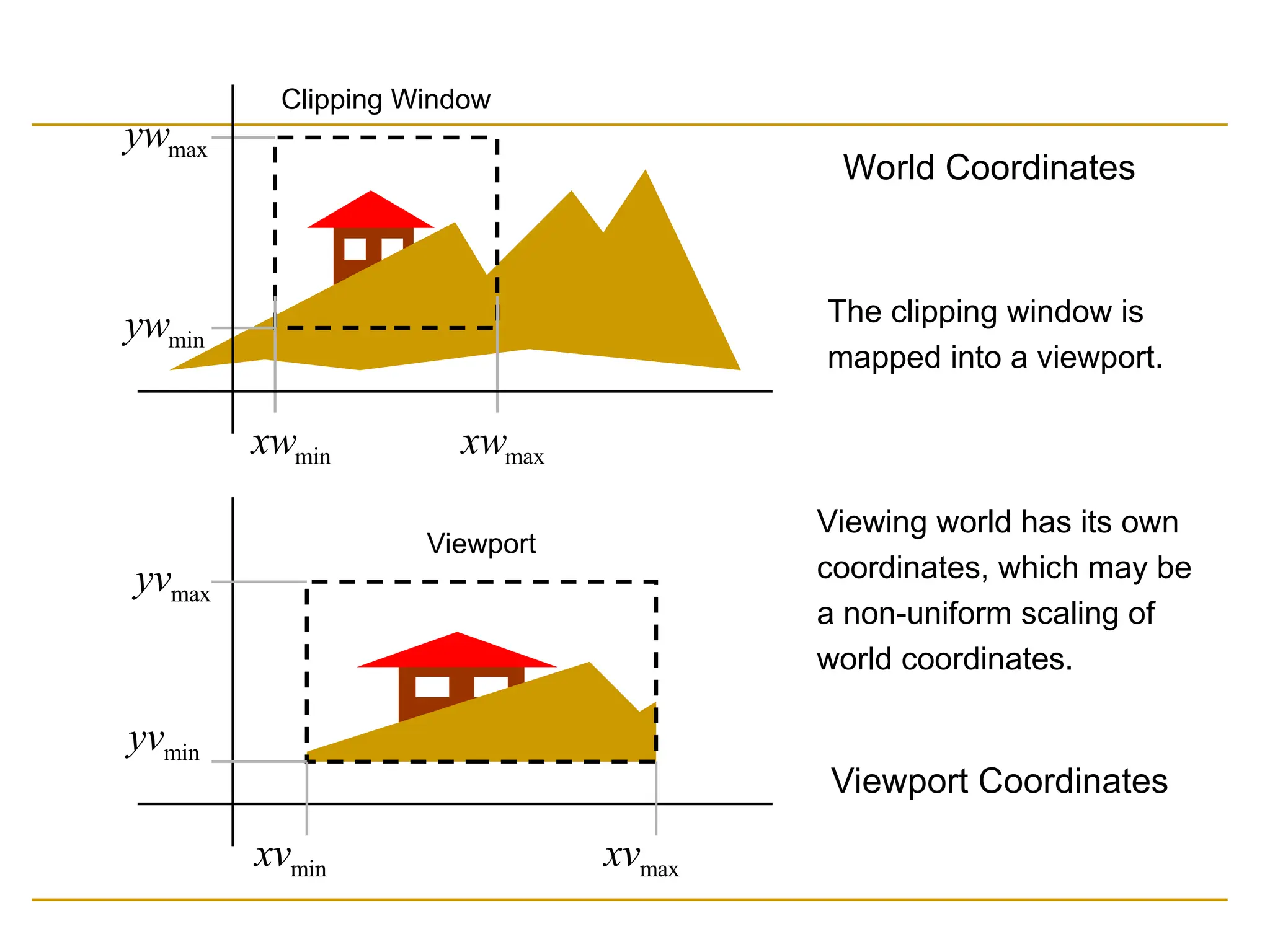
min
xw max
xw
min
yw
max
yw
Clipping Window
min
xvmax
xv
min
yv
max
yv
Viewport
Viewport Coordinates
The clipping window is
mapped into a viewport.
Viewing world has its own
coordinates, which may be
a non-uniform scaling of
world coordinates.
World Coordinates
61.
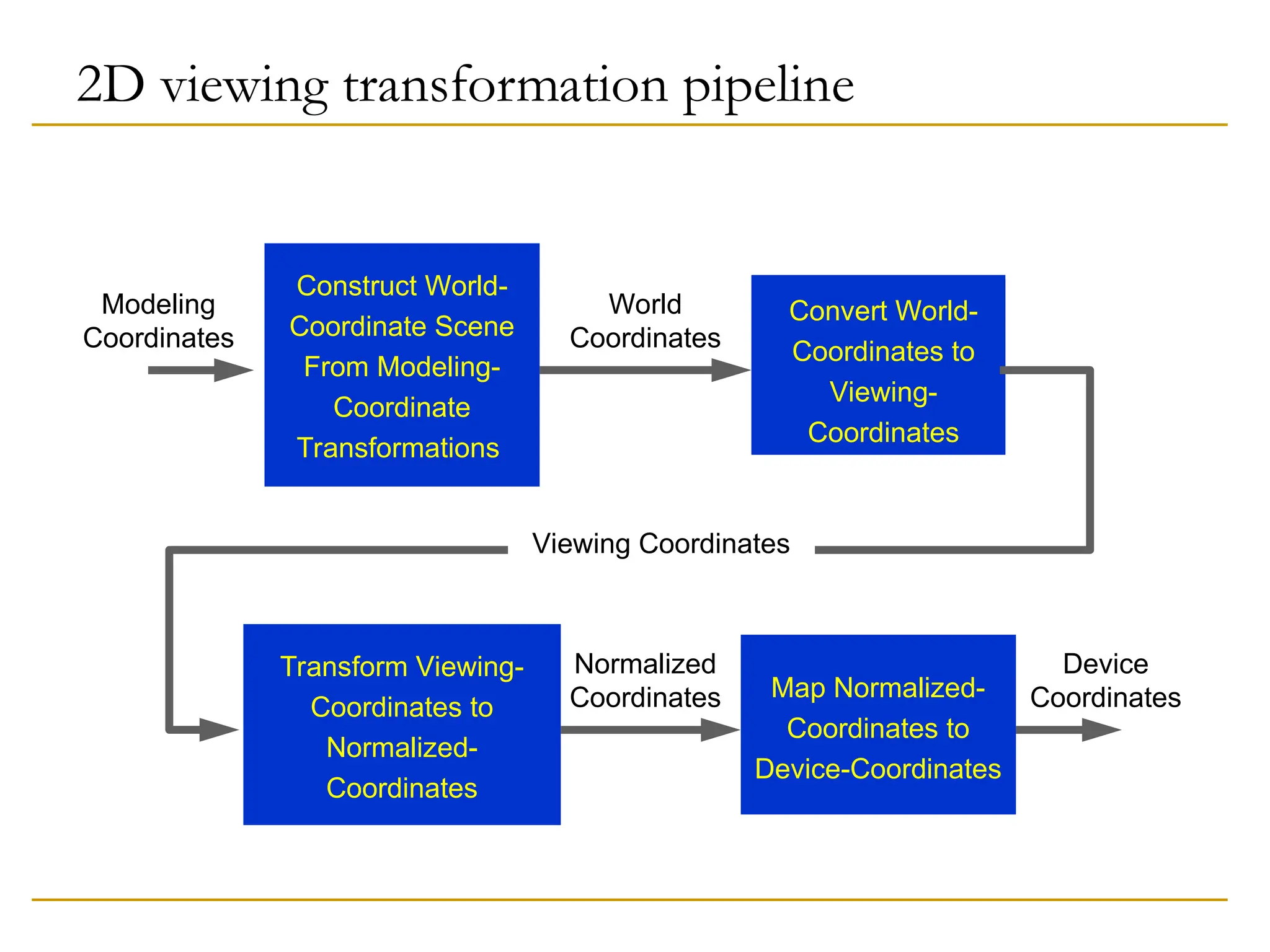
2D viewing transformationpipeline
Construct World-
Coordinate Scene
From Modeling-
Coordinate
Transformations
World
Coordinates
Modeling
Coordinates
Convert World-
Coordinates to
Viewing-
Coordinates
Viewing Coordinates
Transform Viewing-
Coordinates to
Normalized-
Coordinates
Normalized
Coordinates Map Normalized-
Coordinates to
Device-Coordinates
Device
Coordinates
62.
Normalization and ViewportTransformations
First approach:
Normalization and window-to-viewport transformations are
combined into one operation.
Viewport range can be in [0,1] x [0,1].
Clipping takes place in [0,1] x [0,1].
Viewport is then mapped to display device.
Second approach:
Normalization and clipping take place before viewport
transformation.
Viewport coordinates are specified in screen coordinates.
63.
Cohen-Sutherland Line ClippingAlgorithm
Intersection calculations are expensive. Find first
lines completely inside or certainly outside clipping
window. Apply intersection only to undecided lines.
Perform cheaper tests before proceeding to
expensive intersection calculations.
64.
Cohen-Sutherland Line ClippingAlgorithm
Assign code to every endpoint of line segment.
Borderlines of clipping window divide the plane into two halves.
A point can be characterized by a 4-bit code according to its
location in half planes.
Location bit is 0 if the point is in the positive half plane, 1
otherwise.
Code assignment involves comparisons or subtractions.
Completely inside / certainly outside tests involve only
logic operations of bits.
65.
Lines that cannotbe decided are intersected with window
border lines.
Each test clips the line and the remaining is tested again
for full inclusion or certain exclusion, until remaining is
either empty or fully contained.
Endpoints of lines are examined against left, right, bottom
and top borders (can be any order).
66.
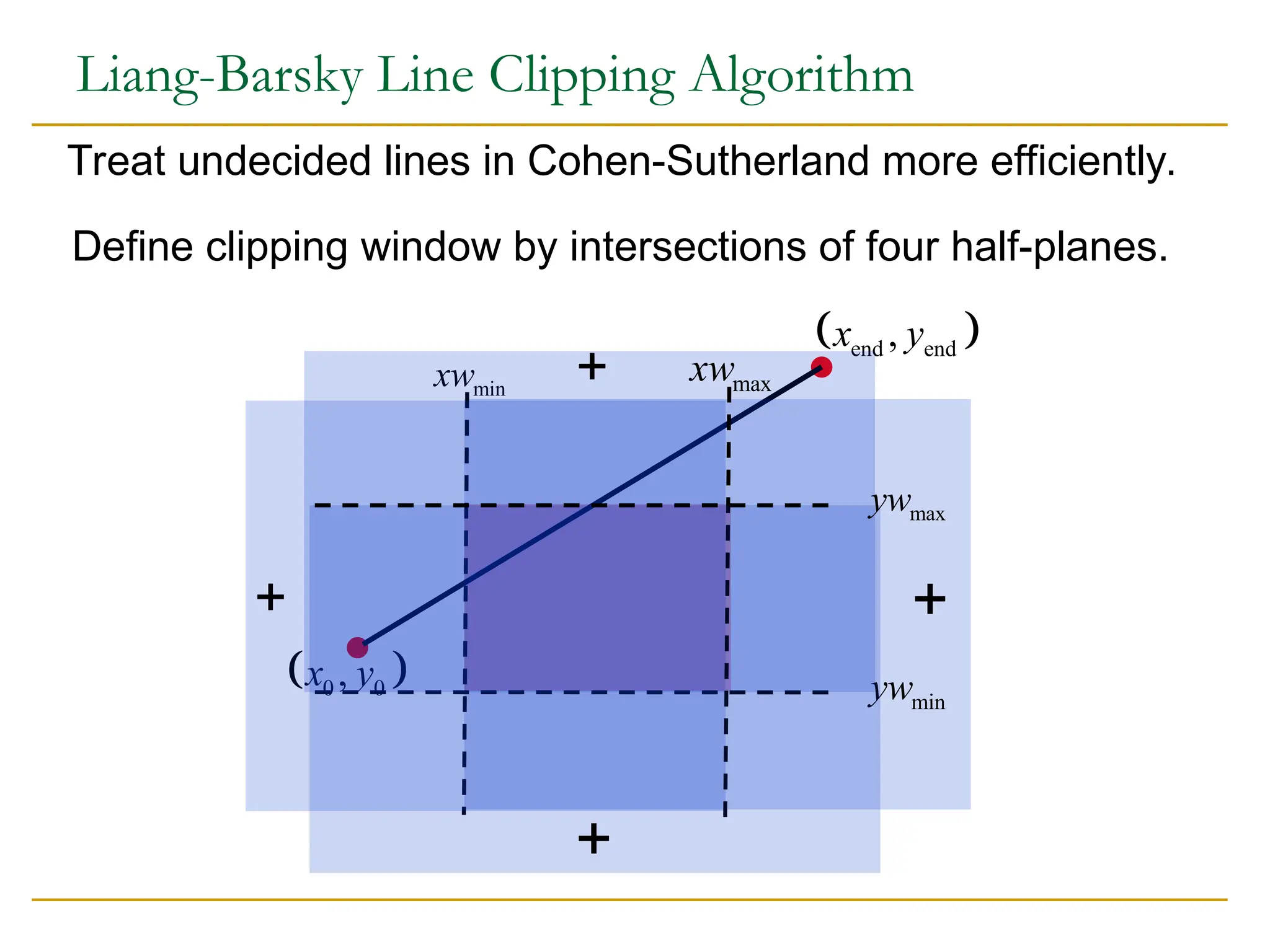
0 0
,
xy
end end
,
x y
Liang-Barsky Line Clipping Algorithm
Define clipping window by intersections of four half-planes.
Treat undecided lines in Cohen-Sutherland more efficiently.
min
xw
min
yw
max
xw
max
yw
67.
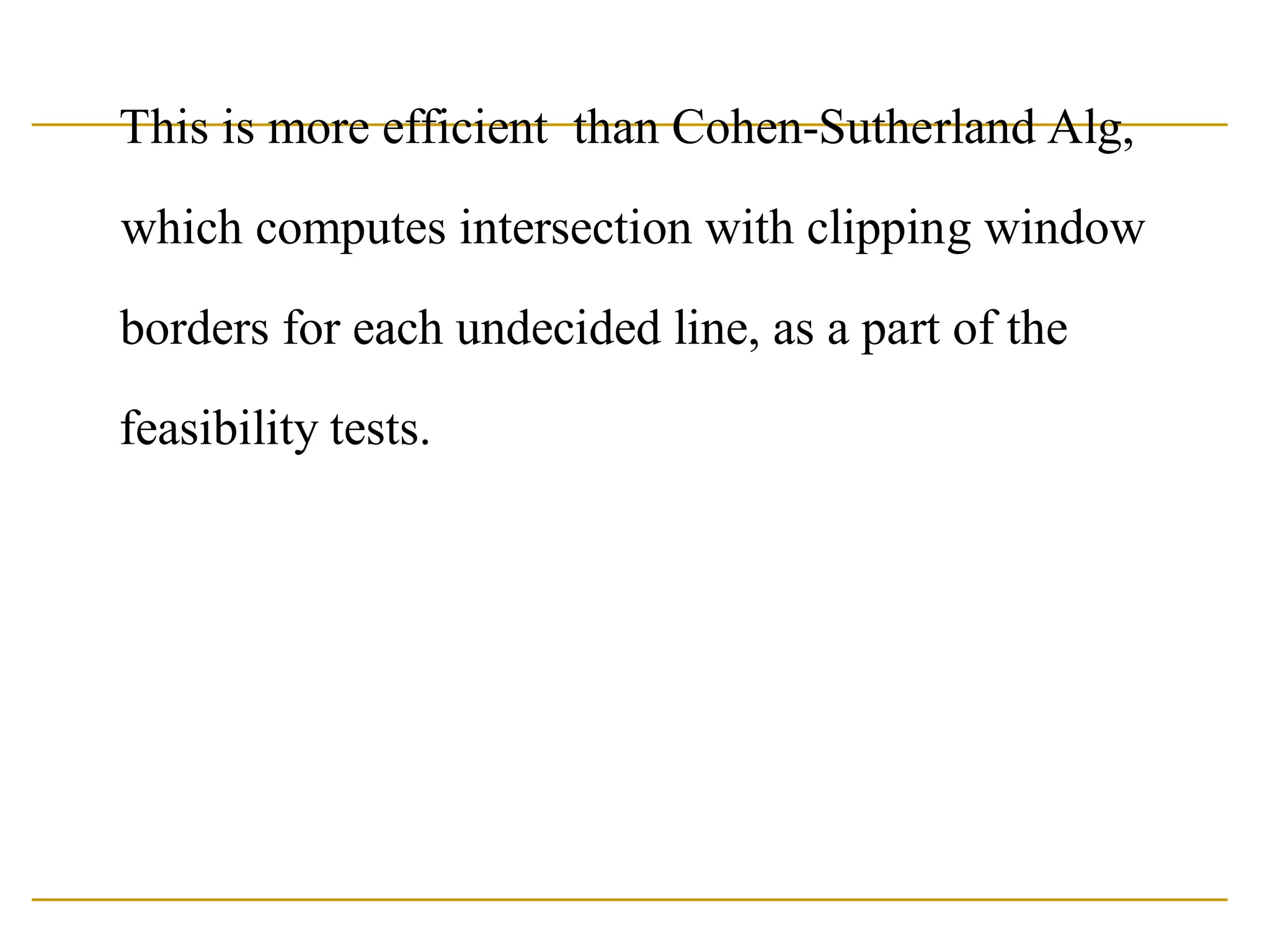
This is moreefficient than Cohen-Sutherland Alg,
which computes intersection with clipping window
borders for each undecided line, as a part of the
feasibility tests.
68.
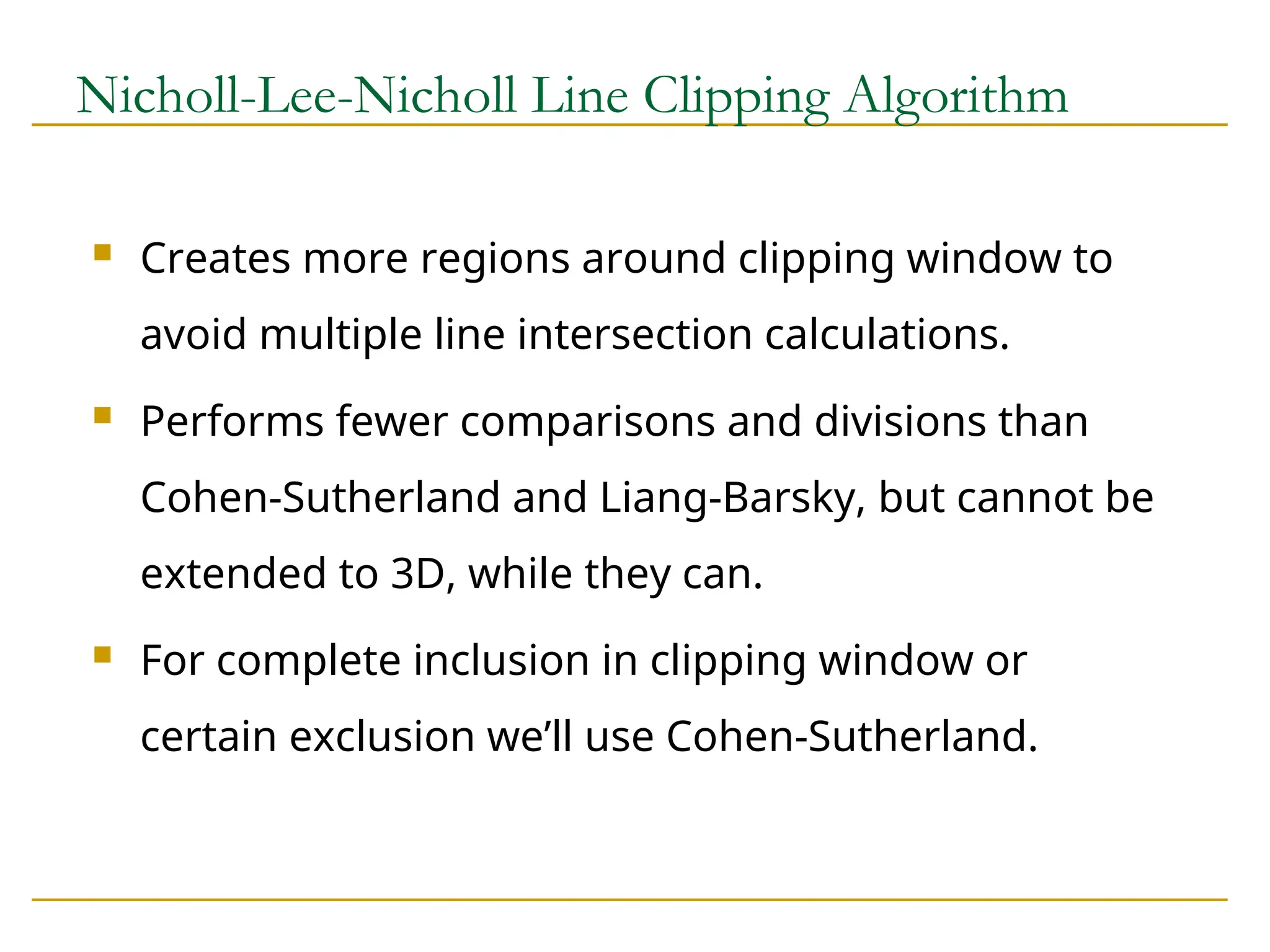
Nicholl-Lee-Nicholl Line ClippingAlgorithm
Creates more regions around clipping window to
avoid multiple line intersection calculations.
Performs fewer comparisons and divisions than
Cohen-Sutherland and Liang-Barsky, but cannot be
extended to 3D, while they can.
For complete inclusion in clipping window or
certain exclusion we’ll use Cohen-Sutherland.
69.
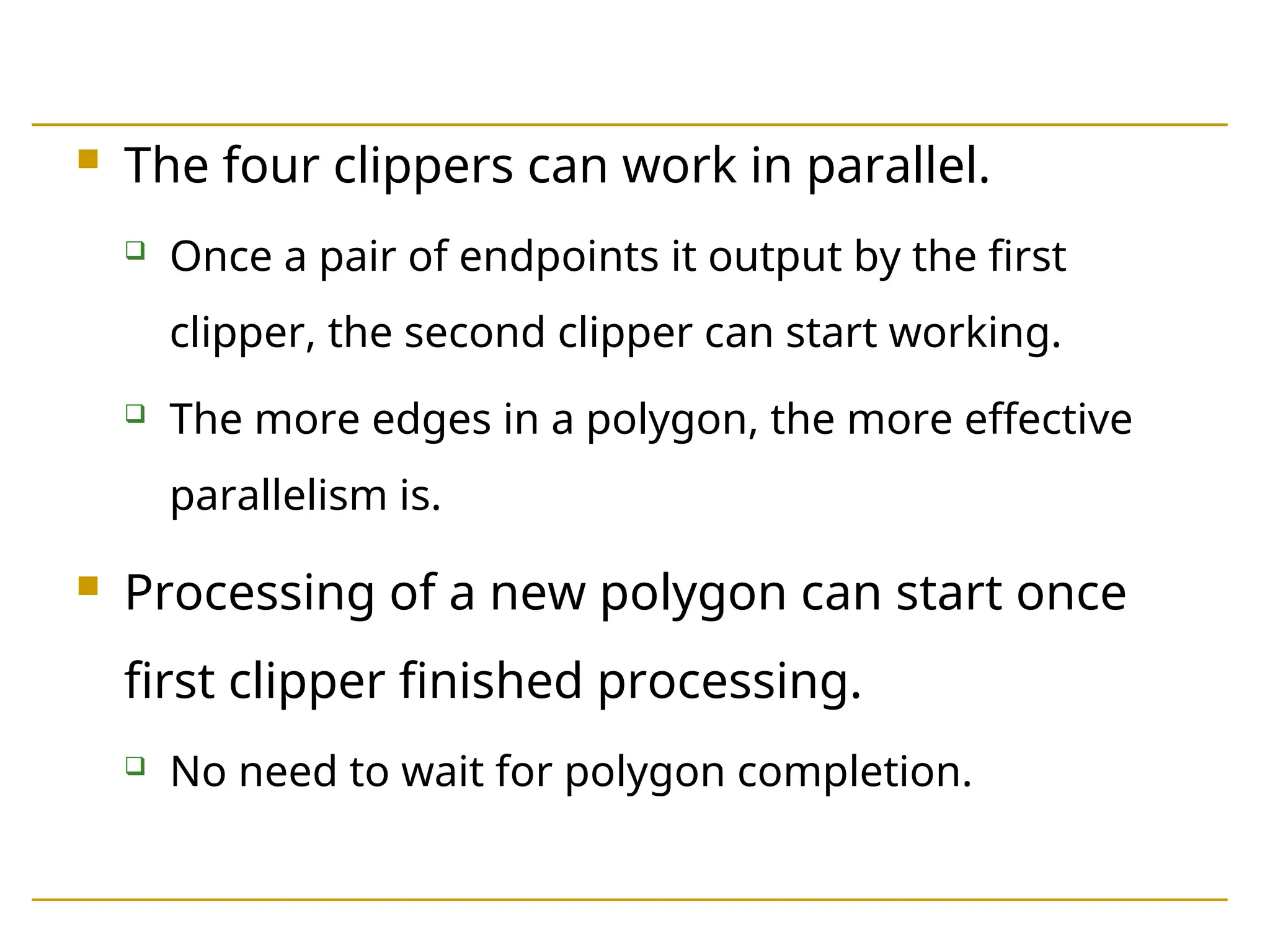
The fourclippers can work in parallel.
Once a pair of endpoints it output by the first
clipper, the second clipper can start working.
The more edges in a polygon, the more effective
parallelism is.
Processing of a new polygon can start once
first clipper finished processing.
No need to wait for polygon completion.
70.
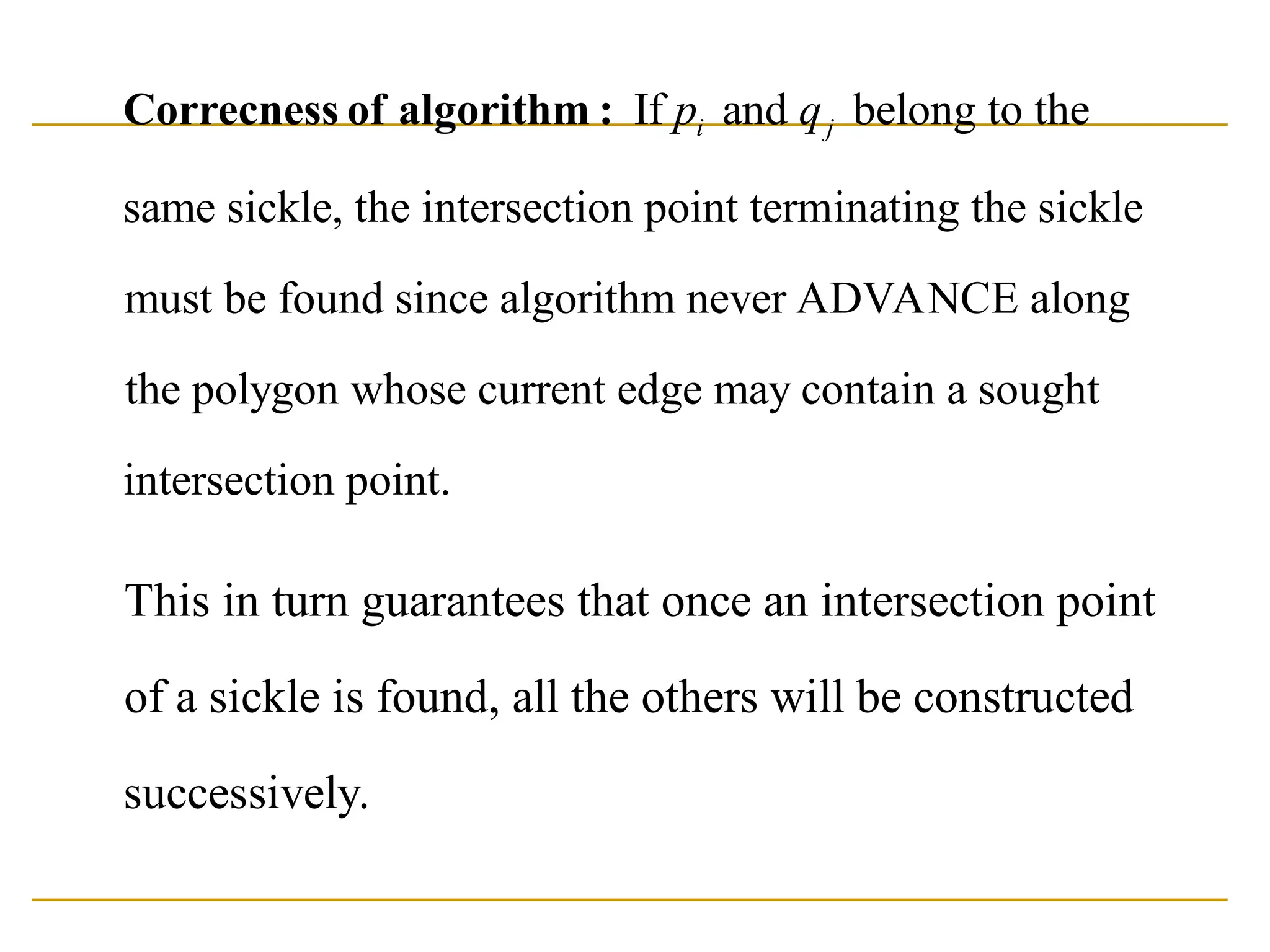
If and belongto the
same sickle, the intersection point terminating the sickle
must be found since algorithm never ADVANCE along
the polygon whose current edge may contain
i j
p q
Correcness of algorithm :
a sought
intersection point.
This in turn guarantees that once an intersection point
of a sickle is found, all the others will be constructed
successively.
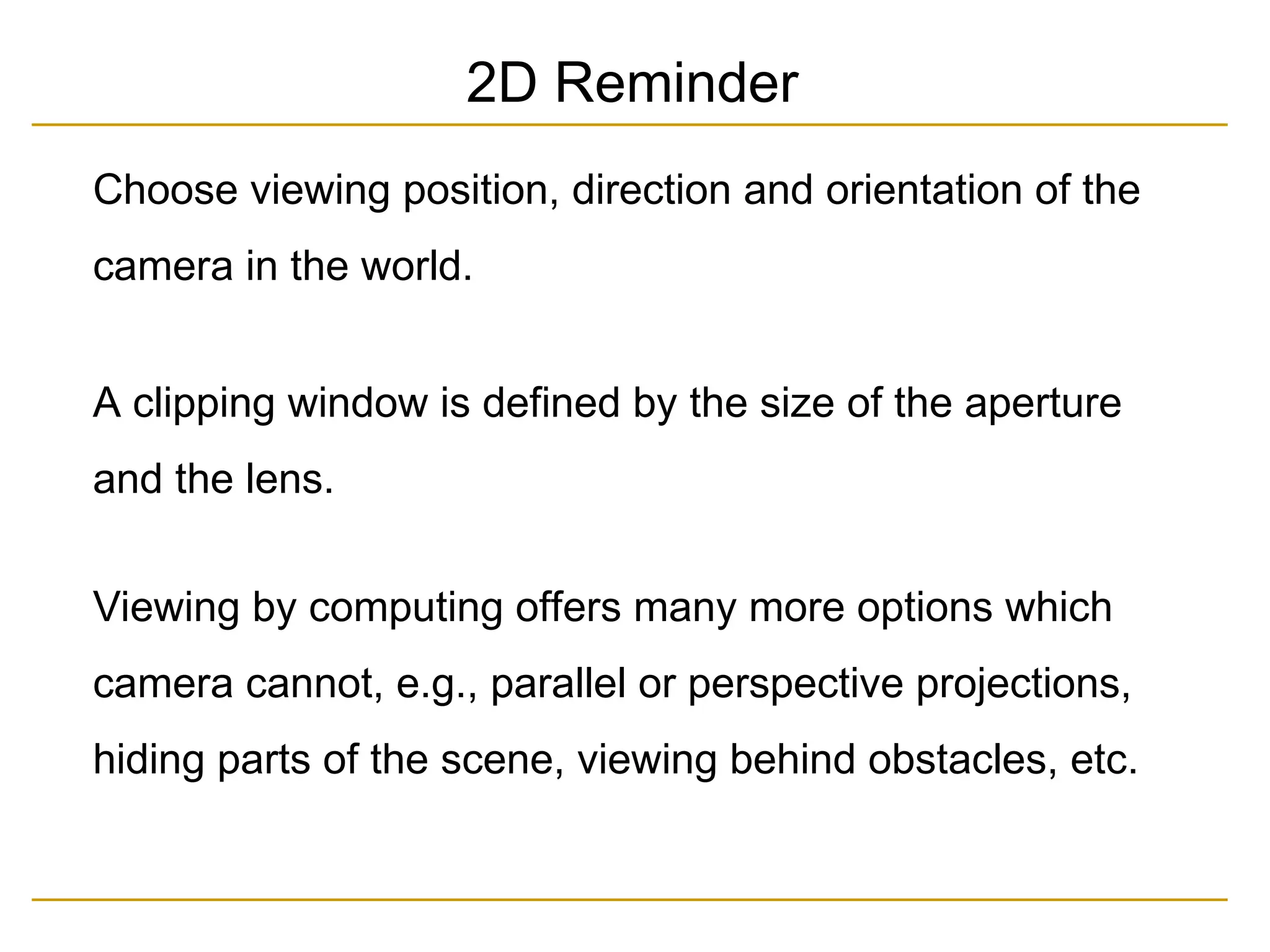
Choose viewing position,direction and orientation of the
camera in the world.
A clipping window is defined by the size of the aperture
and the lens.
Viewing by computing offers many more options which
camera cannot, e.g., parallel or perspective projections,
hiding parts of the scene, viewing behind obstacles, etc.
2D Reminder
73.
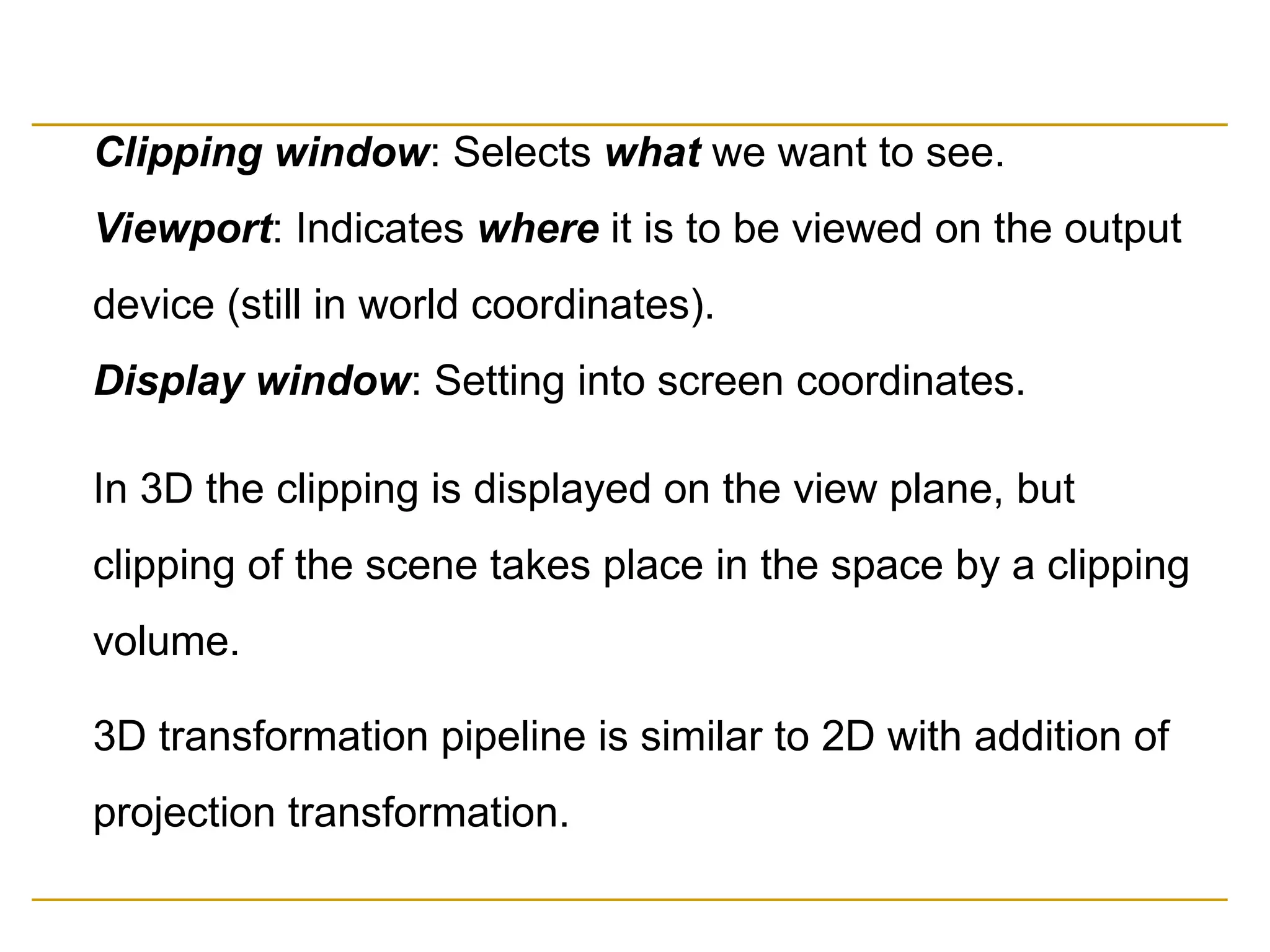
Clipping window: Selectswhat we want to see.
Viewport: Indicates where it is to be viewed on the output
device (still in world coordinates).
Display window: Setting into screen coordinates.
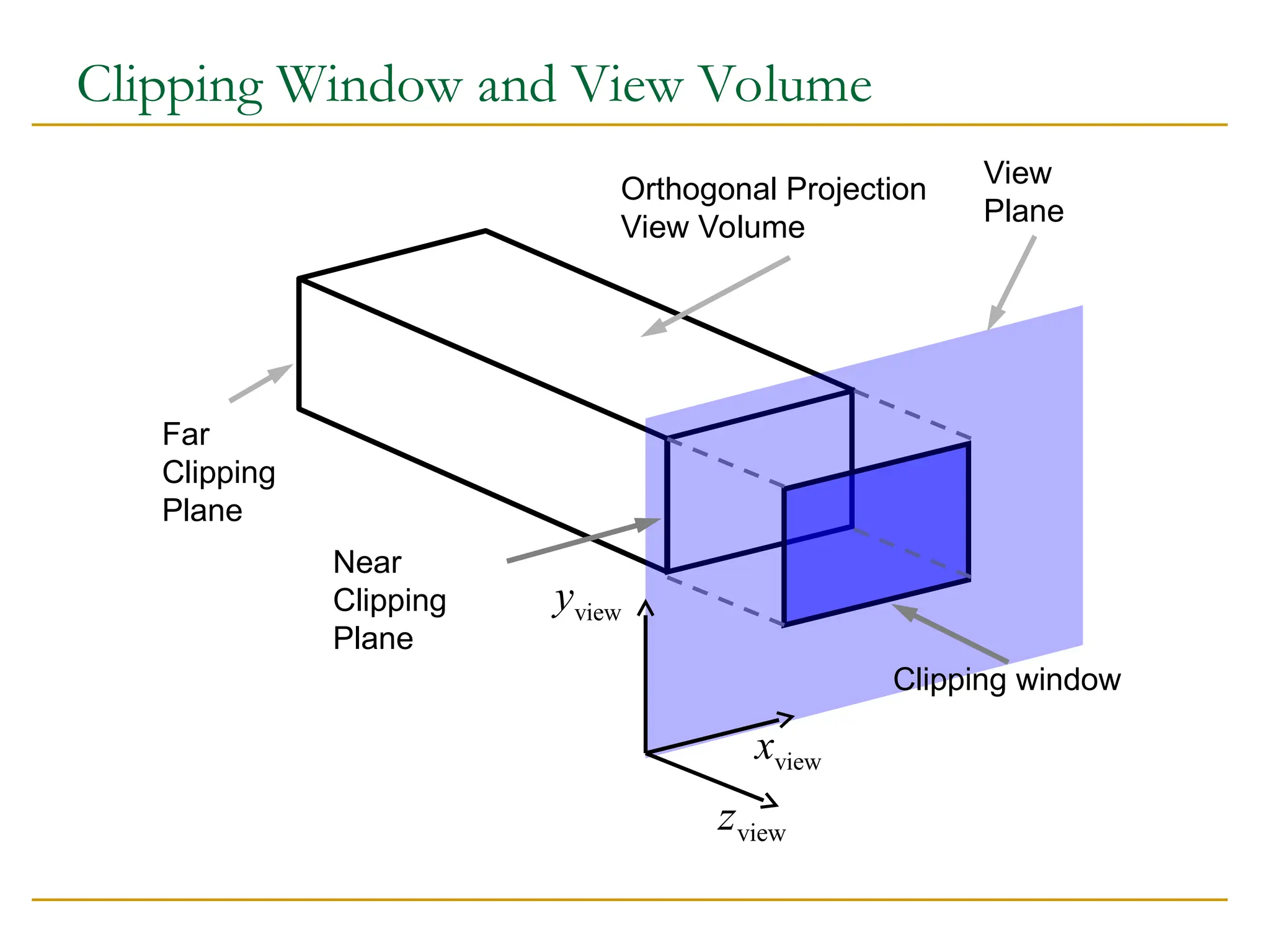
In 3D the clipping is displayed on the view plane, but
clipping of the scene takes place in the space by a clipping
volume.
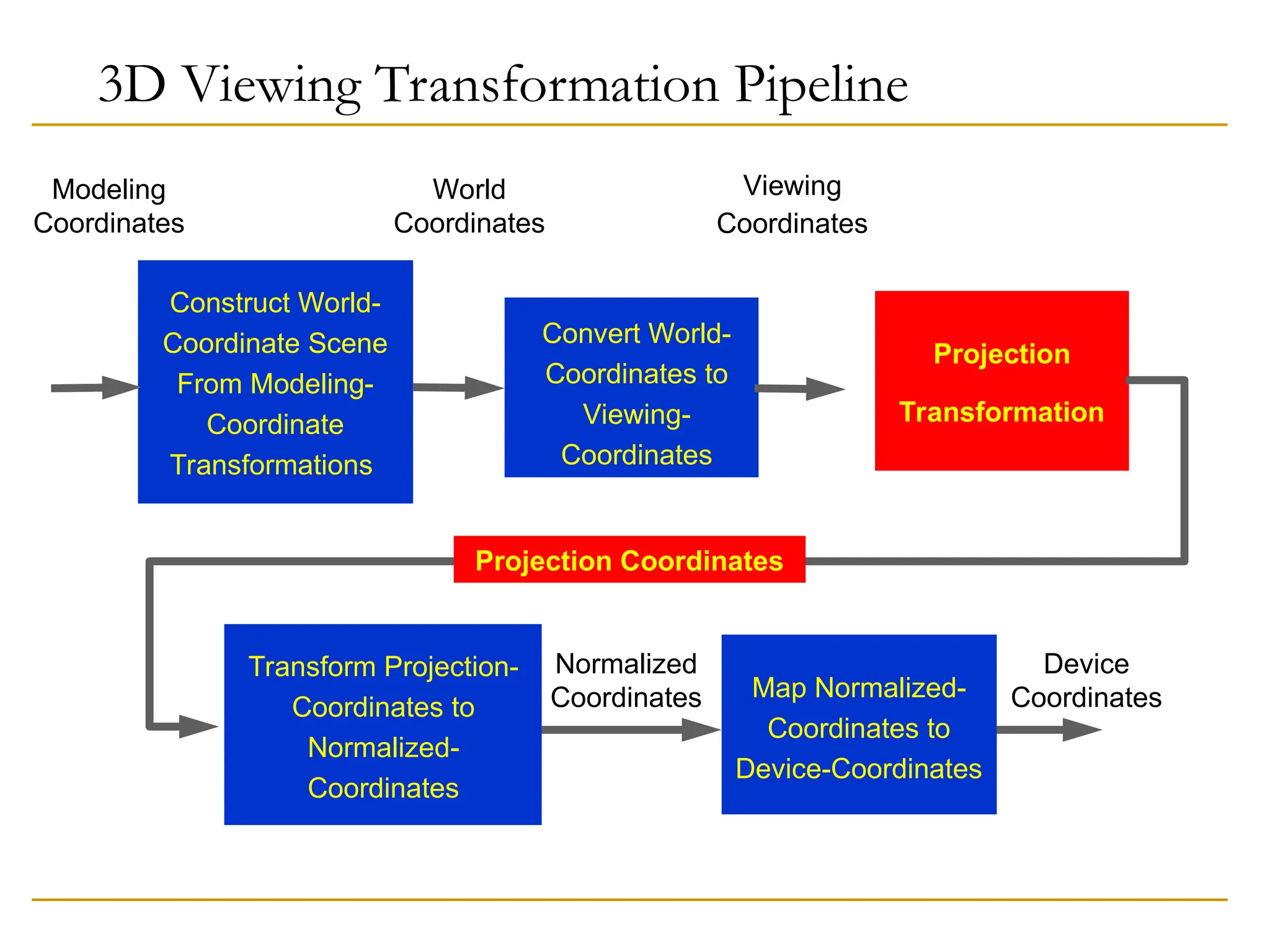
3D transformation pipeline is similar to 2D with addition of
projection transformation.
74.
3D Viewing TransformationPipeline
Transform Projection-
Coordinates to
Normalized-
Coordinates
Normalized
Coordinates Map Normalized-
Coordinates to
Device-Coordinates
Device
Coordinates
Construct World-
Coordinate Scene
From Modeling-
Coordinate
Transformations
World
Coordinates
Modeling
Coordinates
Convert World-
Coordinates to
Viewing-
Coordinates
Viewing
Coordinates
Projection
Transformation
Projection Coordinates
75.
Model is givenin model (self) coordinates.
Conversion to world coordinates takes place.
Viewing coordinate system which defines the position and
orientation of the projection plane (film plane in camera) is
selected, to which scene is converted.
2D clipping window (lens of camera) is defined on the
projection plane (film plane) and a 3D clipping, called view
volume, is established.
76.
The shape andsize of view volume is defined by the
dimensions of clipping window, the type of projection and
the limiting positions along the viewing direction.
Objects are mapped to normalized coordinated and all
parts of the scene out of the view volume are clipped off.
The clipping is applied after all device independent
transformation are completed, so efficient transformation
concatenation is possible.
Few other tasks such as hidden surface removal and
surface rendering take place along the pipeline.
77.
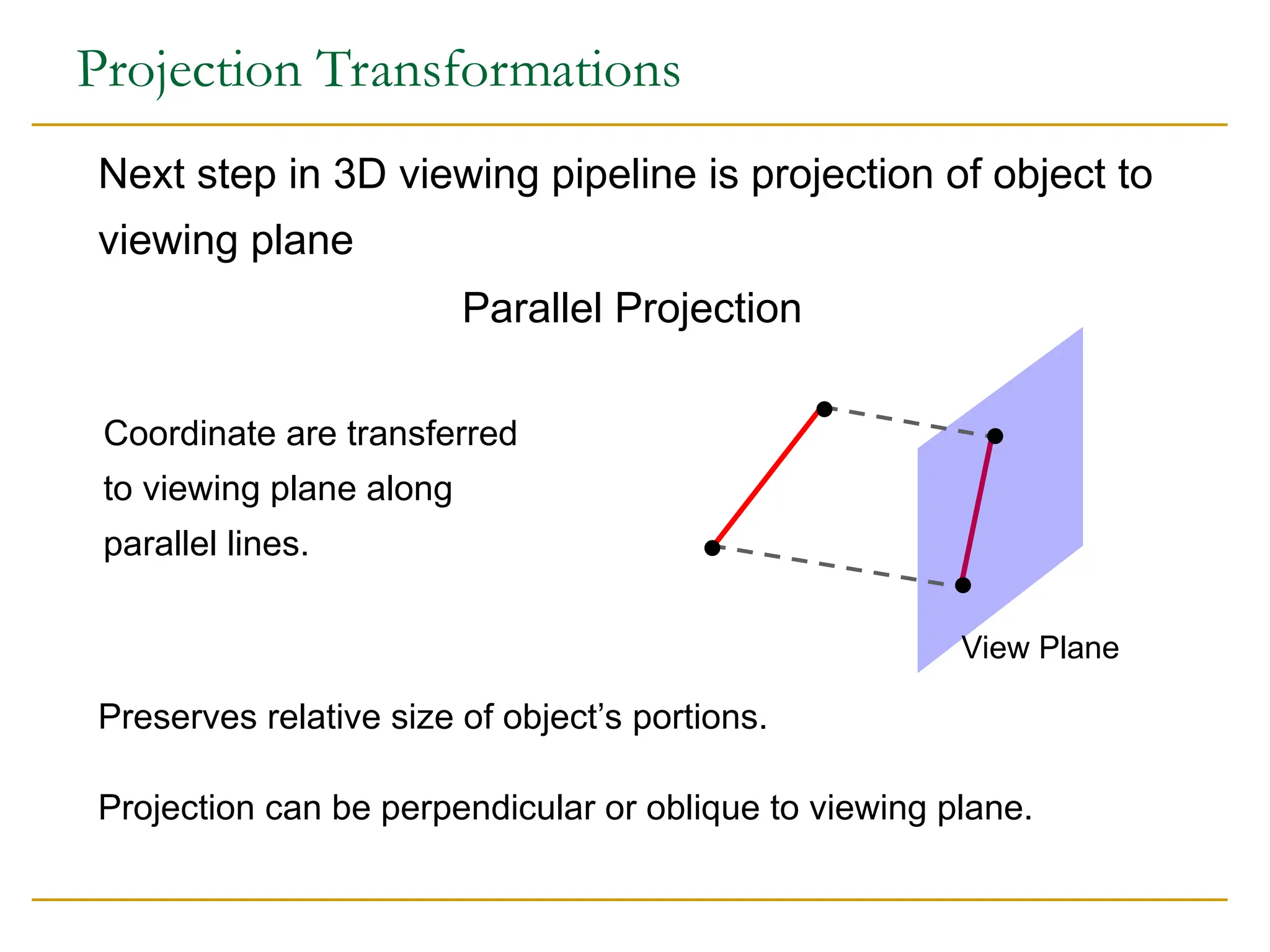
Projection Transformations
Projection canbe perpendicular or oblique to viewing plane.
Preserves relative size of object’s portions.
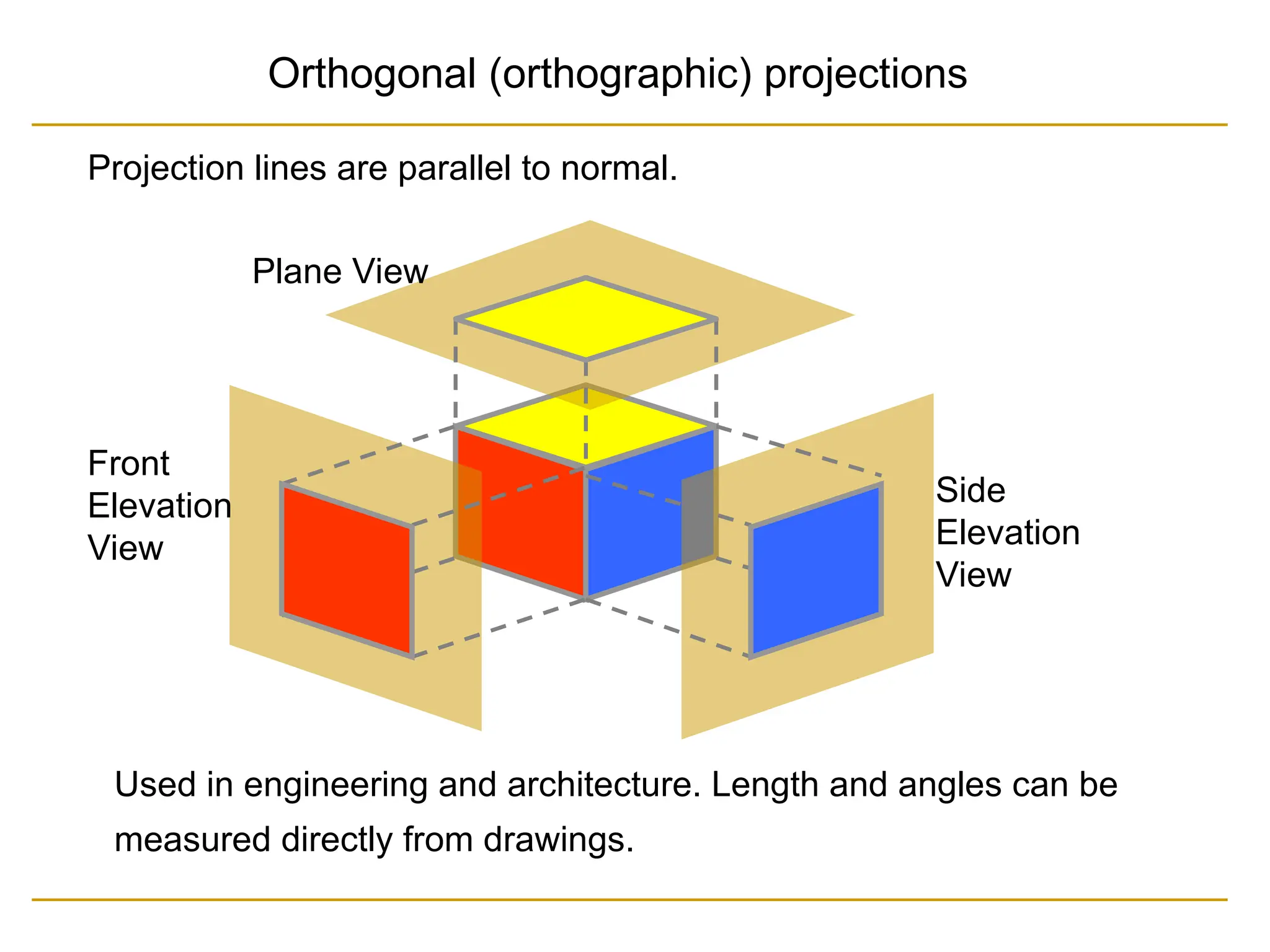
Next step in 3D viewing pipeline is projection of object to
viewing plane
Parallel Projection
Coordinate are transferred
to viewing plane along
parallel lines.
View Plane
Clipping Window andView Volume
Orthogonal Projection
View Volume
Far
Clipping
Plane
Near
Clipping
Plane
View
Plane
Clipping window
view
x
view
y
view
z
81.
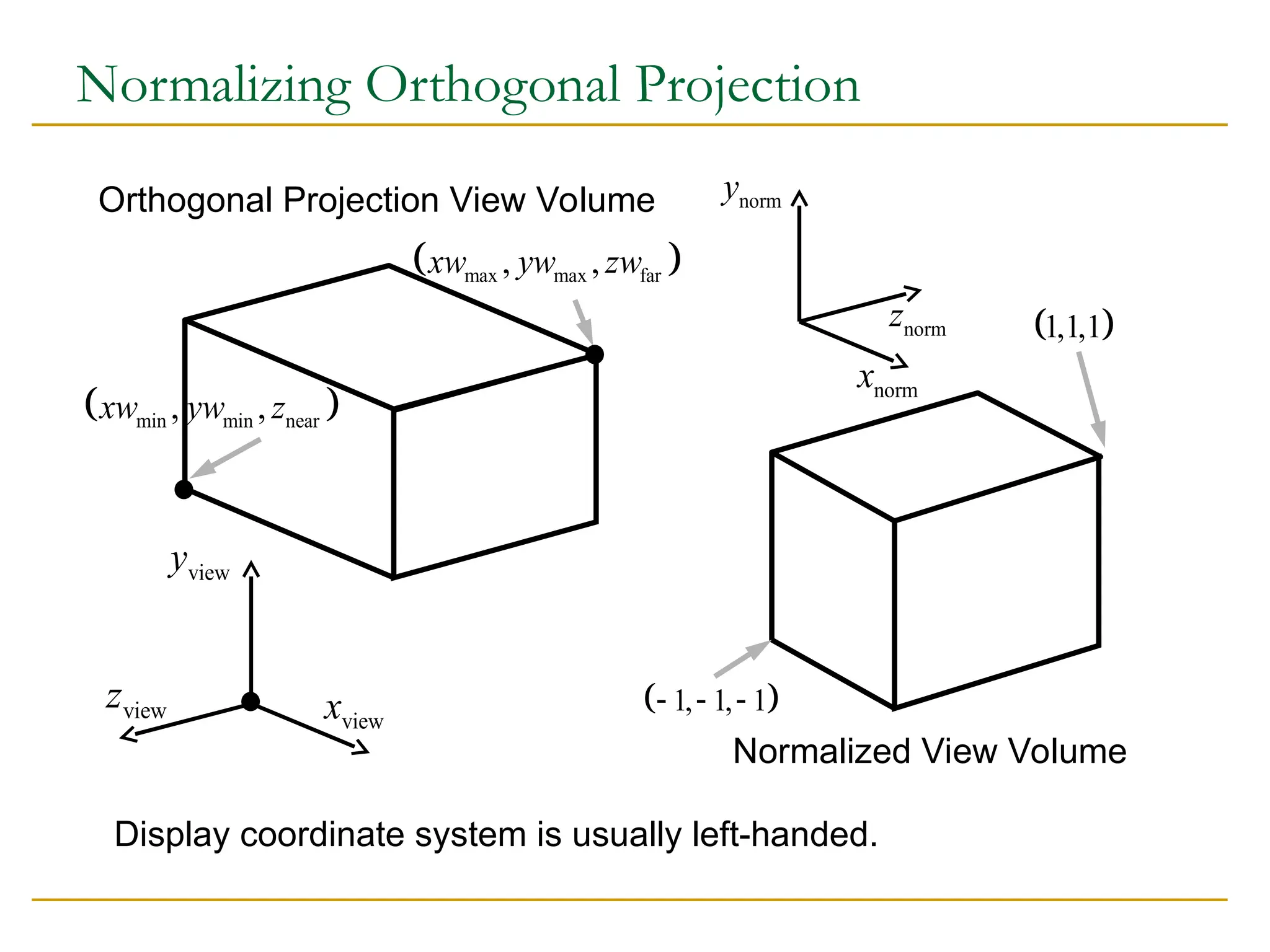
Normalizing Orthogonal Projection
1, 1, 1
1,1,1
norm
z
norm
y
norm
x
Normalized View Volume
Display coordinate system is usually left-handed.
Orthogonal Projection View Volume
view
x
view
y
view
z
min min near
, ,
xw yw z
max max far
, ,
xw yw zw
82.
The problem withthe above representation is that Z appears in
denominator, so matrix multiplication representation of X and Y
on view plane as a function of Z is not straight forward.
Z is point specific, hence division will be computation killer.
Different representation is in order, so transformations can
be concatenated
83.
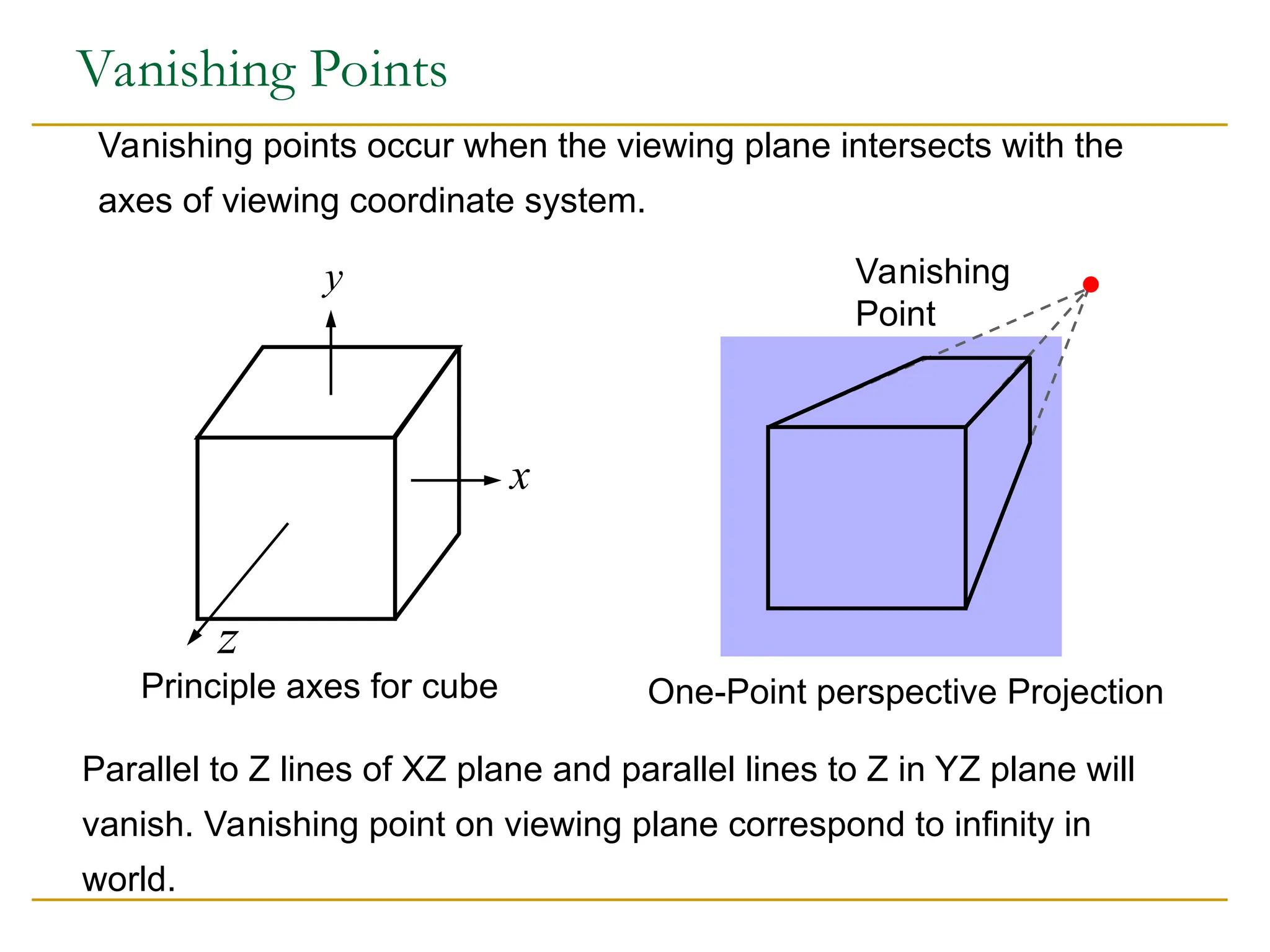
Vanishing Points
Vanishing pointsoccur when the viewing plane intersects with the
axes of viewing coordinate system.
Vanishing
Point
One-Point perspective Projection
x
y
z
Principle axes for cube
Parallel to Z lines of XZ plane and parallel lines to Z in YZ plane will
vanish. Vanishing point on viewing plane correspond to infinity in
world.
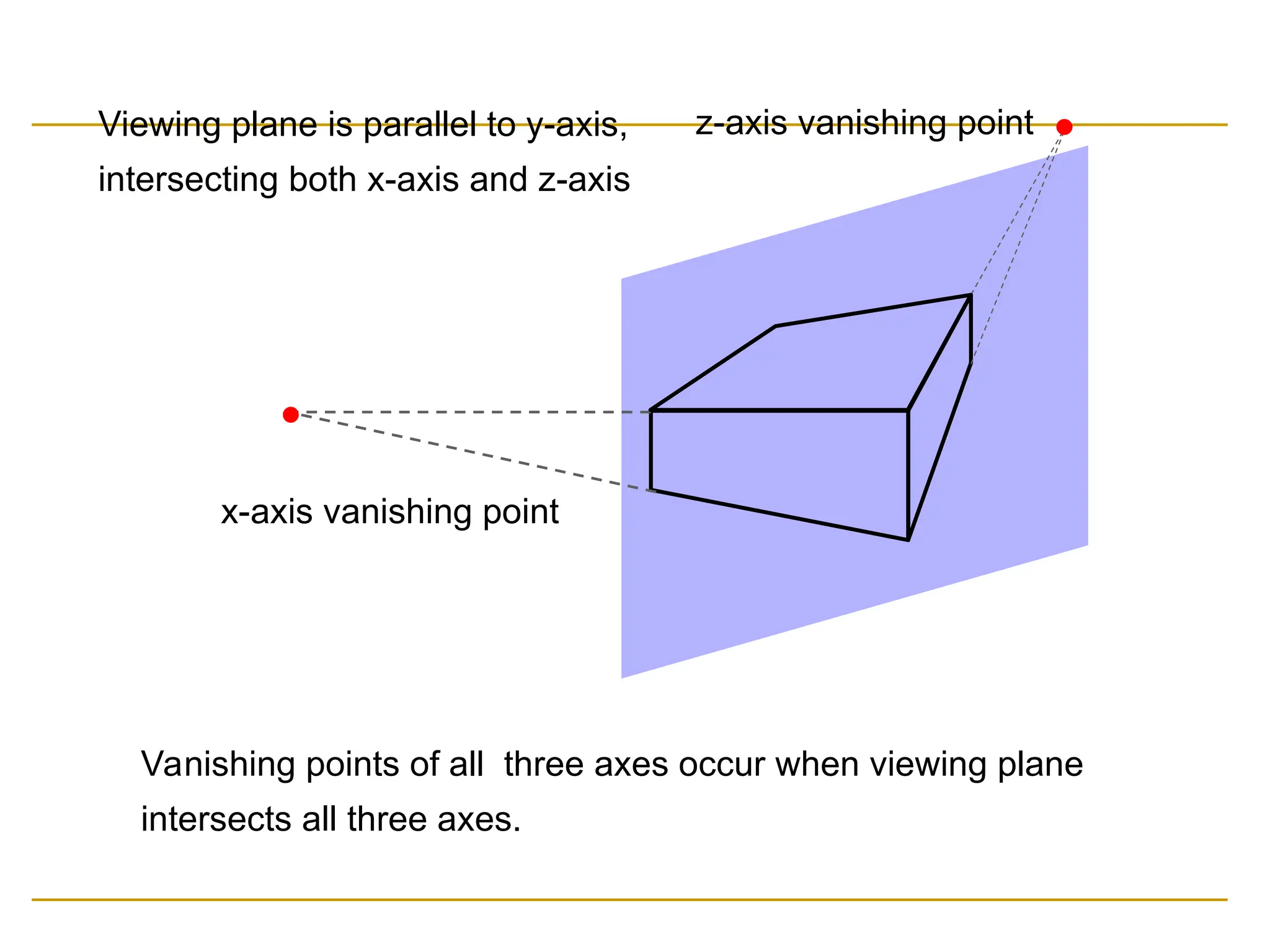
84.
Vanishing points ofall three axes occur when viewing plane
intersects all three axes.
x-axis vanishing point
z-axis vanishing point
Viewing plane is parallel to y-axis,
intersecting both x-axis and z-axis
85.
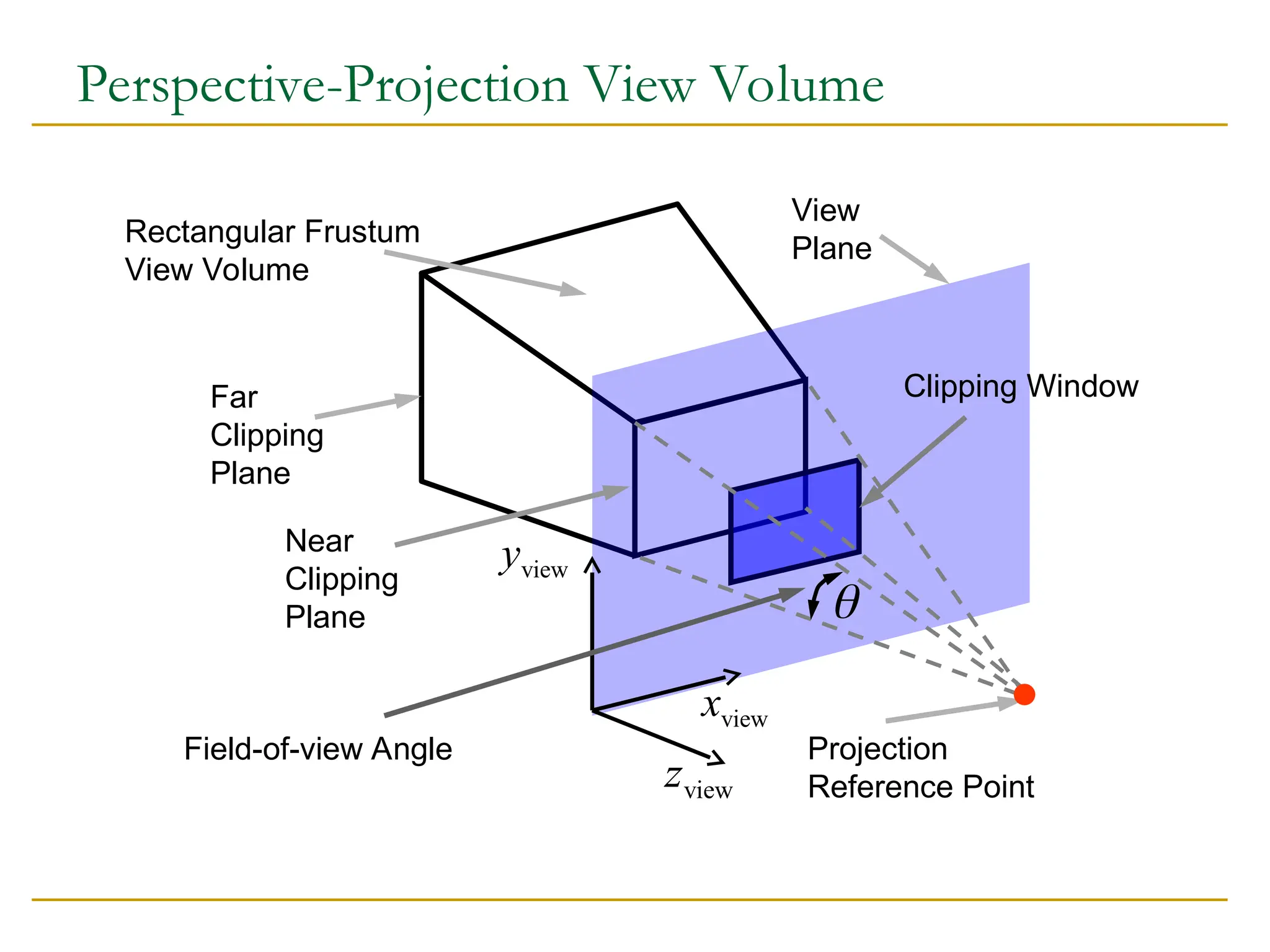
Perspective-Projection View Volume
RectangularFrustum
View Volume
Far
Clipping
Plane
Near
Clipping
Plane
View
Plane
Clipping Window
view
x
view
y
view
z
Projection
Reference Point
Field-of-view Angle
86.
Settings of PerspectiveProjection
Perspective projection point
Where the viewer (camera, eye) is positioned in the world.
Positioning viewing plane with respect to viewing
coordinates
Results vanishing points, one, two or three.
Clipping window on viewing plane
Defines the infinite pyramid view volume.
Near and far clipping planes (parallel to view plane)
Define the rectangular frustum view volume.
Scale and translation parameters of perspective matrix
Define the normalization range.

![Example: Checker Board
GLubyte wb[2] = {0 x 00, 0 x ff};
GLubyte check[512];
int i, j;
for(j=0; i<64; i++) for (j=0; j<64, j++)
check[i*8+] = wb[(i/8+j)%2];
glBitmap( 64, 64, 0.0, 0.0, 0.0, 0.0, check);](https://image.slidesharecdn.com/topic6graphictransformationandviewing-250525105913-c776d691/75/Topic-6-Graphic-Transformation-and-Viewing-ppt-13-2048.jpg)



![Normalization and Viewport Transformations
First approach:
Normalization and window-to-viewport transformations are
combined into one operation.
Viewport range can be in [0,1] x [0,1].
Clipping takes place in [0,1] x [0,1].
Viewport is then mapped to display device.
Second approach:
Normalization and clipping take place before viewport
transformation.
Viewport coordinates are specified in screen coordinates.](https://image.slidesharecdn.com/topic6graphictransformationandviewing-250525105913-c776d691/75/Topic-6-Graphic-Transformation-and-Viewing-ppt-62-2048.jpg)