ls to Make
Web Too
15
Life Easier
Your
Director
MRVED Assistant
~
Brandon Raymo

http://bit.ly/raymotools (Presentation)
http://bit.ly/15pluswebtools (List)
Agenda
●
●
●
●

See and hear about the tools
Time to explore and try
Ask questions
Share your own tools
Note
● Not all the tools will be for you!
● Some tools require registration
● Some tools may not be new to you.
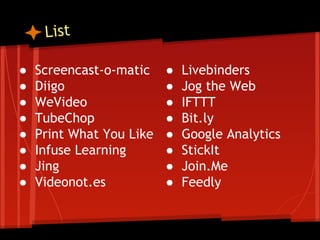
List
●
●
●
●
●
●
●
●

Screencast-o-matic
Diigo
WeVideo
TubeChop
Print What You Like
Infuse Learning
Jing
Videonot.es

●
●
●
●
●
●
●
●

Livebinders
Jog the Web
IFTTT
Bit.ly
Google Analytics
StickIt
Join.Me
Feedly
Your Staff
ourself and
Protect Y
Computer
Only

-o-Matic
creencast
1. S
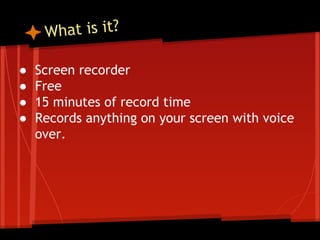
hat is it?
W
●
●
●
●

Screen recorder
Free
15 minutes of record time
Records anything on your screen with voice
over.
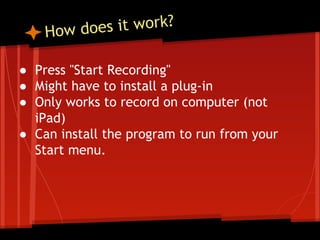
s it work?
How doe
● Press "Start Recording"
● Might have to install a plug-in
● Only works to record on computer (not
iPad)
● Can install the program to run from your
Start menu.
now what?
recorded,
e

I'v

● Personal preference: Put videos on YouTube
○ You can do it automatically after recording, or save
as a file and upload on your own.

● You can also save the file and post on a
website and not upload to YouTube or
Screencast-o-matic.
tional Uses
Educa
● Record:
○
○
○
○

Lessons
Directions
Feedback
Newsletter
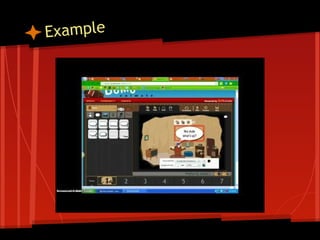
Example
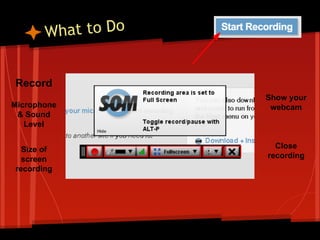
hat to Do
W
Record
Microphone
& Sound
Level
Size of
screen
recording

Show your
webcam

Close
recording
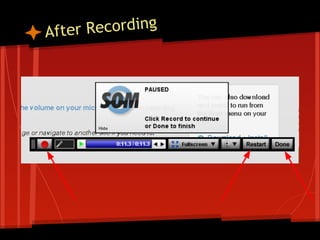
Recording
After
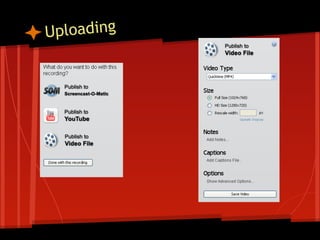
ploading
U
rainstorm
B
● How can you use SCOM in your work?

m.socrative.com
Room Number: 7008
Computer & iPad

2. Diigo
hat is it?
W
● Social bookmarking website
● Access your bookmarks from anywhere with
an internet connection
● Share bookmarks
● Access other people's bookmarks
● Join a network and have bookmarks sent to
your email inbox
Benefits
● Easily access your bookmarks anywhere.
● Bookmarks are not tied to a specific
computer.
● Organization of websites.
● Easily share your specific bookmarks with
people.
● Another stream of information.
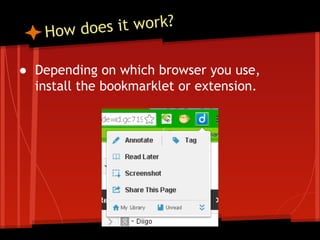
s it work?
How doe
● Depending on which browser you use,
install the bookmarklet or extension.
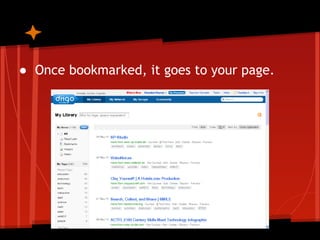
● Once bookmarked, it goes to your page.
Examples
● Brandon's Bookmarks
● Brandon's Tech Tools Bookmarks
● Brandon's Social Studies Bookmarks
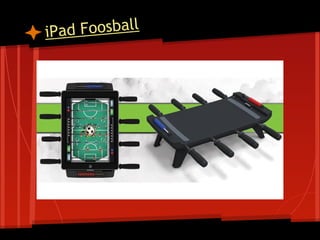
d Foosball
iPa
Computer & iPad

3. IFTTT
hat is it?
W
● If This Then That
● Example:
○ If you favorite something on Twitter then send it to
Evernote.
○ If it is raining send me a text.
○ Every day at 8:30 send a text that says _______.
Benefits
● Automatically do tasks for you.
● You don't have to go to multiple places to
do tasks.
● Set timed tasks.
tional Uses
Educa
● Parents can sign up to receive a text when
you post to your blog.
● If the forecast calls for snow tomorrow,
send a Tweet, Facebook, Blog Post, Email
out to remind students to bring boots.
y Advice
M
● IFTTT is a service for the person that uses
multiple online services in their classroom.
● Try it, even if you don't fully understand it.
○ If it is too much, try Google Alerts.
Computer
Only

. Stickit
4
hat is it?
W
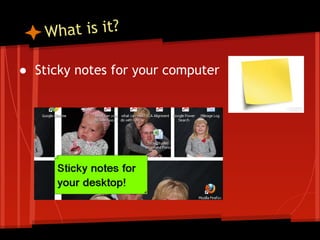
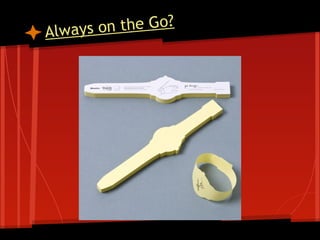
● Sticky notes for your computer
Benefits
y Advice
M
● Requires a quick install.
○ Does not work on a Chromebook
■ There is a Chrome app for that.

● Easy to do.
● Eliminates clutter!
● Try it!
n the Go?
Always o
Computer
Only

ubeChop
5. T
hat is it?
W
● Trim YouTube videos down to only the clip
you want to show.
● Example
Benefits
●
●
●
●

Jump directly to the clip you wish to show.
Link can be posted on a website.
No advertisements
Quick!
Activity
● What has been your favorite web tool
shared so far?

m.socrative.com
Room Number: 7008
Computer
Only

6. Jing
hat is it?
W
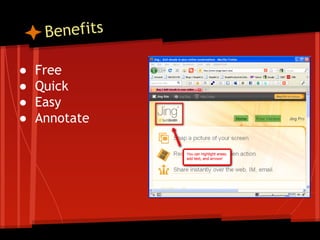
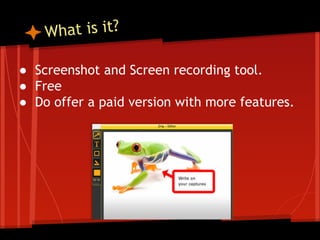
● Screenshot and Screen recording tool.
● Free
● Do offer a paid version with more features.
Benefits
●
●
●
●

Free
Quick
Easy
Annotate
tional Uses
Educa
● Create snapshots of websites with
directions for your students.
● Provide specific feedback on students
computer projects.
Ice Cream?
ealing Your
omeone St
S
Computer
Only

eonot.es
7. Vid
hat is it?
W
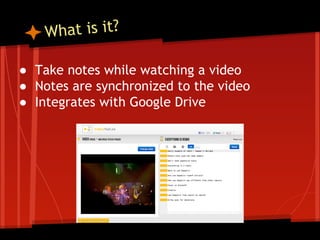
● Take notes while watching a video
● Notes are synchronized to the video
● Integrates with Google Drive
tional Use
ts & Educa
fi

Bene

● Able to save notes during the video in the
correct spot in the video.
● Can be used effectively in a flipped
classroom environment.
● Use it yourself to bookmark spots in a video
you wish to show in class.
Computer & iPad

. Feedly
8
hat is it?
W
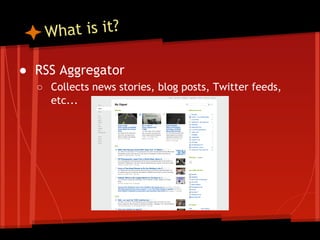
● RSS Aggregator
○ Collects news stories, blog posts, Twitter feeds,
etc...
Benefits
Benefits
Benefits
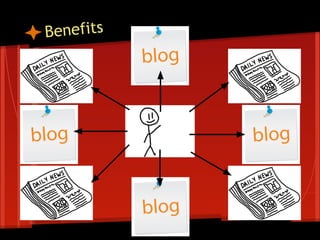
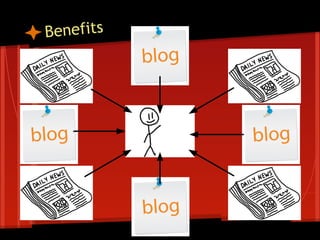
● Saves you LOTS of time.
● No need to check websites or blogs to see if
they are updated.
● Everything in one spot!
tional Uses
Educa
● Use it to follow multiple blogs within your
grade level or content area.
● Gather news.
● Students can use it to get updates from
teacher blogs.
r Charger
Sola
Computer & iPad

reenleap
n.me & Sc
9. Joi
hat is it?
W
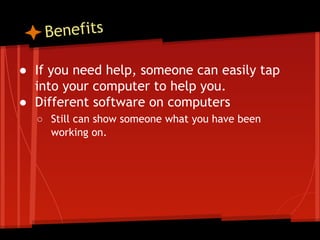
● Remotely see and control another person's
computer.
● Chrome Remote Desktop is another example
if you use the Google Chrome web browser.
Benefits
● If you need help, someone can easily tap
into your computer to help you.
● Different software on computers
○ Still can show someone what you have been
working on.
tional Uses
Educa
● Students can use it to help one another if
they struggle with something on the
computer.
● Can have a student show their screen from
their desk without having to log in to your
computer.
Computer
Only

t You Like
Print Wha
10.
hat is it?
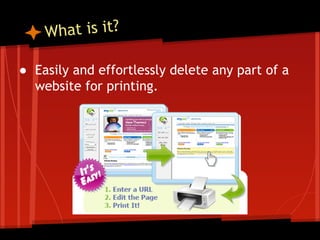
W
● Easily and effortlessly delete any part of a
website for printing.
Benefits
● Delete unwanted advertisements, graphics,
or comments from a page.
● Saves paper!
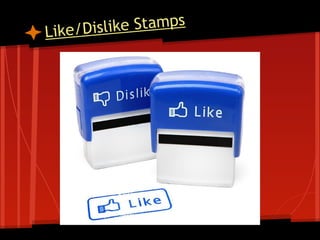
ike Stamps
Like/Disl
Computer & iPad

Analytics
1. Google
1
hat is it?
W
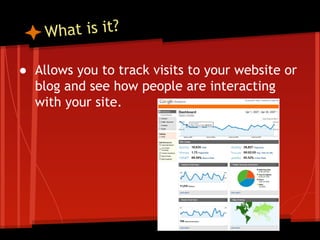
● Allows you to track visits to your website or
blog and see how people are interacting
with your site.
tional Uses
ts & Educa
fi

Bene

● See if parents and/or students are really
accessing your site.
○ If they are accessing your site, how are the
interacting with your site?

● Integrates easily with Google Sites and
Blogger.
Computer & iPad

ebinders &
& 13. Liv
12
The Web
Jog
hat is it?
W
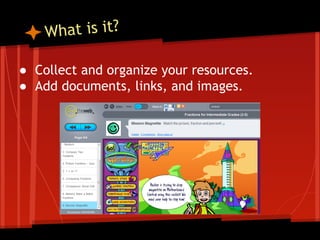
● Collect and organize your resources.
● Add documents, links, and images.
Benefits
● Organize resources by topic or chapter.
● Saves time for subsequent years.
● Everything in one spot.
Livebinder Example
Jog The Web Example
Computer & iPad

WeVideo
14.
hat is it?
W
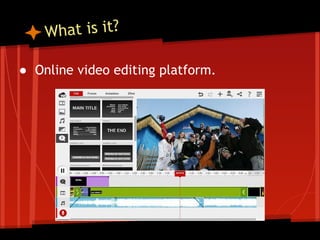
● Online video editing platform.
Benefits
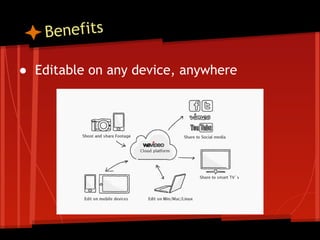
● Editable on any device, anywhere
tional Uses
Educa
● Easily create and share videos from class
events.
● Have students create videos.
● Used in a flipped classroom.
● Integrates with Google.
Computer & iPad

5. Bit.ly
1
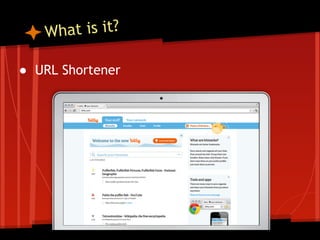
hat is it?
W
● URL Shortener
Benefits
● Get people to where they need to go
quicker.
● Track clicks
f the Rest
Best o
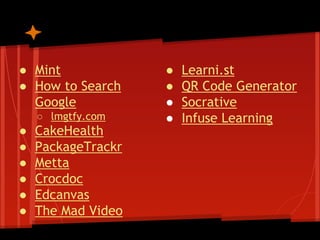
● Mint
● How to Search
Google
○ lmgtfy.com

●
●
●
●
●
●

CakeHealth
PackageTrackr
Metta
Crocdoc
Edcanvas
The Mad Video

●
●
●
●

Learni.st
QR Code Generator
Socrative
Infuse Learning
Need to

oda Cold?
eep That S
K

15 web tools for administrators