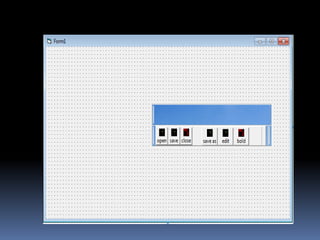
“TOOLBARS,STATUSBAR,COOLBARS”
“TOOLBAR”

1.Adding a ToolBar To a Form
STEPS:-
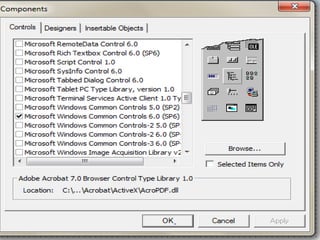
 Select the Project/Components menu item.
 Click the Control Tabs in the components
  dialog box
 Select Microsoft windows common controls
  item and click on OK to close the dialog Box.
This adds the Toolbar Control tool to the visual
  Basic
Adding Buttons To a Toolbar

Steps:-

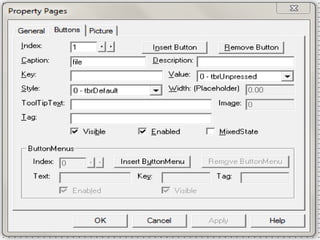
 Right Click the control and click properties
  item in the menu that appears.

 When the Toolbar’s property pages open,click
  the Buttons Tab.
Handling Toolbar Button Clicks

How to make these buttons active:
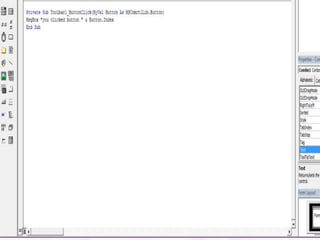
 Do it with the Toolbar control’s ButtonClick event.

 The button the user clicked is passed in the event
  handler procedure.
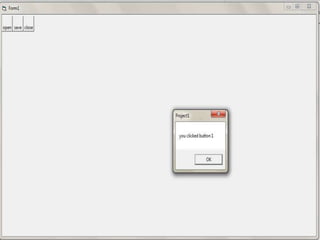
 We can determine which button was clicked by
  checking its index properties. With the help of
  message box.
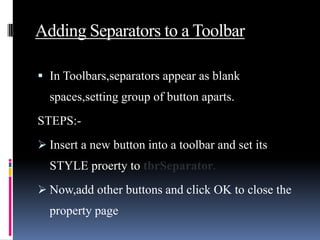
Adding Separators to a Toolbar

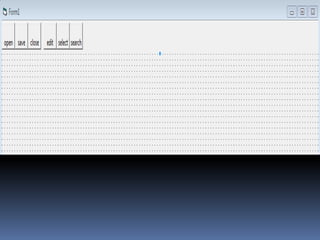
 In Toolbars,separators appear as blank
  spaces,setting group of button aparts.
STEPS:-
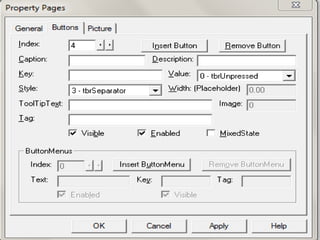
 Insert a new button into a toolbar and set its
  STYLE proerty to tbrSeparator.
 Now,add other buttons and click OK to close the
  property page
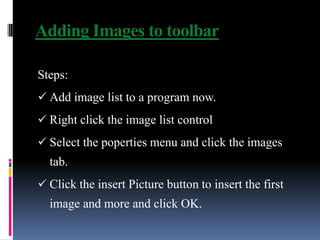
Adding Images to toolbar

Steps:
 Add image list to a program now.
 Right click the image list control
 Select the poperties menu and click the images
  tab.
 Click the insert Picture button to insert the first
  image and more and click OK.
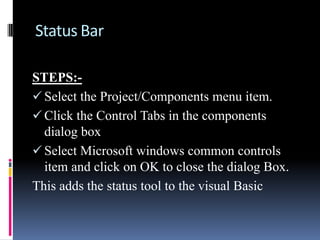
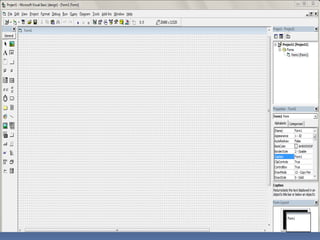
Status Bar

STEPS:-
 Select the Project/Components menu item.
 Click the Control Tabs in the components
  dialog box
 Select Microsoft windows common controls
  item and click on OK to close the dialog Box.
This adds the status tool to the visual Basic
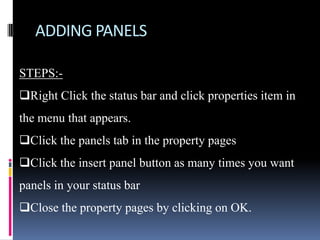
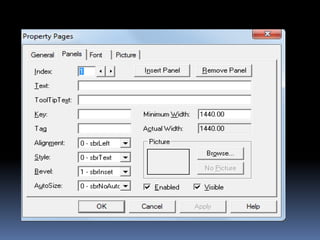
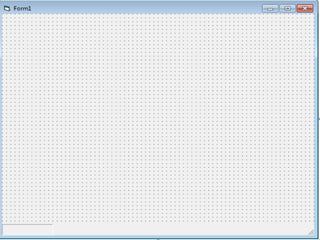
ADDING PANELS

STEPS:-
Right Click the status bar and click properties item in
the menu that appears.
Click the panels tab in the property pages
Click the insert panel button as many times you want
panels in your status bar
Close the property pages by clicking on OK.
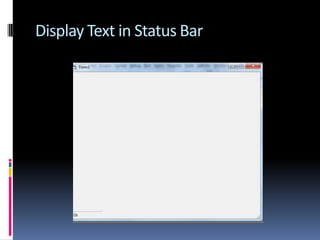
Display Text in Status Bar
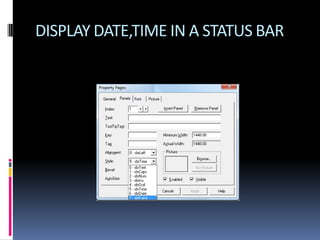
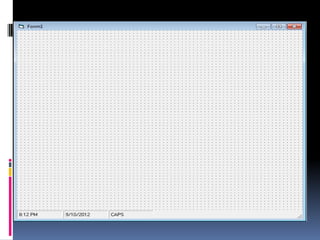
DISPLAY DATE,TIME IN A STATUS BAR
COOLBAR

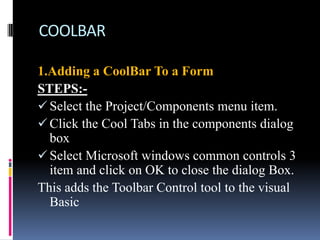
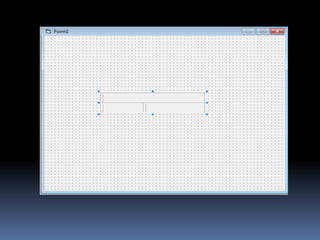
1.Adding a CoolBar To a Form
STEPS:-
 Select the Project/Components menu item.
 Click the Cool Tabs in the components dialog
  box
 Select Microsoft windows common controls 3
  item and click on OK to close the dialog Box.
This adds the Toolbar Control tool to the visual
  Basic
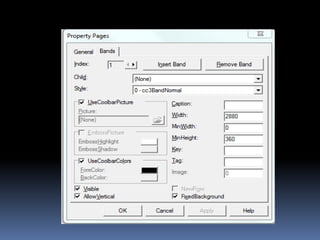
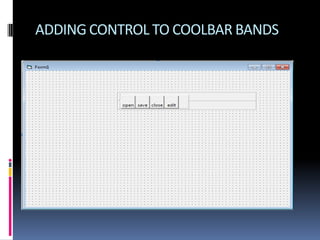
ADDING CONTROL TO COOLBAR BANDS
Toolbar, statusbar, coolbar in vb

Toolbar, statusbar, coolbar in vb

  • 1.
  • 2.
    “TOOLBAR” 1.Adding a ToolBarTo a Form STEPS:-  Select the Project/Components menu item.  Click the Control Tabs in the components dialog box  Select Microsoft windows common controls item and click on OK to close the dialog Box. This adds the Toolbar Control tool to the visual Basic
  • 6.
    Adding Buttons Toa Toolbar Steps:-  Right Click the control and click properties item in the menu that appears.  When the Toolbar’s property pages open,click the Buttons Tab.
  • 8.
    Handling Toolbar ButtonClicks How to make these buttons active:  Do it with the Toolbar control’s ButtonClick event.  The button the user clicked is passed in the event handler procedure.  We can determine which button was clicked by checking its index properties. With the help of message box.
  • 11.
    Adding Separators toa Toolbar  In Toolbars,separators appear as blank spaces,setting group of button aparts. STEPS:-  Insert a new button into a toolbar and set its STYLE proerty to tbrSeparator.  Now,add other buttons and click OK to close the property page
  • 14.
    Adding Images totoolbar Steps:  Add image list to a program now.  Right click the image list control  Select the poperties menu and click the images tab.  Click the insert Picture button to insert the first image and more and click OK.
  • 15.
    Status Bar STEPS:-  Selectthe Project/Components menu item.  Click the Control Tabs in the components dialog box  Select Microsoft windows common controls item and click on OK to close the dialog Box. This adds the status tool to the visual Basic
  • 17.
    ADDING PANELS STEPS:- Right Clickthe status bar and click properties item in the menu that appears. Click the panels tab in the property pages Click the insert panel button as many times you want panels in your status bar Close the property pages by clicking on OK.
  • 20.
    Display Text inStatus Bar
  • 21.
  • 24.
    COOLBAR 1.Adding a CoolBarTo a Form STEPS:-  Select the Project/Components menu item.  Click the Cool Tabs in the components dialog box  Select Microsoft windows common controls 3 item and click on OK to close the dialog Box. This adds the Toolbar Control tool to the visual Basic
  • 27.
    ADDING CONTROL TOCOOLBAR BANDS