Thunderstruck
A really fast way to access databases
What?


 Thunderstruck is a .NET library that makes
 access to databases more simple and fast
             using ADO.NET.
Another ORM?


      No! Thunderstruck don't is a ORM.
  It don't abstracts the powerful database,
      just makes easy the access, really!
How?
Thunderstruck
How?


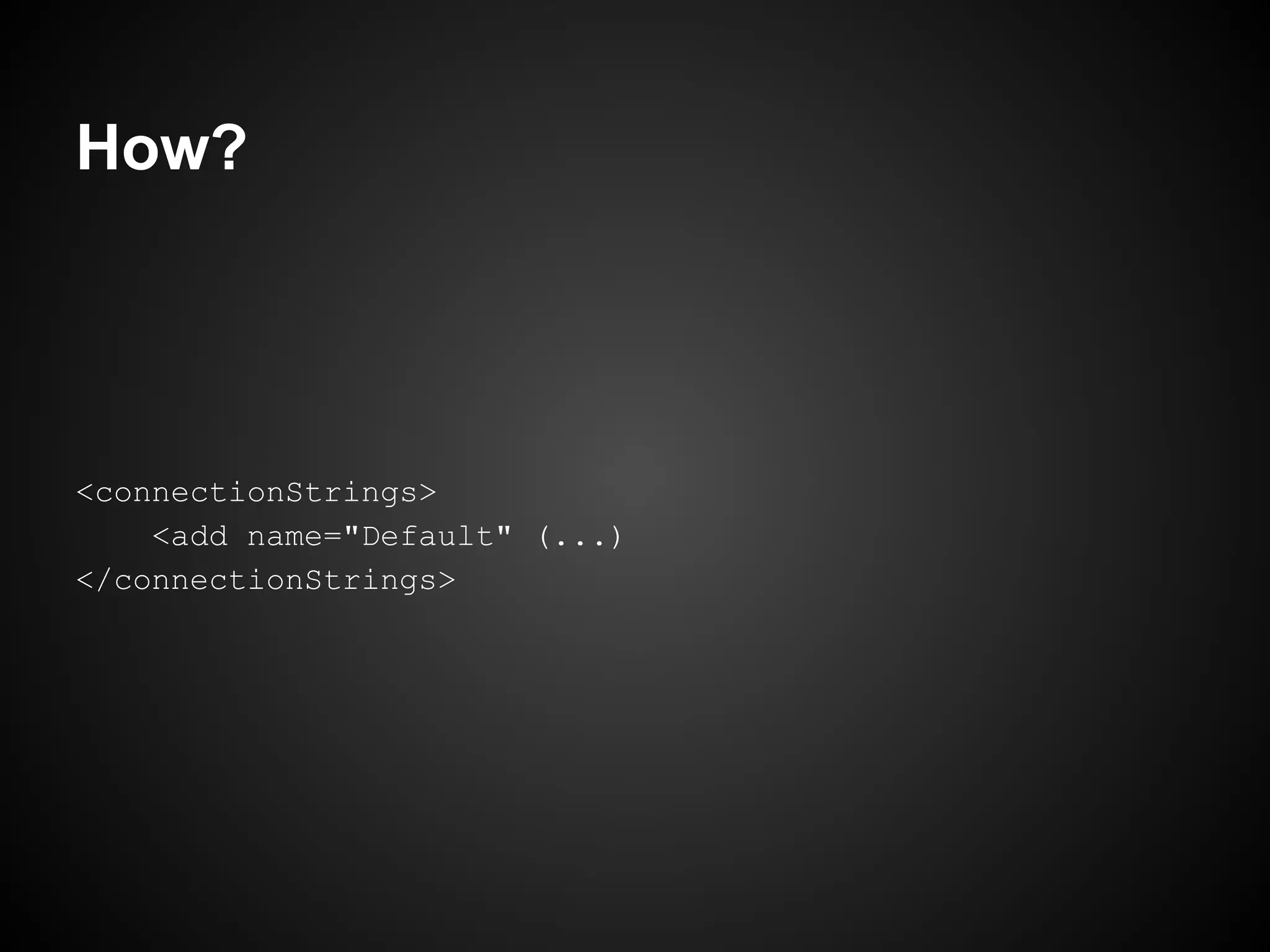
       First, set your connection string.
How?


<connectionStrings>
    <add name="Default" (...)
</connectionStrings>
How?


 Now, you need meeting a important object
   called DataContext. It controls every
connection, transaction and command to the
                 database.
How?


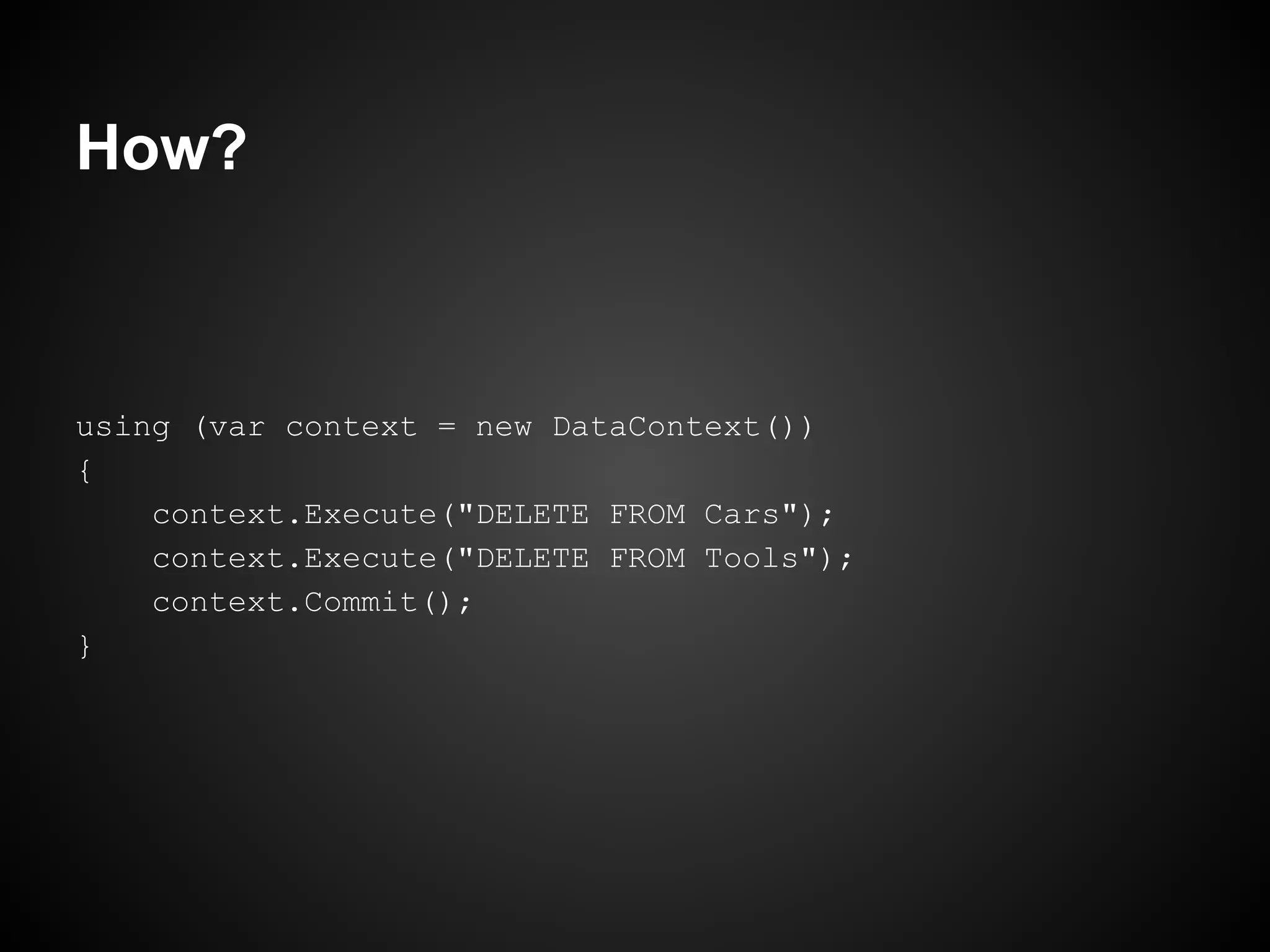
using (var context = new DataContext())
{
    context.Execute("DELETE FROM Cars");
    context.Execute("DELETE FROM Tools");
    context.Commit();
}
How?


                  Caution!
       It will clean your garage :)
How?


                     Yes!
  Forget connection string, open connection,
 close connection, create command, execute
   command... DataContext does it for you!
Transactional


 DataContext controls the connection, and it's
  transactional by default, nothing was made
              before the commit.
How does not Transactional?


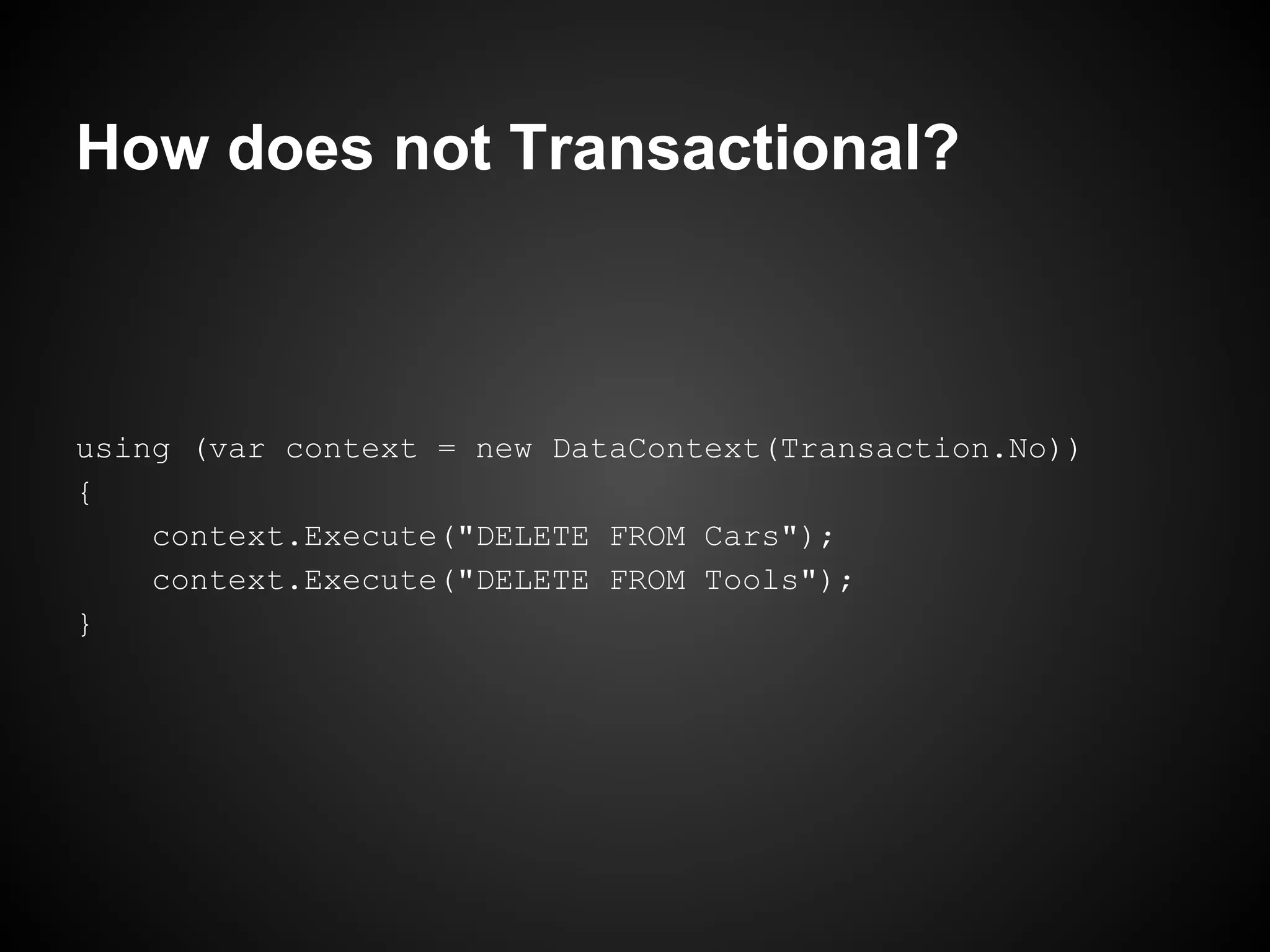
using (var context = new DataContext(Transaction.No))
{
    context.Execute("DELETE FROM Cars");
    context.Execute("DELETE FROM Tools");
}
Connection String


  Maybe you want to use another specified
  connection string for a different database.
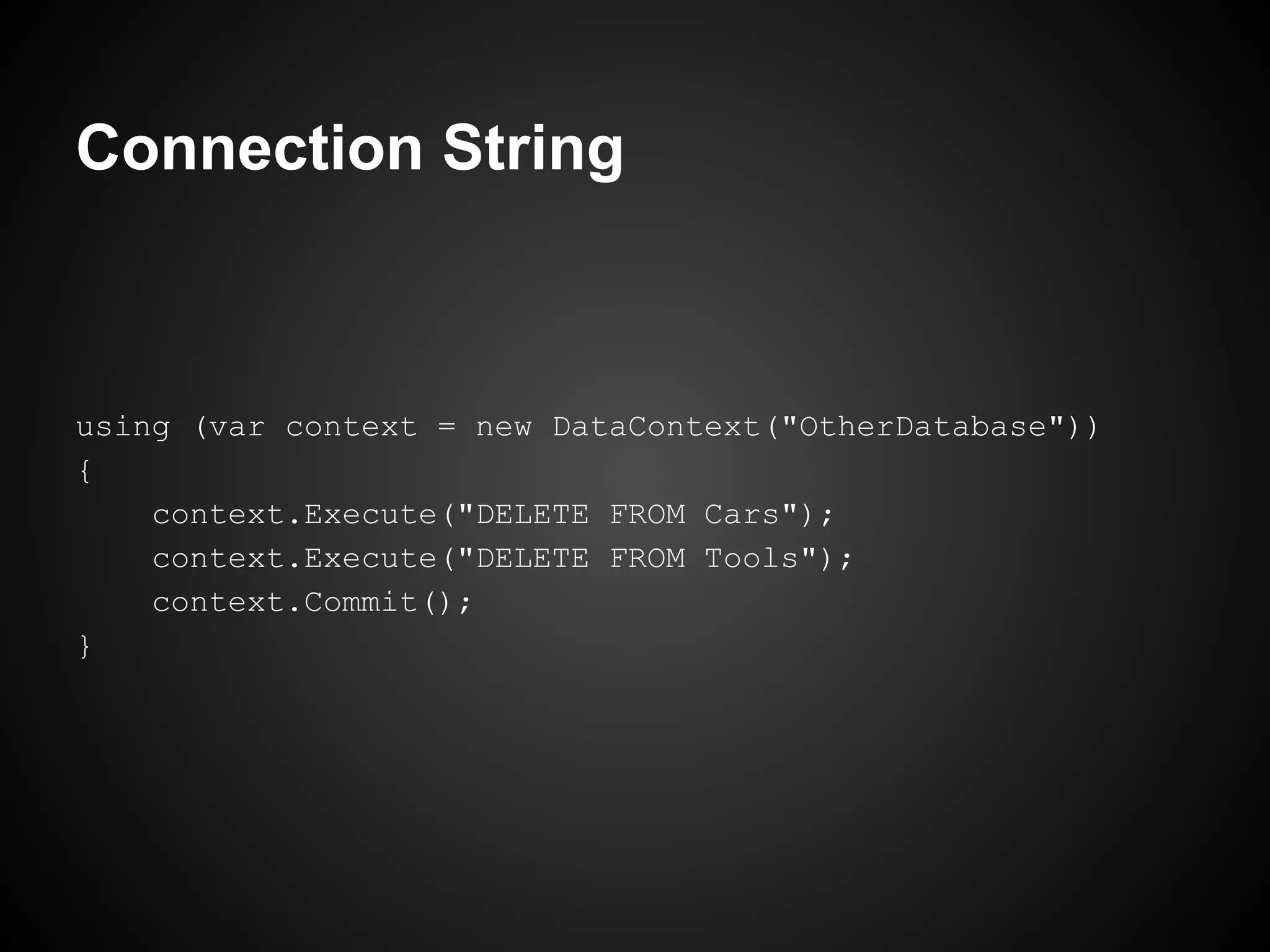
Connection String


using (var context = new DataContext("OtherDatabase"))
{
    context.Execute("DELETE FROM Cars");
    context.Execute("DELETE FROM Tools");
    context.Commit();
}
And Queries?


    Is easy to get a value on database!
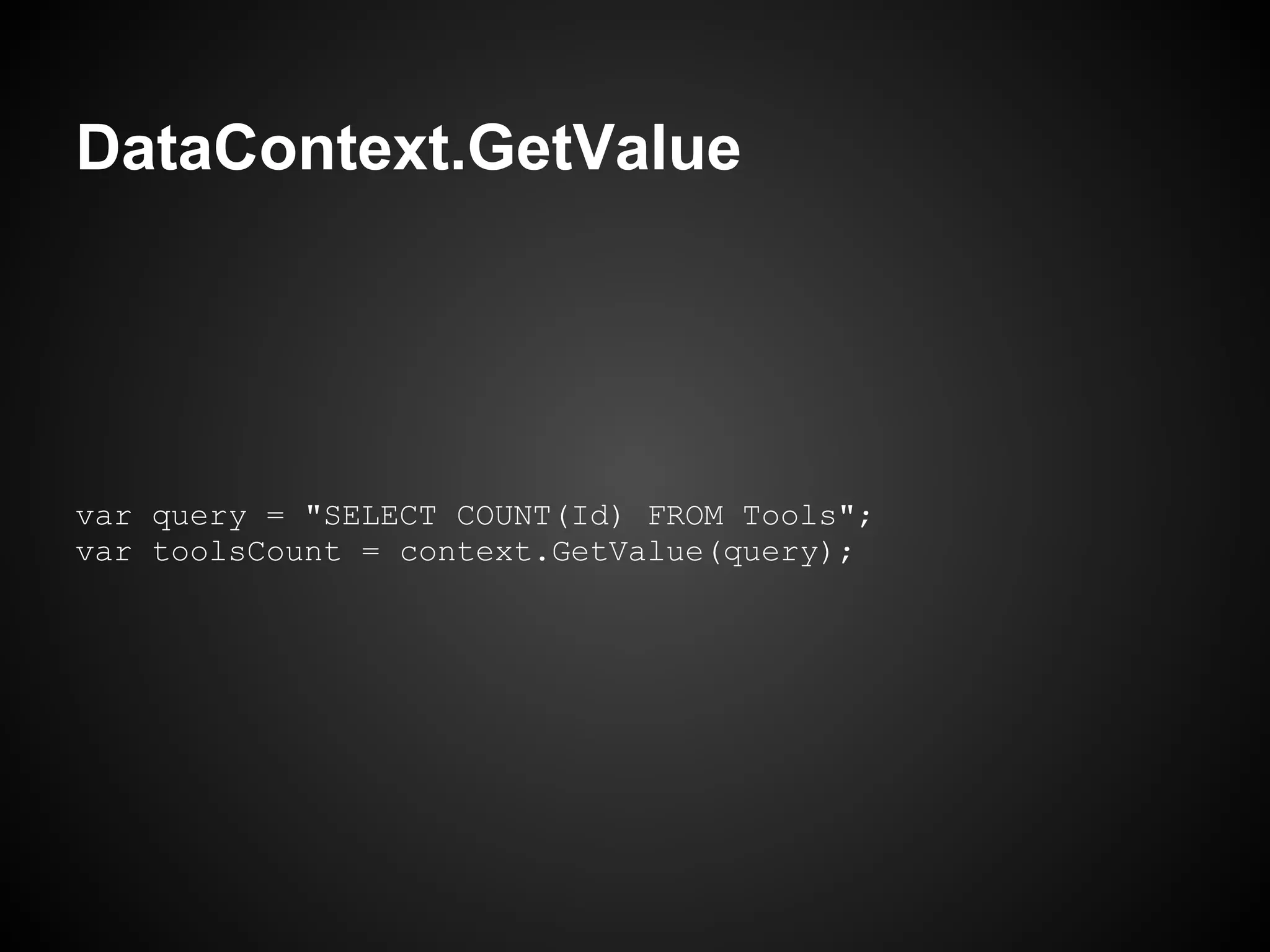
DataContext.GetValue


var query = "SELECT COUNT(Id) FROM Tools";
var toolsCount = context.GetValue(query);
And Queries?


   Or get a list of objects on database...
DataContext.All


var allCars = context.All<Car>("SELECT * FROM Cars");
DataContext


  This is the basic uses of DataContext...
            really simple and fast!
DataContext Methods
     Thunderstruck
DataContext Methods


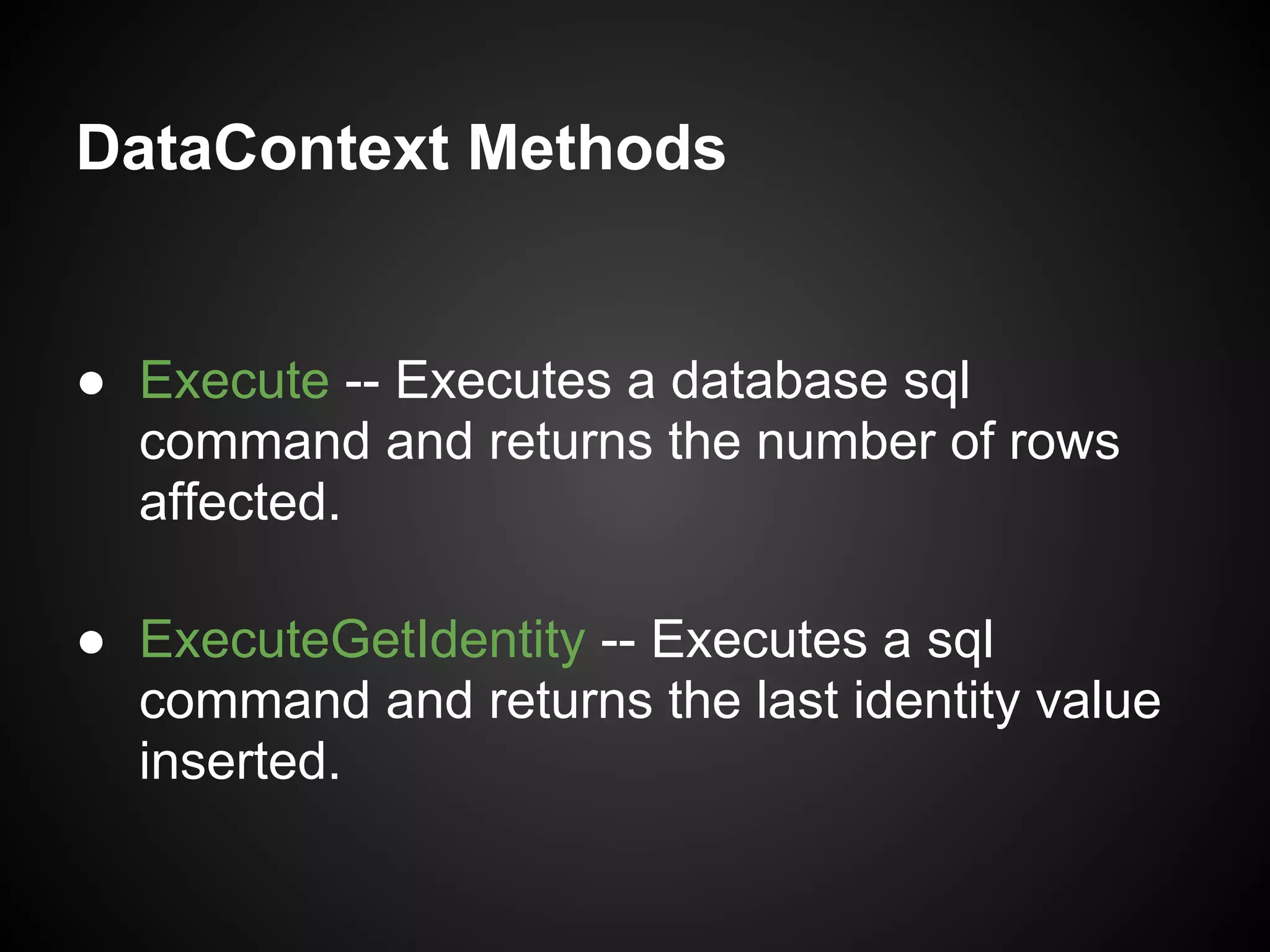
● Execute -- Executes a database sql
  command and returns the number of rows
  affected.

● ExecuteGetIdentity -- Executes a sql
  command and returns the last identity value
  inserted.
DataContext Methods

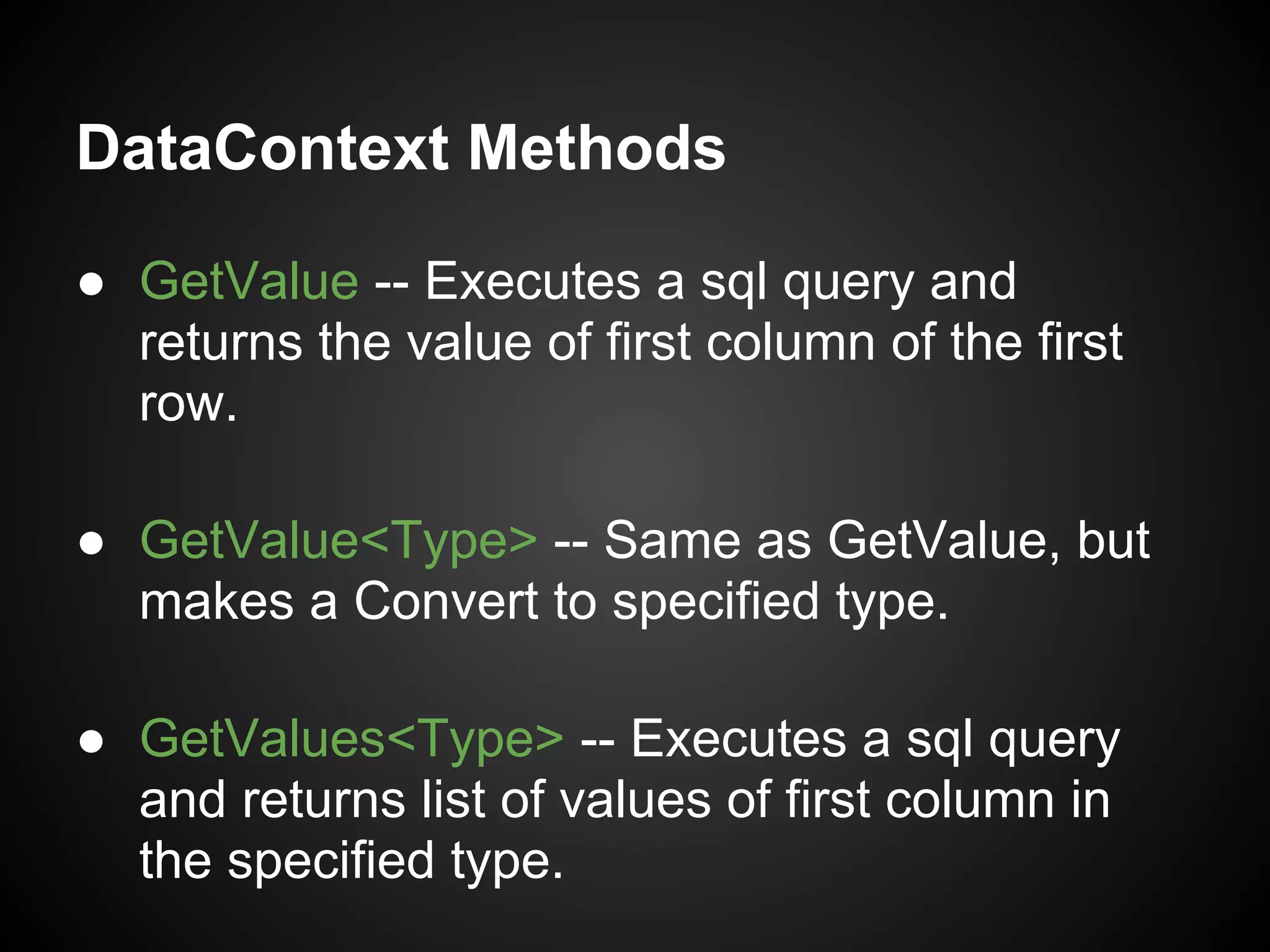
● GetValue -- Executes a sql query and
  returns the value of first column of the first
  row.

● GetValue<Type> -- Same as GetValue, but
  makes a Convert to specified type.

● GetValues<Type> -- Executes a sql query
  and returns list of values of first column in
  the specified type.
DataContext Methods


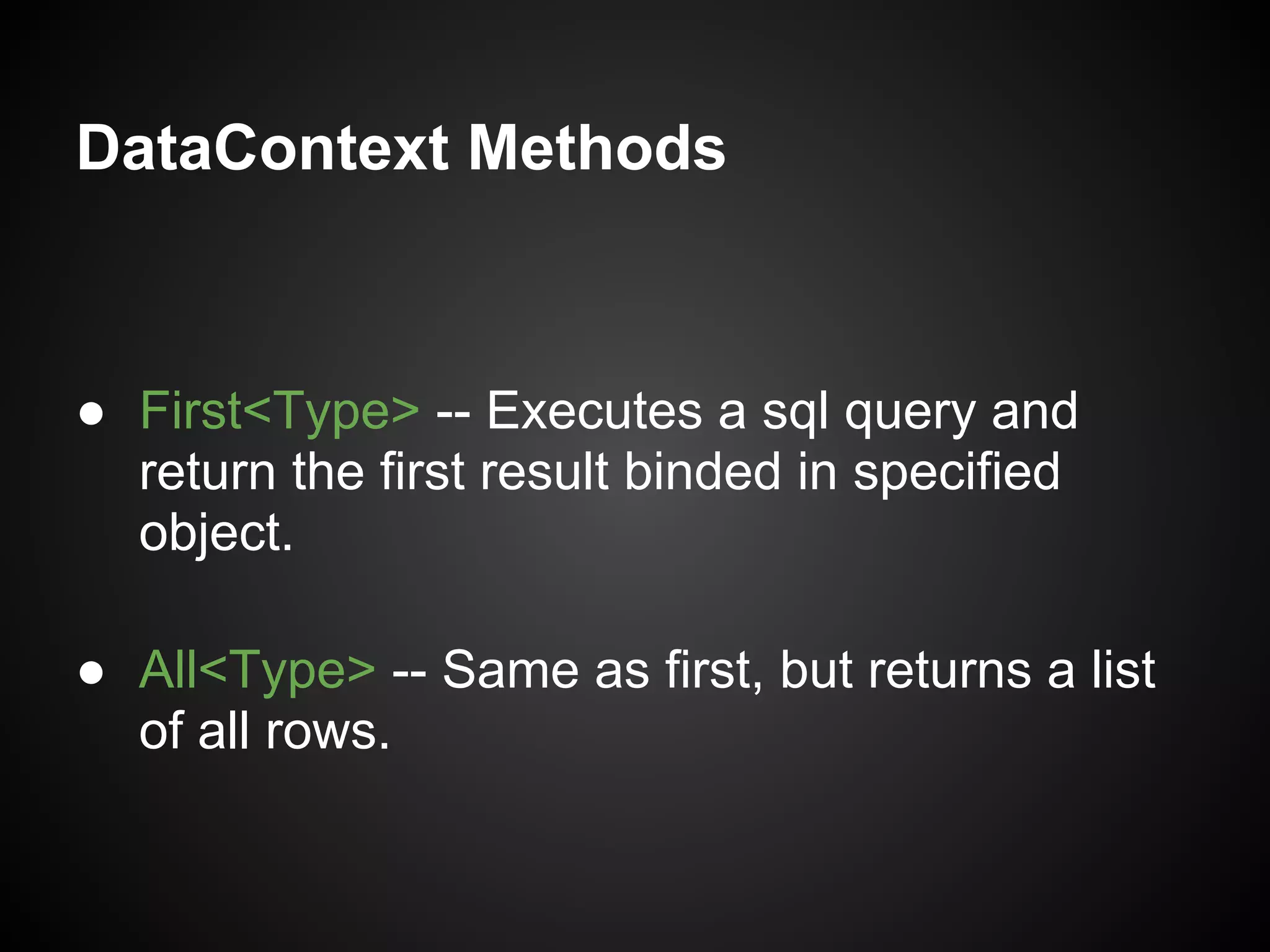
● First<Type> -- Executes a sql query and
  return the first result binded in specified
  object.

● All<Type> -- Same as first, but returns a list
  of all rows.
Parameters Binding
     Thunderstruck
Parameters Binding


 Thunderstruck is focused on use of sql, and
this involves parameters... many parameters.
Parameters Binding


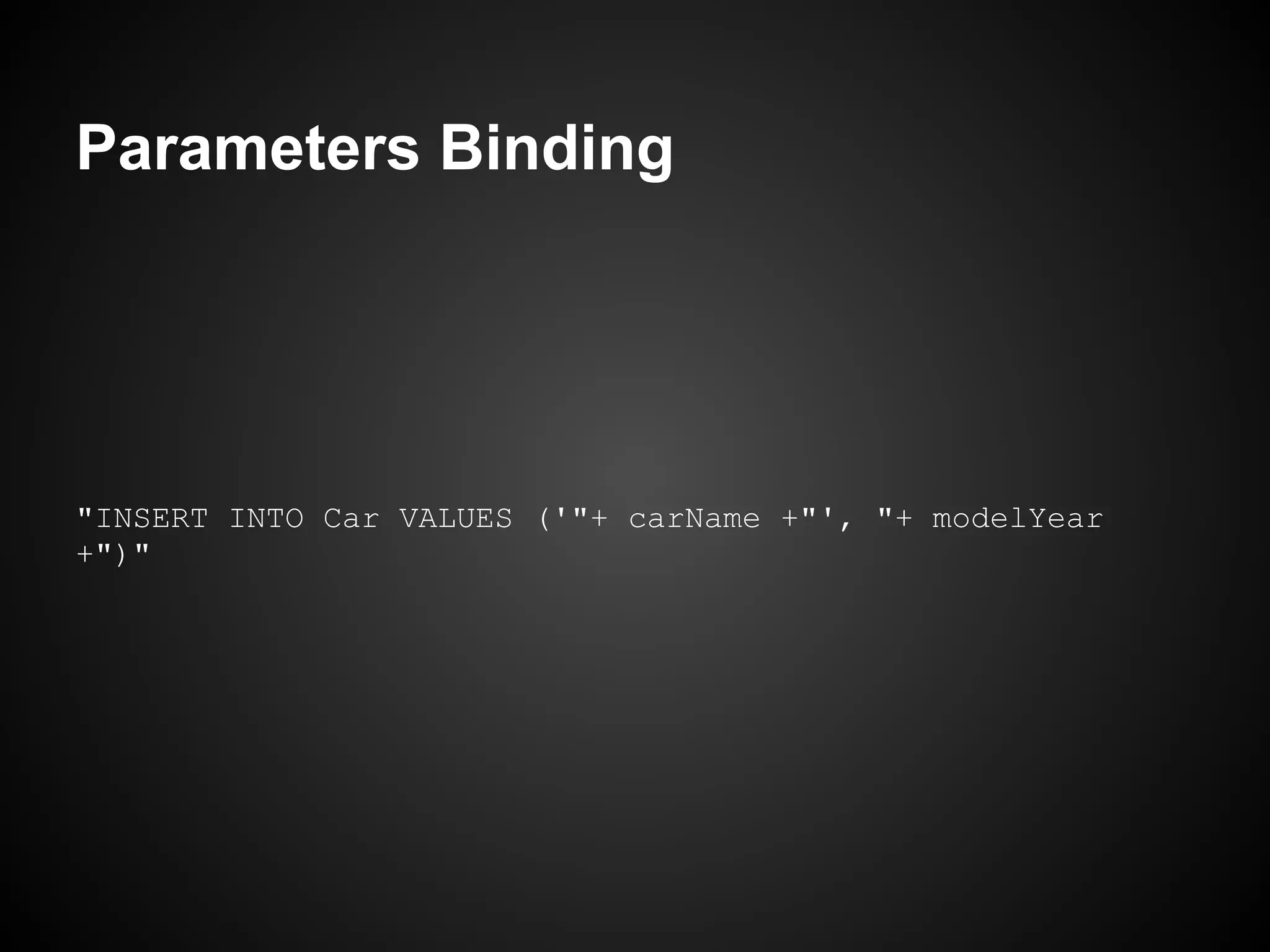
     Concatenate sql parameters will
            take you to hell!
Parameters Binding


"INSERT INTO Car VALUES ('"+ carName +"', "+ modelYear
+")"
Parameters Binding


       Ugly and insecure, really!
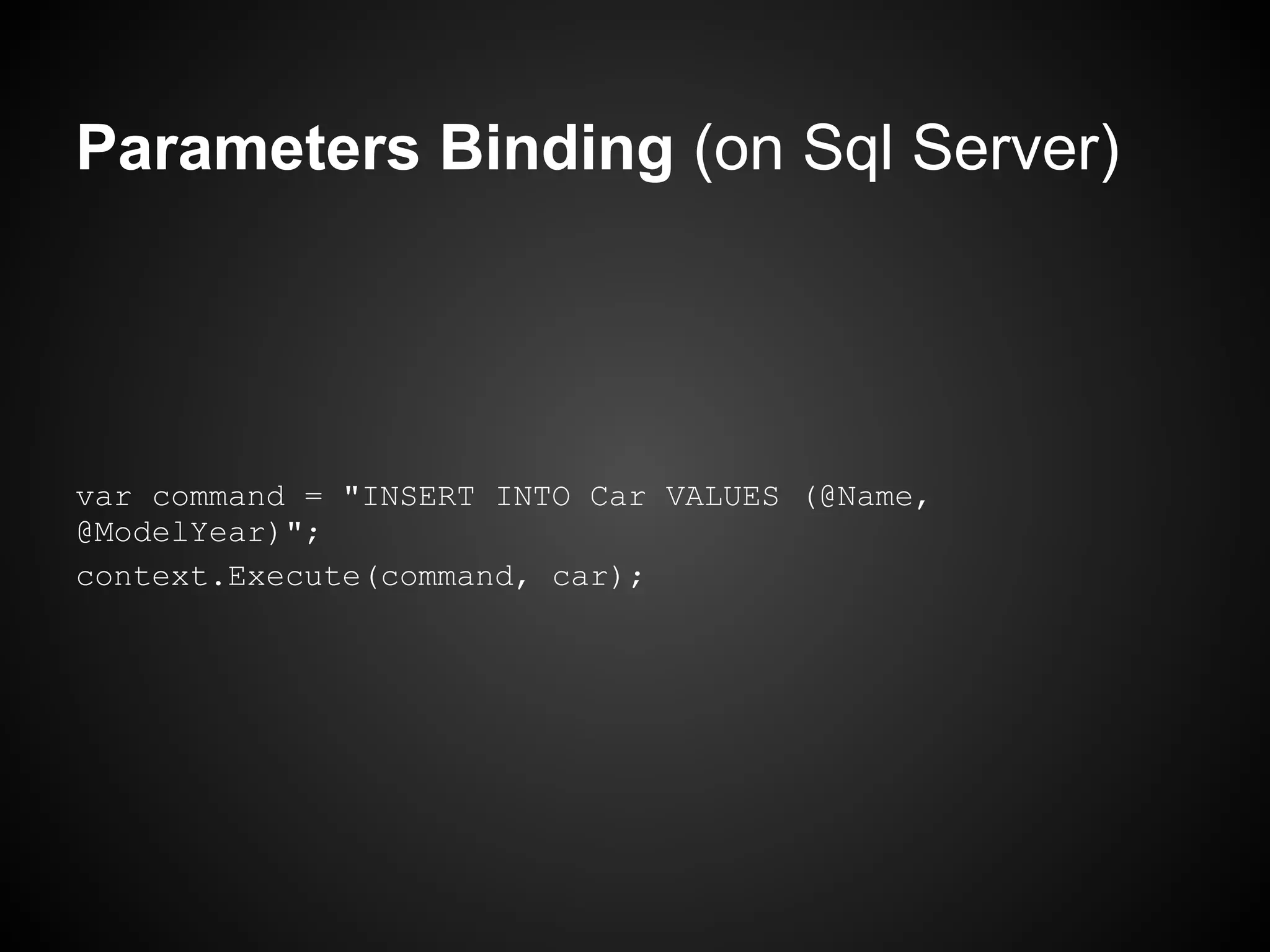
     Thunderstruck makes it easy...
Parameters Binding (on Sql Server)


var command = "INSERT INTO Car VALUES (@Name,
@ModelYear)";
context.Execute(command, car);
Parameters Binding


Thunderstruck will bind the car properties with
           the query parameters.
Future cars


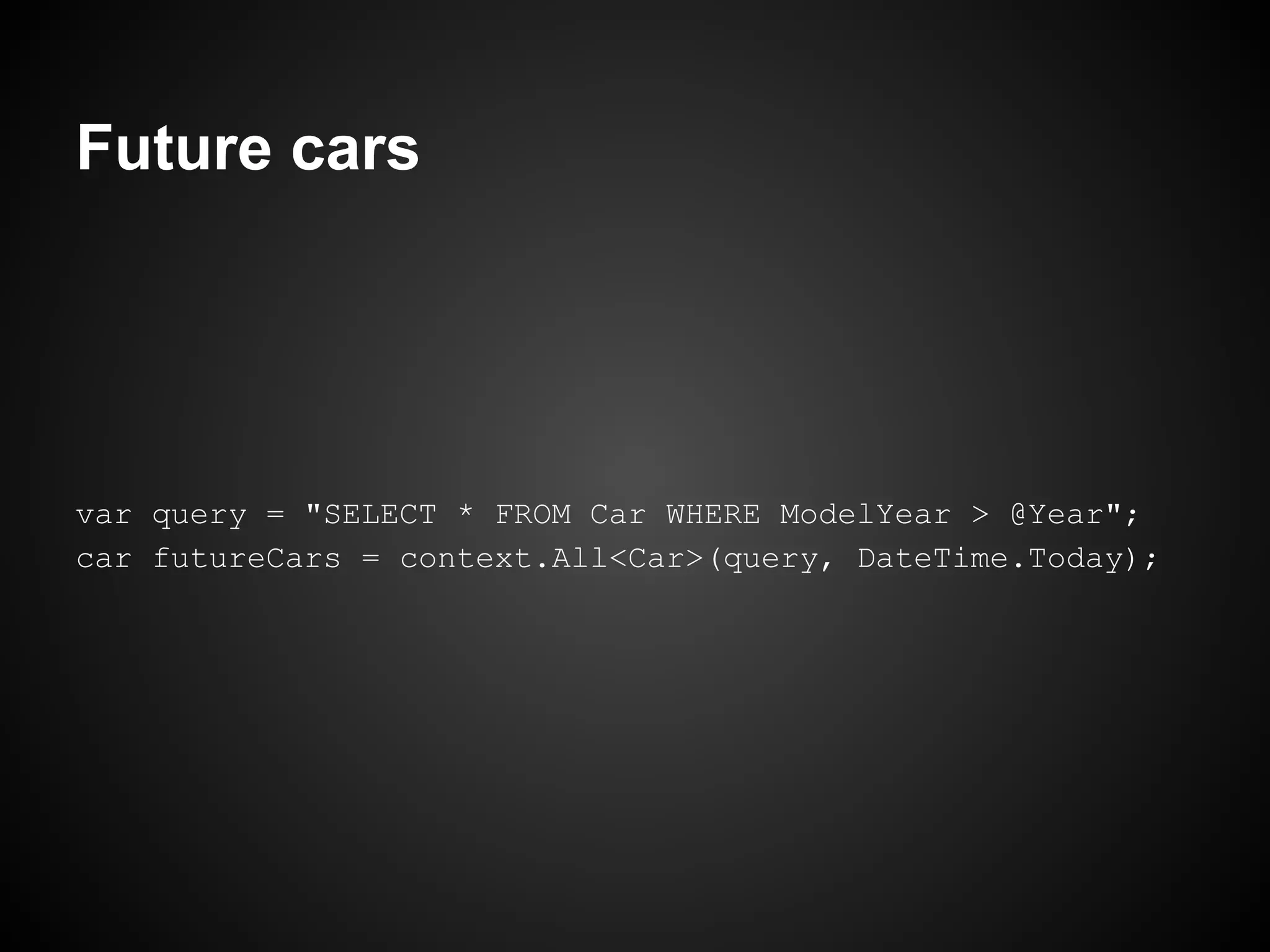
var query = "SELECT * FROM Car WHERE ModelYear > @Year";
car futureCars = context.All<Car>(query, DateTime.Today);
DataObjects
 Thunderstruck
DataObjects


  Manipulate sql is powerful, but repetitive.
DataObjects


   DataObjects abstracts more commons
          database operations:

 INSERT, UPDATE, DELETE and SELECT.
DataObjects


Thats operations are separated in two objects:
 DataObjectCommand and DataObjectQuery.
DataObjects


        Assuming that this class
         exists in the domain...
DataObjects


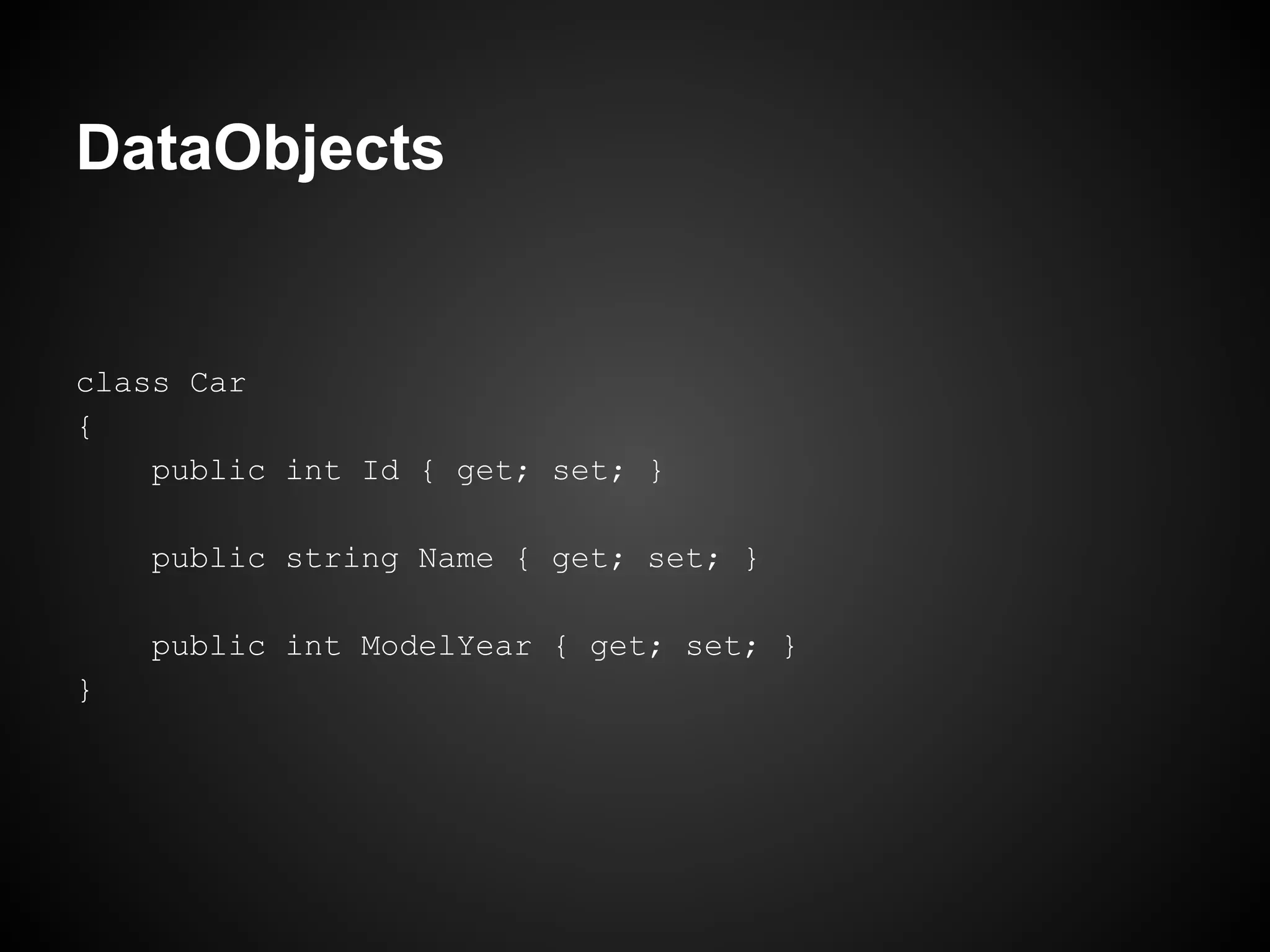
class Car
{
    public int Id { get; set; }

    public string Name { get; set; }

    public int ModelYear { get; set; }
}
DataObjects


  In this are created two objects (DataObjects)
to manipulate cars on database...
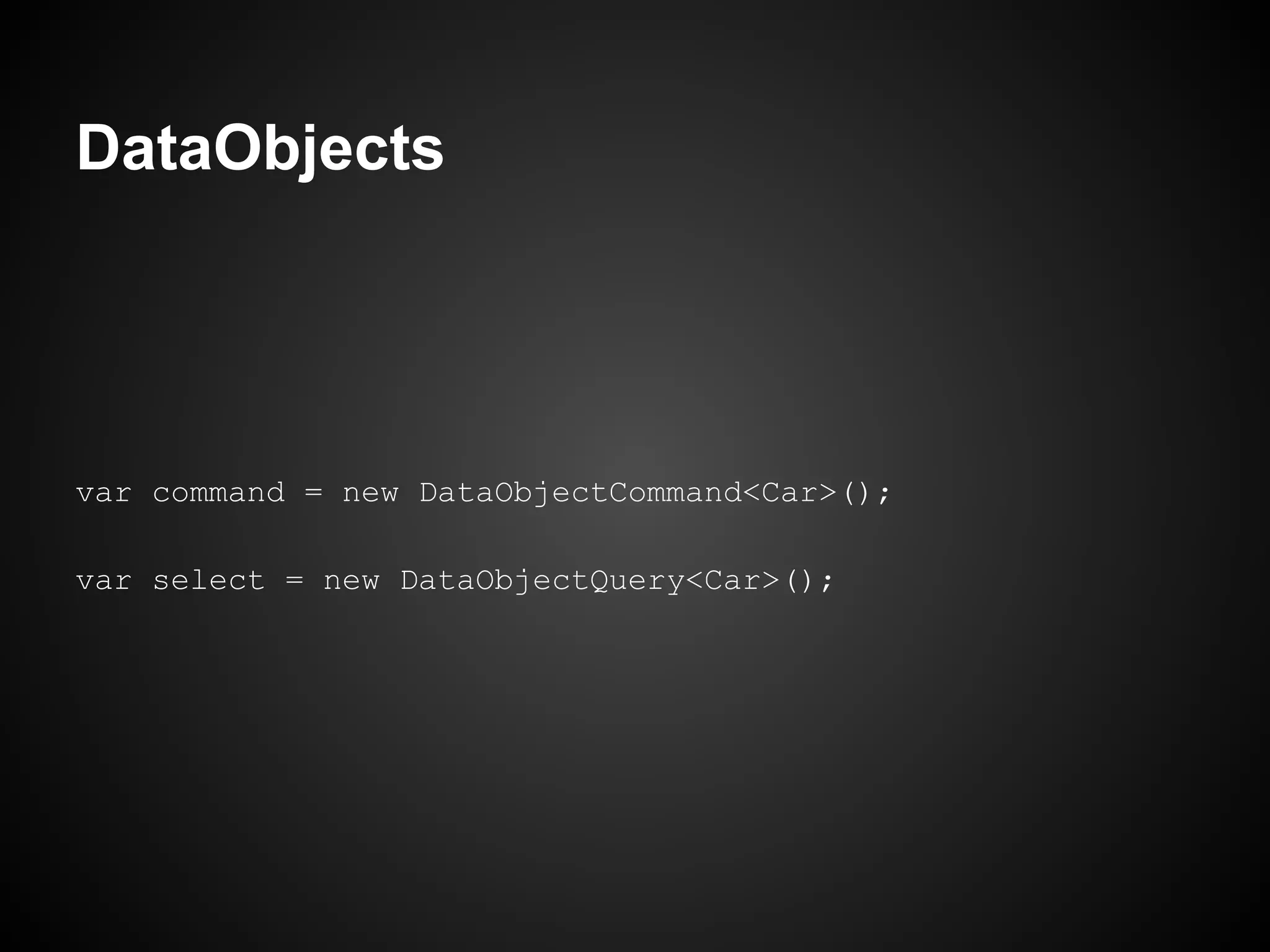
DataObjects


var command = new DataObjectCommand<Car>();

var select = new DataObjectQuery<Car>();
DataObjects


    Or, more pretty, put this (separated)
              in properties...
DataObjects


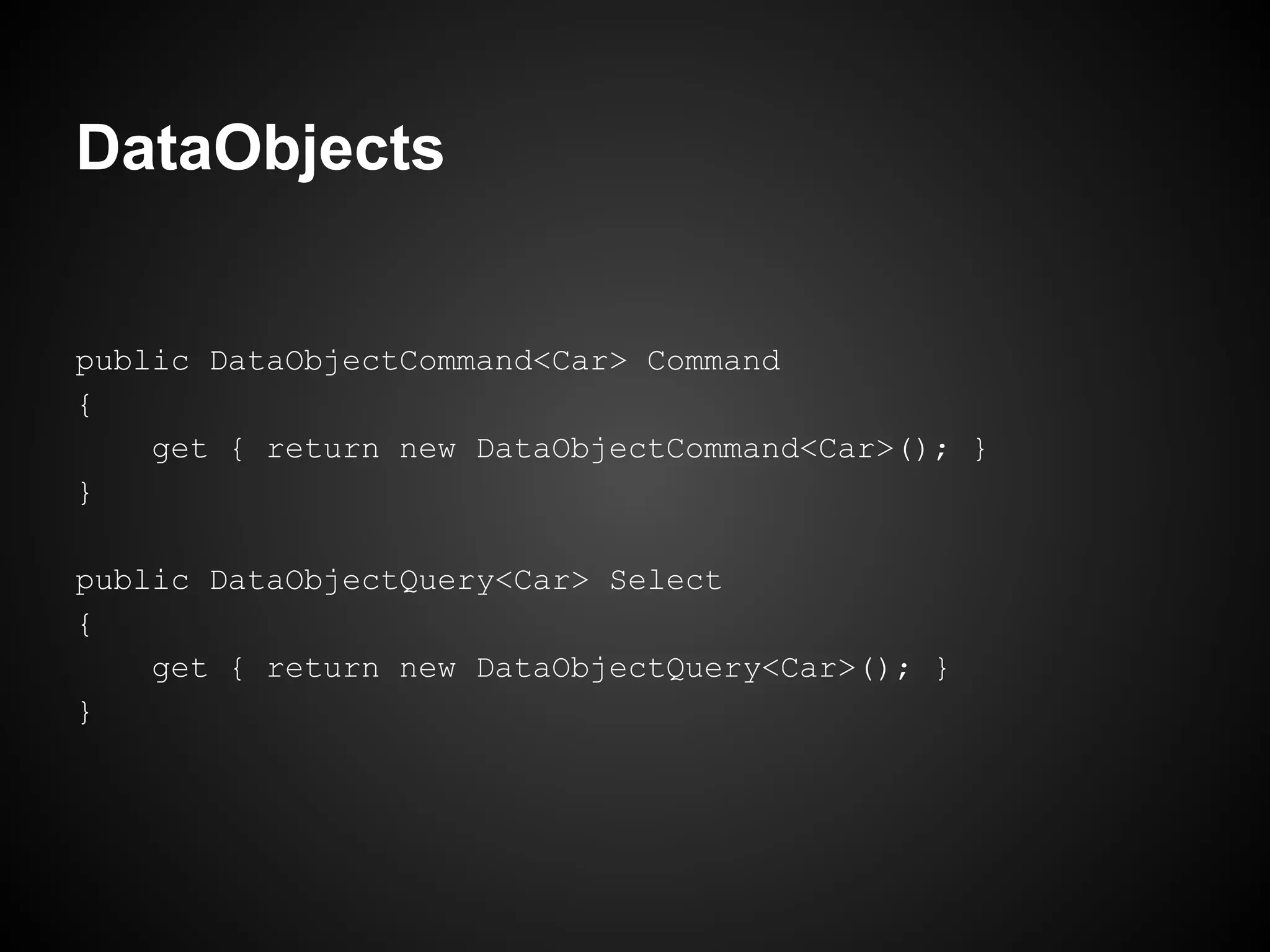
public DataObjectCommand<Car> Command
{
    get { return new DataObjectCommand<Car>(); }
}

public DataObjectQuery<Car> Select
{
    get { return new DataObjectQuery<Car>(); }
}
DataObjects


Ok, done. Just use.
DataObjectCommand
     Thunderstruck
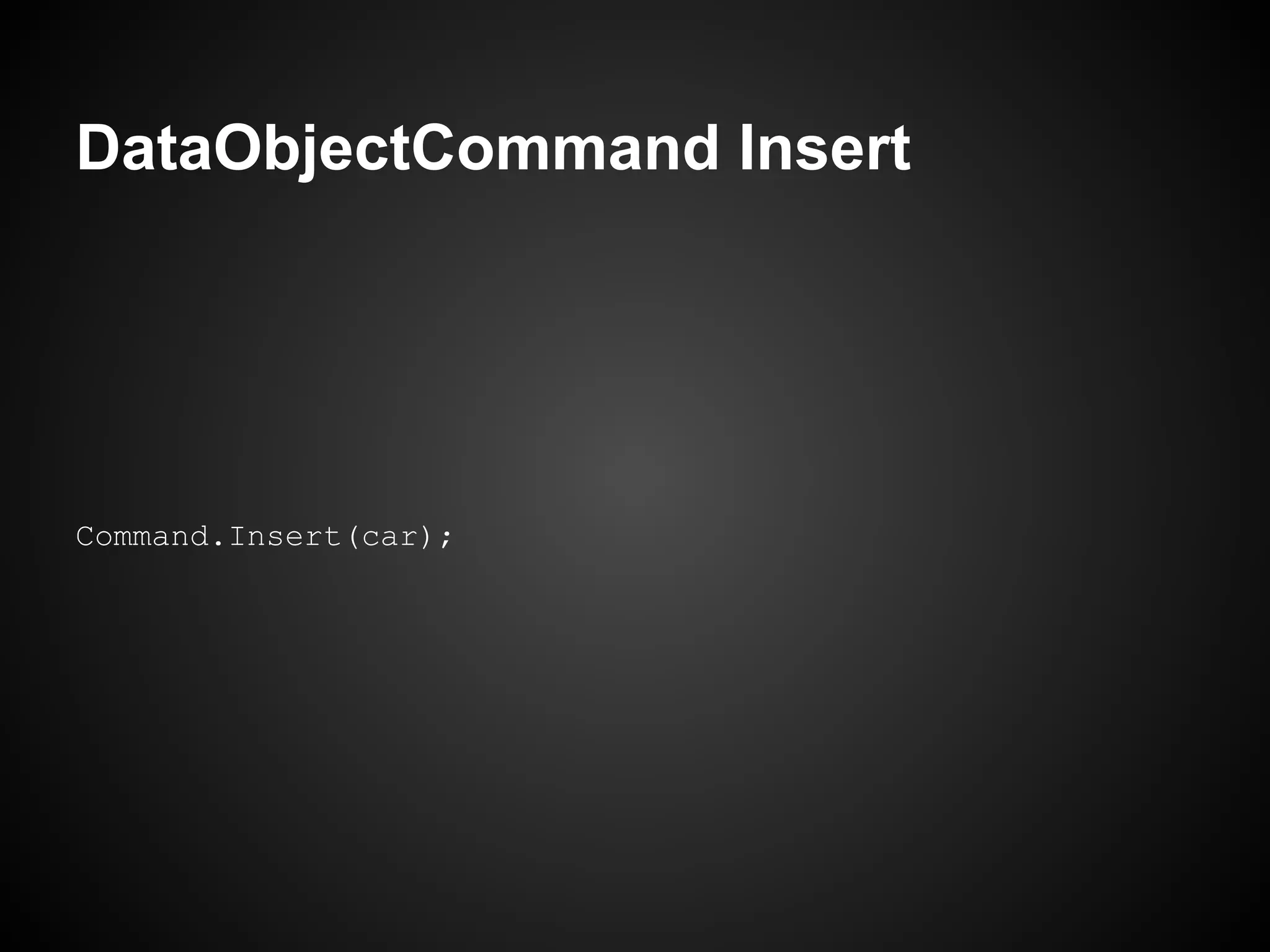
DataObjectCommand Insert


Command.Insert(car);
DataObjectCommand Insert


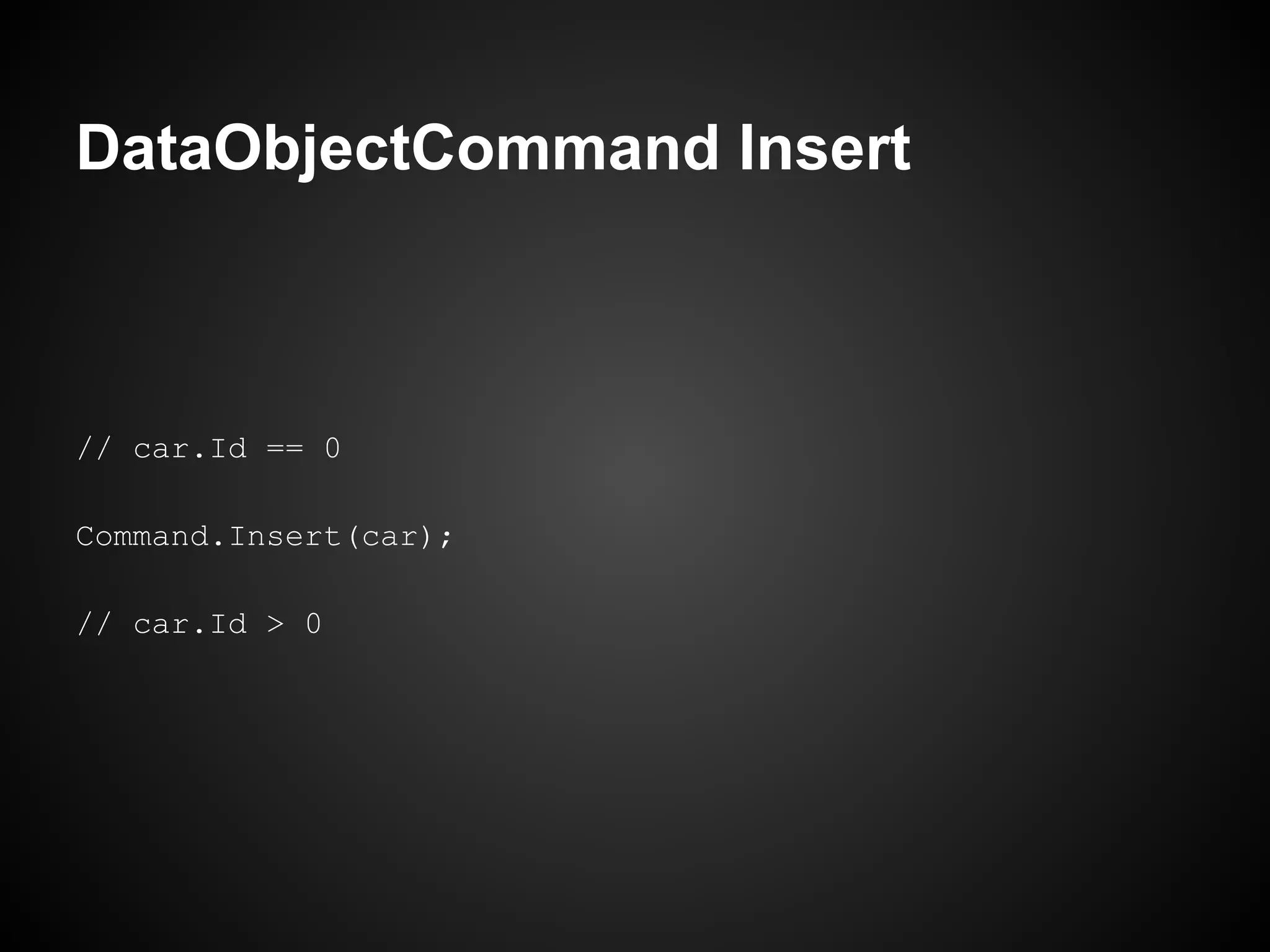
   It will bind the generated primary key.
DataObjectCommand Insert


// car.Id == 0

Command.Insert(car);

// car.Id > 0
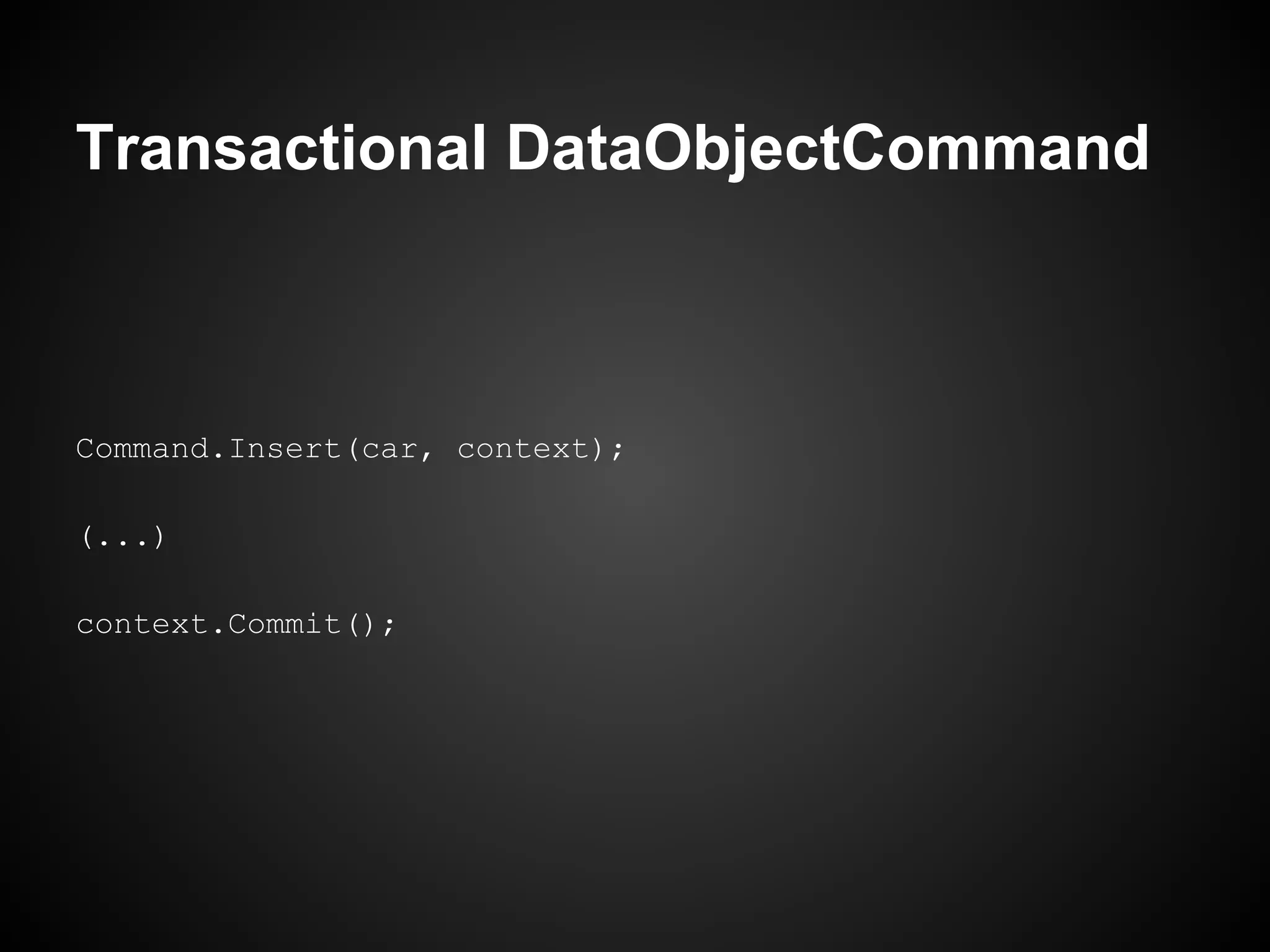
Transactional DataObjectCommand


In this case, DataObjectCommand creates an
   internal DataContext, but in transactional
         procedures you can specify it.
Transactional DataObjectCommand


Command.Insert(car, context);

(...)

context.Commit();
Transactional DataObjectCommand


    Update and Delete has the same
        transactional behavior.
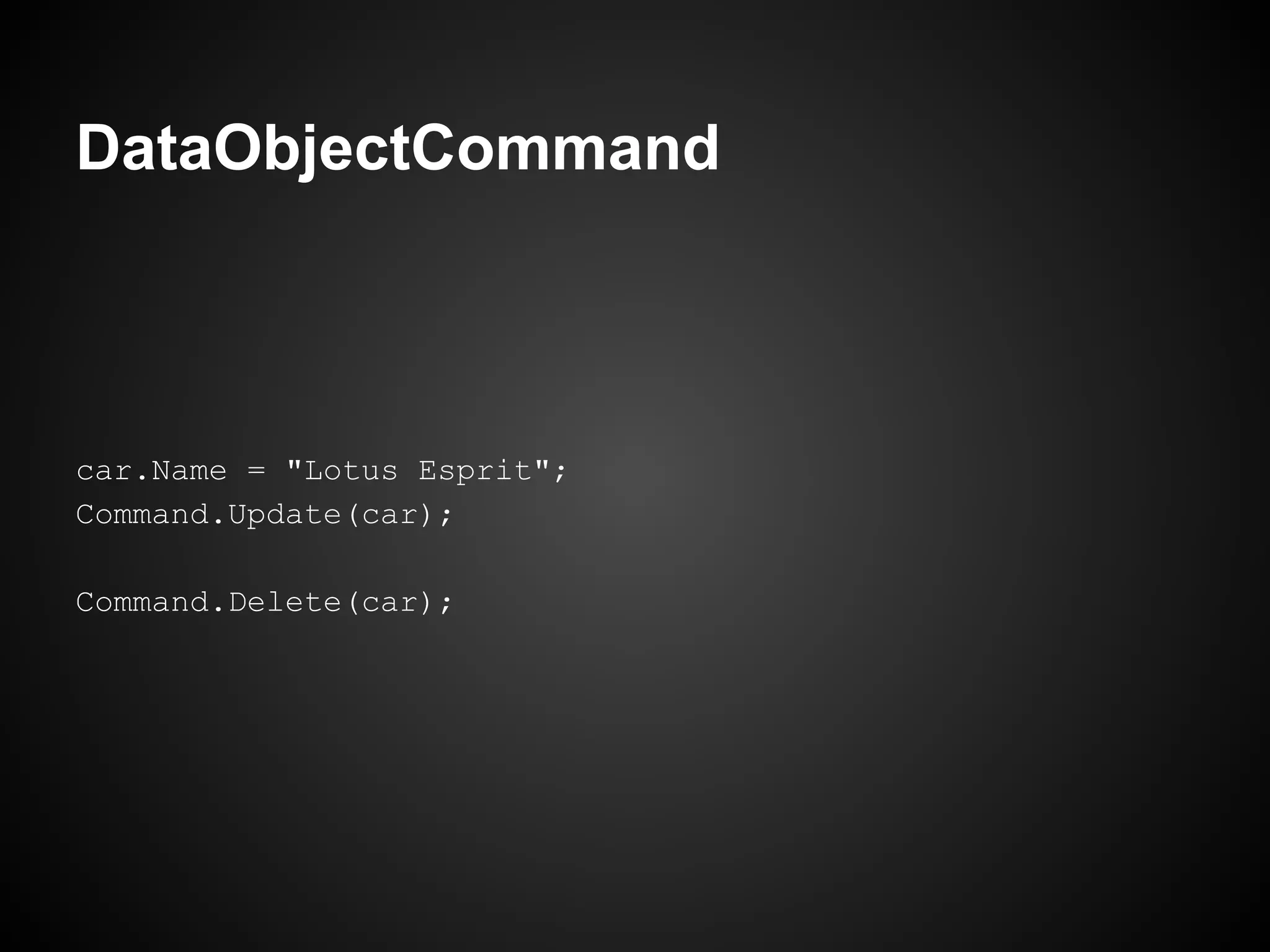
DataObjectCommand


car.Name = "Lotus Esprit";
Command.Update(car);

Command.Delete(car);
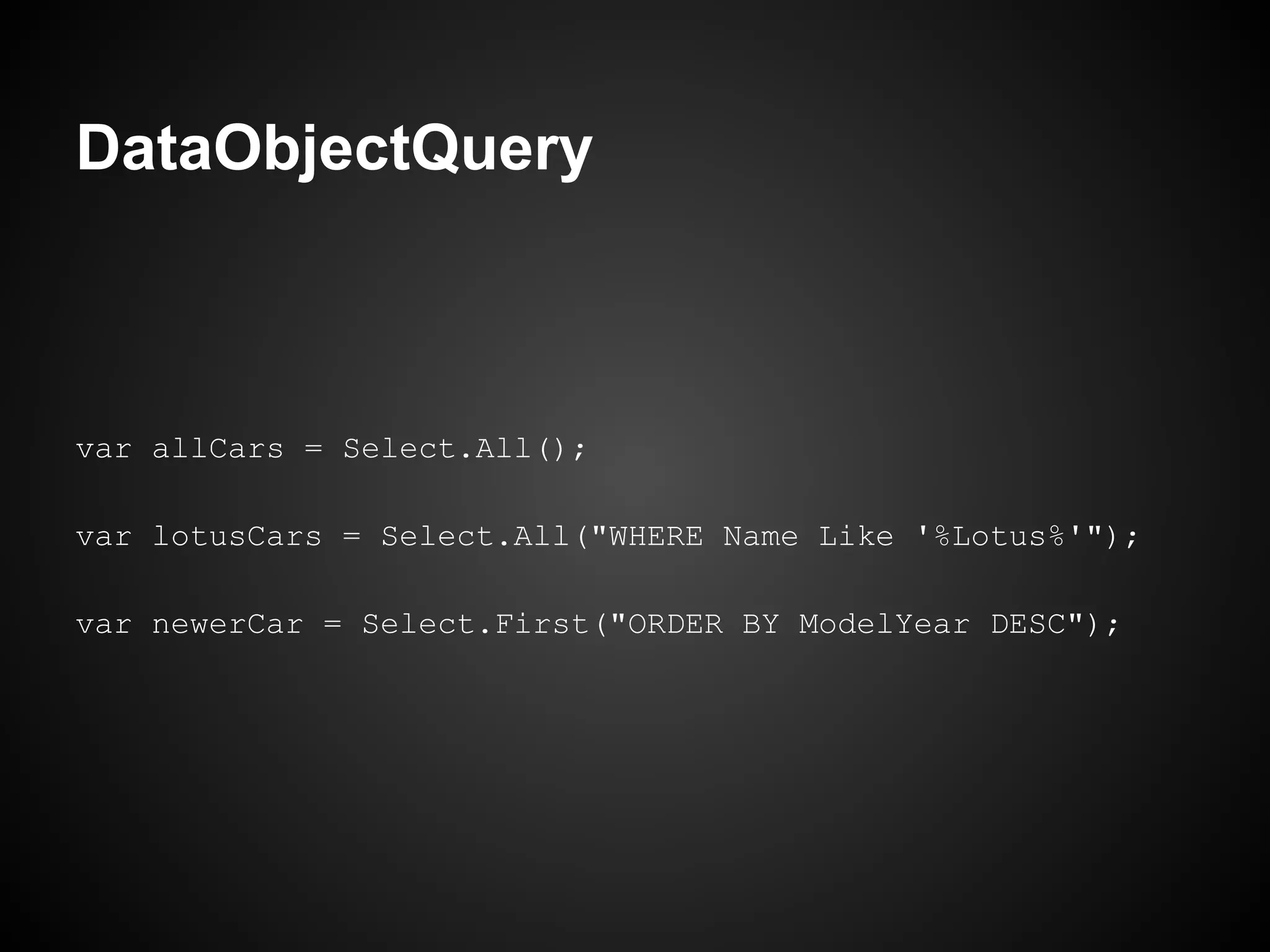
DataObjectQuery
   Thunderstruck
DataObjectQuery


var allCars = Select.All();

var lotusCars = Select.All("WHERE Name Like '%Lotus%'");

var newerCar = Select.First("ORDER BY ModelYear DESC");
DataObjectQuery


     Parameters Binding works here.
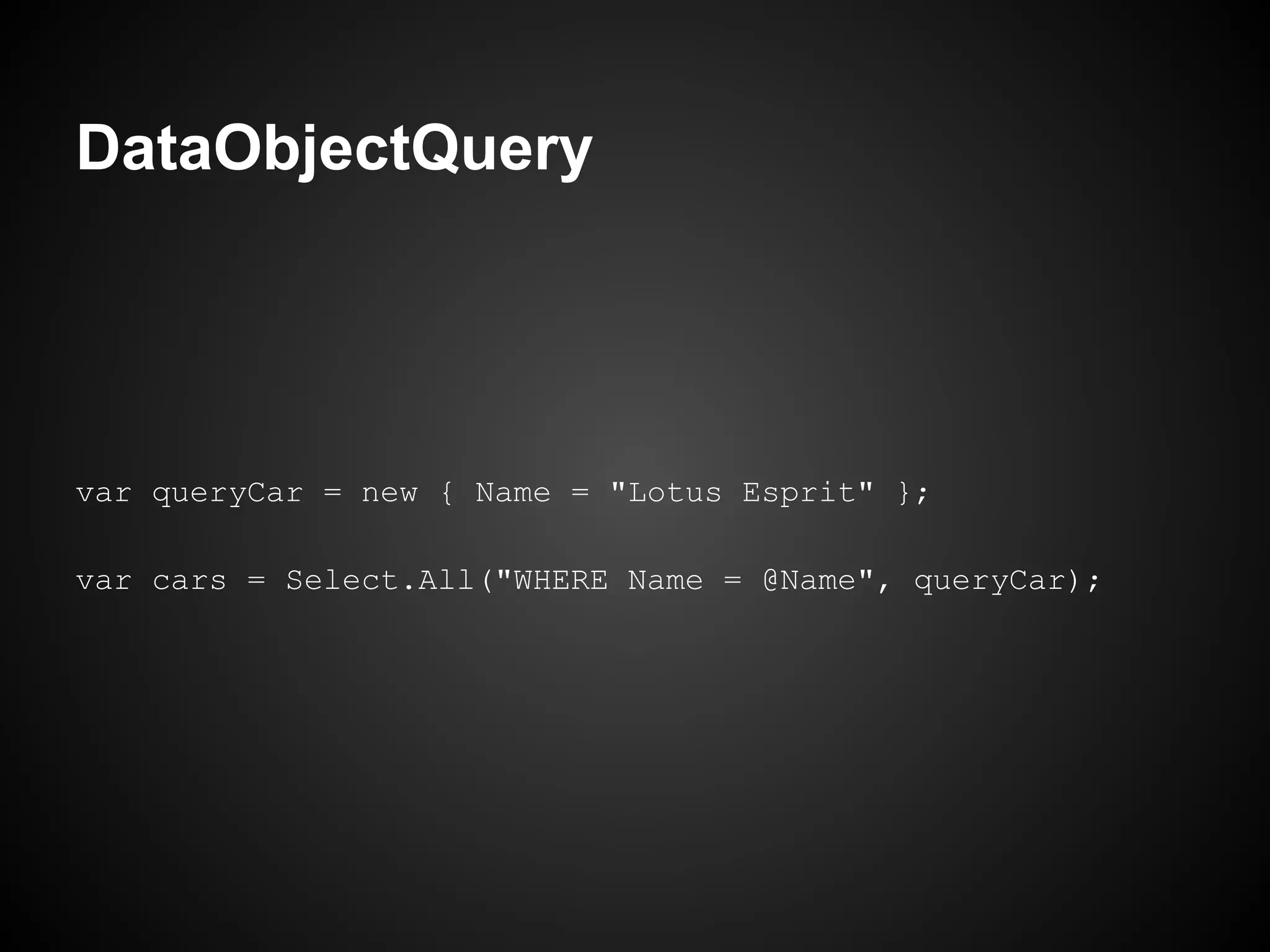
DataObjectQuery


var queryCar = new { Name = "Lotus Esprit" };

var cars = Select.All("WHERE Name = @Name", queryCar);
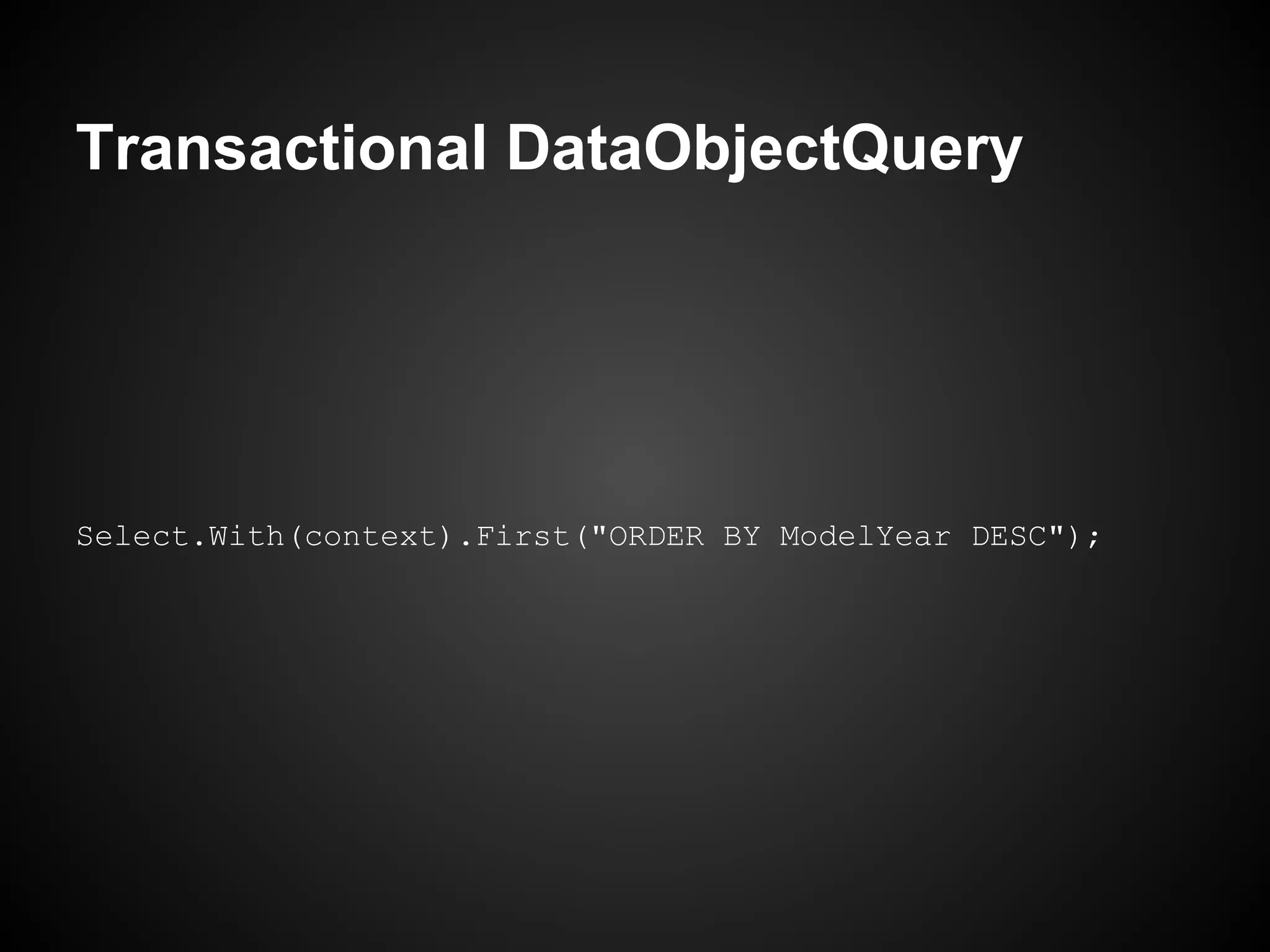
Transactional DataObjectQuery


     Many times is necessary get data in a
  transaction scope, with Thunderstruck this
           means in a DataContext.
Transactional DataObjectQuery


Select.With(context).First("ORDER BY ModelYear DESC");
Transactional DataObjectQuery


              Done.
Custom DataObjects
     Thunderstruck
Custom DataObjects


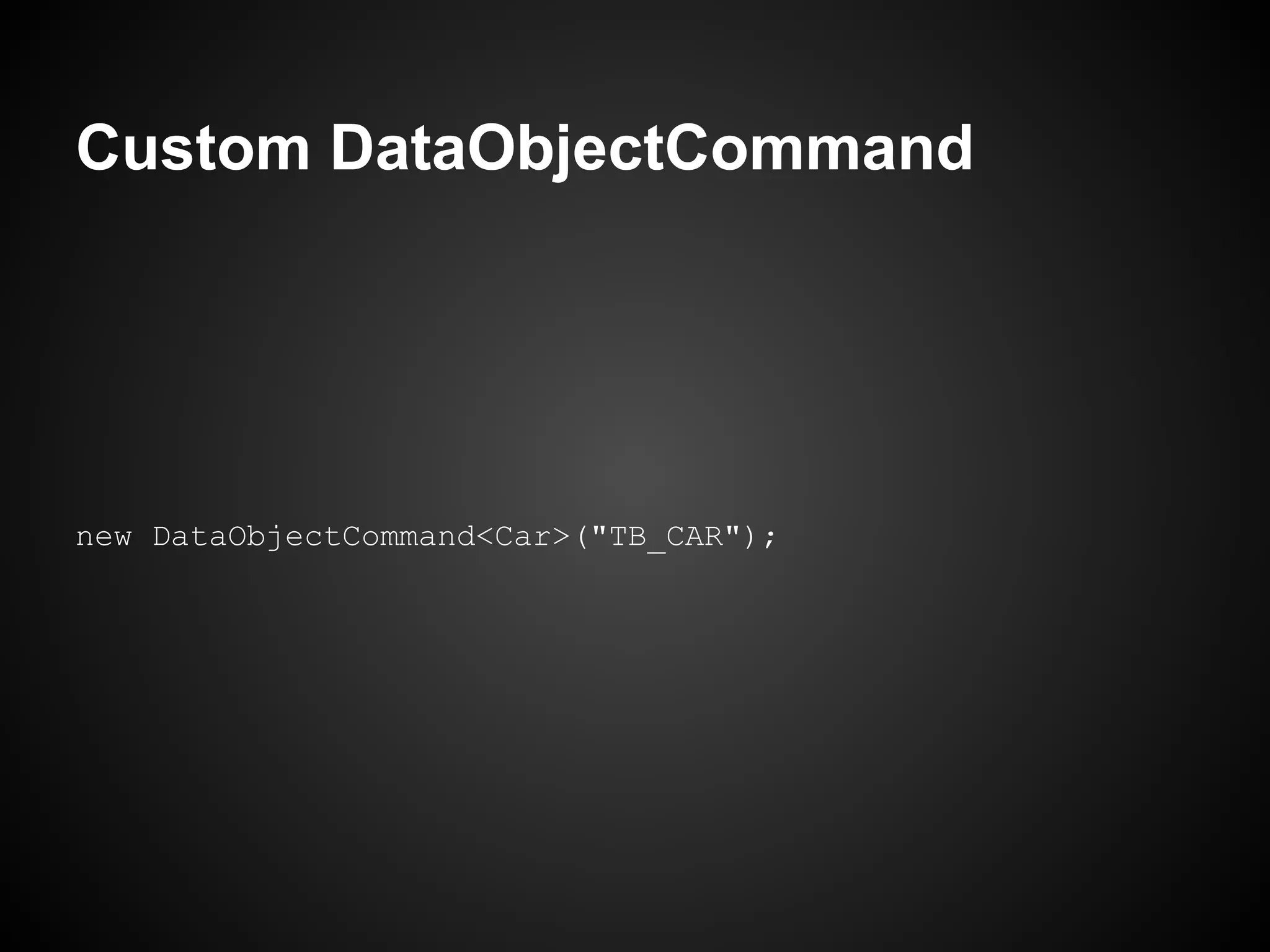
     If, for example, TB_CARS is the
         name of the table of cars...
Custom DataObjectCommand


new DataObjectCommand<Car>("TB_CAR");
Custom DataObjectQuery


 Data query is a little different, because you
 can/need customizing the query projection.
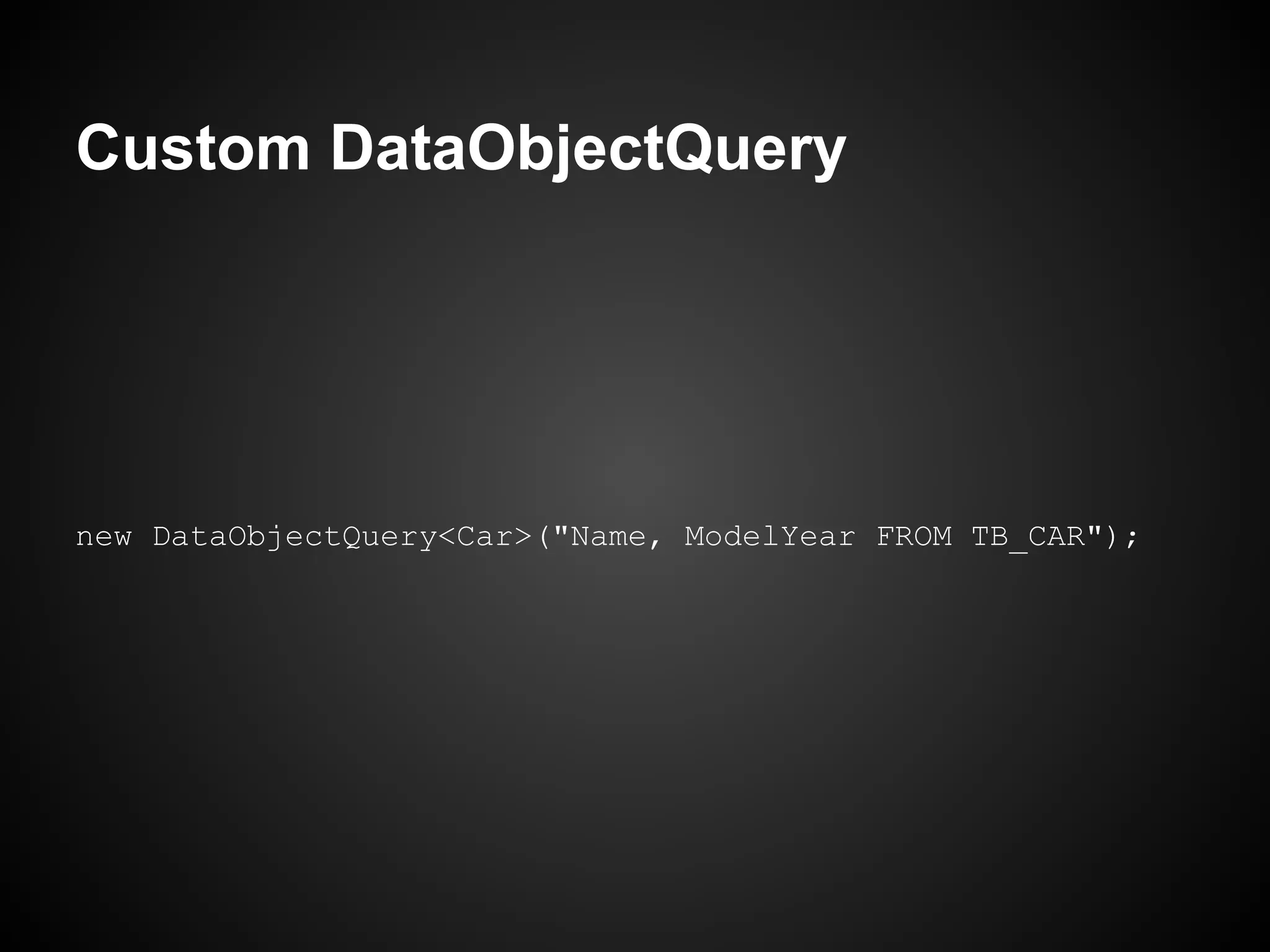
Custom DataObjectQuery


new DataObjectQuery<Car>("Name, ModelYear FROM TB_CAR");
Custom DataObjectQuery


 With the customized projection is possible
  to make sql joins, giving more flexibility
           to queries, like Views.
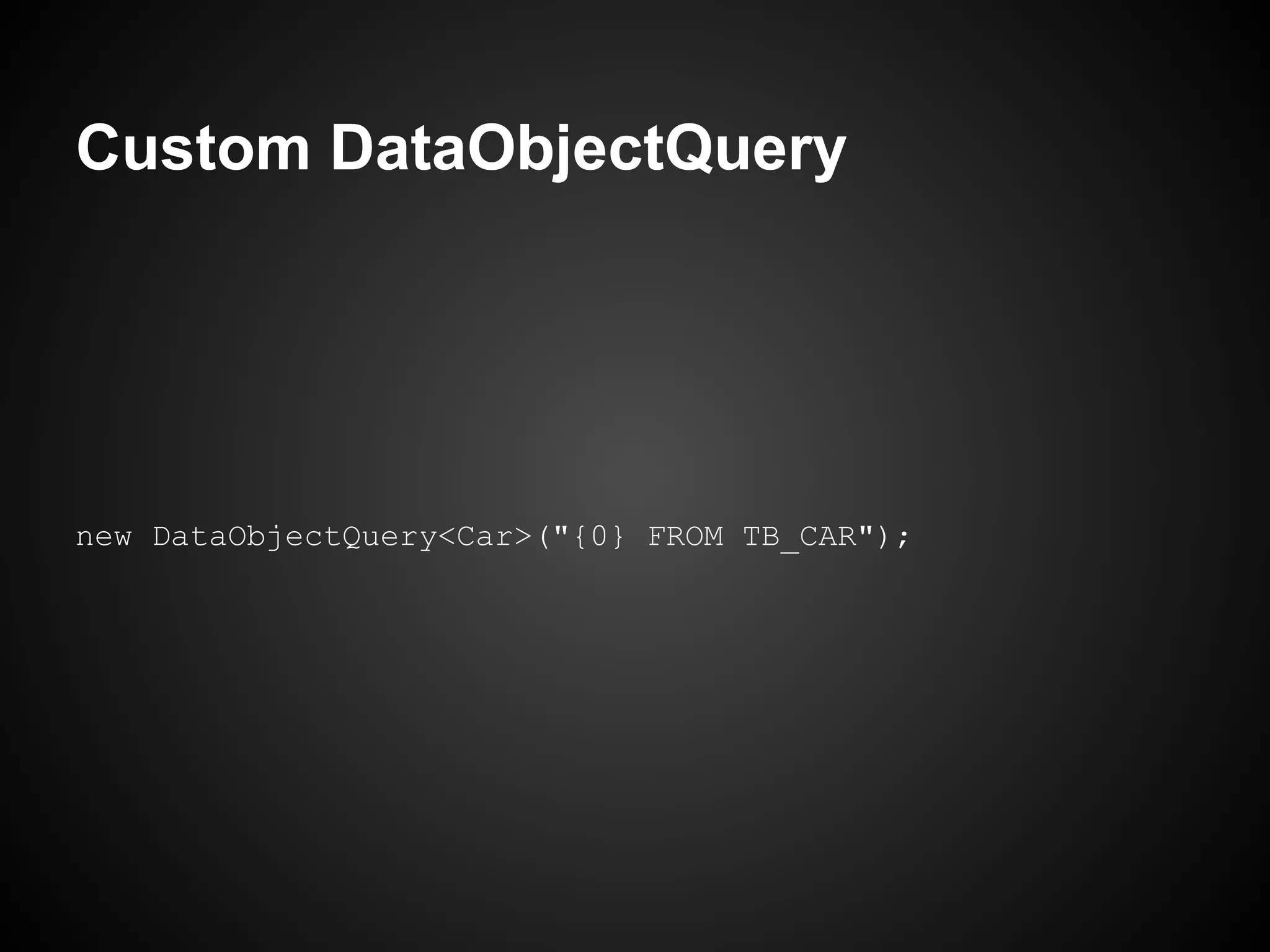
Custom DataObjectQuery


   But, in most cases you just need the
    projection with the defaults fields.
Custom DataObjectQuery


new DataObjectQuery<Car>("{0} FROM TB_CAR");
Thunderstruck
A really fast way to access databases
Thunderstruck


Source, download and more info at Github.
         http://github.com/wagnerandrade/Thunderstruck
Thunderstruck


        Thanks, that's all folks!

Thunderstruck