Integrating CAD Docs to GIS with a
Document Management System
Carlos Silva
GIS Specialist, Engineering Services
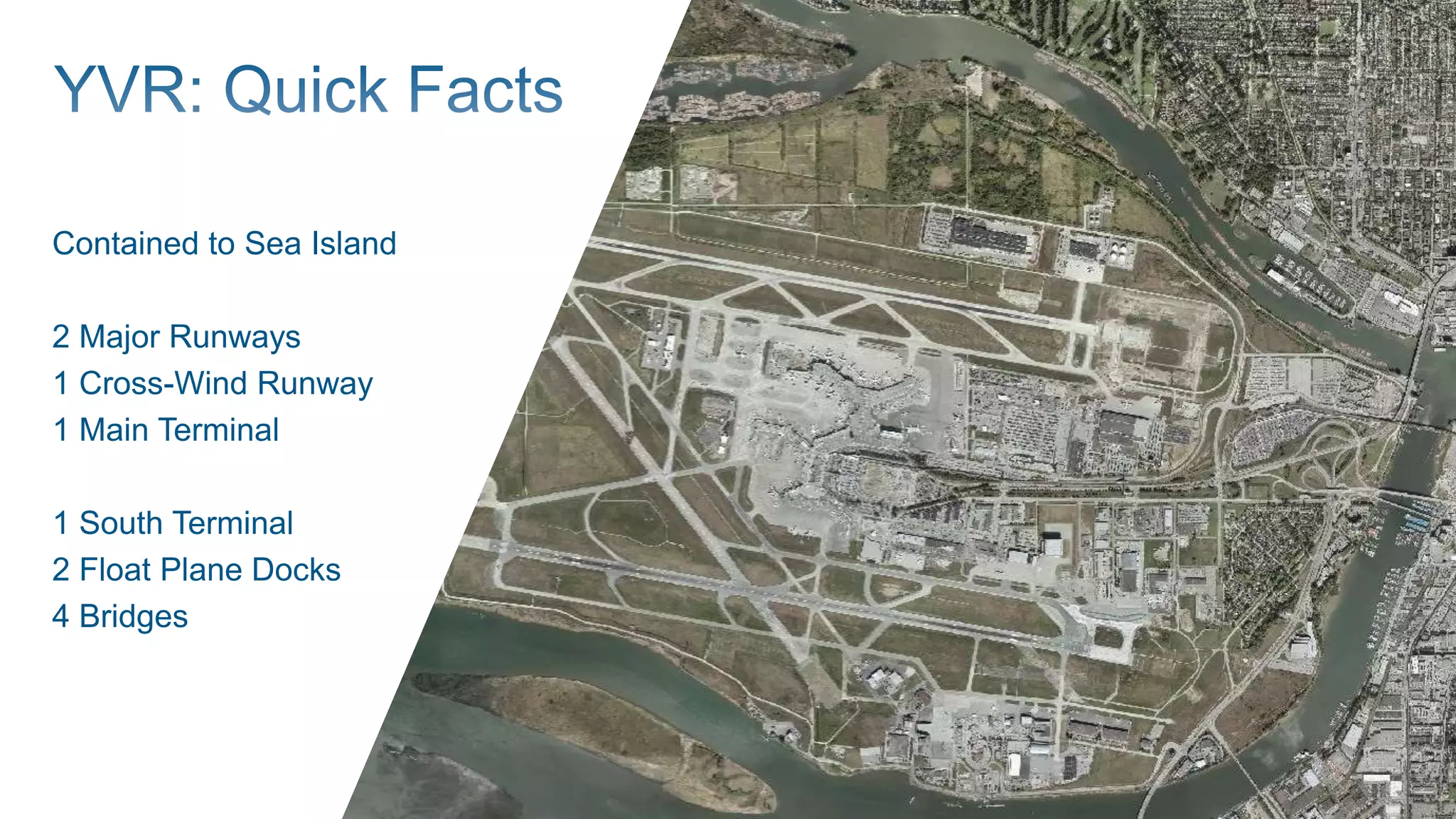
Contained to Sea Island
2 Major Runways
1 Cross-Wind Runway
1 Main Terminal
1 South Terminal
2 Float Plane Docks
4 Bridges
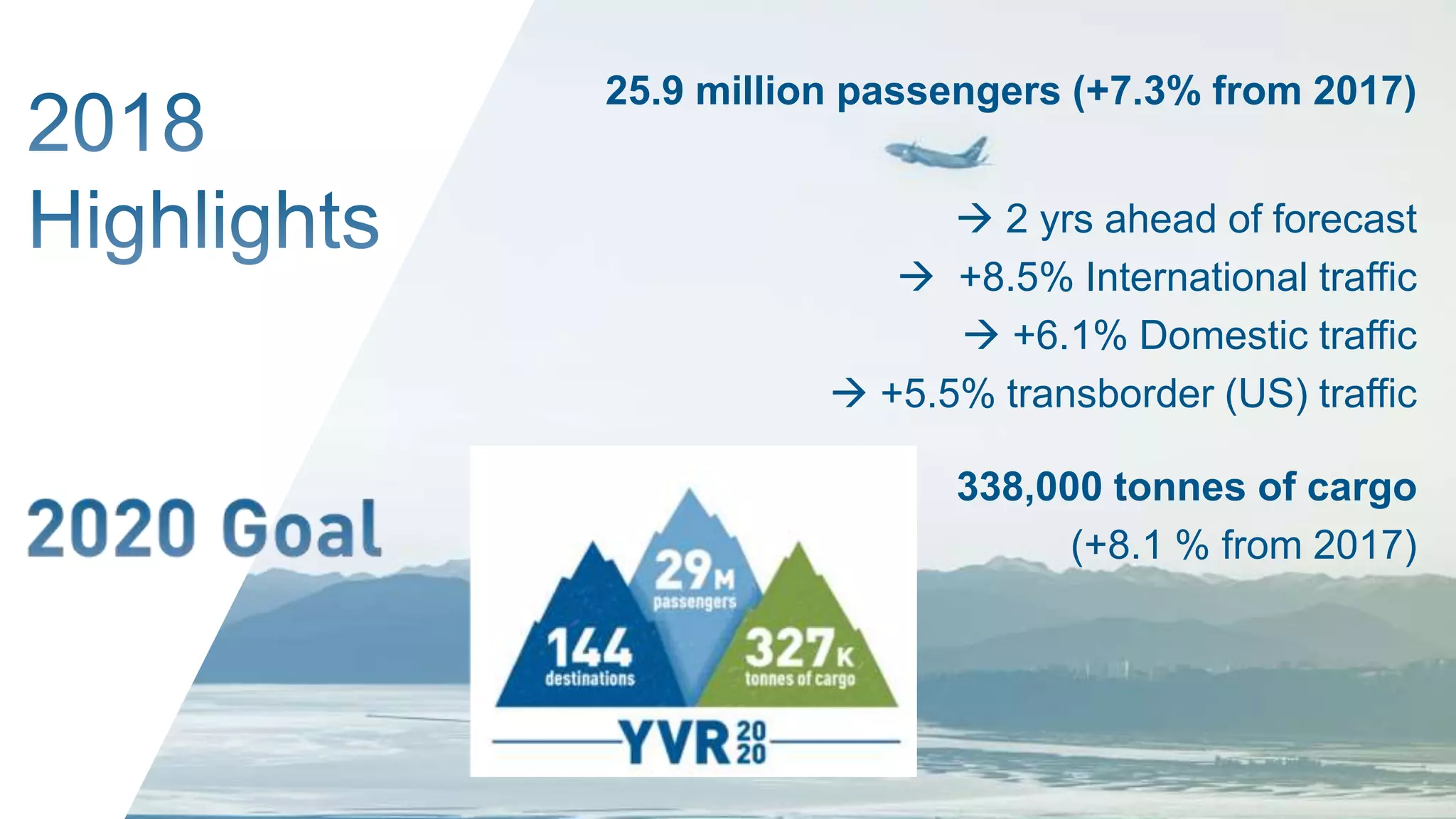
25.9 million passengers (+7.3% from 2017)
 2 yrs ahead of forecast
 +8.5% International traffic
 +6.1% Domestic traffic
 +5.5% transborder (US) traffic
338,000 tonnes of cargo
(+8.1 % from 2017)
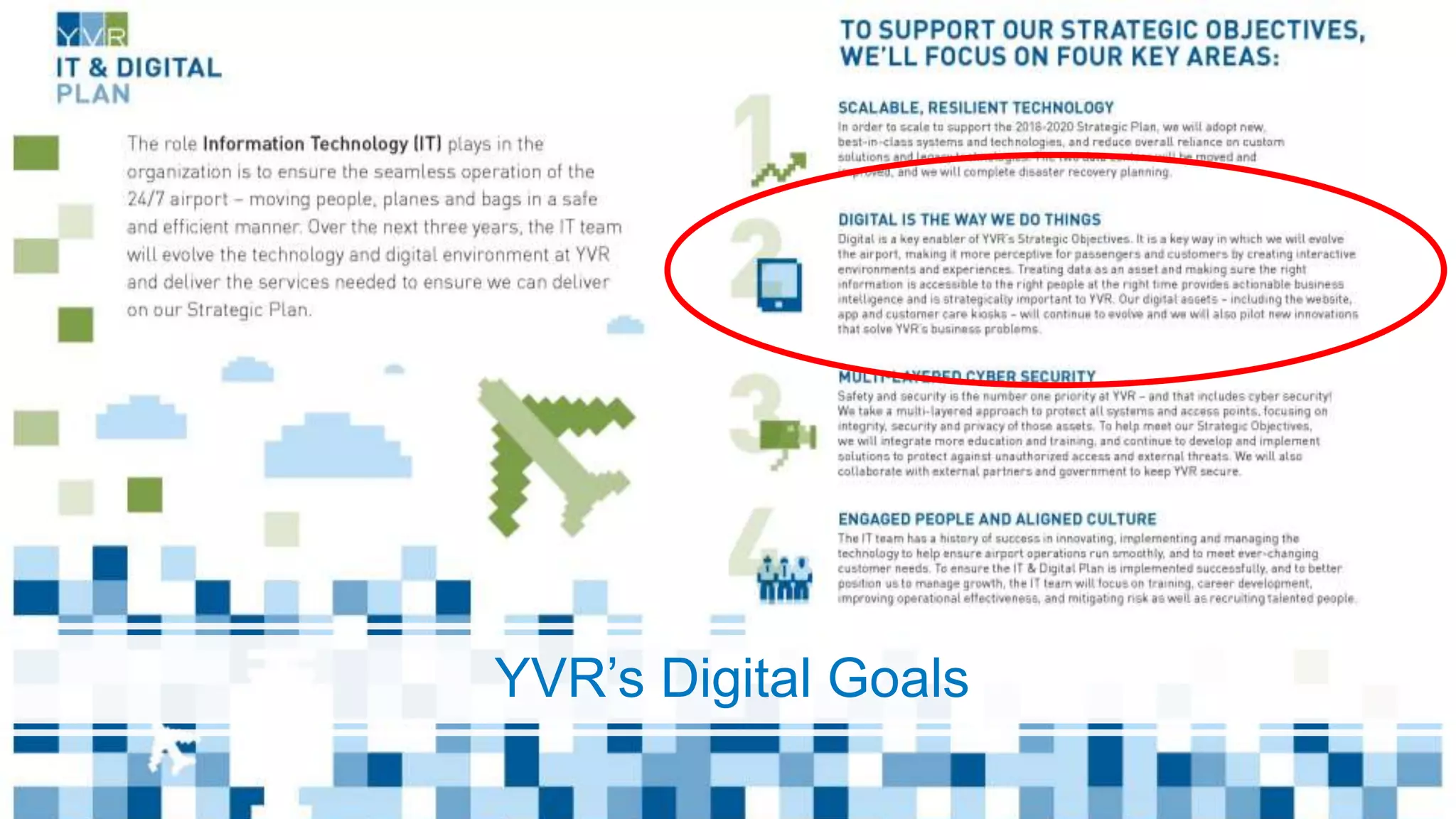
YVR’s Digital Goals
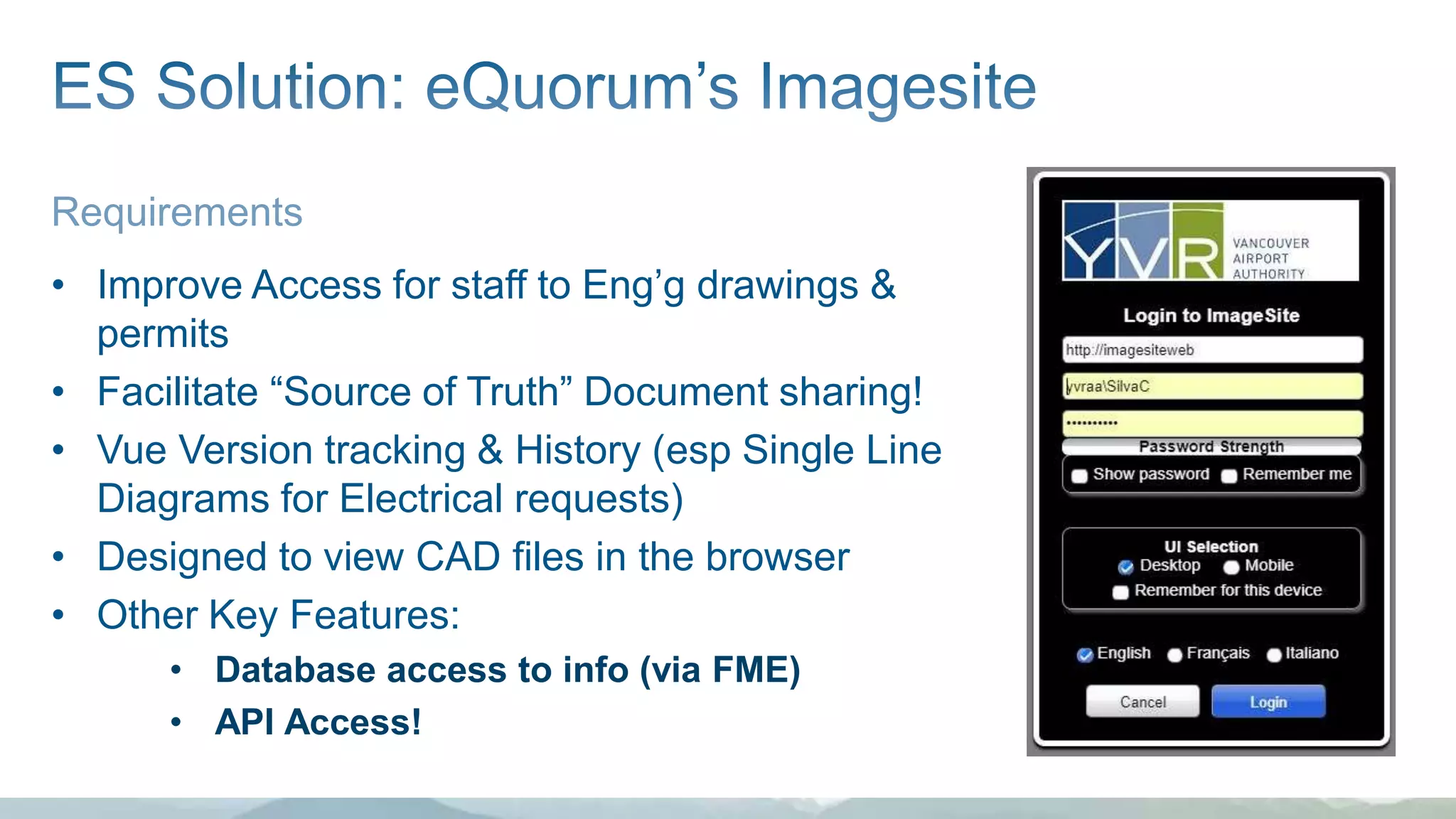
Requirements
• Improve Access for staff to Eng’g drawings &
permits
• Facilitate “Source of Truth” Document sharing!
• Vue Version tracking & History (esp Single Line
Diagrams for Electrical requests)
• Designed to view CAD files in the browser
• Other Key Features:
• Database access to info (via FME)
• API Access!
APPLICATION PROGRAMMING
INTERFACEAnalogy:
The Program = Hasselhoff; Application = Car
API = the Interface (KITT voice not included)
• Dials, switches, steering wheel = routines, classes, data structures,
etc for a program to talk to servers &/or databases
• Allows programs to talk to one another
• My program (FME Desktop) is using the API (controls) to get where
it needs to go (the Docs & files on Imagesite Server)
• GIS Web apps  “REST API”s
Great Link:
https://www.reddit.com/r/learnprogramming/comments/1xvm9l/can_some_eli5_what_an_api_is/
Another good link:
https://www.mulesoft.com/resources/api/what-is-rest-api-design
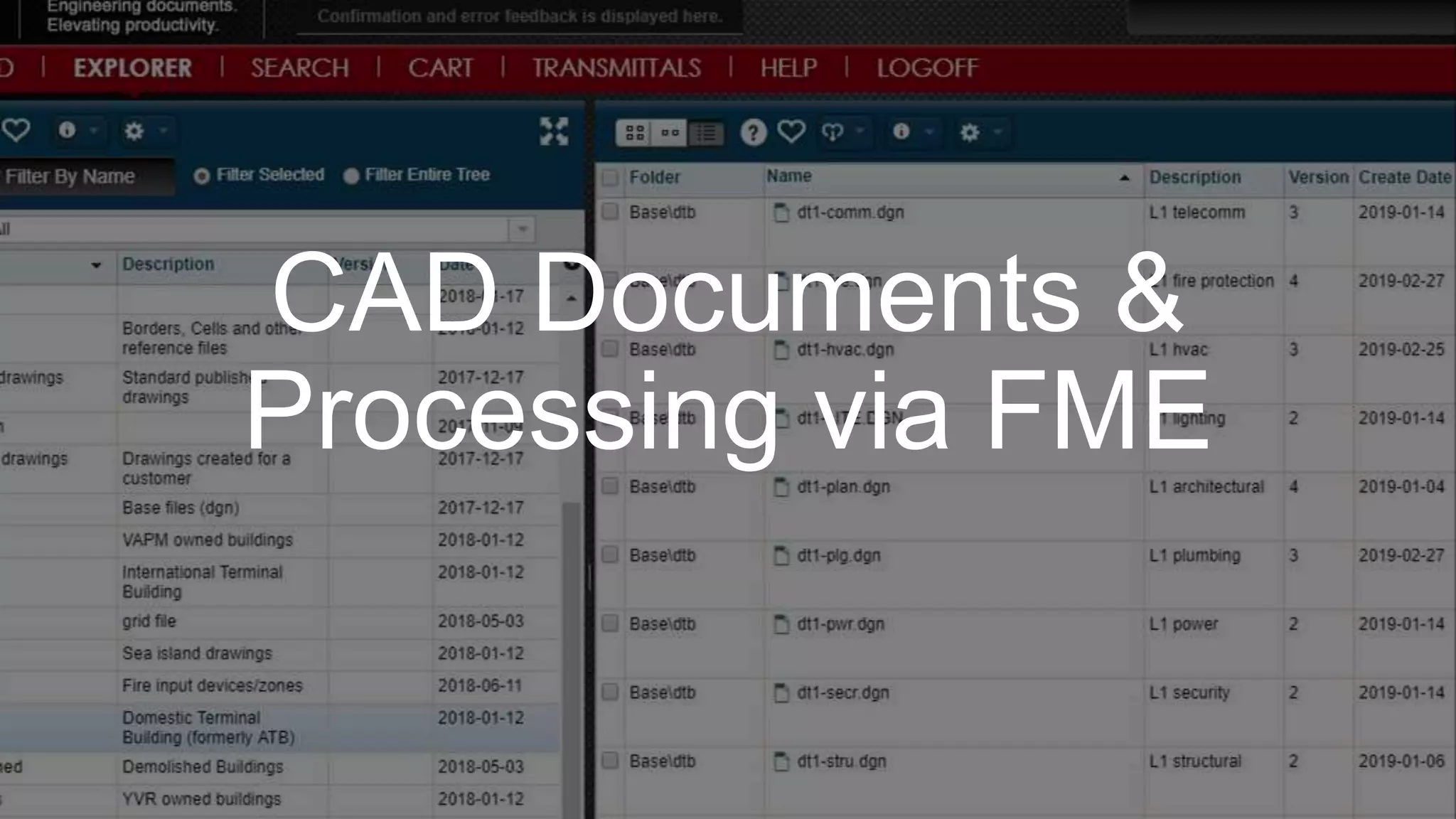
Documents
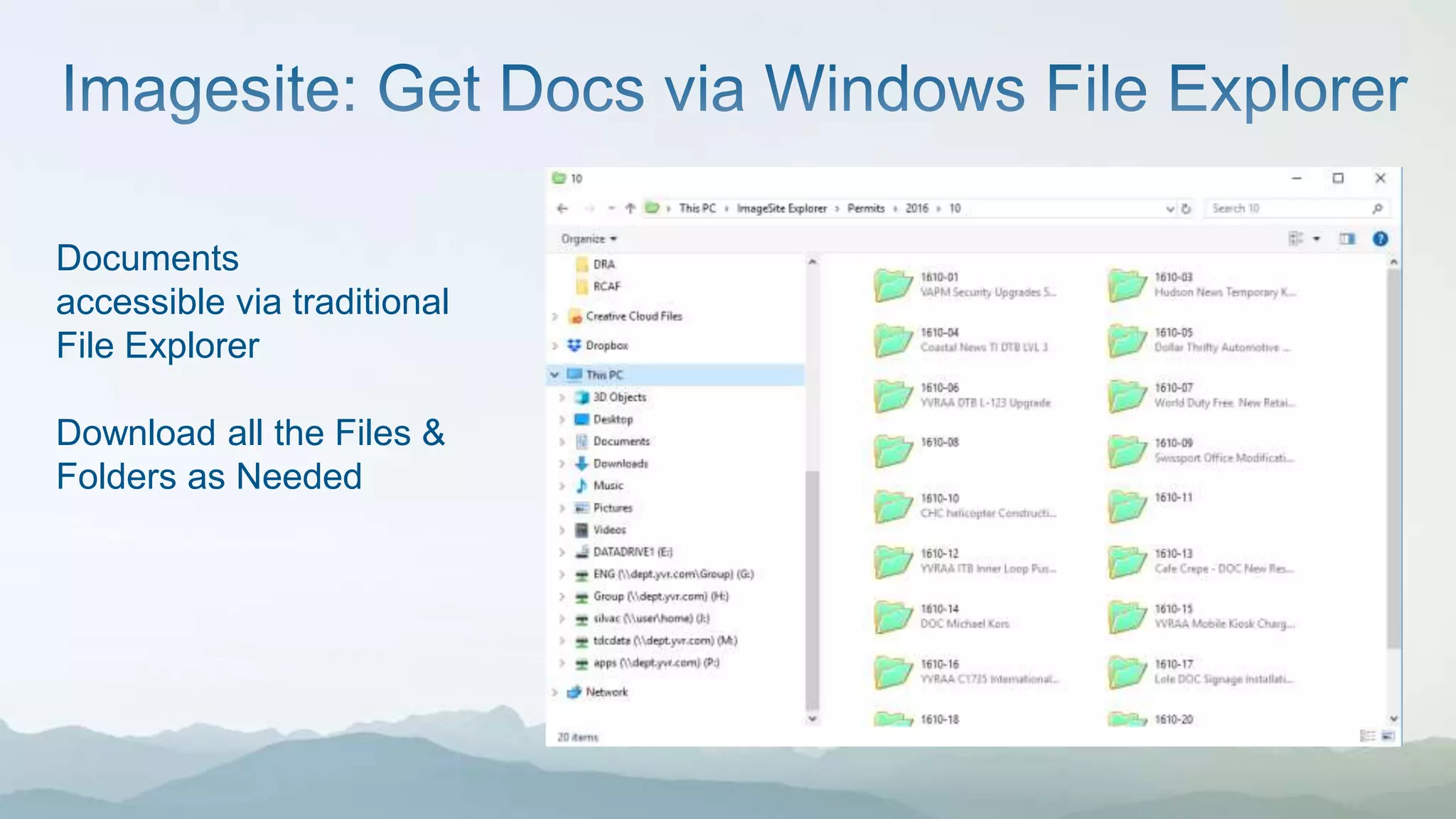
accessible via traditional
File Explorer
Download all the Files &
Folders as Needed
CAD Documents &
Processing via FME
• Permit info on GIS available as links to Imagesite
= LESS YVR Staff requests for info from ES Staff
• Much of this is automated nightly on FME Server (Always updated!)
• FME feeds Permit info back into Imagesite for Permit and Document
folder info as well (Database level interactions)
• FUTURE: Looking to hotlink any infrastructure info that has Permit
Number and/or Document ID with Imagesite weblink
• FUTURE: More FME scripts for other features not mapped in GIS yet
Carlos Silva
604-790-5001
carlos_silva@yvr.ca

The Joys of APIs & FME - Integrating CAD documents to GIS from a Document Management System

  • 1.
    Integrating CAD Docsto GIS with a Document Management System Carlos Silva GIS Specialist, Engineering Services
  • 2.
    Contained to SeaIsland 2 Major Runways 1 Cross-Wind Runway 1 Main Terminal 1 South Terminal 2 Float Plane Docks 4 Bridges
  • 3.
    25.9 million passengers(+7.3% from 2017)  2 yrs ahead of forecast  +8.5% International traffic  +6.1% Domestic traffic  +5.5% transborder (US) traffic 338,000 tonnes of cargo (+8.1 % from 2017)
  • 4.
  • 6.
    Requirements • Improve Accessfor staff to Eng’g drawings & permits • Facilitate “Source of Truth” Document sharing! • Vue Version tracking & History (esp Single Line Diagrams for Electrical requests) • Designed to view CAD files in the browser • Other Key Features: • Database access to info (via FME) • API Access!
  • 7.
    APPLICATION PROGRAMMING INTERFACEAnalogy: The Program= Hasselhoff; Application = Car API = the Interface (KITT voice not included) • Dials, switches, steering wheel = routines, classes, data structures, etc for a program to talk to servers &/or databases • Allows programs to talk to one another • My program (FME Desktop) is using the API (controls) to get where it needs to go (the Docs & files on Imagesite Server) • GIS Web apps  “REST API”s Great Link: https://www.reddit.com/r/learnprogramming/comments/1xvm9l/can_some_eli5_what_an_api_is/ Another good link: https://www.mulesoft.com/resources/api/what-is-rest-api-design
  • 9.
    Documents accessible via traditional FileExplorer Download all the Files & Folders as Needed
  • 10.
  • 16.
    • Permit infoon GIS available as links to Imagesite = LESS YVR Staff requests for info from ES Staff • Much of this is automated nightly on FME Server (Always updated!) • FME feeds Permit info back into Imagesite for Permit and Document folder info as well (Database level interactions) • FUTURE: Looking to hotlink any infrastructure info that has Permit Number and/or Document ID with Imagesite weblink • FUTURE: More FME scripts for other features not mapped in GIS yet
  • 17.

Editor's Notes

  • #3 Fast Facts Contained to Sea Island: 2 Major Runways 1 Cross-Wind Runway 1 Main Terminal Building - largest building in BC - Domestic, International, USA 1 South Terminal - mostly flights within BC (seasonal) - close to original terminal location - First Flight: March 3, 1939 2 Float Plane Docks 4 Bridges (2 under our control)
  • #4 It was a busy year! 25.9 million passengers (+7.3% from 2017) 2 yrs ahead of forecast  +8.5% International traffic  +6.1% Domestic traffic  +5.5% transborder (US) traffic 338,000 tonnes of cargo (+8.1 % from 2017) LOTS of Permit Applications to process! ~ 175 permits/yr Our Long Range Capital plans (next 20 yrs ) include $9.1 billion (CDN) investment, 75 major projects, over 20 years 2019: 170+ Capital Projects, $600+ million; not all projects go to permitting stage Ranges from small renos, to major buildings (Pier D) and paving projects
  • #5 YVR has a Digital Plan & DIGITAL GOALS  Key statement “Treat data as an asset & making sure the right info is accessible to the right people at the right time”  innovation is a bit part of that, part of our culture  Internal software is getting better, APIs are part of that. (especially our web site and YVR app; details later)  Going forward, our internal software systems should talk to each other. For Eng Services, that means being able to feed out our info & get back info from other systems seamlessly
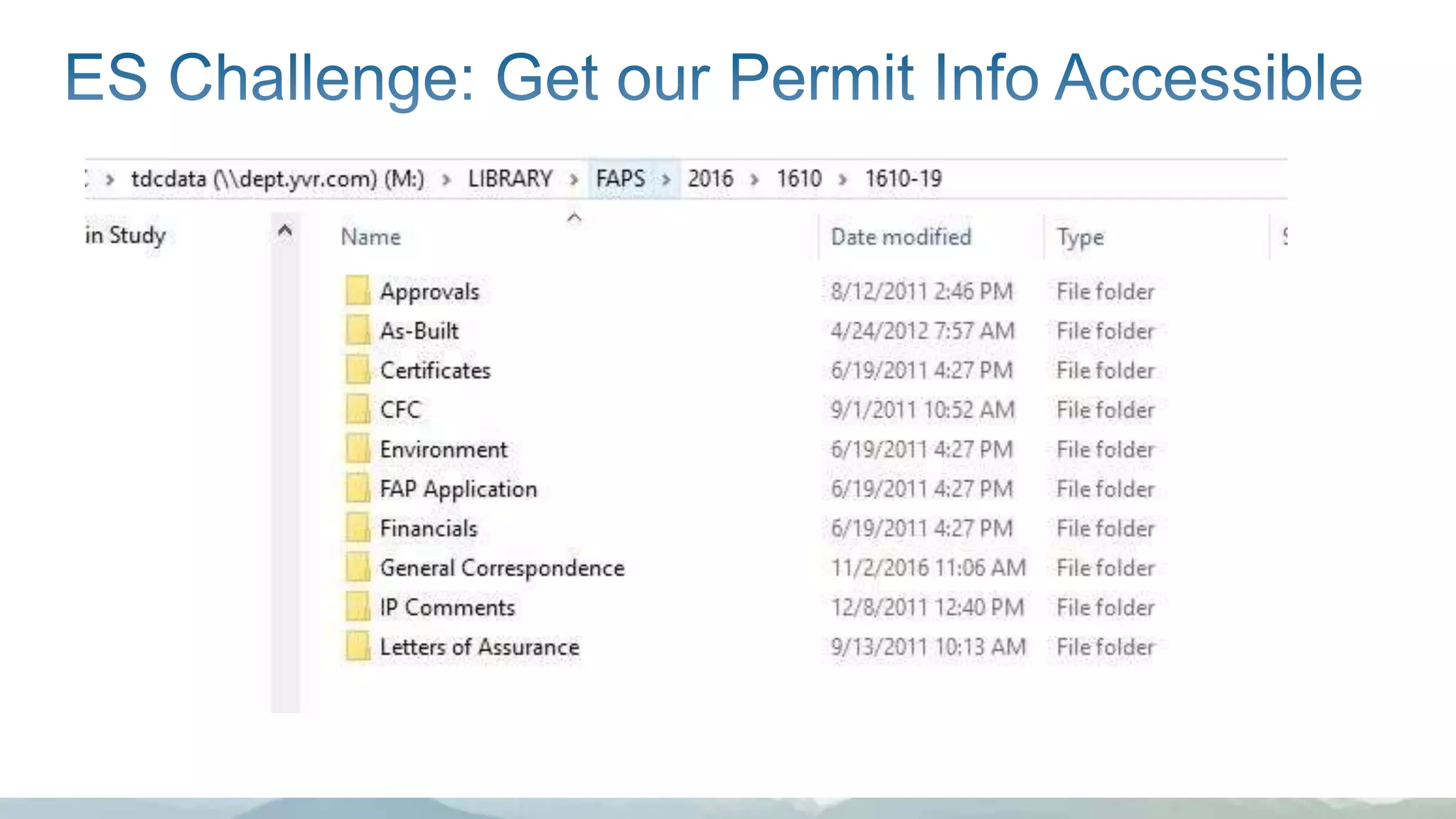
  • #6 OLD SYSTEM: Flat file sytem Permit Docs & CAD files buried in a file folders. Some method to the madness ;) but not available to other YVR staff unless permission granted to our “LIBRARY” folders CHALLENGE: Implement a Document Management System for engineering drawings and documents, get these docs out there to Staff SEARCHABLE with Version Control
  • #7 The Document Management System will allow users to easily search, view and print engineering drawings the added benefit of providing version tracking, document comparison and history. It will facilitate the sharing of documents by MTE, ENG and ES and other involved in permit reviews and will work seamlessly with CAD programs. important for the updating of Single Line Diagrams to have a proper revision history, check-out/check-in system and document mark-ups. allows various departements to share drawings and documents via a web interface. eQuorum's Imagesite was used as the reference software for project development and is well suited for this purpose.
  • #8 CARLOS: API = an Application Programming Interface The Application is the car, the Program accessing the car is the driver (aka the Hoff), and all the gears, switches, brakes, and streering wheel is the Interface. An API can have great tools in it, just depends how your program/driver is working with all the bells and whistles. A GIS web app is basically making API calls to GIS databases. Bots accessing Facebook, Google, Twitter accounts are accessing those web applications via their respective APIs. God help you if an API only has a standard stick shift. ;)
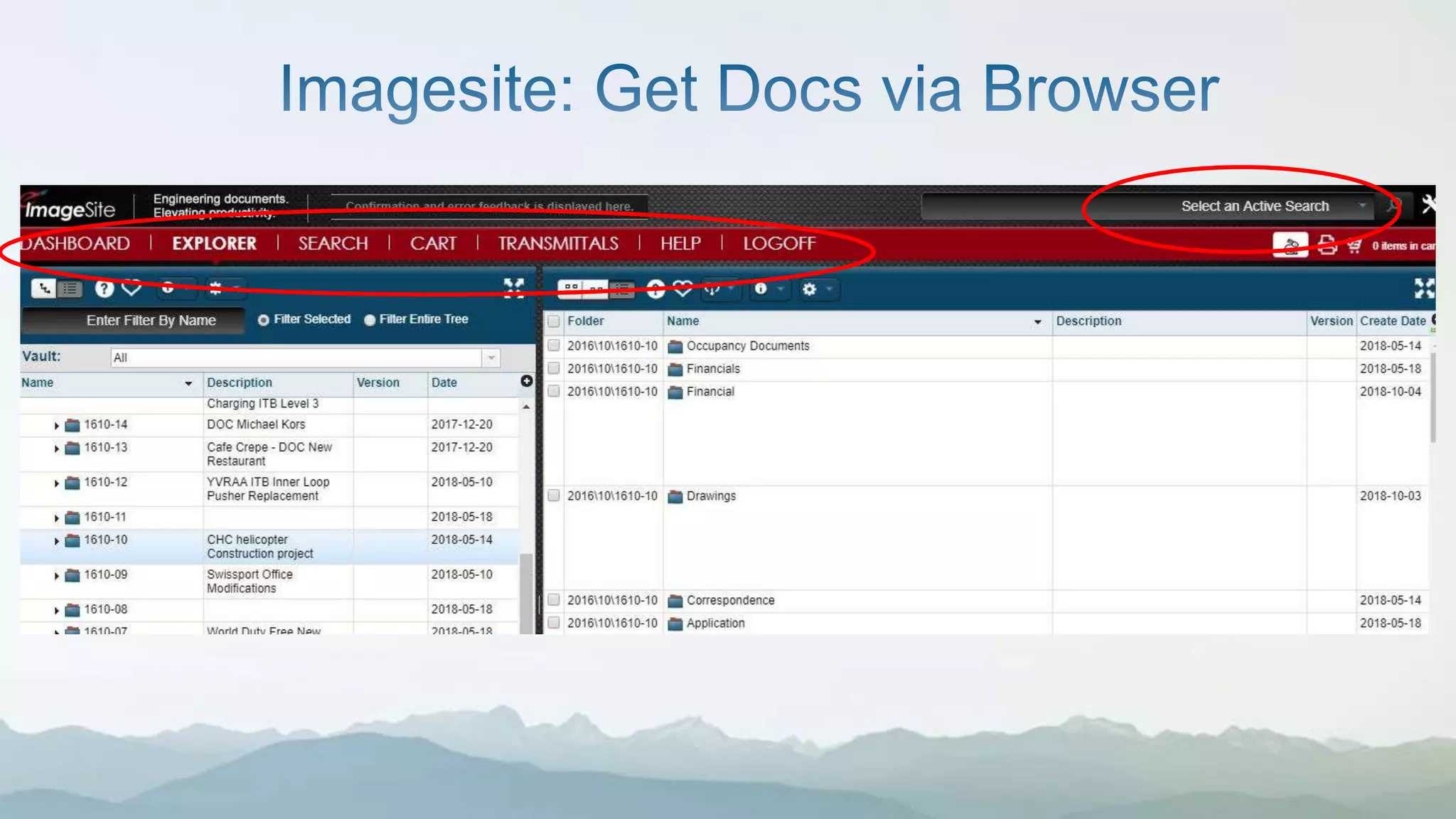
  • #9 Typical access for YVR staff; - Different Vaults/Repositories (Permits, Base Drawings Traditional folder structure that mimics old file folders Uses Windows Directory for access Tracks versions, downloads, transmittals, user searches, etc
  • #10 Files now on Imagesite Server. - still available to “search the Old way” - users can download the files in a mimicked copy on personal workstation FOR GIS - Small Process Change - have to download and re-reference CAD to new location for downloaded files - infrastructure data edits have to be checked against updated CAD files - old file system = always updated but unknown when/what was updated.
  • #11 So how do we automate this process better? What can we get out of the newly hosted and managed system? Via FME! We’ll “deep dive” into this process now.
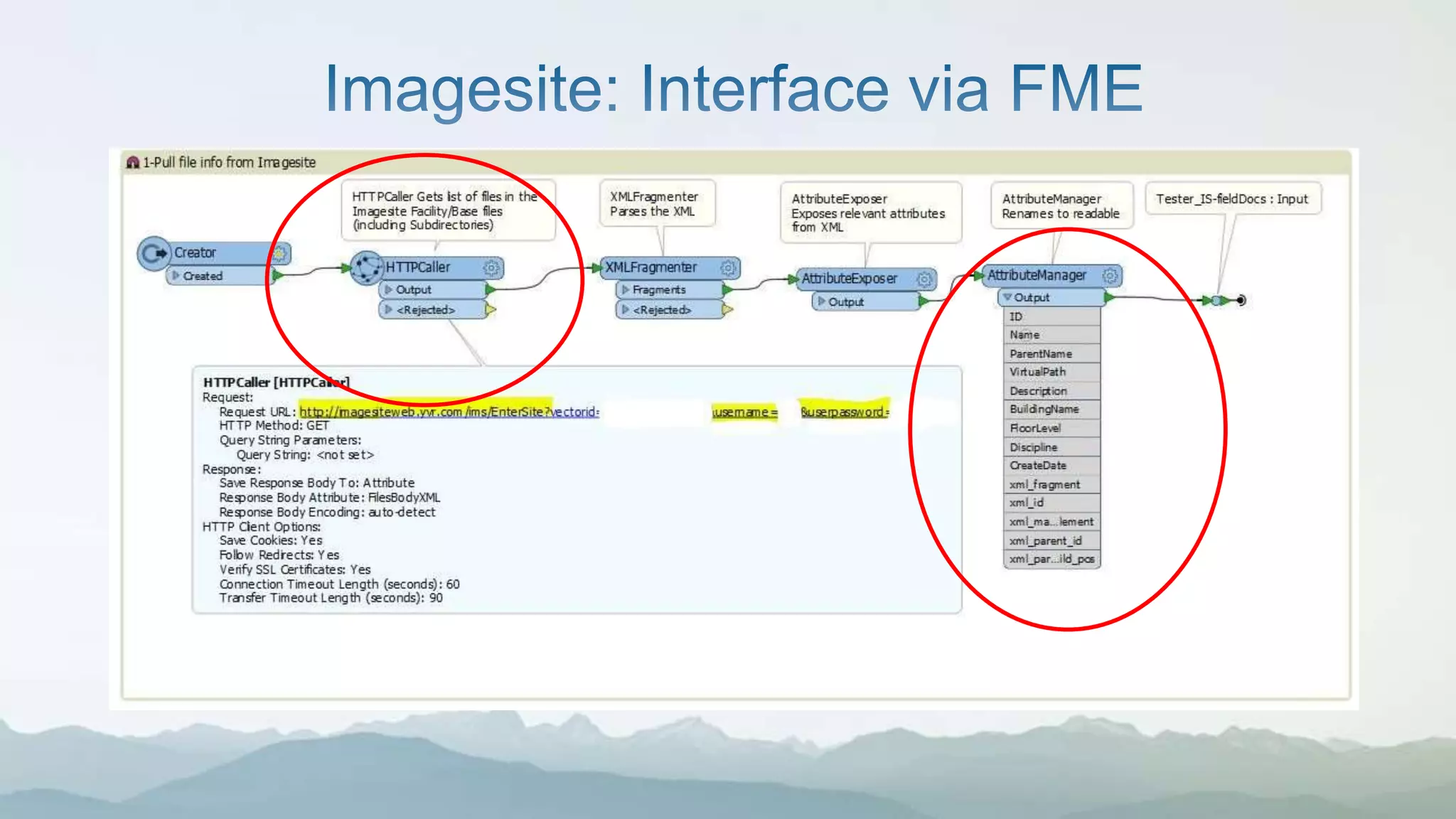
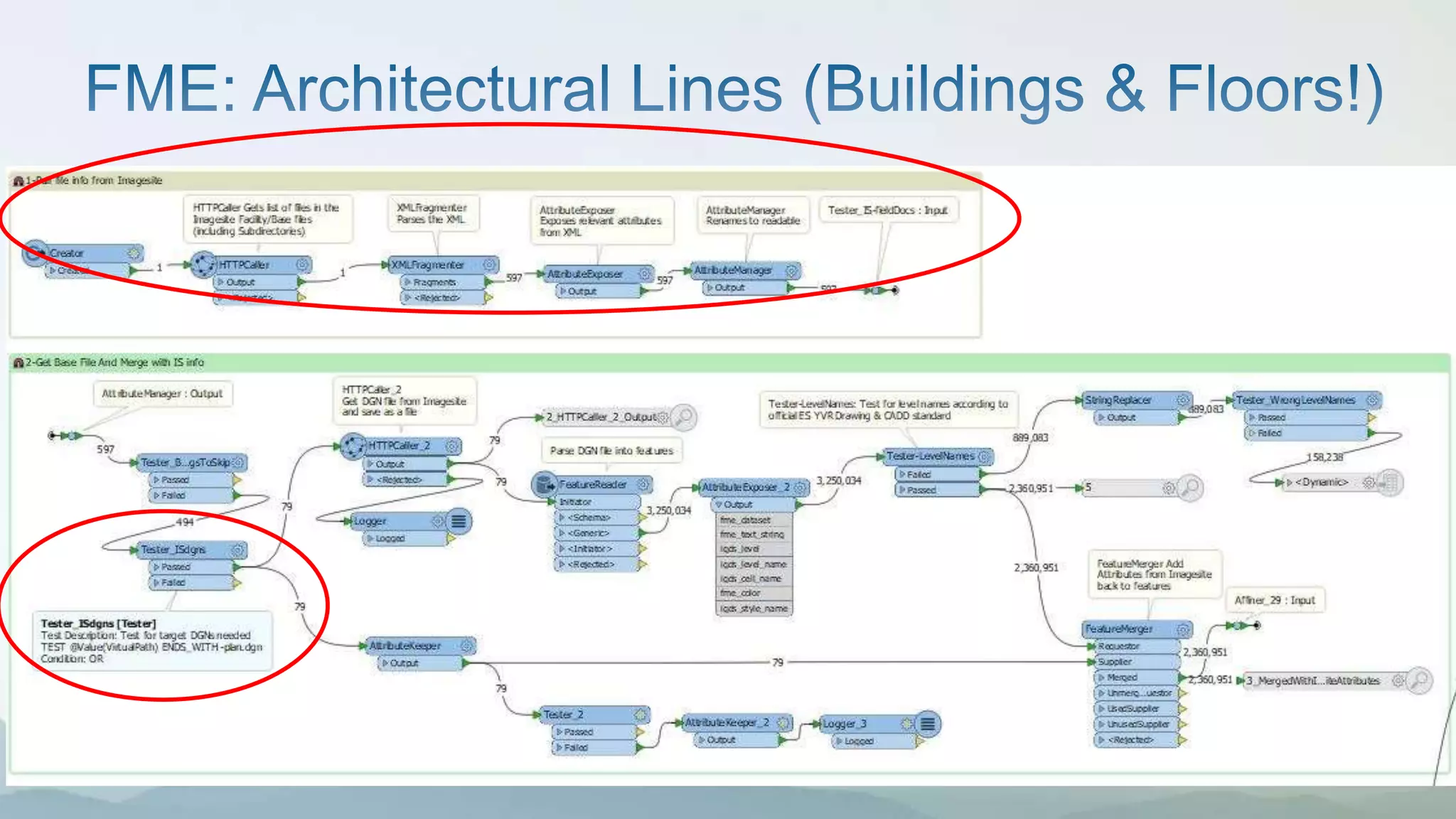
  • #12 Great way for us on the GIS team to access the latest CAD drawings - the API option allows us to make simple HTTP calls (look ma, no hands! With curl) - use FME to parse the XML, expose a few more attributes - METADATA NOW AVAILABLE! Once accessible, can be further processed & files downloaded Process: Permit comes in with “Construction” Drawings. Anything major (new building footprint, architectural lines, new water lines) added as a Elements in the “construction” layer in our “base drawings” Accessible via Imagesite API With metadata on Imagesite DB, we have consistent metadata on Building Names, Floor Levels, & Disciplines (water, power, sewer, buildings, etc)
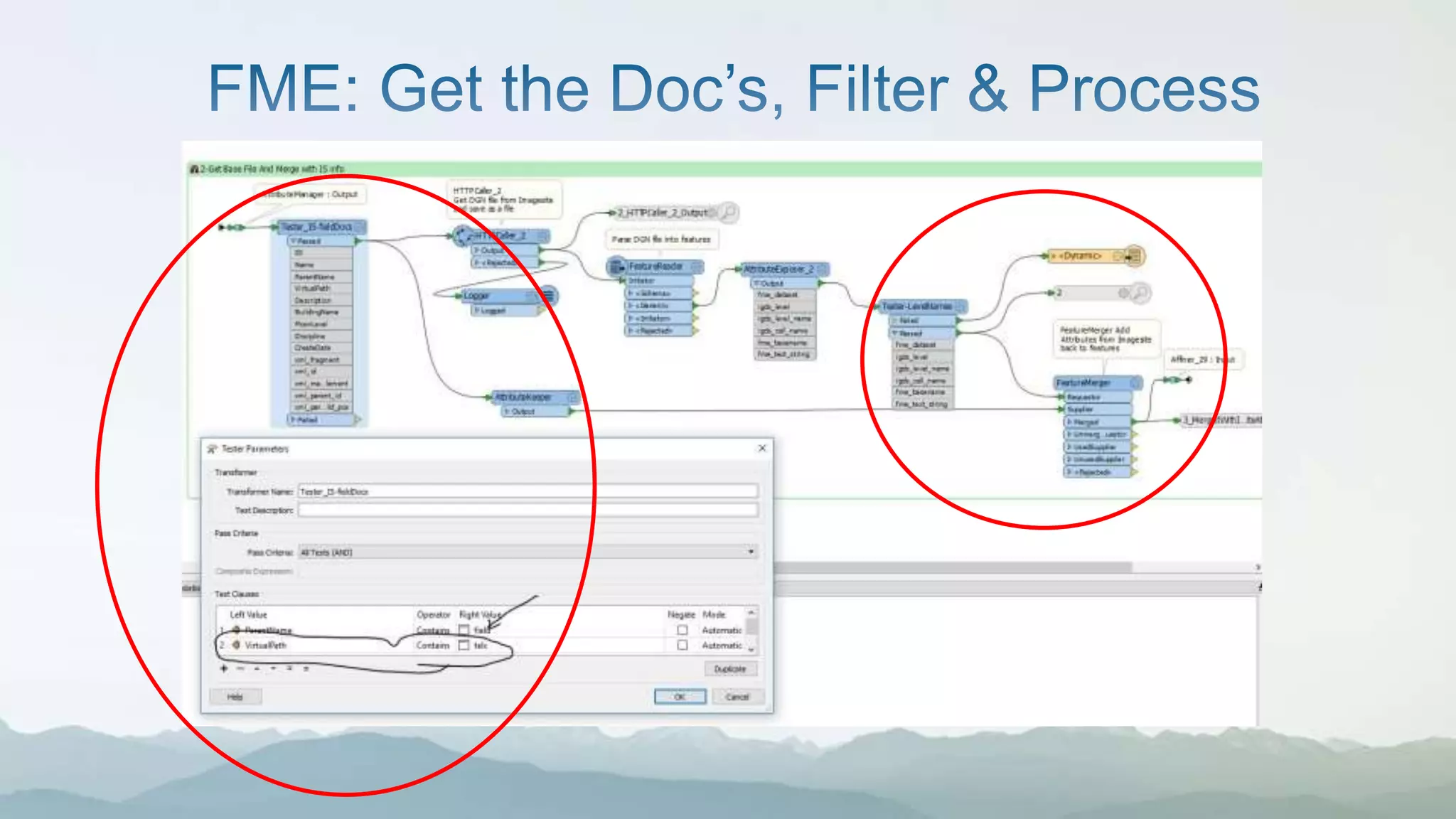
  • #13 Now that we have the doc, we can - get the name of the base CAD file we want (or several) - make another call to download what we need - QA/QC the CAD doc for issues (eg, improper level names); push out potential errors - merge metadata with actual geometry features in CAD.
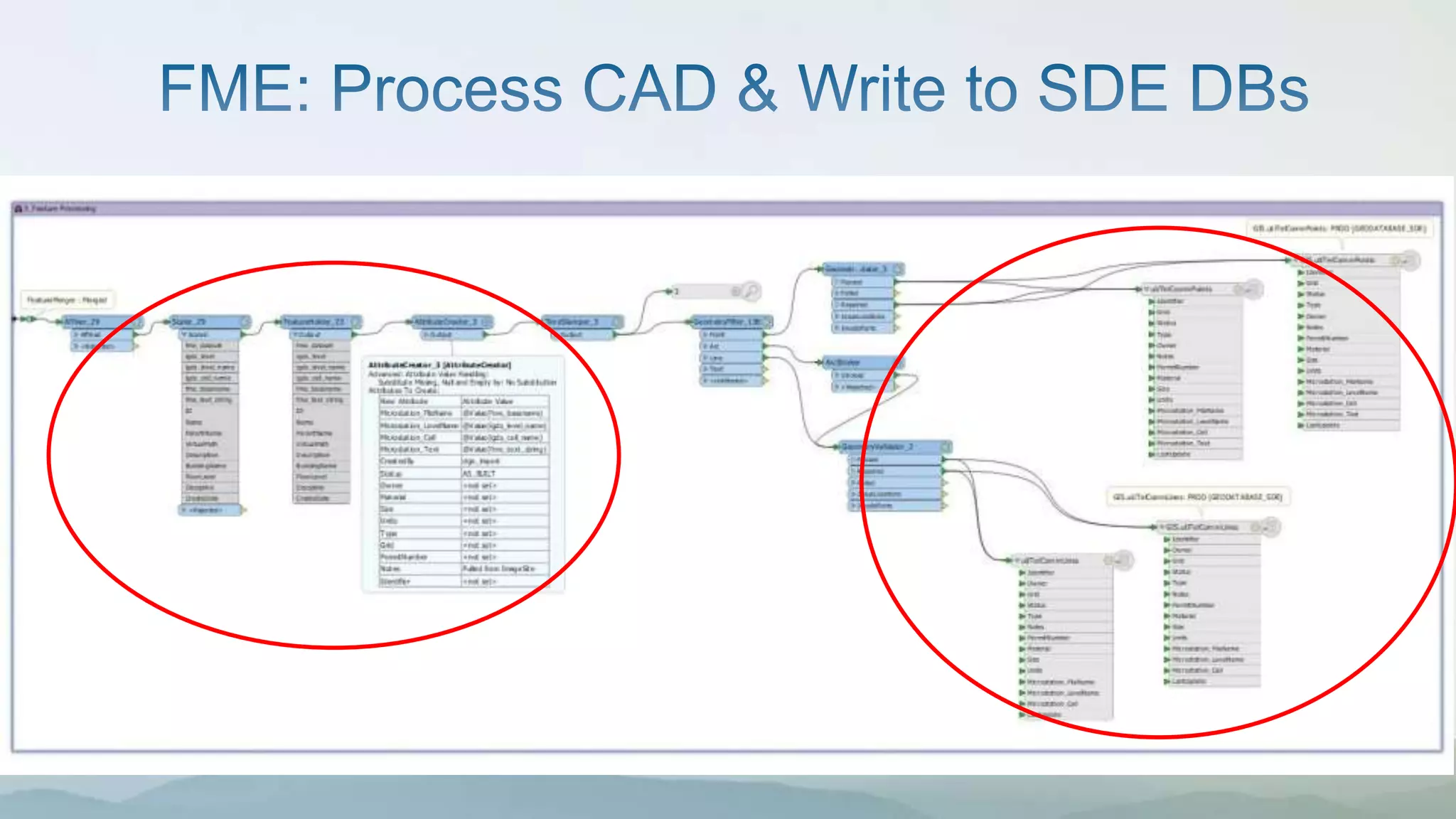
  • #14  Process Accordingly here - Transform the coordinates from our unique YVR coordinate system to UTM coordinates - Check for Geometry issues - Add/Delete Field Names to match GIS Schema for feature classes In this case here, we keep Telecomm points and lines mostly, no major feature class development (simple, old data model schema)
  • #15 Our most complex FME script incorporates Imagesite API - 3 hrs 45 min to process every day on FME Server Processes 3 Million+ CAD elements from 79 standard architectural base files; 20+ buildings (each building would have 1-2 floor plans; YVR main terminal = 3 main buildings, 2 with 6 floor levels “Plan files”; BC’s largest building. Advantage: Any building base plan that ends in “-plan.dgn” has metadata on the “building name” & “floor level” I don’t have worry about changing a script to incorporate new buildings & the floor from my CAD colleagues. (ALL HAIL GLORIOUS METADATA) Due to the massive amount of project occurring throughout the terminal, our enterprise database has the latest floor layout. FME also handles the QA/QC part ensuring our level names & elements conform to ES’s CAD standards.
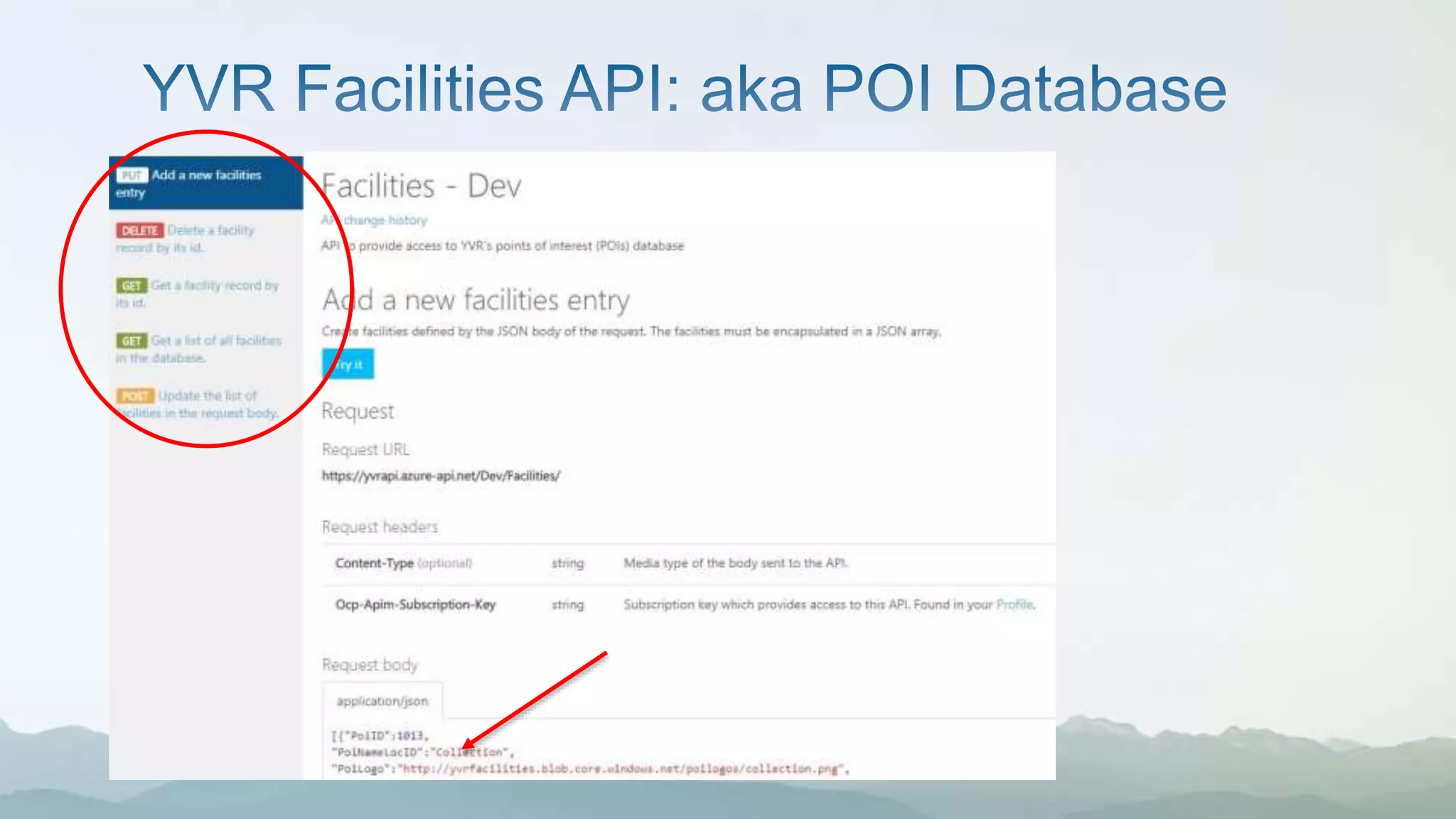
  • #16 While we have lots of great info on places in and around the terminal, we did not have a good source of POIs. Built on Microsoft Azure; Lots of APIs available, Flight, Maps, POI’s, CATSA Wait Times API, etc Good documentation; Examples available with various programming languages. Facilities Database Name; Type Operating hours Contact info YVR Contact Lat/Long  ideal for mapping!