Hydraulic Modeling with GIS Data
Ted Norcott       Harry Bhandal
GIS Specialist    System Capacity Planning
FortisBC Energy   FortisBC Energy


                                             April 27, 2012
FortisBC Company Overview


   A subsidiary of Fortis Inc. “FTS” (TSX)
   Regulated Gas and Electric company
   2300 employees
   48,000 km of natural gas pipeline
   950,000 natural gas customers
   Largest territory of any North American gas utility
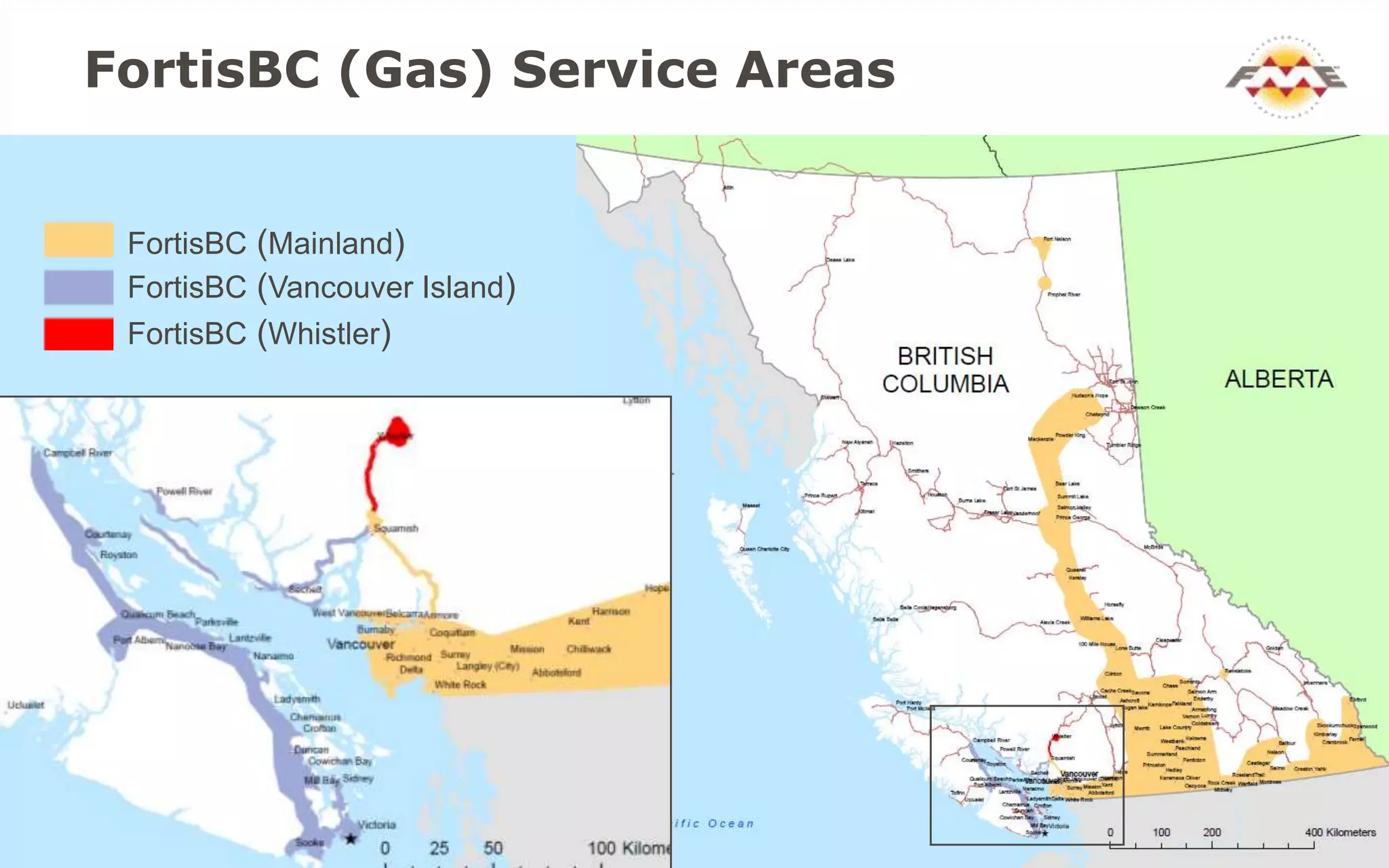
FortisBC (Gas) Service Areas


 FortisBC (Mainland)
 FortisBC (Vancouver Island)
 FortisBC (Whistler)
System Capacity Planning

 Model Hydraulics of Pipeline System

 We are the fortune tellers at Fortis BC
System Capacity Planning


 Long Range Capital Planning

 Operations Support
   Planned
   Emergency
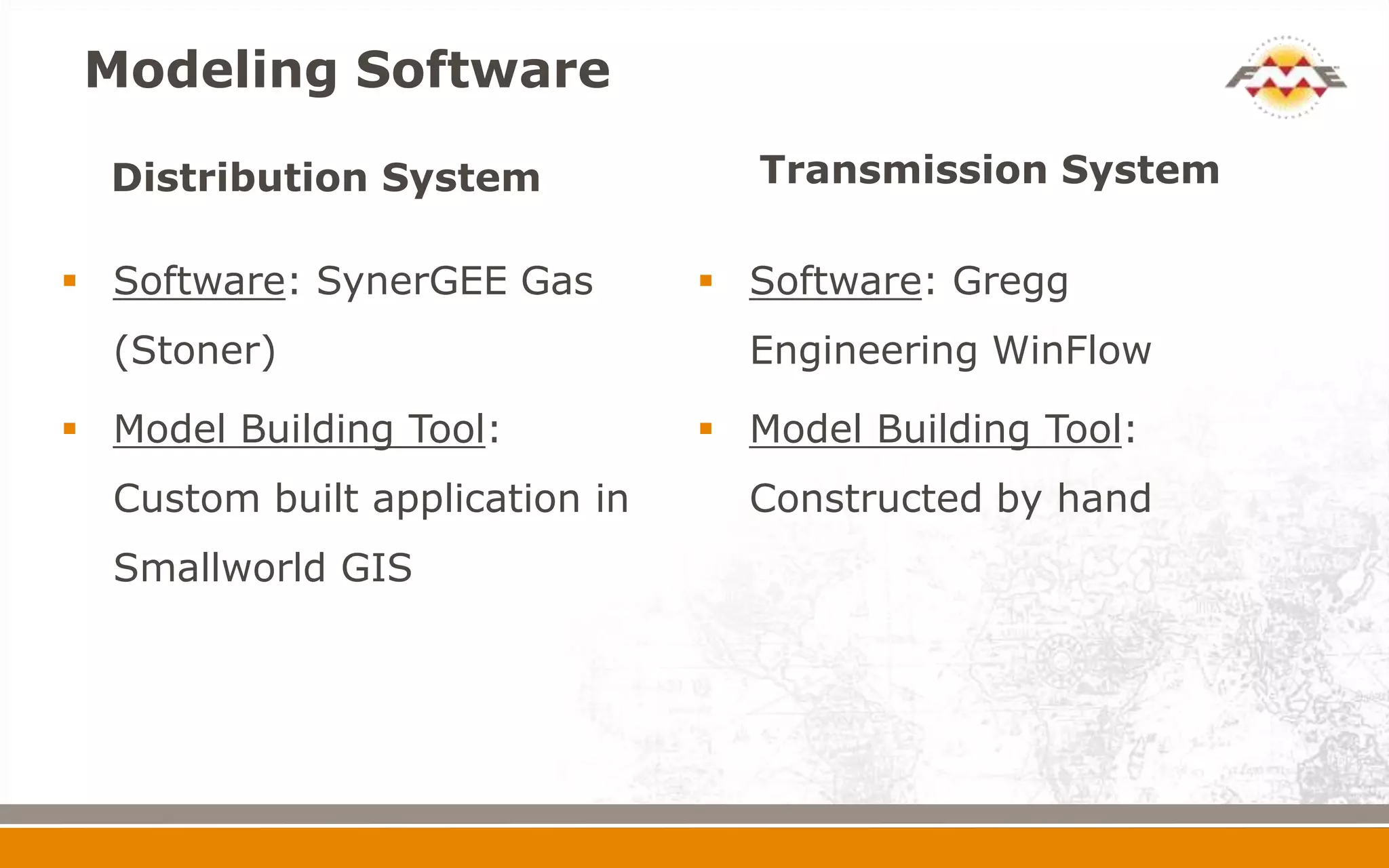
Modeling Software

  Distribution System              Transmission System

 Software: SynerGEE Gas         Software: Gregg
  (Stoner)                        Engineering WinFlow

 Model Building Tool:           Model Building Tool:
  Custom built application in     Constructed by hand
  Smallworld GIS
Problem

 Licensing and skill set requirements for 2
  different software

 Upgrade of SynerGEE required with the need for
  additional hardware

 $$$$
Solution


 Business Case determined Gregg was the most
  economical choice

 How do we build 48,000 km of pipeline
  (Distribution & Transmission) in Gregg?

 Building by hand is not a consideration

 FME to the rescue!!
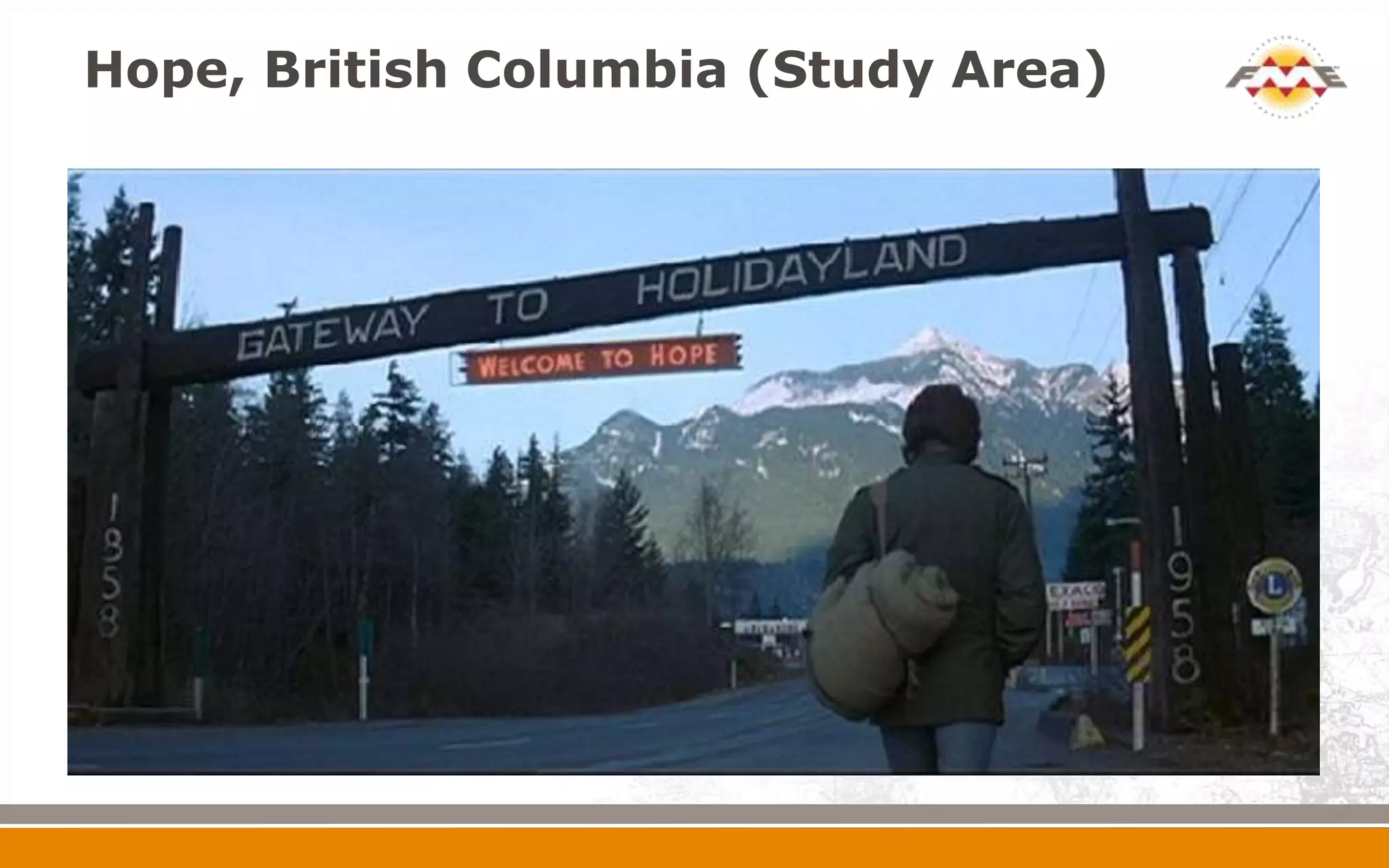
Hope, British Columbia (Study Area)
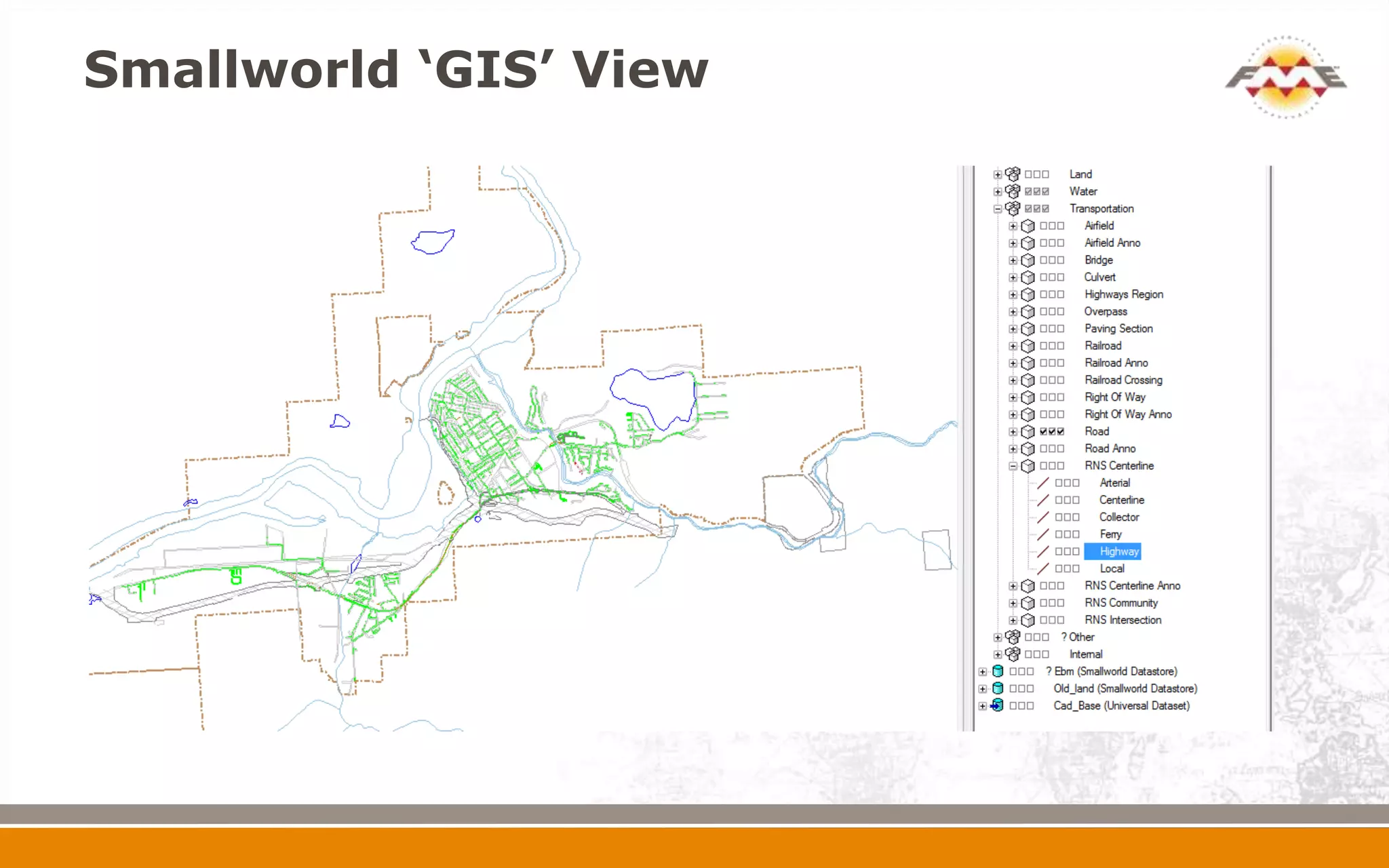
Smallworld ‘GIS’ View
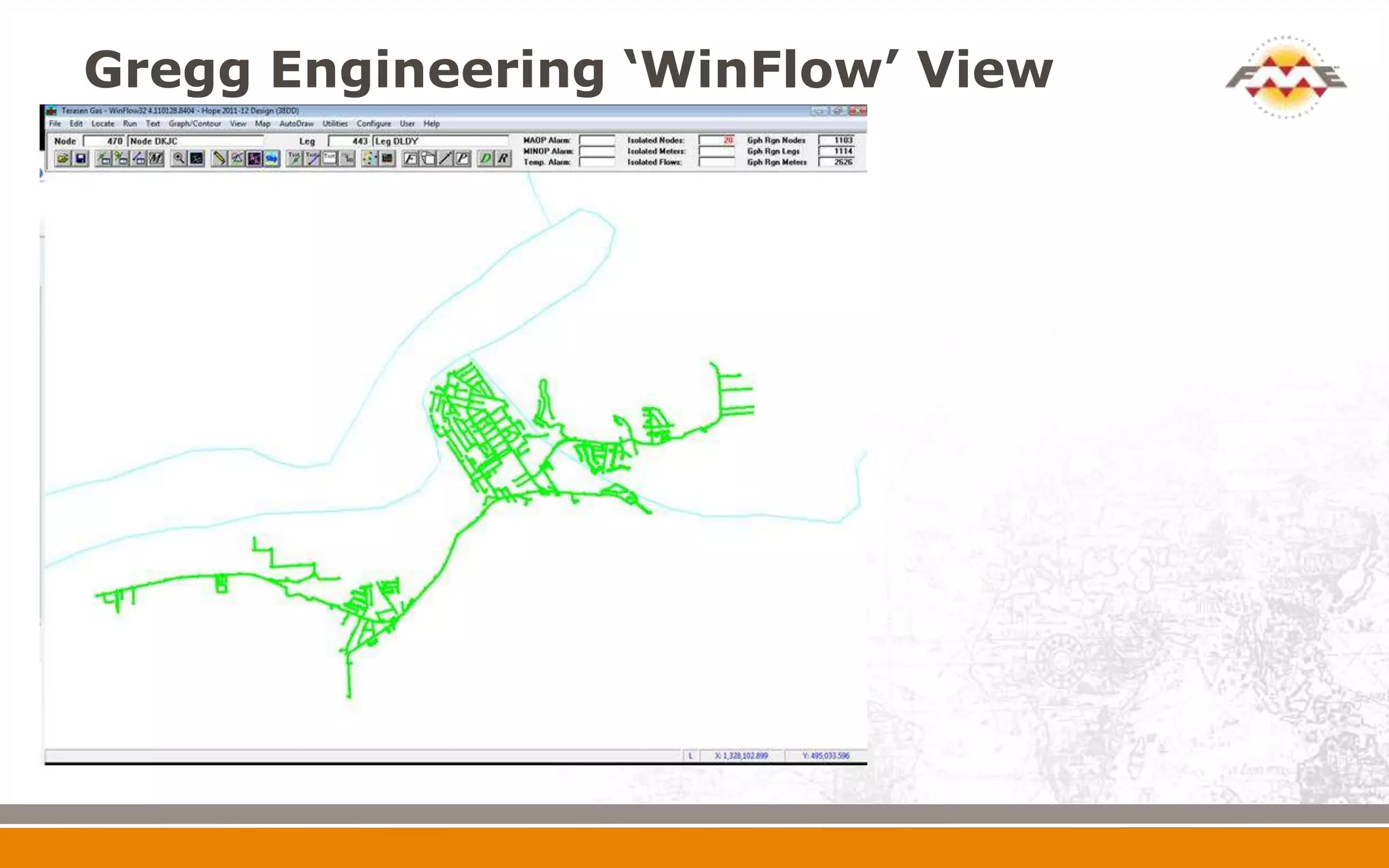
Gregg Engineering ‘WinFlow’ View
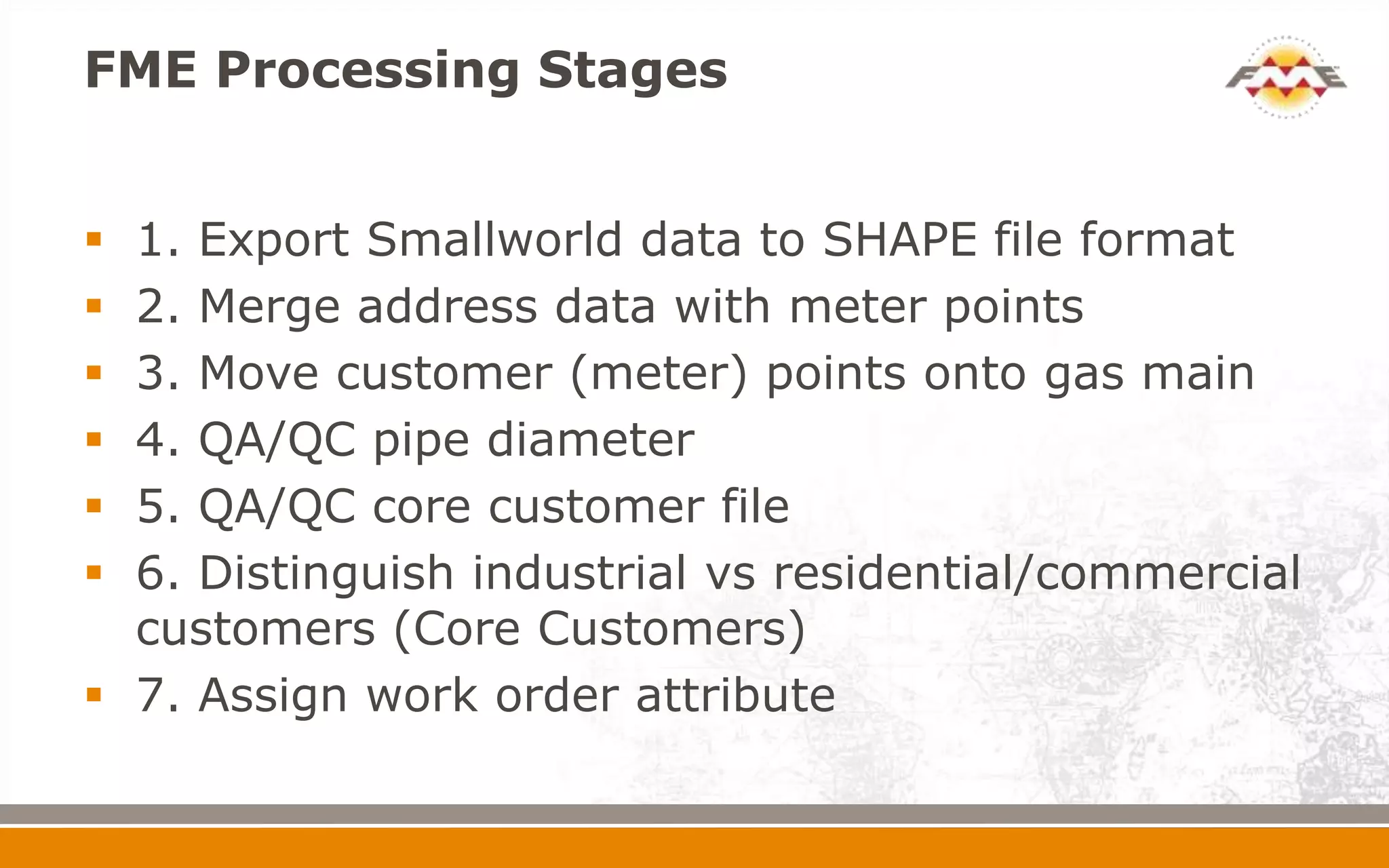
FME Processing Stages


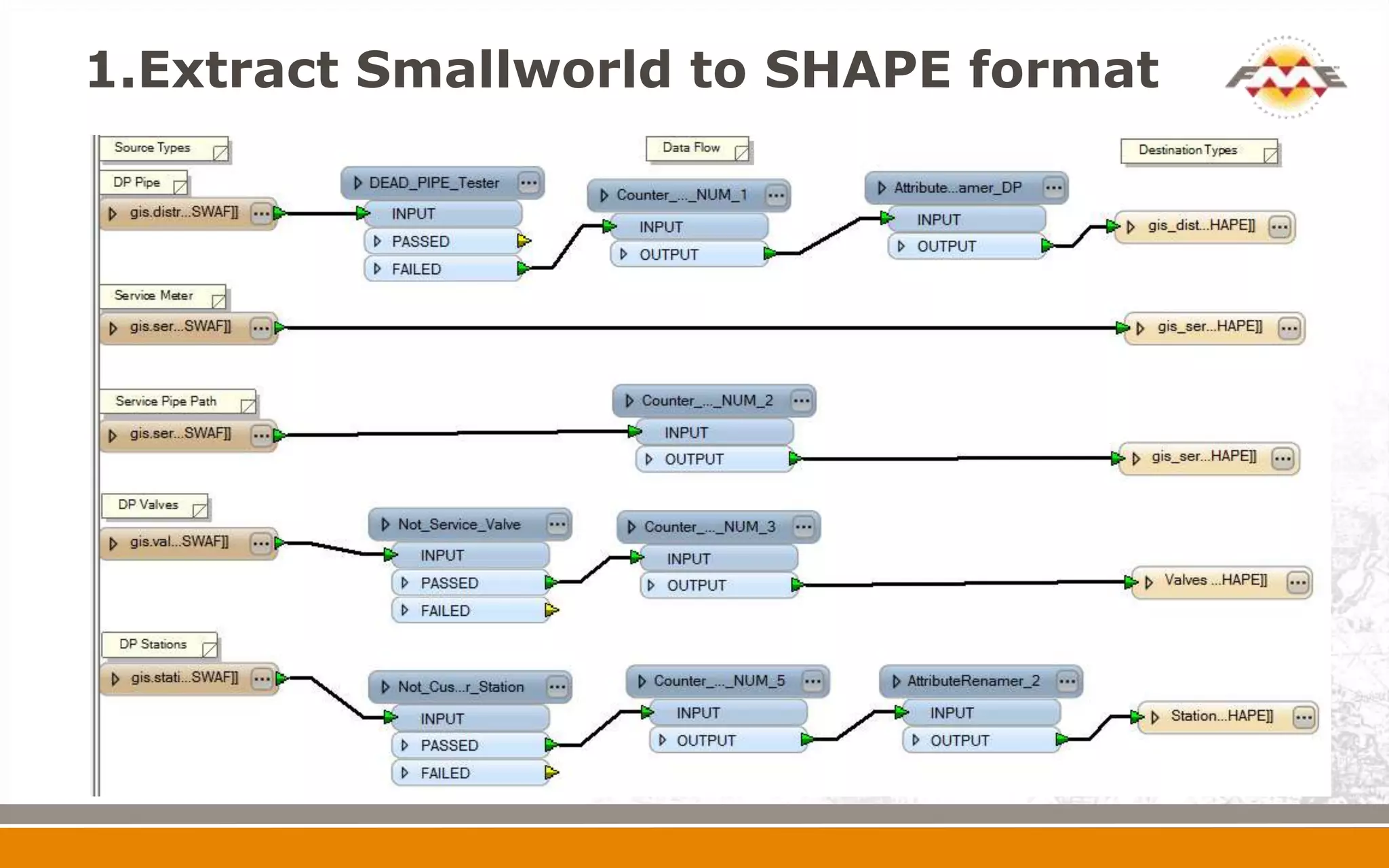
 1. Export Smallworld data to SHAPE file format
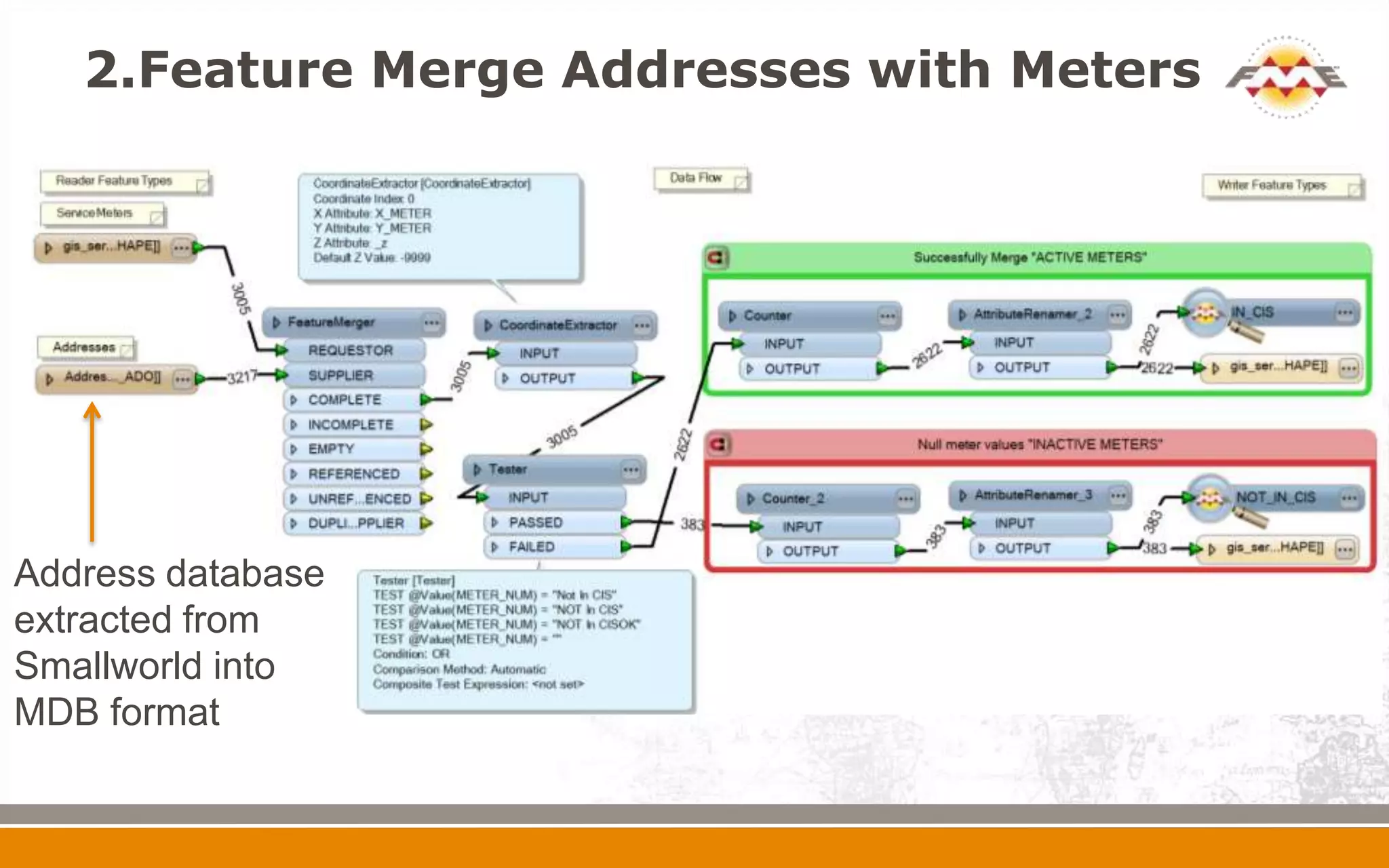
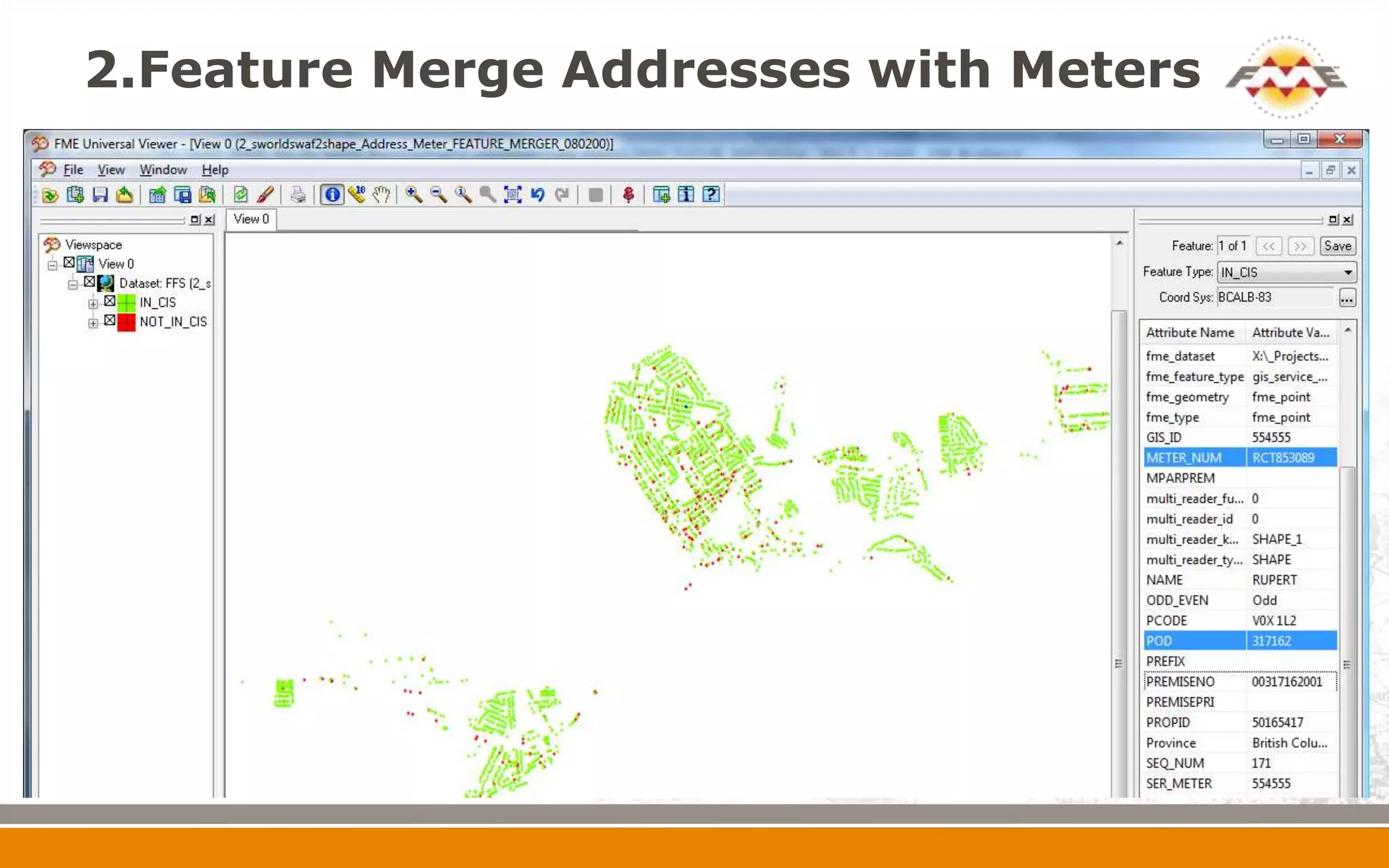
 2. Merge address data with meter points
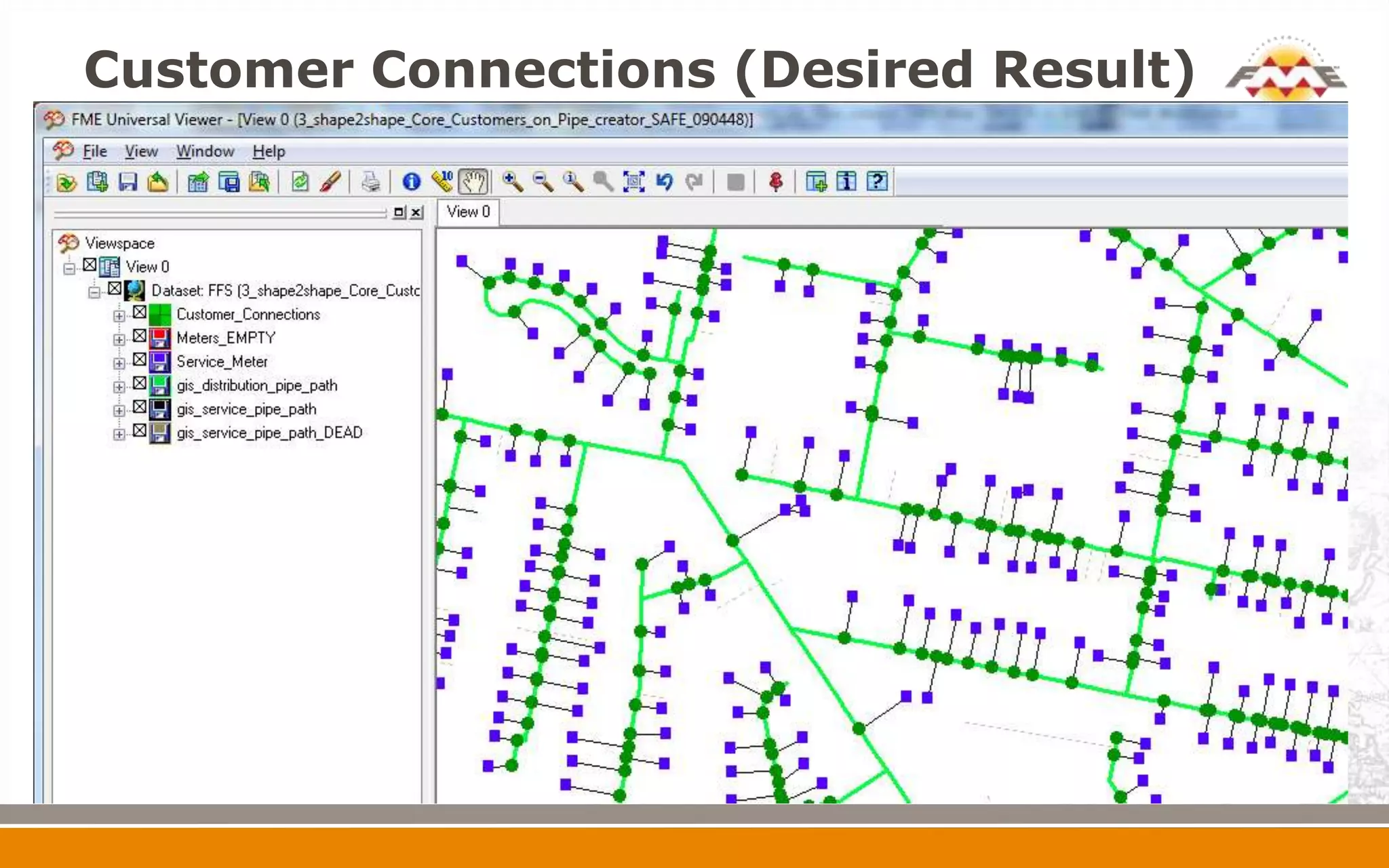
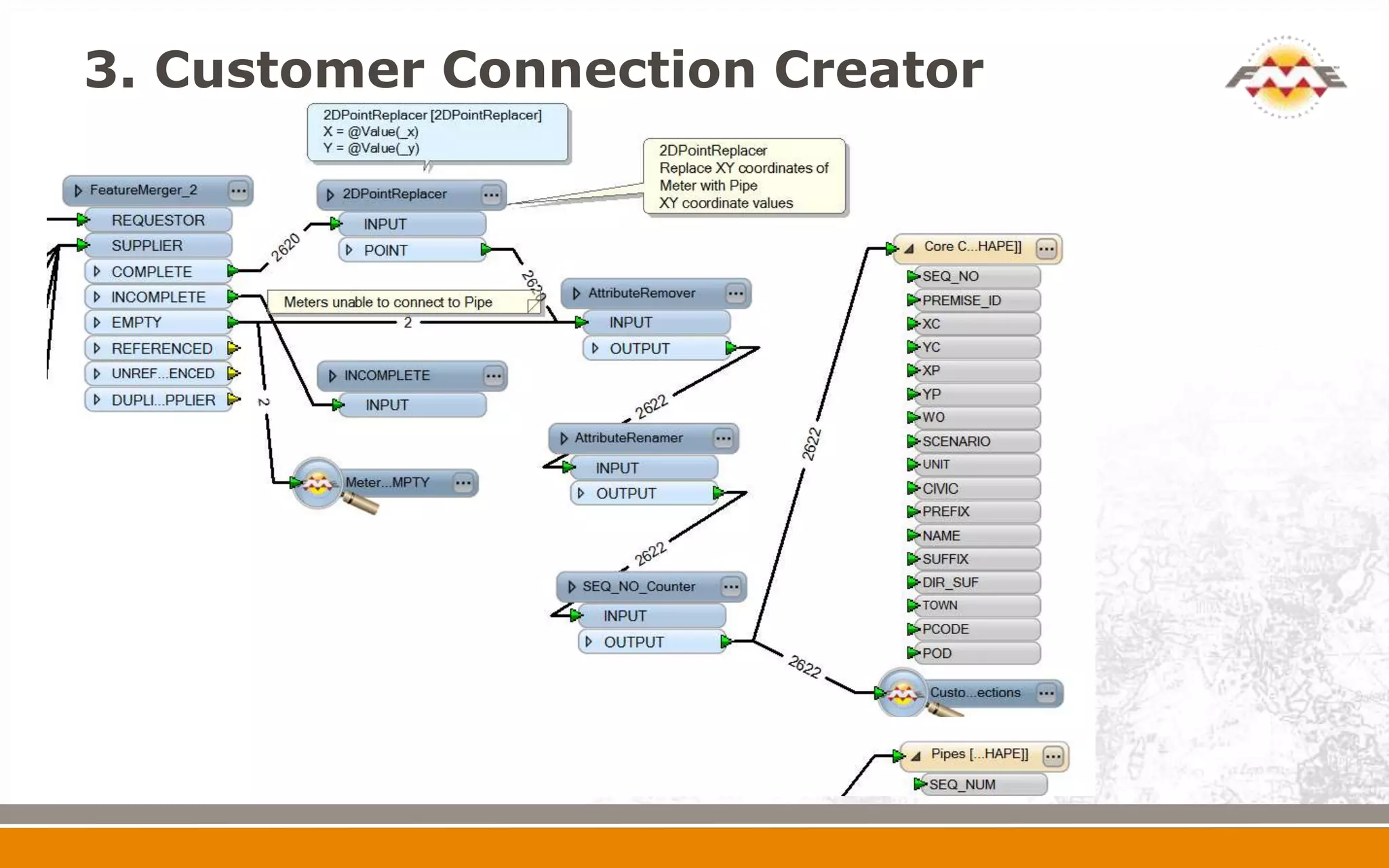
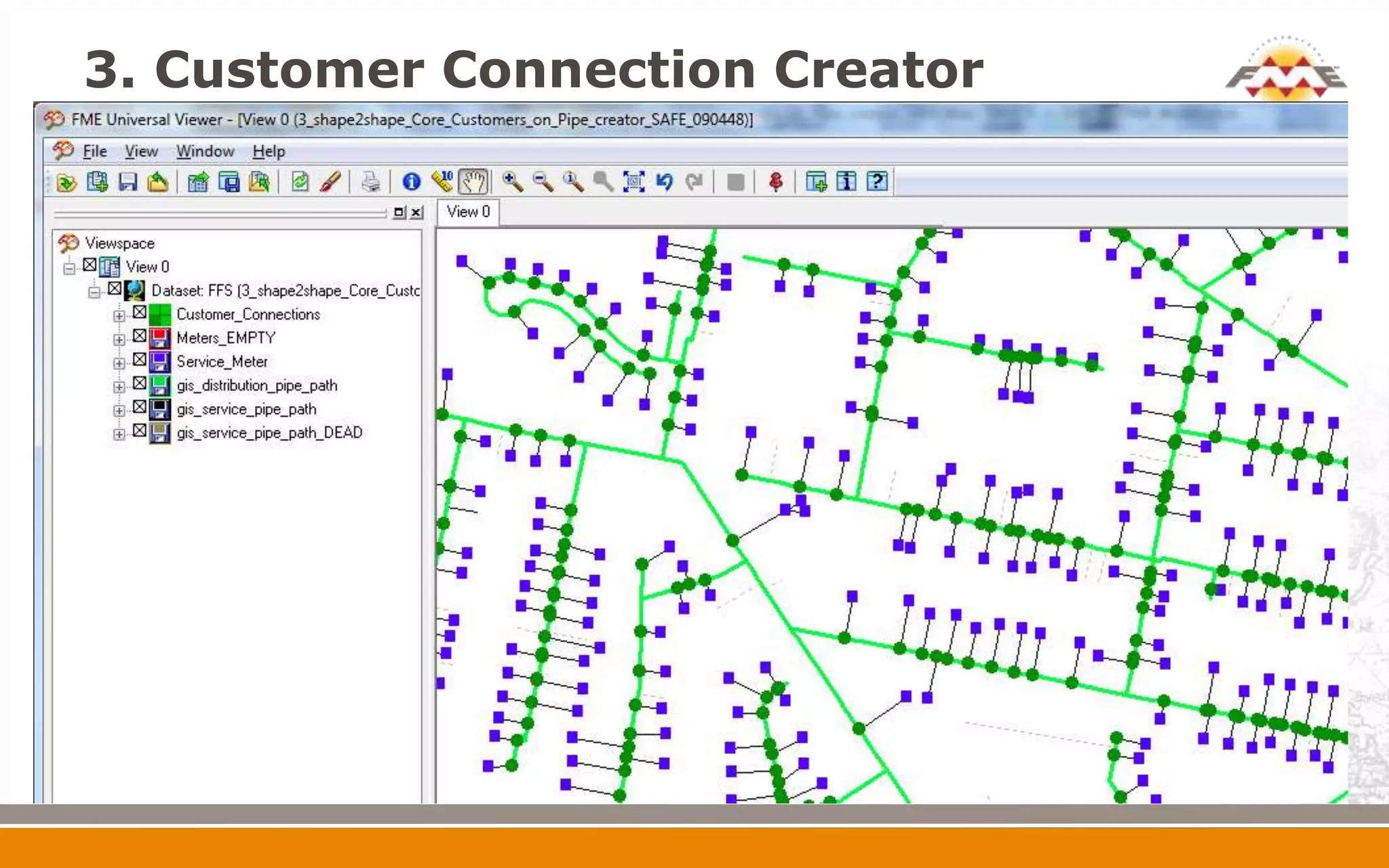
 3. Move customer (meter) points onto gas main
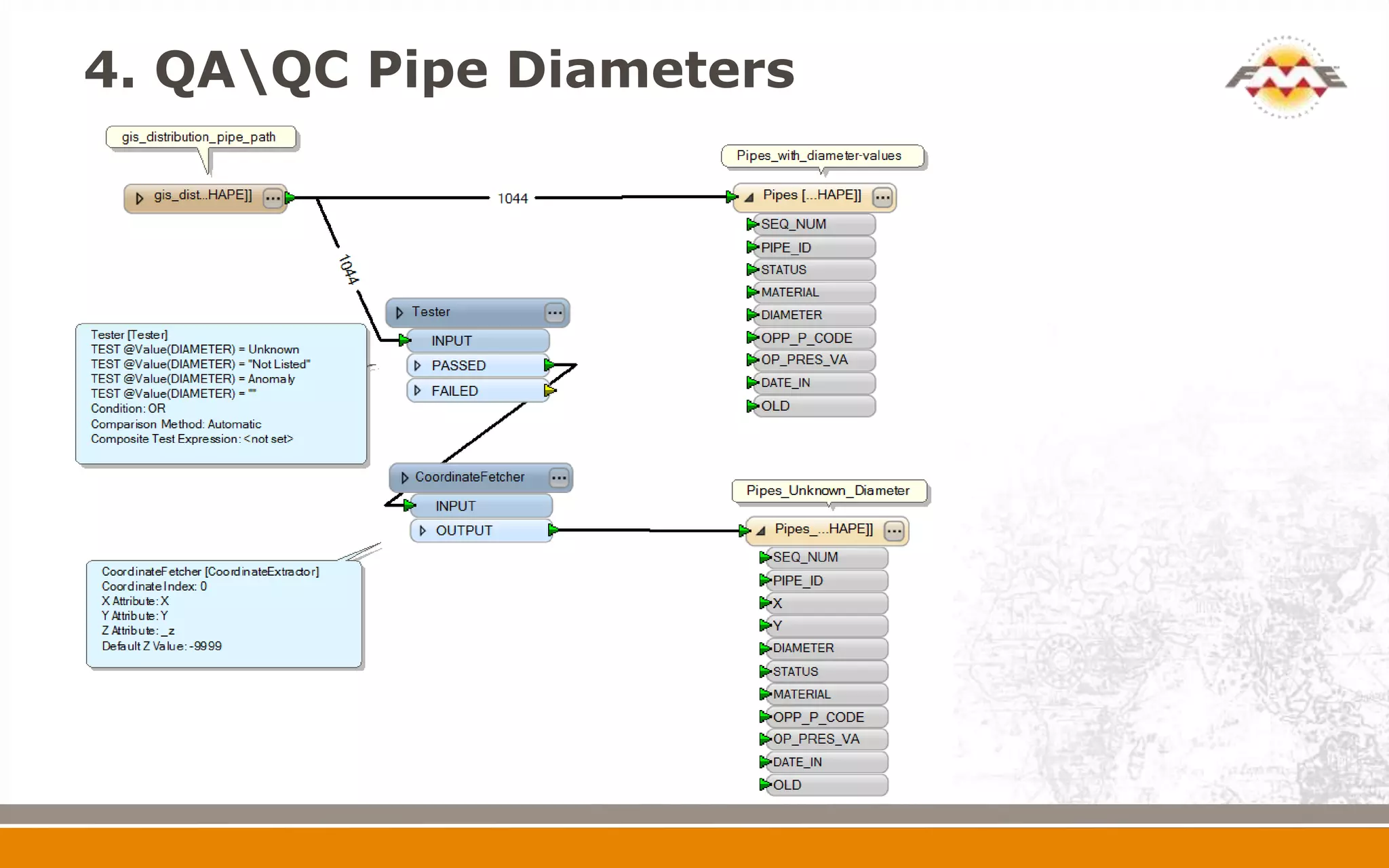
 4. QA/QC pipe diameter
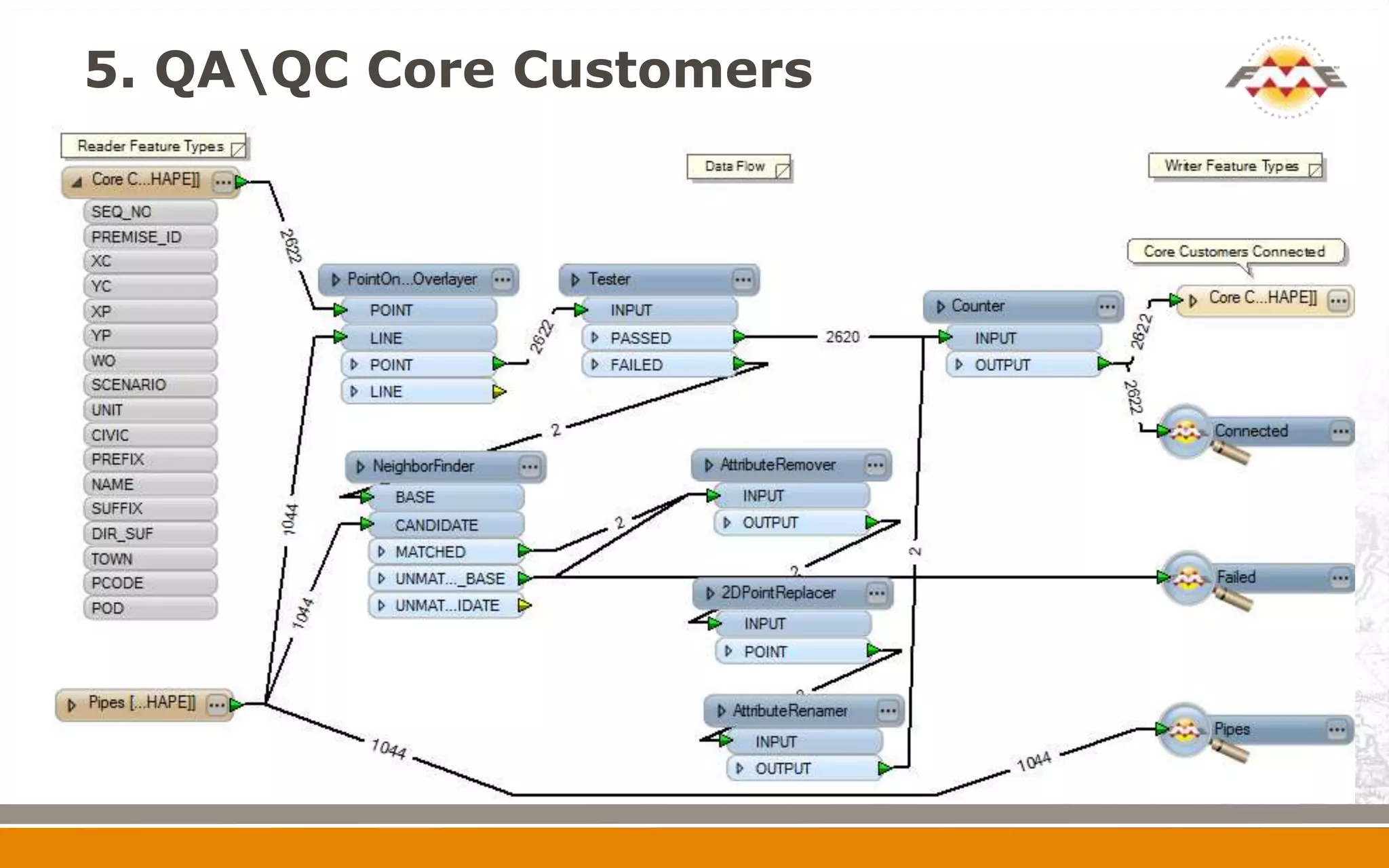
 5. QA/QC core customer file
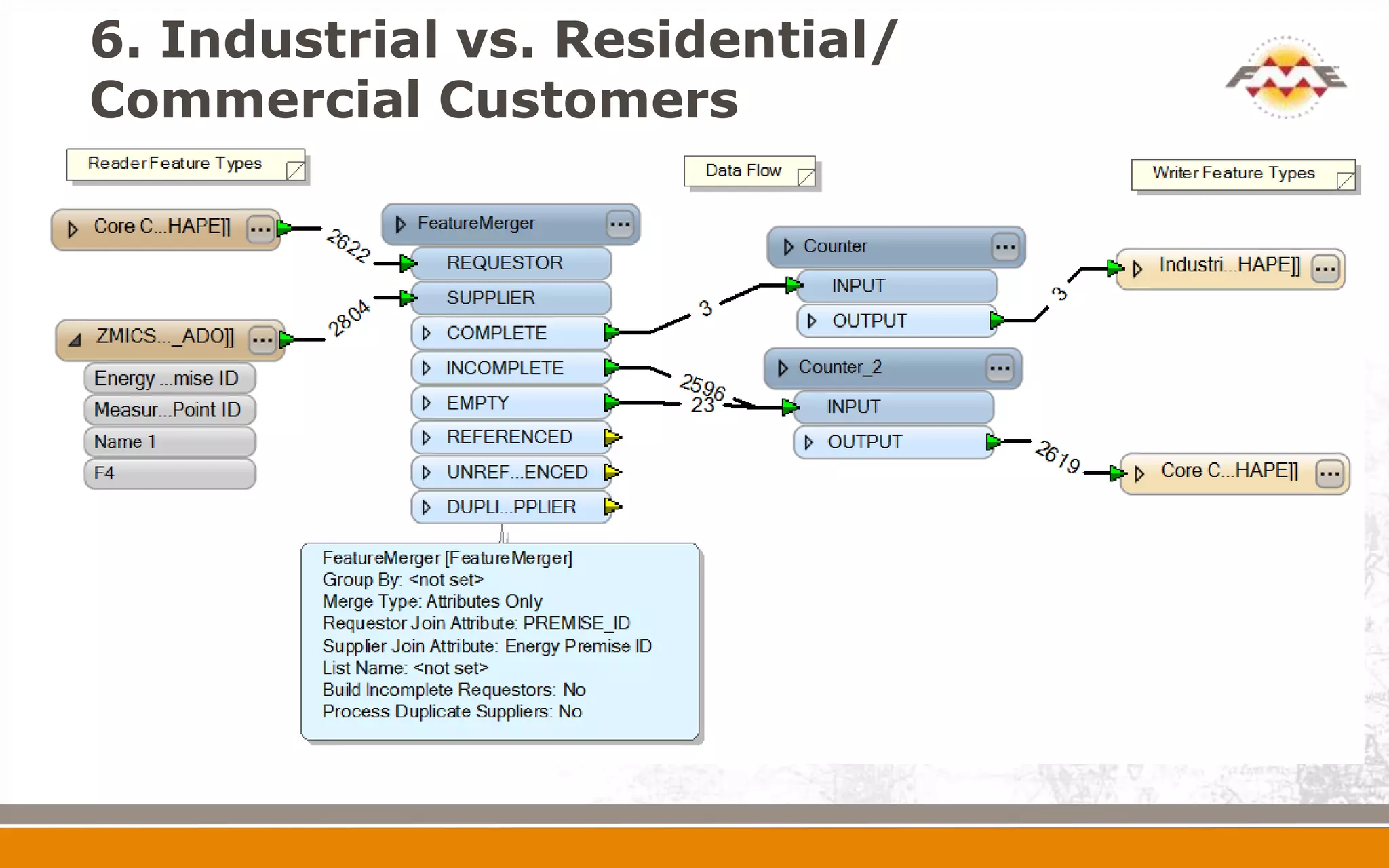
 6. Distinguish industrial vs residential/commercial
  customers (Core Customers)
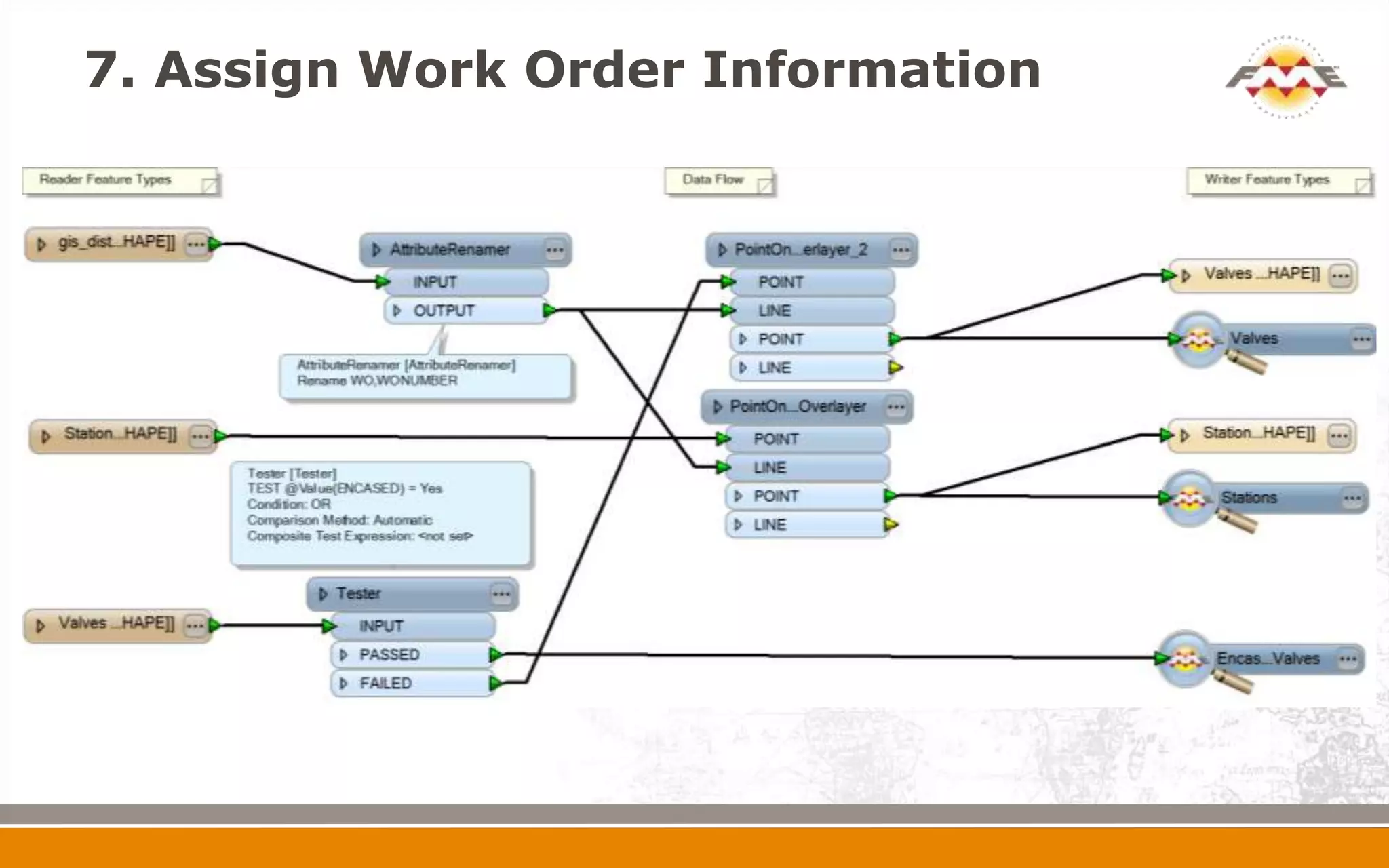
 7. Assign work order attribute
1.Extract Smallworld to SHAPE format
2.Feature Merge Addresses with Meters


Address database
extracted from
Smallworld into
MDB format
2.Feature Merge Addresses with Meters
Customer Connections (Desired Result)
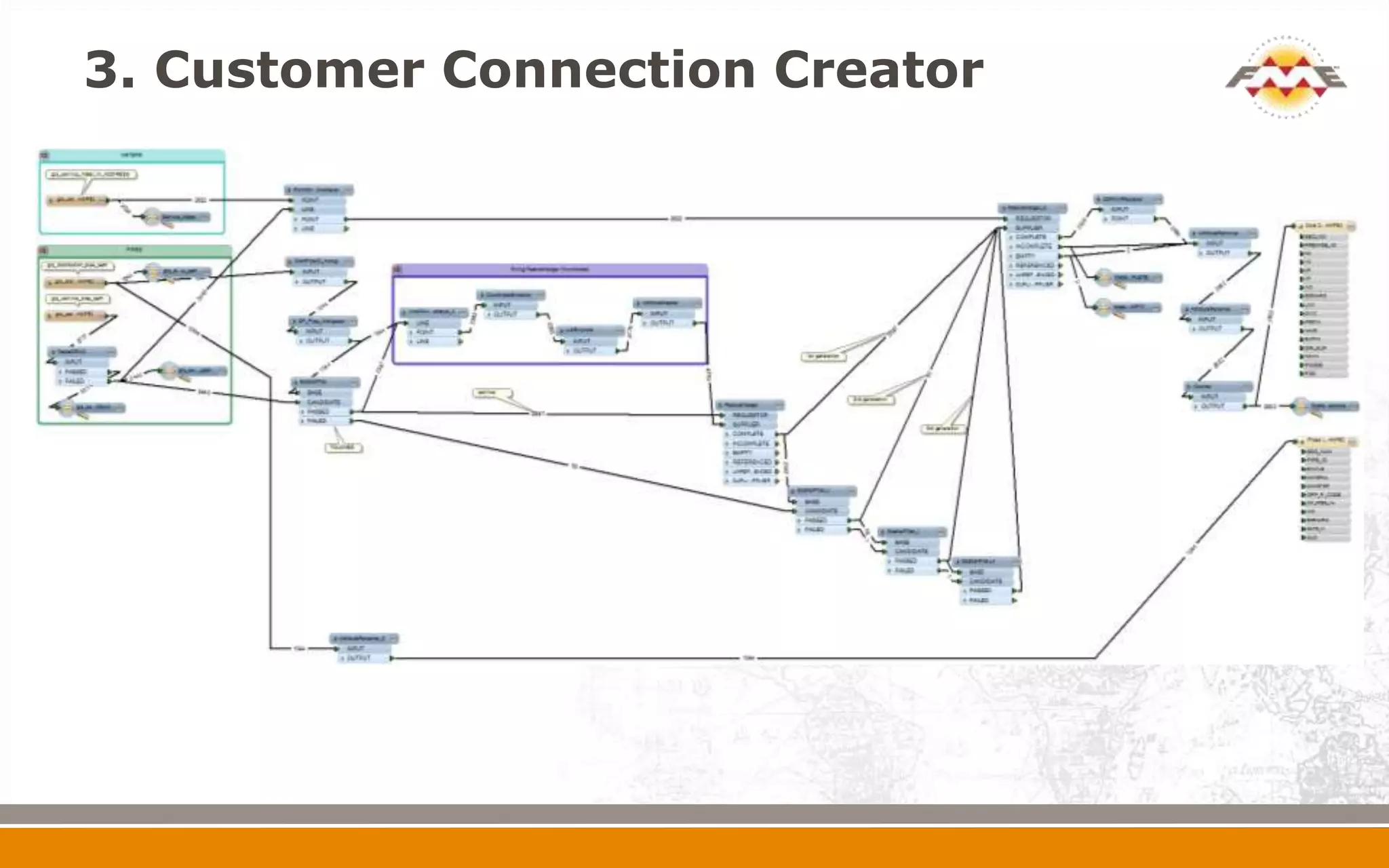
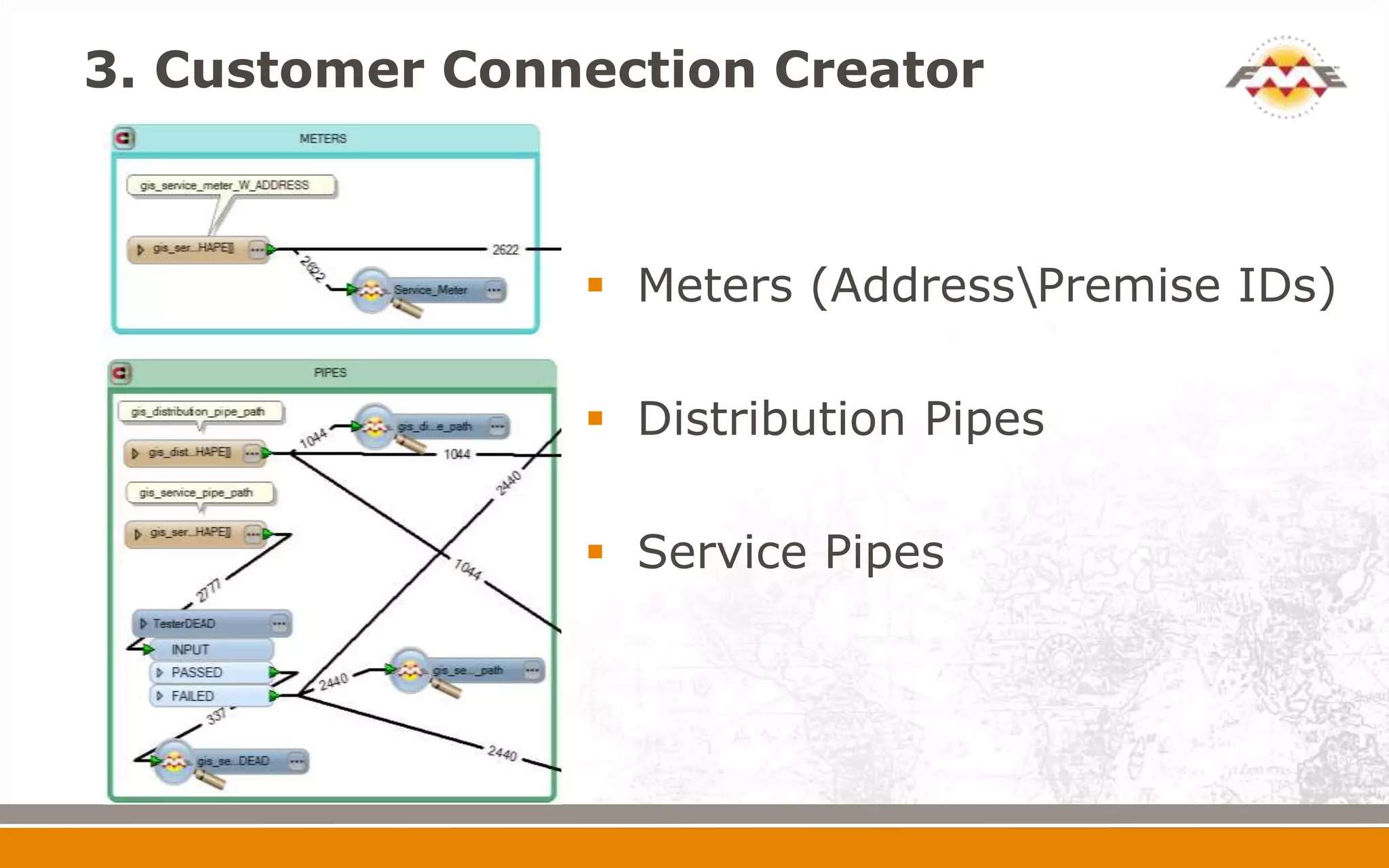
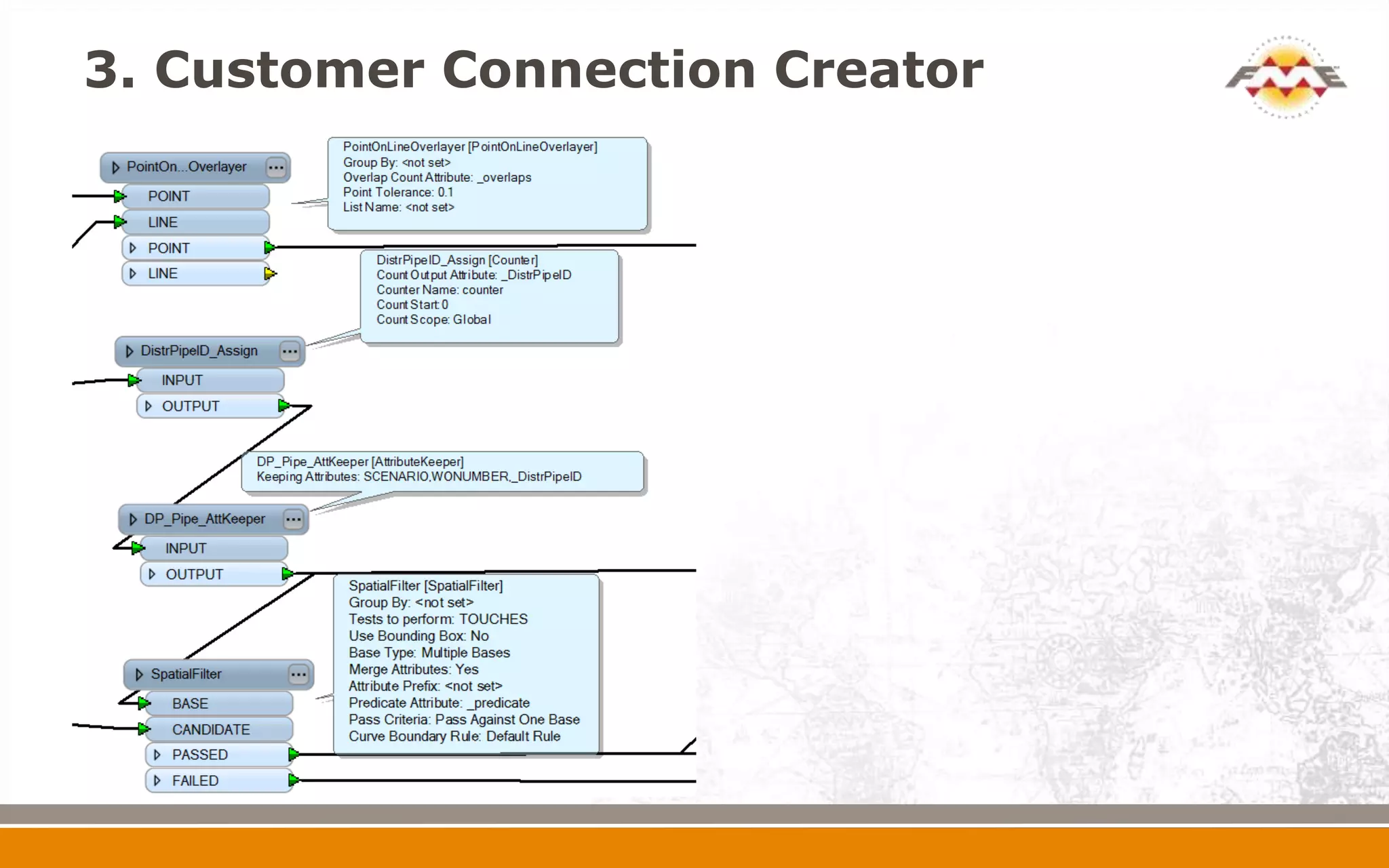
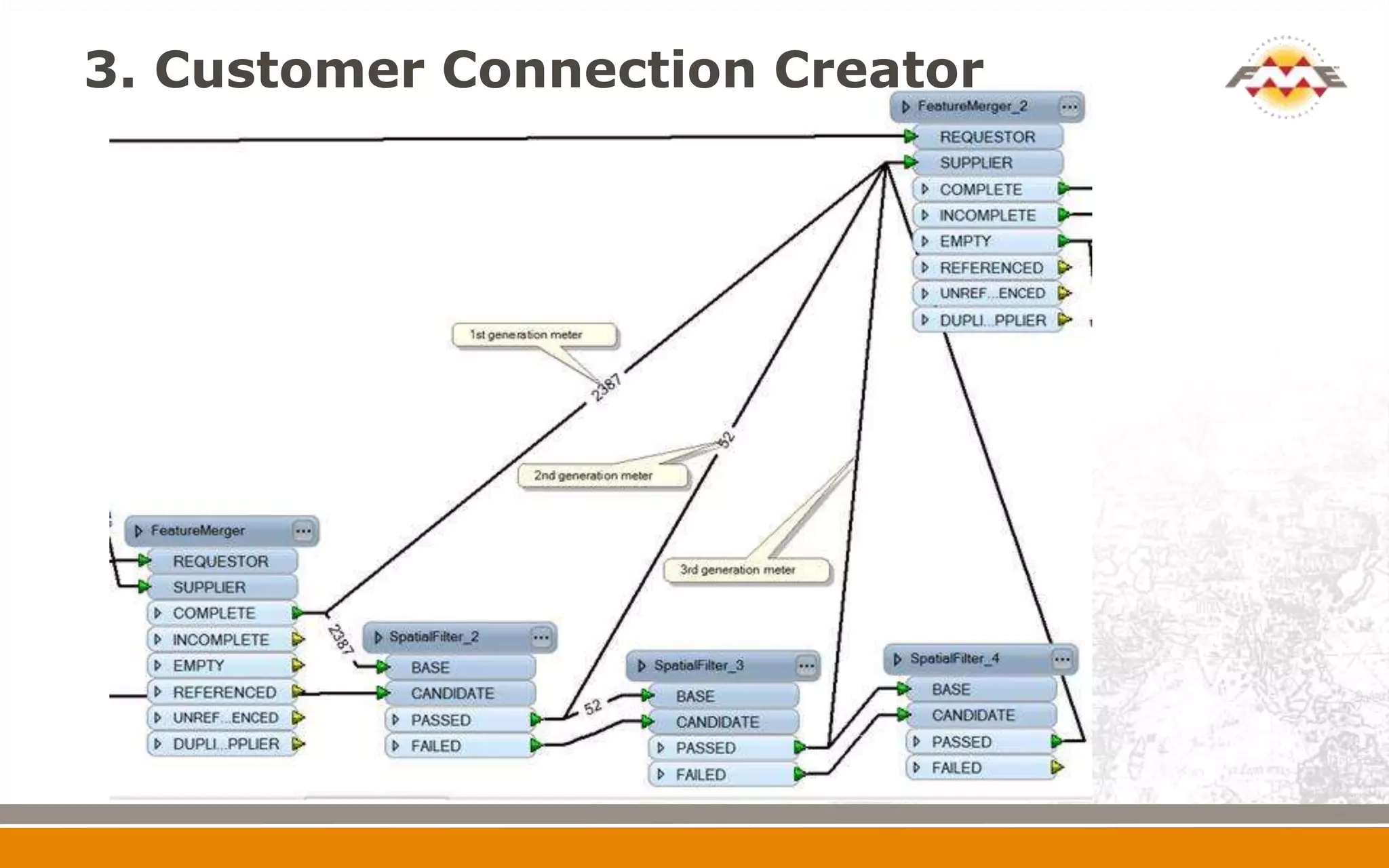
3. Customer Connection Creator


                 Meters (AddressPremise IDs)

                 Distribution Pipes

                 Service Pipes
3. Customer Connection Creator
4. QAQC Pipe Diameters
5. QAQC Core Customers
6. Industrial vs. Residential/
Commercial Customers
7. Assign Work Order Information
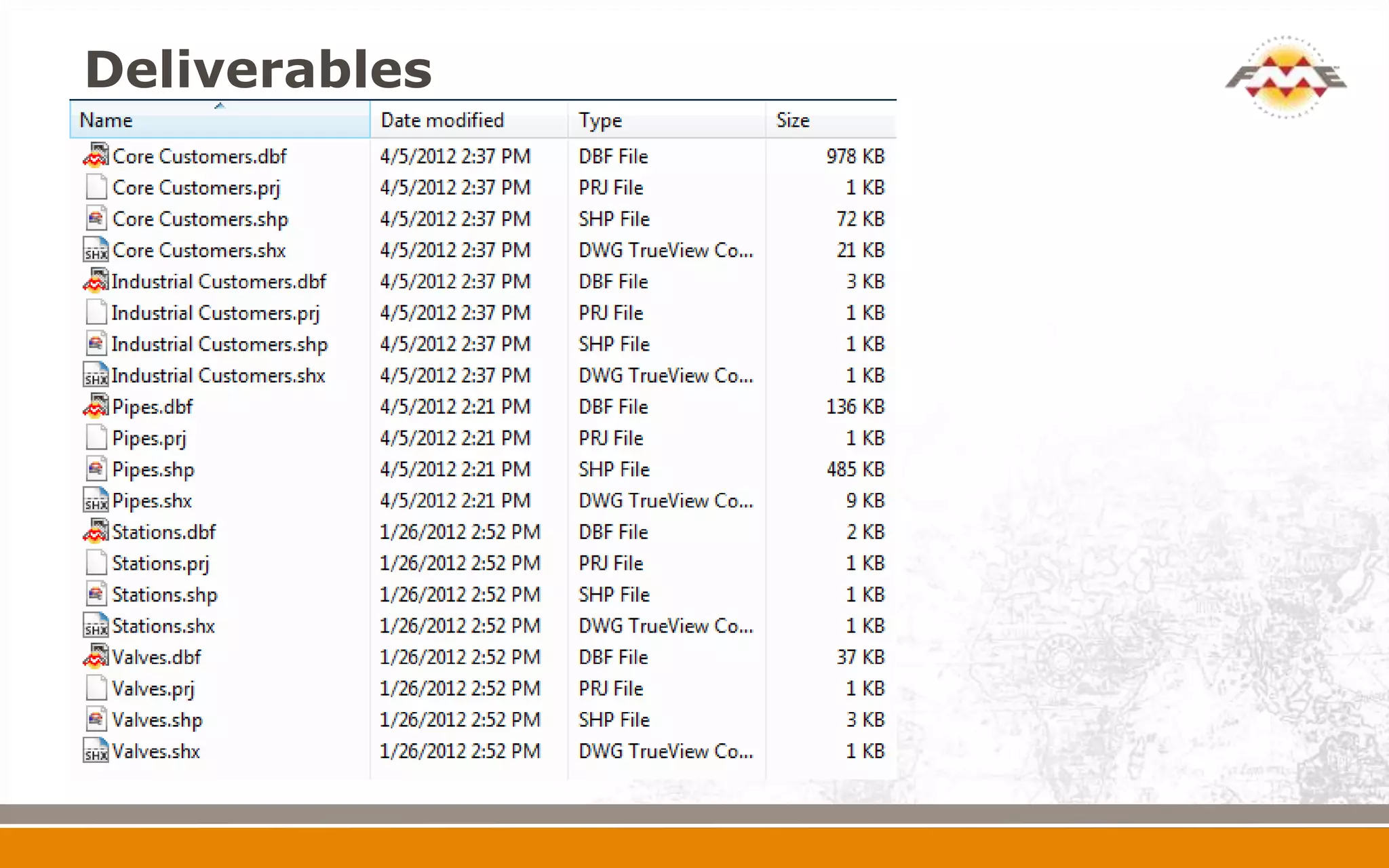
Deliverables
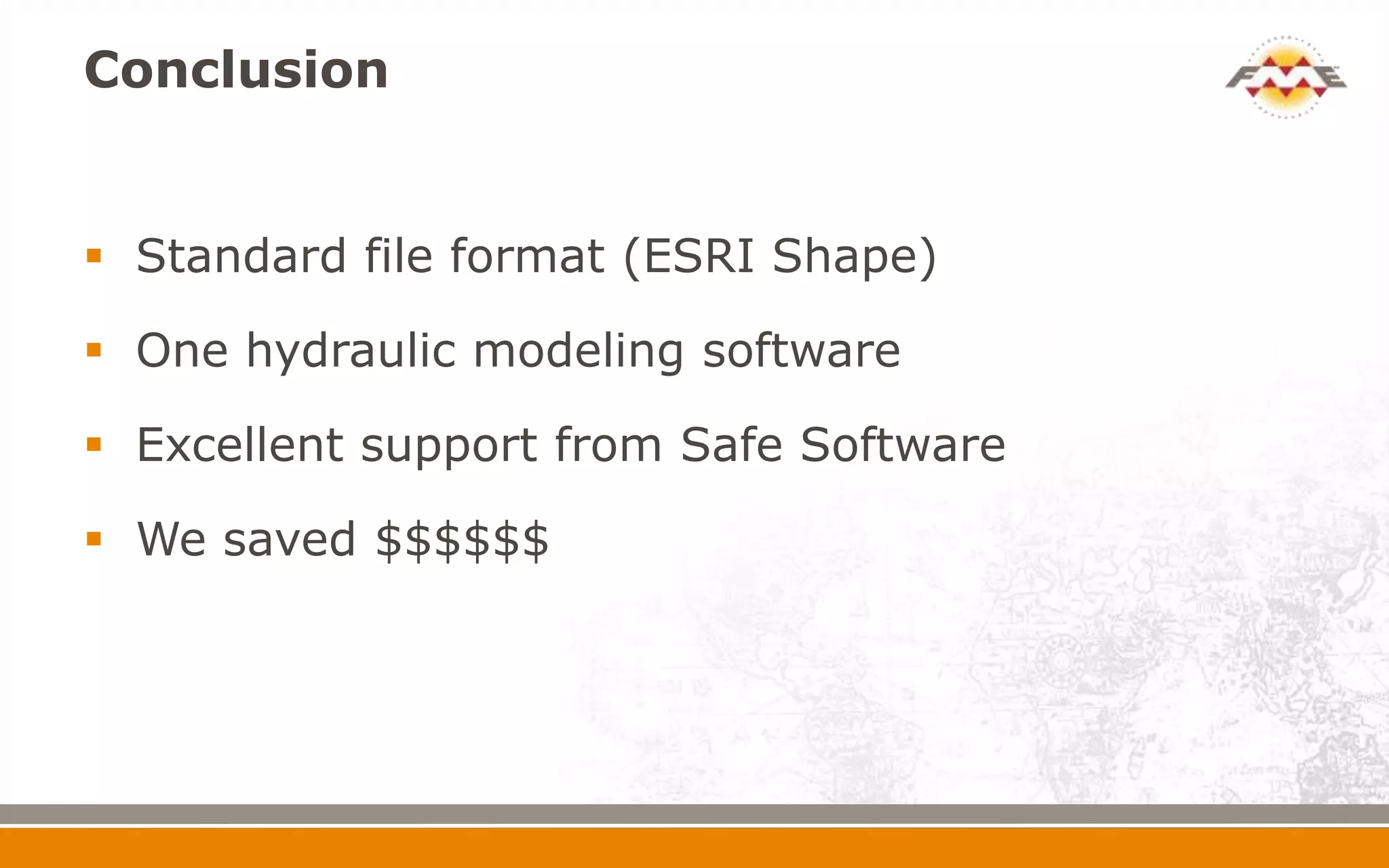
Conclusion


 Standard file format (ESRI Shape)

 One hydraulic modeling software

 Excellent support from Safe Software

 We saved $$$$$$
Future Plans


 Automation of process

 Self serve options for System Planners
Thank You!


 Questions?

 For more information:
   Ted Norcott ted.norcott@fortisbc.com
   Harry Bhandal harry.bhandal@fortisbc.com

   www.fortisbc.com

Hydraulic Modelling with GIS Data

Editor's Notes

  • #7 Expand on what is capital planning
  • #8 Format of Stoner files. Gcus, CSV format
  • #9 Be more brief on this slide
  • #21 POINT ON Line overlayer – assigns the service pipe id to the meter point