Downloaded 47 times
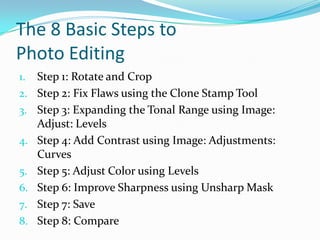
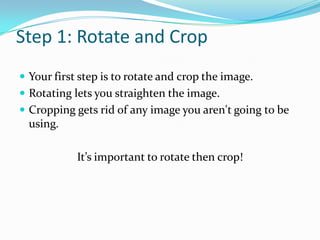
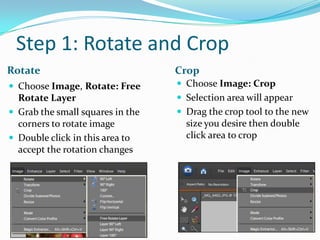
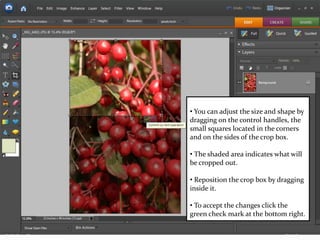
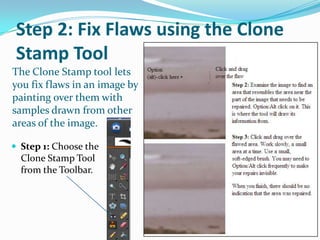
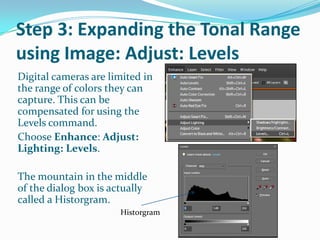
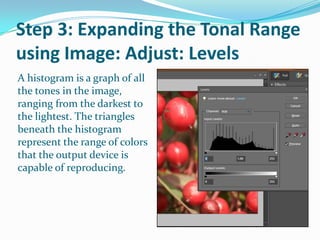
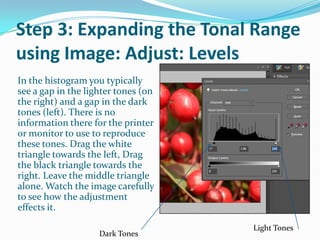
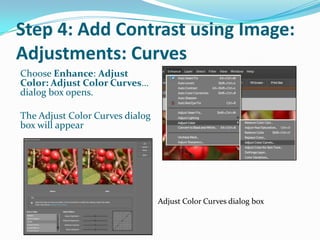
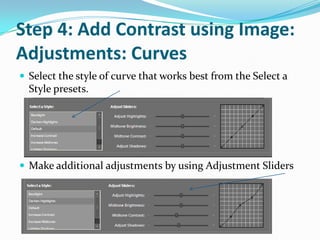
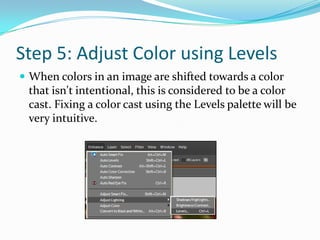
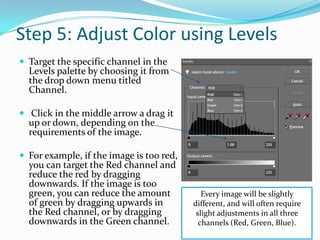
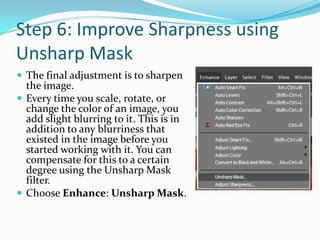
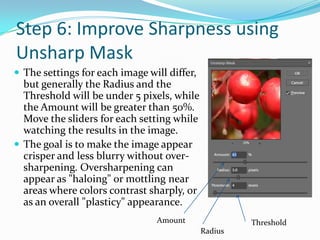
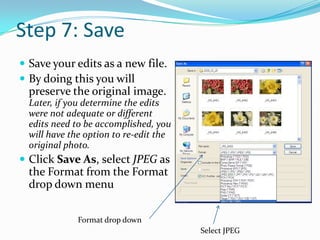
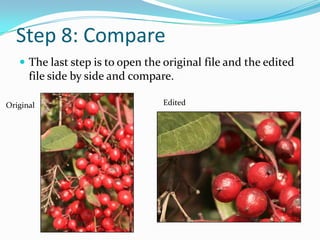

The document outlines 8 basic steps for photo editing in Adobe Photoshop Elements 6: 1) Rotate and crop the image, 2) Fix flaws using the clone stamp tool, 3) Expand the tonal range using levels, 4) Add contrast using curves, 5) Adjust color using levels, 6) Improve sharpness with unsharp mask, 7) Save the edited file, and 8) Compare the original and edited images. Each step provides instructions for using specific tools and adjustments to enhance the photo.


