



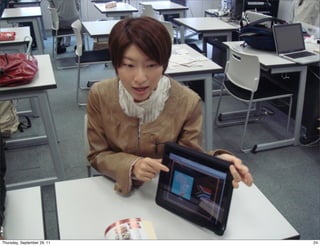










TABLET COMPUTERS AND
                                 BLENDED LEARNING
                                     ENVIRONMENTS
                             RICHARD S. LAVIN, PREFECTURAL UNIVERSITY OF KUMAMOTO


Thursday, September 29, 11                                                          1
BLENDED LEARNING
                                 BEFORE TABLETS


Thursday, September 29, 11                        2
2 MAIN MODES
                             RESERVE A COMPUTER LAB, AND
                             DO A COMPUTER-CENTRIC
                             CLASS
                             DO REGULAR ACTIVITIES IN A
                             CONVENTIONAL CLASSROOM
                             AND SET COMPUTER-BASED
                             HOMEWORK

Thursday, September 29, 11                                 3
2 MODES OF BLENDED
                LEARNING

                             RESERVE A COMPUTER LAB, AND
                             DO A COMPUTER-BASED CLASS

                             → COMPUTER-CENTRIC MODE


Thursday, September 29, 11                                 4
2 MODES OF BLENDED LEARNING
                             DO REGULAR ACTIVITIES IN A
                             CONVENTIONAL CLASSROOM
                             AND SET COMPUTER-BASED
                             HOMEWORK
                             → DISCRETE MODE


Thursday, September 29, 11                                5
BLENDED LEARNING
                                  WITH TABLET
                                   COMPUTERS


Thursday, September 29, 11                      6
WEIGHT & PORTABILITY
                             SHAREABILITY (TIM BRAY)
                             SPEED → CASUAL USE
                             COST
                             CONNECTIVITY


Thursday, September 29, 11                             7
A       3
                    MODE OF BLENDED
                         RD

                LEARNING
                             LEARN IN REGULAR CLASSROOMS
                             USE TECHNOLOGY
                             OCCASIONALLY & CASUALLY
                             SHARE

                                    INTEGRATED MODE


Thursday, September 29, 11                                 8
INTEGRATED MODE

                             COMPUTERS MAY BECOME LIKE:
                             WHITEBOARDS
                             OHP/OHC


Thursday, September 29, 11                                9
ANOTHER VIEW

                             E-LEARNING (AND MOST LEARNING) IN JAPAN TENDS TO BE
                             SOLITARY AND COMPETITIVE
                             SHARING IPADS CAN ACT AS A STIMULUS TO GROUP LEARNING.
                             REMINISCENT OF KEN BEATTY'S* FOCUS ON TANDEM LEARNING
                             WITH COMPUTERS.
                             VIRTUE OF NECESSITY.

          Ken Beatty. 2003. Teaching and researching computer-assisted
          language learning. Pearson Education.


Thursday, September 29, 11                                                            10
Internal Research
                                   Grant
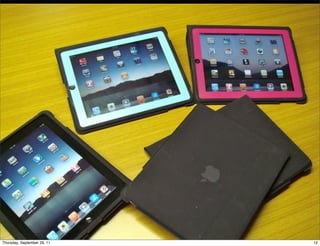
                • Received a university-internal grant
                  of 500,000 yen

                • Bought 7 Wi-Fi iPads with cases
                  and software


Thursday, September 29, 11                               11
Thursday, September 29, 11   12
Internal Research Grant

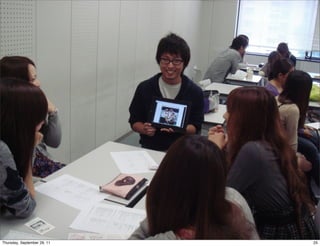
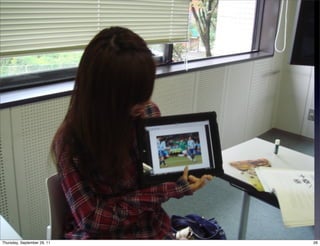
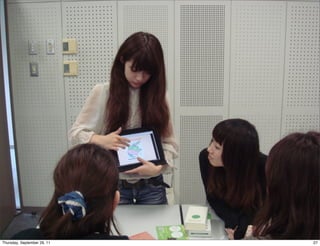
                • Used iPads in groups in Integrated
                  Skills & Oral Presentation classes

                • Usually 4 to a group


Thursday, September 29, 11                             13
• What activities is it possible to
                             do using iPads?

                    • What activities is it useful to do
                             using iPads?

                    • What transformative activities are possible
                             using iPads?

                    • What practical and pedagogical
                             challenges do iPads present?

Thursday, September 29, 11                                          14
Activities
             • Creating presentations
             • Delivering presentations
             • Reading e-books
             • Creating podcasts
             • Creating mind maps
             • Playing word games
             • Creating surveys
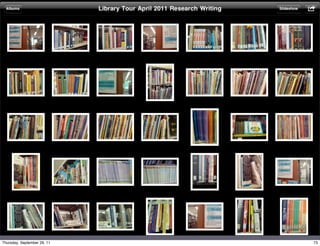
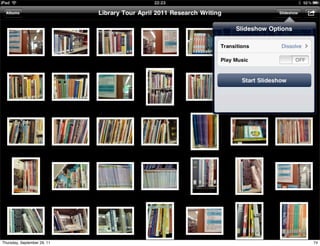
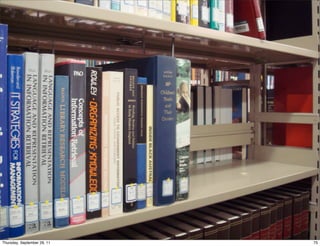
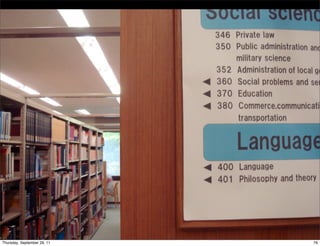
             • Creating library tour guides

Thursday, September 29, 11                    15
Creating presentations


Thursday, September 29, 11                      16
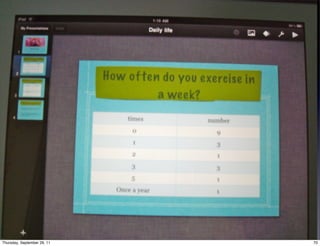
• Used Keynote for iPad.

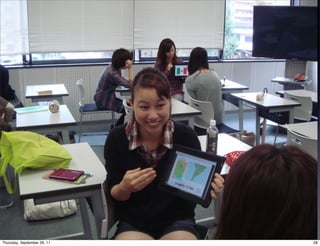
             • Students worked in groups to make (a) a
               simple presentation about a country of their
               choice; (b) a more complex presentation on a
               linguistic or cultural topic related to the same
               country.

             • Students presented to the whole class after
               finishing their presentations, connecting their
               iPad to a TV.


Thursday, September 29, 11                                        17
Thursday, September 29, 11   18
Thursday, September 29, 11   19
Thursday, September 29, 11   20
Delivering presentations


Thursday, September 29, 11                 21
• Used Google Docs outside of class to
              create a group presentation.

            • In class, one student from each group
              visited the other groups on rotation to give
              their presentation.

            • Students presented to the whole class after
              finishing their presentations, connecting
              their iPad to a TV.


Thursday, September 29, 11                                   22
• More traditional activity: most of the
                             e-learning part of the activity is
                             handed off to students to do as
                             homework.

                  • The iPads potentially serve as an
                             enhancement to the actual
                             presentation in class.


Thursday, September 29, 11                                        23
Thursday, September 29, 11   24
Thursday, September 29, 11   25
Thursday, September 29, 11   26
Thursday, September 29, 11   27
Thursday, September 29, 11   28
Playing word games


Thursday, September 29, 11                        29
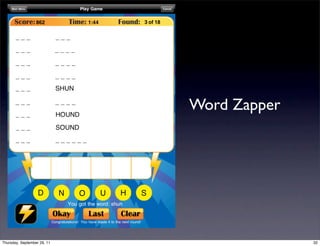
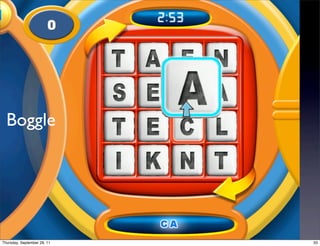
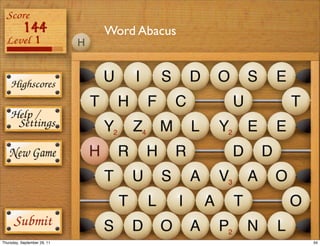
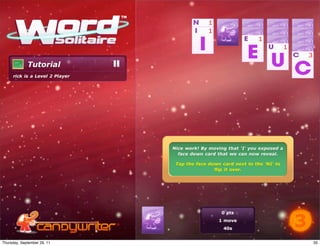
• Traditional word games:
                             Crosswords, Word associations,
                             Shiritori, Scrabble

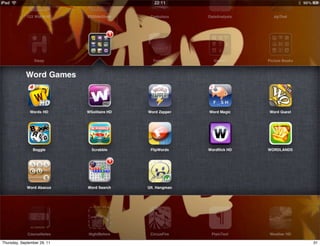
                    • The iPad has a great variety of
                             games: Wordflick HD, Words HD,
                             WSolitaire HD, Scrabble, Boggle,
                             Ultimate Hangman, Word Abacus,
                             Wordlands, Word Zapper, Word
                             Magic

Thursday, September 29, 11                                      30
Thursday, September 29, 11   31
Word Zapper


Thursday, September 29, 11                 32
Boggle


Thursday, September 29, 11   33
Word Abacus


Thursday, September 29, 11                 34
Thursday, September 29, 11   35
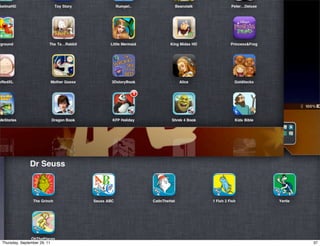
Reading e-books


Thursday, September 29, 11                     36
Thursday, September 29, 11   37
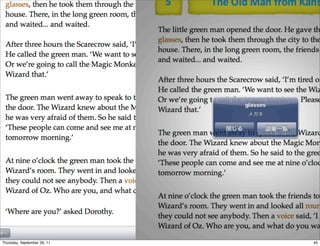
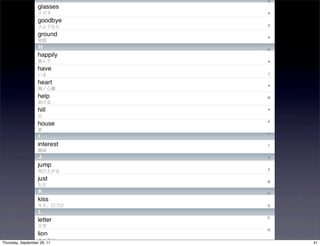
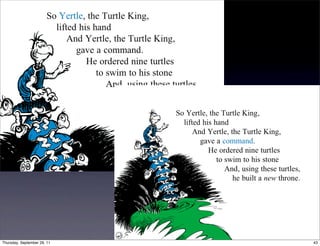
• Potentially useful for extensive
                             reading

                    • Books available include Oxford
                             Bookworms (at present Stages 1 &
                             2)

                    • Lots of enhanced e-books available

Thursday, September 29, 11                                      38
Thursday, September 29, 11   39
Thursday, September 29, 11   40
Thursday, September 29, 11   41
Thursday, September 29, 11   42
Thursday, September 29, 11   43
Thursday, September 29, 11   44
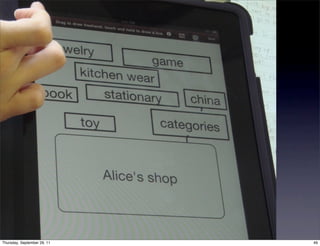
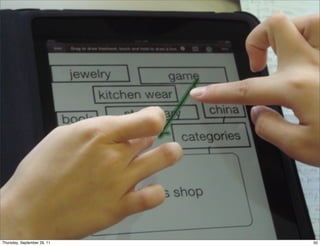
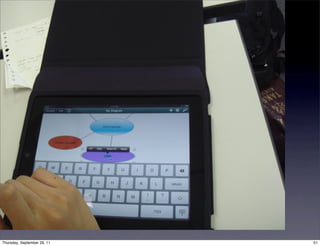
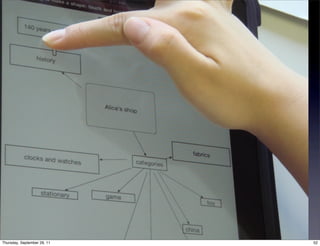
Creating mind maps


Thursday, September 29, 11                        45
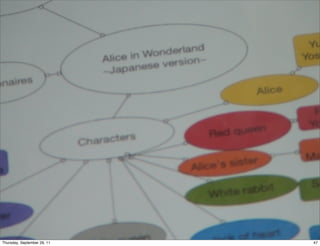
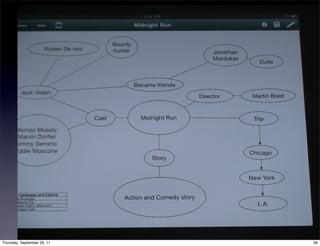
• Lots of dedicated mind map software
                             available: iThoughtsHD, iMindMapPro,
                             MindMeister. MindMeister offers free
                             accounts and has a browser-based edition.

                    • Mind maps can also be created with general
                             diagramming software: OmniGraffle


Thursday, September 29, 11                                               46
Thursday, September 29, 11   47
Thursday, September 29, 11   48
Thursday, September 29, 11   49
Thursday, September 29, 11   50
Thursday, September 29, 11   51
Thursday, September 29, 11   52
Thursday, September 29, 11   53
Thursday, September 29, 11   54
Thursday, September 29, 11   55
Thursday, September 29, 11   56
Creating podcasts


Thursday, September 29, 11                       57
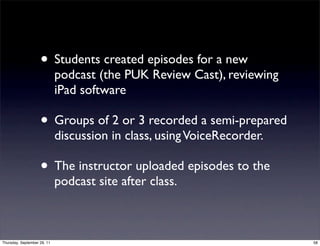
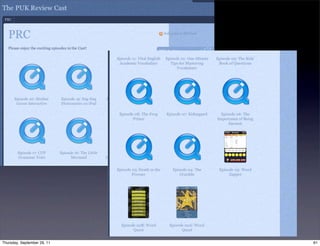
• Students created episodes for a new
                             podcast (the PUK Review Cast), reviewing
                             iPad software

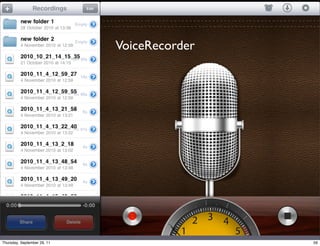
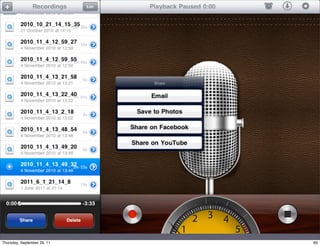
                    • Groups of 2 or 3 recorded a semi-prepared
                             discussion in class, using VoiceRecorder.

                    • The instructor uploaded episodes to the
                             podcast site after class.


Thursday, September 29, 11                                               58
VoiceRecorder


Thursday, September 29, 11                   59
Thursday, September 29, 11   60
Thursday, September 29, 11   61
Thursday, September 29, 11   62
Issues


Thursday, September 29, 11            63
Conducting surveys


Thursday, September 29, 11                        64
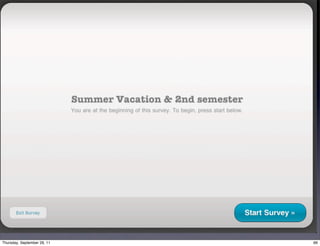
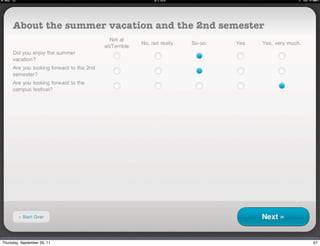
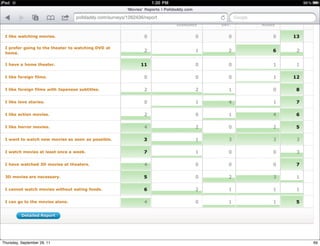
• Students used mobile Safari to create a
                             survey on Polldaddy.

                    • They used the Polldaddy app to record
                             other students’ answers and collate them.

                    • They examined the collated answers on the
                             Polldaddy site in mobile Safari and used the
                             data to create a presentation.


Thursday, September 29, 11                                                  65
Thursday, September 29, 11   66
Thursday, September 29, 11   67
Thursday, September 29, 11   68
Thursday, September 29, 11   69
Thursday, September 29, 11   70
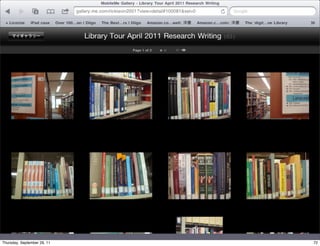
Creating library tour
                                guides


Thursday, September 29, 11                       71
Thursday, September 29, 11   72
Thursday, September 29, 11   73
Thursday, September 29, 11   74
Thursday, September 29, 11   75
Thursday, September 29, 11   76
Thursday, September 29, 11   77
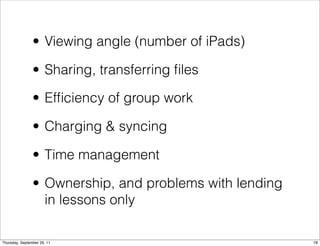
• Viewing angle (number of iPads)

                • Sharing, transferring files

                • Efficiency of group work

                • Charging & syncing

                • Time management

                • Ownership, and problems with lending
                  in lessons only

Thursday, September 29, 11                               78

Tablet Computers & Blended Learning Environments