PRESENTATION ON SYNCHRONIZATION AND
EXTERNAL STORAGE DEVICES
Presented By:-
1. Anit
2. Diwakar
3. Jitendra
4. Mausam
5. Ujjwal
SYNCHRONIZATION
• Idea that joins multiple processes to perform a certain action
• Used for transferring signals from one electronic device to
another
• Must be a certain rhythm established between both devices
• Two types of synchronization
i. Asynchronous
ii. Synchronous
ASYNCHRONOUS
• A system having no global clock, instead operating under distributed
control
• Any timing required to recover data from the communication symbols is
encoded within the symbols
• Data is not transmitted at regular intervals, thus making possible
variable bit rate
• And the transmitter and receiver clock generators don’t have to be
exactly synchronized all the time
• Activities take place outside of real time system
• E.g. file transfer, email and the World Wide Web.
SYNCHRONOUS
• Synchronous communication requires the clocks for transmitting and
receiving devices that are synchronized running at the same rate
• Data is sent in continuous stream at a constant rate
• No start or stop bits are required
• Due to these reasons this permits more information to be passed
over a circuit per unit time.
• Activities takes place in real time system
• E.g. telephone conversations and instant messaging.
EXTERNAL STORAGE DEVICES
• Kind of devices that temporarily stores data & information for
transporting from one to another computer
• This devices are not permanently fixed inside the computer
• It also works as data back up
• This data may be useful at such times as fire or theft because important
data is not lost.
• Types of external storage
• Magnetic storage
• Optical storage
• Solid state storage
MAGNETIC STORAGE
MAGNETIC STORAGE
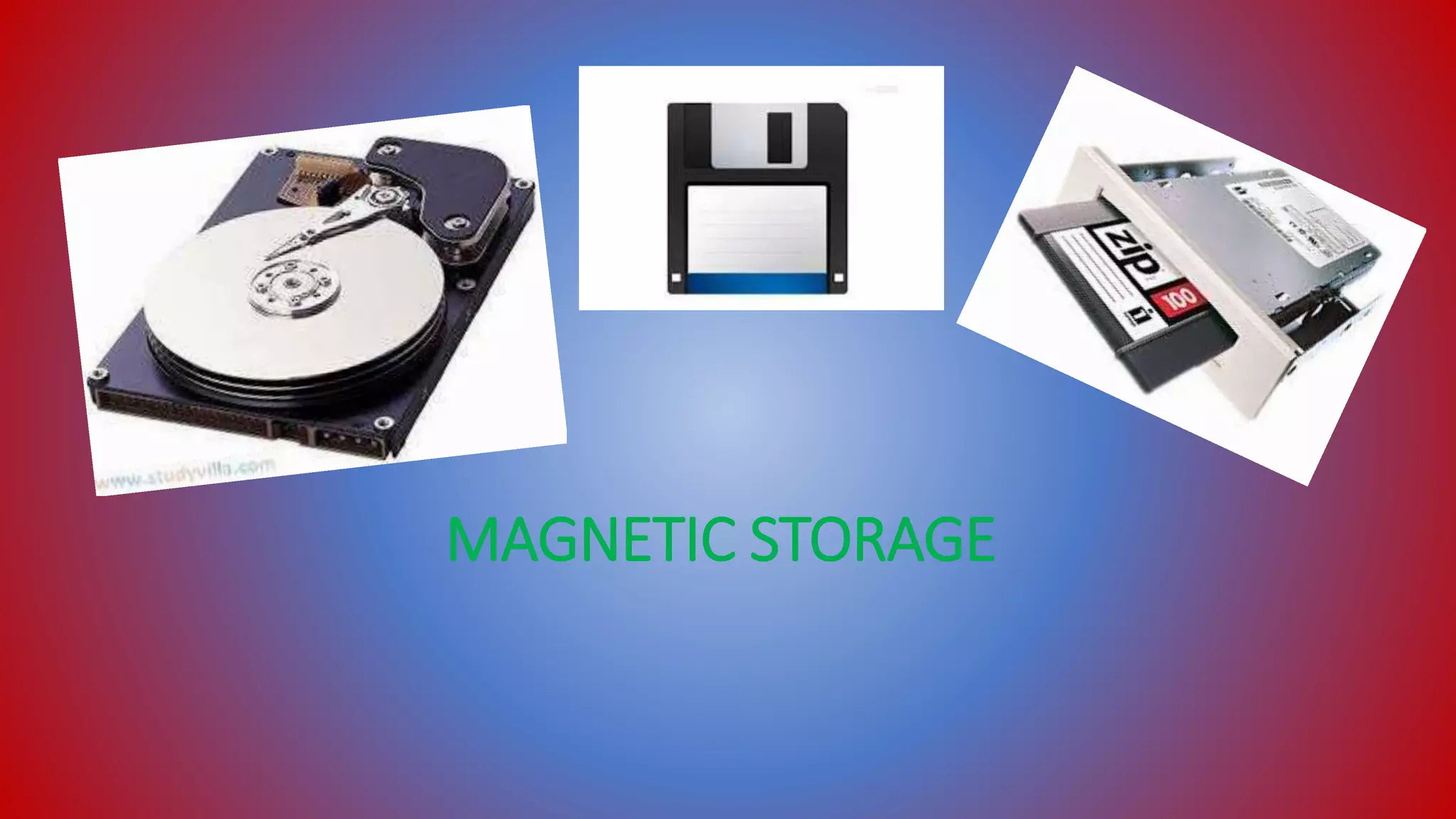
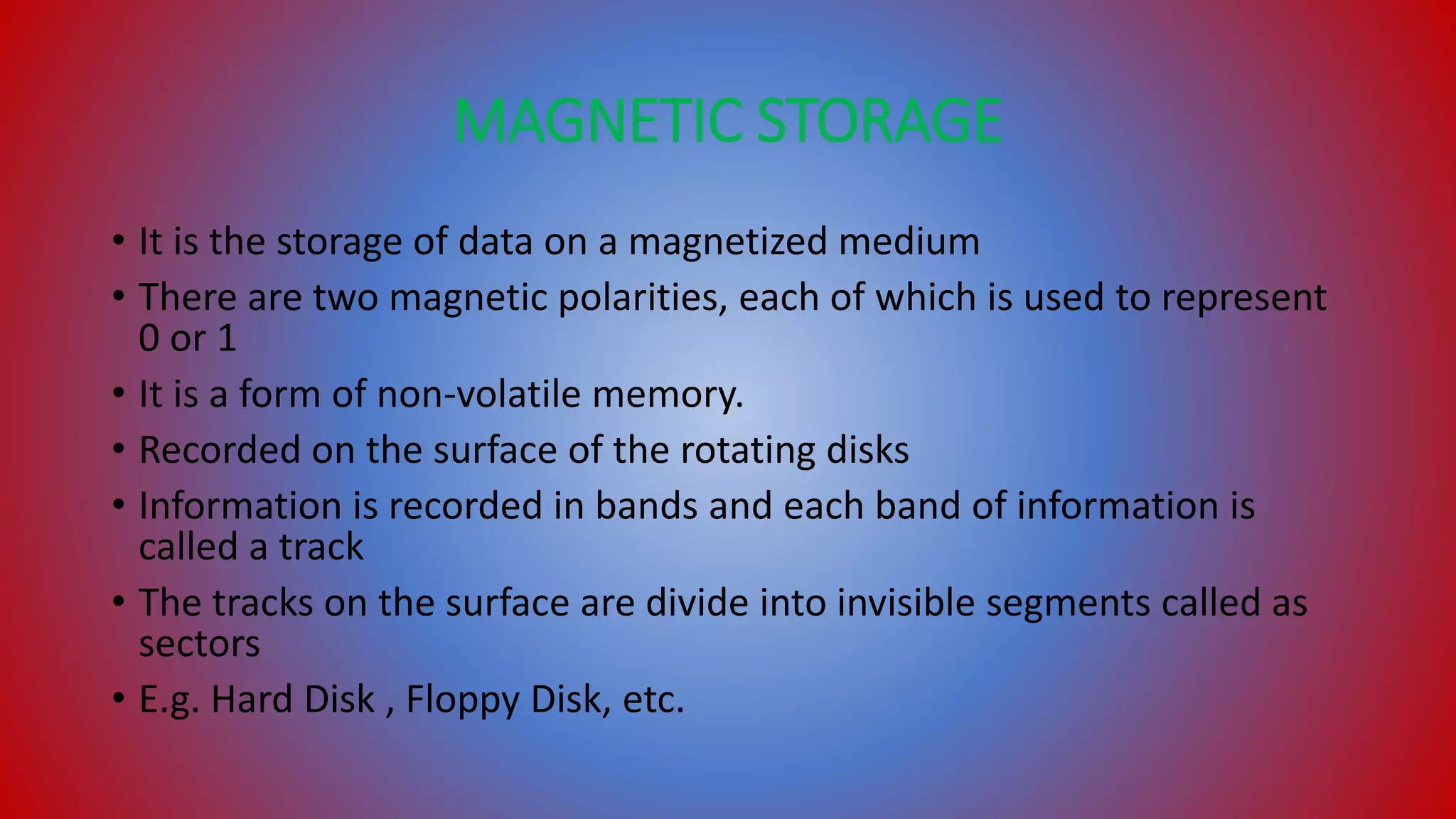
• It is the storage of data on a magnetized medium
• There are two magnetic polarities, each of which is used to represent
0 or 1
• It is a form of non-volatile memory.
• Recorded on the surface of the rotating disks
• Information is recorded in bands and each band of information is
called a track
• The tracks on the surface are divide into invisible segments called as
sectors
• E.g. Hard Disk , Floppy Disk, etc.
OPTICAL STORAGE
OPTICAL STORAGE
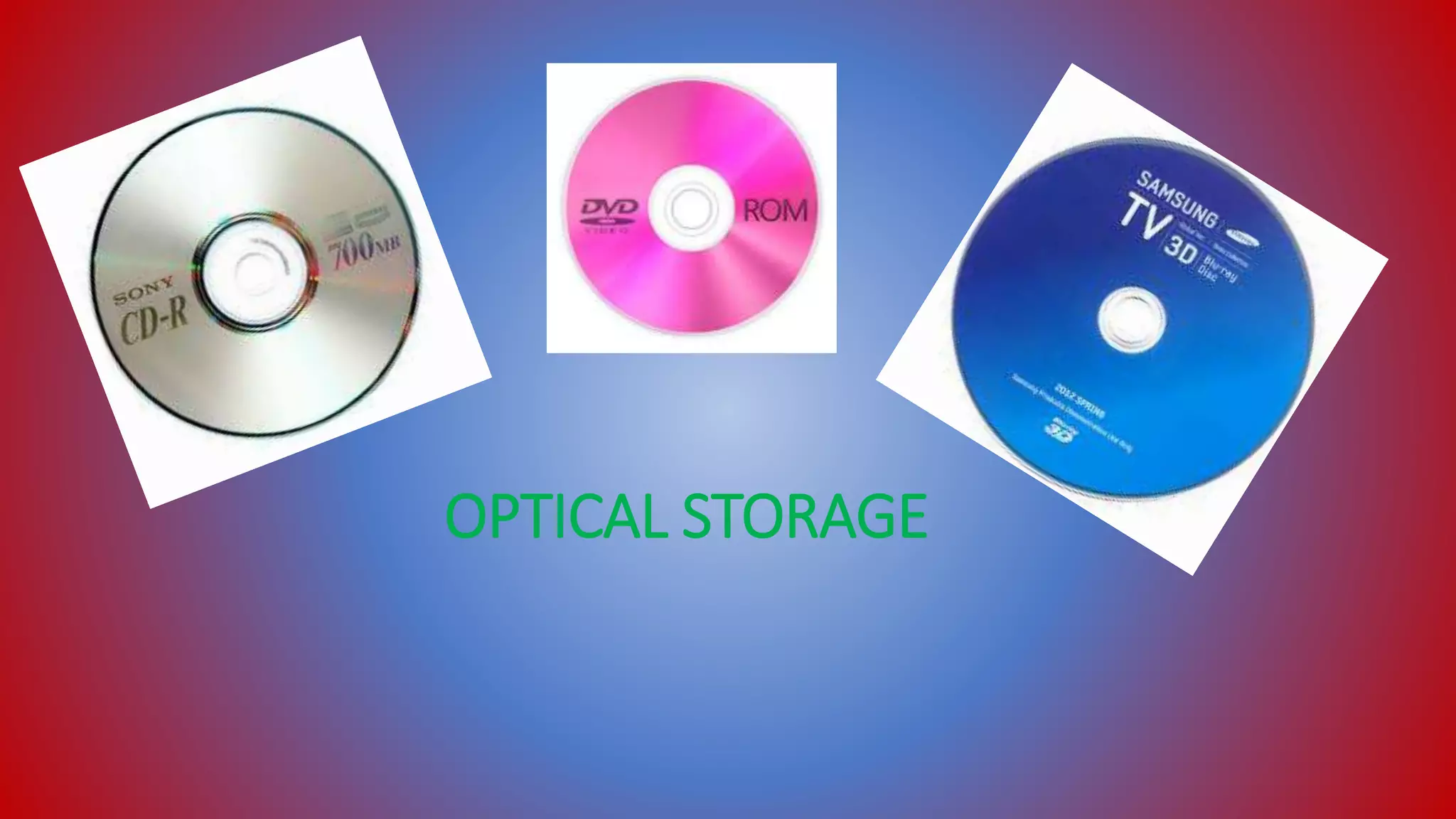
• Those media that use laser light technology for storage and retrieval
• Data is recorded by making marks in a pattern that can be read back
with the aid of light, usually a beam of laser
• Older example of optical storage that doesn’t require the use of
computers, is microform
• This is different from other data storage techniques
• Compact-disks can hold 700MB and DVDs can hold 4.7GB while dual
layered can hold 8.5GB
• Blu-ray disks can hold 25 GB for single-layer and 50 GB for dual layer.
SOLID STATE STORAGE
SOLID STATE STORAGE
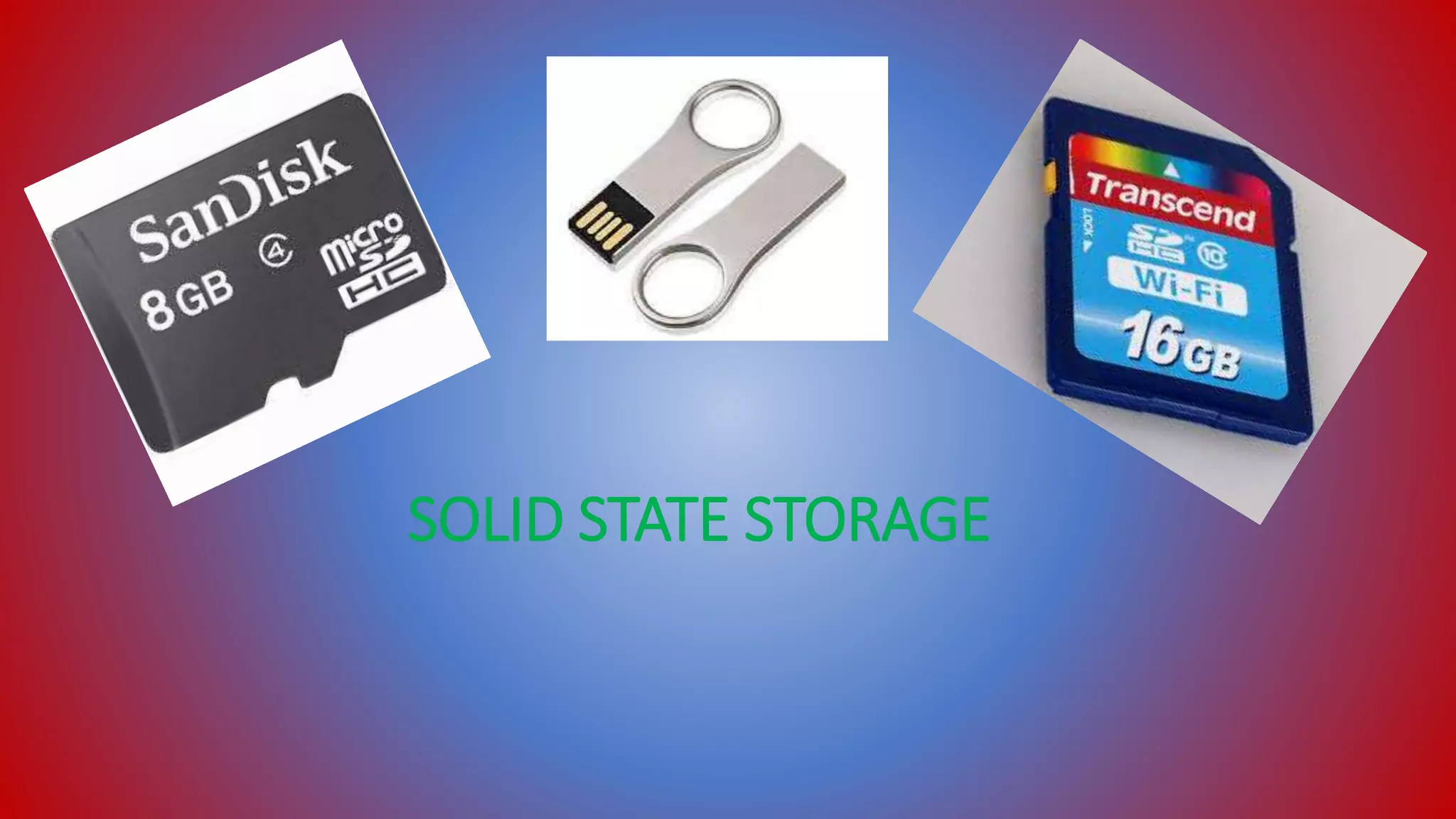
• Flash memory is a form of solid state memory
• Was invented in 19990’s by Toshiba company
• Particular type of EEPROM
• Also non-volatile memory
• Called solid state because it has no moving parts
• Erasing is easier so called flash memory
• Faster transfer rates
• Small in size and light in weight
• E.g. memory cards, memory sticks, etc.
THANK YOU

Synchronization and External Storage devies

  • 1.
    PRESENTATION ON SYNCHRONIZATIONAND EXTERNAL STORAGE DEVICES Presented By:- 1. Anit 2. Diwakar 3. Jitendra 4. Mausam 5. Ujjwal
  • 2.
    SYNCHRONIZATION • Idea thatjoins multiple processes to perform a certain action • Used for transferring signals from one electronic device to another • Must be a certain rhythm established between both devices • Two types of synchronization i. Asynchronous ii. Synchronous
  • 3.
    ASYNCHRONOUS • A systemhaving no global clock, instead operating under distributed control • Any timing required to recover data from the communication symbols is encoded within the symbols • Data is not transmitted at regular intervals, thus making possible variable bit rate • And the transmitter and receiver clock generators don’t have to be exactly synchronized all the time • Activities take place outside of real time system • E.g. file transfer, email and the World Wide Web.
  • 4.
    SYNCHRONOUS • Synchronous communicationrequires the clocks for transmitting and receiving devices that are synchronized running at the same rate • Data is sent in continuous stream at a constant rate • No start or stop bits are required • Due to these reasons this permits more information to be passed over a circuit per unit time. • Activities takes place in real time system • E.g. telephone conversations and instant messaging.
  • 5.
    EXTERNAL STORAGE DEVICES •Kind of devices that temporarily stores data & information for transporting from one to another computer • This devices are not permanently fixed inside the computer • It also works as data back up • This data may be useful at such times as fire or theft because important data is not lost. • Types of external storage • Magnetic storage • Optical storage • Solid state storage
  • 6.
  • 7.
    MAGNETIC STORAGE • Itis the storage of data on a magnetized medium • There are two magnetic polarities, each of which is used to represent 0 or 1 • It is a form of non-volatile memory. • Recorded on the surface of the rotating disks • Information is recorded in bands and each band of information is called a track • The tracks on the surface are divide into invisible segments called as sectors • E.g. Hard Disk , Floppy Disk, etc.
  • 8.
  • 9.
    OPTICAL STORAGE • Thosemedia that use laser light technology for storage and retrieval • Data is recorded by making marks in a pattern that can be read back with the aid of light, usually a beam of laser • Older example of optical storage that doesn’t require the use of computers, is microform • This is different from other data storage techniques • Compact-disks can hold 700MB and DVDs can hold 4.7GB while dual layered can hold 8.5GB • Blu-ray disks can hold 25 GB for single-layer and 50 GB for dual layer.
  • 10.
  • 11.
    SOLID STATE STORAGE •Flash memory is a form of solid state memory • Was invented in 19990’s by Toshiba company • Particular type of EEPROM • Also non-volatile memory • Called solid state because it has no moving parts • Erasing is easier so called flash memory • Faster transfer rates • Small in size and light in weight • E.g. memory cards, memory sticks, etc.
  • 12.