Photo: Alvaro Videla 
Rock Solid 
Deployment 
of Symfony 
Applications 
Pablo Godel @pgodel 
Photo by @old_sound 
https://joind.in/12960
Hi, I am Pablo.
Hi, I am Pablo. 
! 
@pgodel
A GUIDING LIGHT FOR STUDENT SUCCESS
A GUIDING LIGHT FOR STUDENT SUCCESS 
Symfony2 + AngularJS + much more!
A GUIDING LIGHT FOR STUDENT SUCCESS 
We are Hiring!
Deployment ?
Deployment 
Software deployment is all of the activities that ! 
make a software system available for use. 
http://en.wikipedia.org/wiki/Software_deployment
Deployment 
A very important part of 
the application life-cycle
Deployment 
A very important critical part 
of the application life-cycle
Deployment 
It should not be an ! 
after thought
Deployment 
It should be predictable
Deployment 
The more you do it the 
better it goes
Deployment in 
the PaaS era
1. Open an account
2. Create app
3. Push code
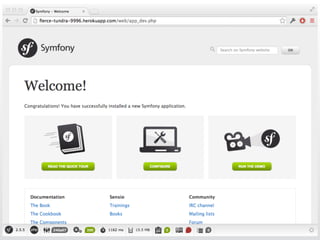
4. Voilà!
composer.json ! 
! 
Procfile
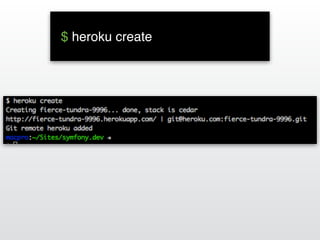
$ heroku create!
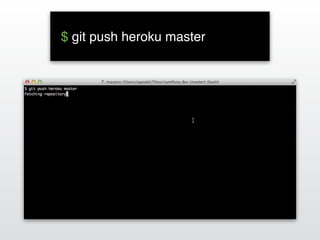
$ git push heroku master!
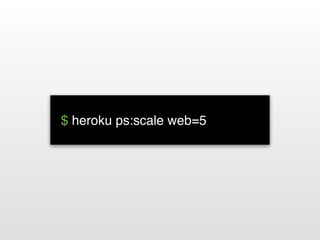
$ heroku ps:scale web=5!
That’s it! ;-)
Questions? 
Slides: http://slideshare.net/pgodel 
Twitter: @pgodel
But…
Deployment for 
the rest of us
Deployment Goals
Deployment Goals 
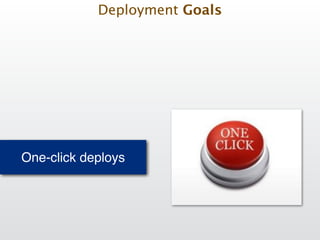
One-click deploys
Deployment Goals 
One-click deploys
Deployment Goals 
Continuous deploys
Deployment Goals 
Continuous deploys
Deployment Goals 
Anytime & Anywhere
Deployment Goals 
Anytime & Anywhere
Anyone 
Deployment Goals
Anyone 
Deployment Goals
Reliable 
Deployment Goals
Reliable 
Deployment Goals
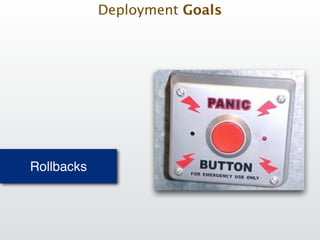
Rollbacks 
Deployment Goals
Rollbacks 
Deployment Goals
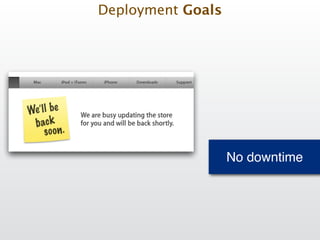
No downtime 
Deployment Goals
No downtime 
Deployment Goals
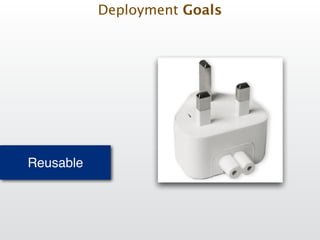
Reusable 
Deployment Goals
Reusable 
Deployment Goals
Reusable 
Deployment Goals
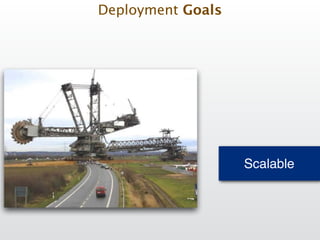
Scalable 
Deployment Goals
Scalable 
Deployment Goals
Deployment Facts
Deployment Fact #1 
Deployment starts with the developer
Deployment Fact #1 
Deployment starts with the developer 
• Development environment must be as close as 
possible to productions servers!
Deployment Fact #1 
Deployment starts with the developer 
• Development environment must be as close as 
possible to productions servers! 
• Setup test/qa/staging servers!
Deployment Fact #1 
Deployment starts with the developer 
• Development environment must be as close as 
possible to productions servers! 
• Setup test/qa/staging servers! 
• Use Vagrant to manage VMs!
Deployment Fact #1 
Deployment starts with the developer 
• Development environment must be as close as 
possible to productions servers! 
• Setup test/qa/staging servers! 
• Use Vagrant to manage VMs! 
• Use Containers with Docker!
Deployment Fact #1 
Deployment starts with the developer 
• Development environment must be as close as 
possible to productions servers! 
• Setup test/qa/staging servers! 
• Use Vagrant to manage VMs! 
• Use Containers with Docker! 
• Automate your development environment setup 
(Ansible, Homebrew Cask)
Deployment Fact #2 
Success depends on server OS setup
Deployment Fact #2 
Success depends on server OS setup 
• Automate installation/configuration with Ansible/ 
Puppet/Chef !
Deployment Fact #2 
Success depends on server OS setup 
• Automate installation/configuration with Ansible/ 
Puppet/Chef ! 
• Create OS packages for 3rd party software
Deployment Fact #2 
Success depends on server OS setup 
• Automate installation/configuration with Ansible/ 
Puppet/Chef ! 
• Create OS packages for 3rd party software! 
• Setup your own package (rpm/deb) repositories
Deployment Fact #3 
Monitoring is uptime
Deployment Fact #3 
Monitoring is uptime 
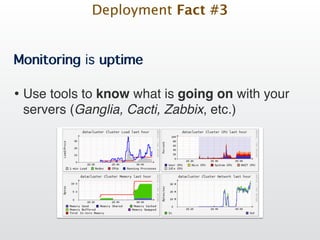
• Use tools to know what is going on with your 
servers (Ganglia, Cacti, Zabbix, etc.)!
Deployment Fact #3 
Monitoring is uptime 
• Use tools to know what is going on with your 
servers (Ganglia, Cacti, Zabbix, etc.)!
Deployment Fact #3 
Monitoring is uptime 
• Use tools to know what is going on with your 
servers (Ganglia, Cacti, Zabbix, etc.)! 
• Add metrics to your app (Graphite, StatsD, New 
Relic)!
Deployment Fact #3 
Monitoring is uptime 
• Use tools to know what is going on with your 
servers (Ganglia, Cacti, Zabbix, etc.)! 
• Add metrics to your app (Graphite, StatsD, New 
Relic)! 
• Use your logs wisely (Logstash, Hecka, Kibana)
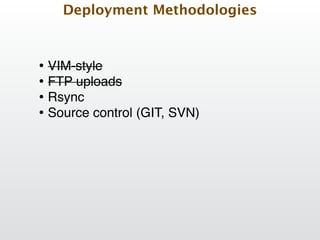
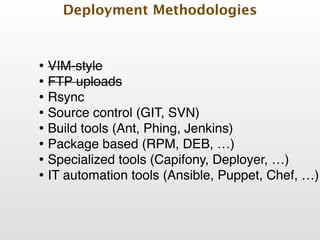
Deployment Methodologies
Deployment Methodologies 
• VIM-style
Deployment Methodologies 
• VIM-style! 
• FTP uploads
Deployment Methodologies 
• VIM-style! 
• FTP uploads
Deployment Methodologies 
• VIM-style! 
• FTP uploads! 
• Rsync
Deployment Methodologies 
• VIM-style! 
• FTP uploads! 
• Rsync! 
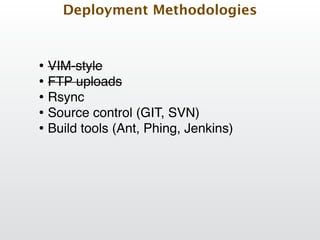
• Source control (GIT, SVN)
Deployment Methodologies 
• VIM-style! 
• FTP uploads! 
• Rsync! 
• Source control (GIT, SVN)! 
• Build tools (Ant, Phing, Jenkins)!
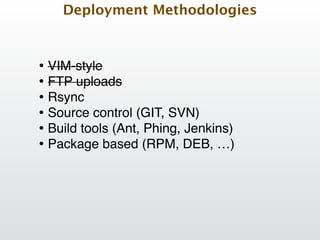
Deployment Methodologies 
• VIM-style! 
• FTP uploads! 
• Rsync! 
• Source control (GIT, SVN)! 
• Build tools (Ant, Phing, Jenkins)! 
• Package based (RPM, DEB, …) !
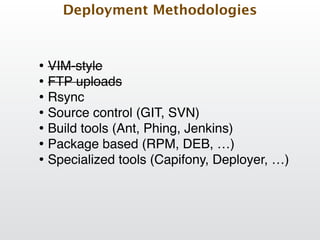
Deployment Methodologies 
• VIM-style! 
• FTP uploads! 
• Rsync! 
• Source control (GIT, SVN)! 
• Build tools (Ant, Phing, Jenkins)! 
• Package based (RPM, DEB, …) ! 
• Specialized tools (Capifony, Deployer, …)!
Deployment Methodologies 
• VIM-style! 
• FTP uploads! 
• Rsync! 
• Source control (GIT, SVN)! 
• Build tools (Ant, Phing, Jenkins)! 
• Package based (RPM, DEB, …) ! 
• Specialized tools (Capifony, Deployer, …)! 
• IT automation tools (Ansible, Puppet, Chef, …)
Deployment: Steps overview
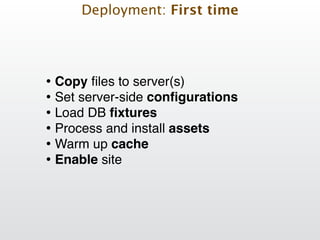
Deployment: First time 
• Copy files to server(s)! 
• Set server-side configurations! 
• Load DB fixtures! 
• Process and install assets! 
• Warm up cache! 
• Enable site
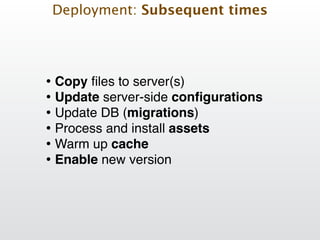
Deployment: Subsequent times 
• Copy files to server(s)! 
• Update server-side configurations! 
• Update DB (migrations)! 
• Process and install assets! 
• Warm up cache! 
• Enable new version
We can automate!
Deployment Challenges
Deployment Challenges 
Challenge: Secure
Deployment Challenges 
Challenge: Secure 
• use ssh based connections!
Deployment Challenges 
Challenge: Secure 
• use ssh based connections! 
• don’t store passwords on source control
Deployment Challenges 
Challenge: Secure 
• use ssh based connections! 
• don’t store passwords on source control! 
• use environment variables for sensitive data
Deployment Challenges 
Challenge: Static assets
Deployment Challenges 
Challenge: Static assets 
• Minimize/combine JS and CSS files!
Deployment Challenges 
Challenge: Static assets 
• Minimize/combine JS and CSS files! 
• Enable web server compression!
Deployment Challenges 
Challenge: Static assets 
• Minimize/combine JS and CSS files! 
• Enable web server compression! 
• Add versioning to static assets links (code.js?v=1)!
Deployment Challenges 
Challenge: Static assets 
• Minimize/combine JS and CSS files! 
• Enable web server compression! 
• Add versioning to static assets links (code.js?v=1)! 
• Run utilities locally or in a staging server, create 
artifact, deploy result!
Deployment Challenges 
Challenge: Static assets 
• Minimize/combine JS and CSS files! 
• Enable web server compression! 
• Add versioning to static assets links (code.js?v=1)! 
• Run utilities locally or in a staging server, create 
artifact, deploy result! 
• Serve static files from subdomain / CDN
Deployment Challenges 
Challenge: File permission conflicts
Deployment Challenges 
Challenge: File permission conflicts 
• Run Apache/PHP with same user!
Deployment Challenges 
Challenge: File permission conflicts 
• Run Apache/PHP with same user! 
• Use php-fpm instead of mod_php!
Deployment Challenges 
Challenge: File permission conflicts 
• Run Apache/PHP with same user! 
• Use php-fpm instead of mod_php! 
• Create “deploy” user and add web server to the 
group
Deployment Challenges 
Challenge: File permission conflicts 
• Run Apache/PHP with same user! 
• Use php-fpm instead of mod_php! 
• Create “deploy” user and add web server to the 
group! 
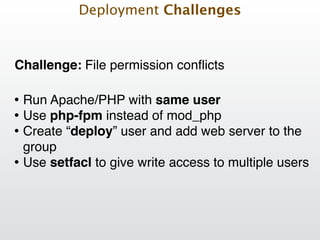
• Use setfacl to give write access to multiple users!