












































































To use this Powerpoint click the start button below. 
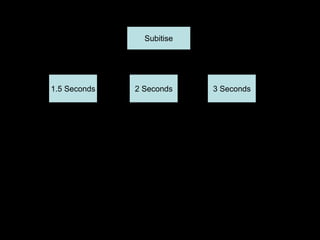
On the next screen are a series of buttons. 
3 buttons to set the time –these range from 1.5 seconds to 3 
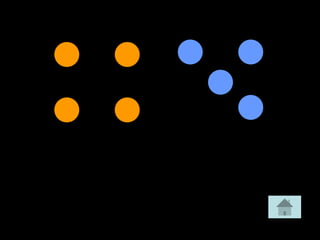
seconds. Choose you timing first –this will show the dots for 
the amount of time chosen. 
Click the Subitise button to begin. This will choose randomly 
from a pool of 39 slides then move automatically to another 
after the time set. 20 different slides will be shown then you 
will return to the set up slide. 
Slide
Subitise 
1.5 Seconds 2 Seconds 3 Seconds
Any comments, ideas, ways of improving 
or questions on how to 
change this Powerpoint, contact 
barry@westfield.wigan.sch.uk

Subitising (1)

  • 1.
    To use thisPowerpoint click the start button below. On the next screen are a series of buttons. 3 buttons to set the time –these range from 1.5 seconds to 3 seconds. Choose you timing first –this will show the dots for the amount of time chosen. Click the Subitise button to begin. This will choose randomly from a pool of 39 slides then move automatically to another after the time set. 20 different slides will be shown then you will return to the set up slide. Slide
  • 2.
    Subitise 1.5 Seconds2 Seconds 3 Seconds
  • 80.
    Any comments, ideas,ways of improving or questions on how to change this Powerpoint, contact barry@westfield.wigan.sch.uk