Student Sample Projects
Using Open-Ended Tools
Student sample projects using open-ended tools
means examples of projects that students can
create using tools that allow for creativity and
multiple ways to complete the task. Open-ended
tools are flexible and can be used in many
different ways, depending on the student's
interests and ideas. Here’s a breakdown:
Student Sample Projects:
These are example projects or
activities that students can do to learn
and demonstrate their knowledge. They
serve as models or inspiration for other
students to follow or adapt.
Open-Ended Tools
These are tools or resources that don't
have a fixed use or single correct way to
to use them. They allow for creativity,
exploration, and personal expression.
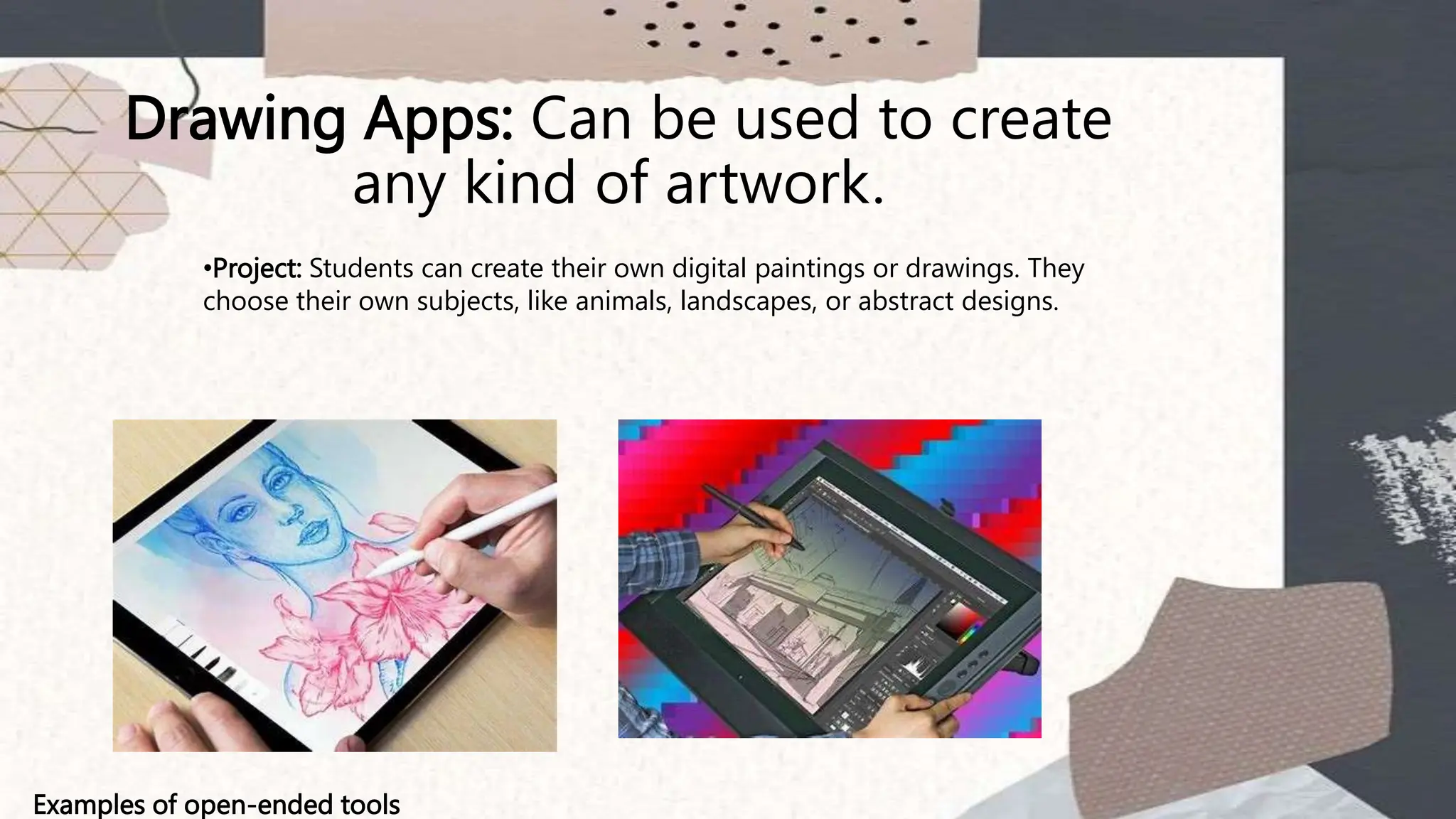
Drawing Apps: Can be used to create
any kind of artwork.
Examples of open-ended tools
•Project: Students can create their own digital paintings or drawings. They
choose their own subjects, like animals, landscapes, or abstract designs.
Word Processors: Can be used for
writing any type of text, from stories
to reports.
Project: Students write short stories or poems. They can pick any
topic they like, such as adventure tales, mysteries, or personal
experiences.
Examples of open-ended tools
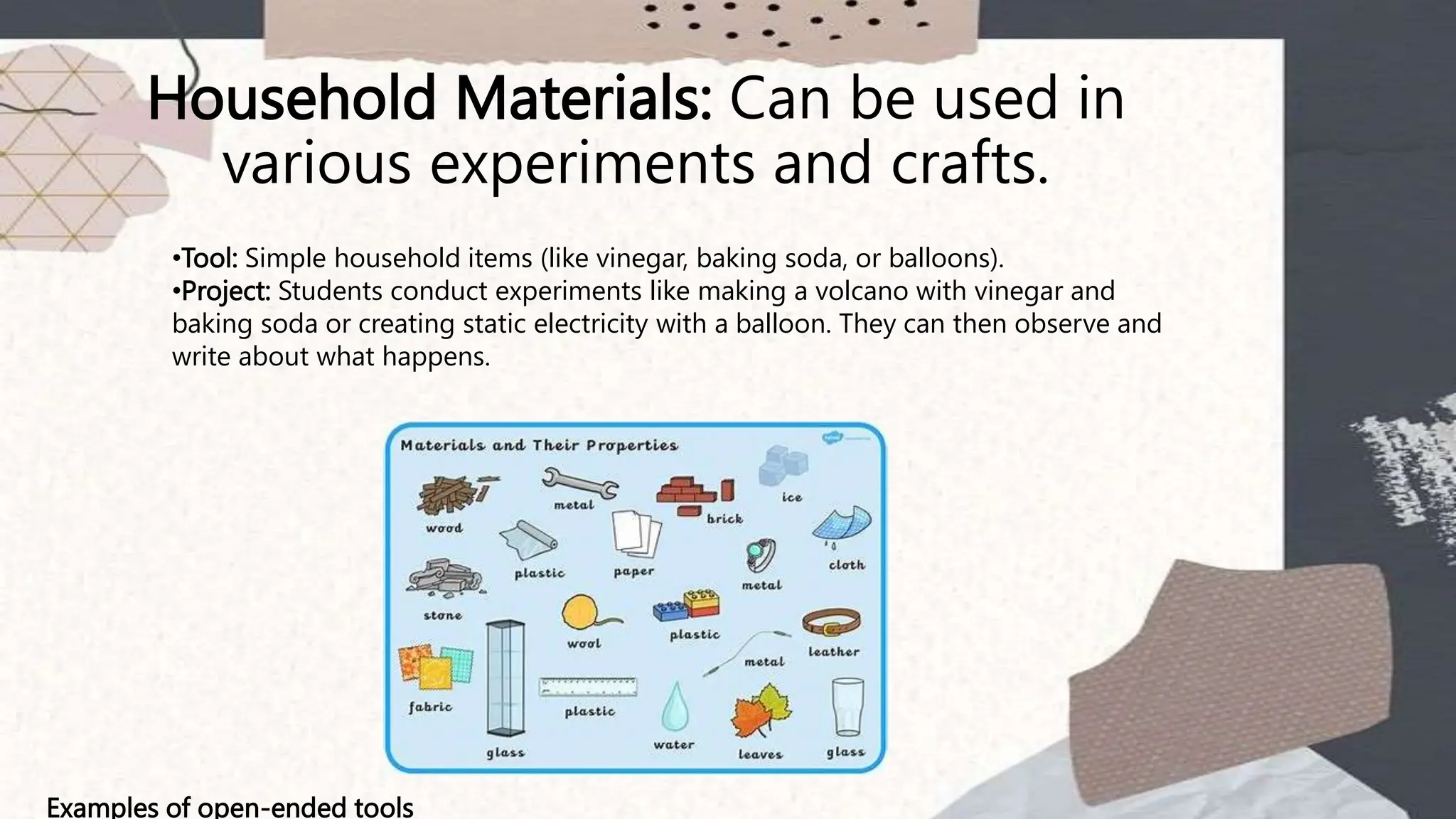
Household Materials: Can be used in
various experiments and crafts.
Examples of open-ended tools
•Tool: Simple household items (like vinegar, baking soda, or balloons).
•Project: Students conduct experiments like making a volcano with vinegar and
baking soda or creating static electricity with a balloon. They can then observe and
write about what happens.
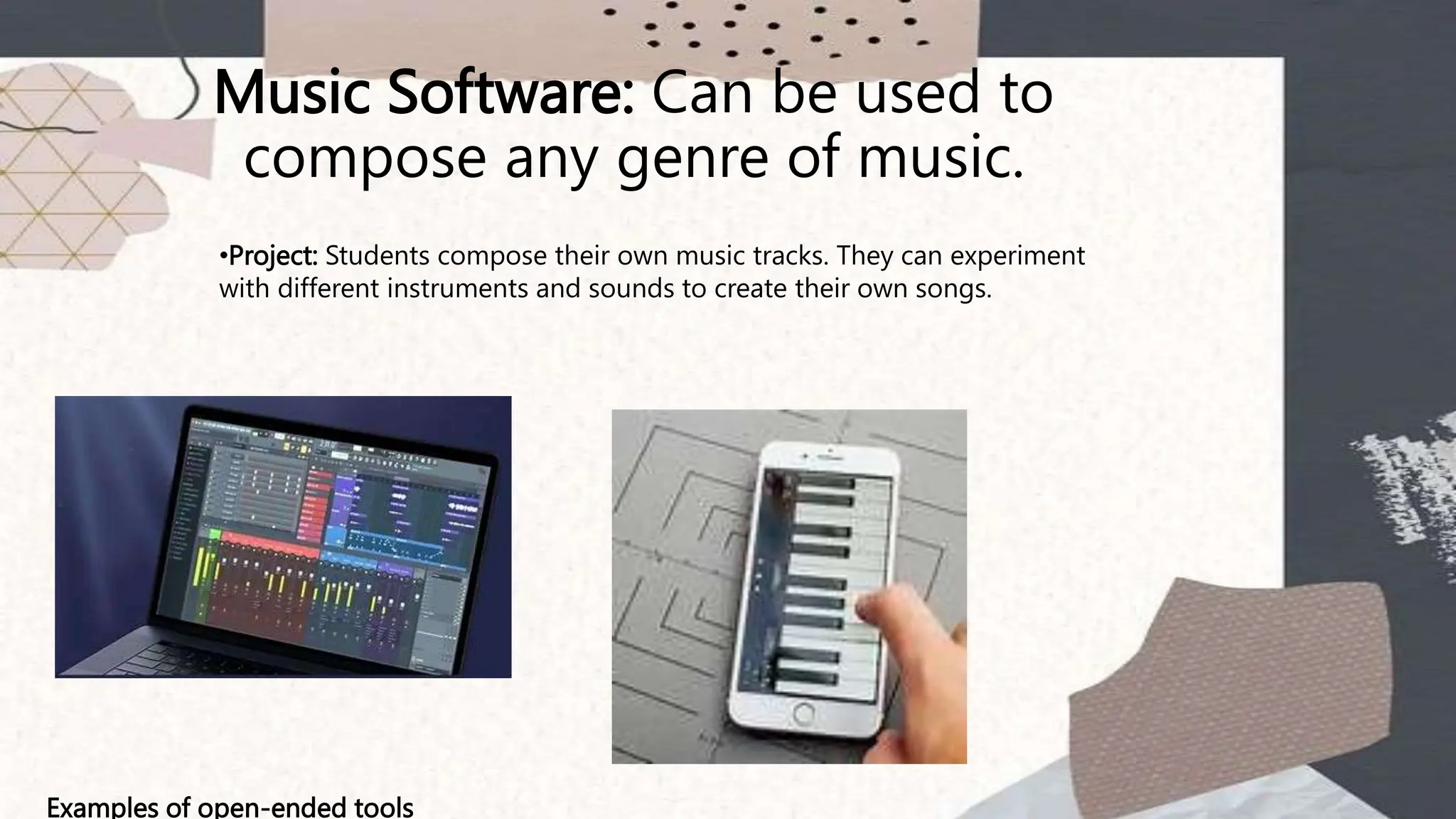
Music Software: Can be used to
compose any genre of music.
Examples of open-ended tools
•Project: Students compose their own music tracks. They can experiment
with different instruments and sounds to create their own songs.
Spreadsheet Software: Can be used for
data analysis, creating charts, or even
simple calculations.
Project: Students collect data on a topic of interest, like favorite
foods or sports scores, and use spreadsheets to organize and
analyze the data. They can make charts or graphs to show their
findings.
Examples of open-ended tools
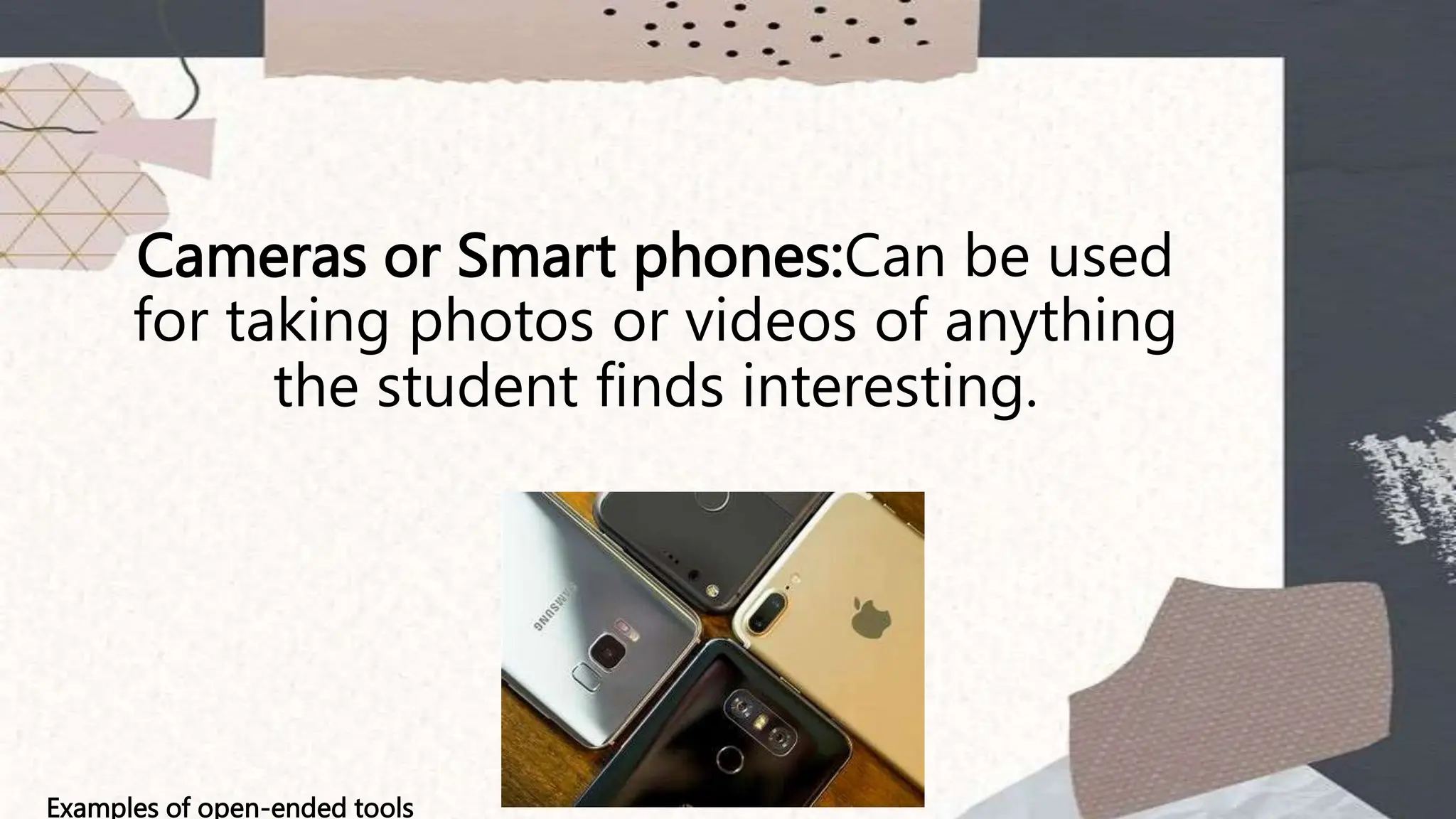
Cameras or Smart phones:Can be used
for taking photos or videos of anything
the student finds interesting.
Examples of open-ended tools
Putting it all together, "student sample
projects using open-ended tools" refers
to example projects that show how
students can use flexible tools to create
unique and personalized work. These
projects highlight the various ways
students can apply these tools to
explore subjects, solve problems, or
express their creativity.
Examples of open-ended tools
Students as digital
authors
Students as digital authors, especially
within the K-12 educational framework,
refers to students creating content
using digital tools. This can include
writing, creating multimedia
presentations, coding, and more. Here's
how it works, particularly in the context
of the Philippine K-12 educational
system:
What It Means
Digital authorship involves students
using technology to produce and share
original content. This empowers them
to express their ideas, tell stories, and
present information creatively and
interactively.
Why It's Important
•Enhances Learning: Integrates
technology with traditional learning,
making it more engaging.
•Develops Skills: Builds digital literacy,
creativity, and critical thinking skills.
•Personal Expression: Provides a
platform for students to express
themselves in new ways.
Example Projects
Here are some sample projects that K-12
students in the Philippines might undertake as
digital authors:
1.Digital Storytelling:
1.Project: Create a short story with illustrations.
2.Tools: Google Docs for writing, Procreate for
drawing.
2.Interactive Reports:
1.Project: Develop an interactive report on a historical
event.
2.Tools: PowerPoint or Google Slides for the
presentation, incorporating videos and hyperlinks.
Example Projects
Here are some sample projects that K-12
students in the Philippines might undertake as
digital authors:
3. Educational Videos:
1.Project: Produce a video explaining a scientific
concept.
2.Tools: iMovie or WeVideo for editing, Canva for
graphics.
4. Coding Projects:
1.Project: Create a simple game or animation.
2.Tools: Scratch for younger students, Roblox Studio
for older students
Example Projects
Here are some sample projects that K-12
students in the Philippines might undertake as
digital authors:
5. Digital Portfolios:
1.Project: Compile a digital portfolio showcasing
various assignments and projects.
2.Tools: Google Sites, Seesaw.
Benefits in the Philippine K-12 Context
•Alignment with Curriculum: Supports the Department of
Education’s goals for integrating ICT (Information and
Communication Technology) in learning.
•21st Century Skills: Prepares students for a digital world by
developing critical skills needed in modern workplaces.
•Inclusive Education: Provides opportunities for diverse learning
styles and needs, allowing all students to participate and excel.
By becoming digital authors, students in the
Philippines’ K-12 system can enhance their learning experiences,
develop valuable skills, and prepare for future academic and
professional endeavors.
ACTIVITY
Activity: Create a Digital Storybook
Objective:
Teacher students will learn how to integrate digital tools into their teaching by creating a
digital storybook that can be used as an instructional tool in their future classrooms.
Materials Needed:
•Computers or tablets OR SMARTPHONES
•Internet access
•Digital storytelling software (e.g., Book Creator, StoryJumper, or Google Slides, VIVA
VIDEOS)
•Graphic design tools (e.g., Canva)
•Microphones (for voice recording)
•A selection of age-appropriate story ideas or topics
Student Sample Projects Using Open-Ended Tools.pptx

Student Sample Projects Using Open-Ended Tools.pptx

  • 1.
  • 2.
    Student sample projectsusing open-ended tools means examples of projects that students can create using tools that allow for creativity and multiple ways to complete the task. Open-ended tools are flexible and can be used in many different ways, depending on the student's interests and ideas. Here’s a breakdown:
  • 3.
    Student Sample Projects: Theseare example projects or activities that students can do to learn and demonstrate their knowledge. They serve as models or inspiration for other students to follow or adapt.
  • 4.
    Open-Ended Tools These aretools or resources that don't have a fixed use or single correct way to to use them. They allow for creativity, exploration, and personal expression.
  • 5.
    Drawing Apps: Canbe used to create any kind of artwork. Examples of open-ended tools •Project: Students can create their own digital paintings or drawings. They choose their own subjects, like animals, landscapes, or abstract designs.
  • 6.
    Word Processors: Canbe used for writing any type of text, from stories to reports. Project: Students write short stories or poems. They can pick any topic they like, such as adventure tales, mysteries, or personal experiences. Examples of open-ended tools
  • 7.
    Household Materials: Canbe used in various experiments and crafts. Examples of open-ended tools •Tool: Simple household items (like vinegar, baking soda, or balloons). •Project: Students conduct experiments like making a volcano with vinegar and baking soda or creating static electricity with a balloon. They can then observe and write about what happens.
  • 8.
    Music Software: Canbe used to compose any genre of music. Examples of open-ended tools •Project: Students compose their own music tracks. They can experiment with different instruments and sounds to create their own songs.
  • 9.
    Spreadsheet Software: Canbe used for data analysis, creating charts, or even simple calculations. Project: Students collect data on a topic of interest, like favorite foods or sports scores, and use spreadsheets to organize and analyze the data. They can make charts or graphs to show their findings. Examples of open-ended tools
  • 10.
    Cameras or Smartphones:Can be used for taking photos or videos of anything the student finds interesting. Examples of open-ended tools
  • 11.
    Putting it alltogether, "student sample projects using open-ended tools" refers to example projects that show how students can use flexible tools to create unique and personalized work. These projects highlight the various ways students can apply these tools to explore subjects, solve problems, or express their creativity. Examples of open-ended tools
  • 12.
  • 13.
    Students as digitalauthors, especially within the K-12 educational framework, refers to students creating content using digital tools. This can include writing, creating multimedia presentations, coding, and more. Here's how it works, particularly in the context of the Philippine K-12 educational system:
  • 14.
    What It Means Digitalauthorship involves students using technology to produce and share original content. This empowers them to express their ideas, tell stories, and present information creatively and interactively.
  • 15.
    Why It's Important •EnhancesLearning: Integrates technology with traditional learning, making it more engaging. •Develops Skills: Builds digital literacy, creativity, and critical thinking skills. •Personal Expression: Provides a platform for students to express themselves in new ways.
  • 16.
    Example Projects Here aresome sample projects that K-12 students in the Philippines might undertake as digital authors: 1.Digital Storytelling: 1.Project: Create a short story with illustrations. 2.Tools: Google Docs for writing, Procreate for drawing. 2.Interactive Reports: 1.Project: Develop an interactive report on a historical event. 2.Tools: PowerPoint or Google Slides for the presentation, incorporating videos and hyperlinks.
  • 17.
    Example Projects Here aresome sample projects that K-12 students in the Philippines might undertake as digital authors: 3. Educational Videos: 1.Project: Produce a video explaining a scientific concept. 2.Tools: iMovie or WeVideo for editing, Canva for graphics. 4. Coding Projects: 1.Project: Create a simple game or animation. 2.Tools: Scratch for younger students, Roblox Studio for older students
  • 18.
    Example Projects Here aresome sample projects that K-12 students in the Philippines might undertake as digital authors: 5. Digital Portfolios: 1.Project: Compile a digital portfolio showcasing various assignments and projects. 2.Tools: Google Sites, Seesaw.
  • 19.
    Benefits in thePhilippine K-12 Context •Alignment with Curriculum: Supports the Department of Education’s goals for integrating ICT (Information and Communication Technology) in learning. •21st Century Skills: Prepares students for a digital world by developing critical skills needed in modern workplaces. •Inclusive Education: Provides opportunities for diverse learning styles and needs, allowing all students to participate and excel. By becoming digital authors, students in the Philippines’ K-12 system can enhance their learning experiences, develop valuable skills, and prepare for future academic and professional endeavors.
  • 20.
    ACTIVITY Activity: Create aDigital Storybook Objective: Teacher students will learn how to integrate digital tools into their teaching by creating a digital storybook that can be used as an instructional tool in their future classrooms. Materials Needed: •Computers or tablets OR SMARTPHONES •Internet access •Digital storytelling software (e.g., Book Creator, StoryJumper, or Google Slides, VIVA VIDEOS) •Graphic design tools (e.g., Canva) •Microphones (for voice recording) •A selection of age-appropriate story ideas or topics

Editor's Notes

  • #6 Examples include
  • #7 Examples include
  • #8 Examples include
  • #9 Examples include
  • #10 Examples include
  • #11 Examples include
  • #12 Examples include
  • #13 Examples include
  • #14 Examples include
  • #15 Examples include
  • #16 Examples include
  • #17 Examples include
  • #18 Examples include
  • #19 Examples include
  • #20 Examples include
  • #21  To effectively teach the concept of "students as digital authors" to basic education teacher students, can design an engaging and practical activity that allows them to experience digital authorship firsthand. Here’s a comprehensive activity plan: