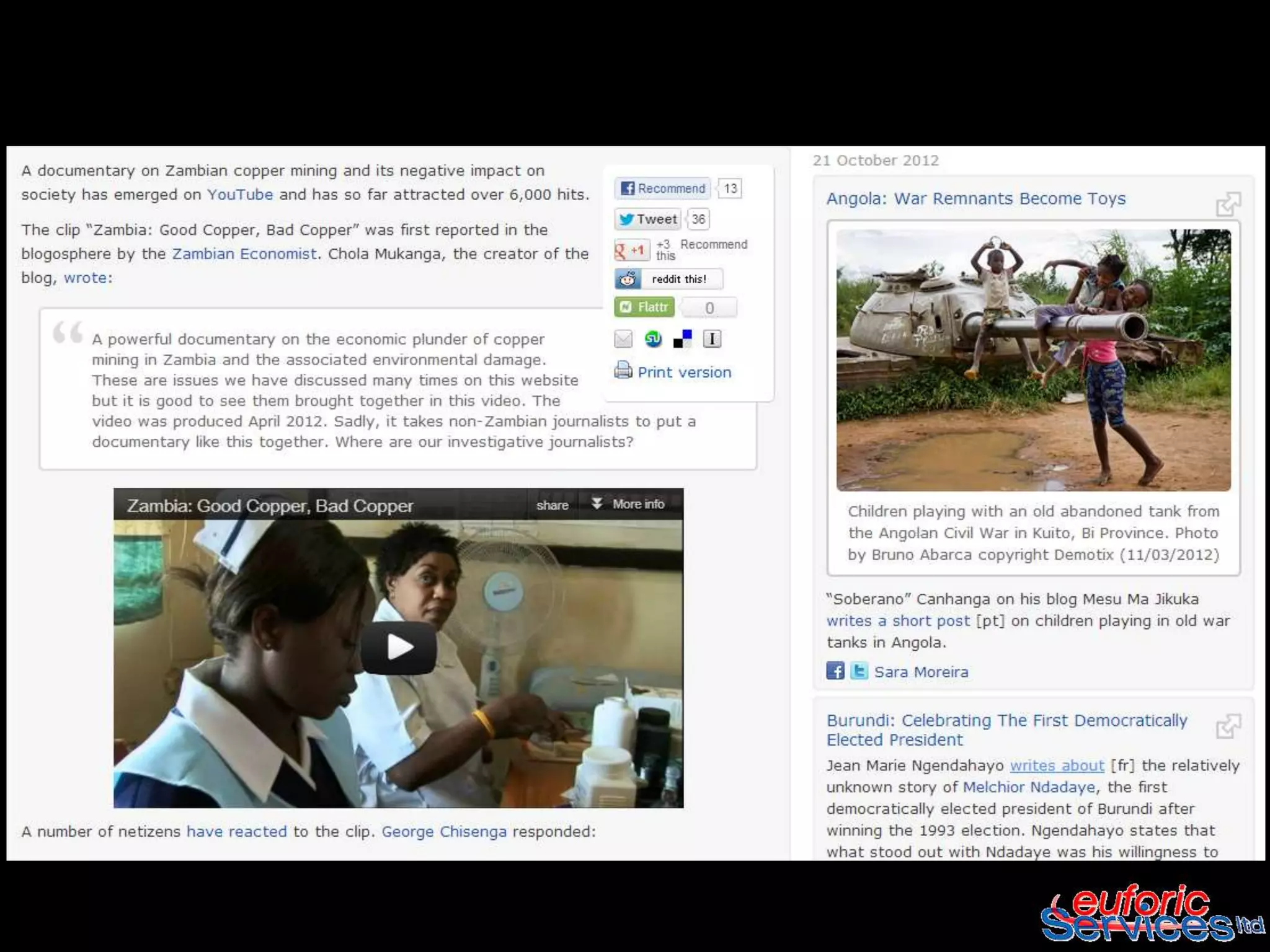
Working with videos


WBI Social Reporting Apprenticeship
             Program
           October 2012
Intro /definition

   Creating videos is increasingly easy - many mobile
    phones and cameras allow short video's to be
    made. Once saved and edited, these can be
    uploaded to the Internet. From there they can be
    tagged, promoted, embedded in most web sites
    and included in feeds and podcasts.

                      Source: https://compartnetwork-
                            web2share.pbworks.com/
Key functions it supports

   Awareness raising and advocacy

   Stakeholder engagement and action

   Capacity building (includes videos for rural
    learning and for exchange of experiences and
    reflection)

   Reporting and data collection

            Source: Rico, L. and Mandler, A., "Video in
              development: Filming for Rural Change"
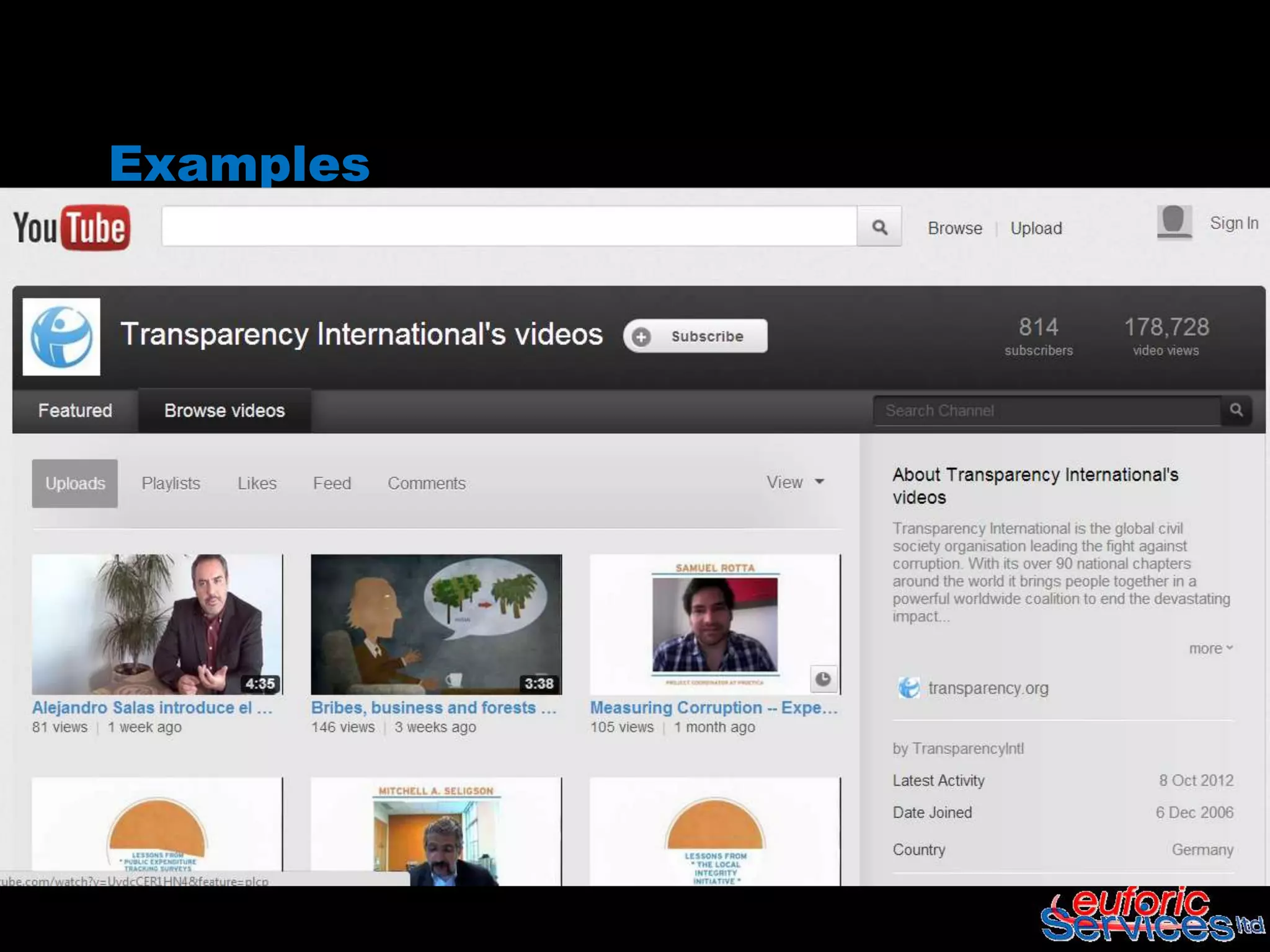
Examples
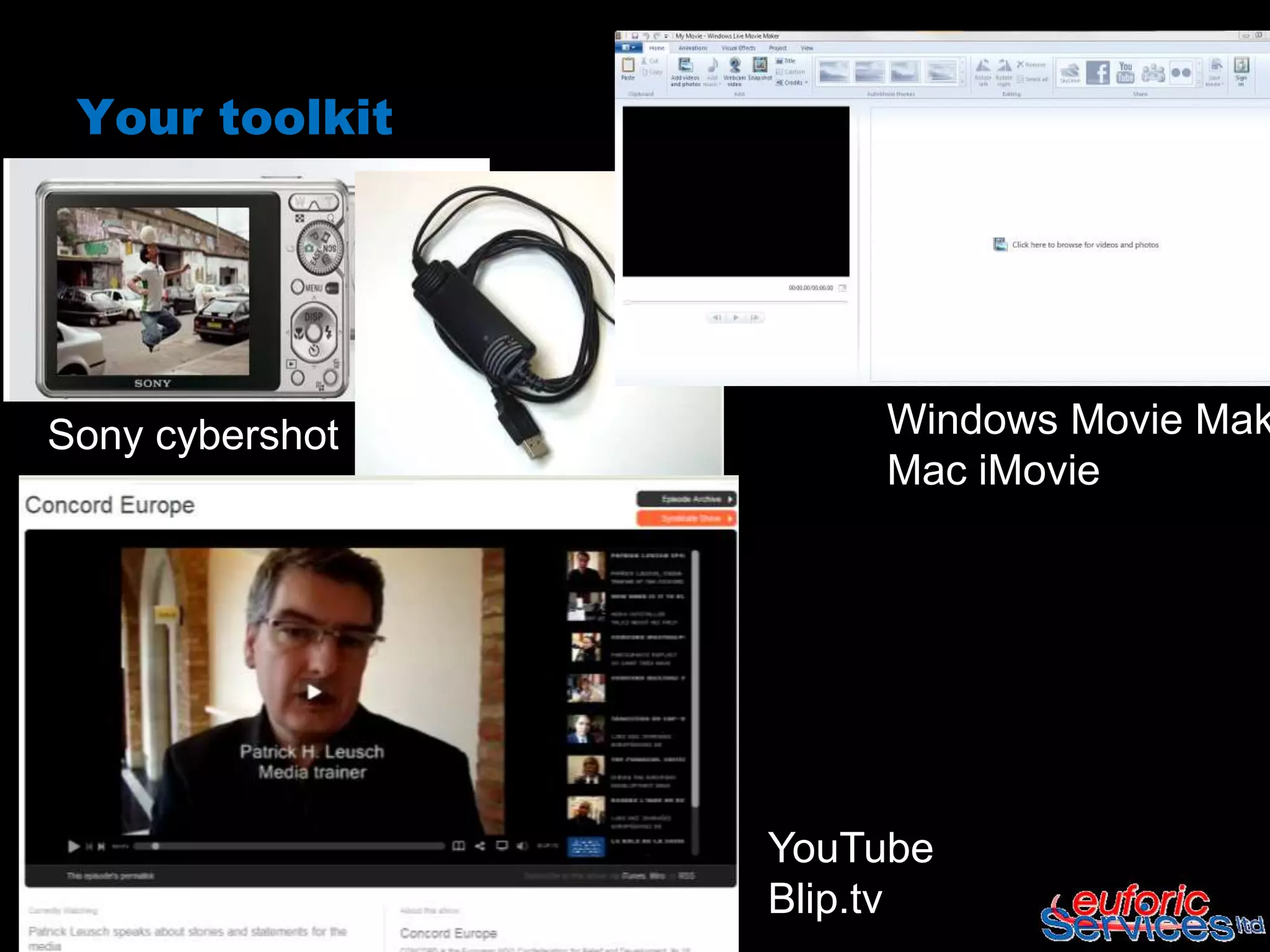
Your toolkit


Sony cybershot        Windows Movie Mak
                      Mac iMovie


                 YouTube
                 Blip.tv
How to use it

 Record         Edit


 Upload         Share
(If needed..,convert your file before
editing..)

 Any Video Converter
     – Desktop based, free to download

 Online Video Converter
     – Online, free
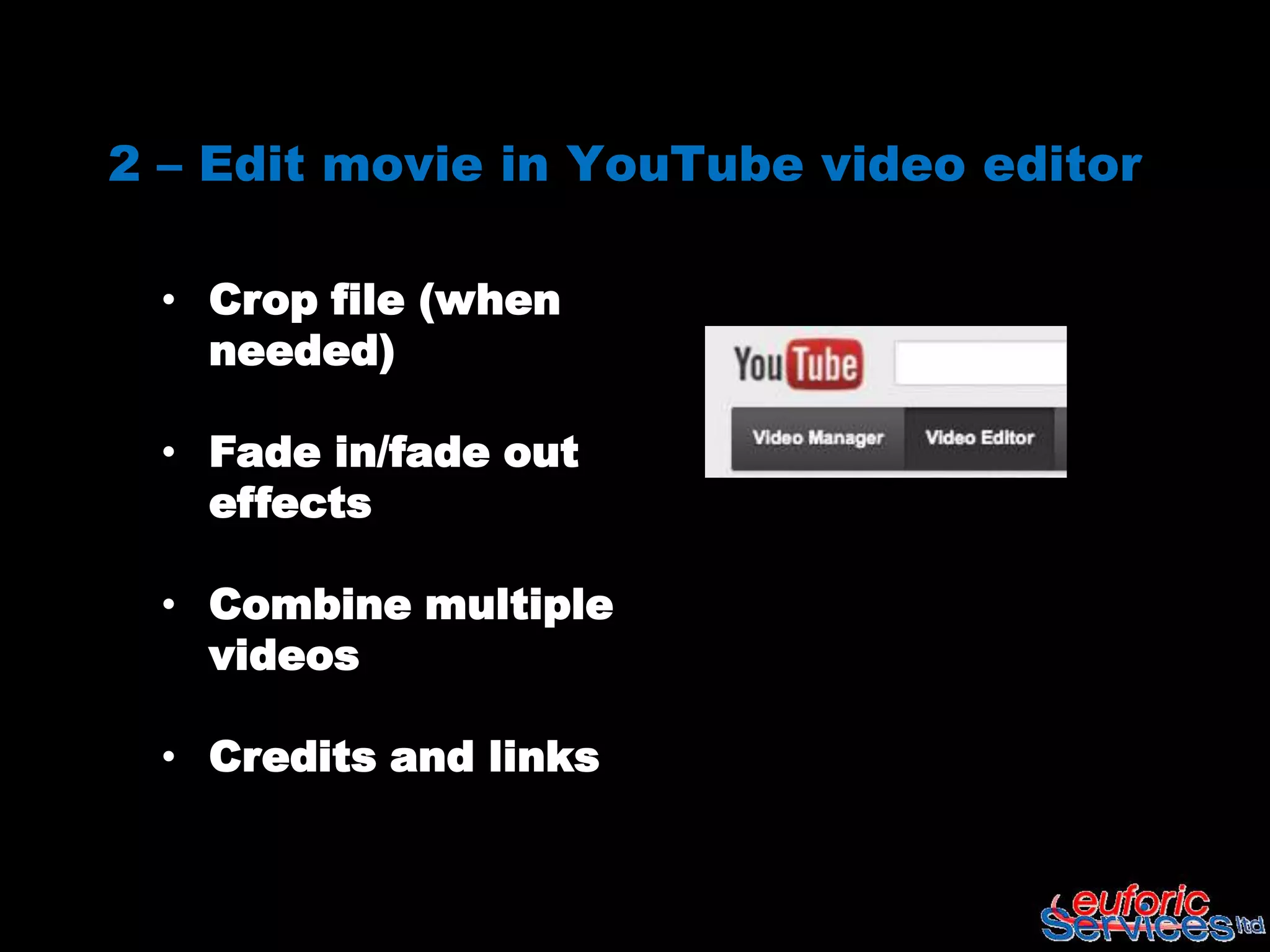
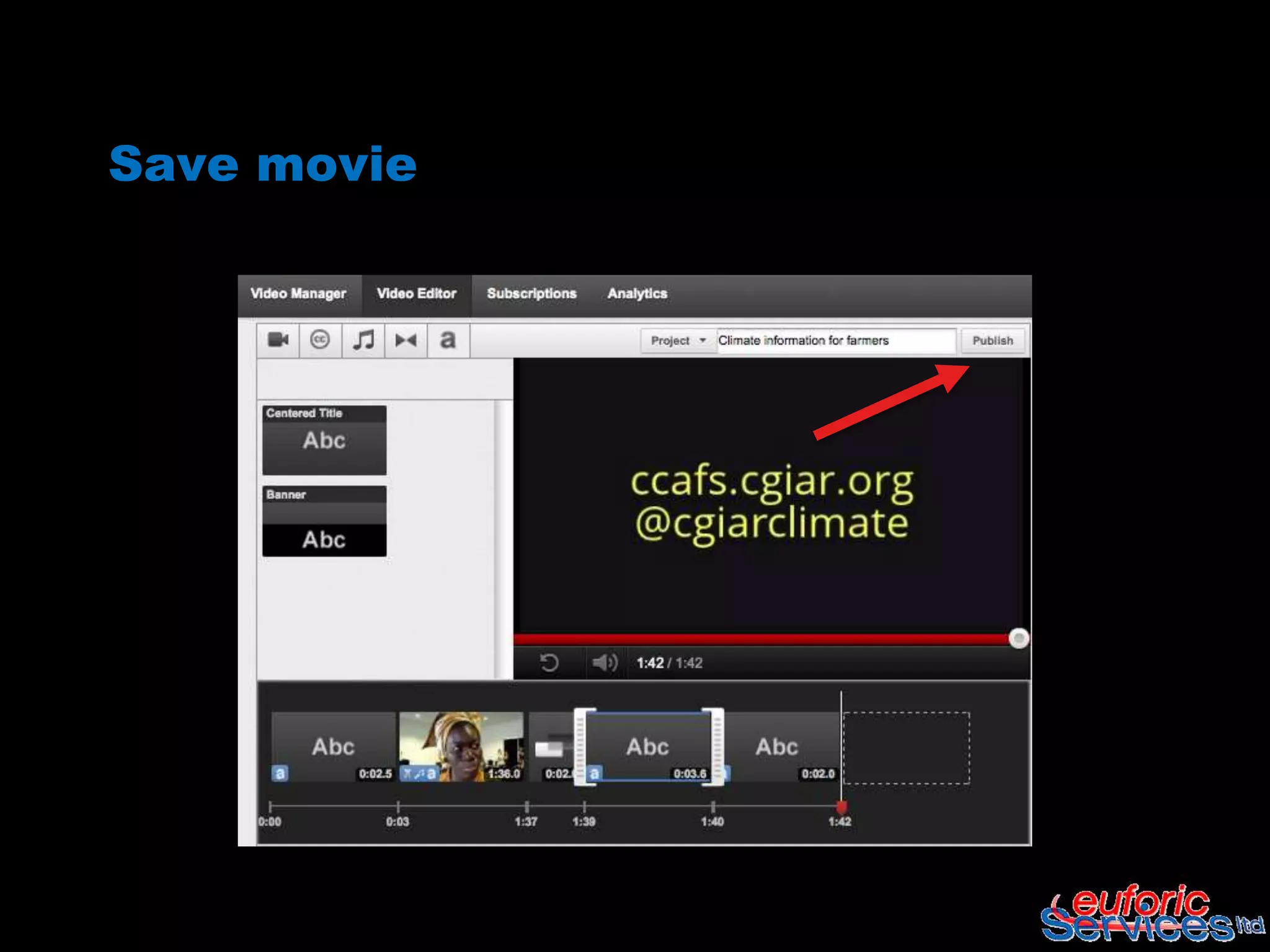
2 – Edit movie in YouTube video editor

 • Crop file (when
   needed)

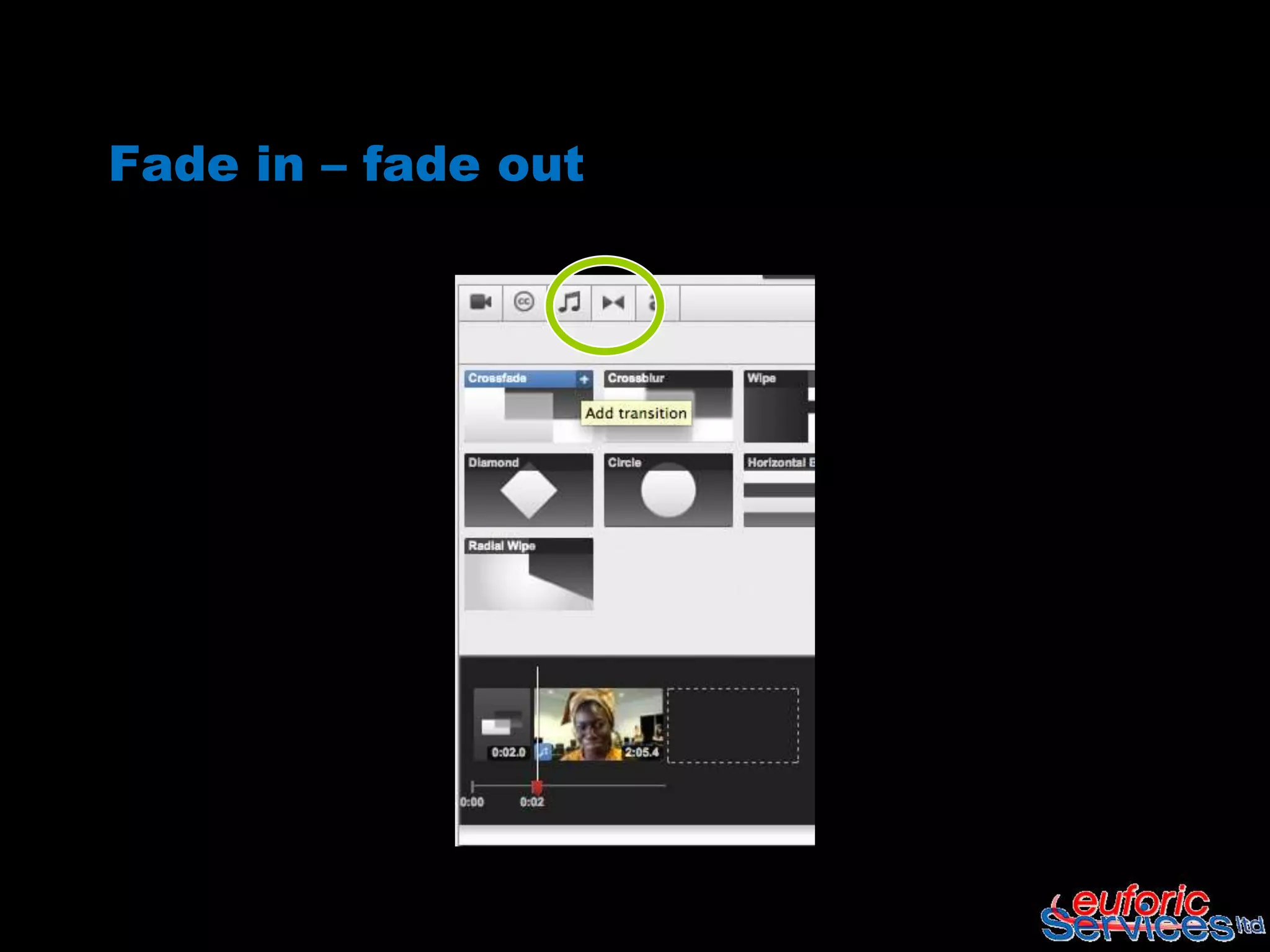
 • Fade in/fade out
   effects

 • Combine multiple
   videos

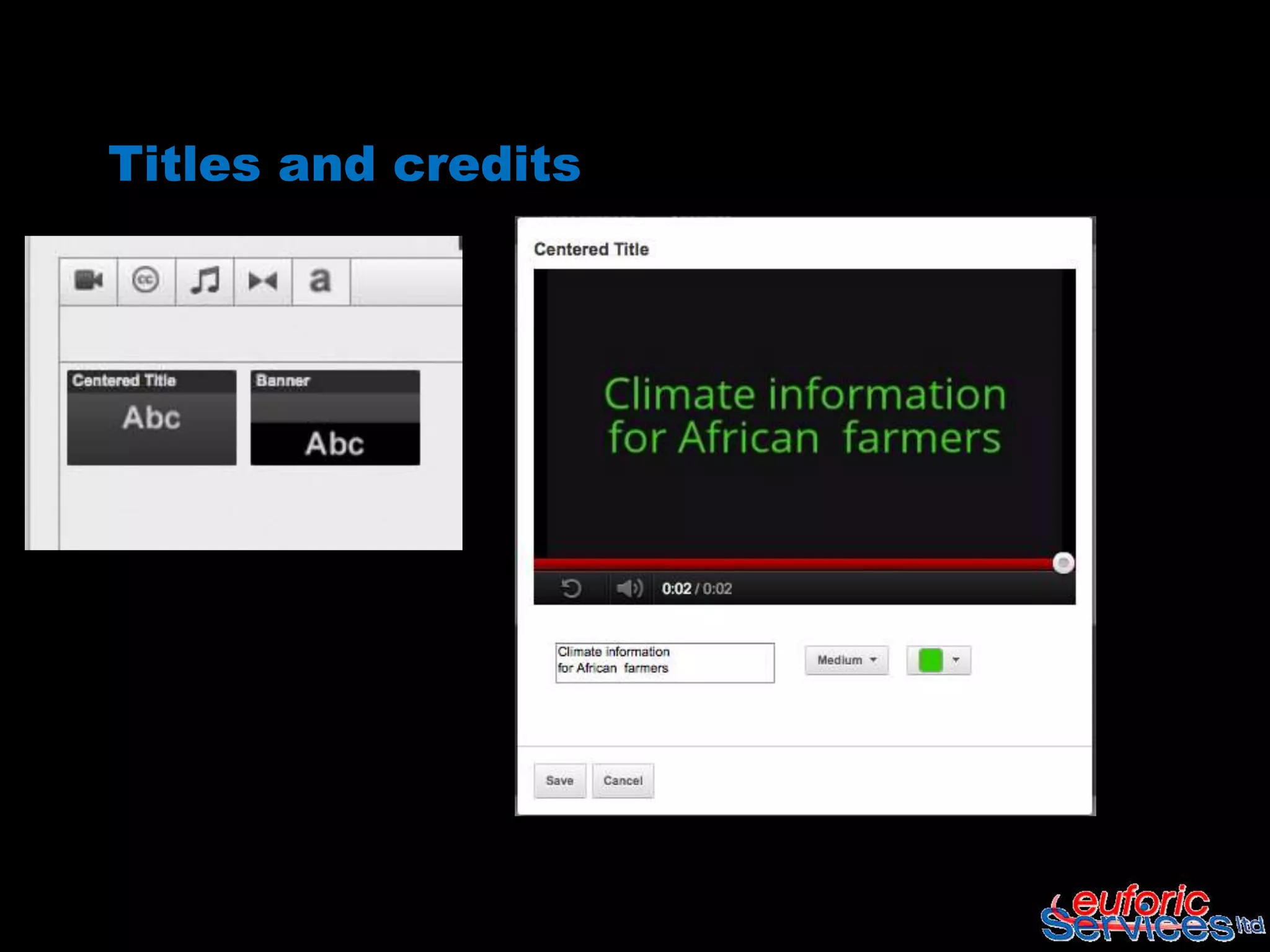
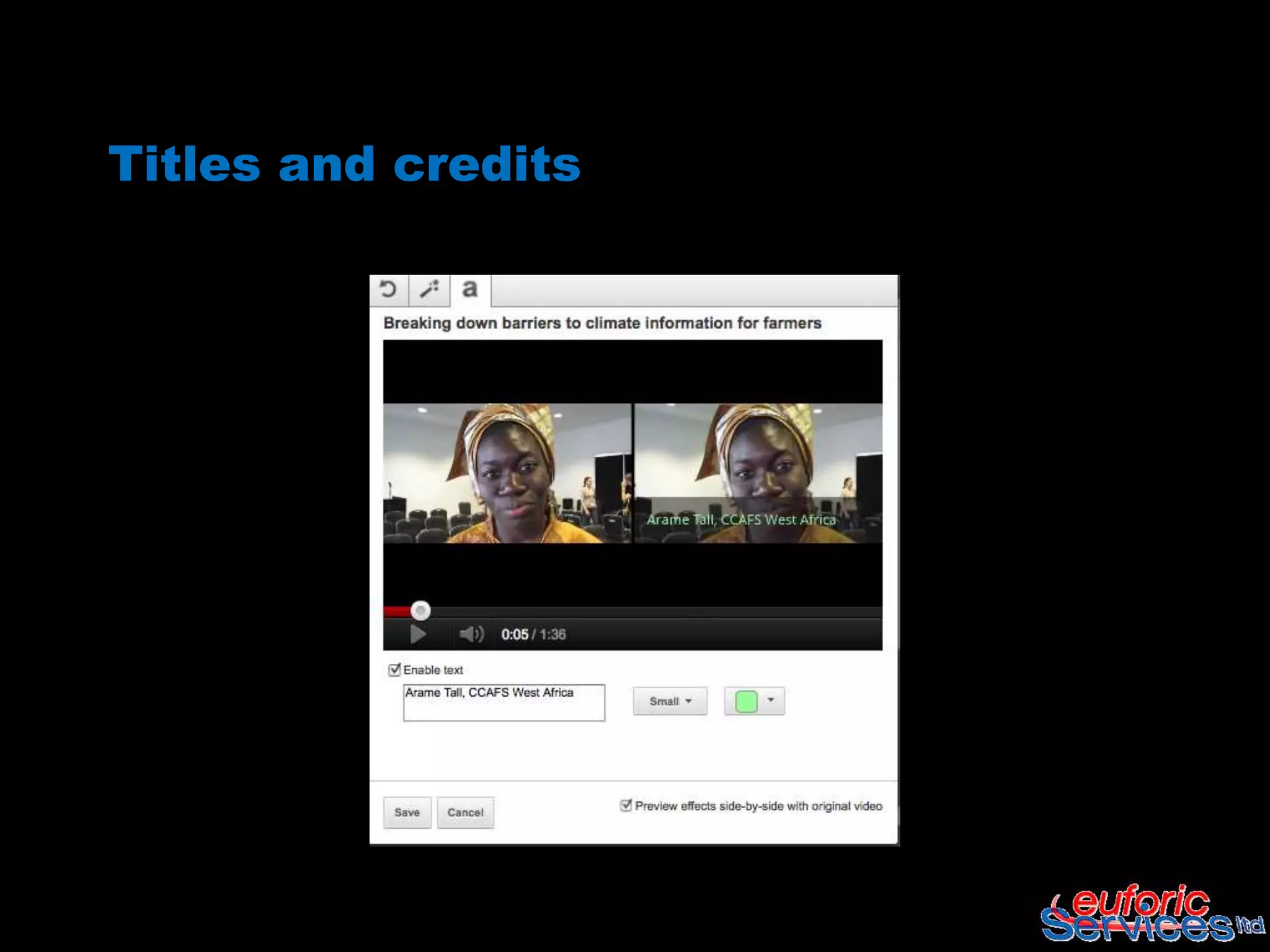
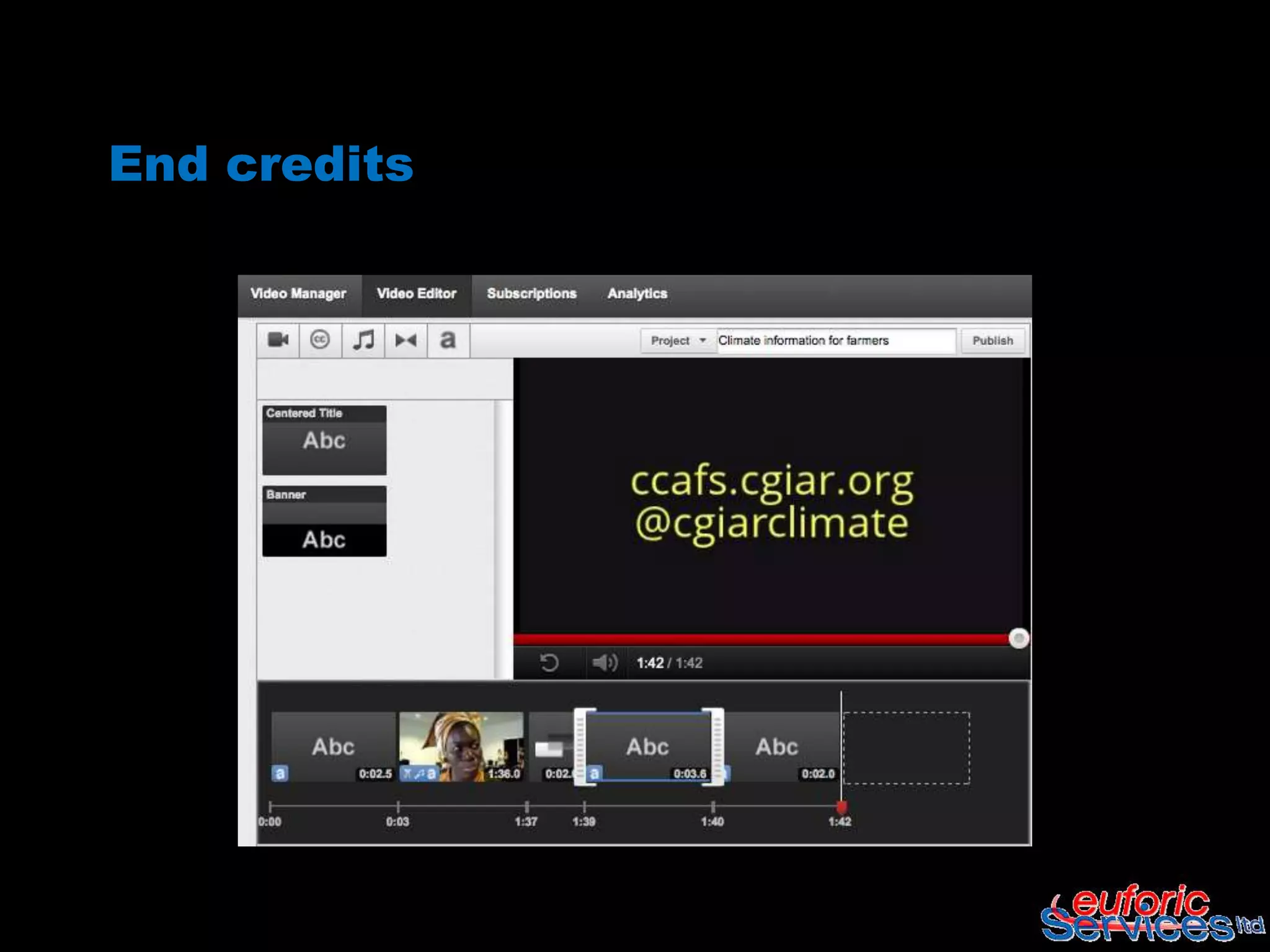
 • Credits and links
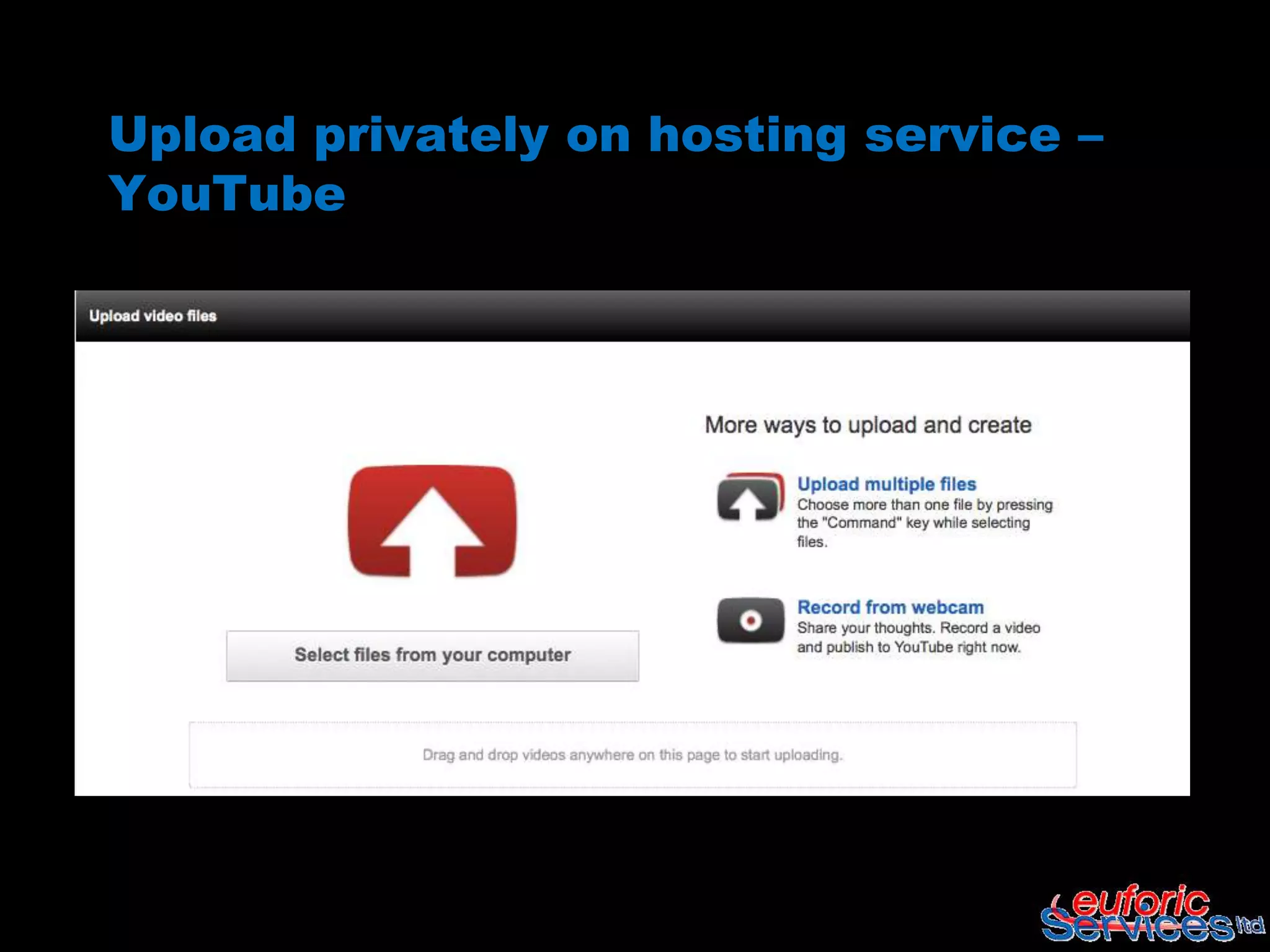
Upload privately on hosting service –
YouTube
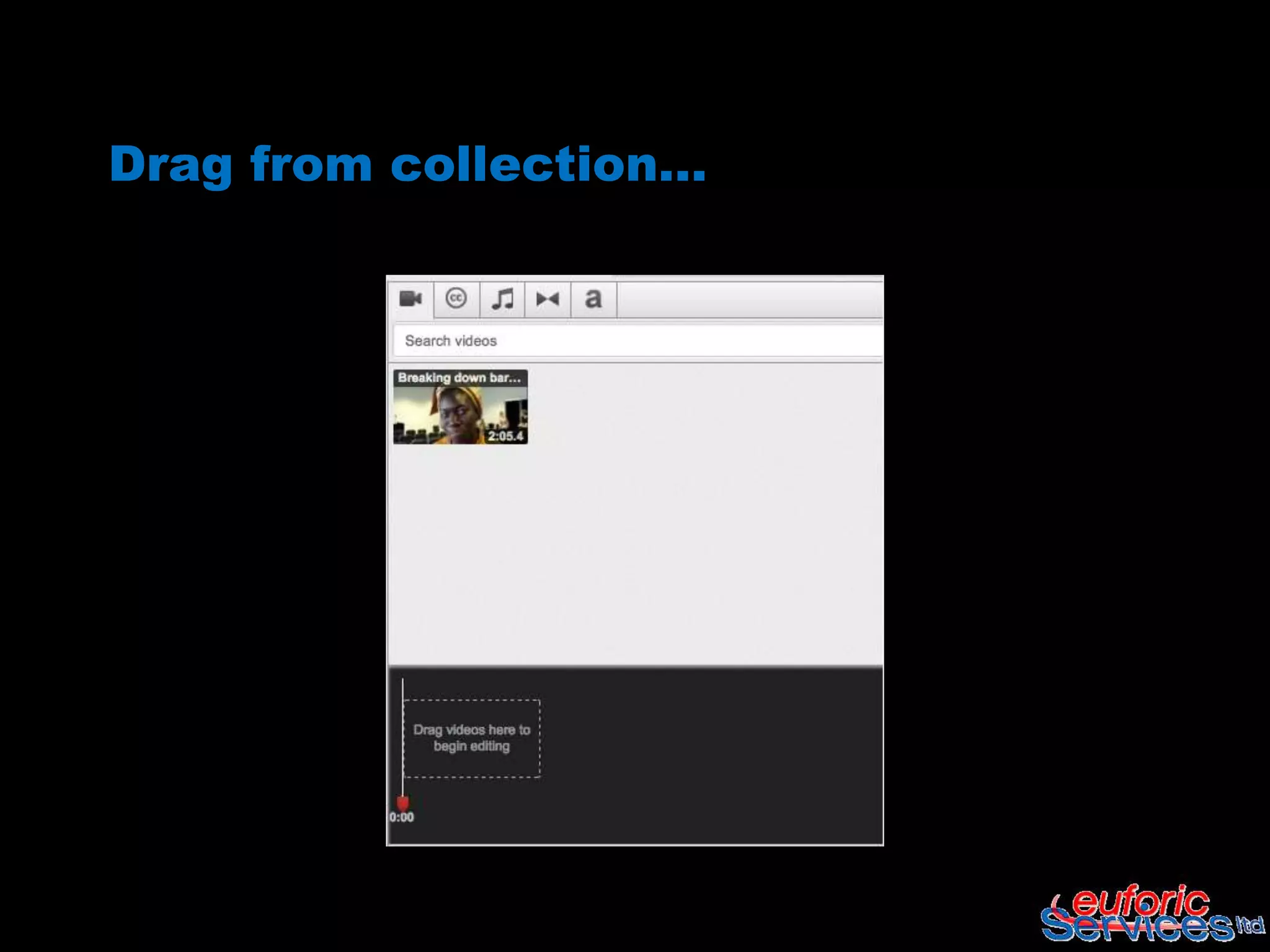
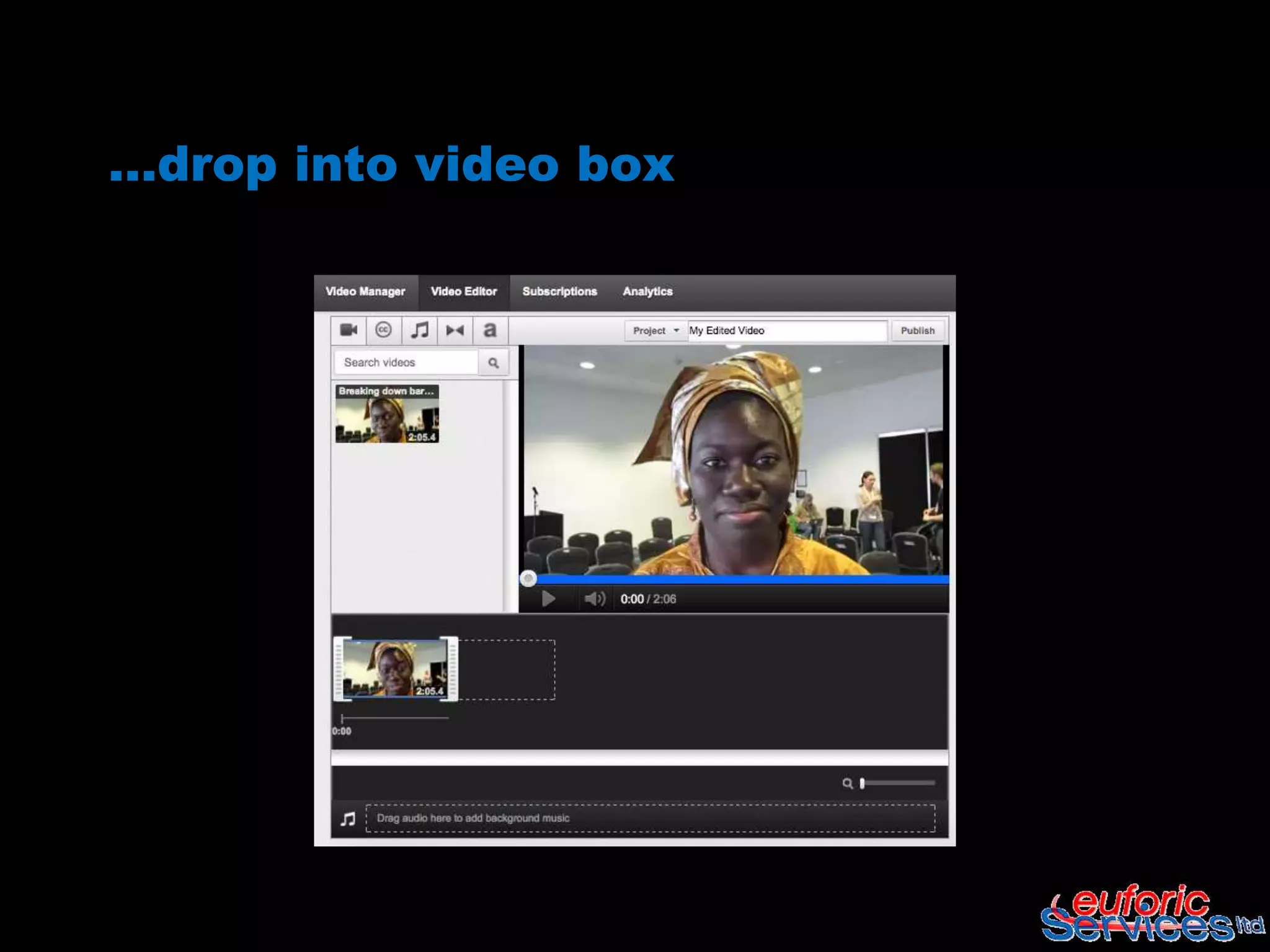
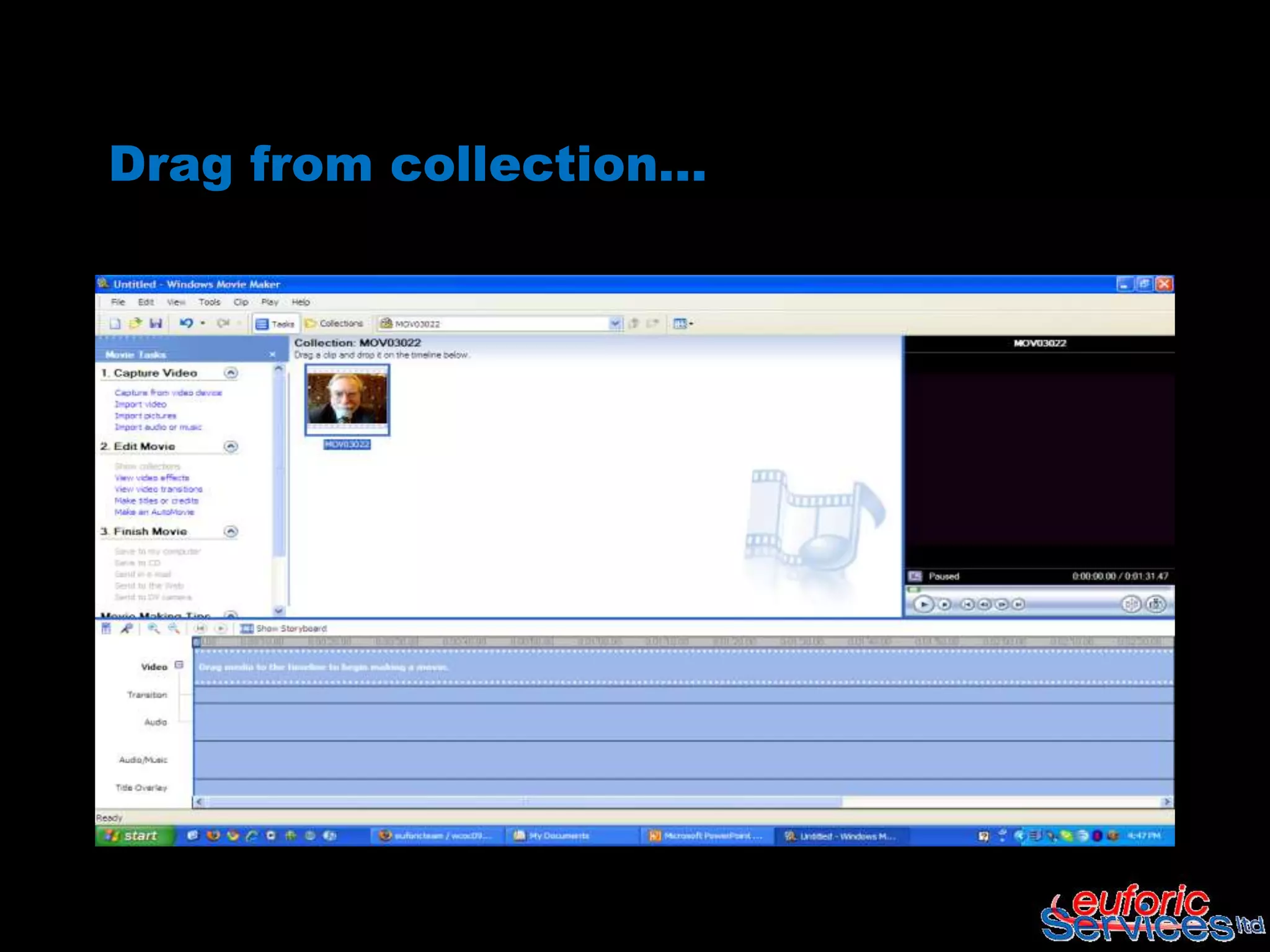
Drag from collection…
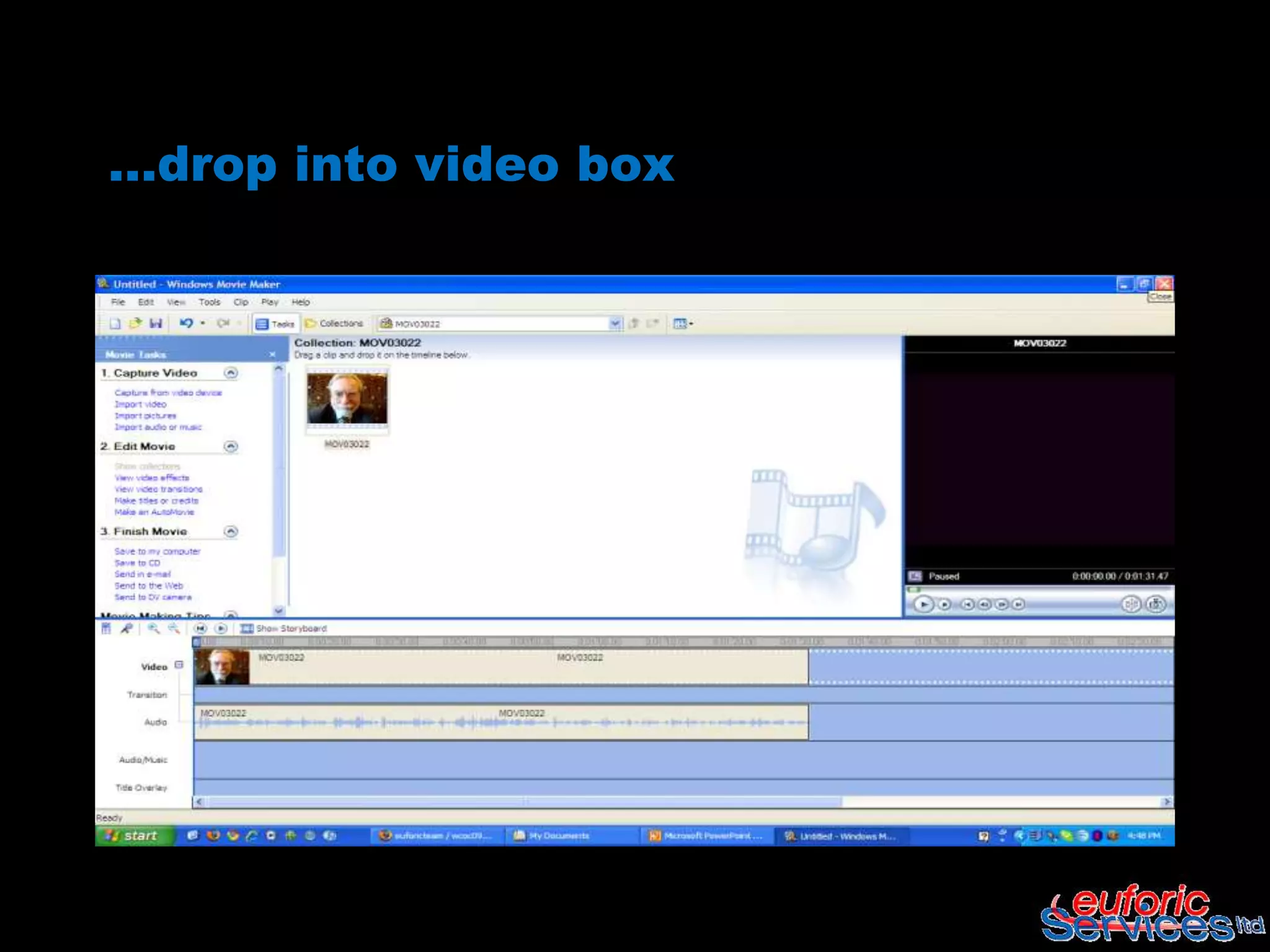
…drop into video box
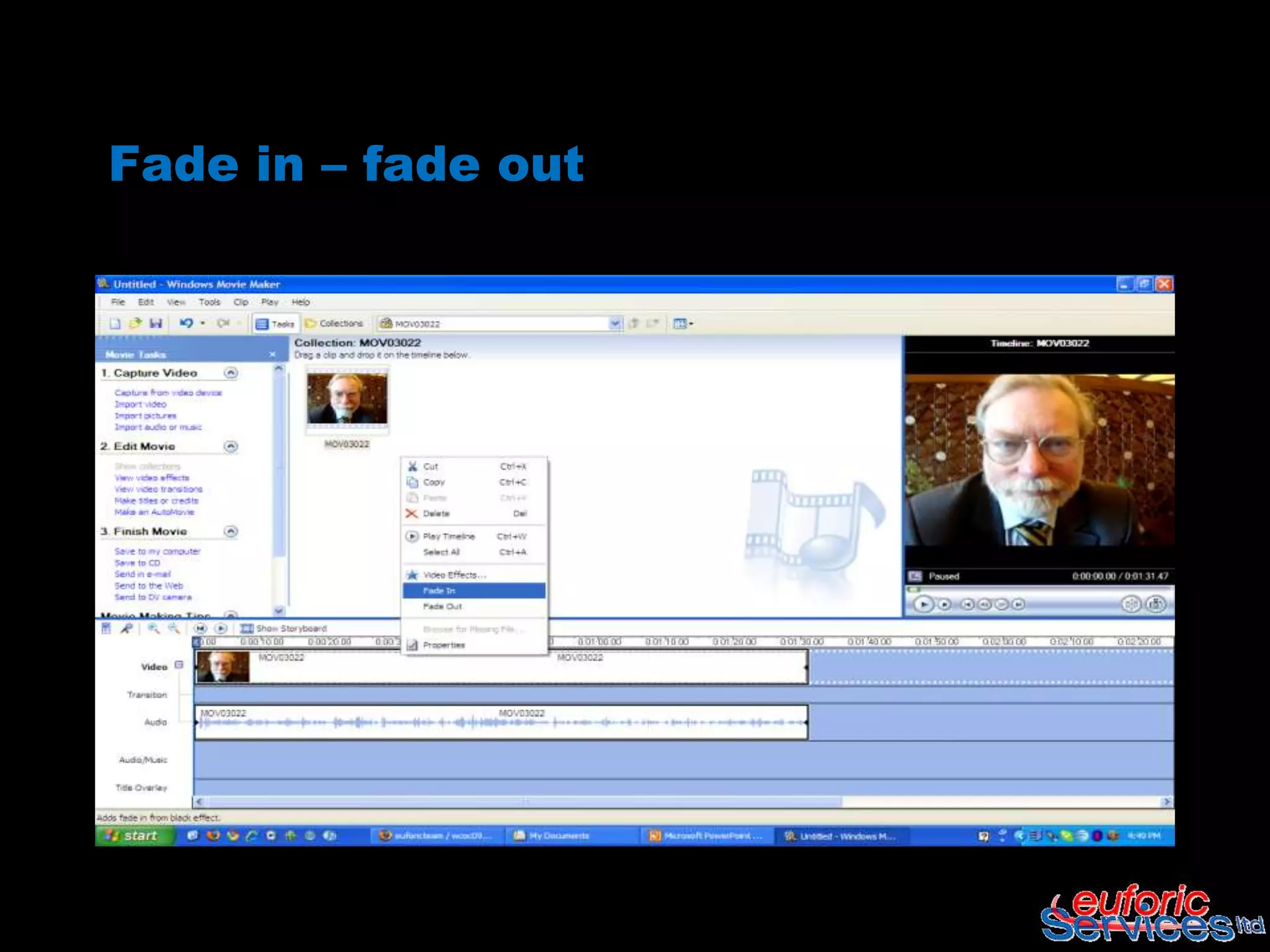
Fade in – fade out
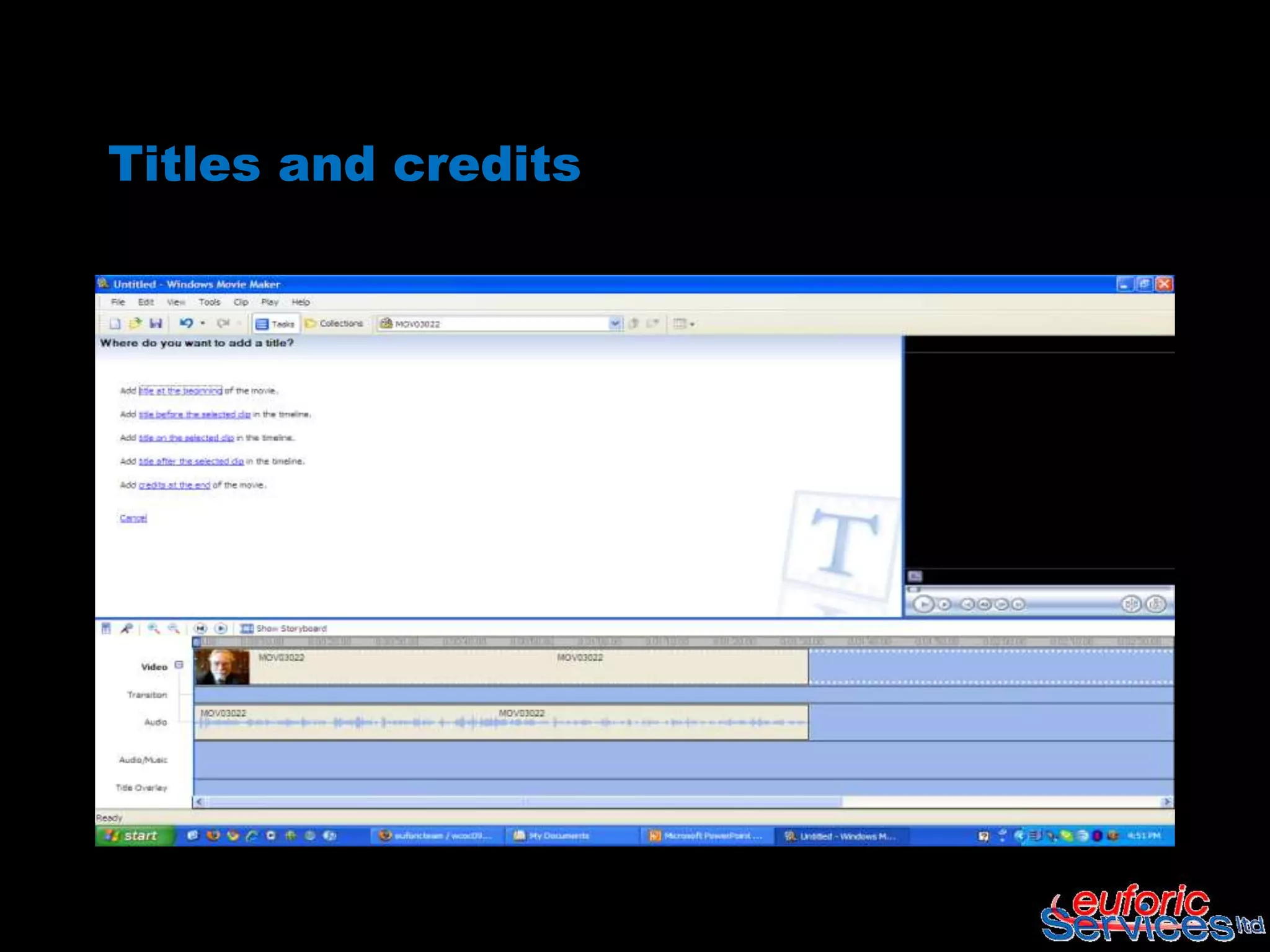
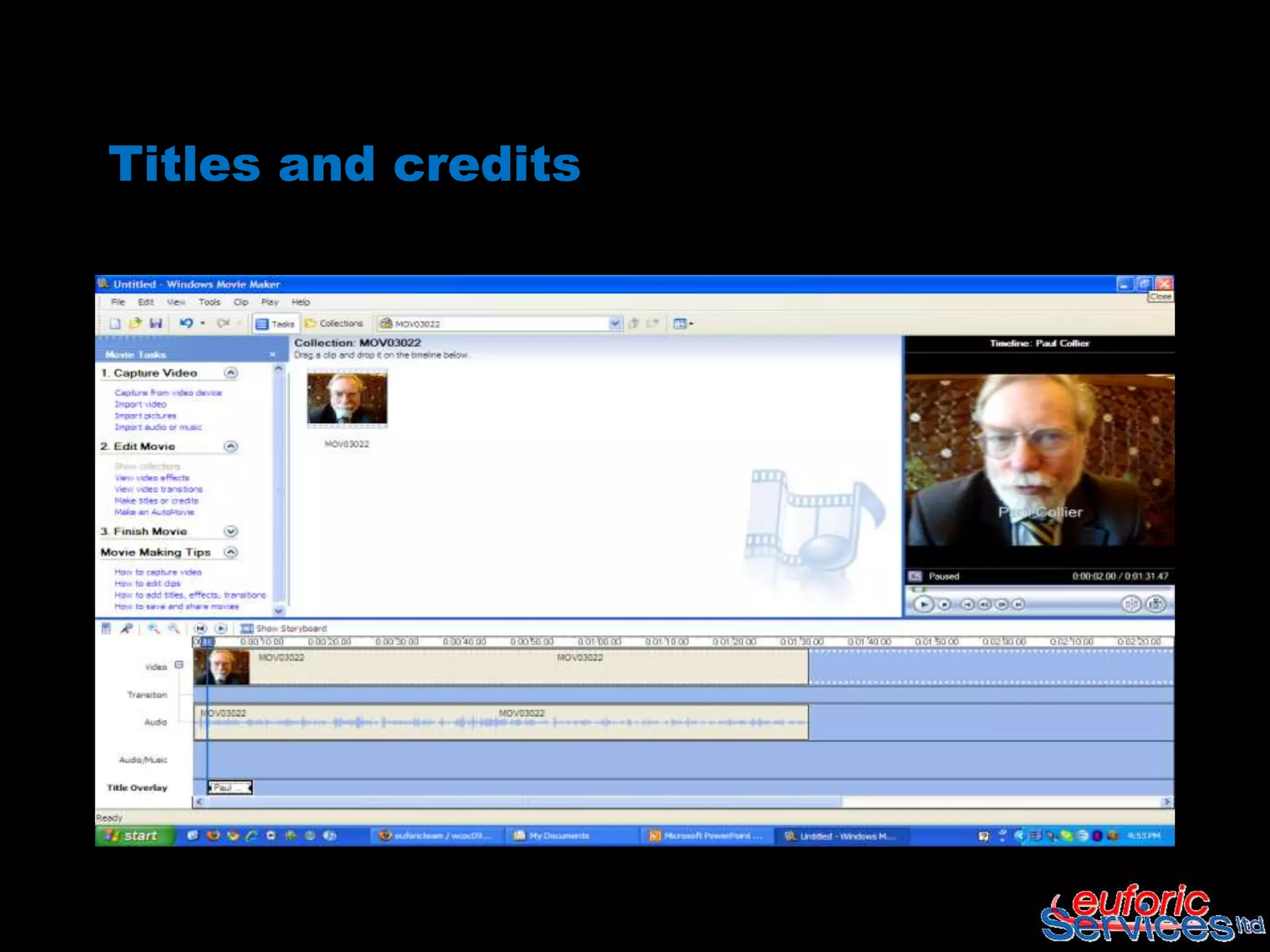
Titles and credits
Titles and credits
End credits
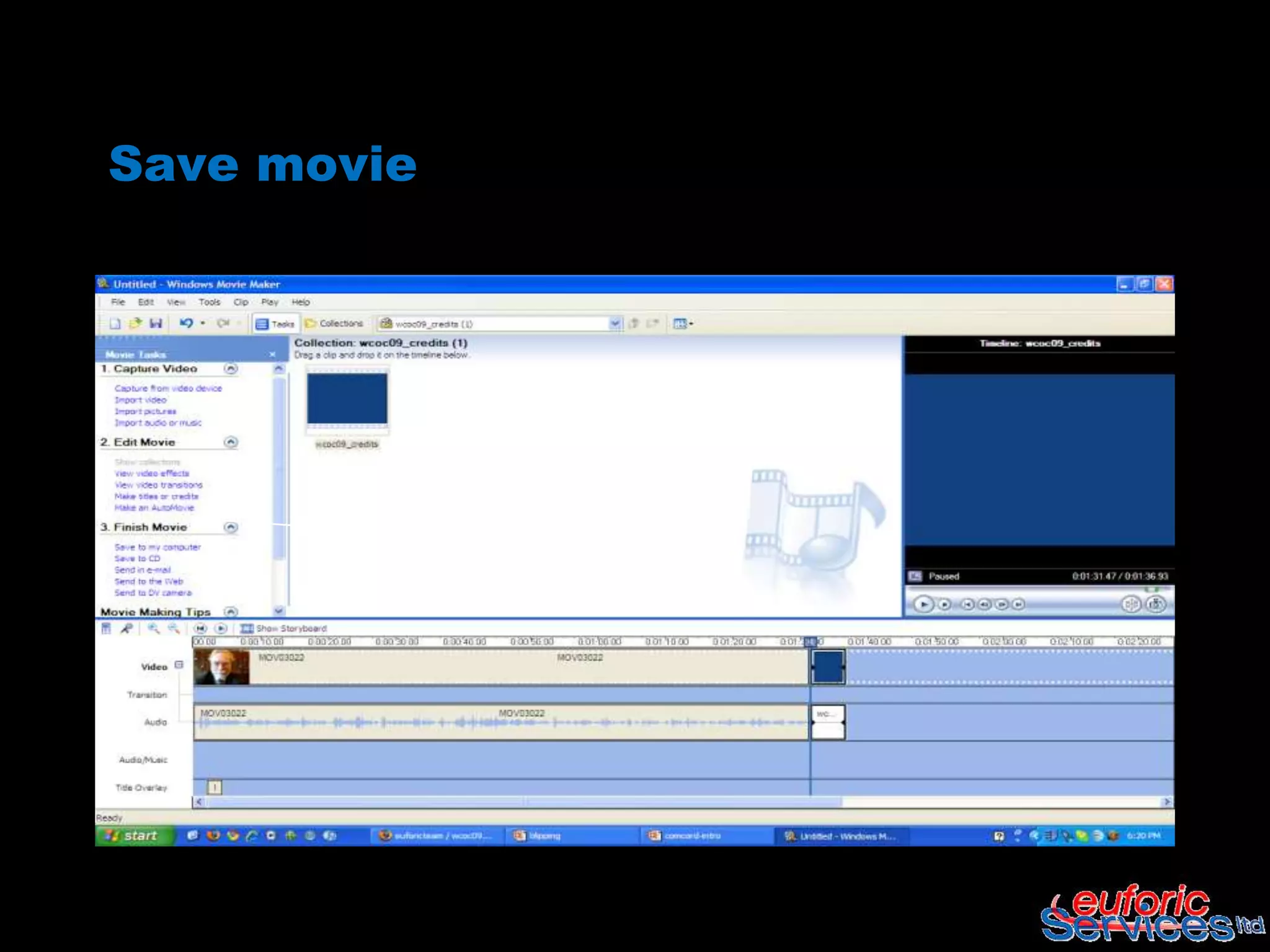
Save movie
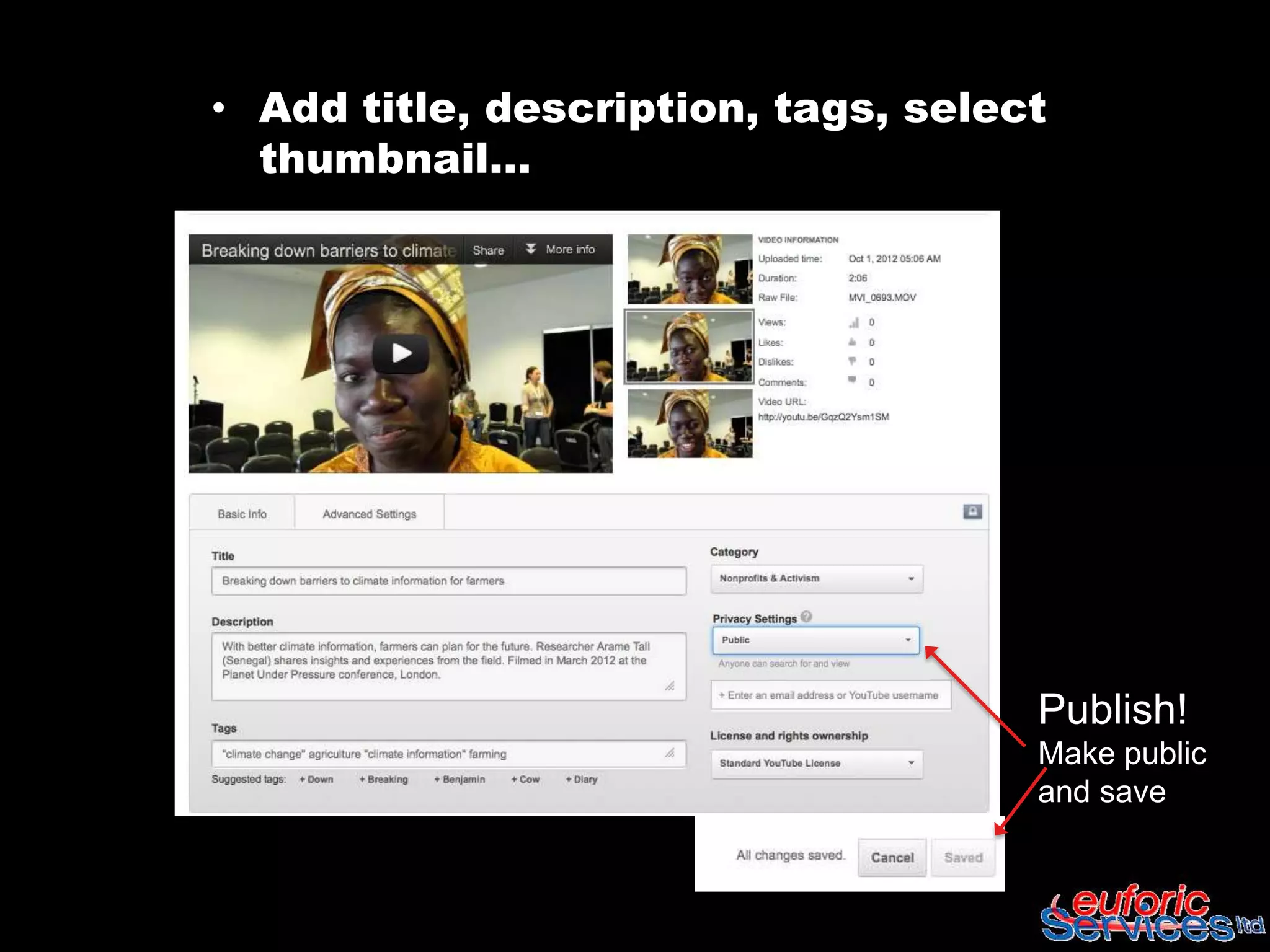
• Add title, description, tags, select
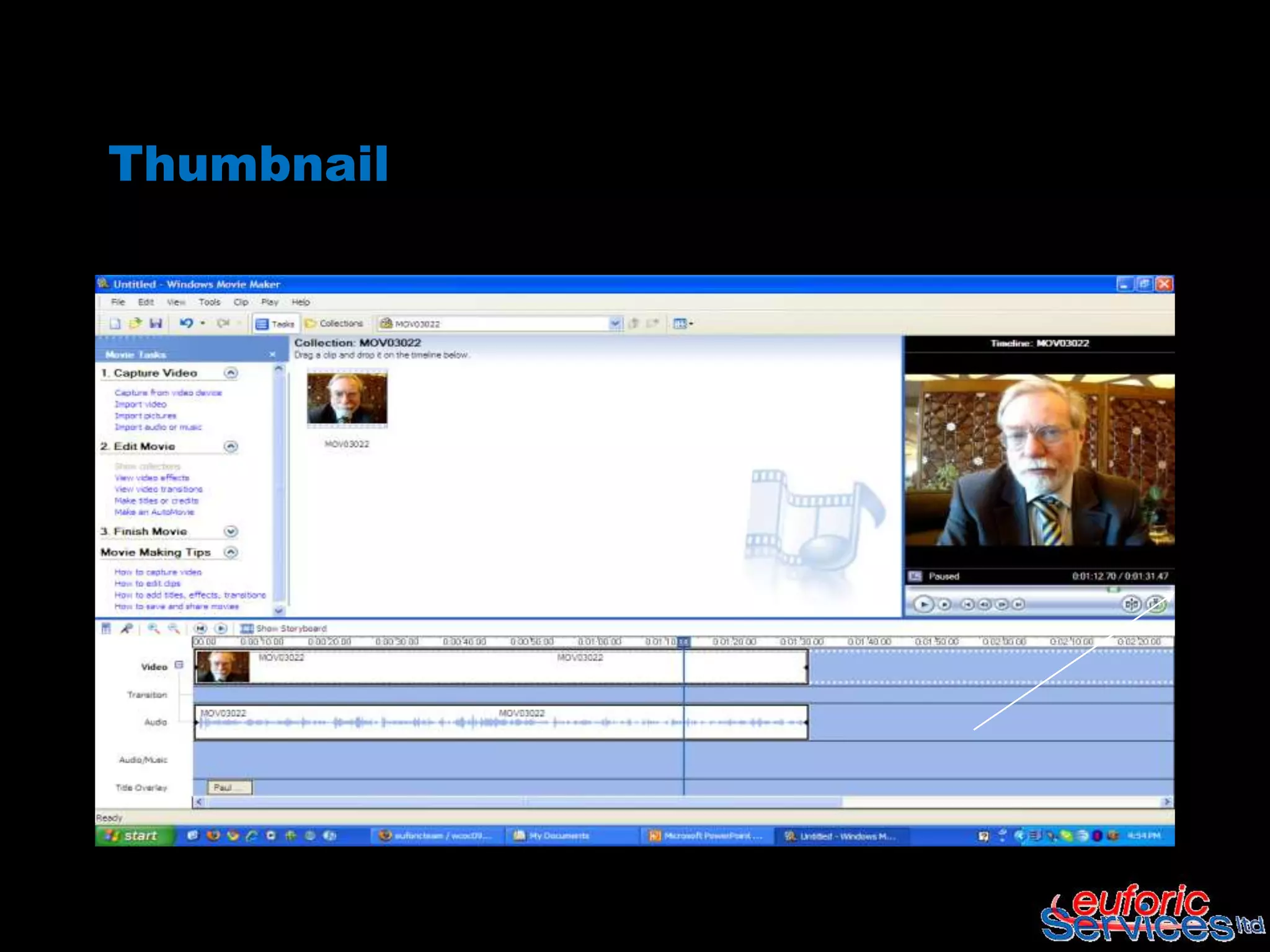
  thumbnail…


                                     Publish!
                                     Make public
                                     and save
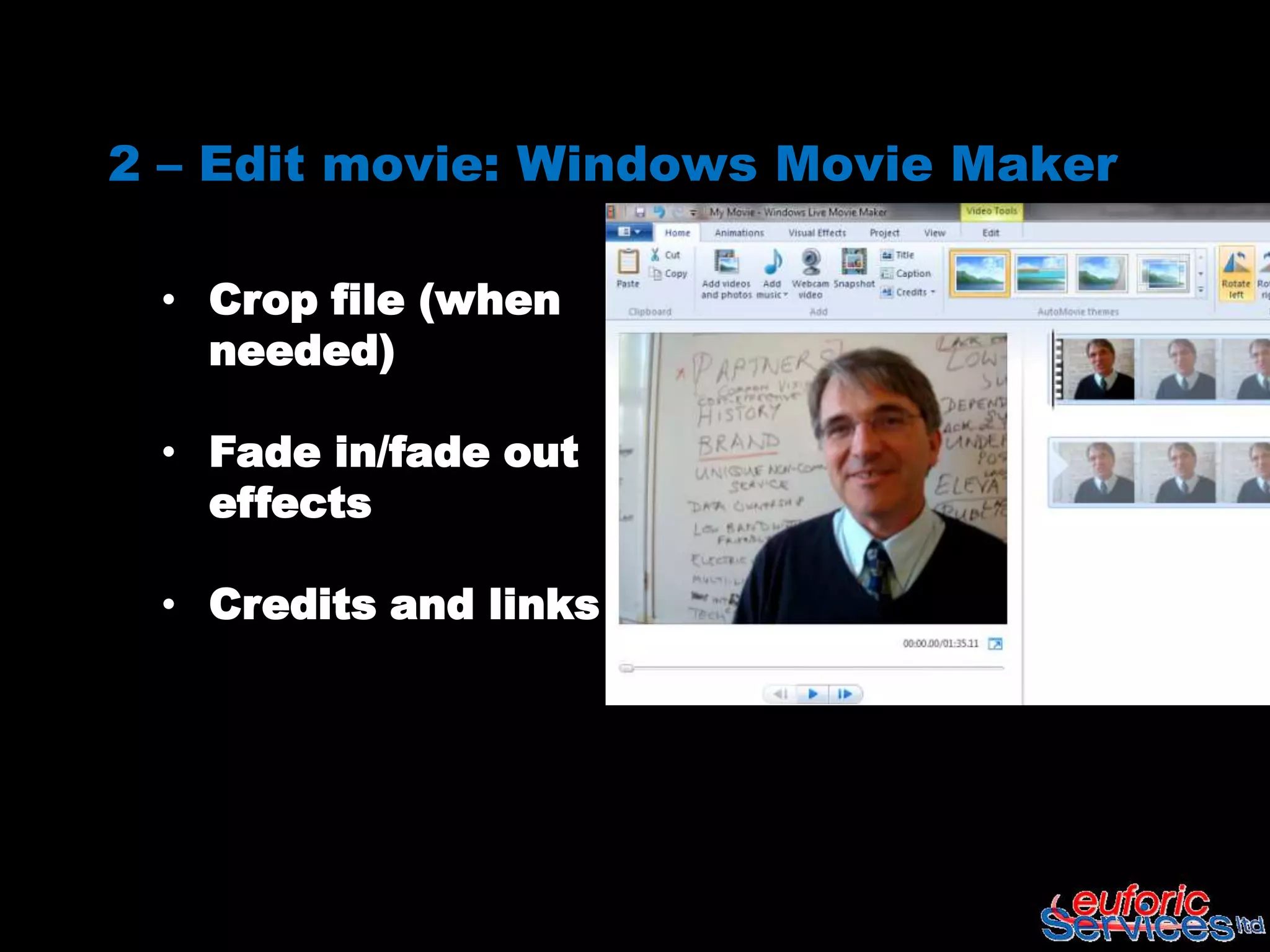
2 – Edit movie: Windows Movie Maker

 • Crop file (when
   needed)

 • Fade in/fade out
   effects

 • Credits and links
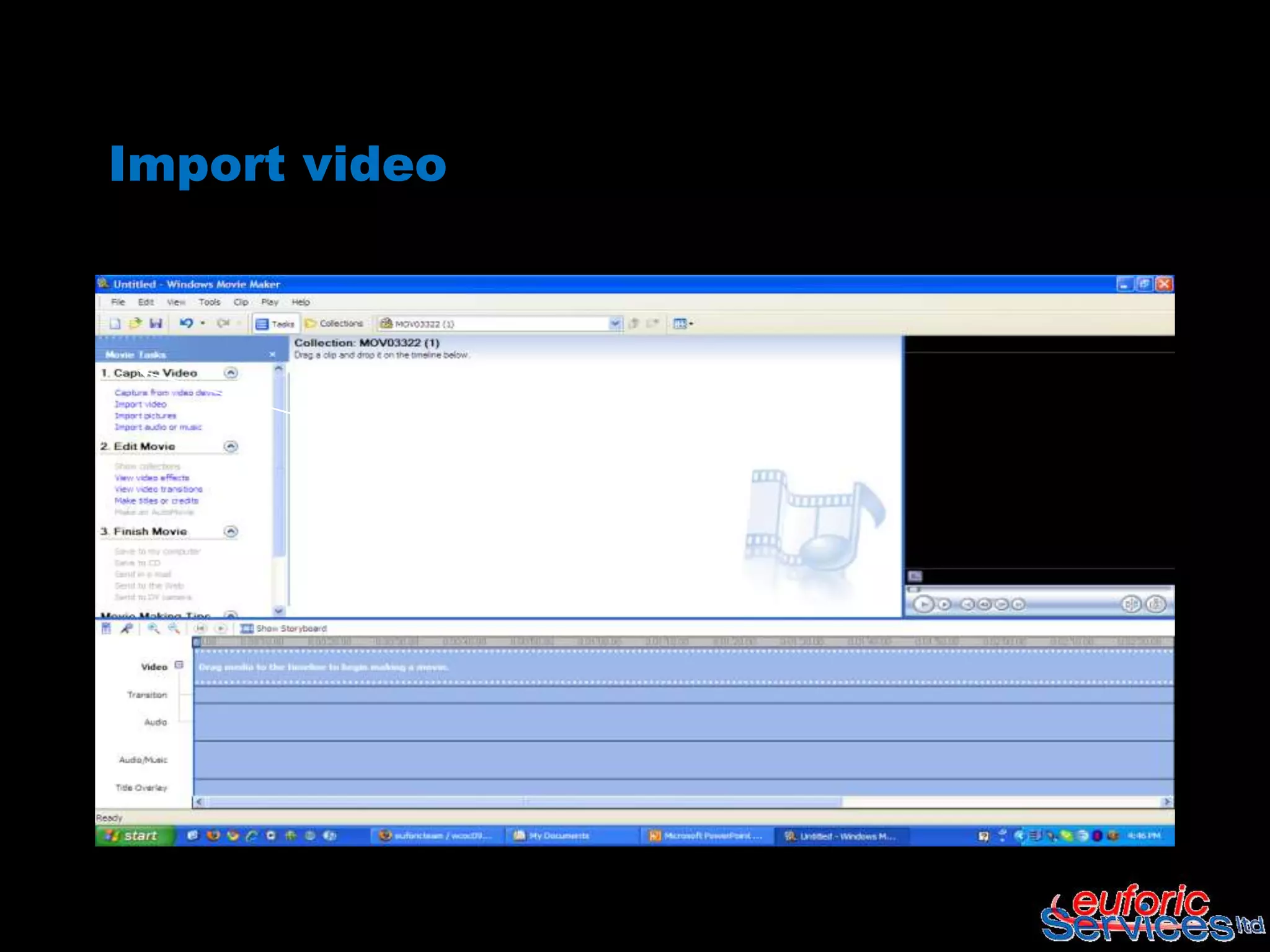
Import video
Drag from collection…
…drop into video box
Fade in – fade out
Titles and credits
Titles and credits
Thumbnail
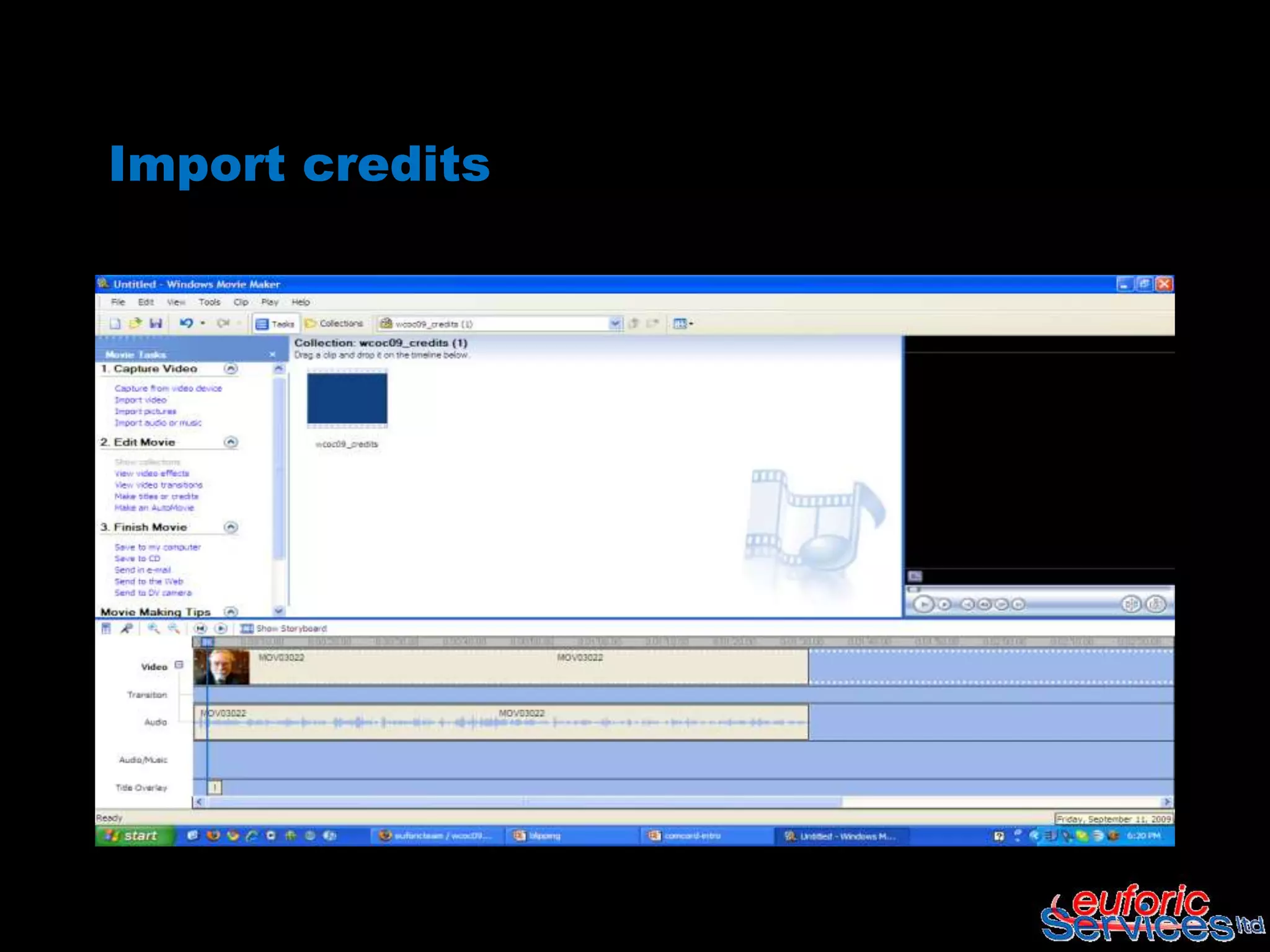
Import credits
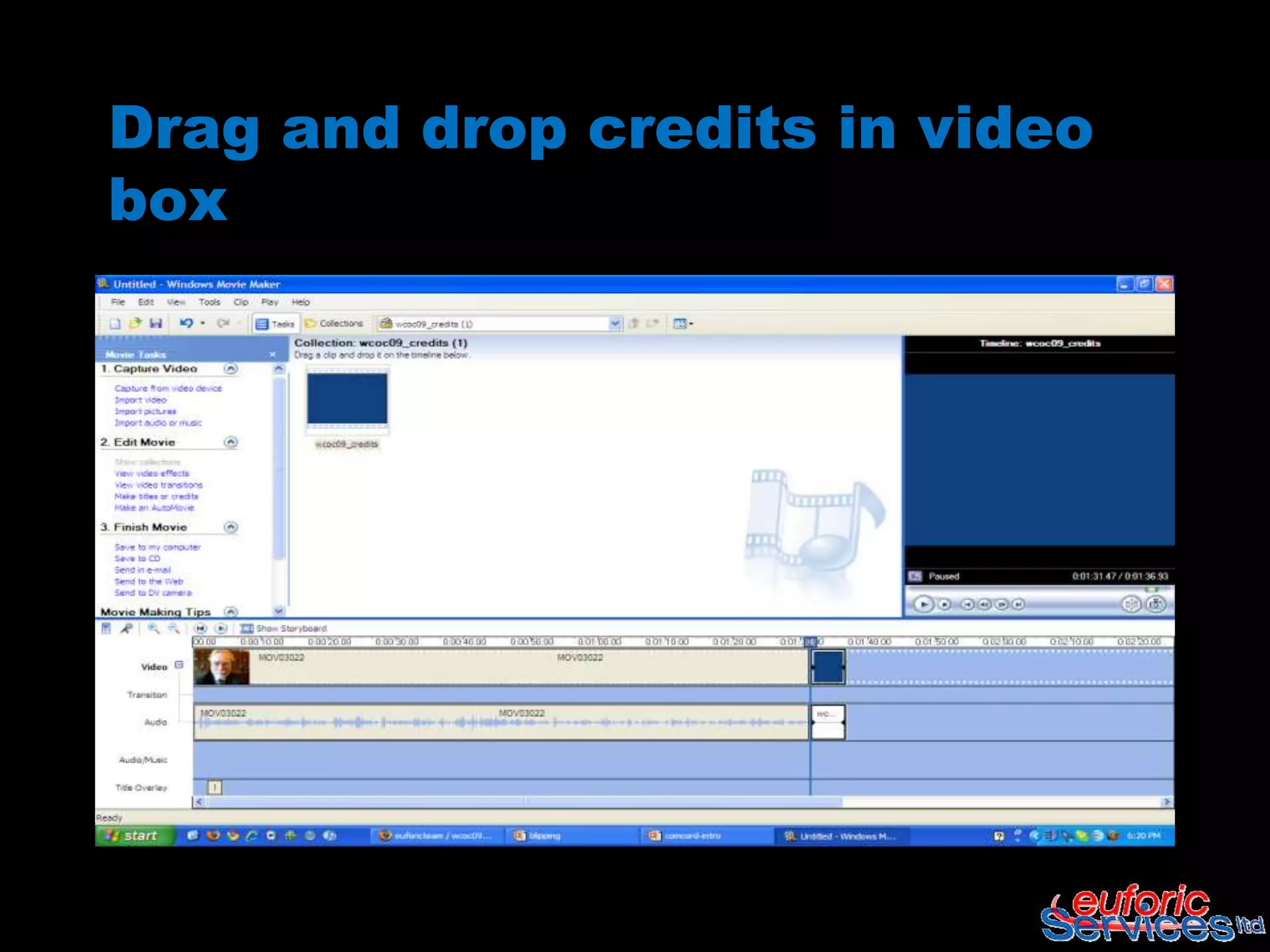
Drag and drop credits in video
box
Save movie
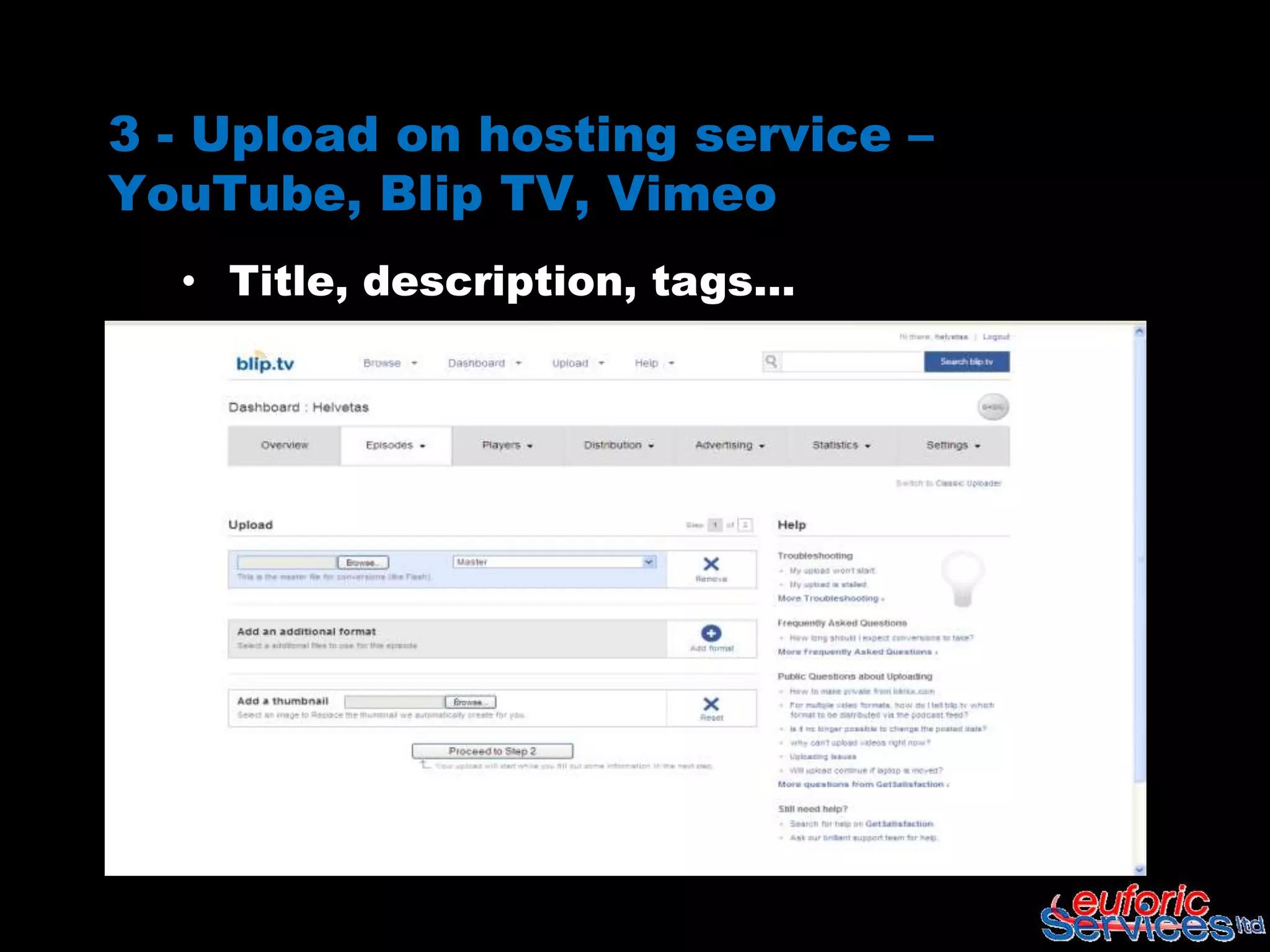
3 - Upload on hosting service –
YouTube, Blip TV, Vimeo
  • Title, description, tags…
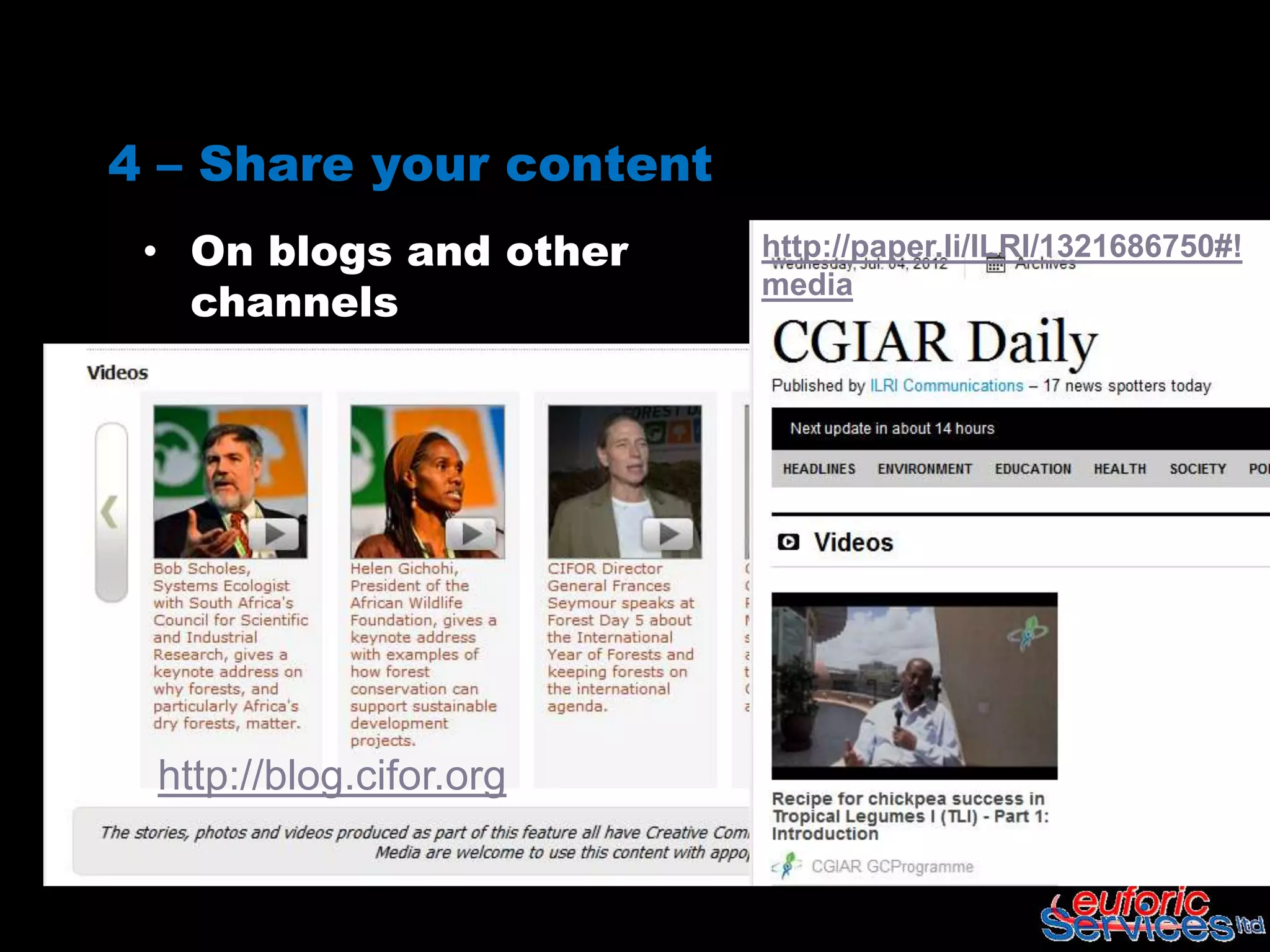
4 – Share your content
 • On blogs and other    http://paper.li/ILRI/1321686750#!
   channels
                         media


 http://blog.cifor.org
M&E

   YouTube offers great Analytics

   Blip TV has own stats that allow to track content
    distributed to multiple websites

   Look for trends: total views, comments and
    shares, country, etc..
Hands on exercise

 In pairs, find a nice corner and interview
  each other
     – What’s the 1 Social Media tool that you
       will use after the workshop?


 Upload video on YouTube

 Edit videos with YouTube Editor

 Embed the video on your blog post on Pro-
  Act
Sources

 KSToolkit - http://www.kstoolkit.org/Video

 iMark – Web 2.0 and Social Media for
  Development

   CIARD Pathways - http://www.ciard.net/
Working with videos


WBI Social Reporting Apprenticeship
             Program
           October 2012

SR4Proc Working with videos

  • 1.
    Working with videos WBISocial Reporting Apprenticeship Program October 2012
  • 2.
    Intro /definition  Creating videos is increasingly easy - many mobile phones and cameras allow short video's to be made. Once saved and edited, these can be uploaded to the Internet. From there they can be tagged, promoted, embedded in most web sites and included in feeds and podcasts. Source: https://compartnetwork- web2share.pbworks.com/
  • 3.
    Key functions itsupports  Awareness raising and advocacy  Stakeholder engagement and action  Capacity building (includes videos for rural learning and for exchange of experiences and reflection)  Reporting and data collection Source: Rico, L. and Mandler, A., "Video in development: Filming for Rural Change"
  • 4.
  • 6.
    Your toolkit Sony cybershot Windows Movie Mak Mac iMovie YouTube Blip.tv
  • 7.
    How to useit  Record  Edit  Upload  Share
  • 9.
    (If needed..,convert yourfile before editing..)  Any Video Converter – Desktop based, free to download  Online Video Converter – Online, free
  • 10.
    2 – Editmovie in YouTube video editor • Crop file (when needed) • Fade in/fade out effects • Combine multiple videos • Credits and links
  • 11.
    Upload privately onhosting service – YouTube
  • 12.
  • 13.
  • 14.
    Fade in –fade out
  • 15.
  • 16.
  • 17.
  • 18.
  • 19.
    • Add title,description, tags, select thumbnail… Publish! Make public and save
  • 20.
    2 – Editmovie: Windows Movie Maker • Crop file (when needed) • Fade in/fade out effects • Credits and links
  • 21.
  • 22.
  • 23.
  • 24.
    Fade in –fade out
  • 25.
  • 26.
  • 27.
  • 28.
  • 29.
    Drag and dropcredits in video box
  • 30.
  • 31.
    3 - Uploadon hosting service – YouTube, Blip TV, Vimeo • Title, description, tags…
  • 32.
    4 – Shareyour content • On blogs and other http://paper.li/ILRI/1321686750#! channels media http://blog.cifor.org
  • 33.
    M&E  YouTube offers great Analytics  Blip TV has own stats that allow to track content distributed to multiple websites  Look for trends: total views, comments and shares, country, etc..
  • 34.
    Hands on exercise In pairs, find a nice corner and interview each other – What’s the 1 Social Media tool that you will use after the workshop?  Upload video on YouTube  Edit videos with YouTube Editor  Embed the video on your blog post on Pro- Act
  • 35.
    Sources  KSToolkit -http://www.kstoolkit.org/Video  iMark – Web 2.0 and Social Media for Development  CIARD Pathways - http://www.ciard.net/
  • 36.
    Working with videos WBISocial Reporting Apprenticeship Program October 2012

Editor's Notes

  • #3 Online videos and pictures are an excellent medium to help you reach out to a global audience base on the Internet - You have greater outreachVideos and pictures are ready for you or your colleagues and other users to access as and when requiredVideos and pictures have the power to engage people at an emotional level in ways that are different to the written wordShort ‘blips’ (2/3 minutes interviews) allow you to capture ideas and comments in a more direct way
  • #7 Changed the animation so that the titles come up with the images
  • #10 Any Video converter is free to download, allows many options for source and output file. Also good to create MP3 files from videos or to download from YouTube
  • #33 Embed on blogs - http://blog.cifor.orgAdd to your curated content – paper.li CGIARTweet and spin the links