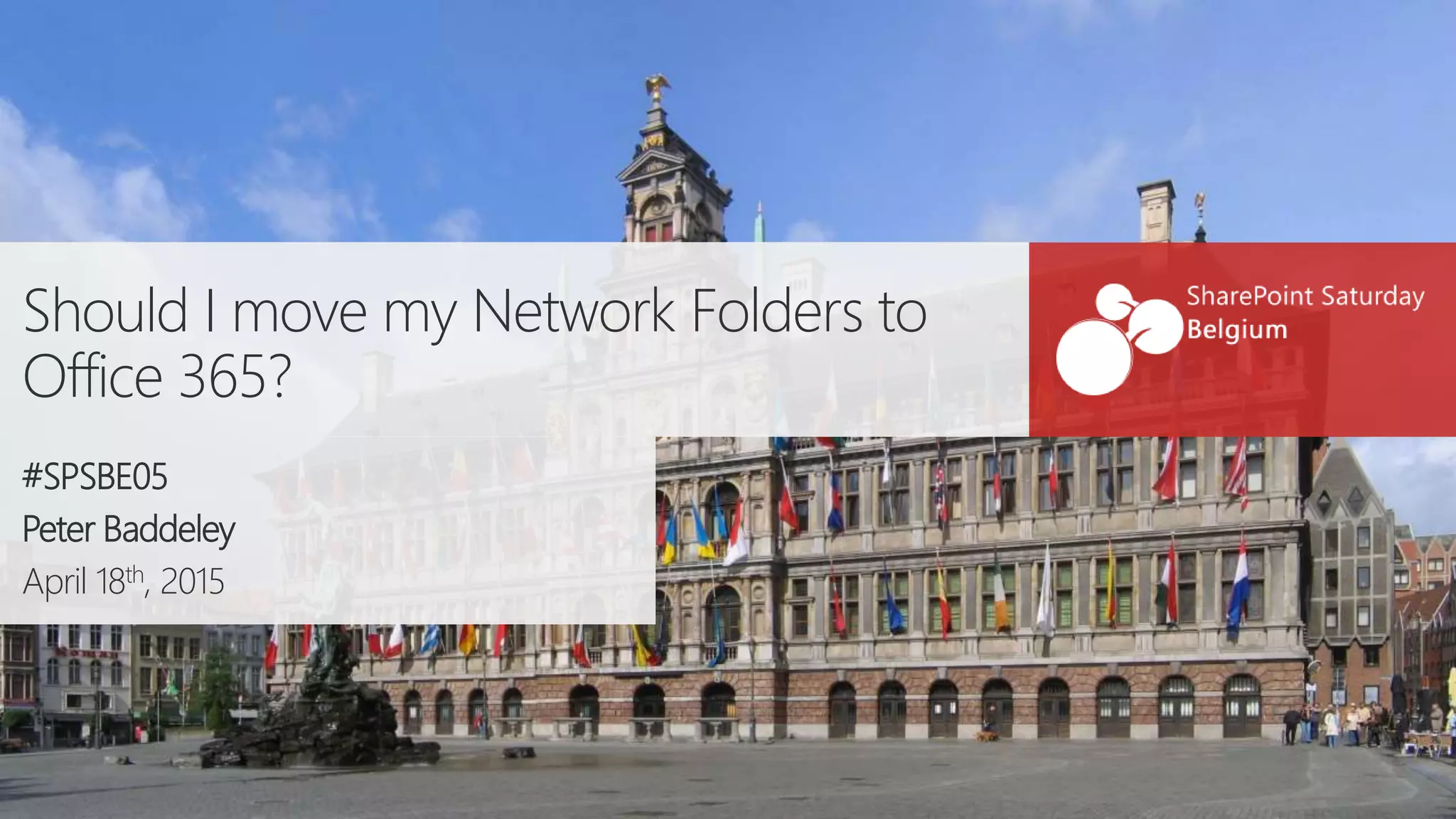
Should I move my Network Folders to
Office 365?
#SPSBE05
Peter Baddeley
April 18th, 2015
PlatinumGoldSilver
Thanks to our sponsors!
About Me
 Work for ISC Software Solutions
 Work with SharePoint, Office 365 and Dynamics
 Organise SUGUK meetings in Cambridge
 Organising SPS London
 Contact Me
 pbaddeley@isc-software.com
 @baddaz
 www.baddaz.com
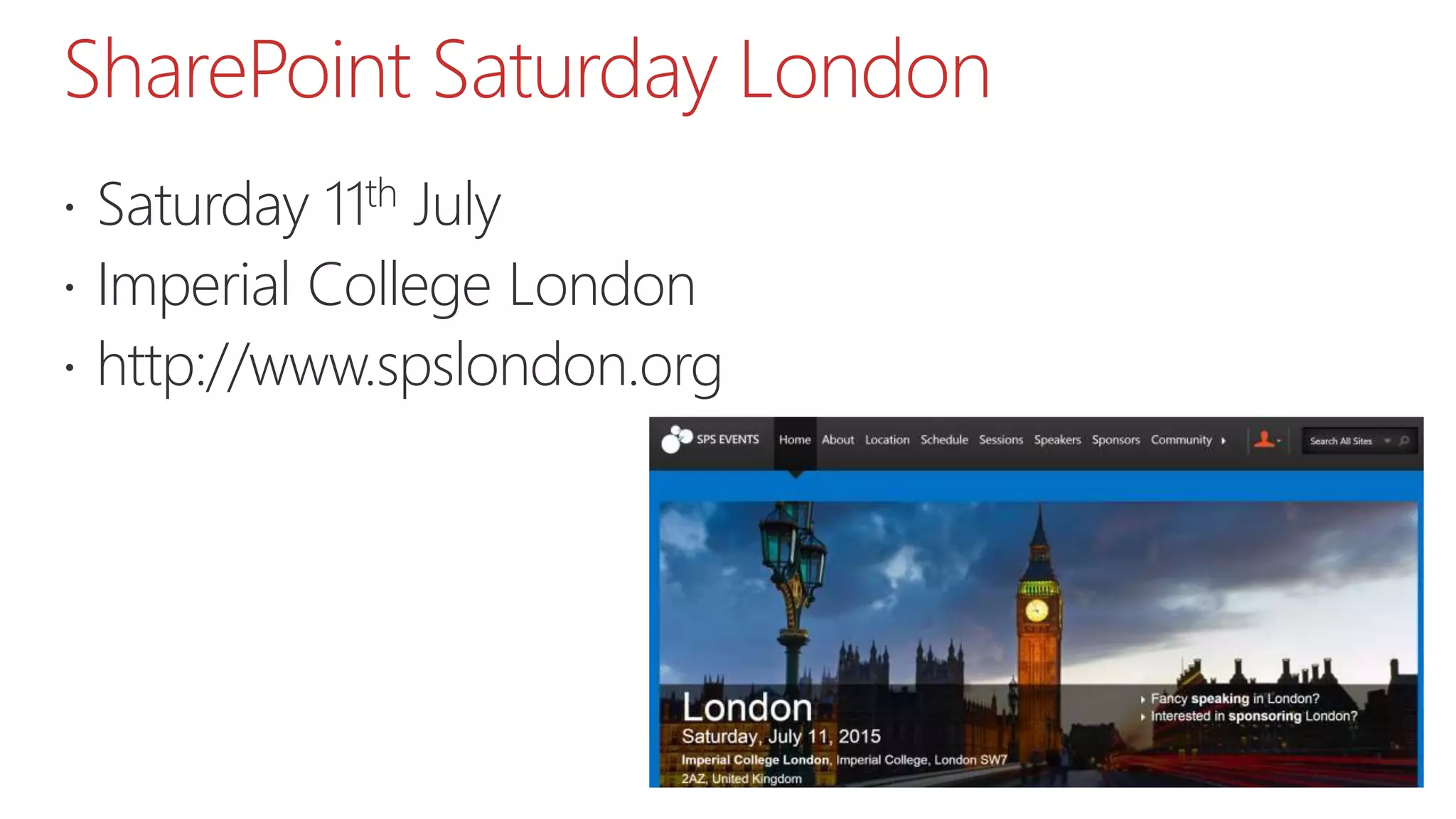
SharePoint Saturday London
 Saturday 11th July
 Imperial College London
 http://www.spslondon.org
About You
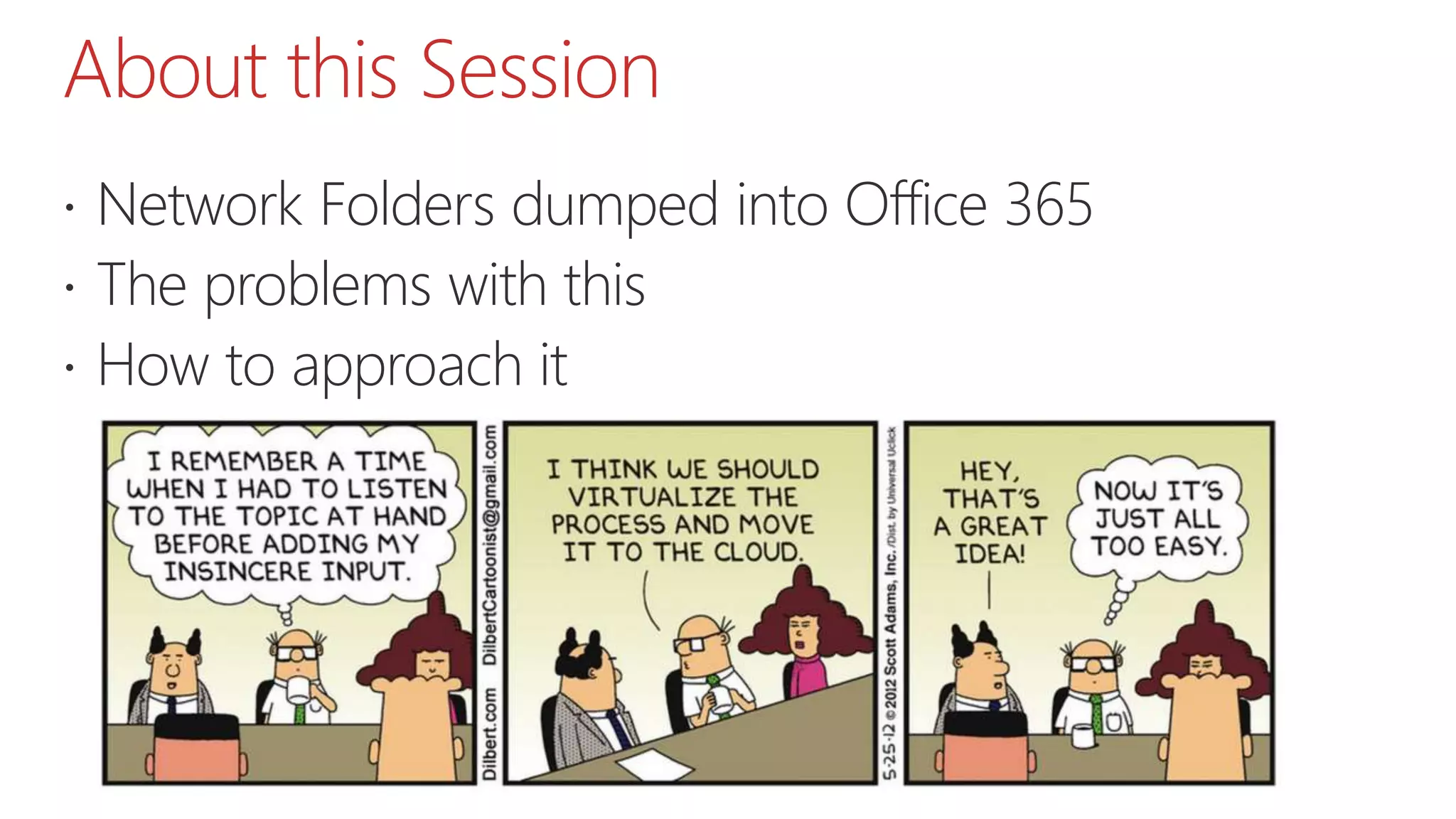
About this Session
 Network Folders dumped into Office 365
 The problems with this
 How to approach it
Agenda
 A Question
 Requirement
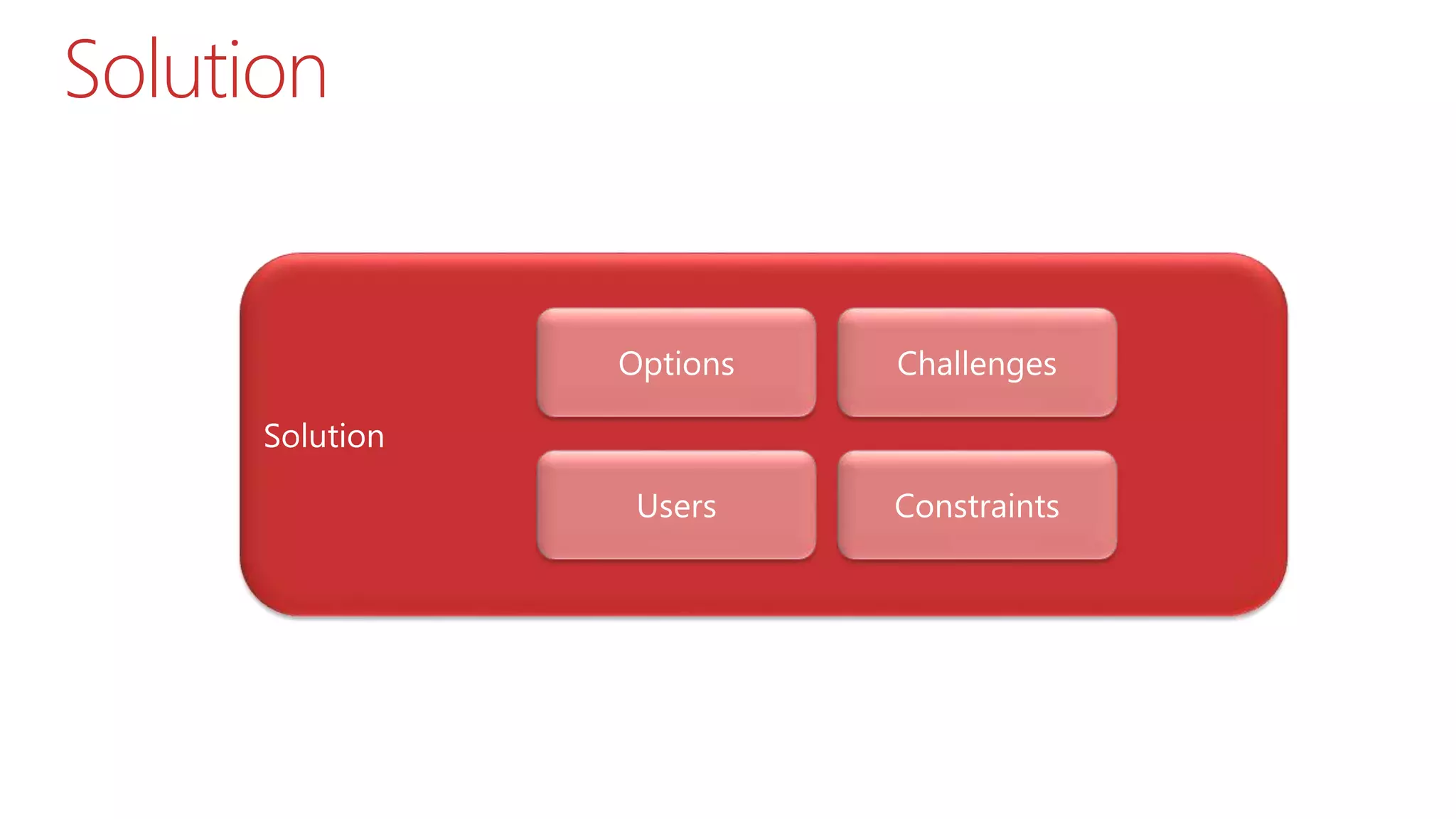
 Solution
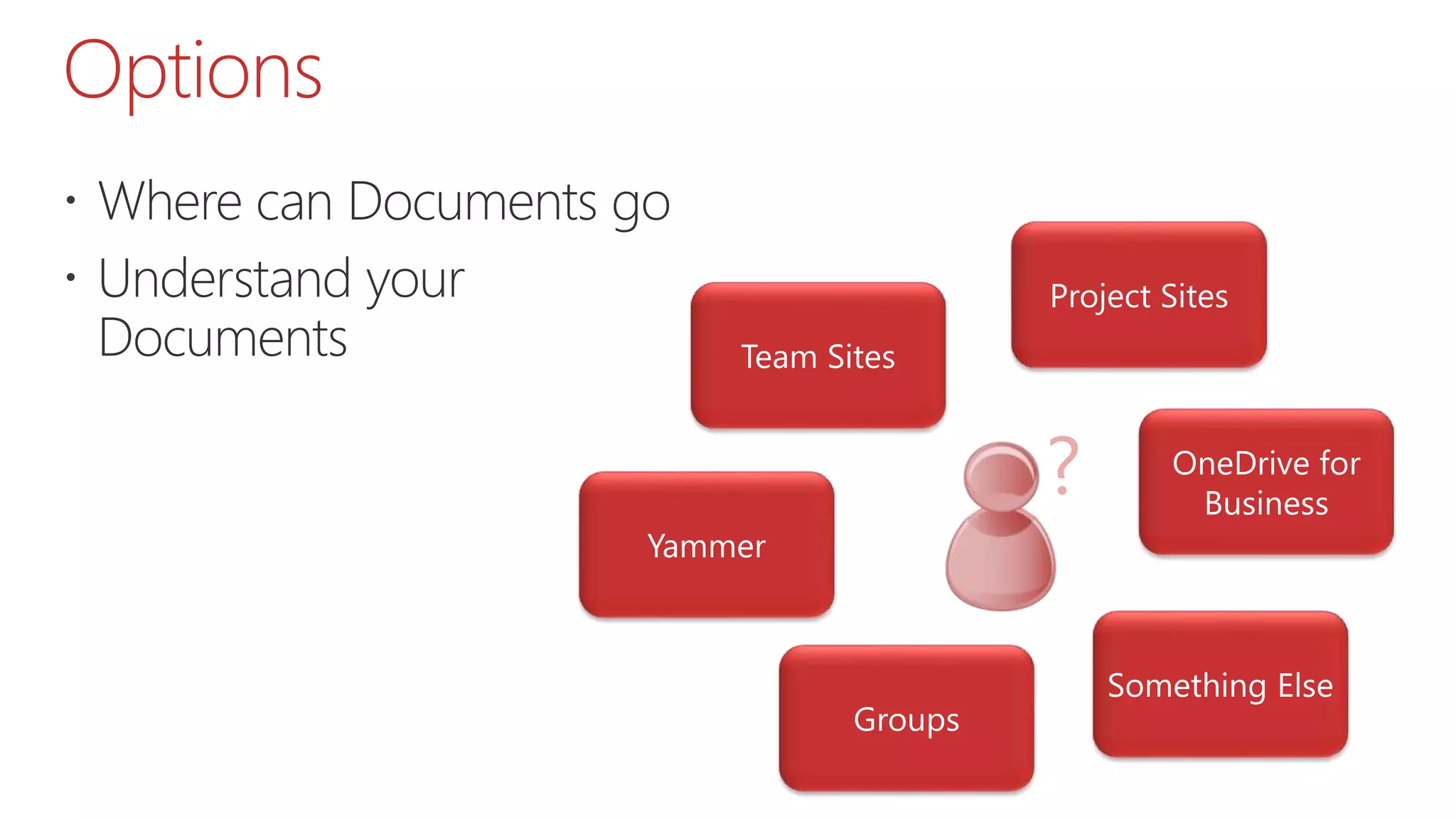
 Options
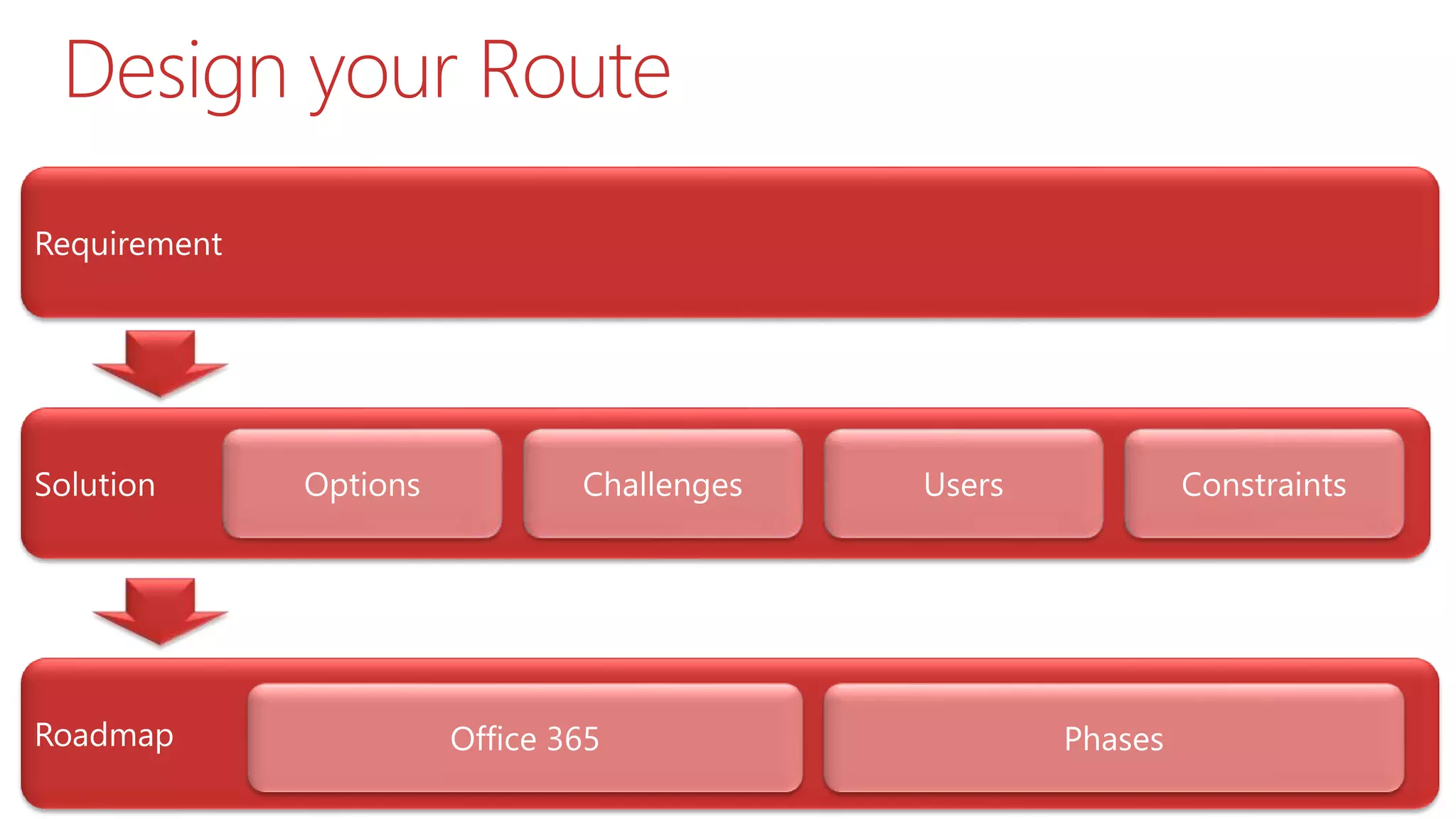
 Challenges
 Users
 Constraints
 Roadmap
 Wrap Up
A Question
The Problem and Question
 I have all this data on Network Folders
 I want to get rid of the old servers
 I want to stop users using DropBox/Box
 I am thinking about or have purchased Office 365
 Should I move my Network Folders to Office 365?
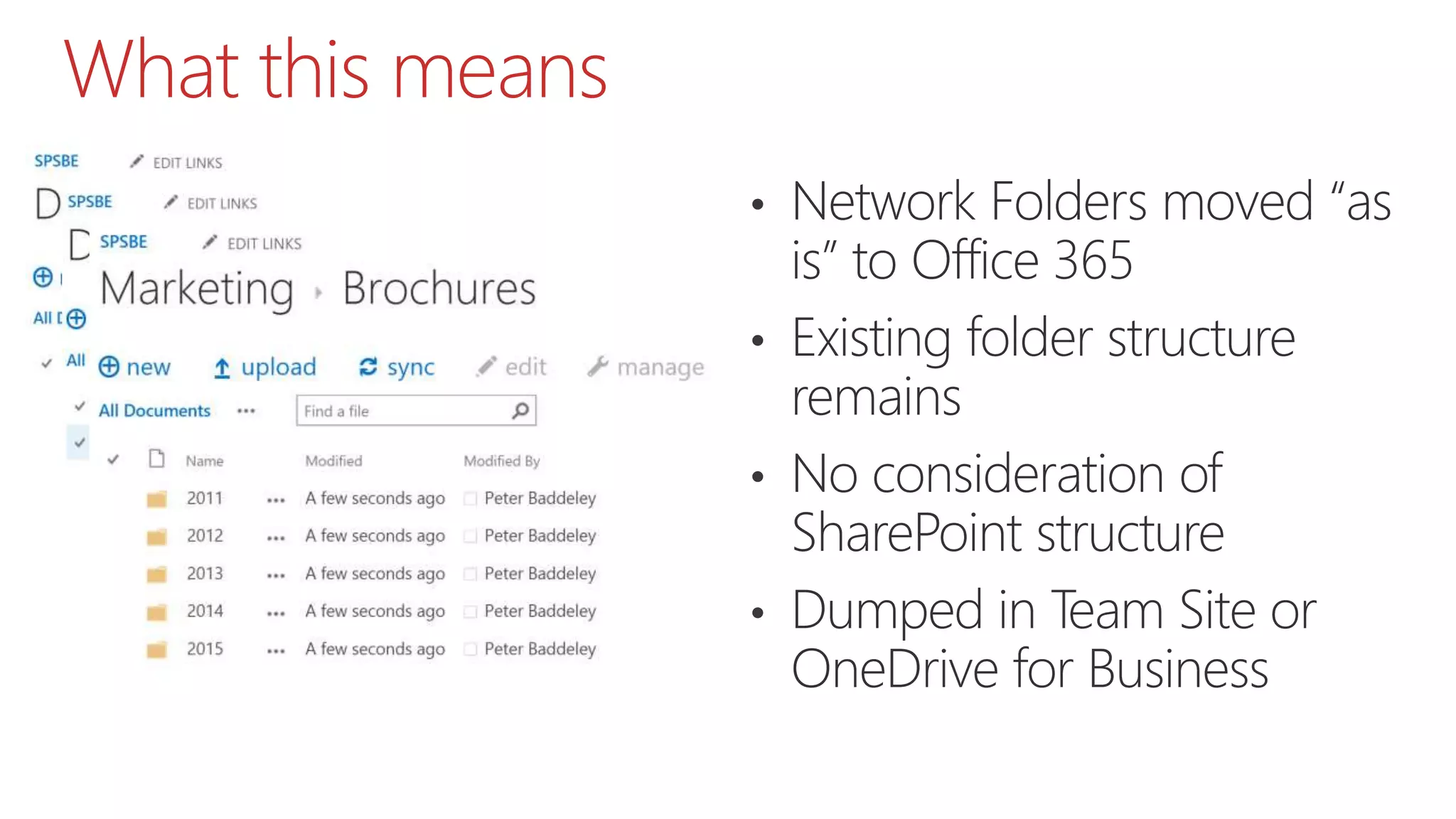
What this means
• Network Folders moved “as
is” to Office 365
• Existing folder structure
remains
• No consideration of
SharePoint structure
• Dumped in Team Site or
OneDrive for Business
Why this happens
 Its too easy to buy Office 365
 Too much focus on Exchange
 1TB/Unlimited OneDrive for Business
 Cheap and Quick Solution
Why this is bad
 Its just Network Folders on the Web
 Much of the Content is Outdated/Duplicated
 Is it what the users/business actually needs
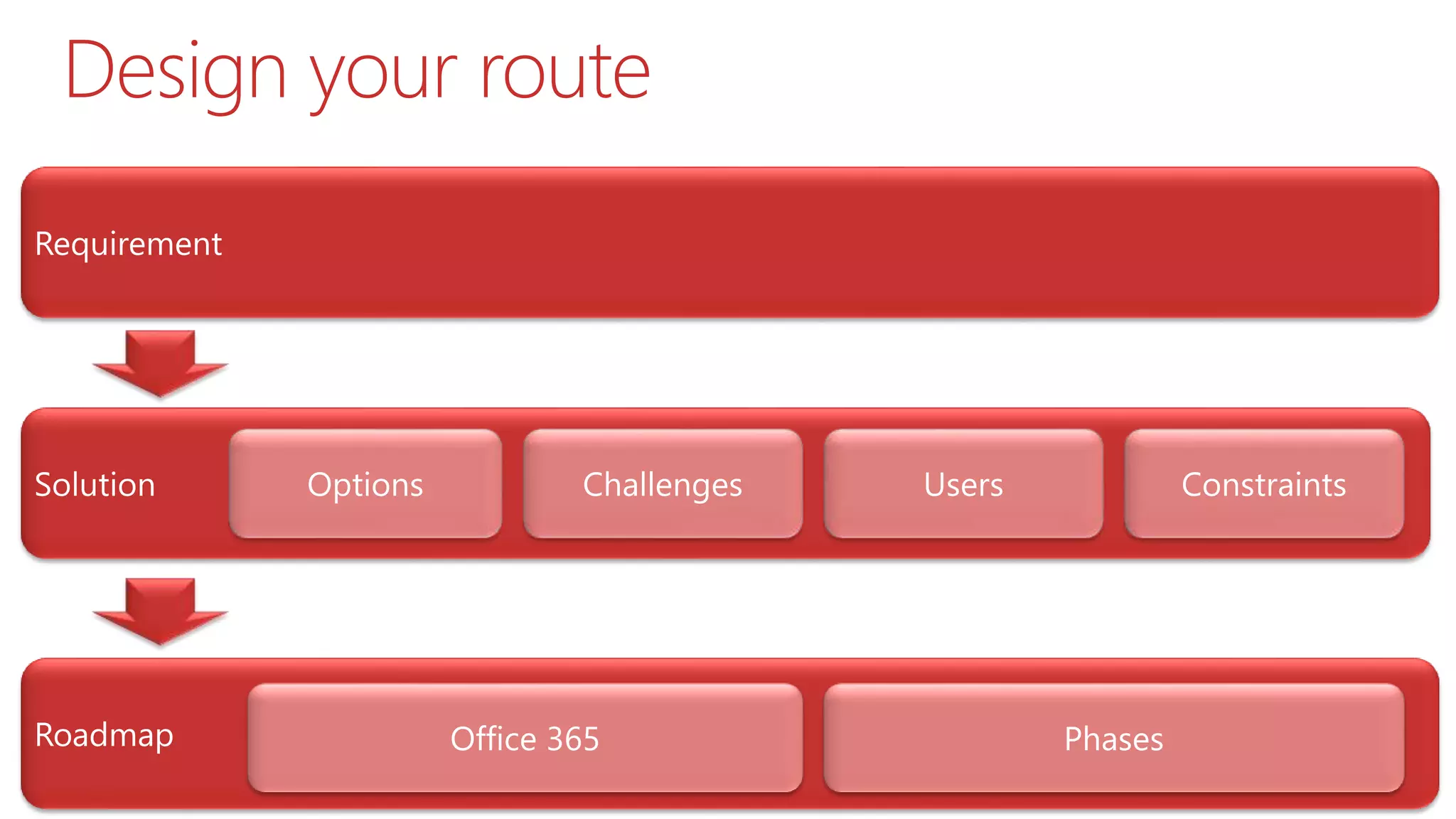
Design your Route
Requirement
Understand the Problem
 Are Network Folders On Premises really your
problem? (If so, whose problem)
 Identify the document process in your business
 General Office 365 Benefits
 Mobile
 Web Apps
 Search
 Version Control
 Specific Process Benefits
The Solution
Solution
Options
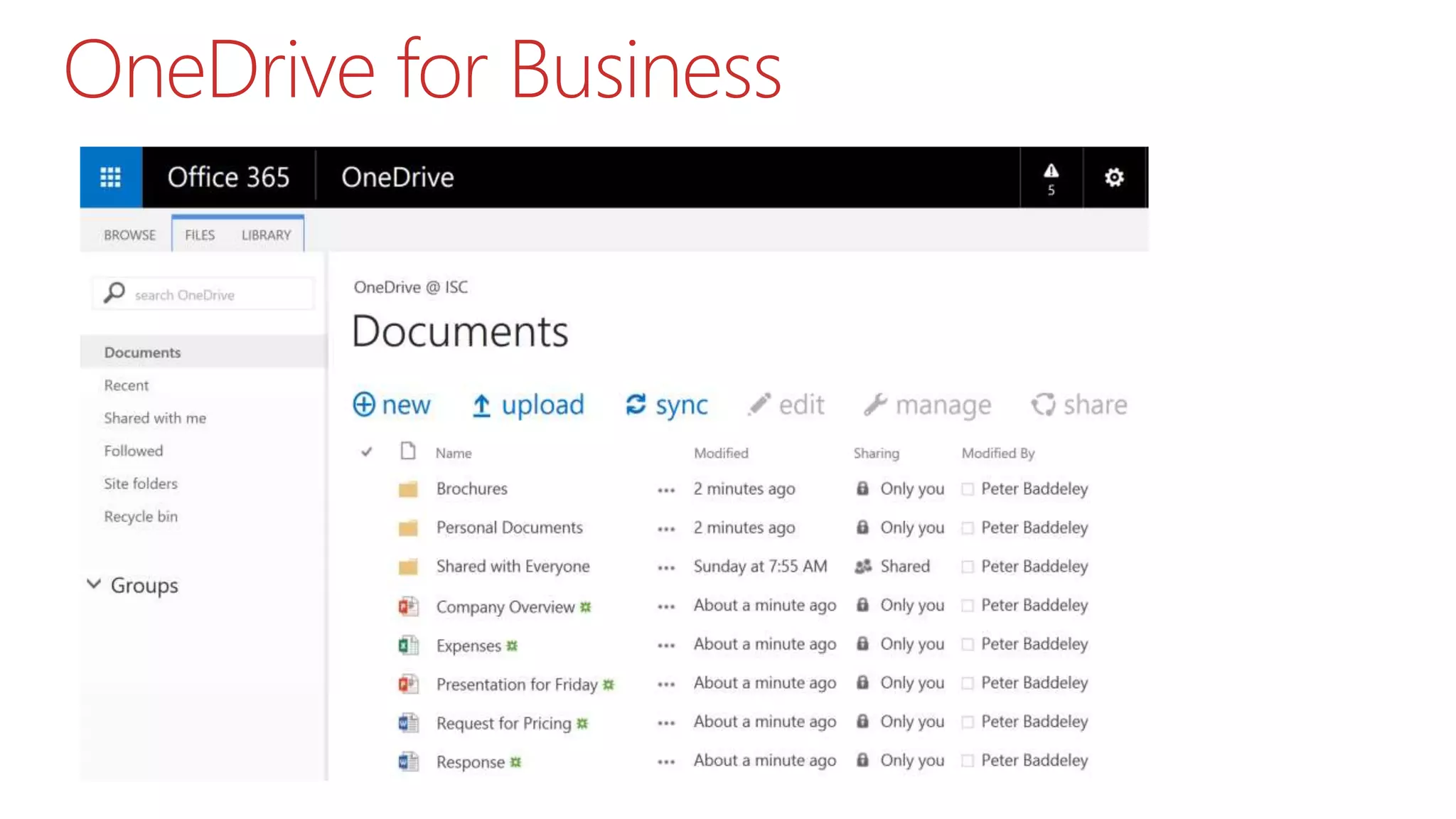
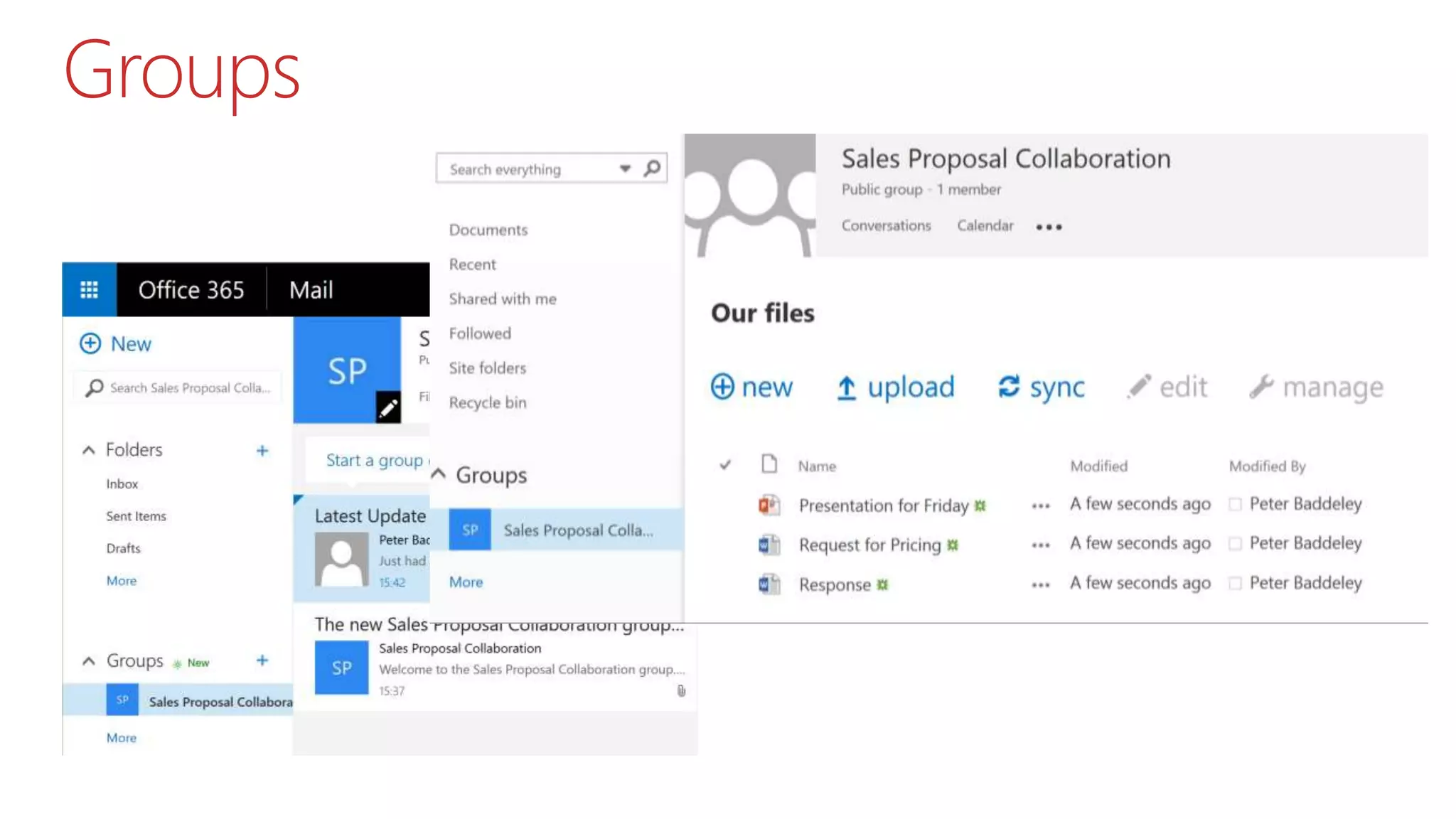
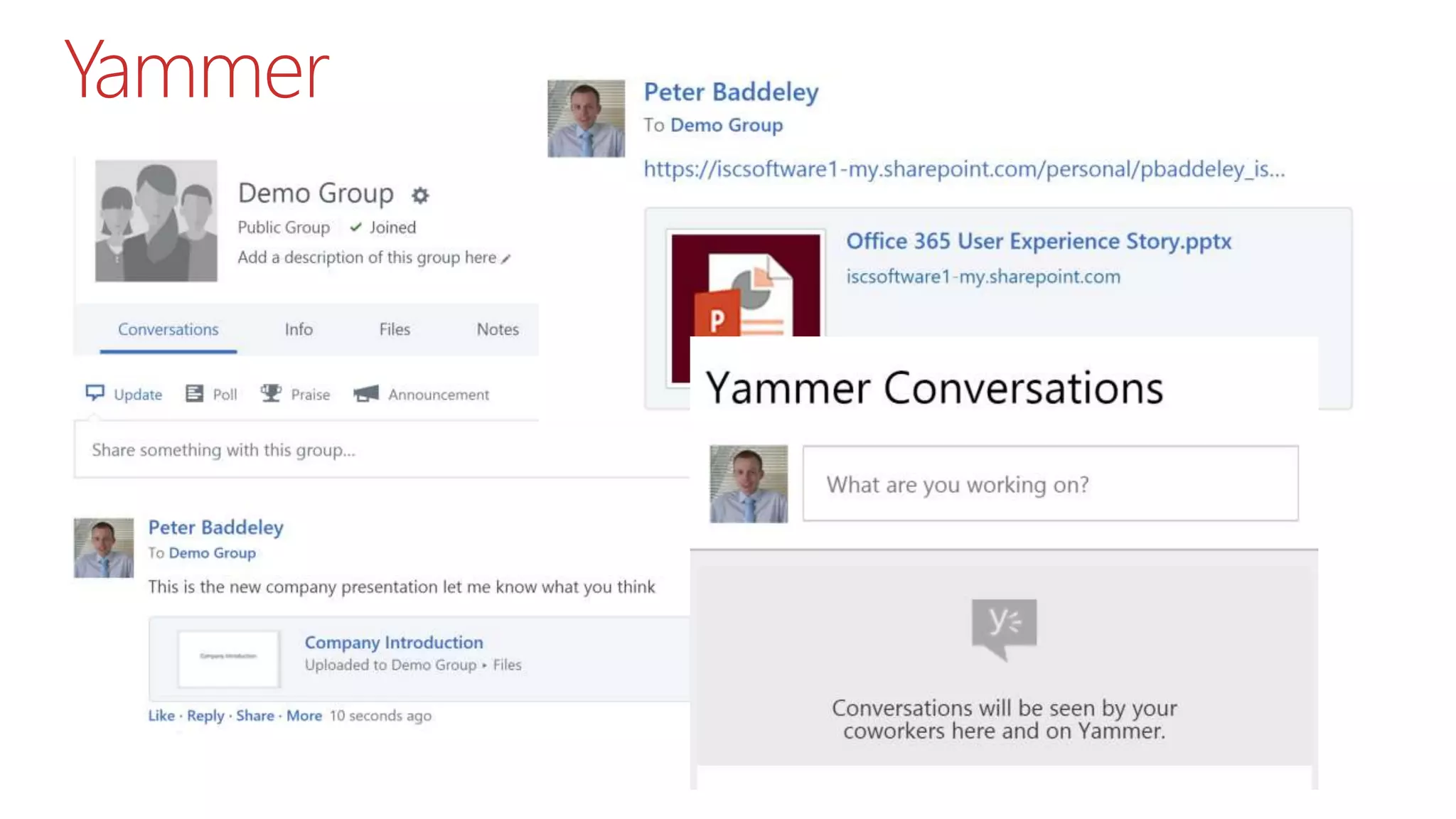
 Where can Documents go
 Understand your
Documents
?
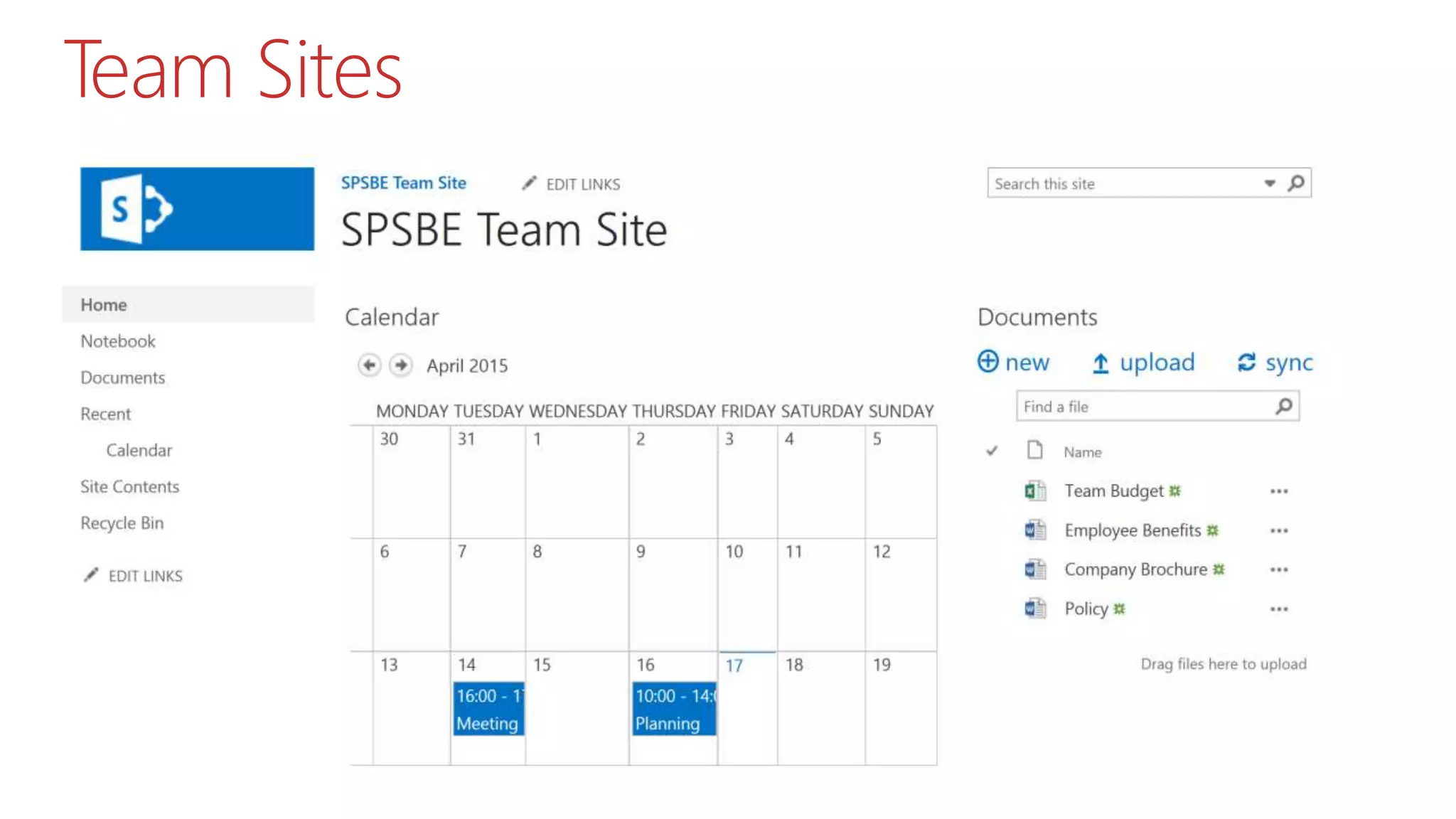
Team Sites
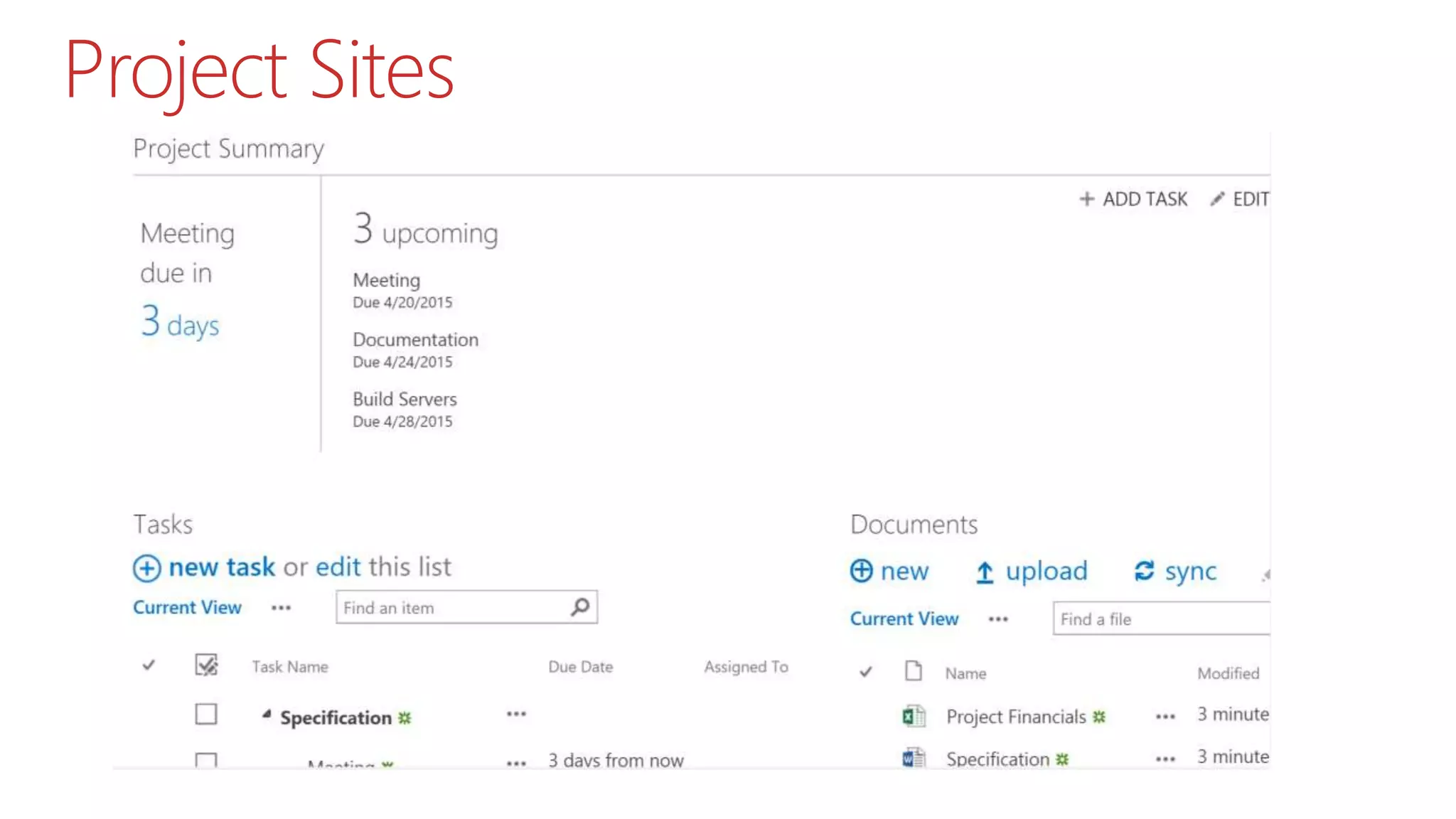
Project Sites
OneDrive for Business
Groups
Yammer
Something Else
 Not Documents
 Images
 Videos
 Wiki’s
 Somewhere Else
 On Premises
 Another Cloud Service
 Leave it where it is
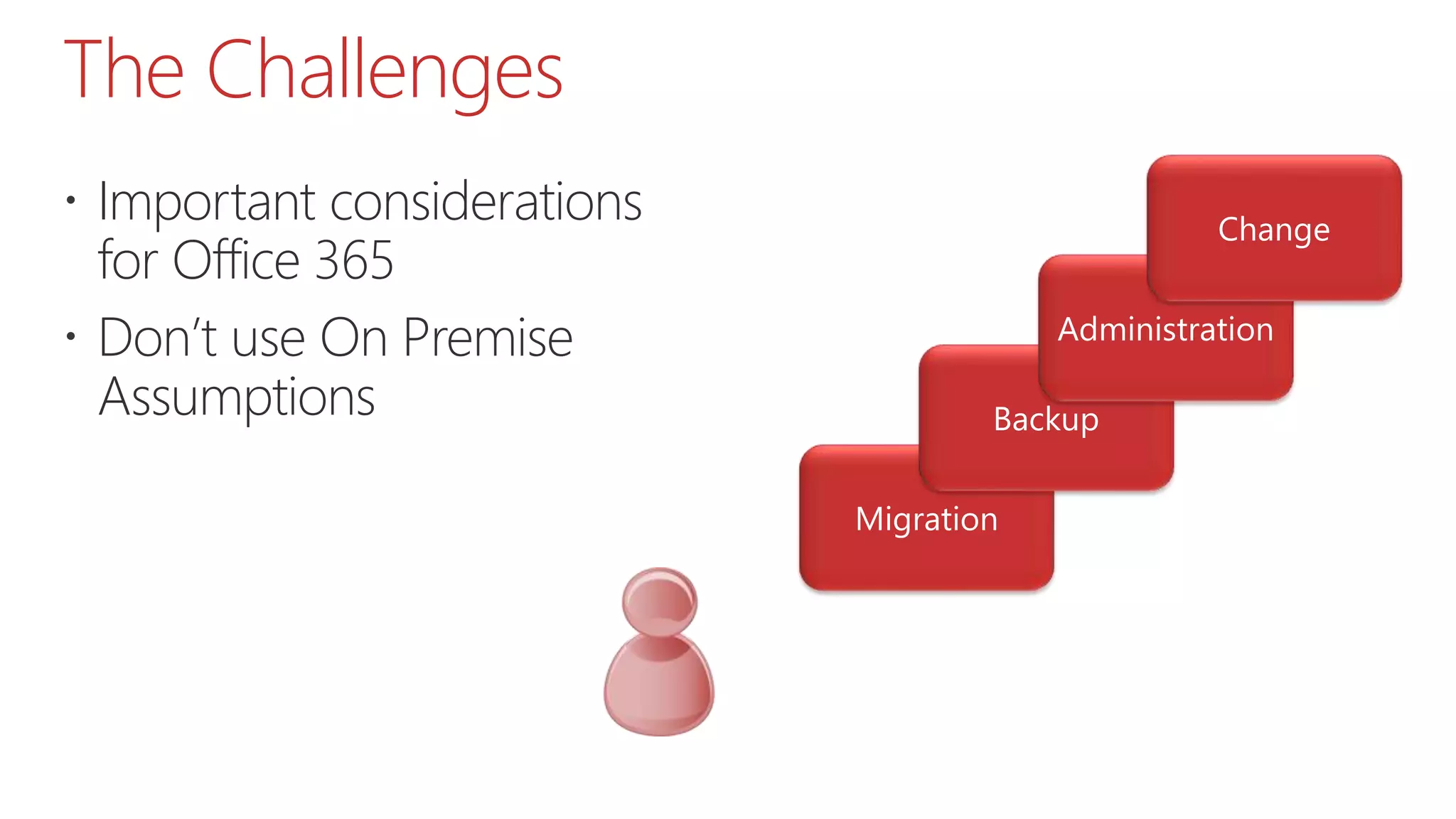
The Challenges
 Important considerations
for Office 365
 Don’t use On Premise
Assumptions
Migration
 No PowerShell or Database Migration
 Migration Time Consuming
 What do you want to Migrate?
 Vendor Tools
 Metalogix
 AvePoint
 Sharegate
 MigrationWiz
Backup
 Is Microsoft Backup good enough?
 Backup Site Collection every 12 hours
 Kept for 14 days
 Call support to do a restore
 If not, what sort of Backup do you want?
 Vendor Tools
 MetaVis
 CloudAlly
 Leap Backup
Administration
 How will you monitor
 Storage
 Compliance
 Security
 External Users
 Vendor Tools
 MetaVis
 ShareGate
 AvePoint
Change
 Manage the changes coming from Microsoft
 Some Recent Examples
 App Launcher
 Delve
 Video
 Skype for Business
 Plan for impact on your solution
 Plan for impact to the users
Users
 Understand how they want
to work
 Don’t fight your users
 Work with them
Where to Start
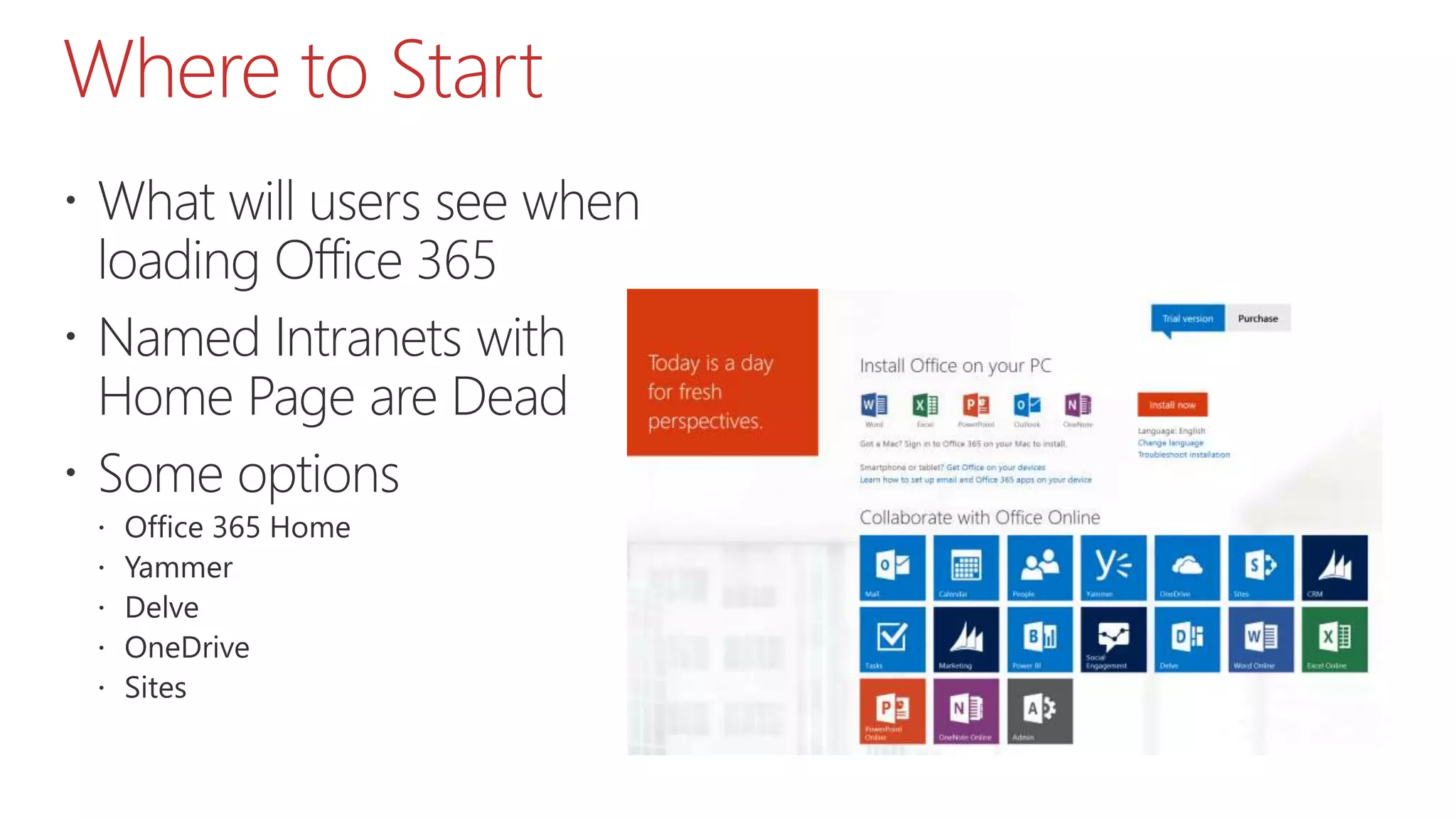
 What will users see when
loading Office 365
 Named Intranets with
Home Page are Dead
 Some options
 Office 365 Home
 Yammer
 Delve
 OneDrive
 Sites
Mobile
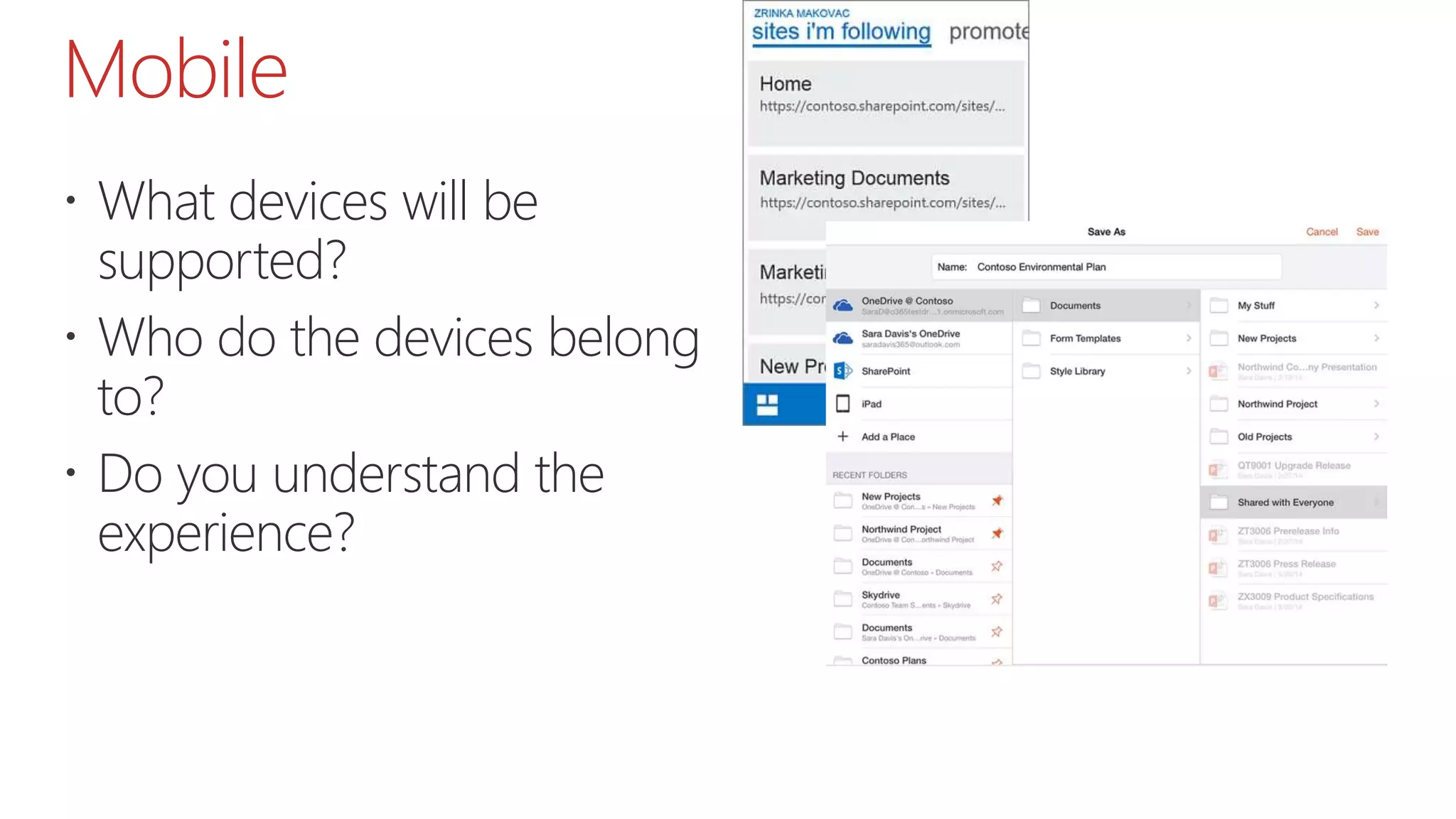
 What devices will be
supported?
 Who do the devices belong
to?
 Do you understand the
experience?
Support Model
 Areas of Support
 User Support
 Device Support
 Guidance
 Change
 Creating New Document Areas (Sites/Libraries)
 Supporting Non Employees
 Support Approach/Team
 Central Support Team
 Decentralised
 Support/Training Tools – Support+ from Combined Knowledge
Constraints
 Understand the difference between Constraints and
Concerns
 Respond to the Concerns
 Respect the Constraints
Data Concerns
 Documents are far too sensitive to be in Office 365
 Understand what documents really can’t go into
Office 365
 Office 365 Trust Center
 https://products.office.com/en-us/business/office-
365-trust-center-cloud-computing-security
Technology Constraints
 I have Existing Investments which I should use over
Office 365
 Infrastructure Investments
 Alternative Cloud Services
 The Internet connection is not quick/reliable enough
to go to the Cloud
Roadmap
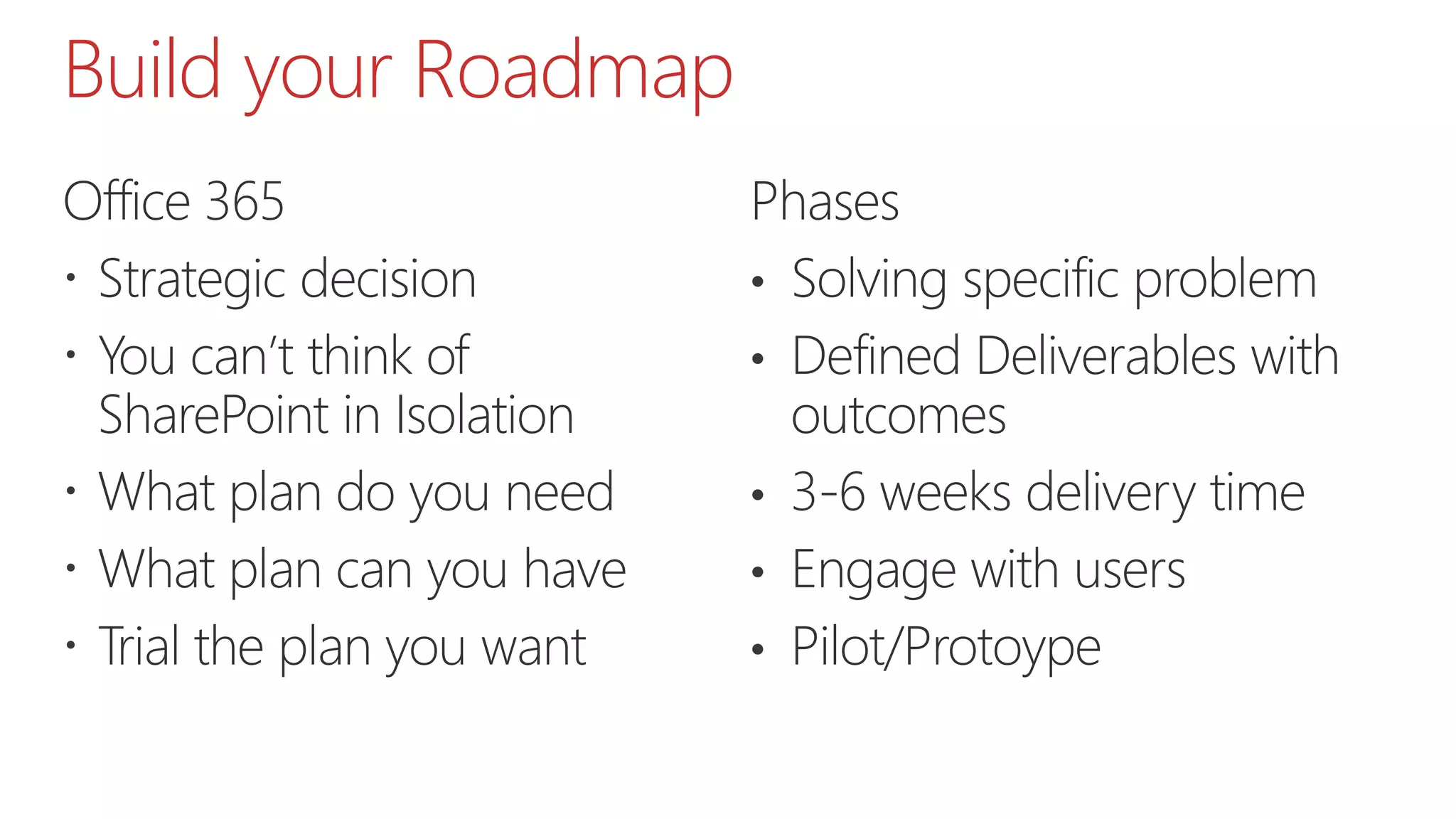
Build your Roadmap
Office 365
 Strategic decision
 You can’t think of
SharePoint in Isolation
 What plan do you need
 What plan can you have
 Trial the plan you want
Phases
• Solving specific problem
• Defined Deliverables with
outcomes
• 3-6 weeks delivery time
• Engage with users
• Pilot/Protoype
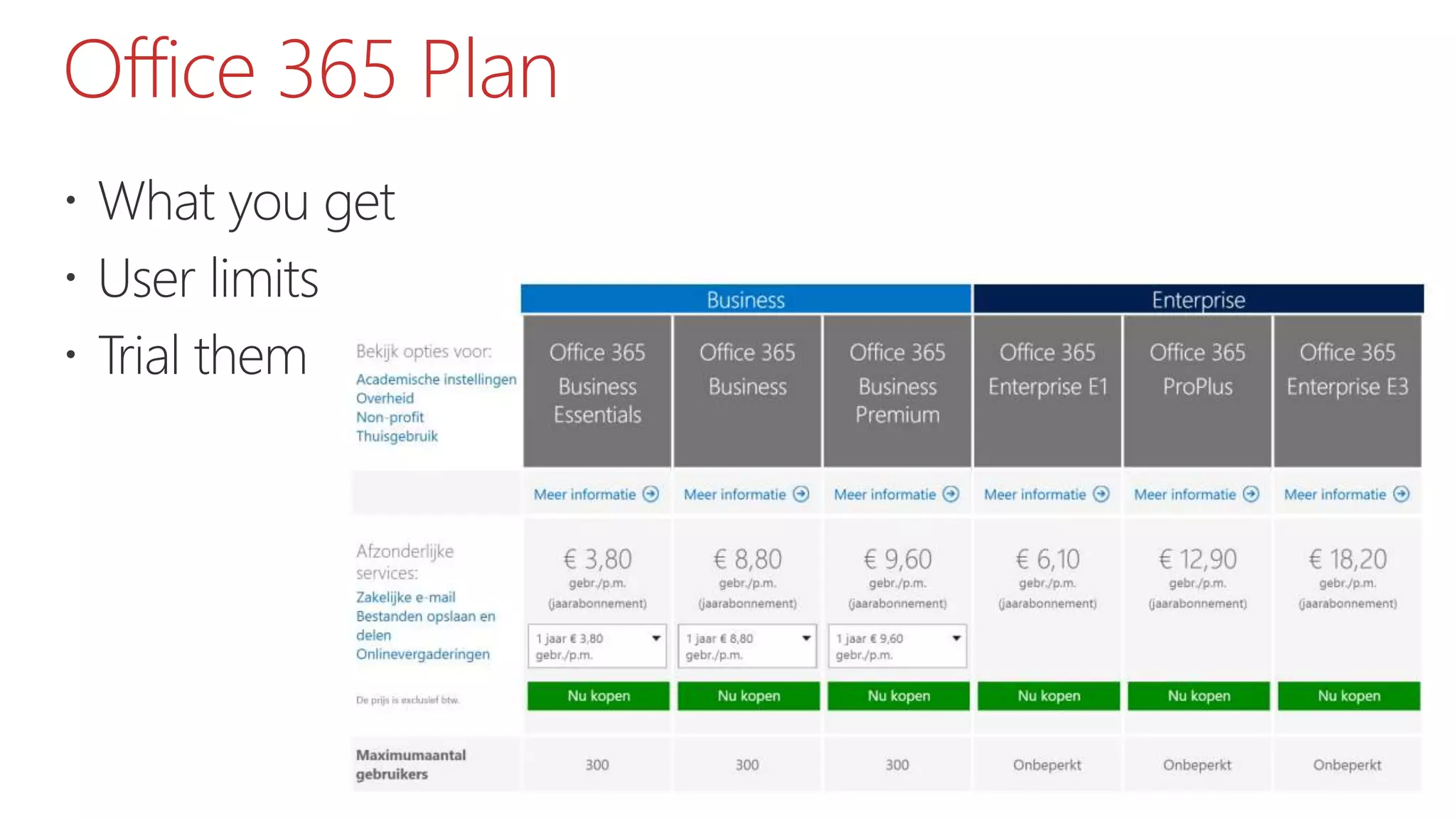
Office 365 Plan
 What you get
 User limits
 Trial them
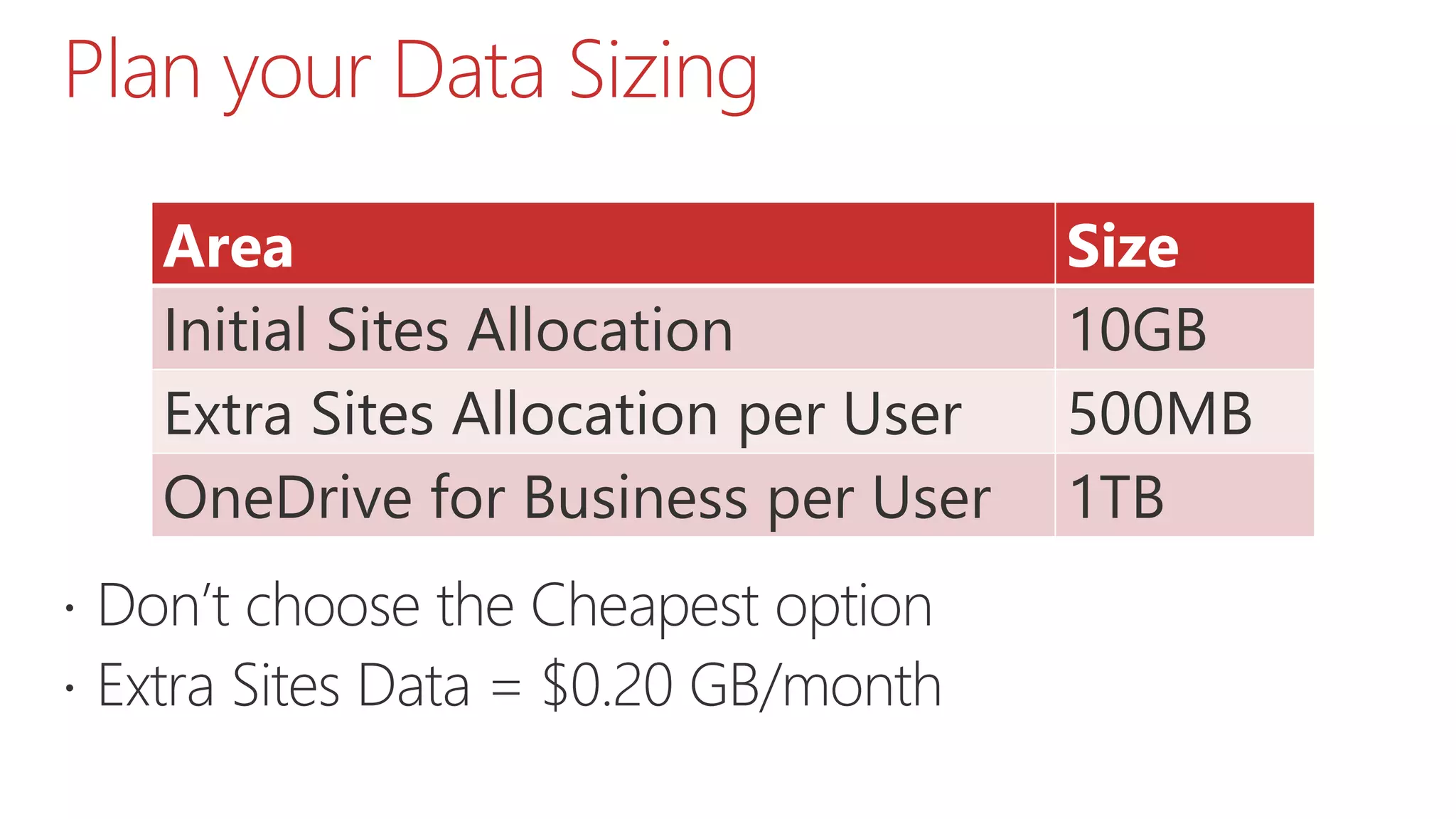
Plan your Data Sizing
 Don’t choose the Cheapest option
 Extra Sites Data = $0.20 GB/month
Area Size
Initial Sites Allocation 10GB
Extra Sites Allocation per User 500MB
OneDrive for Business per User 1TB
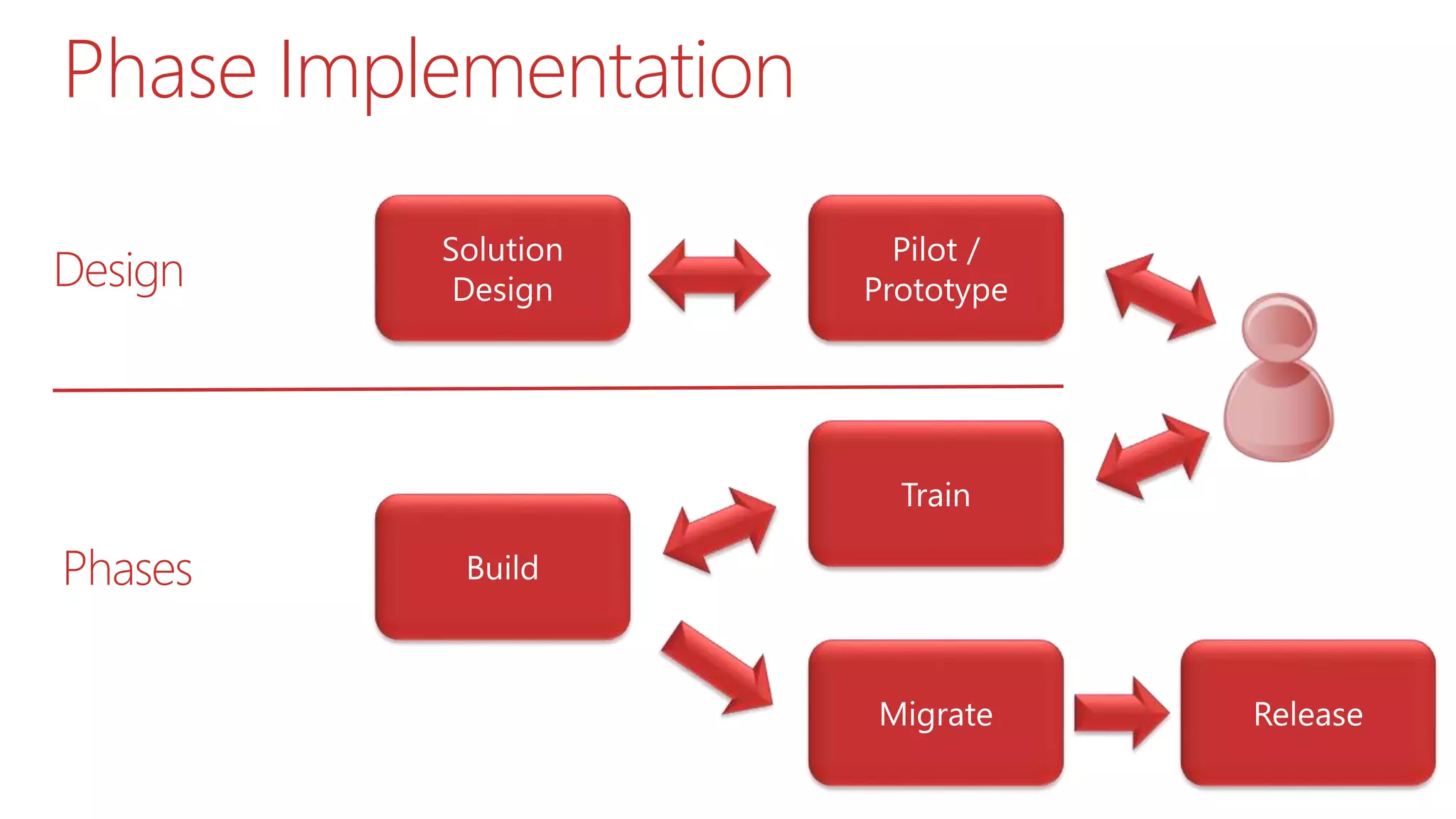
Phase Implementation
Design
Phases
Wrap Up
Things to consider
 Understand your requirements
 Understand Office 365 functionality and limitations
 Find the right Toolset
 Consider the alternatives
Design your route
Tackle the Tough Questions
 Justify the solution which meets the requirements
 How much is it going to cost
 How long is it going to take
 What will be the benefits
 ……..And be honest and realistic
Get in Contact
• Twitter: @Baddaz
• Email: PBaddeley@
isc-software.com
• Blog: www.baddaz.com
Questions
Thank you!
Spsbe   18-04-15 - should i move my network folders to office 365

Spsbe 18-04-15 - should i move my network folders to office 365

  • 1.
    Should I movemy Network Folders to Office 365? #SPSBE05 Peter Baddeley April 18th, 2015
  • 2.
  • 3.
    About Me  Workfor ISC Software Solutions  Work with SharePoint, Office 365 and Dynamics  Organise SUGUK meetings in Cambridge  Organising SPS London  Contact Me  pbaddeley@isc-software.com  @baddaz  www.baddaz.com
  • 4.
    SharePoint Saturday London Saturday 11th July  Imperial College London  http://www.spslondon.org
  • 5.
  • 6.
    About this Session Network Folders dumped into Office 365  The problems with this  How to approach it
  • 7.
    Agenda  A Question Requirement  Solution  Options  Challenges  Users  Constraints  Roadmap  Wrap Up
  • 8.
  • 9.
    The Problem andQuestion  I have all this data on Network Folders  I want to get rid of the old servers  I want to stop users using DropBox/Box  I am thinking about or have purchased Office 365  Should I move my Network Folders to Office 365?
  • 10.
    What this means •Network Folders moved “as is” to Office 365 • Existing folder structure remains • No consideration of SharePoint structure • Dumped in Team Site or OneDrive for Business
  • 11.
    Why this happens Its too easy to buy Office 365  Too much focus on Exchange  1TB/Unlimited OneDrive for Business  Cheap and Quick Solution
  • 12.
    Why this isbad  Its just Network Folders on the Web  Much of the Content is Outdated/Duplicated  Is it what the users/business actually needs
  • 13.
  • 14.
  • 15.
    Understand the Problem Are Network Folders On Premises really your problem? (If so, whose problem)  Identify the document process in your business  General Office 365 Benefits  Mobile  Web Apps  Search  Version Control  Specific Process Benefits
  • 16.
  • 17.
  • 18.
    Options  Where canDocuments go  Understand your Documents ?
  • 19.
  • 20.
  • 21.
  • 22.
  • 23.
  • 24.
    Something Else  NotDocuments  Images  Videos  Wiki’s  Somewhere Else  On Premises  Another Cloud Service  Leave it where it is
  • 25.
    The Challenges  Importantconsiderations for Office 365  Don’t use On Premise Assumptions
  • 26.
    Migration  No PowerShellor Database Migration  Migration Time Consuming  What do you want to Migrate?  Vendor Tools  Metalogix  AvePoint  Sharegate  MigrationWiz
  • 27.
    Backup  Is MicrosoftBackup good enough?  Backup Site Collection every 12 hours  Kept for 14 days  Call support to do a restore  If not, what sort of Backup do you want?  Vendor Tools  MetaVis  CloudAlly  Leap Backup
  • 28.
    Administration  How willyou monitor  Storage  Compliance  Security  External Users  Vendor Tools  MetaVis  ShareGate  AvePoint
  • 29.
    Change  Manage thechanges coming from Microsoft  Some Recent Examples  App Launcher  Delve  Video  Skype for Business  Plan for impact on your solution  Plan for impact to the users
  • 30.
    Users  Understand howthey want to work  Don’t fight your users  Work with them
  • 31.
    Where to Start What will users see when loading Office 365  Named Intranets with Home Page are Dead  Some options  Office 365 Home  Yammer  Delve  OneDrive  Sites
  • 32.
    Mobile  What deviceswill be supported?  Who do the devices belong to?  Do you understand the experience?
  • 33.
    Support Model  Areasof Support  User Support  Device Support  Guidance  Change  Creating New Document Areas (Sites/Libraries)  Supporting Non Employees  Support Approach/Team  Central Support Team  Decentralised  Support/Training Tools – Support+ from Combined Knowledge
  • 34.
    Constraints  Understand thedifference between Constraints and Concerns  Respond to the Concerns  Respect the Constraints
  • 35.
    Data Concerns  Documentsare far too sensitive to be in Office 365  Understand what documents really can’t go into Office 365  Office 365 Trust Center  https://products.office.com/en-us/business/office- 365-trust-center-cloud-computing-security
  • 36.
    Technology Constraints  Ihave Existing Investments which I should use over Office 365  Infrastructure Investments  Alternative Cloud Services  The Internet connection is not quick/reliable enough to go to the Cloud
  • 37.
  • 38.
    Build your Roadmap Office365  Strategic decision  You can’t think of SharePoint in Isolation  What plan do you need  What plan can you have  Trial the plan you want Phases • Solving specific problem • Defined Deliverables with outcomes • 3-6 weeks delivery time • Engage with users • Pilot/Protoype
  • 39.
    Office 365 Plan What you get  User limits  Trial them
  • 40.
    Plan your DataSizing  Don’t choose the Cheapest option  Extra Sites Data = $0.20 GB/month Area Size Initial Sites Allocation 10GB Extra Sites Allocation per User 500MB OneDrive for Business per User 1TB
  • 41.
  • 42.
  • 43.
    Things to consider Understand your requirements  Understand Office 365 functionality and limitations  Find the right Toolset  Consider the alternatives
  • 44.
  • 45.
    Tackle the ToughQuestions  Justify the solution which meets the requirements  How much is it going to cost  How long is it going to take  What will be the benefits  ……..And be honest and realistic
  • 46.
    Get in Contact •Twitter: @Baddaz • Email: PBaddeley@ isc-software.com • Blog: www.baddaz.com
  • 47.
  • 48.

Editor's Notes

  • #2 Template may not be modified Twitter hashtag: #spsbe for all sessions