


SharePoint Architecture (IaaS, PaaS, SaaS)
real-world scenario fundamentals
#SPSBE 13
Gokan Ozcifci
April 18th, 2015
PlatinumGoldSilver
Thanks to our sponsors!
Apologies for accent
With Turkish blood, Dutch educated and a French speaking
guy..
Hi!
Gokan
Ozcifci
@GokanOzcifci
What about this session?
Provide some insights and tips when designing and
architecting your SharePoint Farm.
TechNet/MSD iis not always your answer.
Business requirements and budget – things that really
matters.
DISCLAIMER: Opinions may differ but these are my
own thoughts.
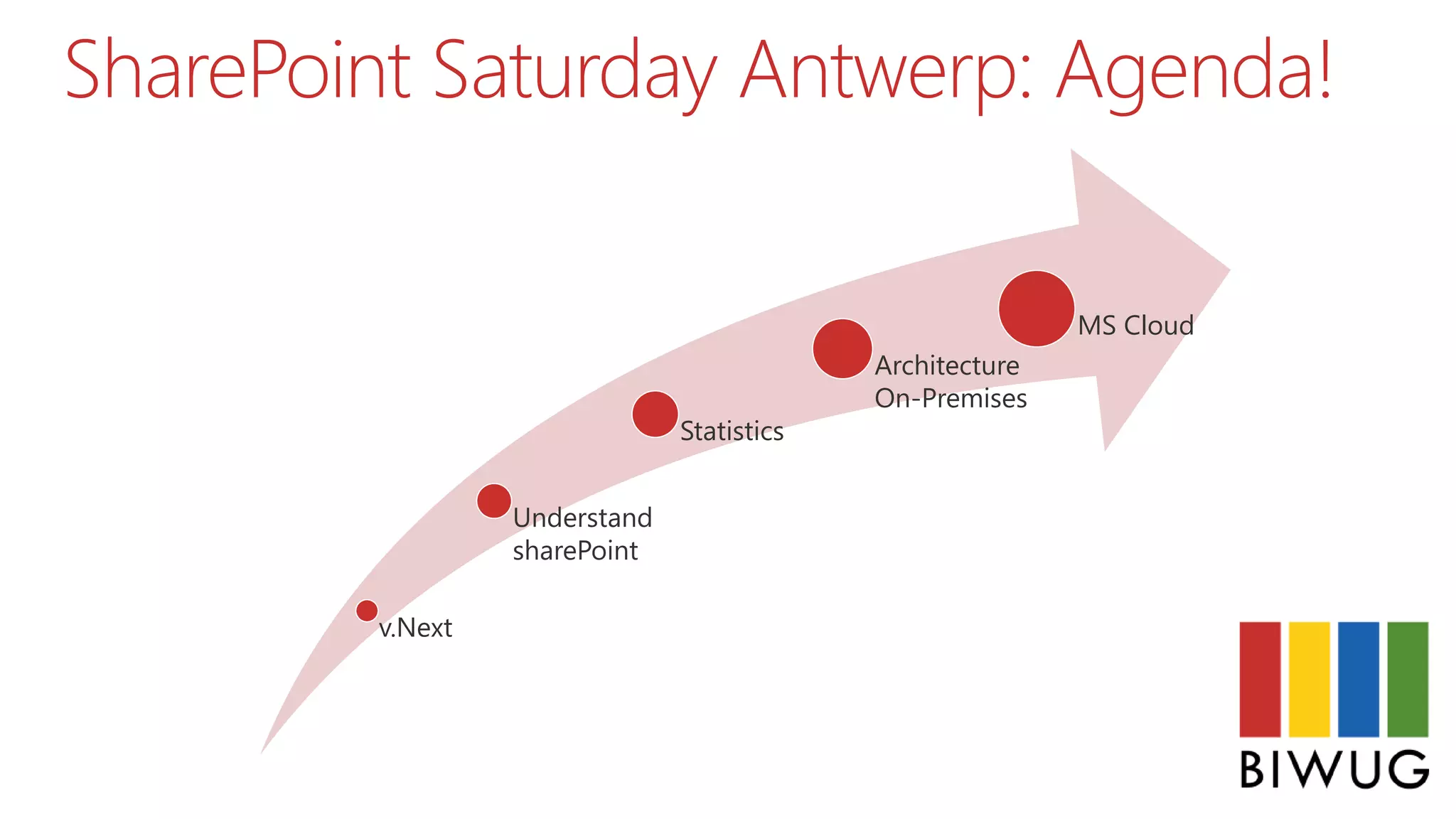
SharePoint Saturday Antwerp: Agenda!
v.Next
Understand
sharePoint
Statistics
Architecture
On-Premises
MS Cloud
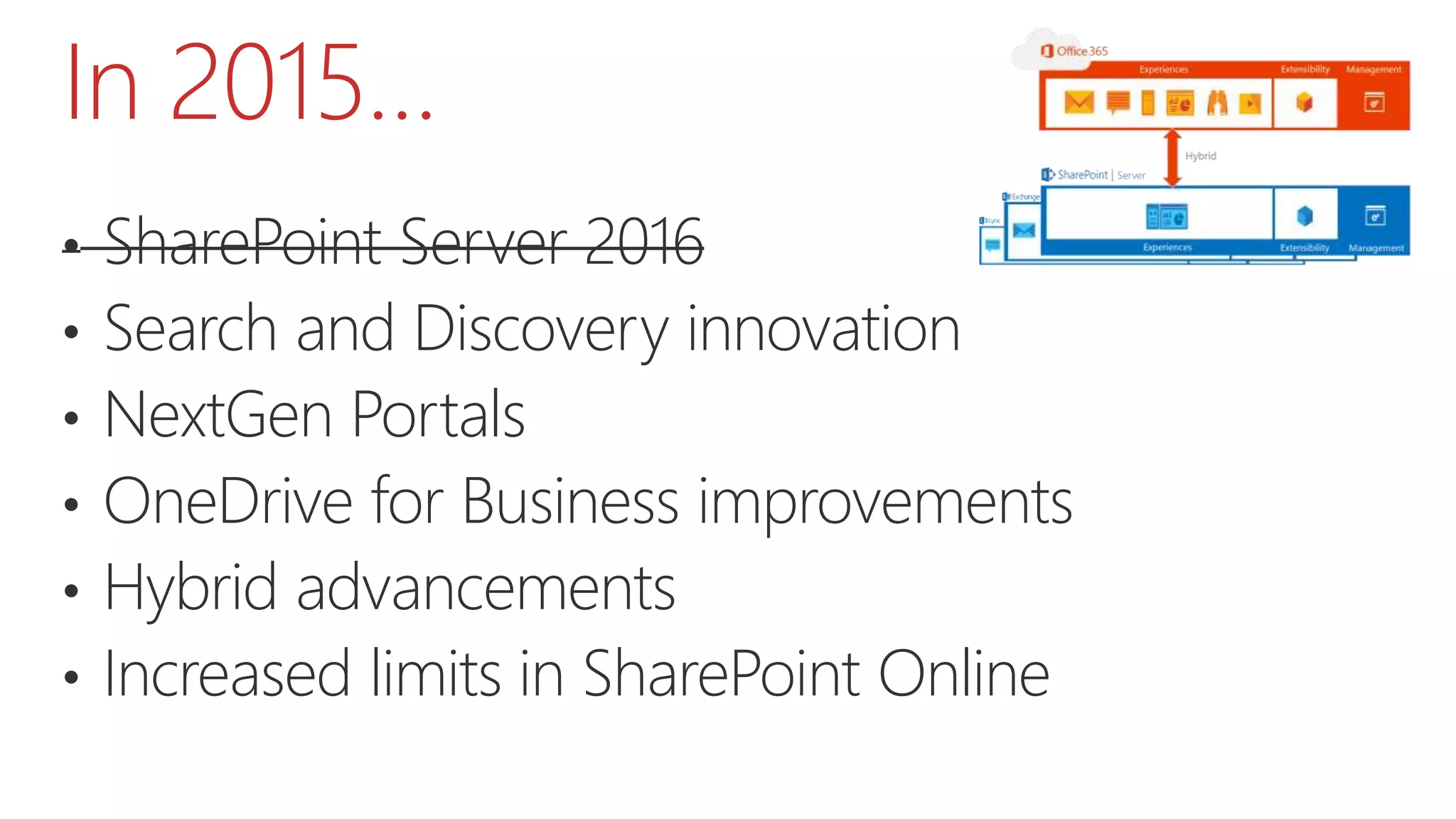
In 2015…
• SharePoint Server 2016
• Search and Discovery innovation
• NextGen Portals
• OneDrive for Business improvements
• Hybrid advancements
• Increased limits in SharePoint Online
SharePoint v.Next
SharePoint Server 2016
N-2 upgrade would you? I.e. 2010 > 2016 without
stopping at 2013 first...
C:Program FilesCommon filesMicrosoft SharedWeb
Server Extensions16
Hybrid is the new normal
Farm solutions will be supported in #SharePoint2016.
AppFabric is deprecated for v.Next Server
Understand SharePoint
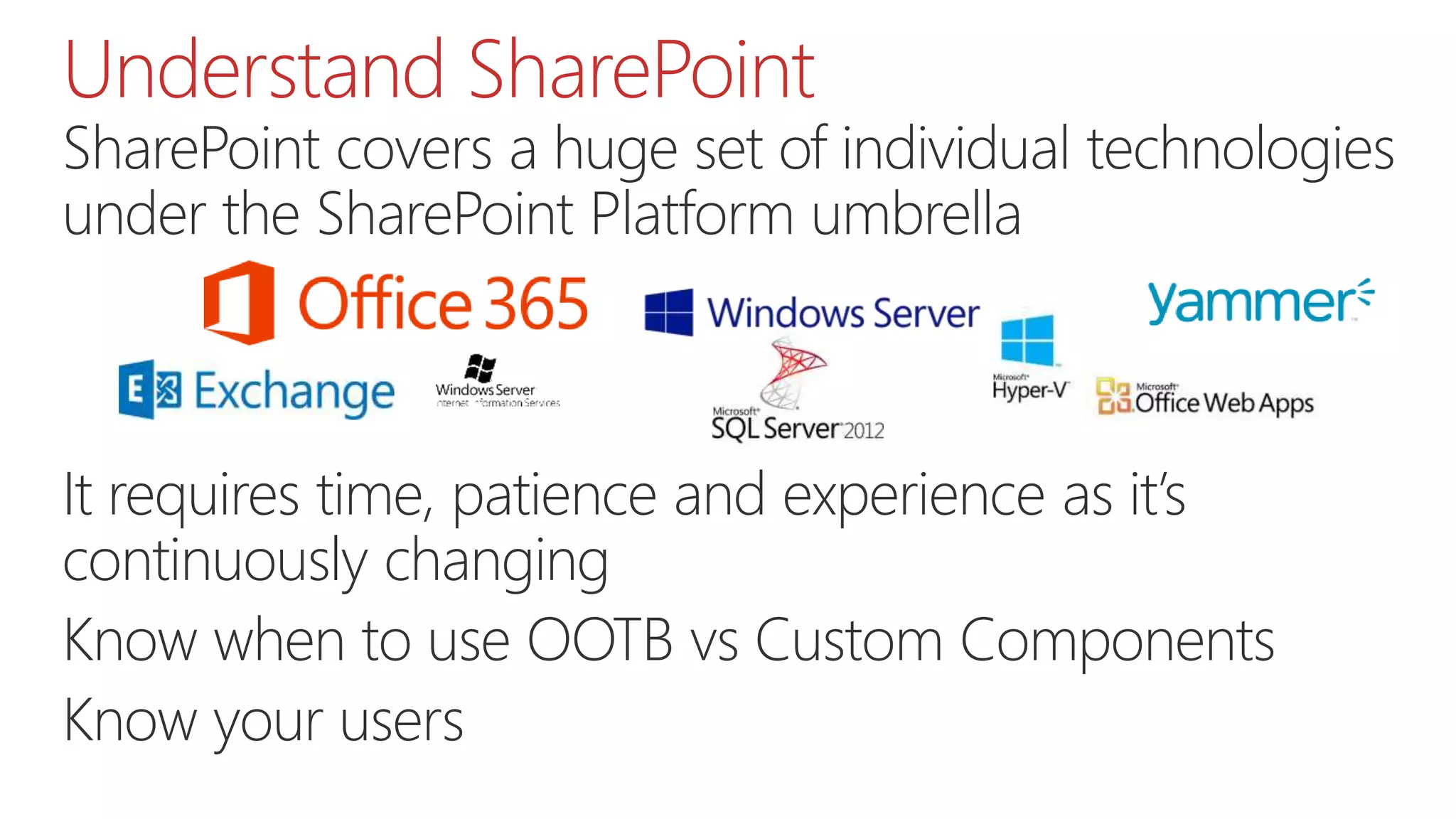
SharePoint covers a huge set of individual technologies
under the SharePoint Platform umbrella
Application Domain
Active Directory
SQL Server
Office Web Apps Server
…
It requires time, patience and experience as it’s
continuously changing
Know when to use OOTB vs Custom Components
Know your users
Understand SharePoint
The same core Infrastructure : Very similar as
SharePoint 20 in terms of infrastructure : but more
powerful hardware is needed 
More RAM
More CPU
More everything
Understand SharePoint
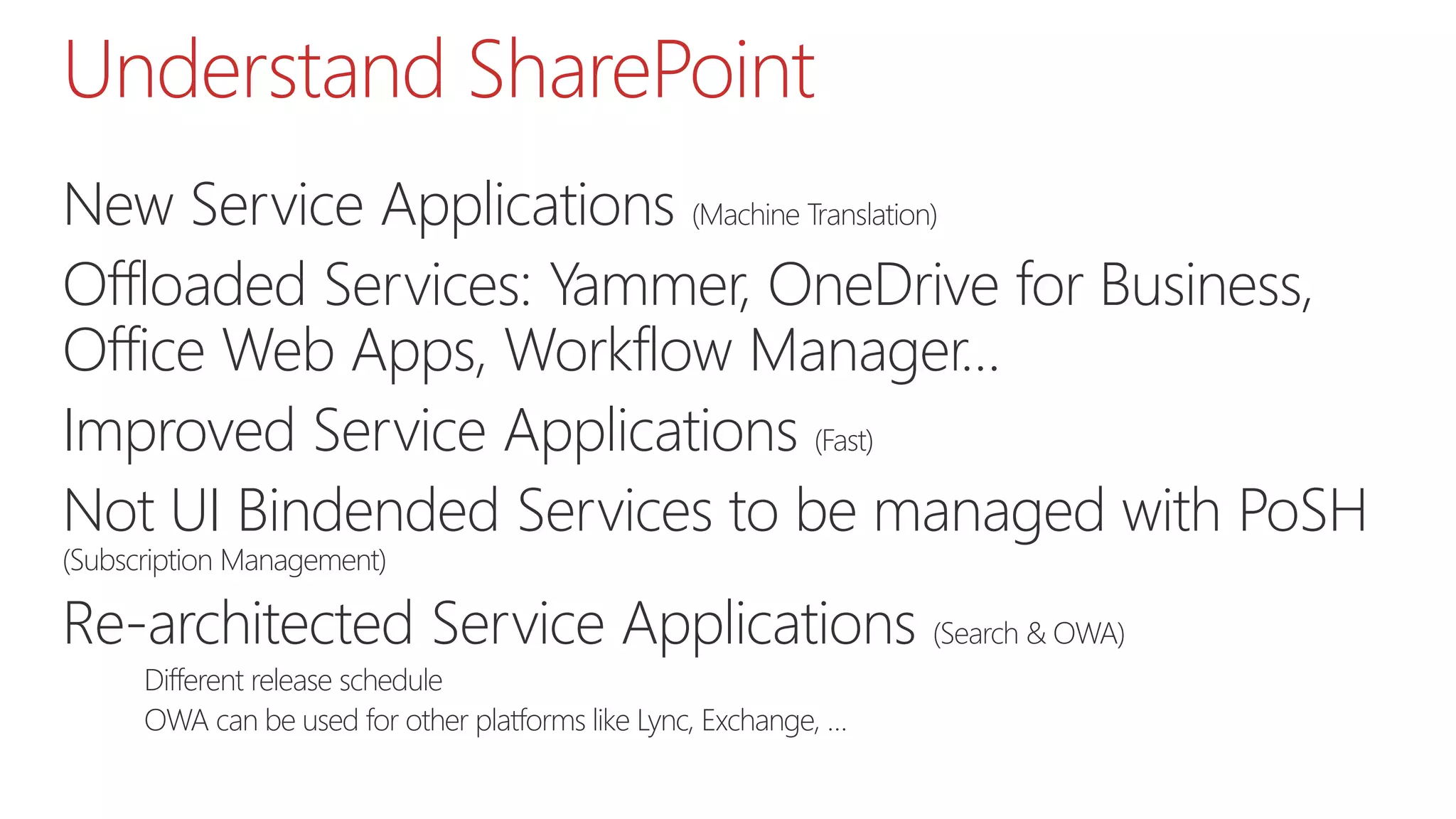
New Service Applications (Machine Translation)
Offloaded Services: Yammer, OneDrive for Business,
Office Web Apps, Workflow Manager…
Improved Service Applications (Fast)
Not UI Bindended Services to be managed with PoSH
(Subscription Management)
Re-architected Service Applications (Search & OWA)
Different release schedule
OWA can be used for other platforms like Lync, Exchange, …
Understand Infrastructure
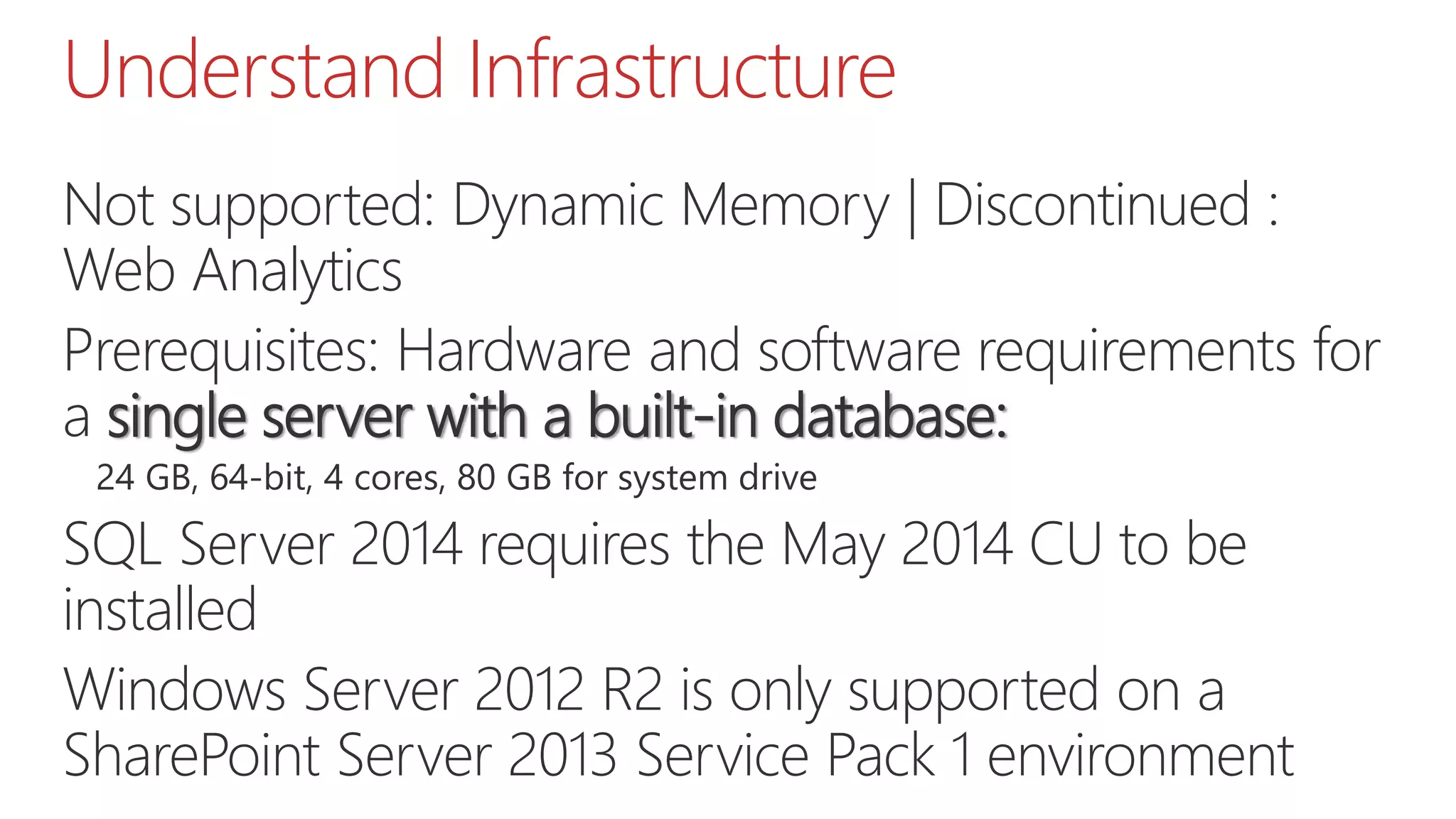
Not supported: Dynamic Memory | Discontinued :
Web Analytics
Prerequisites: Hardware and software requirements for
a single server with a built-in database:
24 GB, 64-bit, 4 cores, 80 GB for system drive
SQL Server 2014 requires the May 2014 CU to be
installed
Windows Server 2012 R2 is only supported on a
SharePoint Server 2013 Service Pack 1 environment
Understand SQL Server
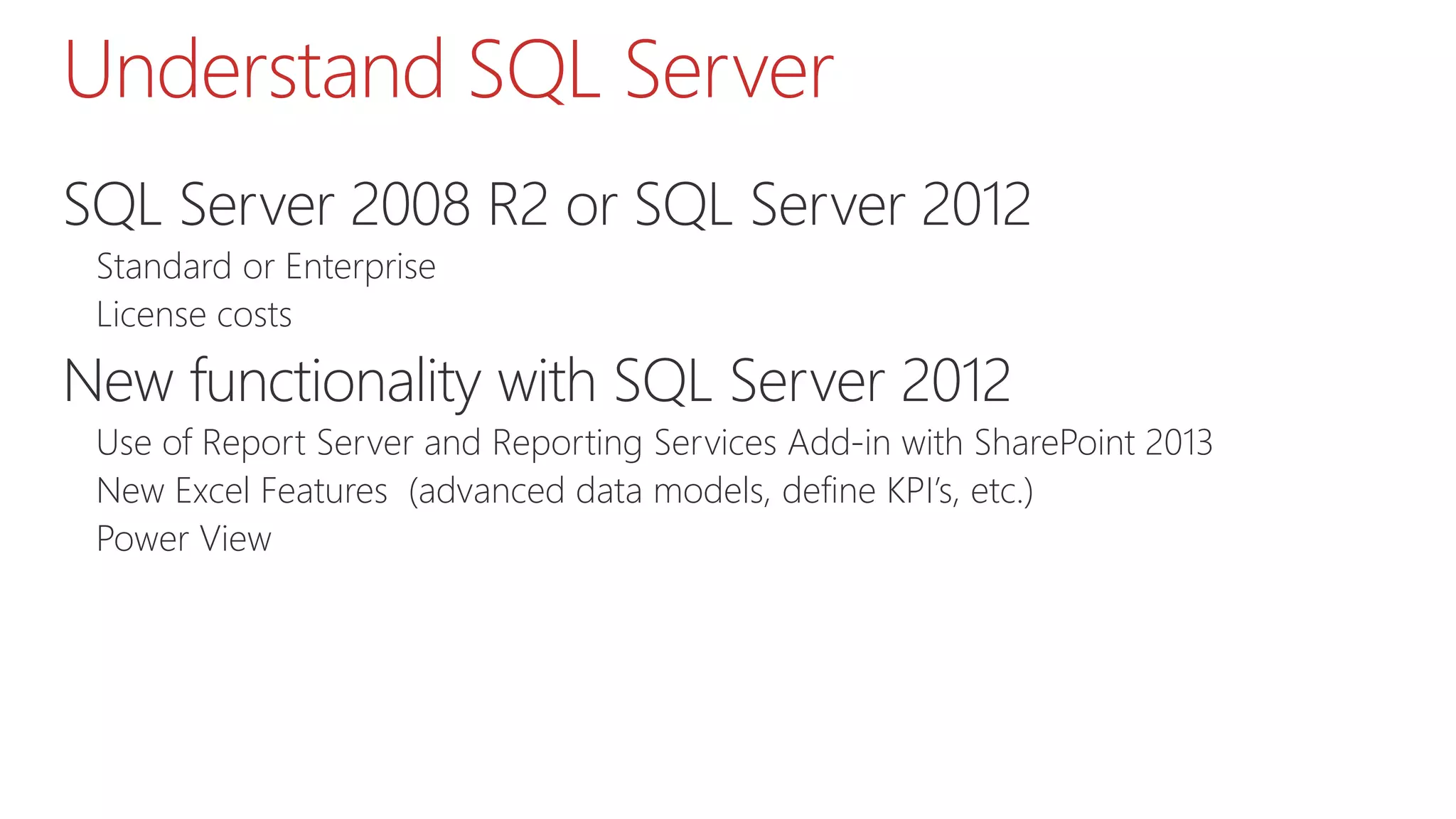
SQL Server 2008 R2 or SQL Server 2012
Standard or Enterprise
License costs
New functionality with SQL Server 2012
Use of Report Server and Reporting Services Add-in with SharePoint 2013
New Excel Features (advanced data models, define KPI’s, etc.)
Power View
Understand how it works
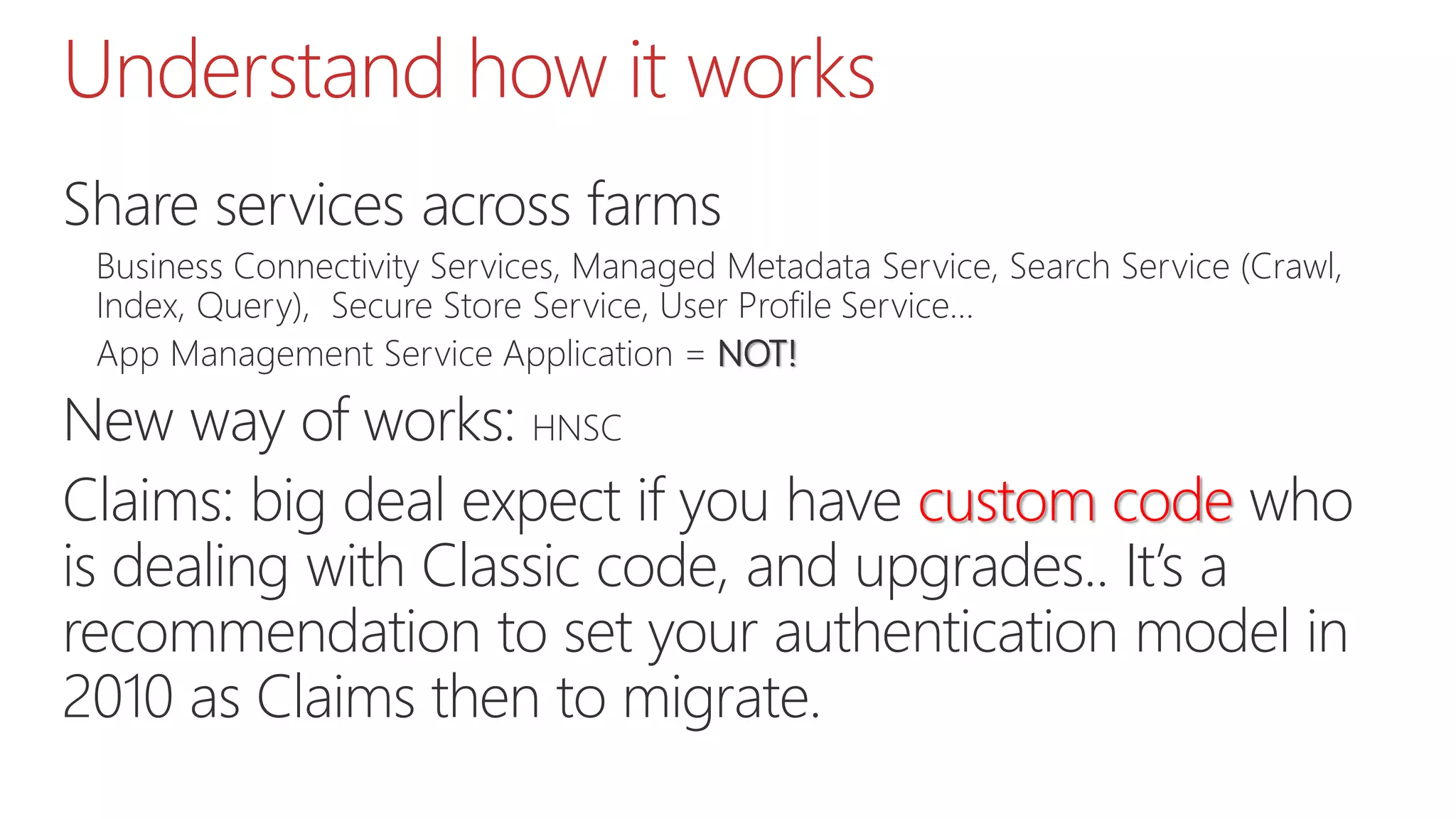
Share services across farms
Business Connectivity Services, Managed Metadata Service, Search Service (Crawl,
Index, Query), Secure Store Service, User Profile Service…
App Management Service Application = NOT!
New way of works: HNSC
Claims: big deal expect if you have custom code who
is dealing with Classic code, and upgrades.. It’s a
recommendation to set your authentication model in
2010 as Claims then to migrate.
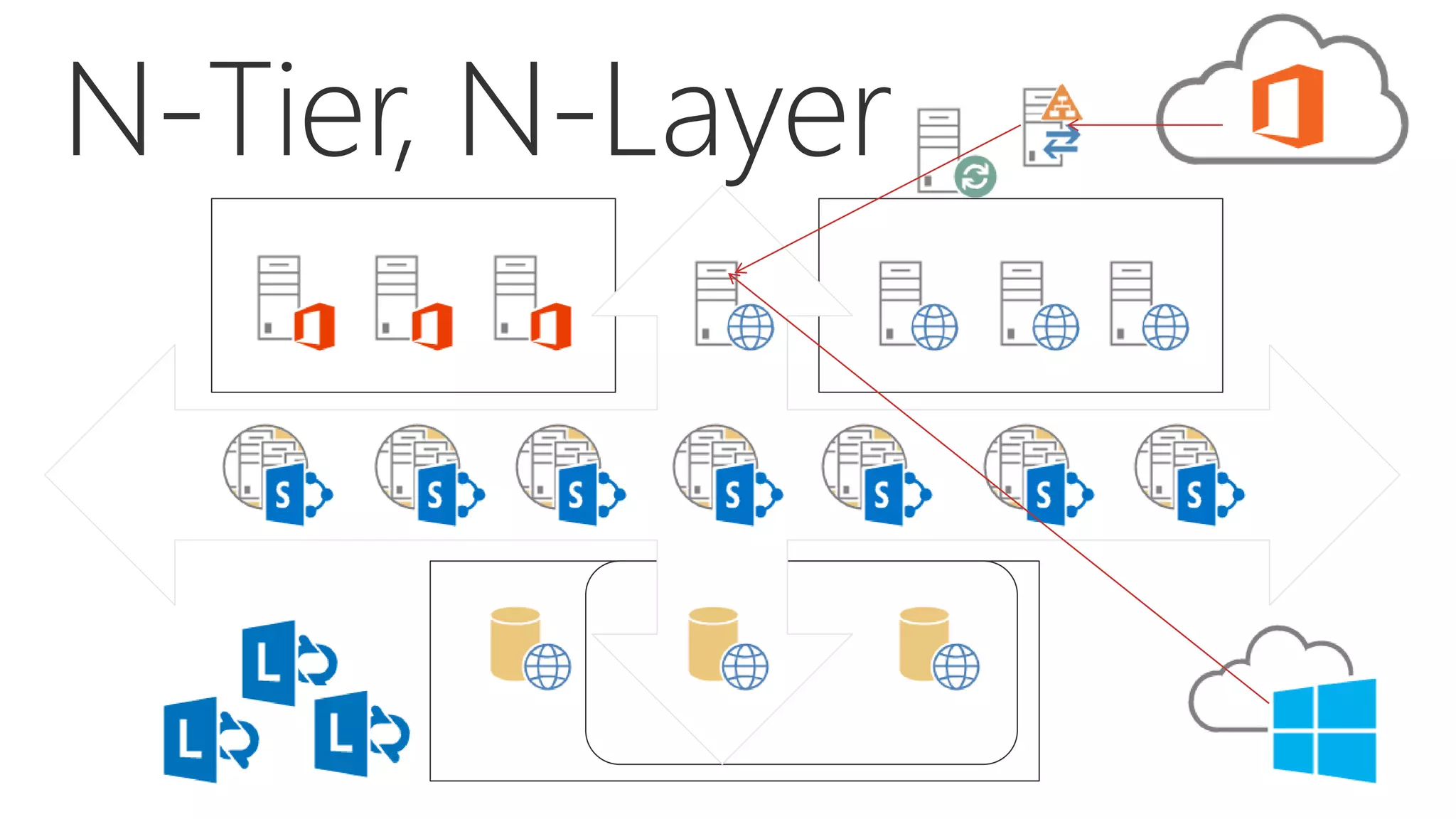
N-Tier, N-Layer
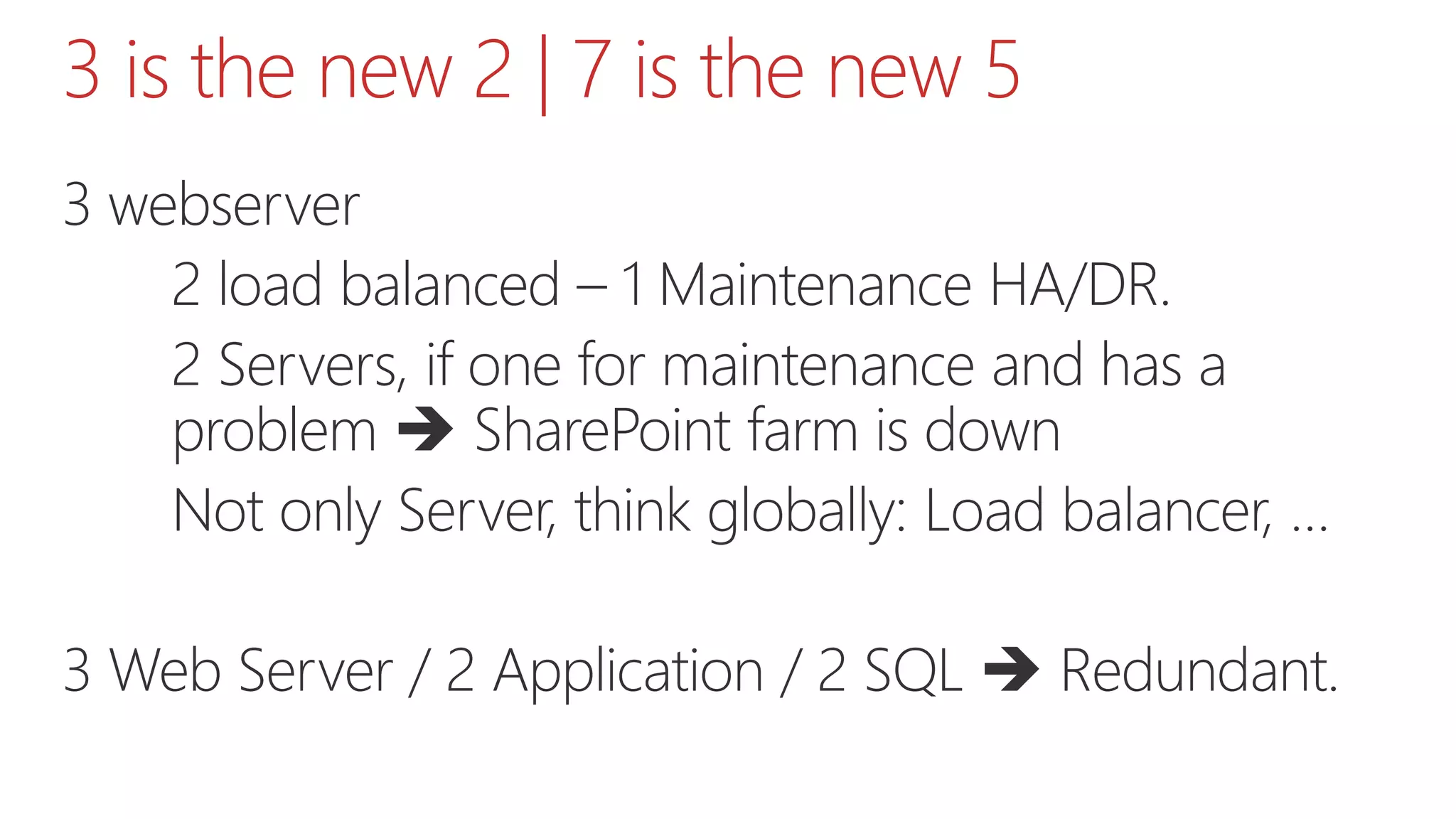
3 is the new 2 | 7 is the new 5
3 webserver
2 load balanced – 1 Maintenance HA/DR.
2 Servers, if one for maintenance and has a
problem  SharePoint farm is down
Not only Server, think globally: Load balancer, …
3 Web Server / 2 Application / 2 SQL  Redundant.
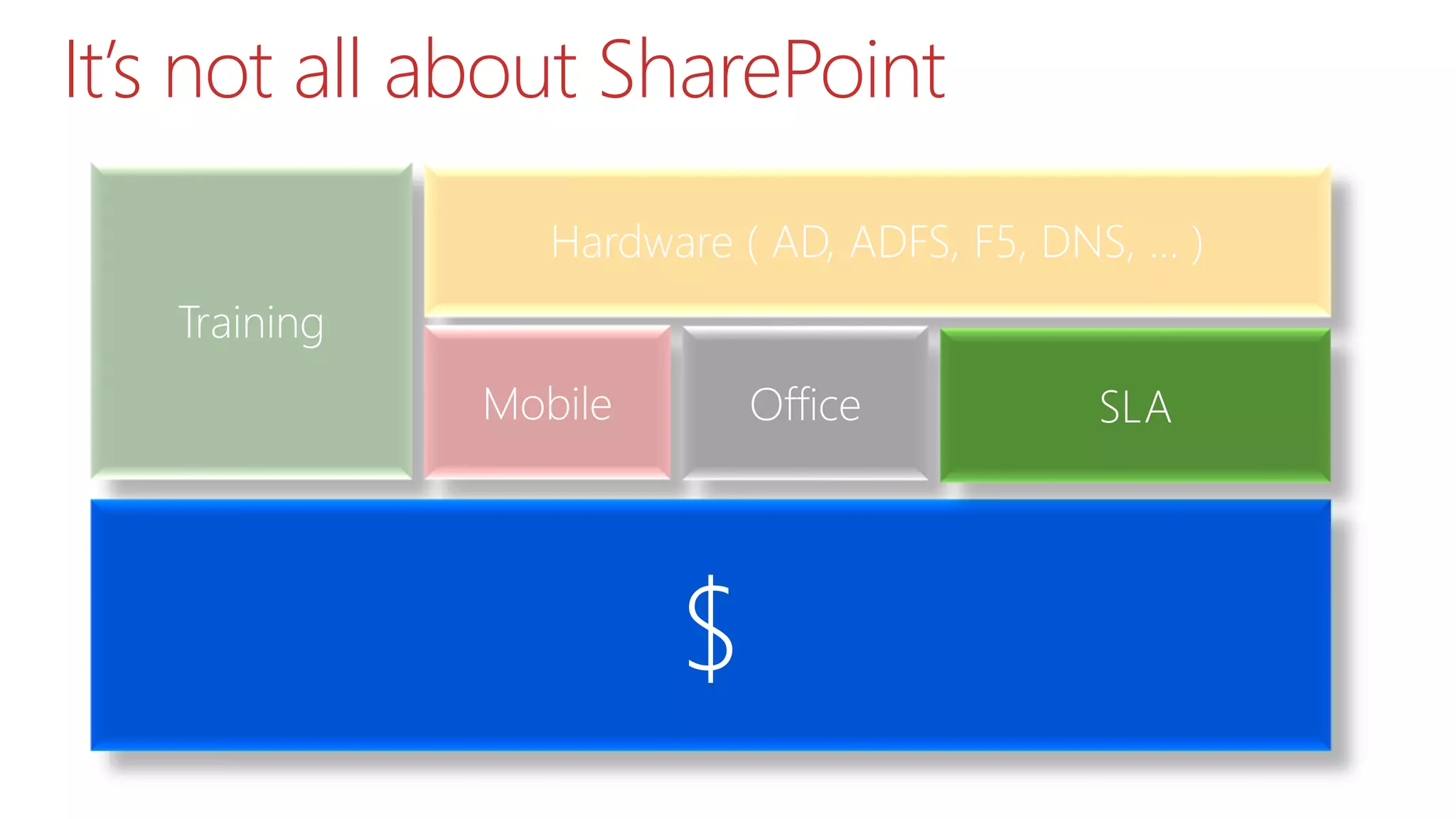
It’s not all about SharePoint
Training
Hardware ( AD, ADFS, F5, DNS, … )
Mobile Office
$
SLA
Statistics
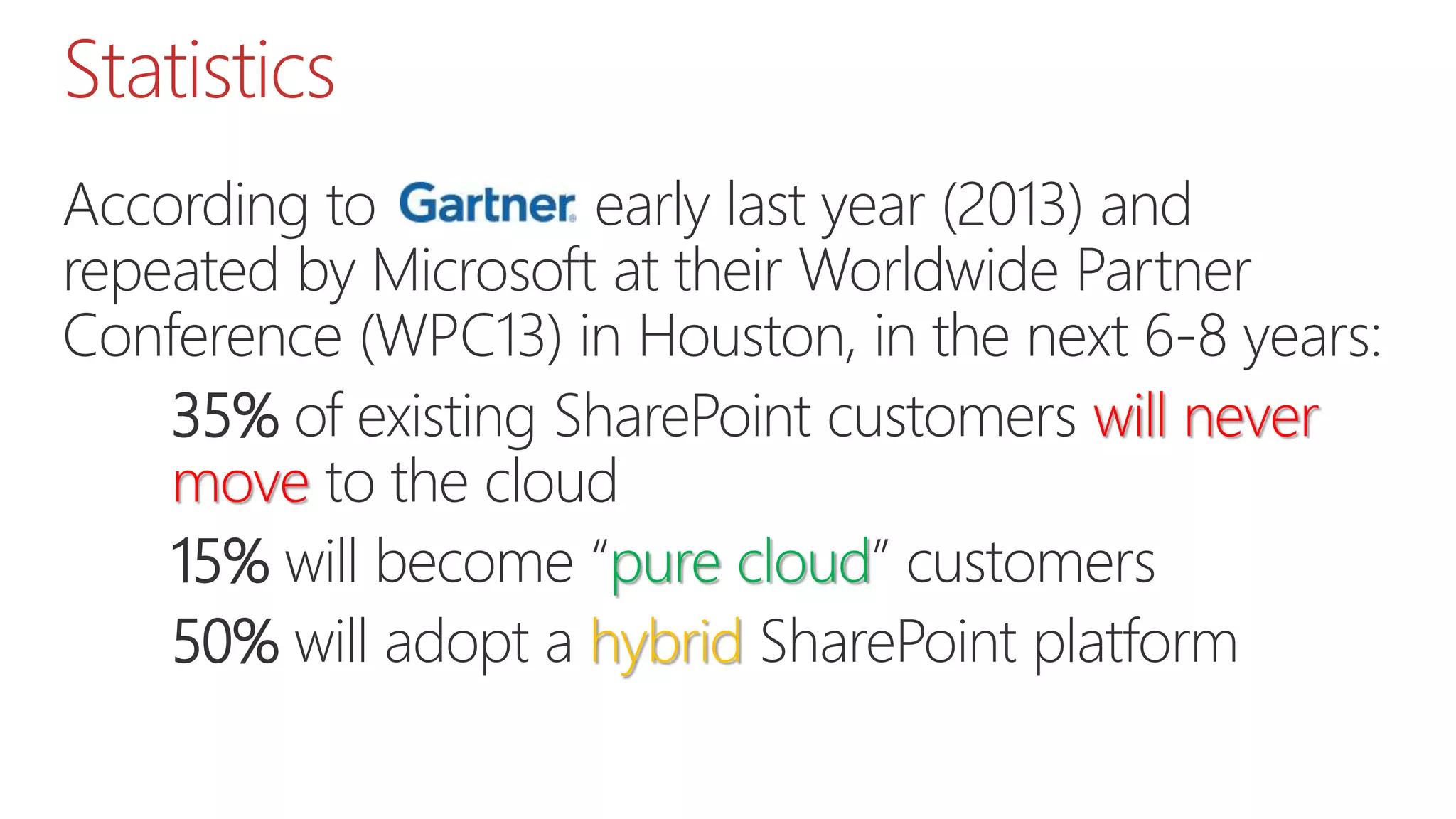
According to Gartner early last year (2013) and
repeated by Microsoft at their Worldwide Partner
Conference (WPC13) in Houston, in the next 6-8 years:
35% of existing SharePoint customers will never
move to the cloud
15% will become “pure cloud” customers
50% will adopt a hybrid SharePoint platform
Statistics
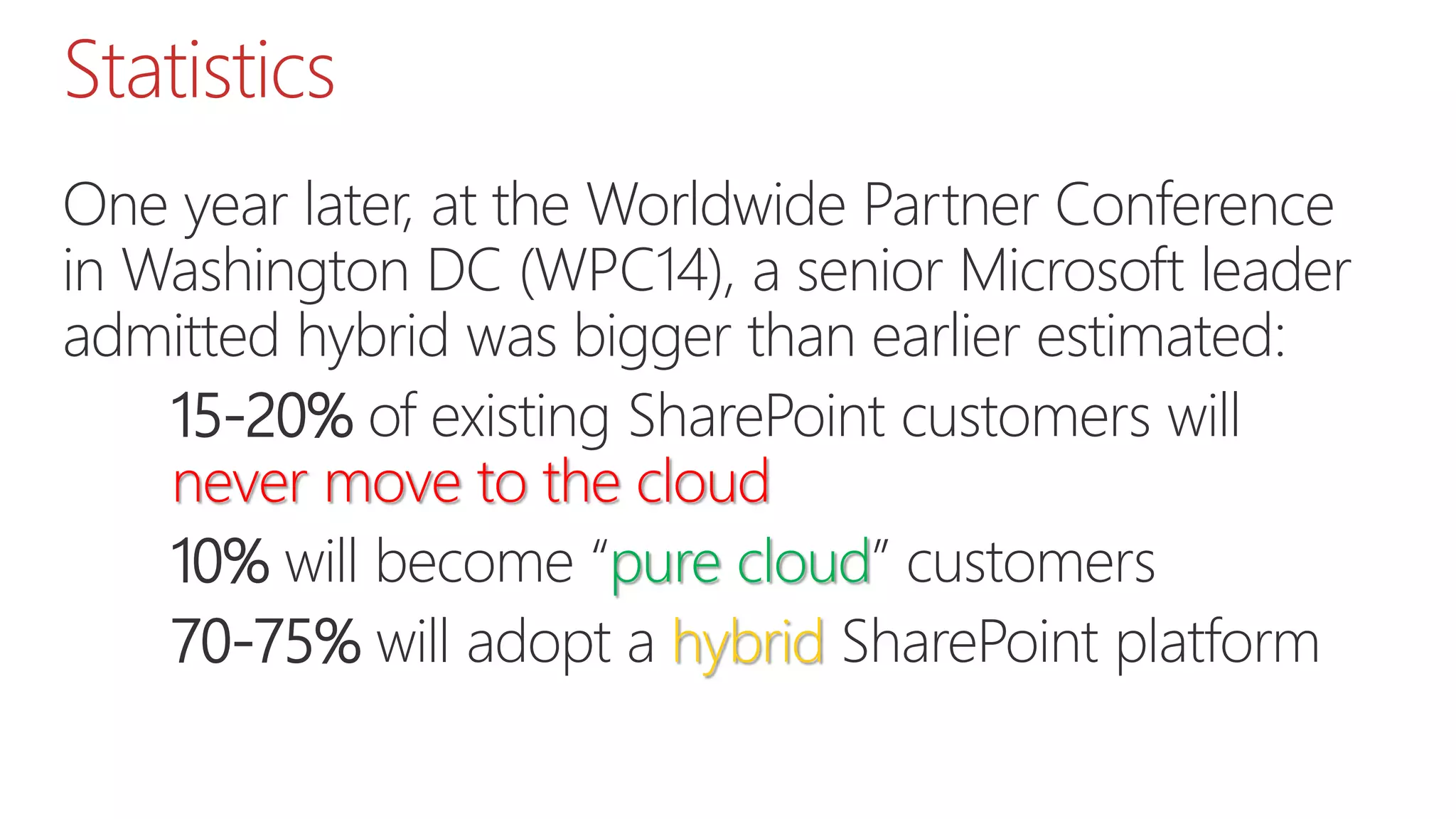
One year later, at the Worldwide Partner Conference
in Washington DC (WPC14), a senior Microsoft leader
admitted hybrid was bigger than earlier estimated:
15-20% of existing SharePoint customers will
never move to the cloud
10% will become “pure cloud” customers
70-75% will adopt a hybrid SharePoint platform
Office 365 Adoption
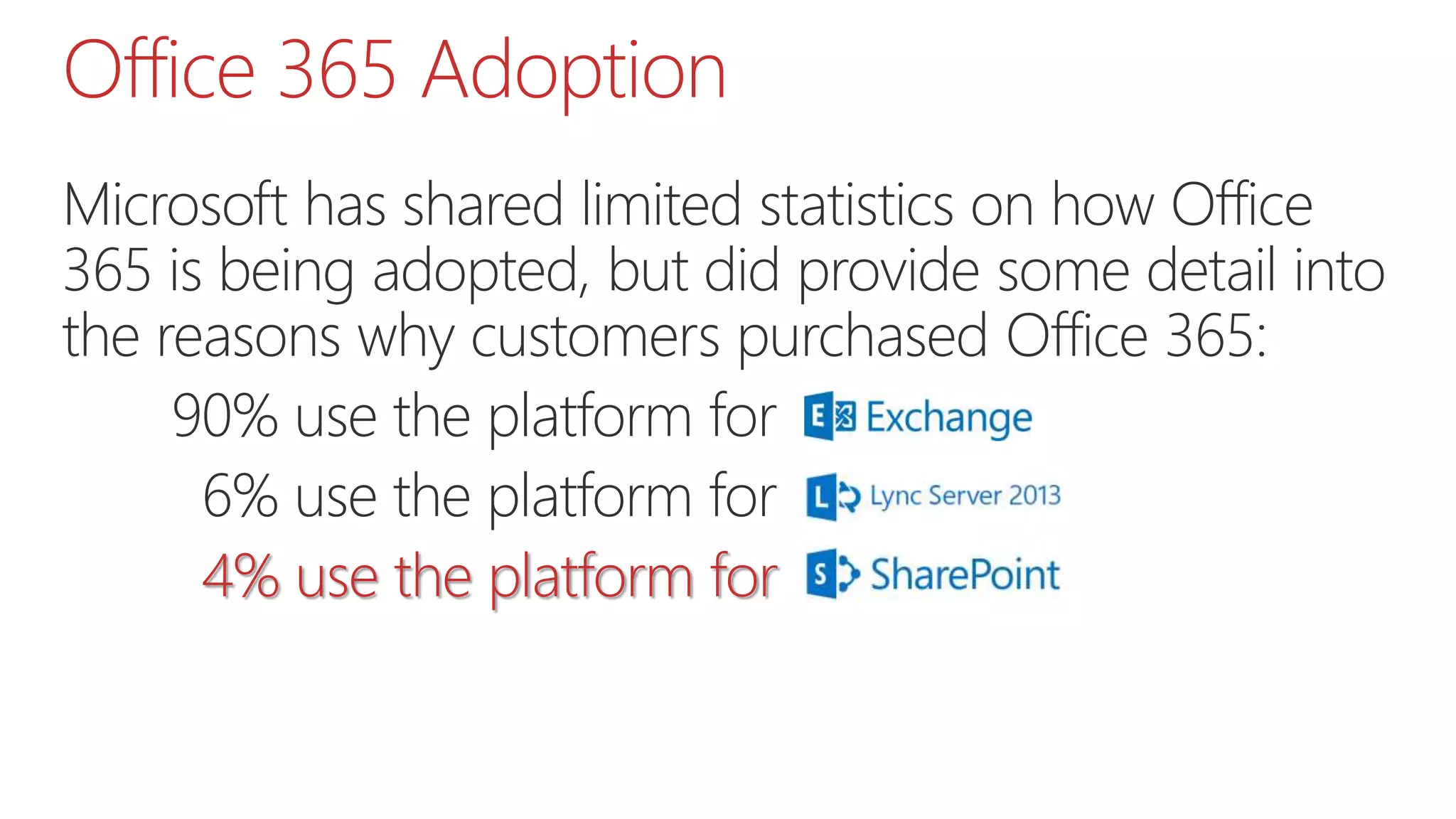
Microsoft has shared limited statistics on how Office
365 is being adopted, but did provide some detail into
the reasons why customers purchased Office 365:
90% use the platform for
06% use the platform for
04% use the platform for
#TechNet?
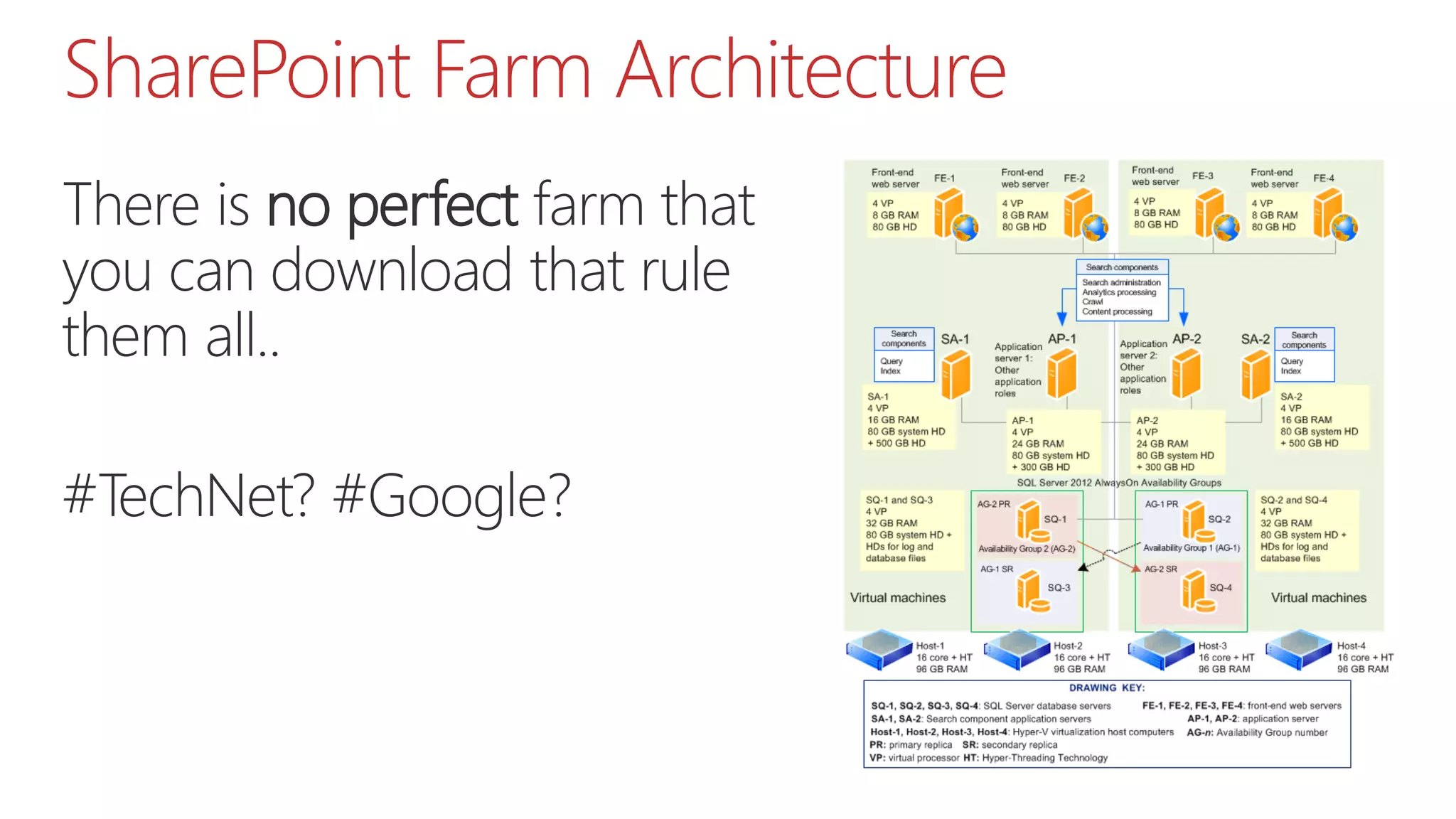
SharePoint Farm Architecture
There is no perfect farm that
you can download that rule
them all..
#TechNet? #Google?
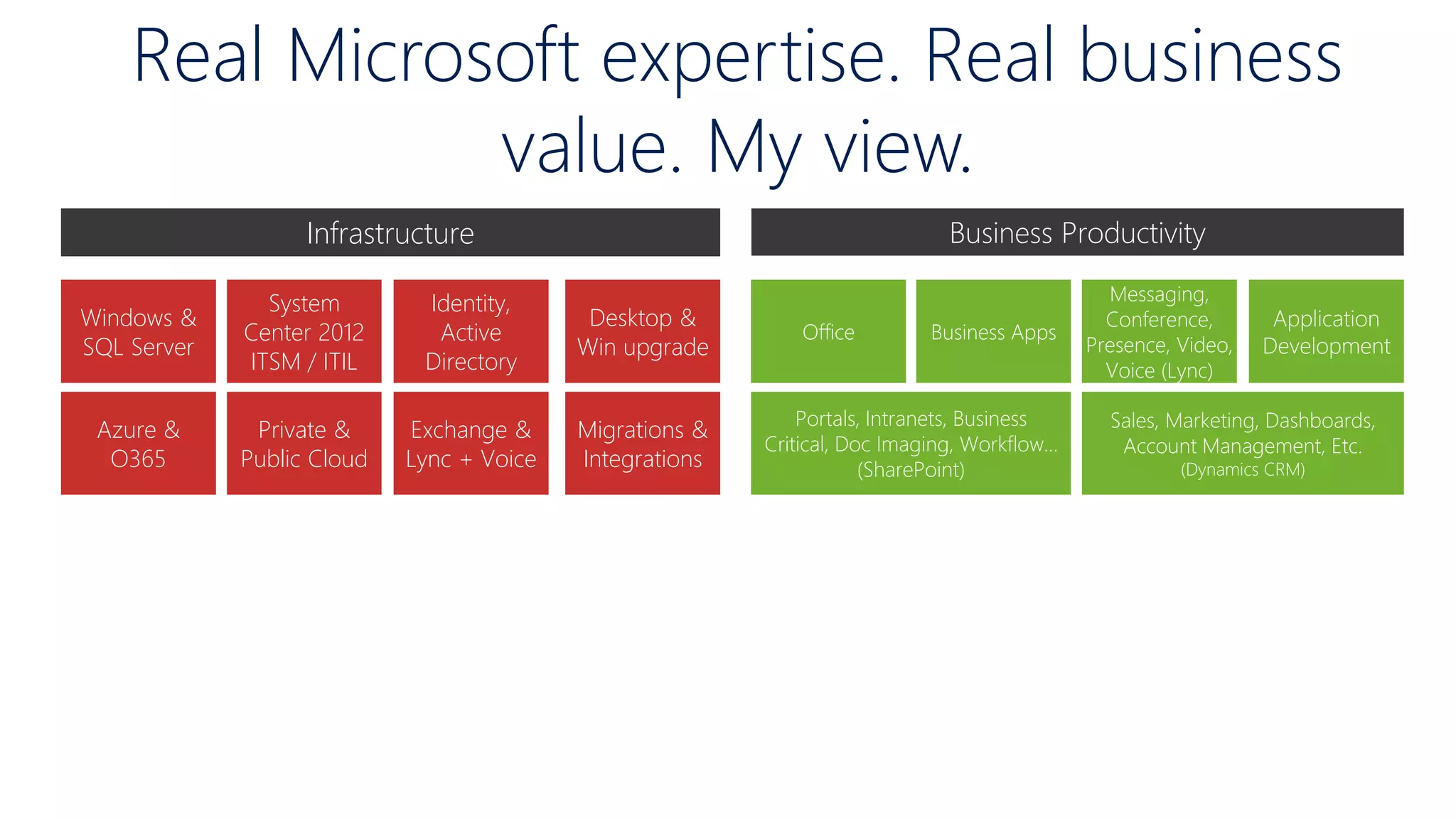
Business ProductivityInfrastructure
Azure &
O365
Exchange &
Lync + Voice
Private &
Public Cloud
Windows &
SQL Server
Identity,
Active
Directory
System
Center 2012
ITSM / ITIL
Migrations &
Integrations
Desktop &
Win upgrade
Portals, Intranets, Business
Critical, Doc Imaging, Workflow…
(SharePoint)
Sales, Marketing, Dashboards,
Account Management, Etc.
(Dynamics CRM)
Business Apps
Application
Development
Messaging,
Conference,
Presence, Video,
Voice (Lync)
Office
Real Microsoft expertise. Real business
value. My view.
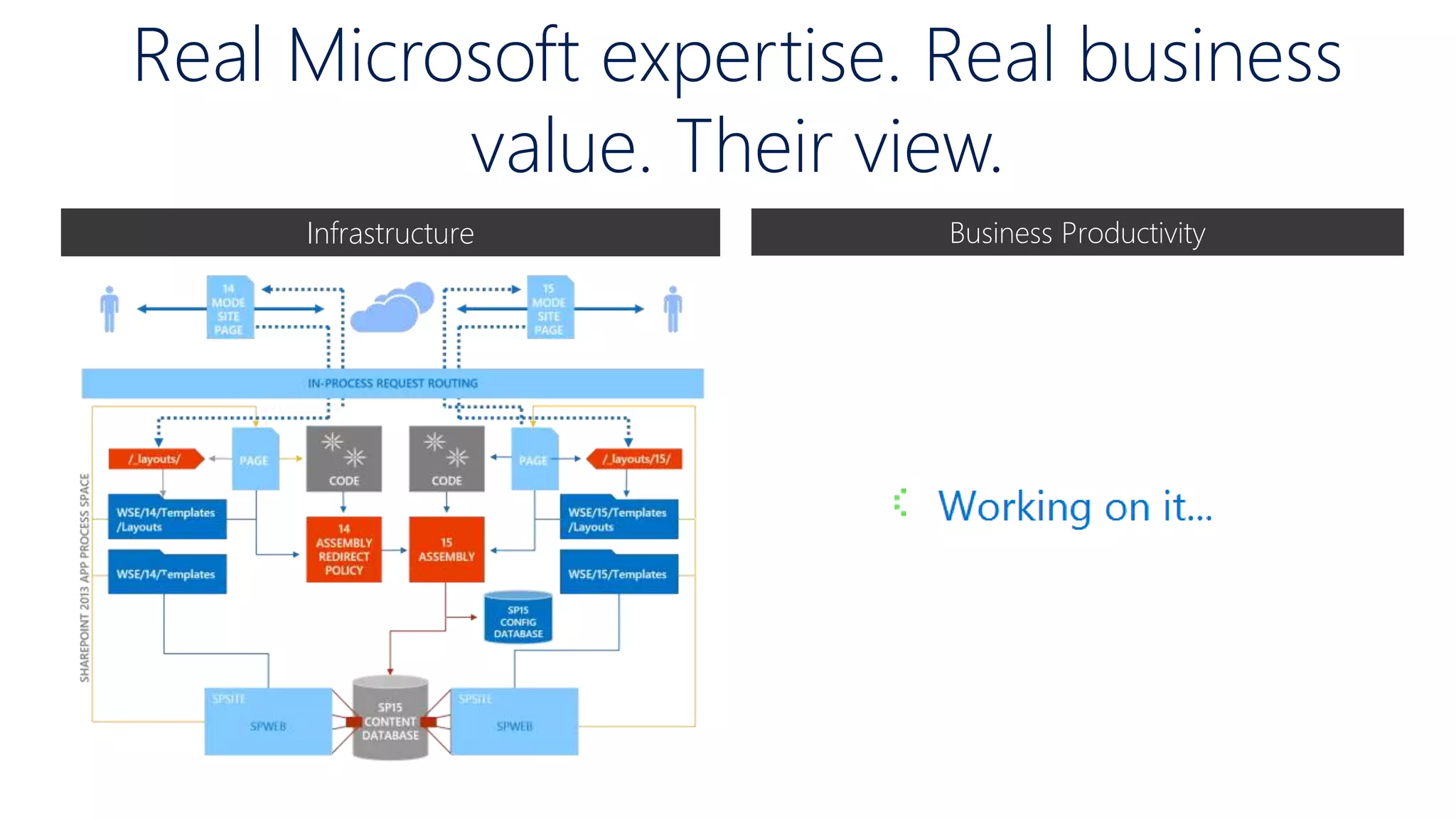
Business ProductivityInfrastructure
Real Microsoft expertise. Real business
value. Their view.
Your architecture depends
 Structure of content and data
 What kind of? MB? GB? TB? PB?
 SQL Server. Storage. Licenses.
 Accessibility of content and data
 Which groups of people can you identify and how are
you going to grant access?
 ADFS, Proxy, F5 Auth.?
 Availability (content, data, services)
 Public Facing Websites, Intranet or Collaboration sites
 SLAs
Your architecture depends
 Amount of Content
 Current amount of content and Expected growth
 Backup. Restore
 Infrastructure
 On-Premises, Hybrid, Pure Cloud
 Hardware. Consultant Costs. Documentations.
 External systems
 Home made applications
 Software. Consultant Costs. Non-Prod Environments.
Your architecture depends
Usage of custom components
 Any custom development? Are they going to use
SharePoint Apps?
 DNS zones and Subzones -, AD Changes
Keep track of your boundaries
 Maximum size of content databases
 Number of web applications and Application Pools
 Determine Servers
Your architecture depends
Virtualization
 VMWare. Hyper-V.
 Load Balancing will define he number hosts in
Datacenters
Workload
 Social features. Yammer. SharePoint Social Features.
 Install SP1 per default for Cloud Integration.
Your architecture depends
Operations
 First Line. Second Line. Operations team.
 Do they have skills to operate the new farm? Are
they good to handle
Available resources
 Who is writing the PoSH scripts
 hopefully not you as an architect.
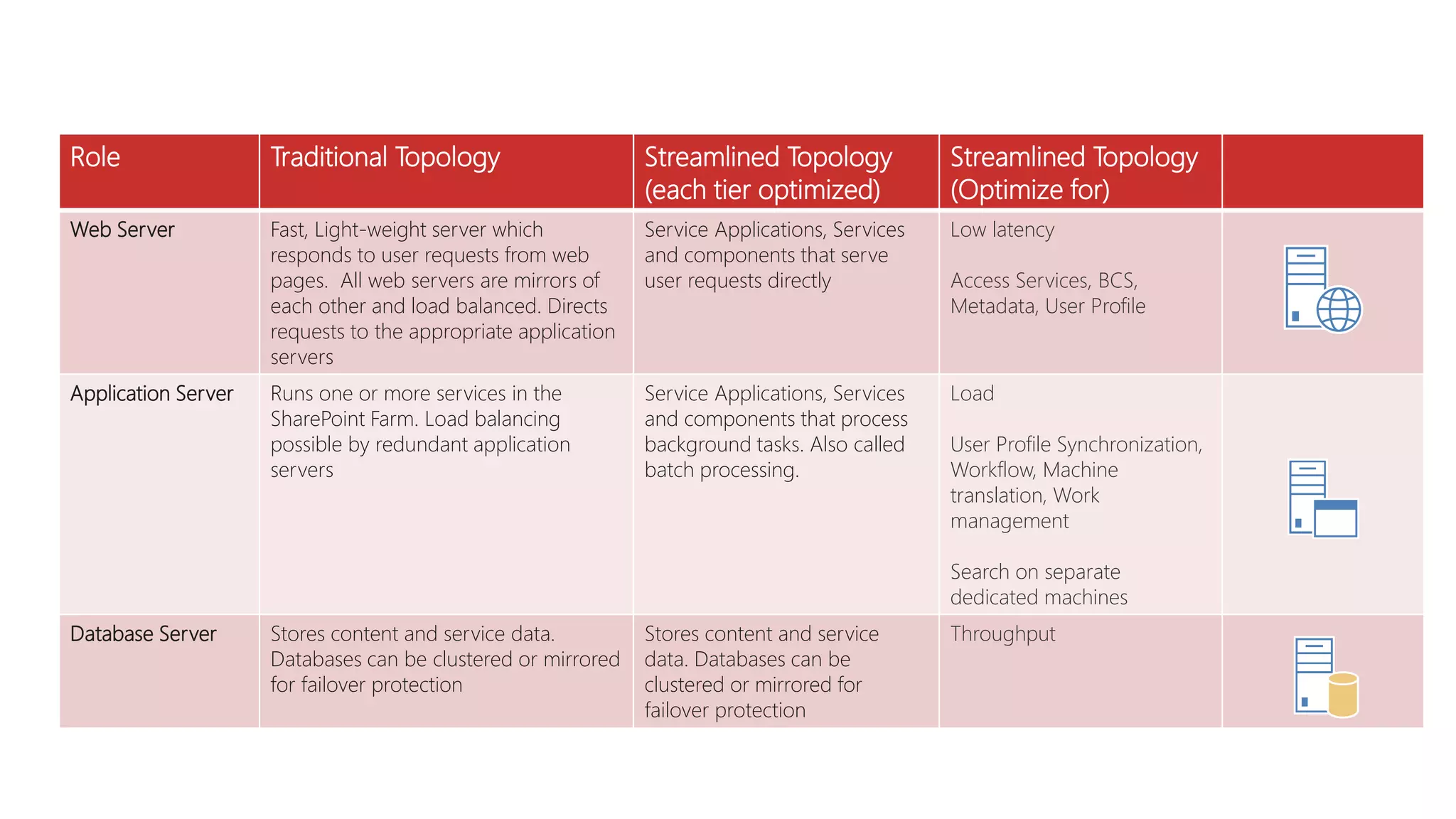
Role Traditional Topology Streamlined Topology
(each tier optimized)
Streamlined Topology
(Optimize for)
Web Server Fast, Light-weight server which
responds to user requests from web
pages. All web servers are mirrors of
each other and load balanced. Directs
requests to the appropriate application
servers
Service Applications, Services
and components that serve
user requests directly
Low latency
Access Services, BCS,
Metadata, User Profile
Application Server Runs one or more services in the
SharePoint Farm. Load balancing
possible by redundant application
servers
Service Applications, Services
and components that process
background tasks. Also called
batch processing.
Load
User Profile Synchronization,
Workflow, Machine
translation, Work
management
Search on separate
dedicated machines
Database Server Stores content and service data.
Databases can be clustered or mirrored
for failover protection
Stores content and service
data. Databases can be
clustered or mirrored for
failover protection
Throughput
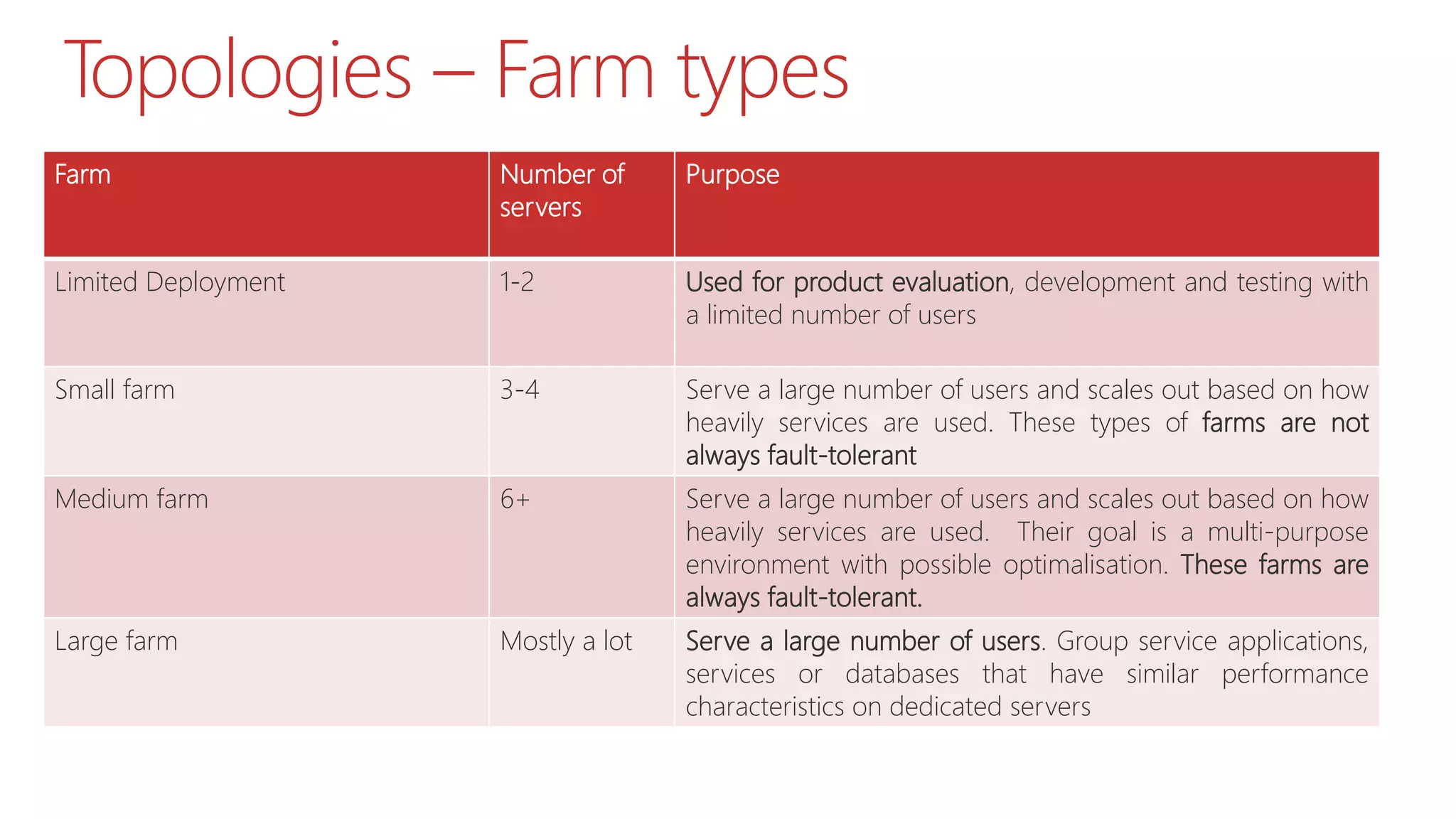
Topologies – Farm types
Farm Number of
servers
Purpose
Limited Deployment 1-2 Used for product evaluation, development and testing with
a limited number of users
Small farm 3-4 Serve a large number of users and scales out based on how
heavily services are used. These types of farms are not
always fault-tolerant
Medium farm 6+ Serve a large number of users and scales out based on how
heavily services are used. Their goal is a multi-purpose
environment with possible optimalisation. These farms are
always fault-tolerant.
Large farm Mostly a lot Serve a large number of users. Group service applications,
services or databases that have similar performance
characteristics on dedicated servers
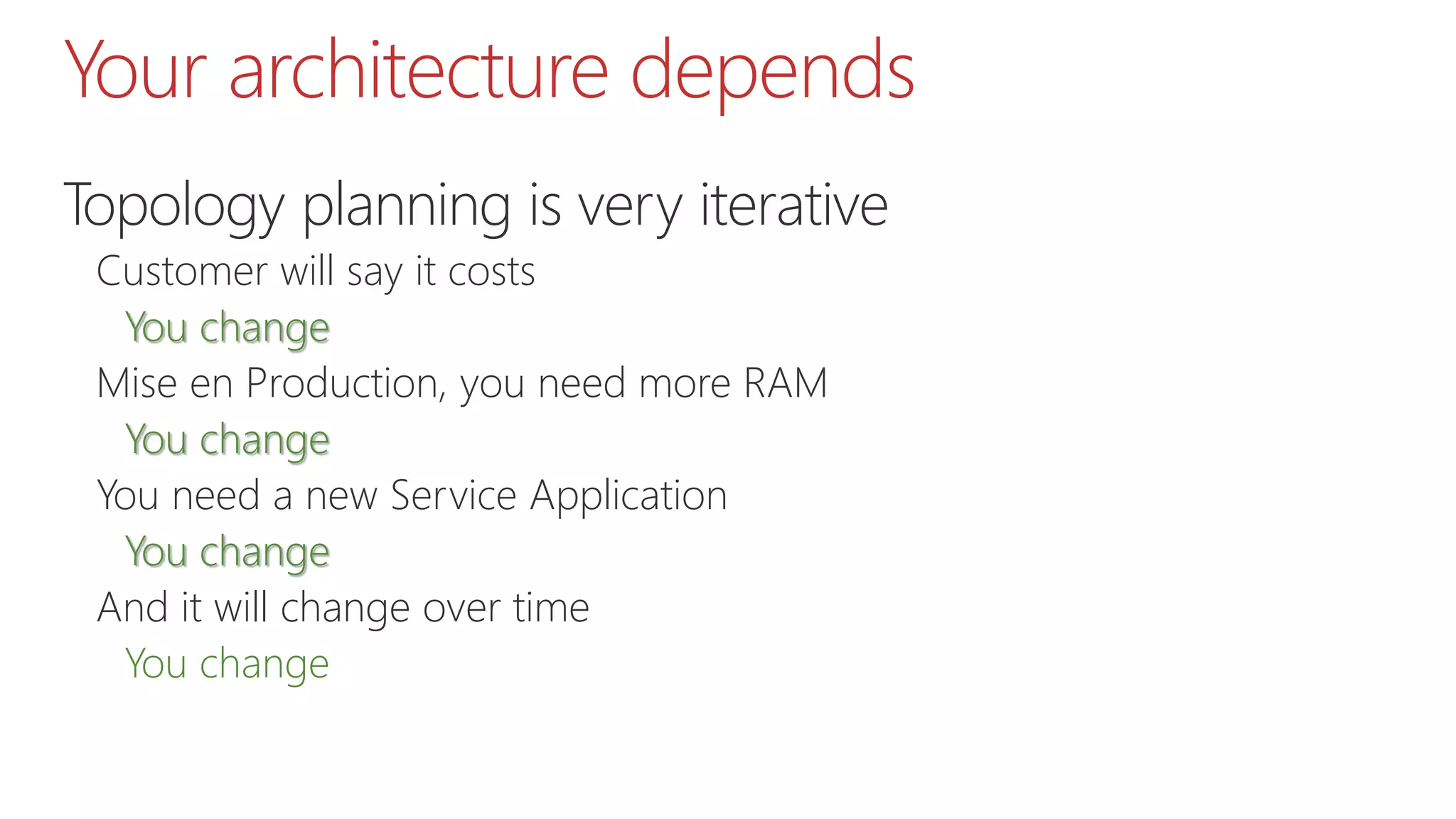
Your architecture depends
Topology planning is very iterative
Customer will say it costs
You change
Mise en Production, you need more RAM
You change
You need a new Service Application
You change
And it will change over time
You change
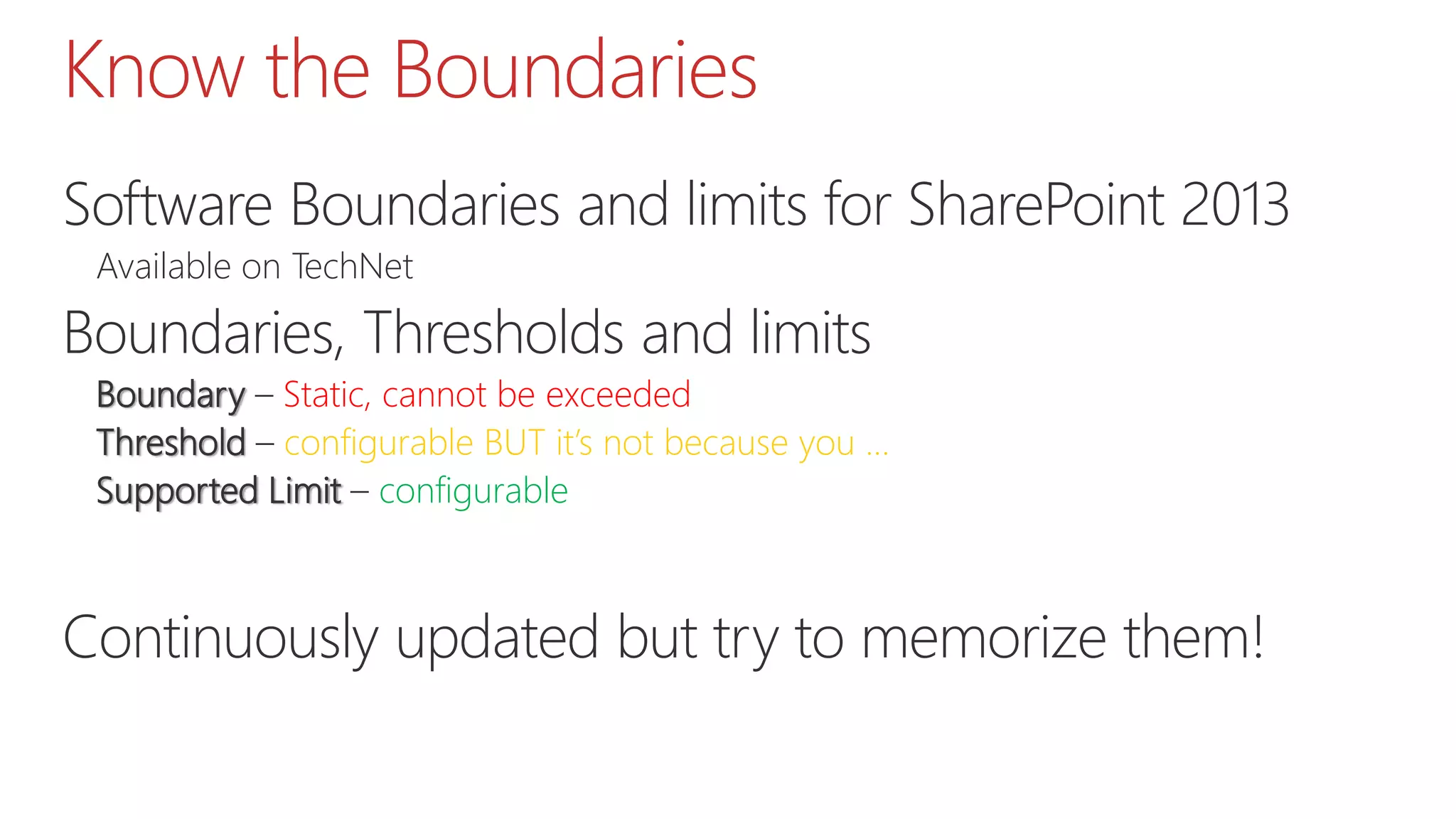
Know the Boundaries
Software Boundaries and limits for SharePoint 2013
Available on TechNet
Boundaries, Thresholds and limits
Boundary – Static, cannot be exceeded
Threshold – configurable BUT it’s not because you …
Supported Limit – configurable
Continuously updated but try to memorize them!
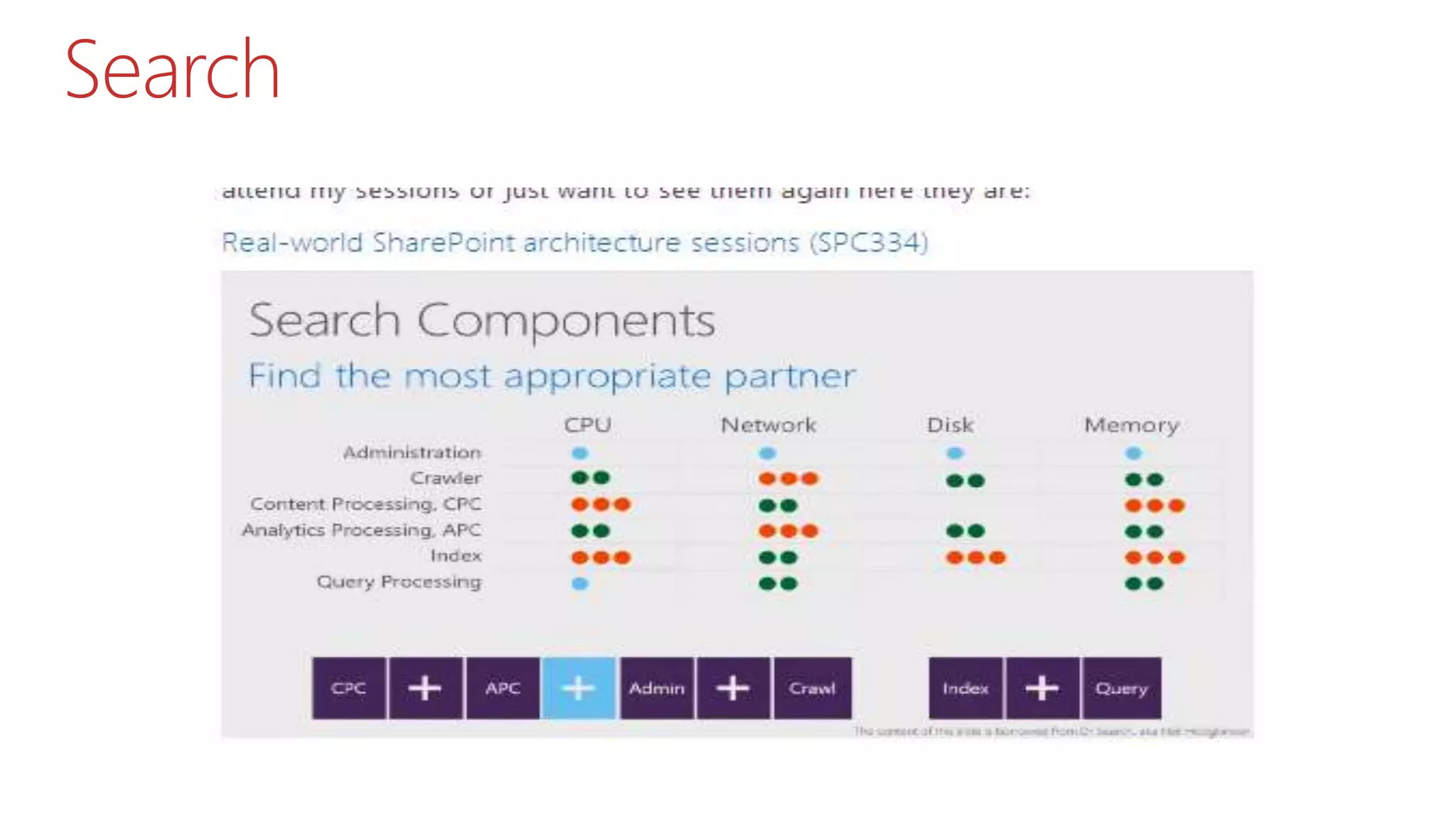
Search
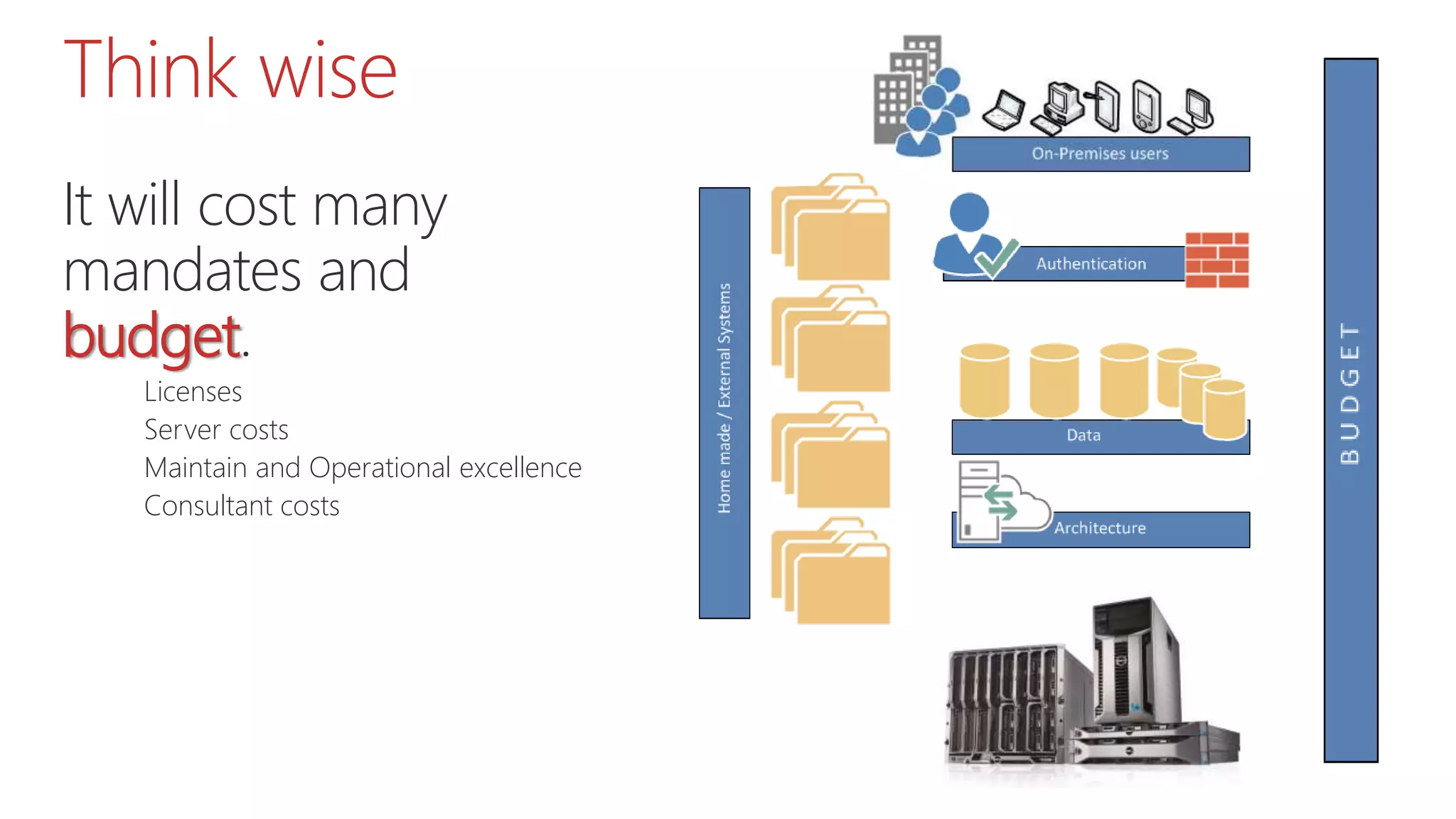
Think wise
It will cost many
mandates and
budget.
Licenses
Server costs
Maintain and Operational excellence
Consultant costs
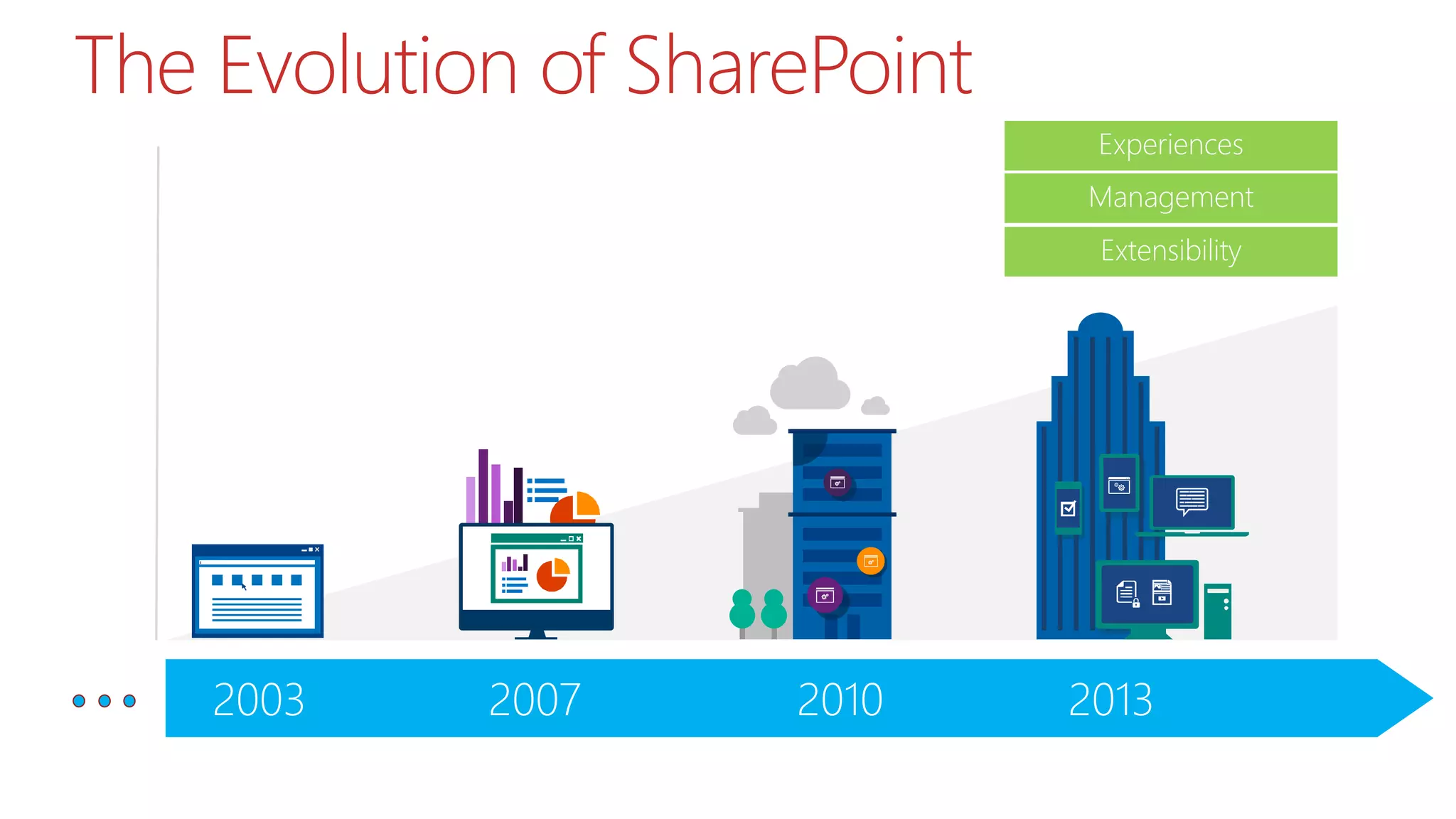
2013201020072003
The Evolution of SharePoint
Experiences
Management
Extensibility
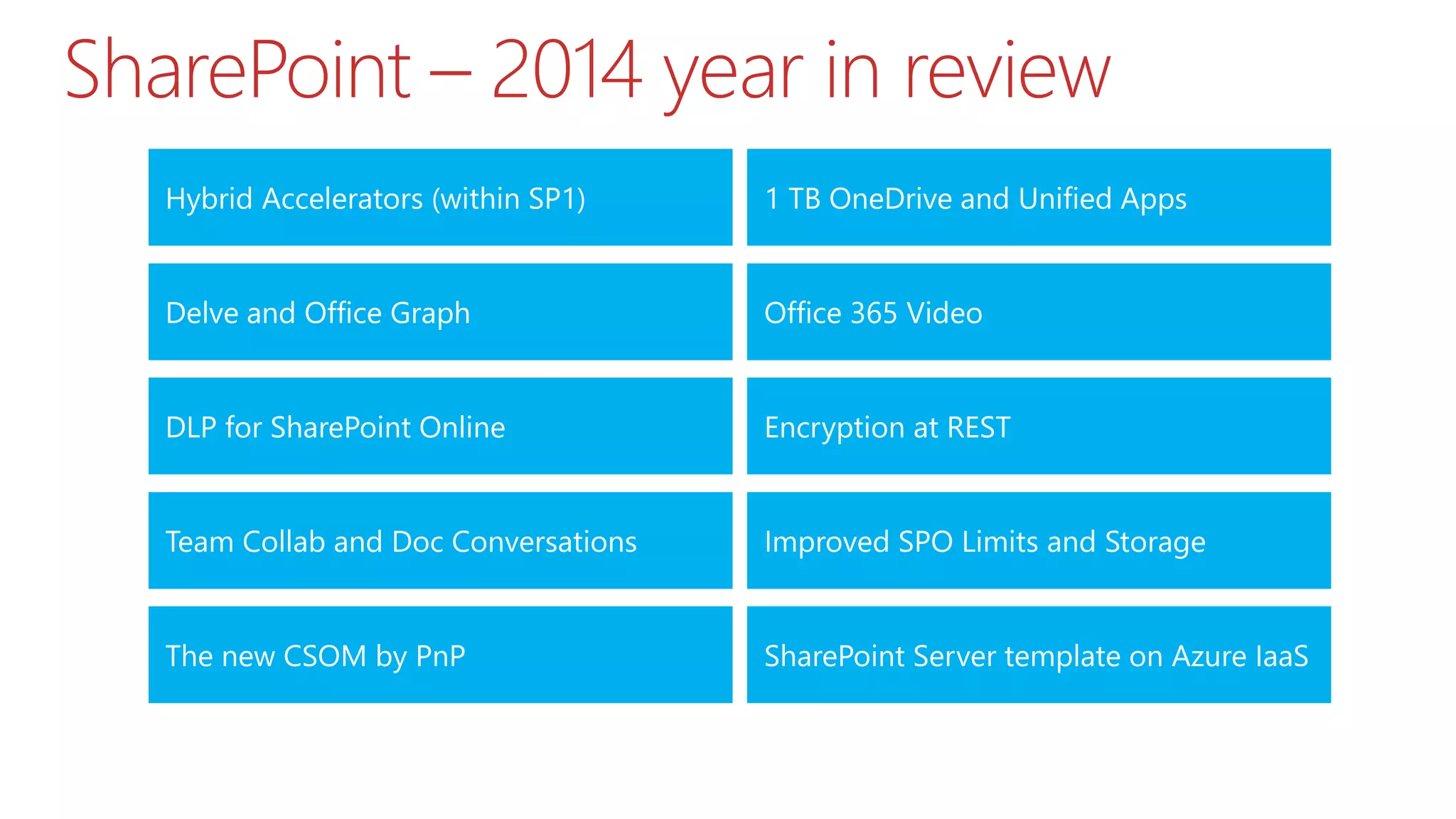
SharePoint – 2014 year in review
Hybrid Accelerators (within SP1)
Encryption at REST
Delve and Office Graph
DLP for SharePoint Online
Office 365 Video
Team Collab and Doc Conversations
1 TB OneDrive and Unified Apps
The new CSOM by PnP SharePoint Server template on Azure IaaS
Improved SPO Limits and Storage
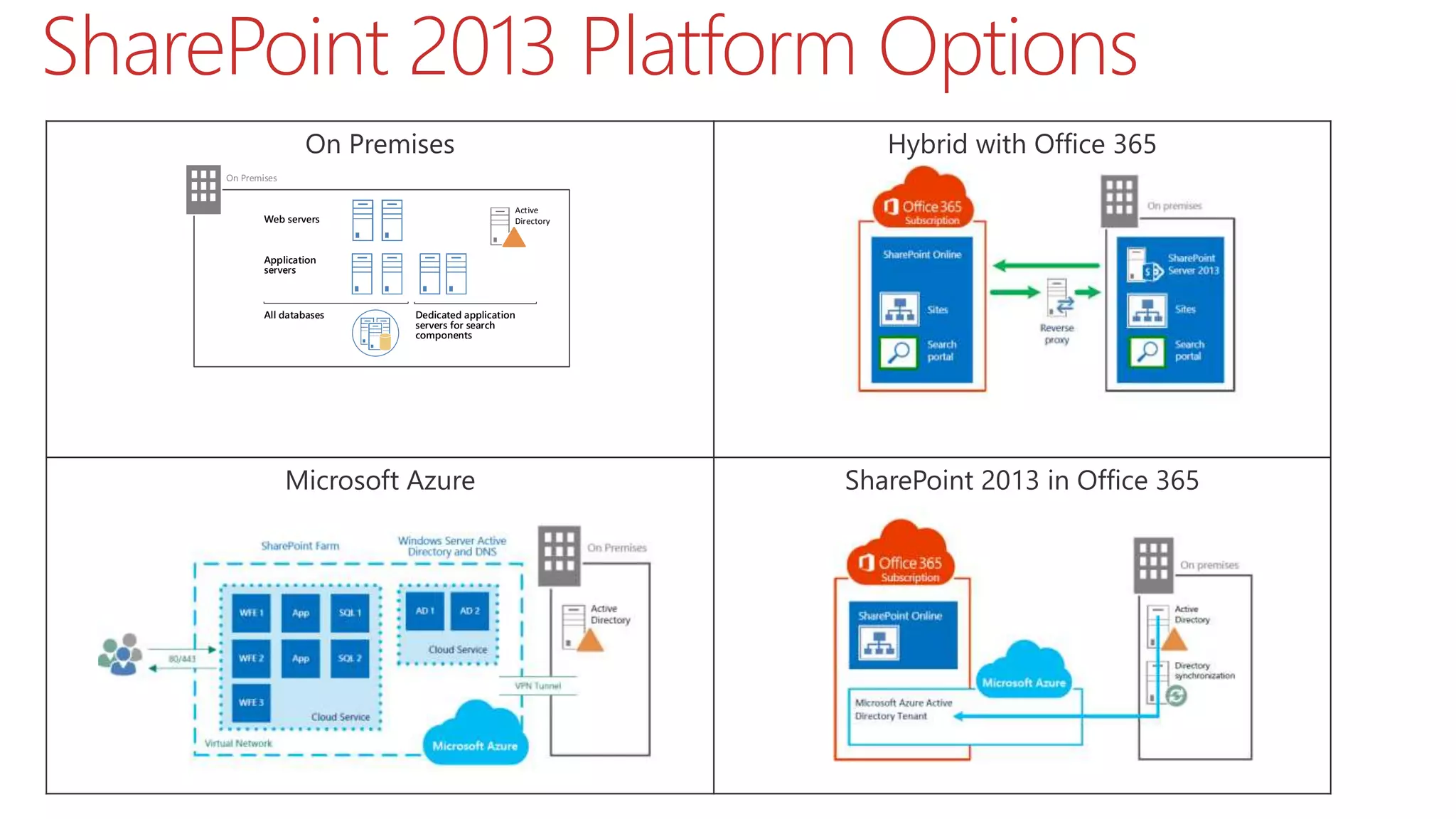
On Premises Hybrid with Office 365
Microsoft Azure SharePoint 2013 in Office 365
SharePoint 2013 Platform Options
Web servers
All databases
Application
servers
Dedicated application
servers for search
components
Active
Directory
On Premises
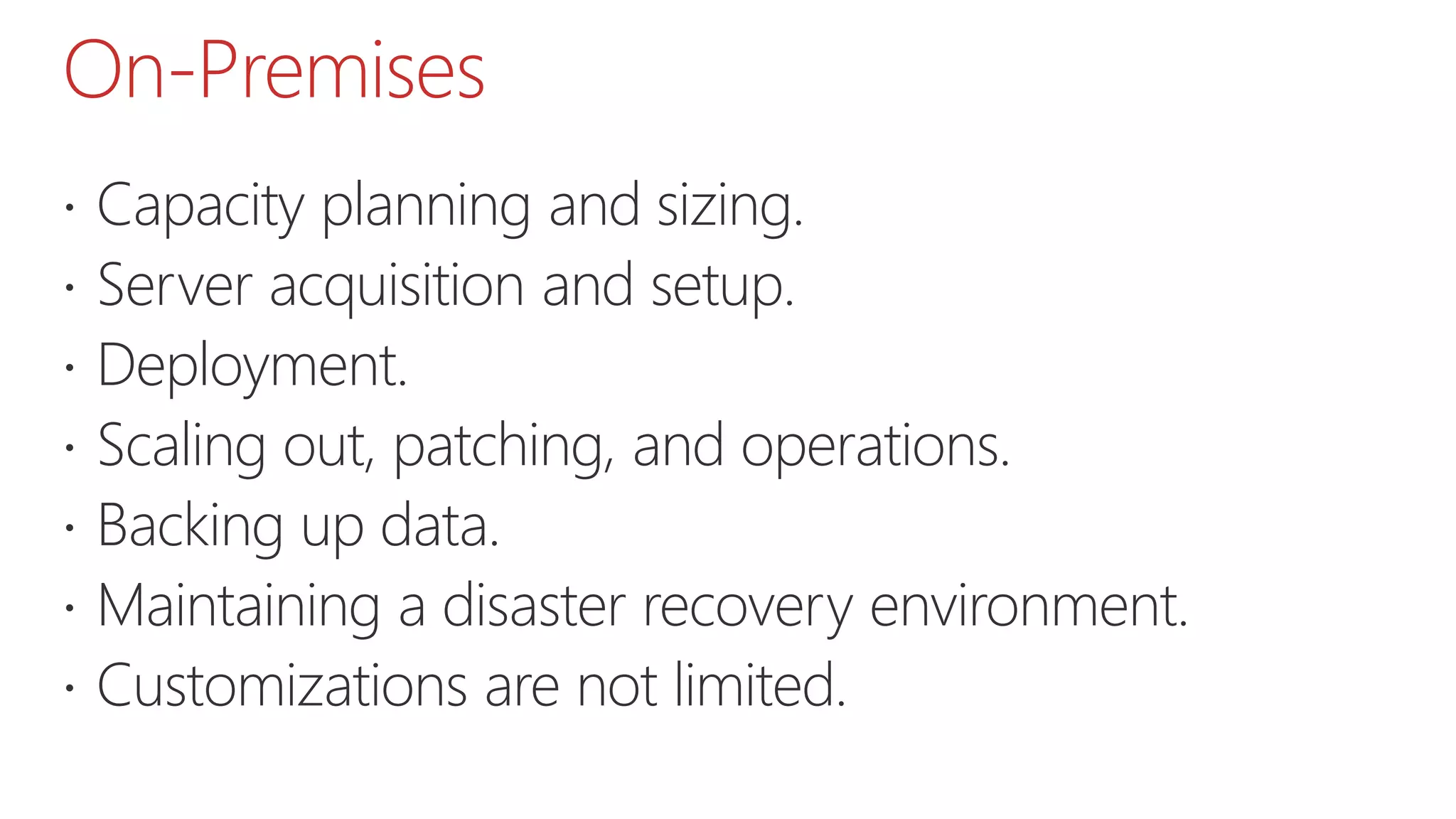
On-Premises
 Capacity planning and sizing.
 Server acquisition and setup.
 Deployment.
 Scaling out, patching, and operations.
 Backing up data.
 Maintaining a disaster recovery environment.
 Customizations are not limited.
Office 365
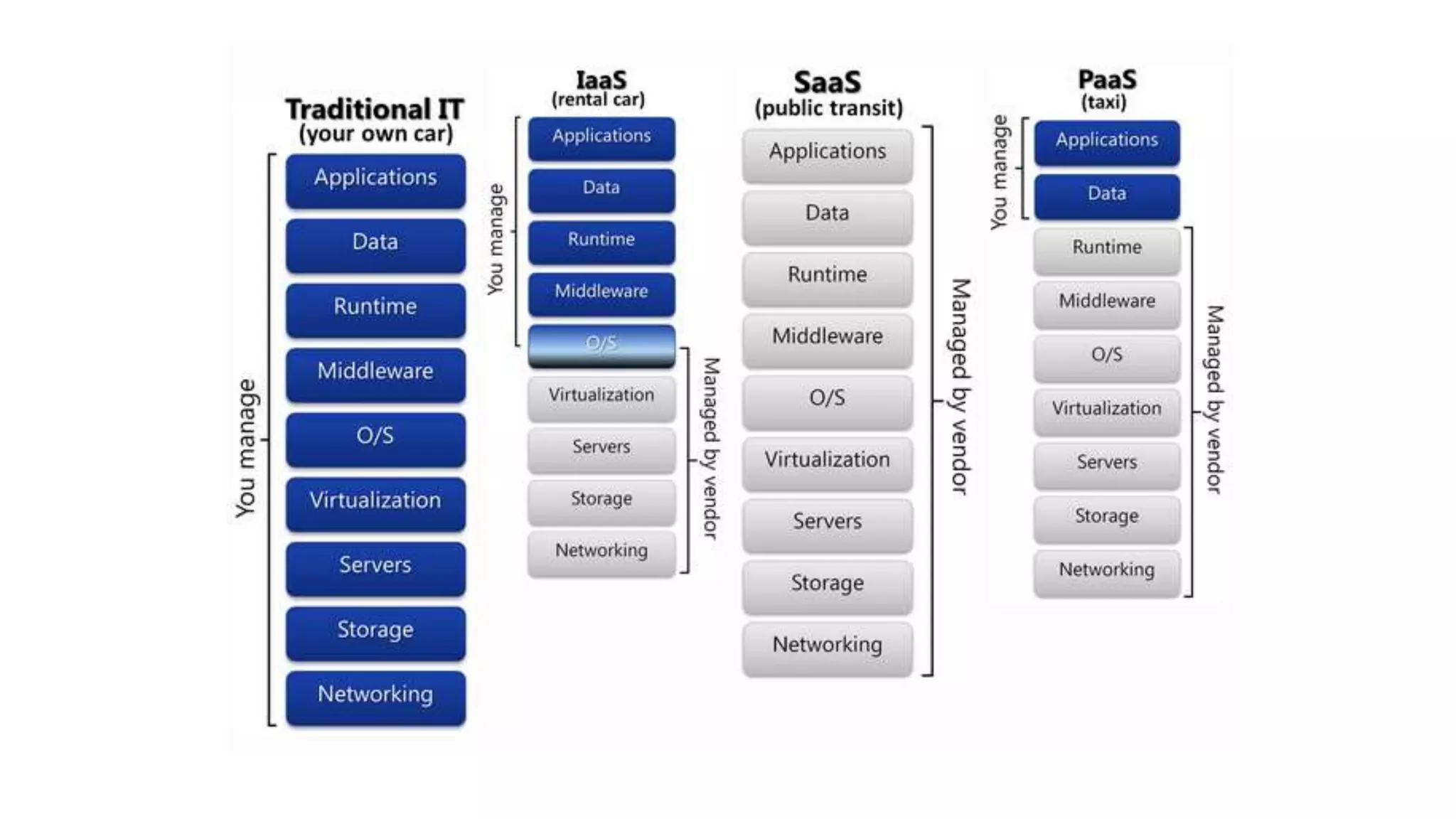
 (SaaS) Software as a Service.
 (Rich) feature set is always up to date.
 Includes a Microsoft Azure Active Directory tenant
(can be used with other applications).
 If single sign-on is a requirement, ADFS can be
implemented.
 Client communication over the Internet through
encrypted and authenticated access (port 443).
Microsoft Azure
 (IaaS) Best native cloud platform for SQL Server and
SharePoint.
 Computing resources are available almost immediately
with no commitment.
 Focus on applications, instead of datacenters and
infrastructure.
 Inexpensive development and test environments.
 SharePoint solutions can be accessible from the Internet
Hybrid
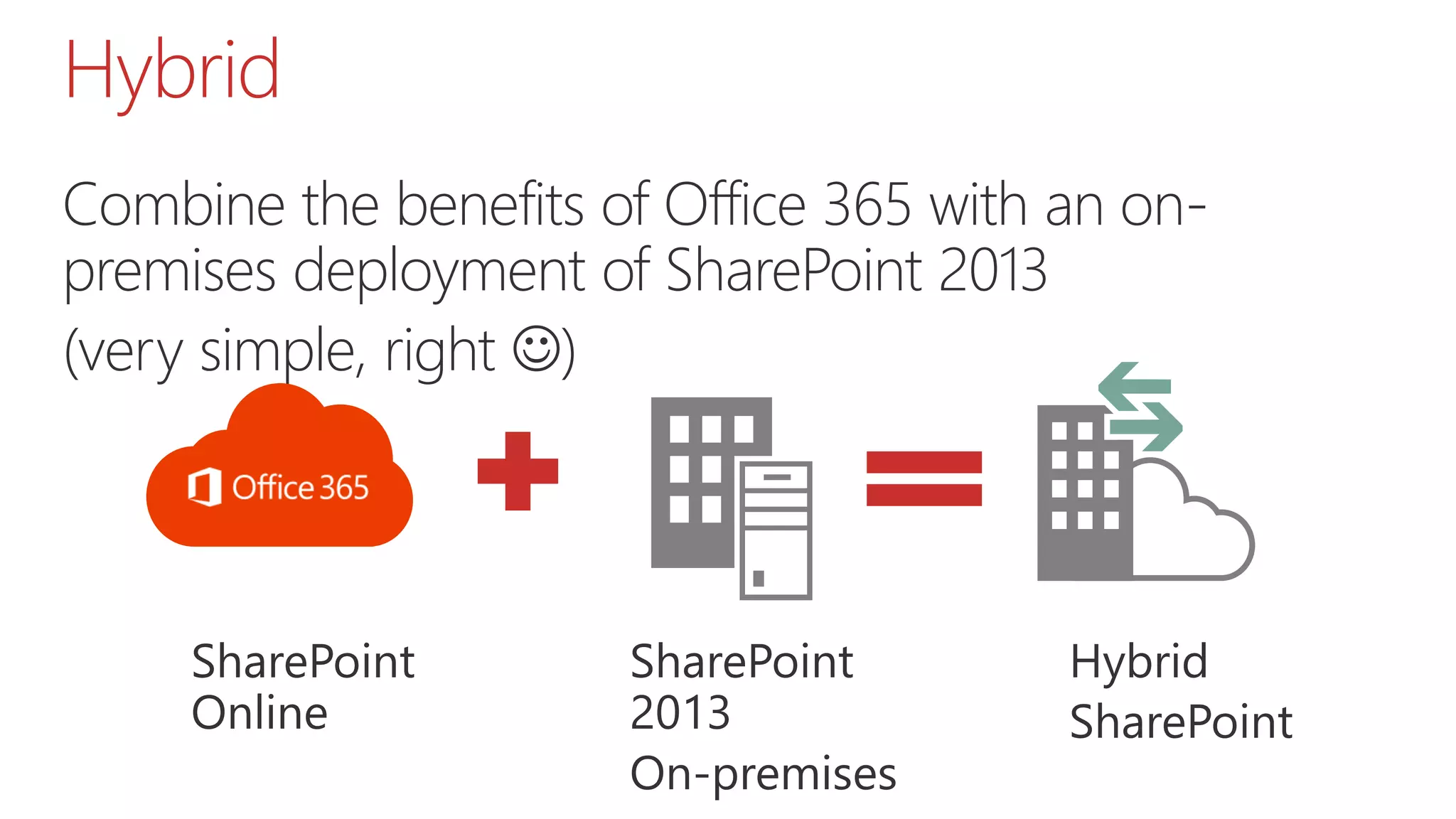
Combine the benefits of Office 365 with an on-
premises deployment of SharePoint 2013
(very simple, right )
Best for…
What to choose between these platforms?
On-Premises
 In-country farms (when data is required to reside within a jurisdiction).
 Complex (BI) solutions.
 Highly customized solutions.
 Legacy solutions that are not supported on Microsoft Azure
Infrastructure Services.
 Privacy restrictions that prevent synchronization of Active Directory
accounts with Microsoft Azure Active Directory (a requirement for Office
365).
 Organizations that desire control of the entire platform and solution.
SharePoint in Office 365
 Secure external sharing and collaboration (unique
feature!).
 Intranet/Extranet - Team Sites, My Sites, and Internal
collaboration.
 Document storage and versioning in the cloud.· Basic
website.
 OneDrive For Business.
Hybrid
 Move My Sites (OneDrive for Business) to the cloud
to make it easier for users to access their files
remotely.
 Get 1,000,000,000,000 Byte of free space
 Push Service Applications
Microsoft Azure
 Developer, test, and staging environments - Quickly
provision and un-provision entire environments.
 Hybrid applications - Applications that span your
datacenter and the cloud
 Disaster recovery environment Quickly recover from
a disaster, only pay for use
Architecture tasks
On-Premises
Design the SharePoint environment in an existing on-
premises environment:
 SharePoint farm topology and logical architecture.
 Server hardware.
 Virtual environment, if used.
 Load balancing.
 Integration with Active Directory and DNS.
 Design the disaster recovery environment.
Office 365
 Password sync (requires one 64-bit server).
 Single sign-on (requires ADFS and multiple servers).
 Ensure network capacity, firewalls, proxy servers…
 Acquire third-party SSL certificates.
 Plan the tenant name, design site. collection architecture and
governance.
 Plan customizations, solutions, and apps for SharePoint
Online.
Hybrid
In addition to tasks for both the Office 365 and on-
premises environments:
 Determine how much feature integration is desired and
choose the hybrid topology.
Microsoft Azure
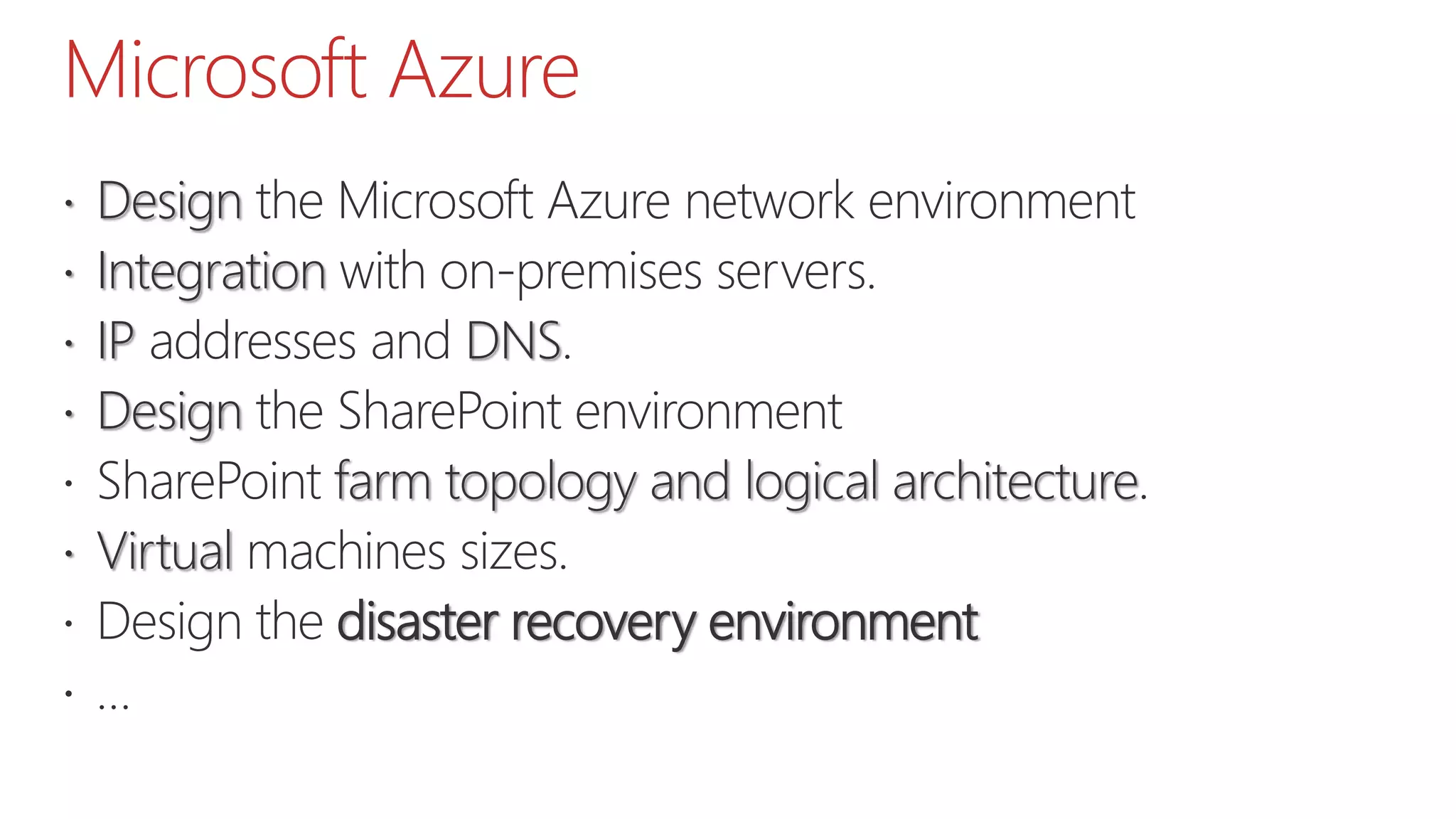
 Design the Microsoft Azure network environment
 Integration with on-premises servers.
 IP addresses and DNS.
 Design the SharePoint environment
 SharePoint farm topology and logical architecture.
 Virtual machines sizes.
 Design the disaster recovery environment
 …
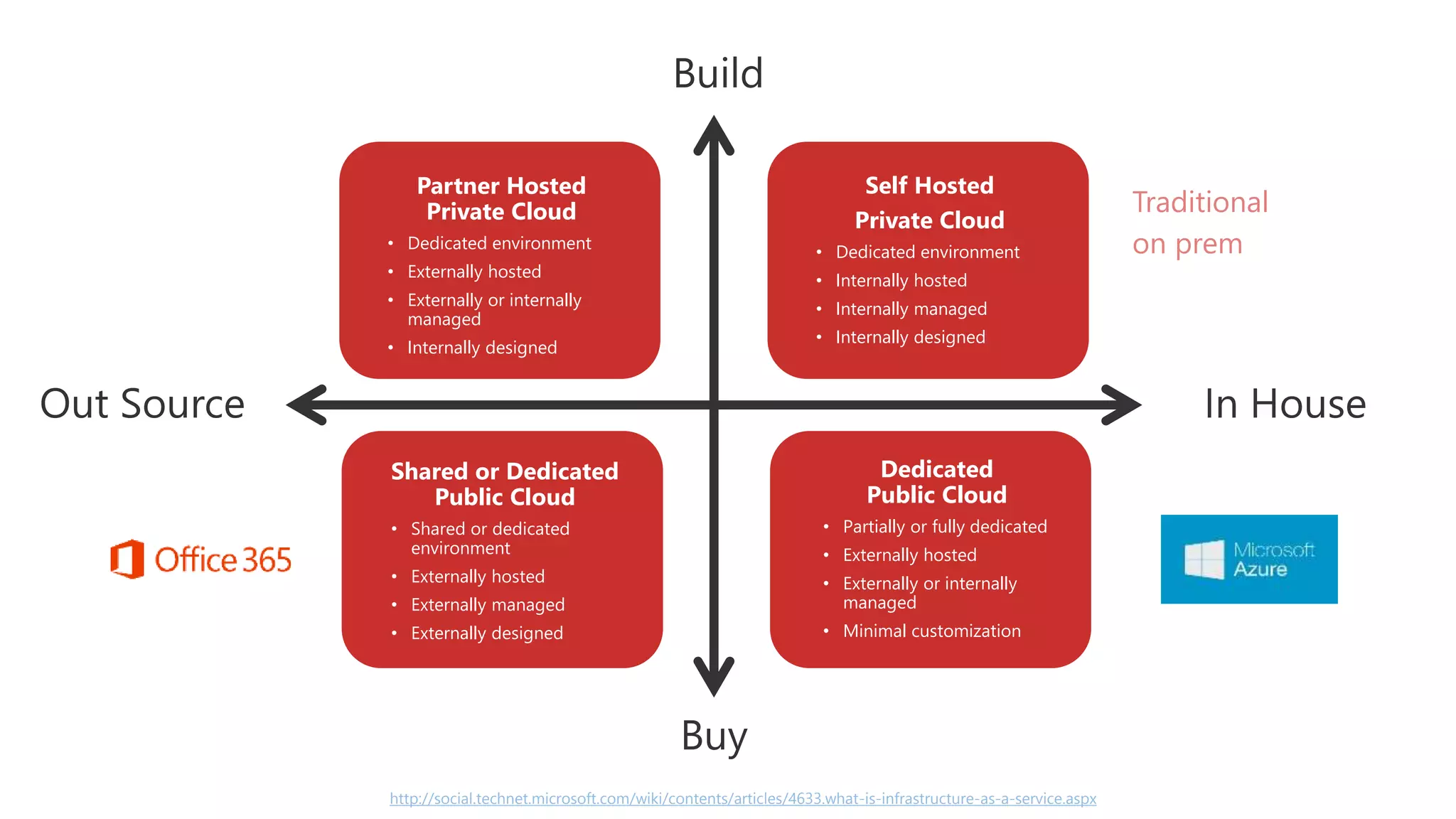
http://social.technet.microsoft.com/wiki/contents/articles/4633.what-is-infrastructure-as-a-service.aspx
Partner Hosted
Private Cloud
• Dedicated environment
• Externally hosted
• Externally or internally
managed
• Internally designed
Self Hosted
Private Cloud
• Dedicated environment
• Internally hosted
• Internally managed
• Internally designed
Shared or Dedicated
Public Cloud
• Shared or dedicated
environment
• Externally hosted
• Externally managed
• Externally designed
Dedicated
Public Cloud
• Partially or fully dedicated
• Externally hosted
• Externally or internally
managed
• Minimal customization
Traditional
on prem
When creating your
platform (On-Premises / Their-Premises), focus on
goals, not Best Practices
85% of your success is due
to your personality,
communication and lead.
Only 15% due to technical
knowledge.
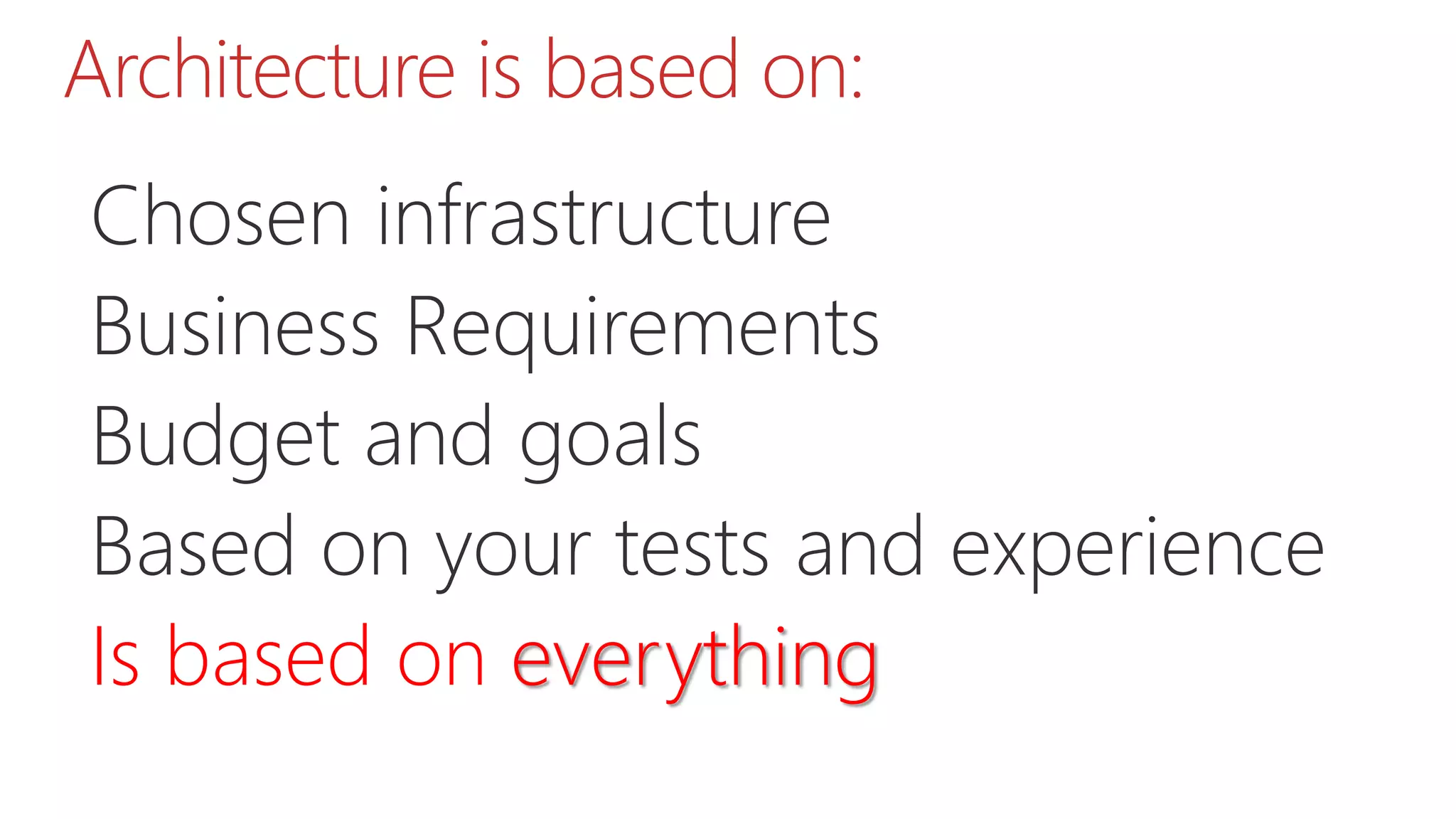
Architecture is based on:
Chosen infrastructure
Business Requirements
Budget and goals
Based on your tests and experience
Is based on everything
Thank you!
Sharepointarchitecturereal worldscenariofundamentals-150419043032-conversion-gate02

Sharepointarchitecturereal worldscenariofundamentals-150419043032-conversion-gate02

  • 1.
    SharePoint Architecture (IaaS,PaaS, SaaS) real-world scenario fundamentals #SPSBE 13 Gokan Ozcifci April 18th, 2015
  • 2.
  • 3.
    Apologies for accent WithTurkish blood, Dutch educated and a French speaking guy..
  • 4.
  • 5.
    What about thissession? Provide some insights and tips when designing and architecting your SharePoint Farm. TechNet/MSD iis not always your answer. Business requirements and budget – things that really matters. DISCLAIMER: Opinions may differ but these are my own thoughts.
  • 6.
    SharePoint Saturday Antwerp:Agenda! v.Next Understand sharePoint Statistics Architecture On-Premises MS Cloud
  • 7.
    In 2015… • SharePointServer 2016 • Search and Discovery innovation • NextGen Portals • OneDrive for Business improvements • Hybrid advancements • Increased limits in SharePoint Online
  • 8.
    SharePoint v.Next SharePoint Server2016 N-2 upgrade would you? I.e. 2010 > 2016 without stopping at 2013 first... C:Program FilesCommon filesMicrosoft SharedWeb Server Extensions16 Hybrid is the new normal Farm solutions will be supported in #SharePoint2016. AppFabric is deprecated for v.Next Server
  • 9.
    Understand SharePoint SharePoint coversa huge set of individual technologies under the SharePoint Platform umbrella Application Domain Active Directory SQL Server Office Web Apps Server … It requires time, patience and experience as it’s continuously changing Know when to use OOTB vs Custom Components Know your users
  • 10.
    Understand SharePoint The samecore Infrastructure : Very similar as SharePoint 20 in terms of infrastructure : but more powerful hardware is needed  More RAM More CPU More everything
  • 11.
    Understand SharePoint New ServiceApplications (Machine Translation) Offloaded Services: Yammer, OneDrive for Business, Office Web Apps, Workflow Manager… Improved Service Applications (Fast) Not UI Bindended Services to be managed with PoSH (Subscription Management) Re-architected Service Applications (Search & OWA) Different release schedule OWA can be used for other platforms like Lync, Exchange, …
  • 12.
    Understand Infrastructure Not supported:Dynamic Memory | Discontinued : Web Analytics Prerequisites: Hardware and software requirements for a single server with a built-in database: 24 GB, 64-bit, 4 cores, 80 GB for system drive SQL Server 2014 requires the May 2014 CU to be installed Windows Server 2012 R2 is only supported on a SharePoint Server 2013 Service Pack 1 environment
  • 13.
    Understand SQL Server SQLServer 2008 R2 or SQL Server 2012 Standard or Enterprise License costs New functionality with SQL Server 2012 Use of Report Server and Reporting Services Add-in with SharePoint 2013 New Excel Features (advanced data models, define KPI’s, etc.) Power View
  • 14.
    Understand how itworks Share services across farms Business Connectivity Services, Managed Metadata Service, Search Service (Crawl, Index, Query), Secure Store Service, User Profile Service… App Management Service Application = NOT! New way of works: HNSC Claims: big deal expect if you have custom code who is dealing with Classic code, and upgrades.. It’s a recommendation to set your authentication model in 2010 as Claims then to migrate.
  • 15.
  • 16.
    3 is thenew 2 | 7 is the new 5 3 webserver 2 load balanced – 1 Maintenance HA/DR. 2 Servers, if one for maintenance and has a problem  SharePoint farm is down Not only Server, think globally: Load balancer, … 3 Web Server / 2 Application / 2 SQL  Redundant.
  • 17.
    It’s not allabout SharePoint Training Hardware ( AD, ADFS, F5, DNS, … ) Mobile Office $ SLA
  • 18.
    Statistics According to Gartnerearly last year (2013) and repeated by Microsoft at their Worldwide Partner Conference (WPC13) in Houston, in the next 6-8 years: 35% of existing SharePoint customers will never move to the cloud 15% will become “pure cloud” customers 50% will adopt a hybrid SharePoint platform
  • 19.
    Statistics One year later,at the Worldwide Partner Conference in Washington DC (WPC14), a senior Microsoft leader admitted hybrid was bigger than earlier estimated: 15-20% of existing SharePoint customers will never move to the cloud 10% will become “pure cloud” customers 70-75% will adopt a hybrid SharePoint platform
  • 20.
    Office 365 Adoption Microsofthas shared limited statistics on how Office 365 is being adopted, but did provide some detail into the reasons why customers purchased Office 365: 90% use the platform for 06% use the platform for 04% use the platform for
  • 21.
  • 22.
    SharePoint Farm Architecture Thereis no perfect farm that you can download that rule them all.. #TechNet? #Google?
  • 23.
    Business ProductivityInfrastructure Azure & O365 Exchange& Lync + Voice Private & Public Cloud Windows & SQL Server Identity, Active Directory System Center 2012 ITSM / ITIL Migrations & Integrations Desktop & Win upgrade Portals, Intranets, Business Critical, Doc Imaging, Workflow… (SharePoint) Sales, Marketing, Dashboards, Account Management, Etc. (Dynamics CRM) Business Apps Application Development Messaging, Conference, Presence, Video, Voice (Lync) Office Real Microsoft expertise. Real business value. My view.
  • 24.
    Business ProductivityInfrastructure Real Microsoftexpertise. Real business value. Their view.
  • 25.
    Your architecture depends Structure of content and data  What kind of? MB? GB? TB? PB?  SQL Server. Storage. Licenses.  Accessibility of content and data  Which groups of people can you identify and how are you going to grant access?  ADFS, Proxy, F5 Auth.?  Availability (content, data, services)  Public Facing Websites, Intranet or Collaboration sites  SLAs
  • 26.
    Your architecture depends Amount of Content  Current amount of content and Expected growth  Backup. Restore  Infrastructure  On-Premises, Hybrid, Pure Cloud  Hardware. Consultant Costs. Documentations.  External systems  Home made applications  Software. Consultant Costs. Non-Prod Environments.
  • 27.
    Your architecture depends Usageof custom components  Any custom development? Are they going to use SharePoint Apps?  DNS zones and Subzones -, AD Changes Keep track of your boundaries  Maximum size of content databases  Number of web applications and Application Pools  Determine Servers
  • 28.
    Your architecture depends Virtualization VMWare. Hyper-V.  Load Balancing will define he number hosts in Datacenters Workload  Social features. Yammer. SharePoint Social Features.  Install SP1 per default for Cloud Integration.
  • 29.
    Your architecture depends Operations First Line. Second Line. Operations team.  Do they have skills to operate the new farm? Are they good to handle Available resources  Who is writing the PoSH scripts  hopefully not you as an architect.
  • 30.
    Role Traditional TopologyStreamlined Topology (each tier optimized) Streamlined Topology (Optimize for) Web Server Fast, Light-weight server which responds to user requests from web pages. All web servers are mirrors of each other and load balanced. Directs requests to the appropriate application servers Service Applications, Services and components that serve user requests directly Low latency Access Services, BCS, Metadata, User Profile Application Server Runs one or more services in the SharePoint Farm. Load balancing possible by redundant application servers Service Applications, Services and components that process background tasks. Also called batch processing. Load User Profile Synchronization, Workflow, Machine translation, Work management Search on separate dedicated machines Database Server Stores content and service data. Databases can be clustered or mirrored for failover protection Stores content and service data. Databases can be clustered or mirrored for failover protection Throughput
  • 31.
    Topologies – Farmtypes Farm Number of servers Purpose Limited Deployment 1-2 Used for product evaluation, development and testing with a limited number of users Small farm 3-4 Serve a large number of users and scales out based on how heavily services are used. These types of farms are not always fault-tolerant Medium farm 6+ Serve a large number of users and scales out based on how heavily services are used. Their goal is a multi-purpose environment with possible optimalisation. These farms are always fault-tolerant. Large farm Mostly a lot Serve a large number of users. Group service applications, services or databases that have similar performance characteristics on dedicated servers
  • 32.
    Your architecture depends Topologyplanning is very iterative Customer will say it costs You change Mise en Production, you need more RAM You change You need a new Service Application You change And it will change over time You change
  • 33.
    Know the Boundaries SoftwareBoundaries and limits for SharePoint 2013 Available on TechNet Boundaries, Thresholds and limits Boundary – Static, cannot be exceeded Threshold – configurable BUT it’s not because you … Supported Limit – configurable Continuously updated but try to memorize them!
  • 34.
  • 35.
    Think wise It willcost many mandates and budget. Licenses Server costs Maintain and Operational excellence Consultant costs
  • 36.
    2013201020072003 The Evolution ofSharePoint Experiences Management Extensibility
  • 37.
    SharePoint – 2014year in review Hybrid Accelerators (within SP1) Encryption at REST Delve and Office Graph DLP for SharePoint Online Office 365 Video Team Collab and Doc Conversations 1 TB OneDrive and Unified Apps The new CSOM by PnP SharePoint Server template on Azure IaaS Improved SPO Limits and Storage
  • 38.
    On Premises Hybridwith Office 365 Microsoft Azure SharePoint 2013 in Office 365 SharePoint 2013 Platform Options Web servers All databases Application servers Dedicated application servers for search components Active Directory On Premises
  • 41.
    On-Premises  Capacity planningand sizing.  Server acquisition and setup.  Deployment.  Scaling out, patching, and operations.  Backing up data.  Maintaining a disaster recovery environment.  Customizations are not limited.
  • 42.
    Office 365  (SaaS)Software as a Service.  (Rich) feature set is always up to date.  Includes a Microsoft Azure Active Directory tenant (can be used with other applications).  If single sign-on is a requirement, ADFS can be implemented.  Client communication over the Internet through encrypted and authenticated access (port 443).
  • 43.
    Microsoft Azure  (IaaS)Best native cloud platform for SQL Server and SharePoint.  Computing resources are available almost immediately with no commitment.  Focus on applications, instead of datacenters and infrastructure.  Inexpensive development and test environments.  SharePoint solutions can be accessible from the Internet
  • 44.
    Hybrid Combine the benefitsof Office 365 with an on- premises deployment of SharePoint 2013 (very simple, right )
  • 45.
    Best for… What tochoose between these platforms?
  • 46.
    On-Premises  In-country farms(when data is required to reside within a jurisdiction).  Complex (BI) solutions.  Highly customized solutions.  Legacy solutions that are not supported on Microsoft Azure Infrastructure Services.  Privacy restrictions that prevent synchronization of Active Directory accounts with Microsoft Azure Active Directory (a requirement for Office 365).  Organizations that desire control of the entire platform and solution.
  • 47.
    SharePoint in Office365  Secure external sharing and collaboration (unique feature!).  Intranet/Extranet - Team Sites, My Sites, and Internal collaboration.  Document storage and versioning in the cloud.· Basic website.  OneDrive For Business.
  • 48.
    Hybrid  Move MySites (OneDrive for Business) to the cloud to make it easier for users to access their files remotely.  Get 1,000,000,000,000 Byte of free space  Push Service Applications
  • 49.
    Microsoft Azure  Developer,test, and staging environments - Quickly provision and un-provision entire environments.  Hybrid applications - Applications that span your datacenter and the cloud  Disaster recovery environment Quickly recover from a disaster, only pay for use
  • 50.
  • 51.
    On-Premises Design the SharePointenvironment in an existing on- premises environment:  SharePoint farm topology and logical architecture.  Server hardware.  Virtual environment, if used.  Load balancing.  Integration with Active Directory and DNS.  Design the disaster recovery environment.
  • 52.
    Office 365  Passwordsync (requires one 64-bit server).  Single sign-on (requires ADFS and multiple servers).  Ensure network capacity, firewalls, proxy servers…  Acquire third-party SSL certificates.  Plan the tenant name, design site. collection architecture and governance.  Plan customizations, solutions, and apps for SharePoint Online.
  • 53.
    Hybrid In addition totasks for both the Office 365 and on- premises environments:  Determine how much feature integration is desired and choose the hybrid topology.
  • 54.
    Microsoft Azure  Designthe Microsoft Azure network environment  Integration with on-premises servers.  IP addresses and DNS.  Design the SharePoint environment  SharePoint farm topology and logical architecture.  Virtual machines sizes.  Design the disaster recovery environment  …
  • 55.
    http://social.technet.microsoft.com/wiki/contents/articles/4633.what-is-infrastructure-as-a-service.aspx Partner Hosted Private Cloud •Dedicated environment • Externally hosted • Externally or internally managed • Internally designed Self Hosted Private Cloud • Dedicated environment • Internally hosted • Internally managed • Internally designed Shared or Dedicated Public Cloud • Shared or dedicated environment • Externally hosted • Externally managed • Externally designed Dedicated Public Cloud • Partially or fully dedicated • Externally hosted • Externally or internally managed • Minimal customization Traditional on prem
  • 57.
    When creating your platform(On-Premises / Their-Premises), focus on goals, not Best Practices
  • 58.
    85% of yoursuccess is due to your personality, communication and lead. Only 15% due to technical knowledge.
  • 59.
    Architecture is basedon: Chosen infrastructure Business Requirements Budget and goals Based on your tests and experience Is based on everything
  • 60.

Editor's Notes

  • #2 Template may not be modified Twitter hashtag: #spsbe for all sessions