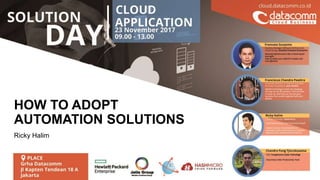
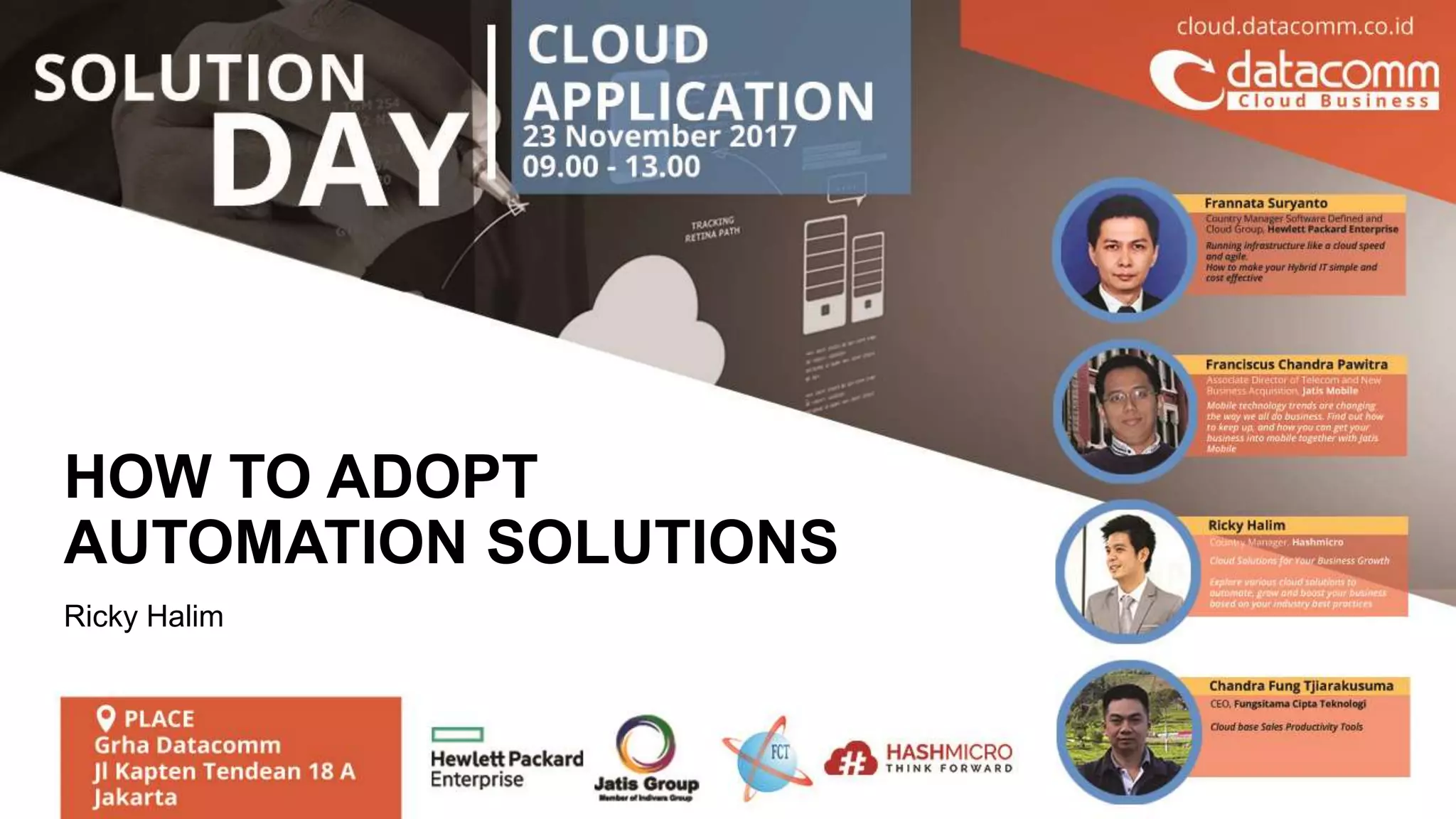
HOW TO ADOPT
AUTOMATION SOLUTIONS
Ricky Halim
3
4
Customers Served
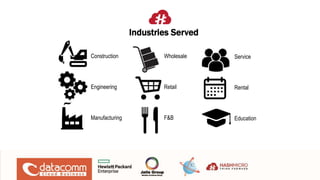
Construction
Engineering
Manufacturing
Wholesale
Retail
F&B
Service
Rental
Education
Industries Served
Why not to buy an ERP
6
7
Many ERP / Software Implementations failed because:
– Too many processes are added by the ERP
– System is too rigid / complex to match their business process
– Users are not willing to adapt new business process
8
Things to look out when buying ERP:
– Seamless Integration
– High Mobility & Scalable
– Best Practices
9
Seamless Integration
– Flow of the proposed Solution needs to match the
business practices
–System should minimize workload / automate processes
–It is able to integrate with business easily without sacrificing
efficiency
10
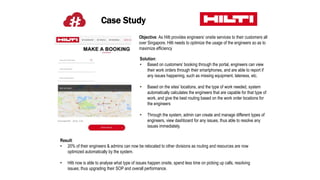
Case Study
Objective: As Hilti provides engineers’ onsite services to their customers all
over Singapore, Hilti needs to optimize the usage of the engineers so as to
maximize efficiency
Solution:
• Based on customers’ booking through the portal, engineers can view
their work orders through their smartphones, and are able to report if
any issues happening, such as missing equipment, lateness, etc.
• Based on the sites’ locations, and the type of work needed, system
automatically calculates the engineers that are capable for that type of
work, and give the best routing based on the work order locations for
the engineers
• Through the system, admin can create and manage different types of
engineers, view dashboard for any issues, thus able to resolve any
issues immediately.
Result:
• 20% of their engineers & admins can now be relocated to other divisions as routing and resources are now
optimized automatically by the system.
• Hilti now is able to analyse what type of issues happen onsite, spend less time on picking up calls, resolving
issues; thus upgrading their SOP and overall performance.
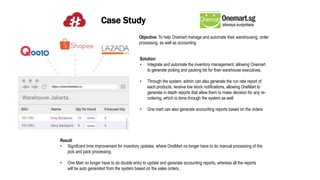
Case Study
Objective: To help Onemart manage and automate their warehousing, order
processing, as well as accounting
Solution:
• Integrate and automate the inventory management, allowing Onemart
to generate picking and packing list for their warehouse executives.
• Through the system, admin can also generate the run rate report of
each products, receive low stock notifications, allowing OneMart to
generate in depth reports that allow them to make decision for any re-
ordering, which is done through the system as well.
• One mart can also generate accounting reports based on the orders
Result:
• Significant time improvement for inventory updates, where OneMart no longer have to do manual processing of the
pick and pack processing.
• One Mart no longer have to do double entry to update and generate accounting reports, whereas all the reports
will be auto generated from the system based on the sales orders.
Mobility & Scalability
– System needs to be easily scalable
–It should be mobile, accessible anywhere
–Version upgrades are easily updated
13
Case Study
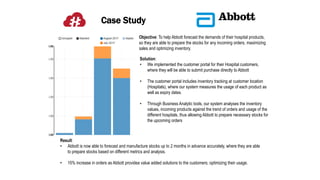
Objective: To help Abbott forecast the demands of their hospital products,
so they are able to prepare the stocks for any incoming orders, maximizing
sales and optimizing inventory.
Solution:
• We implemented the customer portal for their Hospital customers,
where they will be able to submit purchase directly to Abbott
• The customer portal includes inventory tracking at customer location
(Hospitals), where our system measures the usage of each product as
well as expiry dates.
• Through Business Analytic tools, our system analyses the inventory
values, incoming products against the trend of orders and usage of the
different hospitals, thus allowing Abbott to prepare necessary stocks for
the upcoming orders
Result:
• Abbott is now able to forecast and manufacture stocks up to 2 months in advance accurately, where they are able
to prepare stocks based on different metrics and analysis.
• 15% increase in orders as Abbott providea value added solutions to the customers; optimizing their usage.
Best Practices
– The flow of the system should contain the best industry
practices
–No major customizations need to be done to have the
system follow industry practices
– Best practices should be easily followed by the users of
the system
15
Case Study
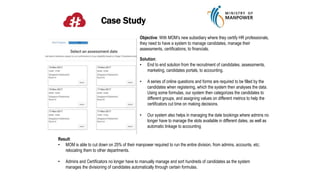
Objective: With MOM’s new subsidiary where they certify HR professionals,
they need to have a system to manage candidates, manage their
assessments, certifications, to financials.
Solution:
• End to end solution from the recruitment of candidates, assessments,
marketing, candidates portals, to accounting.
• A series of online questions and forms are required to be filled by the
candidates when registering, which the system then analyses the data.
Using some formulas, our system then categorizes the candidates to
different groups, and assigning values on different metrics to help the
certificators cut time on making decisions.
• Our system also helps in managing the date bookings where admins no
longer have to manage the slots available in different dates, as well as
automatic linkage to accounting
Result:
• MOM is able to cut down on 25% of their manpower required to run the entire division, from admins, accounts, etc;
relocating them to other departments.
• Admins and Certificators no longer have to manually manage and sort hundreds of candidates as the system
manages the divisioning of candidates automatically through certain formulas.
Key Takeaways
– Don’t buy into the promises of the great “rewards” of ERP
without first reviewing the process of adaptation
–Ensure that the chosen system is scalable, have the best
industry practices, and can seamlessly integrate to your
business
– ERP / Automation Softwares are not things that you buy, it
is technological strategies you adopt
17
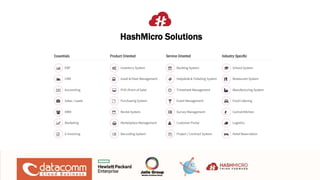
HashMicro Solutions
65 Ubi Road 1 #04-28
Oxley Bizhub 1
Singapore 408729
+65 6908 5728
enquiries@hashmicro.com
The Mansion Bougenville
Tower Fontana, BF-32K1
Jl. Trembesi, Pademangan Tim, Pademangan,
Kota Jkt Utara, DKI Jakarta 14410
+6287 888 008 008
enquiries-ids@hashmicro.com
www.hashmicro.com
Indonesia Business Office
Singapore Office
SMB Points
– Seamless Integration
– High Mobility & Scalable
– Best Practices
20

Solution day : Cloud Solutions for your Business Growth

  • 1.
    HOW TO ADOPT AUTOMATIONSOLUTIONS Ricky Halim
  • 3.
  • 4.
  • 5.
  • 6.
    Why not tobuy an ERP 6
  • 7.
  • 8.
    Many ERP /Software Implementations failed because: – Too many processes are added by the ERP – System is too rigid / complex to match their business process – Users are not willing to adapt new business process 8
  • 9.
    Things to lookout when buying ERP: – Seamless Integration – High Mobility & Scalable – Best Practices 9
  • 10.
    Seamless Integration – Flowof the proposed Solution needs to match the business practices –System should minimize workload / automate processes –It is able to integrate with business easily without sacrificing efficiency 10
  • 11.
    Case Study Objective: AsHilti provides engineers’ onsite services to their customers all over Singapore, Hilti needs to optimize the usage of the engineers so as to maximize efficiency Solution: • Based on customers’ booking through the portal, engineers can view their work orders through their smartphones, and are able to report if any issues happening, such as missing equipment, lateness, etc. • Based on the sites’ locations, and the type of work needed, system automatically calculates the engineers that are capable for that type of work, and give the best routing based on the work order locations for the engineers • Through the system, admin can create and manage different types of engineers, view dashboard for any issues, thus able to resolve any issues immediately. Result: • 20% of their engineers & admins can now be relocated to other divisions as routing and resources are now optimized automatically by the system. • Hilti now is able to analyse what type of issues happen onsite, spend less time on picking up calls, resolving issues; thus upgrading their SOP and overall performance.
  • 12.
    Case Study Objective: Tohelp Onemart manage and automate their warehousing, order processing, as well as accounting Solution: • Integrate and automate the inventory management, allowing Onemart to generate picking and packing list for their warehouse executives. • Through the system, admin can also generate the run rate report of each products, receive low stock notifications, allowing OneMart to generate in depth reports that allow them to make decision for any re- ordering, which is done through the system as well. • One mart can also generate accounting reports based on the orders Result: • Significant time improvement for inventory updates, where OneMart no longer have to do manual processing of the pick and pack processing. • One Mart no longer have to do double entry to update and generate accounting reports, whereas all the reports will be auto generated from the system based on the sales orders.
  • 13.
    Mobility & Scalability –System needs to be easily scalable –It should be mobile, accessible anywhere –Version upgrades are easily updated 13
  • 14.
    Case Study Objective: Tohelp Abbott forecast the demands of their hospital products, so they are able to prepare the stocks for any incoming orders, maximizing sales and optimizing inventory. Solution: • We implemented the customer portal for their Hospital customers, where they will be able to submit purchase directly to Abbott • The customer portal includes inventory tracking at customer location (Hospitals), where our system measures the usage of each product as well as expiry dates. • Through Business Analytic tools, our system analyses the inventory values, incoming products against the trend of orders and usage of the different hospitals, thus allowing Abbott to prepare necessary stocks for the upcoming orders Result: • Abbott is now able to forecast and manufacture stocks up to 2 months in advance accurately, where they are able to prepare stocks based on different metrics and analysis. • 15% increase in orders as Abbott providea value added solutions to the customers; optimizing their usage.
  • 15.
    Best Practices – Theflow of the system should contain the best industry practices –No major customizations need to be done to have the system follow industry practices – Best practices should be easily followed by the users of the system 15
  • 16.
    Case Study Objective: WithMOM’s new subsidiary where they certify HR professionals, they need to have a system to manage candidates, manage their assessments, certifications, to financials. Solution: • End to end solution from the recruitment of candidates, assessments, marketing, candidates portals, to accounting. • A series of online questions and forms are required to be filled by the candidates when registering, which the system then analyses the data. Using some formulas, our system then categorizes the candidates to different groups, and assigning values on different metrics to help the certificators cut time on making decisions. • Our system also helps in managing the date bookings where admins no longer have to manage the slots available in different dates, as well as automatic linkage to accounting Result: • MOM is able to cut down on 25% of their manpower required to run the entire division, from admins, accounts, etc; relocating them to other departments. • Admins and Certificators no longer have to manually manage and sort hundreds of candidates as the system manages the divisioning of candidates automatically through certain formulas.
  • 17.
    Key Takeaways – Don’tbuy into the promises of the great “rewards” of ERP without first reviewing the process of adaptation –Ensure that the chosen system is scalable, have the best industry practices, and can seamlessly integrate to your business – ERP / Automation Softwares are not things that you buy, it is technological strategies you adopt 17
  • 18.
  • 19.
    65 Ubi Road1 #04-28 Oxley Bizhub 1 Singapore 408729 +65 6908 5728 enquiries@hashmicro.com The Mansion Bougenville Tower Fontana, BF-32K1 Jl. Trembesi, Pademangan Tim, Pademangan, Kota Jkt Utara, DKI Jakarta 14410 +6287 888 008 008 enquiries-ids@hashmicro.com www.hashmicro.com Indonesia Business Office Singapore Office
  • 20.
    SMB Points – SeamlessIntegration – High Mobility & Scalable – Best Practices 20